Staying ahead on YouTube means adjusting your strategy as trends shift. Many old tactics no longer work—like long intros or stretching videos just to hit a certain length. To grow on YouTube in 2024, creators need to focus on keeping viewers engaged, making short-form content effective on its own, and balancing views with meaningful engagement.
Here are the essential strategies to stay relevant and build sustainable growth on YouTube this year.
1. Cut the Fluff: Hooks are Everything
Long intros are out—today’s viewers want value immediately. The first few seconds of a video are crucial to capturing attention. Think of it as your “hook,” where you show viewers what they’ll gain by watching.
Pro tip:
• Script your hooks so they’re concise and clear.
• Start by addressing a problem or curiosity that your audience cares about.
2. Optimize for Watch Time, But Keep It Real
It’s not just about video length; it’s about keeping viewers engaged throughout. Stretching a video just to meet a time goal can hurt retention. Instead, aim for a natural video flow while focusing on both engagement and watch hours.
Smart strategy:
• Longer videos (10-20 minutes) can accumulate more watch time, but only if viewers stick around.
• Use YouTube analytics to find drop-off points and adjust future content.
3. YouTube Shorts: Content that Stands Alone
Short-form content like YouTube Shorts is more than just a teaser for your longer videos. Shorts need to have independent value to be effective and drive engagement. Plan ahead to repurpose content creatively.
How to ace Shorts:
• Upload 2-4 Shorts per week.
• Craft each Short to deliver quick insights or entertainment on its own—don’t rely on viewers watching the full video afterward.
4. Niche vs. Audience Focus: Which Works Best?
The old advice to “niche down” still holds some truth, but it’s not the only way to grow. In 2024, creators can focus on who they’re serving rather than sticking to one narrow topic.
Quick tip:
• If you don’t have a niche, make sure you know your audience well. Are they united by life stage or shared interests? Tailor your content to them.
5. Tools and AI to Make Your Life Easier
AI tools are making content creation more accessible. Whether it’s ChatGPT for generating ideas or Google Trends for finding popular topics, these tools can help you stay ahead.
Must-try tools:
• ChatGPT: Simplifies content scripting, newsletters, and captions.
• Google Trends: Helps find trending topics relevant to your audience and predicts seasonal interest spikes.
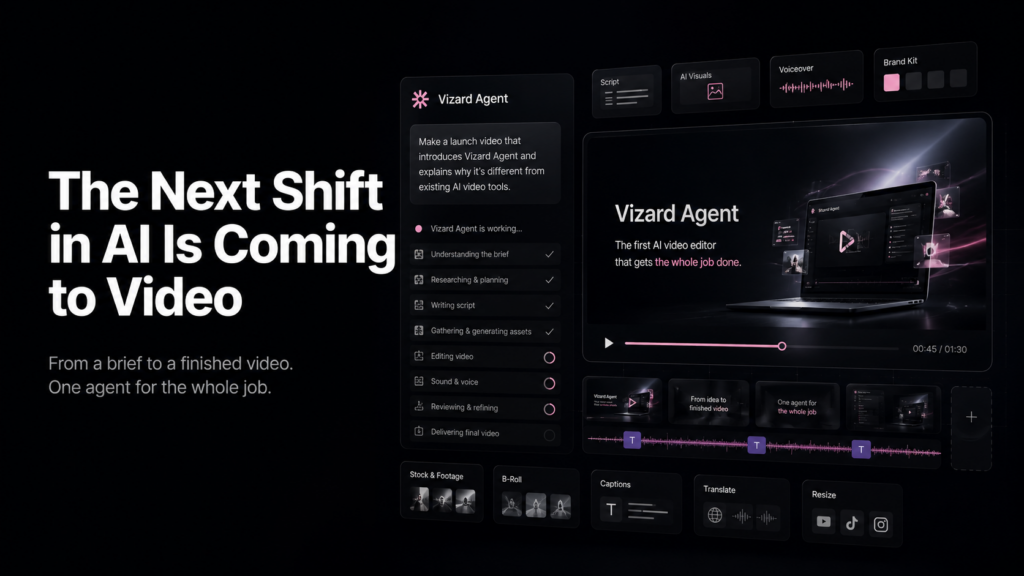
• Vizard.ai: Online video editing platform that streamlines your video creating journey.
6. Outsource and Collaborate to Save Time
Many creators hesitate to hire help, but outsourcing editing or other tasks can free up time and improve content quality. Building a strong partnership with an editor ensures the work still reflects your style.
Why outsource:
• Editors can elevate your videos while you focus on strategy and audience engagement.
• Outsourcing earlier helps you avoid burnout and keeps you consistent.
7. Engagement Over Views: Build a Community
It’s easy to get caught up chasing views, but building engagement and community will lead to long-term success. Loyal followers connect with your brand on a deeper level and become advocates for your channel.
Engagement tips:
• Create content that invites interaction, like behind-the-scenes videos or Q&As.
• Respond to comments and build meaningful conversations with viewers.
Conclusion: Adapt and Thrive
To succeed on YouTube in 2024, creators need to adapt to changing trends. The focus should be on authenticity, engagement, and staying consistent. Whether through well-crafted hooks, thoughtful Shorts, or outsourcing work, the key is to stay agile and connected with your audience.
By optimizing watch time, using AI tools, and focusing on community over just views, creators can build a sustainable presence that grows beyond viral moments.