We are kicking off the year with major updates across Vizard.
Over the past year, more creators and marketing teams have started using long form video as the foundation for their content strategy. Webinars, podcasts, livestreams, customer interviews, and product demos are increasingly being repurposed into short clips for platforms like LinkedIn, TikTok, and YouTube Shorts.
But while clipping highlights from these recordings has become easier, turning them into polished, publish ready content often still requires switching between multiple tools. Supporting visuals need to be sourced or designed elsewhere. Background music has to be added in another editor. Overlays and b rolls must be manually imported and animated.
This month’s updates are focused on simplifying that workflow.
With the launch of Vizard AI Studio and new editing capabilities inside the Vizard editor, you can now generate visual assets, edit your timeline, and finalize your clips in a single environment.
New in Vizard: AI Image and Video Generation
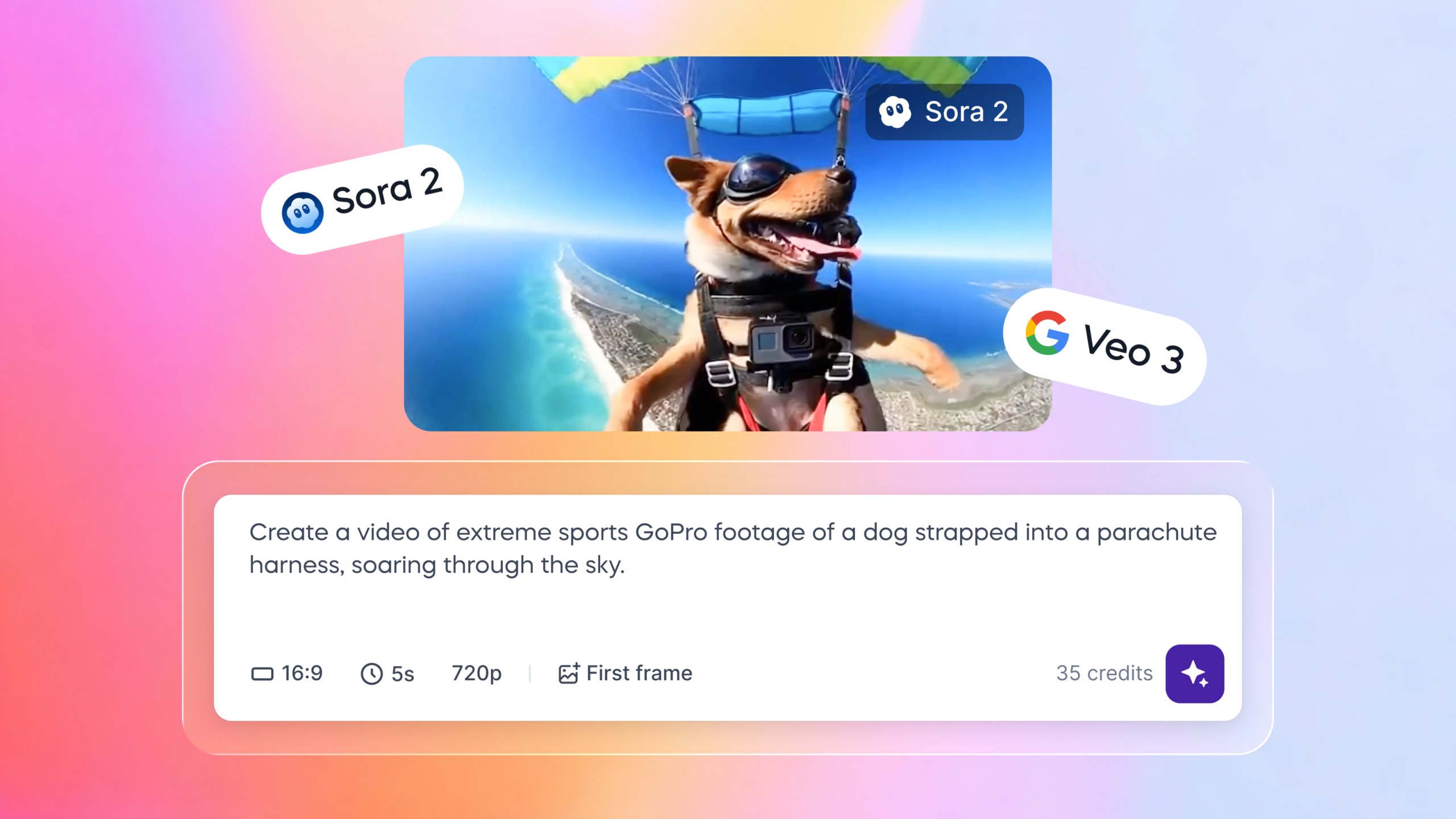
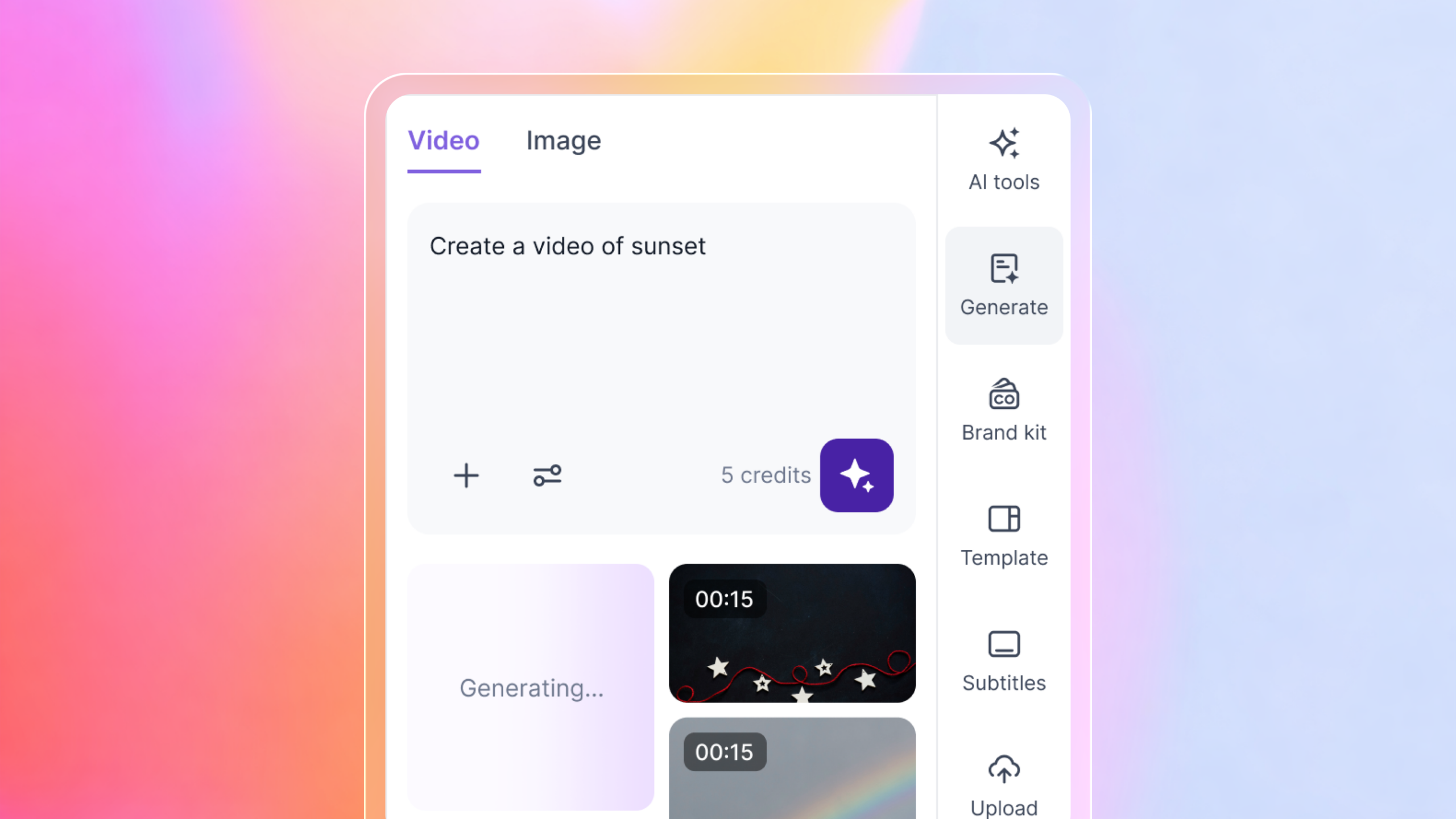
Vizard AI Studio is now live, bringing text to image and text to video generation directly into Vizard.
You can generate videos from prompts using state of the art video models including Veo 3, Veo 2, Sora 2 Pro, Wan 2.5, Kling 2.1 Master, Seedance 1.0 Pro, Hailuo 02, and Luma Ray 2.
This makes it easier to create:
- Cinematic b rolls for marketing content
- Realistic environments for product demos
- Stylized visuals for social media clips
- Contextual cutaways for storytelling
For example, when repurposing a webinar into short form clips, a speaker may reference concepts such as customer onboarding, ecommerce browsing, or product usage. Instead of relying on generic stock footage, you can generate supporting visuals tailored to the specific topic and place them directly onto your timeline to improve pacing and viewer engagement.
Generate Thumbnails, Backgrounds, and Visual Assets Instantly
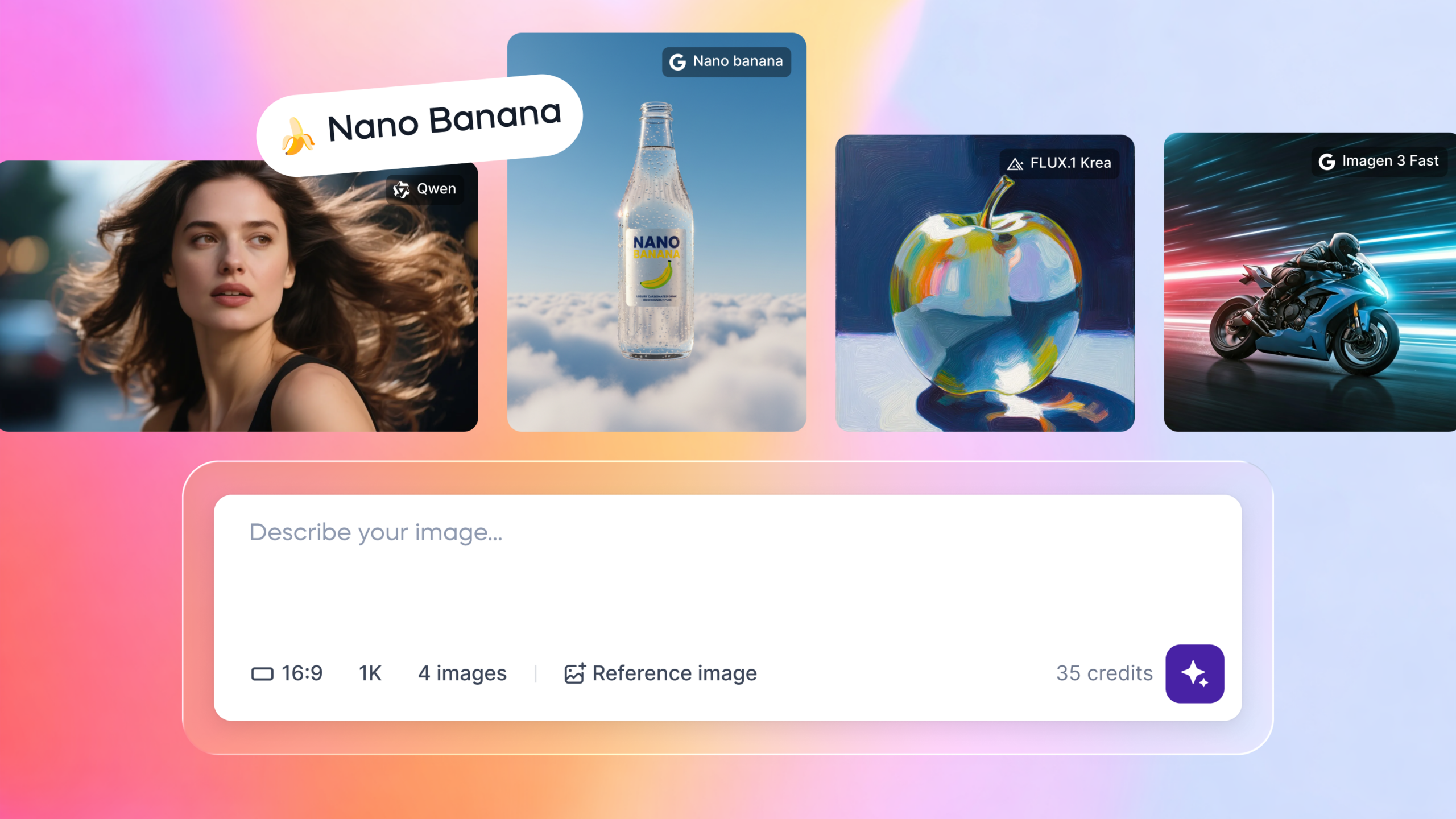
In addition to video generation, AI Studio also supports prompt based image generation using leading models such as Nano Banana, Imagen 3, FLUX 1.1 Pro, Stable Diffusion 3.5, Wan 2.2, Qwen, Luma Photon, and Minimax Image 01.
You can now create:
- YouTube thumbnails
- Backgrounds for title screens
- Branded slides for statistics
- Visual overlays for educational clips
Course creators can generate clean background visuals for section breaks in training content. Agencies managing multiple social accounts can quickly produce branded title cards for recurring video formats. Product marketing teams can create simple visual callouts for feature highlights within demo clips.
All of these assets can be added directly to your timeline without exporting or uploading files from external design tools.
Inside the Vizard Editor, simply click “Generate” in the right hand toolbar, enter your prompt, upload reference images if needed, choose your preferred model, and generate. The resulting image or video can then be inserted into your project in one click.
Everything from prompt to visual asset now happens in one place.
Add Music and Sound Effects Directly in the Editor
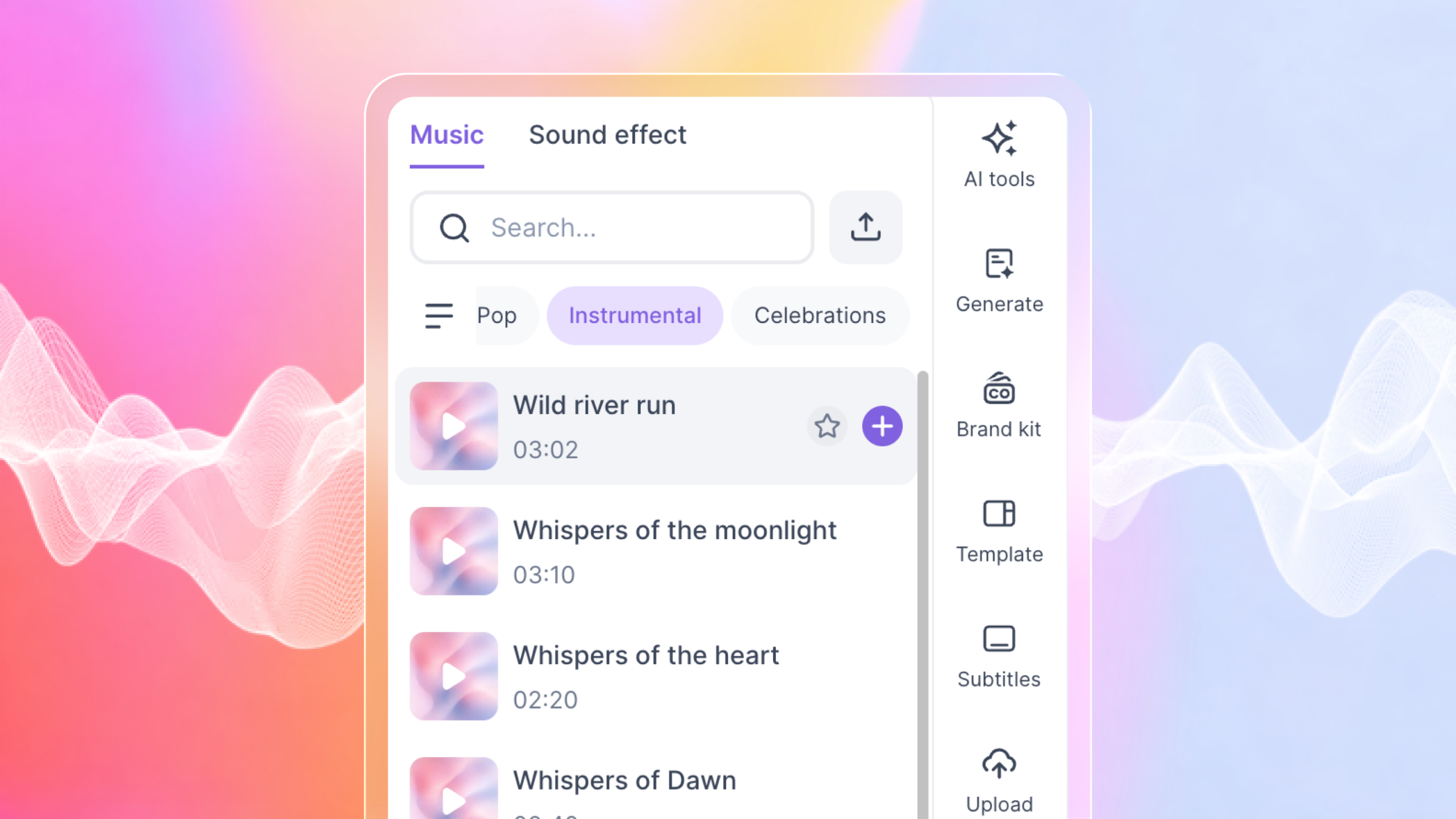
Audio support is now available inside the Vizard editor.
You can add background music and sound effects from Vizard’s built in library, or upload your own MP3 files directly onto the timeline. This makes it easier to control pacing, transitions, and overall mood while editing your clips.
For example, short product walkthroughs can feel more polished with subtle background music, while highlight reels from livestreams may benefit from transition sound effects between segments. Educational clips can also use timing based audio cues to emphasize key visual moments.
Animate B Rolls for More Dynamic Clips
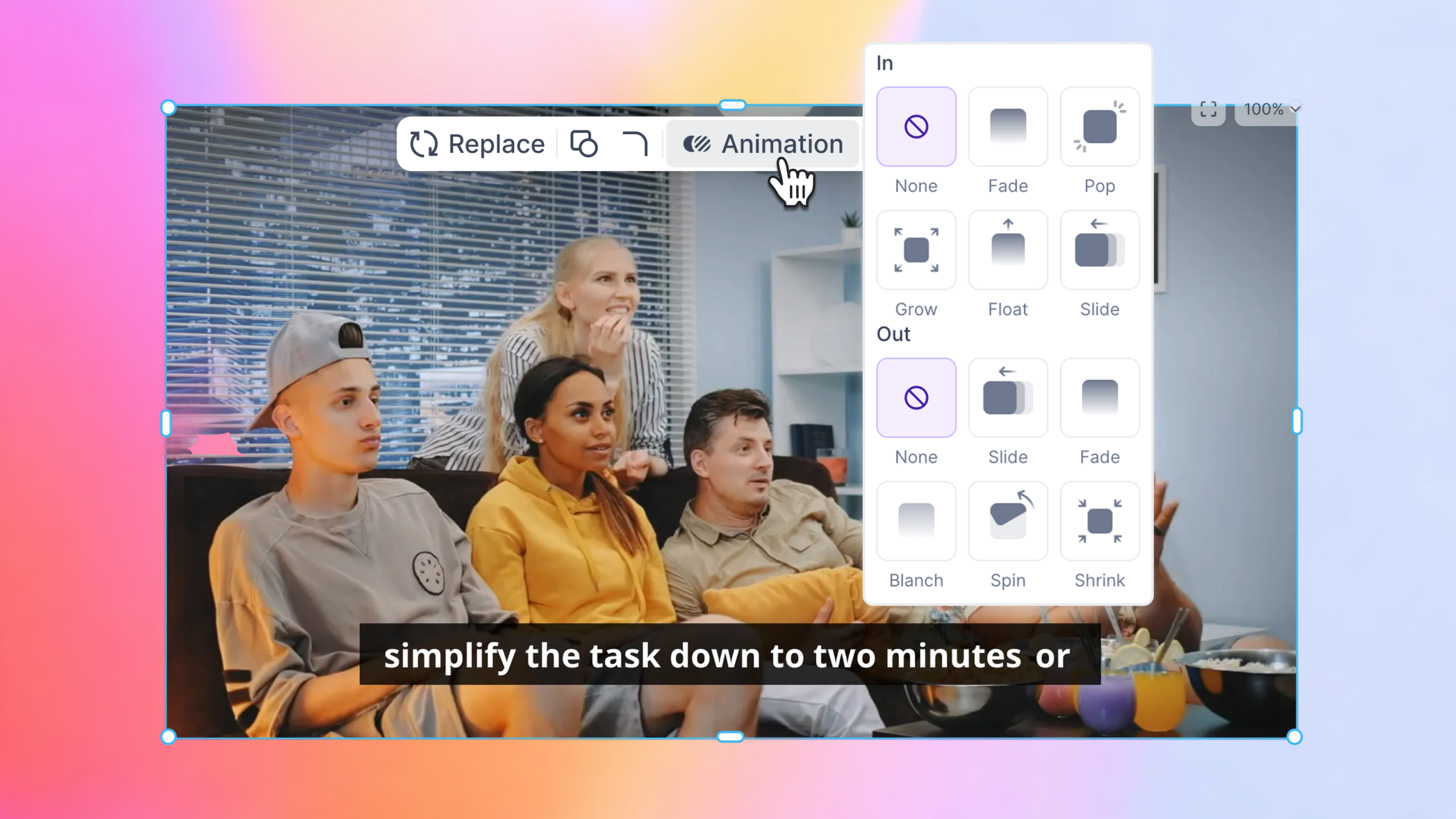
Vizard now supports animations for image and video overlays.
You can apply effects such as fade in, fade out, and smooth entrance animations to generated visuals or uploaded assets directly within your timeline.
These subtle animations help supporting visuals feel more integrated with the speaker’s narrative, especially for short form content derived from long recordings. Statistics, screenshots, or product images can enter the frame gradually as they are being discussed, making informational clips easier to follow and more engaging to watch.
With these updates, Vizard becomes a more complete creation workflow from generation to editing to final polish.
Go explore the new features and see what you can create.