In 2026, “AI slop” isn’t just a meme—it’s a platform problem. With YouTube openly prioritizing the cleanup of low-quality, synthetic filler and audiences getting way pickier about what feels real, the bar for short-form content just jumped overnight. The good news: you don’t need to churn out junk to keep up. AI video clipping tools let you turn one strong long-form video into a batch of authentic, social-ready shorts—fast—so you can post more and stay on the right side of quality.
What Are Video Clipping Tools?
Video clipping tools use AI to convert long-form content (podcasts, interviews, webinars, talks, demos) into multiple short clips optimized for social platforms. They typically handle:
- Highlight discovery (finding “clip-worthy” moments)
- Auto trimming (clean cuts around topic shifts)
- Auto reframing (horizontal → vertical with speaker tracking)
- Captions (often styled, animated, and multilingual)
- Platform-ready exports (TikTok / IG / Shorts / LinkedIn, etc.)
How AI Video Clipping Works
Most modern clippers combine a few AI layers:
- Transcription + topic parsing to understand what’s being said
- Engagement signals (tone, pacing, audience reactions, emphasis, keywords)
- Scene + face tracking to keep the subject centered in vertical formats
- Clip scoring (predicting what’s most “shareable”)
- Batch production (generate 10–30 clips per upload)
The best platforms also add an end-to-end workflow: templates, team collaboration, and scheduling/distribution.
Best AI Video Clipping Tools 2026
Below are standout tools for different needs—creators, teams, marketers, and agencies.
Vizard.ai: AI-Powered Long-to-Short Clip Factory (Best Overall)
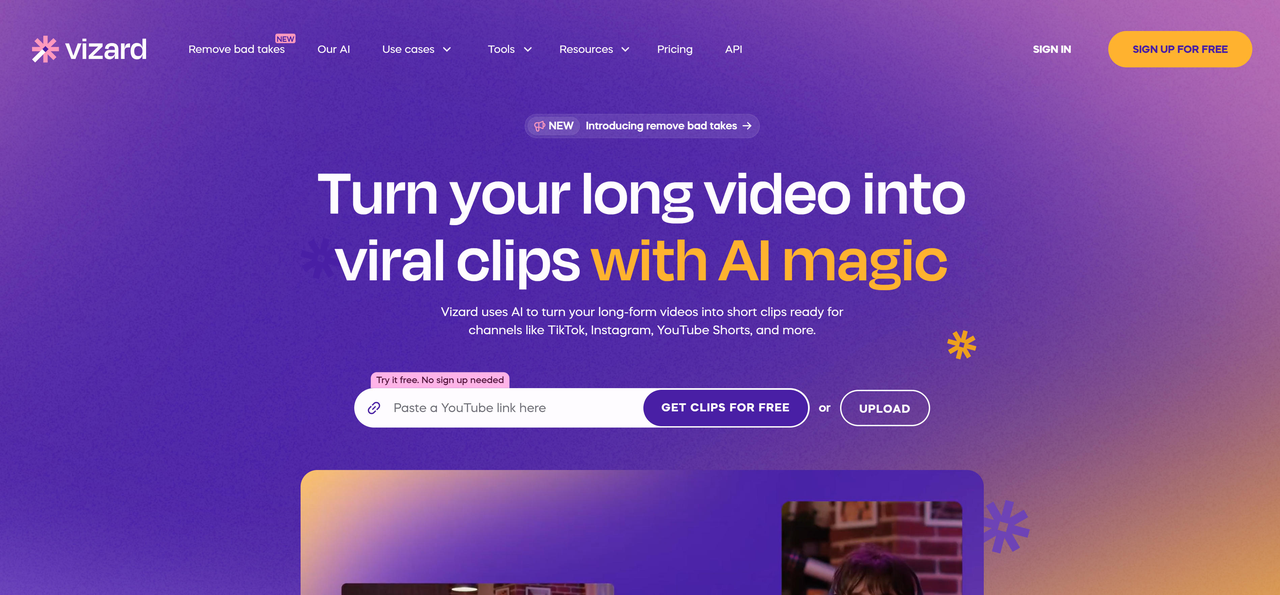
Vizard.ai is an AI video editing and clipping platform built to automatically transform long videos into viral, social-ready short clips for TikTok, Instagram, YouTube Shorts, LinkedIn, X, and Facebook.
Why it ranks #1 in 2026
- AI clipping engine that finds high-engagement moments and reframes them for vertical with speaker tracking
- Text-based editing: edit video by deleting words from the transcript (like editing a doc)
- Auto-subtitles + translation (100+ languages) for global reach
- Brand templates + collaboration: consistent styling across a whole team
- Distribution workflow: scheduling + integrations to publish faster
Best for
- Podcasters, webinar marketers, agencies, and teams that need high-volume output without hiring editors.
OpusClip: One-Click Viral Clips from Long Videos
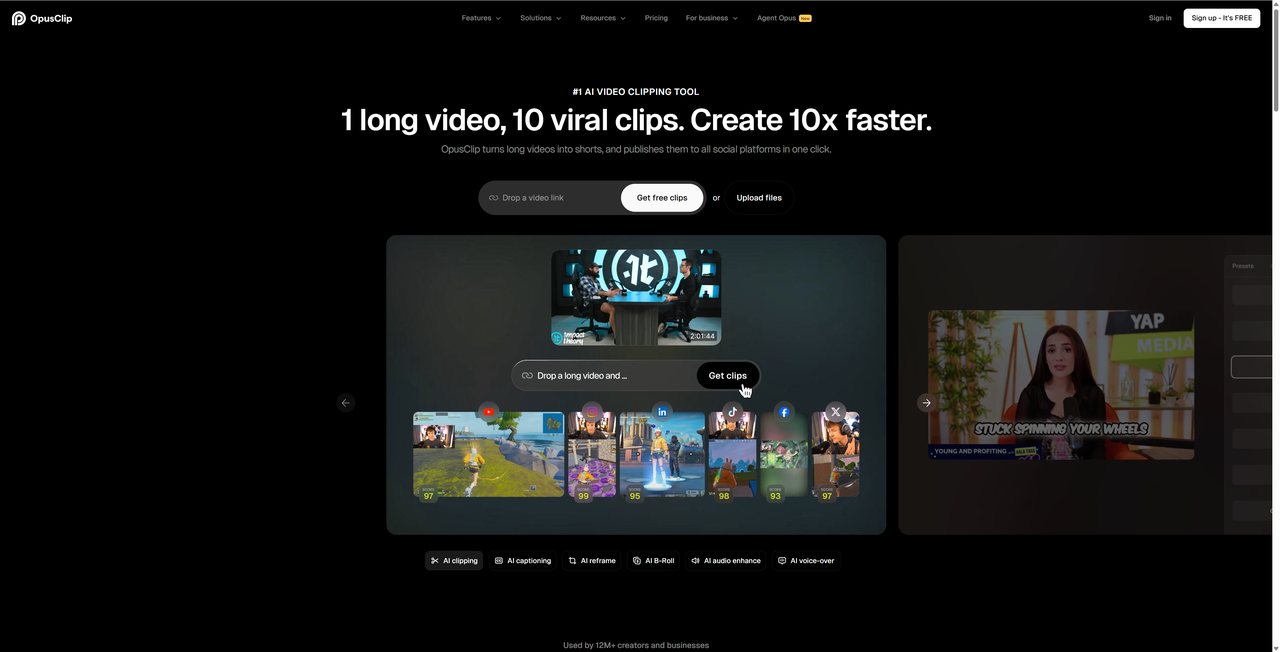
OpusClip is a dedicated AI clipping platform that automatically splits long videos into multiple shorts. It’s known for fast highlight selection and producing platform-formatted exports with minimal setup.
Best for: creators who want quick “upload → get clips” automation.
Quso: Clipping + Social Media Management in One
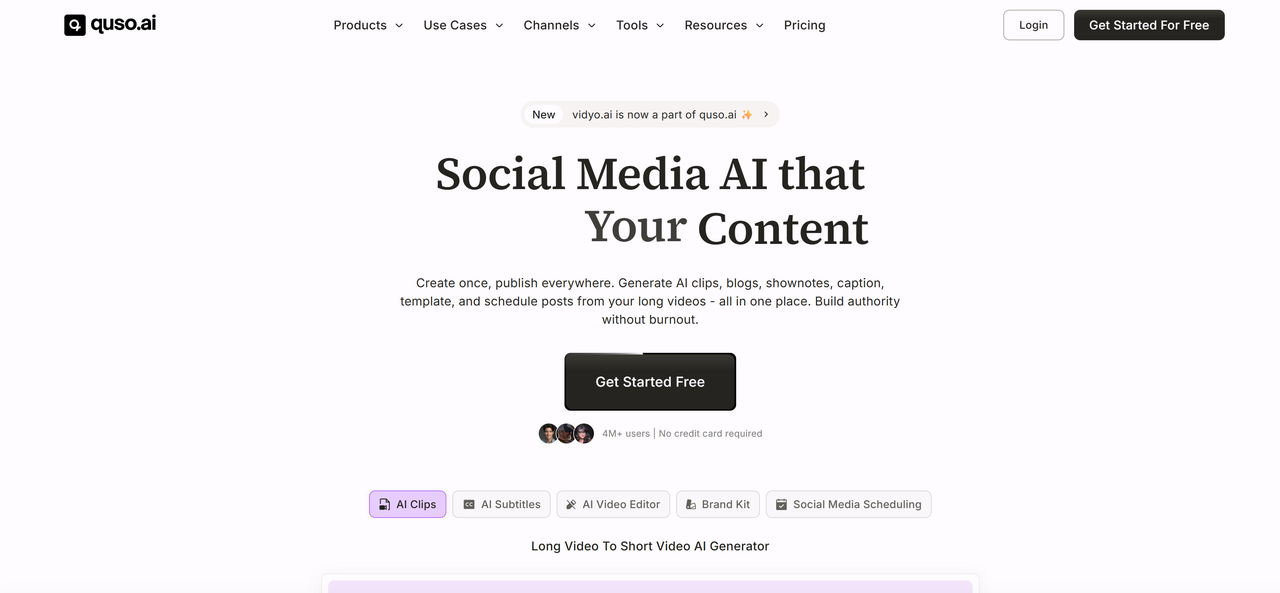
Quso (formerly vidyo.ai) combines AI clipping with broader social workflows like templates and scheduling, making it feel more like a full social content system than a single-purpose clipper.
Best for: marketers who want clipping plus publishing workflows under one roof.
Klap: Viral Short Video Generator
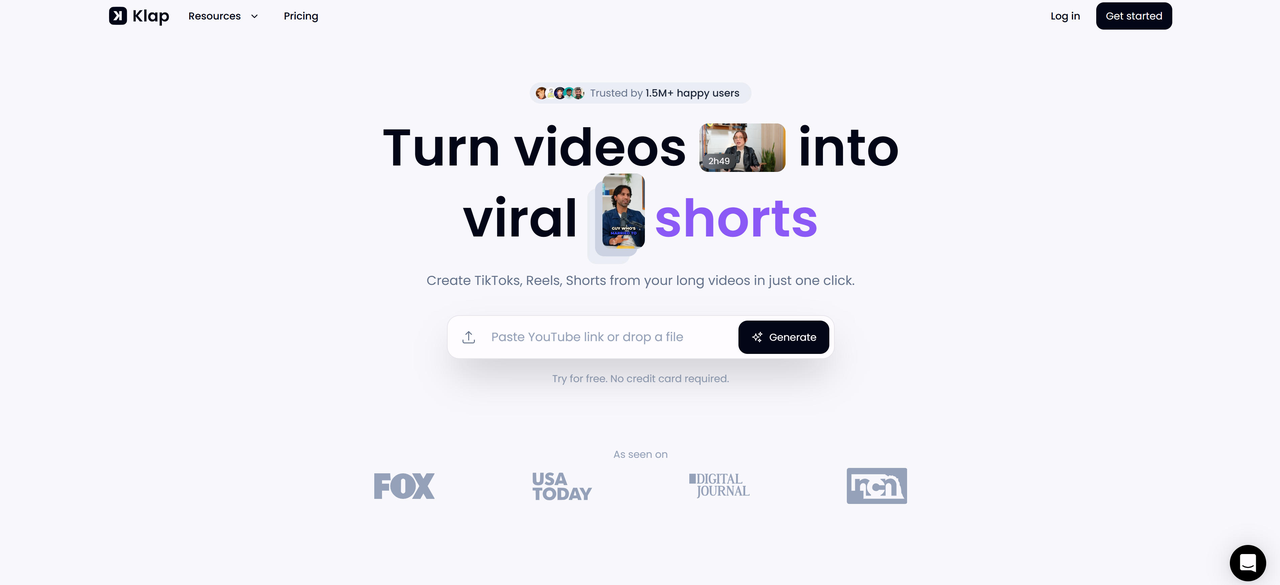
Klap focuses on generating short clips designed to perform well on socials. It emphasizes speed and “viral moment” detection, keeping the workflow simple and creator-friendly.
Best for: creators who prioritize speed and “best moments” extraction.
QuickReel: Ultra-Fast Short Creation
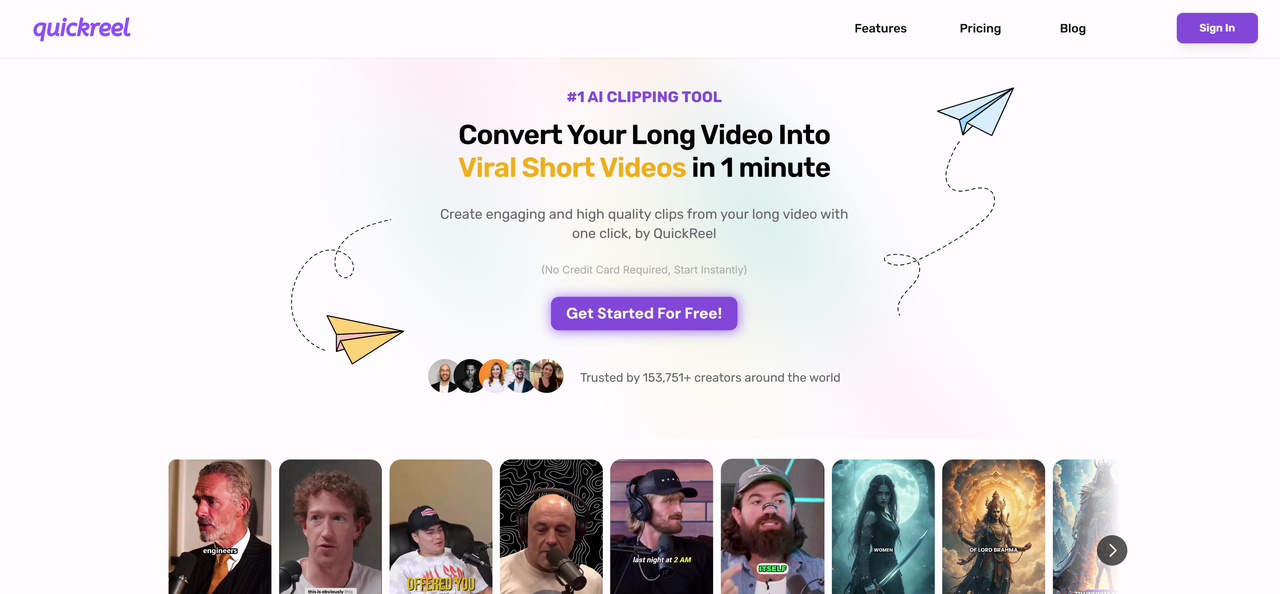
QuickReel’s positioning is speed: generate short clips quickly, usually with auto-cropping and subtitle support to push content out faster.
Best for: teams that want rapid turnaround from uploads or links.
Short.ai: Automated Short-Form Content Studio

Short.ai sits closer to a “short video studio,” combining clipping with captions and scheduling features for multi-platform publishing.
Best for: creators building a consistent posting cadence across platforms.
LiveLink: Fast Social Media Clipping with Speaker Tracking
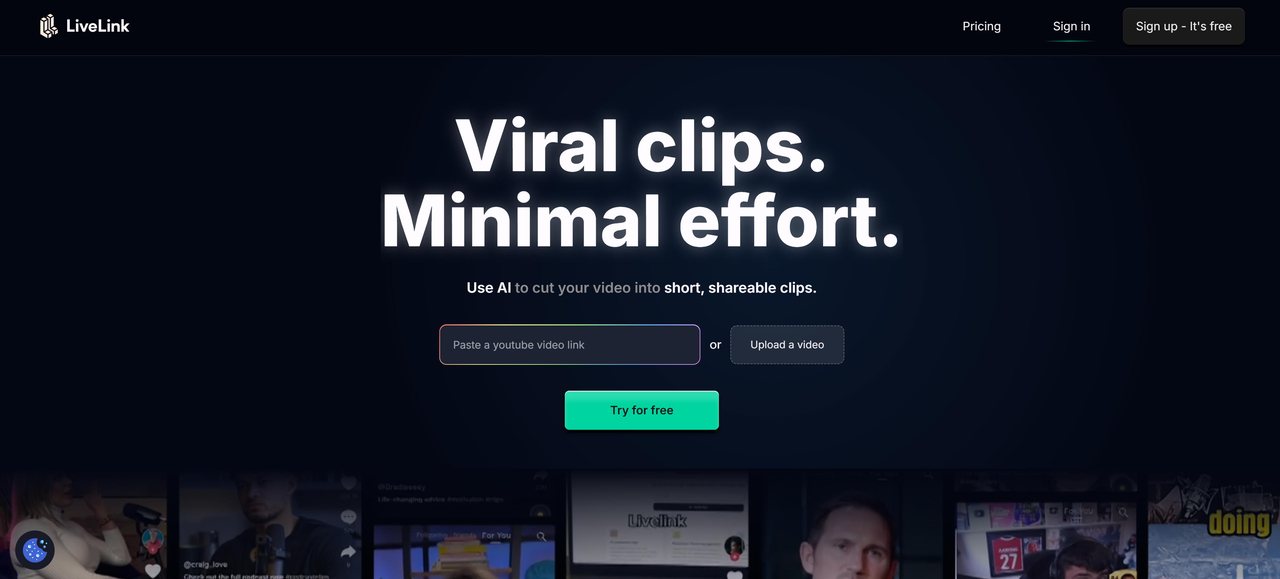
LiveLink targets speed + speaker tracking for vertical clips, typically pairing quick highlight extraction with brand-ready caption styles.
Best for: teams that want quick clips that still look polished.
Video Clipping Tools Comparison
| Tool | Strength | Best For | Workflow Style |
| Vizard.ai | End-to-end pipeline + text editing + multilingual | Teams, agencies, podcasters, webinar marketers | Full workflow (clip → edit → brand → distribute) |
| OpusClip | Simple, powerful auto-clipping | Creators who want quick viral cuts | One-click automation |
| Quso | Clipping + social management | Marketing teams | Platform + scheduling |
| Klap | Viral-focused clip generation | Solo creators | Lightweight + fast |
| QuickReel | Speed-first short creation | Rapid turnaround needs | Minimal steps |
| Short.ai | All-in-one short content features | Multi-platform creators | Studio-style |
| LiveLink | Speaker tracking + quick clipping | Social teams | Fast + polished |
Use Cases: 3 Practical Applications
- Podcasters & Interviews
Upload a 60–120 minute interview → generate 10–30 short clips with captions, vertical reframing, and topic-based segments. Great for Shorts/Reels/TikTok.
- Webinars & B2B Marketing
Turn one webinar into a month of LinkedIn content: “key insight” nuggets, objection-handling snippets, and thought-leadership hooks—without re-editing manually.
- Events & Conferences
Create teaser clips from keynote recordings and panel Q&As, then quickly translate for international audiences if you’re targeting multiple regions.
Conclusion
In a world where platforms are cracking down on “AI slop” and viewers can smell low-effort content from a mile away, the winners won’t be the loudest—they’ll be the most consistent and the most intentional. AI video clipping isn’t about flooding the feed; it’s about building a repeatable system that turns your best long-form moments into shorts people actually want to watch. If you want the most complete workflow in 2026—highlight discovery, vertical reframing, text-based editing, multilingual captions, team collaboration, and distribution—Vizard.ai is the most “all-in-one” pick for scaling output without scaling headcount.