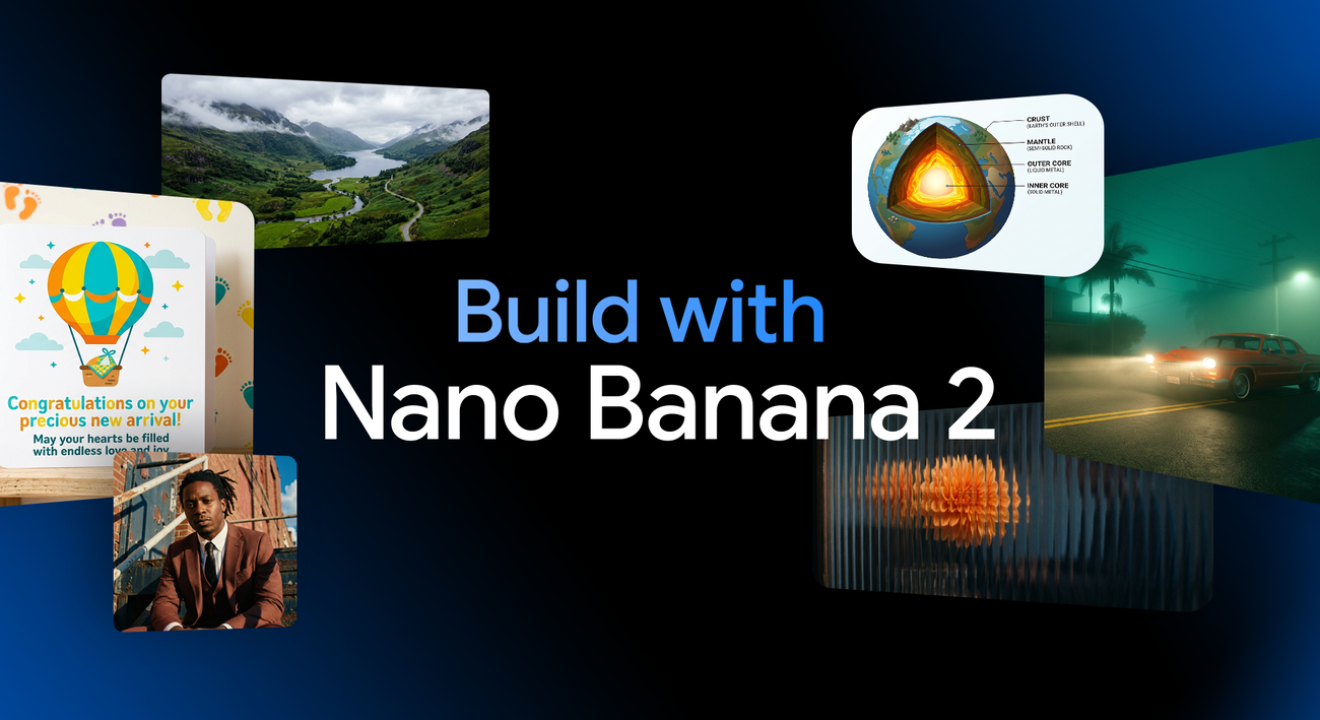
Google’s fastest and most capable image model is now inside Vizard. Here’s what it can do, how it compares, and how to make the most of it in your workflow.
If you’ve been following AI image generation over the past year, you already know what a big deal Nano Banana was. When Google first dropped it in August 2025, it went viral almost immediately — creators were stunned by how naturally it handled photo editing and generation compared to anything before it. Then November brought Nano Banana Pro: slower, pricier, but astonishingly detailed. Now Google has done something even more interesting. They’ve taken everything people loved about Nano Banana Pro and put it into a model that generates images in under six seconds.
That model is Nano Banana 2, officially called Gemini 3.1 Flash Image, and it launched on February 26, 2026. On its first day, it jumped straight to #1 on the Artificial Analysis Text-to-Image Arena. And as of today, it’s available inside Vizard — both in the Workspace and directly in the Video Editor.
What is Nano Banana 2, exactly?
The simplest way to understand Nano Banana 2 is to think of it as a merger. Nano Banana Pro has incredible intelligence and creative precision, but it’s slow — typically 10 to 20 seconds per image, and priced accordingly. The original Nano Banana is fast and fun, but lacks some of the Pro’s depth. Nano Banana 2 is built on Gemini’s Flash architecture, which means it brings generation times down to 4–6 seconds while inheriting the Pro’s most valuable features: real-world knowledge grounding, precise instruction following, 4K output, and the ability to keep up to five characters consistent across an entire scene sequence.
“You no longer have to choose between speed and quality. Nano Banana 2 gives you both — and it’s now live inside Vizard.”
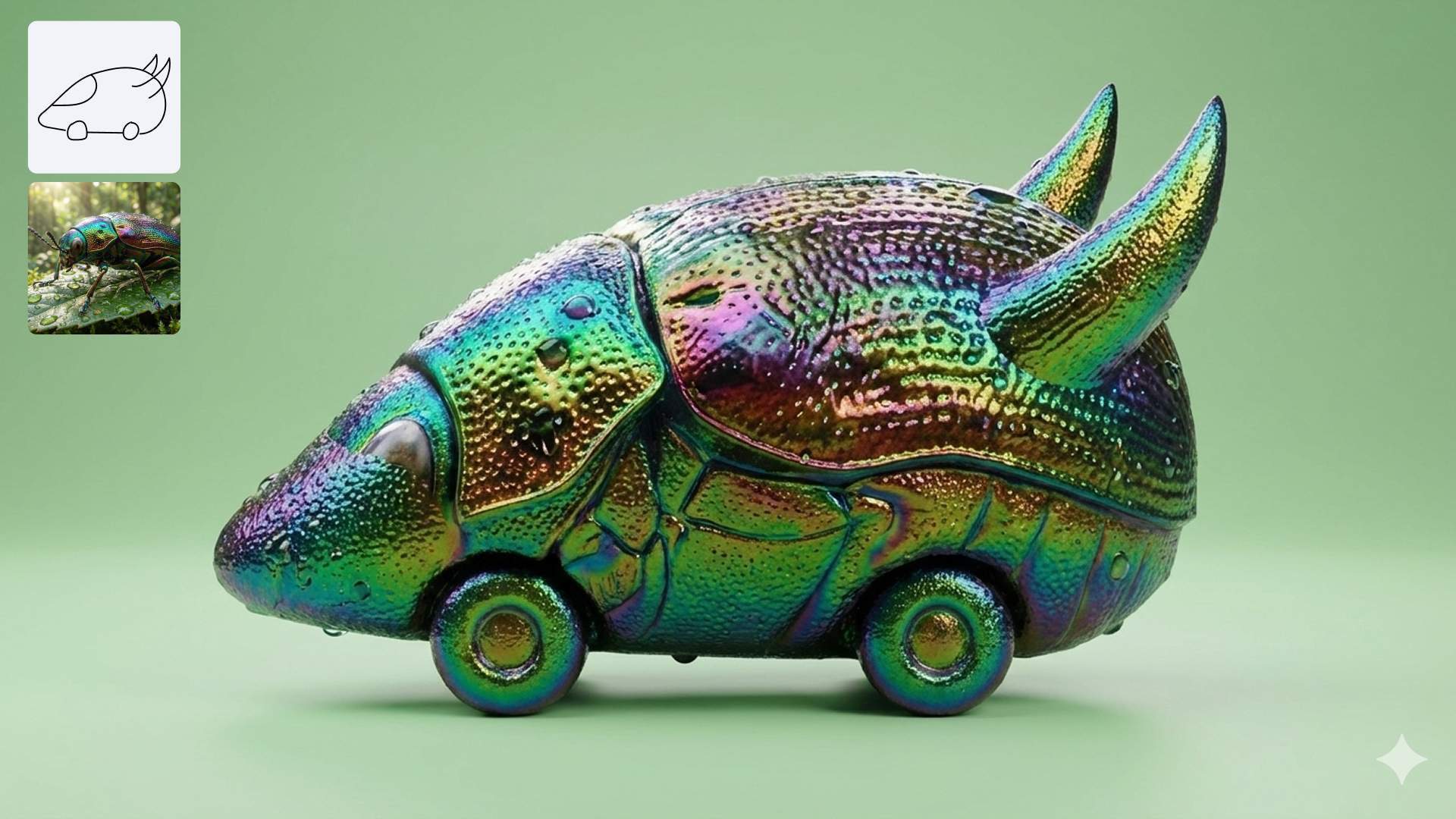
What sets it apart from every other image model on the market is something Google calls world knowledge grounding. Nano Banana 2 can search the web before generating an image, pulling actual visual references to make sure it renders specific subjects correctly. Ask it to render a real museum in Synthetic Cubism style, and it’ll first look up what that museum actually looks like. No other major image model does this.
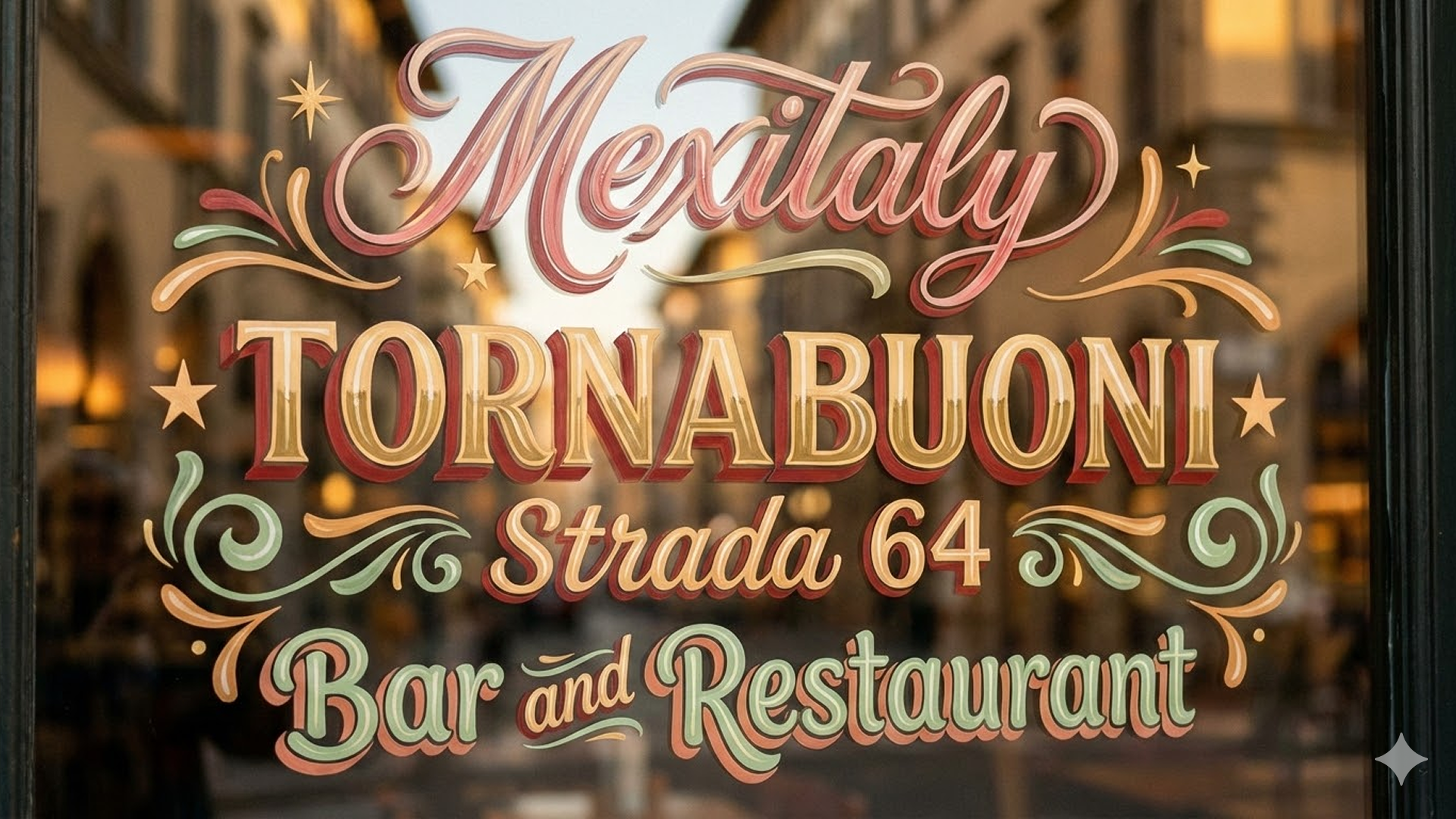
Text rendering is another area where Nano Banana 2 genuinely impresses. It generates accurate, legible text inside images — useful for marketing mockups, greeting cards, posters, and infographics. It also translates text within images into multiple languages, which means a single graphic can become a localized asset for eight different markets without any extra design work.
What can you create with it?
For video creators specifically, a few use cases stand out immediately.
Thumbnails and title cards
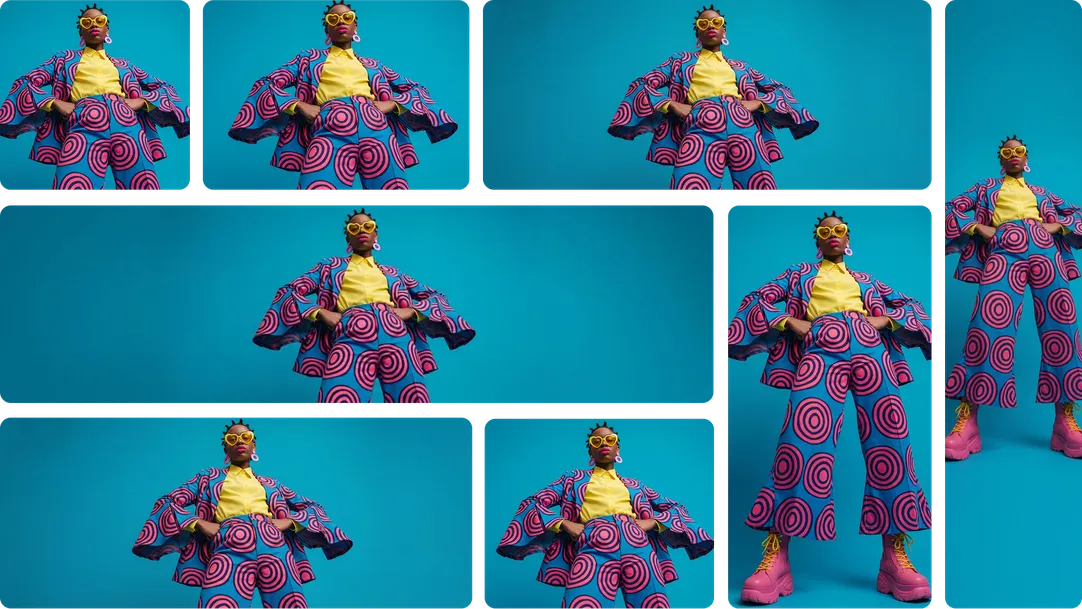
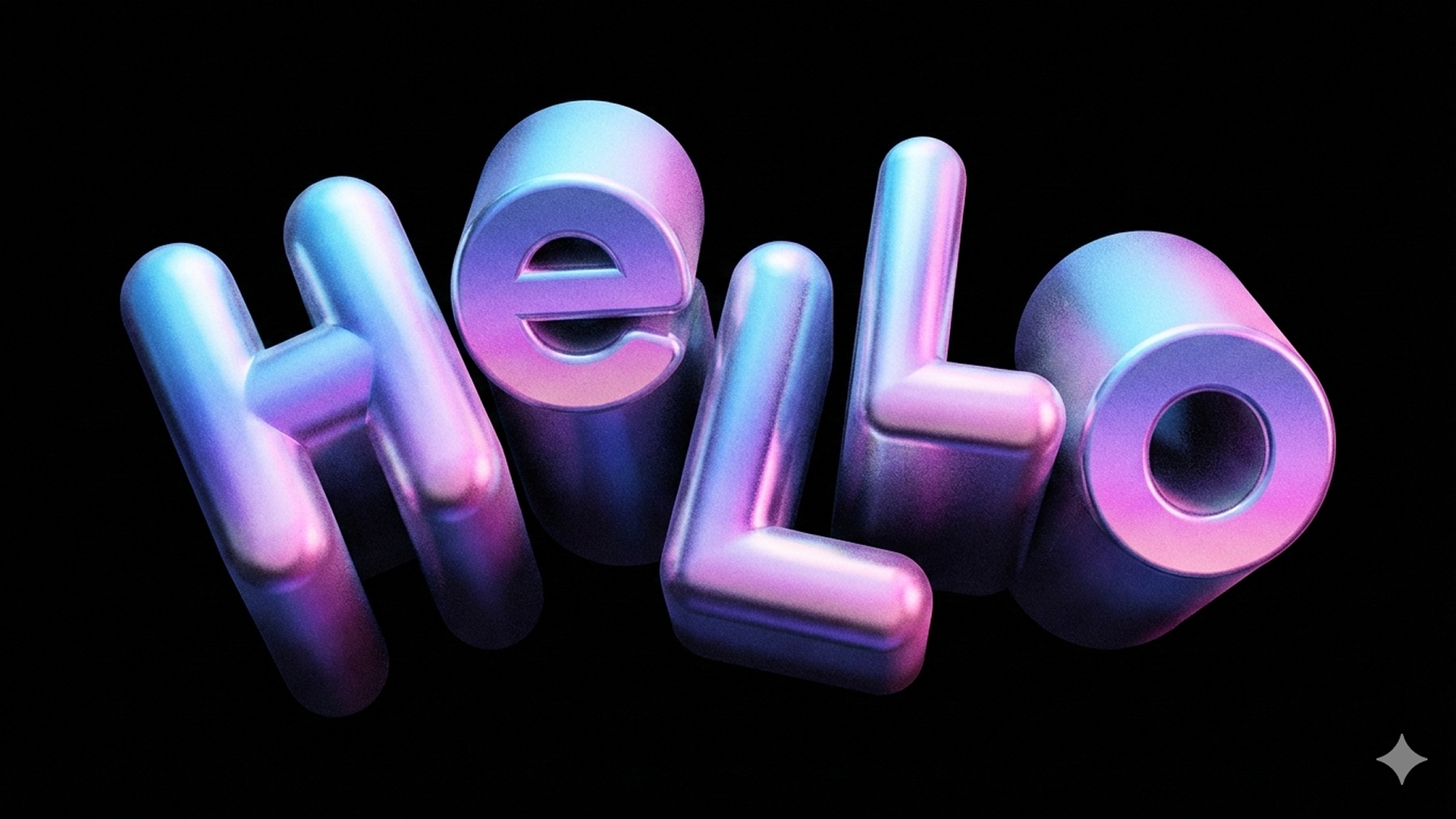
Nano Banana 2 supports every aspect ratio from vertical 9:16 all the way to widescreen 16:9, and outputs at up to 4K resolution. That means you can generate a thumbnail, title card, or end-screen graphic at full broadcast quality in a single prompt. Specify the aspect ratio directly — “cinematic 16:9 portrait, electric blue and pink palette, ultra sharp” — and what comes back is production-ready.
Infographics and explainer visuals
This is where the world knowledge grounding really pays off. You can prompt Nano Banana 2 to generate an infographic explaining a complex topic — the water cycle, a comparison of cloud types, a data visualization — and it will produce a well-structured, educationally accurate visual. For educational channels and explainer creators, this alone is a game-changer. No Canva, no Figma, no separate design tool required.
Storyboards with consistent characters
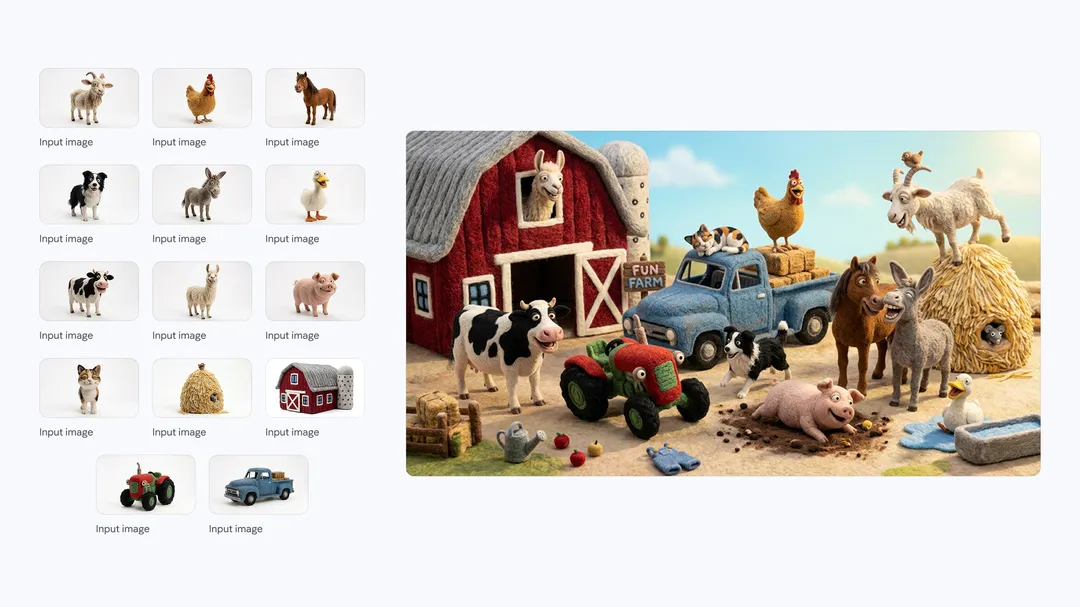
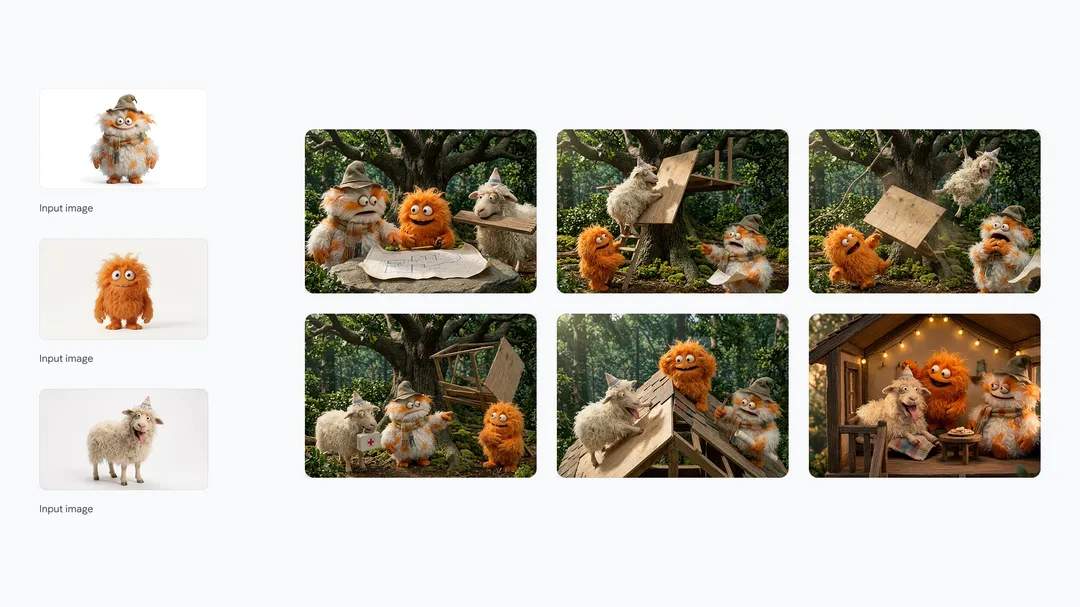
Anyone who’s tried to build a storyboard with AI image tools knows the headache: every time you generate a new frame, your characters look slightly different. Nano Banana 2 solves this by maintaining character resemblance across up to five characters and the fidelity of up to fourteen objects throughout a full workflow. Prompt it to generate a six-panel narrative — “a story of these three friends building a treehouse, consistent appearances throughout, different expressions and angles in each frame” — and it will hold each character’s look from panel to panel.
Global content with inline translation
If you produce content for international audiences, Nano Banana 2’s inline text localization feature is invaluable. Generate a graphic with text in one language, then ask the model to re-render it localized for a different market — it translates the words and adjusts the visual framing to feel native to the new context. All in a single follow-up prompt.
• • •
How does it compare to Nano Banana Pro — and the competition?
Nano Banana 2 is the right choice for most creators, most of the time. Nano Banana Pro remains better for tasks requiring maximum creative precision — highly detailed commercial photography, complex stylistic instructions, or specialized studio-quality output. But for rapid iteration, production at scale, and anything involving world knowledge or text rendering, Nano Banana 2 is genuinely superior — and at roughly half the API cost.
| Feature | Nano Banana 2 | Nano Banana Pro |
|---|---|---|
| Generation speed | 4–6 seconds | 10–20 seconds |
| Max resolution | Up to 4K | Up to 4K |
| API cost (approx.) | ~$0.067/image | ~$0.134/image |
| World knowledge + web search grounding | ✓ exclusive feature | Knowledge only |
| Subject consistency (up to 5 characters) | ✓ | ✓ (higher precision) |
| Text rendering & multilingual translation | ✓ | ✓ |
| Best for | Speed, iteration, production at scale | Maximum creative precision |
Against the wider field, Nano Banana 2 holds its own impressively. DALL-E 3 remains strong on text accuracy and is deeply integrated into ChatGPT, but tops out at lower resolution and is noticeably slower. Midjourney V7 is still the gold standard for purely artistic, painterly outputs — but it doesn’t do world knowledge grounding or reliable text rendering, and there’s no free tier. Flux Kontext is capable but lacks the contextual intelligence that makes Nano Banana 2 special for production work.
| Feature | Nano Banana 2 | DALL-E 3 | Midjourney V7 | Flux Kontext |
|---|---|---|---|---|
| Generation speed | 4–6s | 15–25s | 20–30s | Varies |
| Max resolution | 4K | ~2K | 1536px | ~2K |
| Text rendering accuracy | Excellent | Strong | Weak (~71%) | Moderate |
| World knowledge + web grounding | ✓ incl. live web | ✗ | ✗ | ✗ |
| Inline text translation (8 languages) | ✓ | ✗ | ✗ | ✗ |
| Artistic / painterly style | Good | Moderate | Best-in-class | Strong |
| Free tier available | ✓ via Gemini | Limited | ✗ | Limited |
Bottom line: For video creators who need to produce assets quickly, at high resolution, with accurate text and globally-localizable content, Nano Banana 2 is the most capable all-round model available today. If you’re chasing purely artistic aesthetics, Midjourney still has an edge. For production work, content creation, and workflow integration — Nano Banana 2 wins.
What creators are saying on YouTube
Within hours of the February 26 launch, creators were already publishing hands-on reviews and tutorials. Here are a few worth checking out to get a feel for what the model can do:
How to use Nano Banana 2 in Vizard
We’ve integrated Nano Banana 2 in two places inside Vizard, so it fits wherever your workflow already lives.
Way 1: Vizard Workspace. Go to your Workspace, select Generate Images, choose Nano Banana 2 from the model picker, and start prompting. This is your go-to for generating standalone visuals — hero images, branded graphics, infographics, character references — before bringing them into a project. Because the model is so fast, this is the place to iterate freely: run five or ten variations in the time it used to take to produce one.
Way 2: Vizard Video Editor. Inside your edit session, hit the Generate button in the toolbar, select Nano Banana 2, and prompt for whatever asset you need — a background, a title card, a b-roll visual, an explainer diagram. It drops directly into your timeline. No exporting, no switching apps, no interruption to your edit flow.
A workflow that actually works
Here’s the end-to-end process we recommend for getting the most out of Nano Banana 2 inside Vizard:
1
Plan your visual needs before you open the editor
Identify which moments in your video need custom-generated assets — thumbnails, intro cards, b-roll, infographics. Knowing this upfront means you can batch-generate in one session rather than interrupting your edit repeatedly.
2
Generate assets in Vizard Workspace
Head to Workspace → Generate Images → Nano Banana 2. Produce your primary visuals at the right resolution and aspect ratio. Iterate freely — 4–6 seconds per image means you can test many variations quickly. Save the best to your project library.
3
Edit your video, fill gaps on the fly
Start your edit in the Vizard Editor. Whenever you hit a moment that needs a visual you don’t have yet, use the Generate button right in the editor. Nano Banana 2 generates it and it’s in your timeline in seconds.
4
Localize for your global audience
If you’re distributing in multiple markets, generate localized versions of any text-bearing graphic with a simple follow-up prompt. Nano Banana 2 translates and re-renders the image natively — no Photoshop, no separate design tools needed.
5
Export with provenance built in
Every image generated by Nano Banana 2 is automatically watermarked with Google’s SynthID — an invisible digital mark that survives editing and compression. Your viewers can verify the AI provenance of your visuals, and you’re covered too. Google’s SynthID verification has been used over 20 million times since its November 2025 launch.
• • •
Nano Banana 2 is the most capable image model available for the kind of work video creators actually do: fast iteration, consistent characters, accurate text, 4K output, and intelligence grounded in real-world knowledge. Having it inside Vizard means none of that requires leaving your workflow. We’re excited to see what you make with it.