

NEW



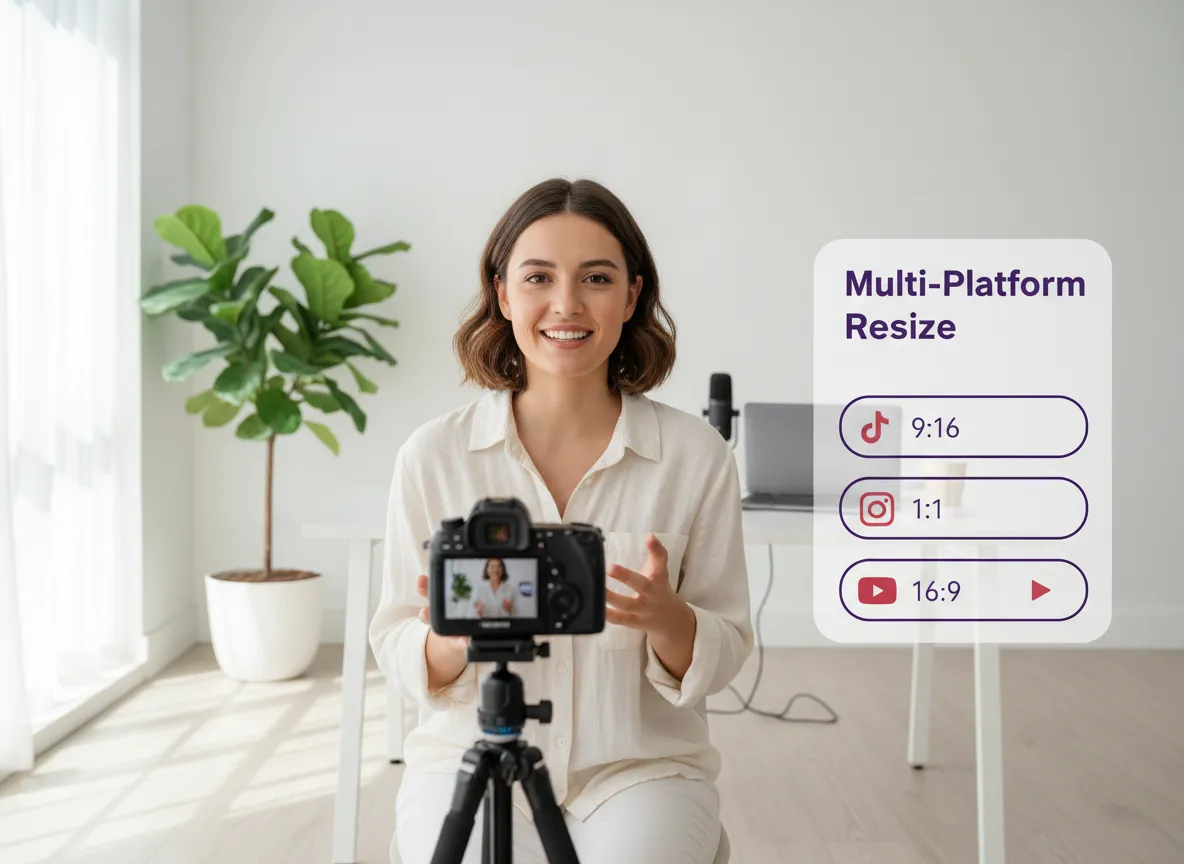
Instantly adapt your videos for TikTok, Reels, Shorts, and more. Auto-resize to 9:16, 1:1, or 16:9 with a single click, ensuring your content looks perfect on every screen.
Save hours of manual cutting. Our AI identifies highlights, removes dead air, and crafts the perfect social-ready rhythm so your audience never loses interest.
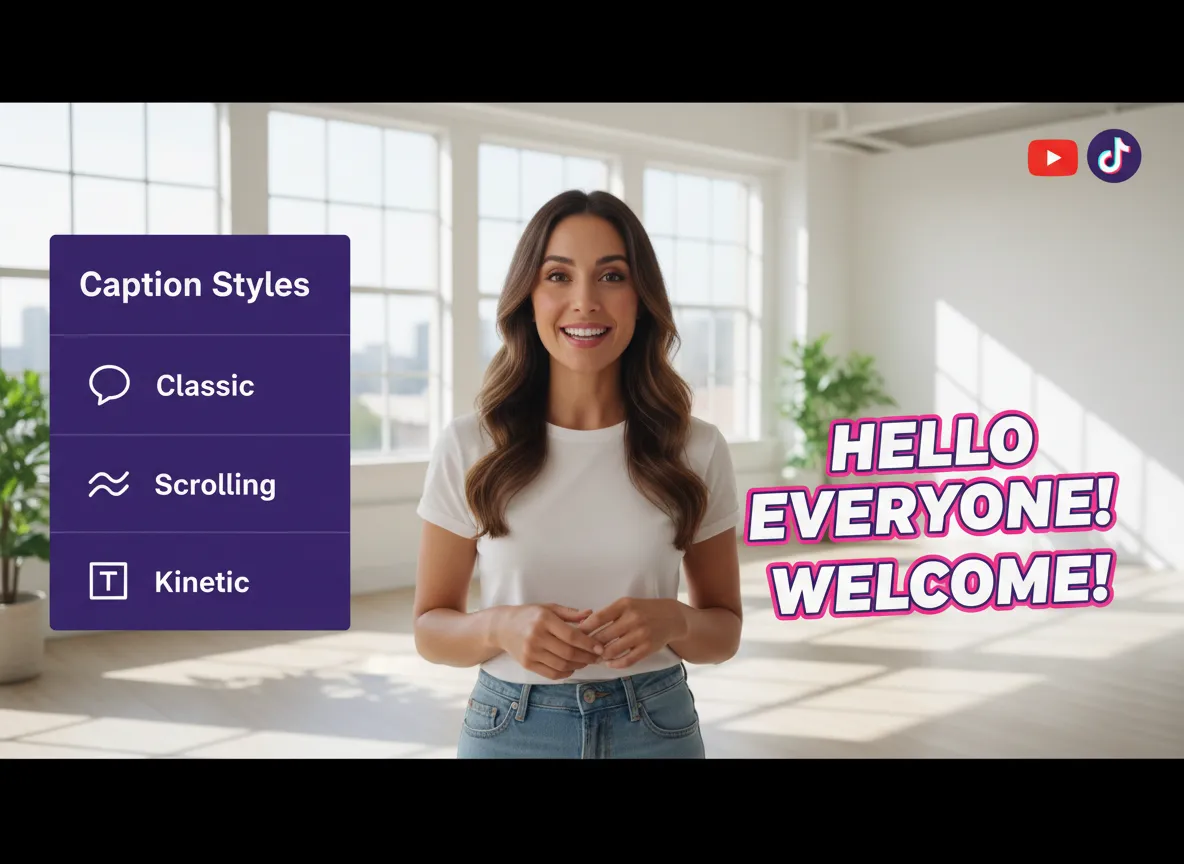
Make your videos accessible and engaging. Auto-generate subtitles in 35+ languages and choose from 150+ translations and stunning dynamic styles to keep viewers hooked.
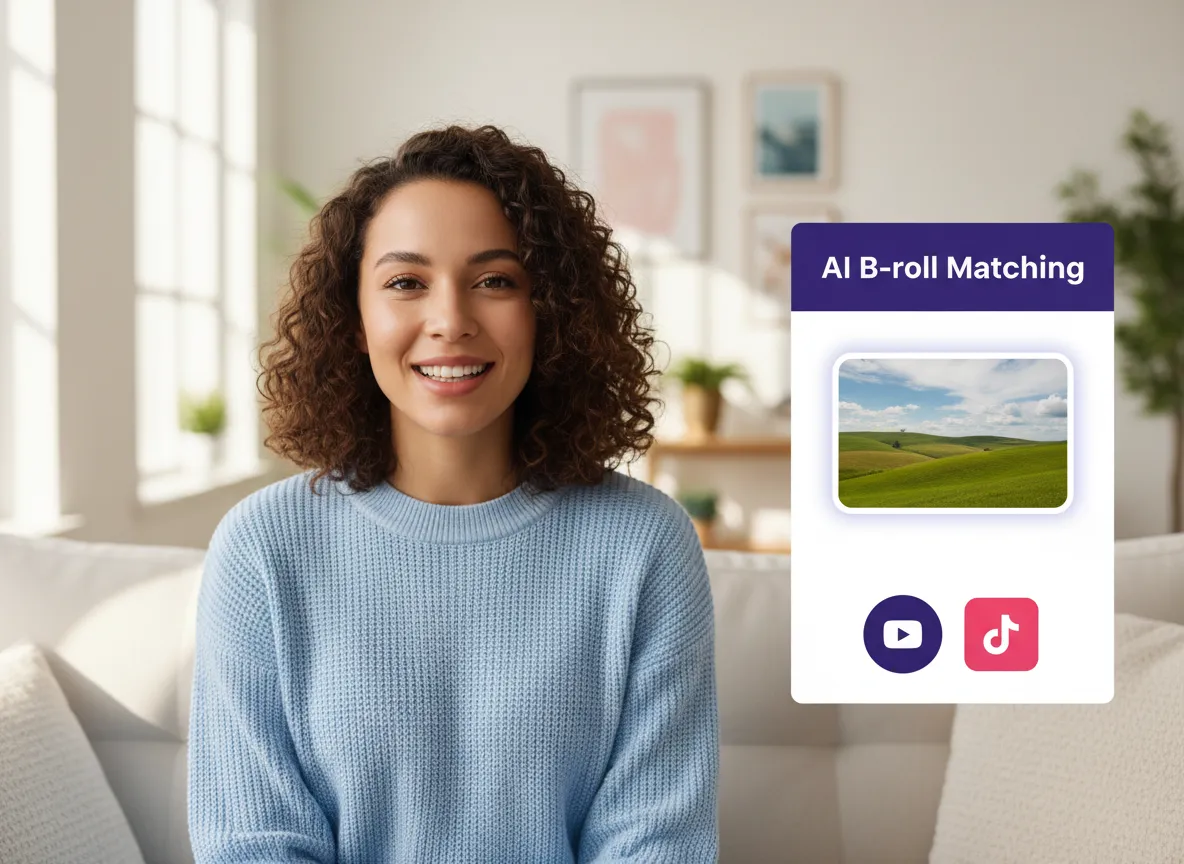
Elevate your visual storytelling. The AI intelligently inserts relevant B-roll or generates custom AI visuals to illustrate your points and keep the content dynamic.
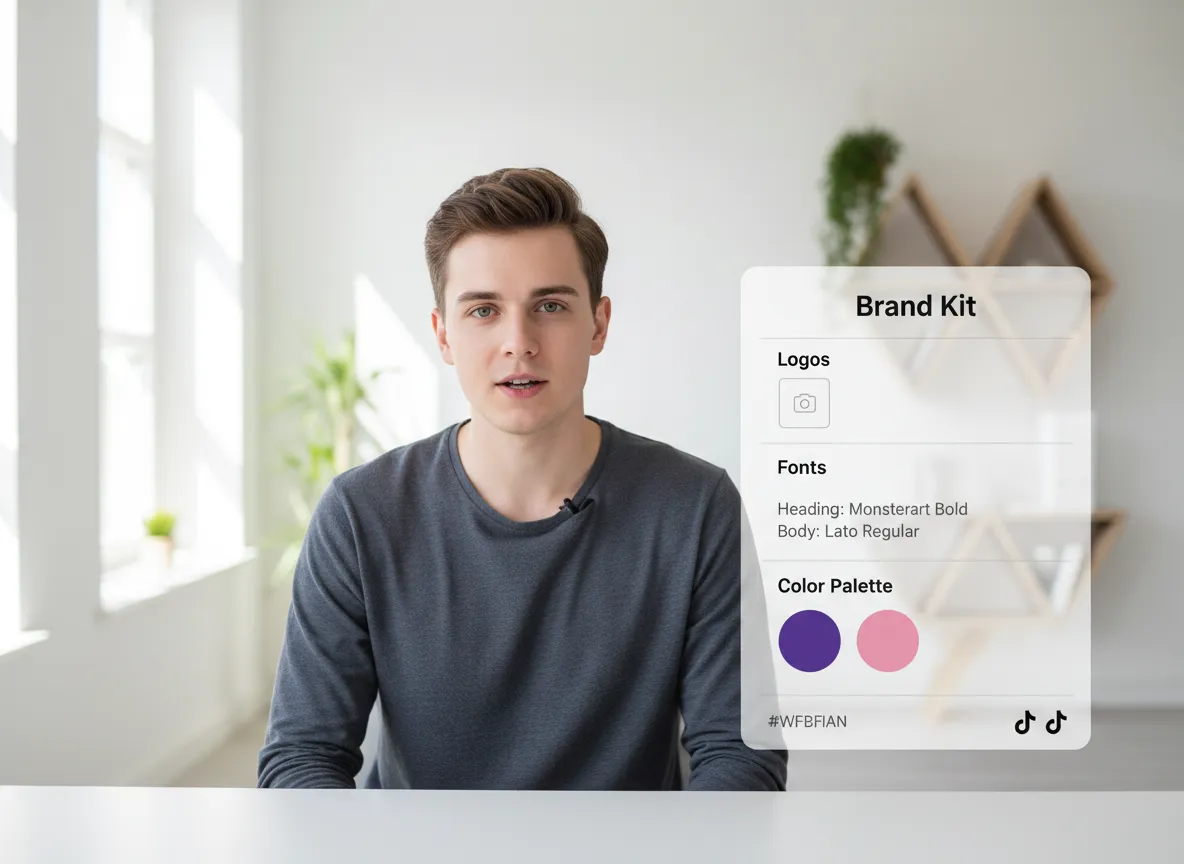
Keep your brand front and center. Store your logos, fonts, and colors in a Brand Kit to apply a consistent, professional look to every video you create in seconds.
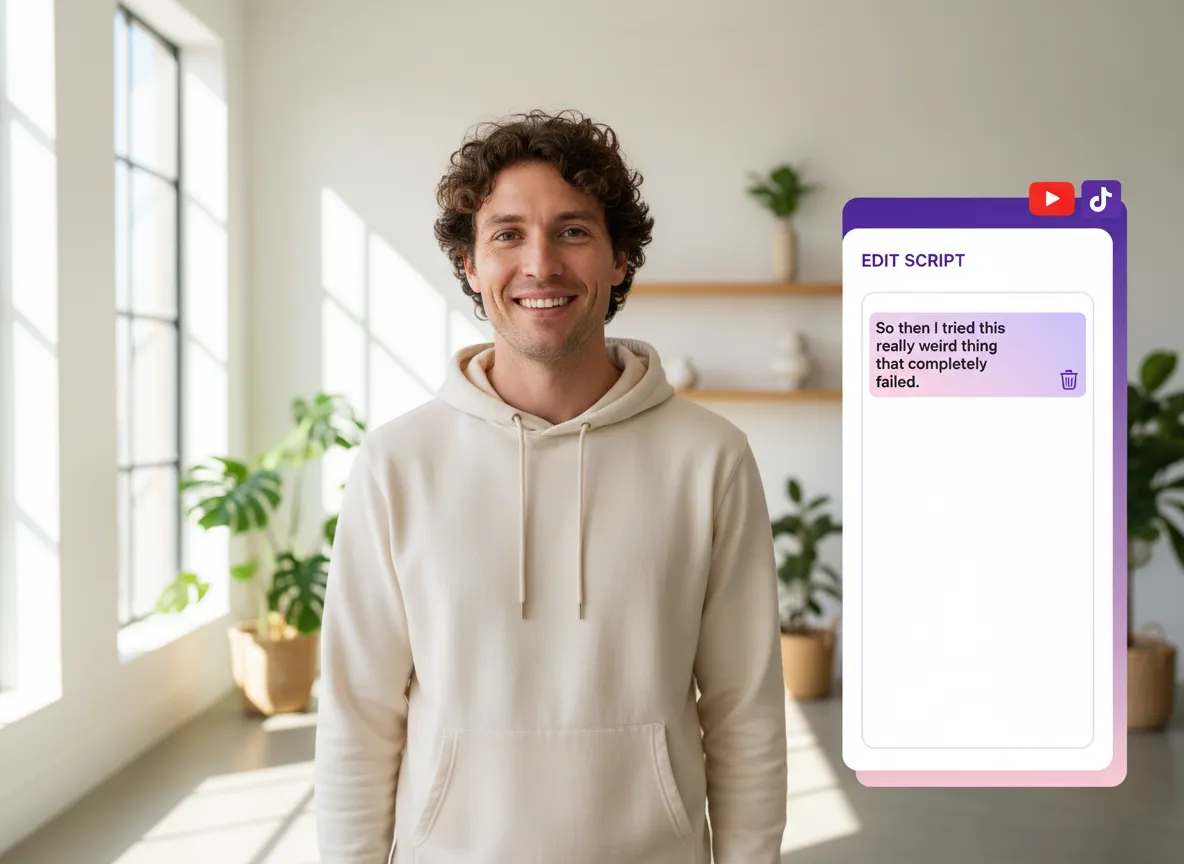
Edit video as easily as editing a doc. Simply delete text to trim clips, or switch to the pro timeline for advanced precision—the ultimate flexibility for any creator.
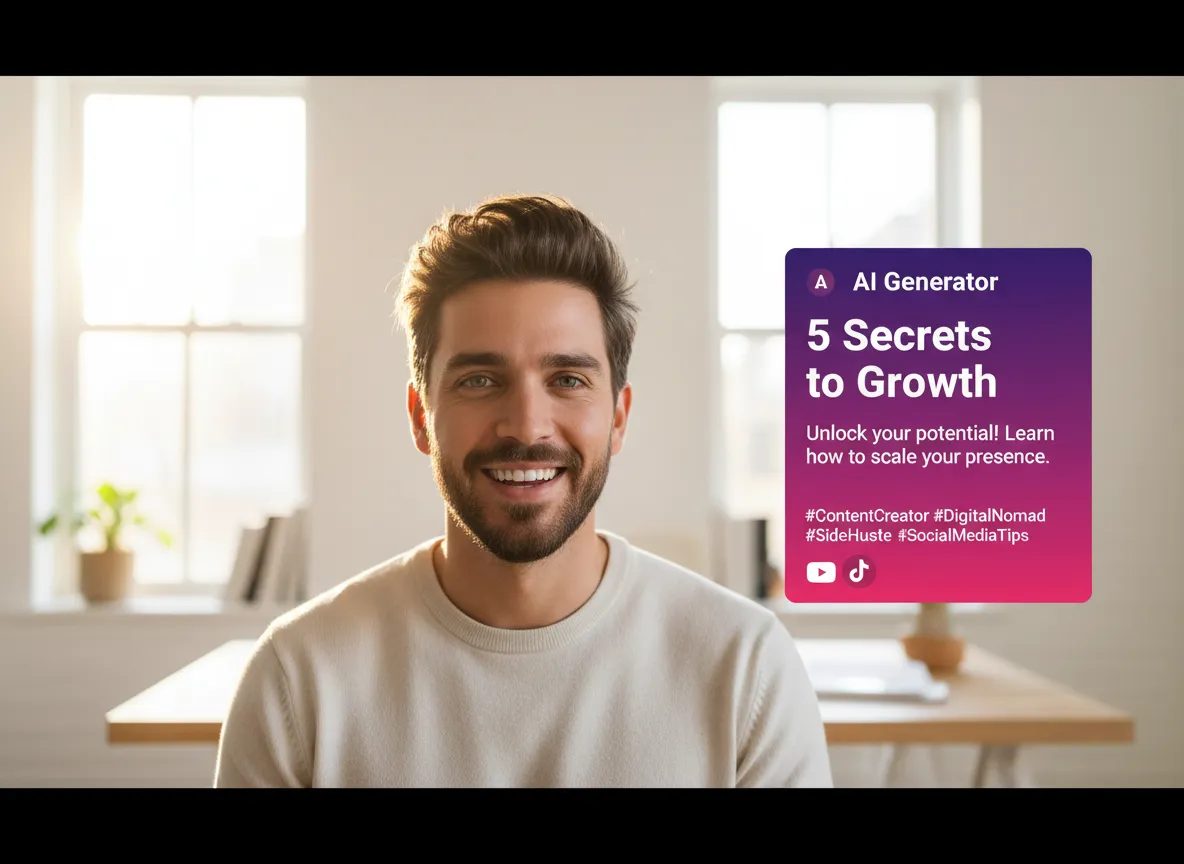
Maximize your reach with AI-written copy. Generate viral-ready titles, captions, and hashtags tailored to each platform's unique algorithm and audience.
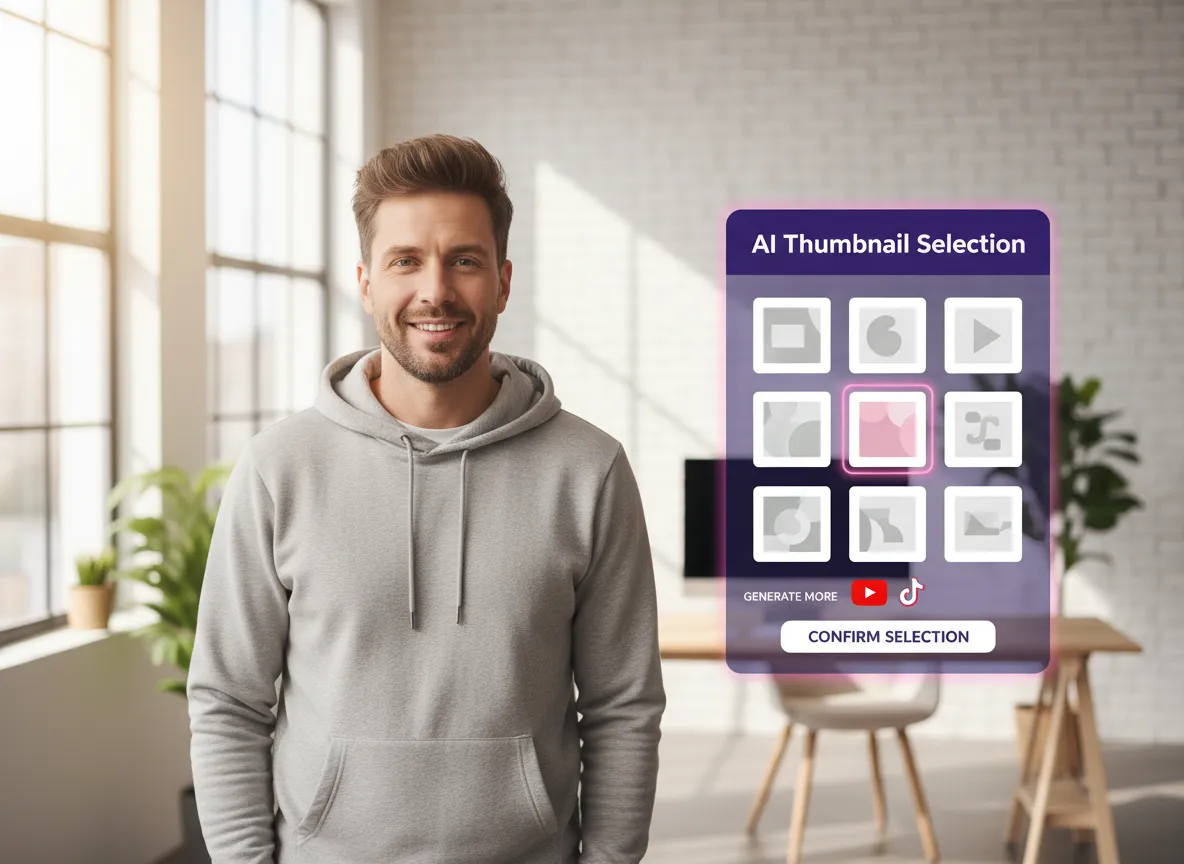
Stop the scroll with high-impact thumbnails. Let AI pick the most engaging frame from your video or create a custom cover to boost your click-through rates.
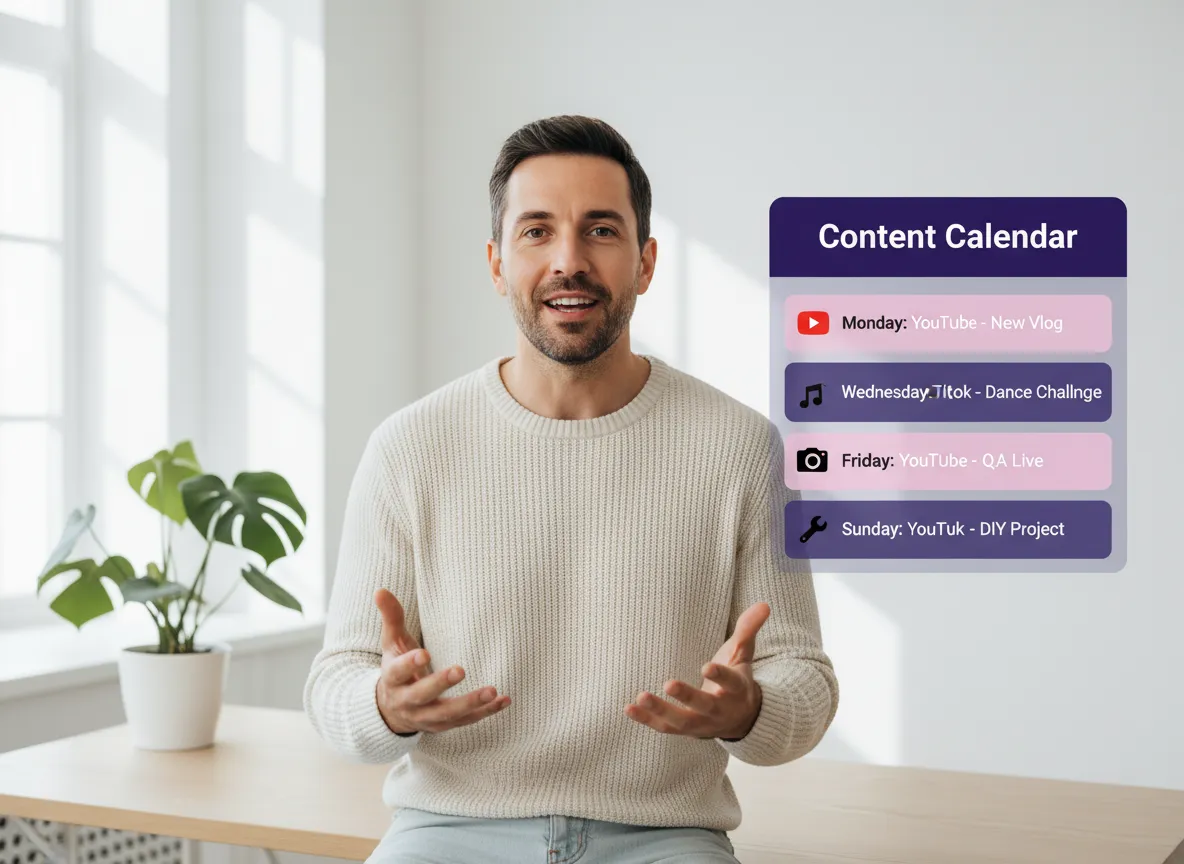
Manage all your socials in one place. Connect up to 20 accounts to schedule, manage, and publish your videos across platforms without ever leaving Vizard.
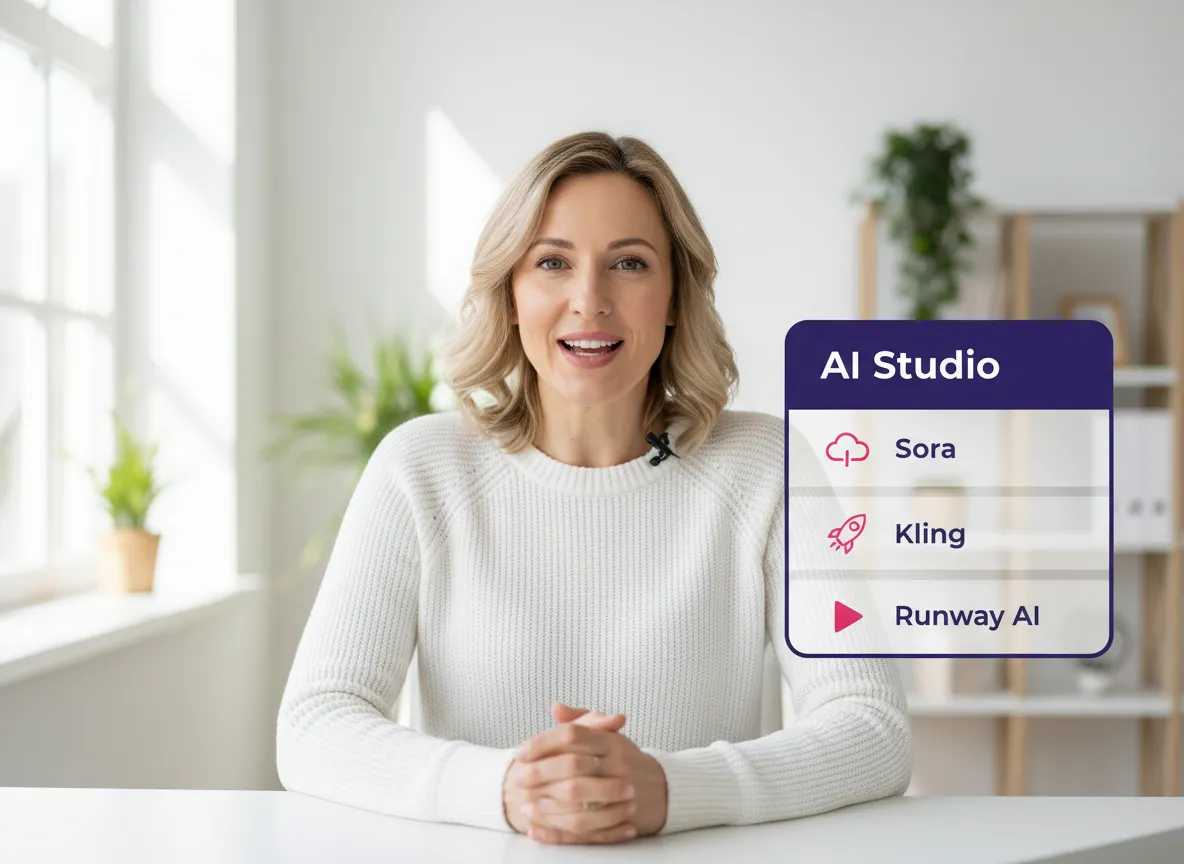
Harness the power of Sora, Kling, and more. Generate high-quality B-roll, intros, or unique visual effects directly within your workflow to stand out from the crowd.
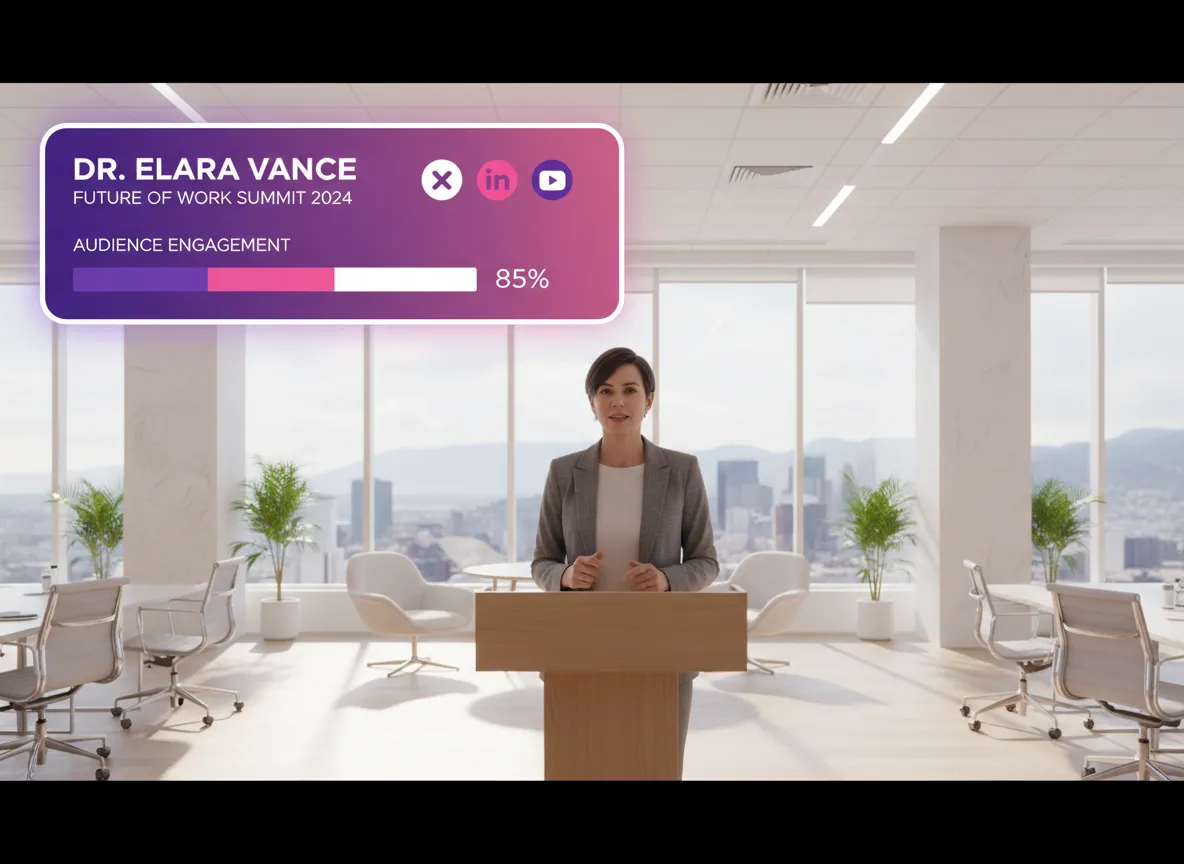
Log in to your Vizard Workspace and upload your video files, paste a video link, or use Vizard’s AI Studio to generate new video and image assets from scratch.
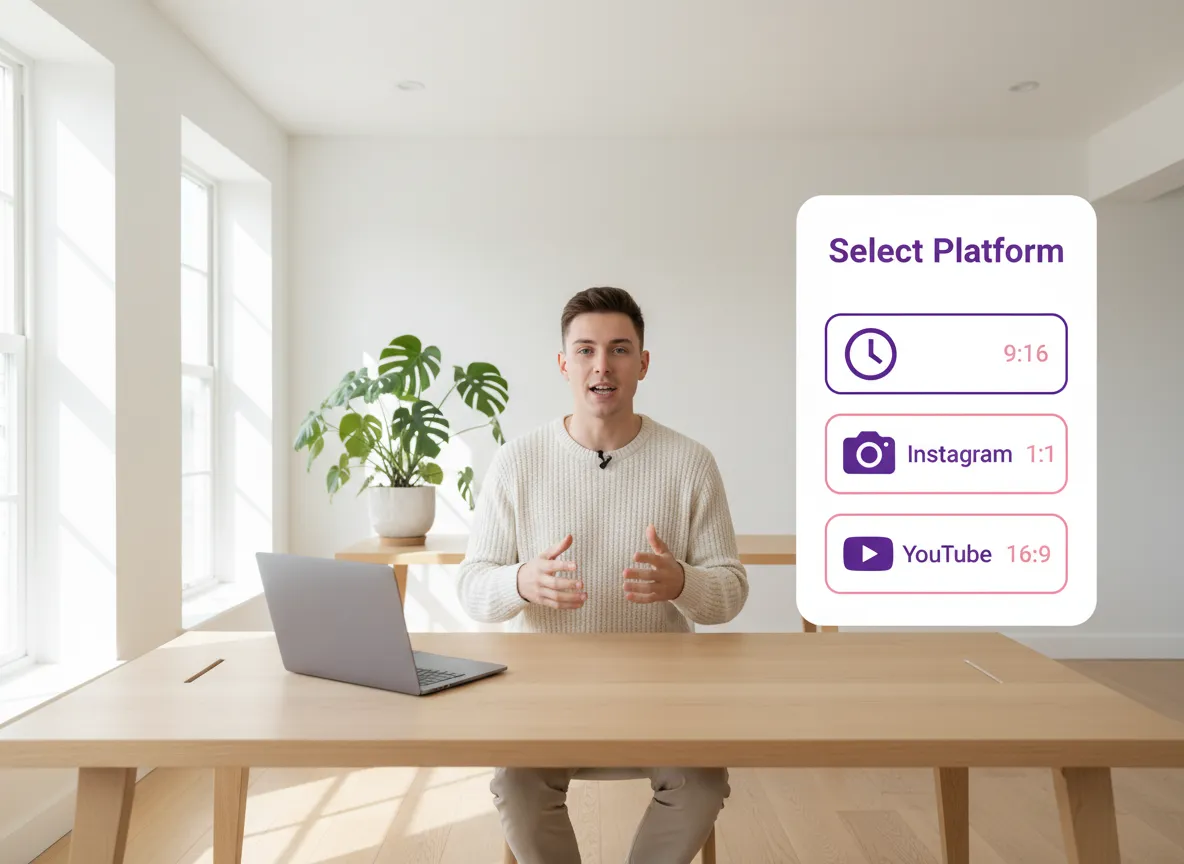
Choose your target platforms, such as TikTok, YouTube Shorts, or Instagram. Vizard will automatically optimize your video's aspect ratio and duration for each platform.
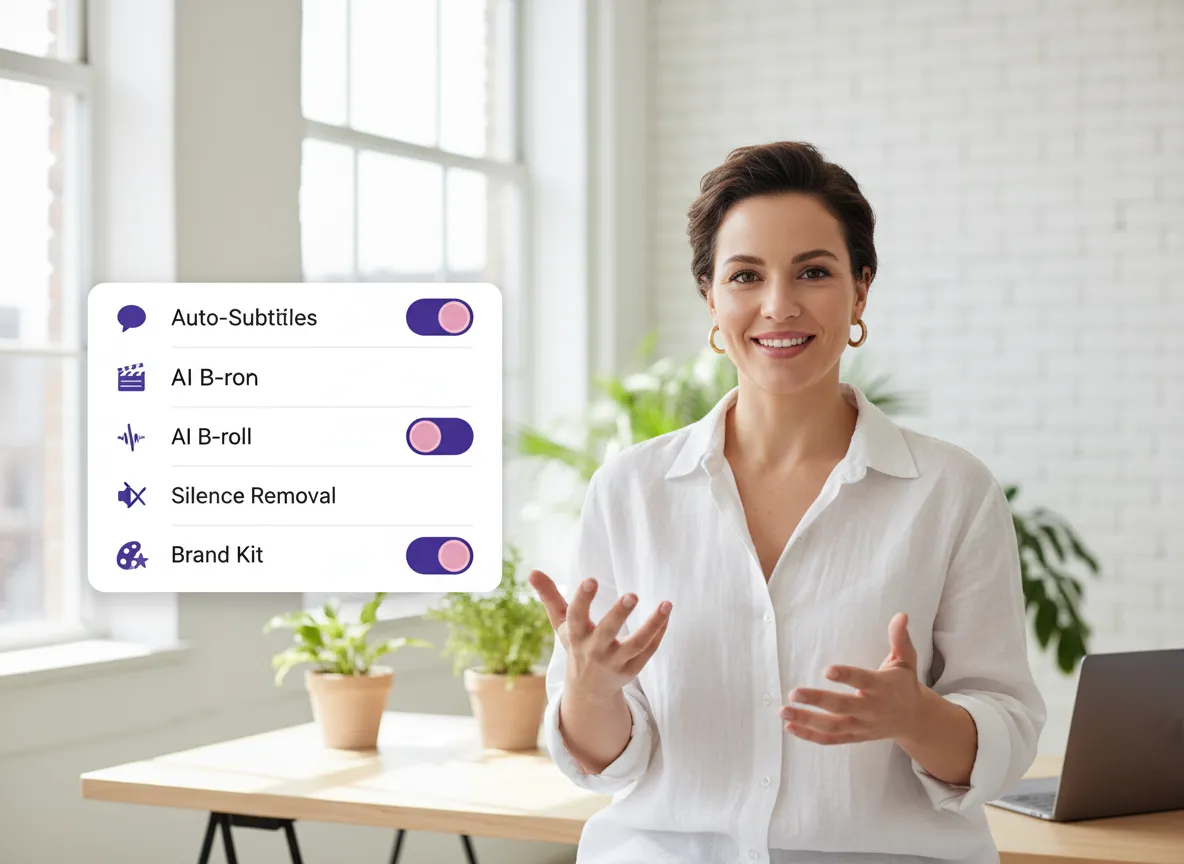
Customize your workflow by selecting AI features like silence removal, AI B-roll matching, dynamic subtitles, and your custom brand templates.
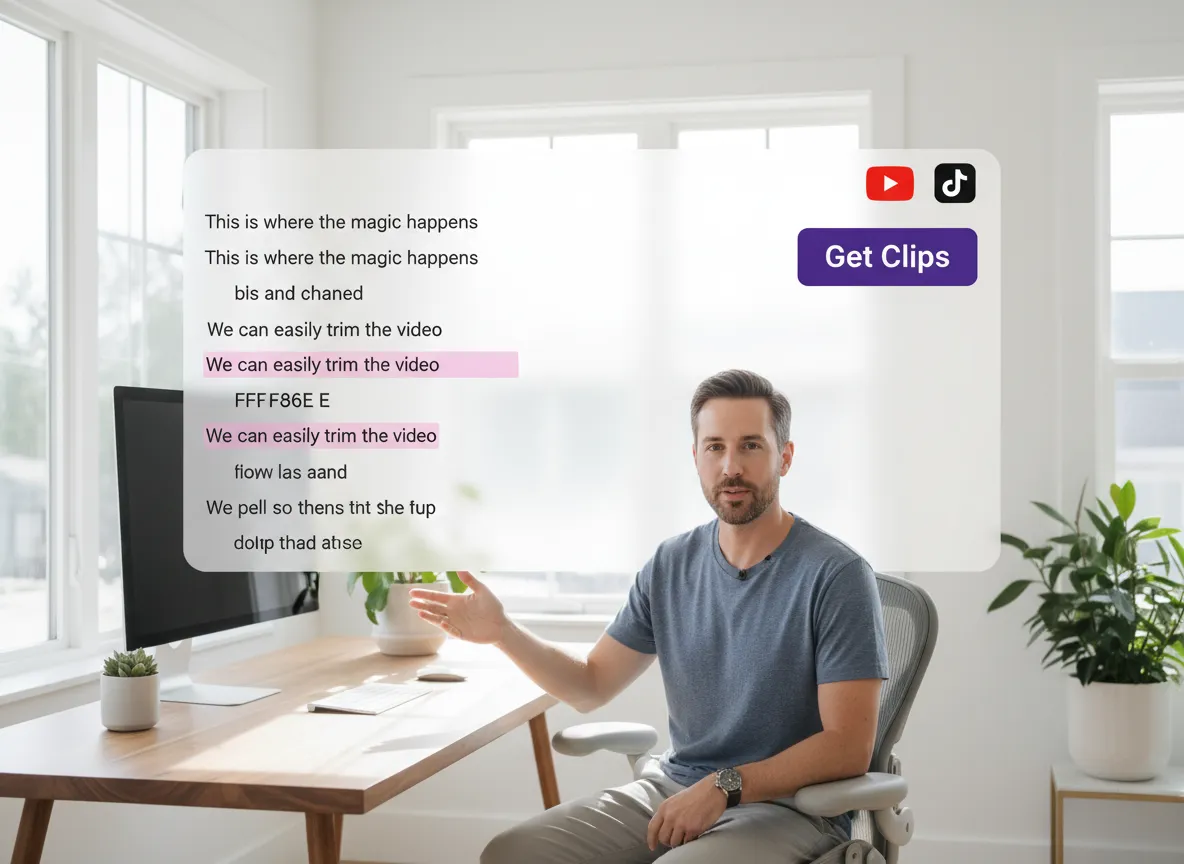
Click “Get Clips” to let the AI create your content, or use the Vizard Editor for fine-tuning. You can edit via text for quick cuts or use the timeline for advanced control.
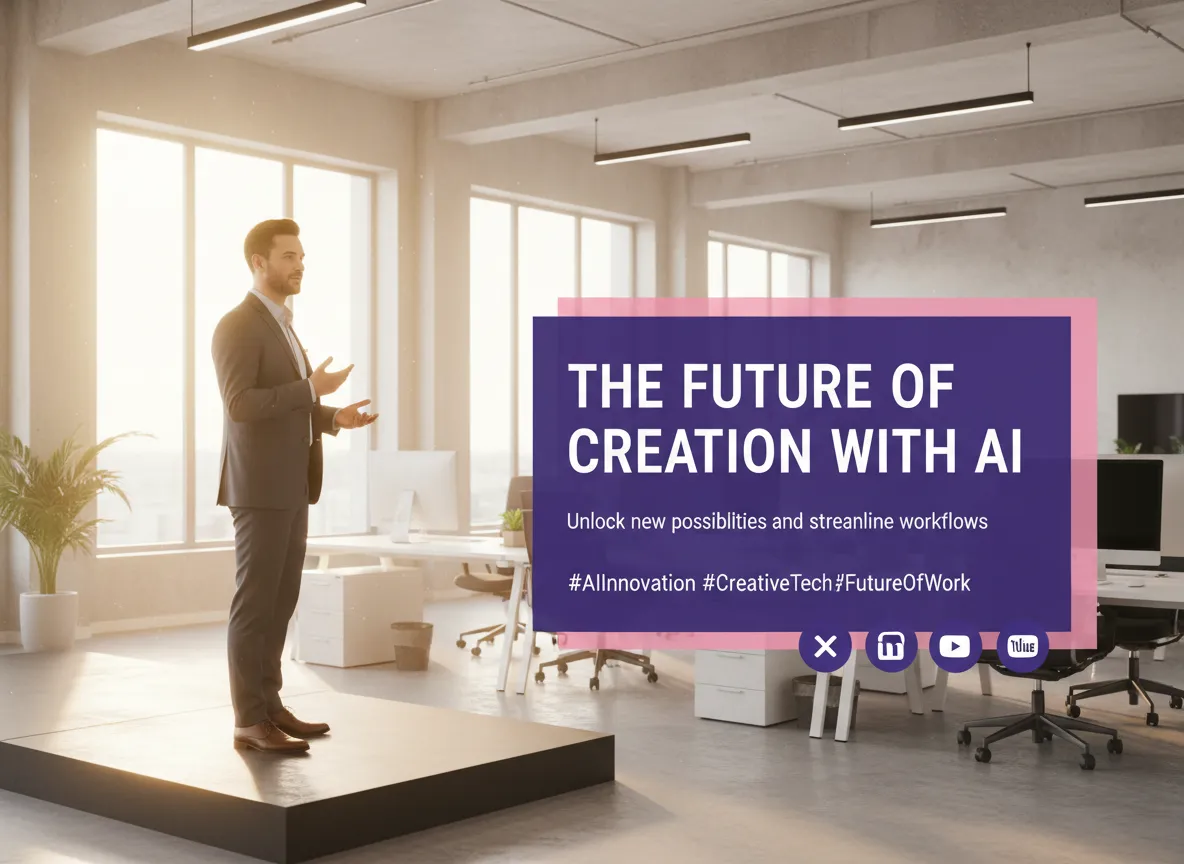
Vizard automatically generates catchy titles, descriptions, and hashtags tailored to your chosen platforms. You can review and refine the copy to ensure it resonates with your audience.
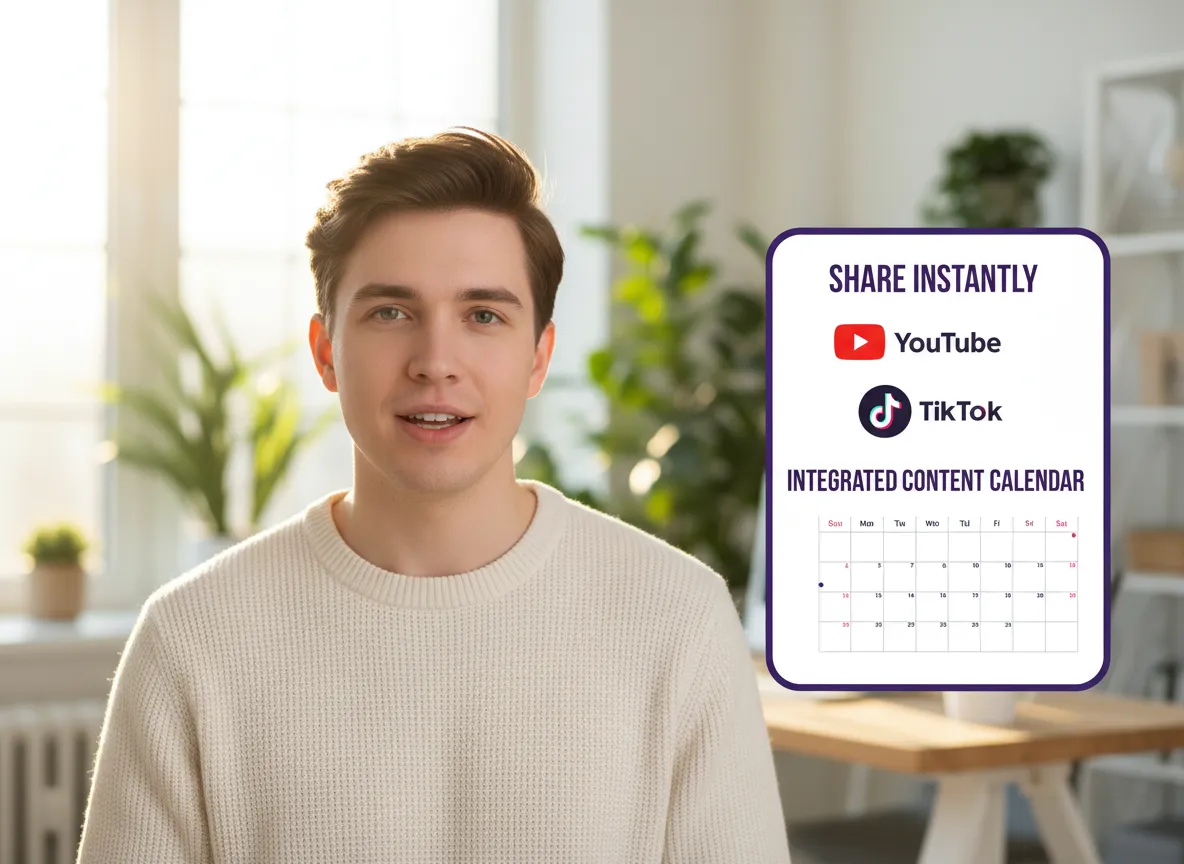
Connect your social accounts to publish your videos immediately, or use the integrated Content Calendar to schedule posts across multiple platforms for consistent engagement.
Turn one video into 10+ Instagram Reels with AI.
With just a few clicks, you can download or share your videos with your friends or team members with a link.
Turn your videos and audios into Reels, Stories, posts, and more in one click.
Effortlessly plan, schedule, and auto-generate engaging AI-driven posts, and publish your Instagram Reels along with the perfect captions.
Add dynamic subtitles for your videos automatically, all in the browser.
Bring your team together by inviting collaborators to work on your projects, in one workspace.
Effortlessly translate your video content into 130+ languages, expanding your global reach with just a few clicks.
Enhance your video's visual appeal and brand identity with ease by adding logos, images, outros, and custom fonts to your videos.


Which social media platforms does the Vizard Social Media Video Maker support?
Can I generate video or image assets within Vizard if I don't have my own footage?
How does the AI Auto Editing feature help in making social media videos?
Does Vizard support automatic subtitles in different languages?
Can I save my brand's style for consistent video creation?
Is it possible to schedule and publish videos directly from Vizard?
What is text-based video editing?
Which social media platforms does the Vizard Social Media Video Maker support?
Can I generate video or image assets within Vizard if I don't have my own footage?
How does the AI Auto Editing feature help in making social media videos?
Does Vizard support automatic subtitles in different languages?
Can I save my brand's style for consistent video creation?
Is it possible to schedule and publish videos directly from Vizard?
What is text-based video editing?

 Yao Wang

Yao Wang

Yao Wang

Yao Wang

Yao Wang


















