

NEW
Sora 2 is OpenAI’s next-generation text-to-video AI model that turns simple written prompts into realistic video clips with synchronized audio and improved control over motion and visuals. Integrated into Vizard, Sora 2 lets creators generate, refine, and repurpose high-quality AI videos within a single workflow, making it faster and easier to produce content for social, marketing, and storytelling purposes.
Sora 2 is OpenAI’s next-generation AI model for creating realistic videos from text, combining advanced understanding of physical motion, synchronized sound, and control over visuals to turn simple written prompts into high-quality dynamic clips.
Converts written prompts into richly detailed video clips, making it simple to create video content without cameras or editing tools.
Produces dialogue, sound effects, and ambient audio that match visuals, enabling richer storytelling and cinematic feel.
Generates motion and scene behavior that adhere to real-world physics and visual coherence, leading to more natural, believable outputs.
Follows complex, multipart prompts with better adherence to instructions, including camera movement, scene sequencing, and consistency across shots.
Accepts visual inputs as well as text to seed or extend video generation, broadening creative flexibility.
Capable of producing content across styles from cinematic realism to animated or stylized looks based on prompt specification.
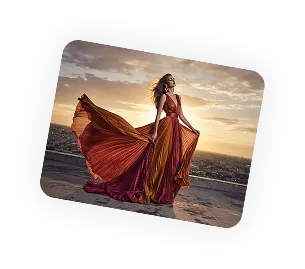
Here are three simple steps to help you explore Sora 2 on Vizard:
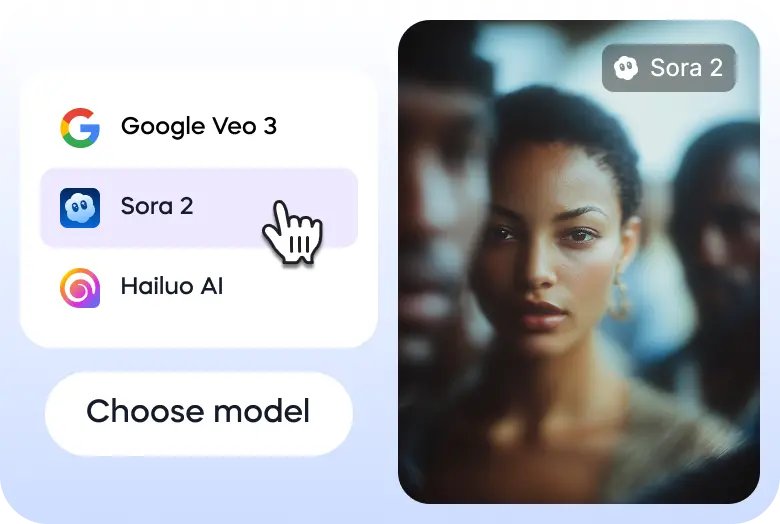
Go to Vizard’s text to video generator and select Sora 2 model.
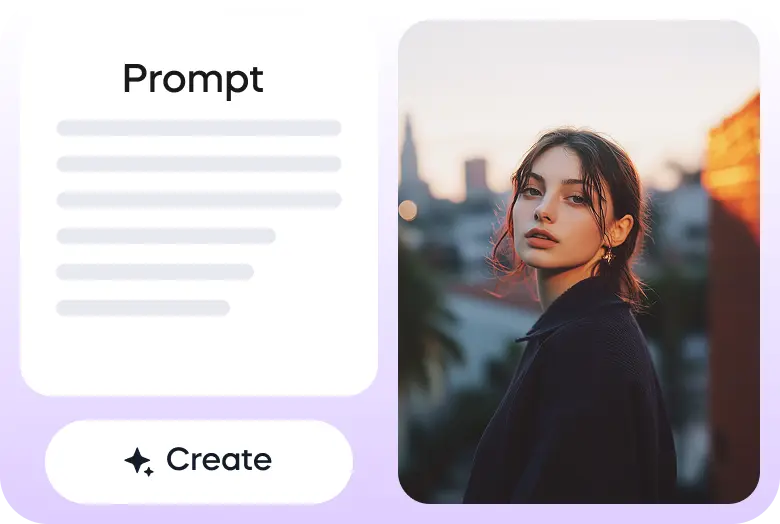
Enter your prompt or upload your image to get started.
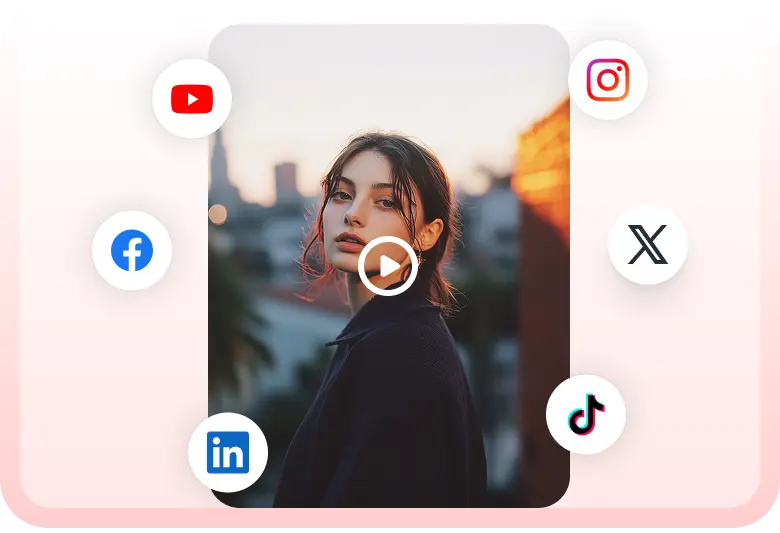
Once the video is ready, you can download it or share it on your social media accounts directly through Vizard.


GPT-5 dropped and everyone's rushing to make AI videos. Most will create junk. Because they skip the planning phase.
— Marco - eCom & Performance Creatives (@marcobatt) August 12, 2025
So I just put together the EXACT framework we use for AI video ads:
→ Step-by-step Sora prompt templates (with examples)
→ The 4-emotion system
→ Complete… pic.twitter.com/zMgh4IiAXD
sora image to video, lighting
— Nick St. Pierre (@nickfloats) December 9, 2024
prompt with the image was "push into a cave" pic.twitter.com/fH7x8alwab
What if Medusa walked into the City of the Gods? I built a 33 scene epic AI short film using
— Baby Meme X (@babymemexx) August 13, 2025
Sora for the images
Flow Veo 3 Frame-to-Video for motion
Voiceover + epic orchestral score
Dive into “Medusa and the Golden City” where myth meets AI cinema. pic.twitter.com/sOAt22JPqd
GPT-5 Sora is looking good 🔥
— Michael Rabone (@michaelrabone) August 13, 2025
Prompt + guide in comments
1. Ana de Armas
2. Sydney Sweeney
3. Jenna Ortega
4. Kristen Stewart
5. Margot Robbie (in comment)
6. Jennifer Lawrence (in comment) pic.twitter.com/k7mEieeXgL
Majestic Mountain Glide 👀
— Dev Khanna (@CurieuxExplorer) August 7, 2025
Prompt 301 ⤵️ Test ran a prompt by @umesh_ai using Sorahttps://t.co/8UaVXfavBy pic.twitter.com/igauLXm6cw
Applying lava effect to an uploaded image on Sora and GPT. Kind of fun
— Gadgetify (@Gdgtify) August 13, 2025
<upload image> apply lava-glow cracks across surface following curvature; subject pose and background unchanged pic.twitter.com/U05kEXgclC
sora photorealism 20 sec video output 👀
— Nick St. Pierre (@nickfloats) December 9, 2024
prompt down below pic.twitter.com/VPNXDxleLI
image to video in sora
— Nick St. Pierre (@nickfloats) December 9, 2024
it didnt keep the cyber eyes, but these shots are so clean pic.twitter.com/hQEwOdF3T6
What is Sora 2 in Vizard?
Sora 2 is available inside Vizard AI Studio as one of the advanced text-to-video models you can use to generate high-quality videos directly from prompts, and then edit, clip, and repurpose them in Vizard.
Is Sora 2 the only model available in Vizard AI Studio?
No. In addition to Sora 2, Vizard AI Studio supports many leading text-to-video and text-to-image models, including Veo 3, Nano Banana Pro, Kling, Wan 2.2, and more, all in one unified workspace.
How do I use Sora 2 and other models in Vizard?
All models in Vizard AI Studio, including Sora 2, are accessed using Vizard Credits. You can generate videos or images without switching platforms or managing multiple subscriptions.
Do free users get access to Sora 2 in Vizard?
Yes. Every free user receives complimentary Vizard Credits, which can be used to try Sora 2 and other supported models in AI Studio.
Can I compare Sora 2 with other models in the same project?
Yes. You can generate the same prompt with Sora 2, Veo 3, Kling, or other models, compare results, and choose the best output for your creative or marketing needs.
What can I do after generating a Sora 2 video in Vizard?
You can edit, trim, subtitle, resize, and repurpose Sora 2 videos for social media, ads, and multi-platform distribution using Vizard’s full video editing and automation workflow.
Sora 2 is OpenAI’s next-generation AI model for creating realistic videos from text, combining advanced understanding of physical motion, synchronized sound, and control over visuals to turn simple written prompts into high-quality dynamic clips.
Converts written prompts into richly detailed video clips, making it simple to create video content without cameras or editing tools.
Produces dialogue, sound effects, and ambient audio that match visuals, enabling richer storytelling and cinematic feel.
Generates motion and scene behavior that adhere to real-world physics and visual coherence, leading to more natural, believable outputs.
Follows complex, multipart prompts with better adherence to instructions, including camera movement, scene sequencing, and consistency across shots.
Accepts visual inputs as well as text to seed or extend video generation, broadening creative flexibility.
Capable of producing content across styles from cinematic realism to animated or stylized looks based on prompt specification.
Here are three simple steps to help you explore Sora 2 on Vizard:
Go to Vizard’s text to video generator and select Sora 2 model.
Enter your prompt or upload your image to get started.
Once the video is ready, you can download it or share it on your social media accounts directly through Vizard.
GPT-5 dropped and everyone's rushing to make AI videos. Most will create junk. Because they skip the planning phase.
— Marco - eCom & Performance Creatives (@marcobatt) August 12, 2025
So I just put together the EXACT framework we use for AI video ads:
→ Step-by-step Sora prompt templates (with examples)
→ The 4-emotion system
→ Complete… pic.twitter.com/zMgh4IiAXD
sora image to video, lighting
— Nick St. Pierre (@nickfloats) December 9, 2024
prompt with the image was "push into a cave" pic.twitter.com/fH7x8alwab
What if Medusa walked into the City of the Gods? I built a 33 scene epic AI short film using
— Baby Meme X (@babymemexx) August 13, 2025
Sora for the images
Flow Veo 3 Frame-to-Video for motion
Voiceover + epic orchestral score
Dive into “Medusa and the Golden City” where myth meets AI cinema. pic.twitter.com/sOAt22JPqd
GPT-5 Sora is looking good 🔥
— Michael Rabone (@michaelrabone) August 13, 2025
Prompt + guide in comments
1. Ana de Armas
2. Sydney Sweeney
3. Jenna Ortega
4. Kristen Stewart
5. Margot Robbie (in comment)
6. Jennifer Lawrence (in comment) pic.twitter.com/k7mEieeXgL
Majestic Mountain Glide 👀
— Dev Khanna (@CurieuxExplorer) August 7, 2025
Prompt 301 ⤵️ Test ran a prompt by @umesh_ai using Sorahttps://t.co/8UaVXfavBy pic.twitter.com/igauLXm6cw
Applying lava effect to an uploaded image on Sora and GPT. Kind of fun
— Gadgetify (@Gdgtify) August 13, 2025
<upload image> apply lava-glow cracks across surface following curvature; subject pose and background unchanged pic.twitter.com/U05kEXgclC
sora photorealism 20 sec video output 👀
— Nick St. Pierre (@nickfloats) December 9, 2024
prompt down below pic.twitter.com/VPNXDxleLI
image to video in sora
— Nick St. Pierre (@nickfloats) December 9, 2024
it didnt keep the cyber eyes, but these shots are so clean pic.twitter.com/hQEwOdF3T6
What is Sora 2 in Vizard?
Sora 2 is available inside Vizard AI Studio as one of the advanced text-to-video models you can use to generate high-quality videos directly from prompts, and then edit, clip, and repurpose them in Vizard.
Is Sora 2 the only model available in Vizard AI Studio?
No. In addition to Sora 2, Vizard AI Studio supports many leading text-to-video and text-to-image models, including Veo 3, Nano Banana Pro, Kling, Wan 2.2, and more, all in one unified workspace.
How do I use Sora 2 and other models in Vizard?
All models in Vizard AI Studio, including Sora 2, are accessed using Vizard Credits. You can generate videos or images without switching platforms or managing multiple subscriptions.
Do free users get access to Sora 2 in Vizard?
Yes. Every free user receives complimentary Vizard Credits, which can be used to try Sora 2 and other supported models in AI Studio.
Can I compare Sora 2 with other models in the same project?
Yes. You can generate the same prompt with Sora 2, Veo 3, Kling, or other models, compare results, and choose the best output for your creative or marketing needs.
What can I do after generating a Sora 2 video in Vizard?
You can edit, trim, subtitle, resize, and repurpose Sora 2 videos for social media, ads, and multi-platform distribution using Vizard’s full video editing and automation workflow.









