

NEW
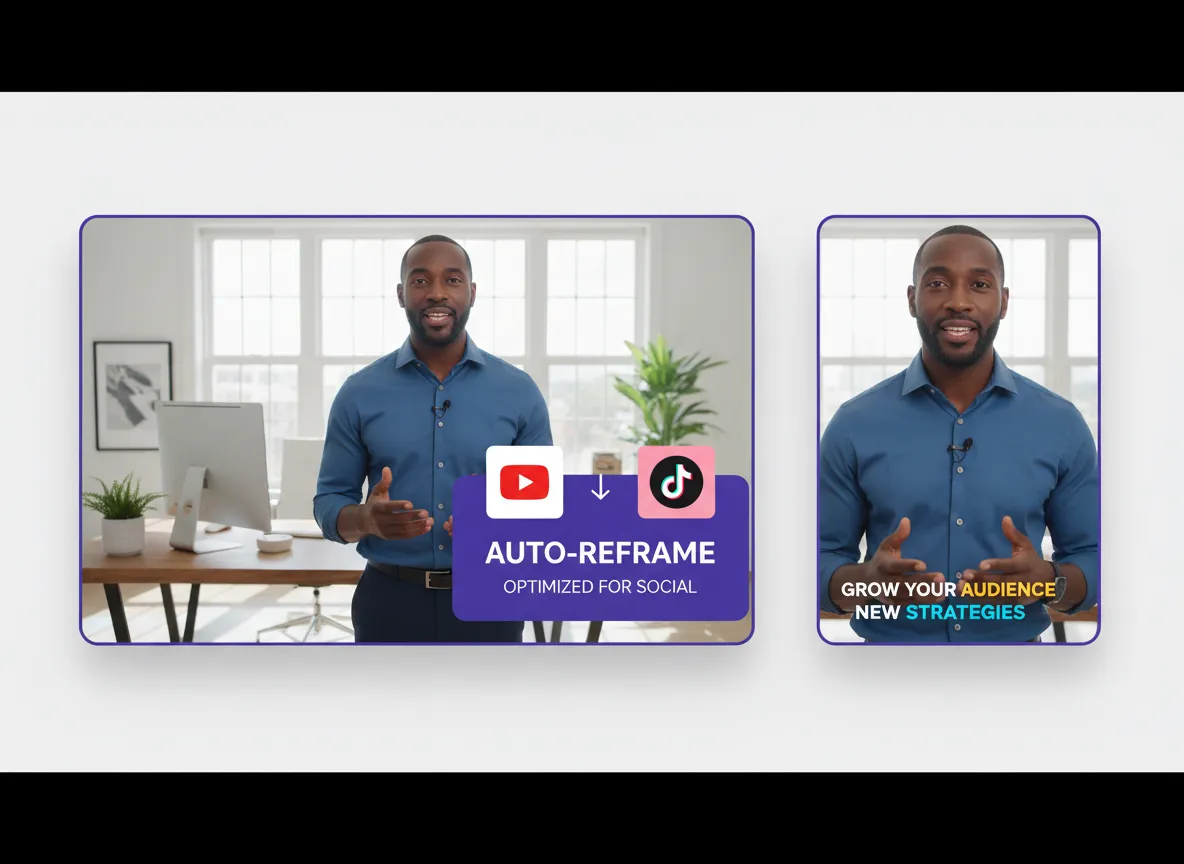



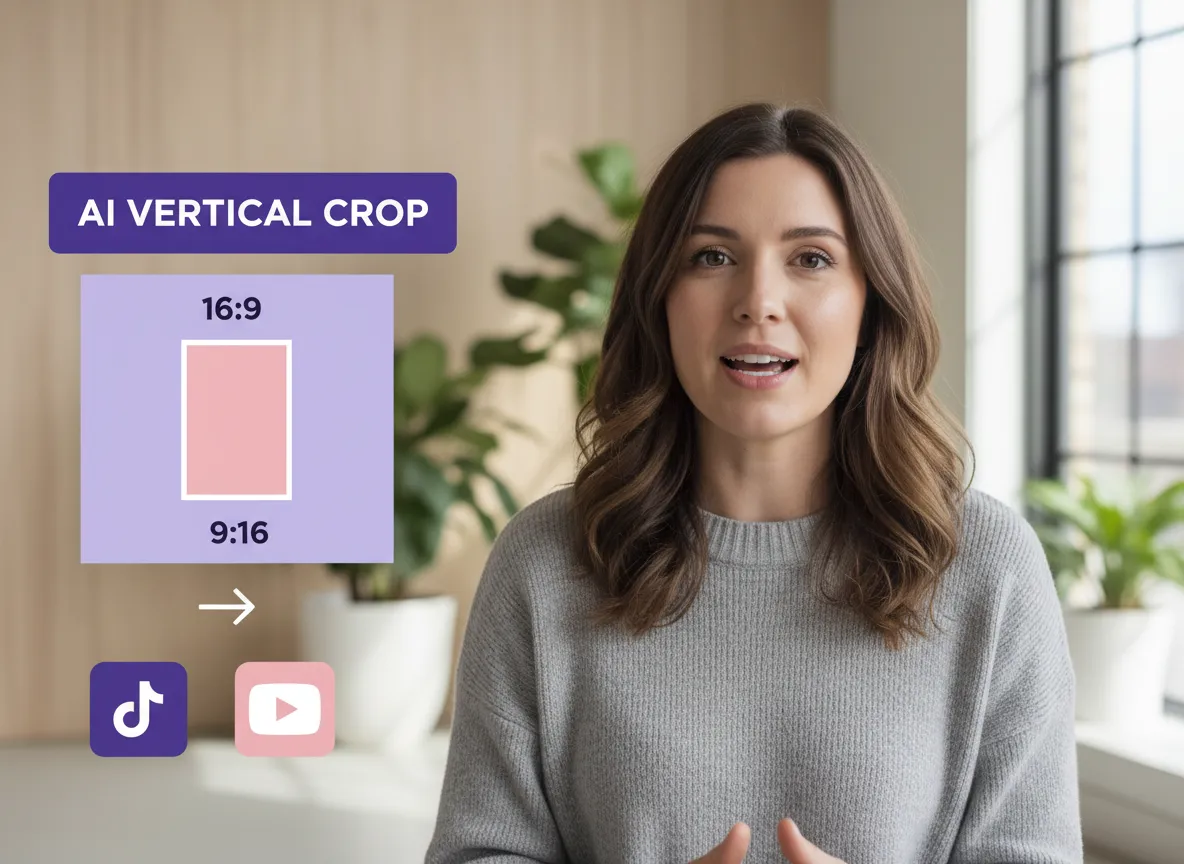
Instantly transform 16:9 or any landscape video into a perfect 9:16 vertical format. Vizard’s intelligent AI crops your footage while ensuring the most important elements stay front and center, making your content ready for mobile viewing on TikTok and Reels in seconds.
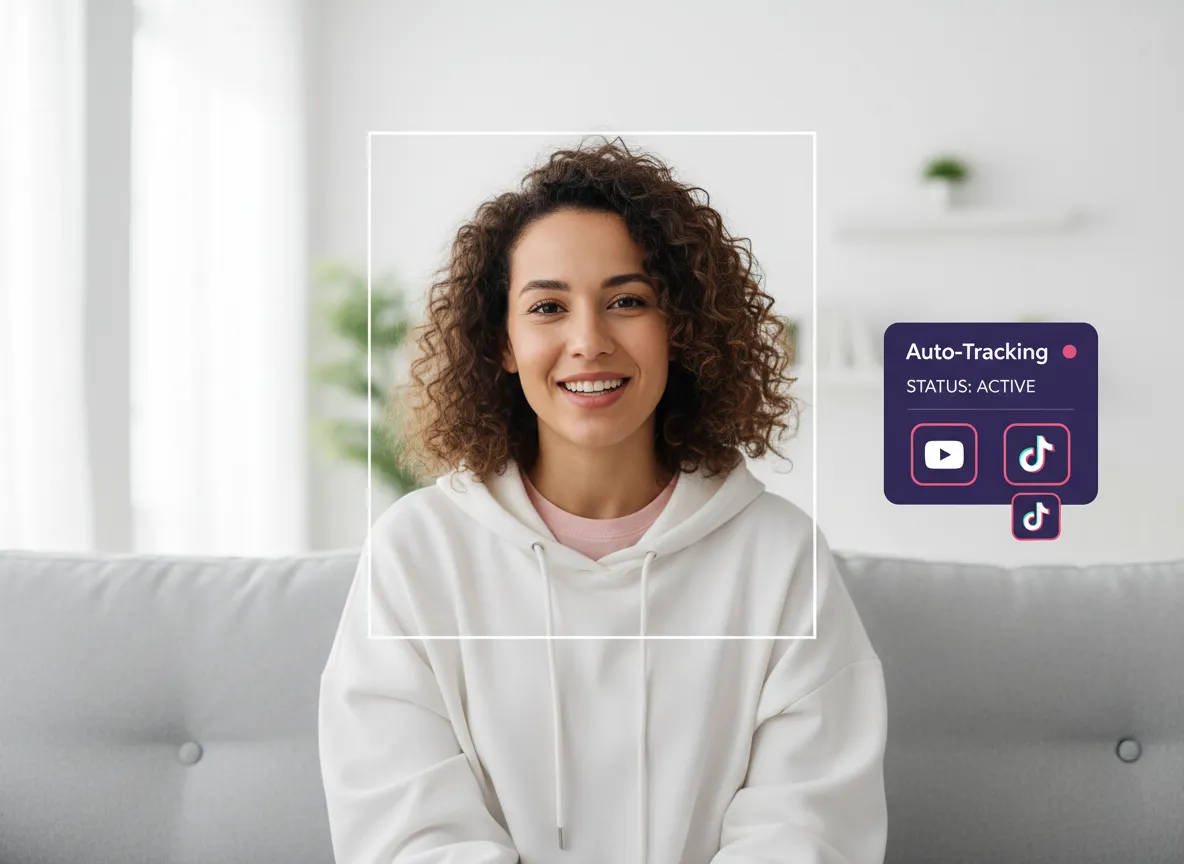
Never lose sight of the action. Vizard’s advanced AI identifies and tracks people or key subjects in real-time, dynamically adjusting the frame so your content remains engaging and professional without any manual cropping or tedious frame-by-frame adjustments.
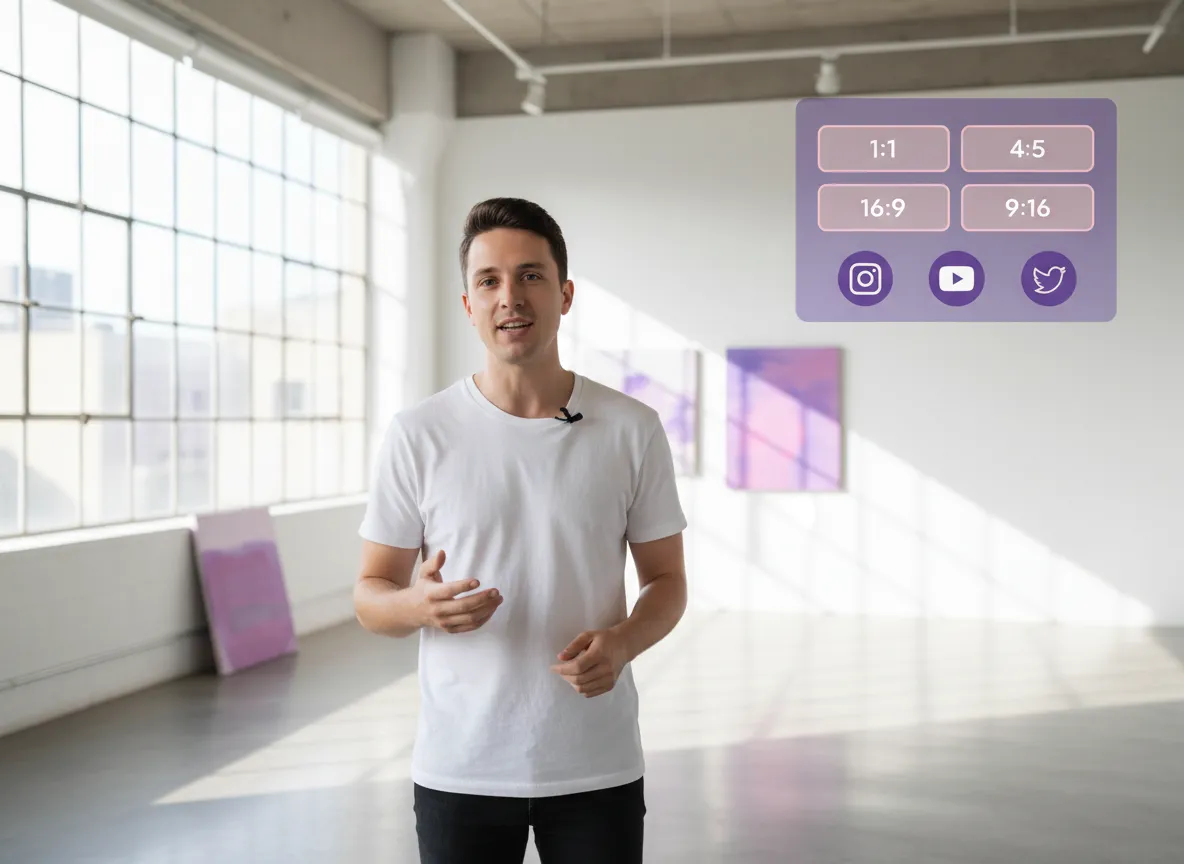
Beyond 9:16, Vizard lets you easily switch between 1:1, 4:5, and 16:9 aspect ratios. Optimize your content for every social platform—from Instagram feeds to LinkedIn—with just a single click, all powered by Vizard's flexible resizing engine.
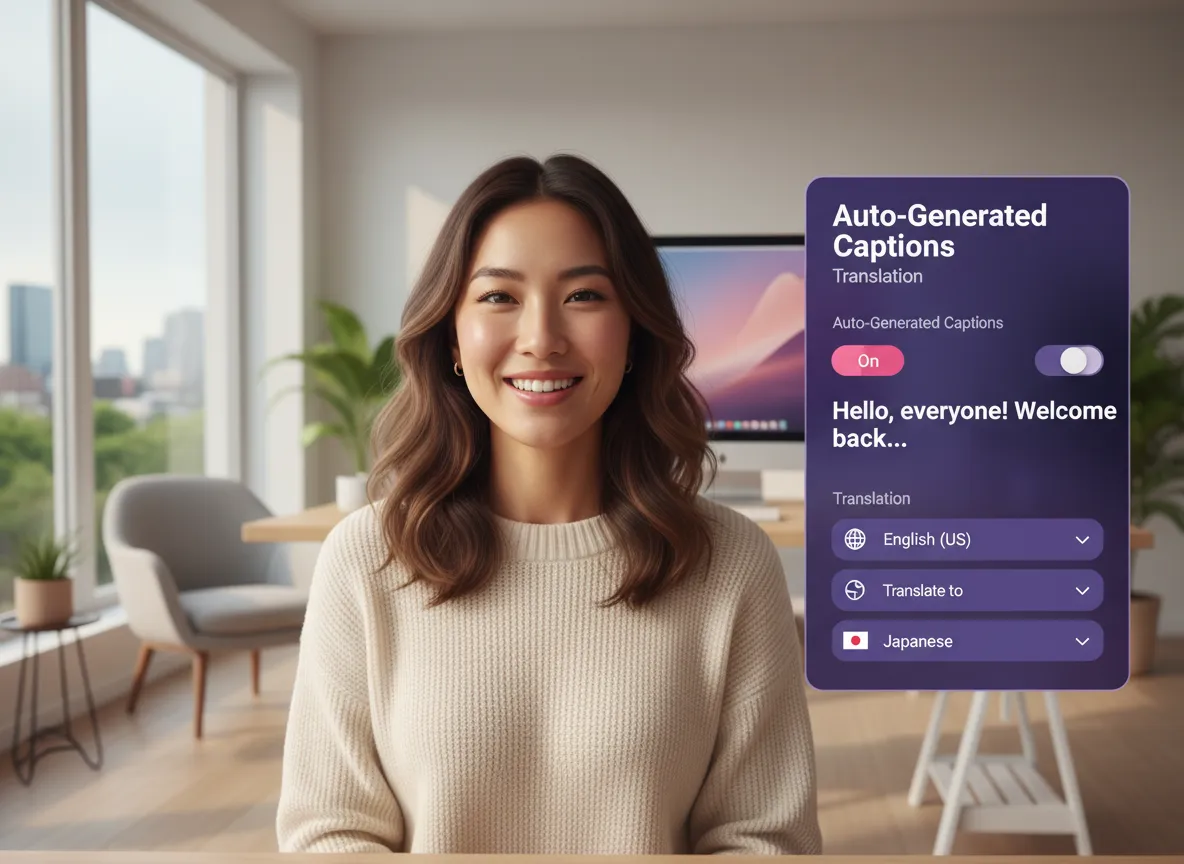
Boost engagement with Vizard’s auto-generated captions in 35+ languages and translations for over 150. Choose from a variety of trendy, dynamic styles within Vizard that capture attention and make your videos accessible to a global audience.
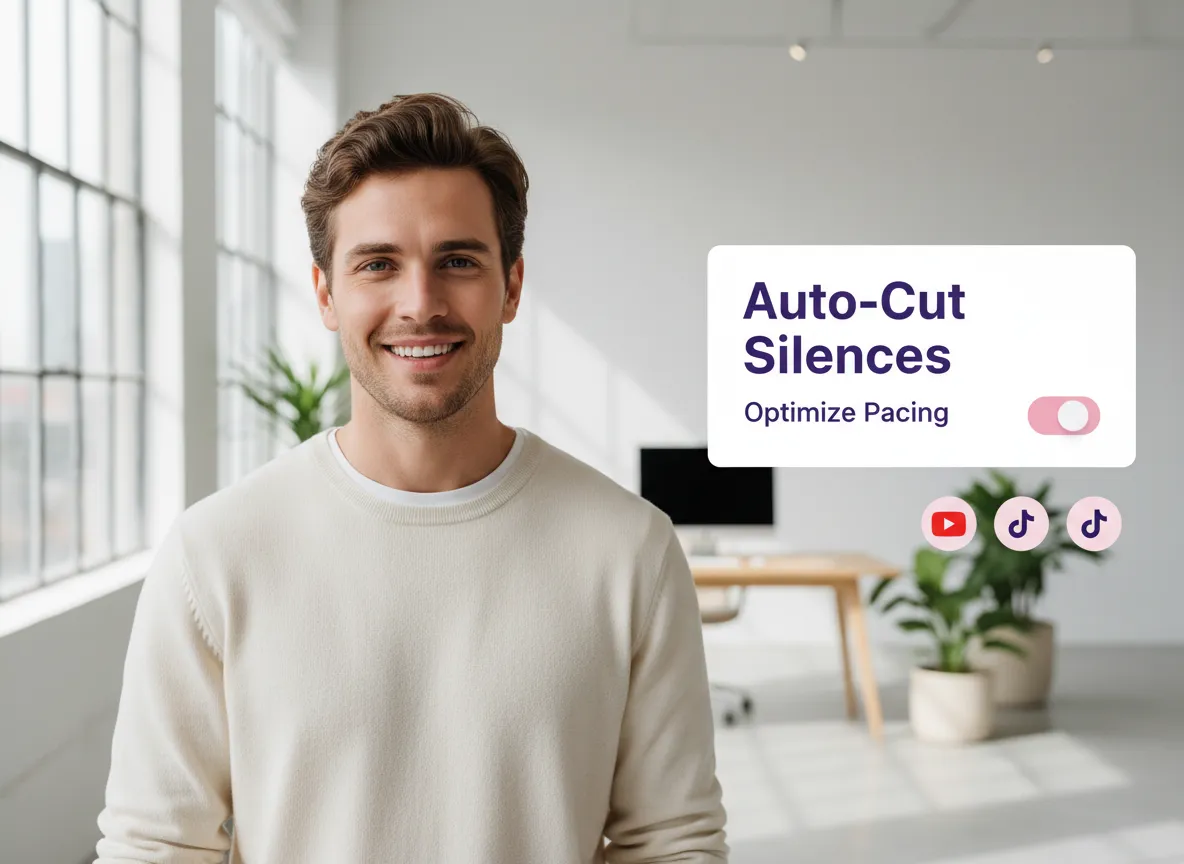
Keep your audience hooked by using Vizard to automatically cut out awkward silences and filler words. Vizard optimizes the pacing of your video to match the fast-paced nature of short-form social media platforms, ensuring high retention rates.
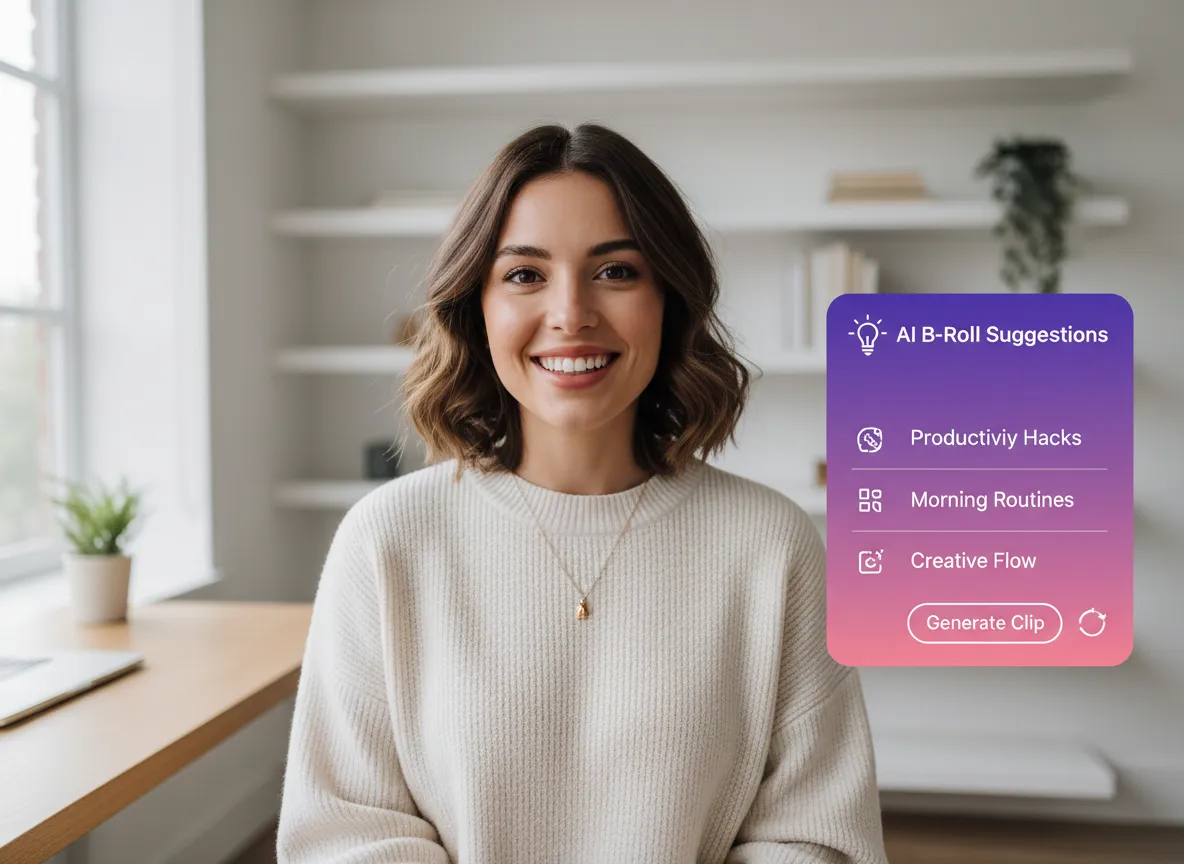
Enhance your storytelling with contextually relevant B-roll suggested by Vizard. Our AI automatically inserts footage that matches your speech, or you can use Vizard's AI Studio to generate custom clips on the fly to fill visual gaps.
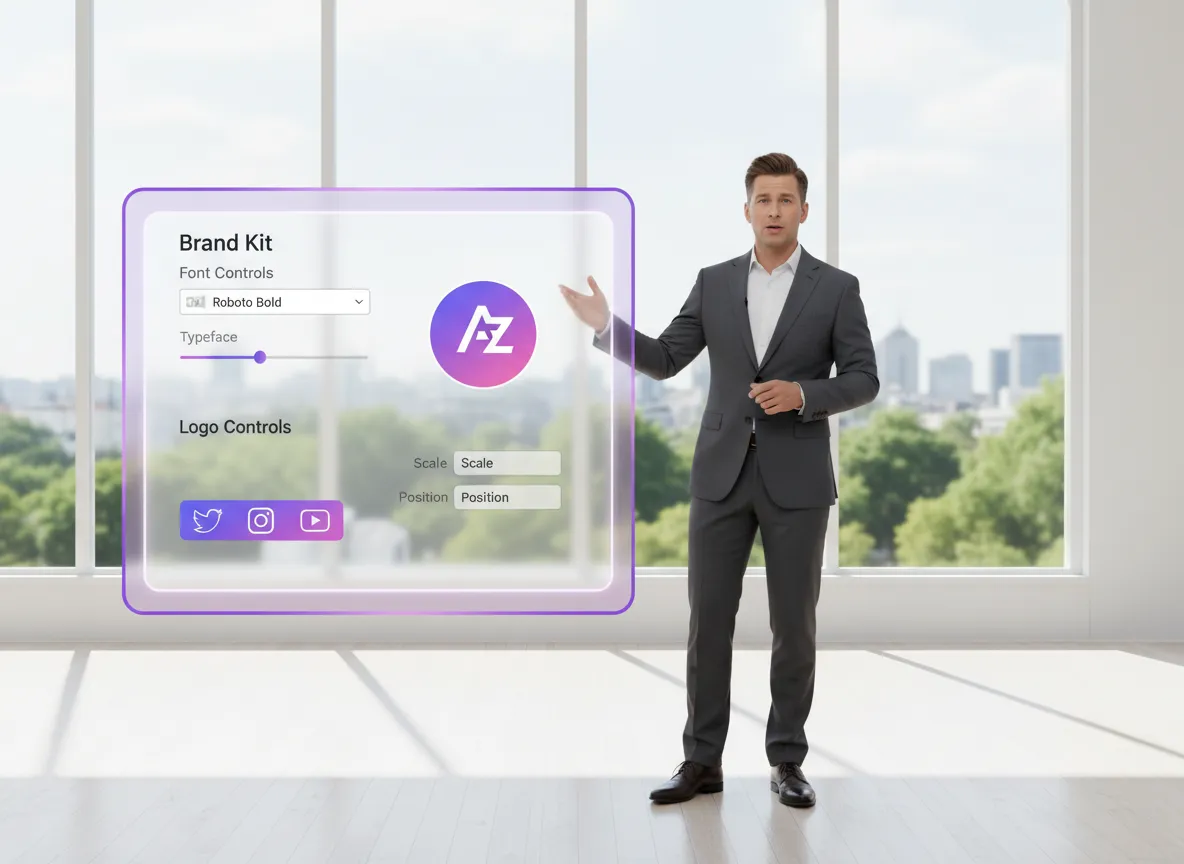
Maintain a consistent professional look across all your videos using Vizard’s Brand Kit. Apply your logo, custom fonts, brand colors, and stylized intros/outros effortlessly with Vizard's customizable brand templates for a unified social presence.
Stop worrying about what to write; let Vizard handle your social copy. Get AI-generated, high-converting titles and captions tailored for TikTok, YouTube Shorts, and Instagram, all designed within Vizard to maximize your reach and engagement.
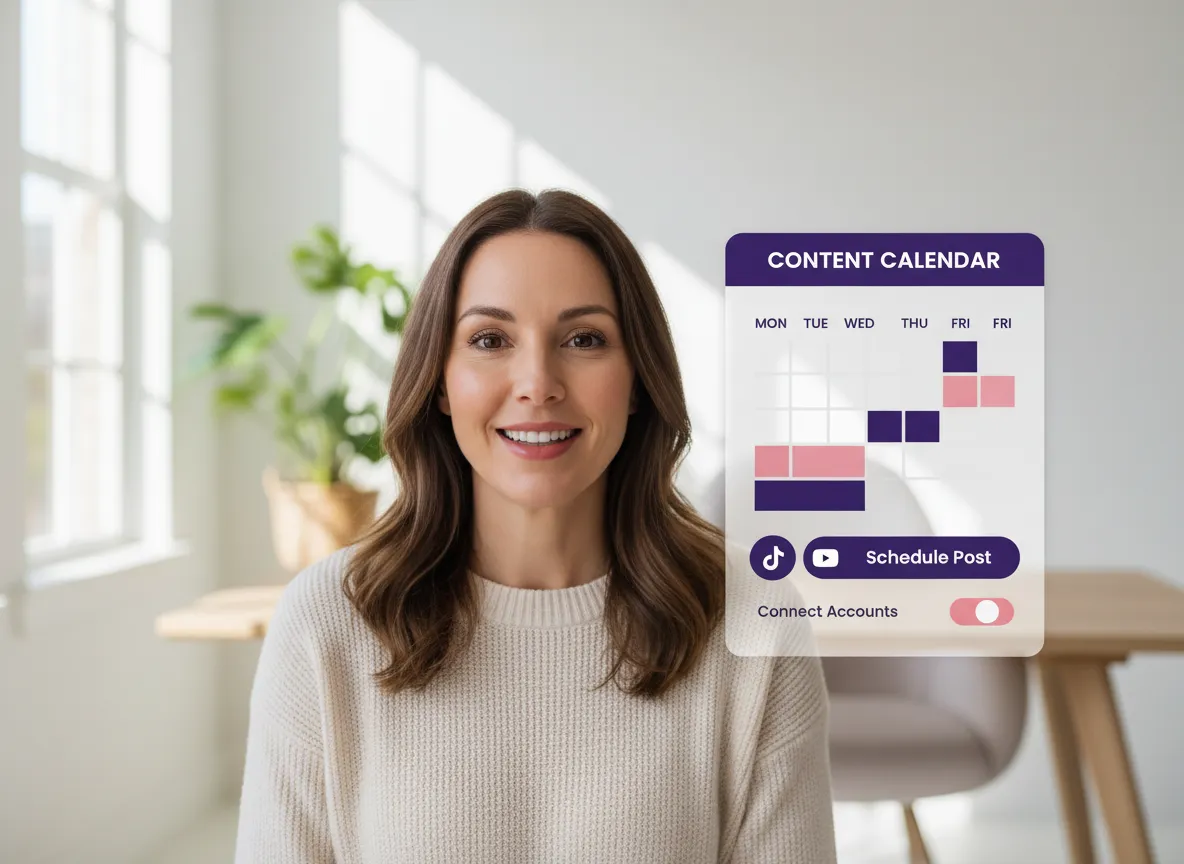
Streamline your workflow by connecting your social media accounts directly to Vizard. Publish your vertical videos or use Vizard’s built-in Content Calendar to schedule posts for the optimal time, managing your entire social strategy in one place.
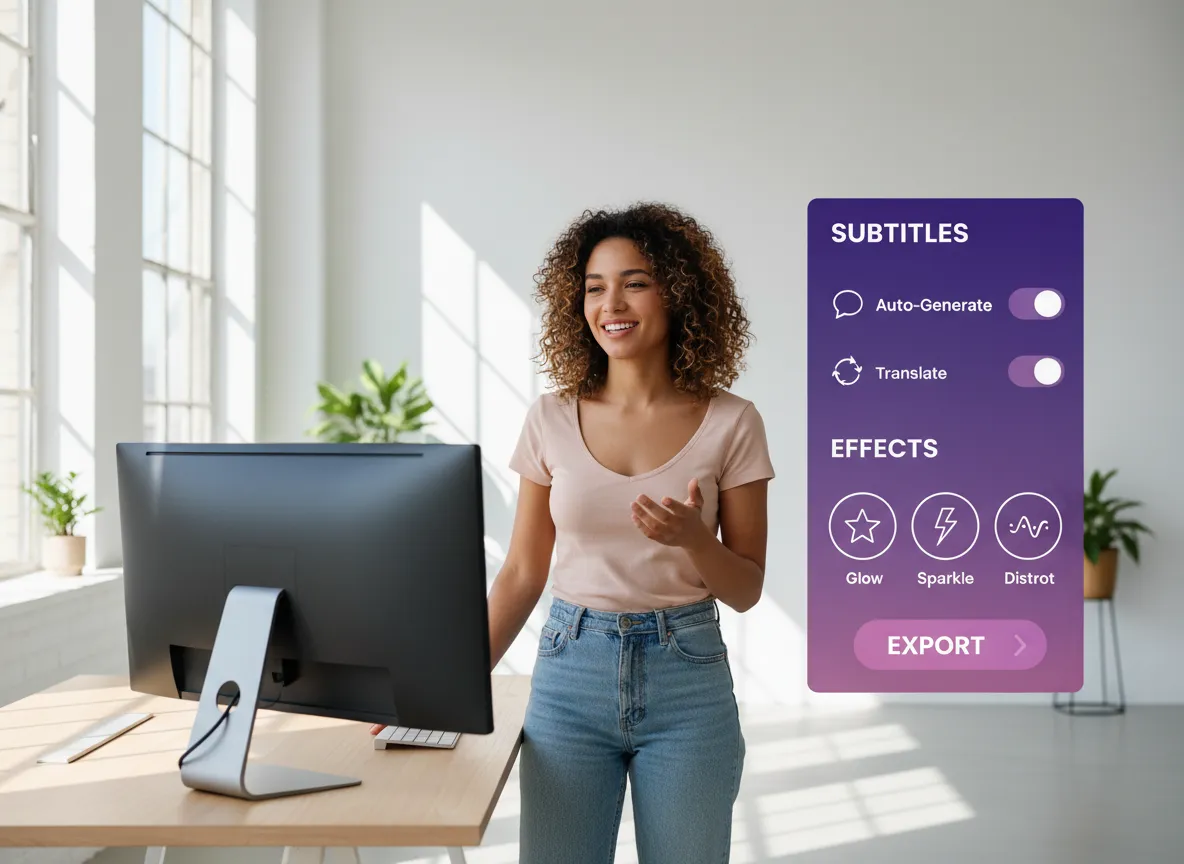
Take complete creative control with Vizard's comprehensive editing suite. Dive into the full Vizard Editor for fine-grained adjustments, including frame-by-frame reframing, advanced subtitle styling, and adding unique visual effects to stand out.
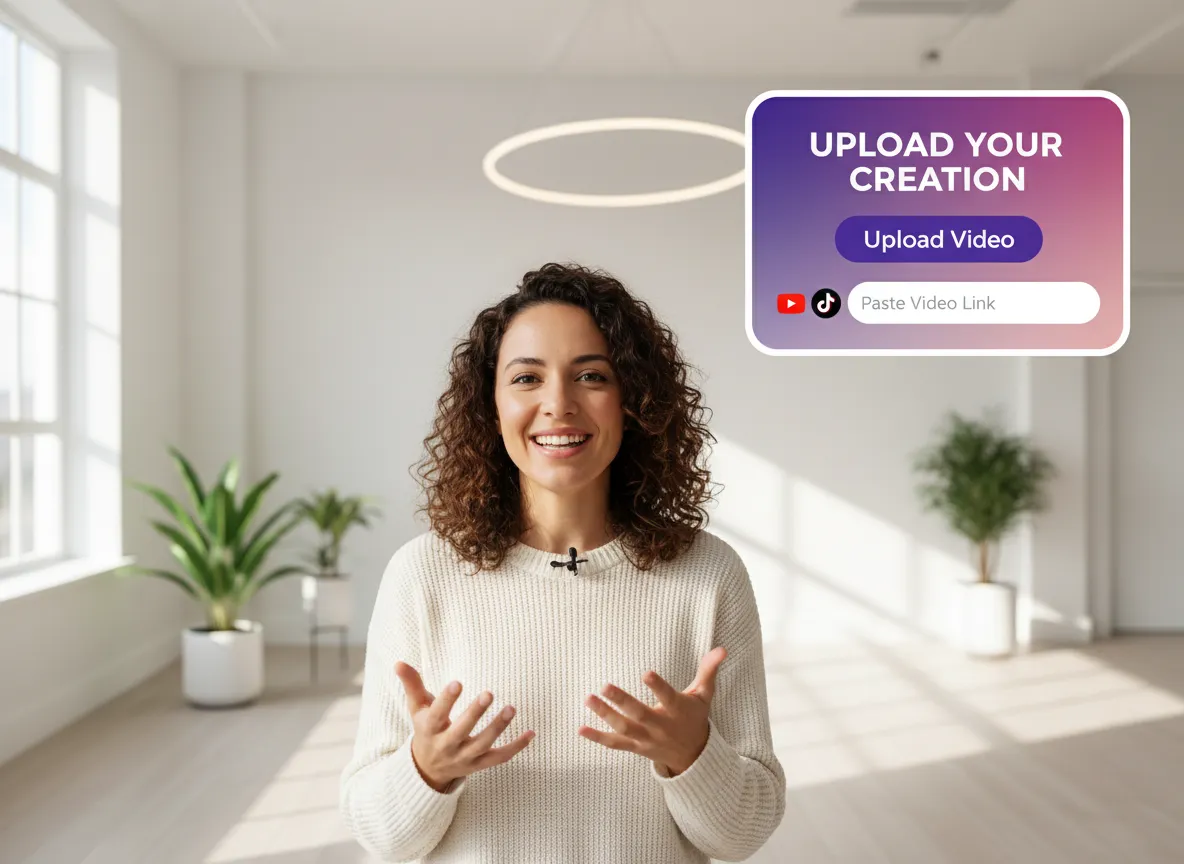
Start by logging into the Vizard Workspace. Simply upload your horizontal video file or paste a video link (like YouTube) to begin the conversion process.
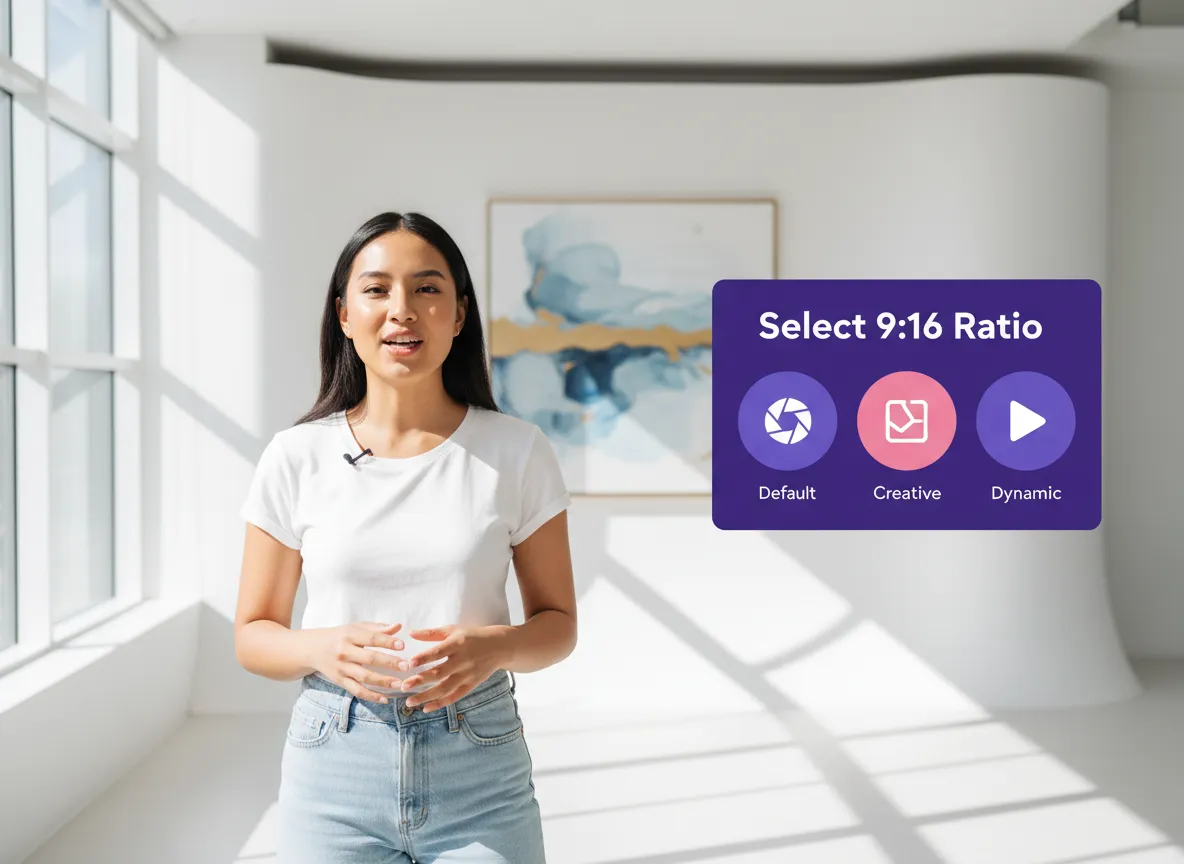
Choose 9:16 (Vertical) as your output ratio. You can also define the desired video duration and select a professional template style that fits your brand.
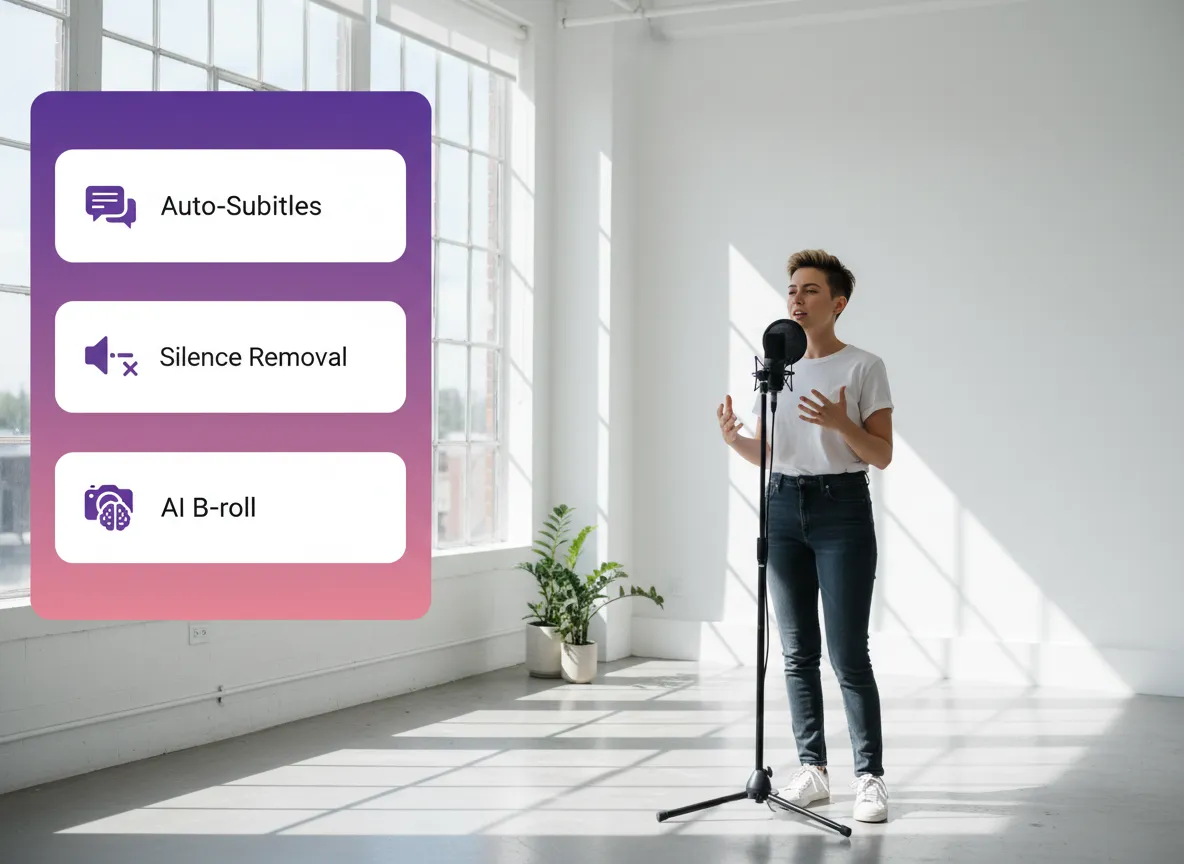
Activate powerful AI features with one click. Automatically generate subtitles, remove silent pauses, add relevant AI B-roll, or apply your custom brand kit for a polished look.
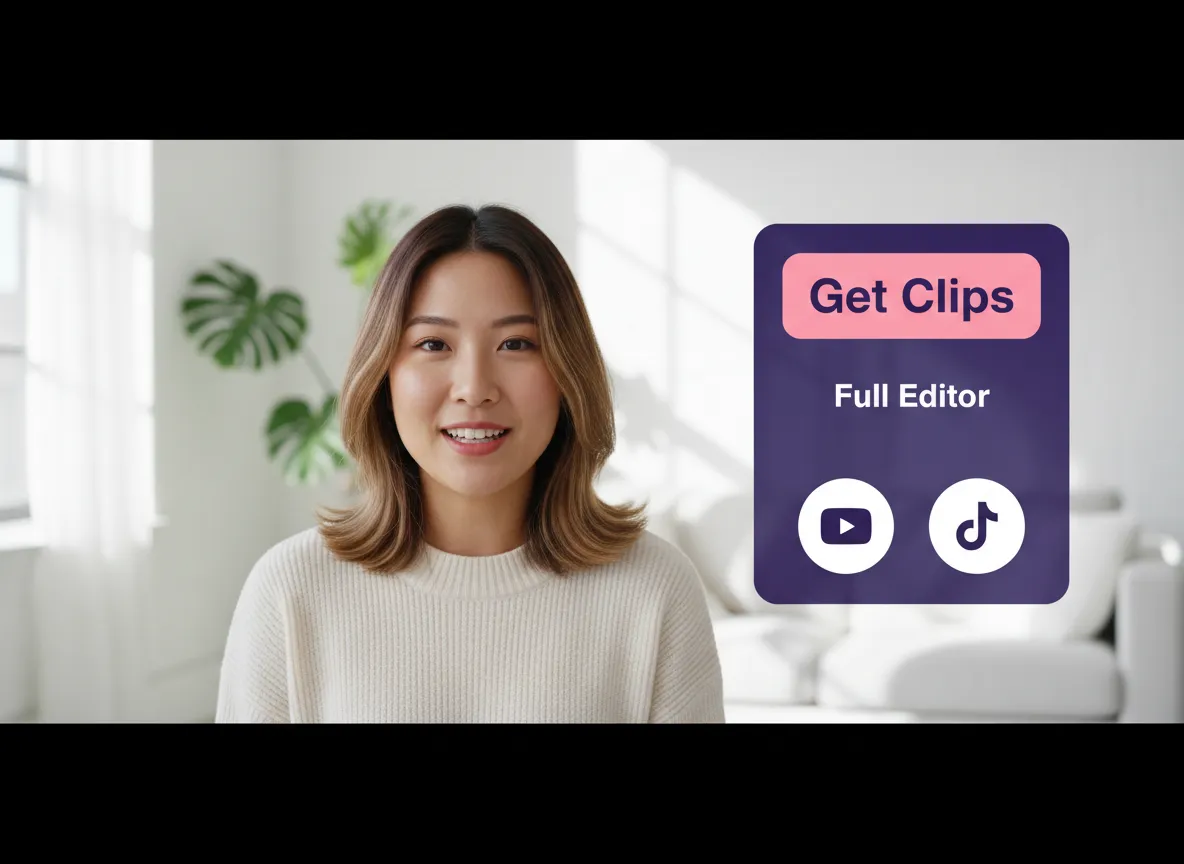
Click "Get Clips" to let AI find the highlights, or dive into the full Editor to manually fine-tune framing, adjust captions, and perfect your visual storytelling.
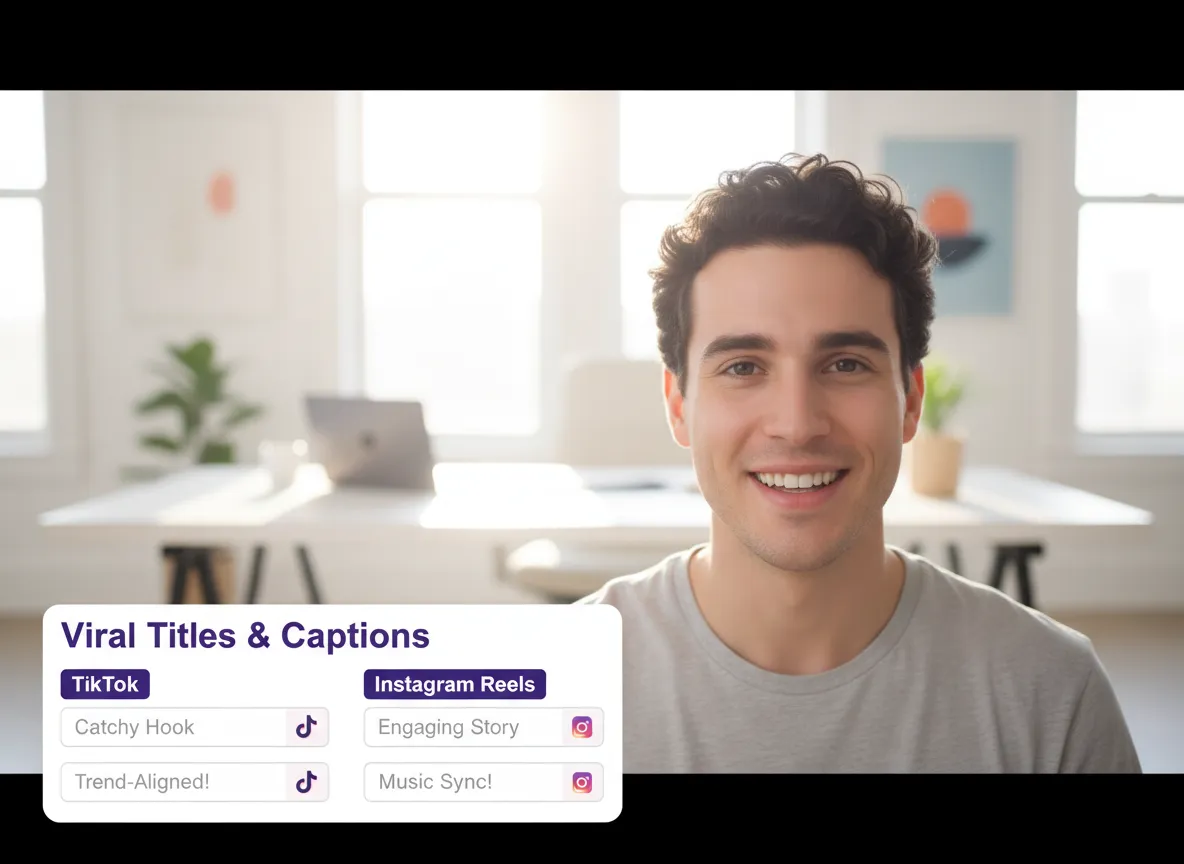
Save time with AI-generated titles and captions tailored for TikTok, YouTube Shorts, and Instagram Reels, ensuring your content is optimized for engagement.
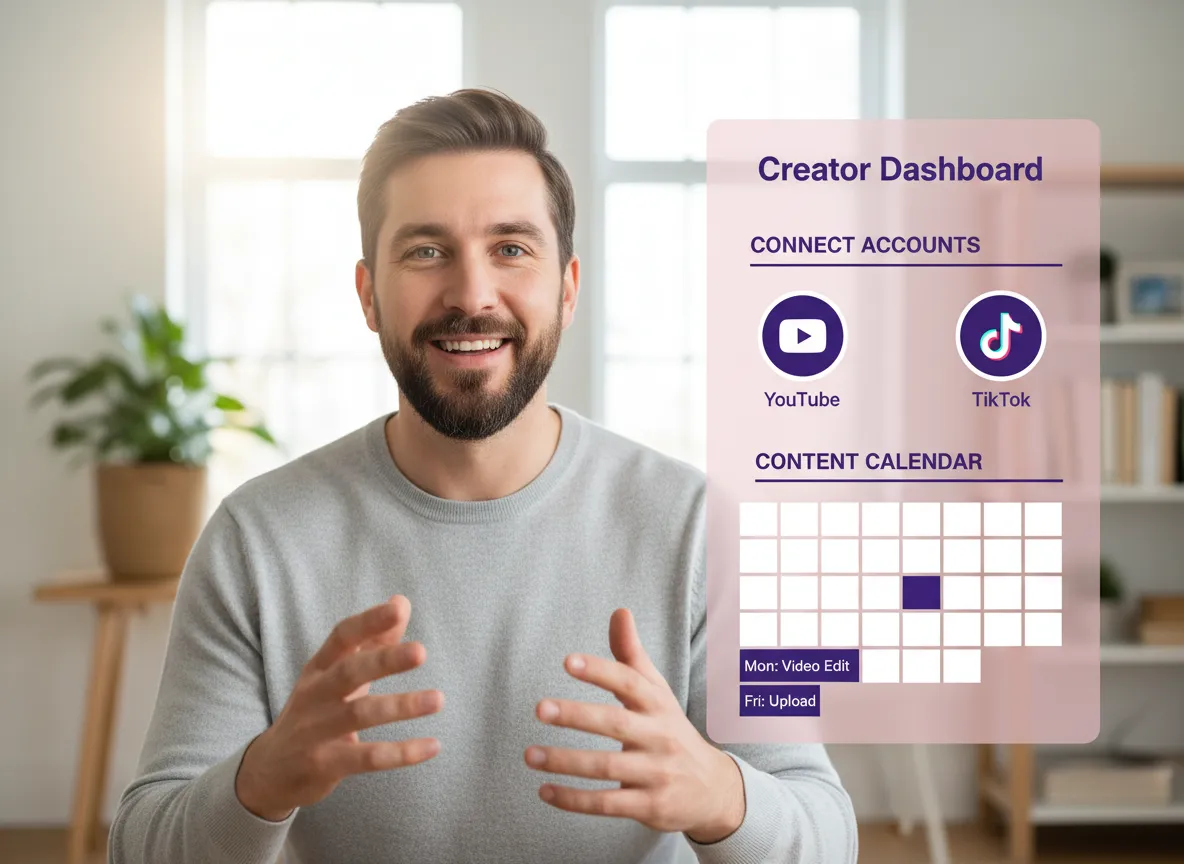
Connect your social media channels and share your vertical videos instantly, or use the integrated Content Calendar to schedule posts for the best times.
Turn one video into 10+ Instagram Reels with AI.
With just a few clicks, you can download or share your videos with your friends or team members with a link.
Turn your videos and audios into Reels, Stories, posts, and more in one click.
Effortlessly plan, schedule, and auto-generate engaging AI-driven posts, and publish your Instagram Reels along with the perfect captions.
Add dynamic subtitles for your videos automatically, all in the browser.
Bring your team together by inviting collaborators to work on your projects, in one workspace.
Effortlessly translate your video content into 130+ languages, expanding your global reach with just a few clicks.
Enhance your video's visual appeal and brand identity with ease by adding logos, images, outros, and custom fonts to your videos.


What is a Vertical Video Maker?
How does the AI convert horizontal video to vertical without losing the subject?
Can I add subtitles to my vertical videos automatically?
Which social media platforms are supported?
Can I customize the look of my vertical clips with my own branding?
Do I need professional editing skills to use the Vertical Video Maker?
What is a Vertical Video Maker?
How does the AI convert horizontal video to vertical without losing the subject?
Can I add subtitles to my vertical videos automatically?
Which social media platforms are supported?
Can I customize the look of my vertical clips with my own branding?
Do I need professional editing skills to use the Vertical Video Maker?

 Yao Wang

Yao Wang

Yao Wang

Yao Wang

Yao Wang


















