

NEW
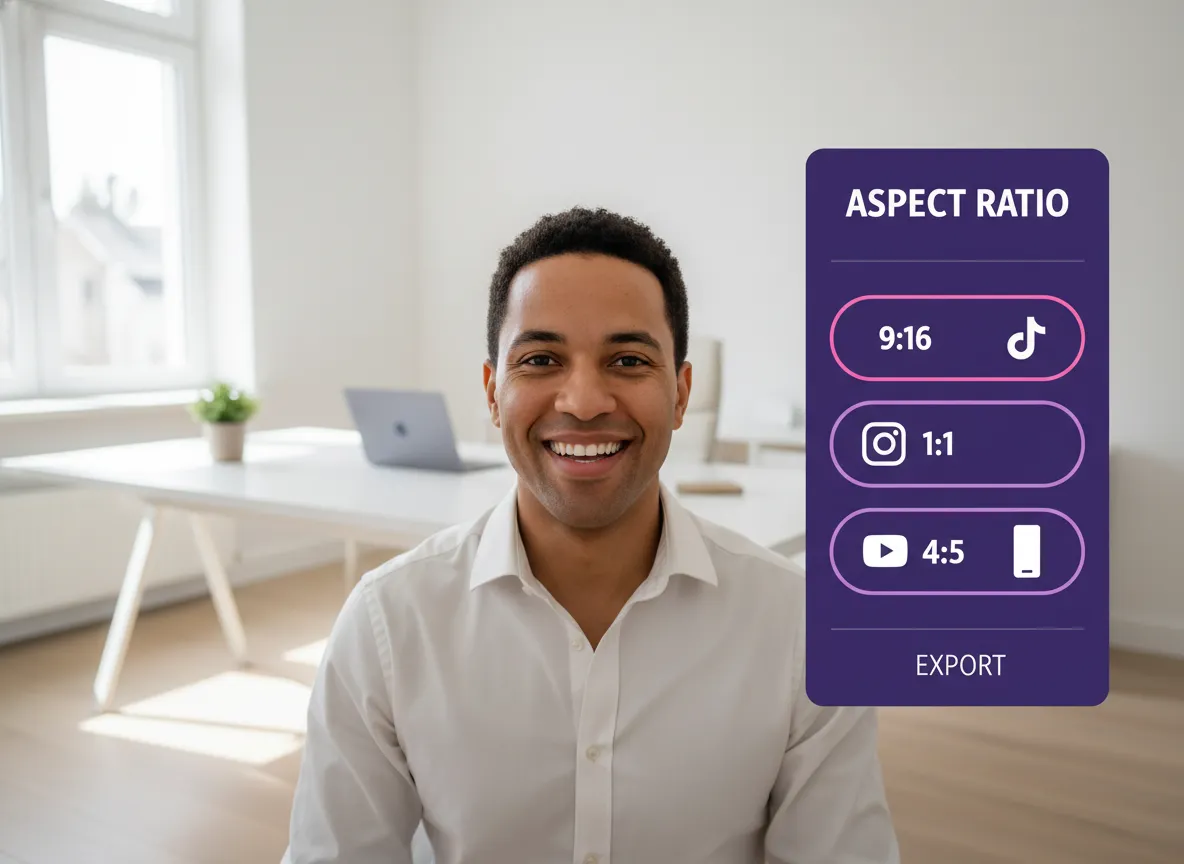



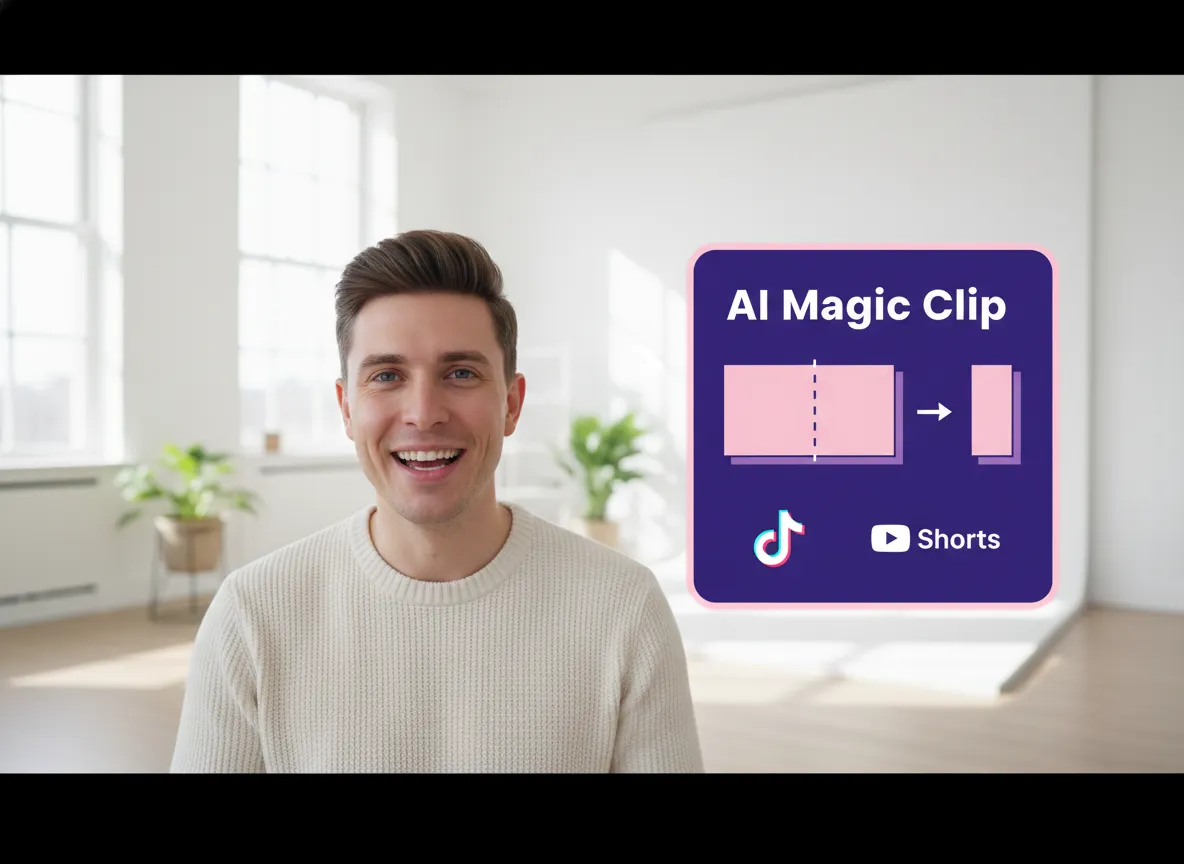
Vizard empowers you to instantly change video aspect ratio for social media success. Automatically transform long-form horizontal 16:9 videos into viral 9:16 vertical clips, 1:1 squares, or 4:5 portraits tailored for TikTok, Instagram Reels, and YouTube Shorts with a single click.
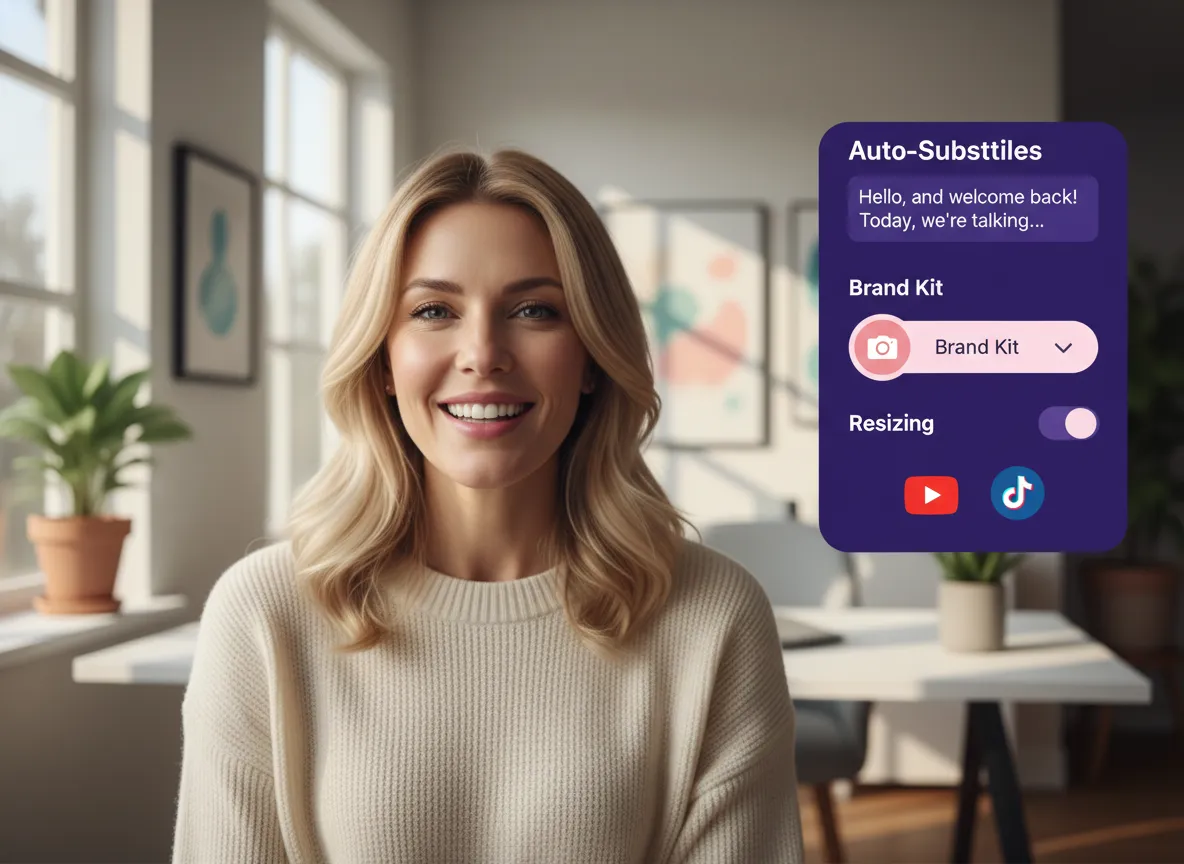
With Vizard, you can elevate your content while you change the aspect ratio. This all-in-one suite allows you to seamlessly add auto-subtitles, professional templates, and custom brand kits during the resizing process, ensuring your resized videos are polished, professional, and perfectly framed for any platform.
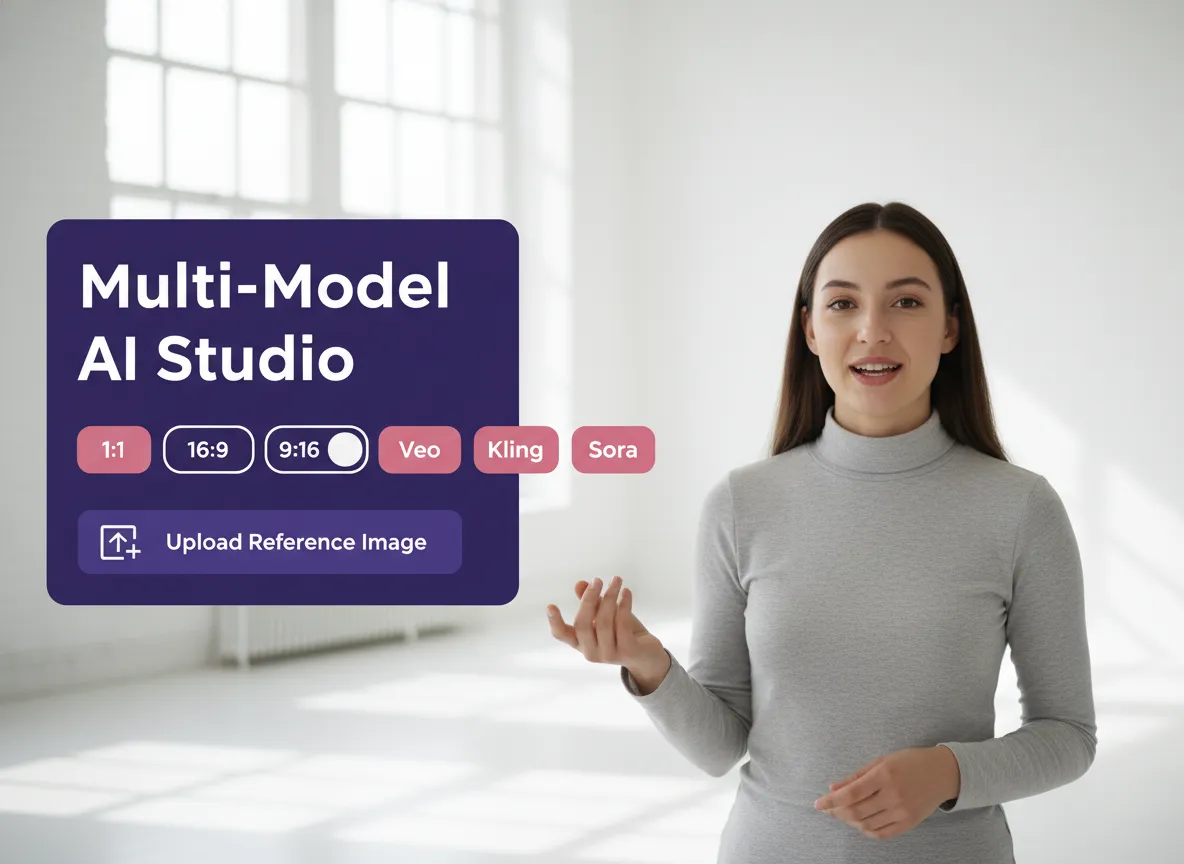
Vizard’s Multi-Model AI Studio leverages cutting-edge models like Veo, Kling, and Sora to generate high-quality images and videos in any aspect ratio, including 1:1, 16:9, and 9:16. Easily change the ratio of your AI-generated assets with simple prompts or reference images to fit your creative vision perfectly.
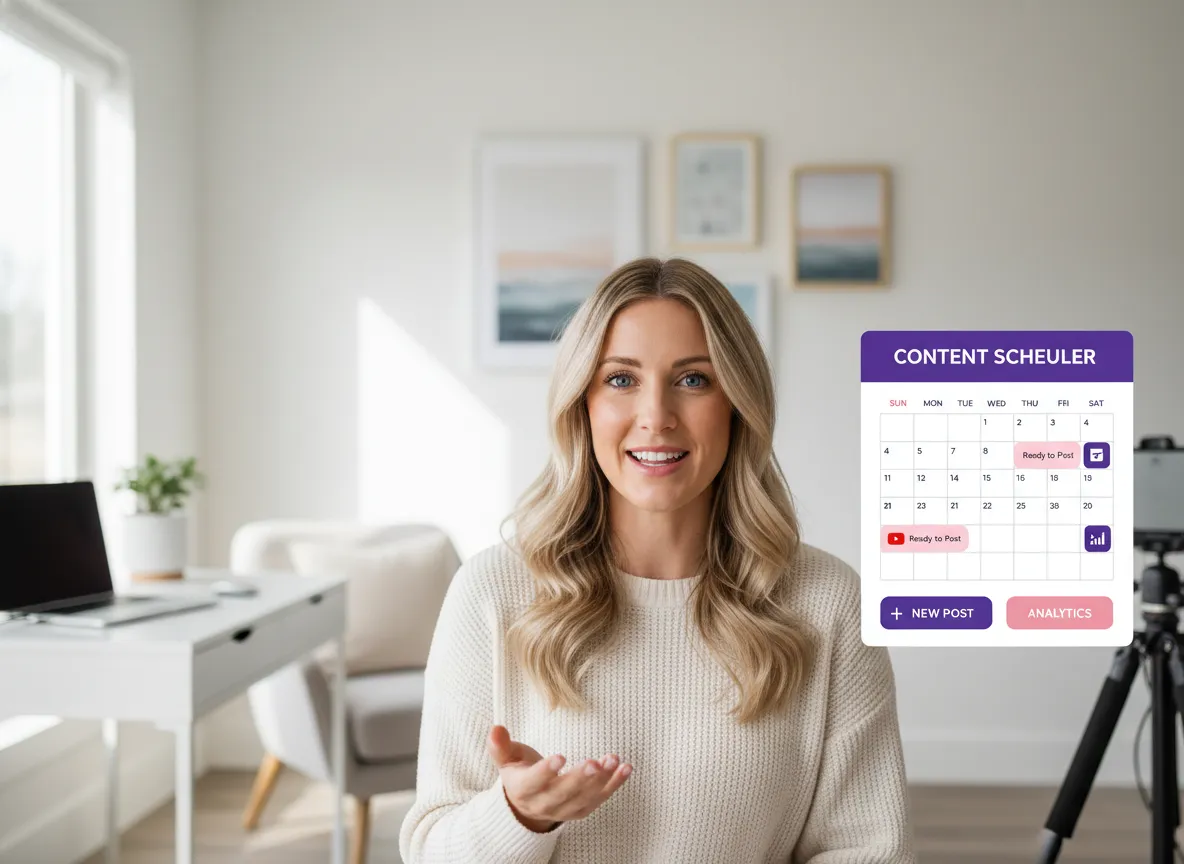
Streamline your workflow with Vizard's integrated management tools. Once you change the aspect ratio of your clips, use the built-in scheduler to organize your content calendar and post your resized, platform-optimized videos directly to social media, maximizing your reach across all formats.
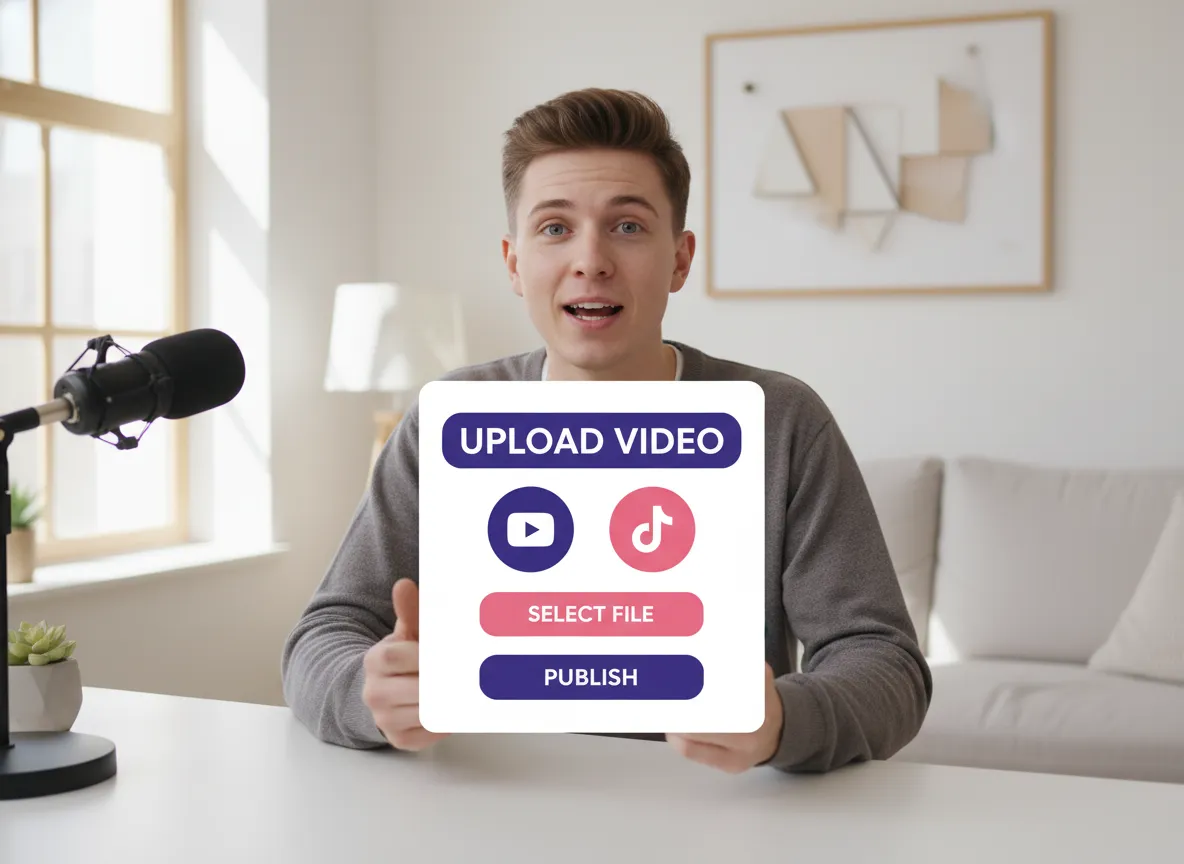
Start by uploading your raw video footage to Vizard. Whether it's a podcast, webinar, or interview, our platform handles high-resolution files with ease, preparing them for a seamless transformation.
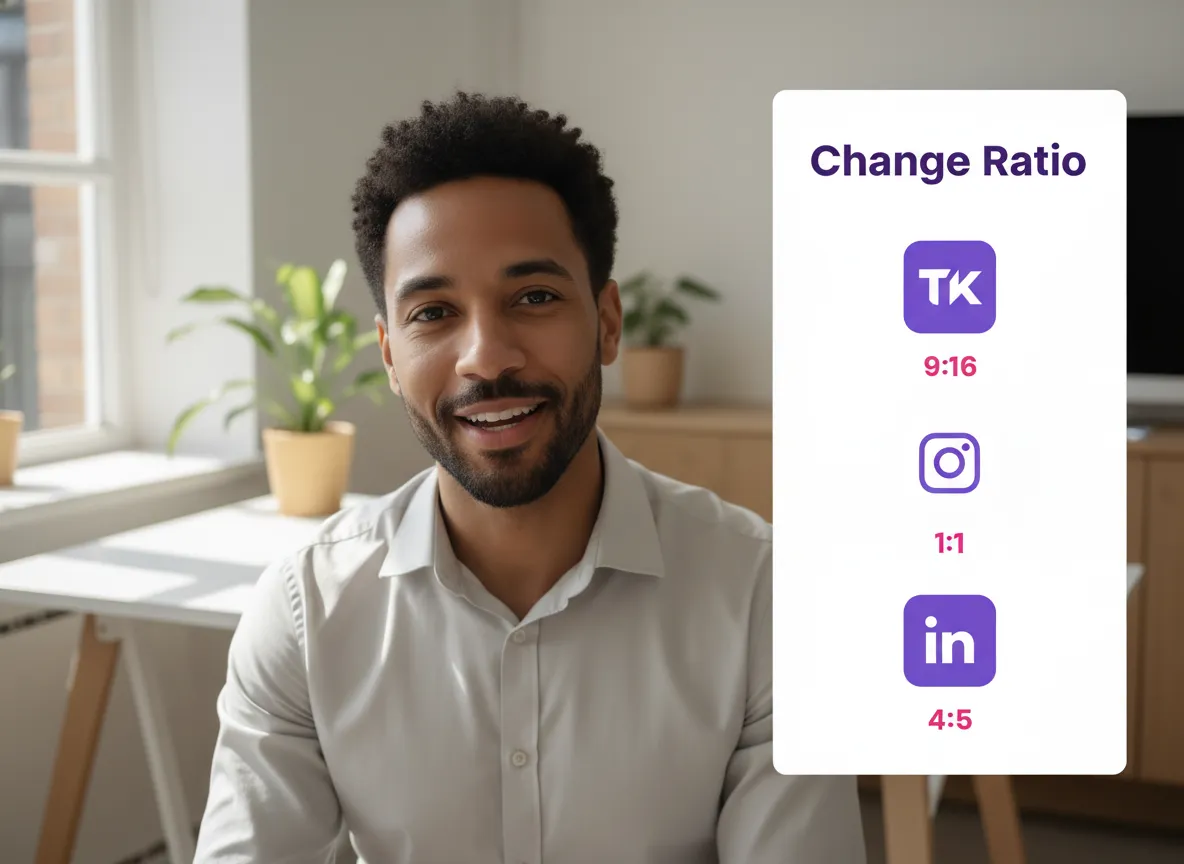
Navigate to the clip page where Vizard's AI has identified your best moments. Simply select the 'Change Ratio' option to instantly adapt your horizontal 16:9 video into social-ready formats like 9:16 for TikTok, 1:1 for Instagram, or 4:5 for LinkedIn.
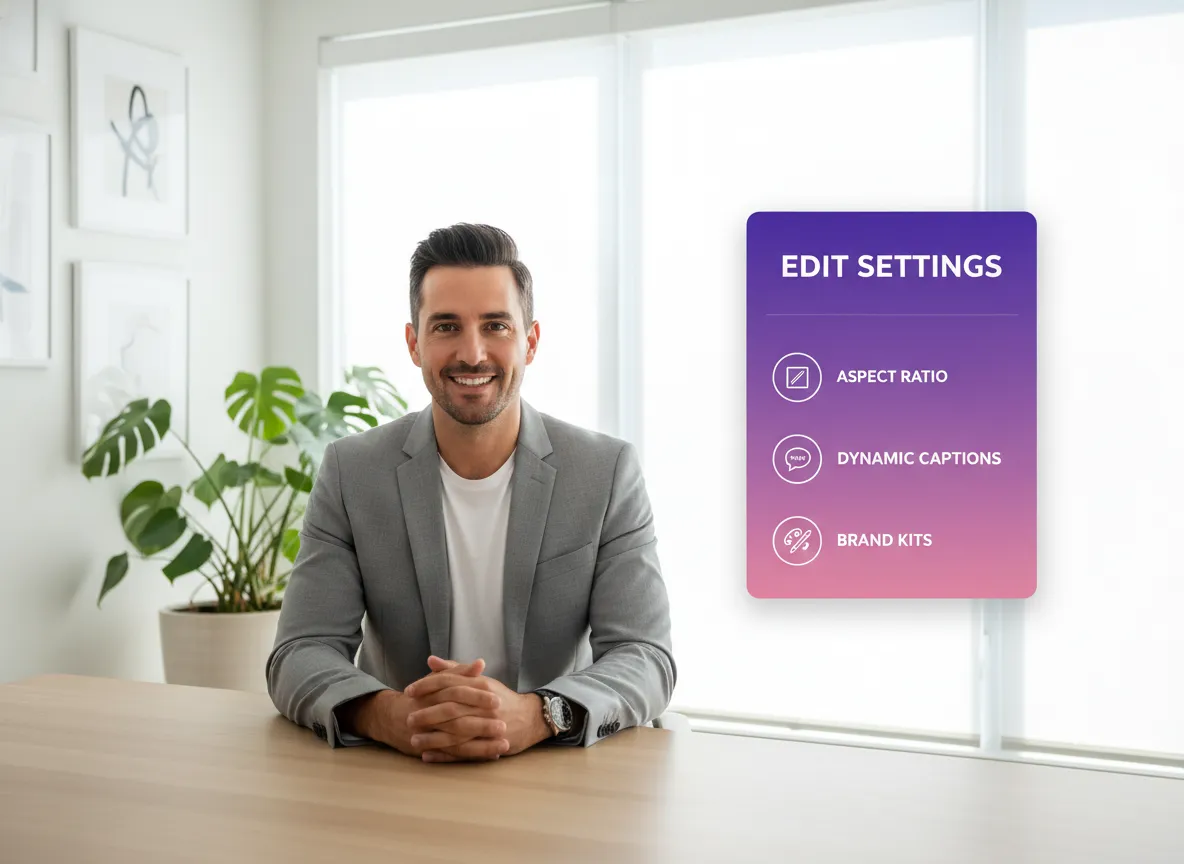
For more control, enter the Vizard Editor. Use the intuitive toolbar below the canvas to adjust your aspect ratio, add dynamic captions, apply brand kits, and use templates to ensure your content looks professional and on-brand.
Turn one video into 10+ Instagram Reels with AI.
With just a few clicks, you can download or share your videos with your friends or team members with a link.
Turn your videos and audios into Reels, Stories, posts, and more in one click.
Effortlessly plan, schedule, and auto-generate engaging AI-driven posts, and publish your Instagram Reels along with the perfect captions.
Add dynamic subtitles for your videos automatically, all in the browser.
Bring your team together by inviting collaborators to work on your projects, in one workspace.
Effortlessly translate your video content into 130+ languages, expanding your global reach with just a few clicks.
Enhance your video's visual appeal and brand identity with ease by adding logos, images, outros, and custom fonts to your videos.


How can I change my video aspect ratio for social media like TikTok or Instagram?
Which aspect ratios does Vizard.ai support?
Can I change the ratio of videos generated by AI models like Sora or Kling?
Does Vizard automatically adjust my video content when I change the ratio?
Can I schedule my resized videos directly to social media?
How can I change my video aspect ratio for social media like TikTok or Instagram?
Which aspect ratios does Vizard.ai support?
Can I change the ratio of videos generated by AI models like Sora or Kling?
Does Vizard automatically adjust my video content when I change the ratio?
Can I schedule my resized videos directly to social media?

 Yao Wang

Yao Wang

Yao Wang

Yao Wang

Yao Wang


















