

NEW
Kling 2.1, developed by Kuaishou’s AI research team, was publicly released in late May 2025. It excels at generating high-definition video clips from text and image prompts, featuring smoother motion, enhanced character consistency, and refined camera framing supported across multiple quality tiers (Standard, Pro, Master). Its standout innovations include 3D spatiotemporal attention for realistic physics, advanced prompt adherence, and rapid generation performance, making it ideal for cinematic previews, animated storytelling, and dynamic content prototyping. Try Kling 2.1 with Vizard for free.
Kling 2.1 is Kuaishou’s latest text‑ and image‑to‑video model, released in late May 2025. It generates motion‑rich HD clips with improved physics, character consistency, and camera framing, available in tiered quality modes for faster iteration or higher fidelity. Creators use it to prototype ads, product shots, stylized shorts, and cinematic sequences from concise prompts or a single reference image.
Generate short HD videos from text prompts with smooth, realistic motion.
Animate a single image into a coherent clip while preserving visual identity.
Choose quality tiers: faster “Standard/High Quality” or higher‑fidelity “Master.”
Improve realism with enhanced physics for fluids, fabrics, and object dynamics.
Maintain character consistency across frames for recognizably stable subjects.
Guide composition with promptable camera moves and clearer shot framing.
Produce outputs in common aspect ratios for social, ads, and product pages.
Render quickly enough for iterative A/B testing and creative exploration.

Here are three simple steps to help you explore Kling 2.1 on Vizard:
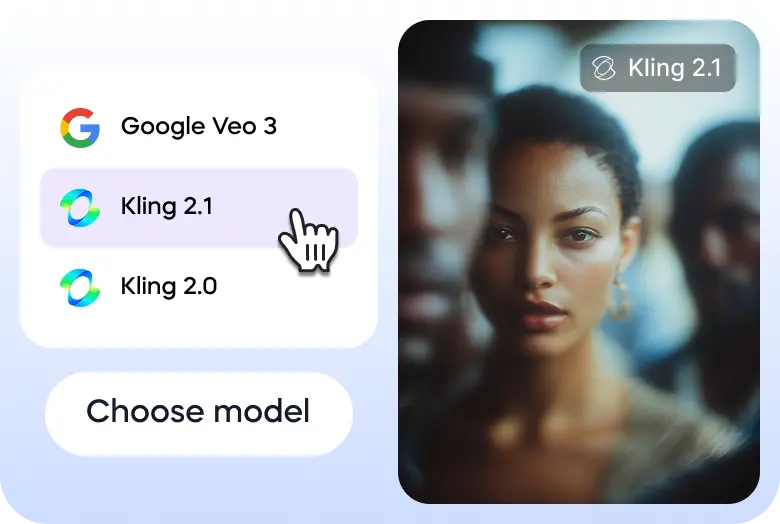
Go to Vizard’s text to video generator and select Kling 2.1 model.
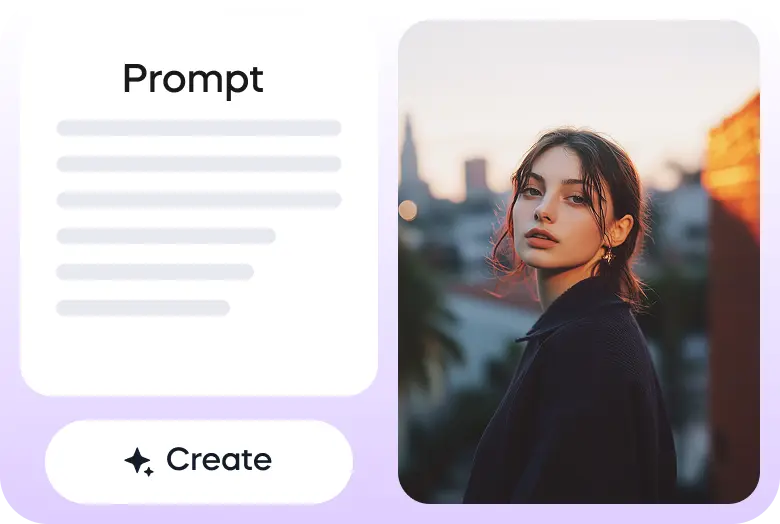
Enter your prompt or upload your image to get started.
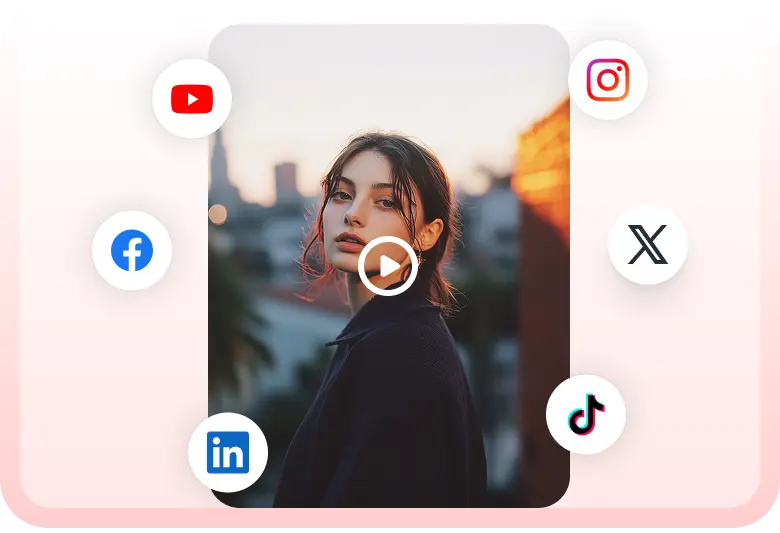
Once the video is ready, you can download it or share it on your social media accounts directly through Vizard.

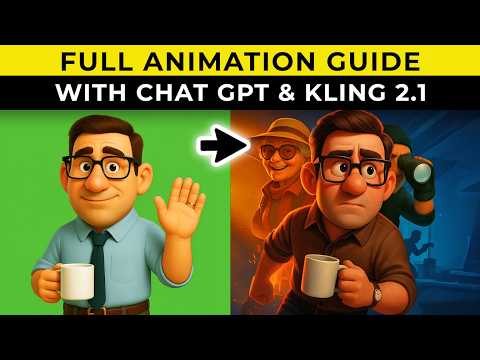
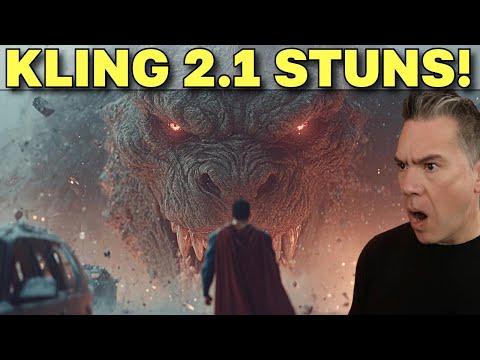
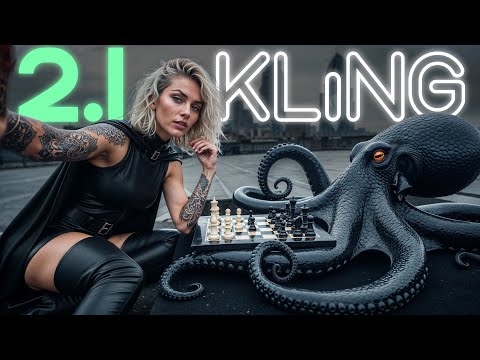
It's crazy. @Kling_ai v2.1 is clearly packing serious power under the hood 🚀
— Pierrick Chevallier | IA (@CharaspowerAI) June 3, 2025
You can go so far with text-to-video — the creative freedom is wild 🎬🔥
The more I explore it, the more it blows me away. pic.twitter.com/7ux409MXDq
Midjourney >> Kling 2.1
— Amira Zairi (@azed_ai) June 9, 2025
Image prompt by @LudovicCreator pic.twitter.com/1PpjLYBRG9
I have had early access to @Kling_ai 2.1, this is my first attempt at image to video, the consistency with the prompt, the dynamism, the quality is impressive!
— MayorkingAI (@MayorKingAI) May 25, 2025
Image made in Midjourney V7 enhanced by Magnific and animated with Kling 2.1 Master pic.twitter.com/hQLUXBvwzw
I'm very surprised at how quickly π³ can create a 3D model from a video that was just randomly generated by Kling AI 2.1 Master. pic.twitter.com/b3Rj49erF5
— Yifan Wang (@yyfz321021) July 22, 2025
10 insane Pixar-style shots you can generate with KLING 2.1
— Framer 🇱🇹 (@Framer_X) May 29, 2025
1) Camera rotates around a girl walking through a bustling street in New York 👇 pic.twitter.com/TmkdbYOqHr
Everyone’s talking about Veo 3...
— Pierrick Chevallier | IA (@CharaspowerAI) May 24, 2025
But meanwhile, Kling is about to drop v2.1 — and trust me, it’s gonna hit hard 🔥🎬 @Kling_ai pic.twitter.com/ab4YdVZhyu
KLING 2.1 Pro (Early Access)
— h64g (@h64g_) May 26, 2025
I2V
1080p 24fps 5s 35 Credits pic.twitter.com/SmsA7z9vUS
Can I use Kling 2.1 on Vizard?
Yes. You can generate videos and images with Kling 2.1 directly on Vizard without switching between different platforms.
Does Vizard support both Kling 2.1 and Kling 2.0?
Yes. Vizard supports both Kling 2.1 and Kling 2.0, so you can choose different model versions for different creative styles and use cases.
What other AI video and image generation models are available on Vizard?
In addition to Kling, Vizard provides access to leading models such as Veo 2, Veo 3, Sora, Wan, Hailuo, Luma, Nanobanaba, and other state-of-the-art generative video and image models.
Is Vizard a multi-model AI video generation platform?
Yes. Vizard is a unified platform that lets you use multiple advanced AI video and image generation models in one place, including Kling, Sora, Veo, Luma, Hailuo, and more.
Can I upload my own long-form videos to Vizard?
Yes. You can upload your own long-form content such as podcasts, interviews, webinars, and talking-head videos to Vizard.
Can Vizard turn long videos into short clips for social media?
Yes. Vizard uses AI-powered video clipping to automatically turn long videos into short, vertical clips optimized for TikTok, Instagram Reels, and YouTube Shorts.
Does Vizard support AI-powered captions and social-ready formatting?
Yes. Vizard provides automatic captions, aspect ratio conversion, and layout optimization for short-form social media videos.
Is Vizard both an AI video generator and an AI video editing tool?
Yes. Vizard combines AI video generation (via models like Kling, Sora, Veo, Luma, and Hailuo) with AI-powered video editing and long-to-short clipping in a single workflow.
Kling 2.1 is Kuaishou’s latest text‑ and image‑to‑video model, released in late May 2025. It generates motion‑rich HD clips with improved physics, character consistency, and camera framing, available in tiered quality modes for faster iteration or higher fidelity. Creators use it to prototype ads, product shots, stylized shorts, and cinematic sequences from concise prompts or a single reference image.
Generate short HD videos from text prompts with smooth, realistic motion.
Animate a single image into a coherent clip while preserving visual identity.
Choose quality tiers: faster “Standard/High Quality” or higher‑fidelity “Master.”
Improve realism with enhanced physics for fluids, fabrics, and object dynamics.
Maintain character consistency across frames for recognizably stable subjects.
Guide composition with promptable camera moves and clearer shot framing.
Produce outputs in common aspect ratios for social, ads, and product pages.
Render quickly enough for iterative A/B testing and creative exploration.
Here are three simple steps to help you explore Kling 2.1 on Vizard:
Go to Vizard’s text to video generator and select Kling 2.1 model.
Enter your prompt or upload your image to get started.
Once the video is ready, you can download it or share it on your social media accounts directly through Vizard.
It's crazy. @Kling_ai v2.1 is clearly packing serious power under the hood 🚀
— Pierrick Chevallier | IA (@CharaspowerAI) June 3, 2025
You can go so far with text-to-video — the creative freedom is wild 🎬🔥
The more I explore it, the more it blows me away. pic.twitter.com/7ux409MXDq
Midjourney >> Kling 2.1
— Amira Zairi (@azed_ai) June 9, 2025
Image prompt by @LudovicCreator pic.twitter.com/1PpjLYBRG9
I have had early access to @Kling_ai 2.1, this is my first attempt at image to video, the consistency with the prompt, the dynamism, the quality is impressive!
— MayorkingAI (@MayorKingAI) May 25, 2025
Image made in Midjourney V7 enhanced by Magnific and animated with Kling 2.1 Master pic.twitter.com/hQLUXBvwzw
I'm very surprised at how quickly π³ can create a 3D model from a video that was just randomly generated by Kling AI 2.1 Master. pic.twitter.com/b3Rj49erF5
— Yifan Wang (@yyfz321021) July 22, 2025
10 insane Pixar-style shots you can generate with KLING 2.1
— Framer 🇱🇹 (@Framer_X) May 29, 2025
1) Camera rotates around a girl walking through a bustling street in New York 👇 pic.twitter.com/TmkdbYOqHr
Everyone’s talking about Veo 3...
— Pierrick Chevallier | IA (@CharaspowerAI) May 24, 2025
But meanwhile, Kling is about to drop v2.1 — and trust me, it’s gonna hit hard 🔥🎬 @Kling_ai pic.twitter.com/ab4YdVZhyu
KLING 2.1 Pro (Early Access)
— h64g (@h64g_) May 26, 2025
I2V
1080p 24fps 5s 35 Credits pic.twitter.com/SmsA7z9vUS
Can I use Kling 2.1 on Vizard?
Yes. You can generate videos and images with Kling 2.1 directly on Vizard without switching between different platforms.
Does Vizard support both Kling 2.1 and Kling 2.0?
Yes. Vizard supports both Kling 2.1 and Kling 2.0, so you can choose different model versions for different creative styles and use cases.
What other AI video and image generation models are available on Vizard?
In addition to Kling, Vizard provides access to leading models such as Veo 2, Veo 3, Sora, Wan, Hailuo, Luma, Nanobanaba, and other state-of-the-art generative video and image models.
Is Vizard a multi-model AI video generation platform?
Yes. Vizard is a unified platform that lets you use multiple advanced AI video and image generation models in one place, including Kling, Sora, Veo, Luma, Hailuo, and more.
Can I upload my own long-form videos to Vizard?
Yes. You can upload your own long-form content such as podcasts, interviews, webinars, and talking-head videos to Vizard.
Can Vizard turn long videos into short clips for social media?
Yes. Vizard uses AI-powered video clipping to automatically turn long videos into short, vertical clips optimized for TikTok, Instagram Reels, and YouTube Shorts.
Does Vizard support AI-powered captions and social-ready formatting?
Yes. Vizard provides automatic captions, aspect ratio conversion, and layout optimization for short-form social media videos.
Is Vizard both an AI video generator and an AI video editing tool?
Yes. Vizard combines AI video generation (via models like Kling, Sora, Veo, Luma, and Hailuo) with AI-powered video editing and long-to-short clipping in a single workflow.









