
google logo k12 logo ubisoft logo hopper logo hivery logo stanford logo britco logo oneteam logo bookee logo everflow logo class logo sanlo logo morningstar logo google logo k12 logo ubisoft logo hopper logo hivery logo stanford logo britco logo oneteam logo bookee logo everflow logo class logo sanlo logo morningstar logo

Trusted by 10 million+ creators & businesses

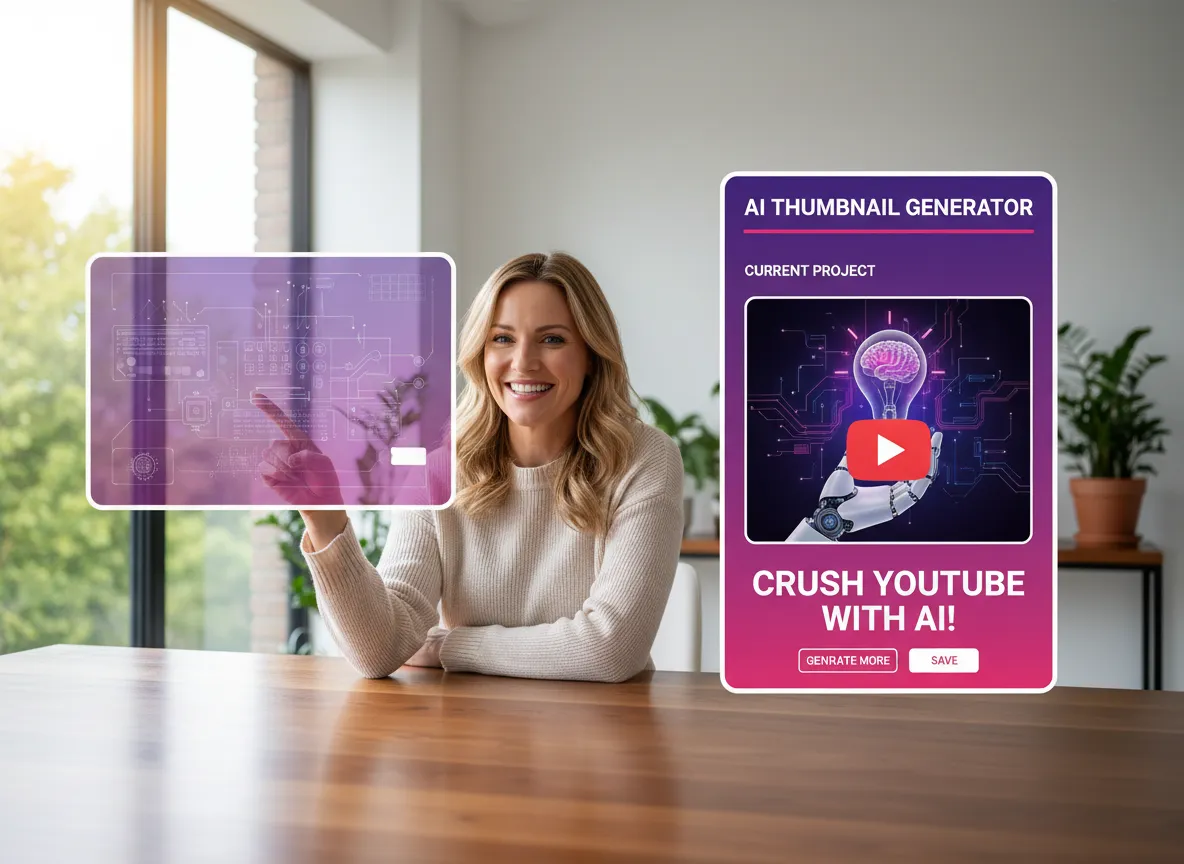
AI-Powered Thumbnail Generation with Reference Images

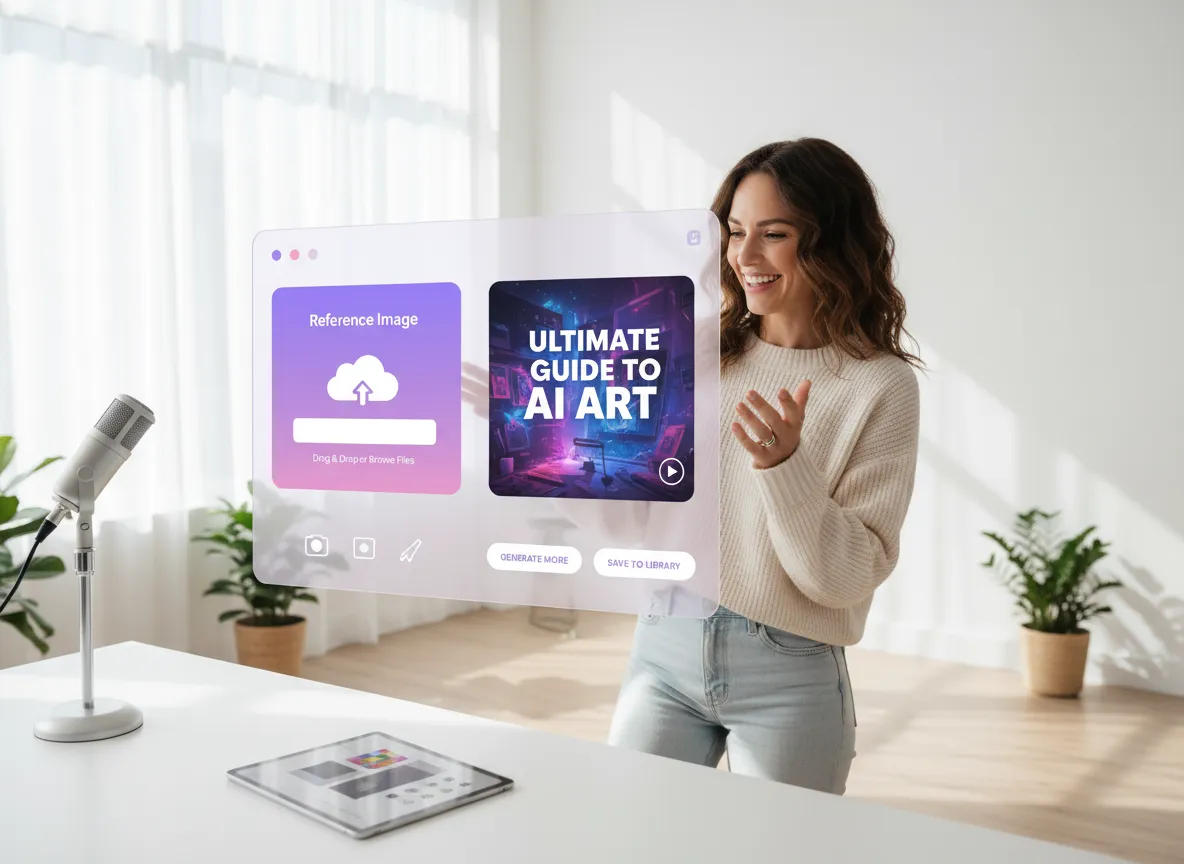
Transform your ideas into eye-catching YouTube thumbnails instantly. Upload your brand logo or personal photos as reference images and let Vizard's state-of-the-art models like Nano Banana Pro, Imagen, and FLUX bring your vision to life with a single prompt.
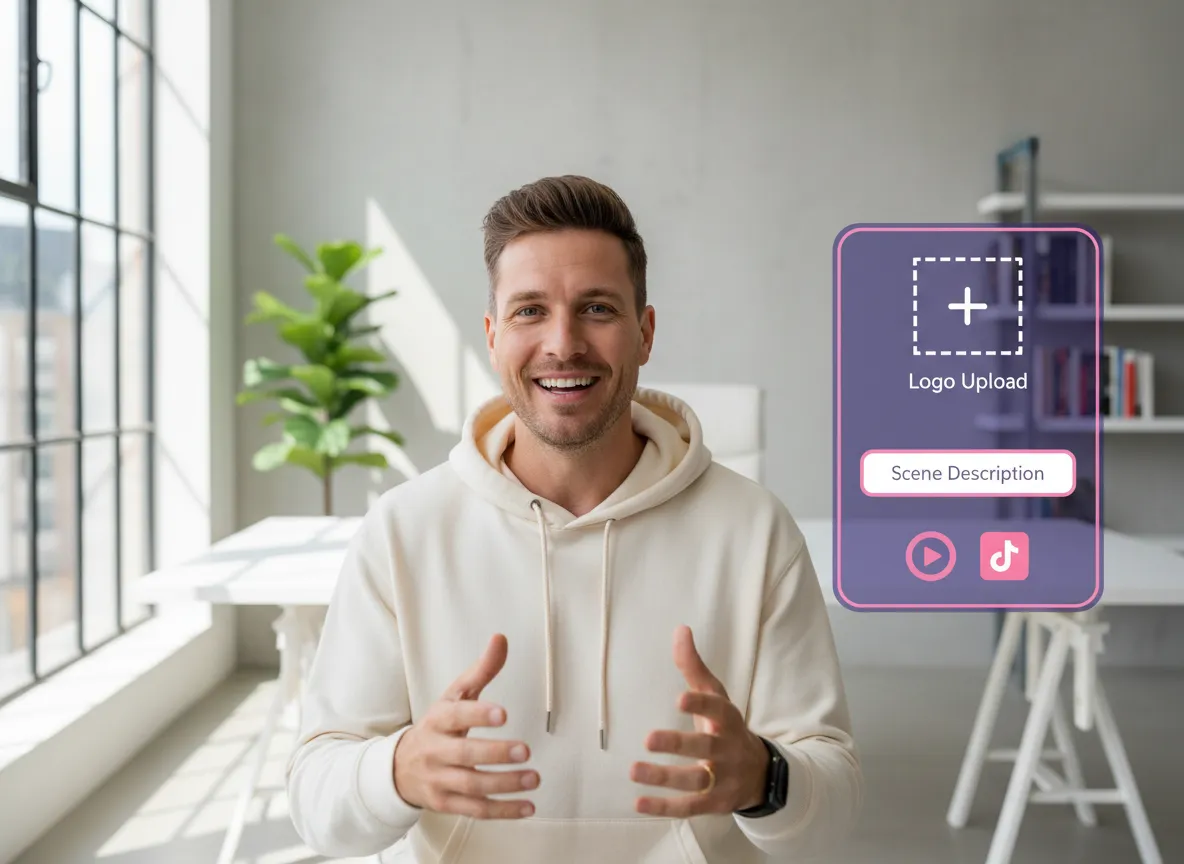
Custom Video Intros & Outros

Create professional brand intros and outros using advanced text-to-video models like Seedance, Kling, and Sora. Simply upload your logo and describe your scene to get perfectly tailored opening and closing sequences for your YouTube content.
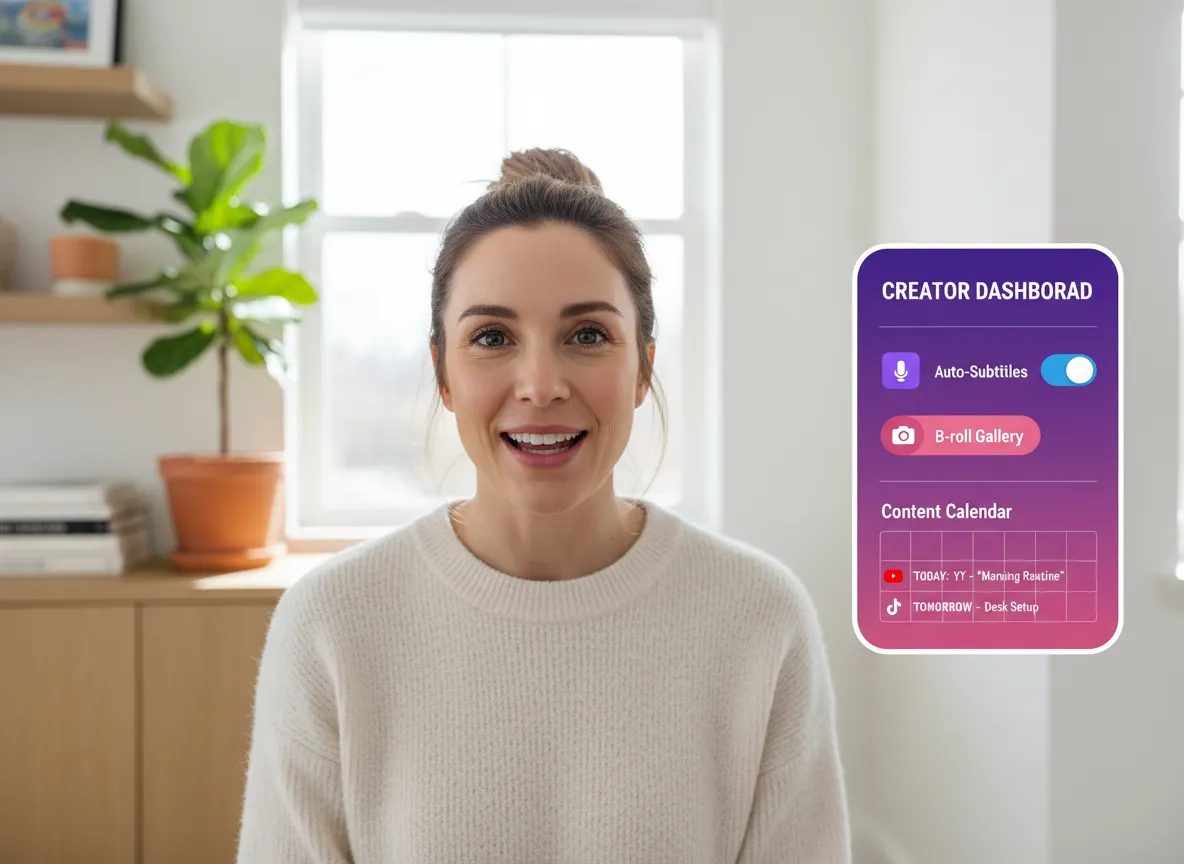
Comprehensive Video Editing & Management

Beyond thumbnails, Vizard offers a full suite of AI editing tools. Auto-trim videos, add subtitles, insert B-rolls, and apply custom brand templates. Manage your entire publishing schedule with our built-in content calendar for maximum efficiency.
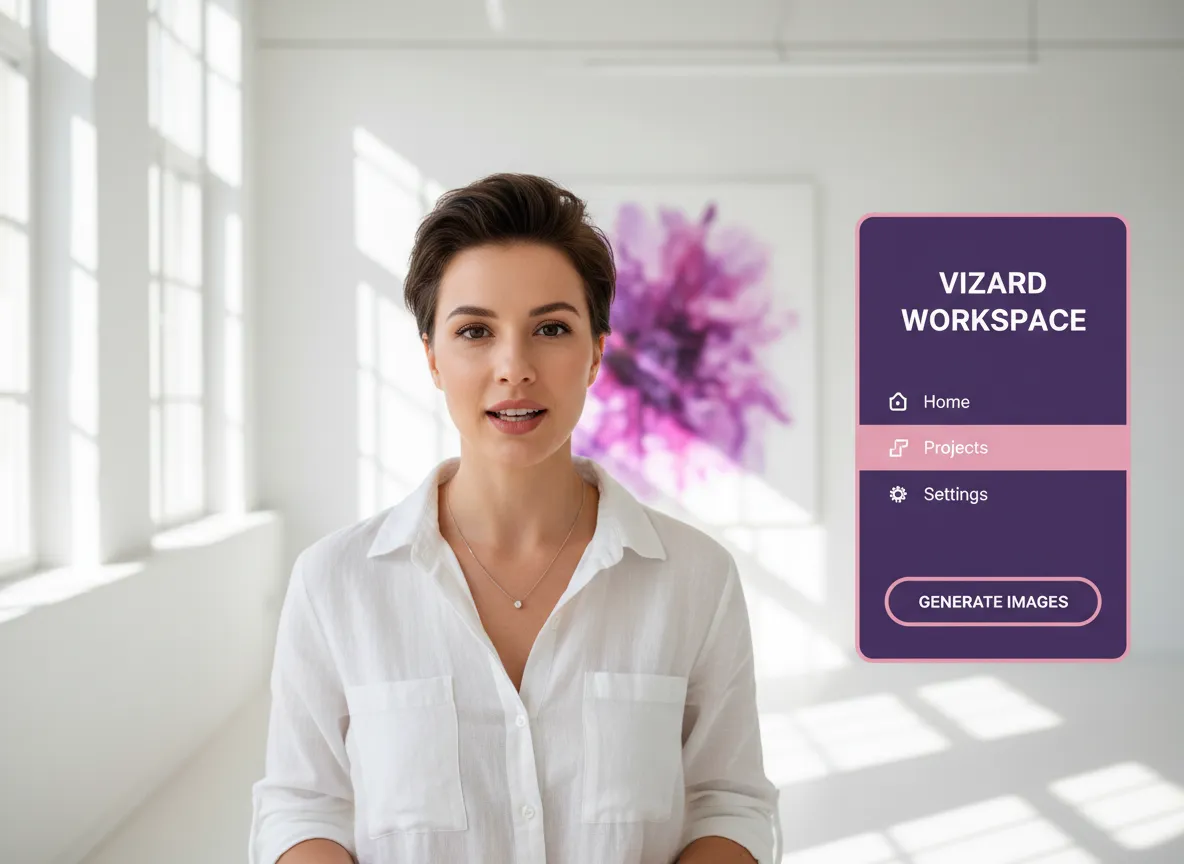
How to Use Youtube Thumbnail Maker

1. Step 1: Access the AI Image Generator

Log in to your Vizard Workspace, click on the 'Home' tab, and navigate to the 'Generate Images' tool to begin your creative process.

2. Step 2: Provide Your Prompt and References

Enter your prompt describing your thumbnail vision and upload reference brand assets—such as your logo or a personal photo—to guide the AI's design.
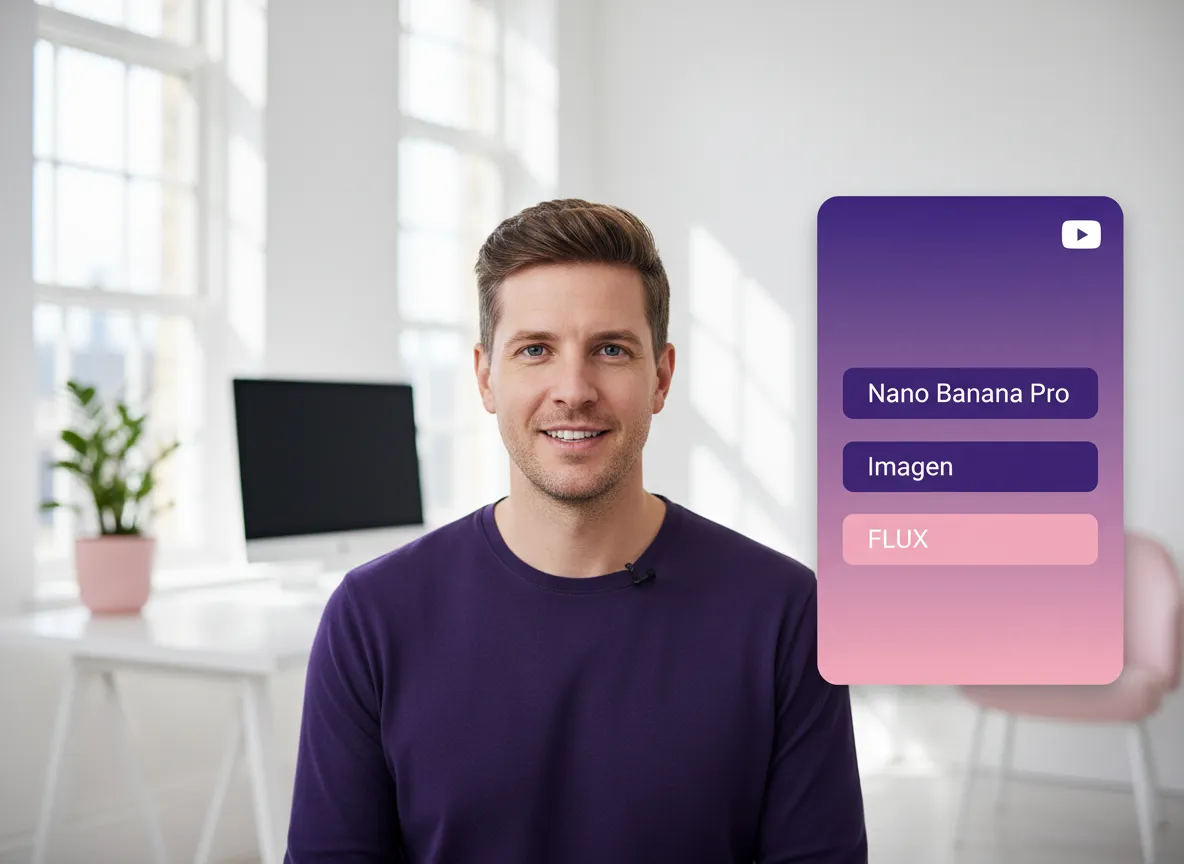
3. Step 3: Generate and Customize Your Thumbnail

Select from top-tier models like Nano Banana Pro, Imagen, or FLUX. You can also fine-tune your thumbnail using the right-side toolbar within the Vizard Editor for a polished look.

Empower your YouTube channel with Vizard's AI-driven Youtube Thumbnail Maker and professional video repurposing tools.

One-click AI reels

Turn one video into 10+ Instagram Reels with AI.

Download, save, & share

With just a few clicks, you can download or share your videos with your friends or team members with a link.

One-click resize video

Turn your videos and audios into Reels, Stories, posts, and more in one click.

Plan, schedule, auto-generate AI posts & publish

Effortlessly plan, schedule, and auto-generate engaging AI-driven posts, and publish your Instagram Reels along with the perfect captions.

Auto generate subtitle

Add dynamic subtitles for your videos automatically, all in the browser.

Invite collaborators

Bring your team together by inviting collaborators to work on your projects, in one workspace.

Auto translate video

Effortlessly translate your video content into 130+ languages, expanding your global reach with just a few clicks.

Add Image, outro, & custom font to video (Brand kit)

Enhance your video's visual appeal and brand identity with ease by adding logos, images, outros, and custom fonts to your videos.

Platforms Vizard Supports

tiktok
Vizard seamlessly integrates with YouTube, YouTube Shorts, TikTok, Instagram, X, LinkedIn, and Facebook for automatic and scheduled posting. Connect your social media accounts to Vizard and manage all your publishing in one place.

Beyond Just a Youtube Thumbnail Maker

Need Help?

FAQ

How does the YouTube Thumbnail Maker work?

What AI models are available for generating thumbnails?

Can I use my own photos or brand logos in the thumbnails?

Can I create video intros and outros with Vizard?

What other video editing features does Vizard offer?

Need Help?

FAQ

How does the YouTube Thumbnail Maker work?

What AI models are available for generating thumbnails?

Can I use my own photos or brand logos in the thumbnails?

Can I create video intros and outros with Vizard?

What other video editing features does Vizard offer?

More Guides to Youtube Thumbnail Maker

Vizard February Updates: From Generative Creation to Richer Editing Controls

user icon Yao Wang

Vizard February Updates: From Generative Creation to Richer Editing Controls

Seedance 2.0: Revolutionizing Video Content Creation for Modern Businesses

user icon Yao Wang

Seedance 2.0: Revolutionizing Video Content Creation for Modern Businesses

Top 10 AI Video Generators 2025

user icon Yao Wang

Top 10 AI Video Generators 2025

What Video Formats & Platforms Does Vizard Support?

user icon Yao Wang

What Video Formats & Platforms Does Vizard Support?

Top 10 AI Video Editors in 2025

user icon Yao Wang

Top 10 AI Video Editors in 2025

What creators say about Vizard

5x
Increase in views
Now I average about 50,000 to 60,000 views a day. That's a huge growth from zero views. The videos with high vitality score do very well so everything that the editor is telling me has turned out to be true so far.
AddictiveLabs
Creator@AddictiveLabs
100%
No manual tweaks needed
I was surprised as most AI tools create weak content, but @Vizard turned over an hour of footage into solid, shareable posts. Easy to use, fully featured, and delivers exactly as expected.
Jeff S.
Co-Host, Entertainment
capterra
10x
Faster than manual clipping
The generous time credits and quick uploads to multiple platforms are a huge plus!
Sam U.
Coach, Professional Training & Coaching
capterra