

NEW
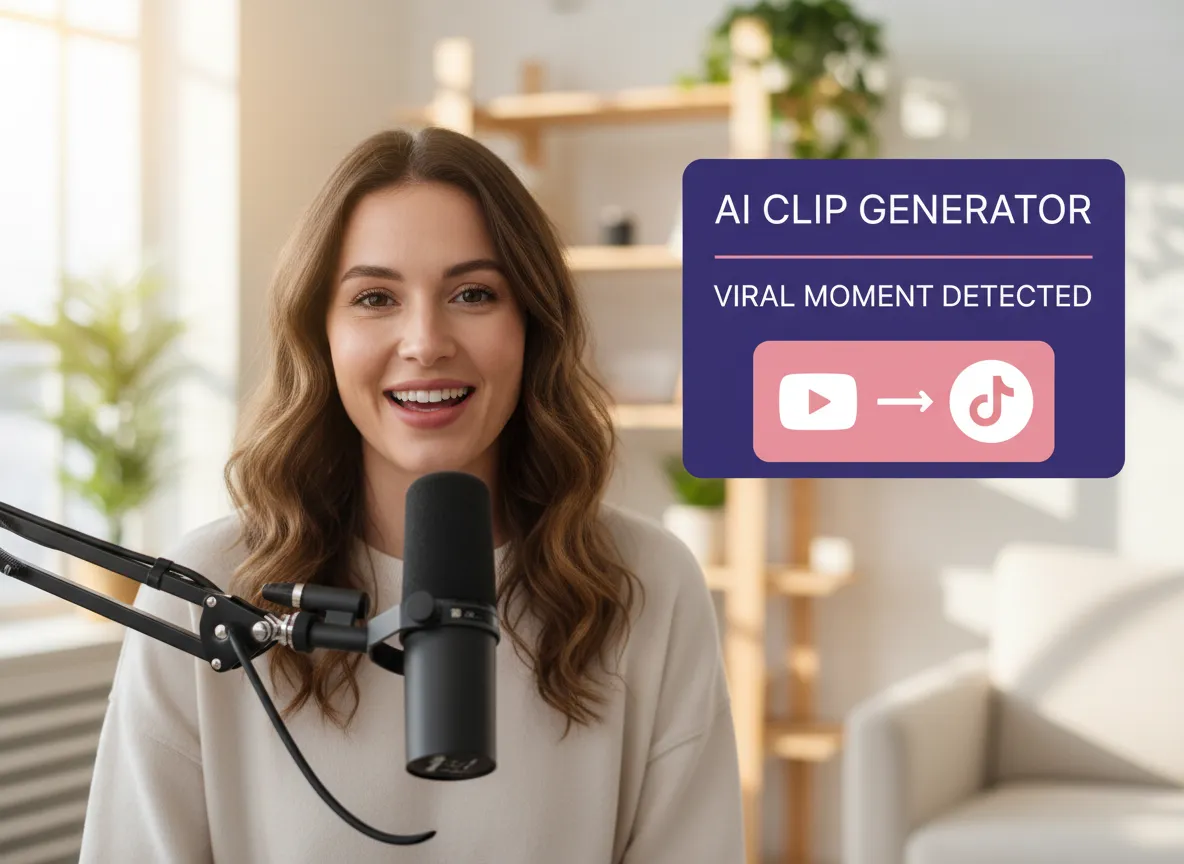



Let Vizard's AI scan your long-form videos to automatically extract the most engaging, shareable moments that are destined to go viral on TikTok.
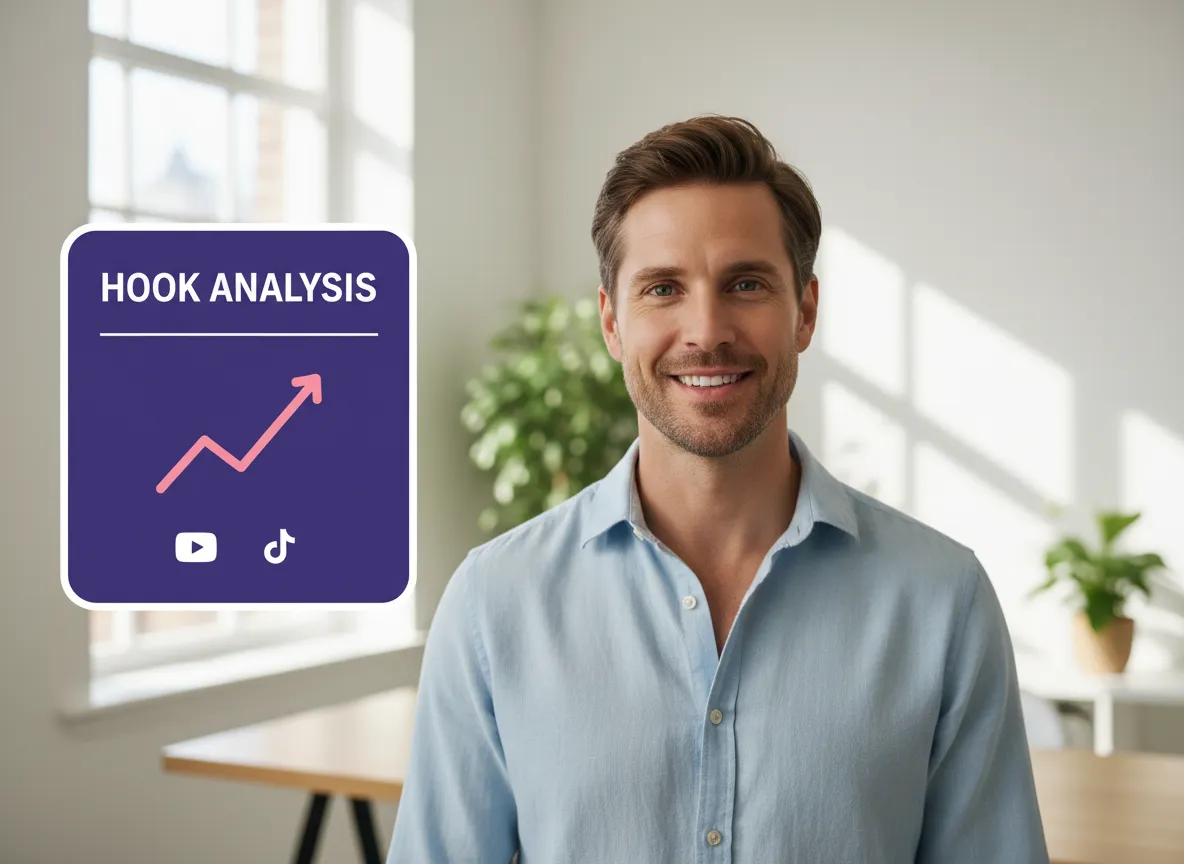
The first 3 seconds are everything. Our AI optimizes your video's intro to ensure you capture attention immediately and keep viewers watching longer.
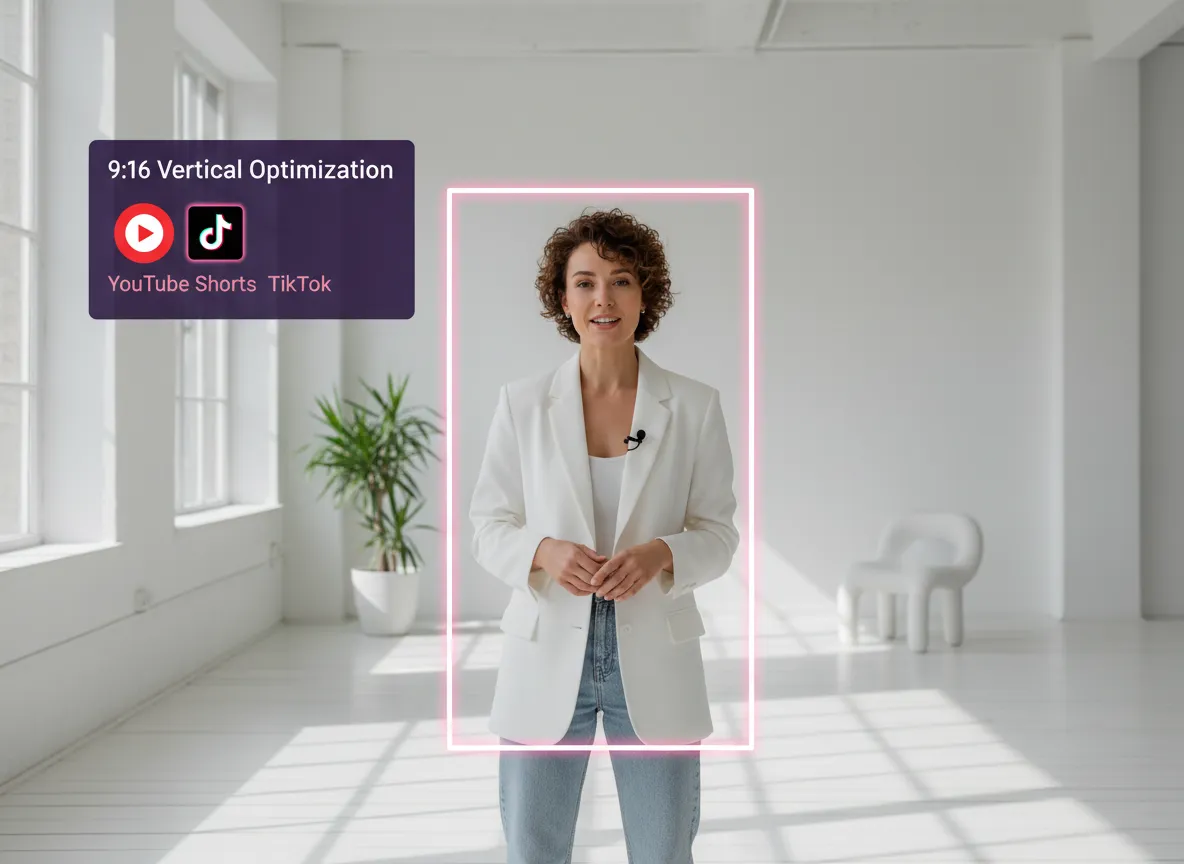
Instantly transform landscape footage into TikTok-ready 9:16 vertical videos. Our smart cropping tech ensures your main subject stays perfectly in focus.
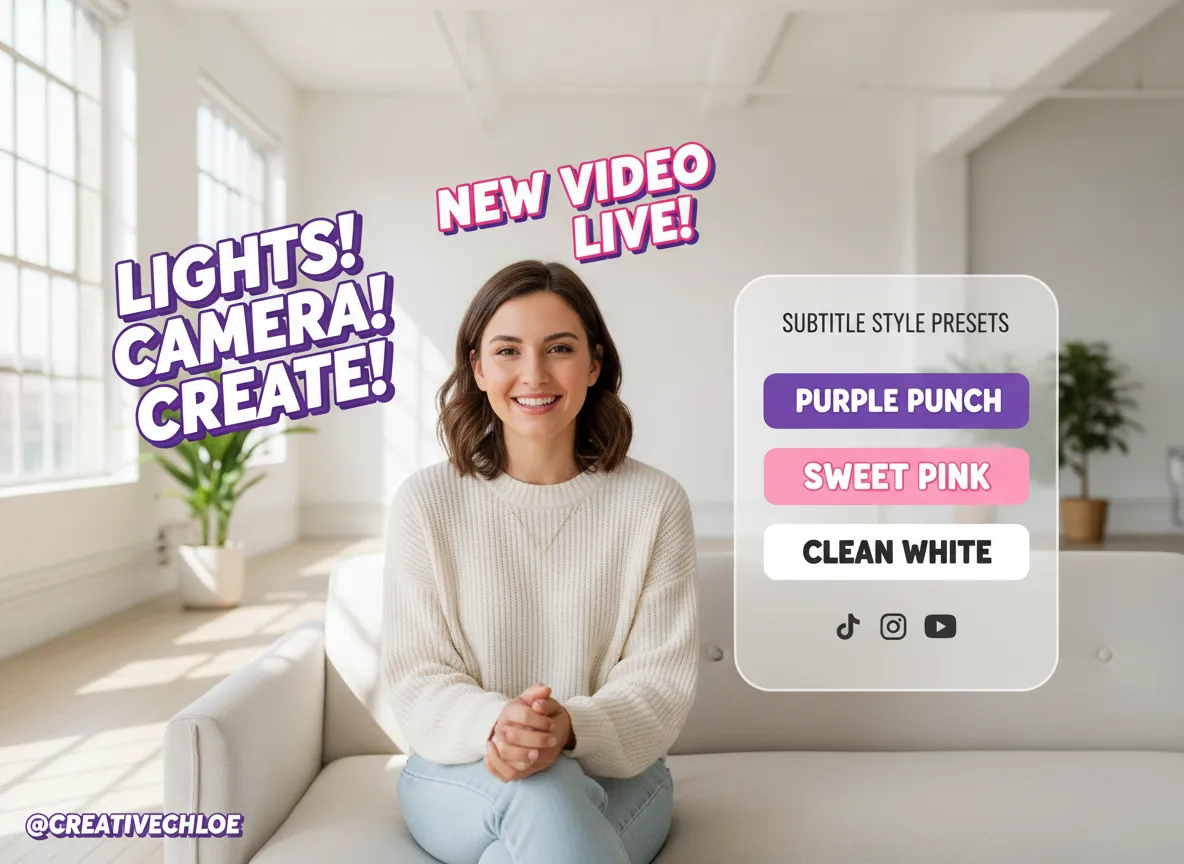
Make your videos pop with punchy, rhythmic subtitles. Choose from a variety of trending TikTok styles that increase viewer retention and accessibility.
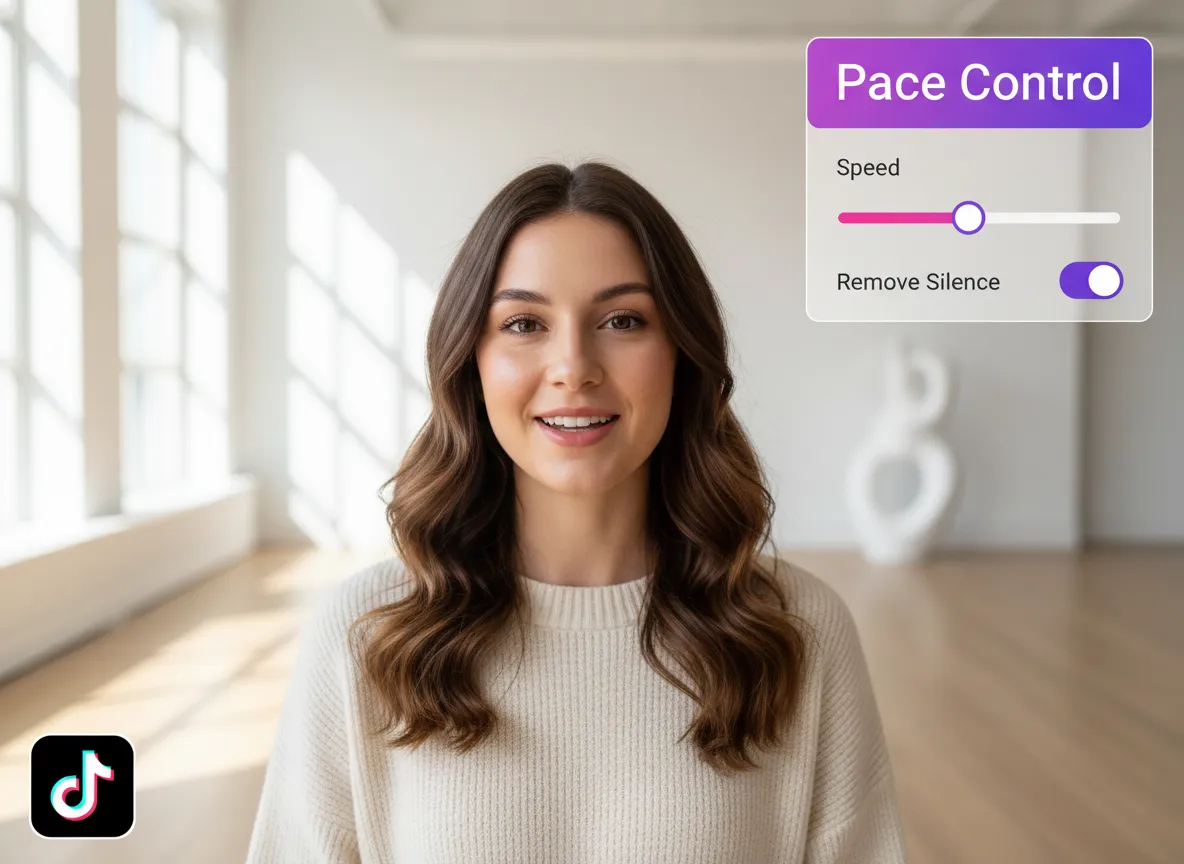
Create high-energy content by automatically stripping away silences and filler words, ensuring your video flows perfectly for TikTok's fast-paced environment.
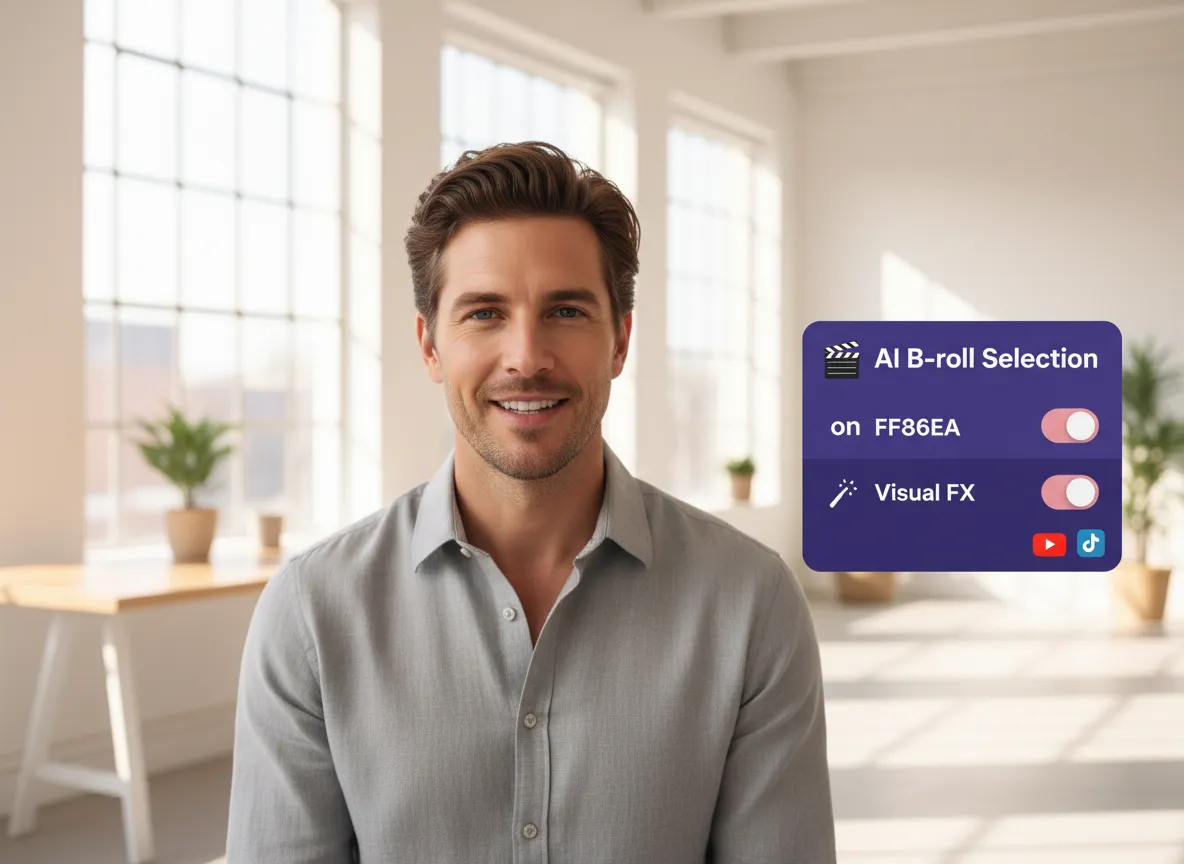
Level up your production value. Vizard automatically adds relevant B-roll and visual effects to keep your content visually stimulating and professional.
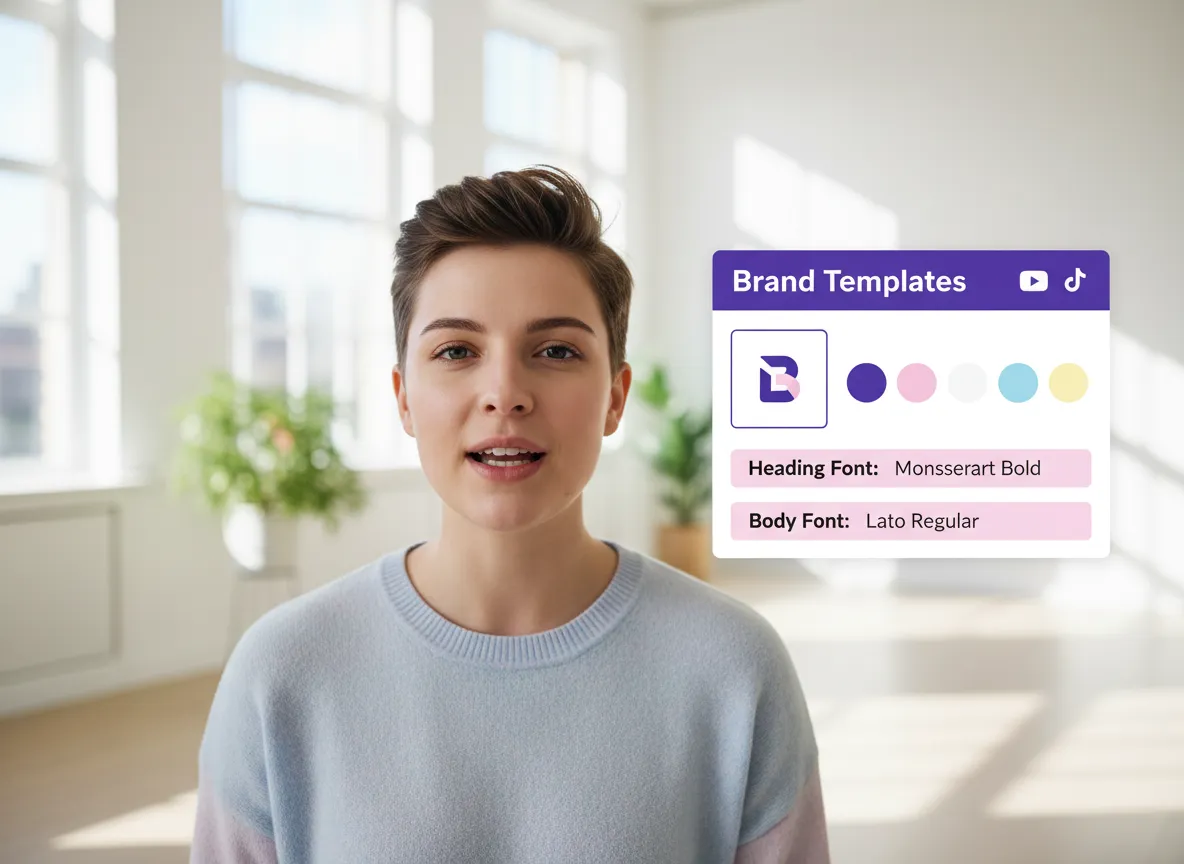
Build a recognizable brand. Easily apply your custom logos, color palettes, and fonts to all your clips to maintain a cohesive social media presence.
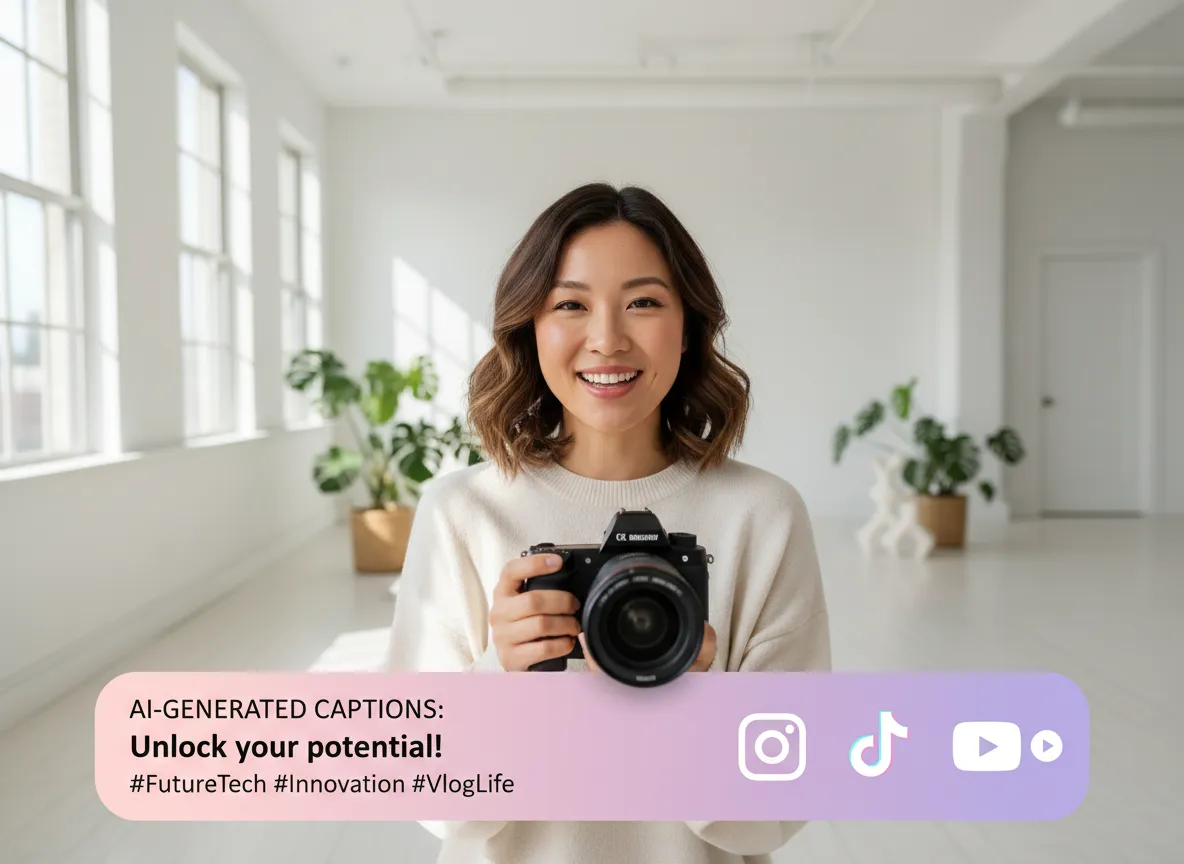
Never struggle with copy again. Get AI-powered, platform-optimized captions and hashtags that boost discoverability and drive engagement.
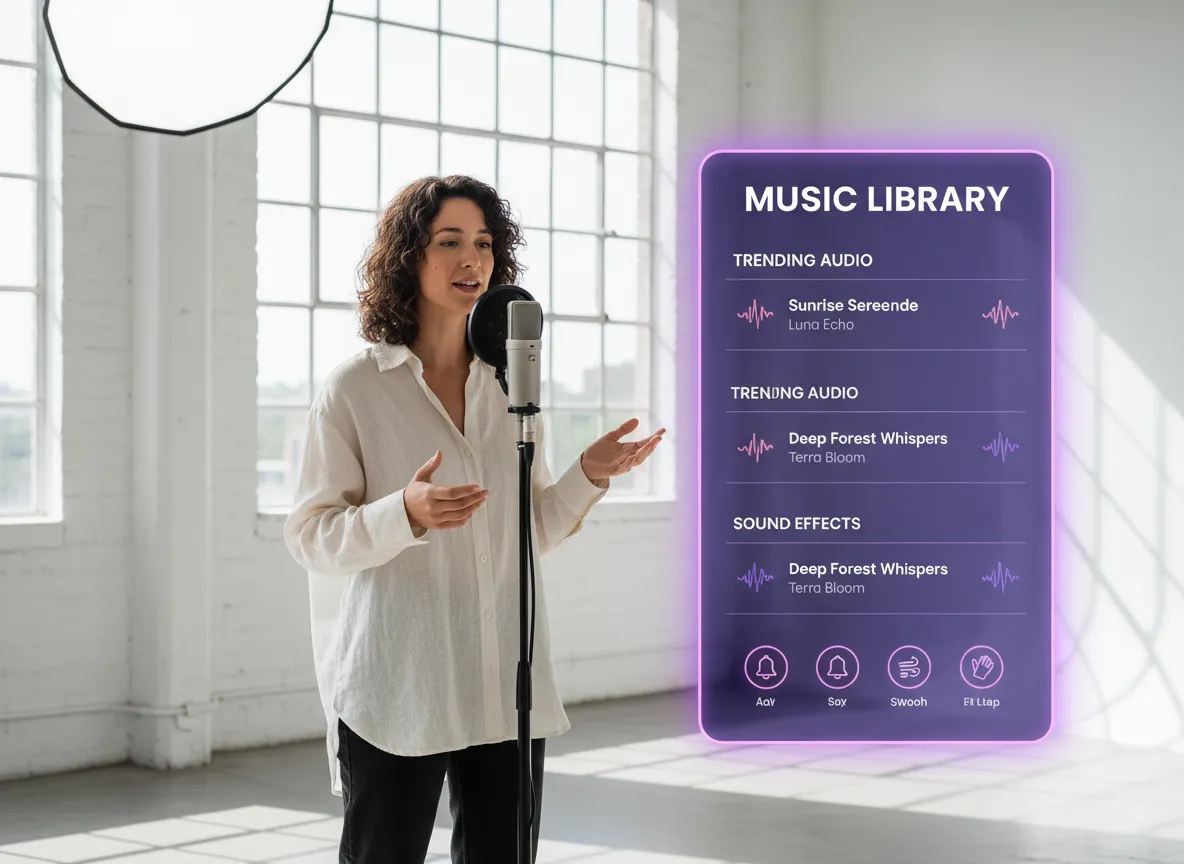
Set the right mood with a library of trending audio. Add background music and sound effects that complement your content and hook your audience.
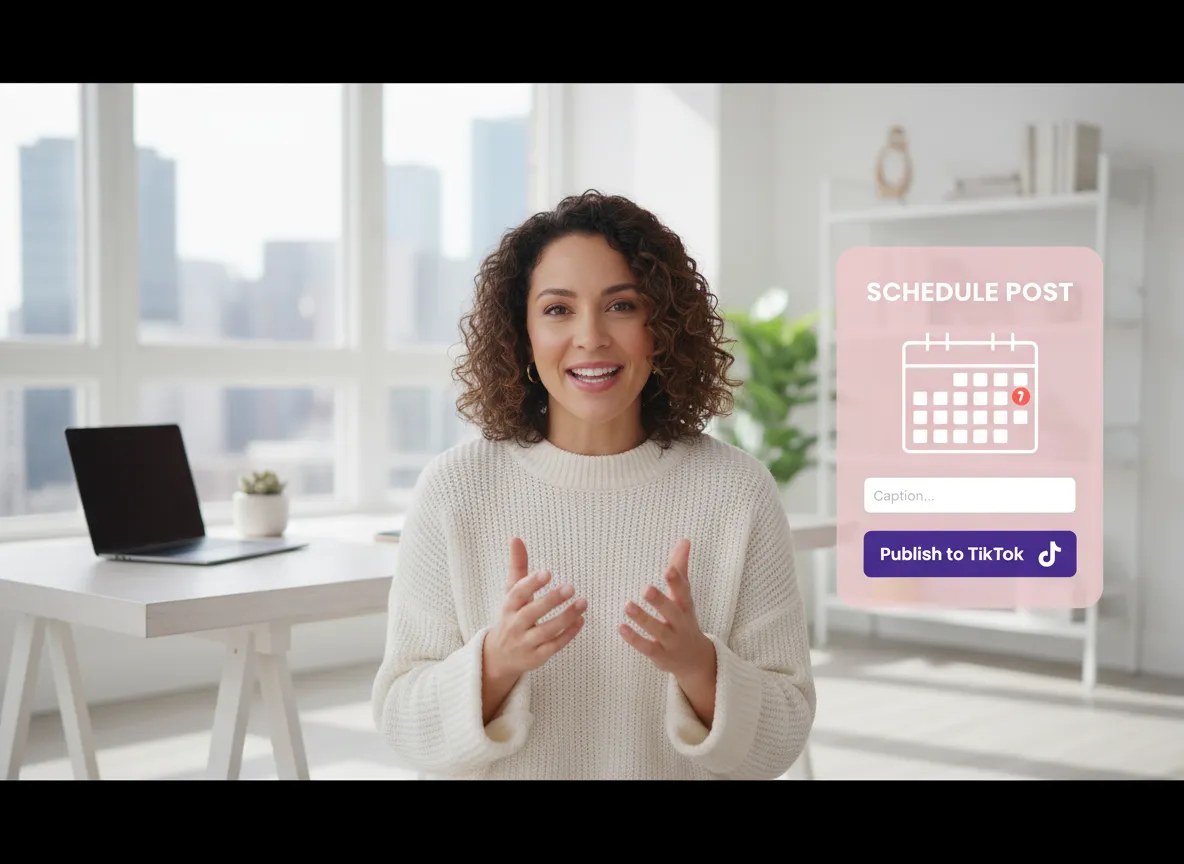
Go from editing to posting in seconds. Connect your TikTok account to publish directly or schedule your content for peak engagement times.
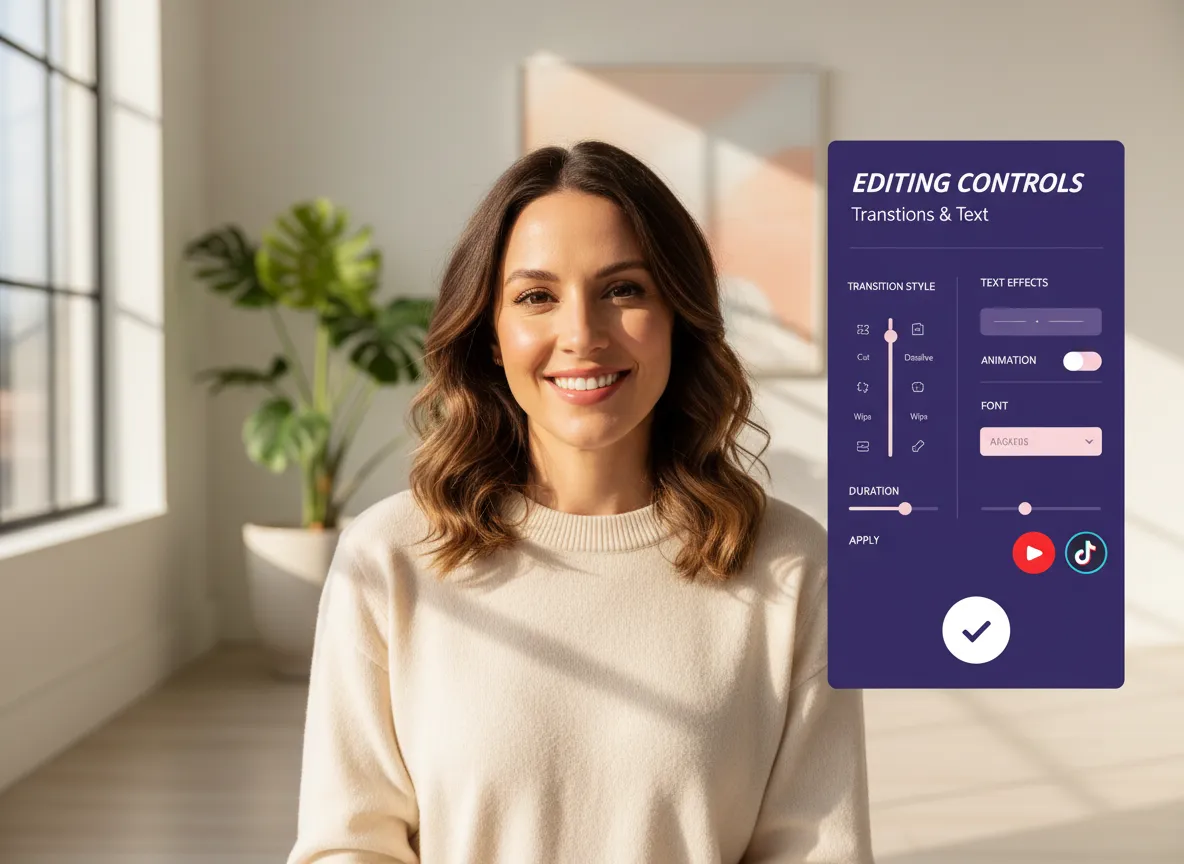
Need more precision? Access Vizard’s comprehensive video editor to manually tweak transitions, text, and effects for a perfectly polished final product.
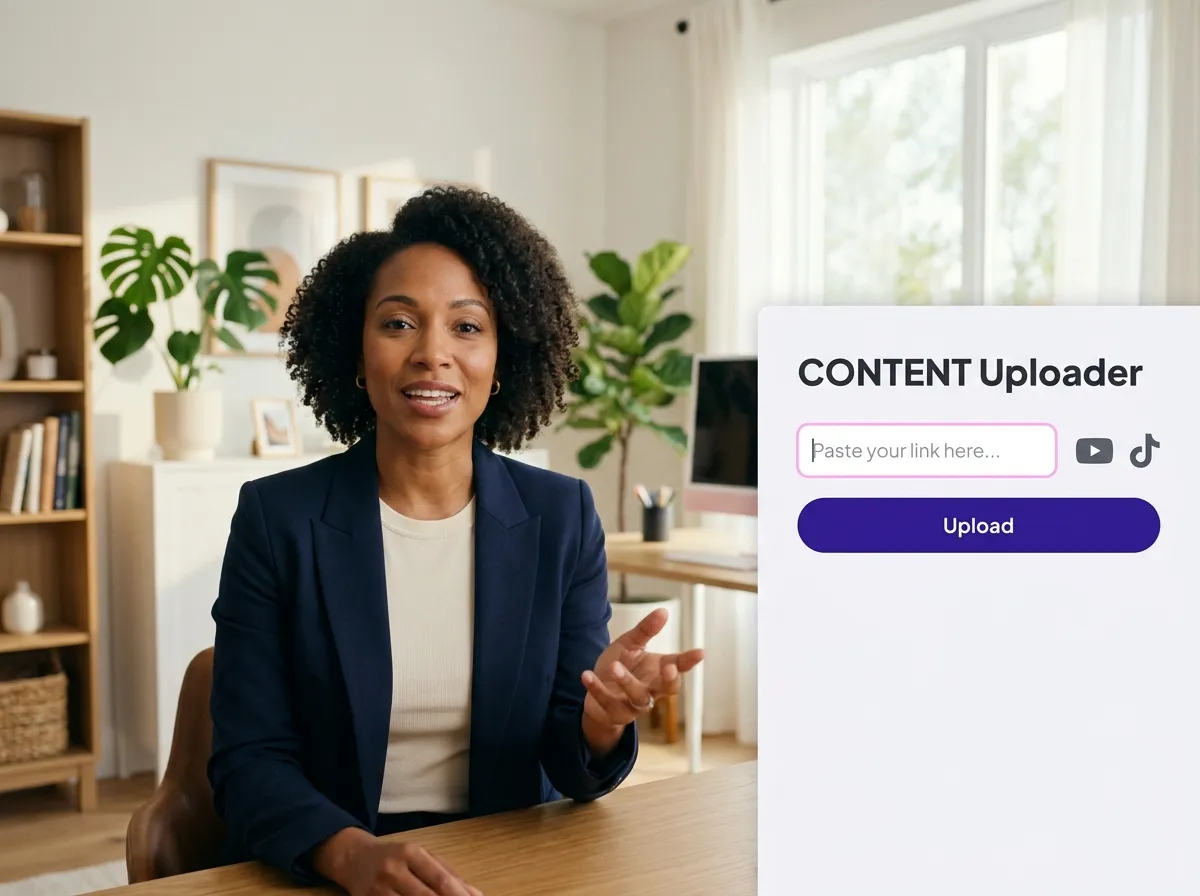
Log in to your Vizard Workspace and upload your long-form video or simply paste a video link from YouTube or other platforms to get started.
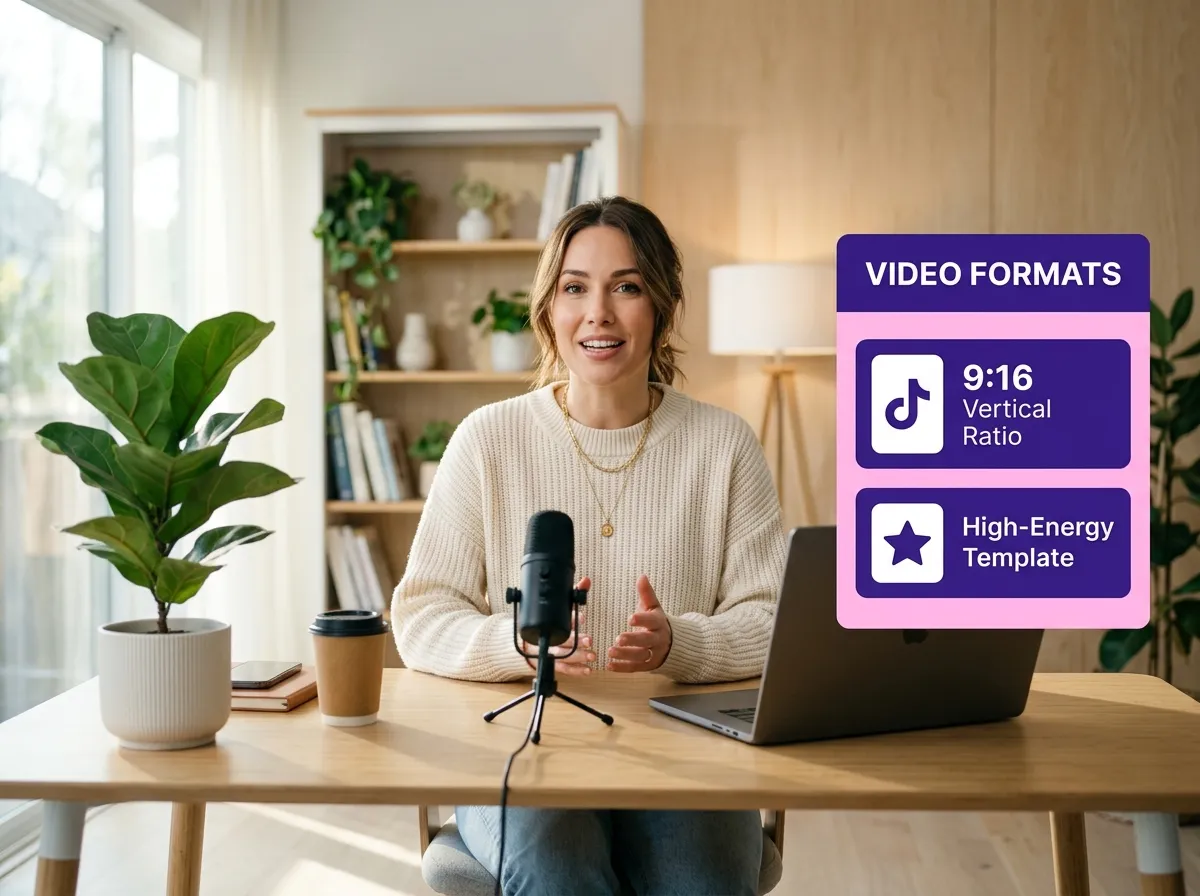
Select the 9:16 vertical aspect ratio specifically for TikTok. Choose your preferred video duration and a high-energy template style that matches your brand.
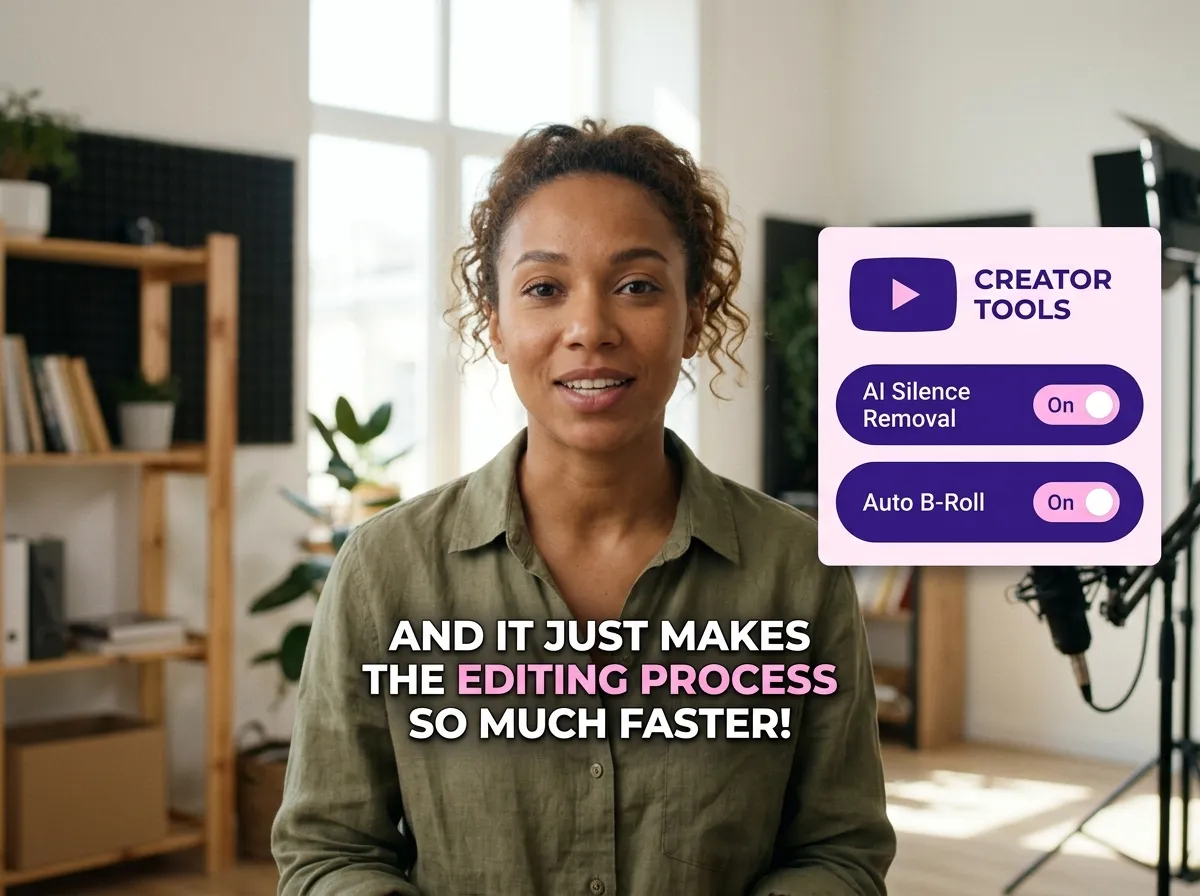
Enhance your content by enabling AI-driven features such as automatic silence removal, AI-generated B-roll, and eye-catching dynamic subtitles to boost engagement.
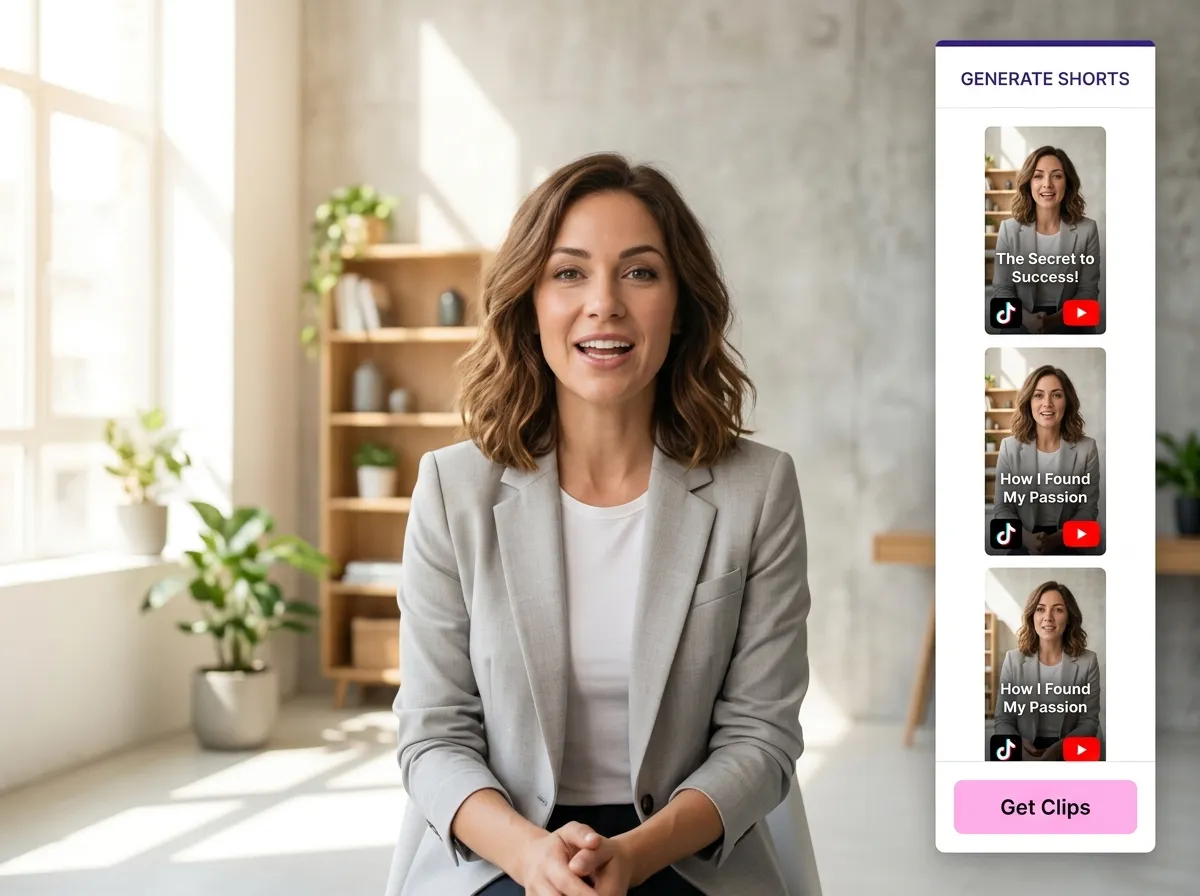
Hit "Get Clips" and watch as Vizard's AI analyzes your footage to identify the most engaging highlights, turning them into multiple ready-to-post TikTok shorts.
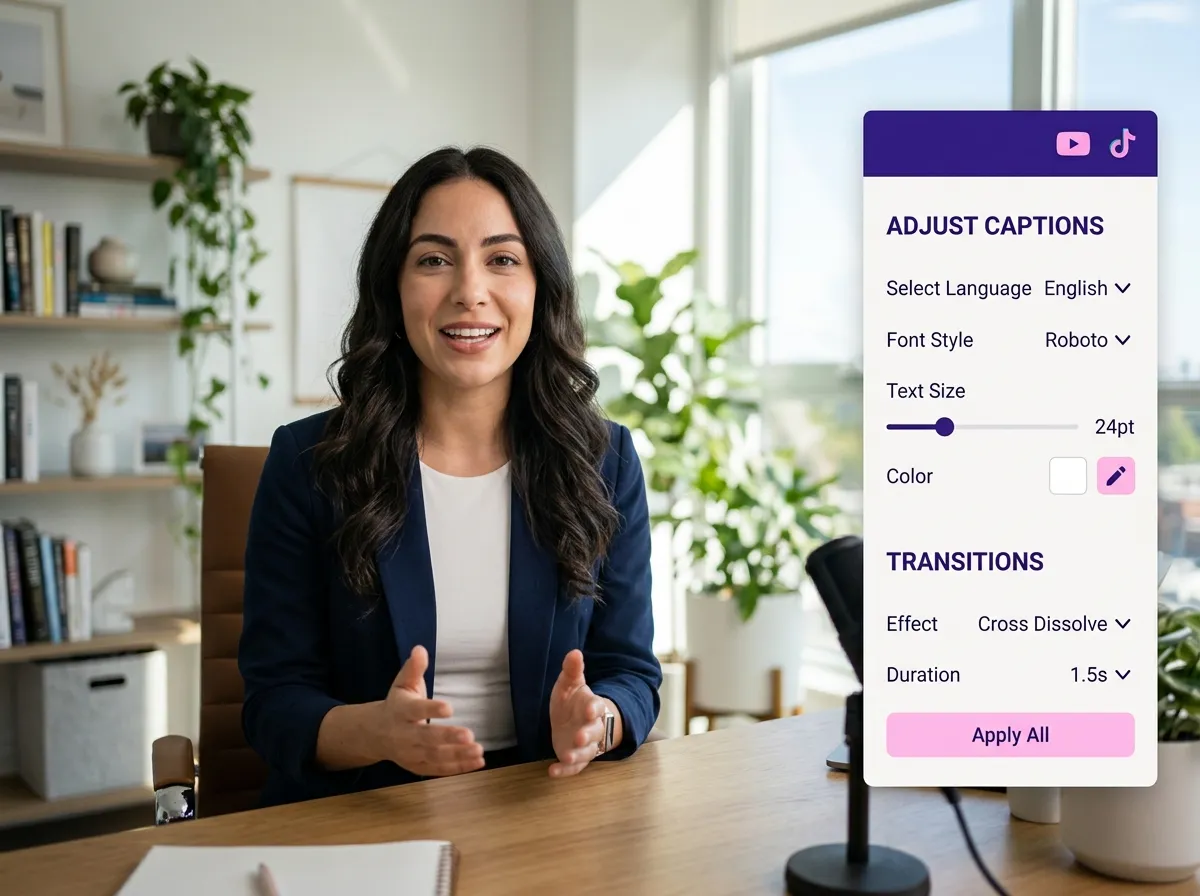
Use the Vizard Editor to fine-tune your clips. Easily adjust captions, swap out footage, or add custom transitions for a professional finish.
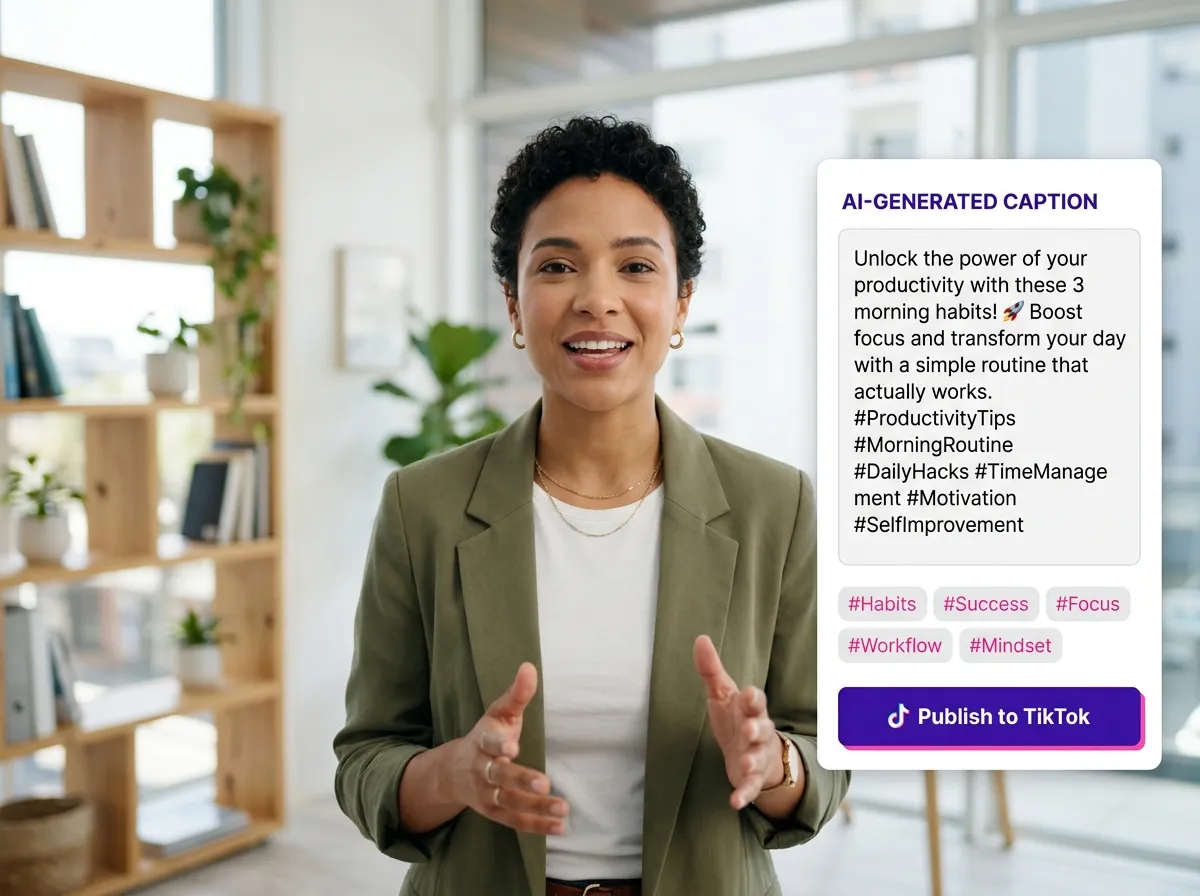
Let AI generate optimized TikTok captions and trending hashtags. Once satisfied, publish directly to TikTok or schedule your posts for peak engagement.
Turn one video into 10+ Instagram Reels with AI.
With just a few clicks, you can download or share your videos with your friends or team members with a link.
Turn your videos and audios into Reels, Stories, posts, and more in one click.
Effortlessly plan, schedule, and auto-generate engaging AI-driven posts, and publish your Instagram Reels along with the perfect captions.
Add dynamic subtitles for your videos automatically, all in the browser.
Bring your team together by inviting collaborators to work on your projects, in one workspace.
Effortlessly translate your video content into 130+ languages, expanding your global reach with just a few clicks.
Enhance your video's visual appeal and brand identity with ease by adding logos, images, outros, and custom fonts to your videos.


What is a TikTok Clip Maker?
How does the AI identify the best clips for TikTok?
Does the tool automatically format videos for TikTok's 9:16 aspect ratio?
Can I add my own brand logo and colors to the clips?
What makes Vizard's subtitles different from standard captions?
Can I schedule my clips to be posted directly to TikTok?
Is there a way to remove silence or awkward pauses automatically?
Can I manually edit the clips after the AI generates them?
What is a TikTok Clip Maker?
How does the AI identify the best clips for TikTok?
Does the tool automatically format videos for TikTok's 9:16 aspect ratio?
Can I add my own brand logo and colors to the clips?
What makes Vizard's subtitles different from standard captions?
Can I schedule my clips to be posted directly to TikTok?
Is there a way to remove silence or awkward pauses automatically?
Can I manually edit the clips after the AI generates them?

 Yao Wang

Yao Wang
Yao Wang

Yao Wang
Yao Wang


















