

NEW
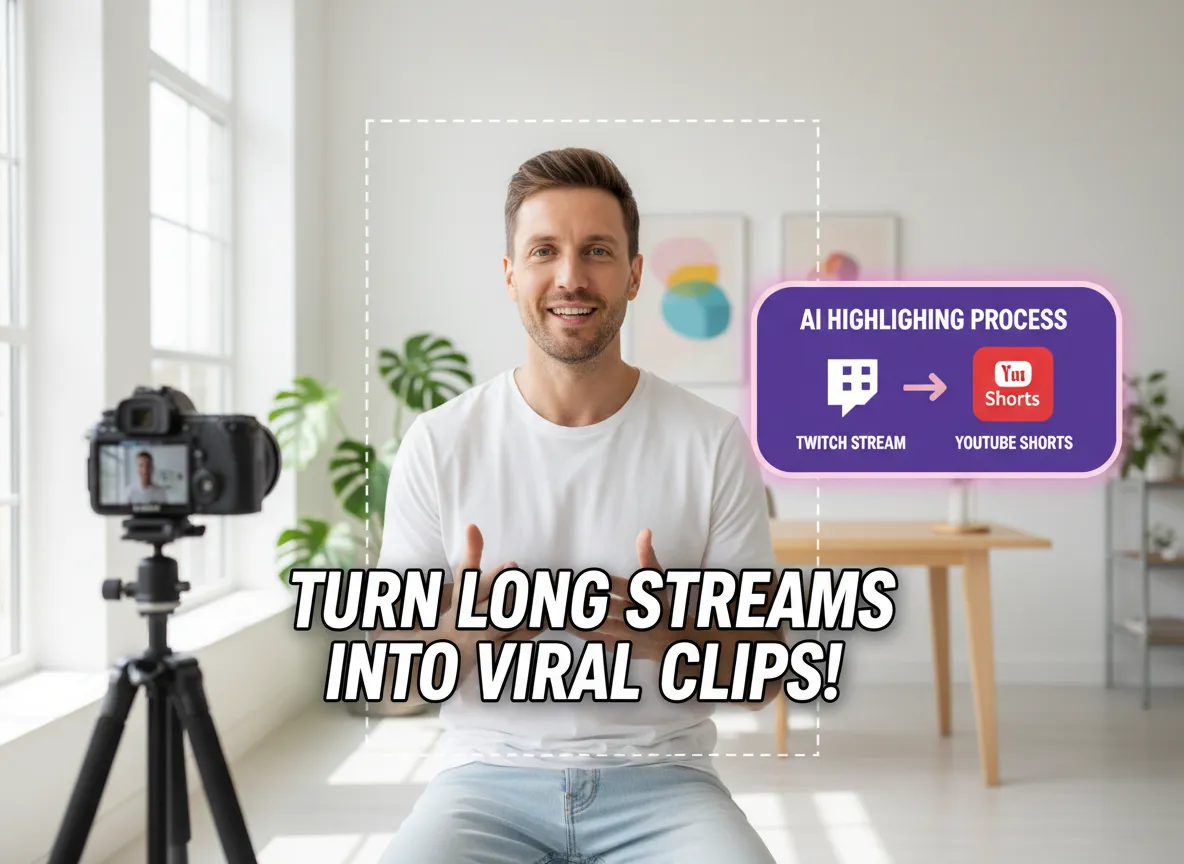



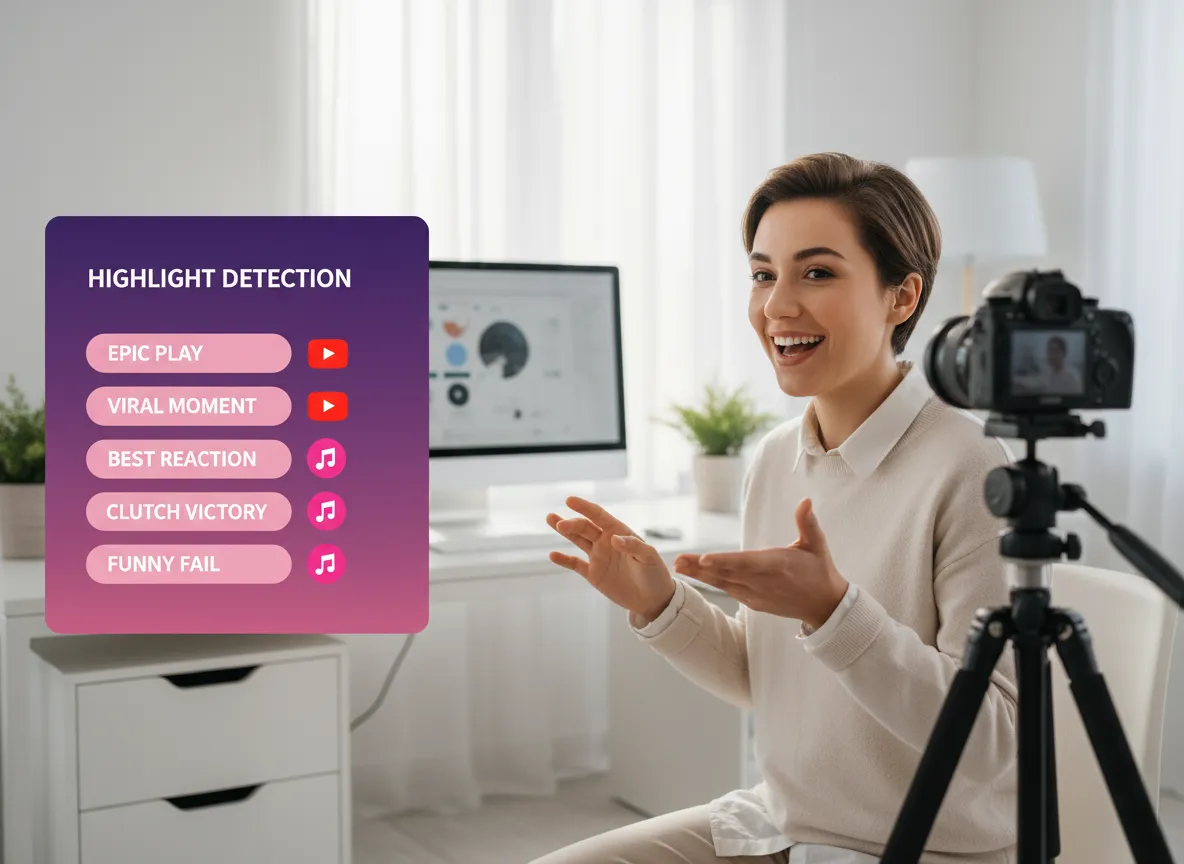
Automatically analyze your Twitch VODs to identify the most thrilling moments. From epic gaming kills and game-changing plays to hilarious outbursts and insightful commentary, Vizard's AI picks the segments with the highest viral potential.
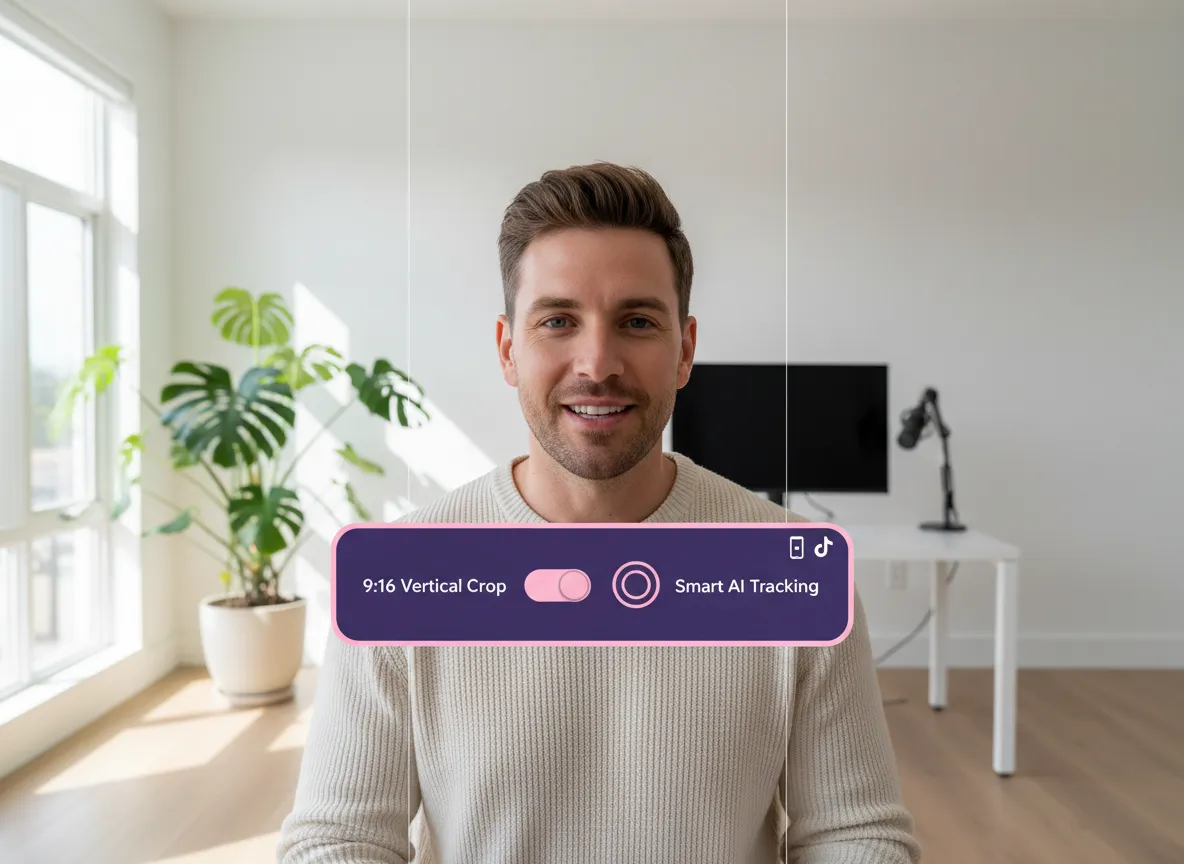
Instantly transform horizontal Twitch streams into perfect 9:16 vertical videos. Our AI ensures that your gameplay or facecam remains at the heart of the action, ready for YouTube Shorts without any manual resizing.
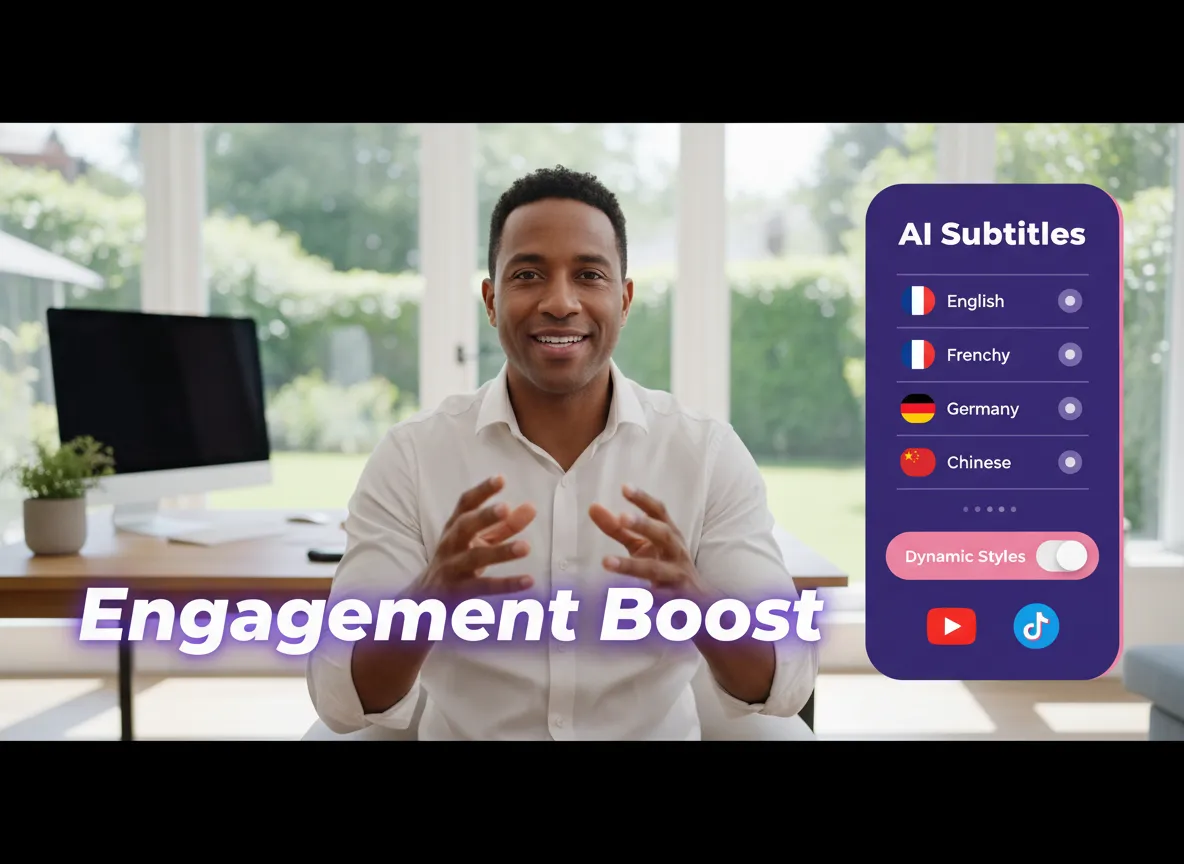
Boost engagement with precise, auto-generated subtitles supporting over 35 languages and 150+ translations. Choose from various dynamic caption styles that grab attention and keep viewers watching until the very end.
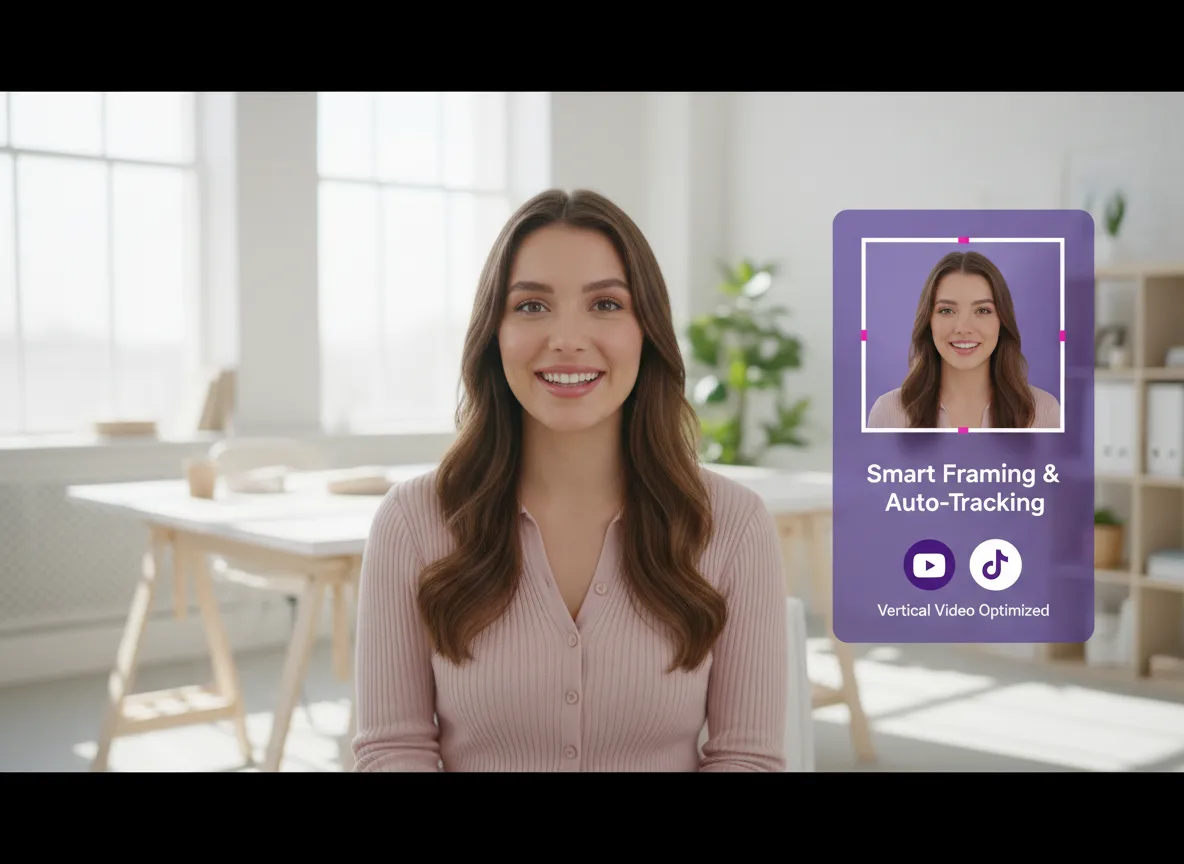
Keep the focus where it belongs. Vizard intelligently tracks streamers and key game elements, reframing the shot and moving the focal point automatically to ensure nothing important gets cut off during the transition to vertical.
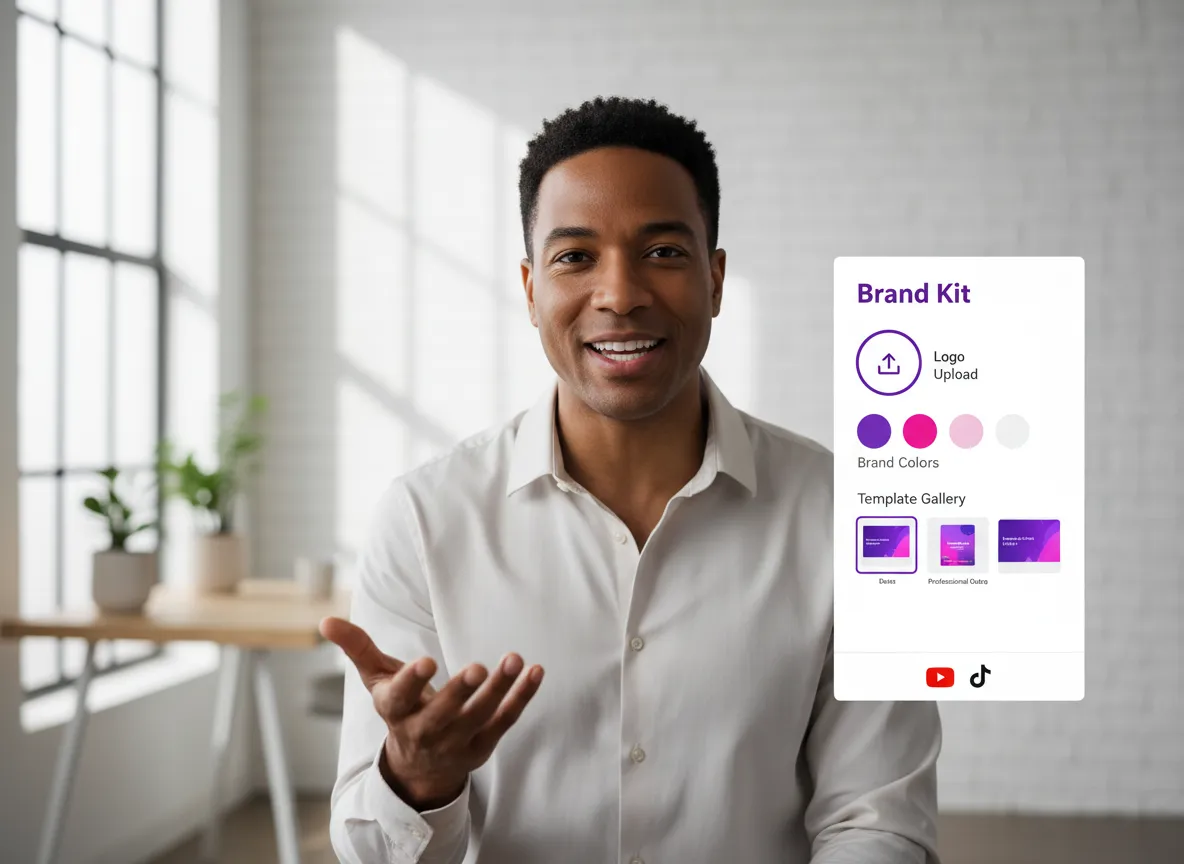
Maintain a consistent visual identity across all your Shorts. Easily apply your own logos, watermarks, custom fonts, and brand colors. Use pre-made templates and professional outros to make every clip look like a high-budget production.
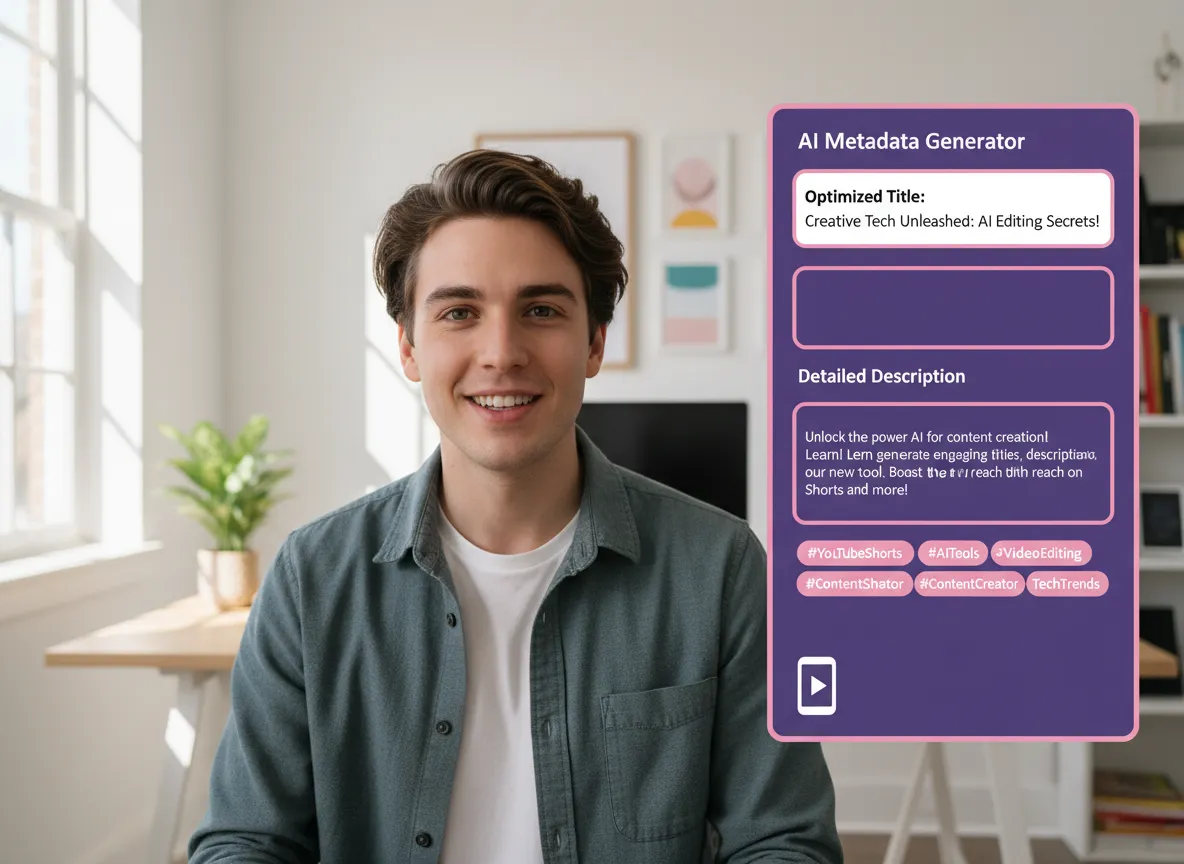
Maximize your reach with AI-optimized metadata. Vizard generates catchy titles, detailed descriptions, and trending tags for every Short, helping you rank higher in YouTube's algorithm and drive more clicks.
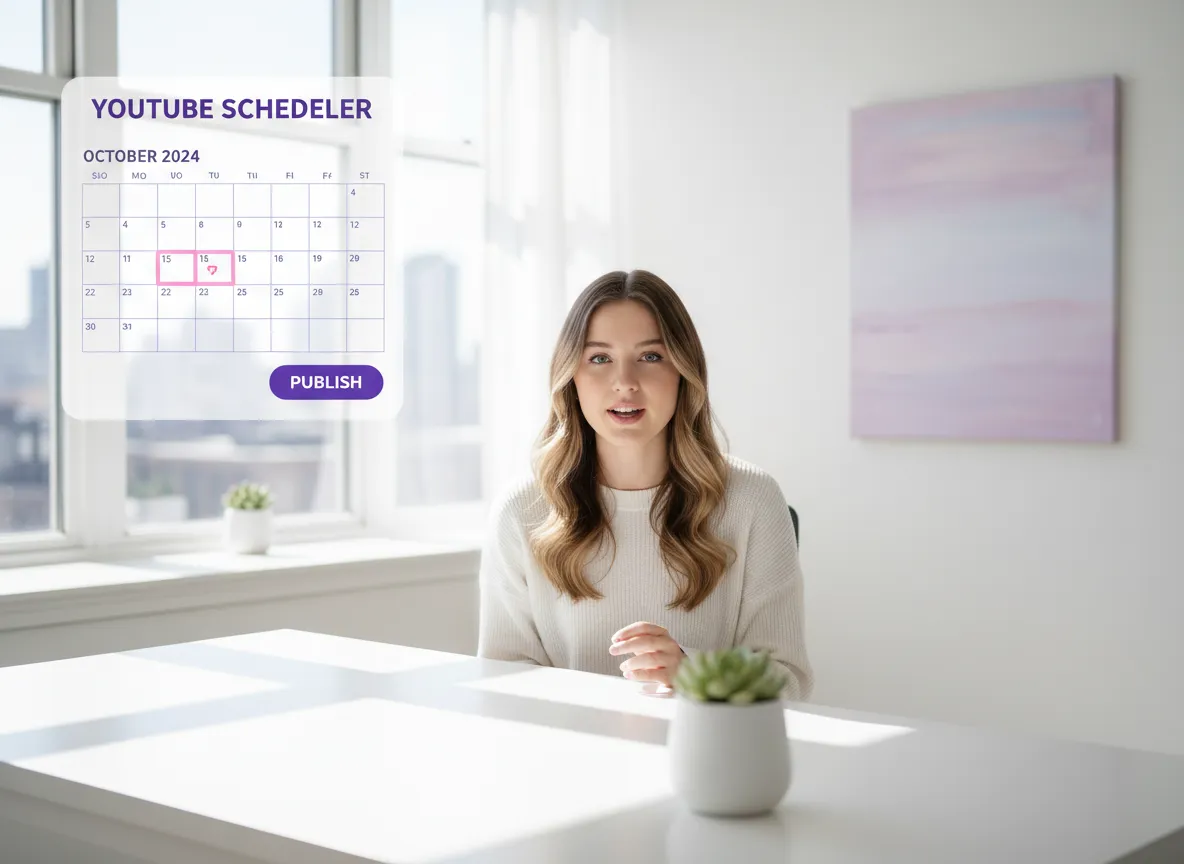
Streamline your workflow by connecting your YouTube account directly. Publish your Shorts instantly or use the Vizard Content Calendar to batch-schedule your posts for optimal timing across multiple channels.
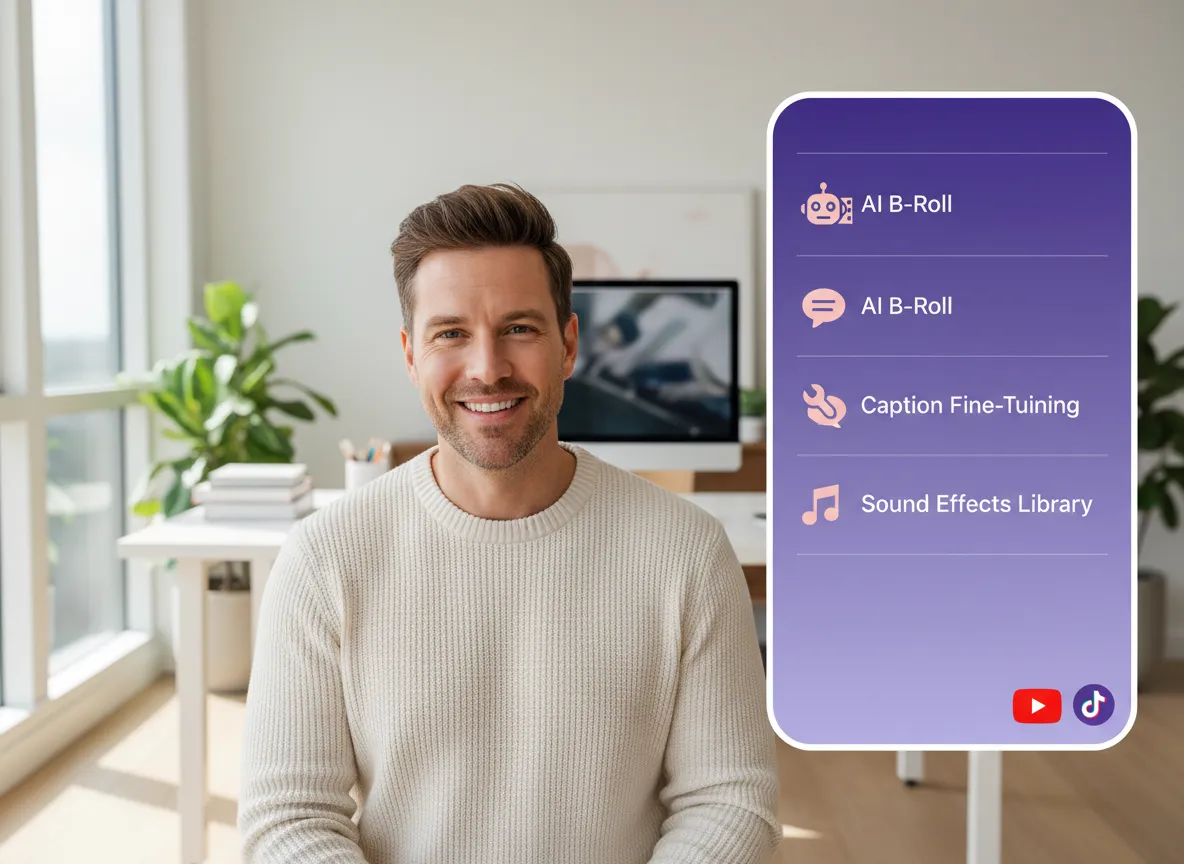
Go beyond basic clips with our comprehensive video editor. Fine-tune your captions, add AI-generated B-roll, incorporate sound effects, or use advanced AI Studio models to create unique supplemental footage.
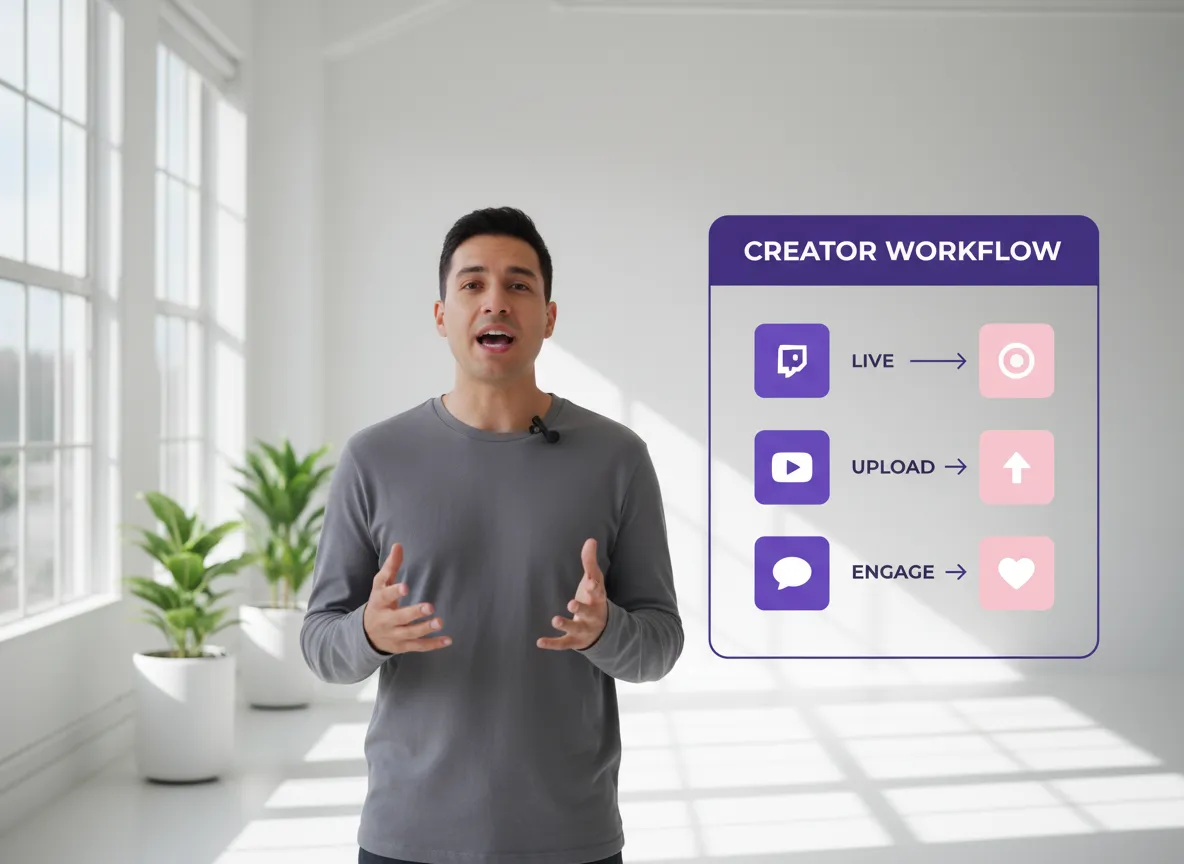
Experience the ultimate efficiency. From importing a massive Twitch stream to publishing a polished YouTube Short—complete with subtitles, branding, and SEO—every step is handled in one seamless, AI-powered platform.
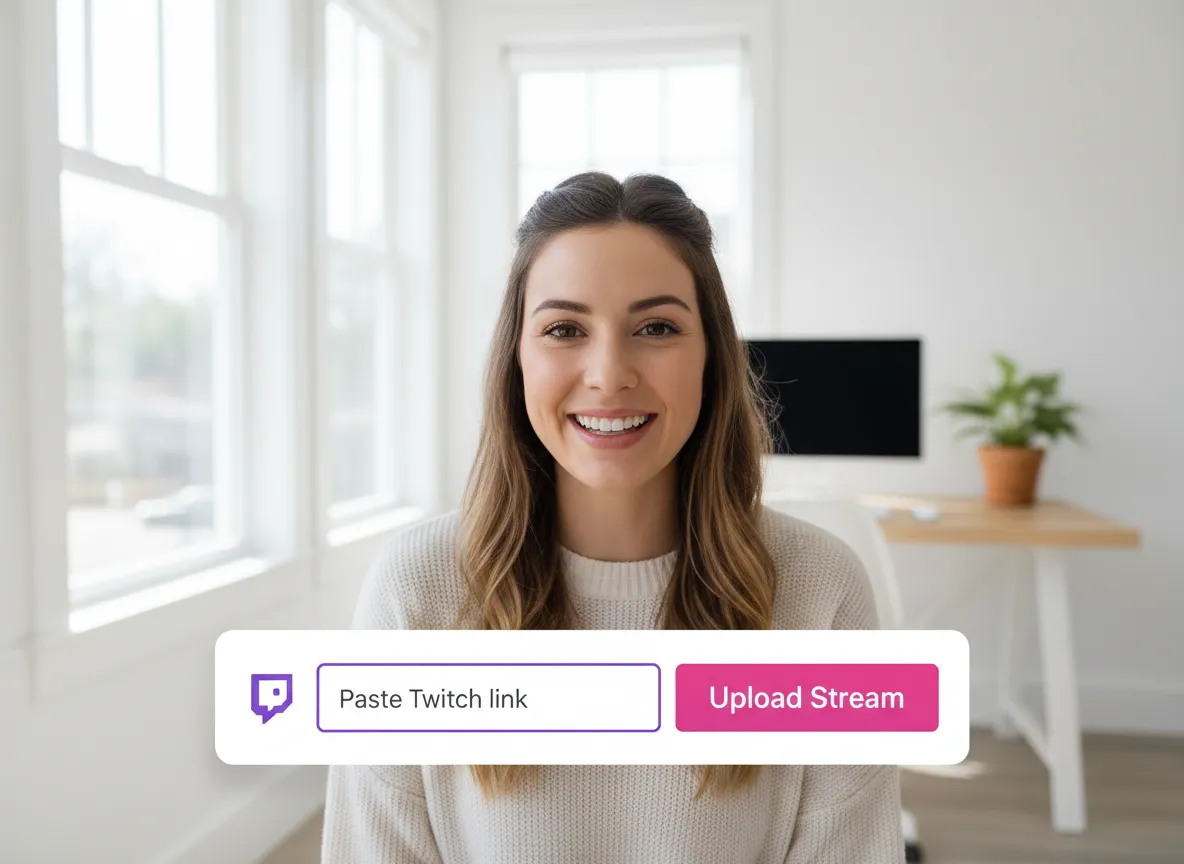
Log into your Vizard Workspace and paste your Twitch VOD link or upload a saved stream file directly to get started.
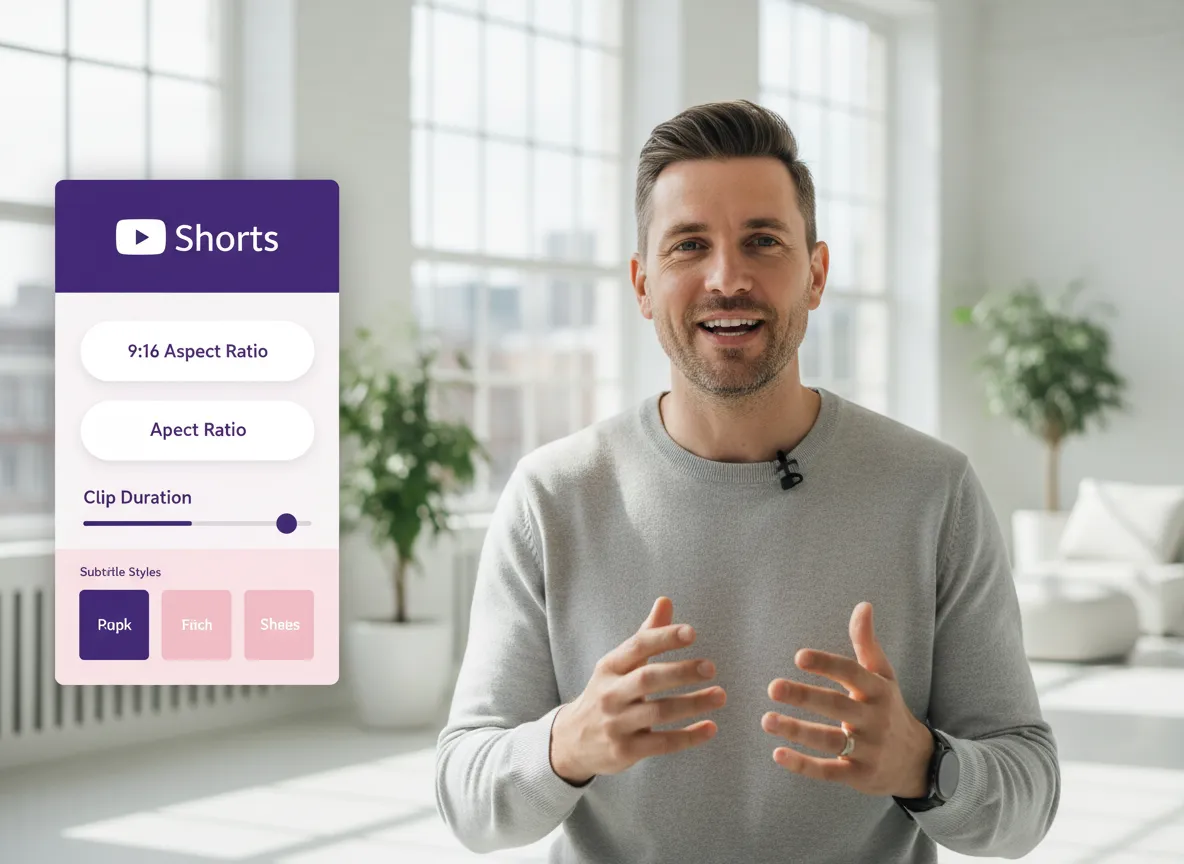
Choose the 9:16 aspect ratio for YouTube Shorts. Set your desired clip duration, pick a subtitle style, and toggle AI B-roll or brand templates.
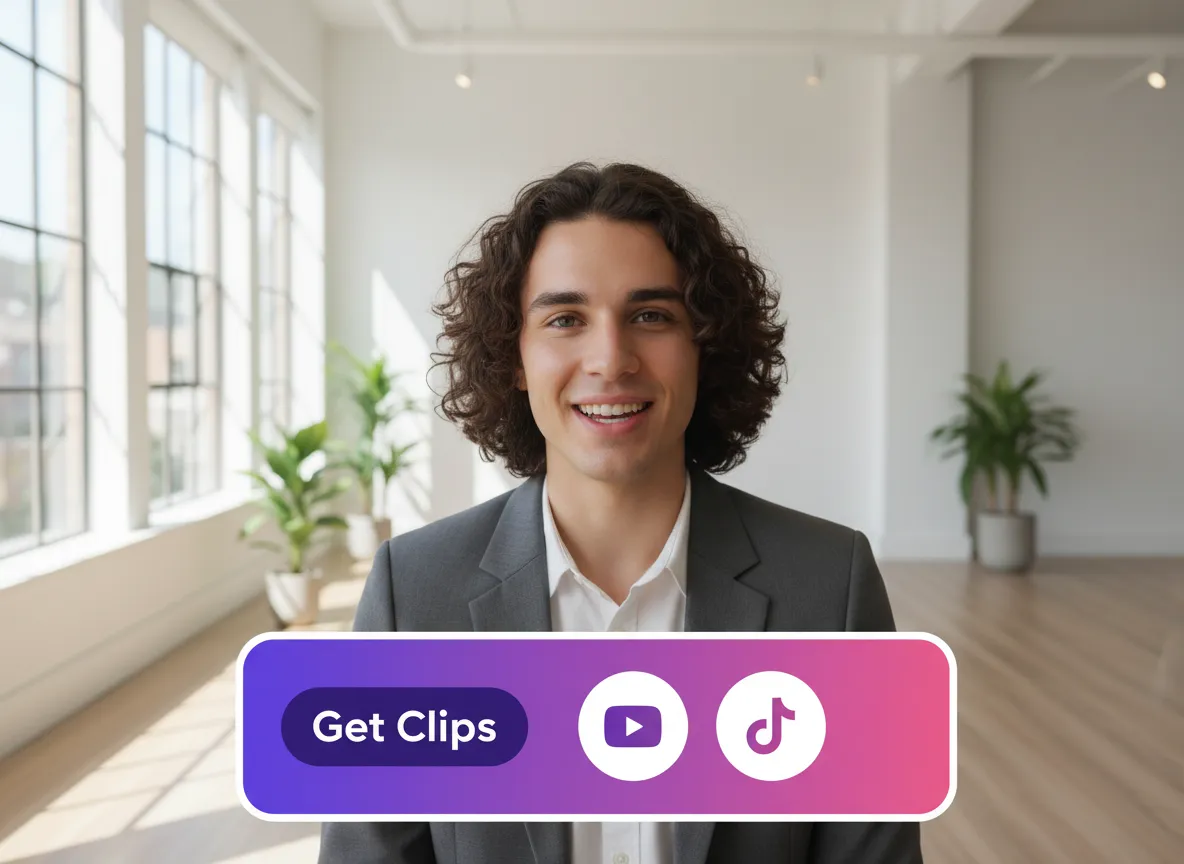
Hit "Get Clips" and watch Vizard's AI instantly identify and extract the most viral high-engagement moments from your hours-long stream.
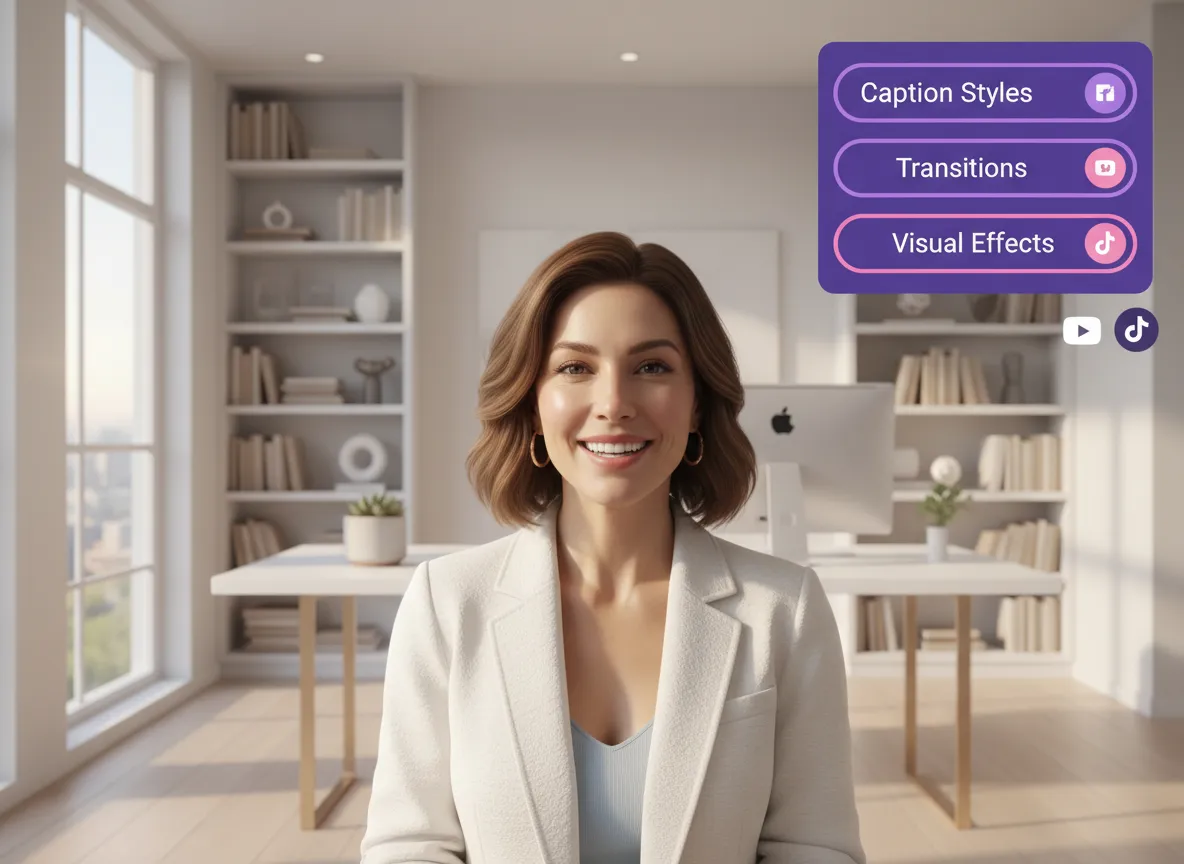
Use the full Vizard Editor to fine-tune your Shorts. Add extra visuals, modify captions, or swap out shots for a perfectly polished finish.
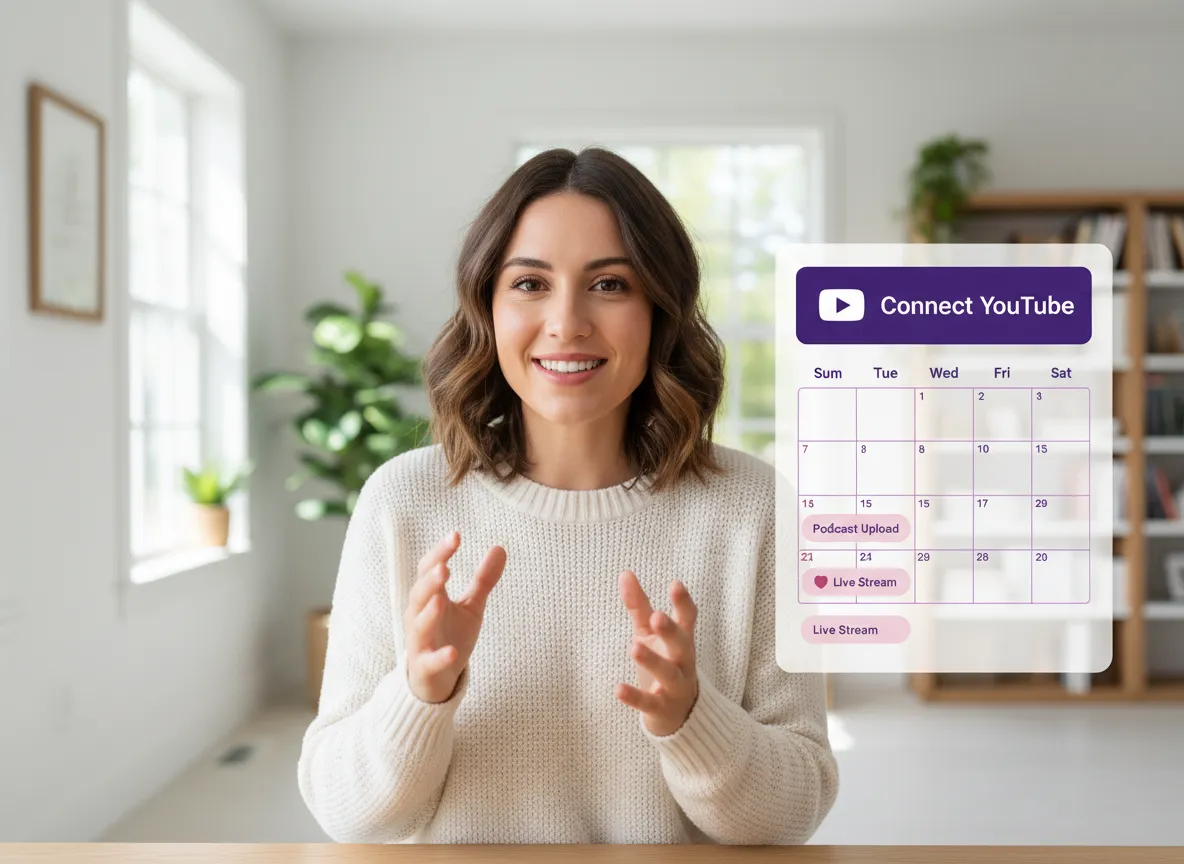
Connect your YouTube account to publish your Shorts immediately or use our Content Calendar to schedule your content at peak times.
Turn one video into 10+ Instagram Reels with AI.
With just a few clicks, you can download or share your videos with your friends or team members with a link.
Turn your videos and audios into Reels, Stories, posts, and more in one click.
Effortlessly plan, schedule, and auto-generate engaging AI-driven posts, and publish your Instagram Reels along with the perfect captions.
Add dynamic subtitles for your videos automatically, all in the browser.
Bring your team together by inviting collaborators to work on your projects, in one workspace.
Effortlessly translate your video content into 130+ languages, expanding your global reach with just a few clicks.
Enhance your video's visual appeal and brand identity with ease by adding logos, images, outros, and custom fonts to your videos.


How does Vizard identify highlights from a long Twitch stream?
Can I convert a multi-hour Twitch VOD into YouTube Shorts?
Does Vizard support the 9:16 vertical format for YouTube Shorts?
Can I add subtitles and branding to my clips?
Can I schedule or publish directly to YouTube?
Is it possible to edit the clips after they are generated?
What languages are supported for subtitles?
How does Vizard identify highlights from a long Twitch stream?
Can I convert a multi-hour Twitch VOD into YouTube Shorts?
Does Vizard support the 9:16 vertical format for YouTube Shorts?
Can I add subtitles and branding to my clips?
Can I schedule or publish directly to YouTube?
Is it possible to edit the clips after they are generated?
What languages are supported for subtitles?

 Yao Wang

Yao Wang

Yao Wang

Yao Wang

Yao Wang


















