

NEW



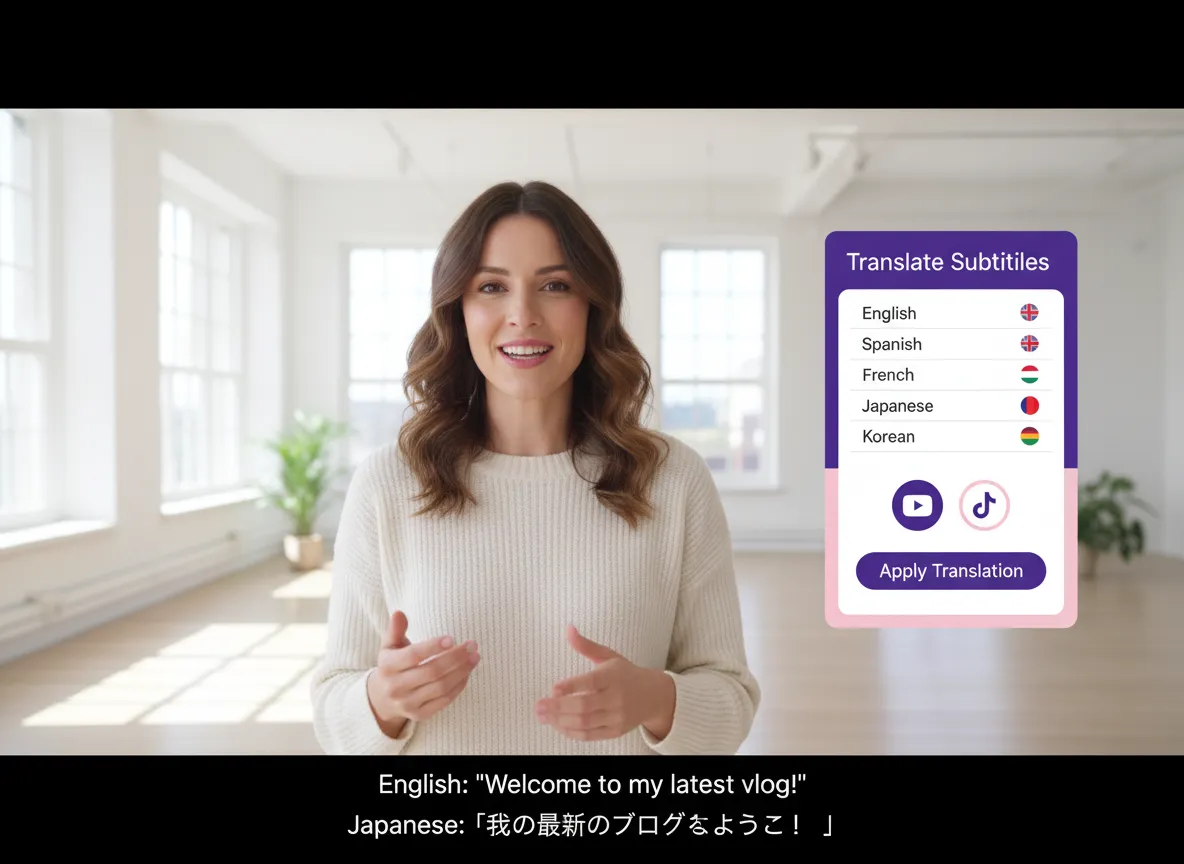
Reach a global audience effortlessly. Vizard supports over 35 languages and can translate your podcast subtitles into 150+ languages, making your content accessible to everyone, everywhere.
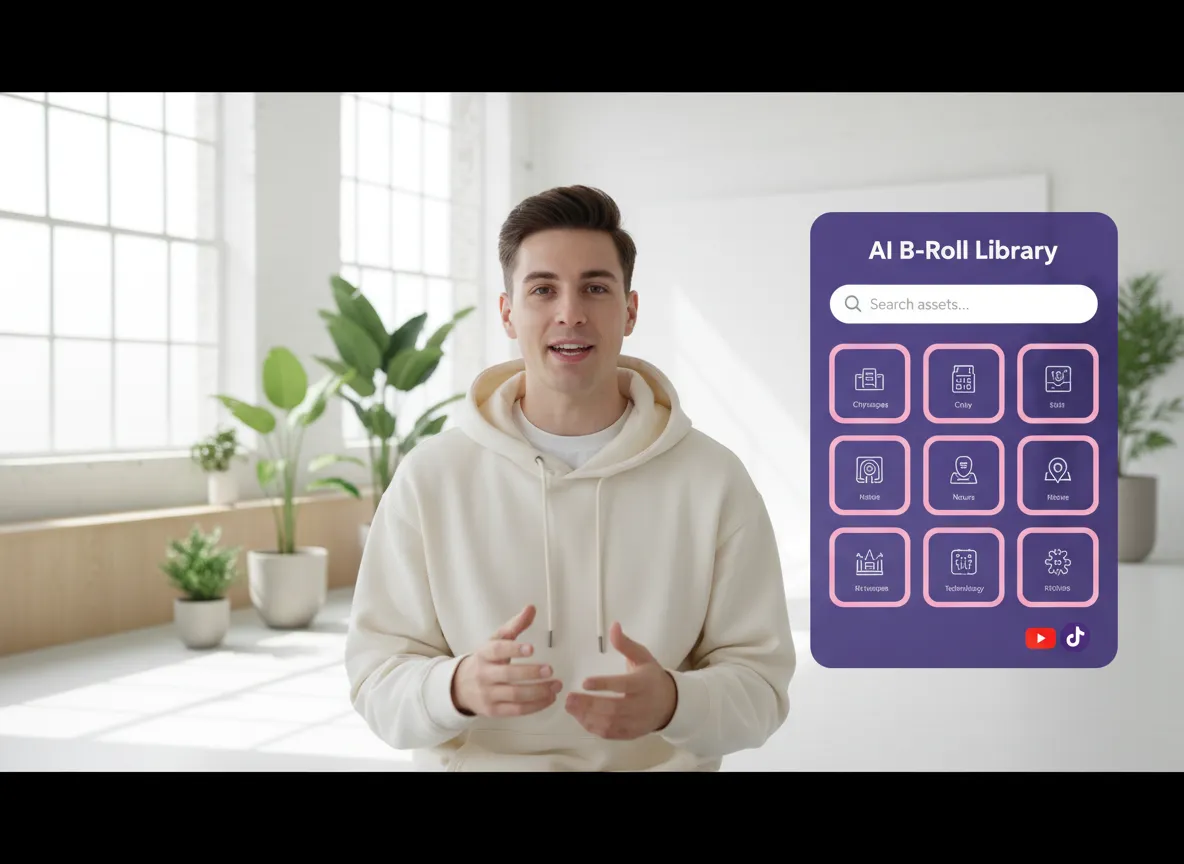
Enhance your audio-only podcasts with stunning visuals. Vizard's AI automatically adds relevant B-rolls based on your content, or you can manually search through millions of high-quality assets from Storyblocks and Pexels.

Save hours of manual work. Vizard automatically removes silences, extracts viral highlights, and applies your branding (logos, colors, outros). Instantly resize your videos to 16:9, 9:16, 1:1, or 4:5 for any social platform.
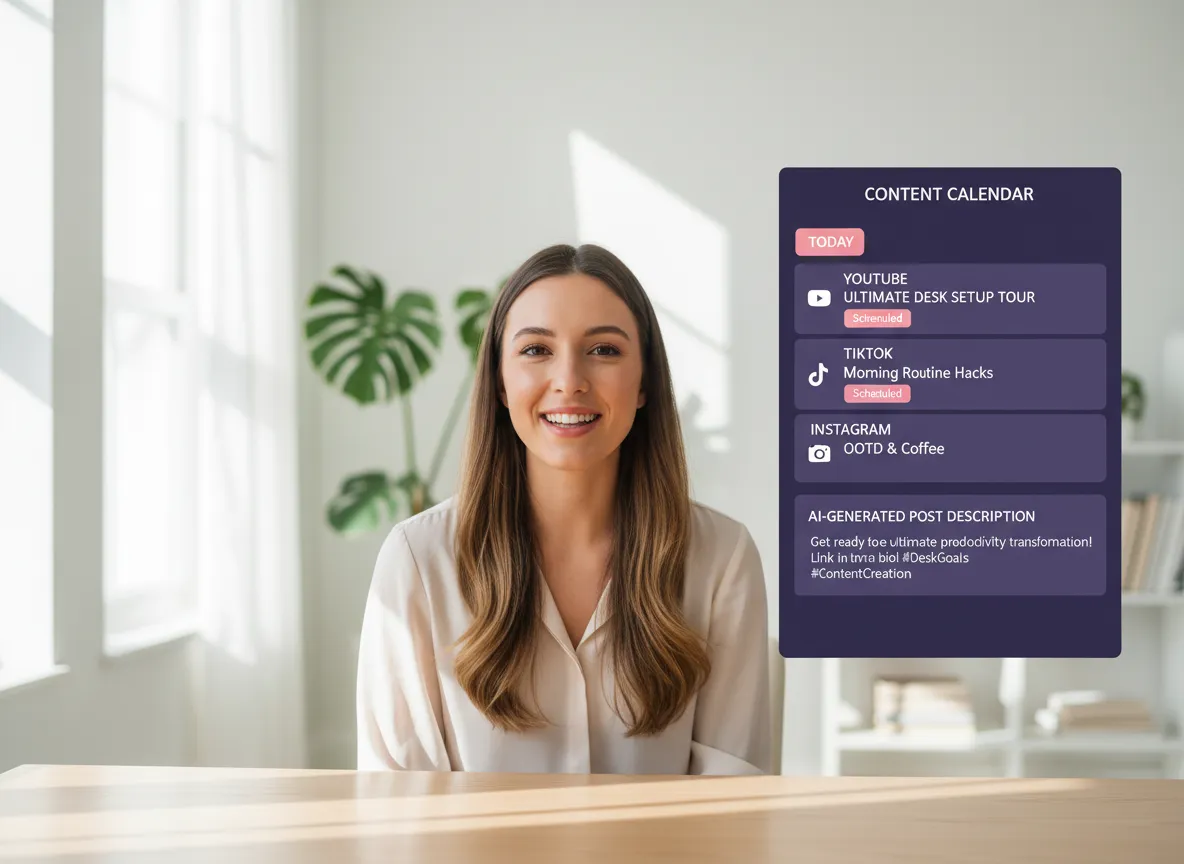
Streamline your social media workflow. Vizard's content calendar generates AI post descriptions and allows you to schedule or publish directly to YouTube, TikTok, Instagram, and more, across up to 20 accounts.
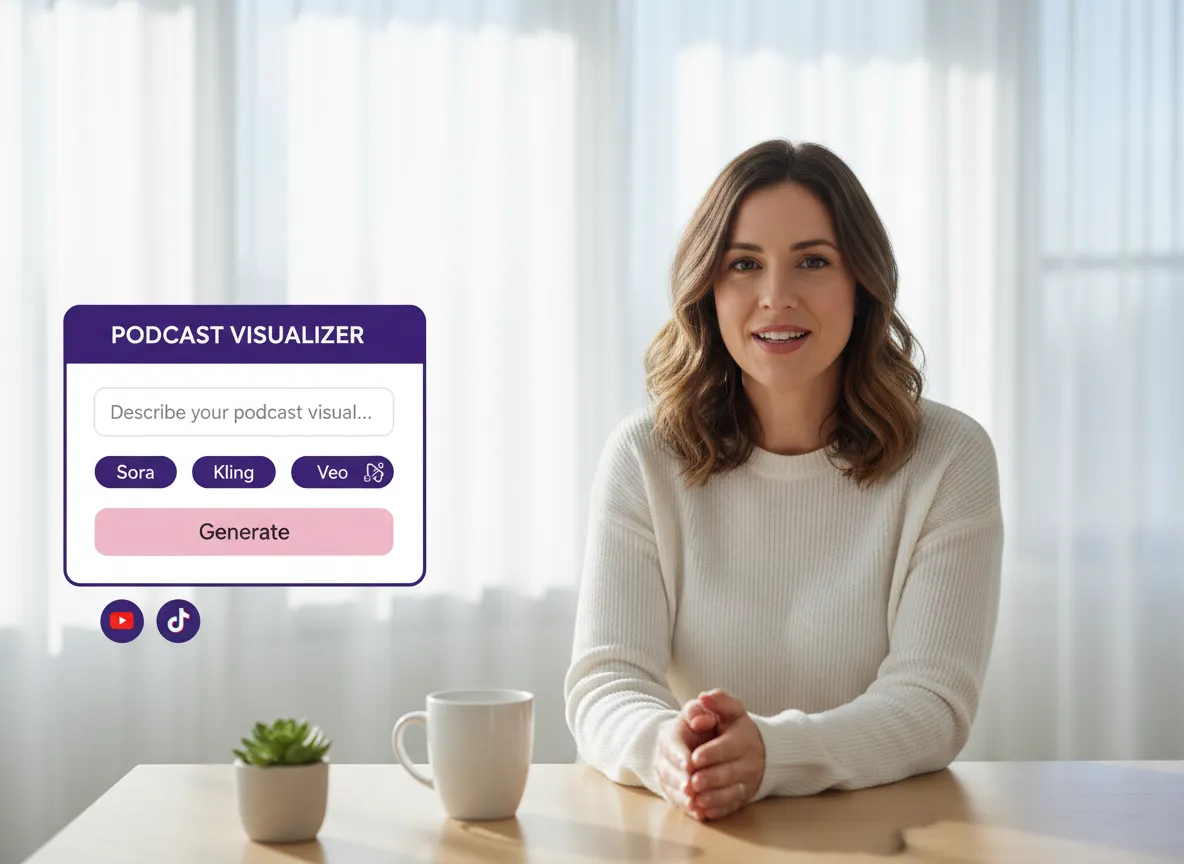
Unlock limitless creativity with our AI Studio. Use text-to-image and text-to-video prompts powered by cutting-edge models like Sora, Kling, and Veo to generate unique, custom visuals specifically for your podcast segments.
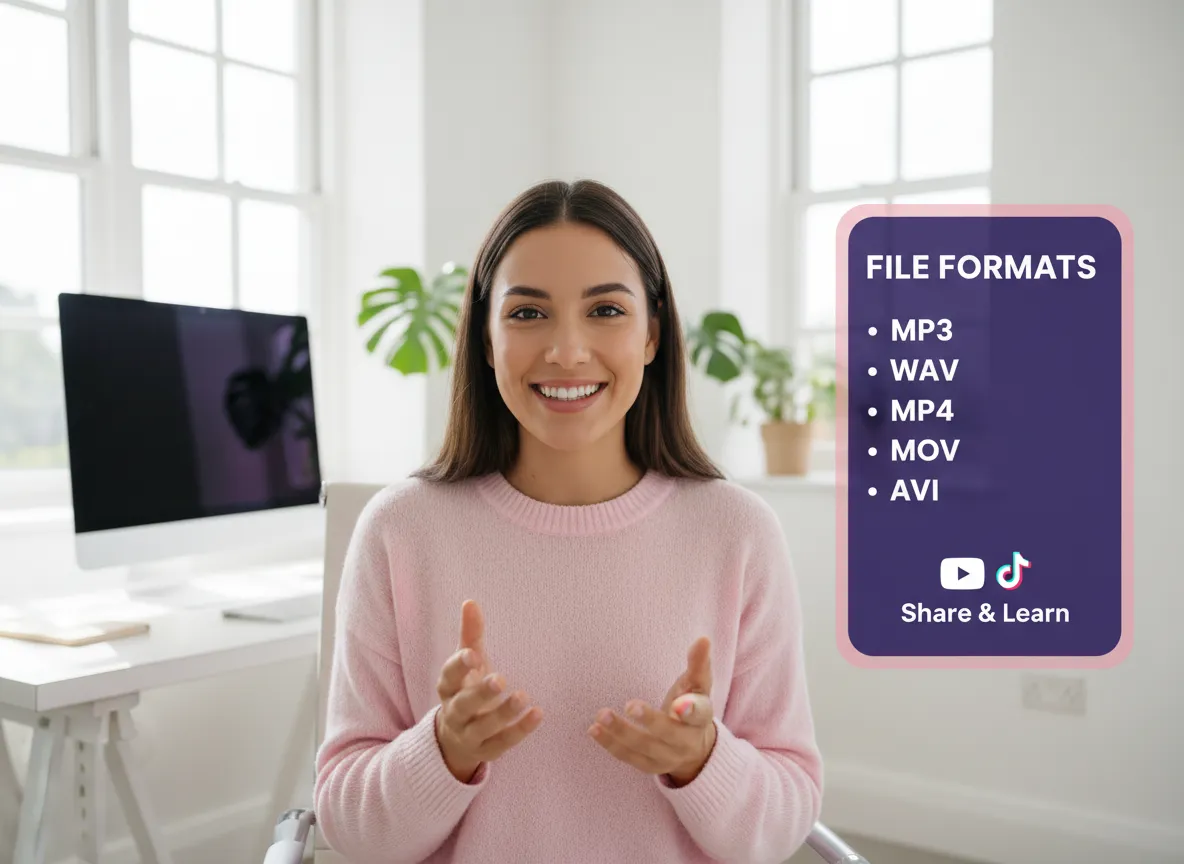
Work with any file type. Vizard supports a wide range of audio and video formats, including MP3, WAV, MP4, MOV, and AVI, ensuring a smooth transition from recording to finished social video.
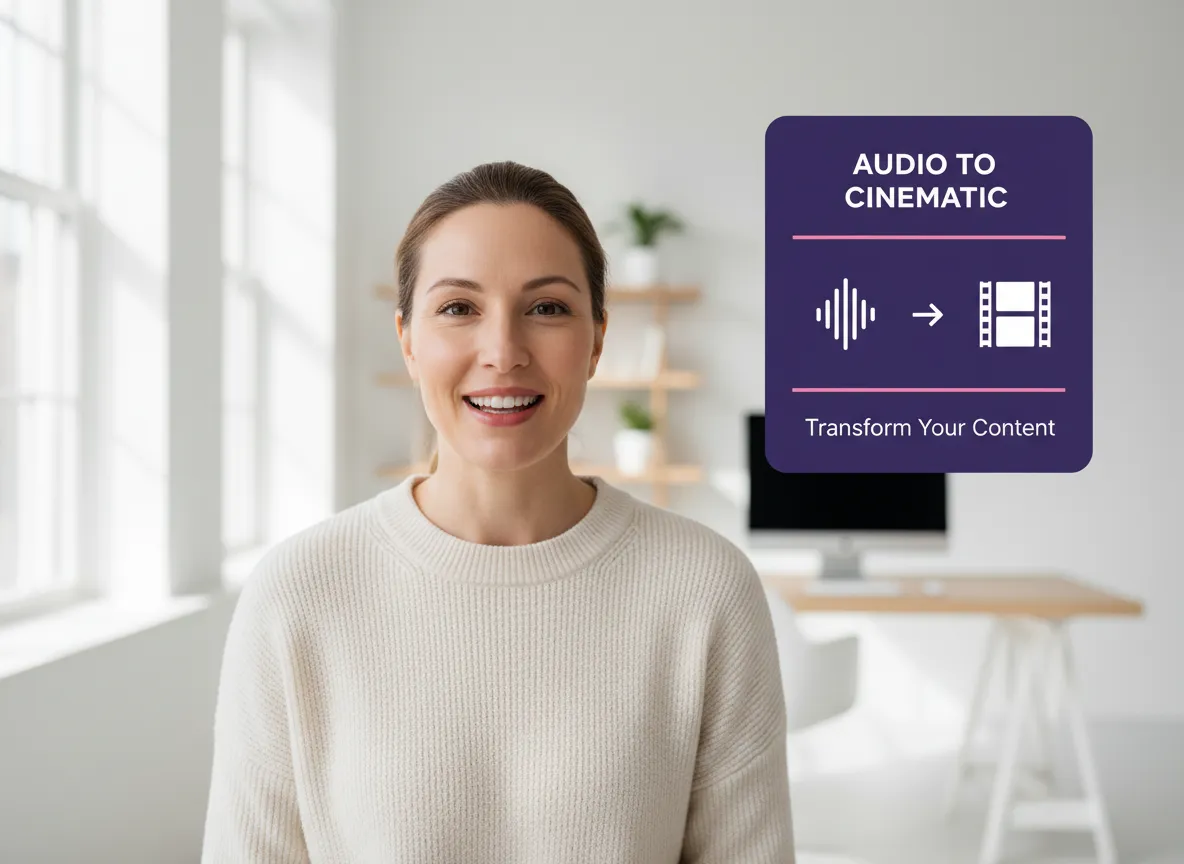
Transform pure audio into engaging visual stories. Combine AI B-rolls, premium stock footage, and generative AI models like Seedance and Sora to create professional explainer visuals that keep your audience hooked.
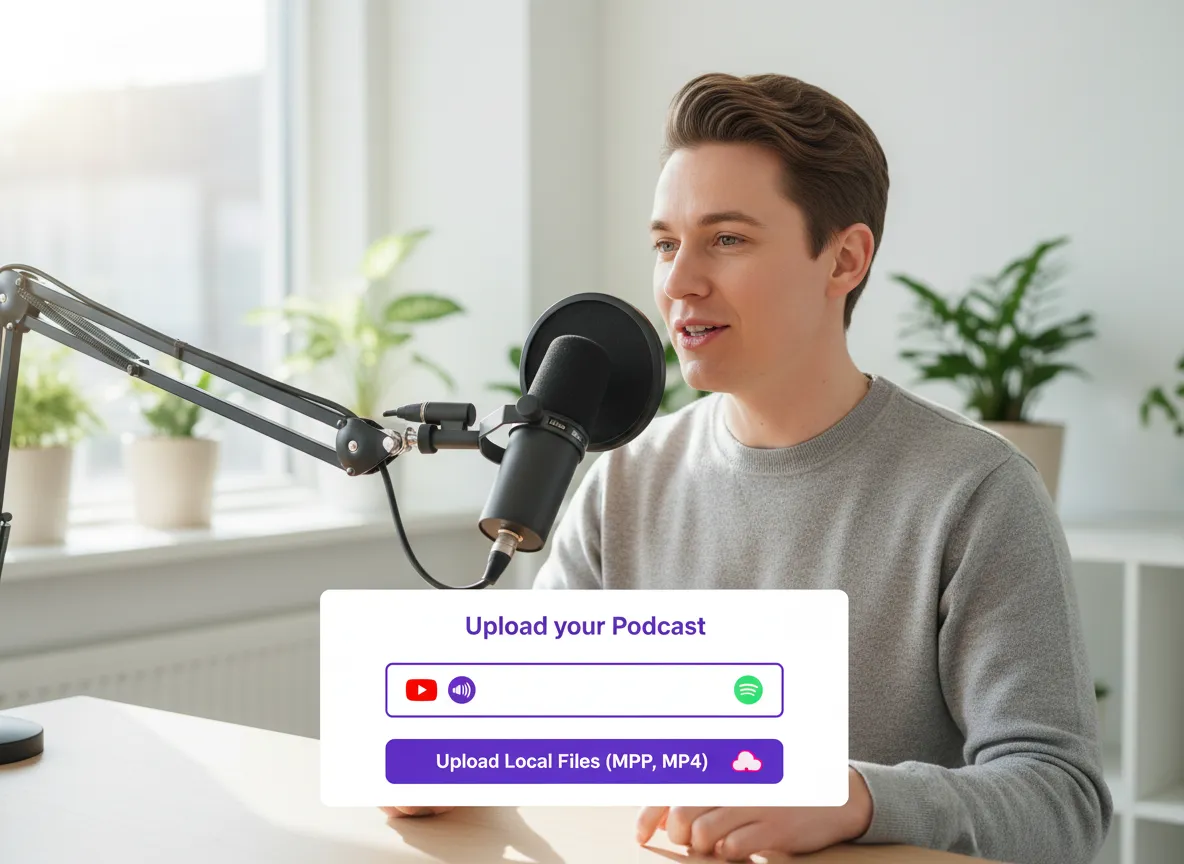
Start by pasting a YouTube or Spotify link, or upload your local audio or video files directly to Vizard. Vizard supports a wide range of formats like MP3 and MP4, making it easy to begin your podcast-to-video conversion instantly.
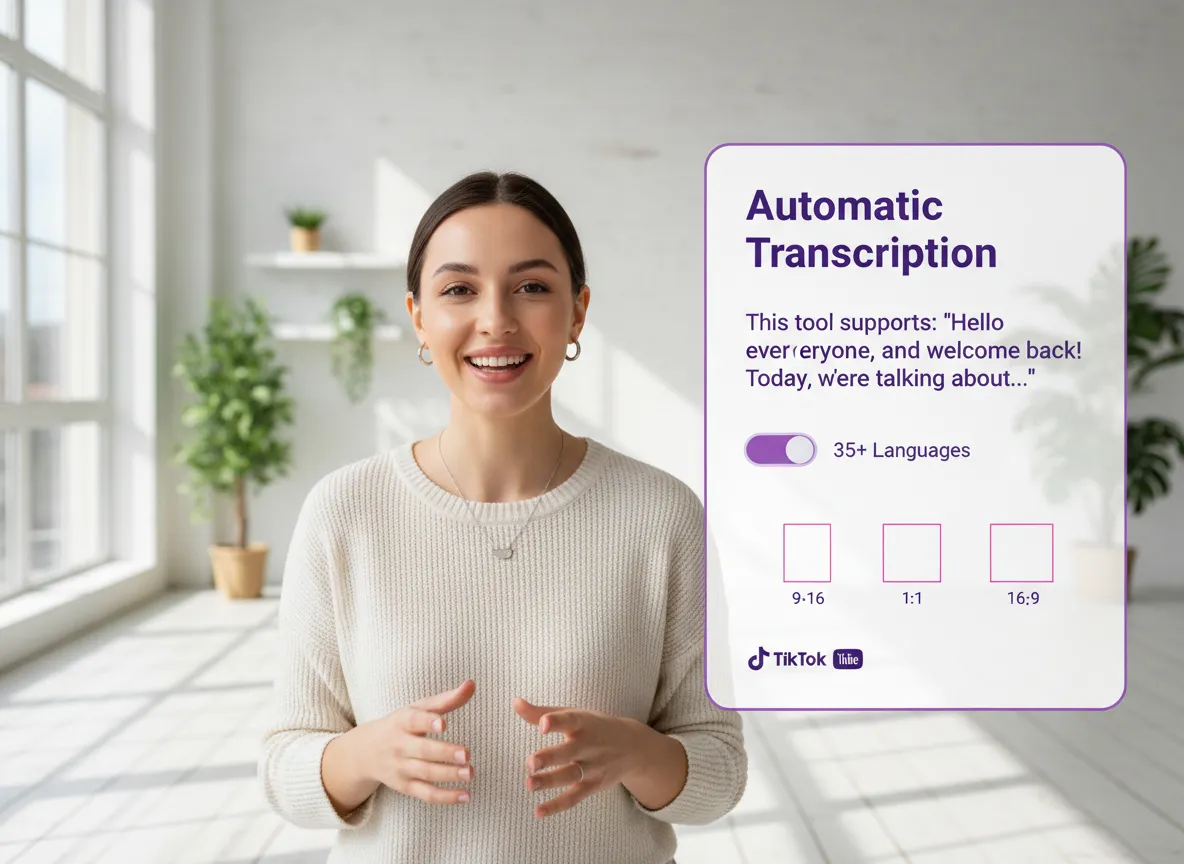
Once uploaded, Vizard's powerful AI engine automatically transcribes your content in 35+ languages, removes long silences, and identifies the most viral highlights. Within the Vizard editor, you can also adjust the aspect ratio to 9:16 for TikTok, 1:1 for Instagram, or 16:9 for YouTube.
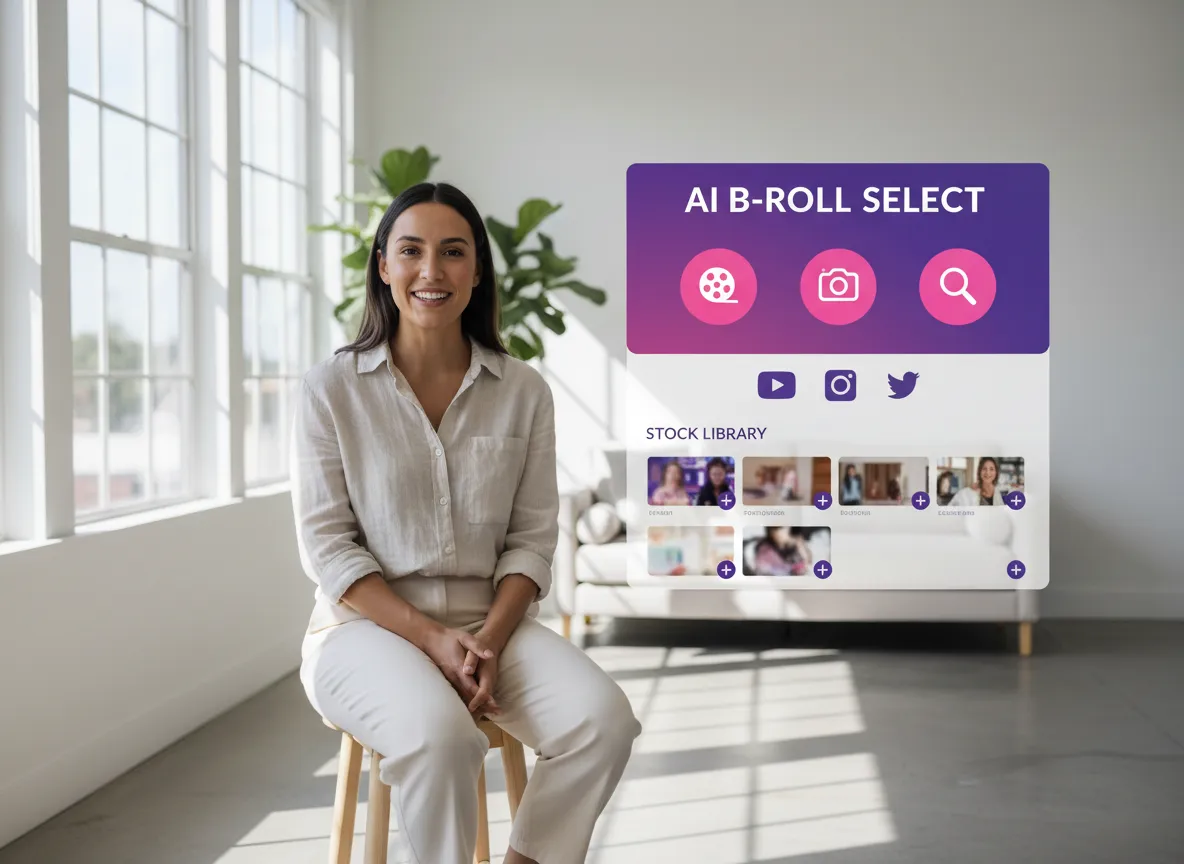
Enhance your audio with captivating visuals by applying Vizard's AI B-rolls that automatically match your content. You can also manually explore millions of assets from Storyblocks and Pexels or use state-of-the-art AI models like Sora, Kling, and Nano Banana to generate high-quality images and videos from simple text prompts in Vizard.
Turn one video into 10+ Instagram Reels with AI.
With just a few clicks, you can download or share your videos with your friends or team members with a link.
Turn your videos and audios into Reels, Stories, posts, and more in one click.
Effortlessly plan, schedule, and auto-generate engaging AI-driven posts, and publish your Instagram Reels along with the perfect captions.
Add dynamic subtitles for your videos automatically, all in the browser.
Bring your team together by inviting collaborators to work on your projects, in one workspace.
Effortlessly translate your video content into 130+ languages, expanding your global reach with just a few clicks.
Enhance your video's visual appeal and brand identity with ease by adding logos, images, outros, and custom fonts to your videos.


How does Vizard turn an audio-only podcast into a video?
Which languages does Vizard support for transcription and translation?
Can I customize the look and feel of the generated videos?
Does Vizard help with posting the videos to social media?
What kind of AI models does Vizard use for video generation?
Can Vizard automatically find the best parts of my podcast?
How does Vizard turn an audio-only podcast into a video?
Which languages does Vizard support for transcription and translation?
Can I customize the look and feel of the generated videos?
Does Vizard help with posting the videos to social media?
What kind of AI models does Vizard use for video generation?
Can Vizard automatically find the best parts of my podcast?

 Yao Wang

Yao Wang

Yao Wang
Yao Wang

Yao Wang


















