

SORA
Generate cinematic AI videos from text or images using Kling 3.0. Create realistic motion, multi-shot scenes, and high-quality AI videos directly inside Vizard.
Kling 3.0 is a next-generation AI video generation model designed to turn text prompts or images into realistic cinematic videos. The model focuses on motion realism, scene consistency, and strong prompt understanding, enabling creators to generate complex visual narratives from simple descriptions. Whether you’re building marketing videos, cinematic scenes, or social media content, Kling 3.0 provides powerful tools for fast AI video creation.
One of Kling 3.0’s most distinctive capabilities is its ability to generate cinematic multi-shot videos from a single prompt. The model can automatically create different camera angles, transitions, and scene compositions, producing structured sequences rather than a single static clip. This allows creators to generate storytelling-style videos with minimal manual editing.
Kling 3.0 focuses on producing highly realistic video outputs with improved lighting, textures, and motion physics. The model is designed to simulate natural camera movement and believable environments, enabling creators to generate visually rich content suitable for marketing, storytelling, and cinematic video production.
In addition to text-to-video generation, Kling 3.0 supports image-to-video workflows. Users can upload a single image and transform it into a dynamic video clip with motion, camera movement, and environmental effects. This feature makes it easy to animate artwork, product images, or concept visuals.
Kling 3.0 is designed to better interpret complex prompts and cinematic instructions. Users can describe scene composition, camera movement, lighting, and subject actions, and the model will generate videos that closely follow those directions. This allows creators to produce more controlled and predictable outputs.
Maintaining visual consistency across frames and shots is a major challenge for AI video models. Kling 3.0 improves temporal consistency so characters, objects, and environments remain stable throughout the generated video. This makes it suitable for narrative storytelling and brand-driven content creation.
Kling 3.0 is optimized for faster video generation compared with earlier versions of the model. Creators can generate high-quality video clips quickly, making the model practical for content production, rapid prototyping, and large-scale video generation workflows.

Here are three simple steps to start generating AI videos with Kling 3.0 on Vizard:
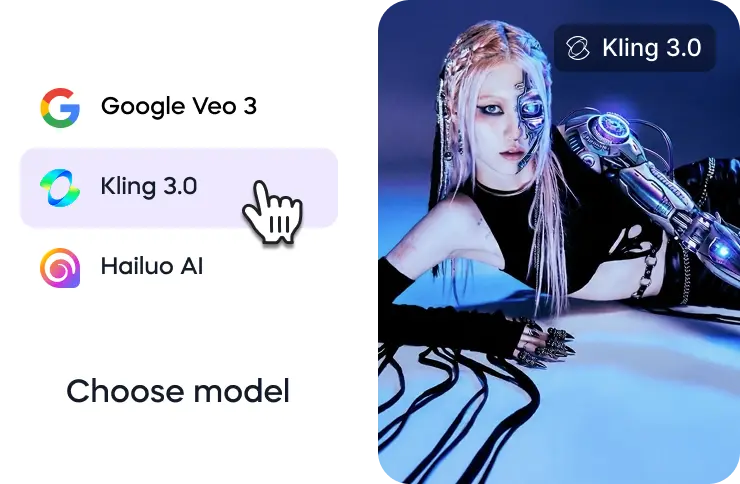
Go to Vizard’s AI video generator and select the Kling 3.0 model from the available video generation models.
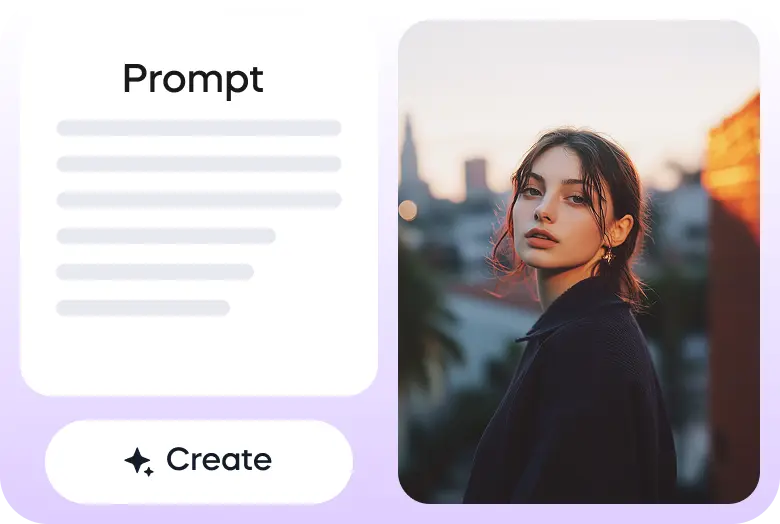
Describe your scene in a text prompt or upload an image to generate a video. Kling 3.0 will interpret your instructions and create a cinematic AI video.
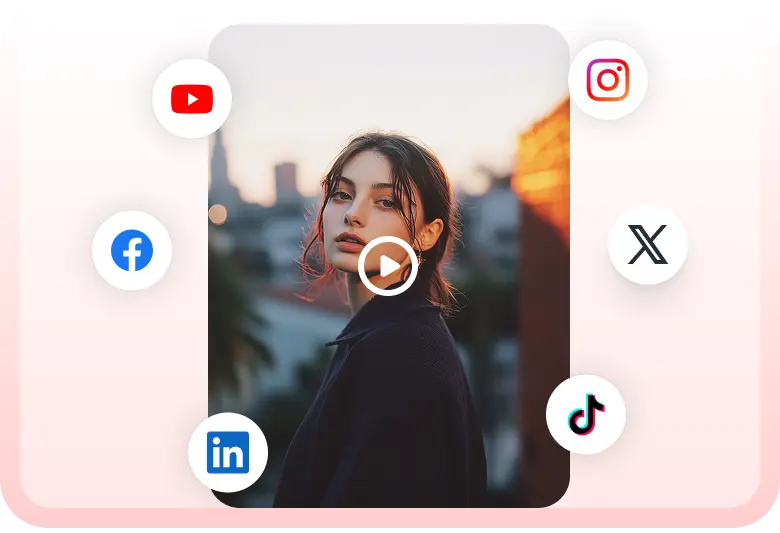
Once your video is generated, you can download it or share it directly to social media platforms using Vizard.
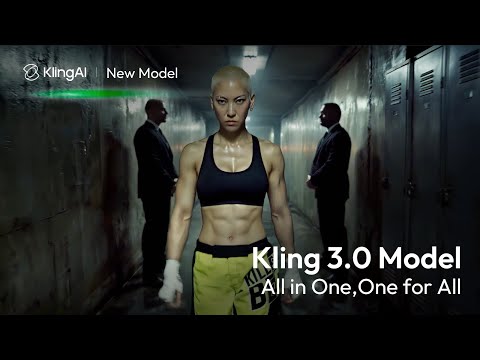
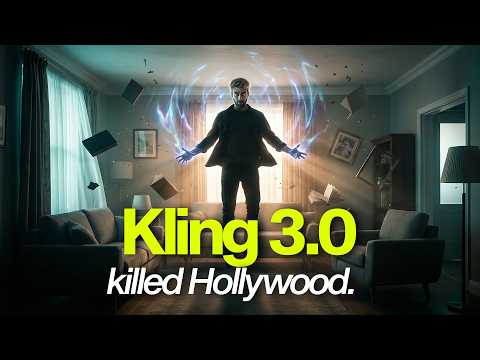

Kling 3.0 is truly "one giant leap for AI video generation"! Check out this amazing mockumentary from Kling AI Creative Partner Simon Meyer! pic.twitter.com/Iyw919s6OJ
— Kling AI (@Kling_ai) February 5, 2026
🚀 Introducing the Kling 3.0 Model: Everyone a Director. It’s Time.
— Kling AI (@Kling_ai) February 4, 2026
An all-in-one creative engine that enables truly native multimodal creation.
- Superb Consistency: Your characters and elements, always locked in.
- Flexible Video Production: Create 15s clips with precise… pic.twitter.com/CJBILOdMZs
PROMPT SHARE (KLING 3.0):
— Heather Cooper (@HBCoop_) February 19, 2026
Car commercial tracking shot: camera mounted on precision rig running parallel to moving vehicle at exact matching speed, vehicle appears static in frame while background blurs with motion, camera height 0.9m (below window line), shooting at 24fps with… pic.twitter.com/4Xuf9FRAxg
Kling 3.0 is insanely good
— MayorkingAI (@MayorKingAI) February 21, 2026
I created 10 cinematic text-to-video prompts in Leonardo, and the realism, motion, and camera control are on another level
10 cinematic prompts below 🧵👇 pic.twitter.com/RiwKs4xDoK
Finally got our hands on @seedanceai 2.0 (through @YouArtStudio) and ran it head-to-head with @Kling_ai 3.0.
— Curious Refuge (@CuriousRefuge) February 20, 2026
Here’s what stood out: Seedance 2.0’s physics feel stronger right away. The movement just looks more natural and realistic, especially in bigger physical actions. It also… pic.twitter.com/GFltsCC5oO
Created with Kling 3.0 #Kling3 #KlingAI @KlingAI [PR]
— 音人 (@otohitoyuuki) February 20, 2026
Kling3.0 Omni 複数カット(5カット)で15秒生成したものと、3秒・5秒で生成したものの比較。… pic.twitter.com/hgdyUkaSZ0
Can I use Kling 3.0 directly inside Vizard?
Yes. Vizard integrates Kling 3.0 so you can generate AI videos directly from text prompts or images. After generating the video, you can edit, repurpose, and export it within Vizard’s video editing and clipping tools.
What can I create with Kling 3.0 in Vizard?
With Kling 3.0 on Vizard, you can generate a wide range of videos including marketing visuals, cinematic scenes, animated images, social media content, and short storytelling clips.
Does Vizard support both text-to-video and image-to-video with Kling 3.0?
Yes. Vizard supports both workflows. You can generate videos from text prompts or upload an image and animate it using Kling 3.0’s image-to-video capabilities.
Can I edit Kling 3.0 videos after generating them?
Yes. Videos generated with Kling 3.0 in Vizard can be edited directly in the platform. You can trim clips, add captions, reframe videos for vertical formats, or turn them into short social media content.
What makes using Kling 3.0 inside Vizard different from using it alone?
Using Kling 3.0 in Vizard gives you a complete AI video workflow. Instead of only generating a video, you can immediately edit, repurpose, and publish the content for different platforms without switching tools.
Can I repurpose Kling 3.0 videos for social media in Vizard?
Yes. After generating a video with Kling 3.0, you can easily adapt it for social media formats. Vizard allows you to convert videos into vertical formats, create clips, and export content optimized for platforms like TikTok, Instagram, and YouTube.
Kling 3.0 is a next-generation AI video generation model designed to turn text prompts or images into realistic cinematic videos. The model focuses on motion realism, scene consistency, and strong prompt understanding, enabling creators to generate complex visual narratives from simple descriptions. Whether you’re building marketing videos, cinematic scenes, or social media content, Kling 3.0 provides powerful tools for fast AI video creation.
One of Kling 3.0’s most distinctive capabilities is its ability to generate cinematic multi-shot videos from a single prompt. The model can automatically create different camera angles, transitions, and scene compositions, producing structured sequences rather than a single static clip. This allows creators to generate storytelling-style videos with minimal manual editing.
Kling 3.0 focuses on producing highly realistic video outputs with improved lighting, textures, and motion physics. The model is designed to simulate natural camera movement and believable environments, enabling creators to generate visually rich content suitable for marketing, storytelling, and cinematic video production.
In addition to text-to-video generation, Kling 3.0 supports image-to-video workflows. Users can upload a single image and transform it into a dynamic video clip with motion, camera movement, and environmental effects. This feature makes it easy to animate artwork, product images, or concept visuals.
Kling 3.0 is designed to better interpret complex prompts and cinematic instructions. Users can describe scene composition, camera movement, lighting, and subject actions, and the model will generate videos that closely follow those directions. This allows creators to produce more controlled and predictable outputs.
Maintaining visual consistency across frames and shots is a major challenge for AI video models. Kling 3.0 improves temporal consistency so characters, objects, and environments remain stable throughout the generated video. This makes it suitable for narrative storytelling and brand-driven content creation.
Kling 3.0 is optimized for faster video generation compared with earlier versions of the model. Creators can generate high-quality video clips quickly, making the model practical for content production, rapid prototyping, and large-scale video generation workflows.
Here are three simple steps to start generating AI videos with Kling 3.0 on Vizard:
Go to Vizard’s AI video generator and select the Kling 3.0 model from the available video generation models.
Describe your scene in a text prompt or upload an image to generate a video. Kling 3.0 will interpret your instructions and create a cinematic AI video.
Once your video is generated, you can download it or share it directly to social media platforms using Vizard.
Kling 3.0 is truly "one giant leap for AI video generation"! Check out this amazing mockumentary from Kling AI Creative Partner Simon Meyer! pic.twitter.com/Iyw919s6OJ
— Kling AI (@Kling_ai) February 5, 2026
🚀 Introducing the Kling 3.0 Model: Everyone a Director. It’s Time.
— Kling AI (@Kling_ai) February 4, 2026
An all-in-one creative engine that enables truly native multimodal creation.
- Superb Consistency: Your characters and elements, always locked in.
- Flexible Video Production: Create 15s clips with precise… pic.twitter.com/CJBILOdMZs
PROMPT SHARE (KLING 3.0):
— Heather Cooper (@HBCoop_) February 19, 2026
Car commercial tracking shot: camera mounted on precision rig running parallel to moving vehicle at exact matching speed, vehicle appears static in frame while background blurs with motion, camera height 0.9m (below window line), shooting at 24fps with… pic.twitter.com/4Xuf9FRAxg
Kling 3.0 is insanely good
— MayorkingAI (@MayorKingAI) February 21, 2026
I created 10 cinematic text-to-video prompts in Leonardo, and the realism, motion, and camera control are on another level
10 cinematic prompts below 🧵👇 pic.twitter.com/RiwKs4xDoK
Finally got our hands on @seedanceai 2.0 (through @YouArtStudio) and ran it head-to-head with @Kling_ai 3.0.
— Curious Refuge (@CuriousRefuge) February 20, 2026
Here’s what stood out: Seedance 2.0’s physics feel stronger right away. The movement just looks more natural and realistic, especially in bigger physical actions. It also… pic.twitter.com/GFltsCC5oO
Created with Kling 3.0 #Kling3 #KlingAI @KlingAI [PR]
— 音人 (@otohitoyuuki) February 20, 2026
Kling3.0 Omni 複数カット(5カット)で15秒生成したものと、3秒・5秒で生成したものの比較。… pic.twitter.com/hgdyUkaSZ0
Can I use Kling 3.0 directly inside Vizard?
Yes. Vizard integrates Kling 3.0 so you can generate AI videos directly from text prompts or images. After generating the video, you can edit, repurpose, and export it within Vizard’s video editing and clipping tools.
What can I create with Kling 3.0 in Vizard?
With Kling 3.0 on Vizard, you can generate a wide range of videos including marketing visuals, cinematic scenes, animated images, social media content, and short storytelling clips.
Does Vizard support both text-to-video and image-to-video with Kling 3.0?
Yes. Vizard supports both workflows. You can generate videos from text prompts or upload an image and animate it using Kling 3.0’s image-to-video capabilities.
Can I edit Kling 3.0 videos after generating them?
Yes. Videos generated with Kling 3.0 in Vizard can be edited directly in the platform. You can trim clips, add captions, reframe videos for vertical formats, or turn them into short social media content.
What makes using Kling 3.0 inside Vizard different from using it alone?
Using Kling 3.0 in Vizard gives you a complete AI video workflow. Instead of only generating a video, you can immediately edit, repurpose, and publish the content for different platforms without switching tools.
Can I repurpose Kling 3.0 videos for social media in Vizard?
Yes. After generating a video with Kling 3.0, you can easily adapt it for social media formats. Vizard allows you to convert videos into vertical formats, create clips, and export content optimized for platforms like TikTok, Instagram, and YouTube.









