

NEW
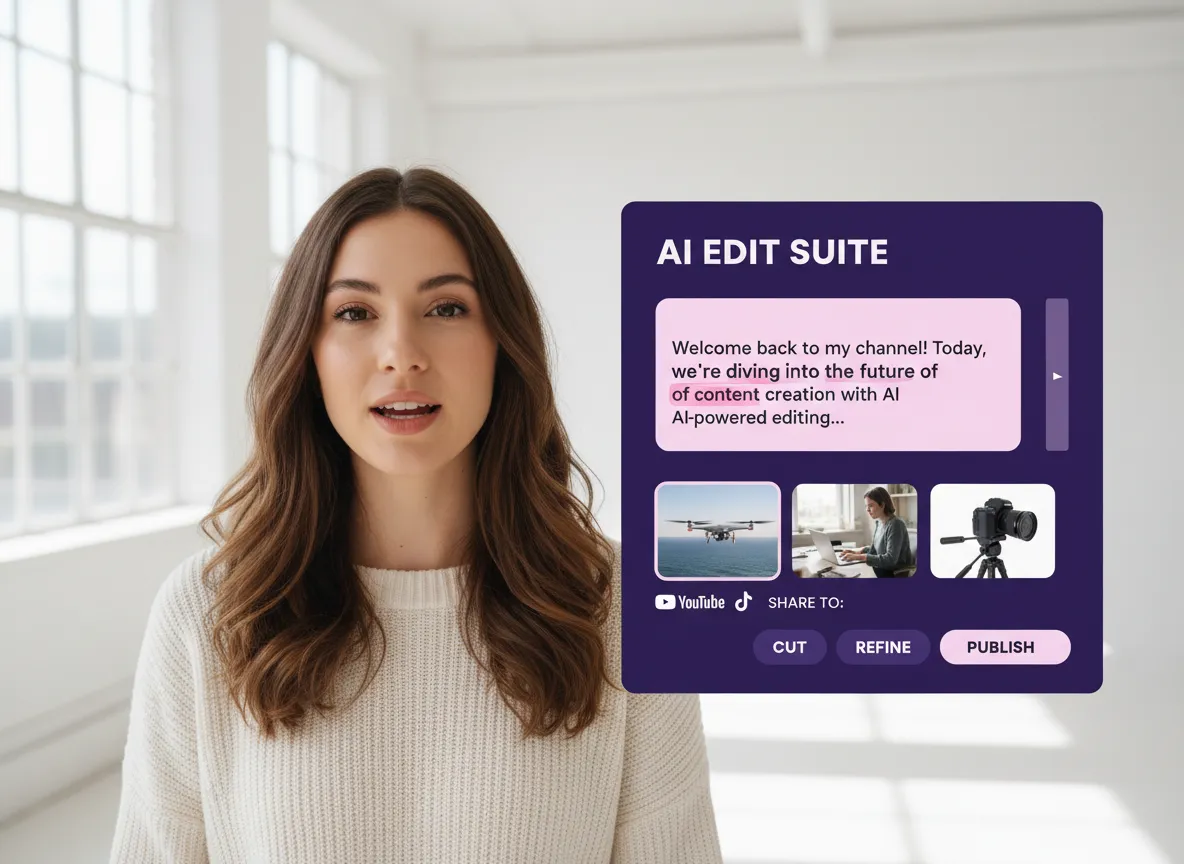



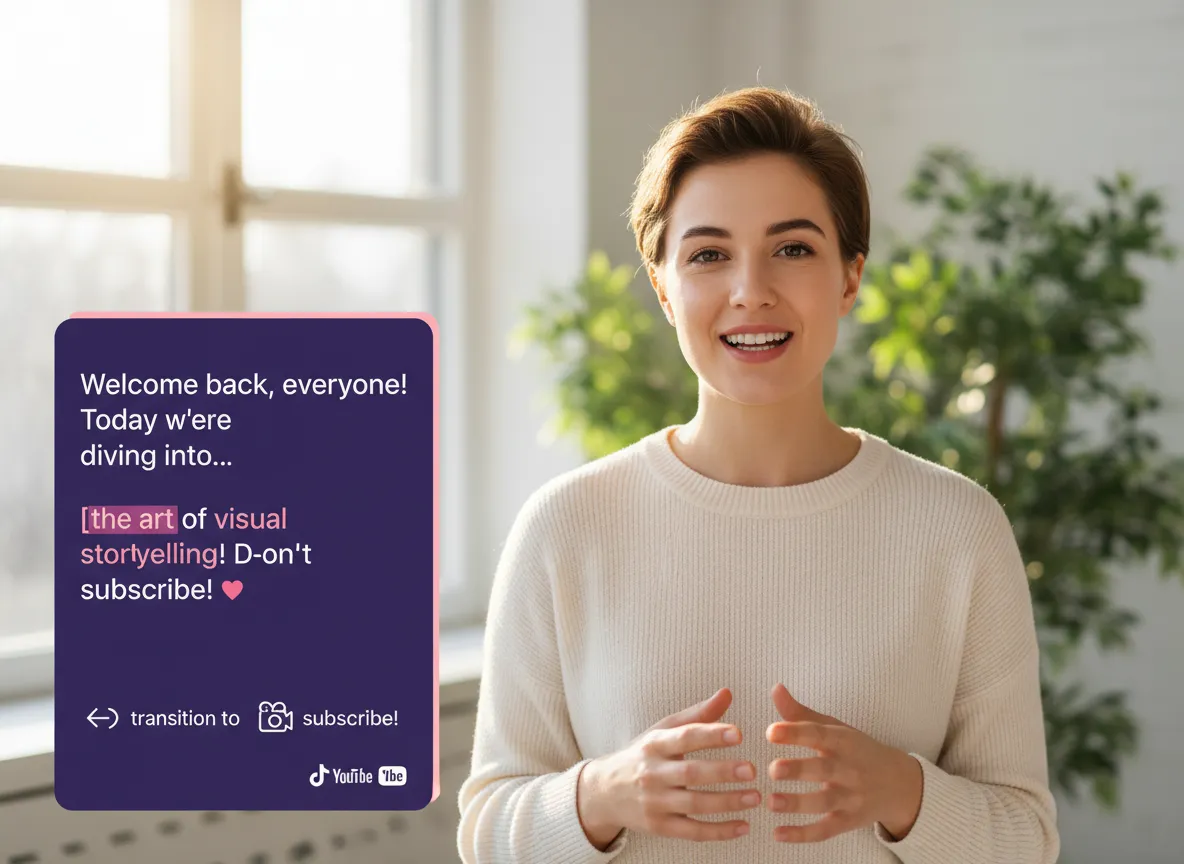
Vizard provides a professional-grade workspace where cutting-edge AI meets traditional precision. With our text-based editor, podcasters can polish interviews by simply deleting transcript sentences, while the multi-track timeline allows social media managers to layer transitions, animations, and custom B-roll with frame-accurate control. Whether you're making a quick cut or a complex production, Vizard ensures your creative vision is never limited by technical complexity.
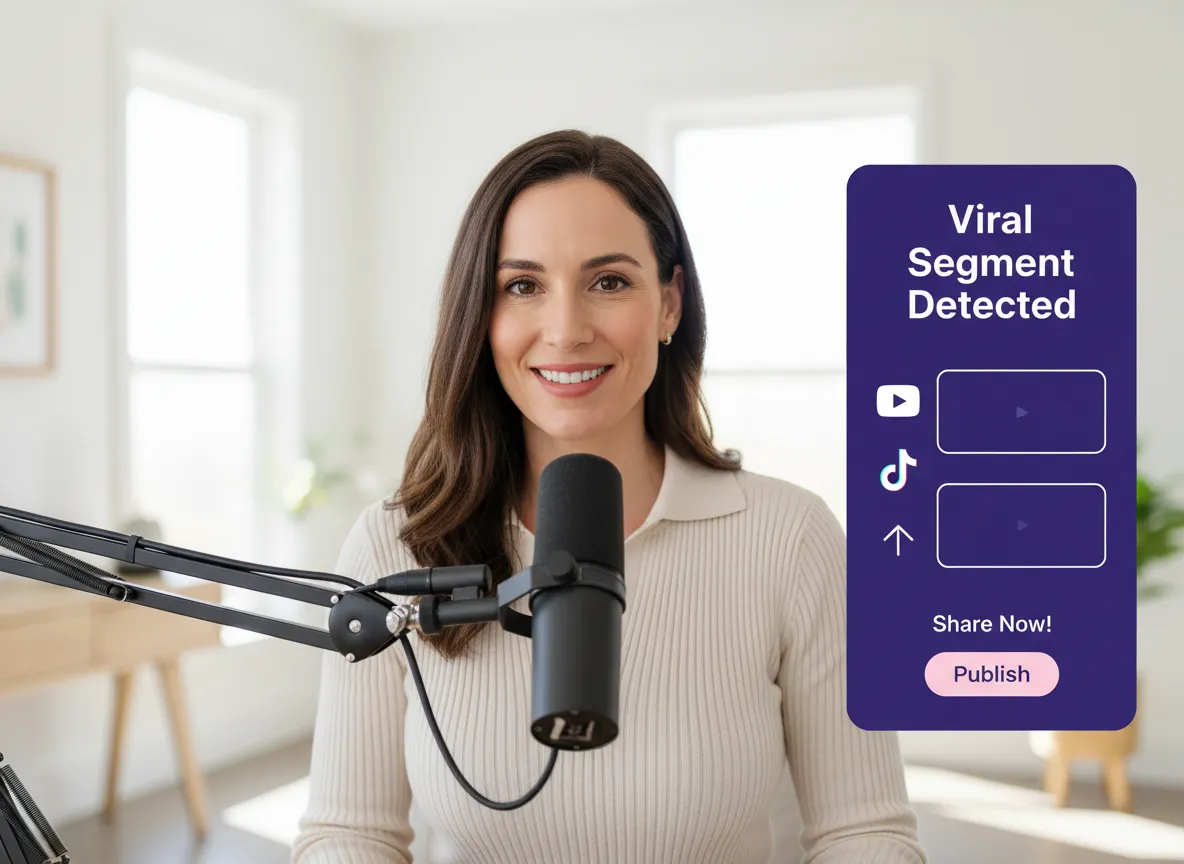
Vizard’s flagship AI Long to Short tool is a game-changer for creators who need to scale their output without doubling their effort. By analyzing your long-form webinars or podcasts, Vizard automatically identifies viral-ready segments and reformats them into perfectly cropped vertical clips for TikTok and Reels. This intelligent repurposing allows brands to maximize the ROI of every video they produce, turning a single recording into a multi-week content strategy in minutes.
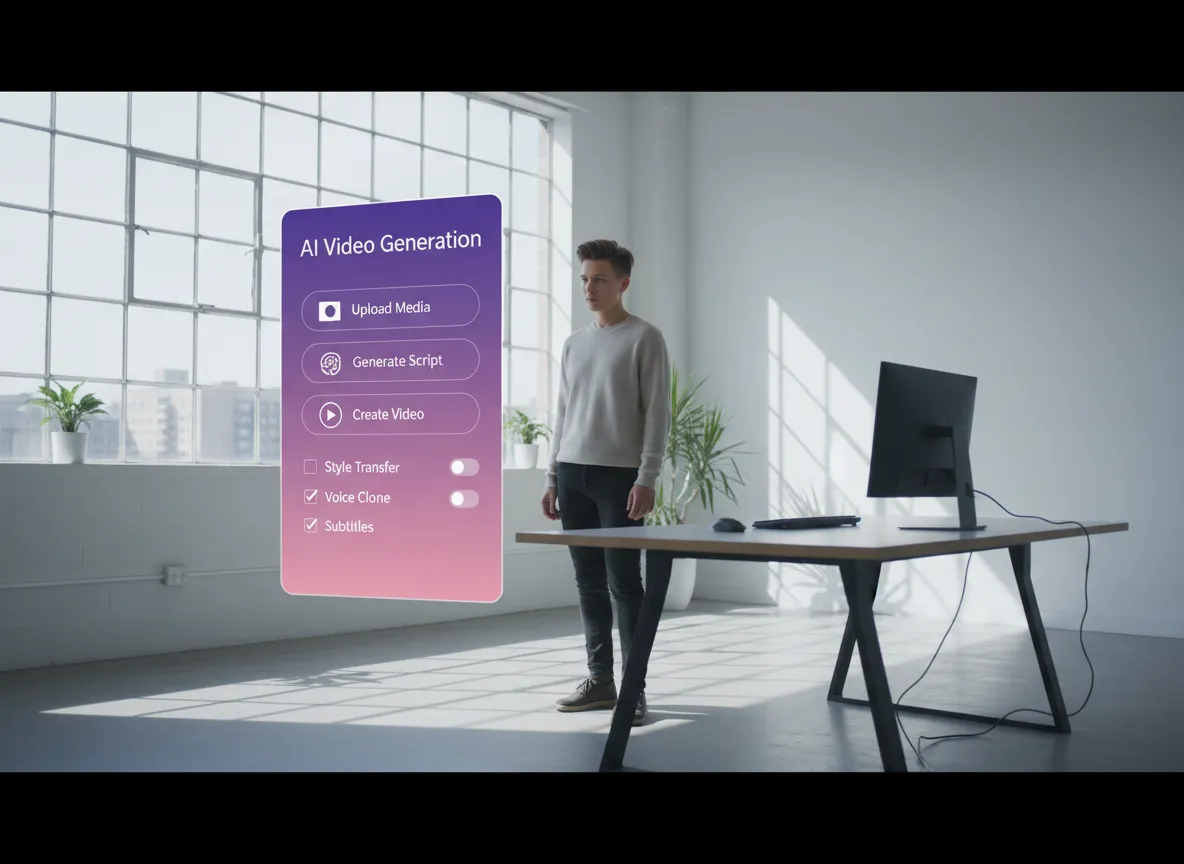
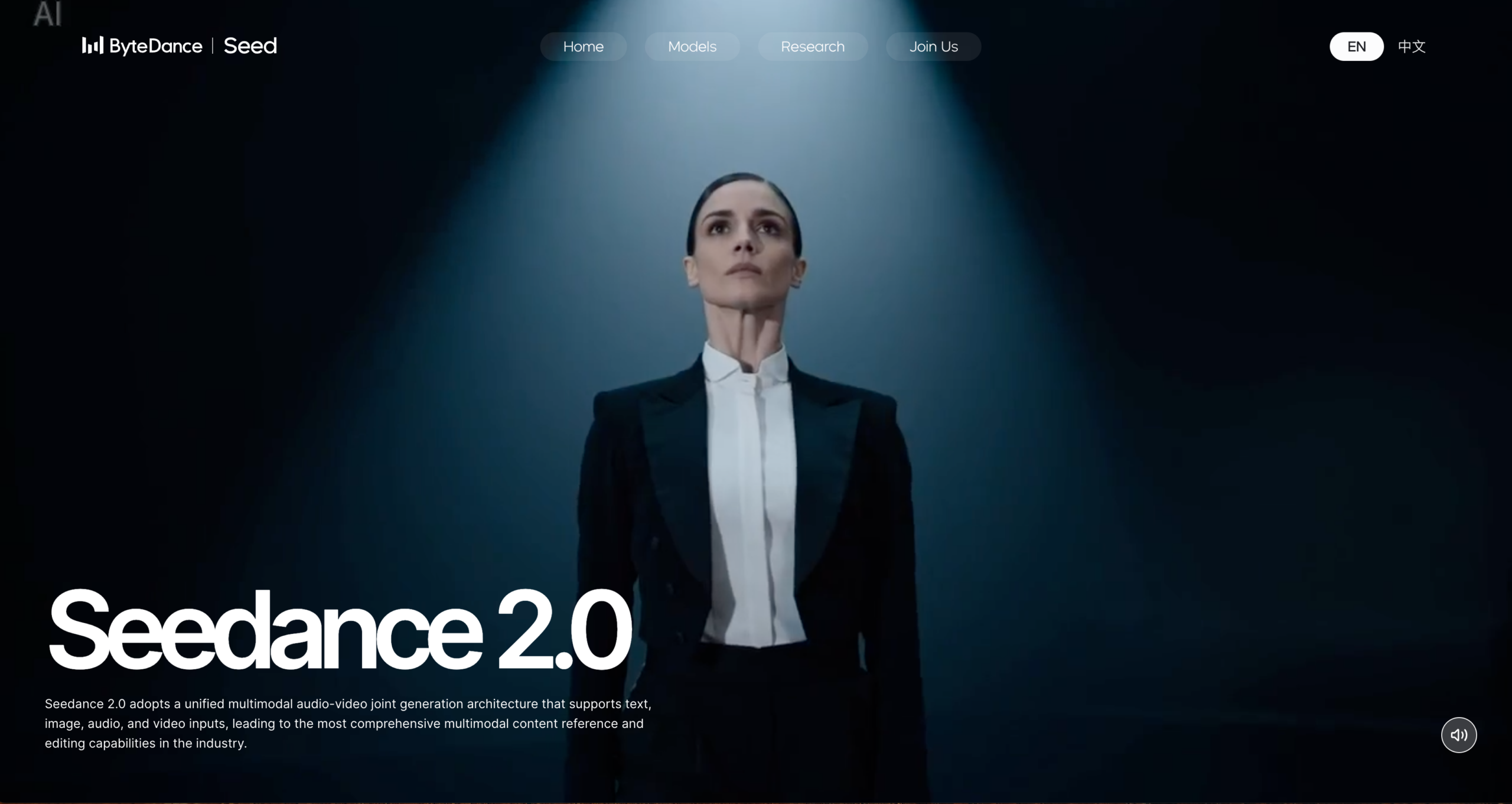
Stay at the forefront of digital storytelling with Vizard’s integration of industry-leading AI models like Sora 2, VEO 3, and Seedance. Generate high-quality cinematic B-roll from text prompts or create custom backgrounds with AI text-to-image technology directly within your project. For digital educators and filmmakers, Vizard offers the most advanced toolset to visualize ideas instantly, removing the need for expensive stock footage or complex 3D rendering.
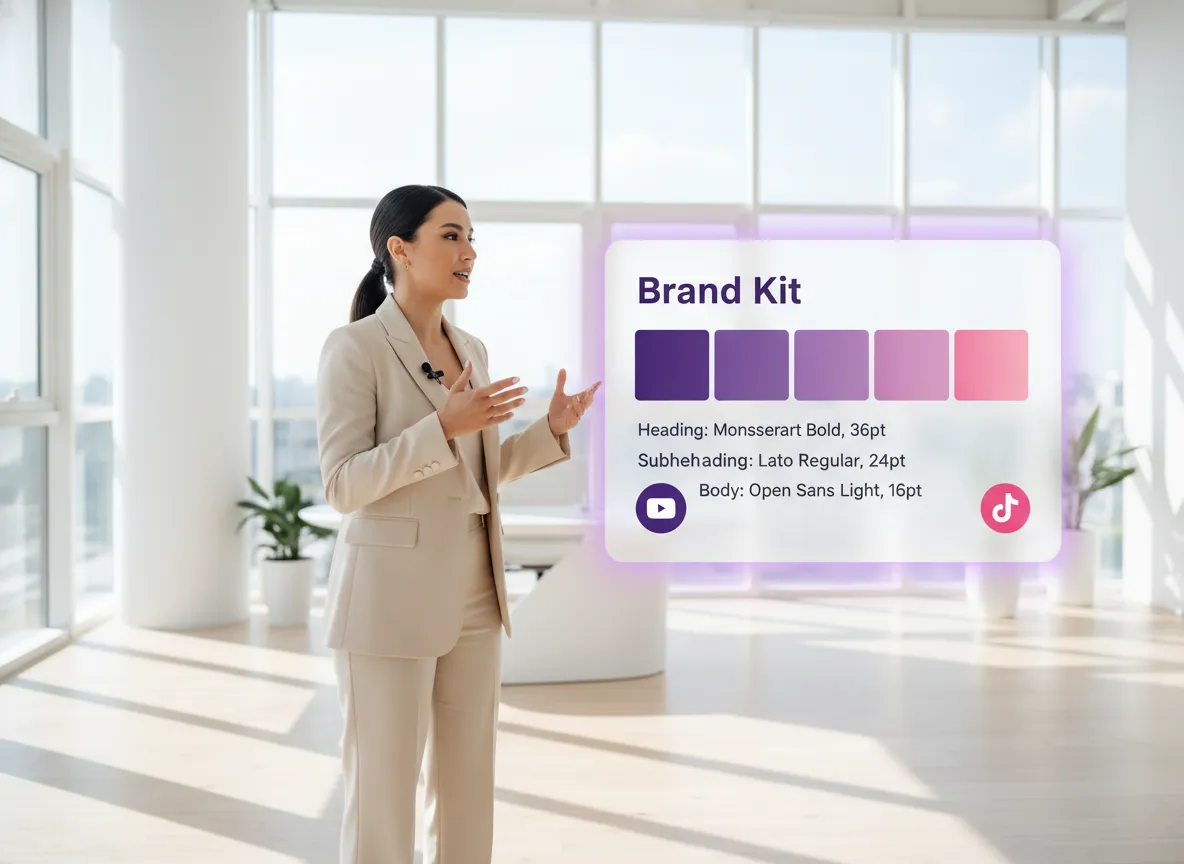
Vizard makes it effortless to maintain a cohesive visual identity across every channel with its centralized Brand Kit and template library. Marketing teams can store logos, custom fonts, and brand colors to ensure every video—from headlines to dynamic subtitles—is instantly on-brand. By using Vizard’s collaborative templates, you can standardize your aesthetic across your entire team, ensuring that every piece of content strengthens your brand’s authority and recognition.
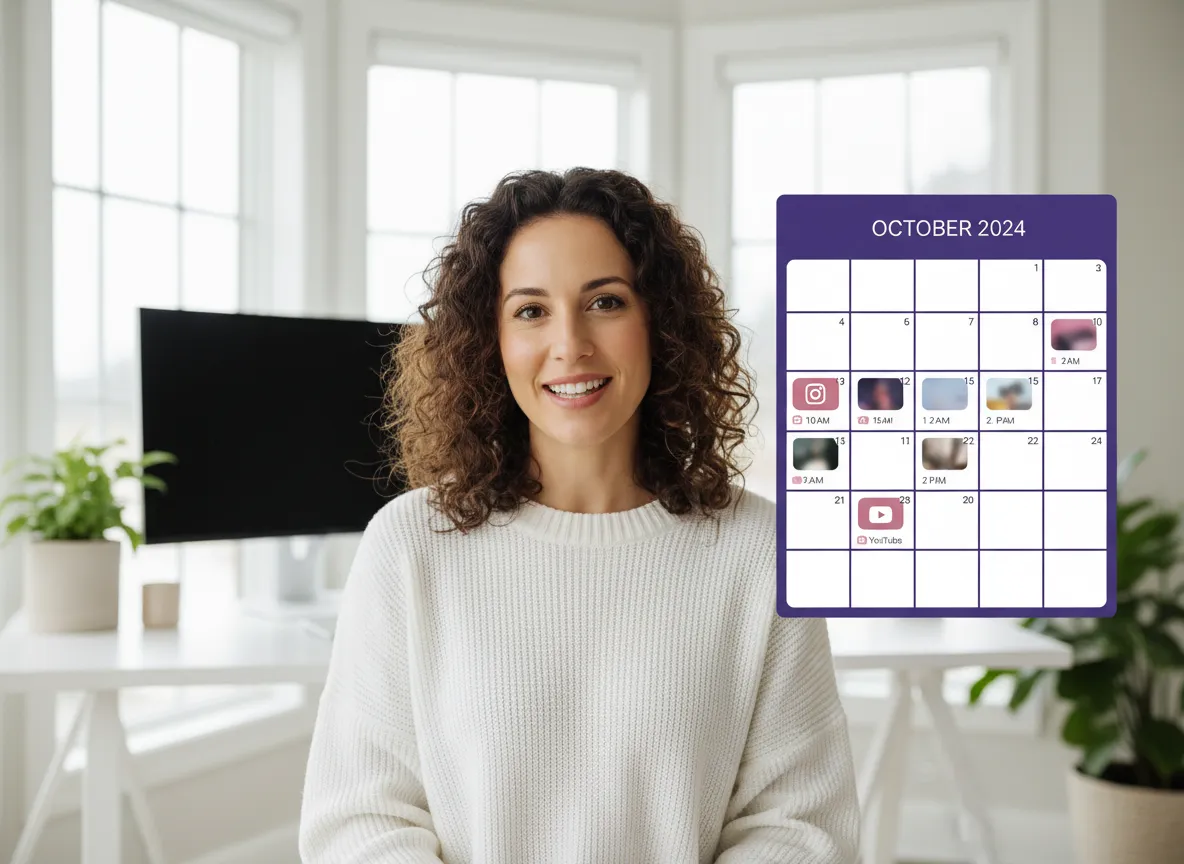
Streamline your entire social strategy with the Vizard Content Calendar, which allows you to manage and schedule posts for up to 20 accounts simultaneously. Support for TikTok, Instagram, LinkedIn, X, Facebook, and YouTube means you can create, edit, and publish your content without ever leaving the platform. This integrated workflow empowers influencers and agencies to plan their monthly content grid, track publication status, and maintain a consistent posting schedule across all major social networks with total ease.
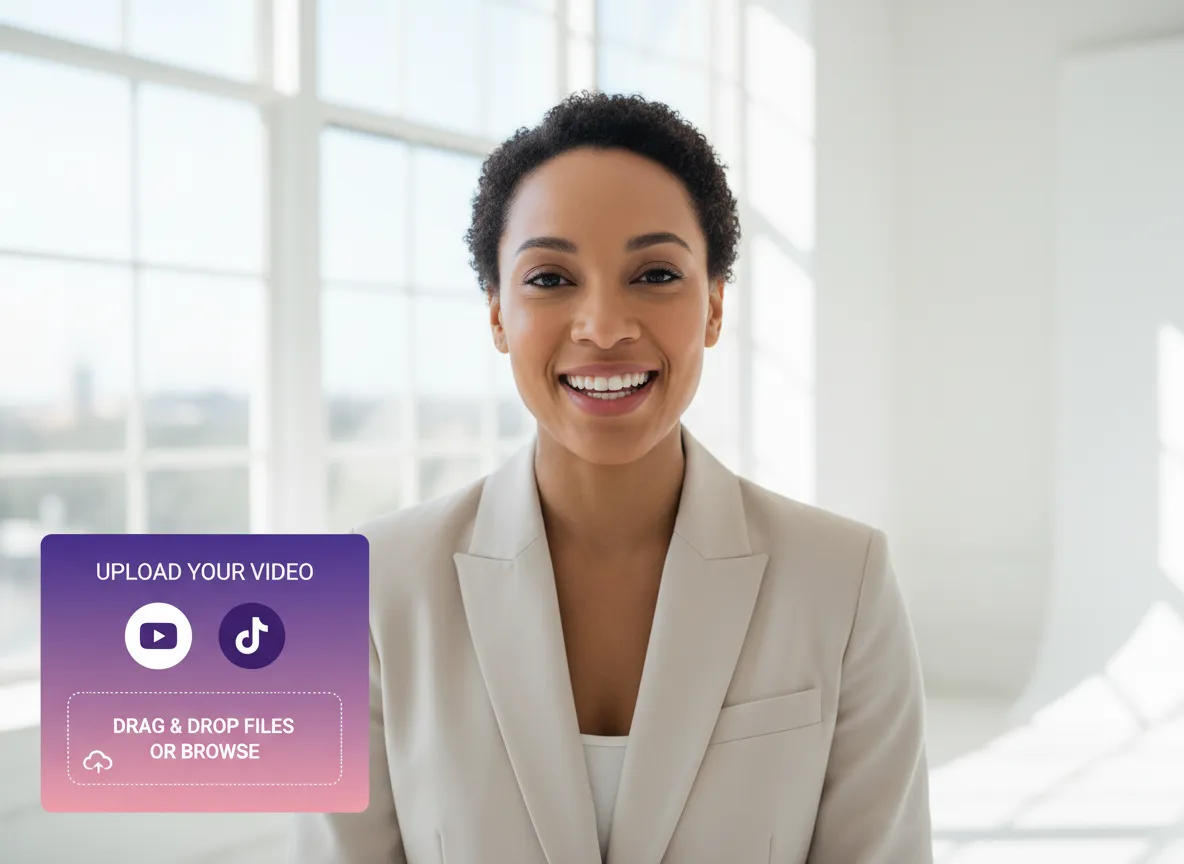
Start by uploading your video file to Vizard. Whether it's a long-form podcast, a webinar, or a raw recording, our AI will quickly process it to get it ready for professional-grade editing.
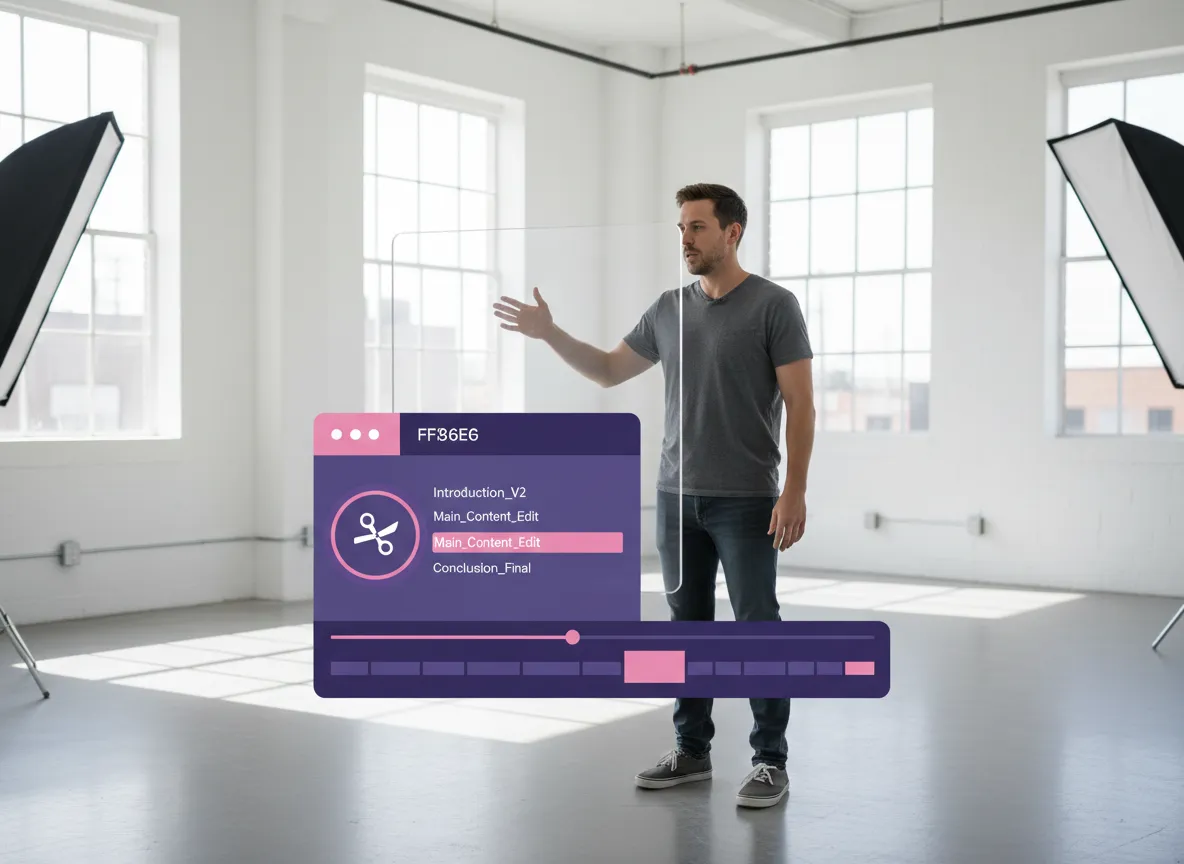
Navigate to the clip page and simply click the "scissors" icon. This will take you directly into the full Vizard Editor, where you can combine AI-powered features with traditional editing tools like timelines, B-rolls, and transitions.
Turn one video into 10+ Instagram Reels with AI.
With just a few clicks, you can download or share your videos with your friends or team members with a link.
Turn your videos and audios into Reels, Stories, posts, and more in one click.
Effortlessly plan, schedule, and auto-generate engaging AI-driven posts, and publish your Instagram Reels along with the perfect captions.
Add dynamic subtitles for your videos automatically, all in the browser.
Bring your team together by inviting collaborators to work on your projects, in one workspace.
Effortlessly translate your video content into 130+ languages, expanding your global reach with just a few clicks.
Enhance your video's visual appeal and brand identity with ease by adding logos, images, outros, and custom fonts to your videos.


What makes Vizard's Video Editor different from other online editors?
Is Vizard's Video Editor suitable for beginners?
Does the editor support stock footage and music?
Can I create and save my own brand templates?
Can I add subtitles and captions automatically?
Can I use Vizard's Video Editor for free?
What makes Vizard's Video Editor different from other online editors?
Is Vizard's Video Editor suitable for beginners?
Does the editor support stock footage and music?
Can I create and save my own brand templates?
Can I add subtitles and captions automatically?
Can I use Vizard's Video Editor for free?

 Yao Wang

Yao Wang

Yao Wang
Yao Wang
Yao Wang


















