

NEW



Elevate your storytelling with Vizard’s sophisticated multimodal AI that understands visuals, audio, and abstract concepts. Vizard identifies the perfect moments in your webinars or podcasts and automatically overlays matching B-roll from premium libraries like Storyblocks, ensuring professional results in seconds.
Maintain complete creative authority by manually uploading your own images and videos. Vizard makes it easy to blend your personal media library with AI-driven edits, allowing social media managers to preserve brand consistency while repurposing long-form content into viral clips.
Unlock limitless creativity with Vizard’s AI Studio, where you can generate high-definition videos and images from simple text prompts. By integrating state-of-the-art models like Sora, Kling, Veo, Nano Banana Pro, Qwen, and Imagen, Vizard empowers you to create custom generative B-roll that brings abstract concepts to life for your YouTube Shorts, TikToks, or marketing campaigns.
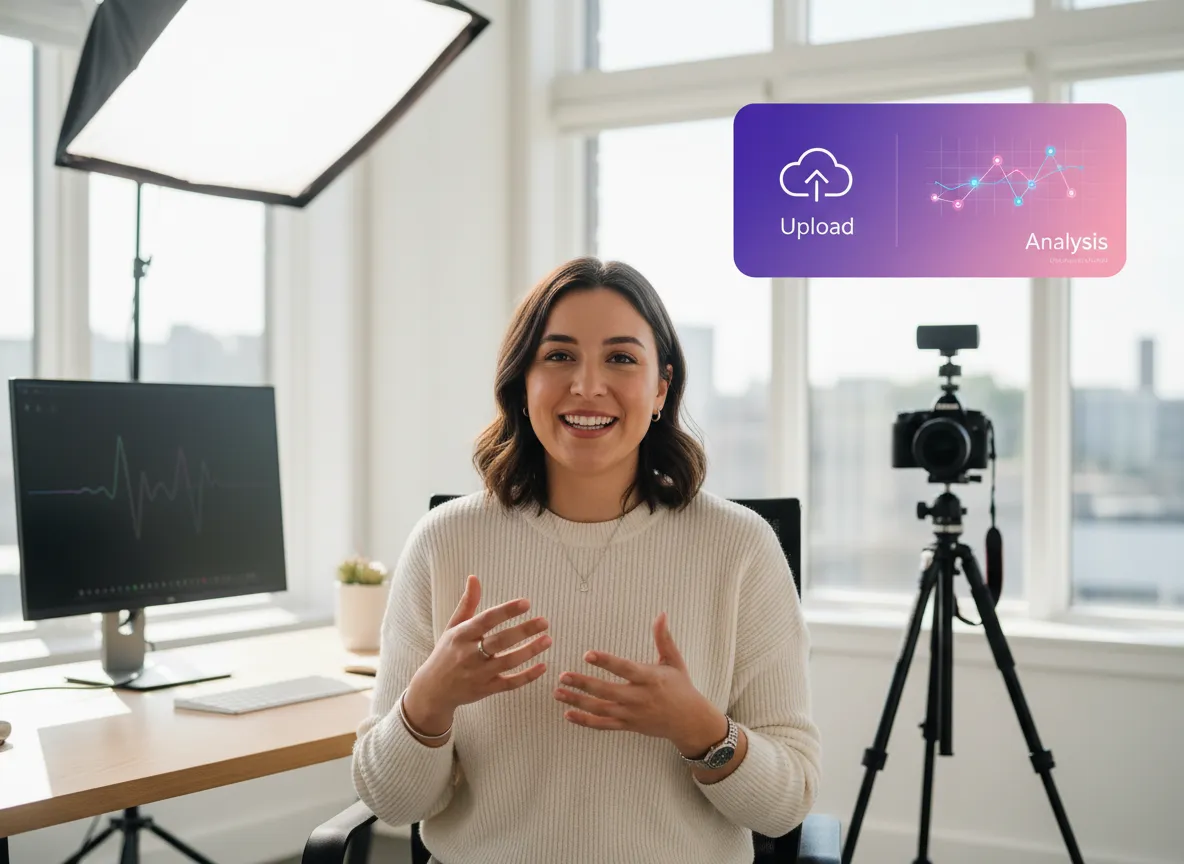
Upload your primary footage, such as a podcast or webinar, to Vizard. Our multimodal AI model immediately analyzes your video's voiceover and visual context to determine the best placement for high-quality B-roll overlays.
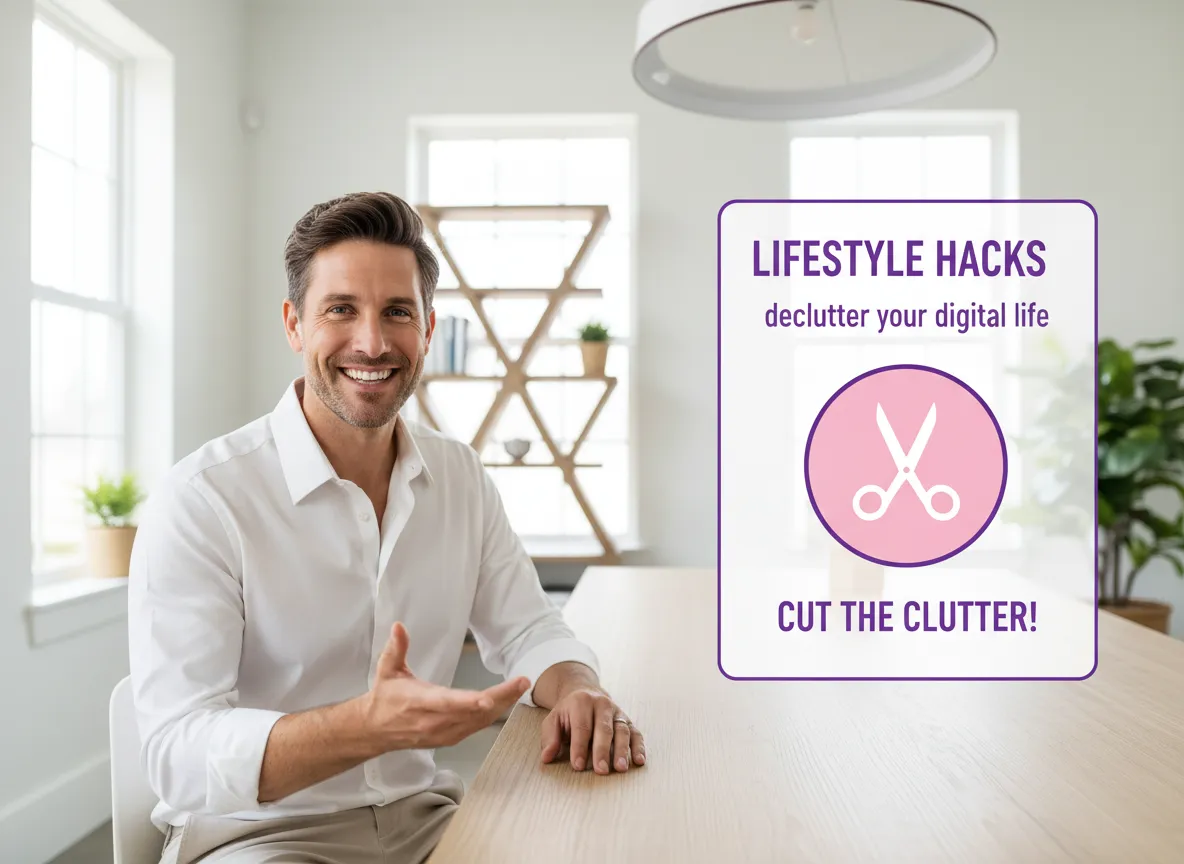
Once your clips are ready, click the 'scissors' icon to navigate into Vizard's advanced editor. This dedicated workspace allows you to further refine your video content and leverage Vizard's intelligent toolset for professional results.
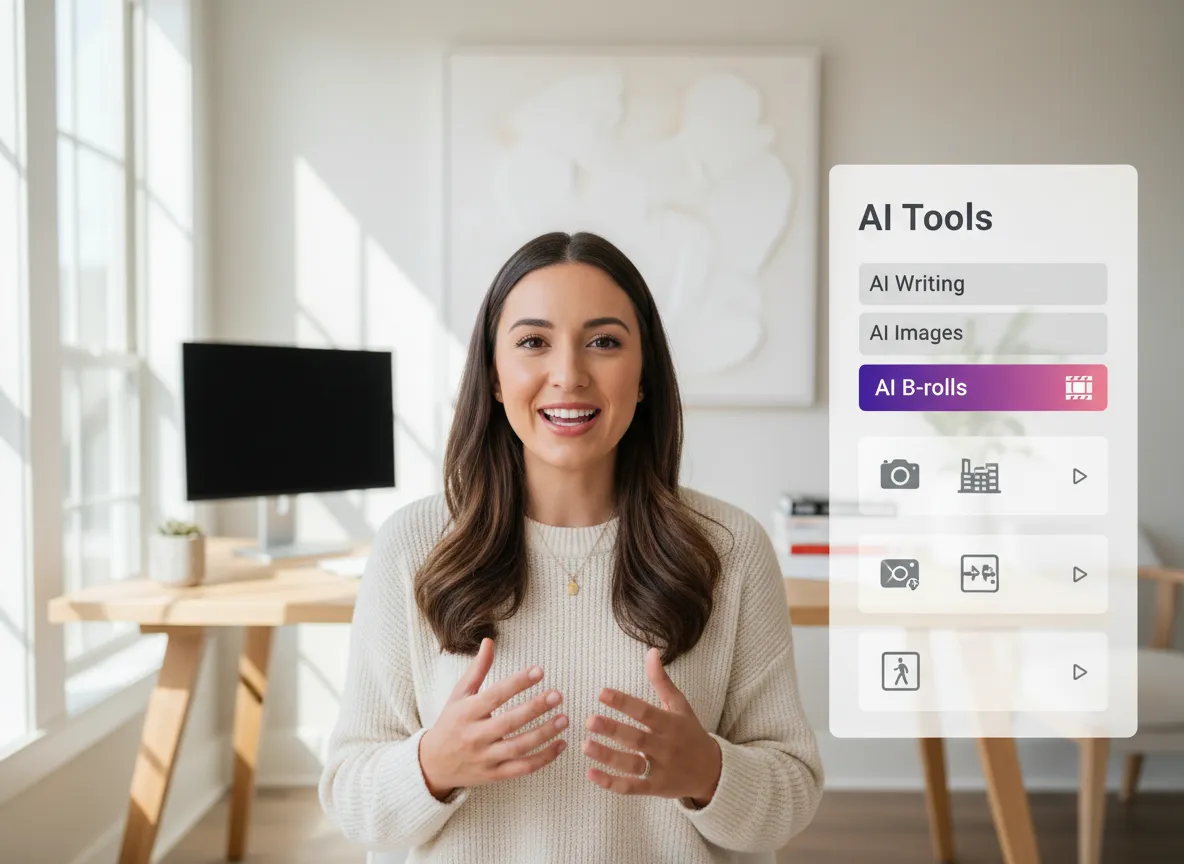
Inside the Vizard editor, navigate to 'AI Tools' and select 'AI B-Rolls' to automatically sync relevant footage from premium libraries like Storyblocks, or use Vizard's AIGC studio to create custom visuals that make your social media clips pop.
Turn one video into 10+ Instagram Reels with AI.
With just a few clicks, you can download or share your videos with your friends or team members with a link.
Turn your videos and audios into Reels, Stories, posts, and more in one click.
Effortlessly plan, schedule, and auto-generate engaging AI-driven posts, and publish your Instagram Reels along with the perfect captions.
Add dynamic subtitles for your videos automatically, all in the browser.
Bring your team together by inviting collaborators to work on your projects, in one workspace.
Effortlessly translate your video content into 130+ languages, expanding your global reach with just a few clicks.
Enhance your video's visual appeal and brand identity with ease by adding logos, images, outros, and custom fonts to your videos.


What is an AI B-roll Generator?
How does the AI select the right B-roll for my video?
Can I manually add my own B-roll footage?
What is the AI Studio and how does it help with B-rolls?
Where does the stock B-roll footage come from?
Do I need professional editing skills to use this tool?
What is an AI B-roll Generator?
How does the AI select the right B-roll for my video?
Can I manually add my own B-roll footage?
What is the AI Studio and how does it help with B-rolls?
Where does the stock B-roll footage come from?
Do I need professional editing skills to use this tool?
 Yao Wang

Yao Wang
Yao Wang

Yao Wang
Yao Wang


















