

NEW
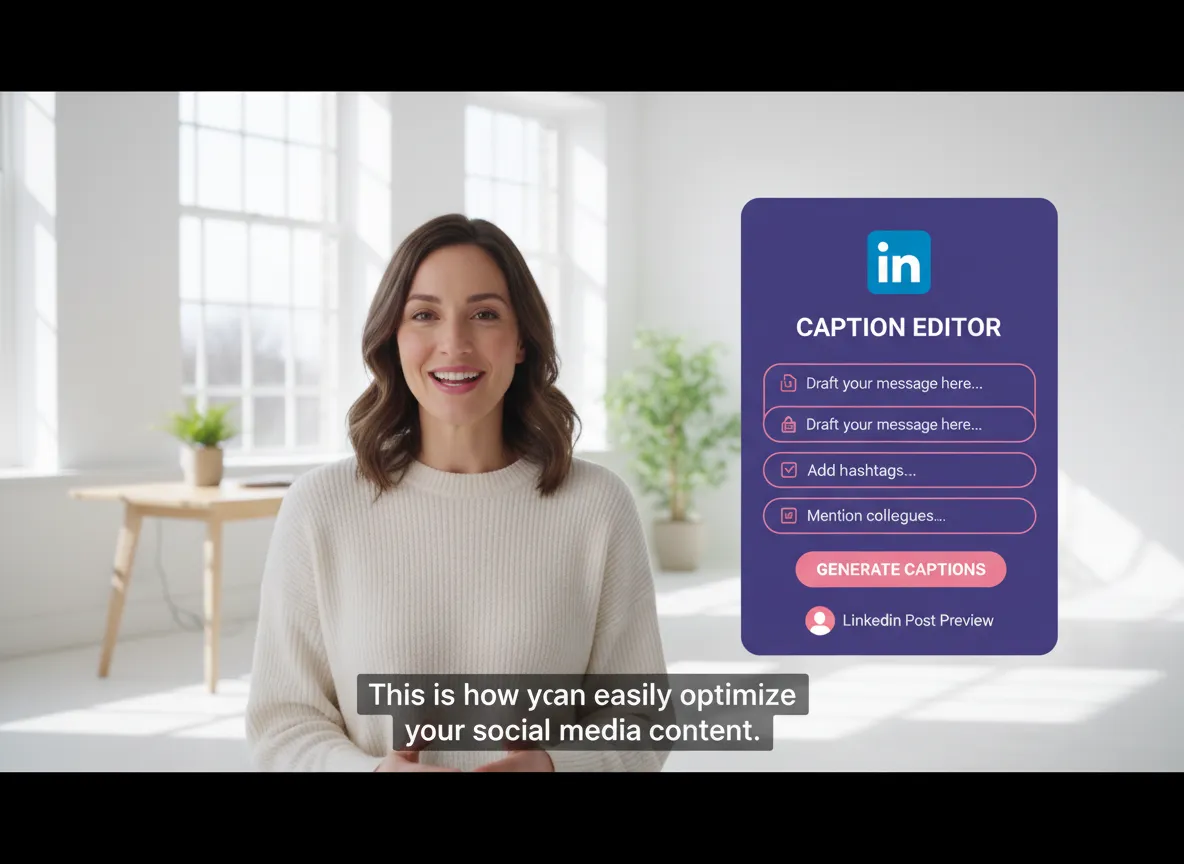



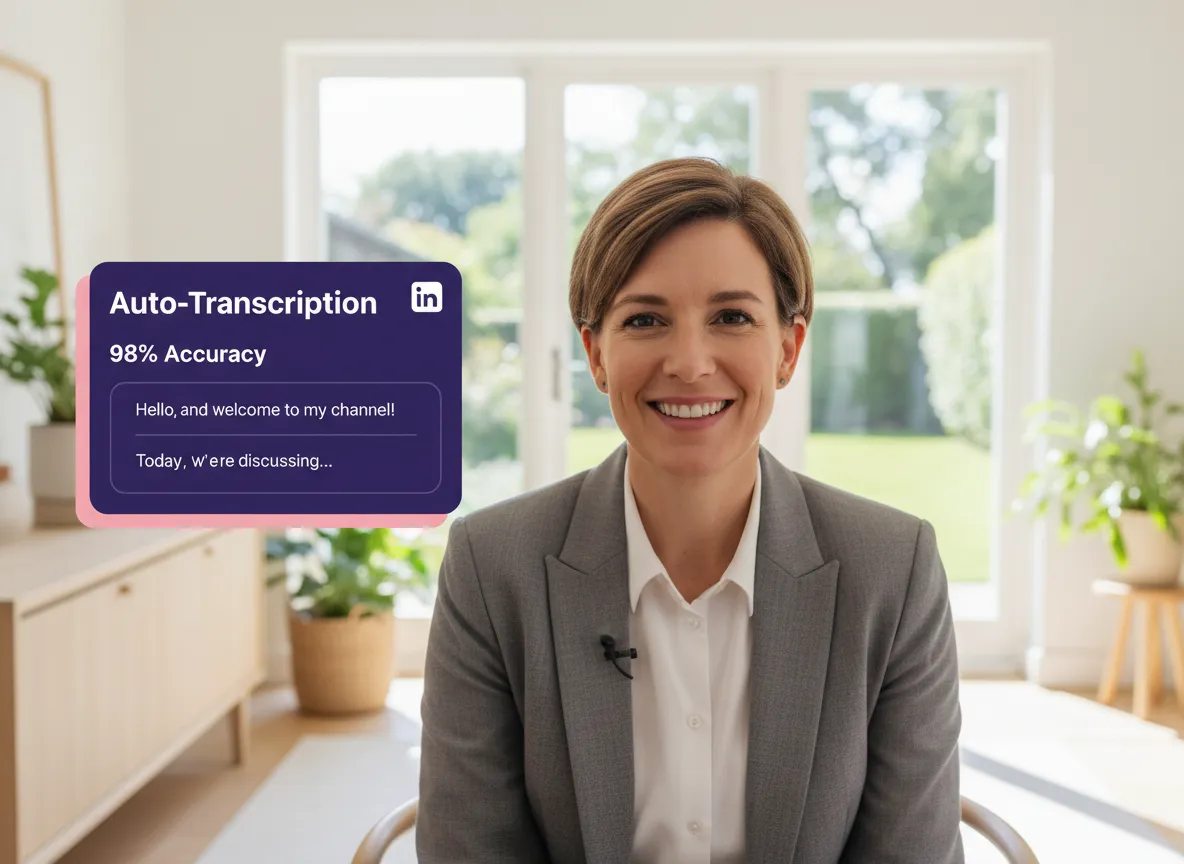
Vizard uses advanced AI to automatically convert your LinkedIn video speech to text with over 98% accuracy. Supporting more than 35 languages, Vizard ensures your professional message is captured perfectly, making your content accessible even when played on mute in the feed.
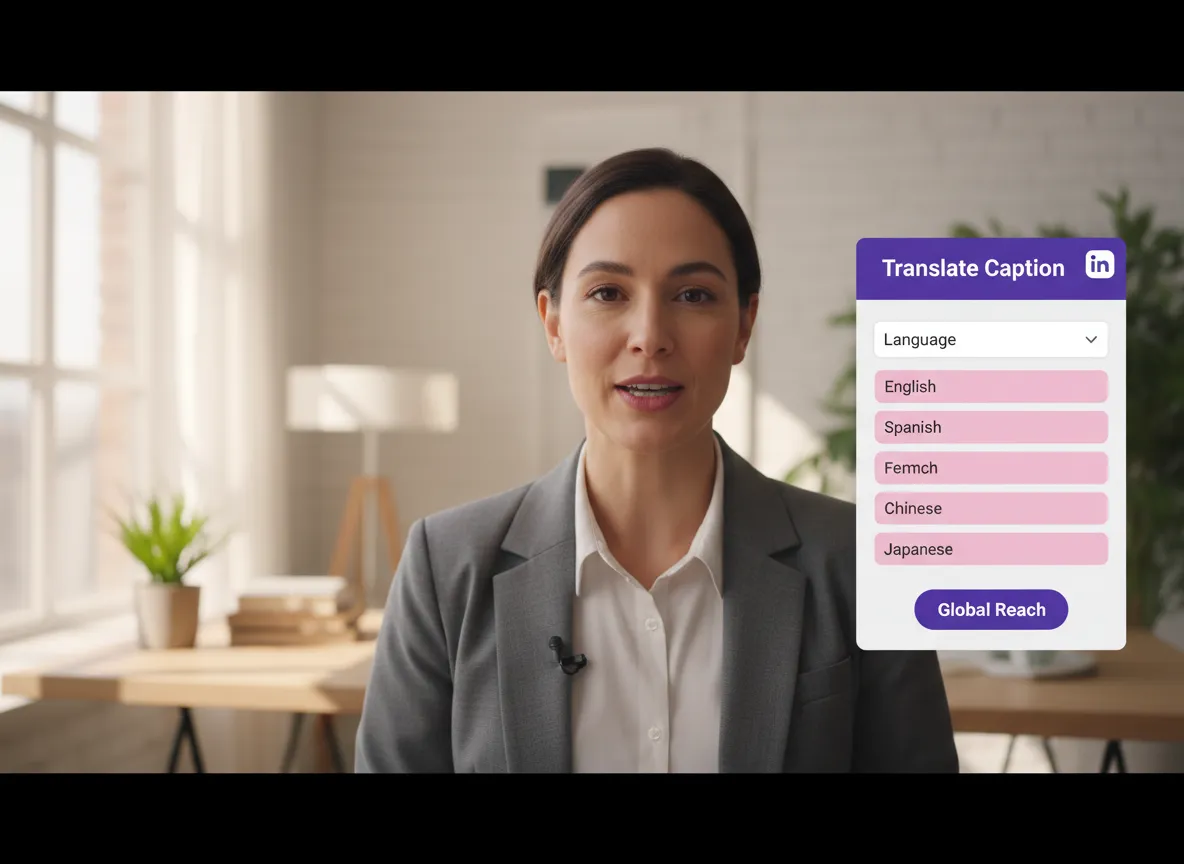
Expand your professional reach globally with Vizard's powerful translation engine. With just a single click, Vizard translates your LinkedIn captions into over 150 languages, allowing your industry insights to resonate with a worldwide professional audience.
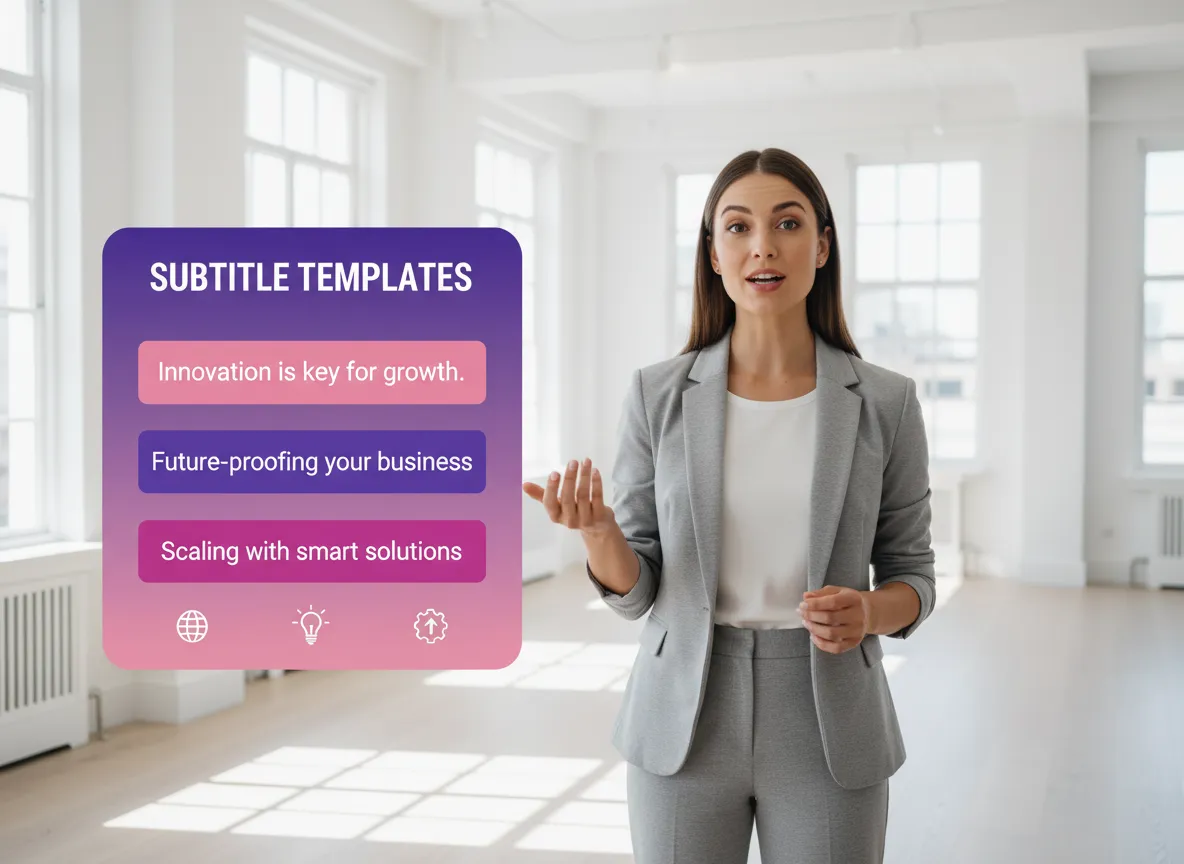
Stand out in the competitive LinkedIn feed using Vizard’s clean, sophisticated subtitle templates. Vizard offers business-ready styles specifically designed for silent viewing, ensuring your videos look professional and polished without the flashy, over-the-top effects of entertainment-focused platforms.

With Vizard, editing video is as intuitive as modifying a Word document. Vizard allows you to simply edit the transcribed text to instantly update both the video's audio and its captions, making quick corrections and refinements easier than ever before.
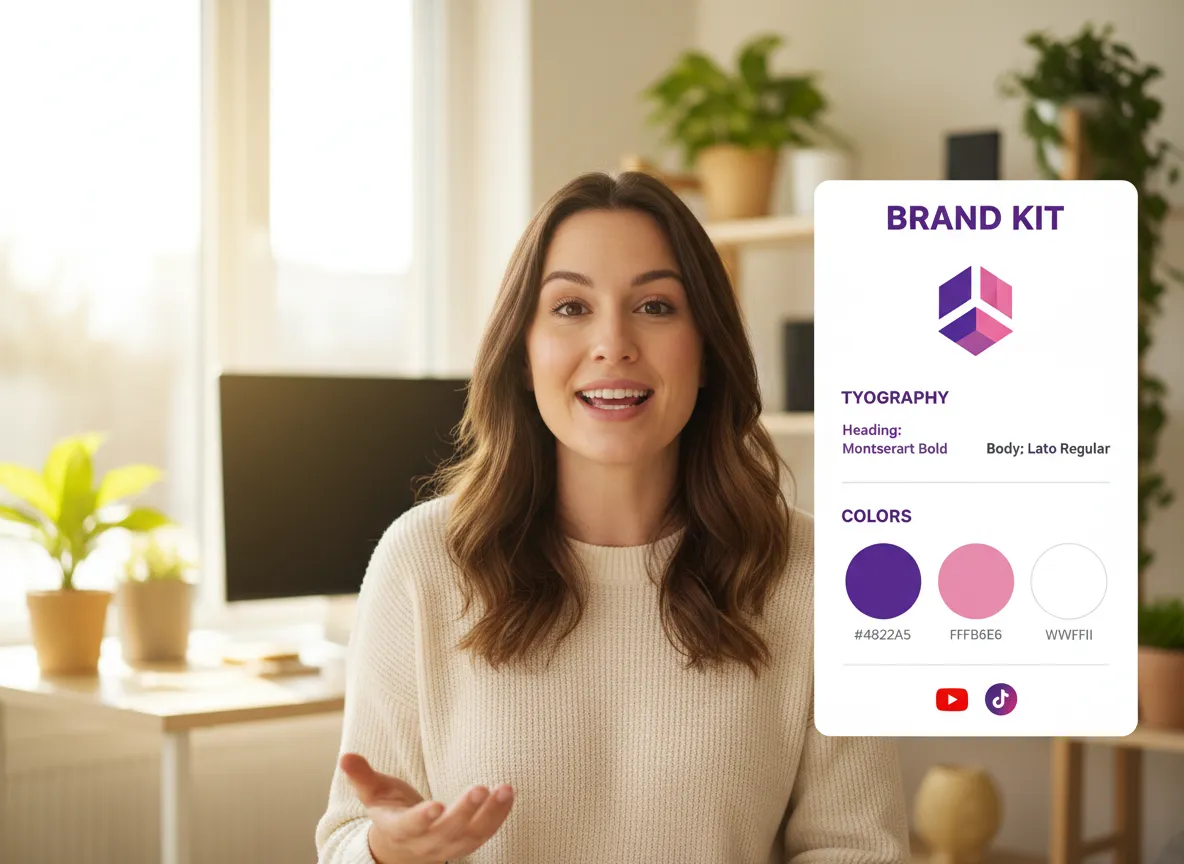
Vizard helps you maintain corporate consistency effortlessly across every post. Automatically apply your company’s logo, brand fonts, and signature colors to your LinkedIn videos using Vizard’s Brand Kit, ensuring every piece of content perfectly aligns with your professional identity.
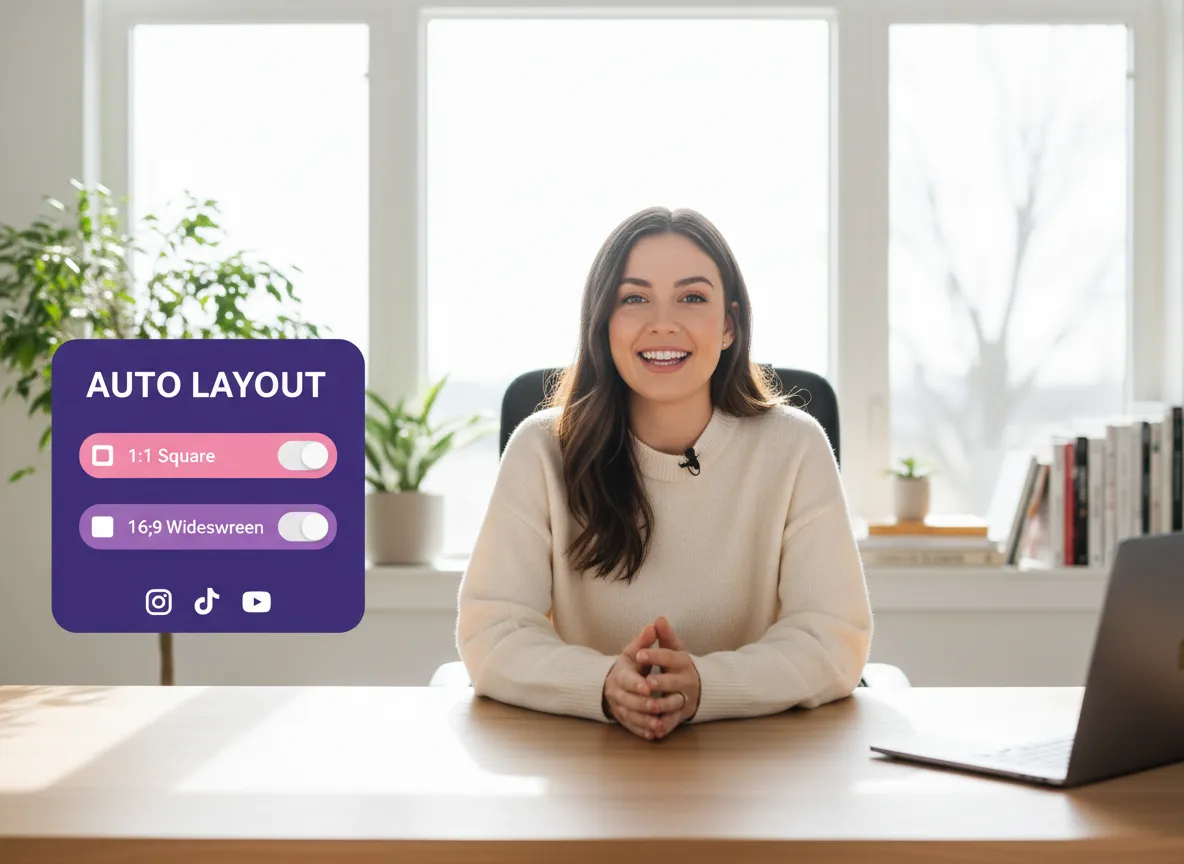
Vizard ensures your videos are perfectly formatted for the LinkedIn user experience. Vizard automatically adjusts your content to 1:1 square or 16:9 widescreen ratios, optimizing your video for maximum engagement in both desktop and mobile feeds.
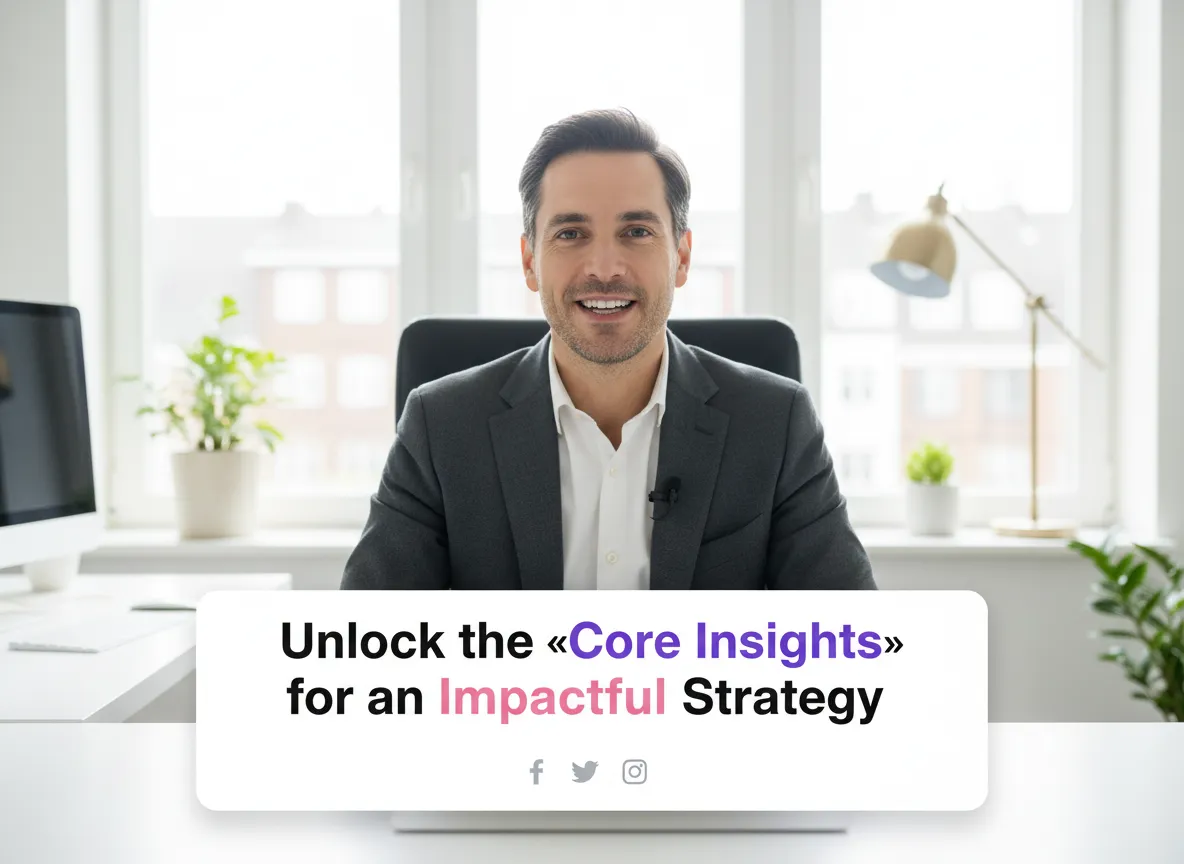
Let Vizard’s AI identify and emphasize the most impactful parts of your professional message. Vizard automatically highlights core insights and keywords within your captions, grabbing the viewer's attention and significantly increasing information retention.
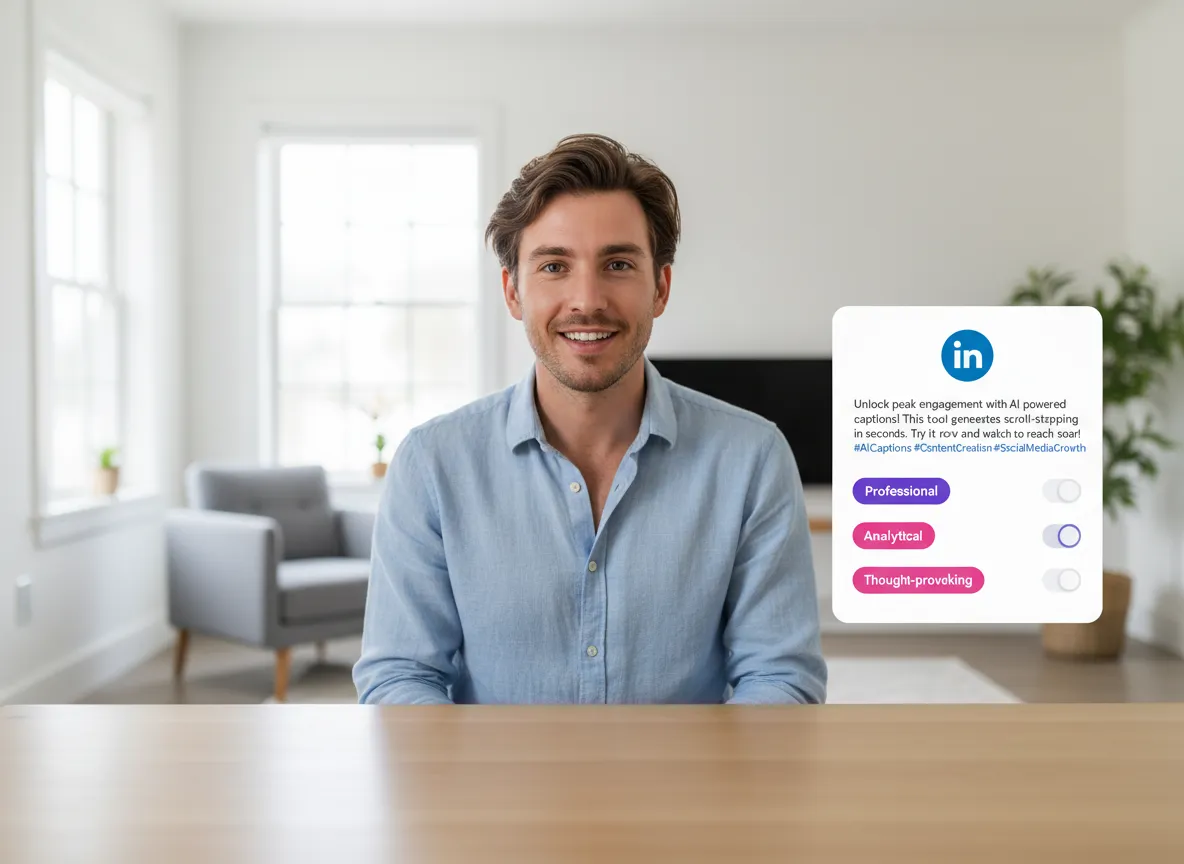
Stop struggling with what to write for your posts; Vizard’s AI has you covered. Vizard generates high-converting LinkedIn post descriptions in various professional tones—from analytical to thought-provoking—to accompany your captioned videos perfectly.
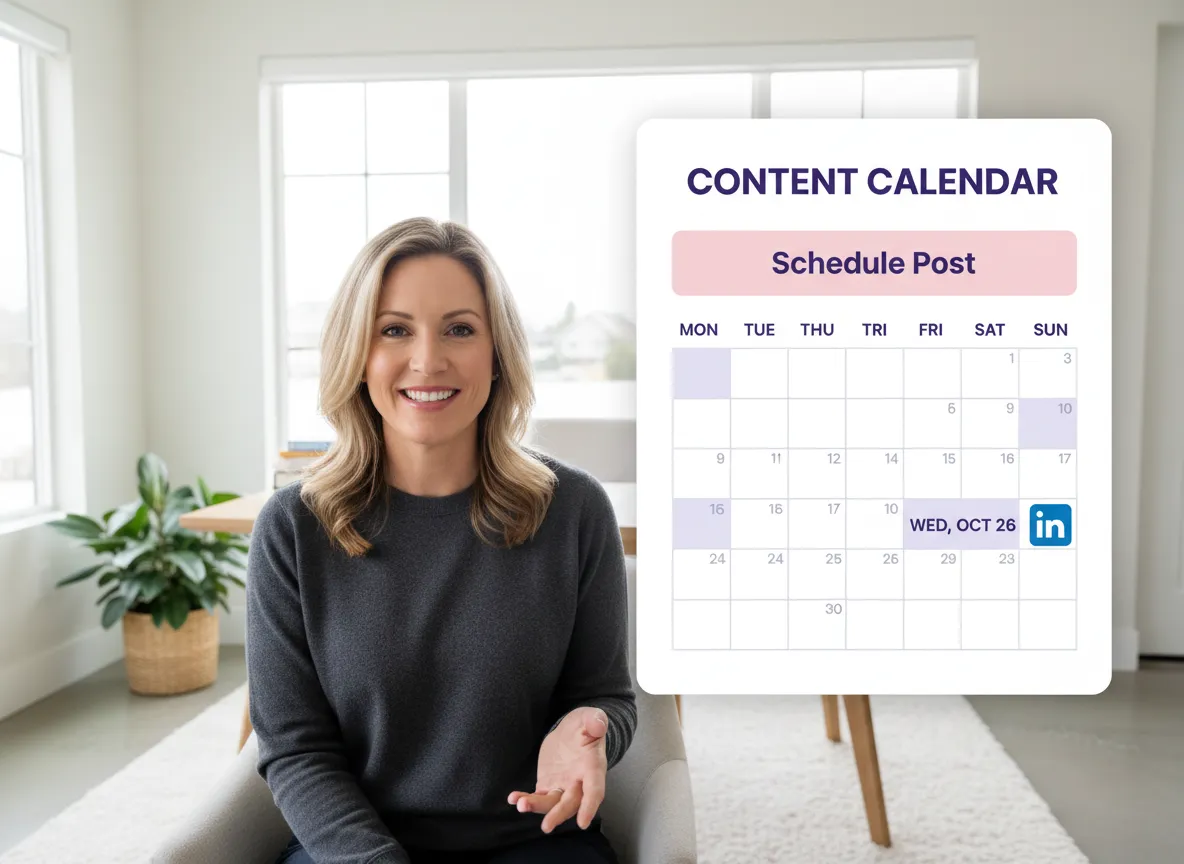
Streamline your content workflow by connecting your LinkedIn account directly to Vizard. Vizard allows you to schedule your captioned videos or publish them instantly using an integrated content calendar, making consistent posting easier than ever.
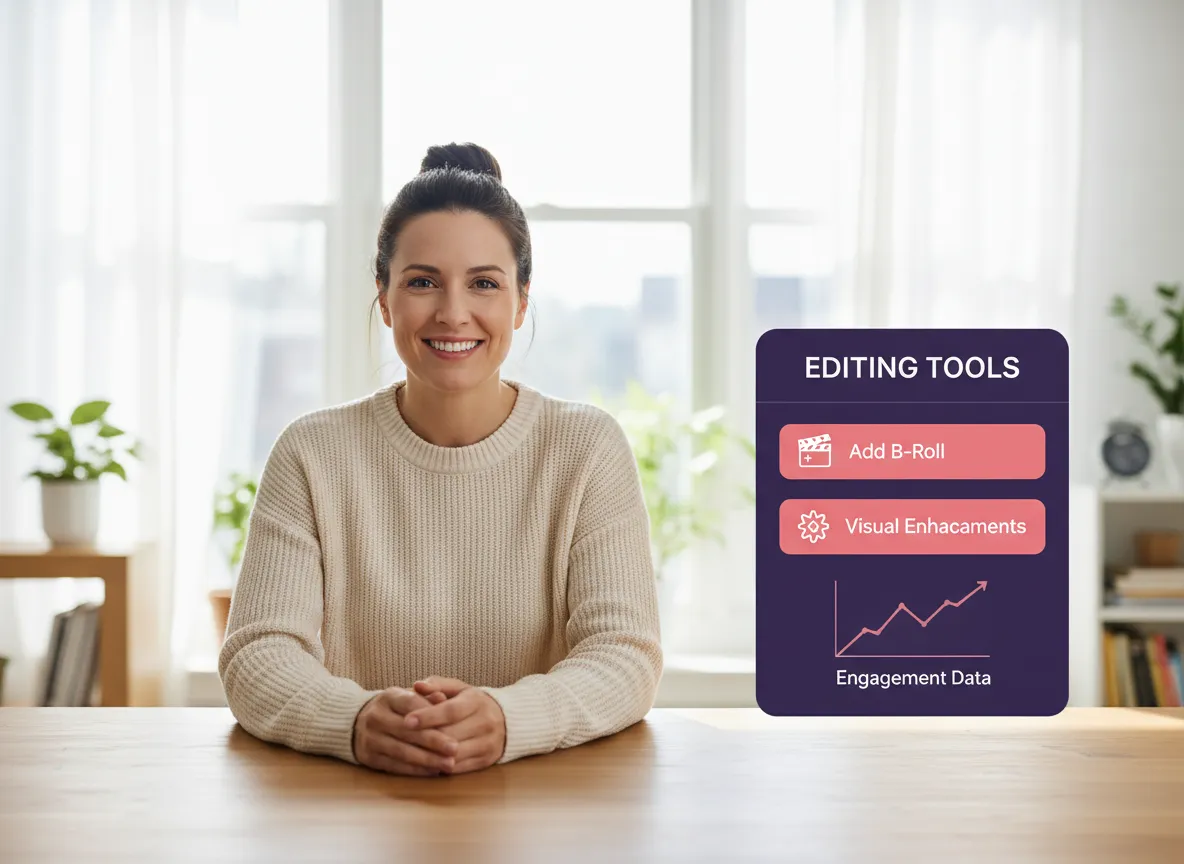
Take your professional videos to the next level with Vizard’s comprehensive editing suite. Beyond captions, Vizard enables you to add B-roll, overlays, charts, and other visual enhancements to create high-quality, high-impact LinkedIn content that drives results.
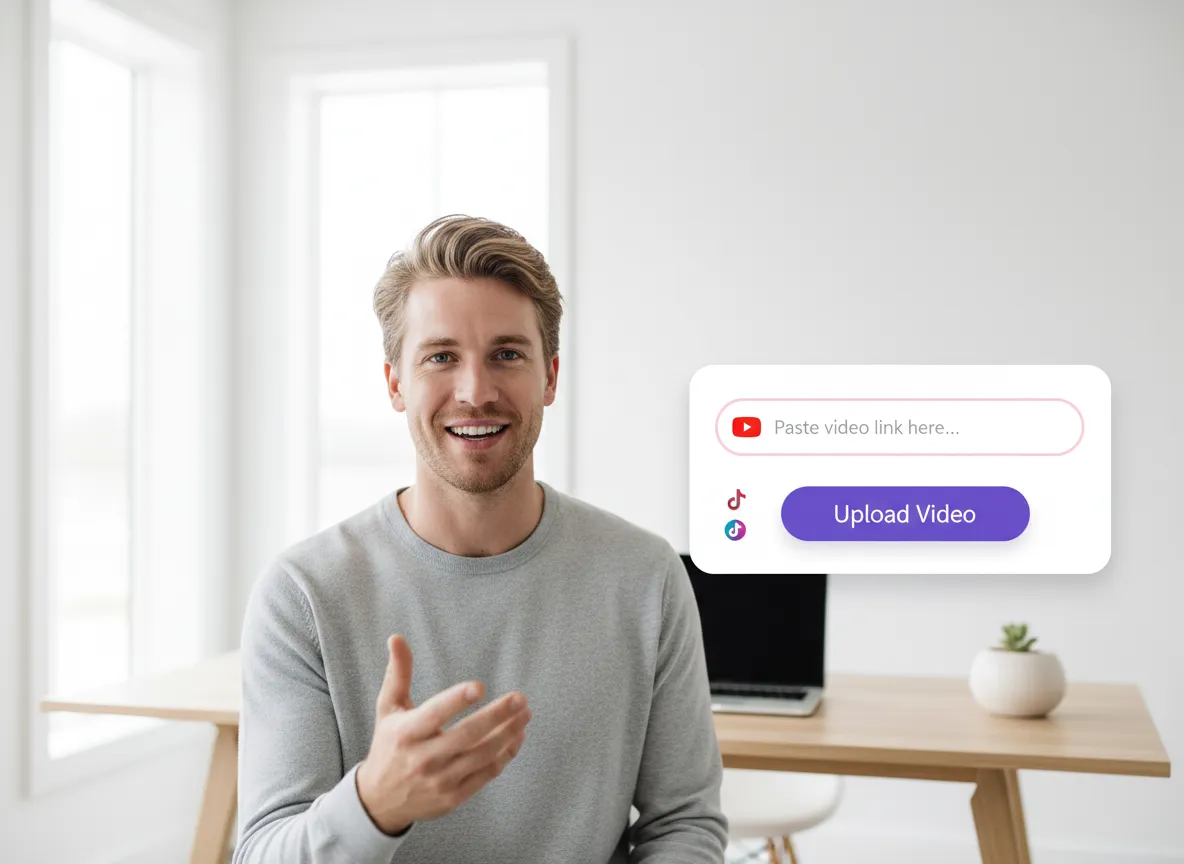
Log in to your Vizard workspace and upload your video file directly or simply paste a video link from YouTube or other platforms to get started.
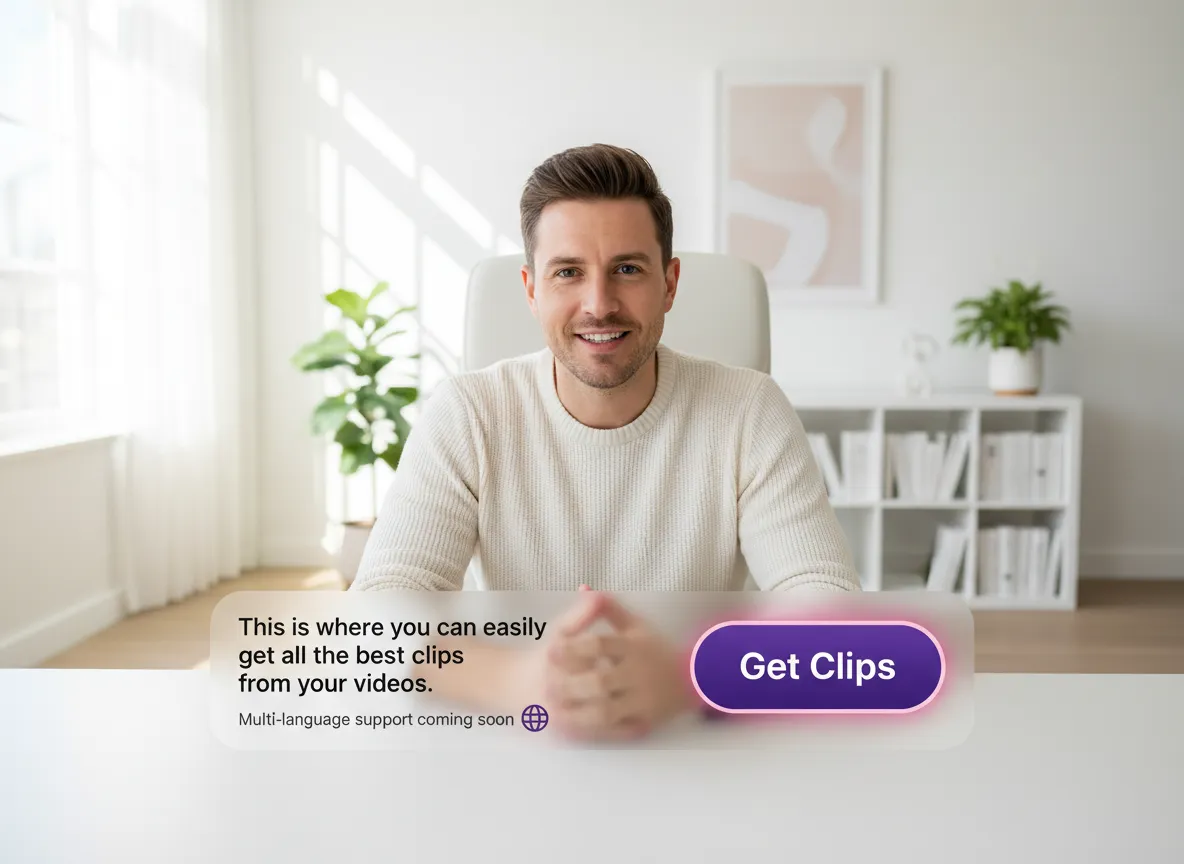
Click "Get Clips" or the captioning tool. Vizard's AI will automatically transcribe your video with high accuracy, recognizing speech in over 35 languages.
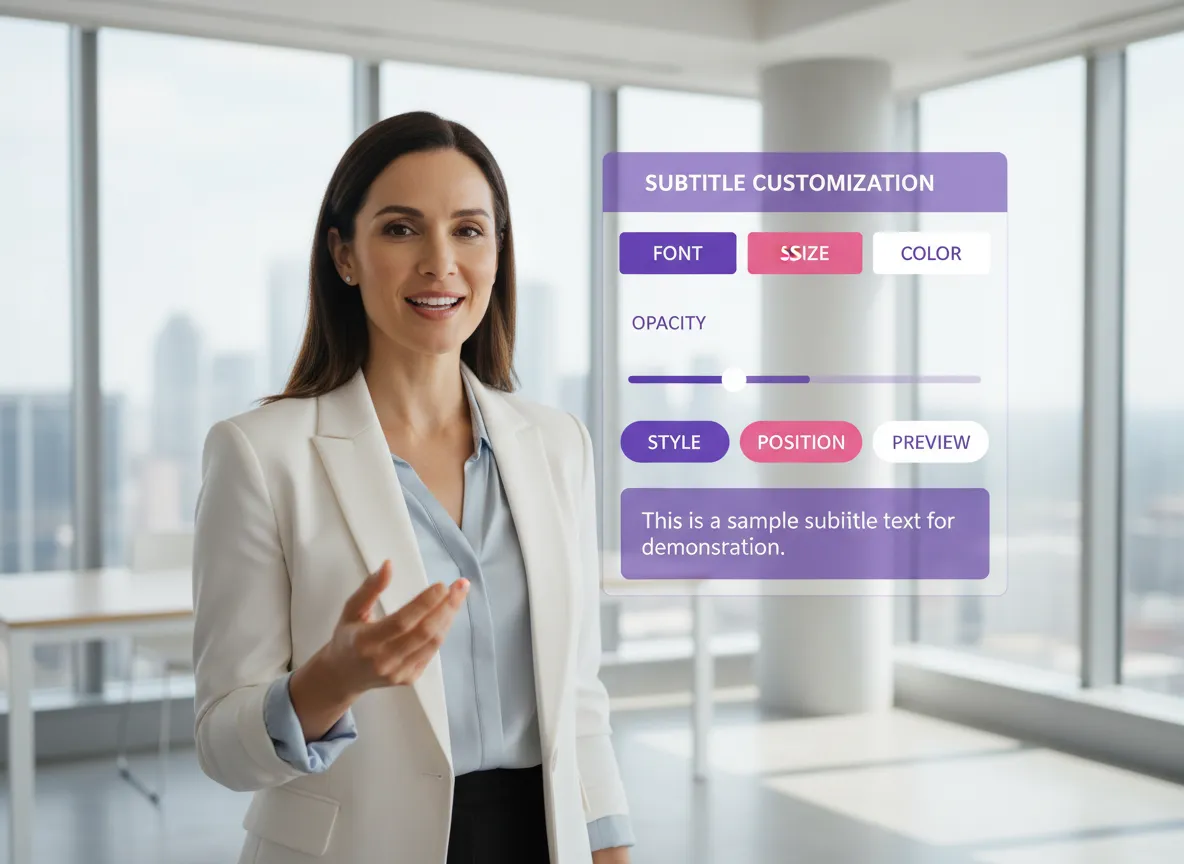
Select from professional, sleek subtitle templates designed specifically for the LinkedIn feed. Customize fonts, colors, and layouts to match your professional brand.
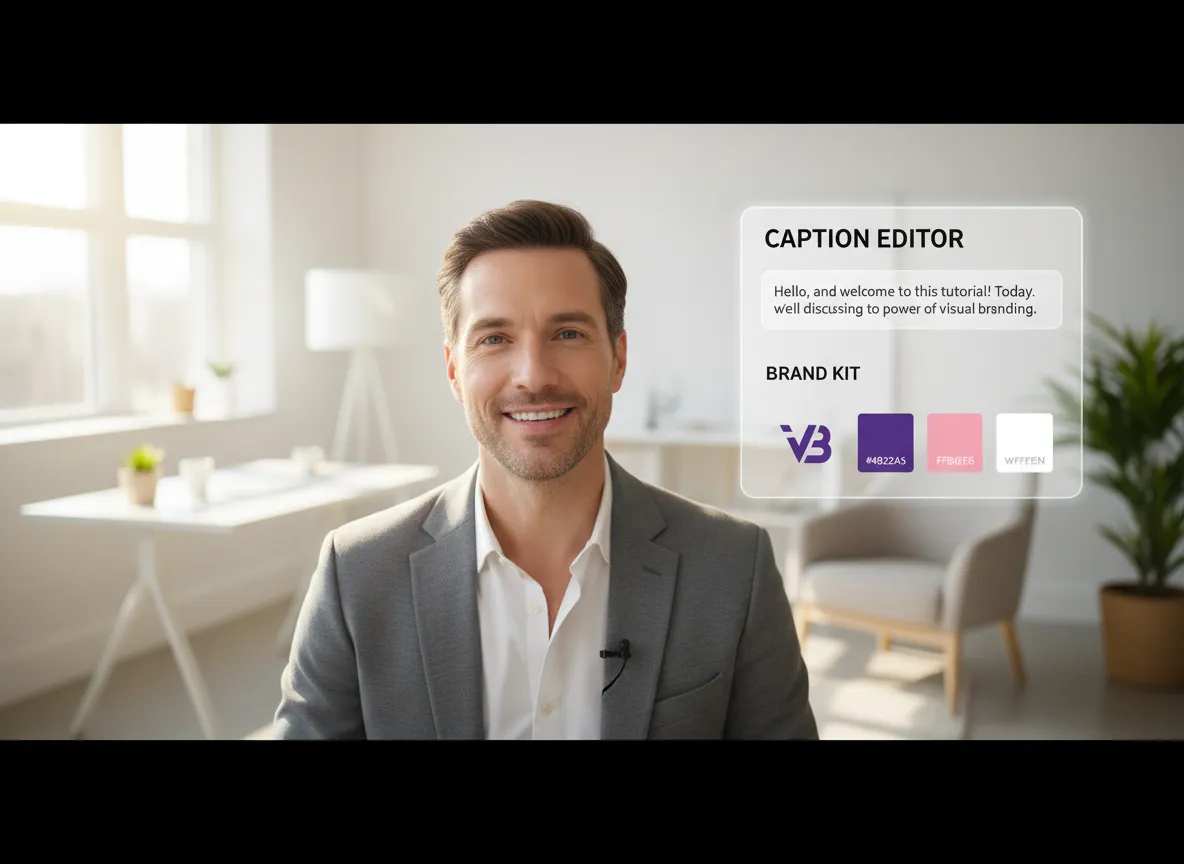
Use the text-based editor to fine-tune your captions. Apply your Brand Kit to add logos and brand colors, ensuring your content stays consistent with your corporate identity.
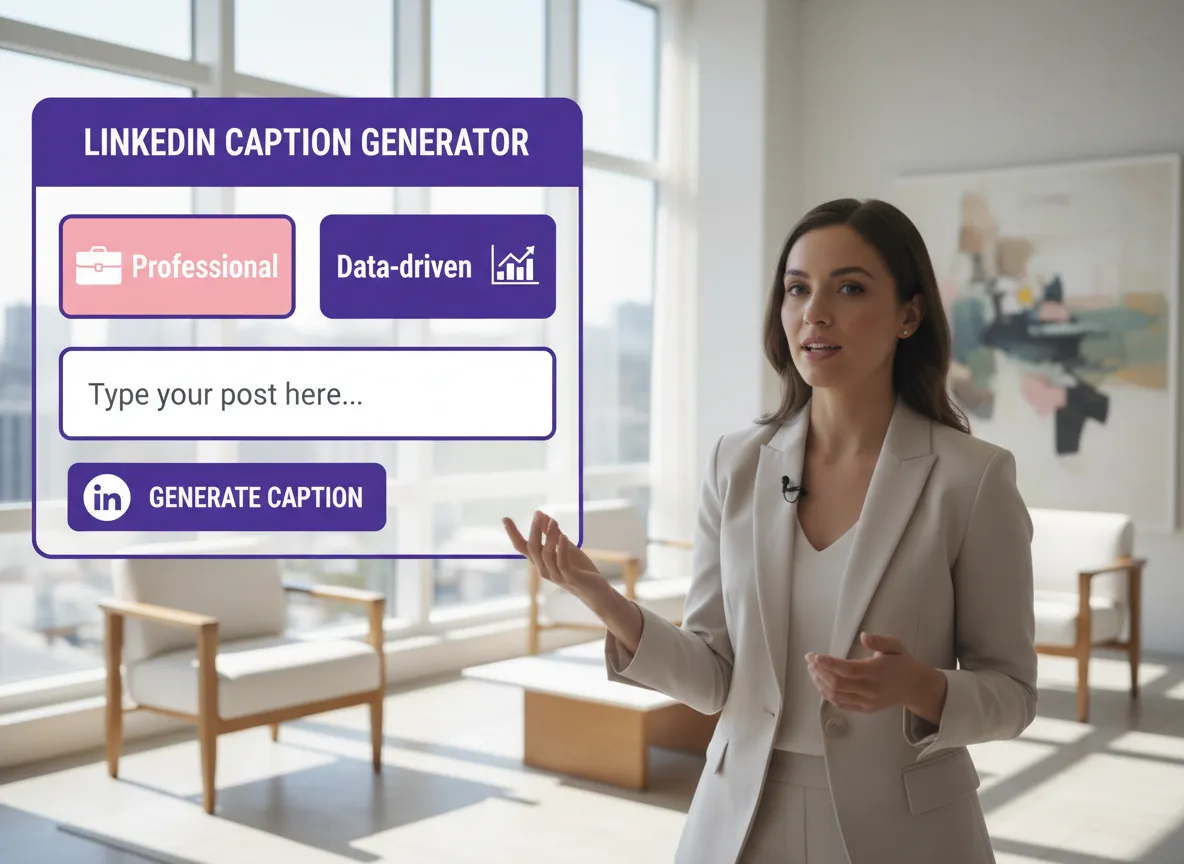
Vizard automatically crafts engaging LinkedIn post captions for you. Choose from different tones—like professional or data-driven—to complement your video.
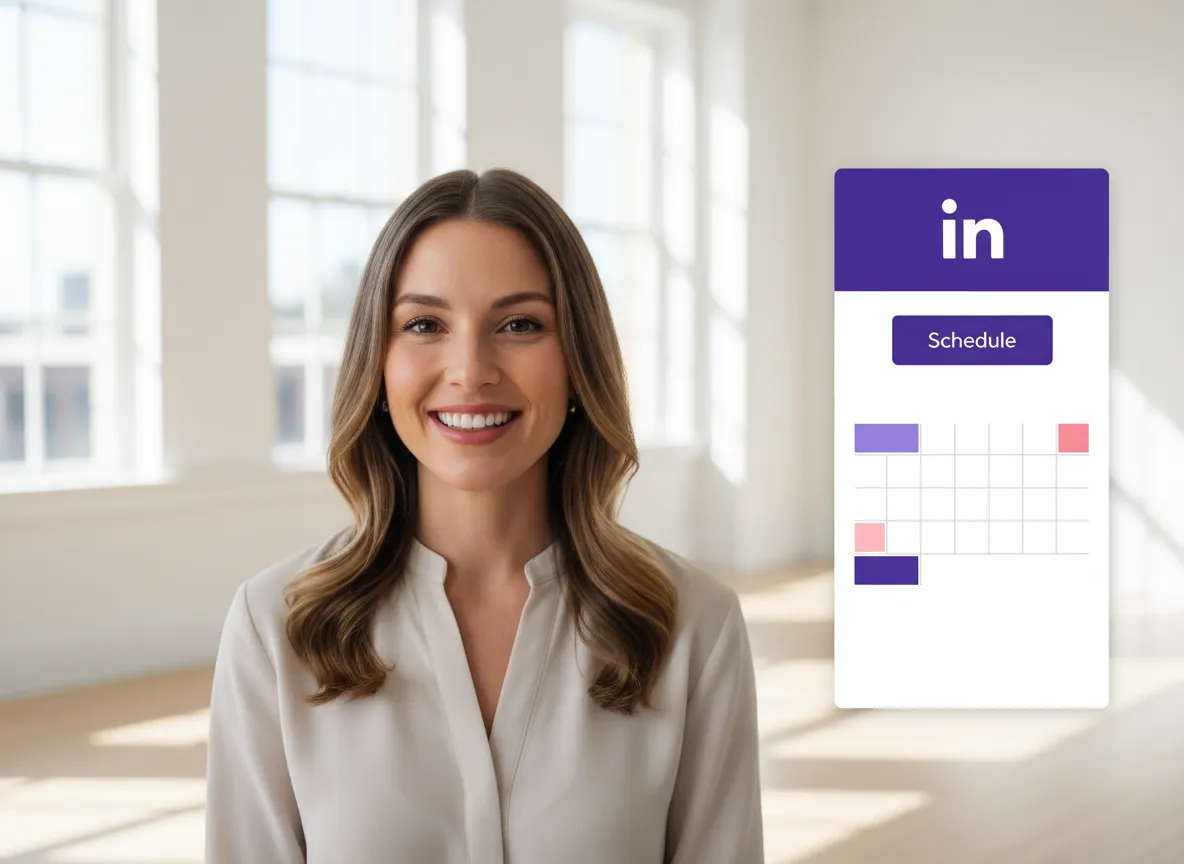
Connect your LinkedIn account to publish your captioned video instantly or schedule it for the perfect time using Vizard's built-in Content Calendar.
Turn one video into 10+ Instagram Reels with AI.
With just a few clicks, you can download or share your videos with your friends or team members with a link.
Turn your videos and audios into Reels, Stories, posts, and more in one click.
Effortlessly plan, schedule, and auto-generate engaging AI-driven posts, and publish your Instagram Reels along with the perfect captions.
Add dynamic subtitles for your videos automatically, all in the browser.
Bring your team together by inviting collaborators to work on your projects, in one workspace.
Effortlessly translate your video content into 130+ languages, expanding your global reach with just a few clicks.
Enhance your video's visual appeal and brand identity with ease by adding logos, images, outros, and custom fonts to your videos.


Why should I add captions to my LinkedIn videos?
How accurate is the auto-captioning feature for professional content?
Can I customize the caption styles to match my corporate brand?
Does Vizard support both 1:1 and 16:9 video formats for LinkedIn?
Can I translate my LinkedIn video captions for a global audience?
Is it possible to schedule my LinkedIn posts directly from Vizard?
Can Vizard help me write the LinkedIn post description?
Why should I add captions to my LinkedIn videos?
How accurate is the auto-captioning feature for professional content?
Can I customize the caption styles to match my corporate brand?
Does Vizard support both 1:1 and 16:9 video formats for LinkedIn?
Can I translate my LinkedIn video captions for a global audience?
Is it possible to schedule my LinkedIn posts directly from Vizard?
Can Vizard help me write the LinkedIn post description?

 Yao Wang

Yao Wang

Yao Wang

Yao Wang

Yao Wang


















