

NEW
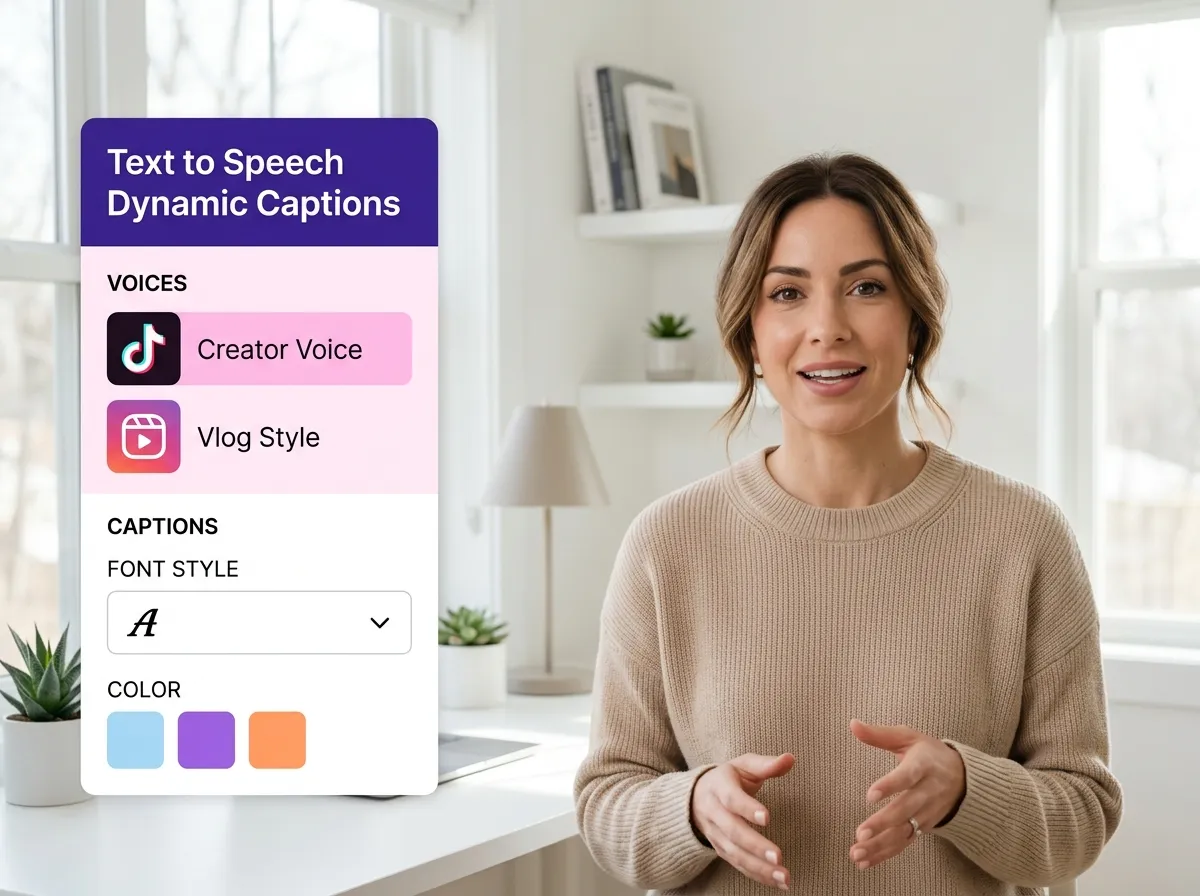



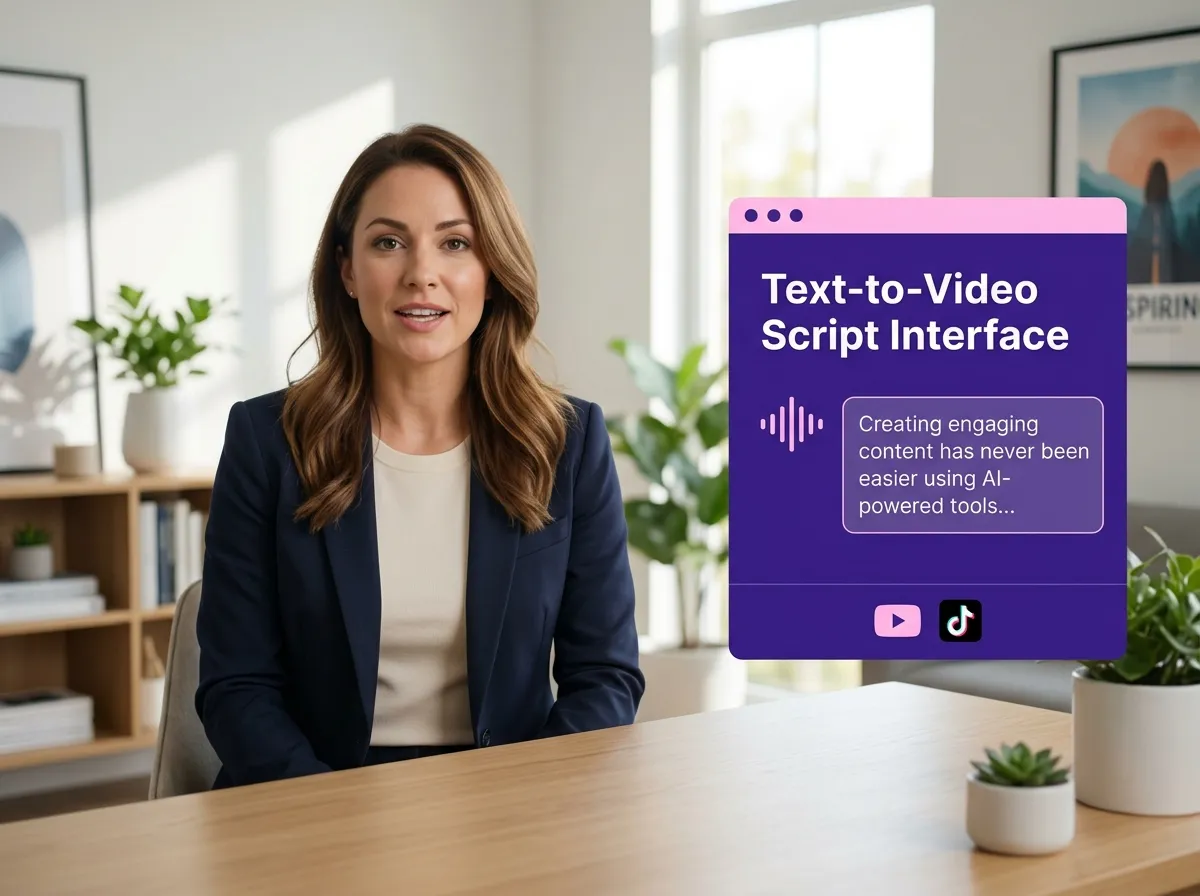
With Vizard’s AI Text to Speech Video Generator, you can transform simple scripts or written ideas into professionally produced videos in seconds. This powerful tool leverages advanced AI to bridge the gap between text and visuals, making it ideal for marketers and educators who need high-quality content without a production crew. Vizard automatically handles the voice narration, captioning, and visual composition, allowing you to focus on your message. Whether you're creating explainer videos or corporate presentations, this automated workflow ensures your content is engaging and ready for any audience. Save hours of editing time and scale your video production effortlessly with Vizard's intuitive AI technology.
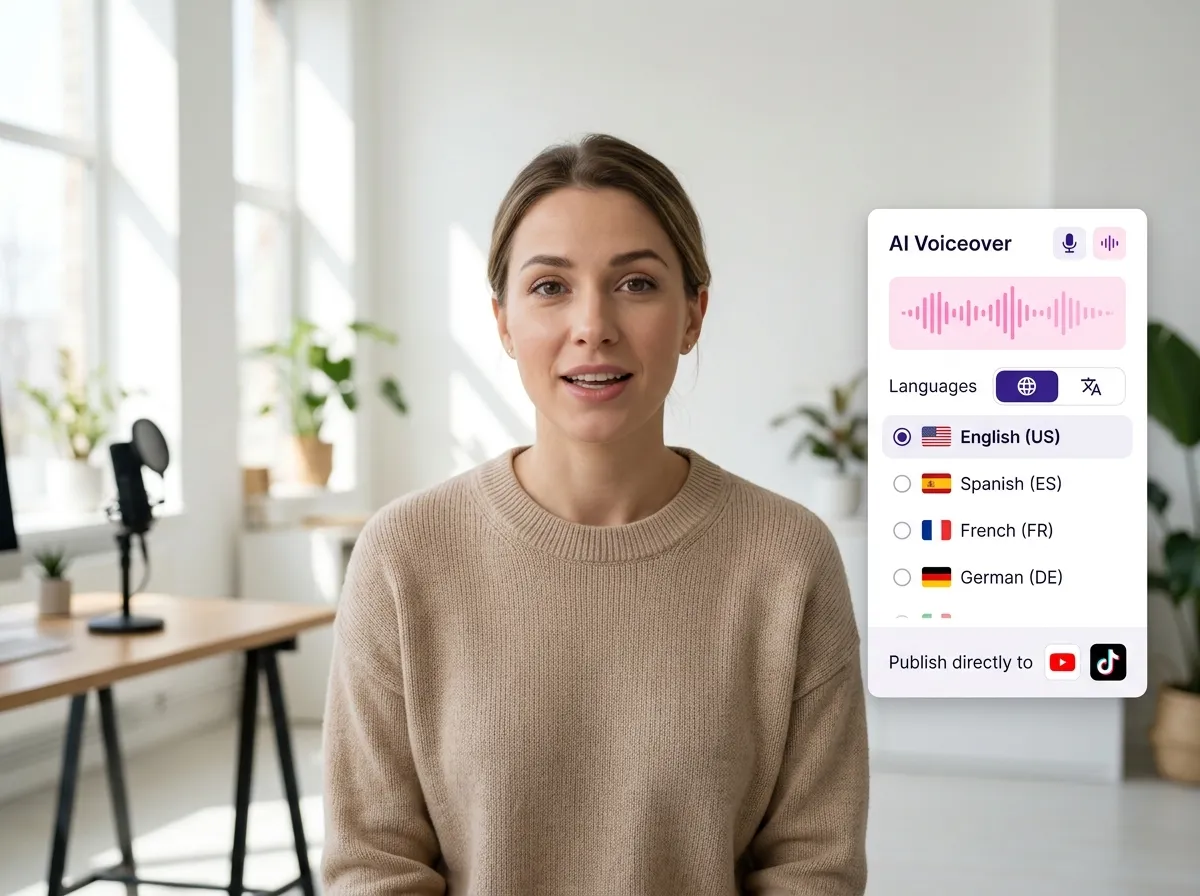
Vizard offers a sophisticated AI voiceover generation system that provides natural-sounding narration for all your video projects. Choose from a diverse range of tones, styles, and languages to match your brand's unique voice. Perfect for faceless YouTube channels or international marketing campaigns, our AI voiceovers eliminate the need for expensive recording equipment or voice actors. Simply paste your text, and Vizard will generate high-fidelity audio that perfectly syncs with your visual content. This feature is a game-changer for creators looking to produce multilingual content or consistent social media storytelling across platforms like TikTok and Instagram Reels.
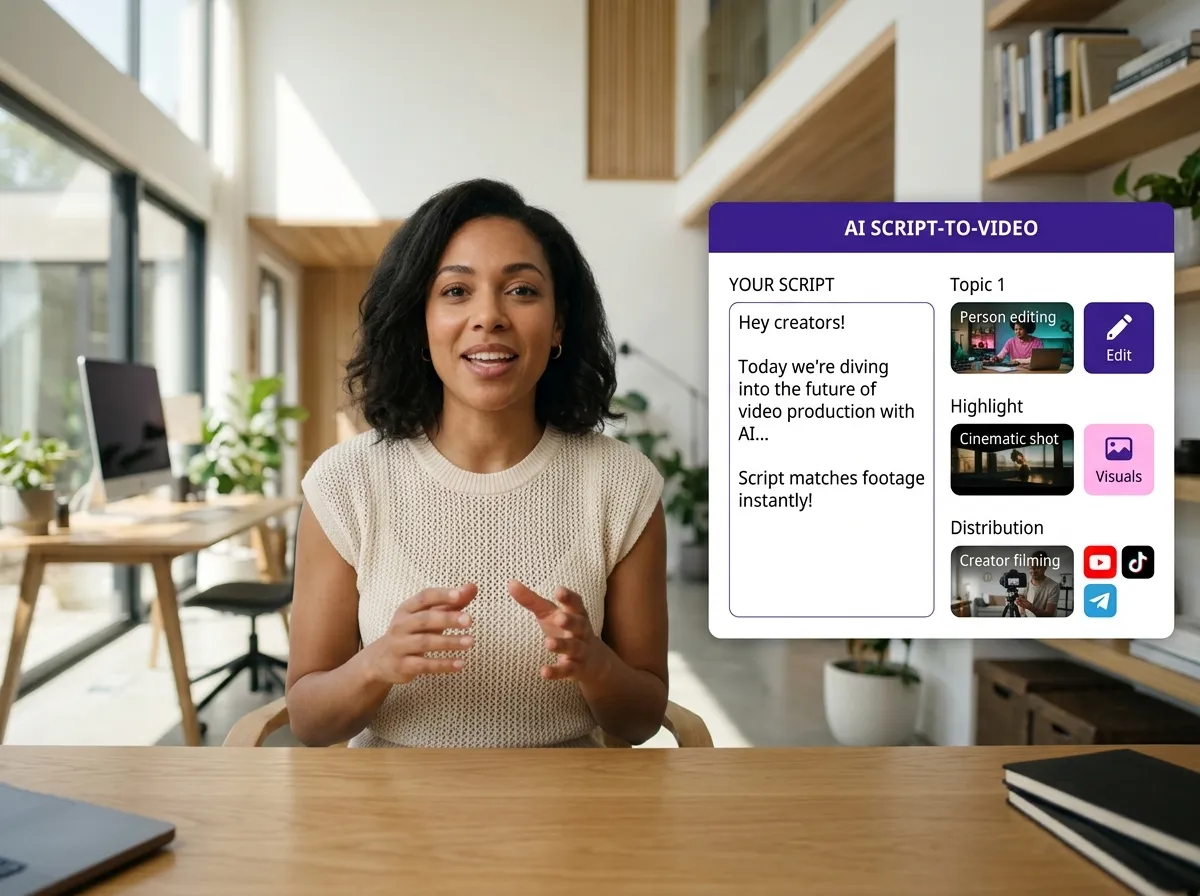
Streamline your creative process with Vizard’s automated visual and video creation tool. Our AI intelligently analyzes your script to select and match the most relevant stock footage, AI-generated scenes, and professional layouts. This ensures your video isn't just a voiceover, but a complete visual experience that aligns with your narrative. For businesses and social media managers, this means no more hunting for B-roll or manually arranging clips. Vizard provides a cohesive look and feel for every video, making it perfect for creating viral-ready social content or informative LinkedIn updates. Experience the power of AI-driven scene generation and elevate your visual storytelling today.
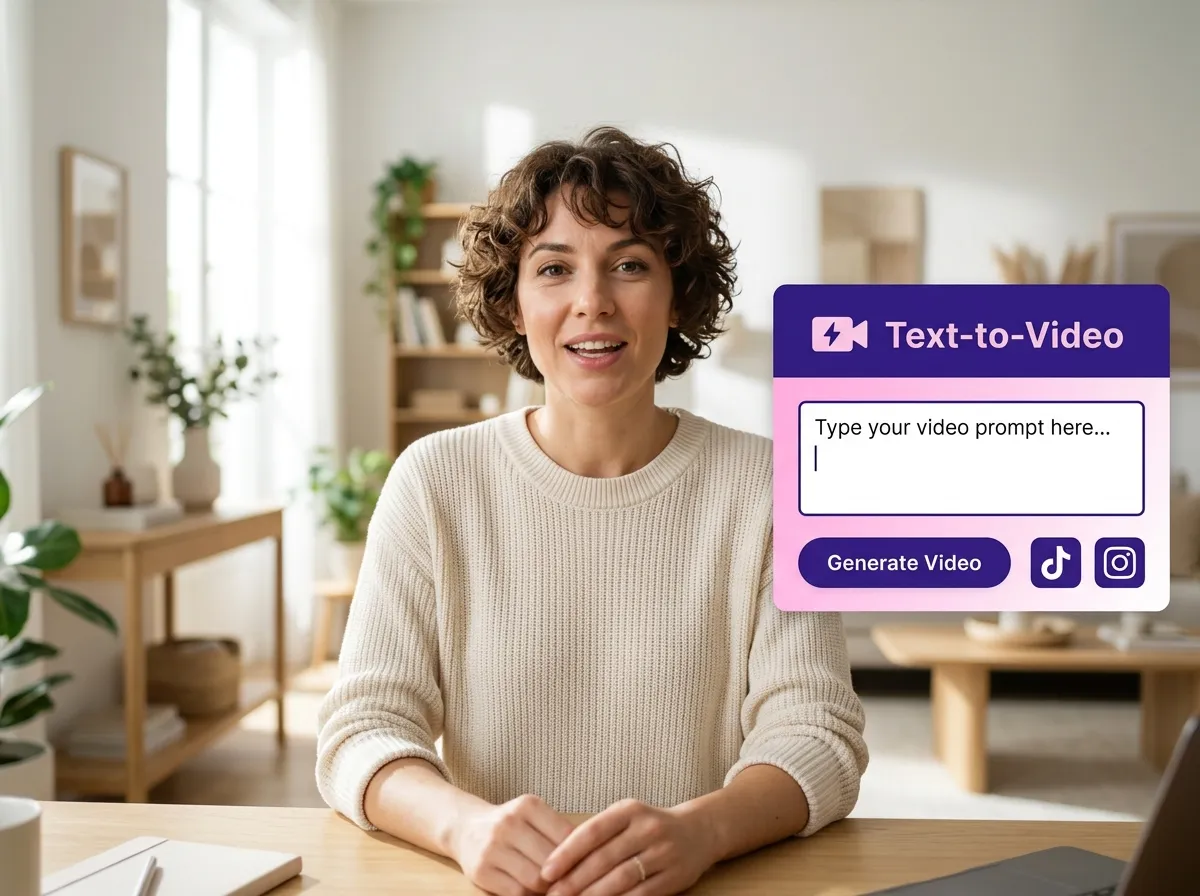
Vizard empowers creators to dominate social platforms with our specialized Text to Video for Social Media feature. Transform your written concepts into stunning vertical videos optimized for TikTok, Instagram Reels, and YouTube Shorts. The tool automatically adjusts aspect ratios and formatting to ensure your content looks native and professional on every feed. Ideal for influencers and brand managers, this feature allows you to turn blog posts or trending topics into scroll-stopping video content instantly. With Vizard, you can maintain a consistent posting schedule across multiple platforms, maximizing your reach and engagement without the traditional overhead of video editing and manual resizing.
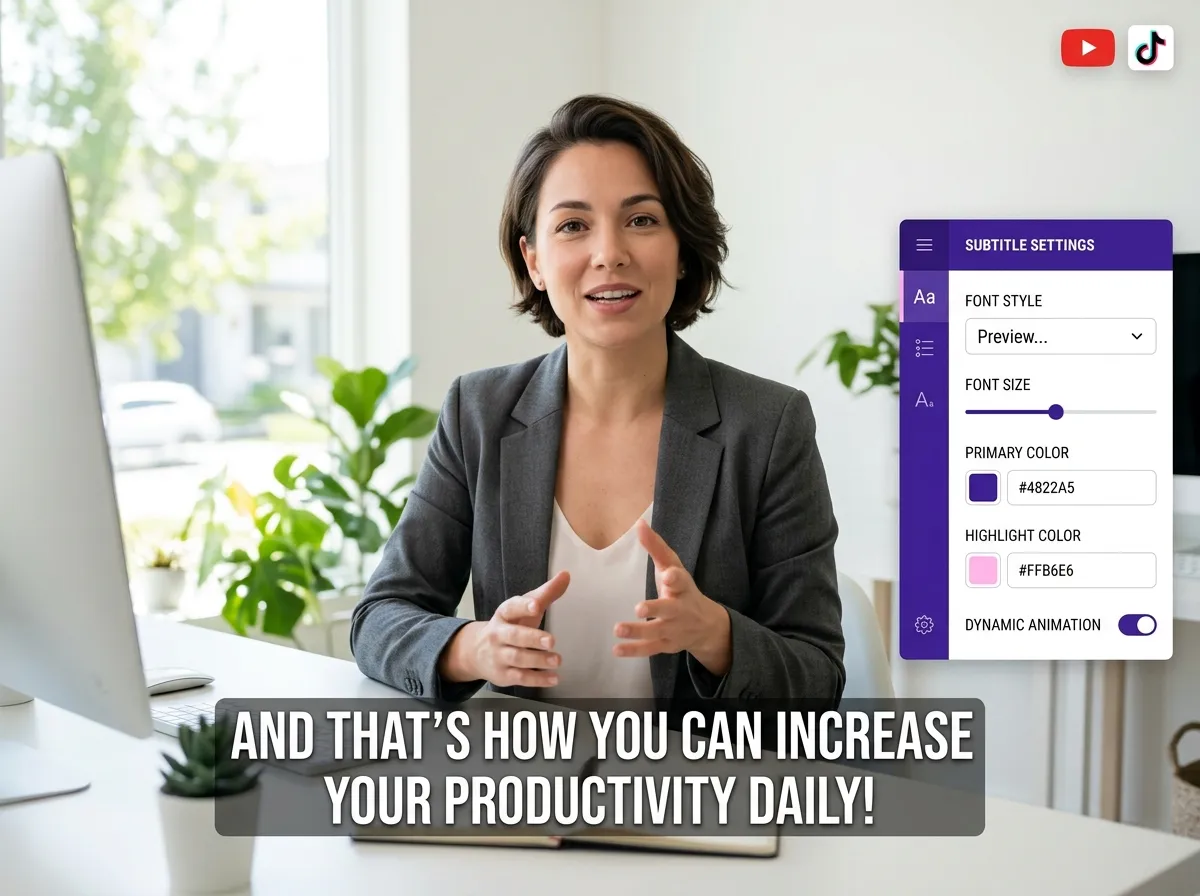
Boost your video's accessibility and engagement with Vizard’s Caption and Subtitle Automation. Our AI accurately transcribes your AI-generated voiceovers and creates dynamic, synchronized subtitles that pop on screen. Since many social media users watch videos without sound, high-quality captions are essential for capturing attention. Vizard allows you to customize the style, font, and placement of your subtitles to fit your brand aesthetic. This tool is perfect for educators and content marketers who want to ensure their message is clear and inclusive. Enhance your storytelling and improve your SEO rankings by providing text-based context that keeps viewers watching until the very end.
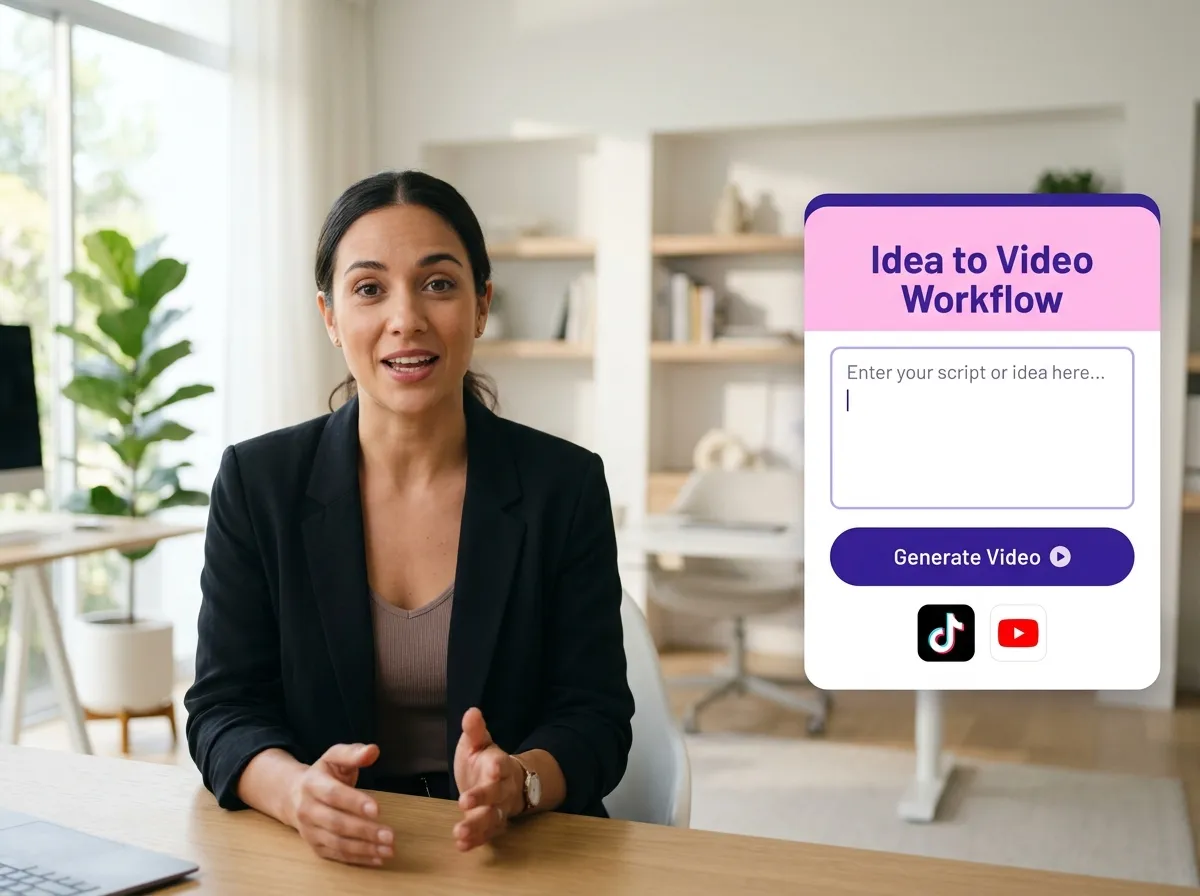
Start by entering or pasting your script, text, or content idea directly into the Vizard Idea to Video tool. You can find this under Workspace -> AI Apps.
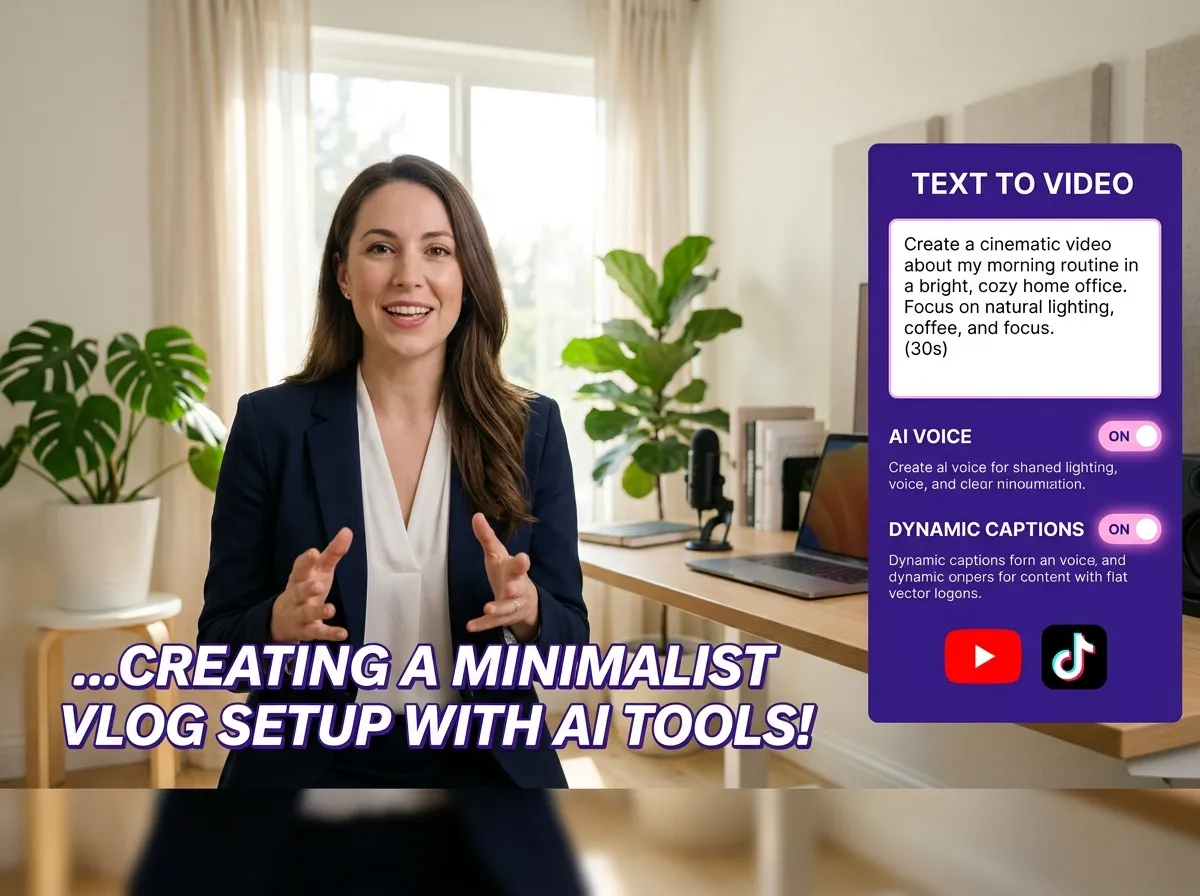
Let Vizard's powerful AI take over. It will automatically generate professional voice narration, dynamic captions, and relevant visuals or scenes based on your input text.
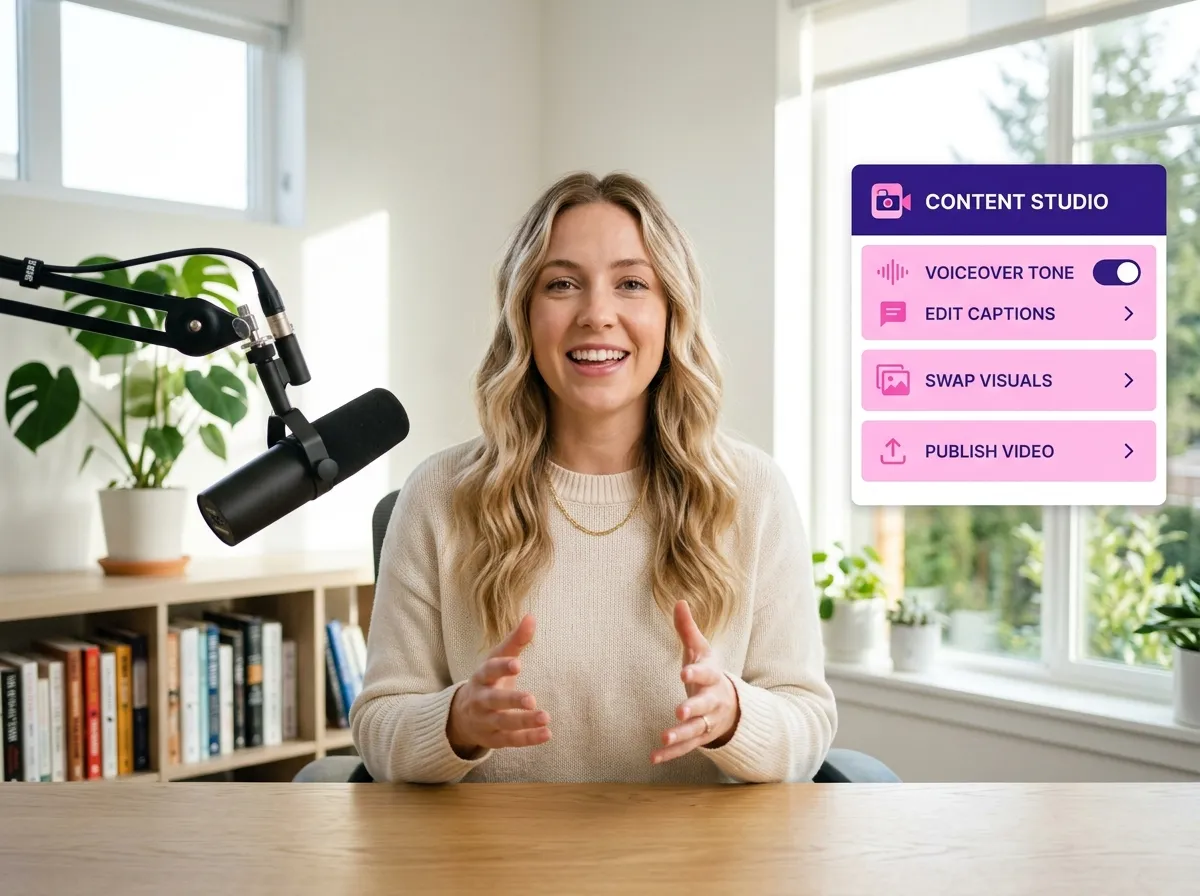
Review your AI-generated video and add your personal touch. Customize the voiceover tone, edit captions for accuracy, or swap out visuals to perfectly align with your brand.
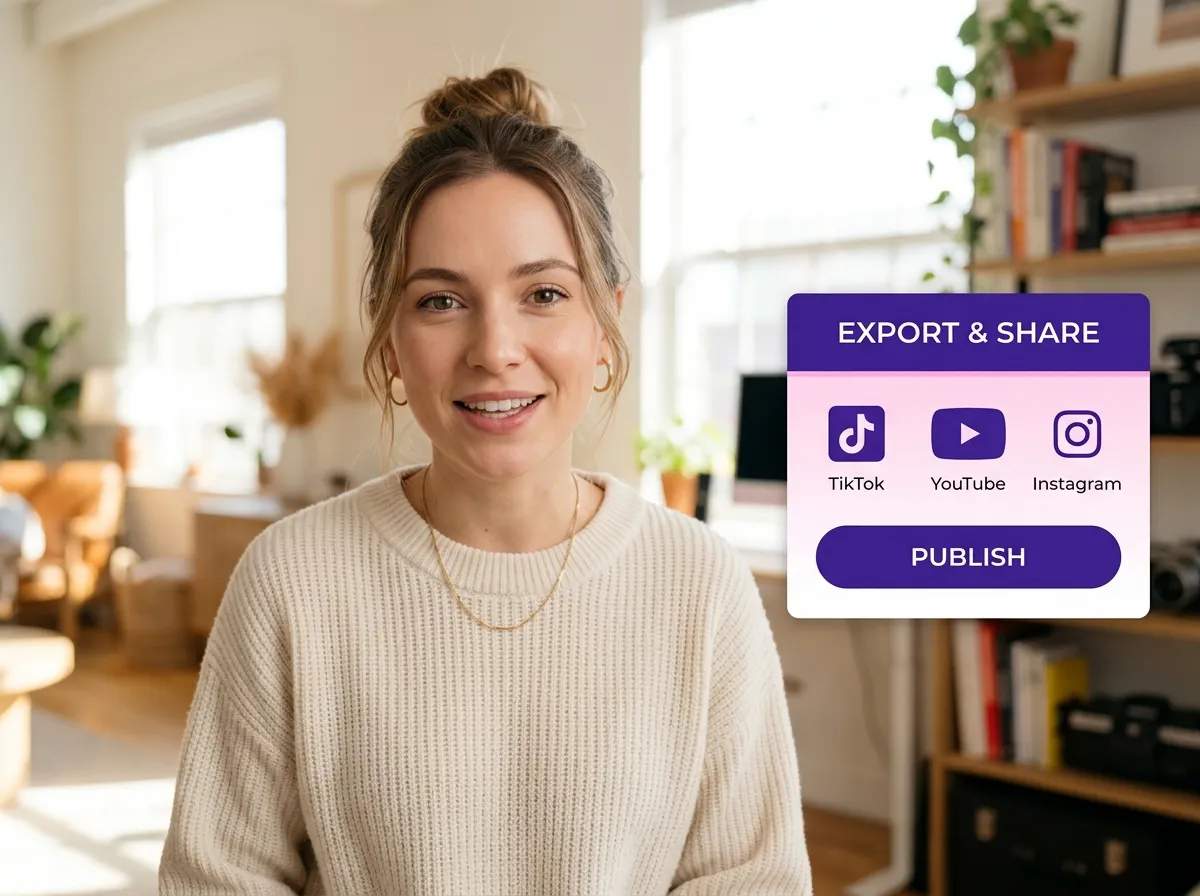
Once you're satisfied, export your high-quality video or publish it directly to platforms like TikTok, Instagram, YouTube, and LinkedIn to reach your audience instantly.
Turn one video into 10+ Instagram Reels with AI.
With just a few clicks, you can download or share your videos with your friends or team members with a link.
Turn your videos and audios into Reels, Stories, posts, and more in one click.
Effortlessly plan, schedule, and auto-generate engaging AI-driven posts, and publish your Instagram Reels along with the perfect captions.
Add dynamic subtitles for your videos automatically, all in the browser.
Bring your team together by inviting collaborators to work on your projects, in one workspace.
Effortlessly translate your video content into 130+ languages, expanding your global reach with just a few clicks.
Enhance your video's visual appeal and brand identity with ease by adding logos, images, outros, and custom fonts to your videos.


What is Vizard's Text to Speech Video tool and how does it work?
What types of voices and languages are supported?
Can I customize the video after the AI generates it?
Are the videos optimized for TikTok, Reels, and YouTube Shorts?
Do I need video editing experience to use this tool?
Is there a limit to the length of text I can convert?
What is Vizard's Text to Speech Video tool and how does it work?
What types of voices and languages are supported?
Can I customize the video after the AI generates it?
Are the videos optimized for TikTok, Reels, and YouTube Shorts?
Do I need video editing experience to use this tool?
Is there a limit to the length of text I can convert?
 Yao Wang
Yao Wang
Yao Wang
Yao Wang
Yao Wang


















