

NEW
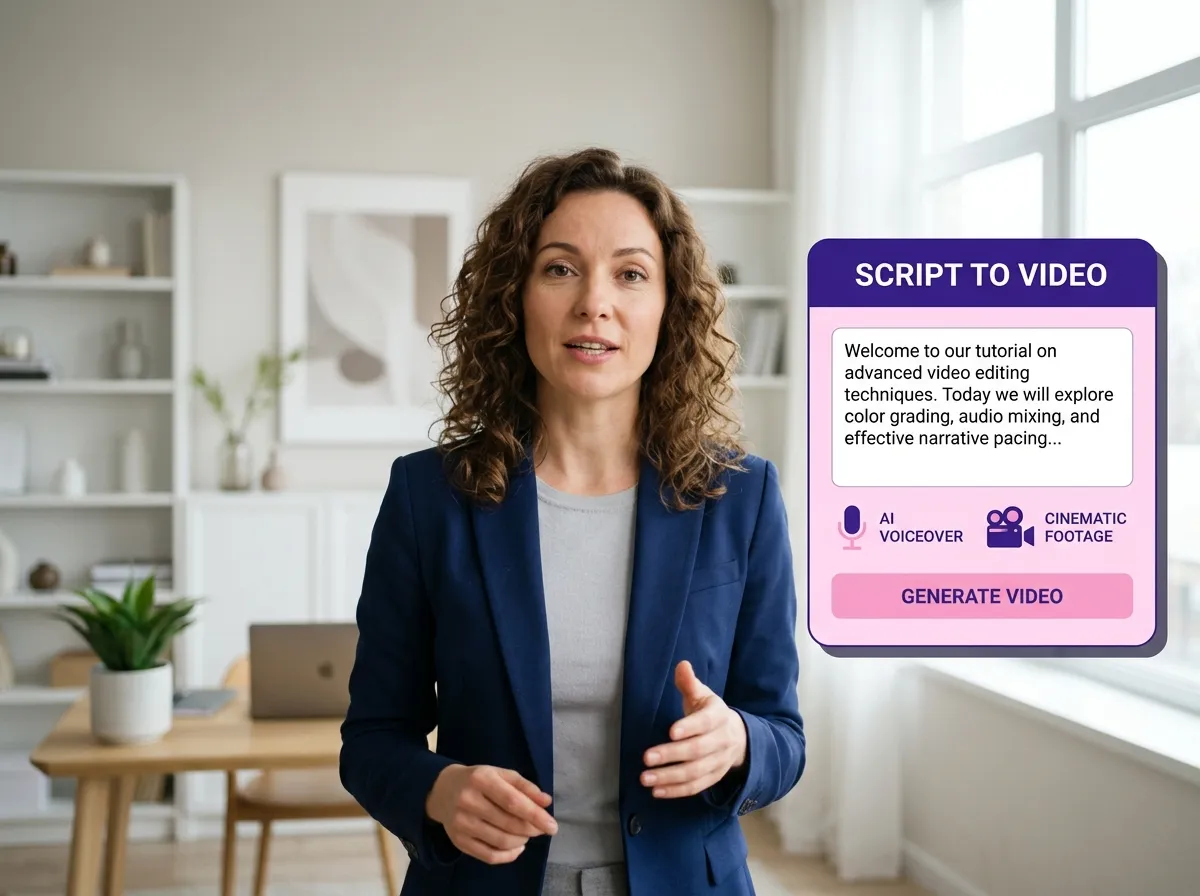



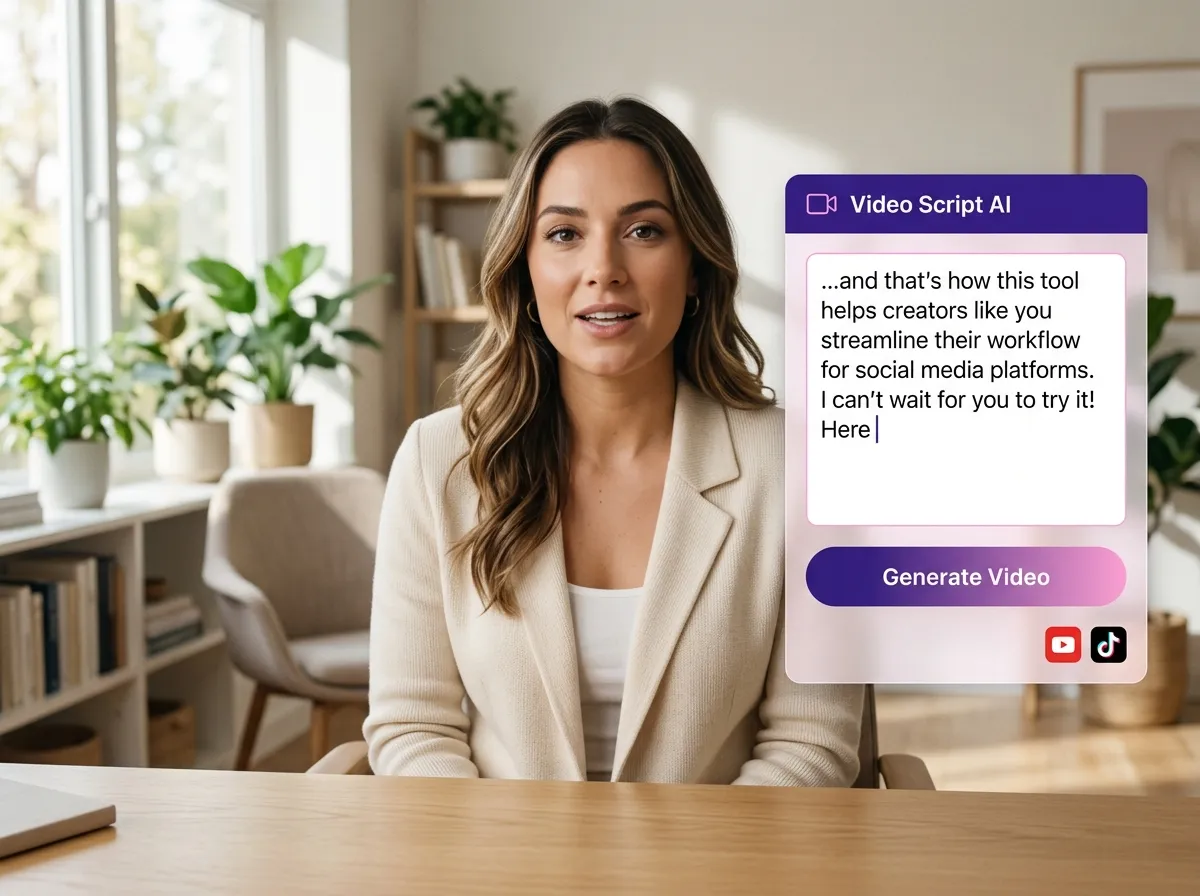
Instantly turn written ideas into professional content with Vizard’s script to video generator. Simply input your text, and Vizard’s AI analyzes your narrative to automatically source high-quality B-roll from premium libraries like StoryBlock and Pexels. This tool is ideal for marketers and educators who need to produce engaging videos without manual editing. Whether you’re creating social media ads or explainer content, Vizard ensures visual excellence while saving hours of production time. Experience a seamless script to video workflow that transforms scripts into impactful, ready-to-share videos effortlessly.
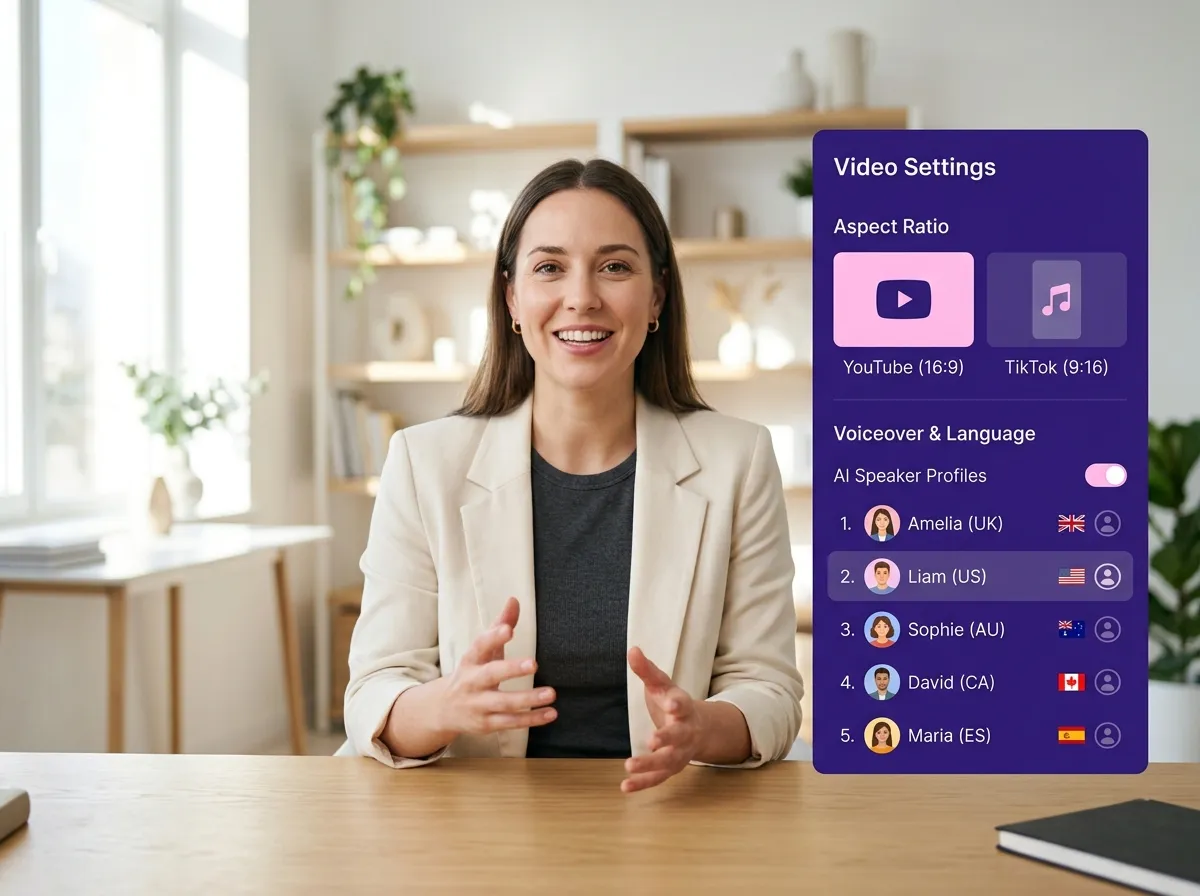
Optimize your script to video projects for any platform with Vizard’s flexible customization. Choose between 16:9 for YouTube or 9:16 for TikTok and Reels to ensure your content looks native. Vizard allows you to select from diverse AI voiceover actors and multiple languages, making it easy to reach a global audience. This feature is perfect for brands scaling their multi-platform presence. With Vizard, your script to video transformations are tailored to your brand voice, providing professional-grade results across all digital channels in seconds.
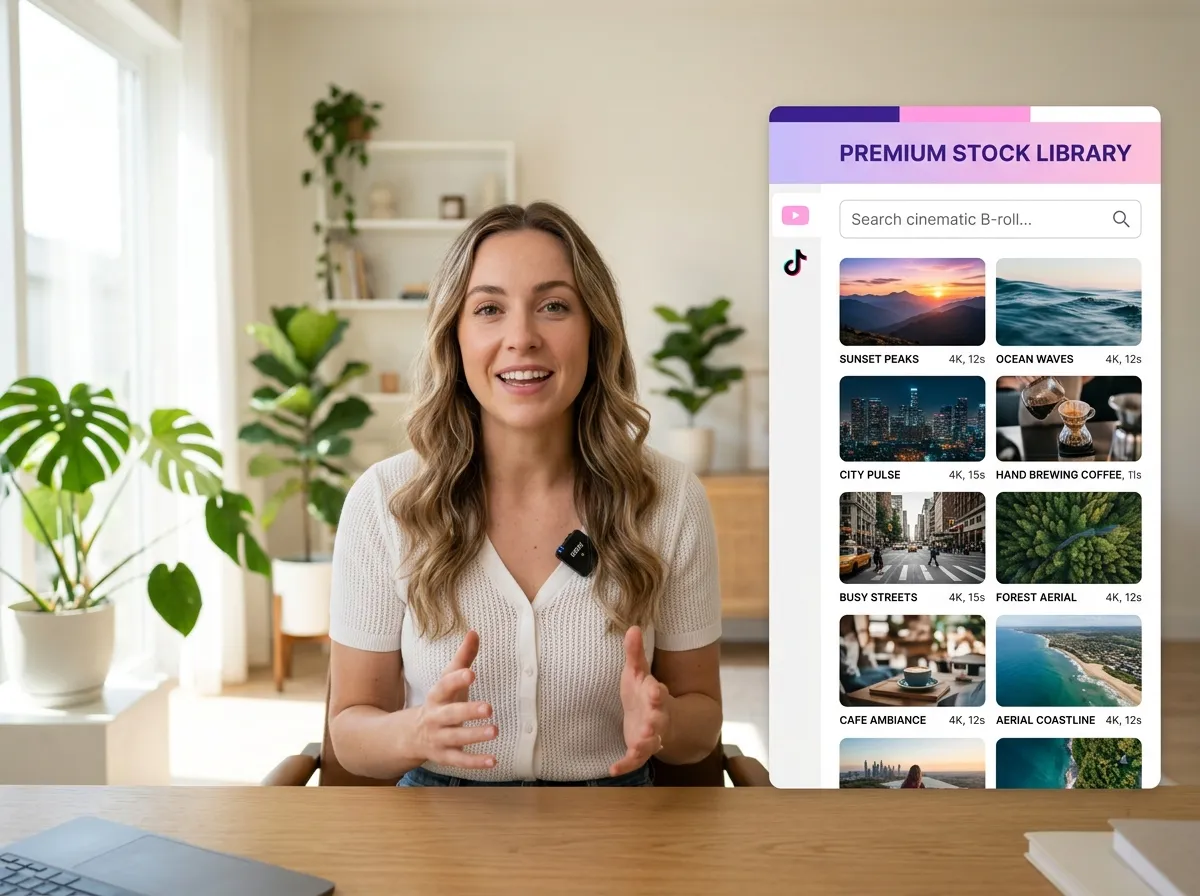
Enhance your storytelling with Vizard’s direct integration with StoryBlock and Pexels. As you use the script to video tool, Vizard’s AI scans these vast collections to pull the most relevant cinematic footage matching your script. This is invaluable for creators who need high production standards without their own footage. By leveraging Vizard’s integrated assets, you can produce stunning visuals that drive engagement. Stop worrying about stock footage and let Vizard’s script to video technology handle the visual narrative, delivering professional results instantly.
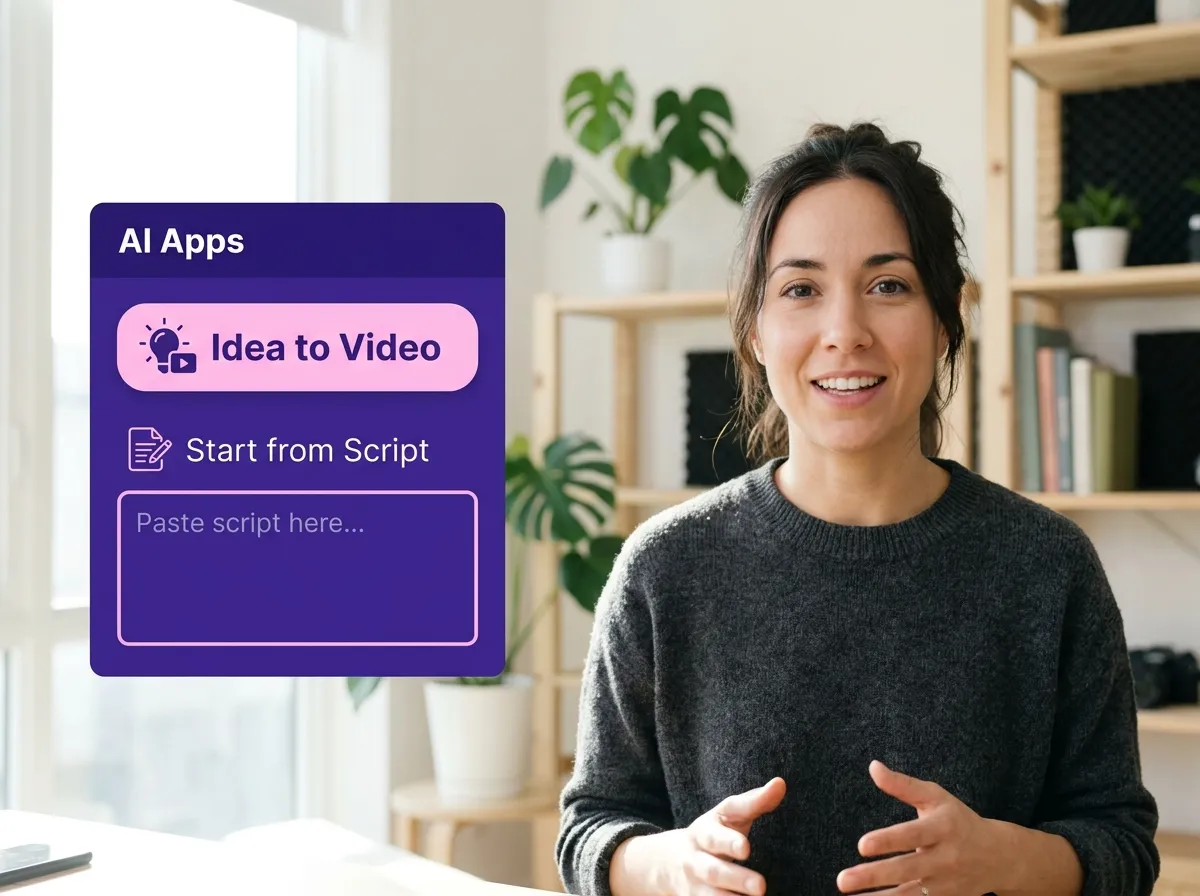
Log in to your Vizard workspace. Navigate to the "AI Apps" section and click on "Idea to Video" to start transforming your written content into engaging video clips.
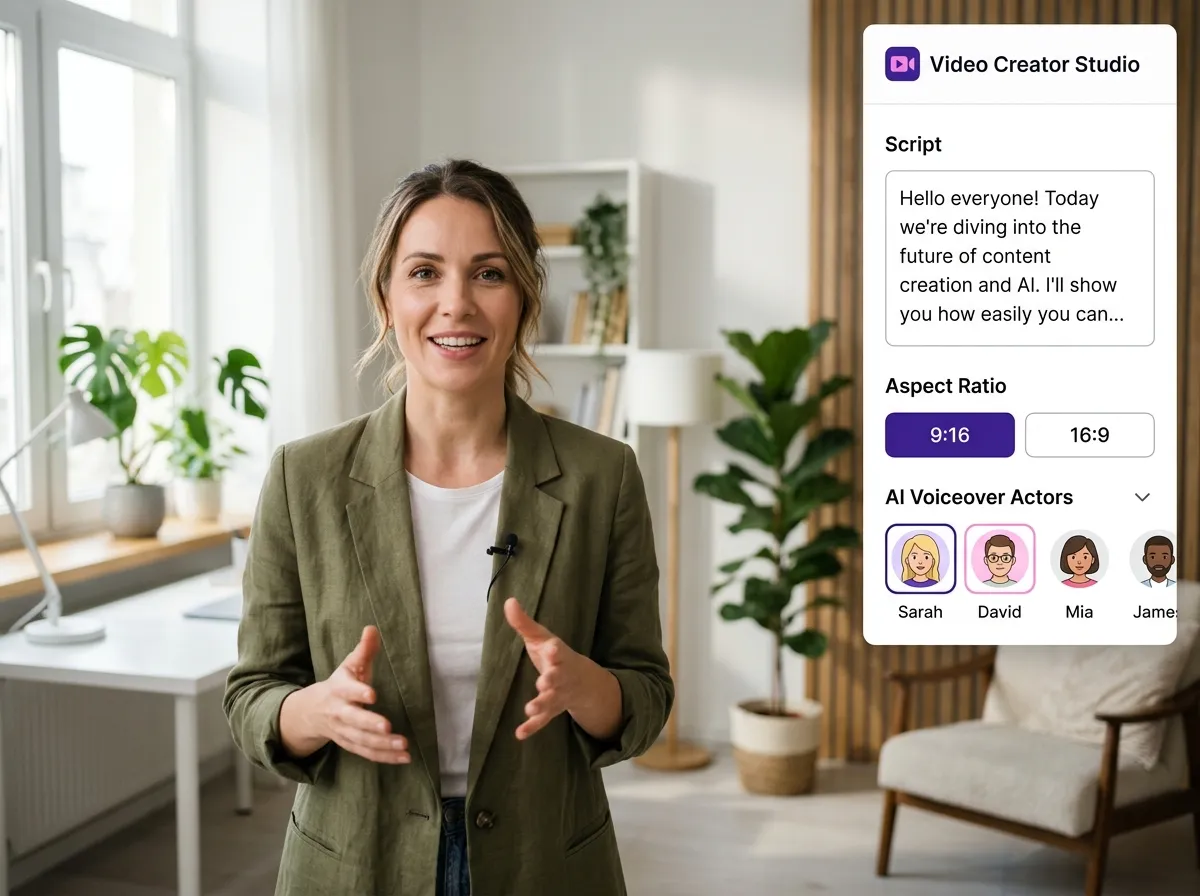
Type or paste your script into the provided text box. Customize your video by selecting the aspect ratio (choose 9:16 for Reels/TikTok or 16:9 for YouTube), picking the language, and selecting the perfect AI voiceover actor.
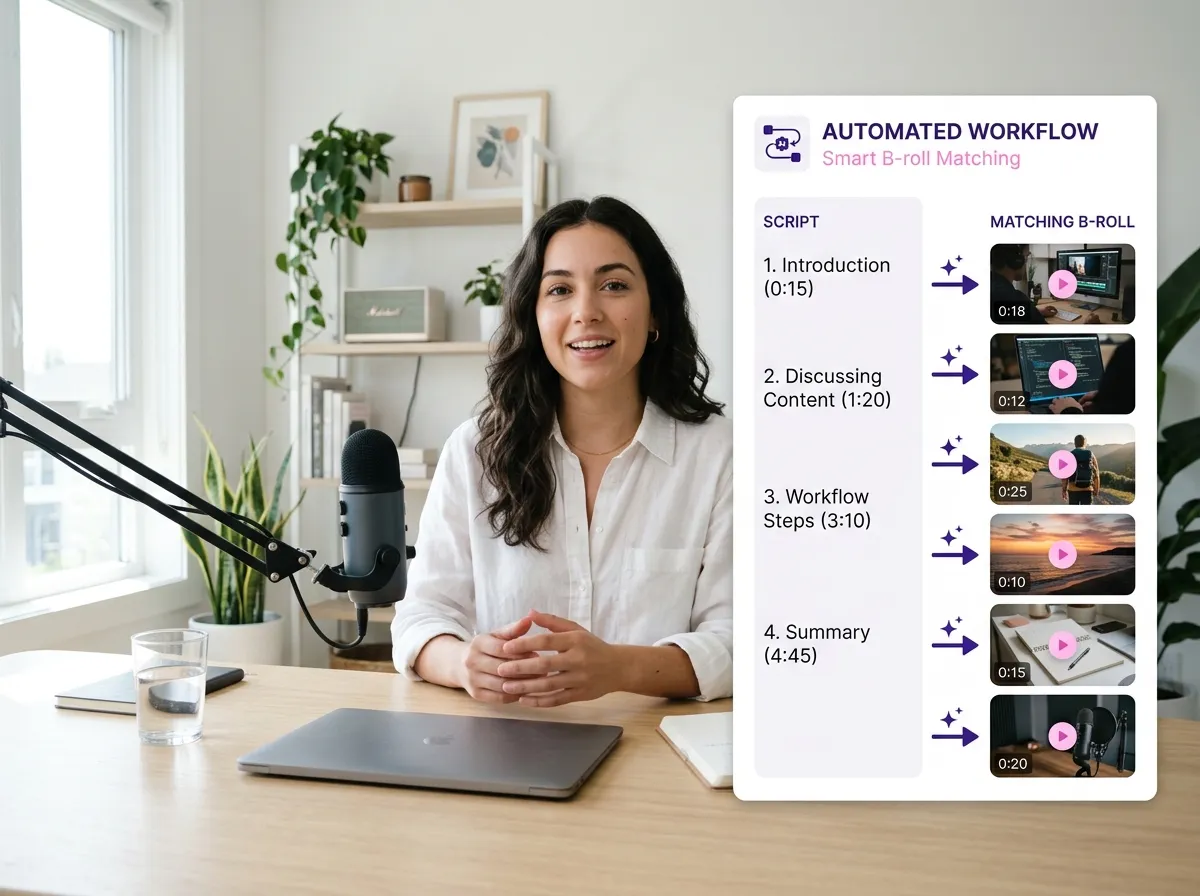
Hit the "Generate" button and let Vizard's AI do the work. It will automatically source high-quality B-rolls from Storyblocks and Pexels to match your script. Once finished, preview your AI-generated video and export it.
Turn one video into 10+ Instagram Reels with AI.
With just a few clicks, you can download or share your videos with your friends or team members with a link.
Turn your videos and audios into Reels, Stories, posts, and more in one click.
Effortlessly plan, schedule, and auto-generate engaging AI-driven posts, and publish your Instagram Reels along with the perfect captions.
Add dynamic subtitles for your videos automatically, all in the browser.
Bring your team together by inviting collaborators to work on your projects, in one workspace.
Effortlessly translate your video content into 130+ languages, expanding your global reach with just a few clicks.
Enhance your video's visual appeal and brand identity with ease by adding logos, images, outros, and custom fonts to your videos.


How does Vizard's Script to Video tool work?
What aspect ratios are available for the generated videos?
Can I choose a specific voice for the narration?
Where does the video footage come from?
Can I edit the video after the AI generates it?
Does Script to Video support different languages?
How does Vizard's Script to Video tool work?
What aspect ratios are available for the generated videos?
Can I choose a specific voice for the narration?
Where does the video footage come from?
Can I edit the video after the AI generates it?
Does Script to Video support different languages?
 Yao Wang

Yao Wang
Yao Wang

Yao Wang

Yao Wang


















