

NEW



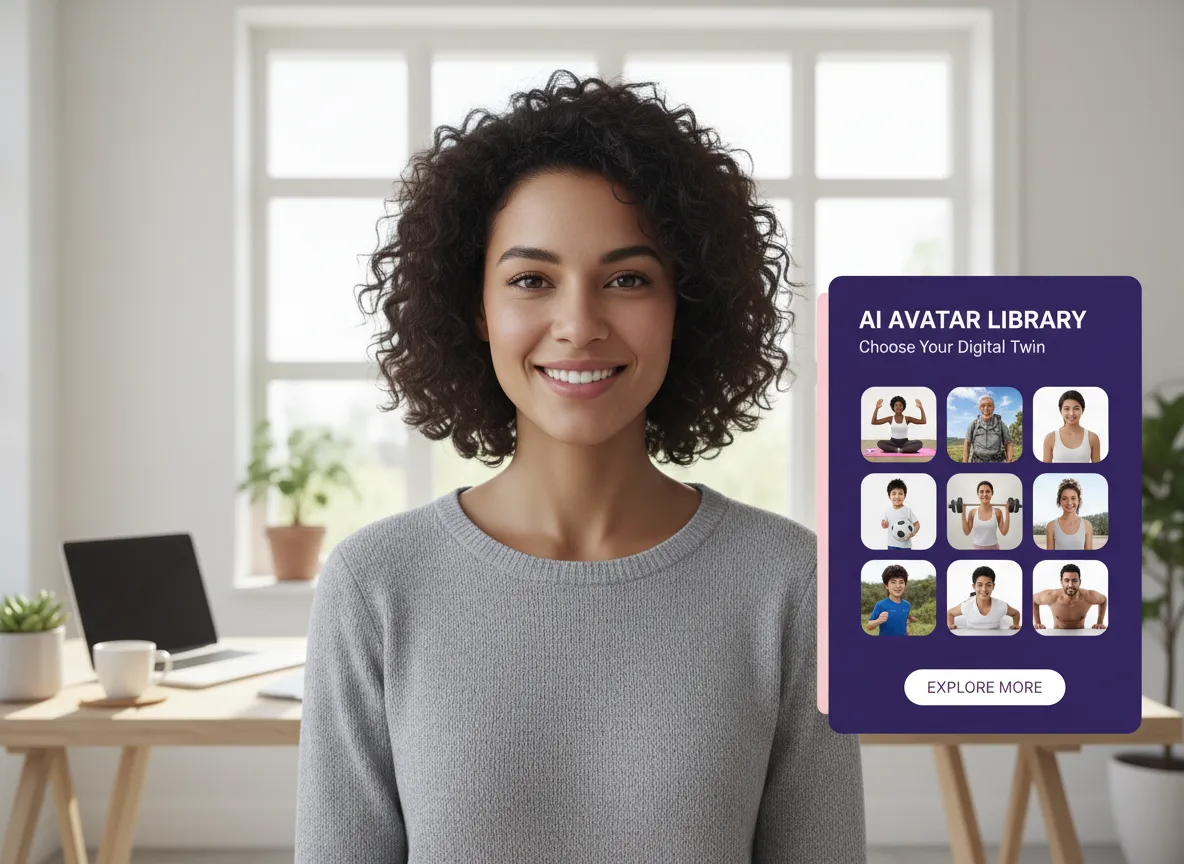
Access a high-quality library of lifelike digital creators. Choose from a wide range of genders, ethnicities, and ages, and place them in realistic settings like offices, gyms, or dorms to match your product's vibe perfectly.
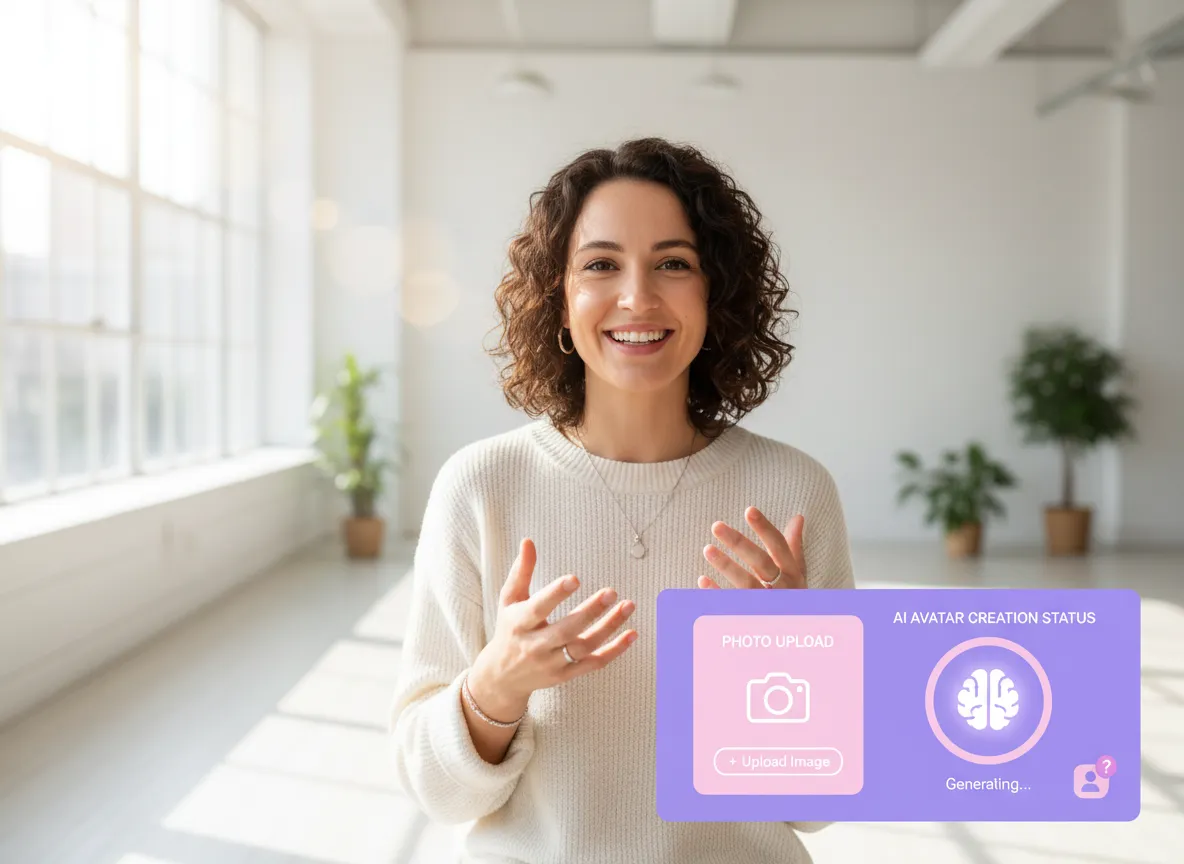
Build brand consistency by creating your own digital twin. Simply upload a photo or video to generate a custom AI Avatar that reflects your brand’s unique image or founder’s persona.
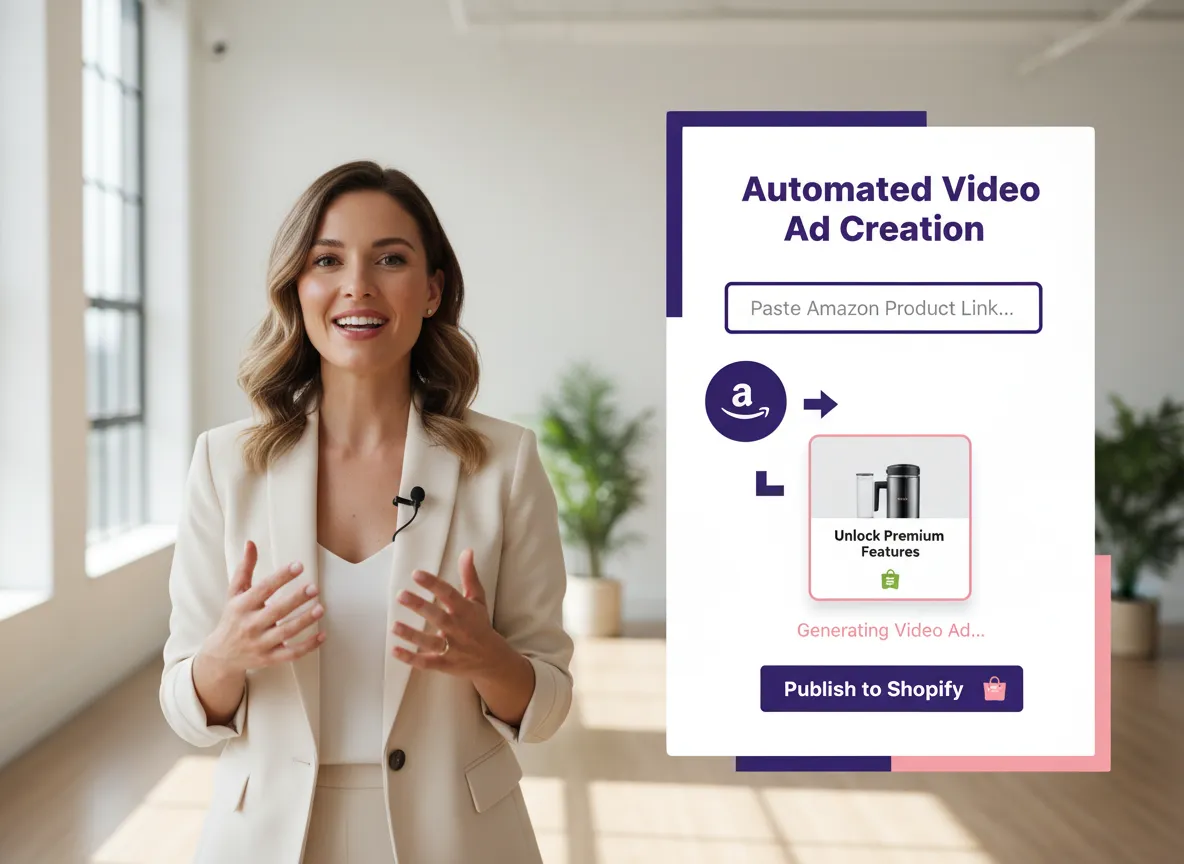
Effortlessly turn products into ads. Paste a link from Shopify, Amazon, or eBay, or upload images directly. Our AI analyzes your product information to generate high-converting video content in minutes.
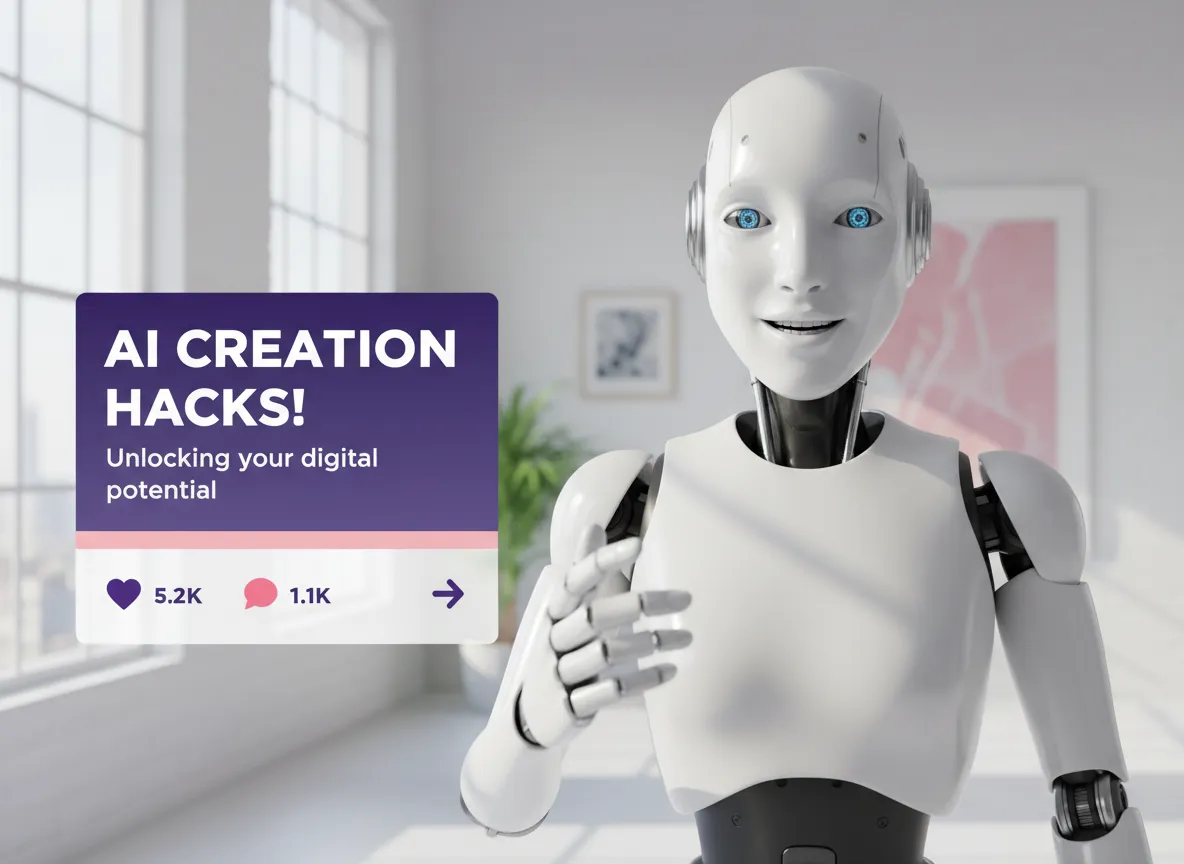
Generate videos that feel real, not "produced." Vizard creates a complete story structure with natural recommendation logic, including voiceovers, captions, and background music that mimic authentic user testimonials.
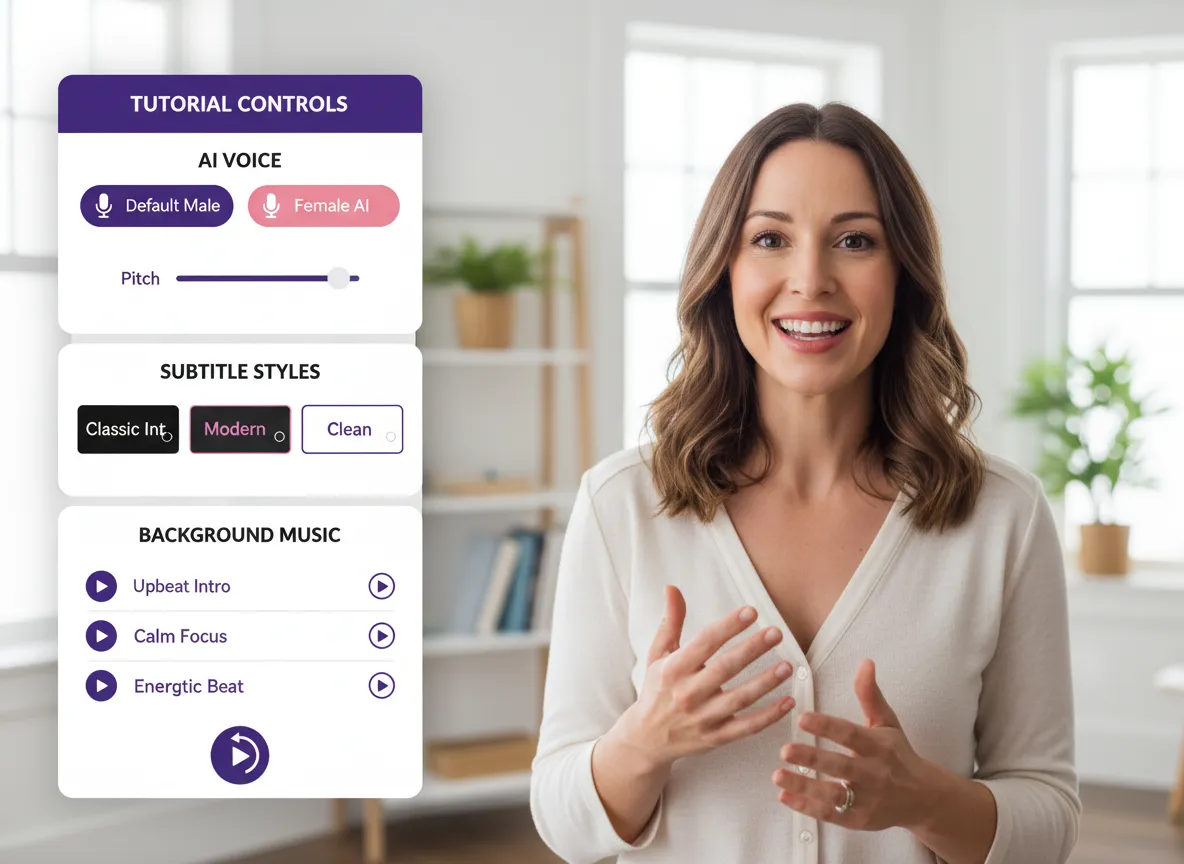
Maintain complete brand alignment with customizable options. Adjust your UGC model, voice style, caption design, and overall visual rhythm to ensure every video meets your exact marketing standards.
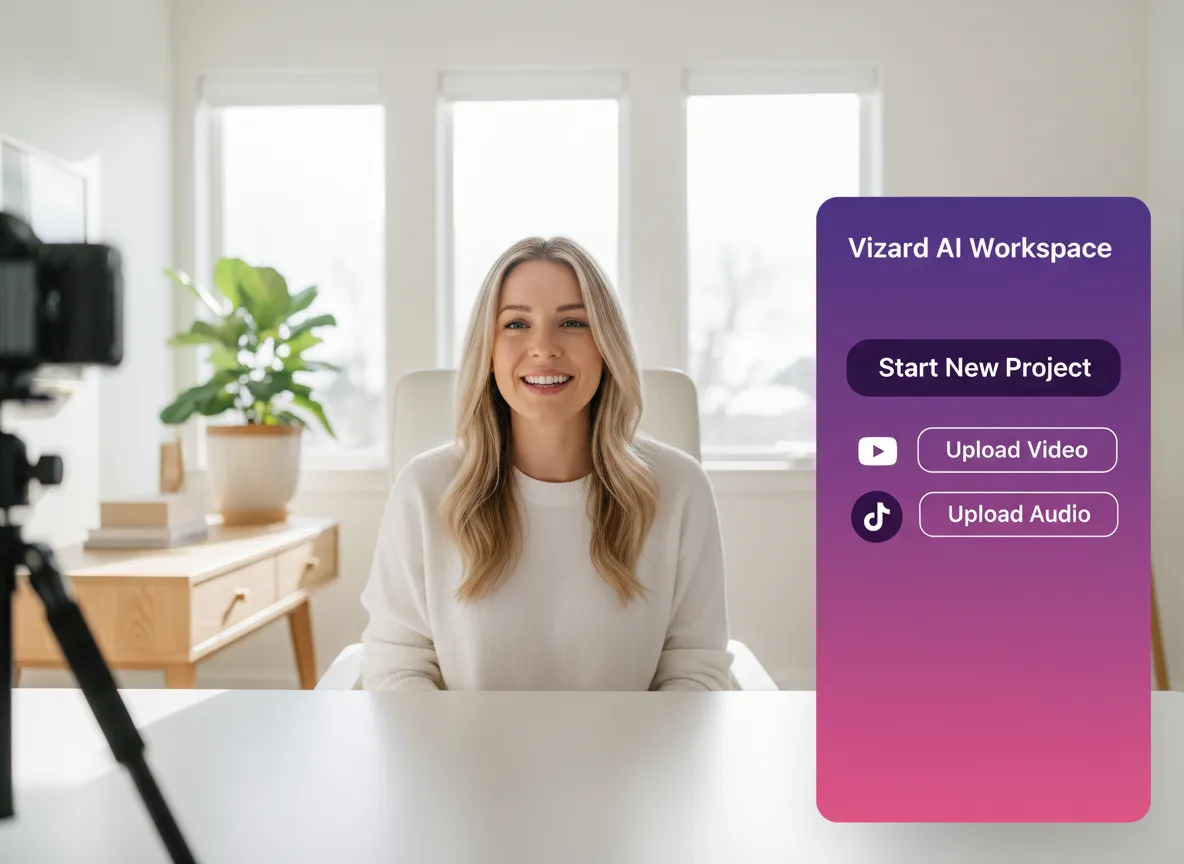
Log in to your account to access our all-in-one AI editing suite and creative workspace.
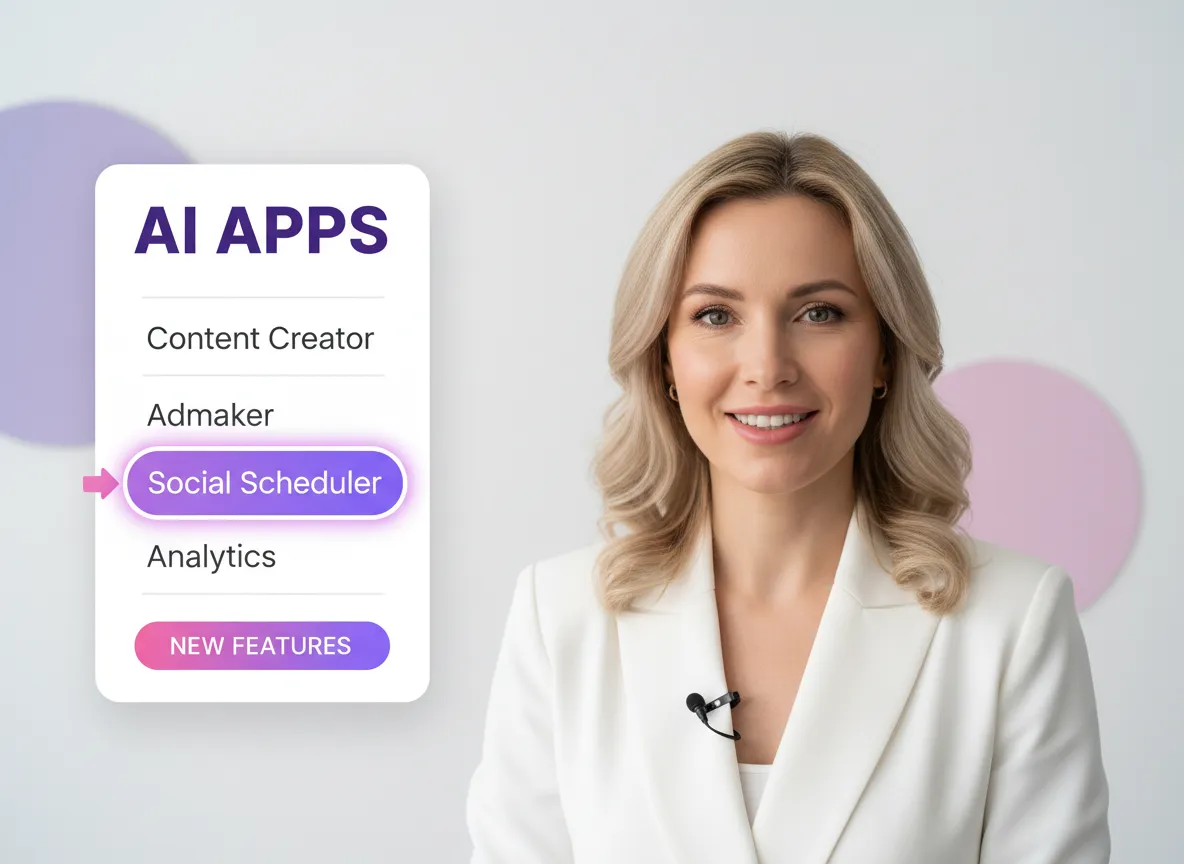
Navigate to the AI Apps section and choose the Admaker tool for professional-grade video generation.
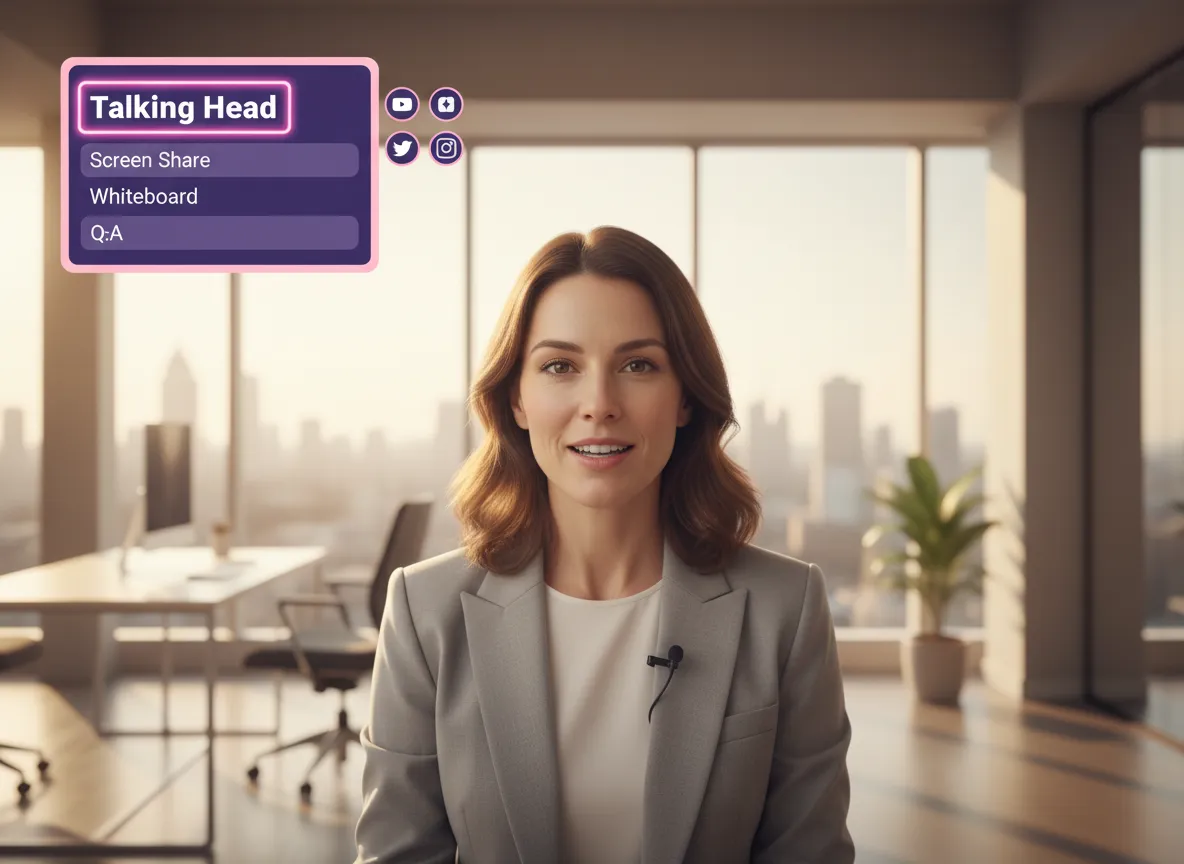
Select the Talking Head format to feature a realistic AI-generated spokesperson who will deliver your message with high conversion and trust.
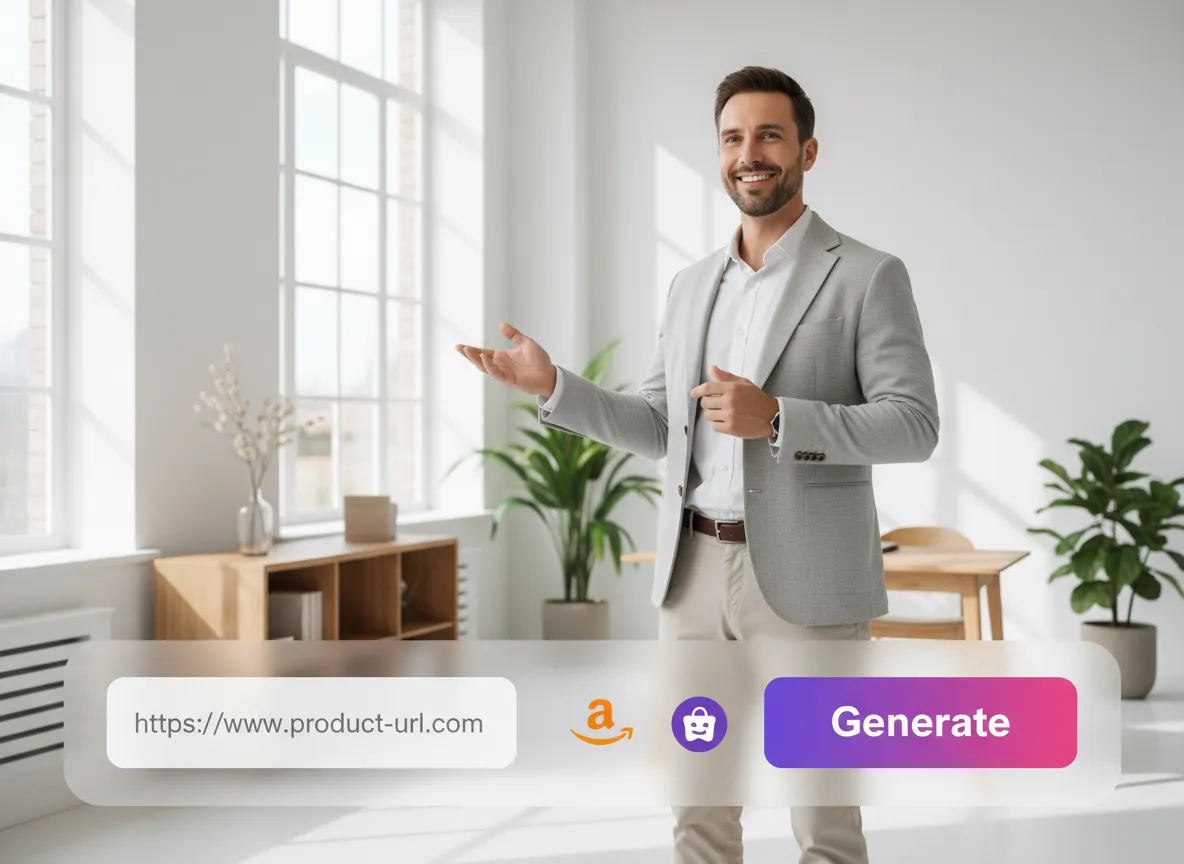
Simply paste the URL of the product you want to promote. Vizard’s AI will automatically analyze the details to craft an effective, engaging script.
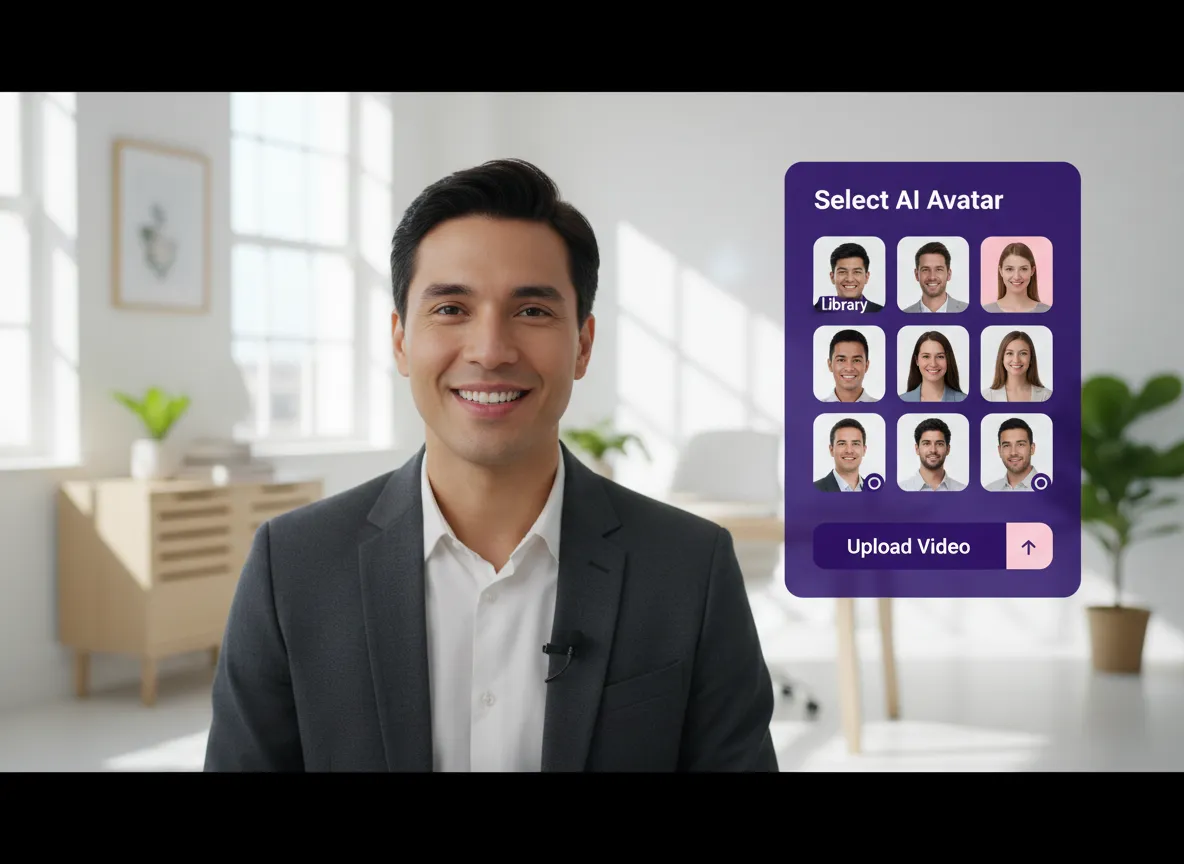
Choose from our high-quality AI UGC Creator Library or upload your own video to create a custom AI avatar that fits your brand’s personality.
Turn one video into 10+ Instagram Reels with AI.
With just a few clicks, you can download or share your videos with your friends or team members with a link.
Turn your videos and audios into Reels, Stories, posts, and more in one click.
Effortlessly plan, schedule, and auto-generate engaging AI-driven posts, and publish your Instagram Reels along with the perfect captions.
Add dynamic subtitles for your videos automatically, all in the browser.
Bring your team together by inviting collaborators to work on your projects, in one workspace.
Effortlessly translate your video content into 130+ languages, expanding your global reach with just a few clicks.
Enhance your video's visual appeal and brand identity with ease by adding logos, images, outros, and custom fonts to your videos.


What is the AI UGC Generator?
How do I create a UGC video using a product link?
Can I use my own image or video to create a custom AI avatar?
Do I need video editing skills to use this tool?
How does this compare to hiring real micro-influencers?
What kind of backgrounds and environments are available for the AI models?
What is the AI UGC Generator?
How do I create a UGC video using a product link?
Can I use my own image or video to create a custom AI avatar?
Do I need video editing skills to use this tool?
How does this compare to hiring real micro-influencers?
What kind of backgrounds and environments are available for the AI models?
 Yao Wang

Yao Wang

Yao Wang

Yao Wang
Yao Wang


















