Kapwing is a versatile online video editing platform designed for content creators, marketers, educators, and collaborative teams working on multimedia projects. The platform offers essential tools like video trimming, cropping, and subtitle addition, along with AI-powered features such as auto-subtitling, background removal, and voice cloning. However, despite its functionality, Kapwing has notable limitations. The waiting time for AI-generated clips is often prolonged, and the quality of these AI-generated results can be inconsistent. Many repurposed clips fail to focus on talking heads or miss key highlights necessary for viral potential, often requiring significant manual editing afterward. Furthermore, Kapwing’s editing tools are limited compared to other online platforms, restricting more advanced edits. Moreover, the cost—$16 per month for only 300 minutes of usage—can be relatively high for users seeking more flexibility and functionality.
Below, I’ve highlighted some alternatives to Kapwing that offer more stable AI results, more comprehensive editing tools, and more affordable pricing options. Let’s dive in.
Vizard.ai
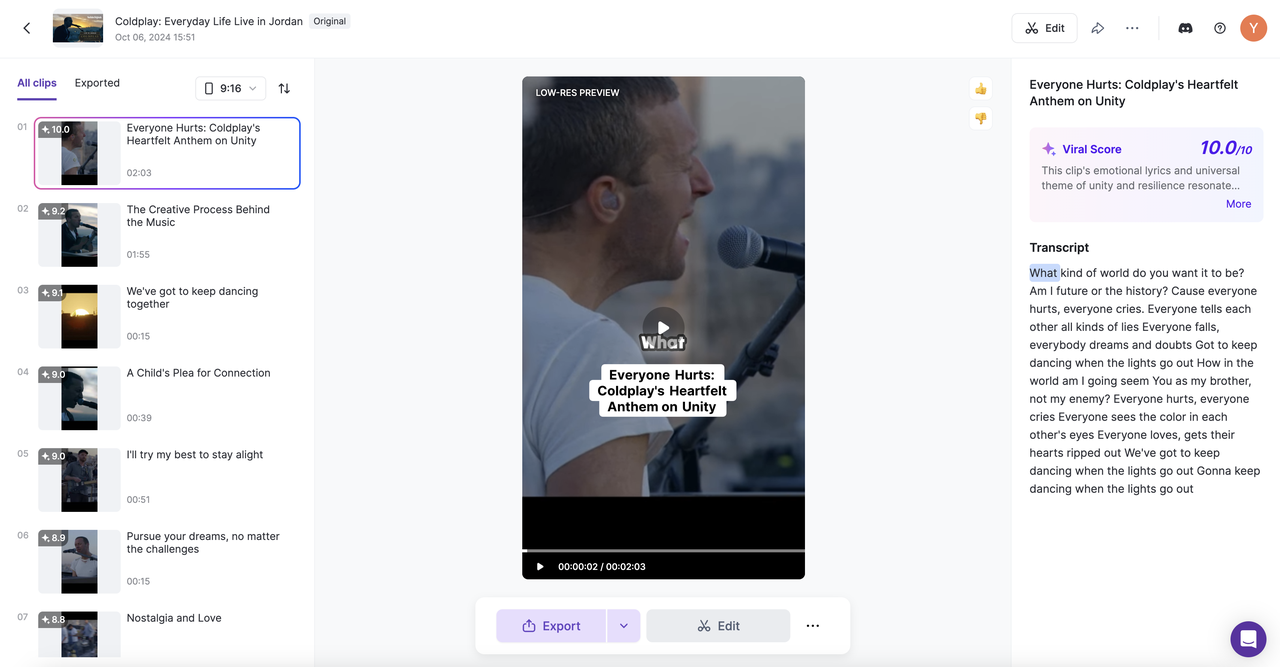
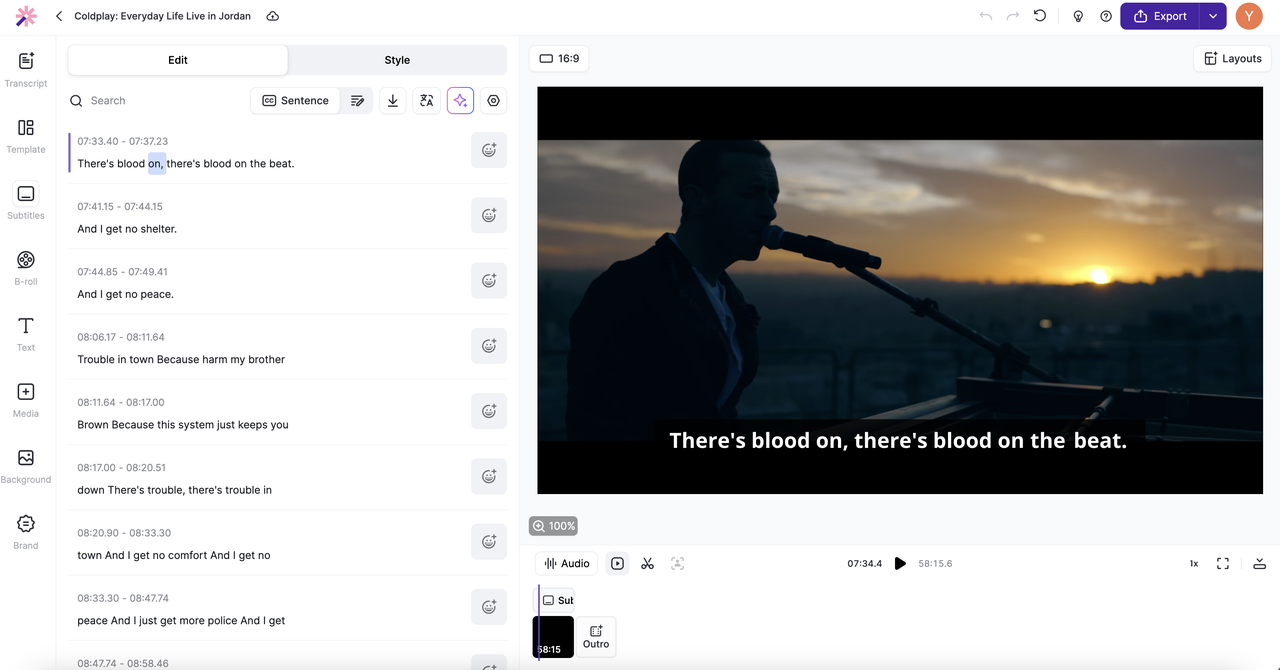
Vizard is an advanced video editing platform designed to streamline the editing process with smart tools. Its intuitive interface and AI-enhanced features make it perfect for both professional and casual video creators. With Vizard’s newly introduced model Spark 1.0, you can type in your prompt and tell the AI would kind of clips you want out of the video footages uploaded.
- Pros:
- AI-enhanced video editing tools for efficient production, saves time, with reliable output that is ready for posting to my social media accounts.
- Intuitive and easy-to-navigate interface.
- Great balance of manual and automated editing options.
- Great content management tool – post caption auto generator, and post scheduling platform.
- Great for Team Collaboration – Team Workspace for teams to synchronize on projects, and share previews to clients.
- Pricing affordable for both individual creators and teams.
- Cons:
- May require a learning curve for first-time users.
- Some advanced features only available on higher-tier plans.
- Limited template variety compared to other platforms.
- Pricing: Free plan with limited features. Creator plan at $10.67/month, Team plan at $16/seat/month, and Enterprise plans with custom pricing.
- Best Use Case: Professional and semi-professional video editors who need smart editing tools. Best for social media video and content making.
Synthesia
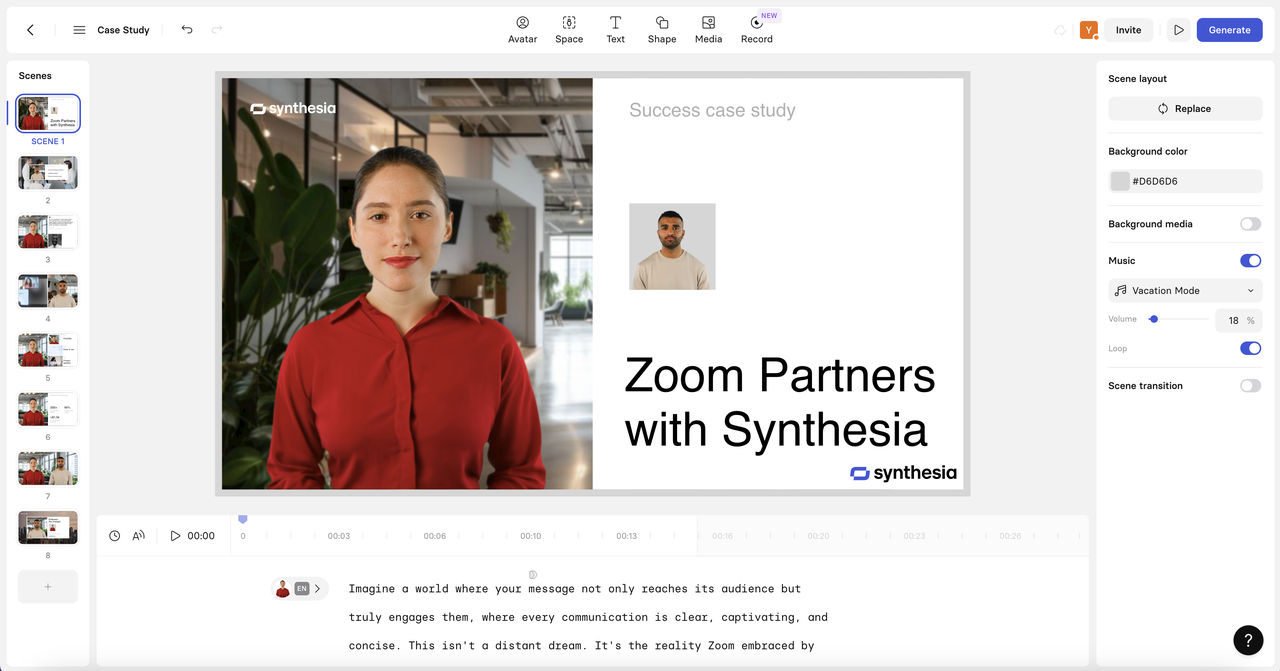
Synthesia uses AI to generate videos with avatars, allowing businesses to create professional videos quickly. It’s perfect for training, presentations, and corporate communications. Synthesia allows you to upload documentations about case study, traning documents, pitch documents, etc., and uses AI to generate a video based on your documents. If you are HR or marketer inside a business, I would recommend using Synthesia for coporating training video making or pitch deck making.
- Pros:
- AI avatars in multiple languages.
- Fast and efficient video creation process.
- No need for cameras or actors.
- Cons:
- Limited to certain video styles.
- Less creative control over video content.
- Only suitable for certain use cases (e.g., corporate videos).
- The price is considerably high.
- Pricing: Starter plan starts at $30/month. Enterprise plans available with custom pricing based on usage and features. Since all the videos are AI generated, the pricing scheme of Sythesia is considerably high compared to other video editing platforms.
- Best Use Case: Corporate training and explainer videos.
Powtoon
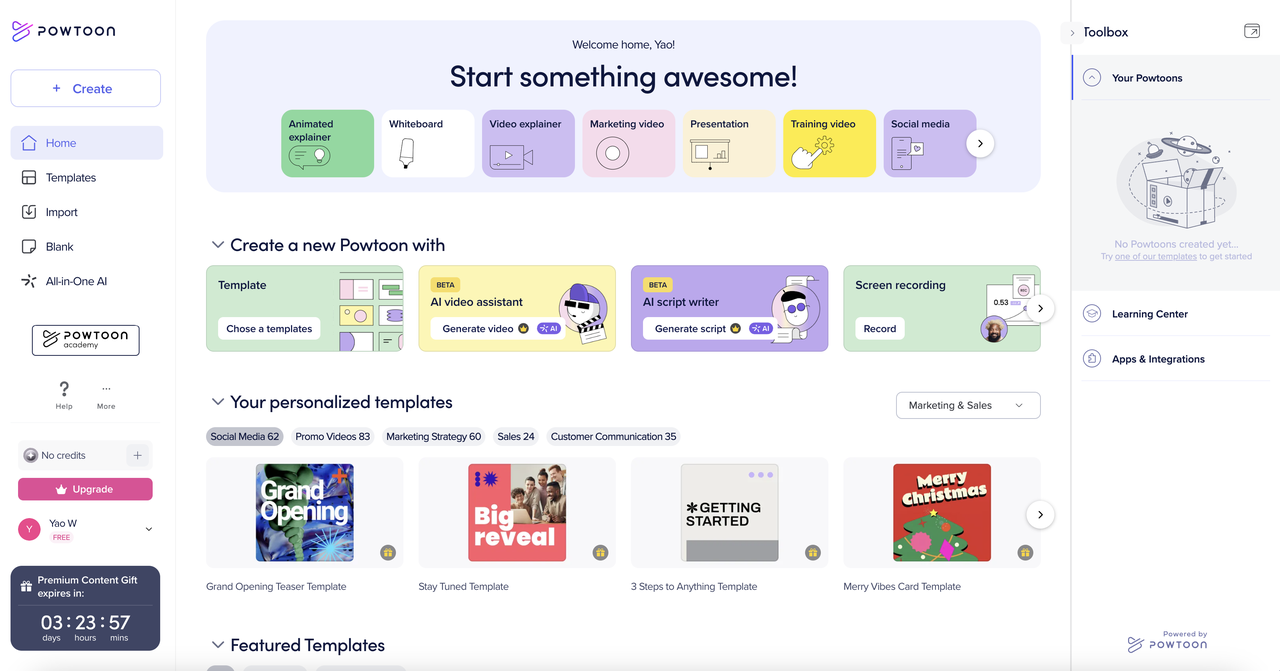
Powtoon is an online platform that enables users to create animated presentations and videos. The platform offers a range of customizable templates and basic animation tools that do not require extensive technical skills. If you are an educator creating e-learning materials or developing business internal training content, I would suggest using Powtoon to create animated presentations and videos. However, it’s worth noting that Powtoon is generally favored for simple animations rather than more complex video projects, and may not have the advanced features required by professional video editors.
- Pros:
- Extensive library of pre-built templates.
- Easy-to-use drag-and-drop interface.
- Suitable for non-designers.
- Extensive library of animated figures.
- Cons:
- Limited customization options.
- Animation styles can feel repetitive.
- Some advanced features require a paid plan. Not a full video editor.
- Pricing: Free plan with limited features. Paid plans start at $19/month, and the Pro+ plan at $99/month offers advanced tools.
- Best Use Case: Animated business presentations and educational content.
Clipchamp
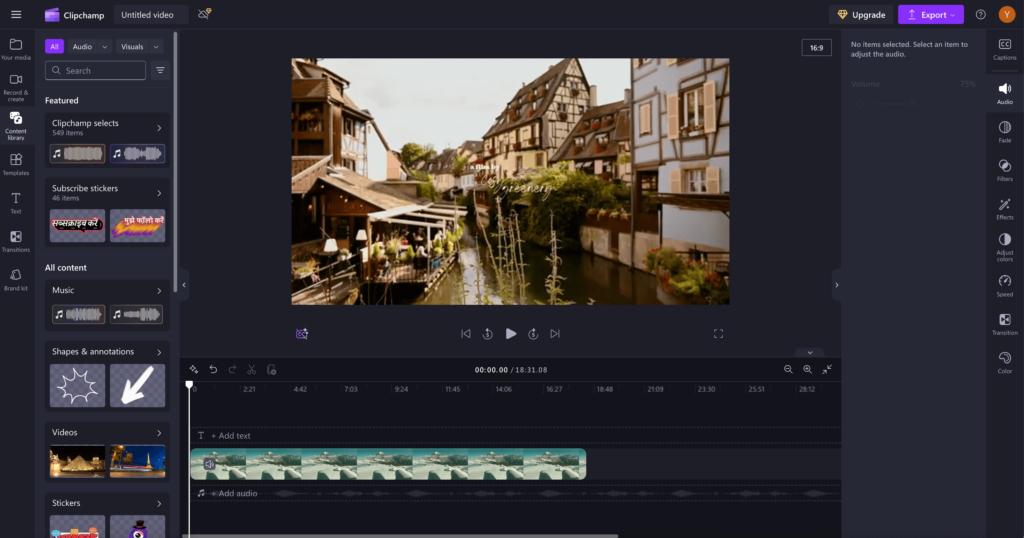
Clipchamp is a browser-based video editor that simplifies the process of video creation. Its drag-and-drop interface allows for quick edits such as trimming, transitions, and applying templates, making it particularly effective for generating content on social media platforms like YouTube and Instagram. While the platform offers advanced features like 4K exports and AI-powered text-to-speech in its premium plan, it is primarily geared toward users who need fast, straightforward edits rather than complex video production. I would recommend ClipChamp to you if you need balance of simplicity and functionality to efficiently create videos with minimal hassle.
- Pros:
- Works in the browser, no download required.
- Free tier offers basic video editing tools.
- Simple interface suitable for beginners.
- Cons:
- Limited advanced features in the free version.
- Relies on internet connection for use.
- Premium options needed for high-quality exports.
- Pricing: Free tier available, Creator plan at $11.99/month, Business plan at $19.99/month, and the Business Platinum plan at $39.99/month for additional features.
- Best Use Case: Social media video editing and quick, casual projects.
Canva
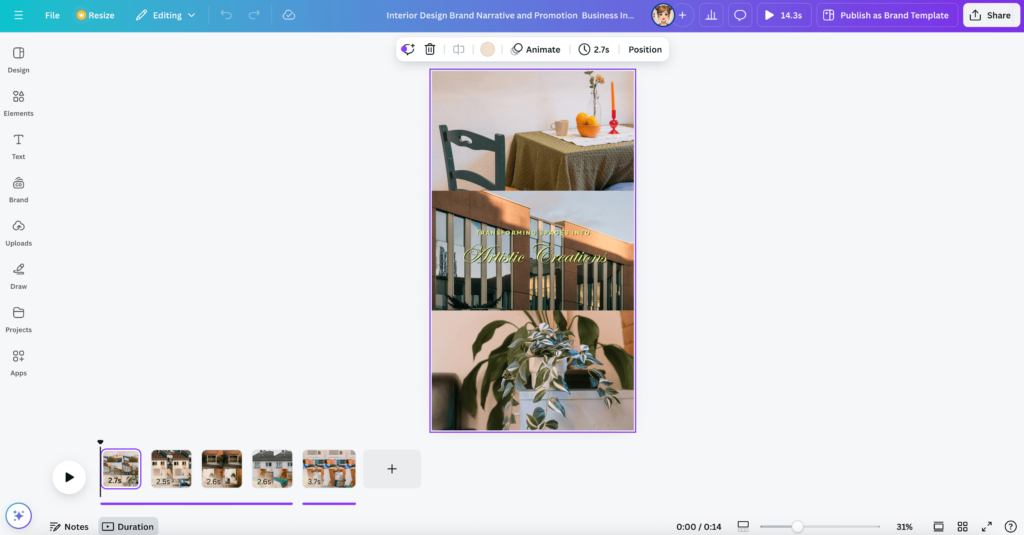
Canva is a versatile design tool that offers video editing alongside its graphic design features. Canva’s video editing tools offer simplicity and ease of use, making it a popular choice for individuals and teams needing to quickly create content for social media, presentations, or marketing. Canva provides a variety of features such as trimming, adding animations, transitions, background removal, and voiceovers. If you are a user looking for basic to moderate video editing, especially for short-form content like social media posts, explainer videos, and presentations, Canva is great for you. Canva is best for those who need a fast, visually appealing output without diving into complex editing. If you already are using Canva for graphics design and need to expand your graphics design use case for video making, Canva’s user-friendly interface makes it easy to navigate. For more advanced editing—such as intricate visual effects, detailed color grading, or heavy post-production work—Canva may lack the depth and precision found in dedicated video editing software like Adobe Premiere Pro or Final Cut Pro.
- Pros:
- User-friendly interface with an extensive template library.
- Great for multimedia content creation (videos, graphics).
- Excellent for collaborative projects.
- Cons:
- Limited advanced video editing features.
- Video exports are capped at basic quality on free plans.
- Heavier files can be slow to process.
- Pricing: Free plan available with limited features. Pro plan costs $12.95/month, and the Enterprise plan is $30/month per user.
- Best Use Case: Quick social media and marketing content creation.
Pictory
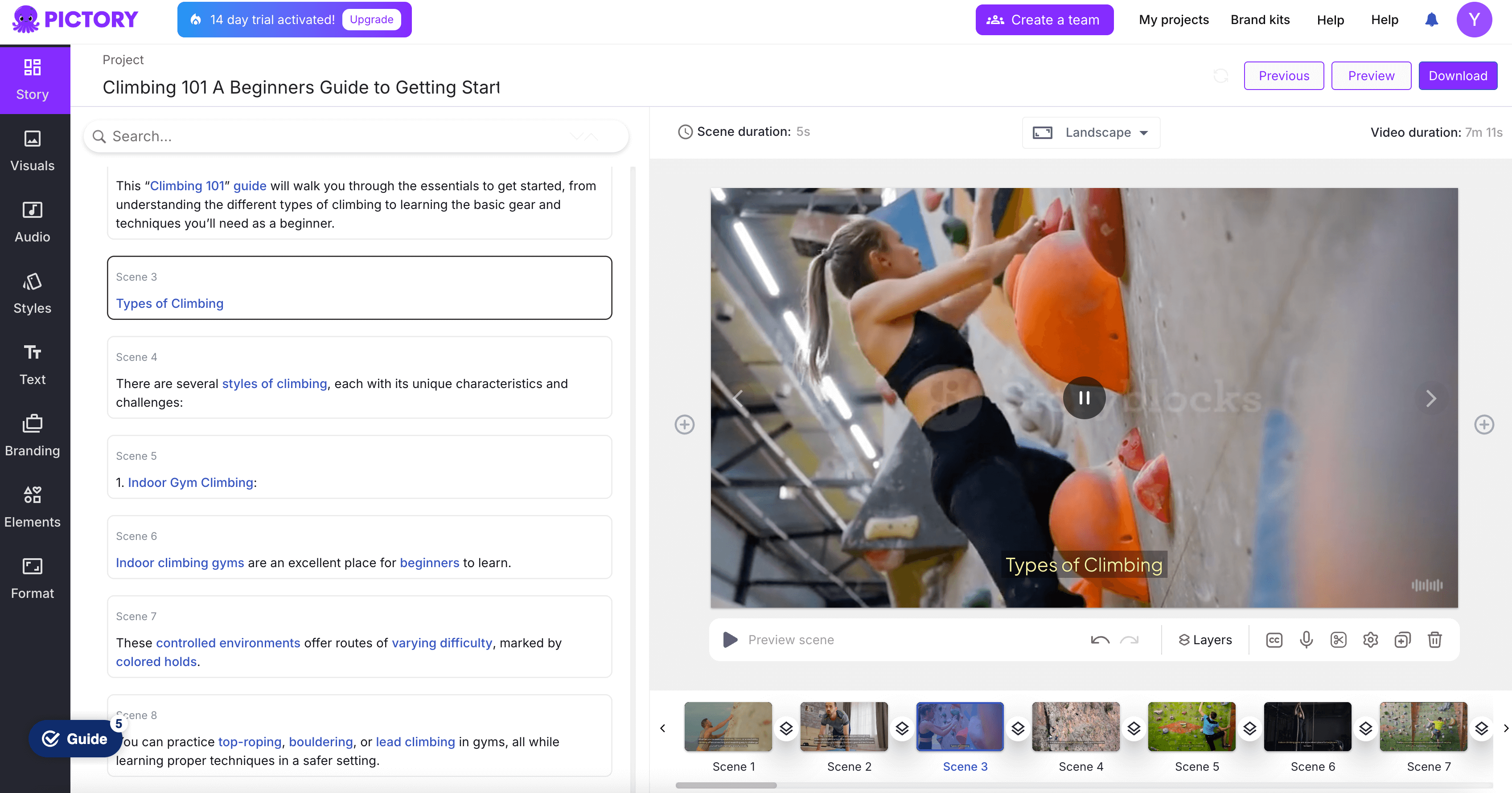
Pictory leverages AI to transform text-based content like scripts, blog posts, and articles into fully edited videos, complete with subtitles, voiceovers, and background music. The platform excels at quickly generating videos from written content and creating highlight reels, making it particularly useful for repurposing long-form content such as webinars, podcasts, and blog articles into shareable social media clips. If you need to convert text into video, I would recommend trying Pictory for text-driven video projects. However, Pictory is not a good choice for complex video editing such as motion graphics or detailed color grading.
- Pros:
- Automatically converts text to video.
- AI-powered editing for quick results.
- Easy to create short, engaging videos.
- Cons:
- Limited customization options for advanced users.
- Dependent on AI, so output may need further edits.
- Less flexible for complex video projects.
- Pricing: Standard plan starts at $19/month, Premium plan at $39/month. Custom pricing for enterprise solutions.
- Best Use Case: Turning written content (e.g., blogs) into videos.
Renderforest
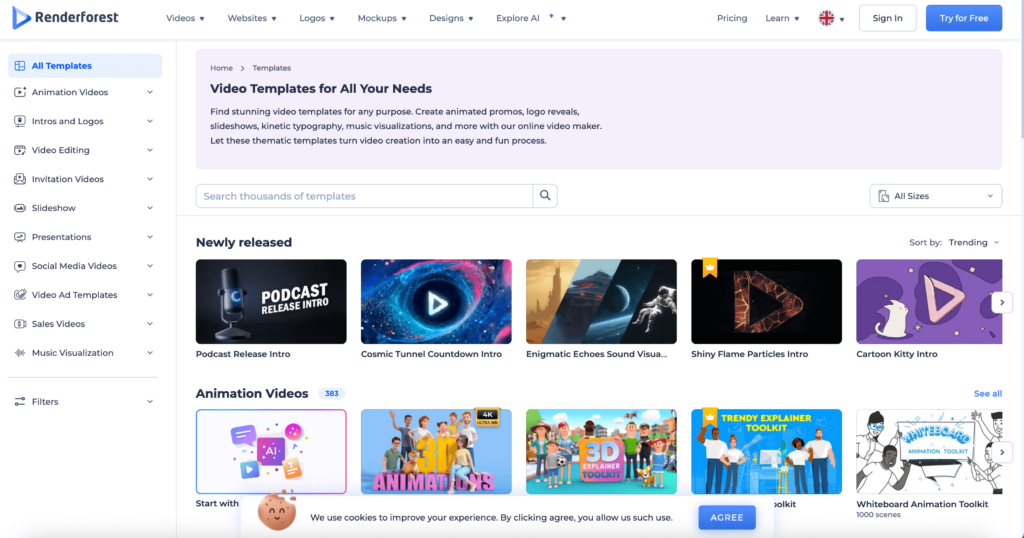
Renderforest is an all-in-one branding tool that provides solutions for video creation, logo design, and website creation, making it a go-to for small businesses. Renderforest is often used for creating intro videos, promotional content, explainer animations, and social media visuals. It’s best used for straightforward tasks where speed and ease of use are key, particularly for creating engaging yet simple videos for social media, business presentations, or marketing campaigns.
- Pros:
- Offers video, logo, and website creation in one platform.
- Extensive template library.
- Good for quick, professional videos without technical expertise.
- Cons:
- Heavily reliant on templates.
- Limited flexibility for creative professionals.
- Requires a premium plan for high-quality output.
- Pricing: Free plan available. Paid plans start at $9.99/month, with a Pro plan at $29.99/month and a Business plan at $49.99/month.
- Best Use Case: Branding and promotional videos for small businesses.
Veed
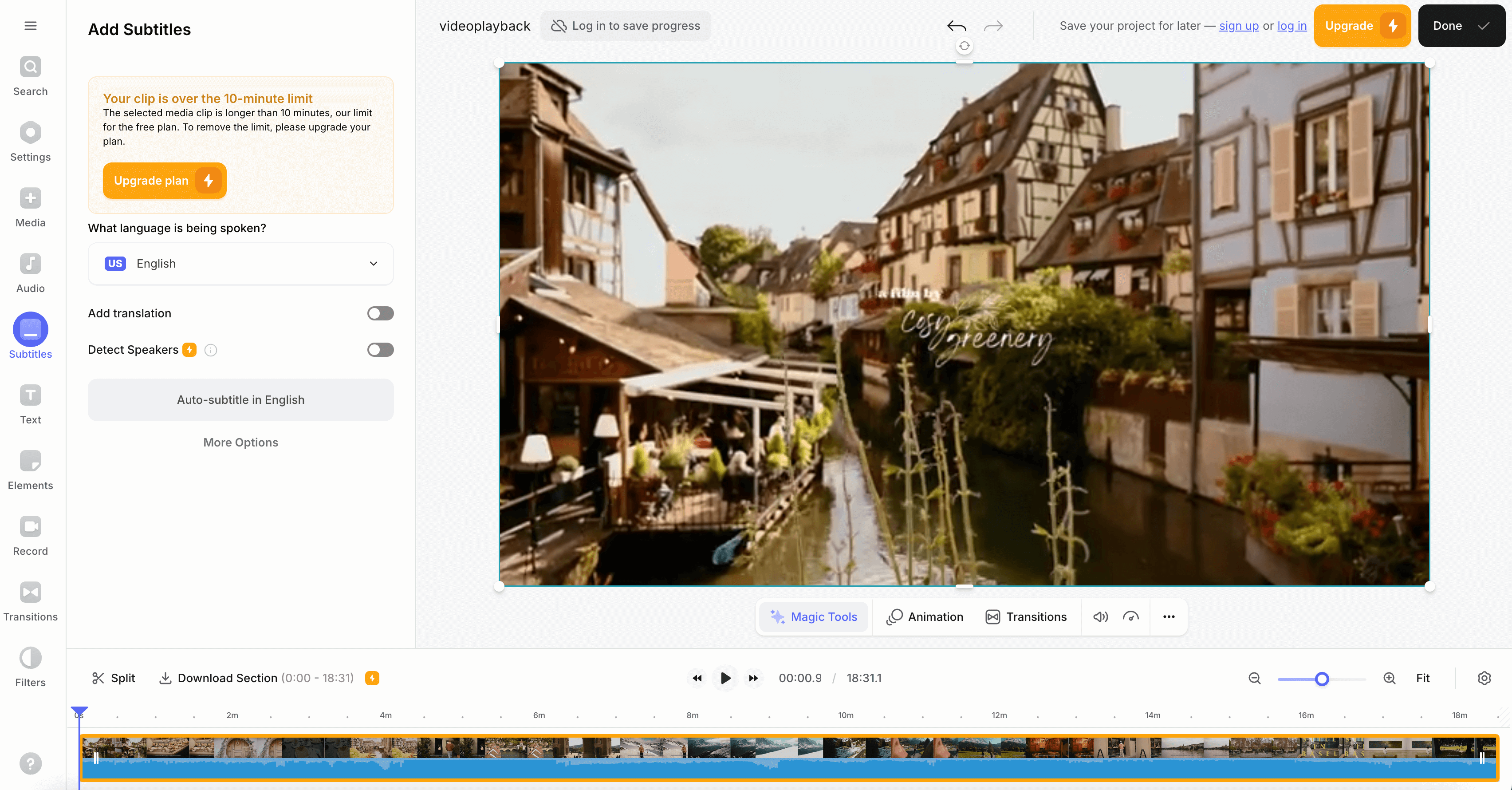
Veed offers a variety of features suited for content creators, marketers, educators, and businesses. The platform allows users to perform basic editing tasks like trimming, cropping, adding text, and applying filters, making it ideal for quick edits—especially for social media content like YouTube videos, Instagram posts, or short tutorials. Veed.io also includes AI-driven features such as automatic subtitles, translations, and even AI avatars, which help streamline the video creation process. I would recommend using Veed if you are looking for accessible, professional-looking videos in a restriced time frame. However, for more advanced video editing, features in Veed might not be enough.
- Pros:
- Auto-captioning and translation features.
- User-friendly interface with templates for social content.
- Accessible even for beginners.
- Cons:
- Some premium features are locked behind a paywall.
- Limited storage for free accounts.
- Occasional lag with large video files.
- Free plan has only 10 minutes of upload. Need to subscribe to try out full feature sets.
- Pricing: Free plan with basic features. Pro plan at $12/month, and a Business plan at $24/month.
- Best Use Case: Social media videos with captions and accessibility features.
InVideo
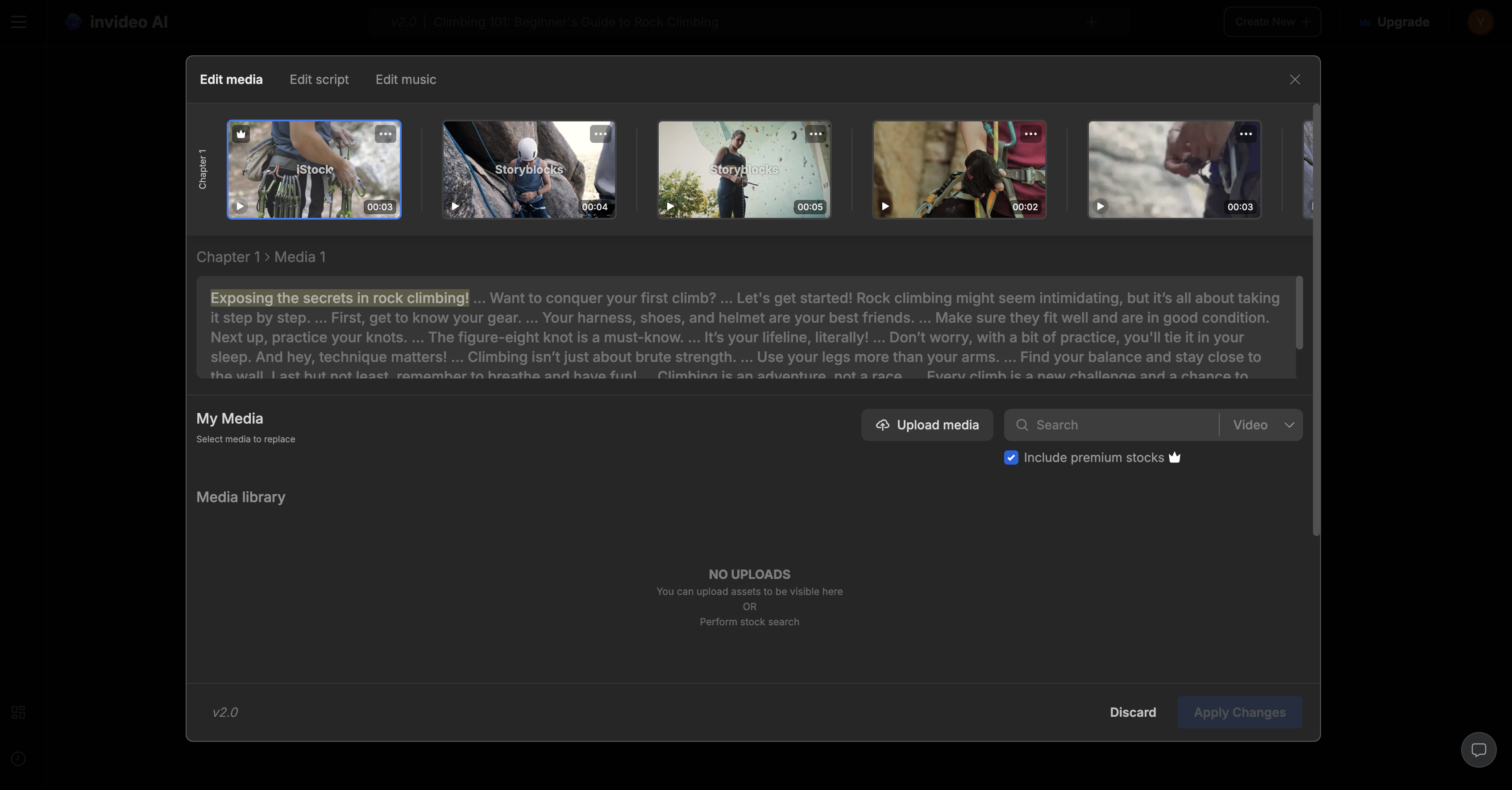
InVideo offers over 5,000 customizable templates, making it accessible for users with little video editing experience. InVideo’s AI-driven features, such as text-to-video conversion and voice generation, streamline video production, making it a strong option for users who want to create content quickly and efficiently. You can create videos based on prompts. Simply type in prompts (description of the video that you want to generate), and InVideo will generate video with script and music that tailored to your prompt for you from the media library they have. However, InVideo does have limitations. It may not be suitable for users who need more complex editing capabilities. Additionally, issues like slow exporting times for longer videos and restrictions on template switching may cause frustration for those working on more intricate projects or under tight deadlines. In short, InVideo is best suited for users who prioritize speed and simplicity over highly customized, professional-grade editing
- Pros:
- Thousands of customizable templates.
- Advanced editing tools for polished videos.
- Supports multiple video formats.
- Cons:
- Overwhelming for beginners.
- Free plan has watermarks on exports.
- Some advanced features require a premium plan.
- Pricing: Free plan available, Business plan at $15/month, and Unlimited plan at $30/month.
- Best Use Case: YouTube and social media marketing content.
Magisto
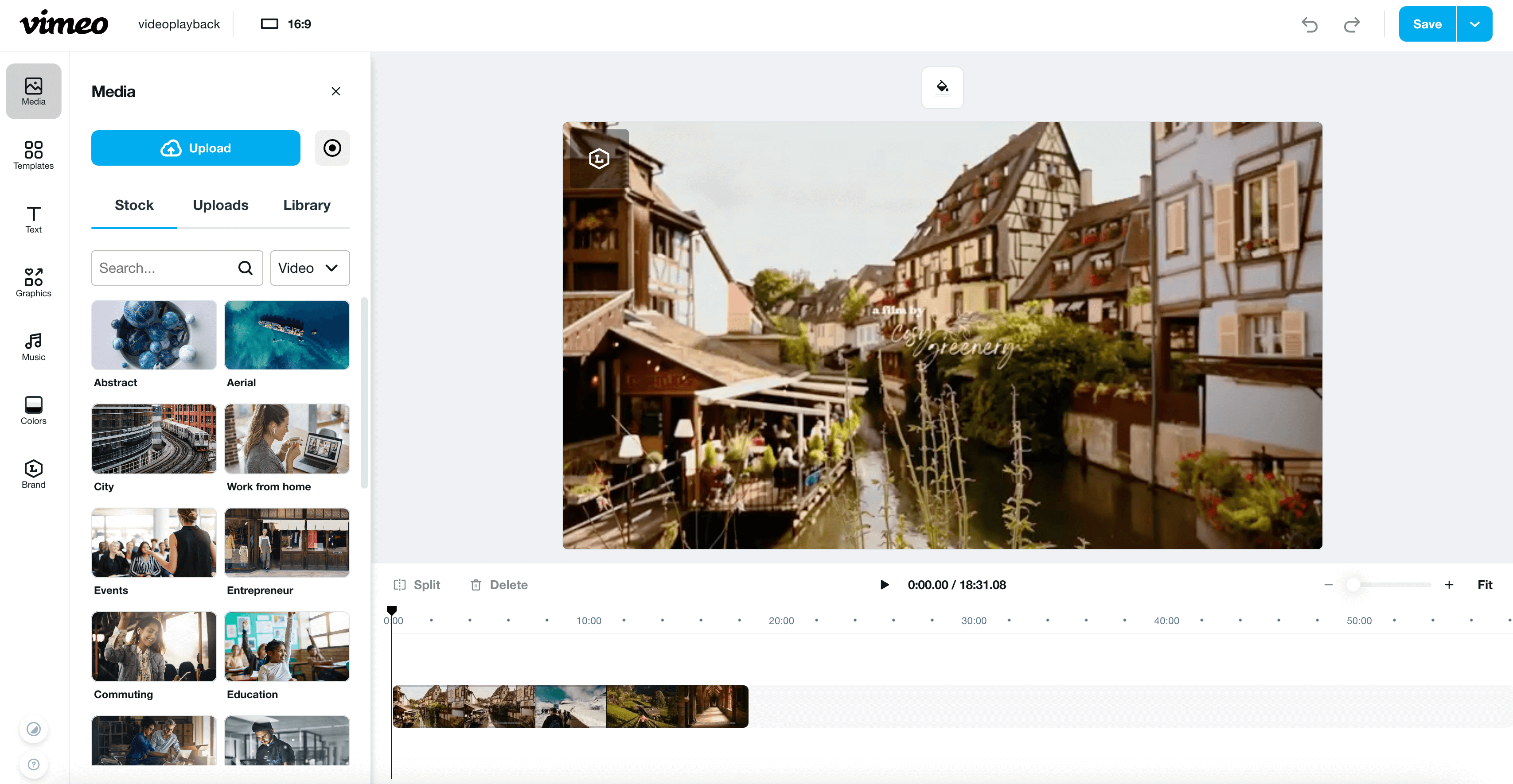
Magisto (acquired by Vimeo) uses AI to turn video clips into polished, professional-looking videos, making it a fast solution for businesses needing marketing videos with minimal effort. It automatically analyzes uploaded footage and applies templates, effects, and transitions to the uploaded footage.
- Pros:
- AI-driven video editing for quick results.
- Simple interface for non-professionals.
- Fast turnaround time.
- Cons:
- Limited control over editing decisions.
- Basic templates may feel repetitive.
- Advanced features only in higher pricing tiers.
- Pricing: Free plan available with limited features. Premium plan at $4.99/month, Professional plan at $9.99/month, and Business plan at $34.99/month.
- Best Use Case: Social media and marketing videos for businesses.
Conclusion
In summary, this list covers a wide range of video editing tools tailored to different needs, from advanced AI-driven video creation platforms to simple editors perfect for social media content. Vizard, with its smart AI tools, excels in professional and social media video production. Synthesia shines in corporate environments, offering AI-generated videos with avatars, ideal for training and presentations. Powtoon caters well to educators and businesses needing animated videos but lacks the depth required for more complex projects. Clipchamp provides a user-friendly browser-based editing experience, great for social media but less suited for high-end editing. Canva, with its versatile design and video editing capabilities, is perfect for quick marketing and social media content, though it lacks advanced post-production tools. Pictory focuses on turning text into engaging videos, ideal for bloggers and webinar repurposing but less so for intricate edits. Renderforest offers a solid all-in-one branding tool for quick videos, logos, and websites but relies heavily on templates. Veed and InVideo streamline content creation with AI features and templates, making them suitable for social media but lacking depth for professional-grade editing. Finally, Magisto, acquired by Vimeo, leverages AI for fast, polished business videos, though it may feel restrictive for users seeking full creative control.
Ultimately, the best tool depends on the user’s specific needs: Vizard for repurposing long videos into short social-ready clips with AI, Canva or Clipchamp for quick social media content generated from templates and graphics, and Synthesia or Pictory for AI-driven automation in corporate or blog-related projects.
FAQ
Kapwing may lack advanced video editing features or customization options needed for more professional-grade projects. Users requiring more control over effects, transitions, or audio editing might prefer alternatives like Filmora or Vizard.
Yes, some alternatives like Clipchamp or Vizard offer free or lower-cost plans with similar or even more extensive features than Kapwing, depending on the user’s needs.
While Kapwing supports social media editing, tools like Vizard or InVideo are optimized for platforms like TikTok and Instagram, providing better templates and social-specific features.
Platforms like Veed or Vizard allow for real-time collaboration, better suited for team-based projects or content creation workflows with multiple contributors.
Tools like Vizard or Adobe Premiere Pro provide much deeper customization for creators looking for more advanced editing options like multi-track editing, keyframe animation, and motion graphics.