Canva is a popular graphic design platform that offers a user-friendly interface and a wide range of templates for creating visually appealing content. It’s widely used for crafting Instagram Reels, thanks to its ease of use and vast library of design elements. However, while Canva serves many users well, there are reasons why some might seek alternatives. Factors such as pricing, the desire for more advanced features, or specific preferences related to ease of editing and customization may lead creators to explore other tools. This article explores some of the best alternatives to Canva for creating and editing Instagram Reels, helping you find a tool that better suits your needs.
1. Vizard
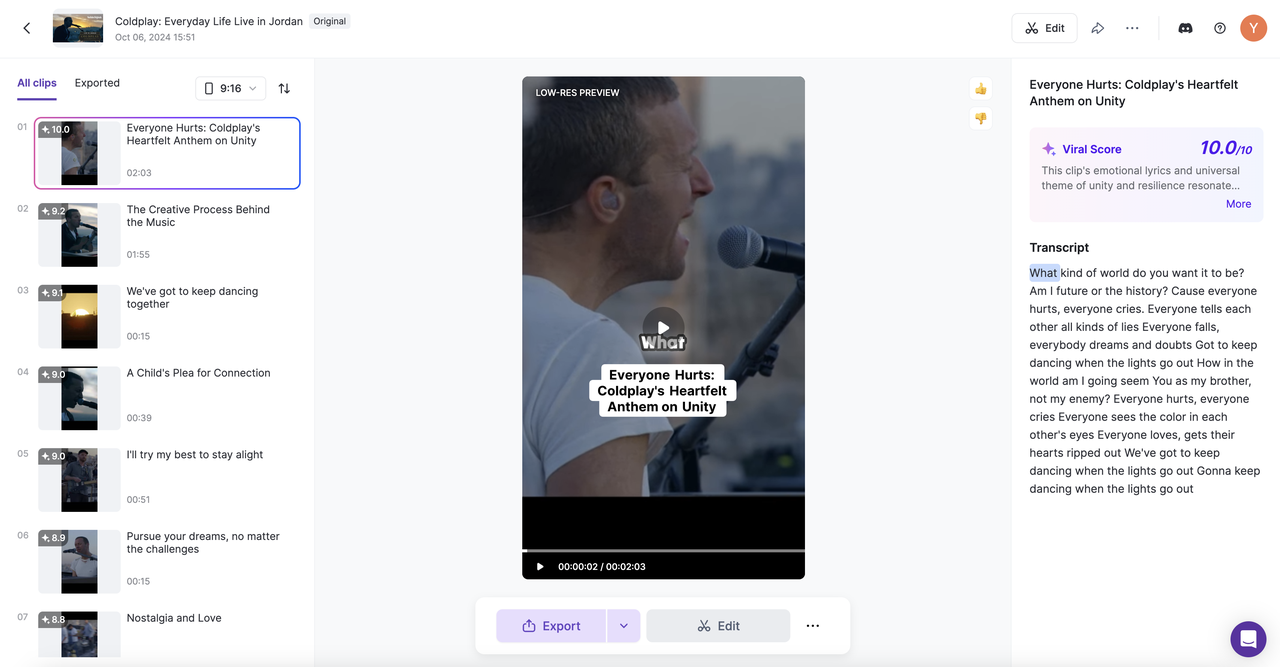
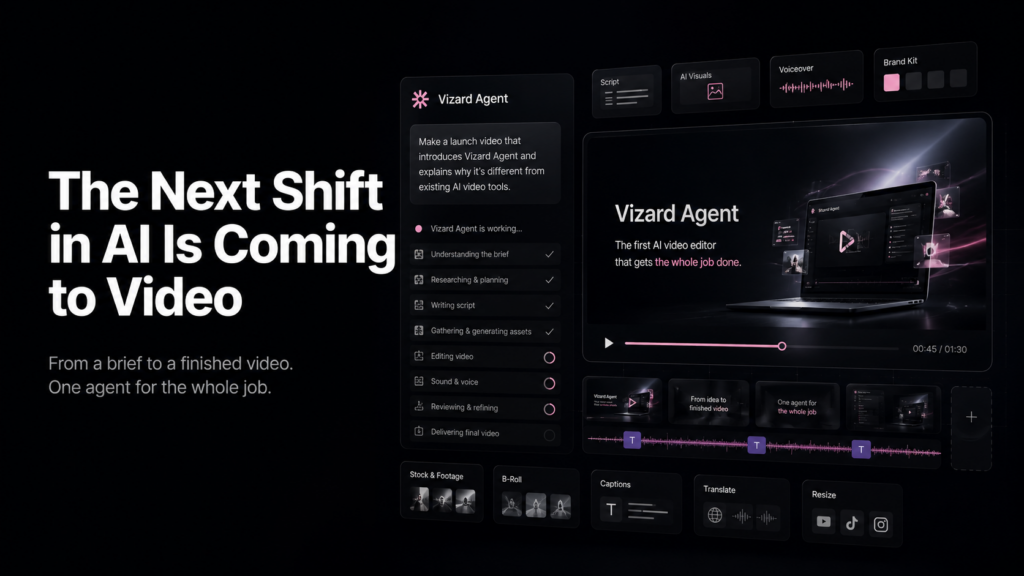
Vizard is an AI-powered video editing and transcription platform that combines powerful editing features with an intuitive interface. It offers advanced capabilities like automatic transcription, scene detection, and smart clip generation, making complex tasks faster and easier. With its user-friendly design, Vizard allows creators to efficiently produce high-quality videos while maintaining full creative control over their content.
- Pros:
- Advanced AI-enhanced smart video editing and suggesting tool.
- Cross device accessibility.
- Cost effective compared to traditional video editing software.
- Cons:
- Some advanced features are not available on the free plan.
- Beginners might need a slight learning curve for the more advanced features.
- It’s a cloud based tool and therefore a stable connection is needed.
- Pricing: Free plan available with limited features, then the Pro plan starts at $12/month, increasing to $39/month for the Business plan, with custom Enterprise pricing.
- Best Use Case: Professional and semi professional video editing with AI-powered tools and collaborative features.
2. Splice
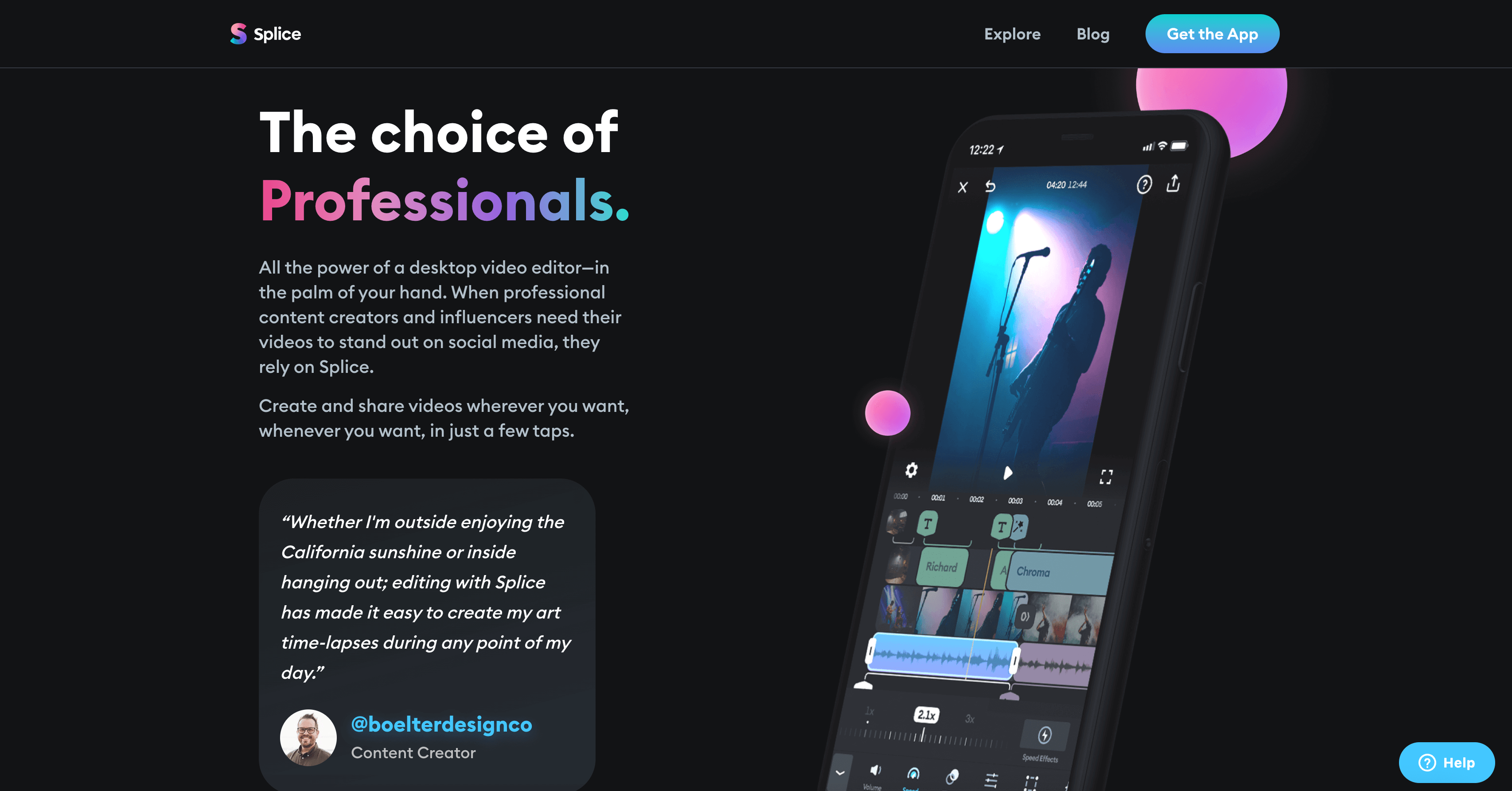
Splice is a user-friendly video editing app that makes it easy for content creators to produce and edit high-quality videos. With its intuitive interface and powerful features, such as customizable transitions, effects, and music, Splice is particularly favored by creators on social media platforms like Instagram and TikTok. It allows for quick editing on-the-go, making it perfect for those looking to create engaging content without the complexity of traditional video editing software.
- Pros:
- Cloud backups available.
- Variety of fast editing features on offer e.g trimming, splitting, and merging clips.
- Easy-to-use interface for beginners.
- Cons:
- Professionals may find it lacks advanced video editing tools.
- Users may experience lags and delays when editing.
- The free plan contains a watermark on exports.
- Pricing: Free trial available. Paid plans start at $12.99/month increasing to $39.99/month for the Creator+ plan.
- Best Use Case: Social media video creators who need to create content quickly across platforms.
3. Filmora
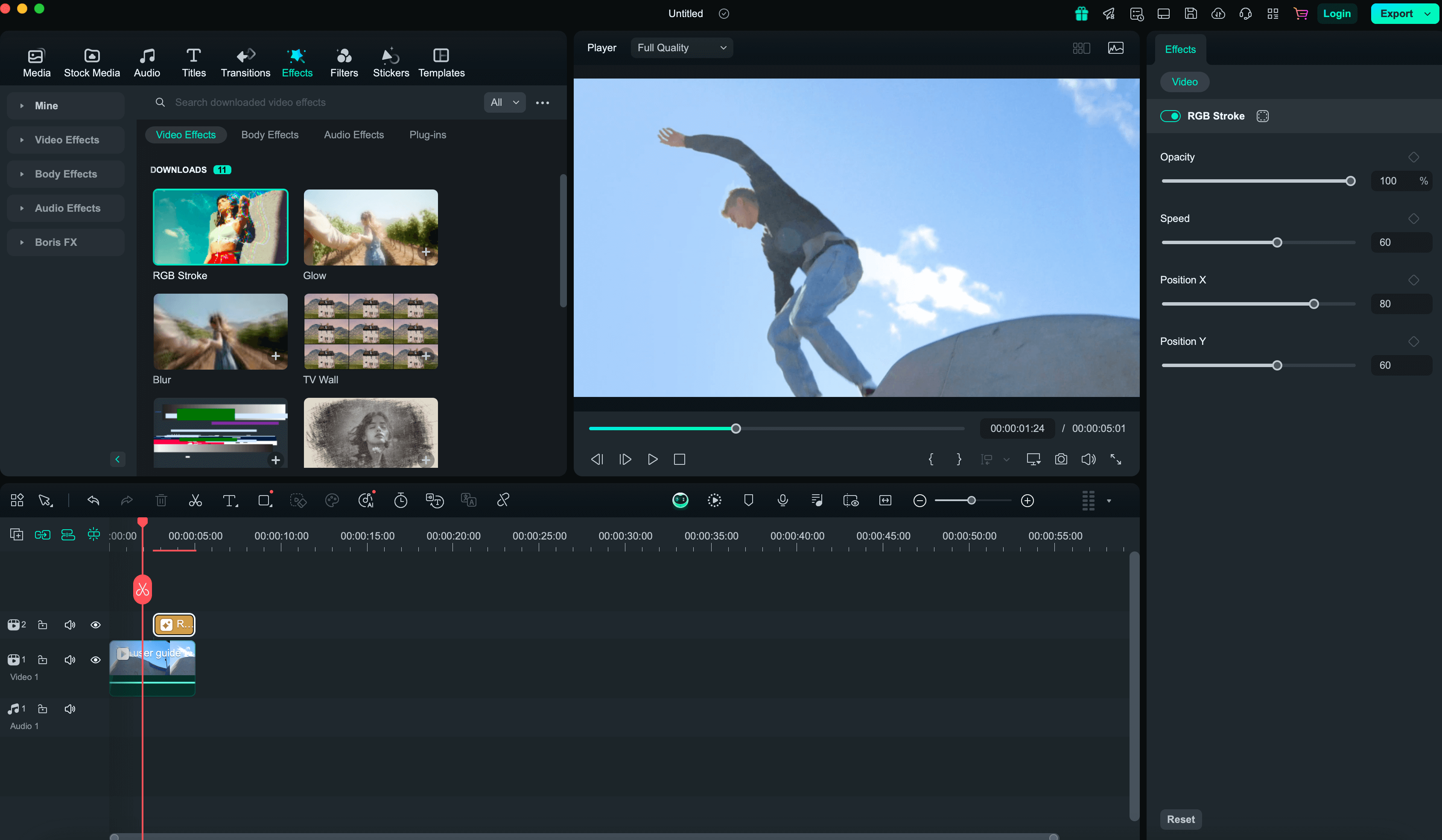
Filmora is a powerful video editor packed with advanced features like motion tracking and multi-track editing, offering creators more control over their projects. With its user-friendly interface and wide range of tools, Filmora allows for precise editing, seamless effects integration, and dynamic video composition. Whether you’re working on detailed personal projects or professional content, Filmora provides the flexibility and features needed to bring your vision to life.
- Pros:
- Wide range of customization available from audio, text and visual effects.
- Intuitive interface, easy for beginners and professionals.
- Some advanced features available e.g motion tracking, multi-track editing, and keyframing.
- Cons:
- Limited direct customer support.
- Limited templated options available.
- More advanced features come with a learning curve.
- Pricing: Annual plan starts at $49/year, Cross-Platform plan at $59/year, Perpetual license at $79.99.
- Best Use Case: Professional video editing for high-quality, complex video projects.
4. Animoto
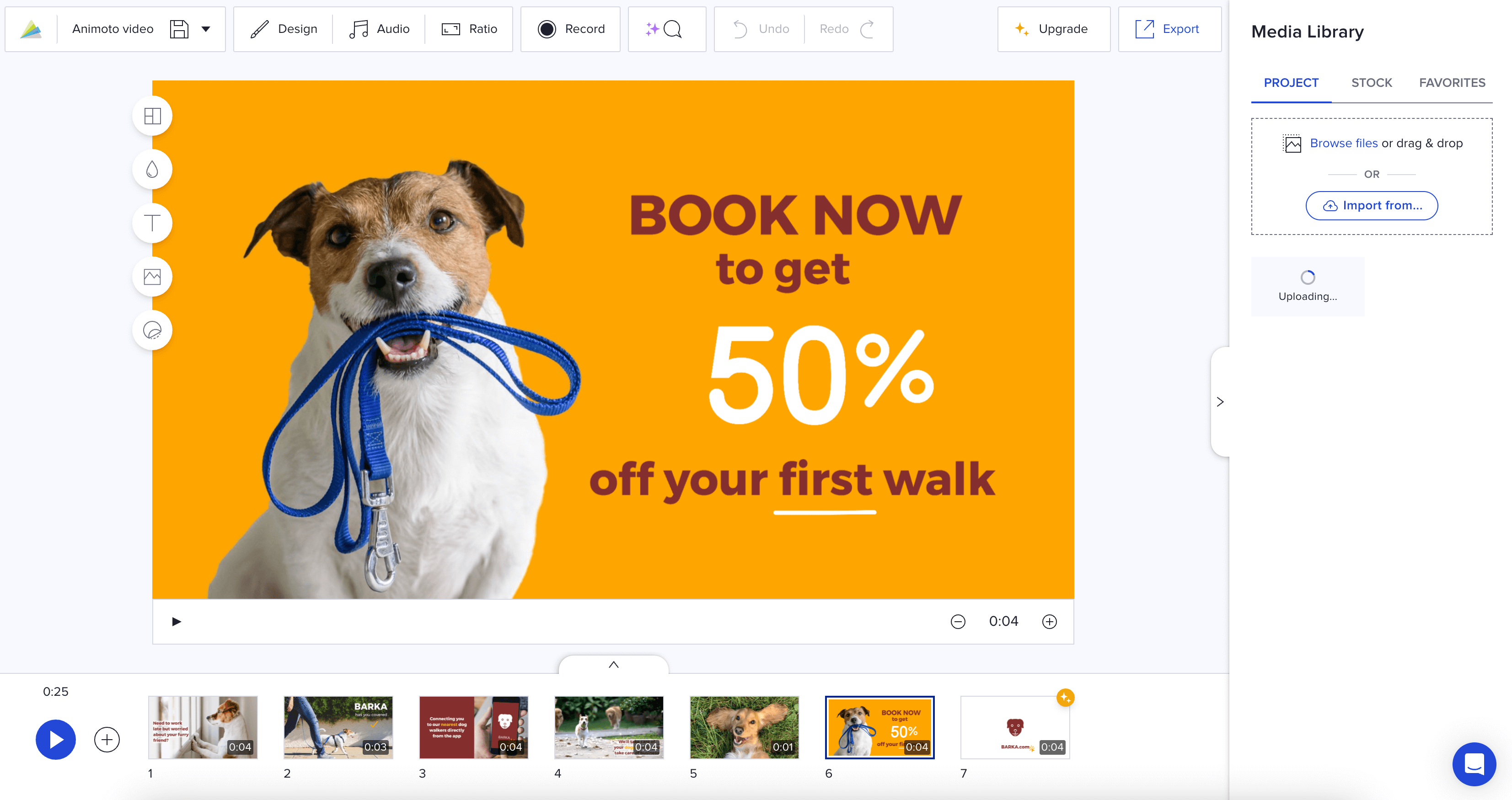
Animoto is a cloud-based video creation tool that enables users to quickly produce professional videos through an easy drag-and-drop interface. This simplicity makes it an excellent choice for creating social media content, as users can effortlessly combine images, video clips, and text with music and pre-built templates. Whether for marketing, promotions, or personal projects, Animoto streamlines video creation, allowing users to generate eye-catching videos without needing advanced editing skills.
- Pros:
- Social media integration available.
- Videos can be edited on any device with a stable internet connection.
- Intuitive interface using a drag-and-drop approach.
- Cons:
- Export volume and quality limited by plans.
- No option for offline editing.
- Templates provided limiting creative freedom.
- Pricing: Free plan available. The basic plan then starts at $8/month, with the most expensive plan costing $39/month (professional plan).
- Best Use Case: Creating quick engaging content both personally and professionally to share across social media platforms.
5. Veed.io
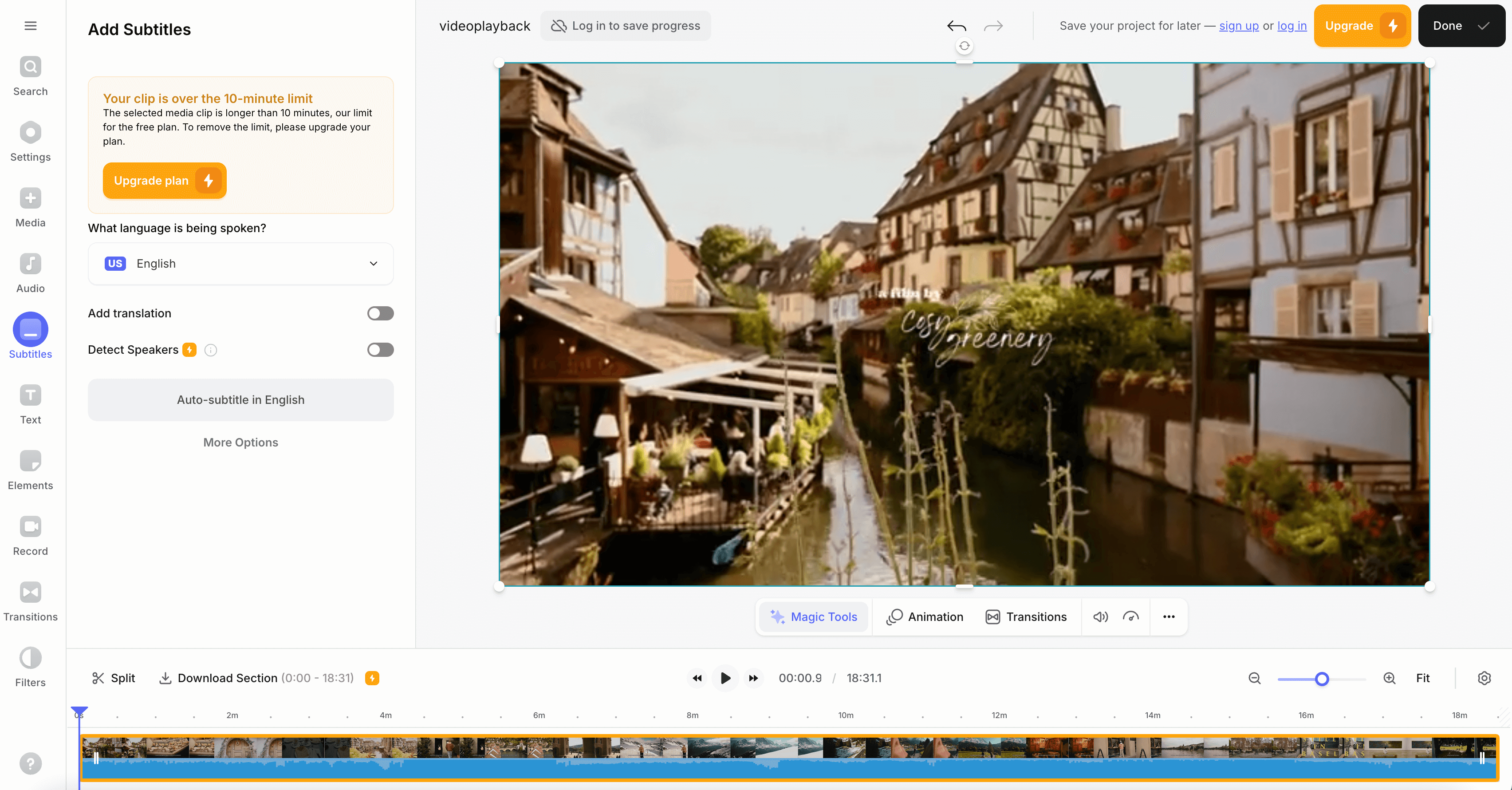
Veed.io is a user-friendly video editing platform known for its powerful auto-captioning and subtitle features. These tools make it easy for content creators to enhance video accessibility by automatically generating accurate captions, allowing creators to reach a broader audience with minimal effort. Ideal for social media influencers, marketers, and educators, Veed.io simplifies the process of making videos more inclusive while maintaining high-quality production.
- Pros:
- Auto-captioning and translations available.
- Simplified interface for beginners.
- Easy audio integration for overlaying voiceovers.
- Cons:
- Some advanced features are only available on some plans.
- Limited features for free accounts e.g watermarked assets.
- Cloud based so no offline editing option.
- Pricing: Free plan available. Pro plan at $12/month, Business plan at $24/month.
- Best Use Case: Social media video creators needing captions and subtitles.
6. Powtoon
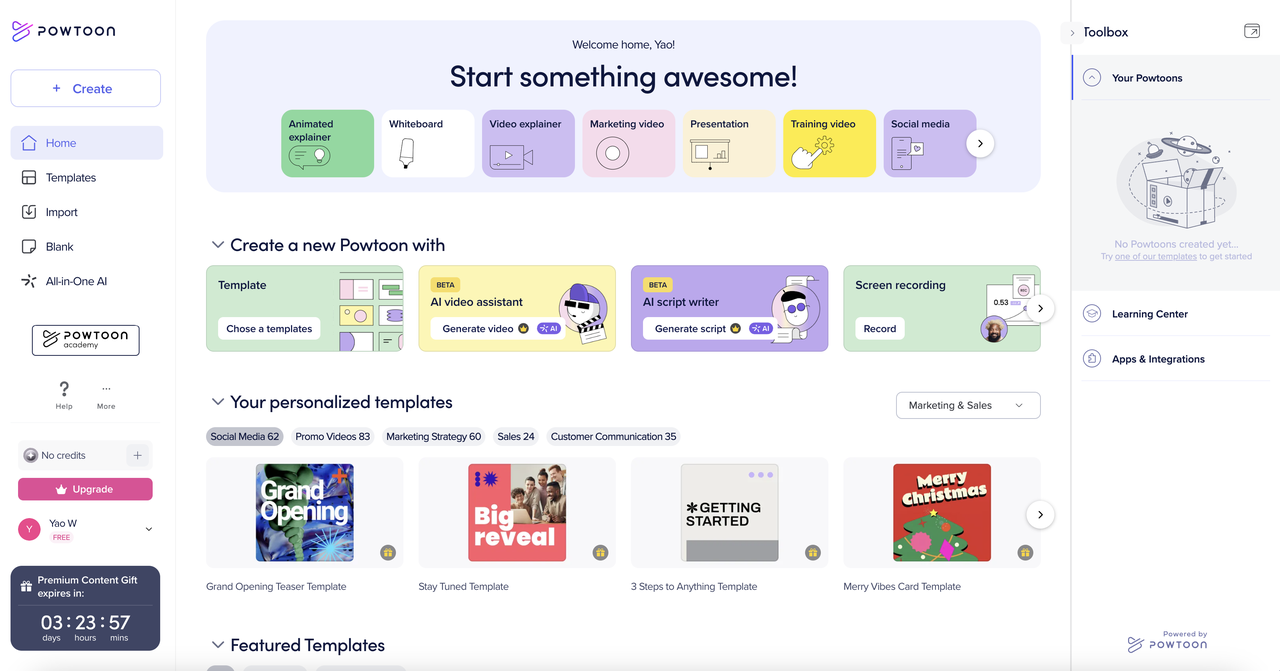
Powtoon is an online platform that simplifies the creation of animated videos and presentations, allowing users to craft engaging content without needing advanced animation skills. With its intuitive drag-and-drop interface, users can choose from a variety of templates, characters, and effects to bring their ideas to life. Ideal for businesses, educators, and marketers, Powtoon enables easy video creation for promotional, educational, or explainer purposes, making animation accessible to everyone.
- Pros:
- Easy-to-use drag-and-drop platform interface.
- Extensive range of pre-designed templates to choose from.
- Real time user collaboration available for the same projects.
- Cons:
- Audio editing options are limited.
- Learning curve may be required for advanced tools.
- Not suitable for vlog style content.
- Pricing: Lite plan at $15/month, Pro plan at $40/month and Business plan at $125/month.
- Best Use Case: Creating educational content, marketing, and corporate training videos.
7. InShot
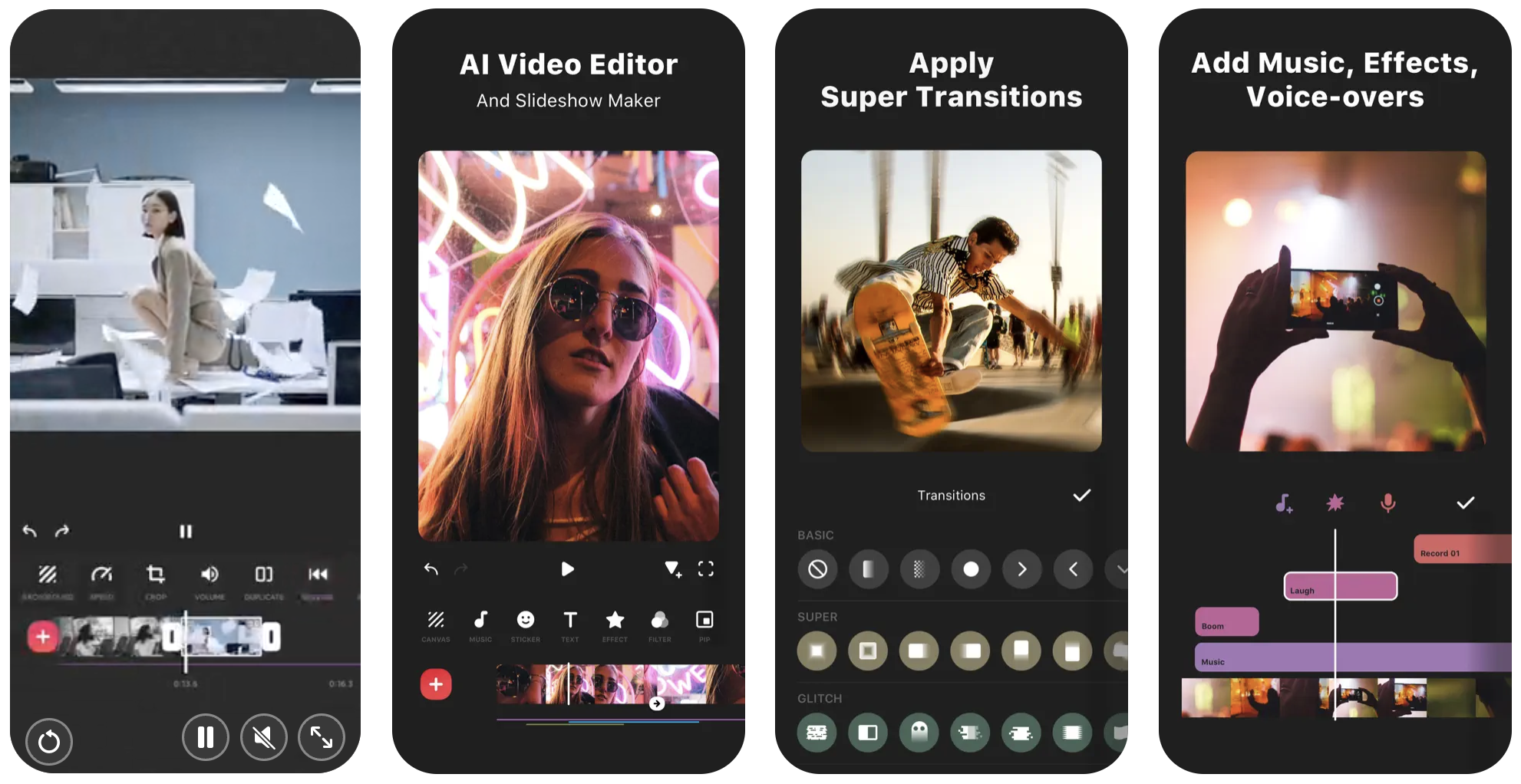
InShot is a widely-used mobile editing app for both photo and video editing, known for its user-friendly interface and powerful features. It allows users to quickly create engaging content by offering tools for trimming, adding music, text, filters, and effects. Its ease of use and efficient editing capabilities make it especially popular among content creators who need to produce high-quality videos and images on the go.
- Pros:
- Quick social media sharing feature included.
- Intuitive interface design makes it easy for beginners and professionals.
- More affordable solution compared to others.
- Cons:
- Only accessible on mobile devices.
- Some customization e.g templates, sticks etc can limit creativity.
- Premium features and assets require the paid subscription.
- Pricing: Free plan available or $3.99/month.
- Best Use Case: Editing images and videos for professional and personal social media use.
8. Kinemaster
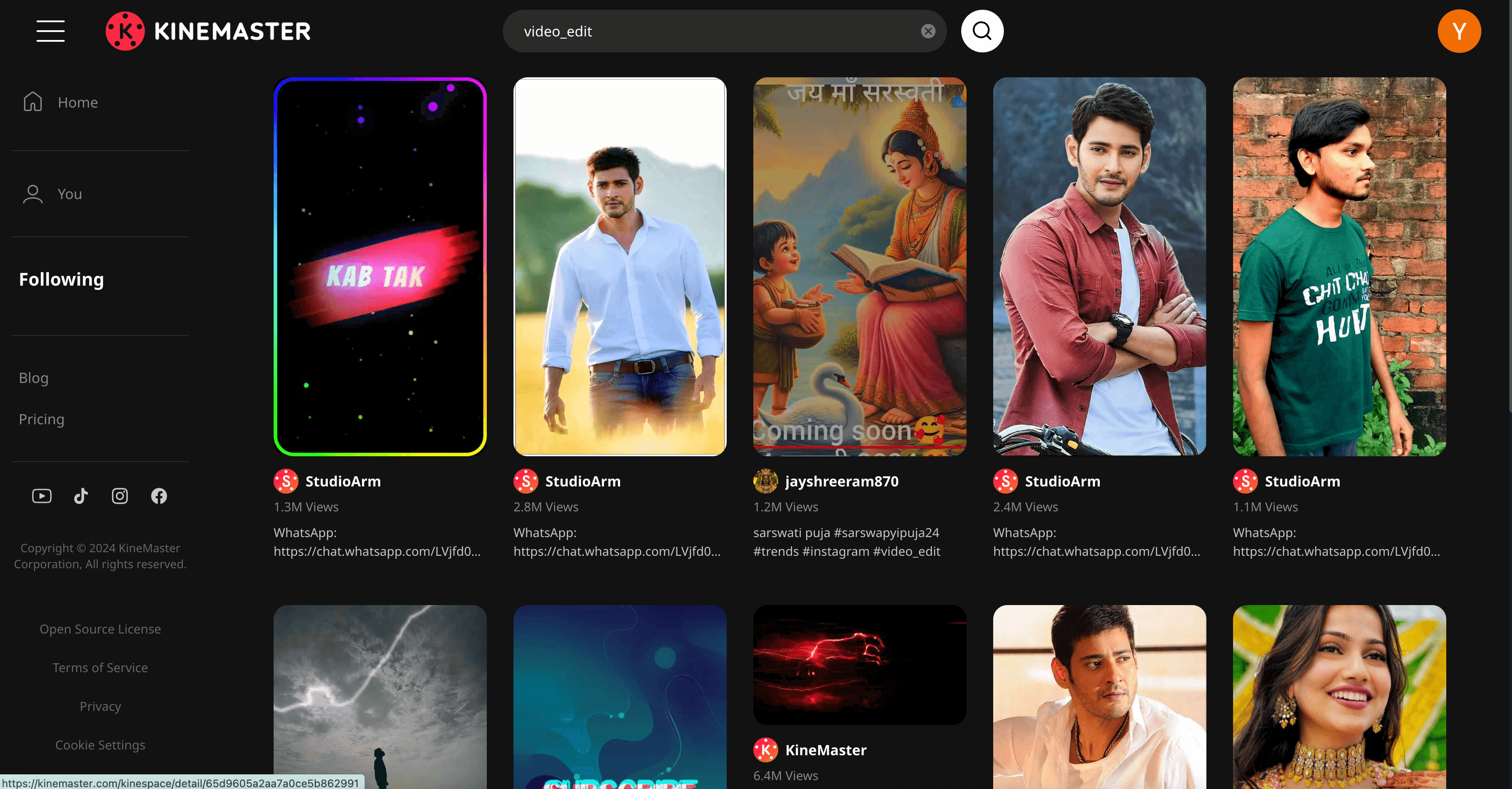
KineMaster is a versatile mobile video editing app that caters to both beginners and professionals. With an array of features like multi-layer editing, special effects, transitions, and audio tools, it allows users to create high-quality videos directly from their smartphones or tablets. Its user-friendly interface makes it easy to edit videos on the go, making it a great option for creators looking for a powerful yet portable editing solution.
- Pros:
- Supports multi-track editing and advanced effects.
- Intuitive interface, easy for beginners and professionals.
- Strong community and resources available.
- Cons:
- Ads are shown in the free version.
- Cloud backups are only available for the paid plans.
- More advanced features come with a learning curve.
- Pricing: Free plan available or $8.99/month.
- Best Use Case: Individuals/businesses creating and editing content on their mobile devices.
9. Quik
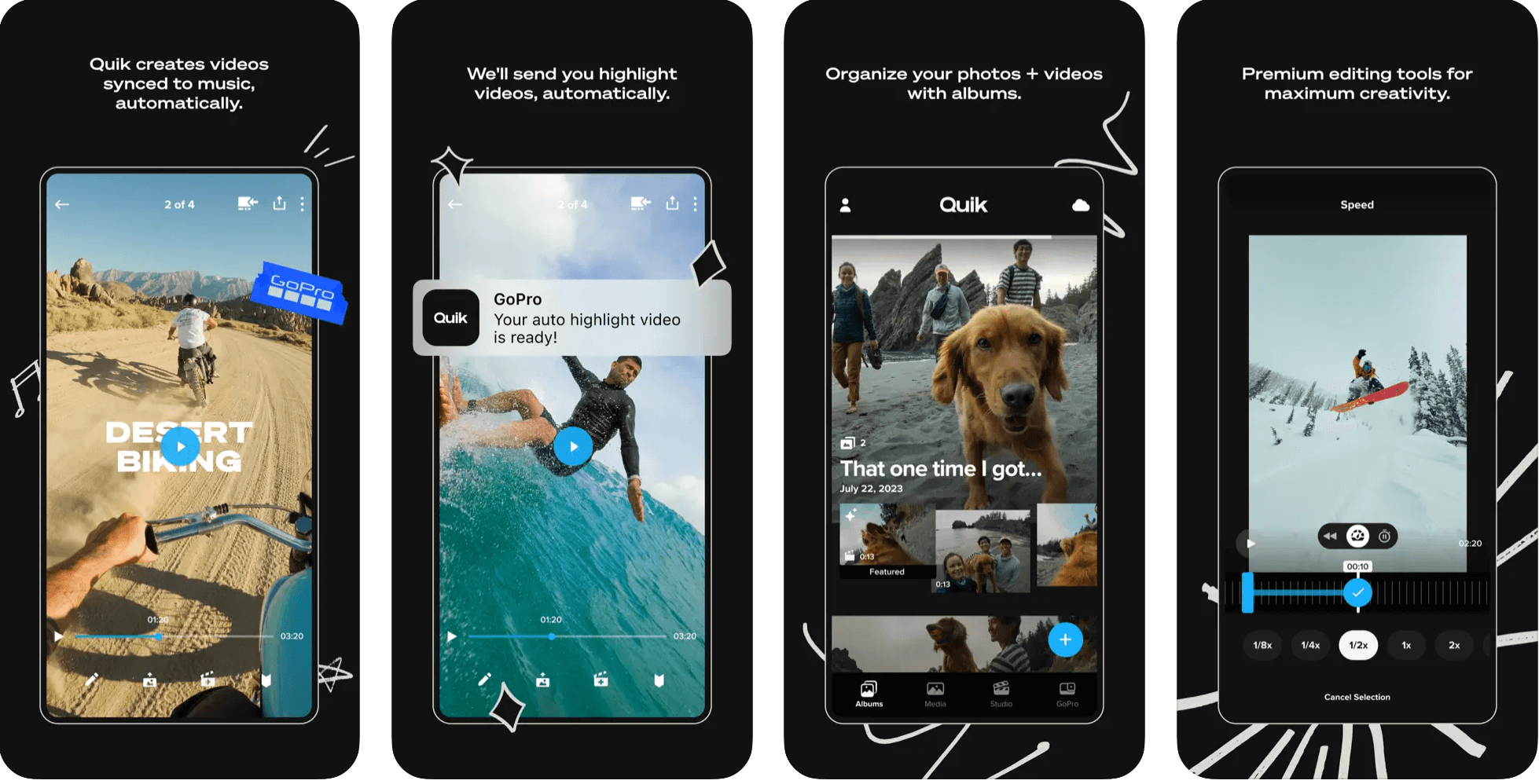
Quik, developed by GoPro, is a mobile video editing app designed for quick and easy video creation. With its user-friendly interface, it allows both casual users and those looking to produce polished content to edit videos effortlessly. Quik automatically analyzes footage, selects the best moments, and adds transitions, music, and effects, making it an ideal tool for creating high-quality videos without the need for extensive editing skills.
- Pros:
- Automated AI editing available.
- User-friendly interface for beginners.
- Supports multi aspect content ratios for different platforms.
- Cons:
- Limited manual editing due to the AI enhancements.
- Stable internet connection required.
- Learning curve for advanced more features.
- Pricing: Free plan available or $9.99/month.
- Best Use Case: Professional or amateur travel and adventure content creators.
10. Adobe Premiere Rush
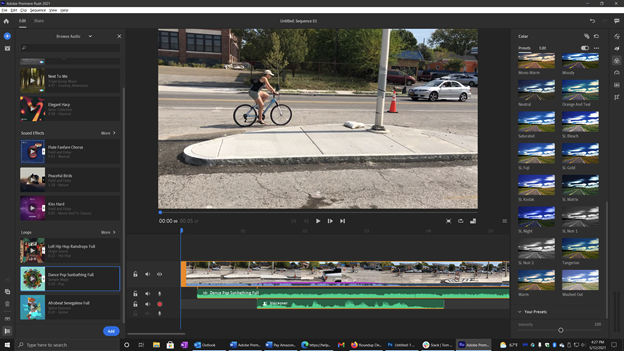
Adobe Premiere Rush is a versatile video editing software available on both mobile and desktop, perfect for content creators who need to produce high-quality videos quickly. As part of Adobe’s Creative Cloud suite, it provides a user-friendly interface with powerful features such as multi-track editing, built-in templates, and easy social media sharing options. Designed for fast editing and seamless integration with online platforms, it helps creators streamline their workflow and enhance their social media content effortlessly.
- Pros:
- Designed for multi-platform/device editing.
- Some built-in advanced features e.g color correcting and effects for easy editing.
- User-friendly interface for beginners.
- Cons:
- A subscription is required to use this editor.
- Cloud dependent.
- Lack of advanced features for professionals.
- Pricing: Individual plan for $9.99/month or Adobe Creative Cloud Subscription for $52.99/month.
- Best Use Case: Content creators who want to create engaging polished content for social media platforms.
Conclusion
In conclusion, there are numerous Canva alternatives available, catering to a wide range of user needs, from template-focused design tools to advanced AI-driven video editing platforms like Vizard. For those focused on educational content creation, platforms like Animoto and Pictory offer straightforward video creation with templates and text-to-video capabilities. If quick social media content creation is the priority, Magisto and Adobe Premiere Rush provide intuitive, fast editing solutions, with easy-to-use features tailored for social sharing. For users seeking powerful AI-driven automation, Vizard stands out with its ability to automate editing tasks while still offering full customization and collaboration features. Ultimately, the best choice depends on your specific needs—whether it’s simplicity, speed, or advanced AI-driven features, there’s a platform designed to streamline your content creation process.
FAQ
Someone might choose an alternative to Canva for Instagram Reel editing due to the need for specialized video editing features, such as advanced effects and audio tools, that better enhance their content. Additionally, they may prefer a platform that offers a more intuitive interface or superior export quality tailored specifically for short-form videos.
Yes, the pricing of Canva can be a reason to switch for editing Instagram Reels. Users might find alternatives like Vizard.ai offer more competitive pricing or better value for specific video editing features they need, especially if they require frequent access to premium tools.
Canva may lack advanced video editing tools like motion tracking and keyframe animation, which are often found in Vizard, allowing for more precise control over video elements. Additionally, Vizard might offer AI-driven features and enhanced audio editing capabilities, making it better suited for creating engaging Instagram Reels.
Yes, there are alternatives with better collaboration features than Canva, such as Vizard.ai or Adobe Creative Cloud apps, which allow real-time editing and commenting among team members. These platforms often provide more robust project management tools and version control, enhancing the collaborative experience for teams working on design projects.
Although Canva offers Instagram reels editing capabilities, tools like Vizard and InVideo are specifically optimized for platforms such as TikTok and Instagram, offering superior templates and features tailored for those networks