

NEW
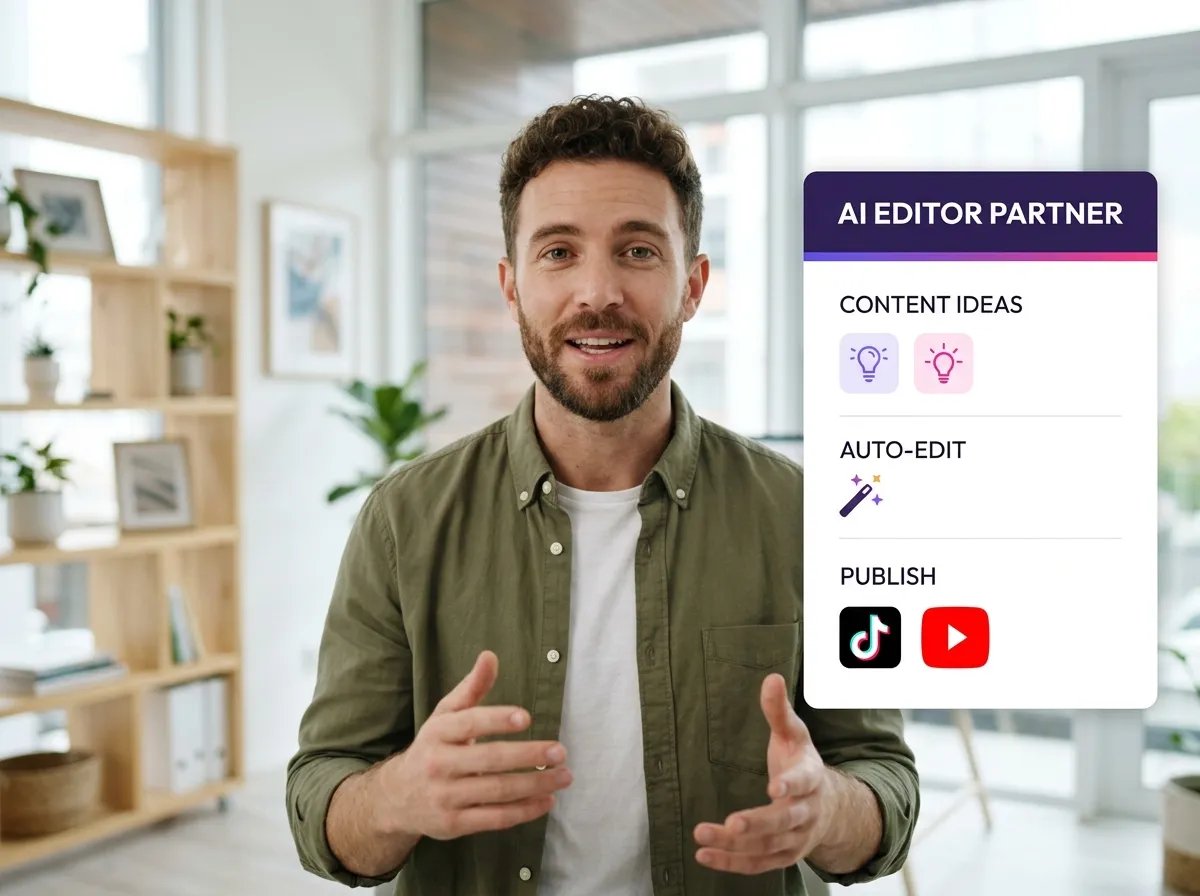



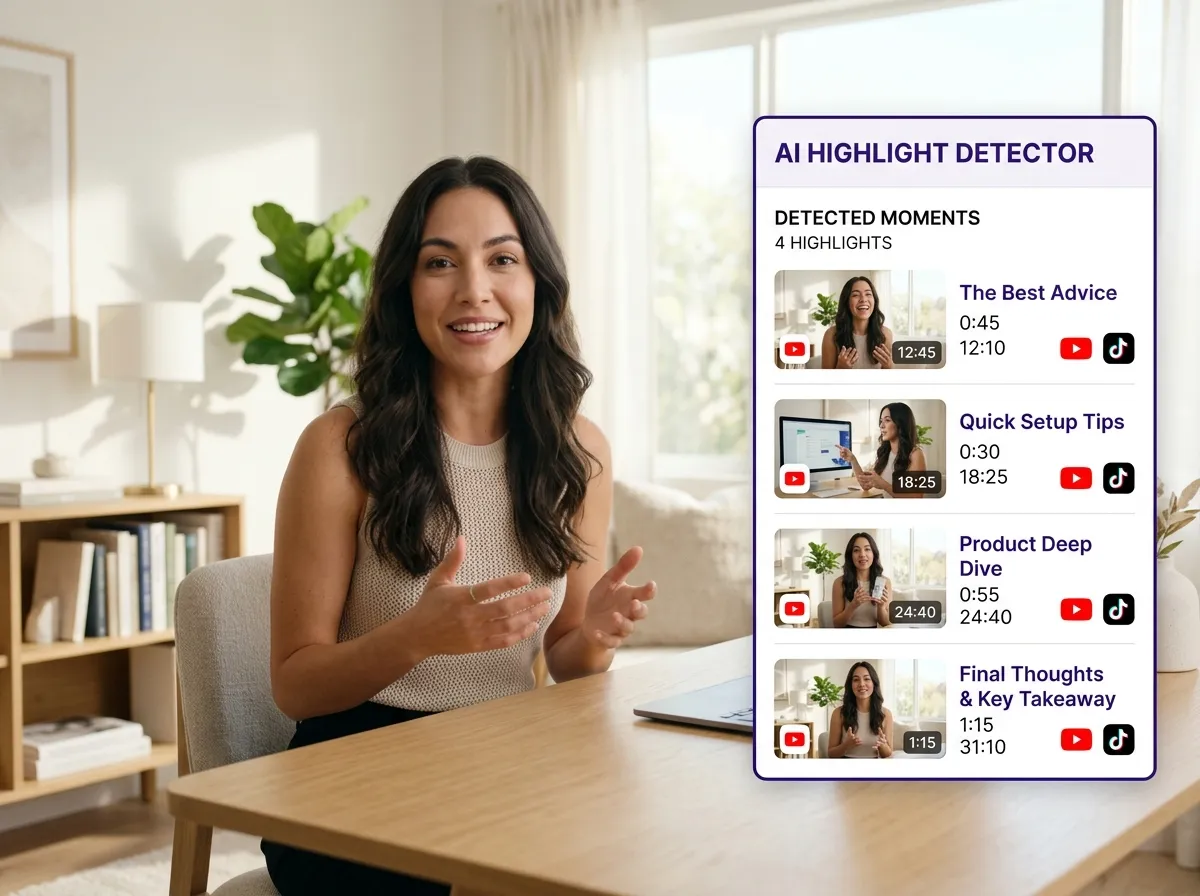
Vizard’s AI short-form video editor automatically transforms long podcasts and webinars into viral clips. By identifying high-retention highlights, Vizard helps creators and marketers scale their social media presence on TikTok and Instagram Reels effortlessly. This AI-powered tool saves hours of manual labor, making it ideal for YouTubers and brands looking to boost engagement. Our intelligent algorithms ensure every short-form video resonates with your audience, driving digital growth.
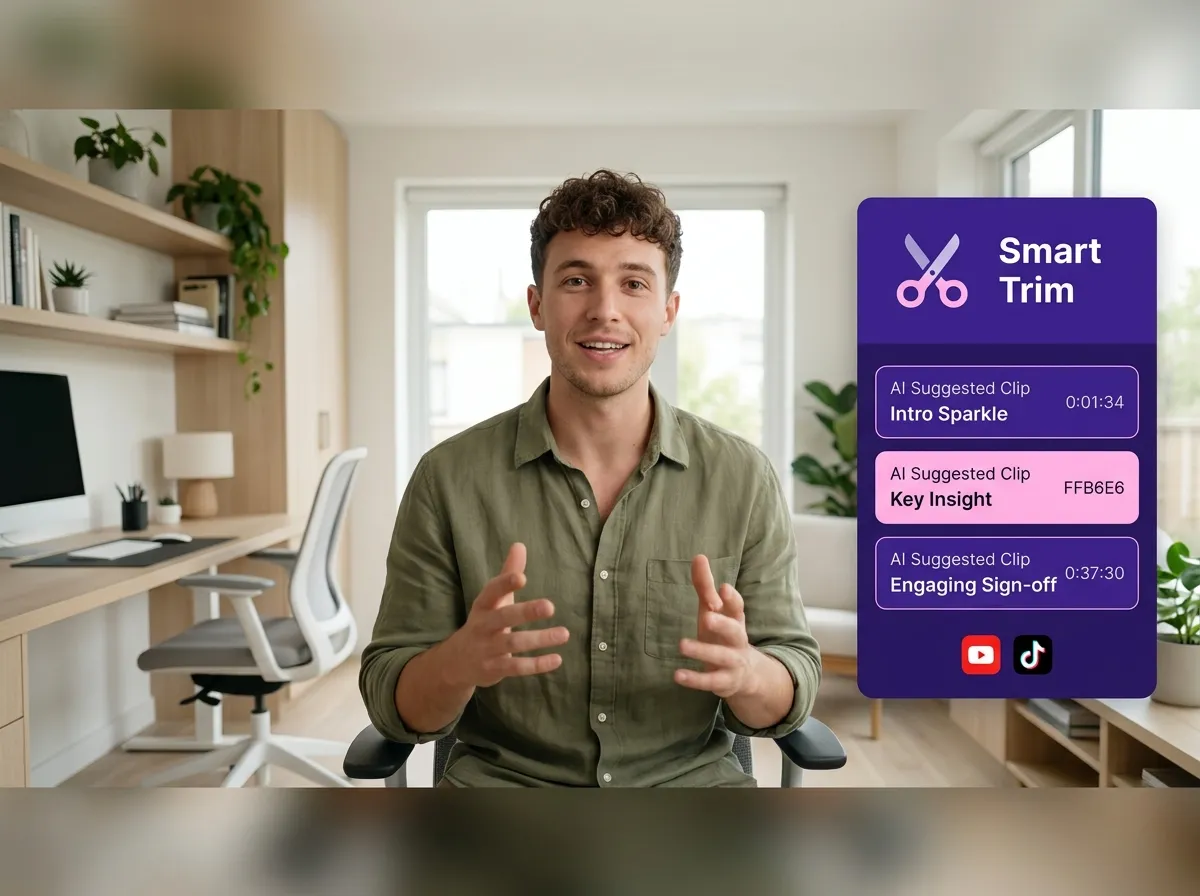
Elevate your workflow with Vizard’s smart trimming and clip cutting tool. Using AI-assisted suggestions, you can precisely cut raw footage into punchy short-form content for LinkedIn and YouTube Shorts. Perfect for interviewers and educators, this editor combines automated precision with manual control. Streamline your video editing process and produce professional clips in minutes. Vizard ensures every second of your video contributes to a high-performing social media strategy without the complexity of traditional software.
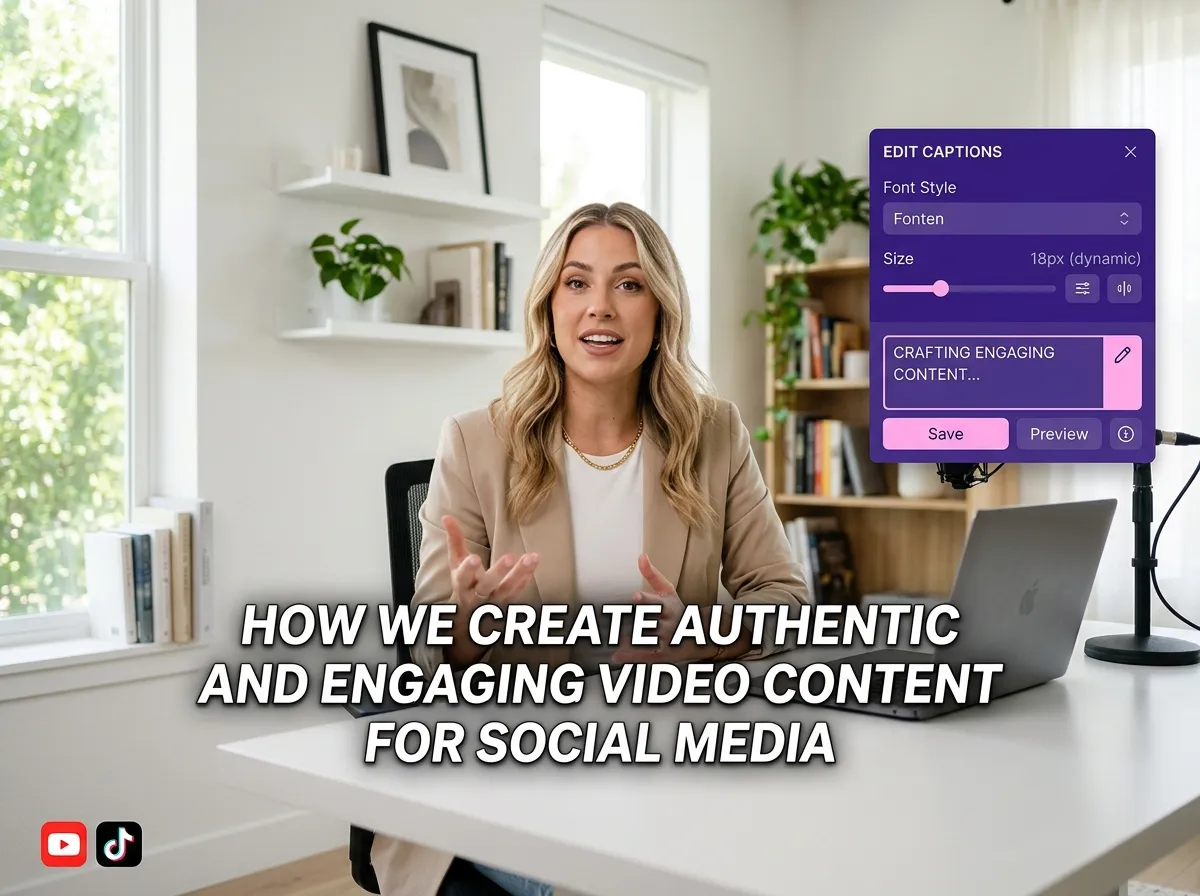
Boost watch time with Vizard’s auto captions and dynamic subtitles. Our AI generates accurate, animated captions optimized for TikTok and Instagram where viewers watch without sound. Vizard makes it easy to add high-impact subtitles that grab attention and improve viewer retention. Essential for social media managers, this feature ensures your message is seen and heard globally. With just a few clicks, create inclusive, engaging short-form videos that stand out in any feed.
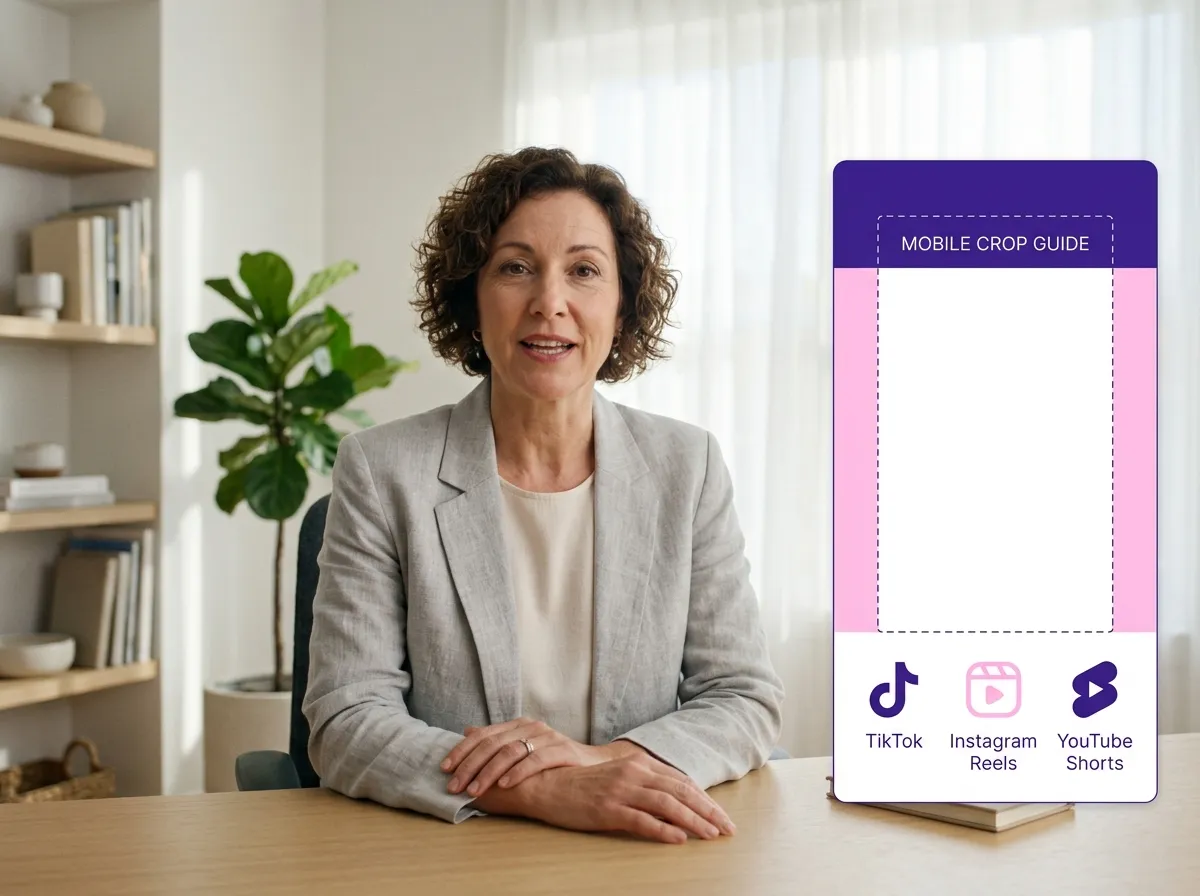
Reach wider audiences with Vizard’s social media format optimization. Automatically resize and convert videos into 9:16 vertical format for TikTok, Instagram Reels, and YouTube Shorts. Vizard removes the guesswork, ensuring your content looks professional on mobile screens. Ideal for brands repurposing horizontal webinars, this tool maximizes visibility while preserving quality. Automate your resizing process and distribute high-quality short-form content across multiple channels simultaneously with ease.
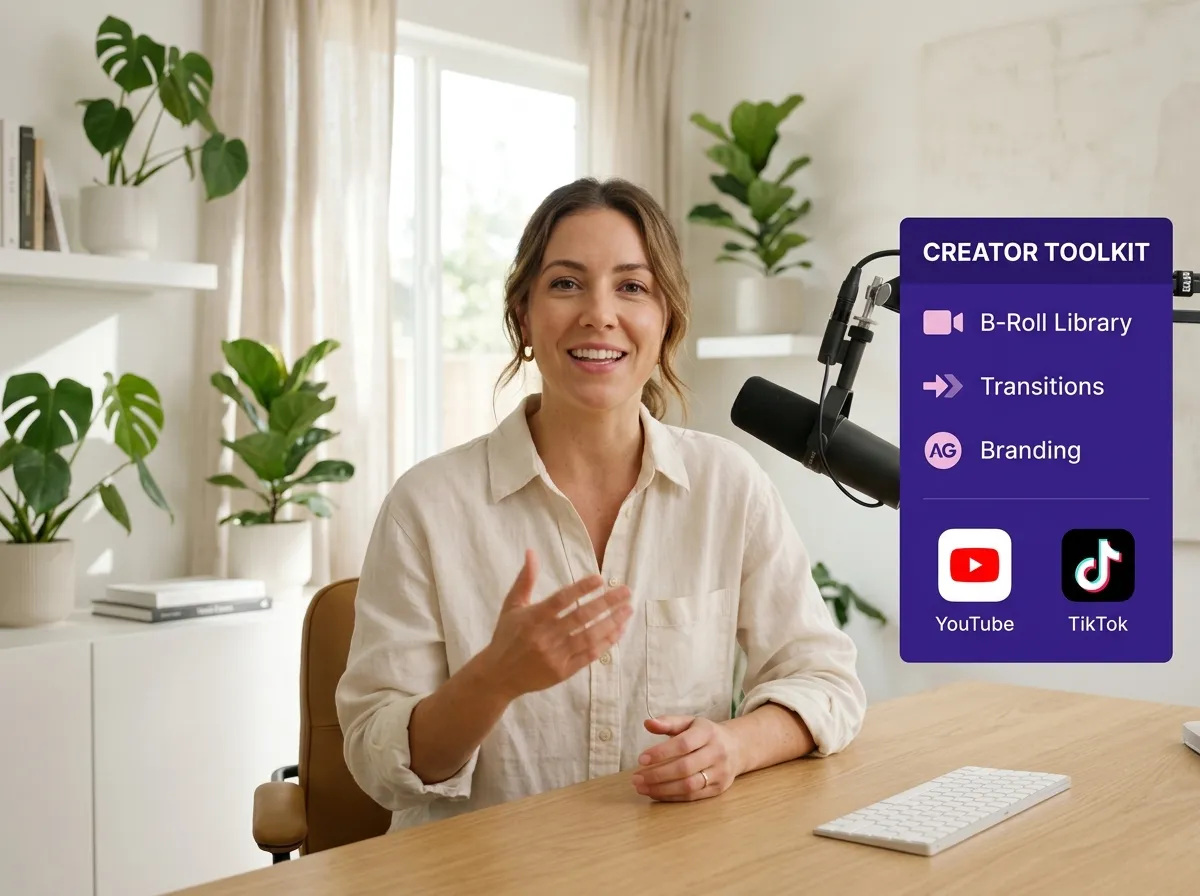
Transform footage into cinematic experiences with Vizard’s B-roll, effects, and enhancement tools. Add visual depth with seamless transitions, overlays, and background music that align with your brand. Vizard helps creators enhance short videos with engaging B-roll segments, making interviews and tutorials more stimulating. These features keep viewers hooked, driving higher conversion rates. Whether adding branding elements or artistic effects, Vizard provides everything needed to make your short-form content stand out on social media.
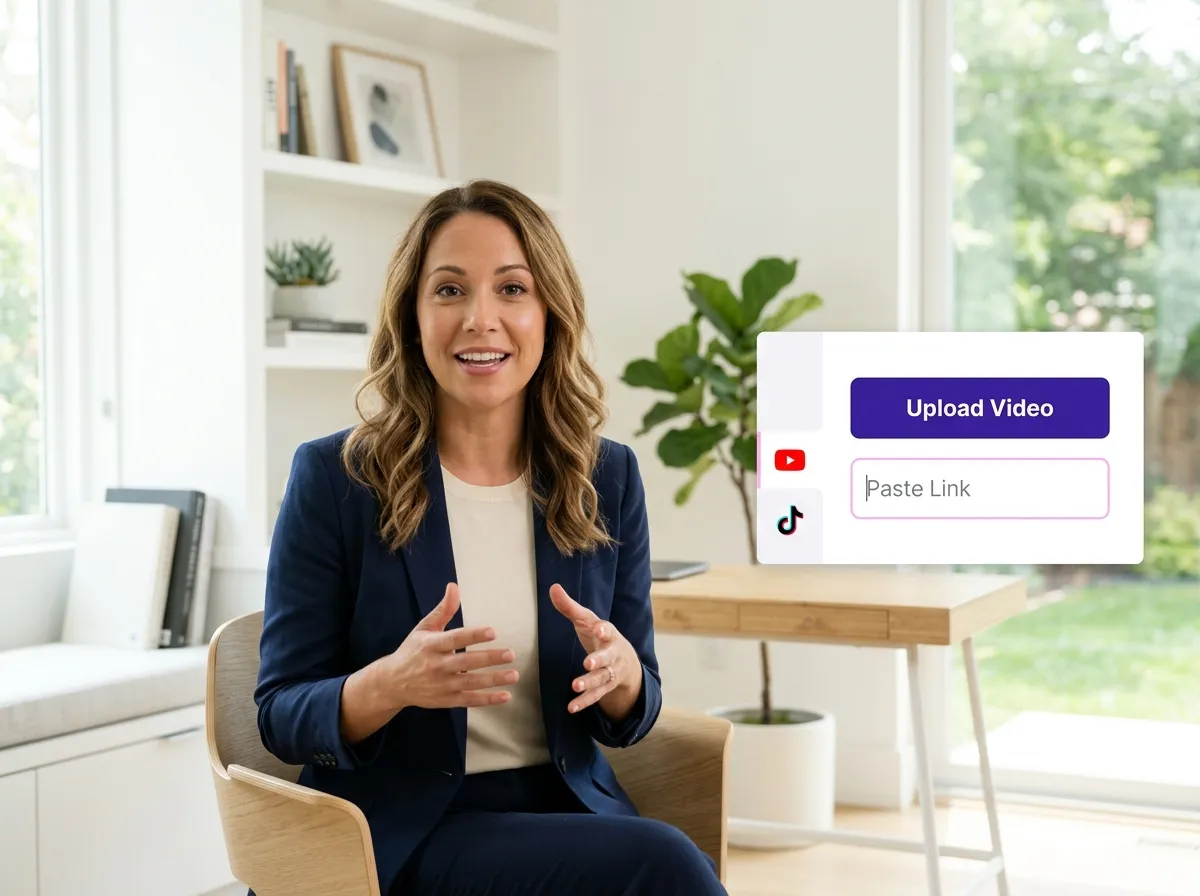
Begin by uploading your video, podcast, or webinar recording into Vizard. Whether it’s a local file or a link, Vizard makes the ingestion process seamless and fast.
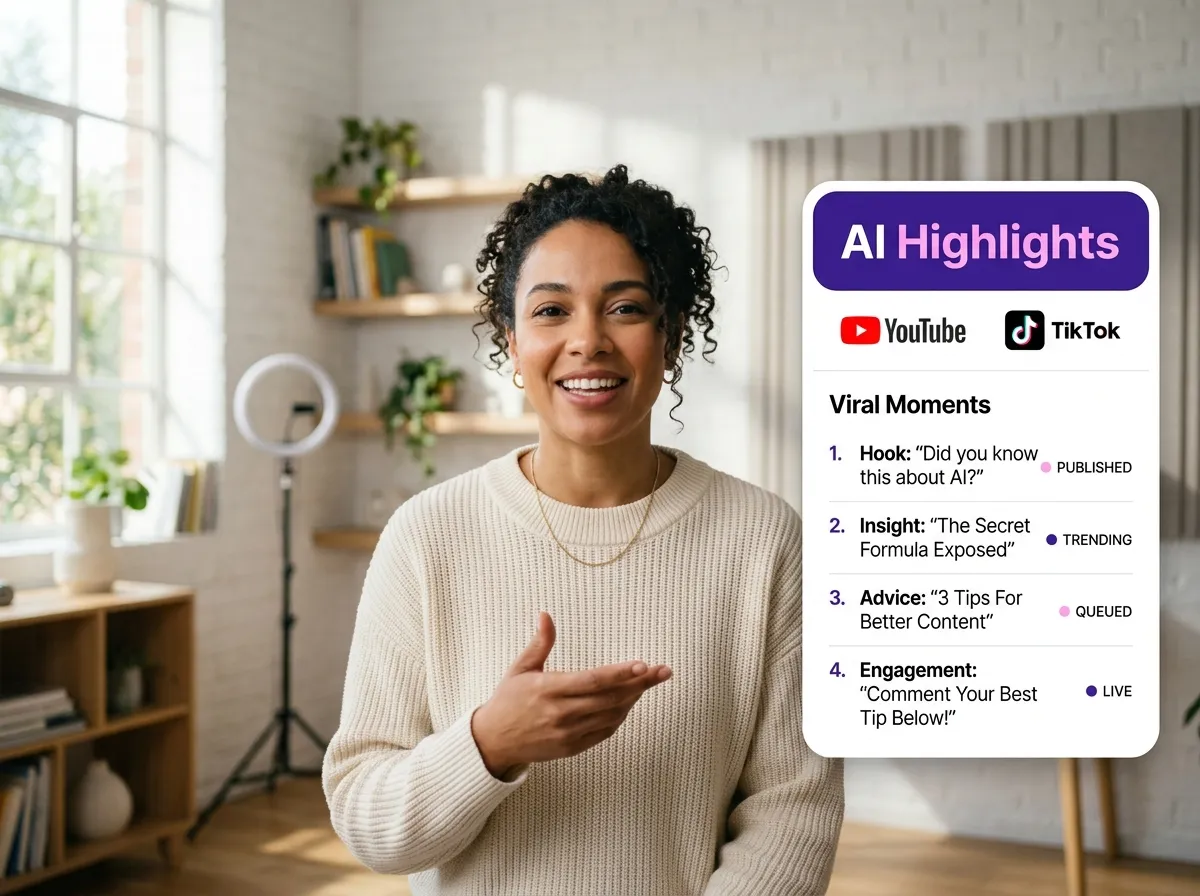
Sit back while Vizard’s advanced AI scans your footage. It intelligently identifies key moments, speaker changes, and viral-worthy highlights to suggest the best clips for your social media.
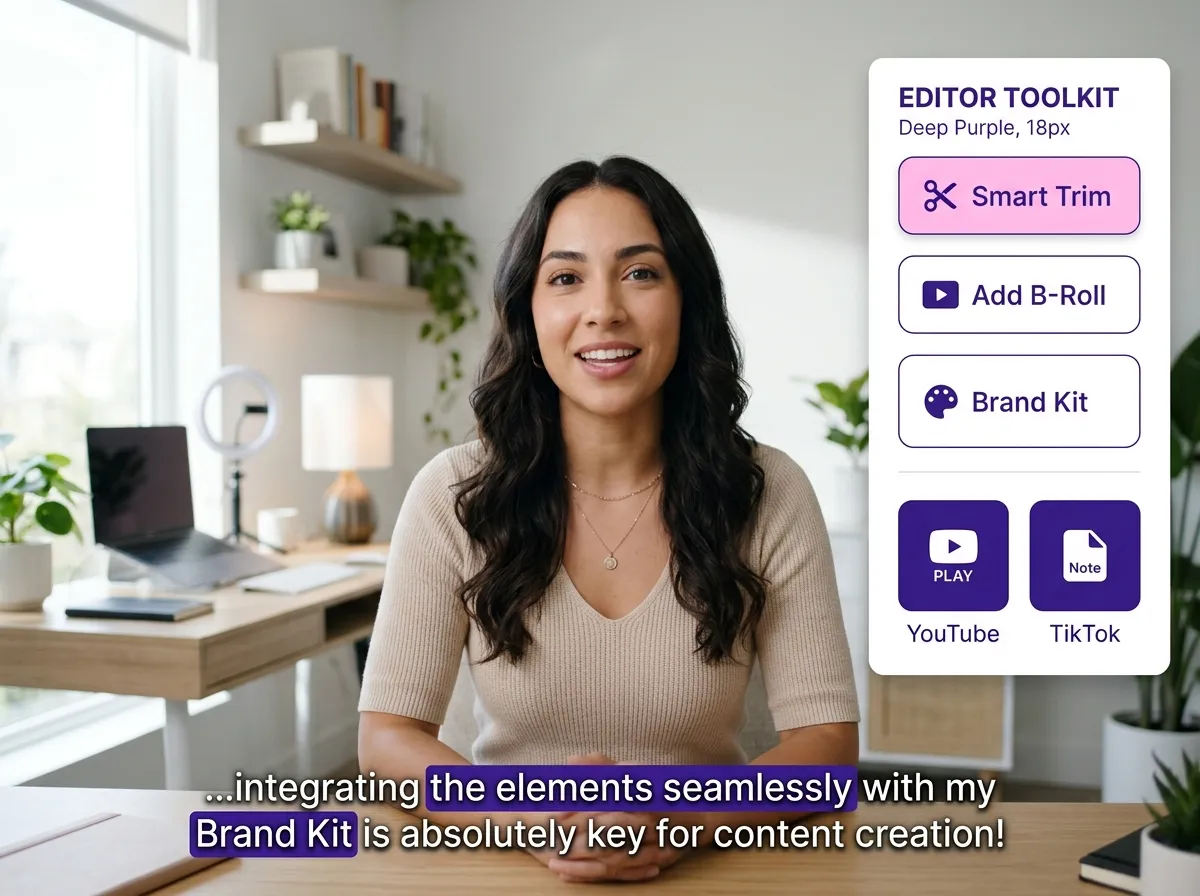
Take full control with our smart trimming tools. Enhance your short videos with dynamic auto-captions, eye-catching B-roll, and your own brand assets to ensure a professional look.
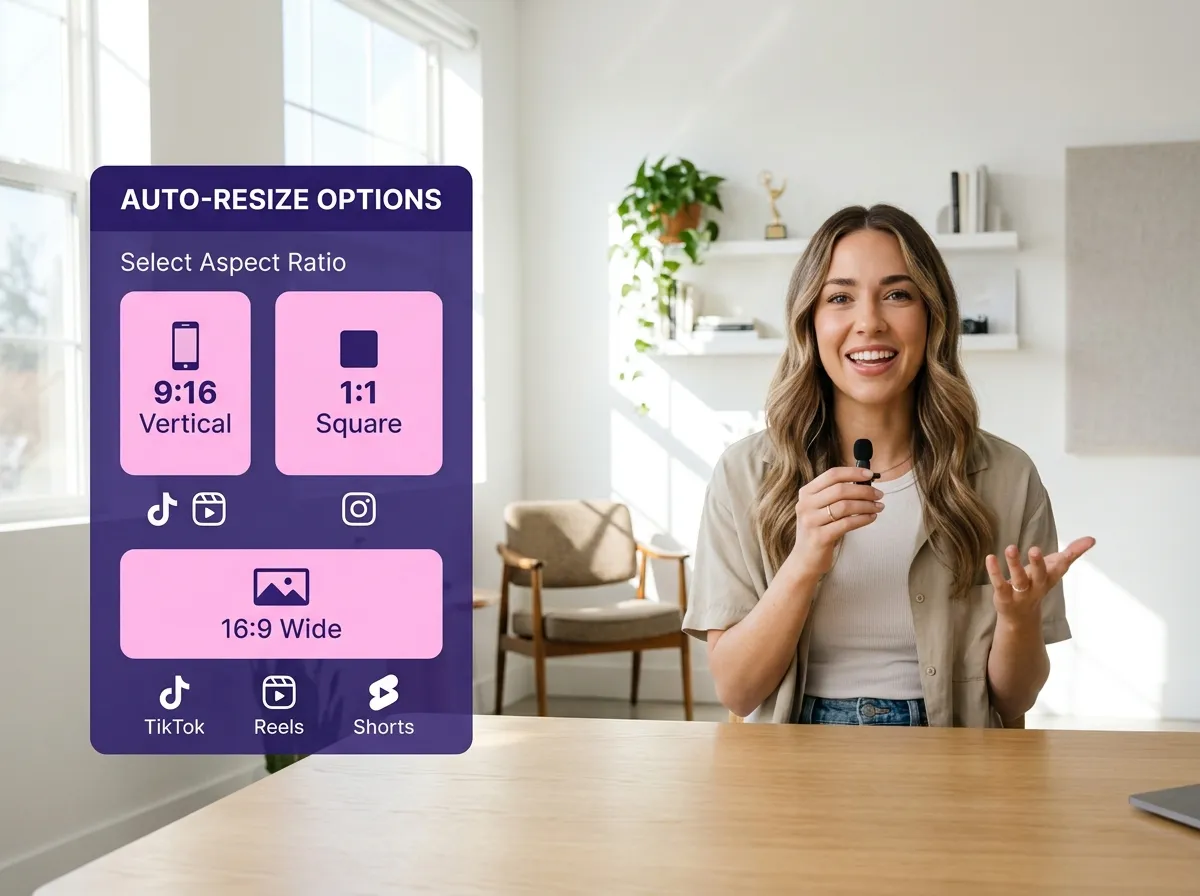
Convert your video into the perfect aspect ratio with a single click. Optimize your content for vertical platforms like TikTok, Instagram Reels, and YouTube Shorts to maximize engagement.
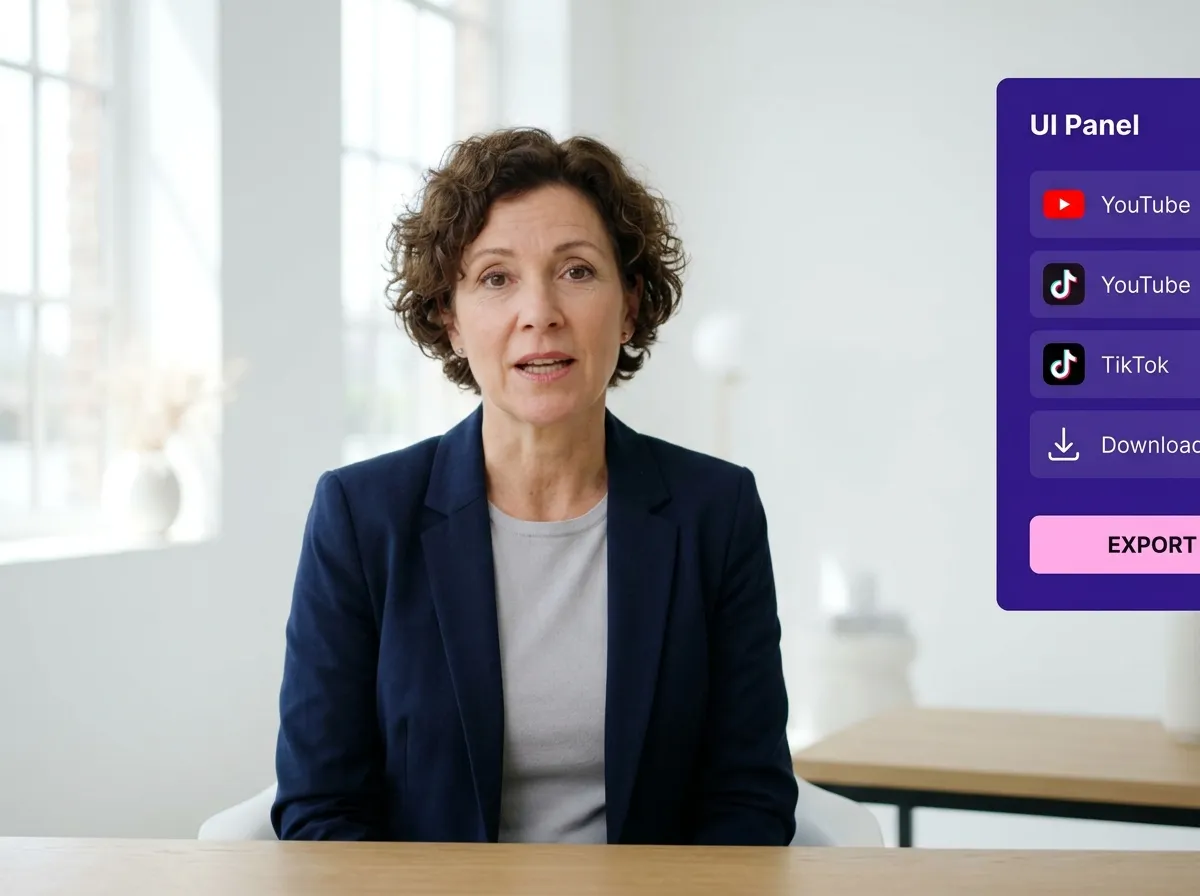
Download your high-quality short clips or share them directly to your social media channels. Vizard streamlines your workflow so you can post more content in less time.
Turn one video into 10+ Instagram Reels with AI.
With just a few clicks, you can download or share your videos with your friends or team members with a link.
Turn your videos and audios into Reels, Stories, posts, and more in one click.
Effortlessly plan, schedule, and auto-generate engaging AI-driven posts, and publish your Instagram Reels along with the perfect captions.
Add dynamic subtitles for your videos automatically, all in the browser.
Bring your team together by inviting collaborators to work on your projects, in one workspace.
Effortlessly translate your video content into 130+ languages, expanding your global reach with just a few clicks.
Enhance your video's visual appeal and brand identity with ease by adding logos, images, outros, and custom fonts to your videos.


What is Vizard’s Short-form Video Editor?
How does the AI convert long videos into short clips?
Can I add captions and subtitles to my short videos?
Does Vizard support vertical 9:16 video formatting?
Can I manually edit the AI-generated clips?
What types of videos can I edit with Vizard?
How do I export and share my short videos?
What is Vizard’s Short-form Video Editor?
How does the AI convert long videos into short clips?
Can I add captions and subtitles to my short videos?
Does Vizard support vertical 9:16 video formatting?
Can I manually edit the AI-generated clips?
What types of videos can I edit with Vizard?
How do I export and share my short videos?
 Yao Wang

Yao Wang

Yao Wang

Yao Wang
Yao Wang


















