

NEW





Vizard’s Motion Graphics Creator features an AI Map Animation tool that empowers creators to transform text descriptions into professional geographic visuals. By simply describing a location or journey, you can generate smooth map sequences with custom location pins, zoom-ins, and route paths. This feature is ideal for travel vloggers detailing itineraries or news explainers illustrating global events. Vizard eliminates the need for complex GIS software, allowing you to create high-quality, geo-targeted marketing content in seconds. Enhance your storytelling with cinematic map animations that capture attention and provide clear context for your audience on YouTube and Instagram.

With Vizard’s Motion Graphics Creator and its Shape-to-Word feature, you can create fluid kinetic title sequences that instantly elevate your video’s production value. This AI-powered tool morphs geometric shapes—circles, lines, and polygons—into bold typographic text for a modern visual experience. It is an ideal solution for social media intros and product launch title cards where first impressions matter. Vizard makes professional motion design accessible to everyone, helping marketers craft high-energy transitions without touching After Effects. These dynamic text animations ensure your messaging stands out, keeping viewers engaged from the very first frame of your TikTok or Reel content.

Vizard’s Motion Graphics Creator includes an automated Graph animation tool that turns dry numbers into visually compelling data stories. Simply input your raw data, and Vizard generates fully animated bar charts, line graphs, and pie charts designed to impress. This feature is a game-changer for business professionals creating investor reports or marketers sharing KPIs on LinkedIn. By automating complex data visualization, Vizard helps you communicate statistics effectively without any design expertise. Whether it’s a dashboard visual for a presentation or a quick stat update for YouTube Shorts, these professional graphs make your information digestible, authoritative, and visually stunning for any global audience.
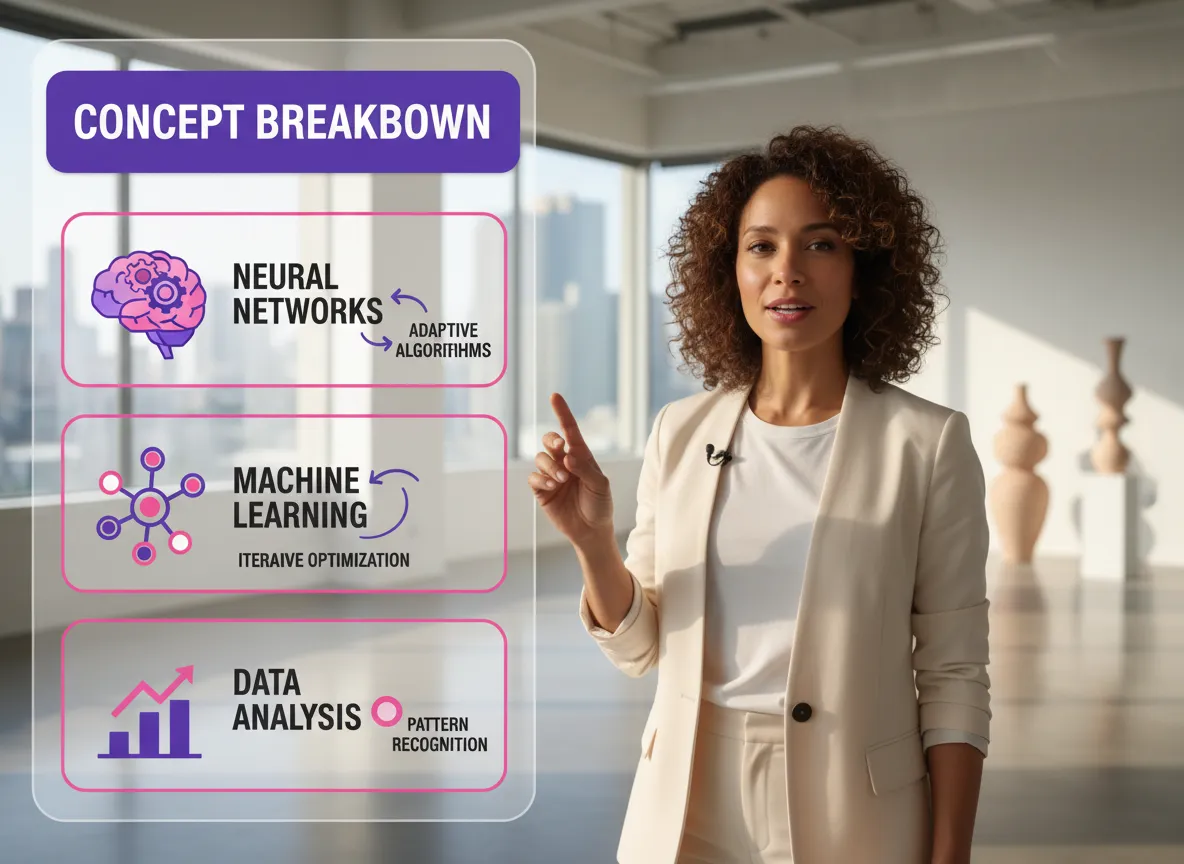
Master the art of storytelling with Vizard’s Vox Style Editorial tool, a key part of the Motion Graphics Creator suite designed to recreate the sophisticated explainer aesthetic. This feature integrates illustrated icons, annotated overlays, and on-screen text callouts directly into your video timeline. Vizard makes it easy for educators and journalists to explain complex topics visually without a full production crew. By combining talking-head footage with professional editorial graphics, you can produce high-quality educational content that feels authoritative. It’s the ultimate solution for YouTube creators looking to elevate their channel’s visual identity and provide clear information to their viewers.
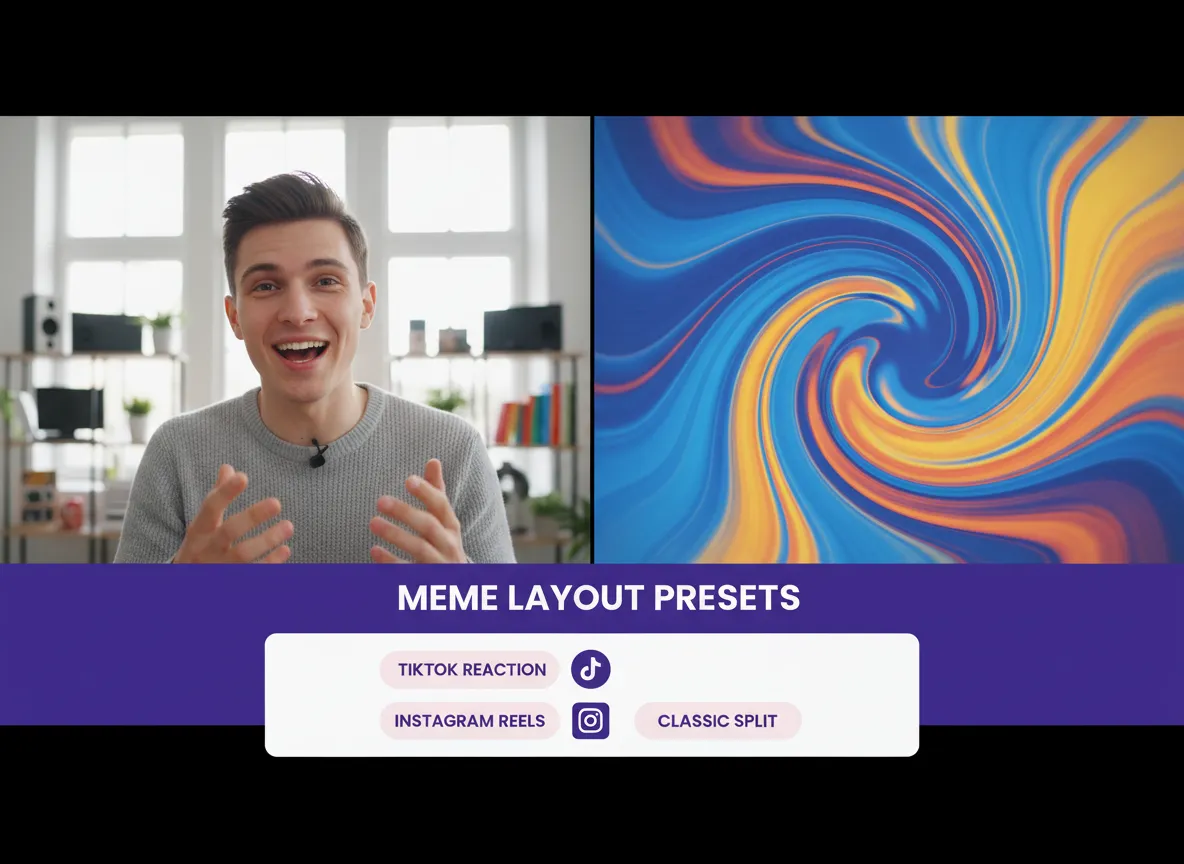
Tap into viral trends effortlessly with the Meme Reaction tool inside Vizard’s Motion Graphics Creator. This feature provides native meme formats and reaction video layouts specifically built for TikTok and Instagram Reels, including split-screen setups and pop-culture overlays. Vizard allows social media managers to quickly generate content that feels native to the platform, boosting engagement and shareability. Instead of spending hours editing layout structures, use AI to build viral-ready content in minutes. Whether you’re reacting to a trending moment or creating comedic skits, Vizard ensures your videos follow the latest social formats, helping you stay relevant and grow your online presence.
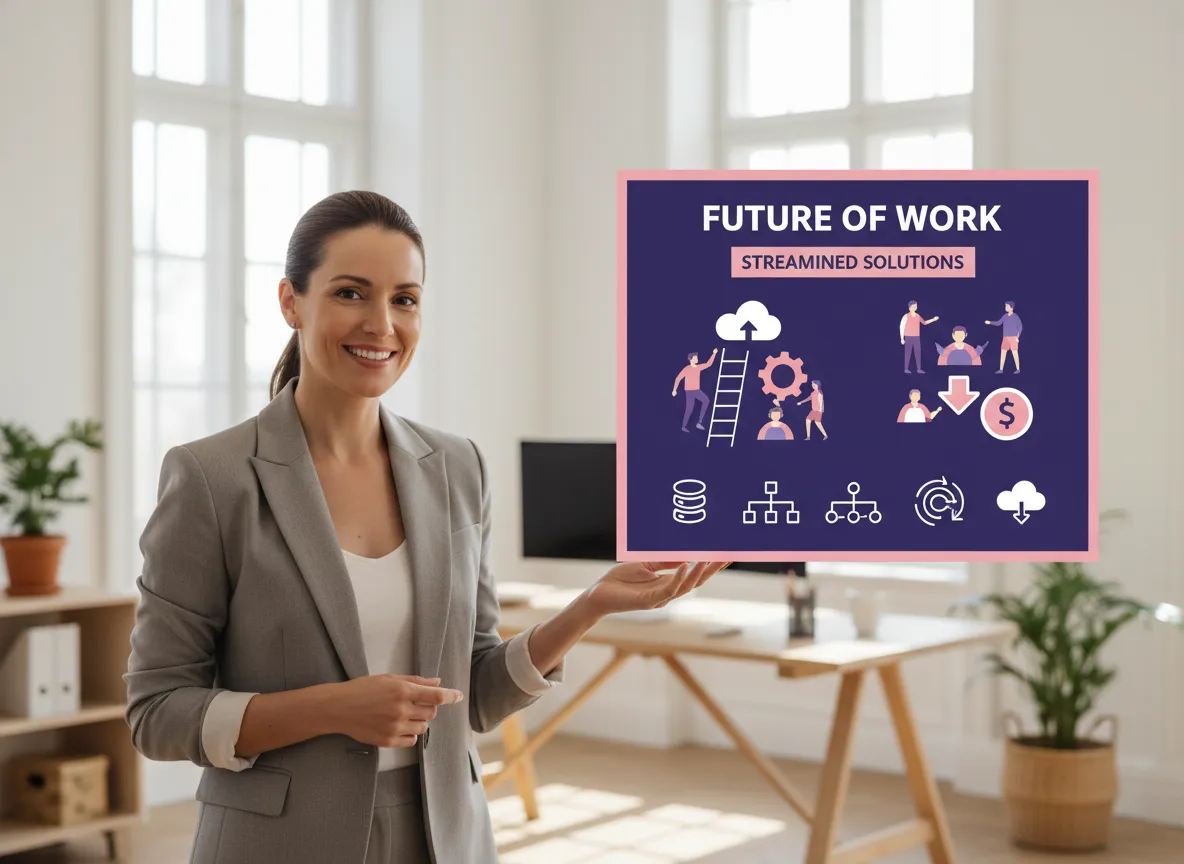
Vizard’s 2D Flat Animation feature brings clean, modern design to your business and marketing videos. Part of the Motion Graphics Creator, this tool is perfect for SaaS explainer videos, corporate training modules, and digital advertising, animating characters and process flows with professional quality. With Vizard, you don’t need a motion designer to create polished product feature diagrams or icon animations. Simply describe the scene, and our AI generates high-production-value assets that effectively communicate your brand’s message. This feature saves time and budget while ensuring your content looks professional, helping you convert viewers and train employees with clear, visually appealing motion graphics.
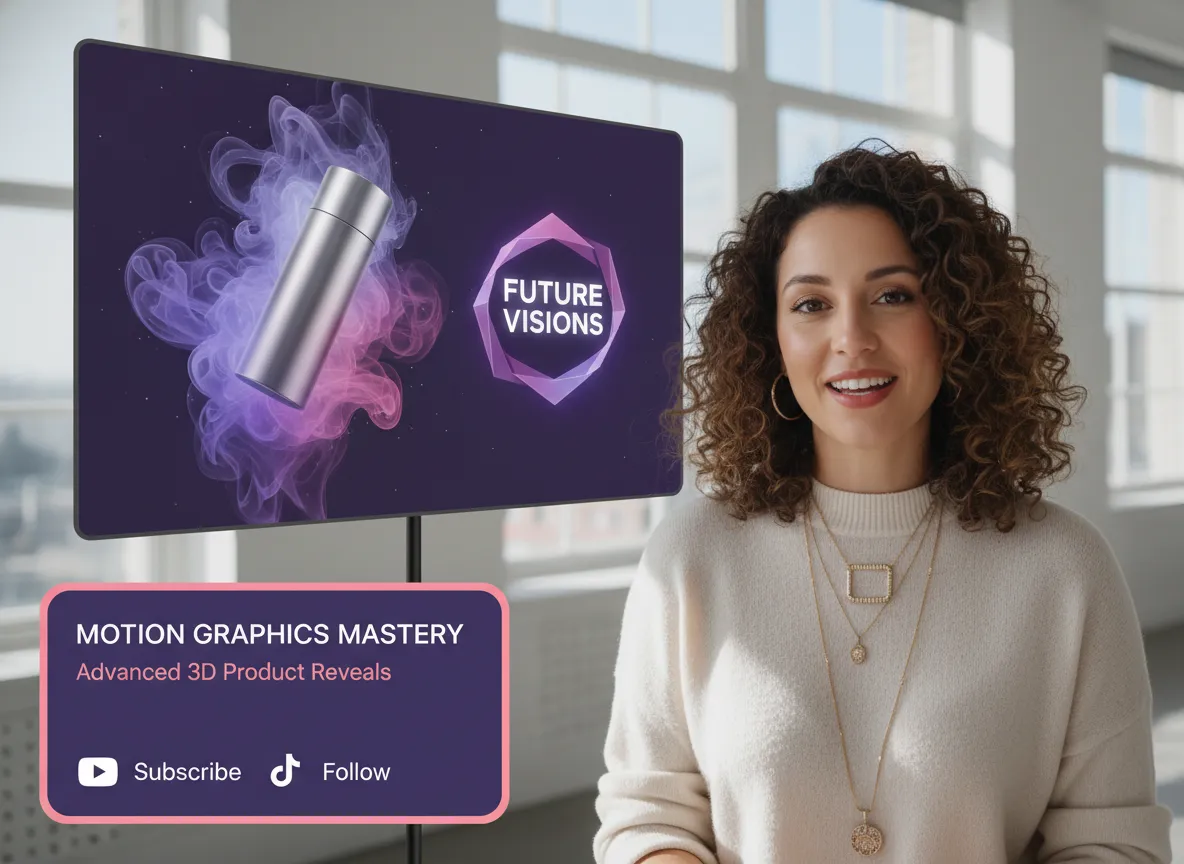
Add a premium, cinematic feel to your content with Vizard’s 3D Motion Graphics tool, integrated within the Motion Graphics Creator. Generate rotating logo animations, abstract 3D scenes, and dimensional text effects without any knowledge of complex software like Blender. This feature is purpose-built for eCommerce sellers and tech brands looking to showcase products with high-impact visuals. Vizard’s AI streamlines the 3D creation process, allowing you to produce export-ready assets for marketing campaigns in minutes. Elevate your brand’s visual identity with high-production-value 3D assets that grab attention on LinkedIn and YouTube, making your products look truly world-class and professional to every viewer.
Create seamless visual flow with Vizard’s Motion Transition tool, offering professional effects like whip pans, morph cuts, and glitch transitions. This feature also supports image-to-video transitions, turning static photos into dynamic, animated sequences that keep your audience hooked. As part of the Motion Graphics Creator, Vizard provides the visual rhythm necessary for high-quality storytelling, moving beyond basic cuts to create a polished, cinematic experience. Ideal for travel vloggers and marketing editors, these transitions ensure your video content feels cohesive and high-energy. By automating complex editing techniques, Vizard helps you maintain a professional pace in your videos, making them more engaging across platforms.
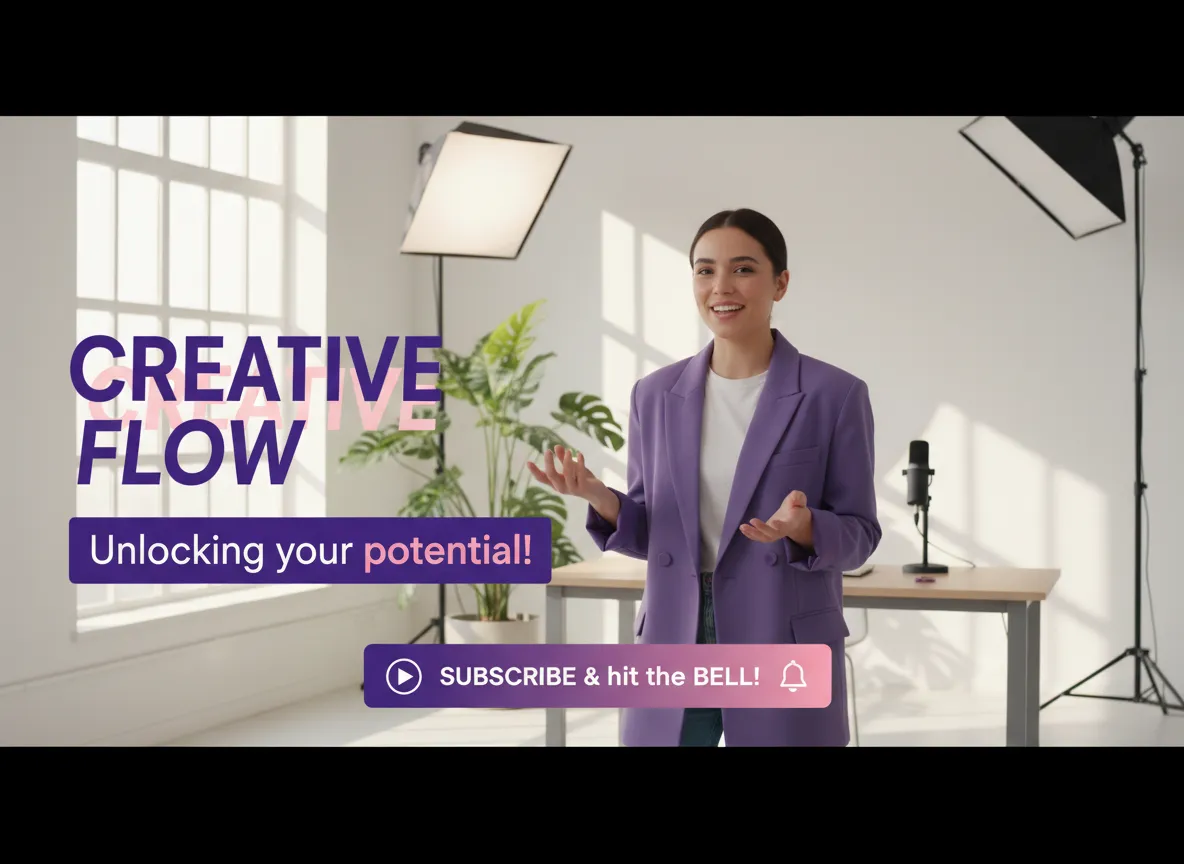
Capture your audience’s attention with Vizard’s Kinetic Text Motion tool, featuring bounce reveals, character-by-character slides, and dynamic typography. This essential feature of the Motion Graphics Creator is perfect for creating eye-catching dynamic subtitles, lower thirds, and CTA banners that drive action. Vizard empowers creators to add professional-grade text overlays to any video without needing After Effects skills. Whether you’re highlighting a key takeaway or adding a call-to-action to a YouTube Short, these animated text effects make your message impossible to miss. Enhance your video’s accessibility and visual appeal simultaneously, ensuring your brand’s voice is seen clearly across all social media platforms and marketing channels.
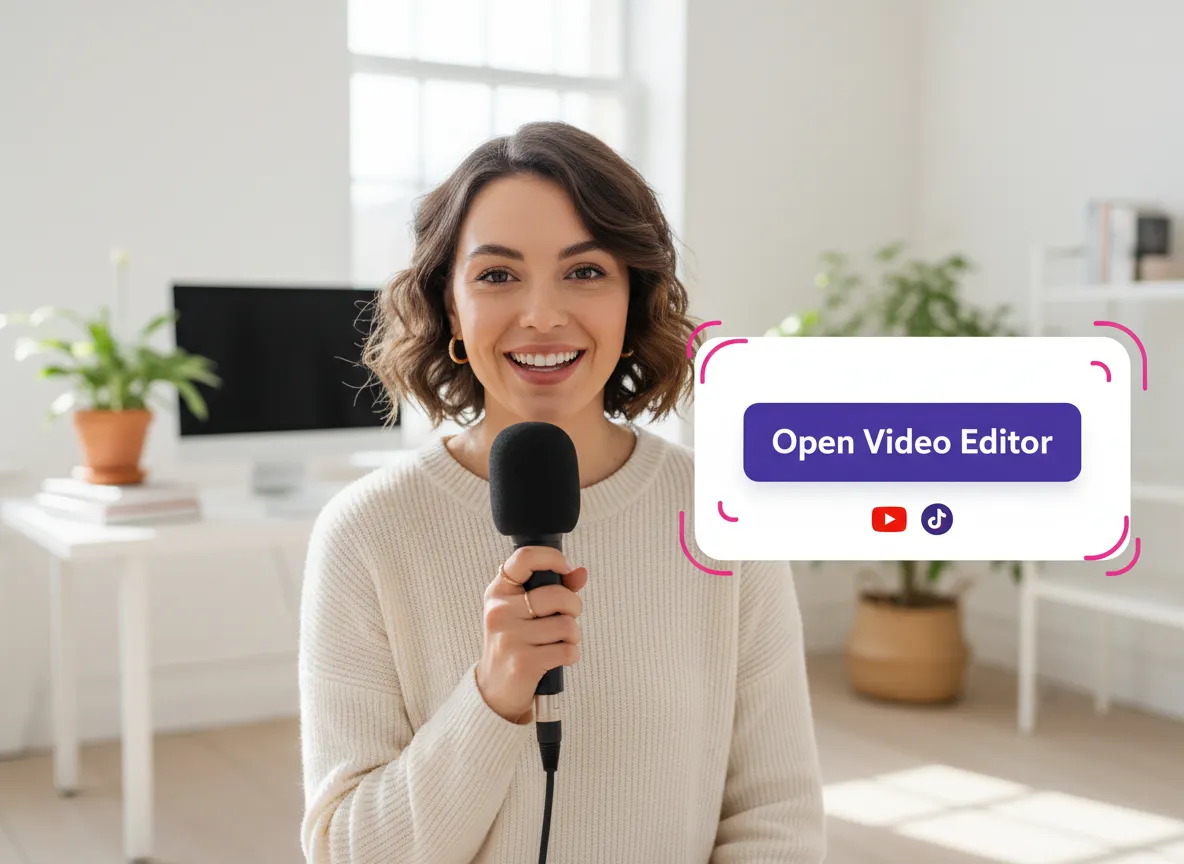
Enter the Vizard workspace and open the video editor to start your project.
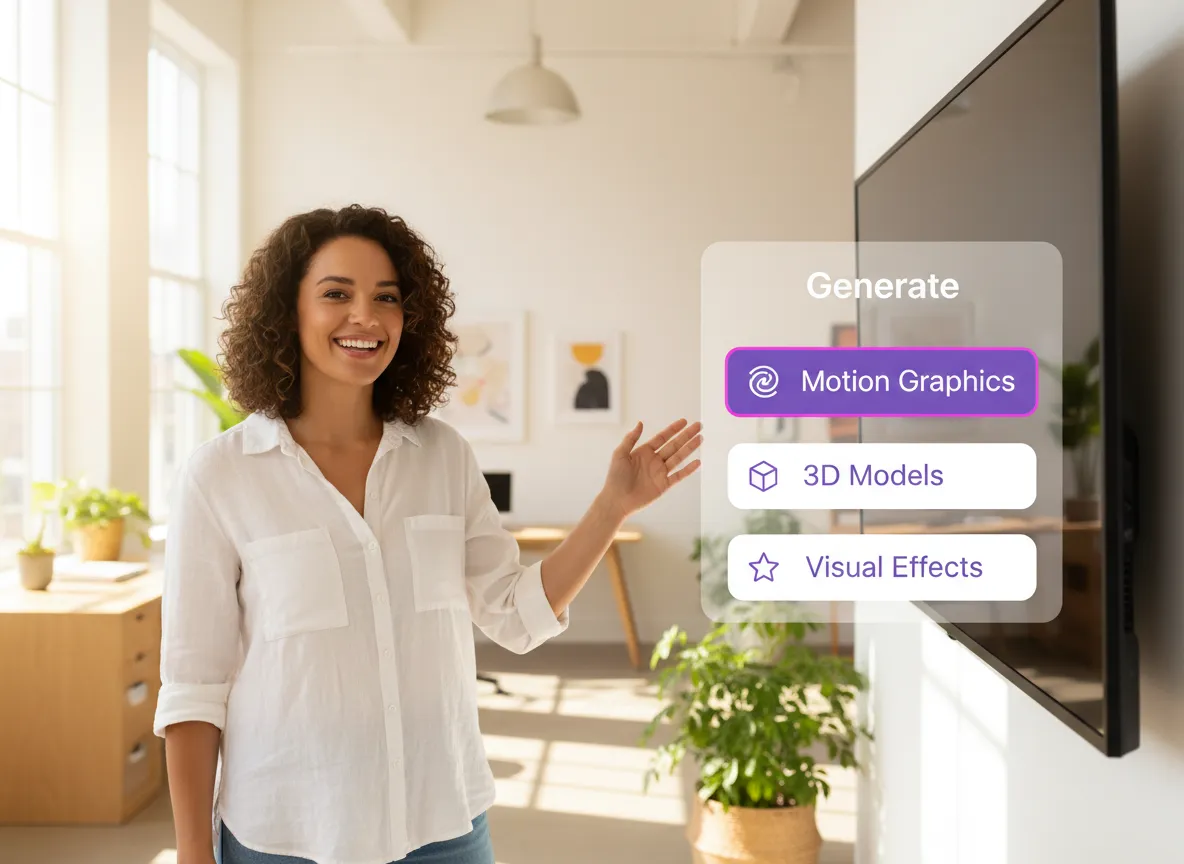
Navigate to the 'Generate' menu on the right panel and choose the 'Motion Graphics' option.
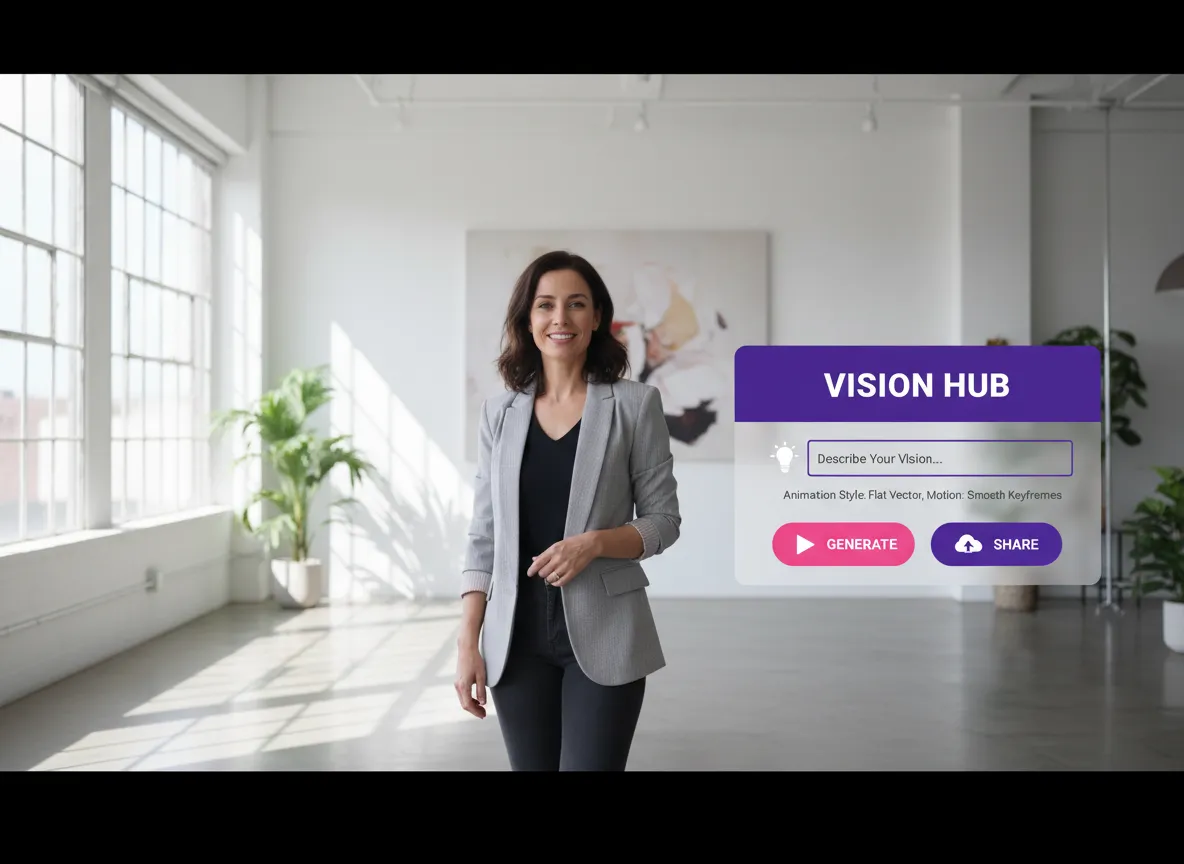
Input a text prompt describing the animation you want, such as style, movement, or specific data points.
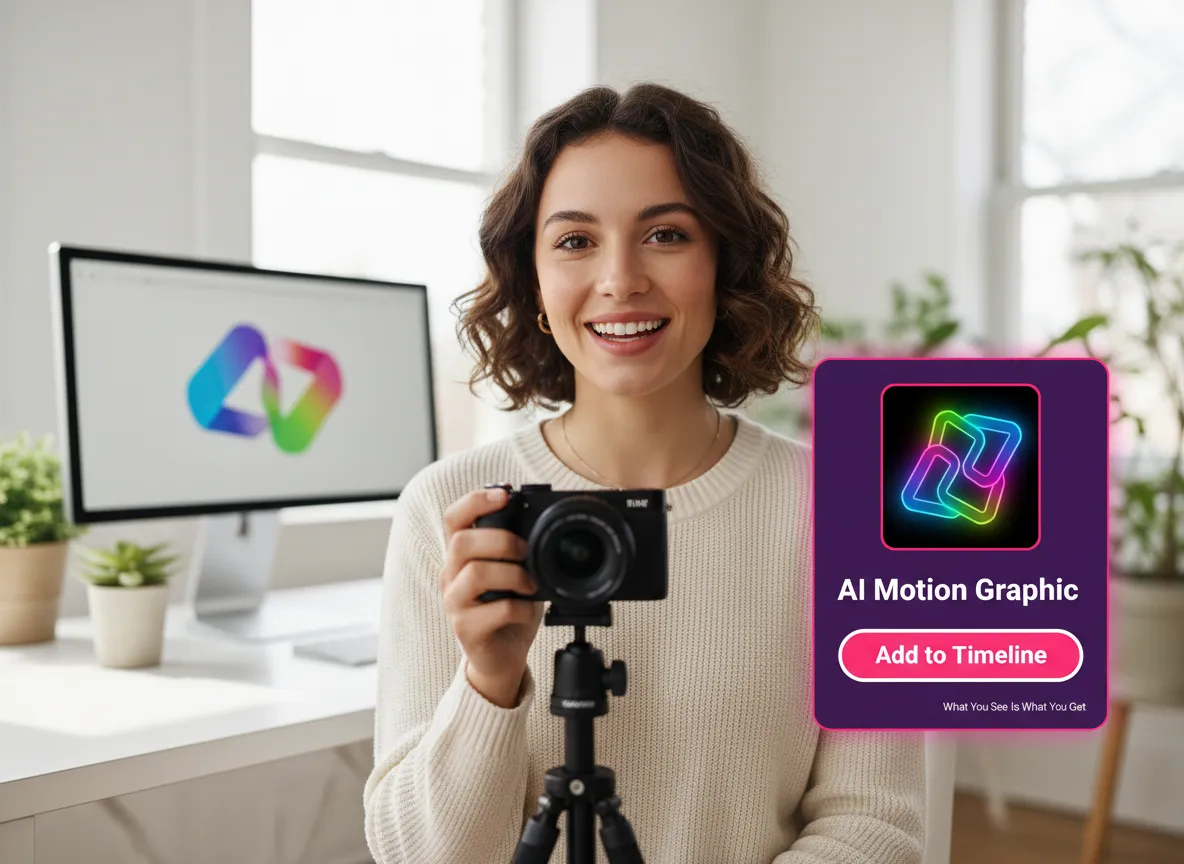
Preview the AI-generated motion graphic and seamlessly add it to your video timeline with one click.

Download your high-quality video or use Vizard's Content Calendar to schedule your post for social media.
Turn one video into 10+ Instagram Reels with AI.
With just a few clicks, you can download or share your videos with your friends or team members with a link.
Turn your videos and audios into Reels, Stories, posts, and more in one click.
Effortlessly plan, schedule, and auto-generate engaging AI-driven posts, and publish your Instagram Reels along with the perfect captions.
Add dynamic subtitles for your videos automatically, all in the browser.
Bring your team together by inviting collaborators to work on your projects, in one workspace.
Effortlessly translate your video content into 130+ languages, expanding your global reach with just a few clicks.
Enhance your video's visual appeal and brand identity with ease by adding logos, images, outros, and custom fonts to your videos.


What is the Vizard Motion Graphics Creator?
Do I need design experience or professional software to use it?
What types of motion graphics can I create?
Can I use my own data for animated charts and graphs?
How do I add the generated graphics to my videos?
Can I create educational 'Vox-style' explainer videos?
What is the Vizard Motion Graphics Creator?
Do I need design experience or professional software to use it?
What types of motion graphics can I create?
Can I use my own data for animated charts and graphs?
How do I add the generated graphics to my videos?
Can I create educational 'Vox-style' explainer videos?

 Yao Wang
Yao Wang

Yao Wang

Yao Wang

Yao Wang


















