

NEW
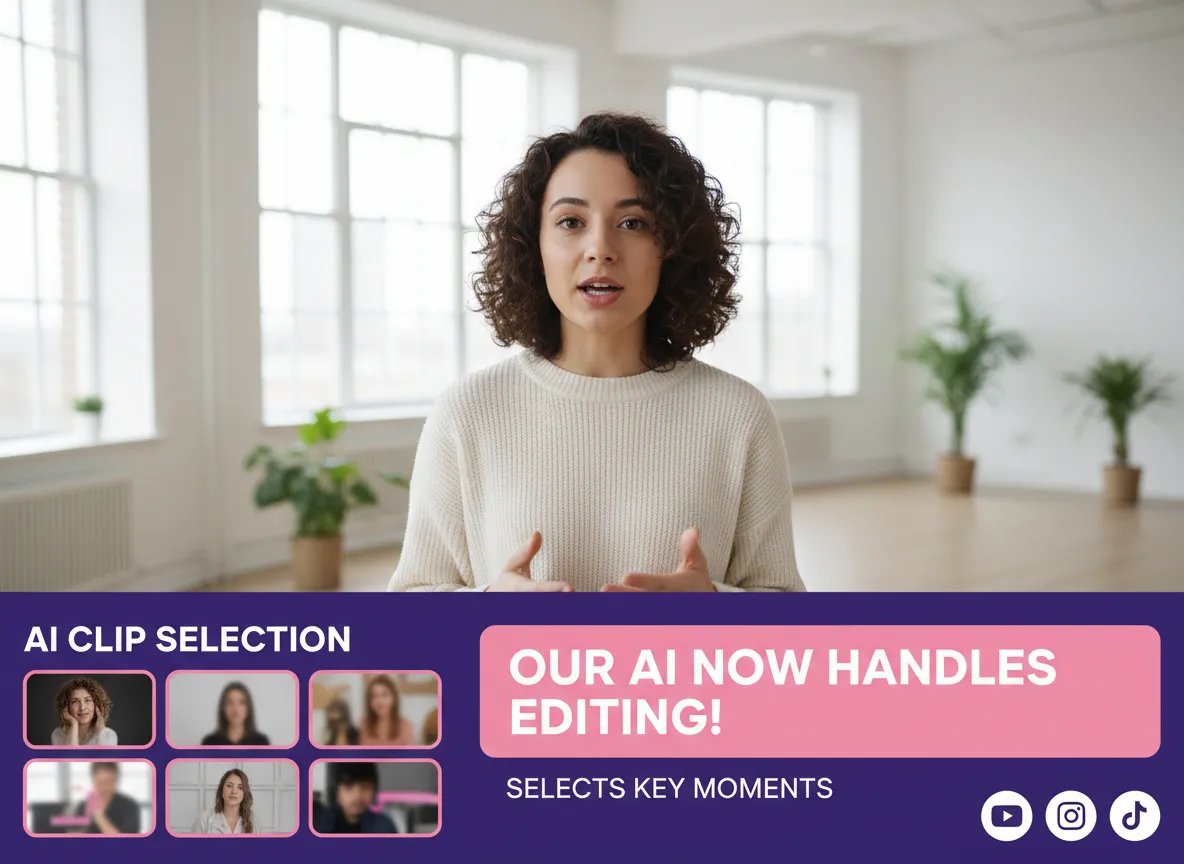



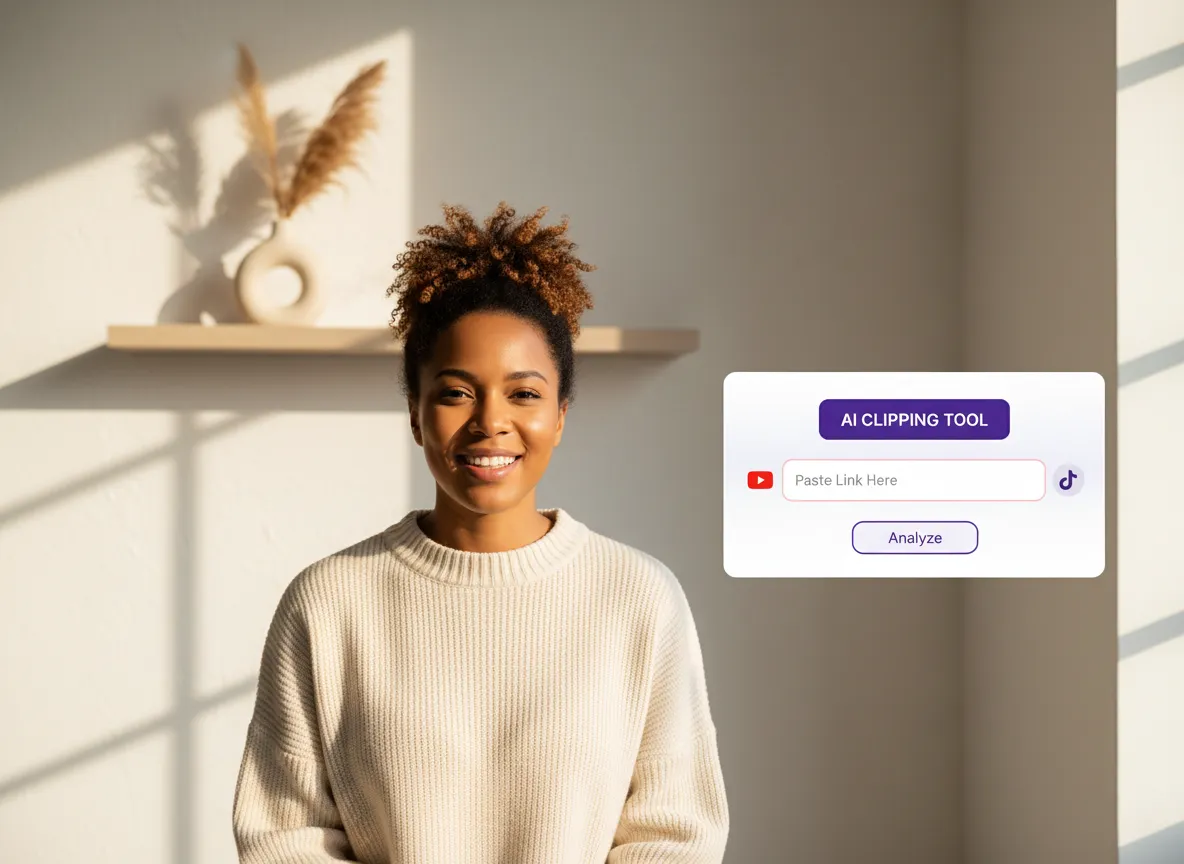
Log in to your Vizard Workspace and upload your video file or paste a URL. Whether it's a podcast, webinar, or interview, Vizard handles various formats with ease.
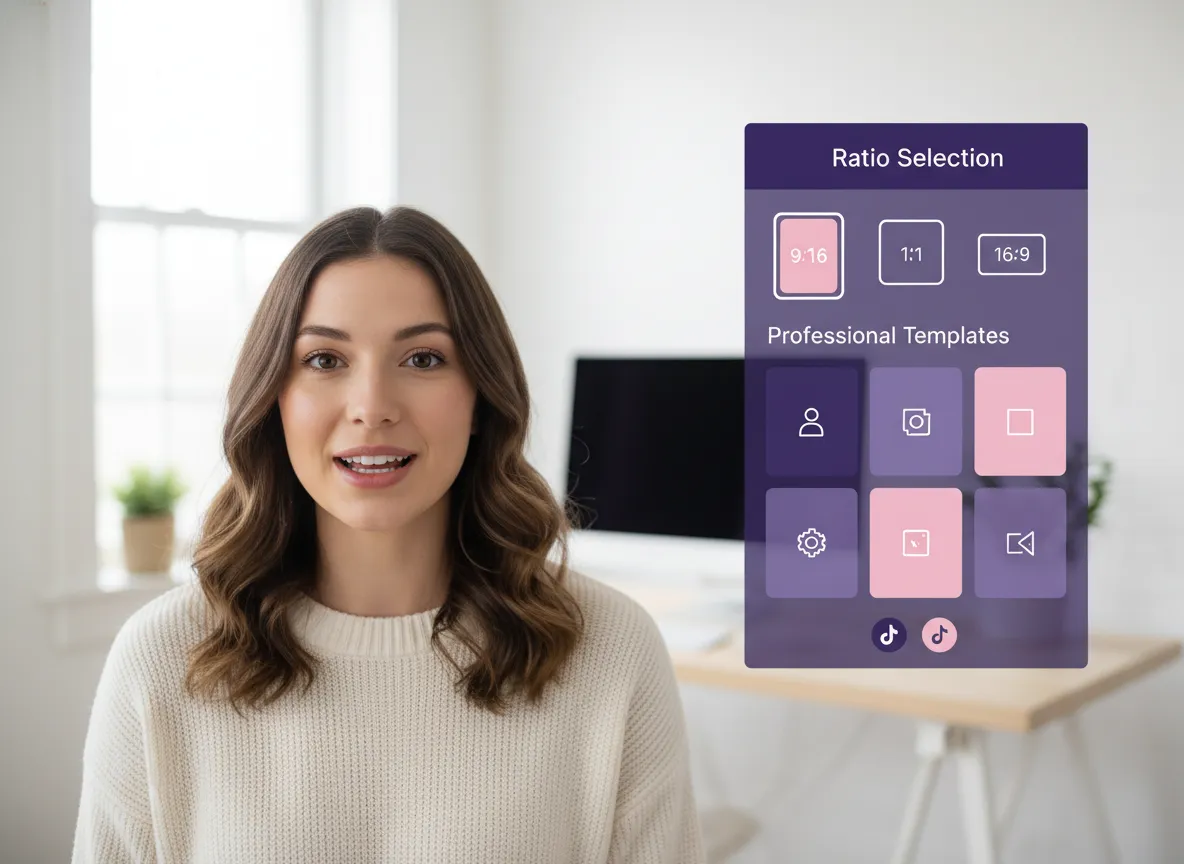
Choose the 9:16 vertical aspect ratio tailored for Reels. Set your target clip length and pick a professional template that aligns with your brand's visual identity.
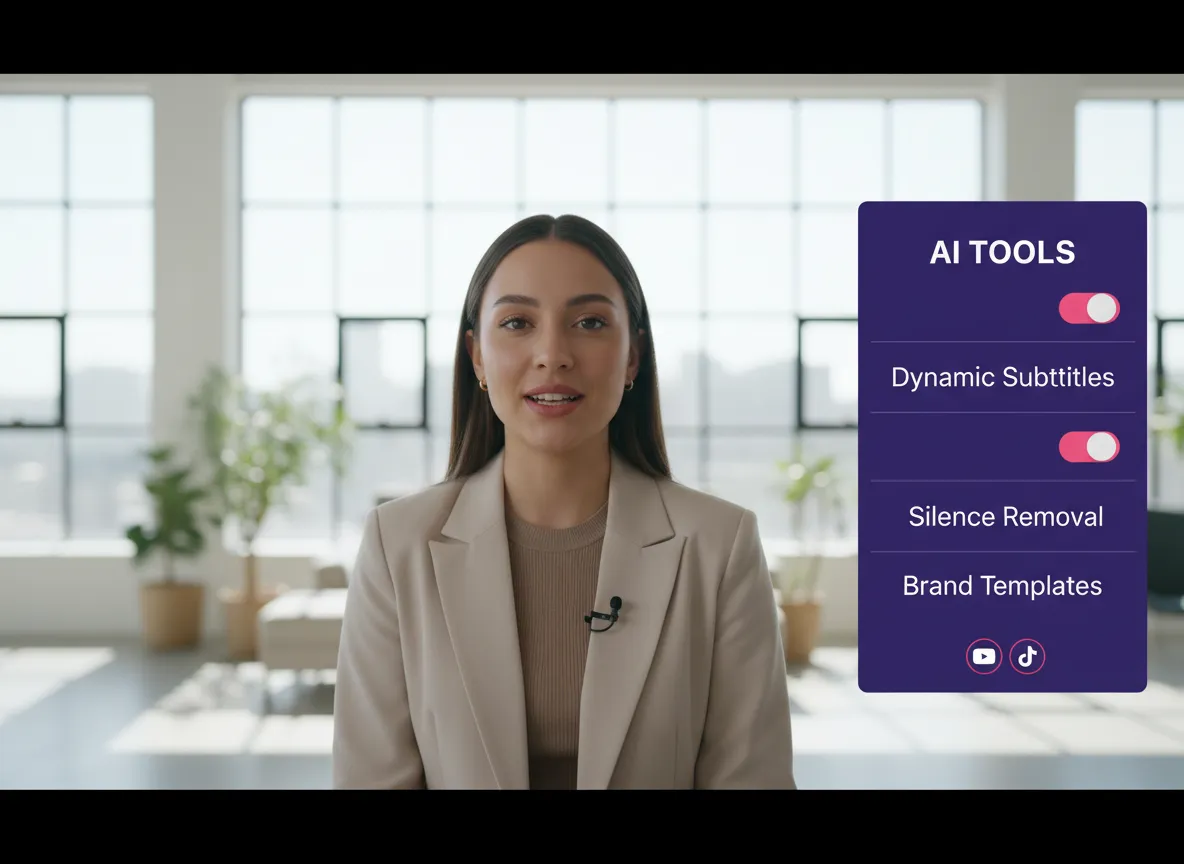
Enable features like Auto-Silence Removal, Dynamic Subtitles, and AI B-roll. These tools work together to ensure your content is fast-paced, engaging, and visually stunning.
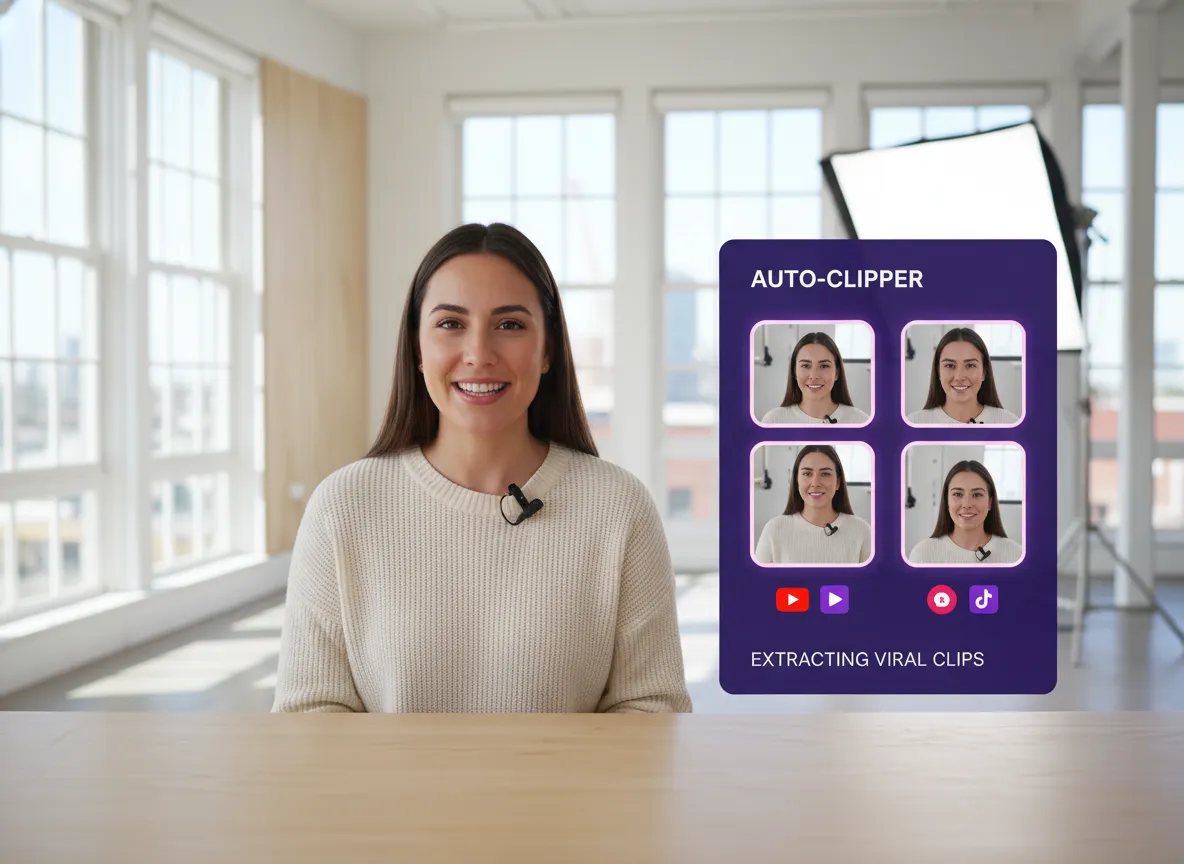
Click "Get Clips" to trigger our AI highlight detector. Vizard automatically extracts the most "viral-worthy" moments, focusing on emotional peaks and key insights.
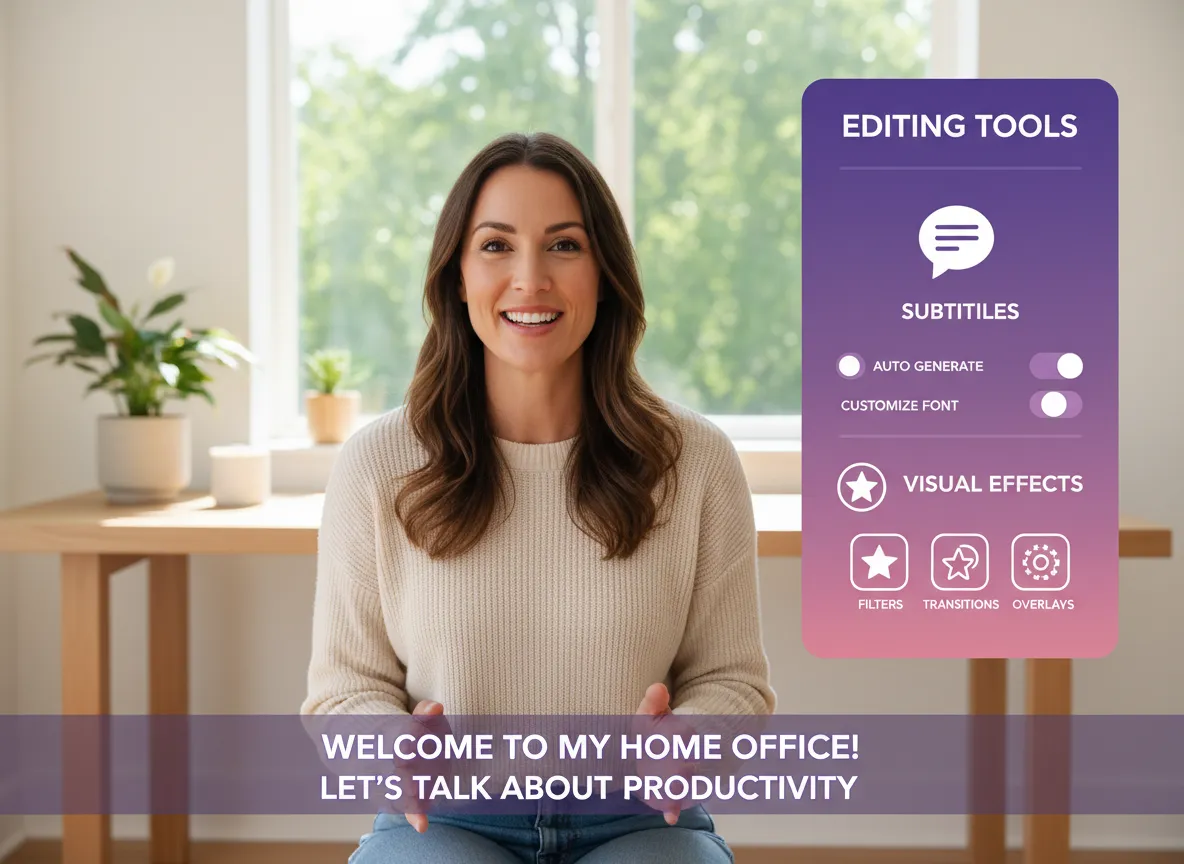
Step into the Vizard Editor for final touches. Adjust layouts, edit captions, or add branding elements to ensure every clip is perfect before it goes live.
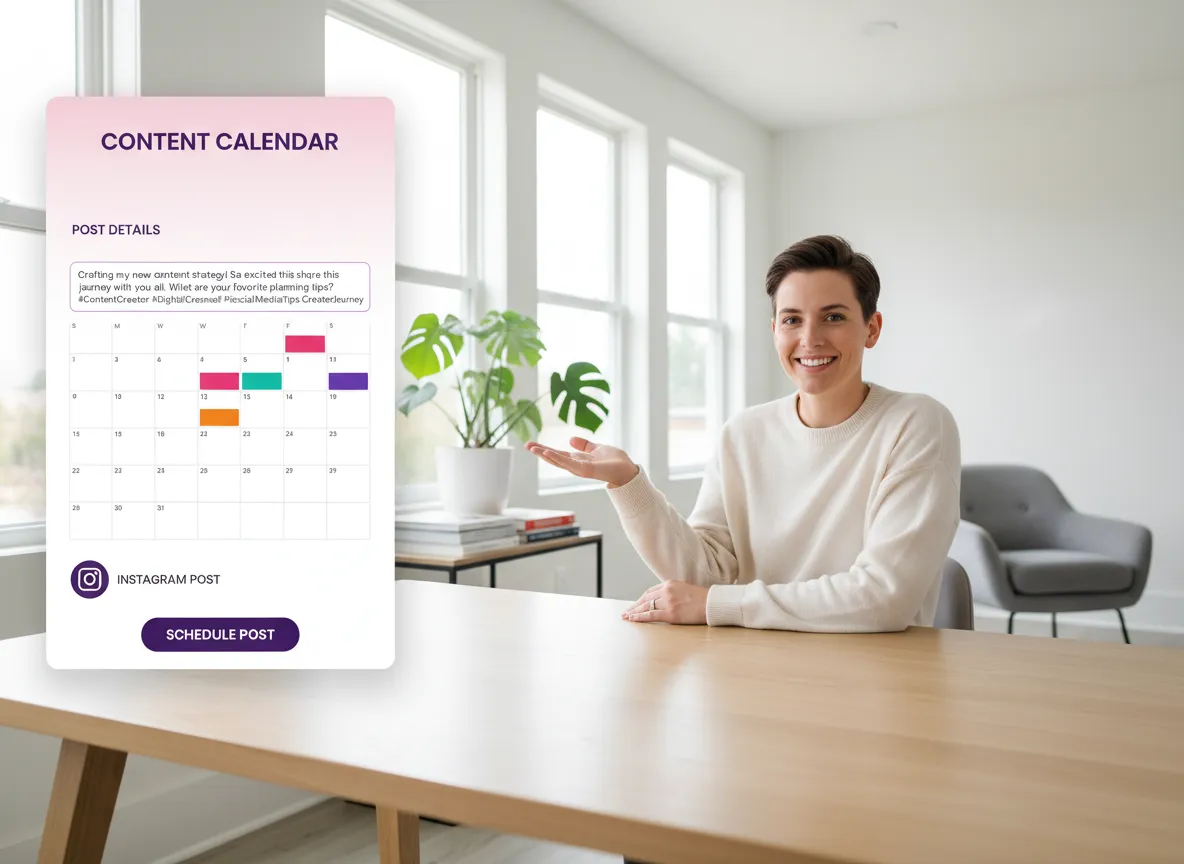
Use the built-in caption and hashtag generator to craft the perfect post. Then, publish directly to Instagram or schedule your content for the optimal posting time.
Turn one video into 10+ Instagram Reels with AI.
With just a few clicks, you can download or share your videos with your friends or team members with a link.
Turn your videos and audios into Reels, Stories, posts, and more in one click.
Effortlessly plan, schedule, and auto-generate engaging AI-driven posts, and publish your Instagram Reels along with the perfect captions.
Add dynamic subtitles for your videos automatically, all in the browser.
Bring your team together by inviting collaborators to work on your projects, in one workspace.
Effortlessly translate your video content into 130+ languages, expanding your global reach with just a few clicks.
Enhance your video's visual appeal and brand identity with ease by adding logos, images, outros, and custom fonts to your videos.


What is the Vizard Instagram Reels Clip Generator?
How does the AI identify the best highlights for my Reels?
Can I customize the subtitles to match the Instagram style?
Does Vizard help with video hooks for better retention?
Can I add my brand logo and colors to the clips?
How do I publish my generated Reels to Instagram?
Can I edit the clips manually after the AI generates them?
What types of videos can I turn into Instagram Reels?
What is the Vizard Instagram Reels Clip Generator?
How does the AI identify the best highlights for my Reels?
Can I customize the subtitles to match the Instagram style?
Does Vizard help with video hooks for better retention?
Can I add my brand logo and colors to the clips?
How do I publish my generated Reels to Instagram?
Can I edit the clips manually after the AI generates them?
What types of videos can I turn into Instagram Reels?

 Yao Wang

Yao Wang
Yao Wang

Yao Wang
Yao Wang


















