

NEW
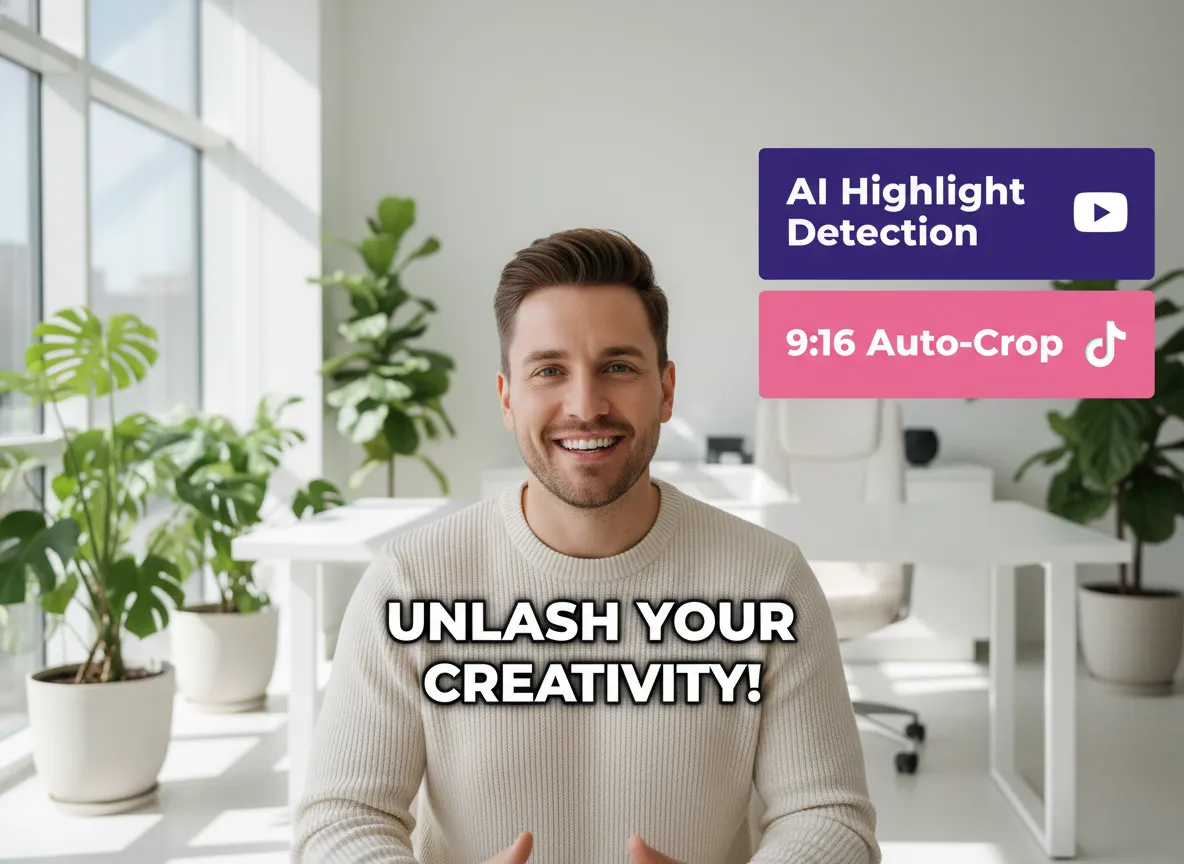



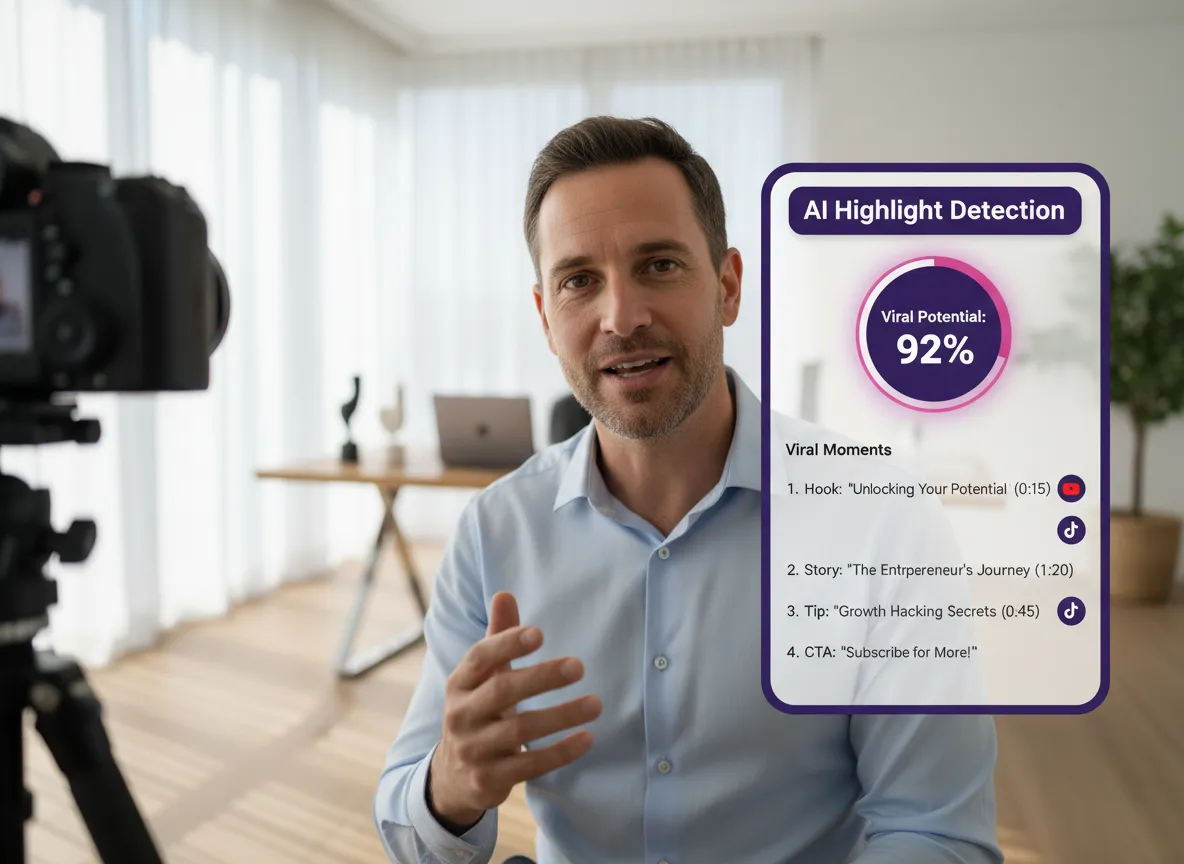
Vizard’s AI Highlight Detection revolutionizes how creators approach the YouTube Shorts Editing Tool. By analyzing semantic importance and emotional peaks, it automatically identifies the most viral-worthy segments from long-form podcasts or webinars. This feature saves hours of manual scrubbing by pinpointing "golden nuggets" like key insights or high-energy moments. Ideal for busy social media managers, it ensures your Shorts are built from the most engaging content. With Vizard, you transform raw footage into a library of potential hits, maximizing your reach and engagement across YouTube with minimal effort.
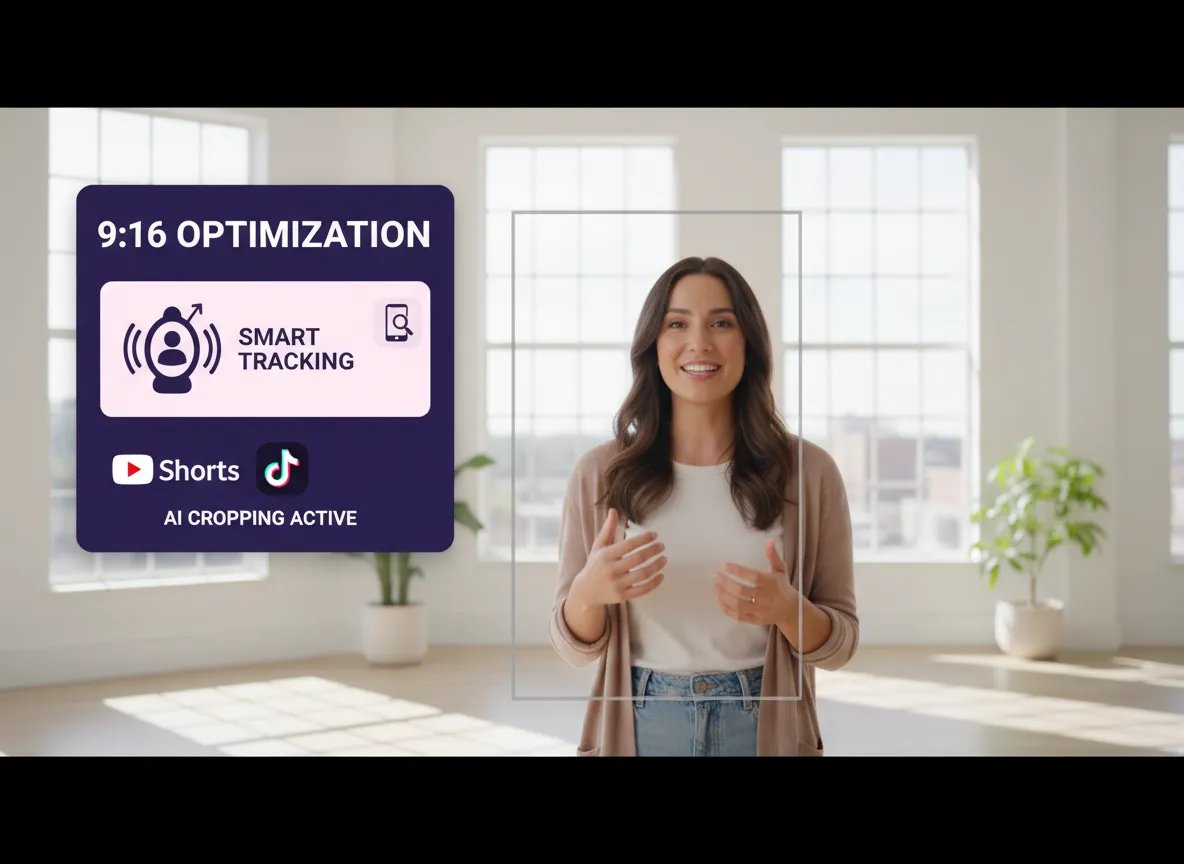
The YouTube Shorts Editing Tool features advanced 9:16 Vertical Optimization powered by Vizard’s intelligent framing. Unlike basic cropping, our AI tracks the speaker or central action, ensuring your subject stays perfectly centered in the vertical frame. This is essential for maintaining professional quality when repurposing landscape videos into Shorts. Whether you're a YouTuber or a brand marketer, this tool preserves visual balance and clarity. Vizard automates the resizing process, allowing you to focus on storytelling while the AI handles the technical layout for optimal mobile viewing.
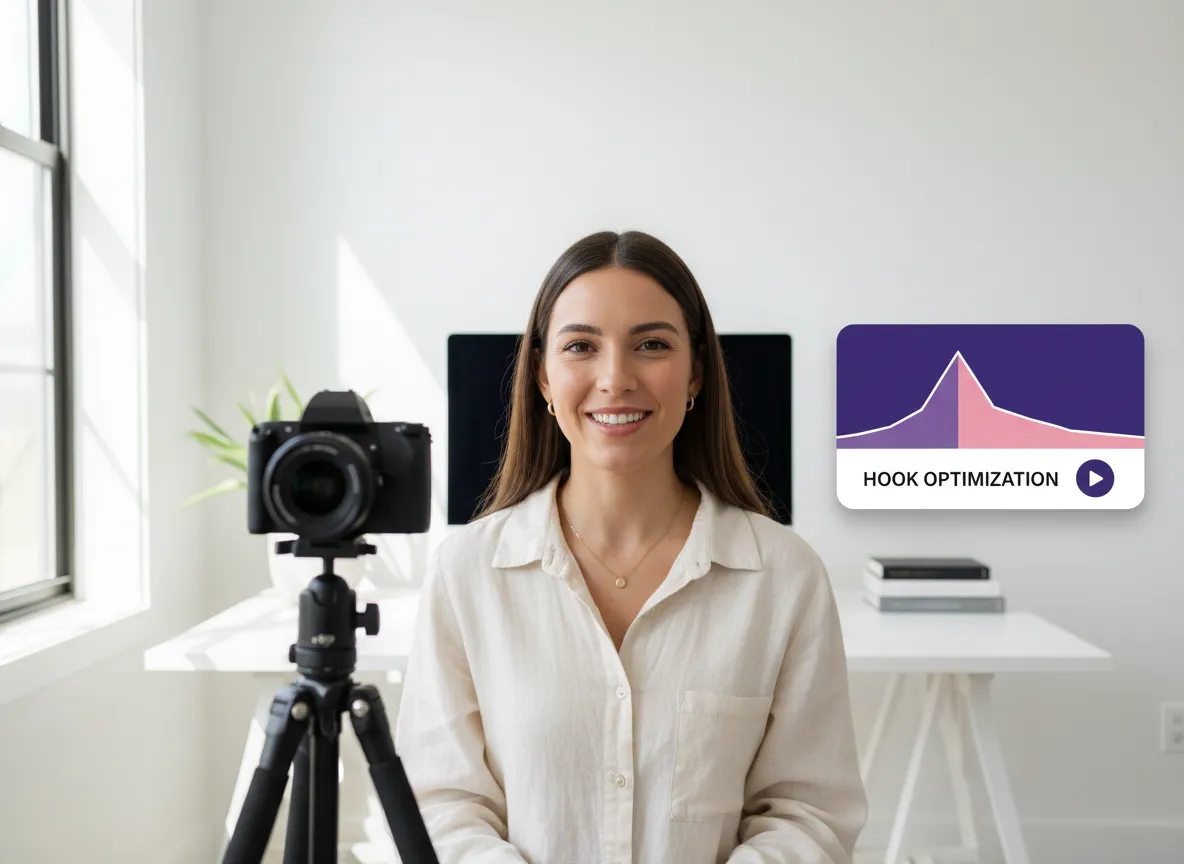
Capture attention instantly with Hook Optimization, a standout feature of Vizard’s YouTube Shorts Editing Tool. Recognizing that the first 3-5 seconds determine a Short's success, our AI analyzes and strengthens video intros to boost retention. By refining the opening structure, Vizard helps creators reduce bounce rates and increase watch time. This tool is perfect for educators and influencers who need to grab viewers' interest immediately in a crowded feed. Enhance your video’s performance and ensure your message is heard from the very first frame with Vizard’s data-driven hook enhancement.
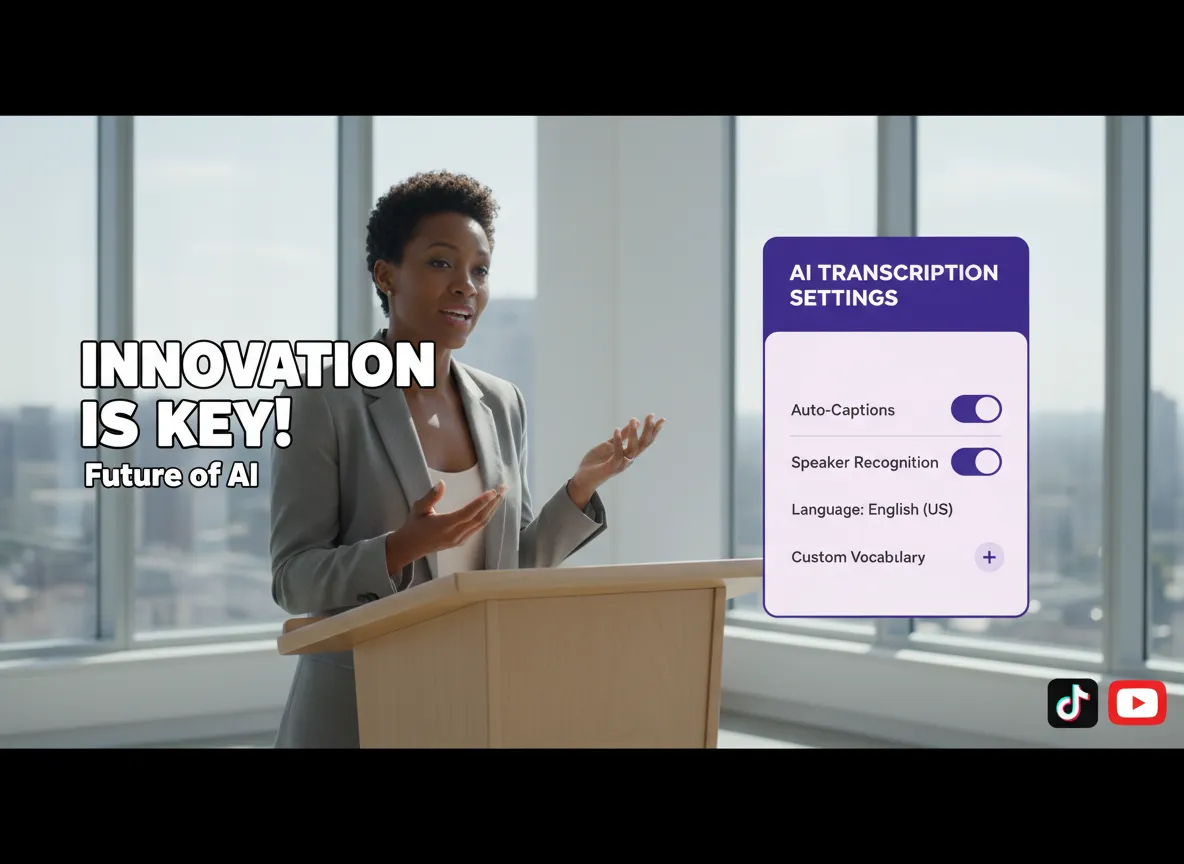
Vizard’s AI Subtitles & Dynamic Captions make your content accessible and engaging. As part of the YouTube Shorts Editing Tool, this feature supports over 35 languages for transcription and 150+ for translation. Choose from a variety of stylish, animated caption styles that match the fast-paced energy of YouTube Shorts. For creators reaching a global audience, Vizard provides accurate, synchronized text that keeps viewers watching even on mute. Boost your SEO and viewer comprehension effortlessly while maintaining a high-energy visual aesthetic that stands out on any social platform.

Keep your audience hooked with snappy pacing using Vizard’s Remove Silence & Pace Control. This integrated feature within the YouTube Shorts Editing Tool automatically identifies and cuts awkward pauses or filler words, ensuring a tight, professional flow. Fast-paced editing is crucial for YouTube Shorts' high-retention logic, and Vizard makes it seamless. E-commerce brands and tutorial creators can benefit from concise, punchy videos that deliver value quickly. By optimizing the rhythm of your clips, Vizard ensures your content remains energetic and engaging from start to finish.
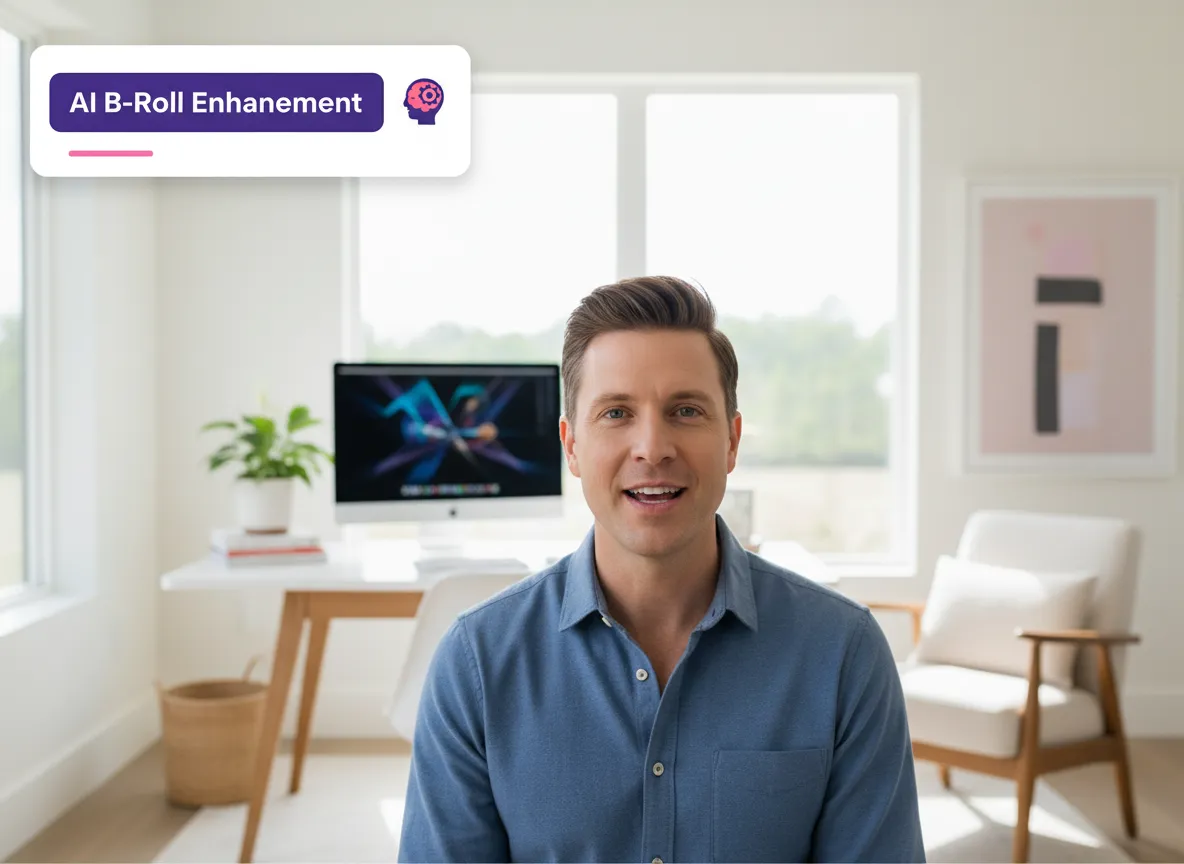
Elevate your production value with AI B-roll & Visual Enhancement. Vizard’s YouTube Shorts Editing Tool integrates with leading AI models like Sora and Kling to generate relevant overlay footage or match existing B-roll to your narrative. This feature transforms talking-head videos into visually rich experiences that prevent viewer fatigue. It’s an invaluable asset for storytellers and marketers looking to add depth to their Shorts without a big production budget. Vizard automates the visual storytelling process, making your short-form content look more professional and polished in just a few clicks.
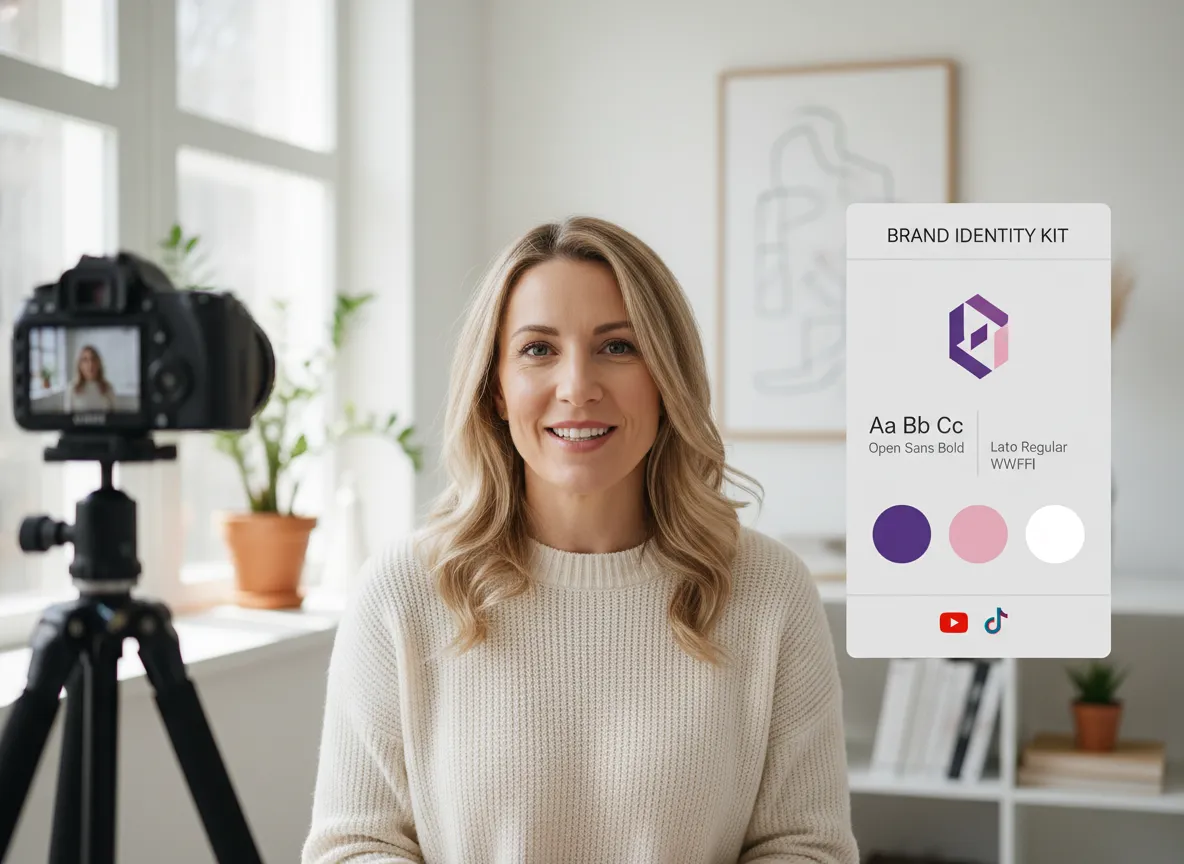
Maintain a cohesive brand identity across all your Shorts with Vizard’s Brand Templates & Outro. This feature allows you to seamlessly integrate your logo, brand colors, and custom fonts into every video generated by the YouTube Shorts Editing Tool. Adding a professional outro helps drive traffic to your main channel or website. For agencies managing multiple brands, Vizard provides the consistency needed to build a recognizable presence. Ensure every clip looks intentionally designed and reinforces your brand’s authority while saving time on repetitive design tasks.
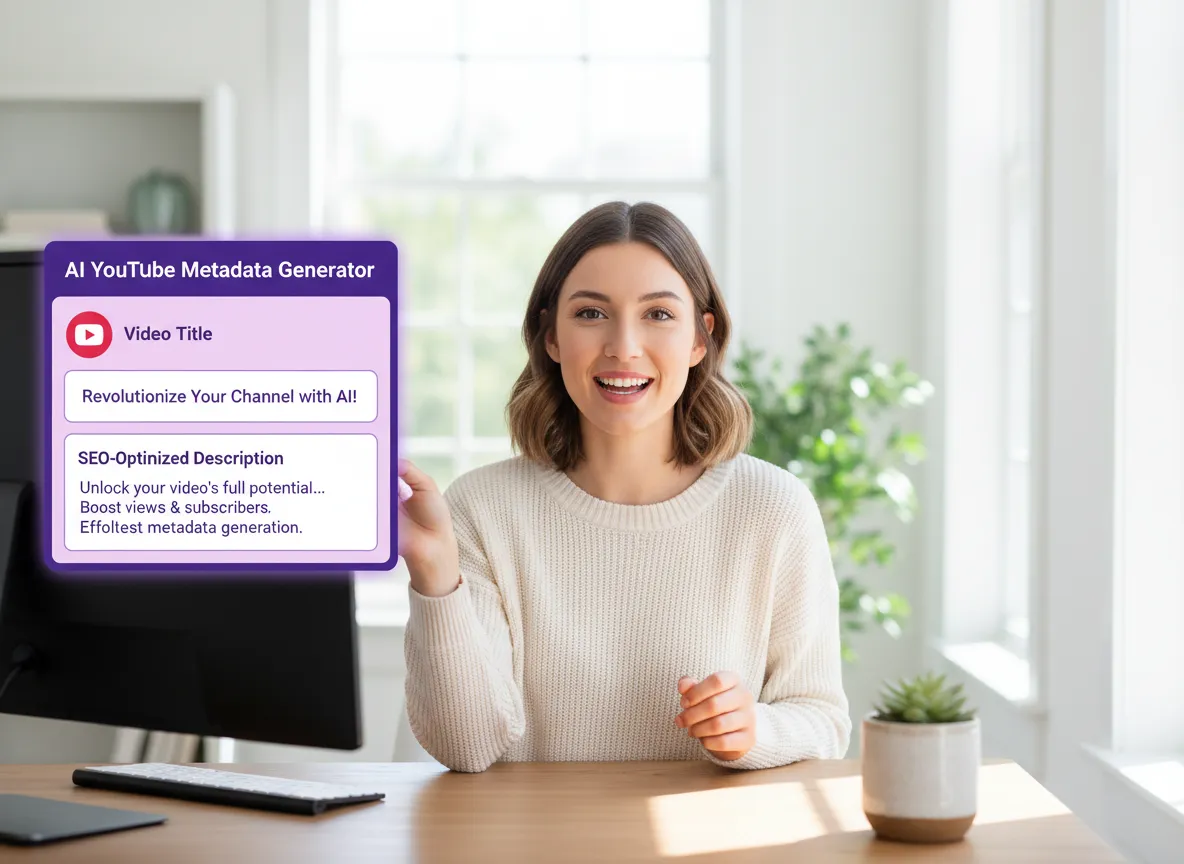
Maximize your video’s discoverability with the YouTube Title & Description Generator. Part of the Vizard YouTube Shorts Editing Tool, this AI-driven feature crafts SEO-optimized titles and descriptions tailored for the YouTube algorithm. By analyzing your video’s content, Vizard suggests high-ranking keywords and compelling calls-to-action to improve click-through rates. This is ideal for creators who want to rank higher in search results without spending hours on copywriting. Let Vizard handle the metadata so you can focus on creating more content while driving organic growth to your channel.
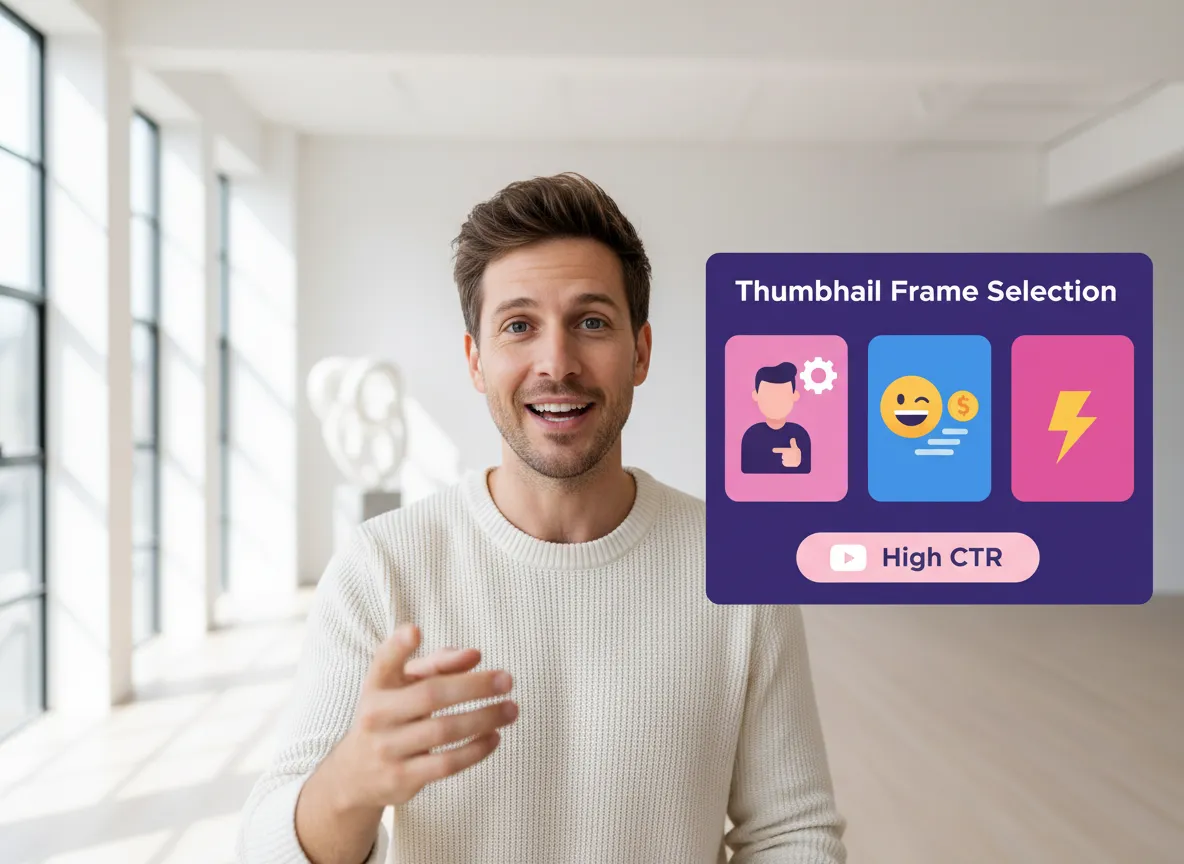
Increase your CTR with Vizard’s Thumbnail Frame Selection feature. The YouTube Shorts Editing Tool automatically suggests the most visually striking frames from your video to serve as the perfect cover image. A great thumbnail is the gateway to your content, and Vizard ensures you pick the one most likely to attract clicks. This tool is a lifesaver for creators who need to publish quickly but don't want to sacrifice performance. With Vizard, you can easily preview and select high-quality frames that capture the essence of your Short and entice viewers to watch.
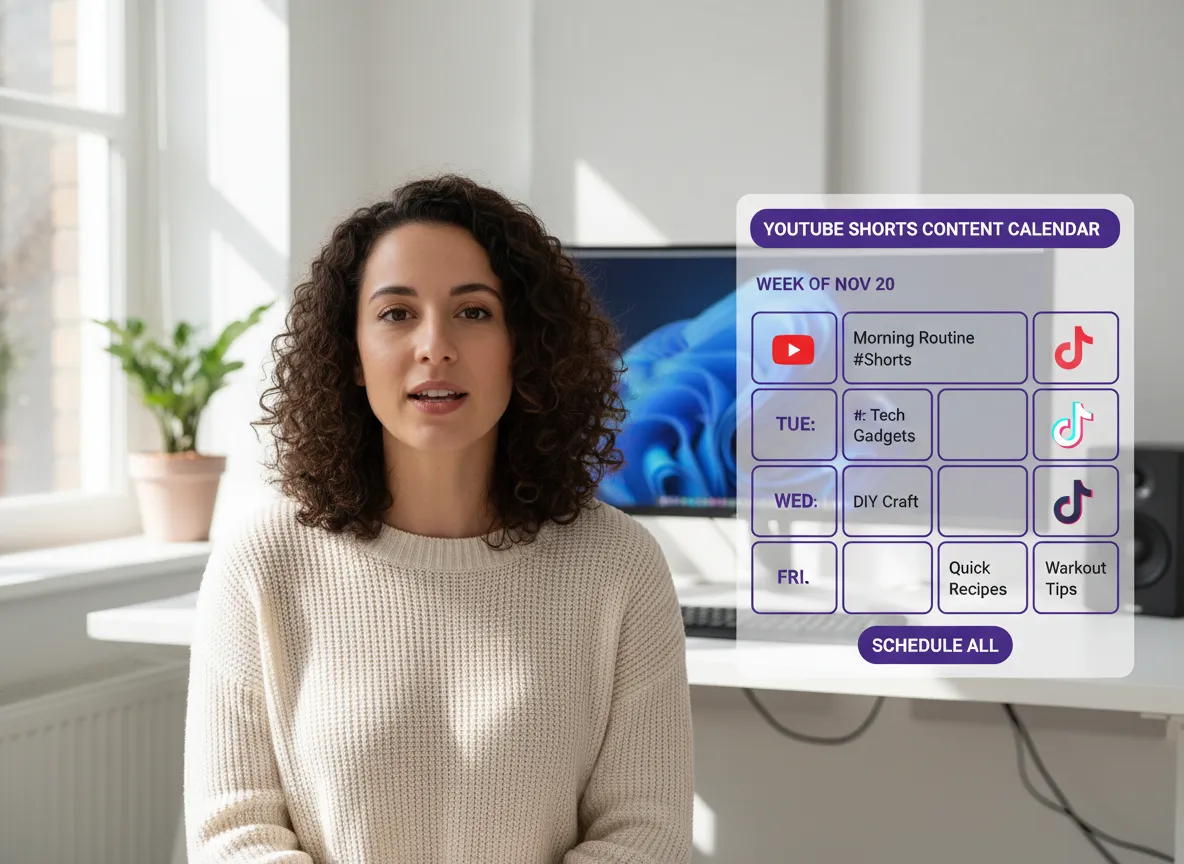
Streamline your workflow with Direct Publishing & Scheduling within Vizard. Once your video is ready in the YouTube Shorts Editing Tool, you can post it directly to your YouTube channel or schedule it for the peak viewing time using the built-in Content Calendar. This integration eliminates the need for manual downloads and uploads, saving significant time for social media managers. Vizard allows you to maintain a consistent posting schedule, which is key to growing a YouTube audience. Manage your entire Shorts strategy from a single dashboard and keep your content pipeline flowing.
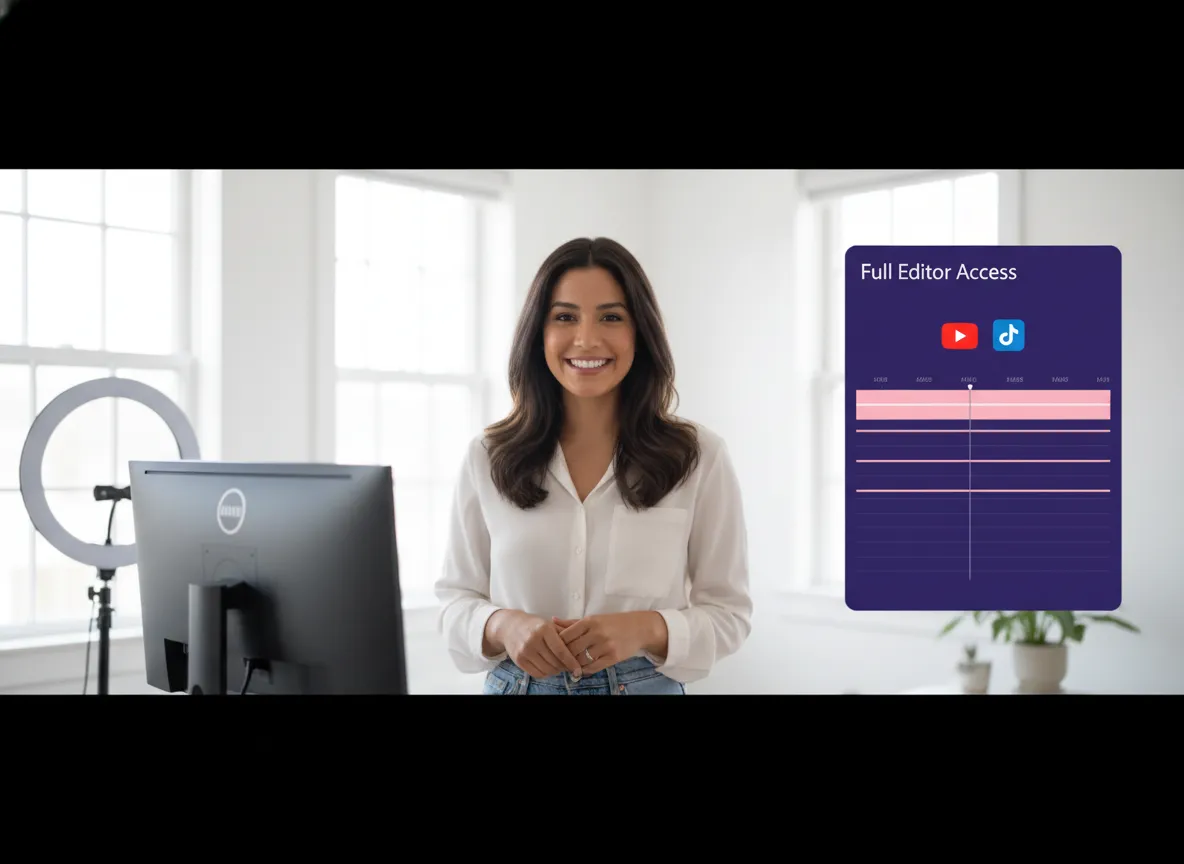
For those who want total creative control, Vizard offers Full Editor Access. While the YouTube Shorts Editing Tool automates the heavy lifting, you can always jump into the Vizard Editor for fine-tuning. Adjust subtitles, crop frames manually, add transitions, or apply unique visual effects to give your Shorts a custom touch. This flexibility makes Vizard suitable for both beginners who want one-click solutions and advanced editors who need precise adjustments. Enjoy the best of both worlds: AI-powered speed and professional-grade editing tools in one unified platform.
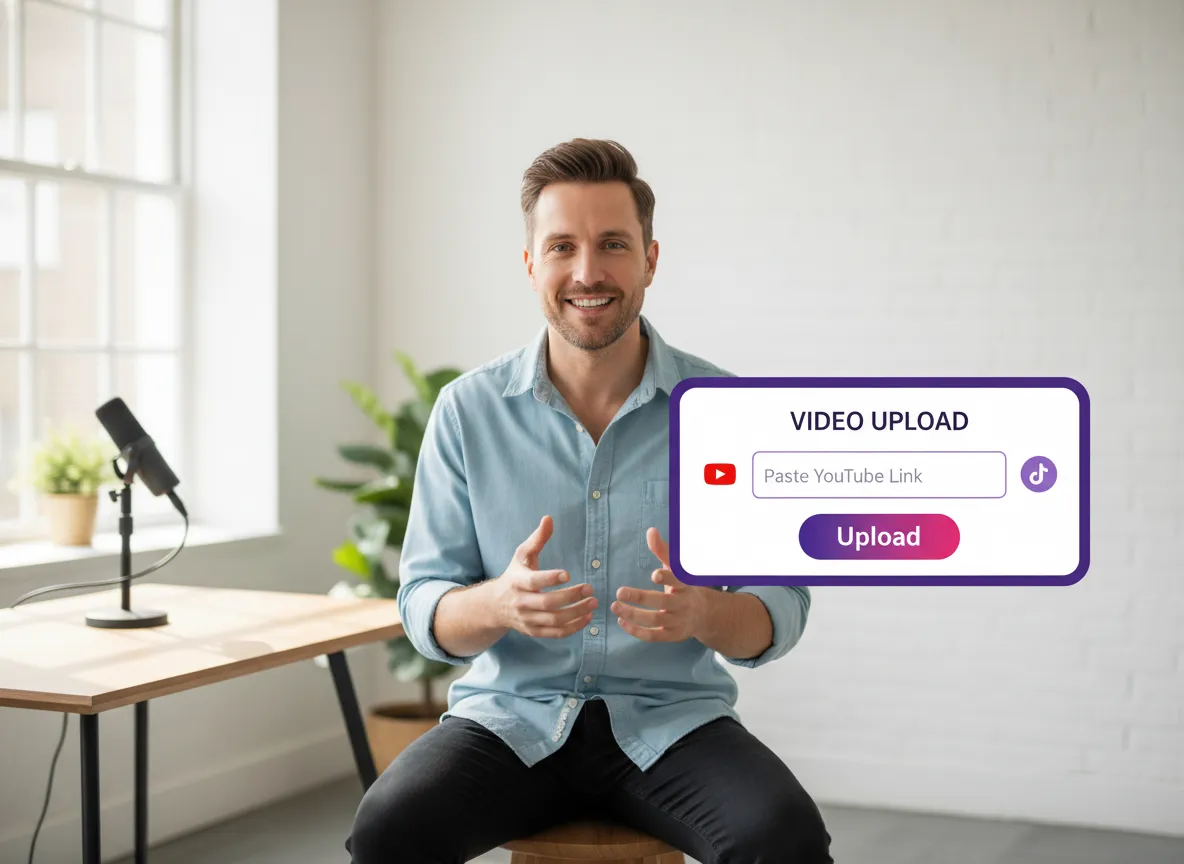
Log into your Vizard workspace and upload your long-form video, podcast, or webinar directly. Alternatively, you can simply paste a YouTube link to begin the transformation.
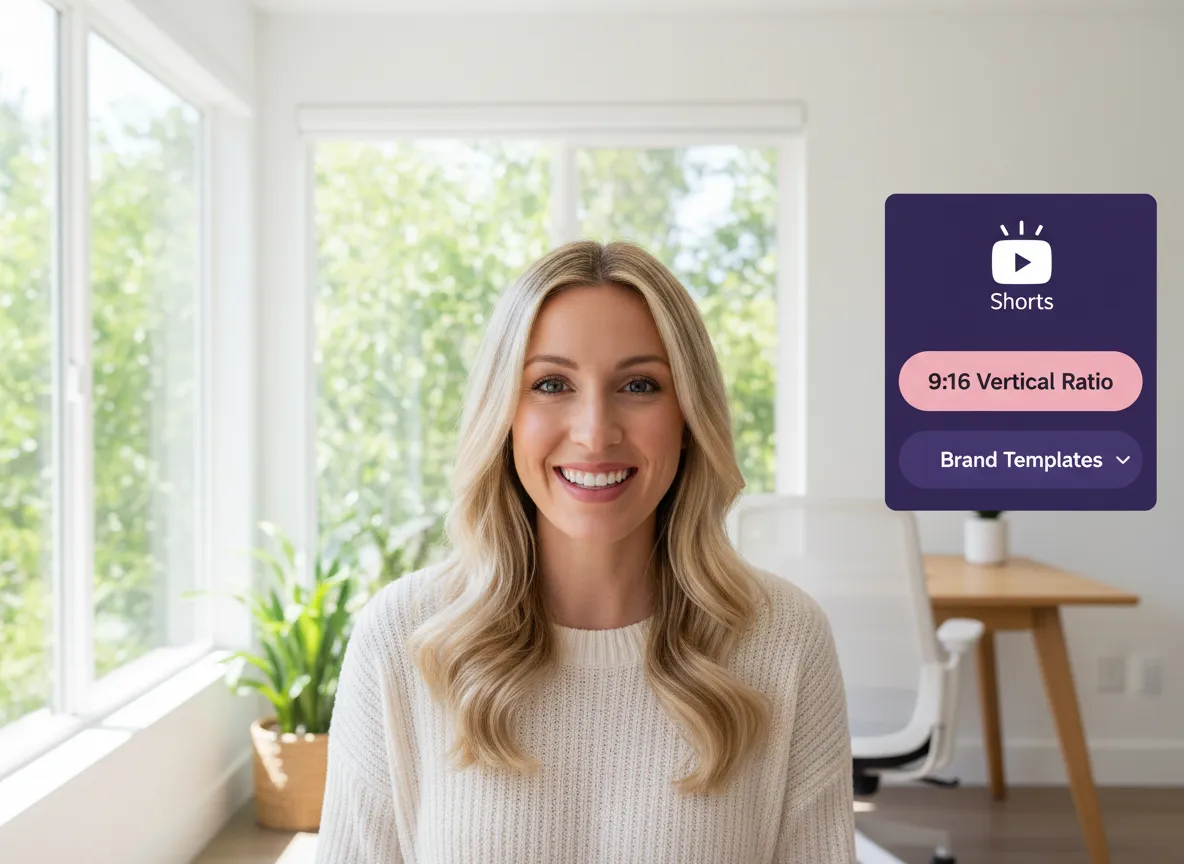
Choose the 9:16 vertical aspect ratio, which is optimized for YouTube Shorts. Set your desired clip duration and select a brand template to ensure visual consistency.
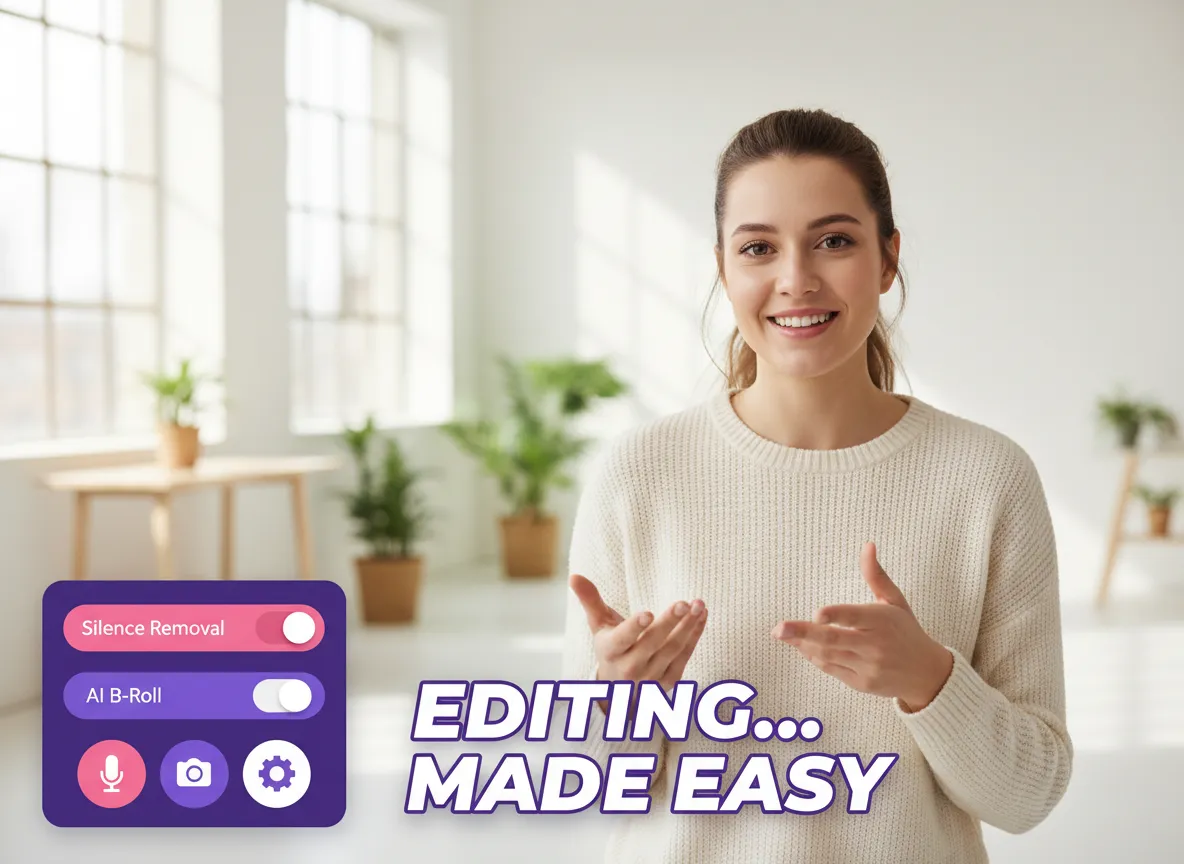
Enhance your content by enabling powerful AI tools such as "Remove Silence" for tighter pacing, "Dynamic Subtitles" for engagement, and "AI B-roll" to keep viewers visually stimulated.
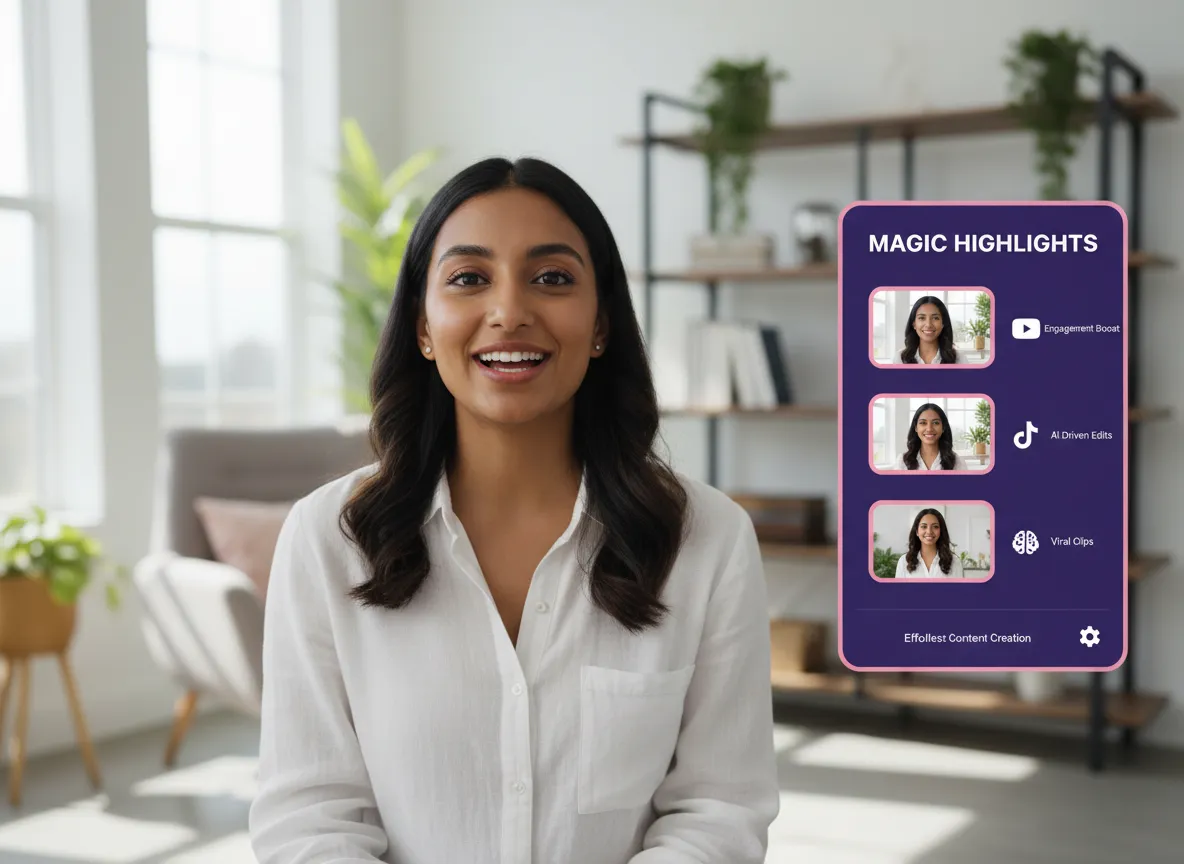
Click "Get Clips" and let Vizard's multi-modal AI analyze your video for high-energy moments and key insights, automatically producing multiple ready-to-post Shorts.
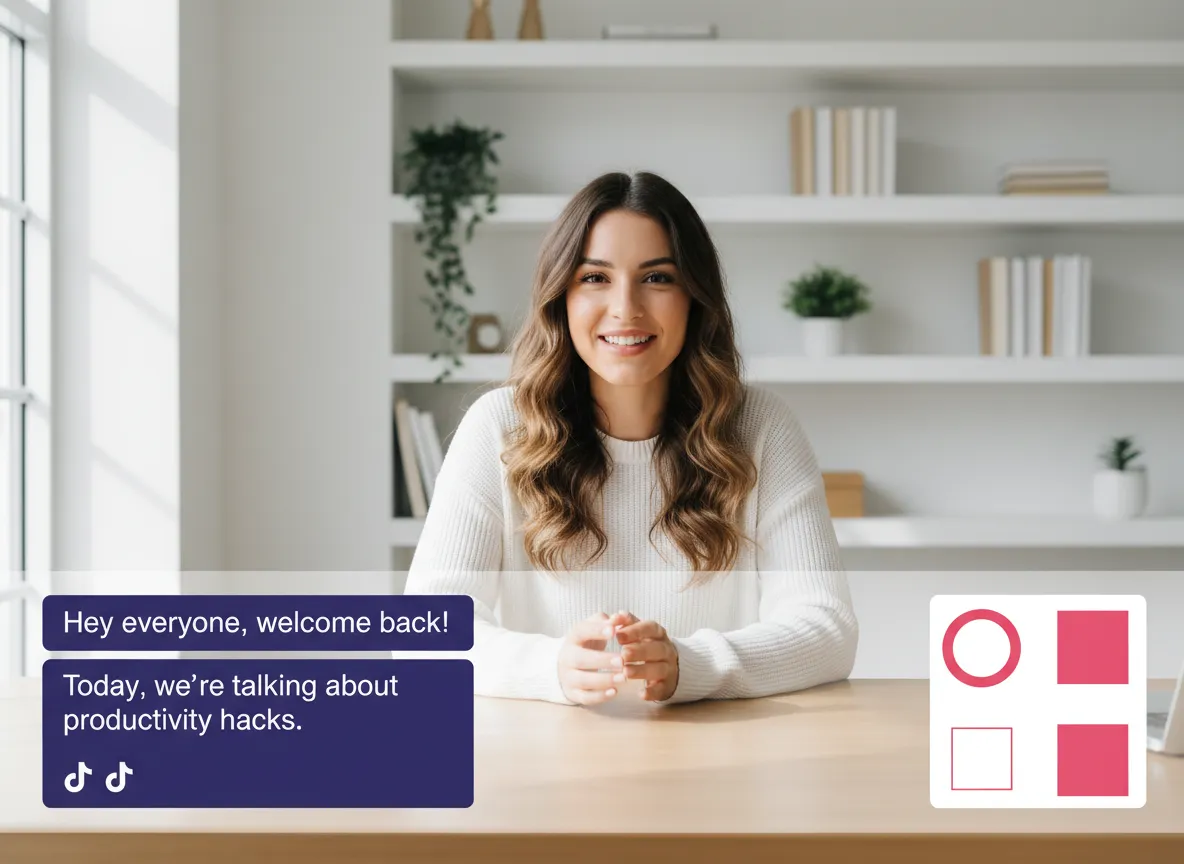
If you need to make specific adjustments, enter the Vizard Editor. Easily modify subtitles, adjust the smart-crop focal point, or add custom brand elements and transitions.
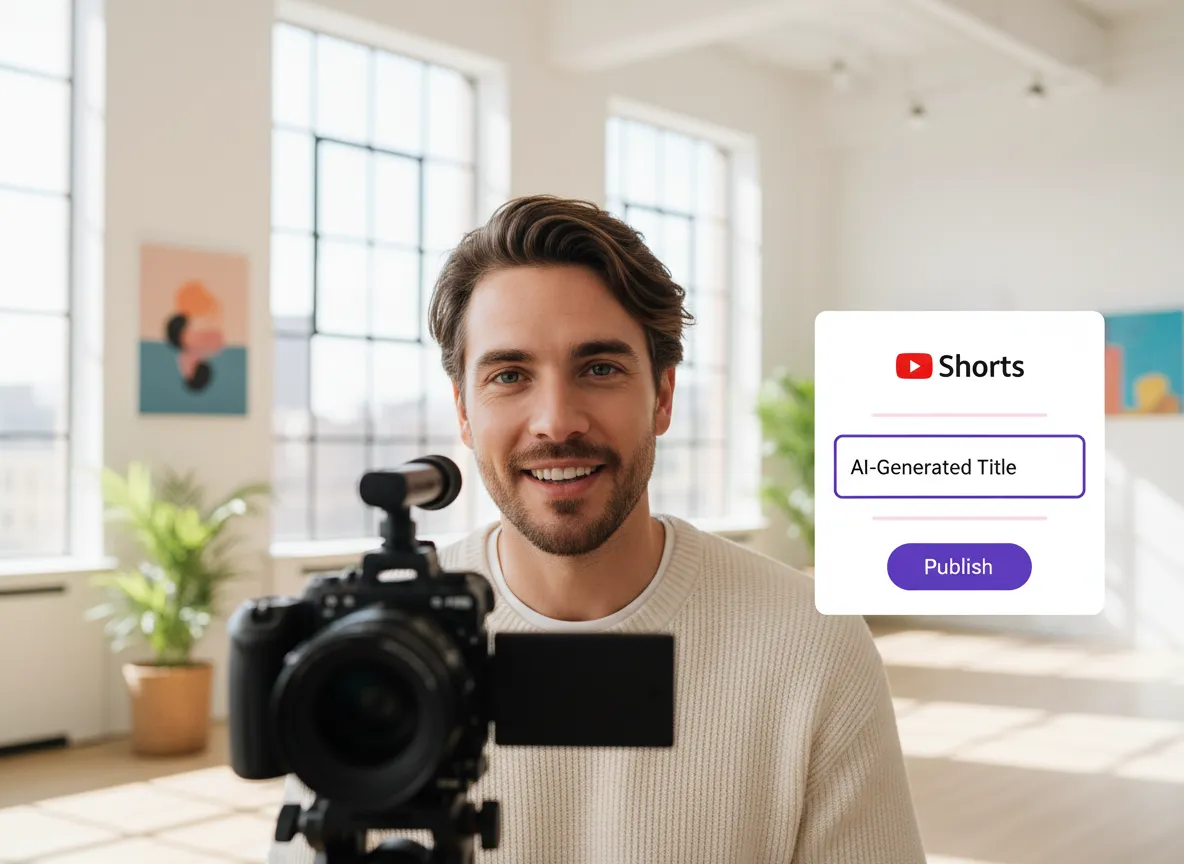
Vizard automatically generates SEO-friendly titles and descriptions for your Shorts. Review the metadata, then publish directly to YouTube or schedule them for the best time.
Turn one video into 10+ Instagram Reels with AI.
With just a few clicks, you can download or share your videos with your friends or team members with a link.
Turn your videos and audios into Reels, Stories, posts, and more in one click.
Effortlessly plan, schedule, and auto-generate engaging AI-driven posts, and publish your Instagram Reels along with the perfect captions.
Add dynamic subtitles for your videos automatically, all in the browser.
Bring your team together by inviting collaborators to work on your projects, in one workspace.
Effortlessly translate your video content into 130+ languages, expanding your global reach with just a few clicks.
Enhance your video's visual appeal and brand identity with ease by adding logos, images, outros, and custom fonts to your videos.


What is the YouTube Shorts Editing Tool?
How does the AI identify the best moments for YouTube Shorts?
Can I convert horizontal videos to a vertical 9:16 aspect ratio?
Does the tool provide automatic subtitles and dynamic captions?
How does Vizard help improve the 'Hook' of my YouTube Shorts?
Can I publish my edited Shorts directly to YouTube?
Is it possible to add my own branding and logos to the videos?
What languages are supported for transcription and translation?
What is the YouTube Shorts Editing Tool?
How does the AI identify the best moments for YouTube Shorts?
Can I convert horizontal videos to a vertical 9:16 aspect ratio?
Does the tool provide automatic subtitles and dynamic captions?
How does Vizard help improve the 'Hook' of my YouTube Shorts?
Can I publish my edited Shorts directly to YouTube?
Is it possible to add my own branding and logos to the videos?
What languages are supported for transcription and translation?

 Yao Wang
Yao Wang

Yao Wang

Yao Wang

Yao Wang


















