

NEW
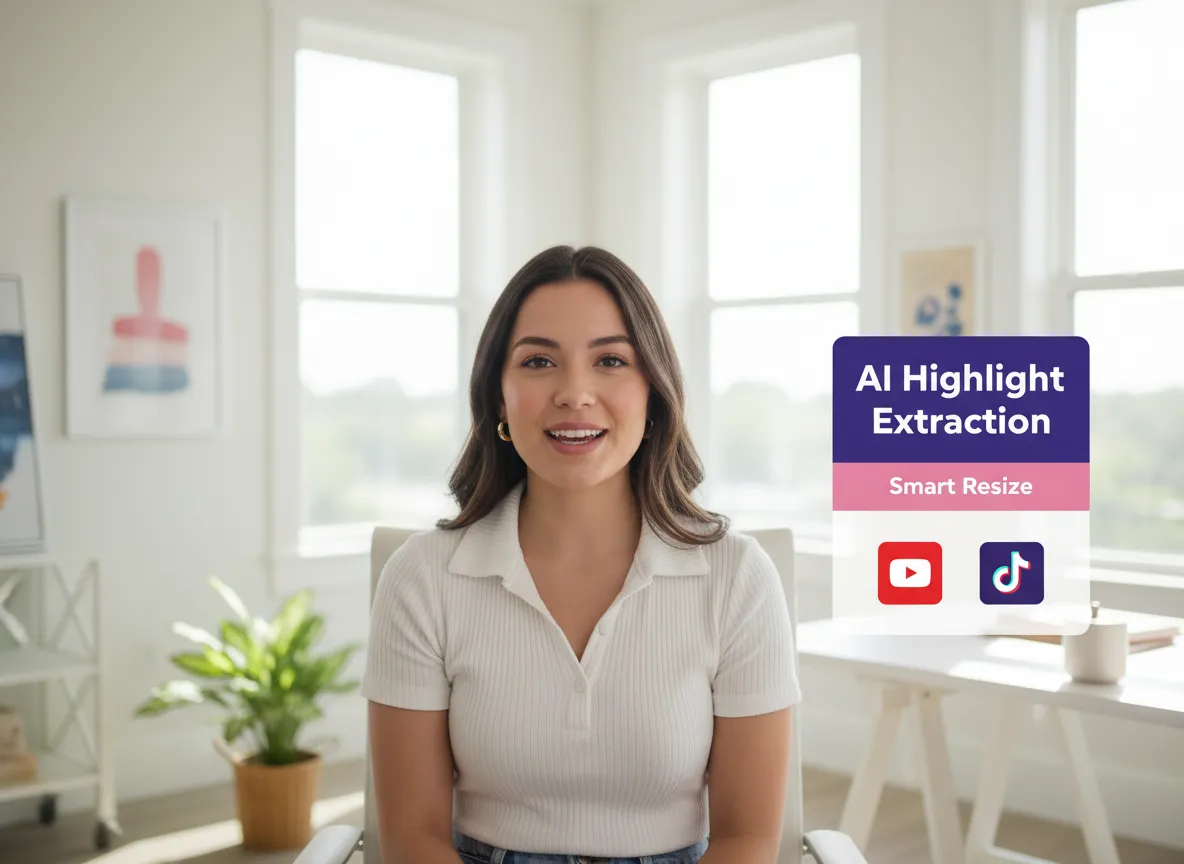



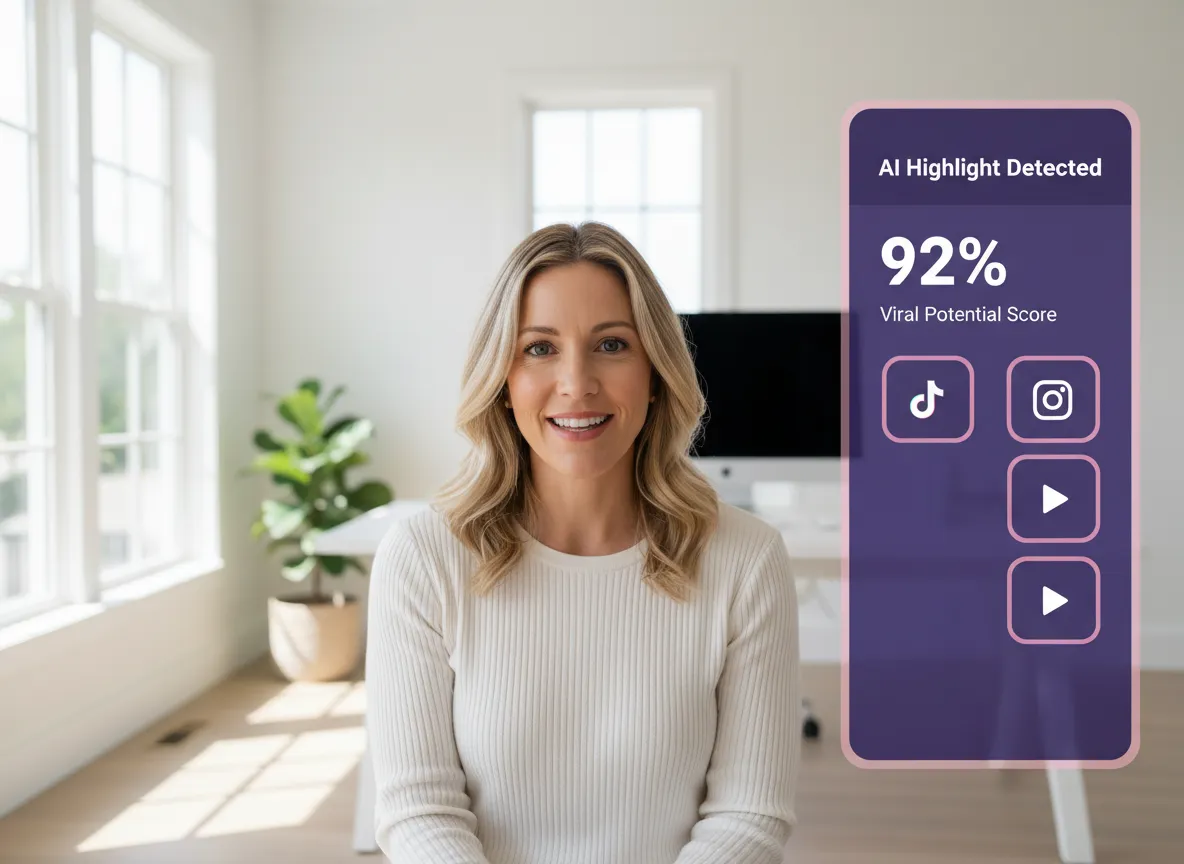
Vizard’s Video Repurposing Tool uses multi modal AI to identify high impact moments from long videos like webinars or podcasts. By evaluating semantic structure Vizard automatically turns one long video into multiple bite sized clips for TikTok and Instagram Reels. This eliminates hours of manual scrubbing so creators and social media managers can scale content output effortlessly. This automated process allows marketers to focus on strategy instead of tedious editing tasks.
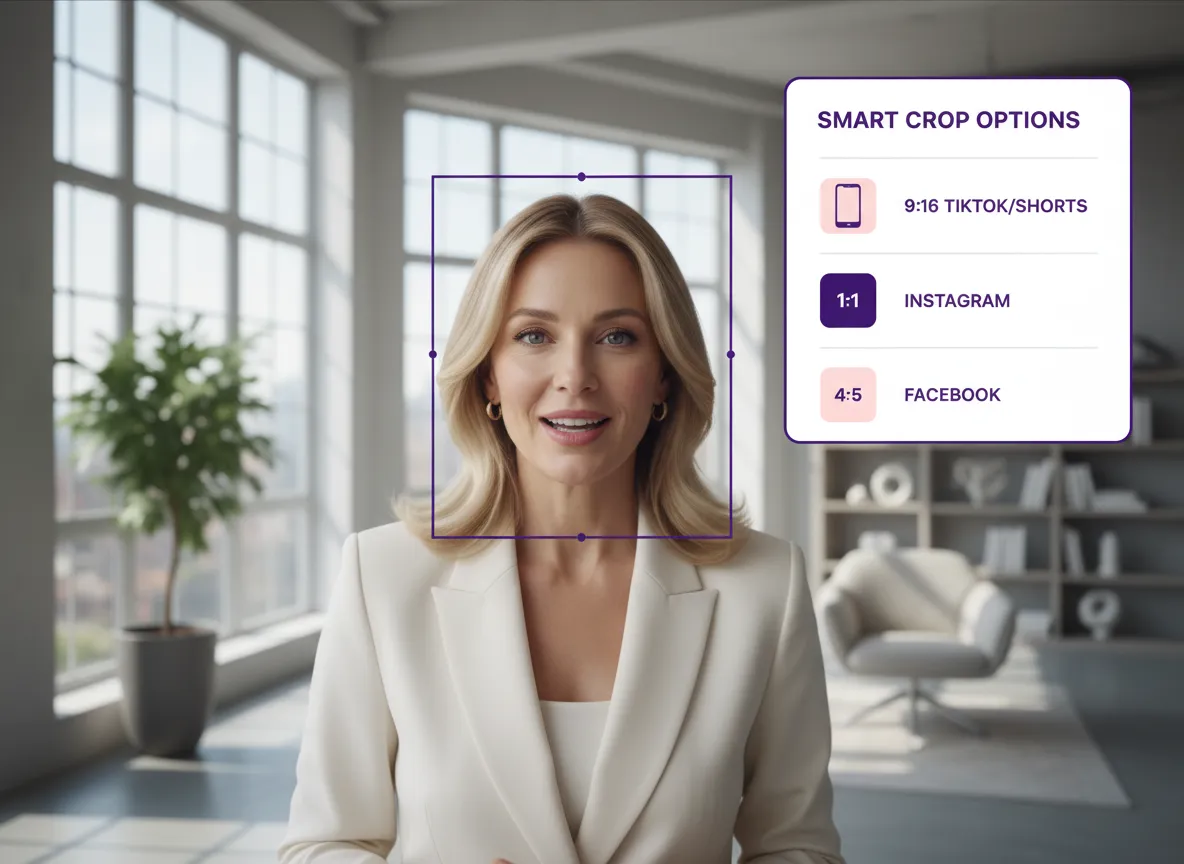
Transform a single video into versatile assets for every major social channel using Vizard. Vizard’s Video Repurposing Tool supports instant aspect ratio switching including 9 16 for Shorts and 1 1 for Instagram. Our Smart Vertical Cropping technology intelligently tracks speakers to ensure they stay centered in vertical formats. You can seamlessly adapt YouTube content into mobile first experiences to maximize your reach across the social media ecosystem.
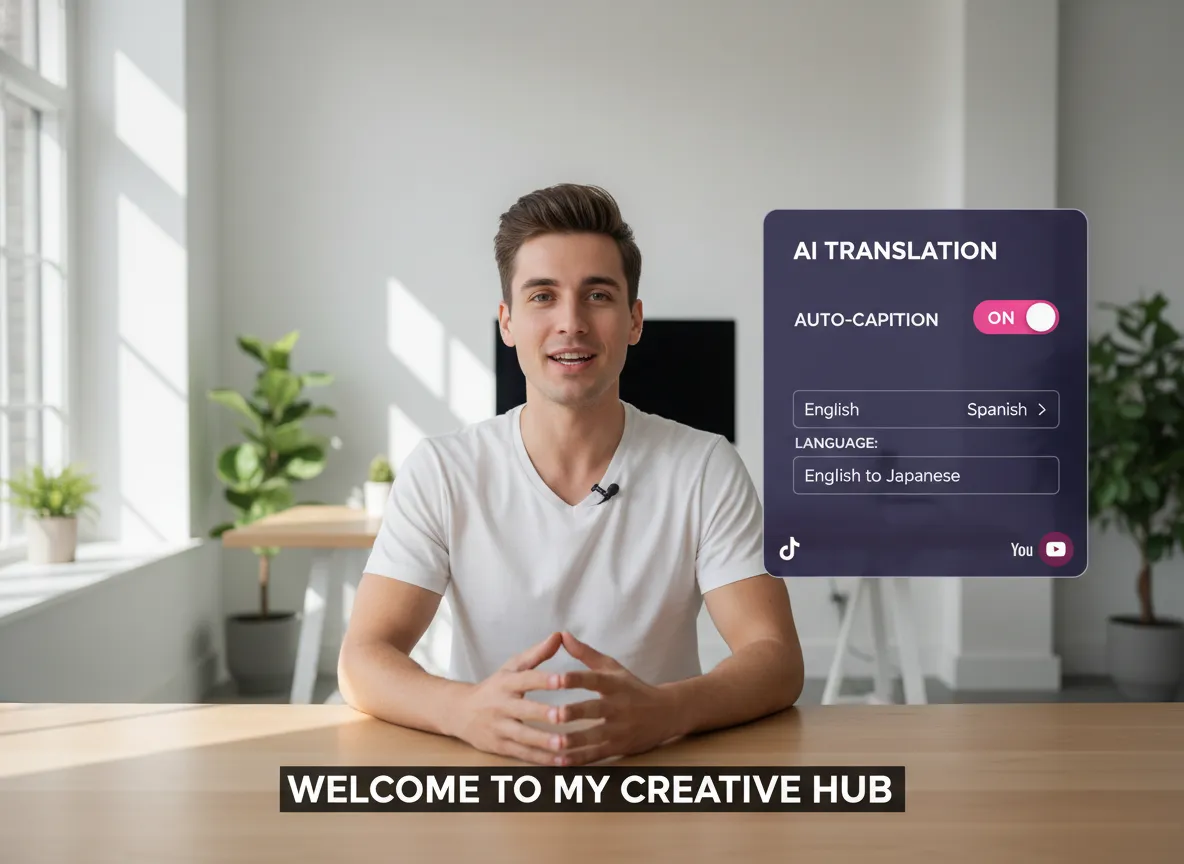
Boost accessibility and global reach with the Vizard automated captioning system. Our Video Repurposing Tool features high accuracy speech recognition supporting over 35 languages and translation into 150 plus languages. Vizard allows you to customize subtitle styles to match your brand to ensure your message is clear and engaging. This tool streamlines localization and helps your repurposed content resonate with global viewers on platforms like LinkedIn and TikTok.
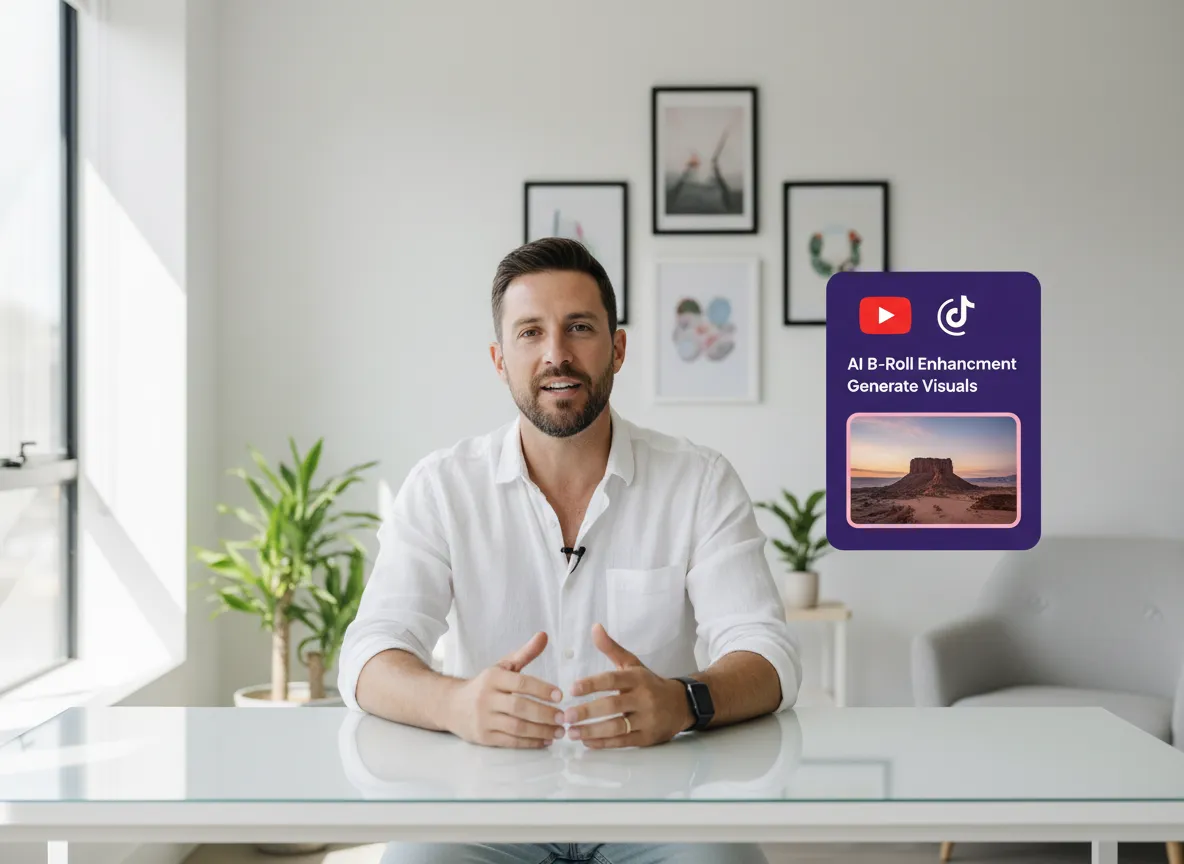
Elevate the production value of your clips using Vizard’s integrated AI Studio. Our Video Repurposing Tool automatically matches relevant B roll to your footage and removes awkward silences to optimize pacing. This creates a polished viewing experience that keeps audiences hooked and drives higher viewer retention. It is perfect for podcast creators and webinar hosts who want to turn static talking head videos into dynamic content.
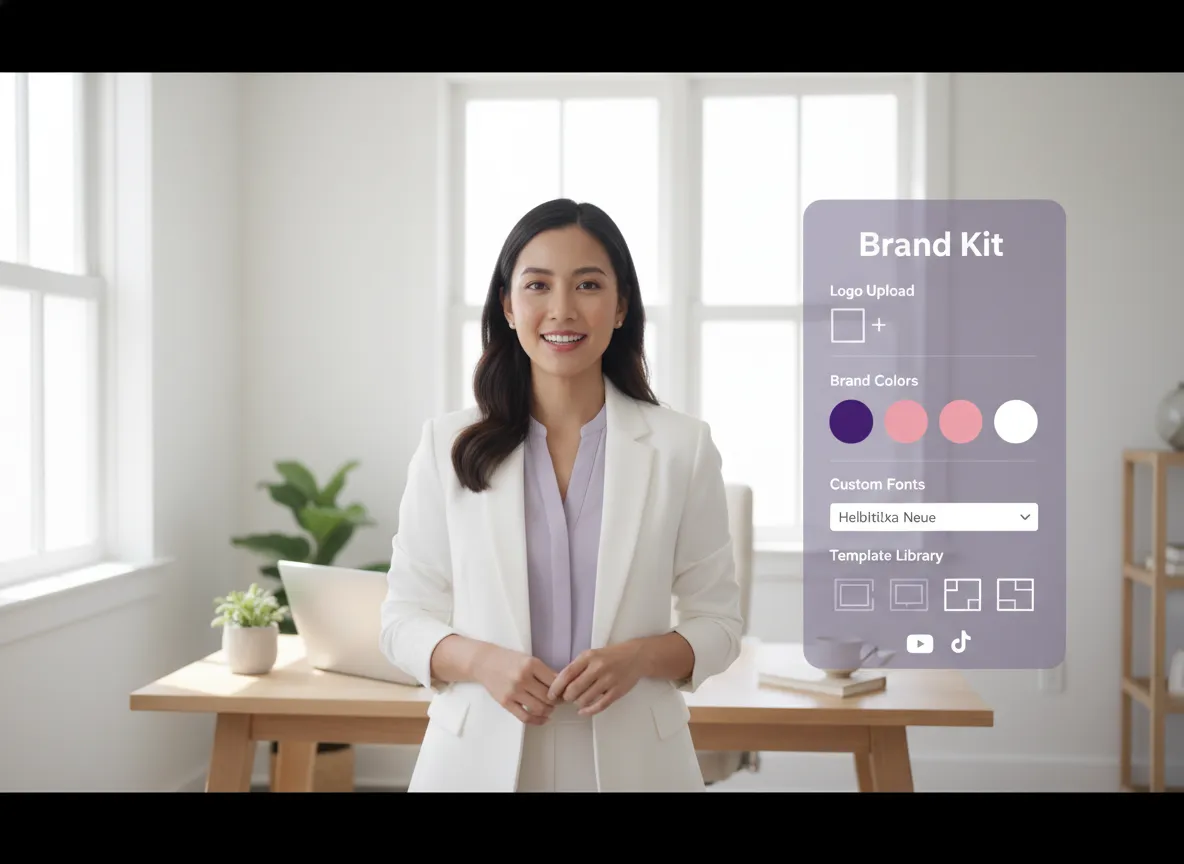
Maintain a consistent professional identity across every clip you generate with Vizard’s Video Repurposing Tool. Our Brand Kit allows you to instantly apply your logo brand colors and custom fonts to all your repurposed videos. Our library of designer made templates ensures that your content looks high end and cohesive for online courses or interviews. These professional templates make high quality production accessible to everyone without requiring expert design skills.
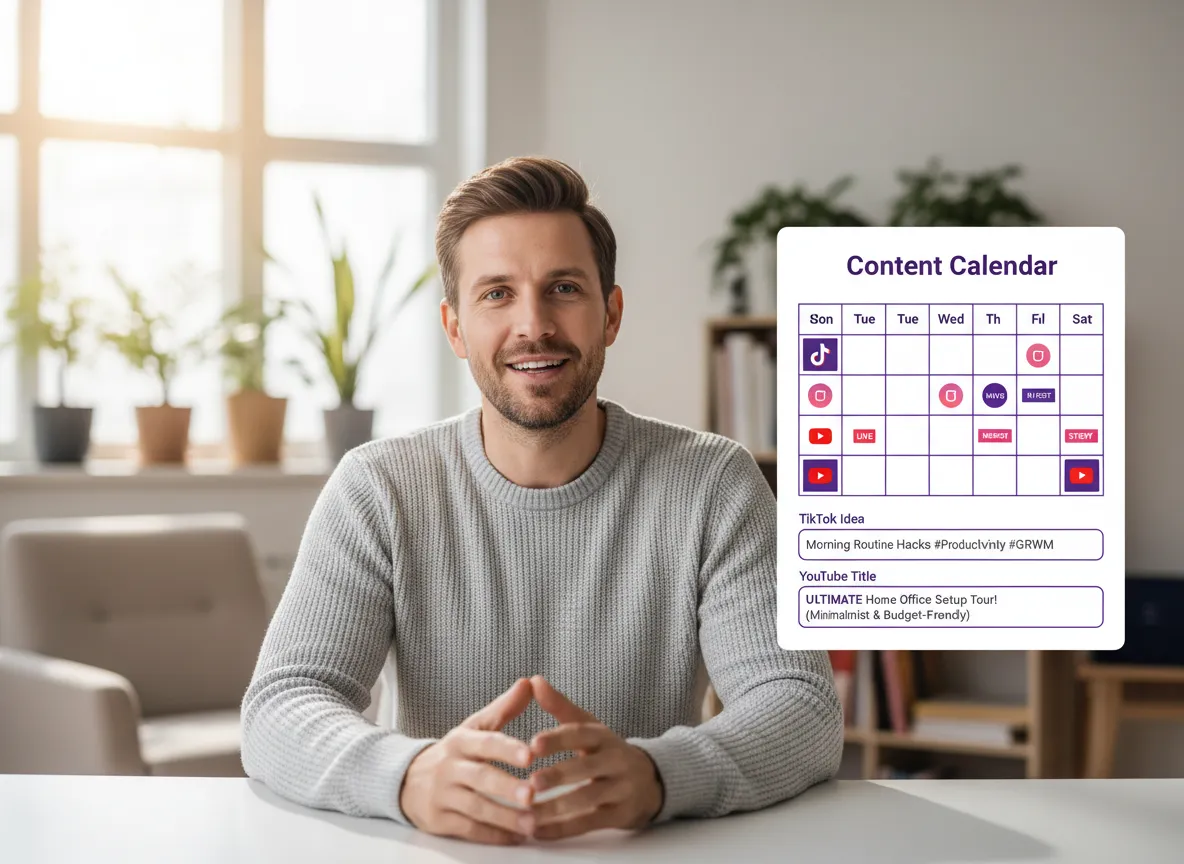
Close the loop from creation to distribution with Vizard’s end to end workflow using the Video Repurposing Tool. Once your videos are ready the system automatically generates platform specific titles captions and trending hashtags. Connect up to 20 social media accounts and use our built in Content Calendar to schedule your posts across TikTok and Instagram. This holistic approach empowers creators to maintain a consistent posting schedule without extra effort.
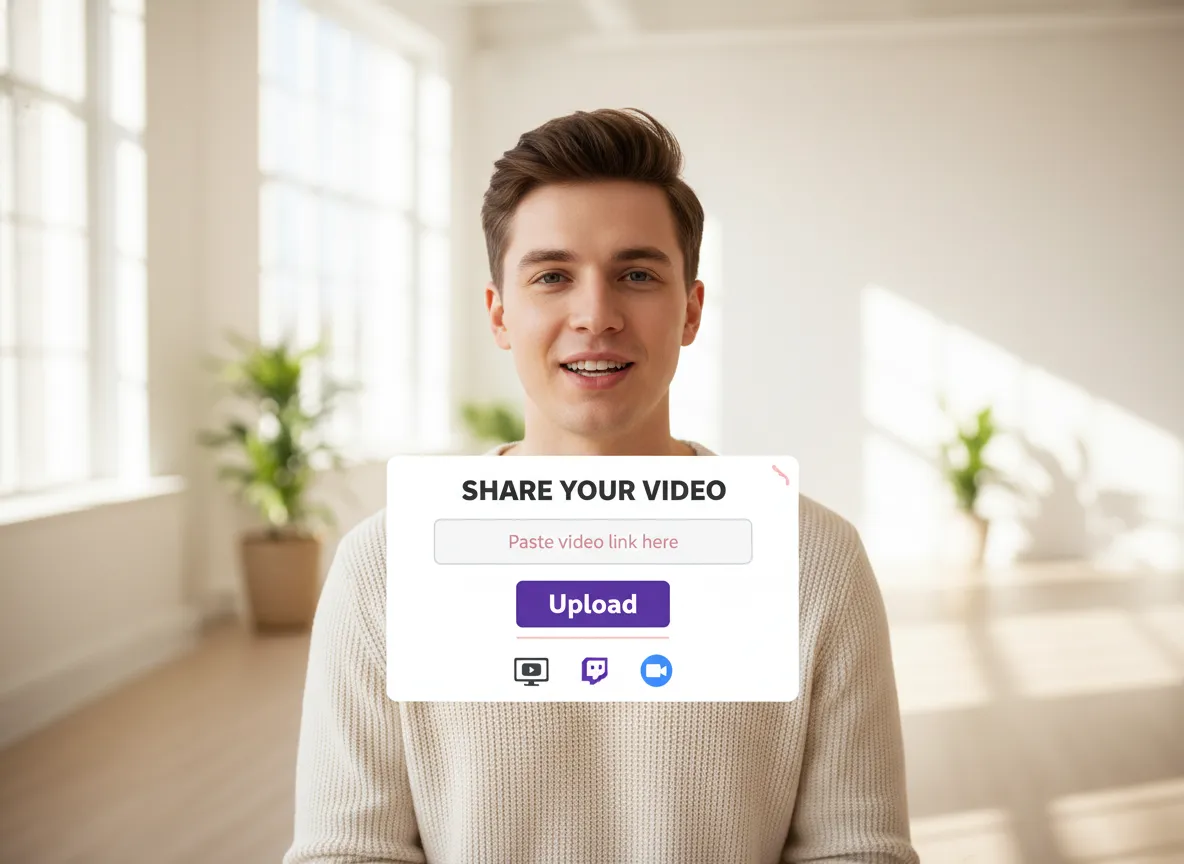
Log in to your Vizard workspace and easily upload your video files or simply paste a link from YouTube, Zoom, or Twitch to get started.
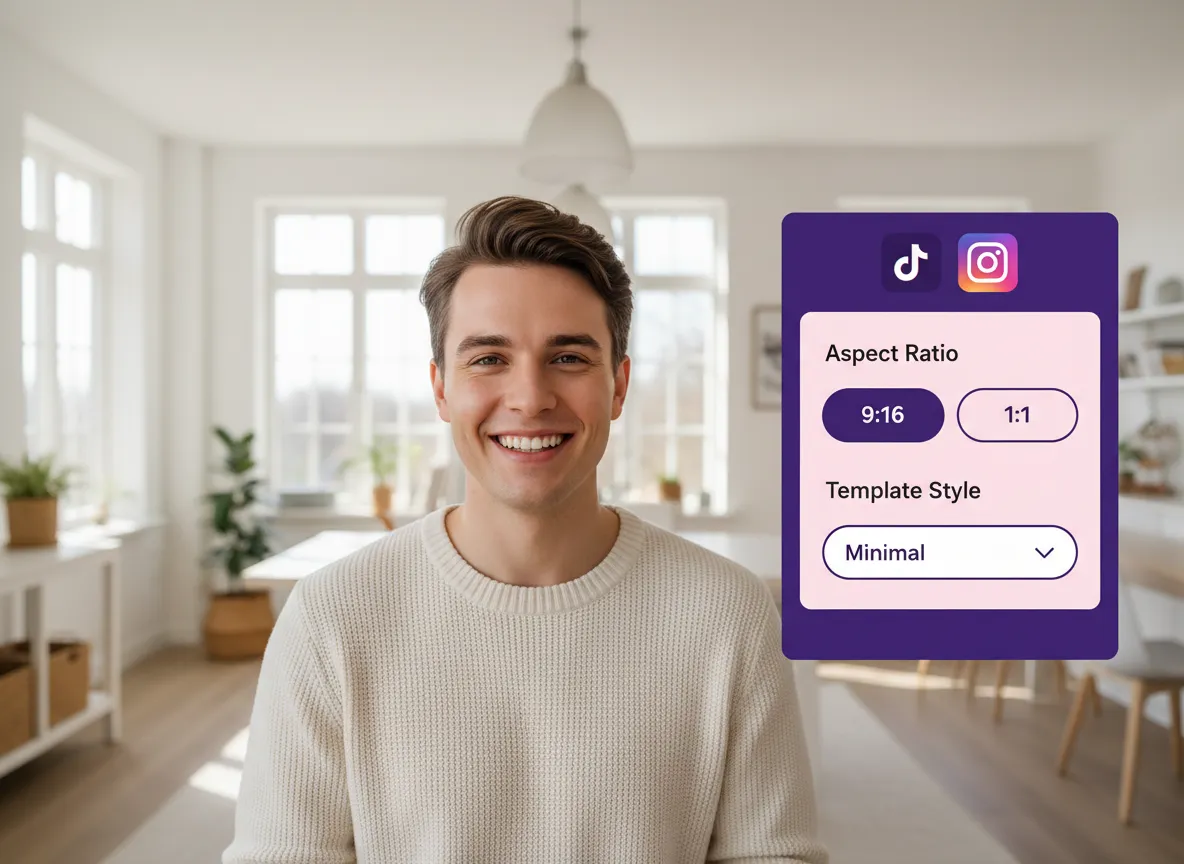
Choose your target social media platforms like TikTok or Instagram, select the aspect ratio (9:16, 1:1, etc.), and pick a template style that fits your brand.
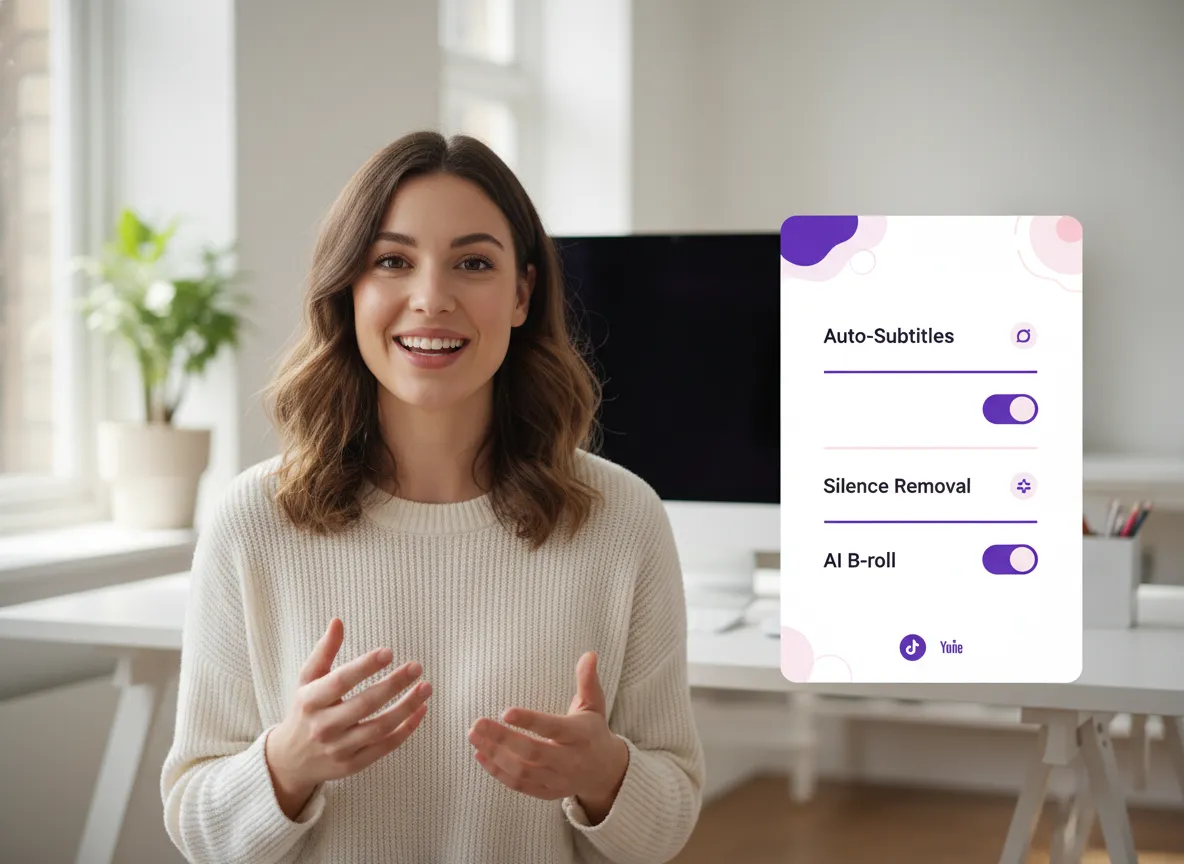
Toggle on advanced AI features including auto-subtitles in 30+ languages, silence removal for better pacing, and AI B-roll to make your content more engaging.
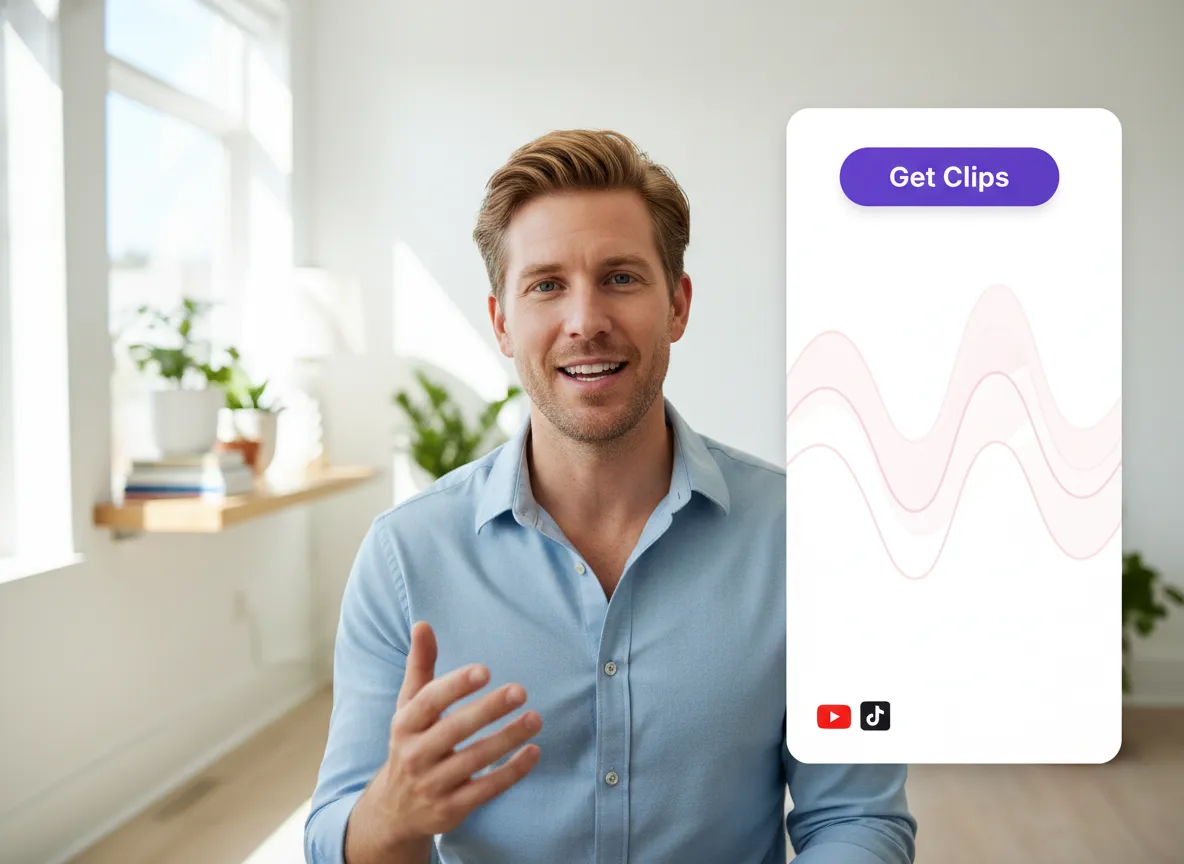
Click "Get Clips" and let Vizard's multi-modal AI analyze your video to automatically extract the most engaging highlights and top-performing segments.
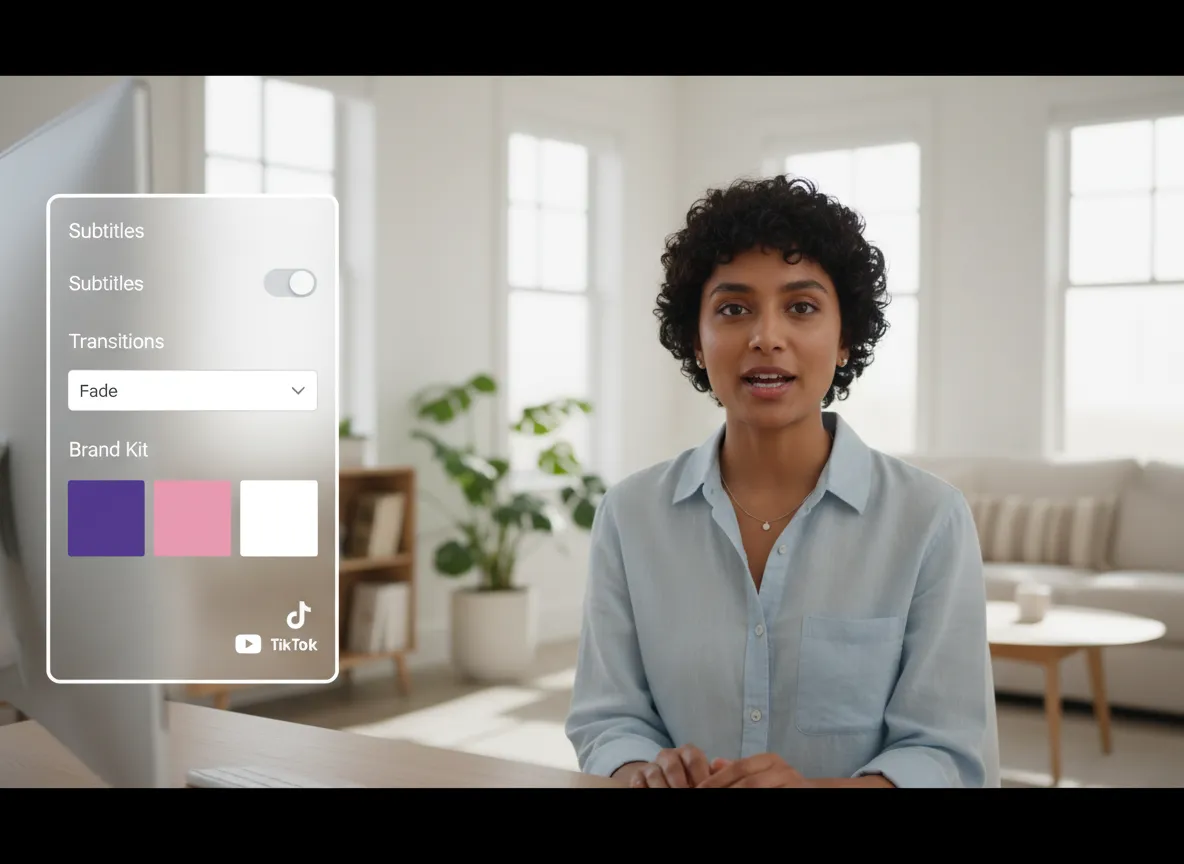
Use the full Vizard Editor to make fine-tuned adjustments, modify subtitles, add transitions, or apply your custom Brand Kit for a consistent look.
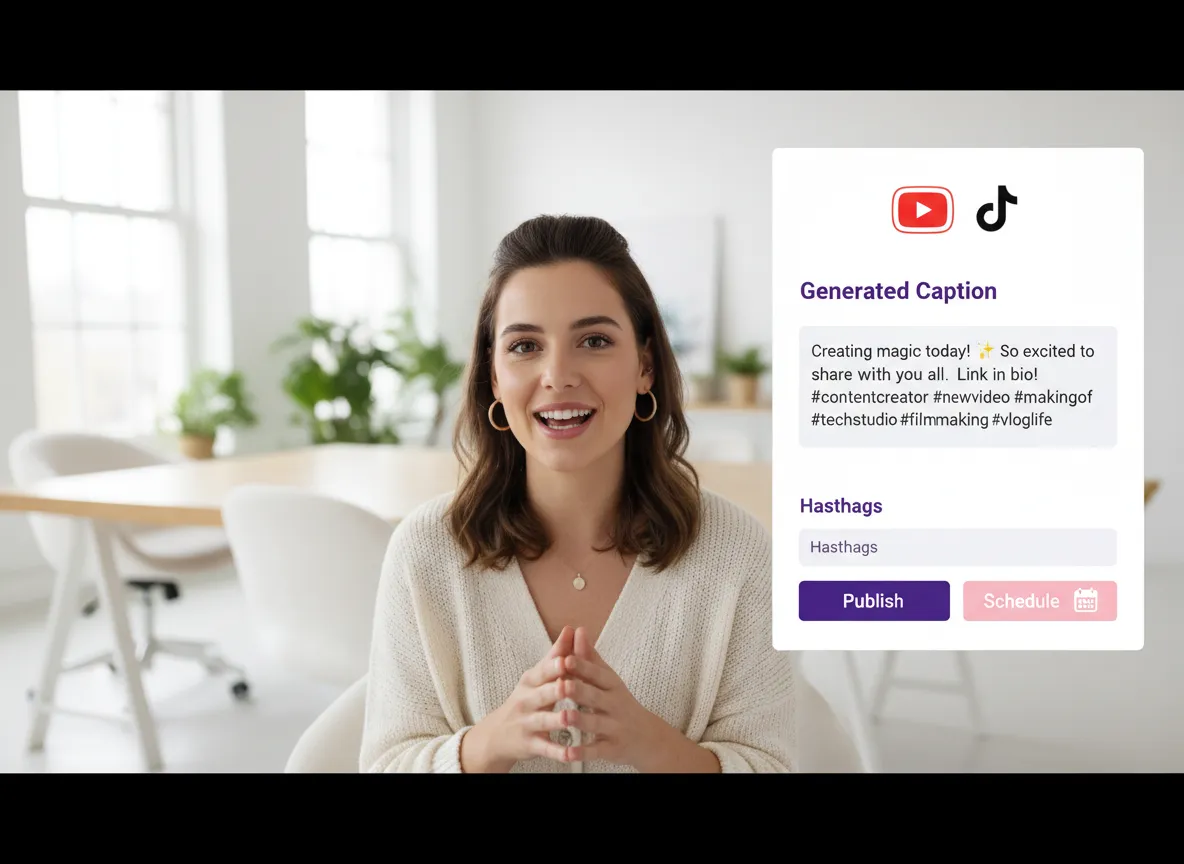
Automatically generate platform-specific captions and hashtags, then publish directly to your social accounts or schedule them using the built-in Content Calendar.
Turn one video into 10+ Instagram Reels with AI.
With just a few clicks, you can download or share your videos with your friends or team members with a link.
Turn your videos and audios into Reels, Stories, posts, and more in one click.
Effortlessly plan, schedule, and auto-generate engaging AI-driven posts, and publish your Instagram Reels along with the perfect captions.
Add dynamic subtitles for your videos automatically, all in the browser.
Bring your team together by inviting collaborators to work on your projects, in one workspace.
Effortlessly translate your video content into 130+ languages, expanding your global reach with just a few clicks.
Enhance your video's visual appeal and brand identity with ease by adding logos, images, outros, and custom fonts to your videos.


What is a video repurposing tool?
How does Vizard's AI identify the best highlights from my long videos?
Which social media platforms and formats are supported?
Can I customize the AI-generated subtitles and translations?
How do I maintain brand consistency across my repurposed clips?
Can I schedule and publish my clips directly from Vizard?
Can I still manually edit my videos after the AI has clipped them?
What is a video repurposing tool?
How does Vizard's AI identify the best highlights from my long videos?
Which social media platforms and formats are supported?
Can I customize the AI-generated subtitles and translations?
How do I maintain brand consistency across my repurposed clips?
Can I schedule and publish my clips directly from Vizard?
Can I still manually edit my videos after the AI has clipped them?

 Yao Wang

Yao Wang

Yao Wang

Yao Wang

Yao Wang


















