

NEW
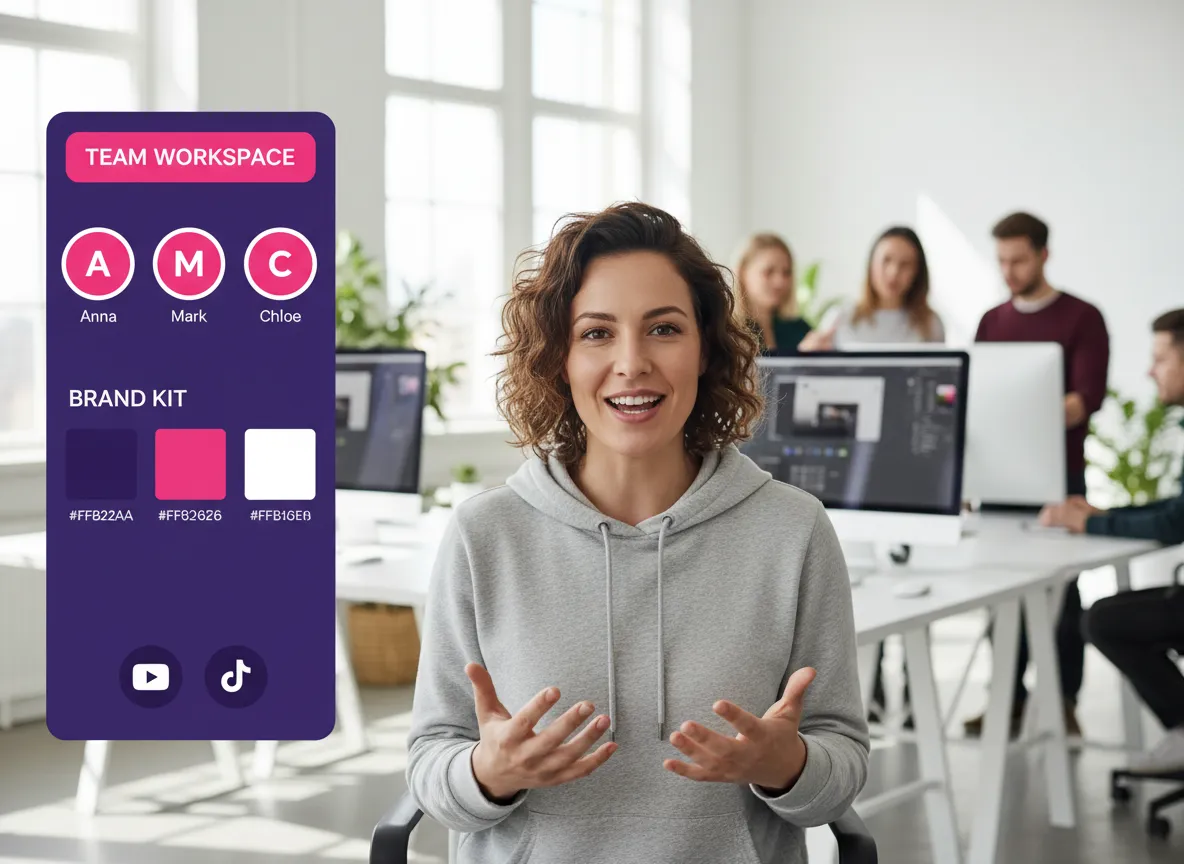




Optimize your team's video production workflow within Vizard’s centralized hub. Perfect for agencies managing multiple client accounts, Vizard allows you to organize projects into folders, share assets instantly, and manage access for up to 20 social accounts, ensuring your collaborative video projects stay organized and secure.
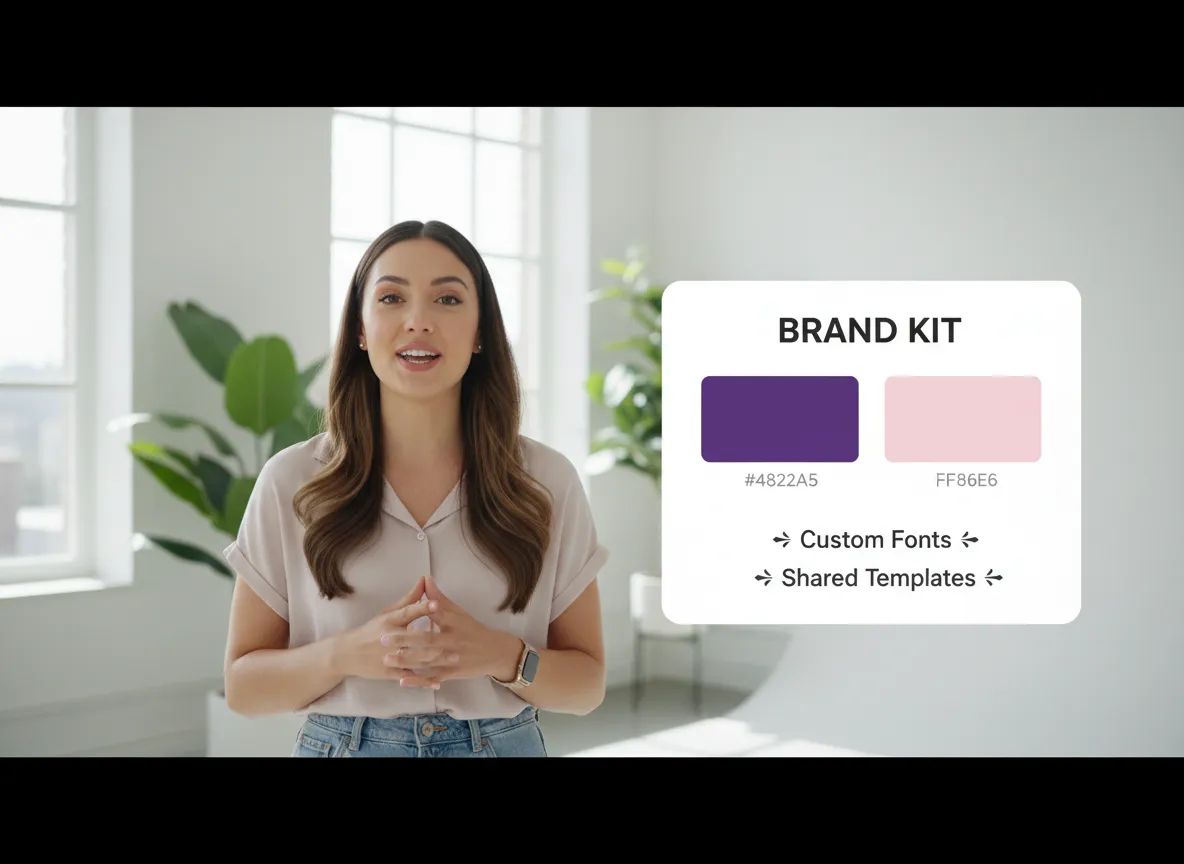
Ensure visual consistency across all social platforms using the Vizard Brand Kit. Business teams can upload custom fonts, logos, and color palettes to Vizard, making it easy to apply a unified brand identity to every video clip. Whether creating Instagram Reels or TikToks, Vizard keeps your branding professional and cohesive.
Scale your content creation with the Vizard API, designed for businesses requiring high-volume video automation. Integrate Vizard's core editing features directly into your existing workflow to programmatically generate custom videos. Vizard enables developers to automate repetitive editing tasks, saving hours of manual work for large-scale marketing campaigns.

Experience uninterrupted productivity with 24/7 priority support from the Vizard customer success team. Vizard provides business users with dedicated assistance to resolve technical queries and hit every production deadline. Whether you are troubleshooting a complex edit or optimizing your Vizard workspace, our experts are available around the clock to help your team succeed.
Log in to your Vizard dashboard to access your collaborative environment. This central hub allows you to manage all video projects, from podcasts to webinars, in one place.
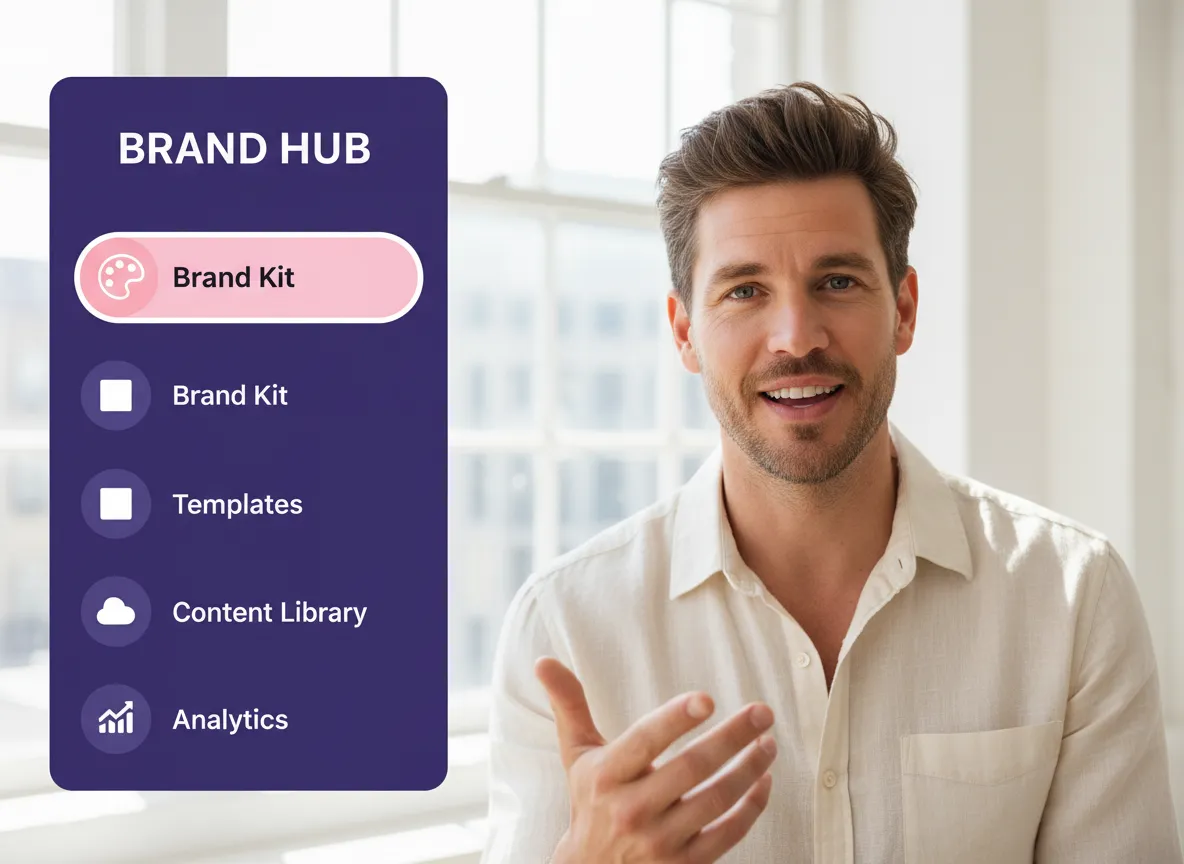
Locate the "Brand Kit" tab on the left sidebar within Vizard. This feature is essential for defining your team's visual identity, ensuring every clip aligns with your marketing goals.
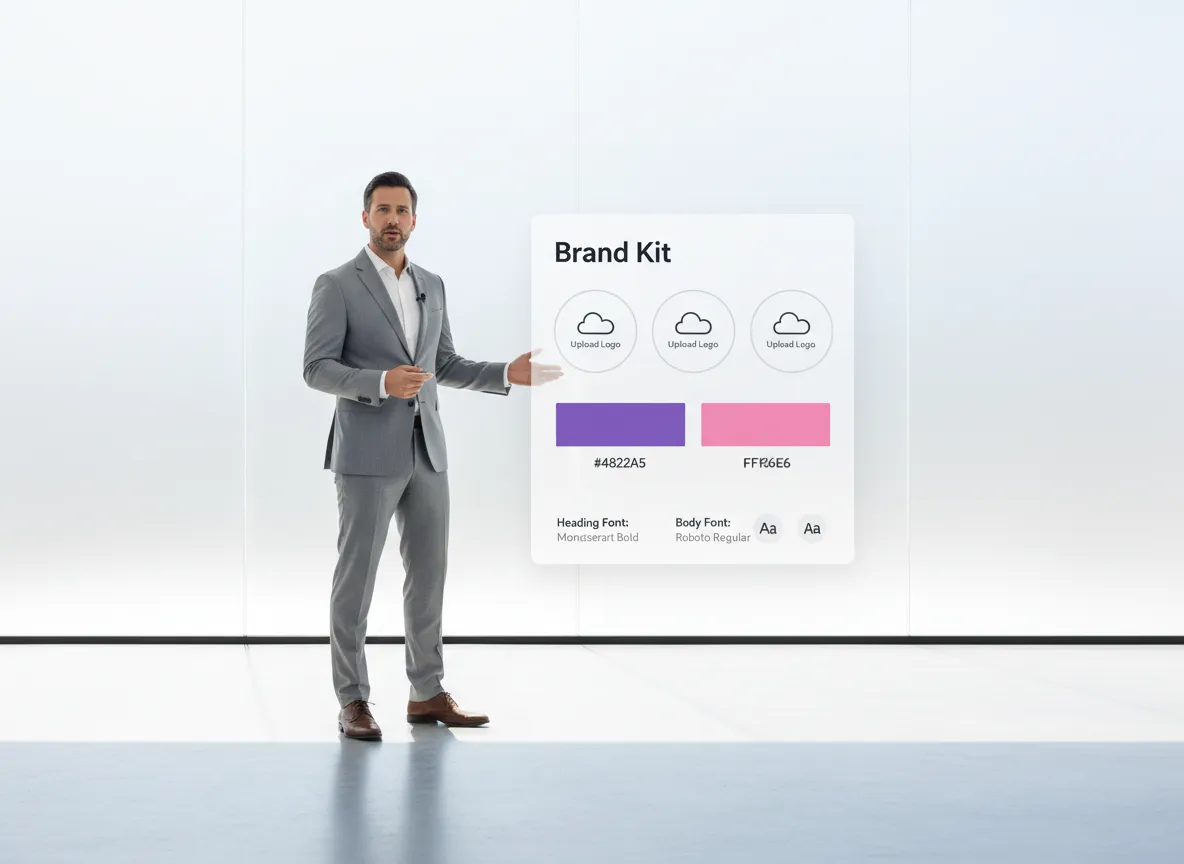
Upload your logos, brand colors, and custom fonts to Vizard. These assets allow your team to maintain a cohesive and professional look across all social media platforms like TikTok and Instagram.
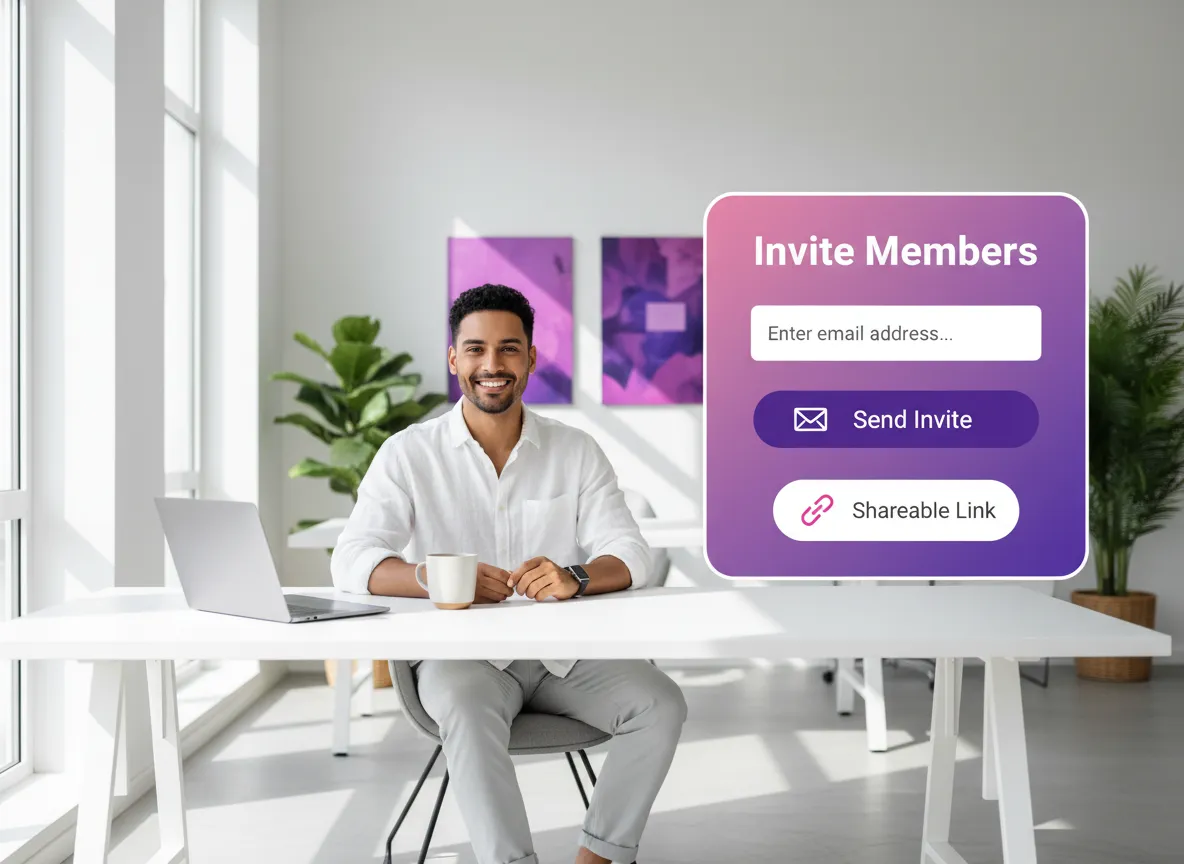
Click your profile icon in Vizard and select 'Invite Members' to add teammates via email. Scaling your video production becomes effortless when your entire team can collaborate and share projects instantly.
Turn one video into 10+ Instagram Reels with AI.
With just a few clicks, you can download or share your videos with your friends or team members with a link.
Turn your videos and audios into Reels, Stories, posts, and more in one click.
Effortlessly plan, schedule, and auto-generate engaging AI-driven posts, and publish your Instagram Reels along with the perfect captions.
Add dynamic subtitles for your videos automatically, all in the browser.
Bring your team together by inviting collaborators to work on your projects, in one workspace.
Effortlessly translate your video content into 130+ languages, expanding your global reach with just a few clicks.
Enhance your video's visual appeal and brand identity with ease by adding logos, images, outros, and custom fonts to your videos.


What is Vizard's Video Collaboration feature?
How many team members and social accounts can I manage?
What assets can I include in the Brand Kit?
How do I invite my team to Vizard?
Can I control access levels for different team members?
Does Vizard offer API support for automated video editing?
What kind of customer support is available for Business users?
What is Vizard's Video Collaboration feature?
How many team members and social accounts can I manage?
What assets can I include in the Brand Kit?
How do I invite my team to Vizard?
Can I control access levels for different team members?
Does Vizard offer API support for automated video editing?
What kind of customer support is available for Business users?

 Yao Wang
Yao Wang

Yao Wang

Yao Wang
Yao Wang


















