

NEW
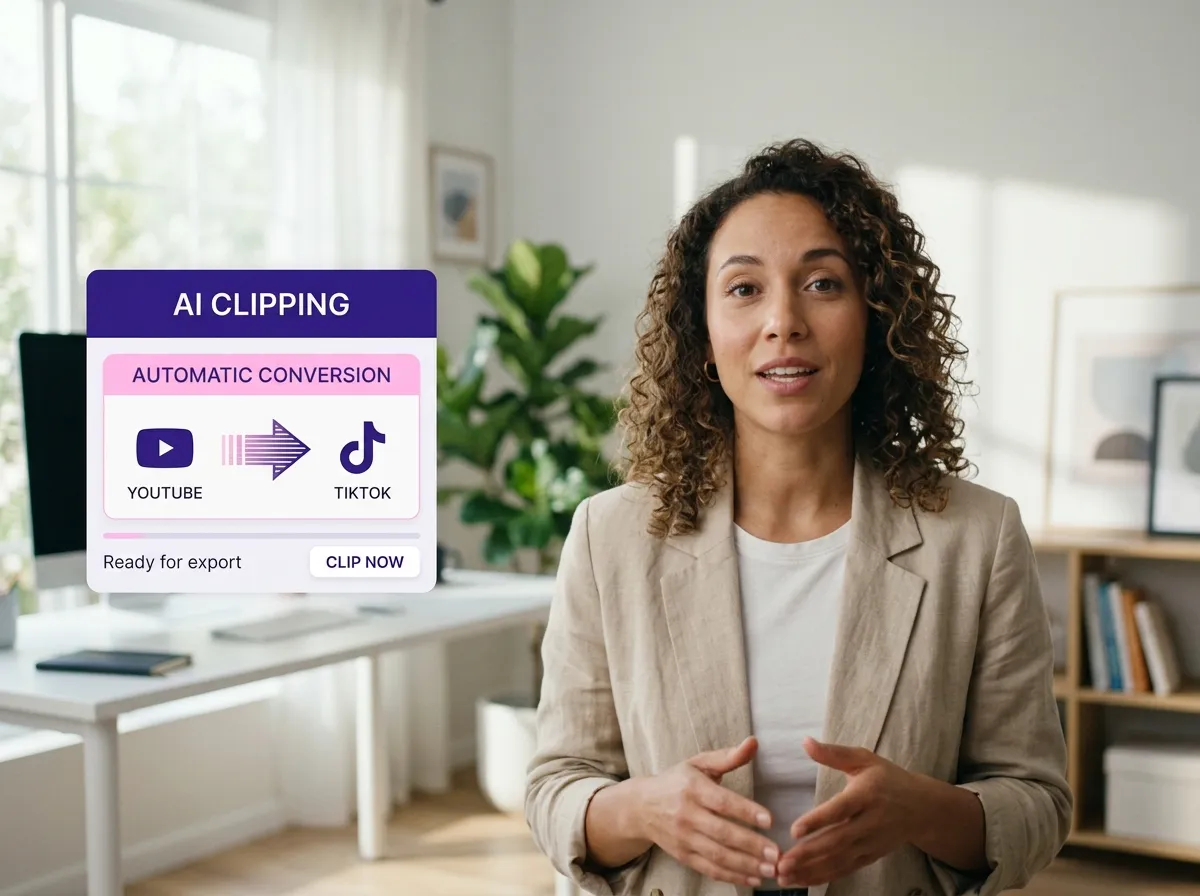



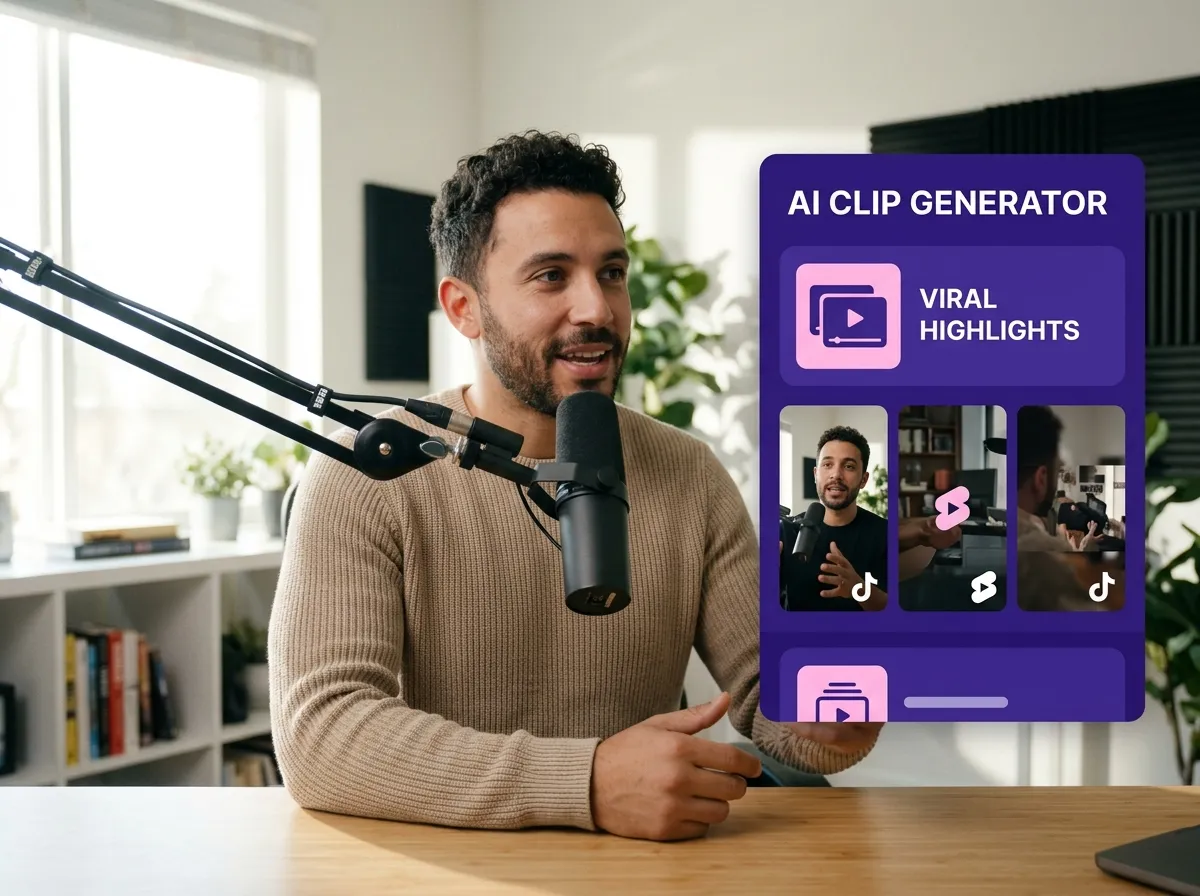
Vizard's AI TikTok Clip Generator is a game-changer for creators and brands looking to scale their social media presence. By automatically analyzing long-form videos, podcasts, and webinars, this tool identifies high-engagement moments and emotional peaks to create viral-worthy segments. It eliminates the tedious manual work of scrubbing through hours of footage, allowing social media managers to produce months' worth of content in minutes. Whether you're a podcaster wanting to highlight key takeaways or a marketer repurposing an interview, Vizard ensures your TikTok feed is always fresh and engaging. Maximize your reach and save hours of editing time with AI-driven content creation.
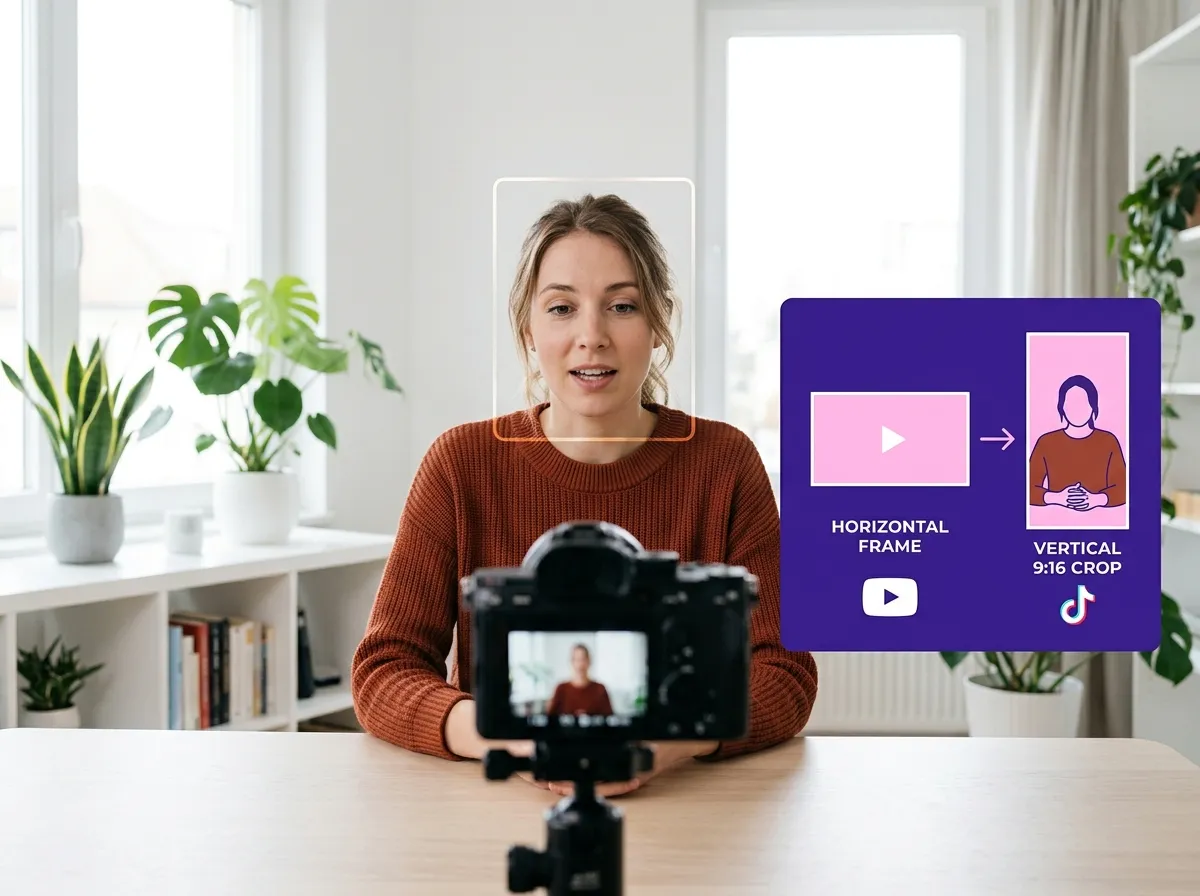
Turning horizontal content into professional-looking TikToks is effortless with Vizard's Vertical Video Optimization. The tool automatically converts any landscape video into the 9:16 vertical format required for mobile-first viewing. Using smart cropping and face tracking, Vizard keeps the speaker or subject perfectly centered, ensuring no important detail is lost. This is ideal for e-commerce owners and vloggers who need to repurpose YouTube content for TikTok Reels. Optimized layouts and mobile-centric framing guarantee high retention rates and a seamless viewing experience for your audience, helping your brand stand out in a crowded scroll.
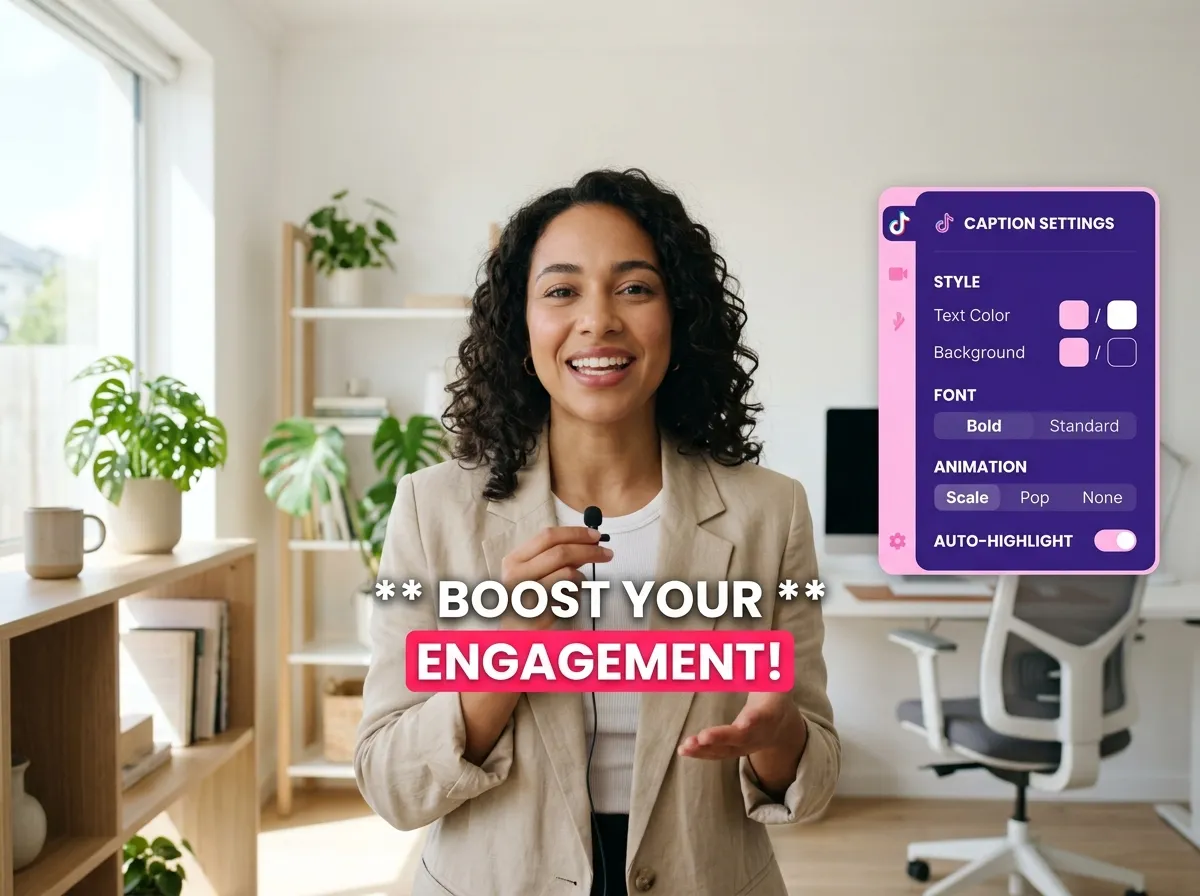
Engagement on TikTok often depends on accessibility, and Vizard’s Auto Captions make your videos scroll-stopping. The tool generates dynamic, TikTok-style captions with word highlighting and animated subtitles that keep viewers hooked even without sound. Supporting multiple languages, it caters to a global audience, making it perfect for international creators and educators. These AI-powered subtitles improve watch time and accessibility by ensuring your message is clear and captivating. With a variety of styles and customization options, you can align captions with your brand’s aesthetic, making your content more inclusive and professional.
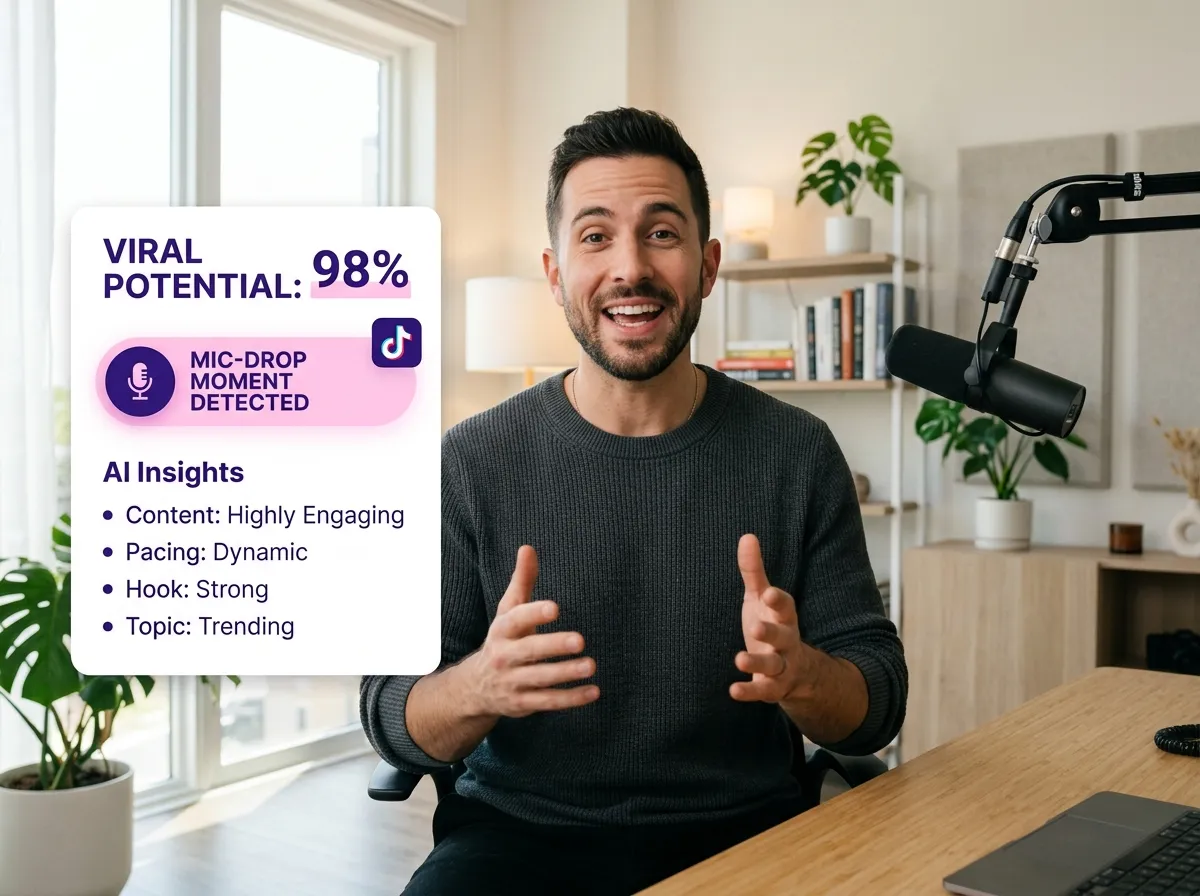
Success on TikTok isn't just about quantity; it's about quality and timing. Vizard’s Viral Clip Detection uses advanced AI to analyze speech patterns, pacing, and content structure, pinpointing the segments with the highest viral potential. This feature is particularly valuable for influencers and news outlets who need to identify "mic-drop" moments or trending topics within a larger broadcast. By focusing on the most impactful parts of your video, Vizard helps you prioritize content that resonates with the TikTok algorithm, driving more views, shares, and followers to your profile with minimal effort.
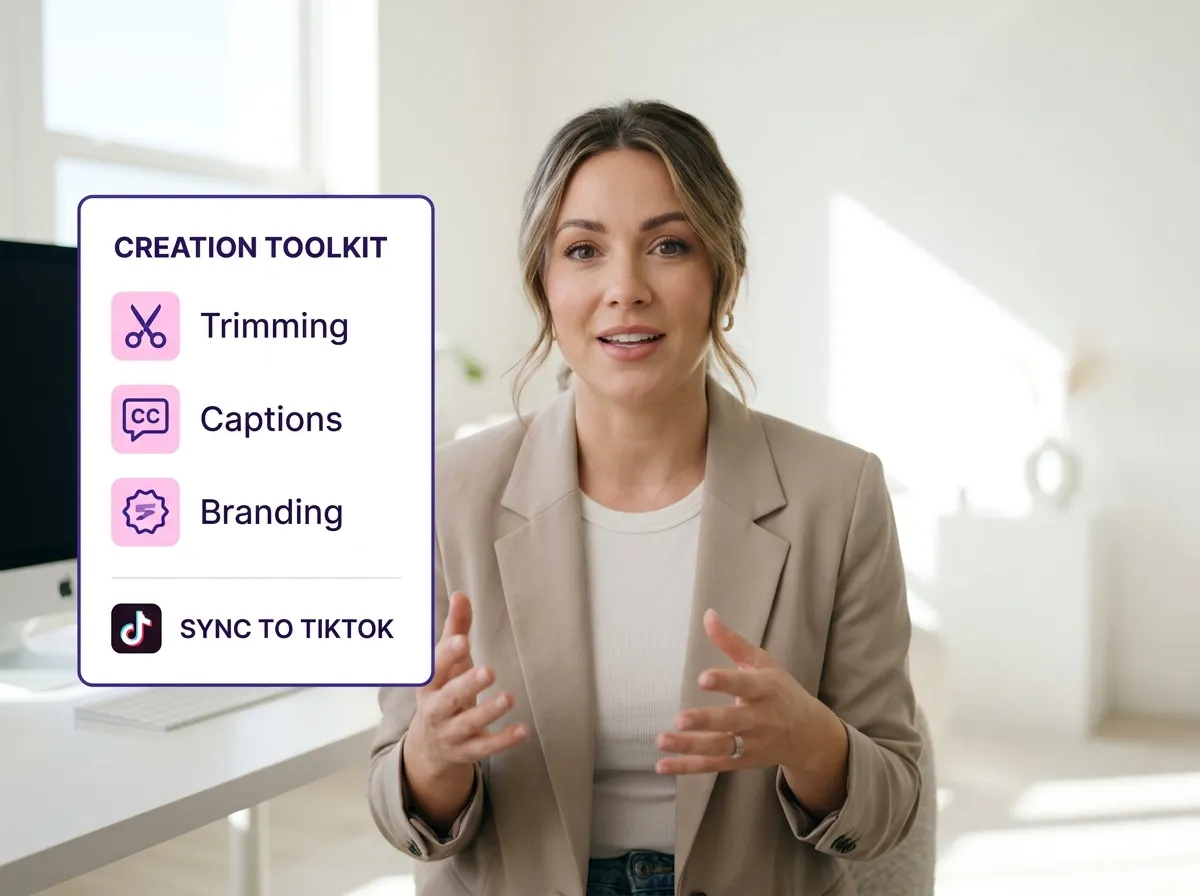
Beyond automation, Vizard provides a robust suite of TikTok Video Editing Tools for complete creative control. Fine-tune your AI-generated clips with precise trimming, caption editing, and the addition of B-roll footage to enhance storytelling. You can also insert music, transitions, and branding elements to ensure every clip reflects your unique style. These tools are perfect for professional editors and marketers who want to add a polished, custom touch to their automated output. Vizard streamlines the entire workflow from raw footage to a finished, high-quality TikTok masterpiece, making professional video editing accessible to everyone.
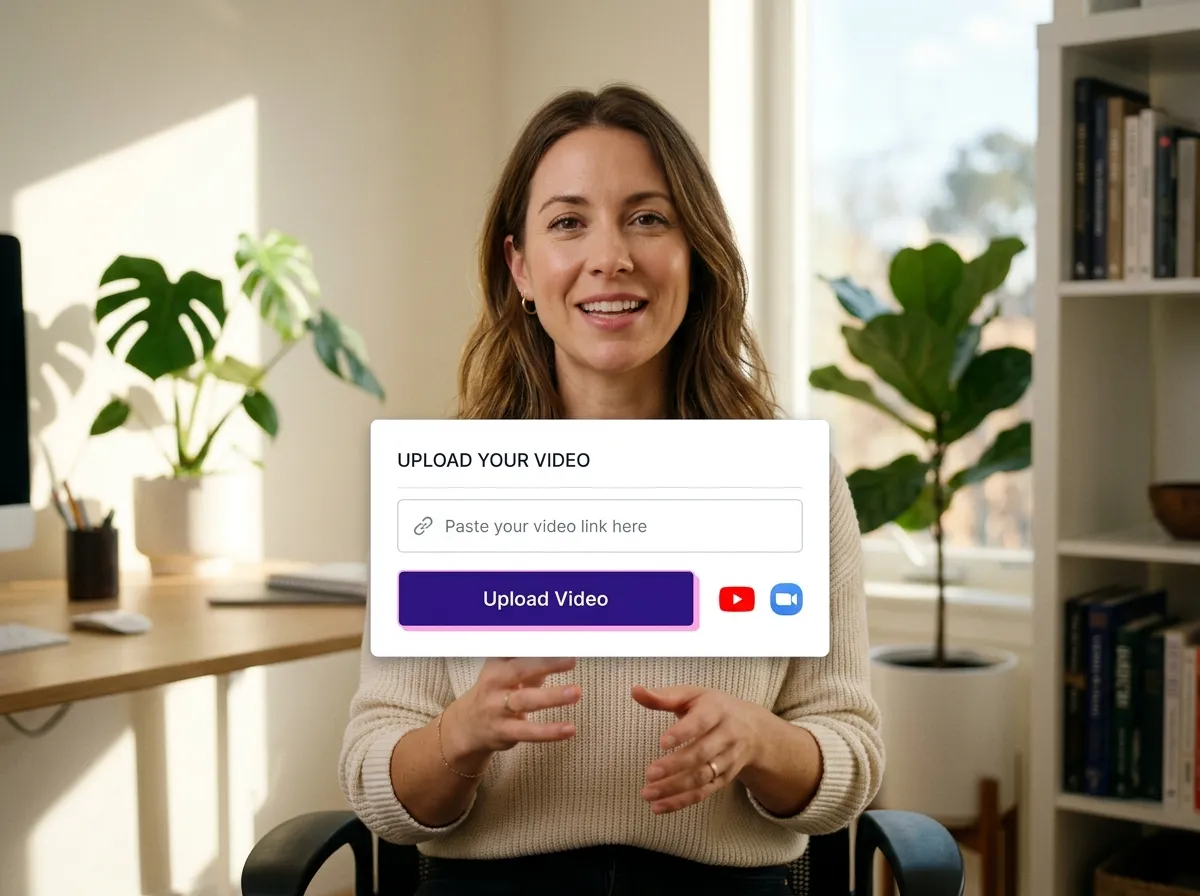
Upload your long-form video, podcast, or webinar directly to Vizard, or simply paste a link from YouTube or Zoom to get started instantly.
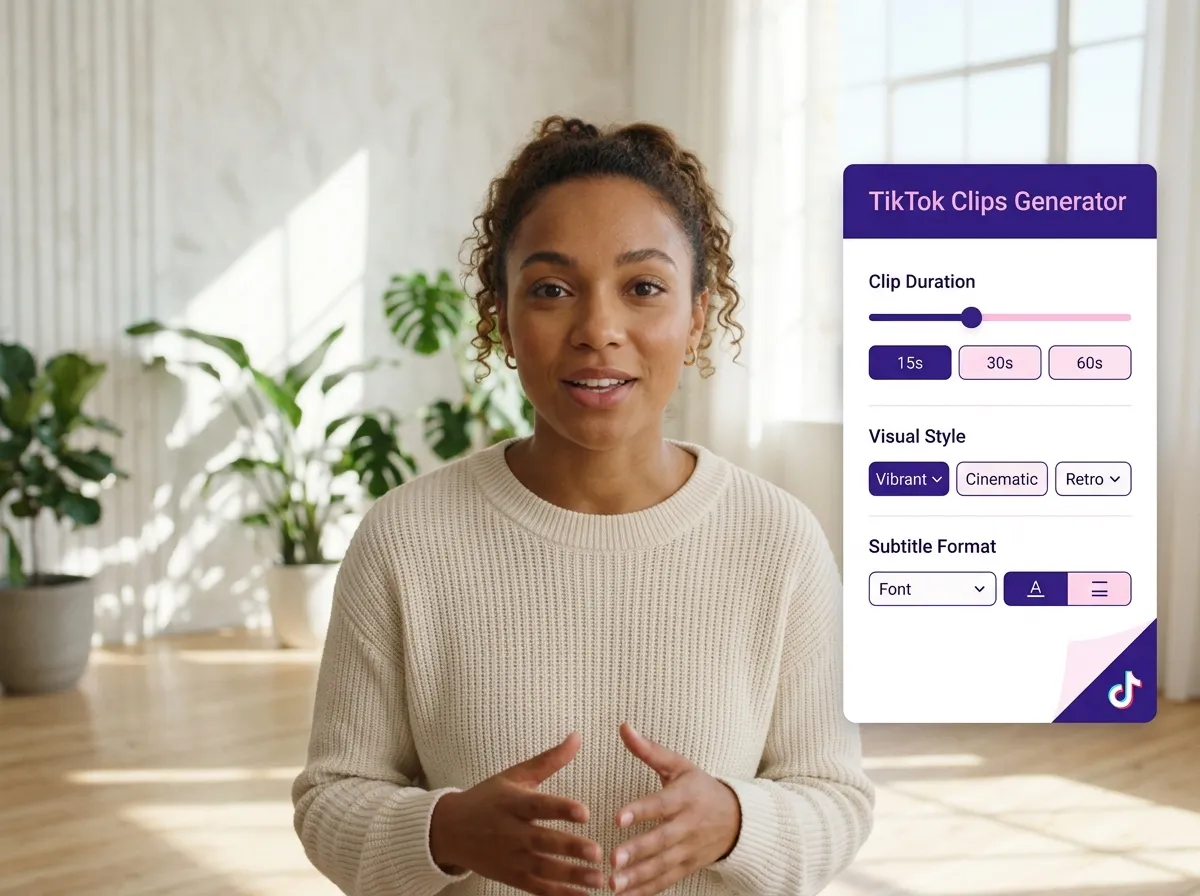
Choose the "TikTok Clips Generator" tool and customize your preferences, including clip duration, visual style, and subtitle formats to match your brand.
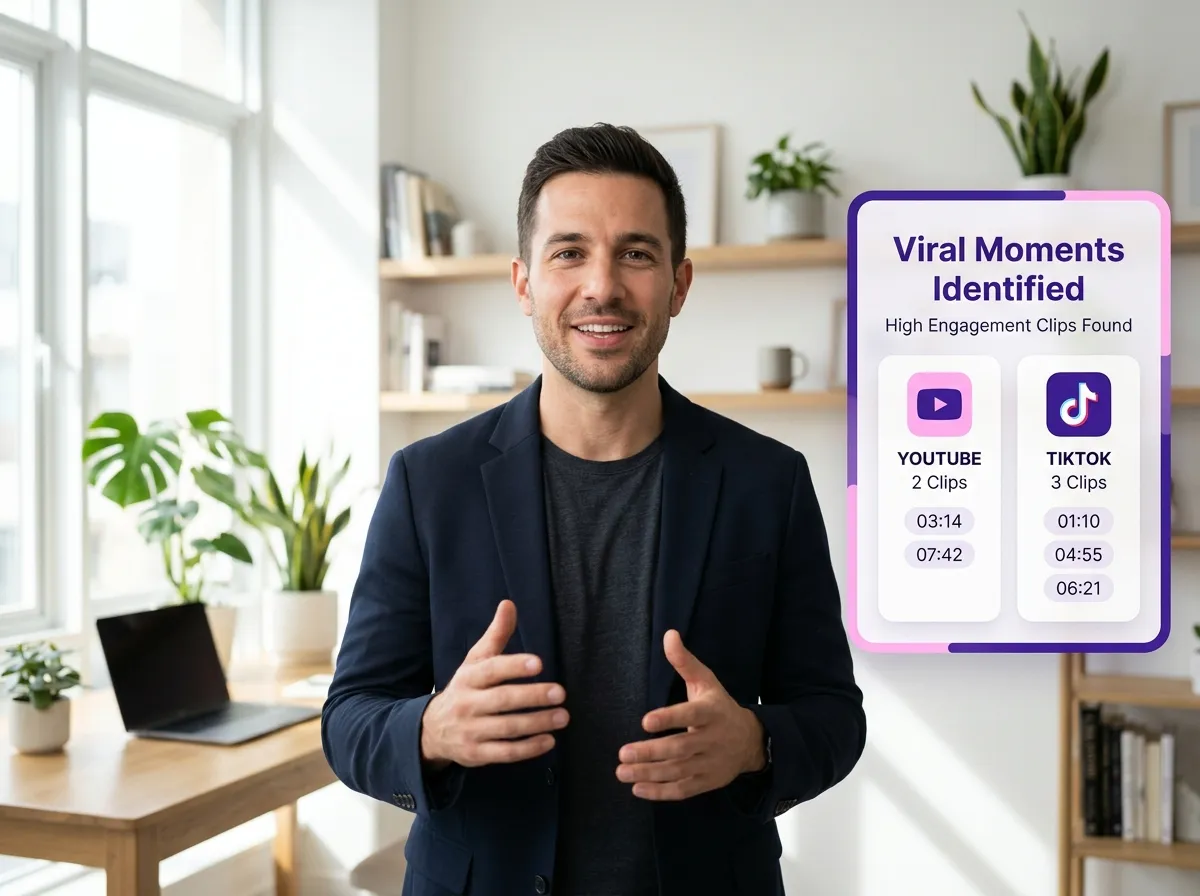
Vizard's advanced AI scans your footage for high-engagement moments and automatically creates multiple viral-ready TikTok clips in 9:16 vertical format.
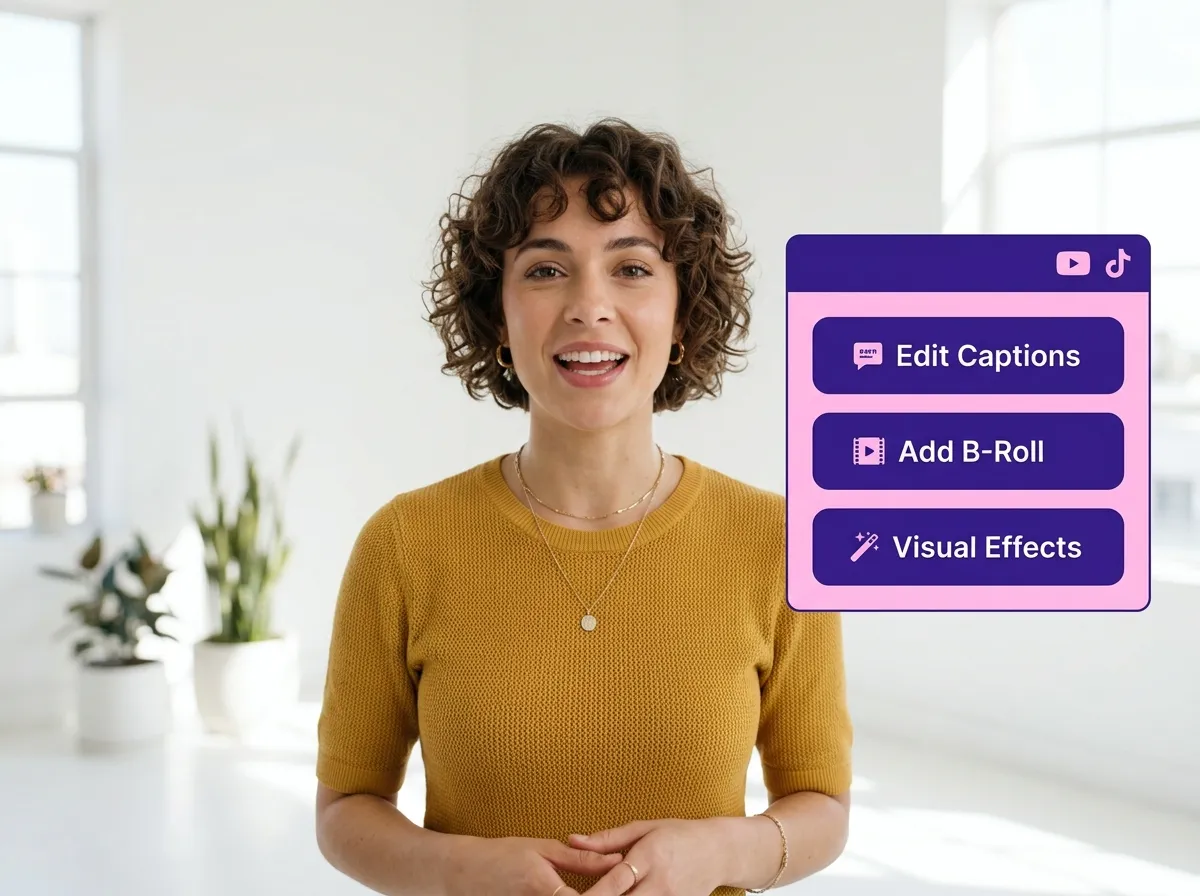
Polish your clips by adjusting auto-captions, trimming segments, adding B-roll, or applying visual effects to ensure maximum viewer retention.
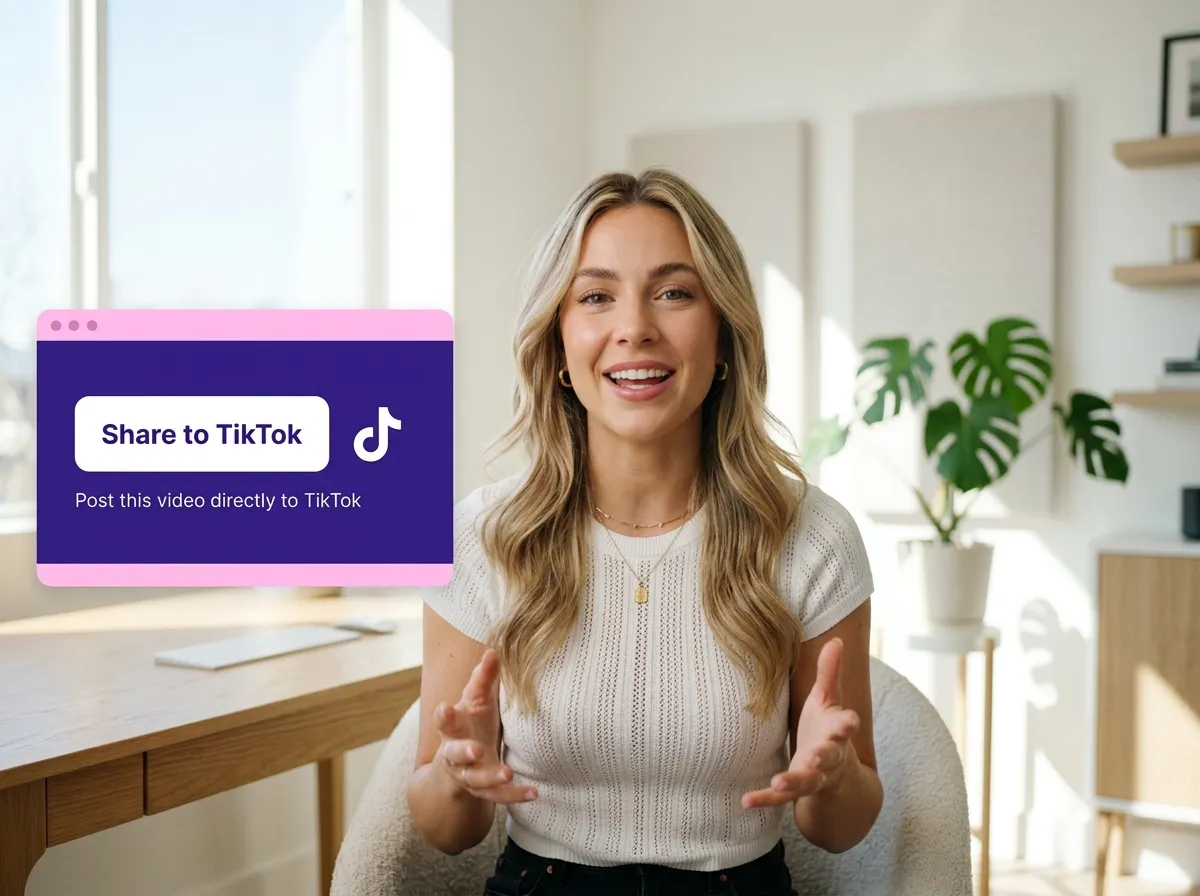
Download your high-quality clips or use Vizard's direct publishing and scheduling tools to post your content straight to TikTok.
Turn one video into 10+ Instagram Reels with AI.
With just a few clicks, you can download or share your videos with your friends or team members with a link.
Turn your videos and audios into Reels, Stories, posts, and more in one click.
Effortlessly plan, schedule, and auto-generate engaging AI-driven posts, and publish your Instagram Reels along with the perfect captions.
Add dynamic subtitles for your videos automatically, all in the browser.
Bring your team together by inviting collaborators to work on your projects, in one workspace.
Effortlessly translate your video content into 130+ languages, expanding your global reach with just a few clicks.
Enhance your video's visual appeal and brand identity with ease by adding logos, images, outros, and custom fonts to your videos.


How does Vizard’s TikTok Clips Generator identify the best moments for TikTok?
Can I turn a YouTube video or a Zoom recording into a TikTok clip?
Does the tool automatically format horizontal videos for TikTok’s vertical screen?
Are the captions customizable for TikTok’s specific style?
Do I need professional editing skills to use the TikTok Clips Generator?
What types of videos work best with the TikTok Clips Generator?
How does Vizard’s TikTok Clips Generator identify the best moments for TikTok?
Can I turn a YouTube video or a Zoom recording into a TikTok clip?
Does the tool automatically format horizontal videos for TikTok’s vertical screen?
Are the captions customizable for TikTok’s specific style?
Do I need professional editing skills to use the TikTok Clips Generator?
What types of videos work best with the TikTok Clips Generator?

 Yao Wang
Yao Wang
Yao Wang
Yao Wang

Yao Wang


















