

NEW
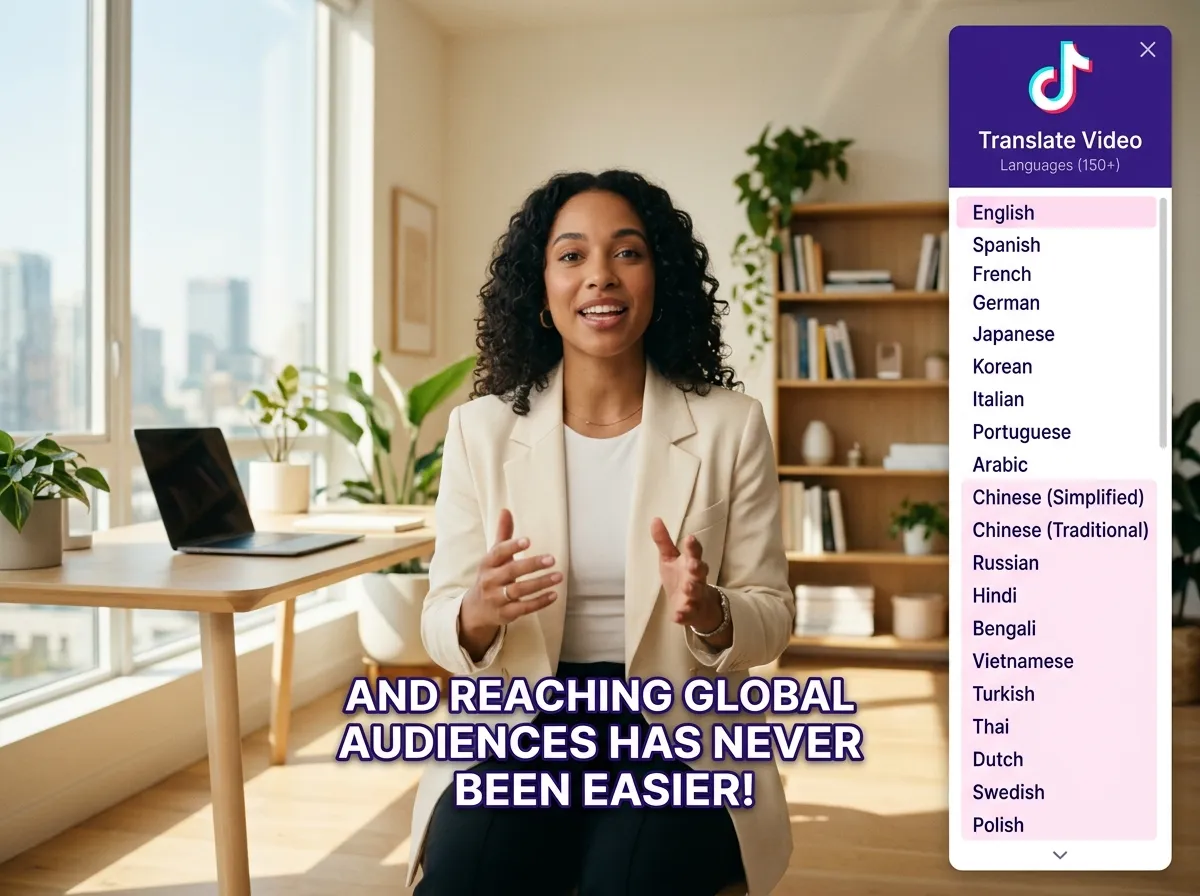



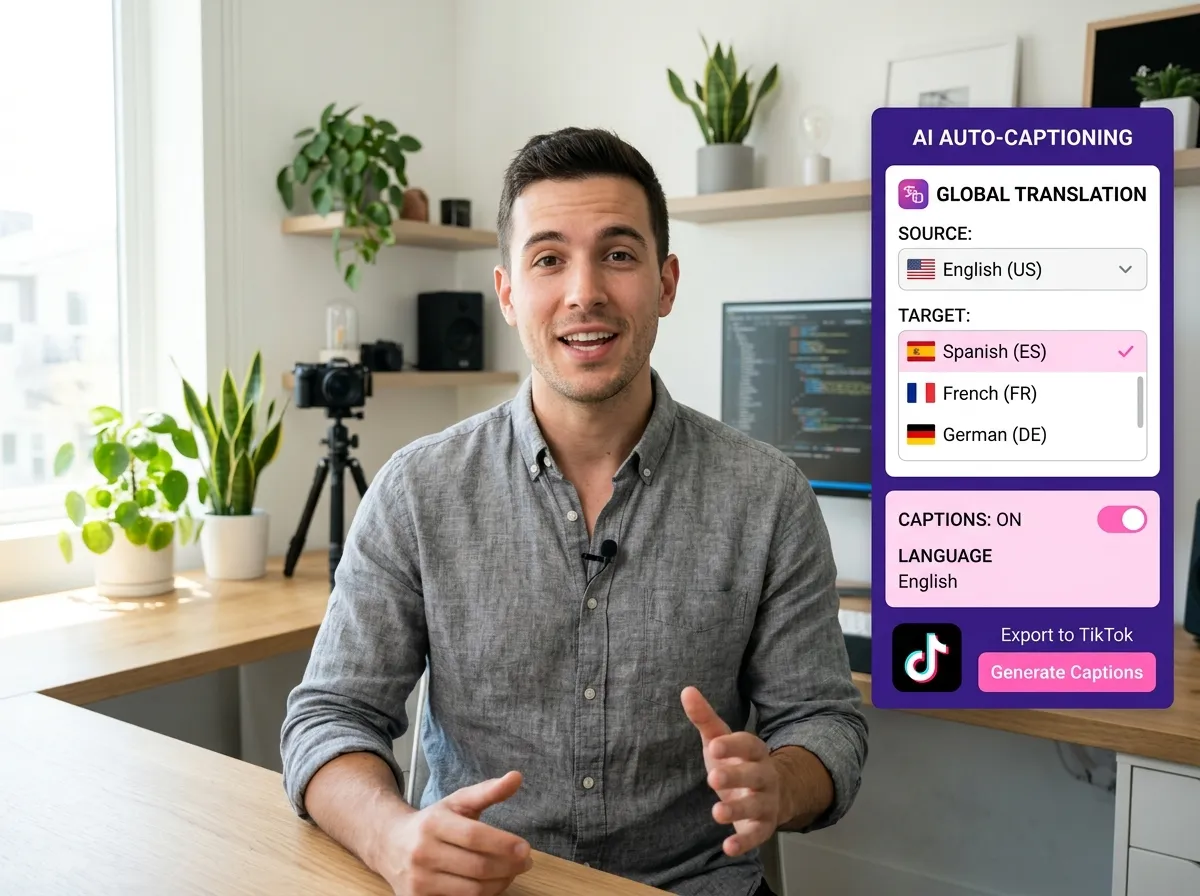
Vizard’s TikTok Caption Generator eliminates the tedious task of manual transcription. By leveraging advanced AI, Vizard automatically generates precise captions for your TikTok videos in seconds. Supporting over 35 languages for transcription and offering translation into 150+ languages, it is the perfect tool for creators and brands aiming for a global audience. Whether you are a multi-regional marketer or an international influencer, this feature ensures your content is accessible to everyone. Boost your global reach and accessibility effortlessly while saving hours of editing time, allowing you to focus on creating more impactful stories for your viewers.
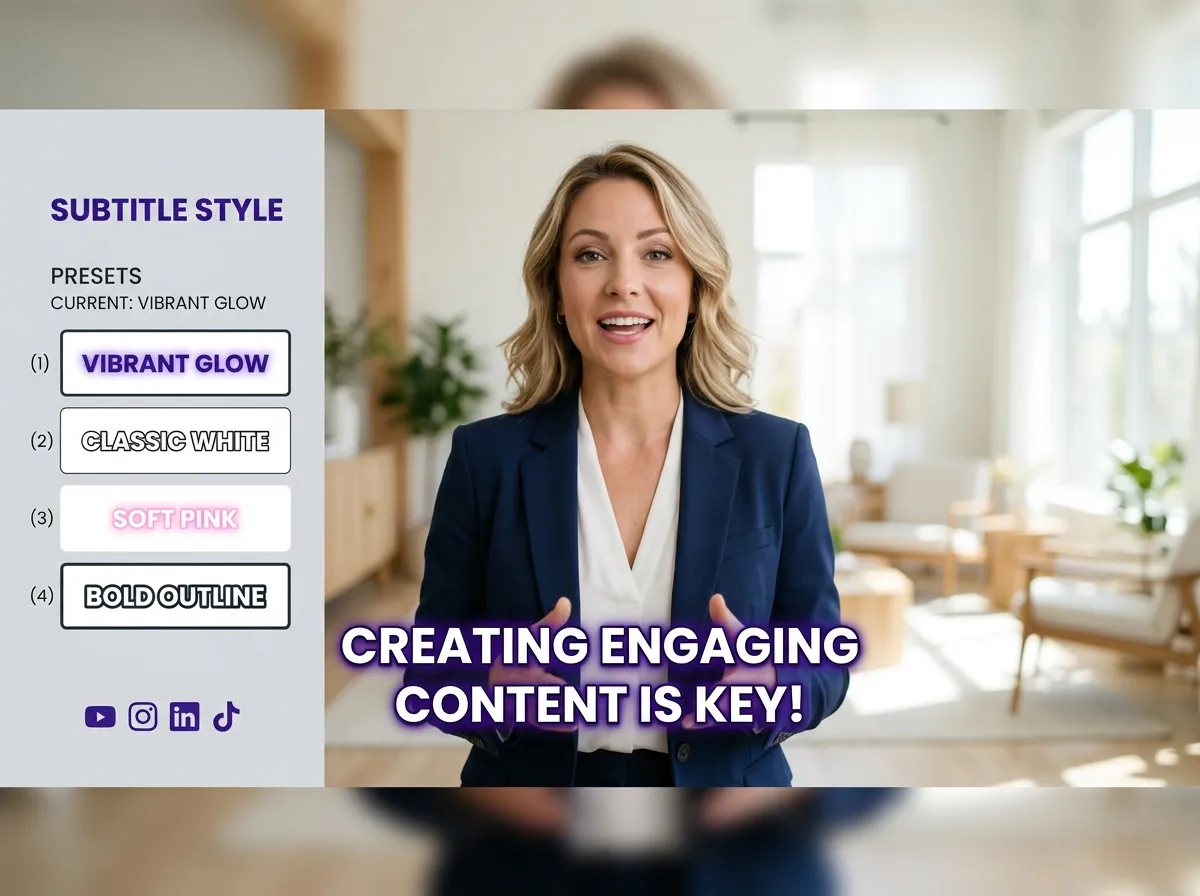
Make your videos stand out on the For You Page with Vizard’s dynamic subtitle styles. Our TikTok Caption Generator provides a variety of trendy, high-contrast, and rhythmic subtitle options designed to grab attention instantly. From fast-paced, 'eye-catching' styles seen in viral videos to clean, minimalist designs for professional branding, Vizard has it all. These captions sync perfectly with your speech rhythm, significantly improving watch time and engagement. Ideal for social media managers and content creators, these dynamic subtitles turn passive viewers into active followers by making your message clear and visually engaging.
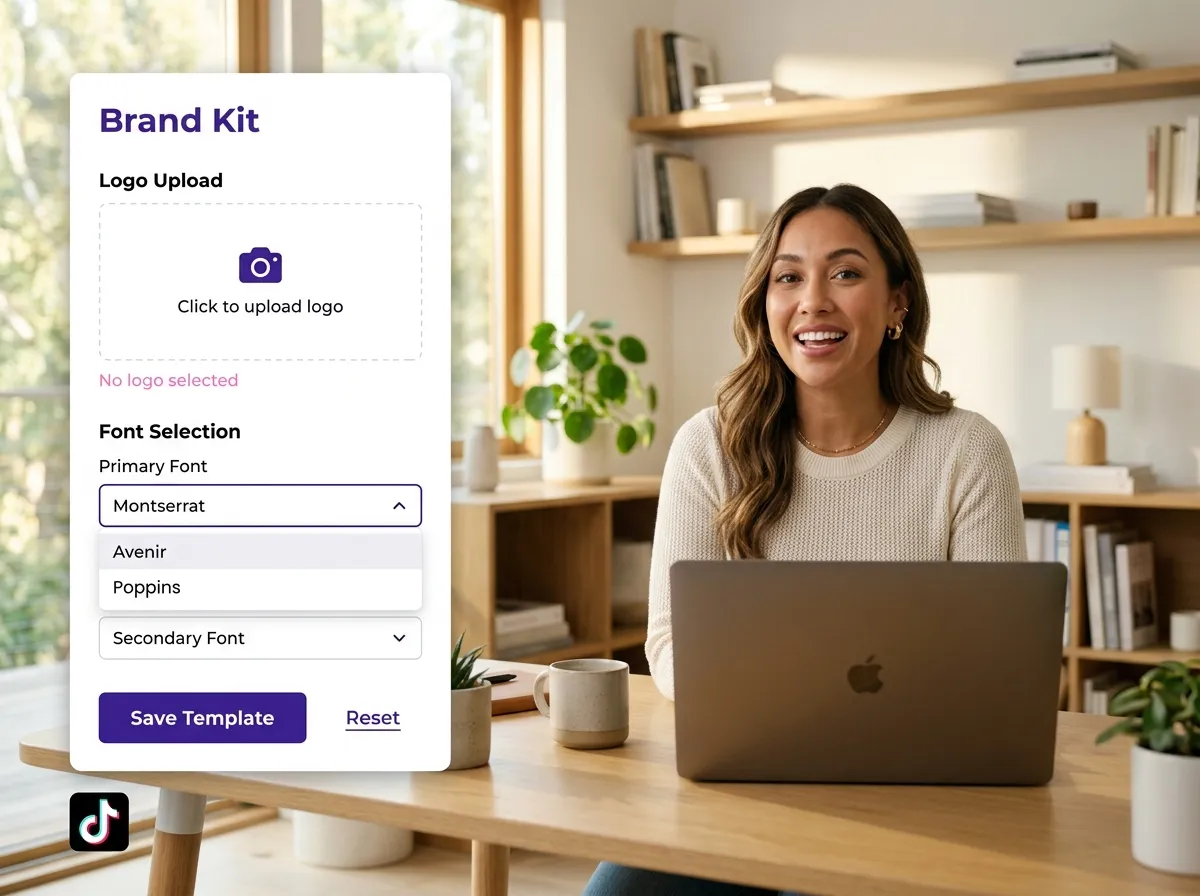
Build a consistent brand identity with Vizard’s TikTok templates. Beyond simple captions, Vizard allows you to create and save custom templates including specific fonts, colors, animations, and layouts. You can easily add your own logo, watermark, and personalized outros to every video. This feature is perfect for brands that need to maintain a unified visual style across hundreds of clips. Once your template is set, you can apply it to any new video with just one click. Streamline your workflow and ensure every TikTok video you post is professional, branded, and ready to go viral.
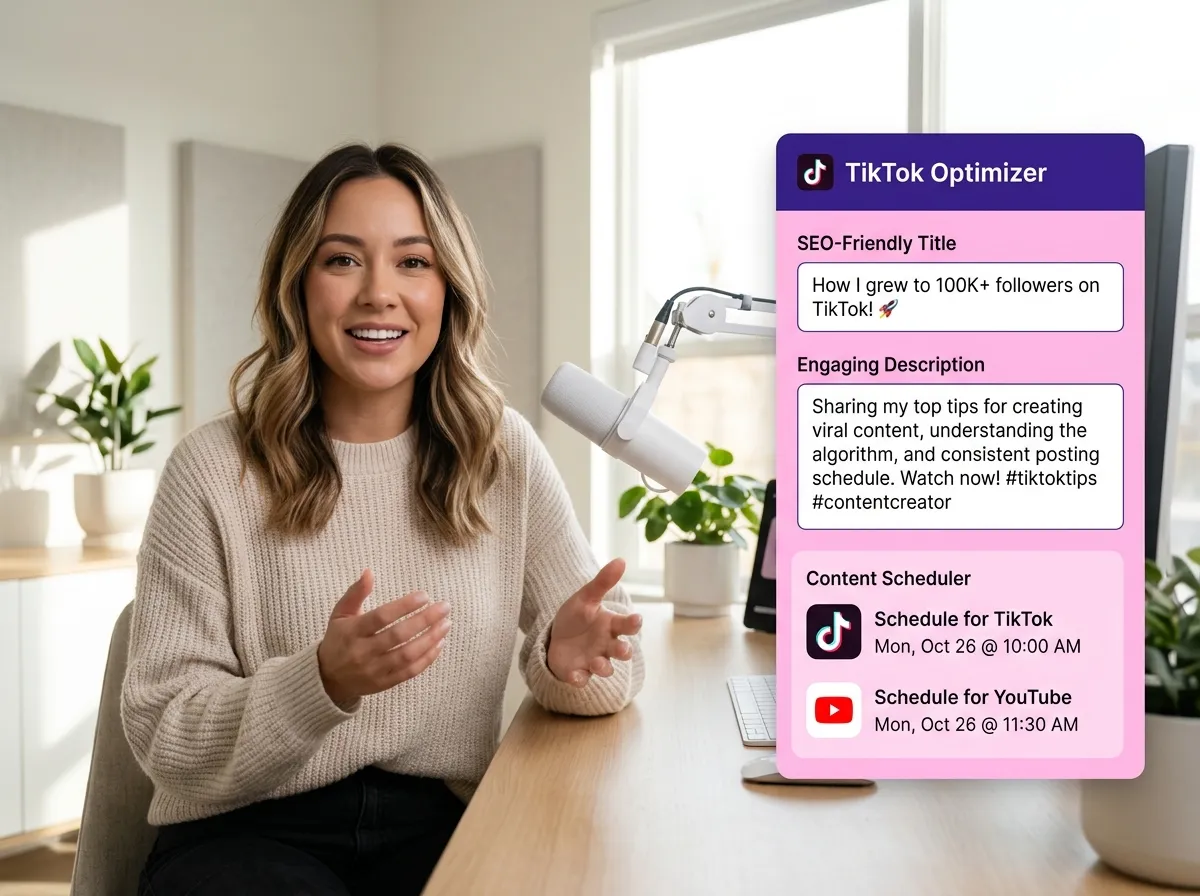
Vizard goes beyond captioning by helping you optimize your entire TikTok strategy. The TikTok Caption Generator also generates SEO-friendly titles and engaging descriptions tailored for the TikTok algorithm. Once your video is polished with the perfect subtitles and branding, you can publish it directly to TikTok or use Vizard’s content scheduler to manage your posts across multiple platforms. This end-to-end solution is ideal for busy creators and agencies looking to scale their video production without sacrificing quality. Maximize your productivity and ensure your content hits the feed at the perfect time.
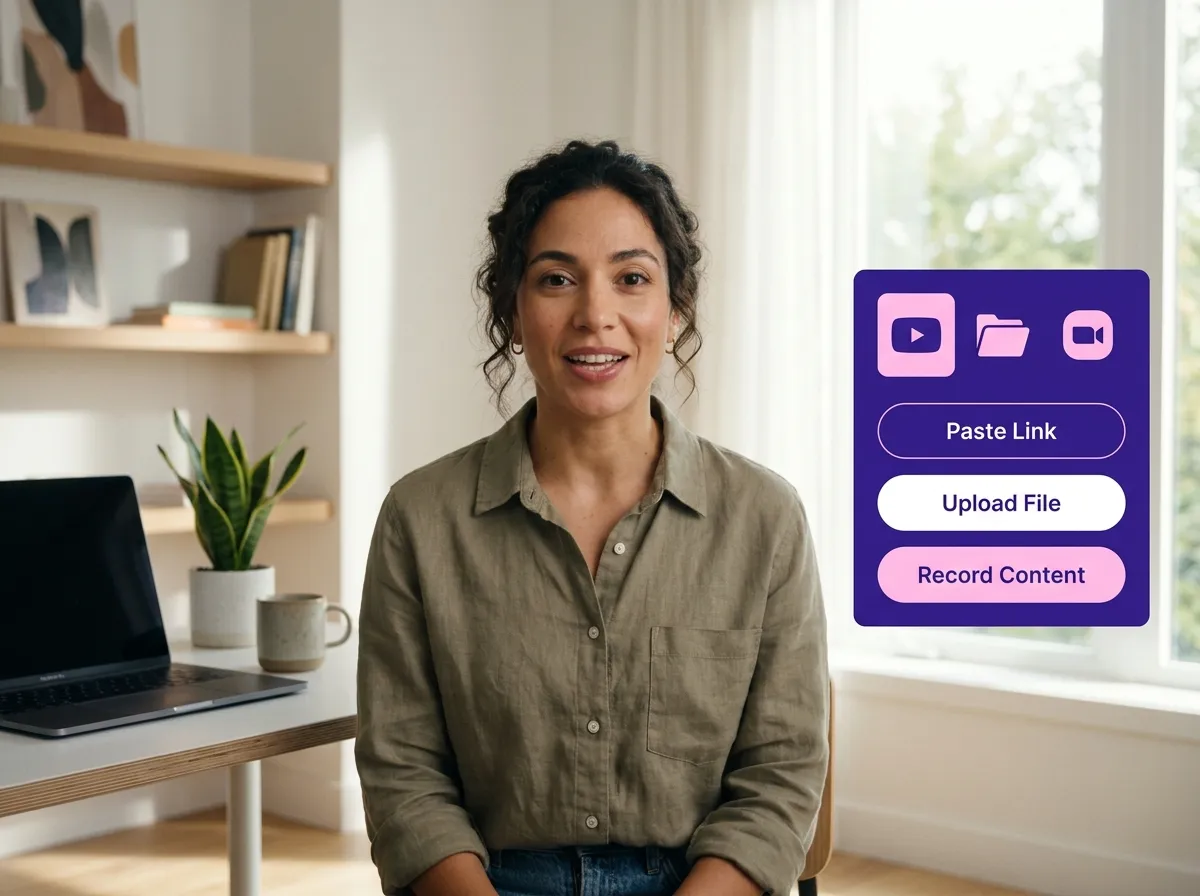
Start by uploading your video to Vizard. You can paste a link from YouTube or other platforms, upload a local file from your device, import directly from Zoom, or use Vizard’s built-in recorder to capture your content on the spot.
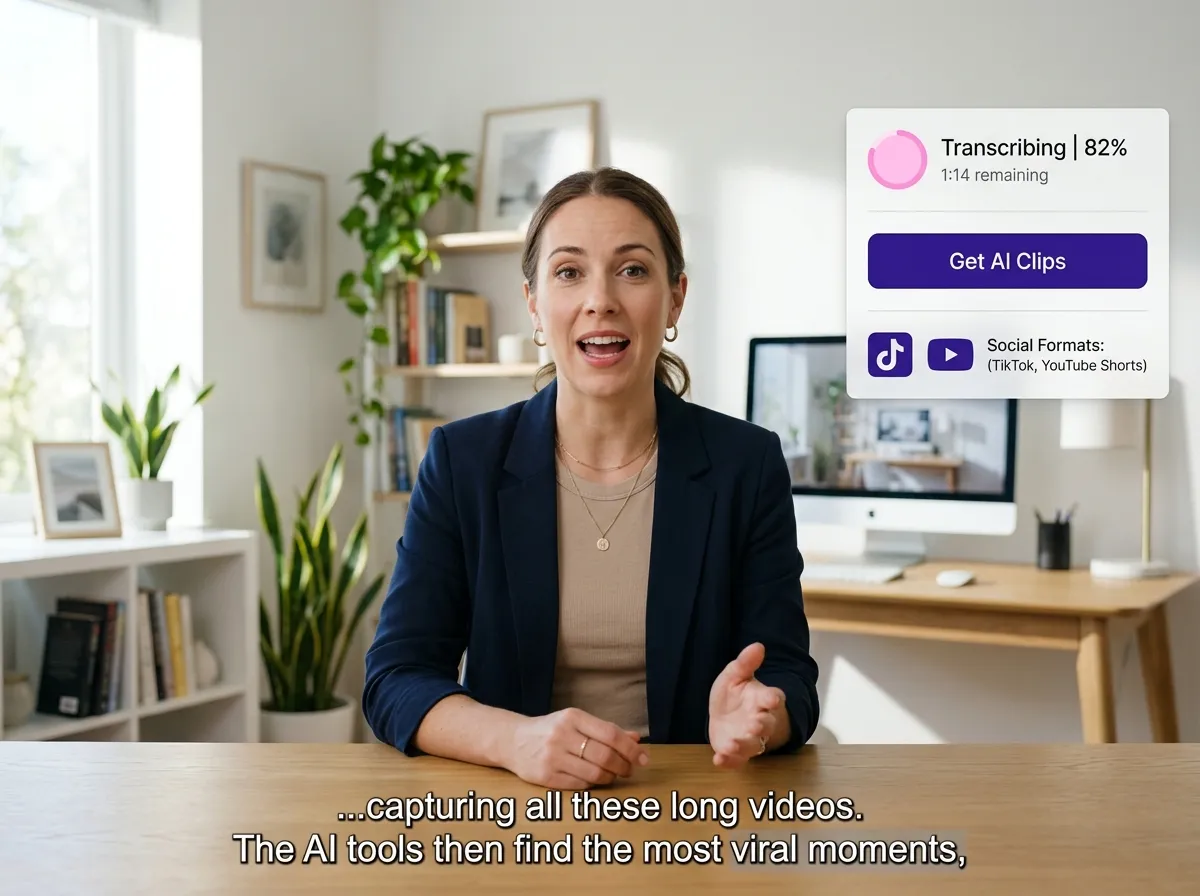
Once your video is uploaded, simply click "Get AI Clips." Vizard’s advanced AI will automatically transcribe your audio and add accurate, synchronized subtitles to your TikTok video in seconds.
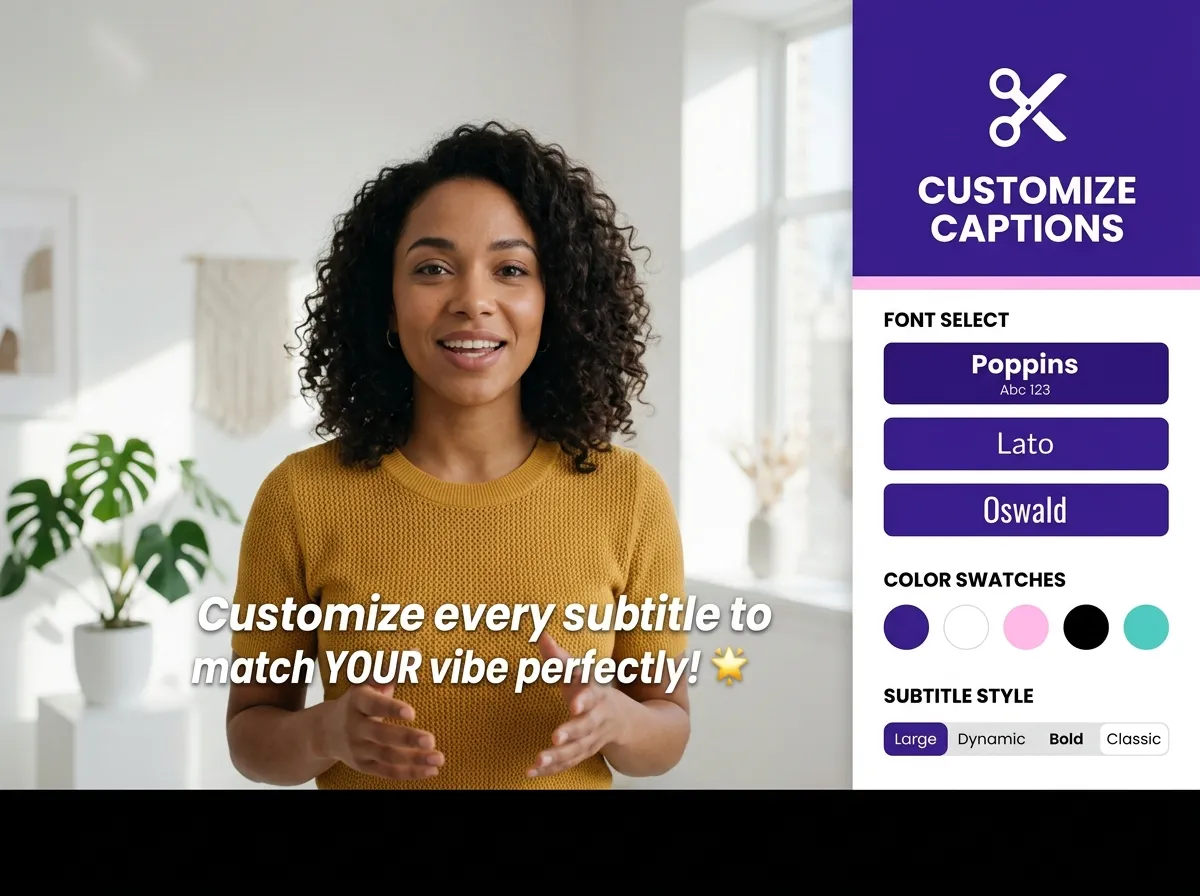
To personalize your captions, click the 'scissor' icon to enter the Vizard editor. Choose from various dynamic subtitle styles, adjust colors and fonts, or add your own branding elements like logos and outros to make your video truly stand out.
Turn one video into 10+ Instagram Reels with AI.
With just a few clicks, you can download or share your videos with your friends or team members with a link.
Turn your videos and audios into Reels, Stories, posts, and more in one click.
Effortlessly plan, schedule, and auto-generate engaging AI-driven posts, and publish your Instagram Reels along with the perfect captions.
Add dynamic subtitles for your videos automatically, all in the browser.
Bring your team together by inviting collaborators to work on your projects, in one workspace.
Effortlessly translate your video content into 130+ languages, expanding your global reach with just a few clicks.
Enhance your video's visual appeal and brand identity with ease by adding logos, images, outros, and custom fonts to your videos.


What is Vizard’s TikTok Caption Generator?
How many languages can Vizard transcribe and translate?
Can I customize the look of my TikTok captions?
Does Vizard support brand templates for TikTok?
Can Vizard help with more than just subtitles?
How accurate are the AI-generated captions?
What is Vizard’s TikTok Caption Generator?
How many languages can Vizard transcribe and translate?
Can I customize the look of my TikTok captions?
Does Vizard support brand templates for TikTok?
Can Vizard help with more than just subtitles?
How accurate are the AI-generated captions?
 Yao Wang

Yao Wang

Yao Wang

Yao Wang

Yao Wang


















