

NEW
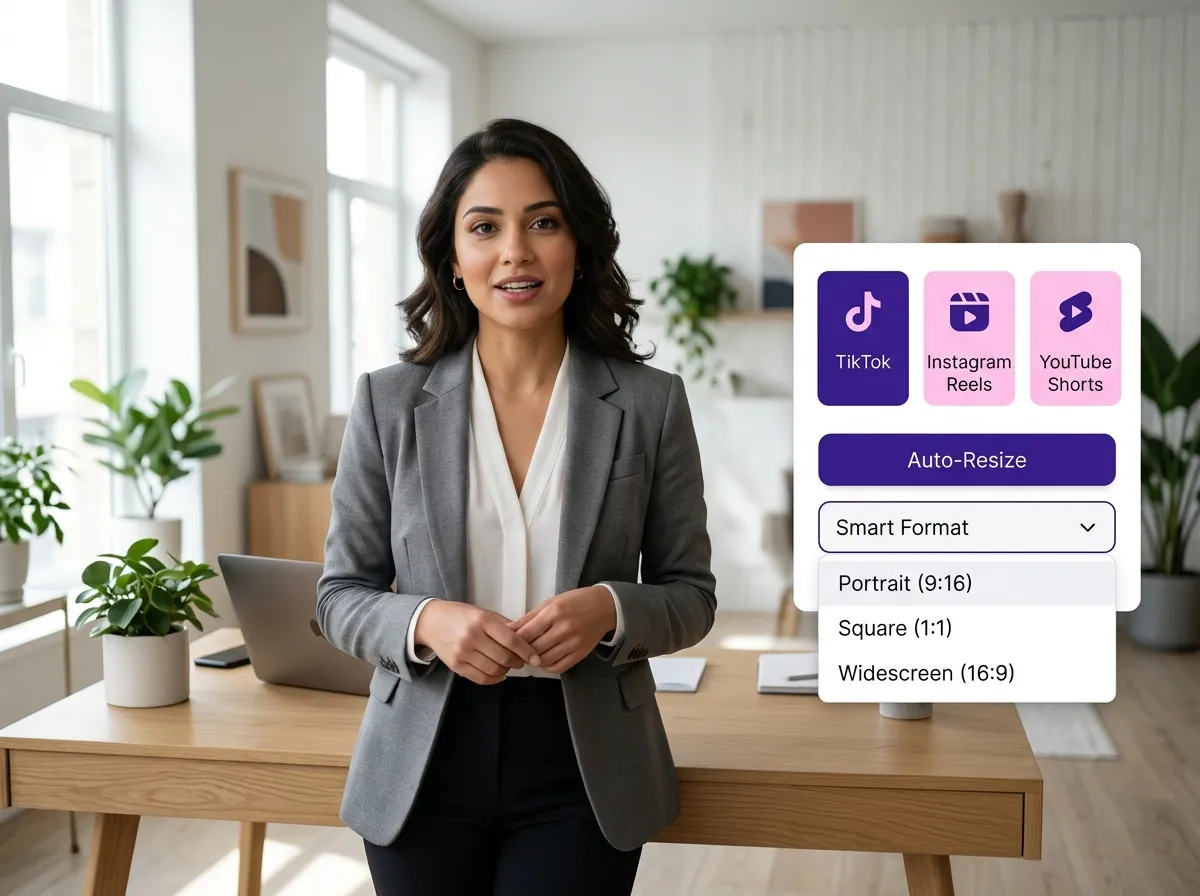



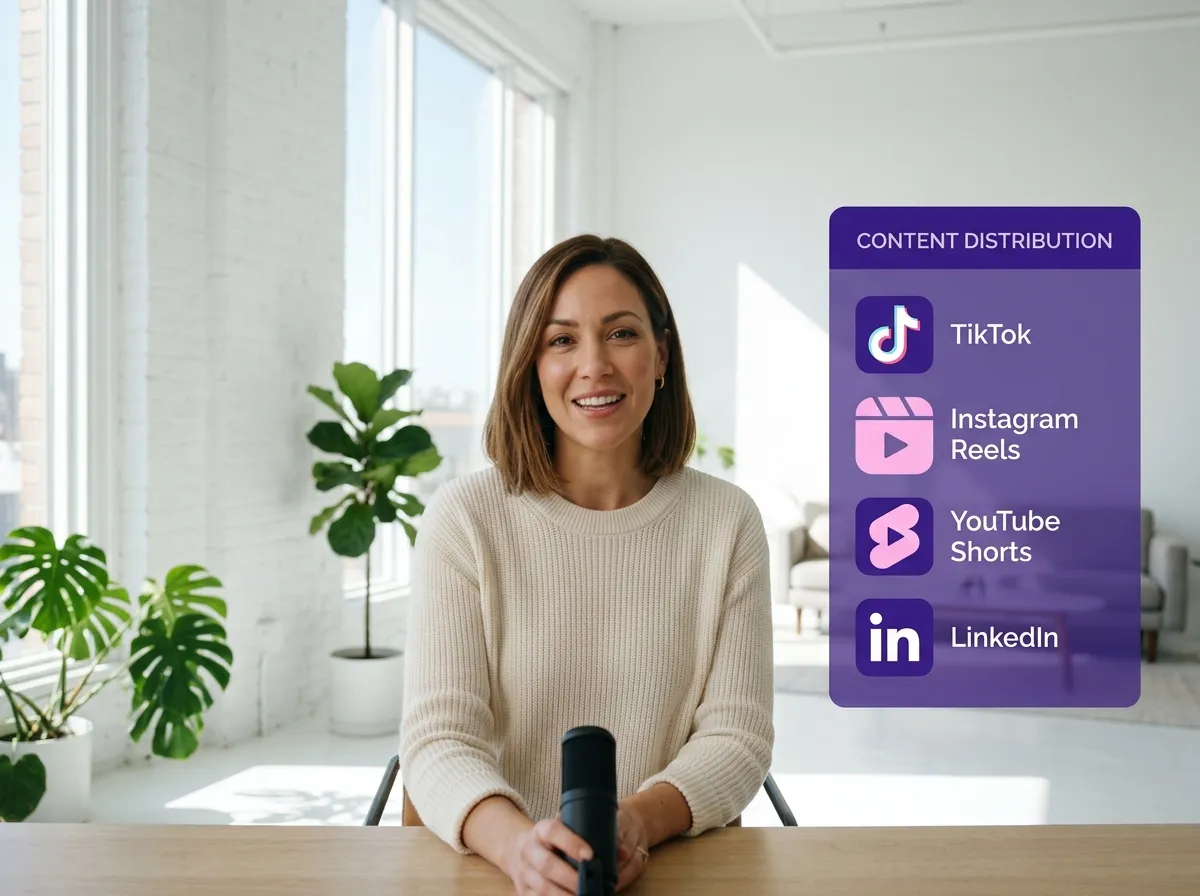
Vizard empowers you to extend the life of your content by repurposing TikTok videos for multiple platforms with just a few clicks. Our AI-driven engine automatically converts your existing TikToks into optimized formats perfectly suited for Instagram Reels, YouTube Shorts, LinkedIn, Facebook, and X/Twitter. This feature eliminates the tedious process of manual downloading and re-editing for each specific channel. It’s an essential tool for brands and social media managers looking to maximize reach and visibility across the digital landscape. By transforming one video into several platform-ready assets, Vizard helps you maintain a consistent presence everywhere, significantly improving content efficiency and audience engagement without the extra effort.
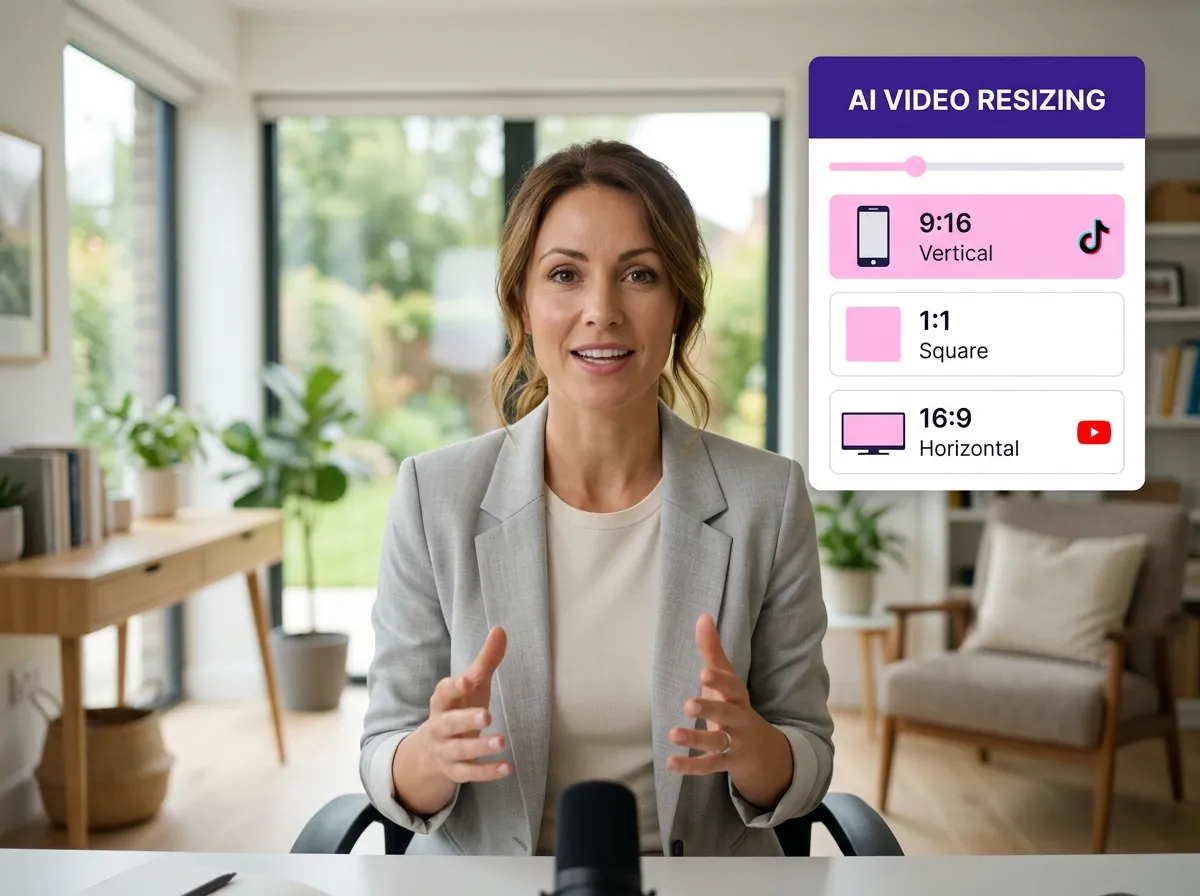
Vizard’s advanced AI video resizing and reformatting technology ensures your content looks professional on every screen. Whether you need to transition from TikTok’s vertical format to a square post for Instagram or a horizontal layout for YouTube, our intelligent framing keeps the main subject front and center. This eliminates the awkward cropping issues often found in basic editing tools. Ideal for e-commerce owners and content creators, this feature saves hours of manual frame adjustments. By leveraging Vizard to instantly resize TikTok videos while preserving visual quality, you can create a diverse library of social media assets that feel native to each platform, ultimately driving higher click-through rates and viewer retention.
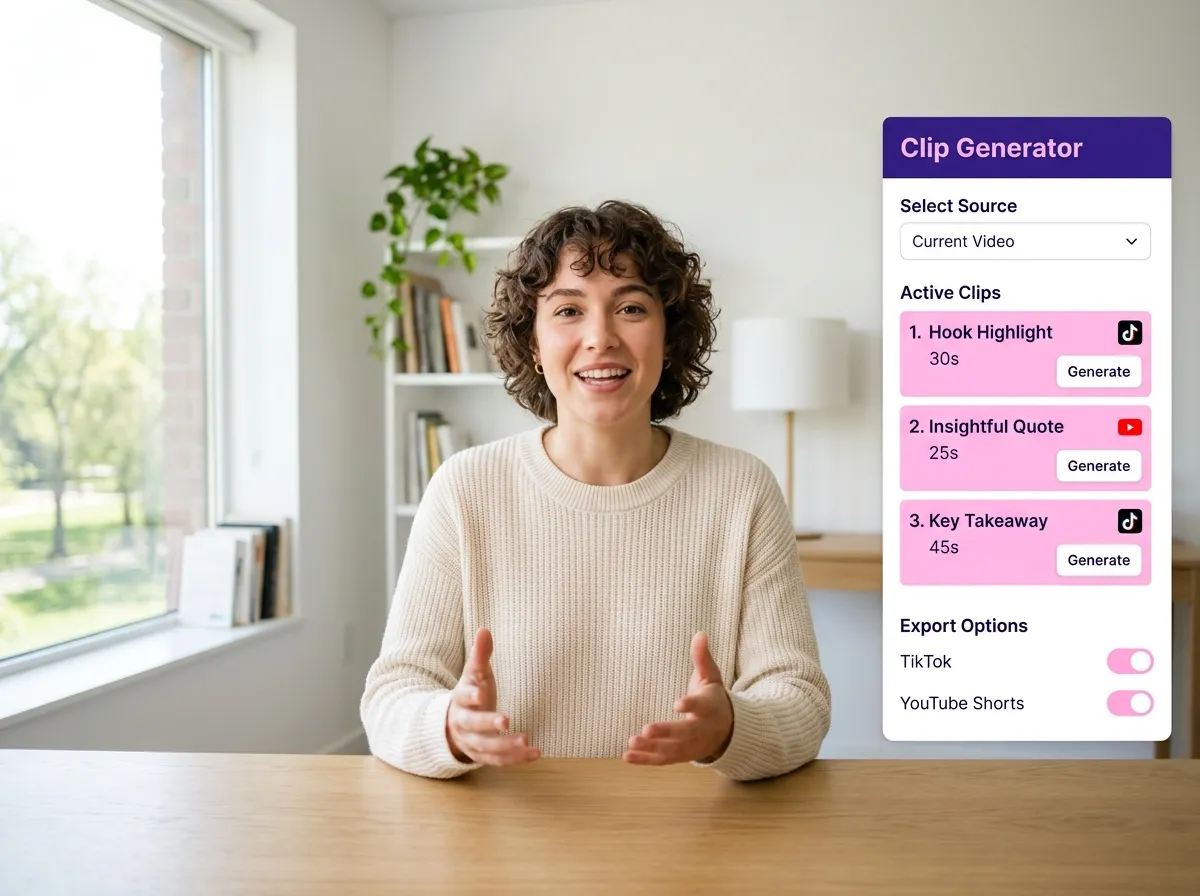
Maximize your content's potential with the Vizard TikTok video clip generator. This powerful tool takes a single TikTok video and intelligently breaks it down into multiple shorter clips or alternative edits. It’s perfect for creators who want to test different segments of their content for virality or expand a single idea into a week’s worth of posts. By generating these bite-sized assets, Vizard allows you to populate your content calendar across Instagram and Shorts with minimal input. This approach to content expansion is ideal for repurposing high-performing videos to reach new audience segments, ensuring your best ideas get the exposure they deserve through strategic, AI-assisted variations.
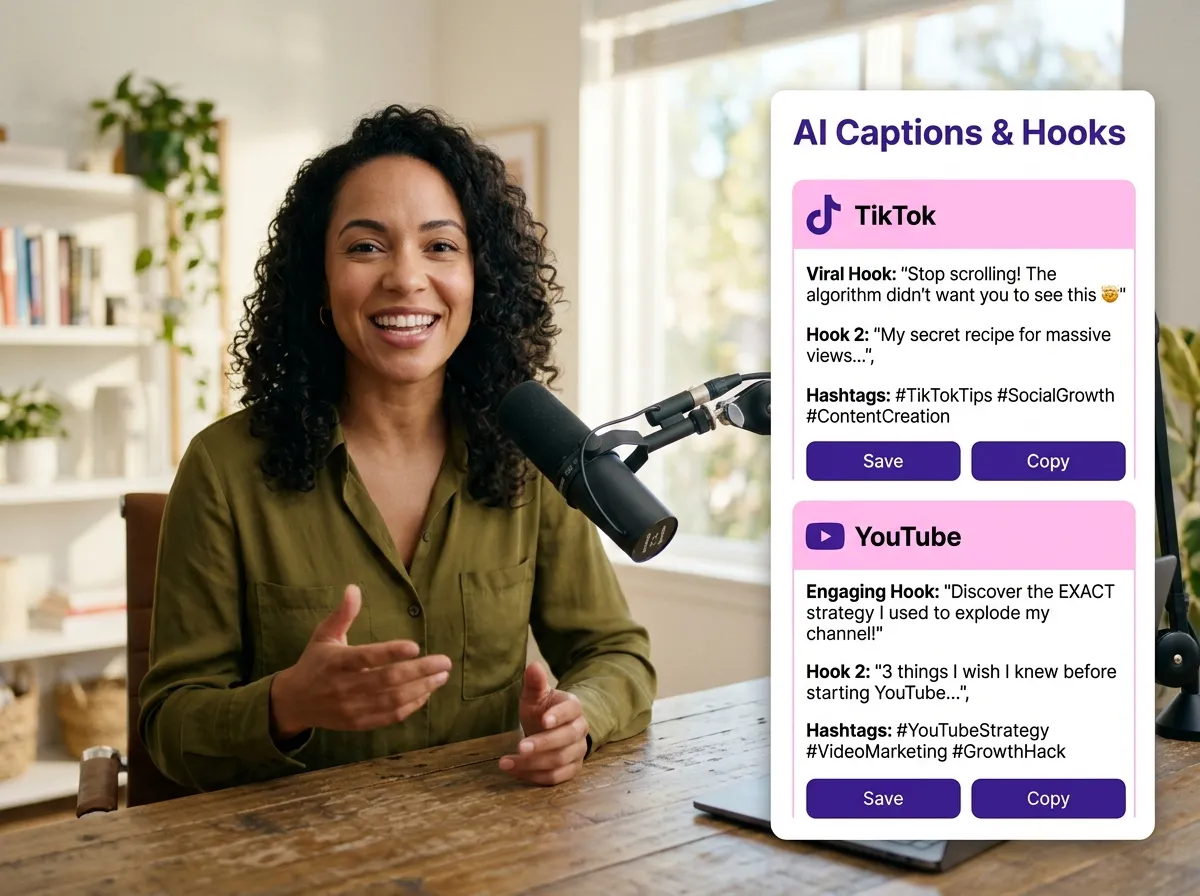
Vizard goes beyond video editing by offering platform-specific captions and hooks tailored to your target audience. Our AI analyzes your TikTok content to generate or regenerate compelling copy, hashtags, and hooks with tones ranging from professional to playful. Whether you need an authoritative hook for LinkedIn or a trendy caption for Instagram Reels, Vizard provides the right words to spark engagement. This feature is a game-changer for marketers who need to adapt their messaging style quickly across different social ecosystems. By automating the writing process, you can ensure each repurposed video is optimized for the specific algorithm and user behavior of the platform it’s shared on, boosting overall performance.
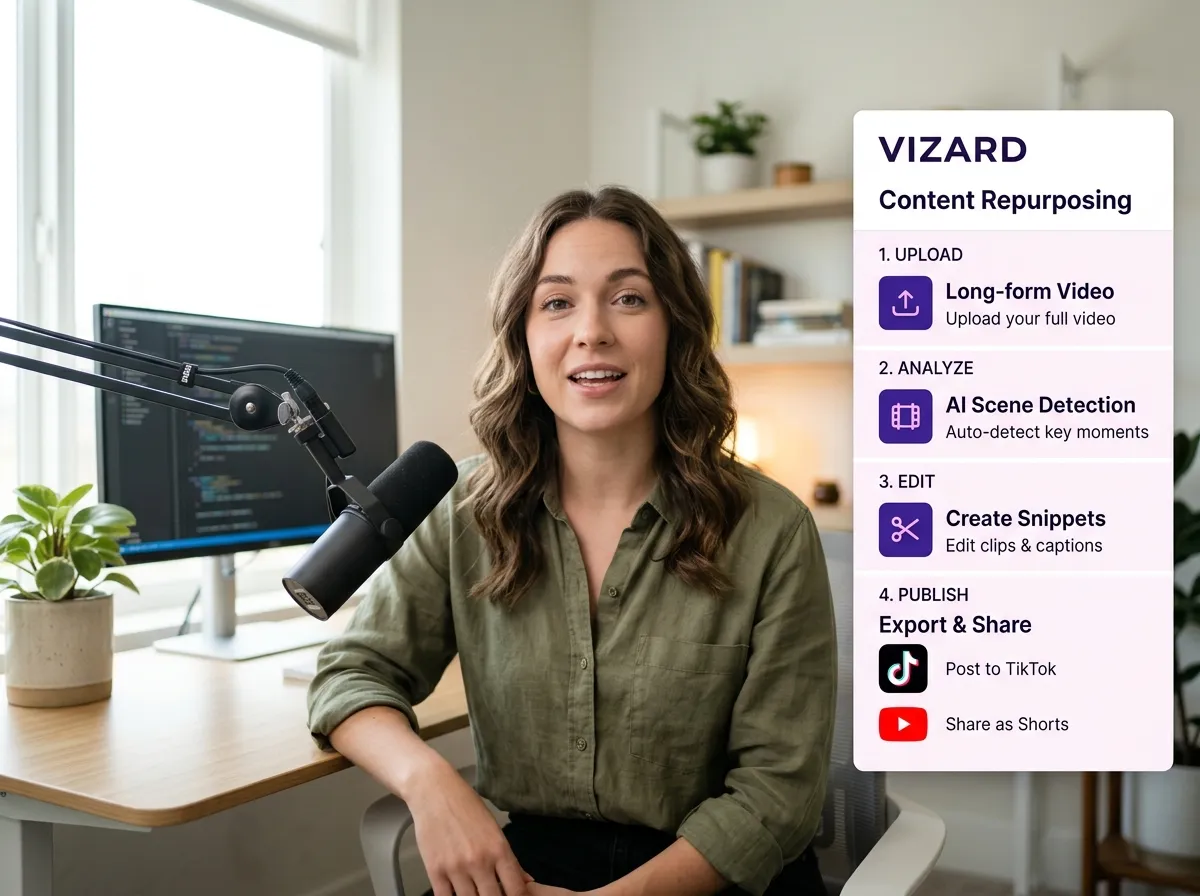
Experience a seamless social media content repurposing workflow designed for efficiency within Vizard. This centralized dashboard allows you to manage every step of the process—from initial TikTok upload and AI editing to caption generation and final publishing—all in one place. No more jumping between different apps or losing track of file versions. This integrated environment is perfect for marketing teams and agencies that need to produce and distribute high-volume content consistently. By streamlining the entire lifecycle of a repurposed TikTok video, Vizard reduces production bottlenecks, saves valuable time, and empowers you to focus on strategy and growth rather than the technical hurdles of cross-platform content management.
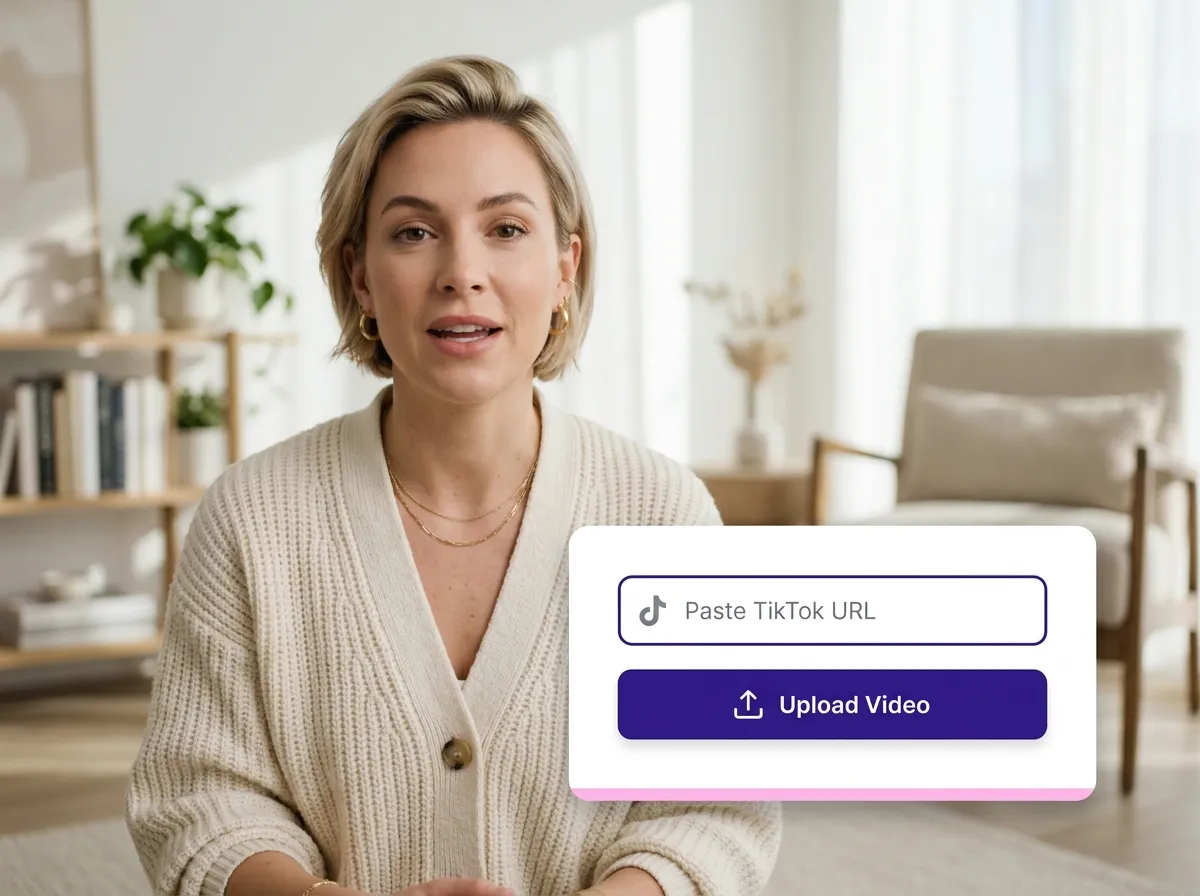
Begin by uploading your video file directly or pasting a TikTok URL into Vizard for instant import.
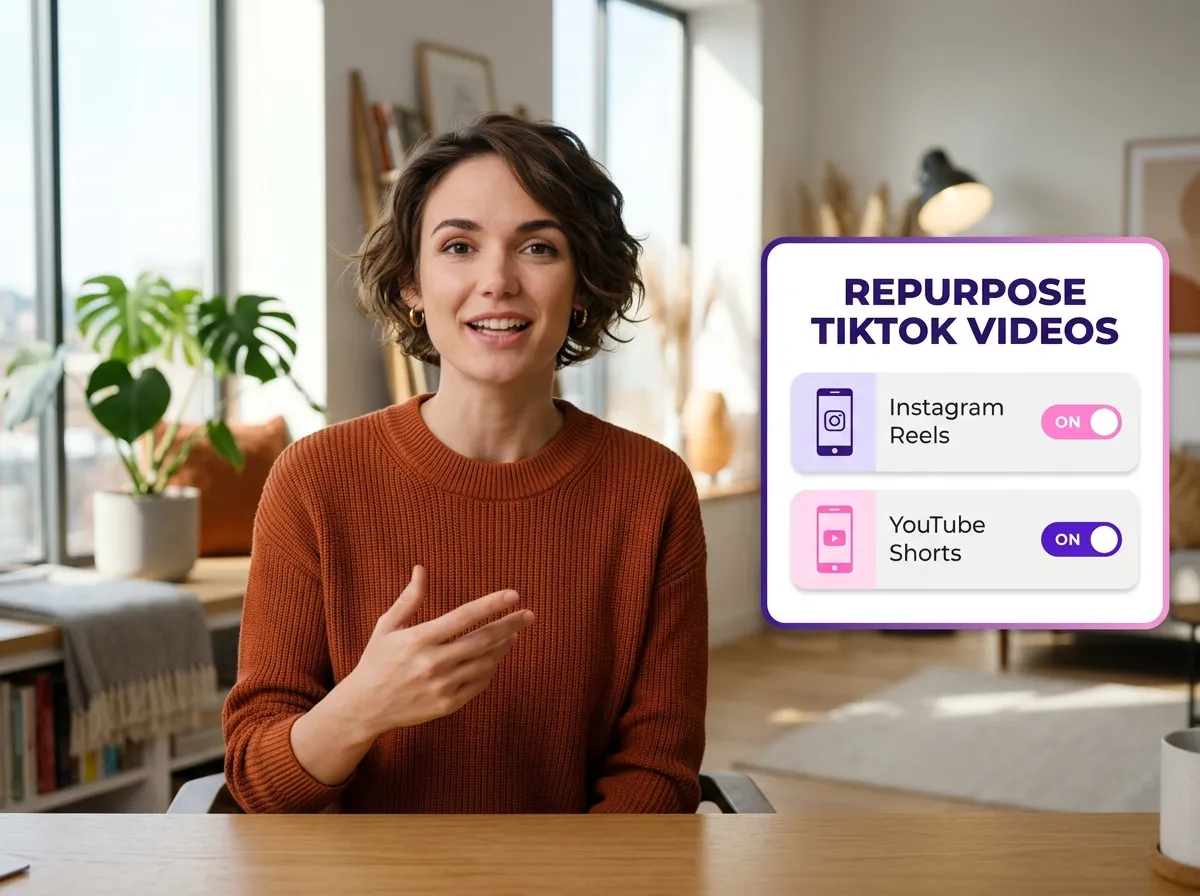
Select the "Repurpose TikTok Videos" tool and pick your desired social channels, like Instagram Reels or YouTube Shorts.
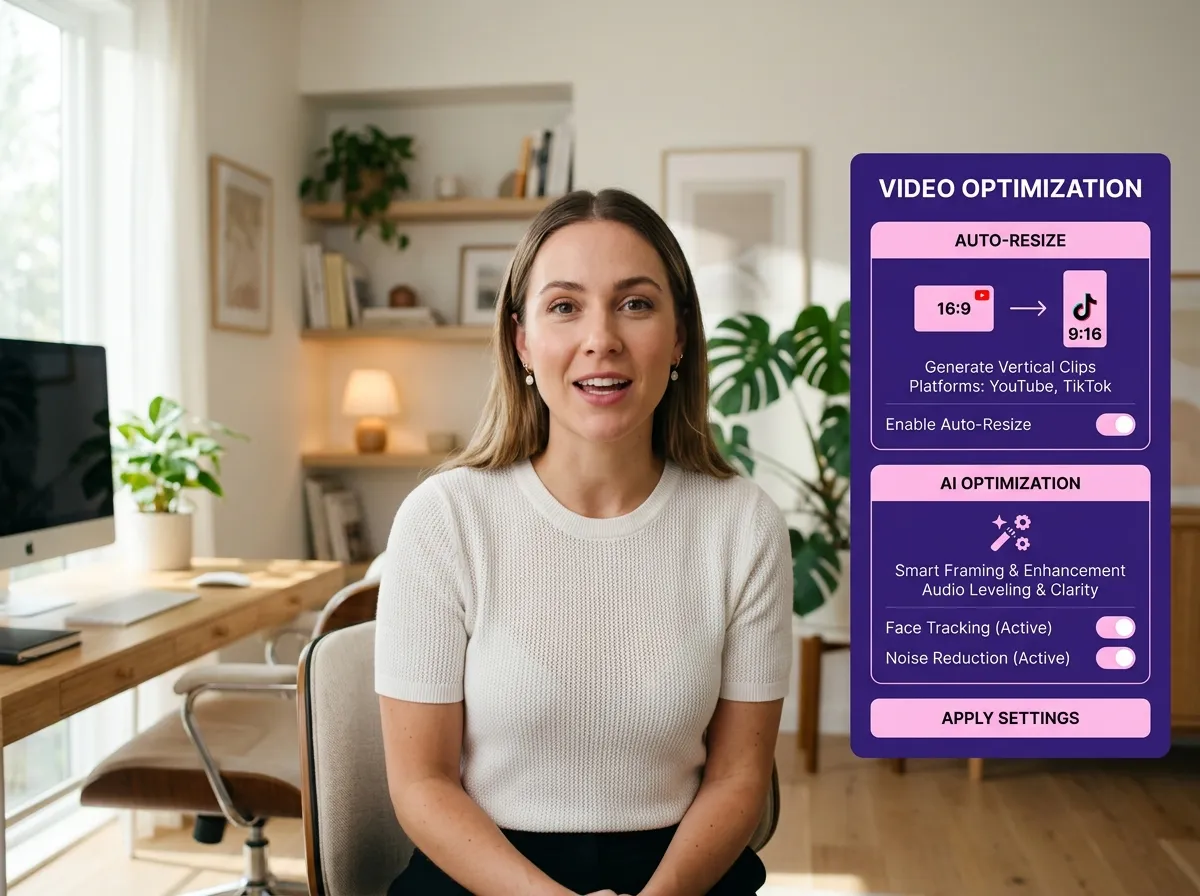
Vizard's AI automatically handles resizing, trimming, and optimization to ensure your content fits every platform perfectly.
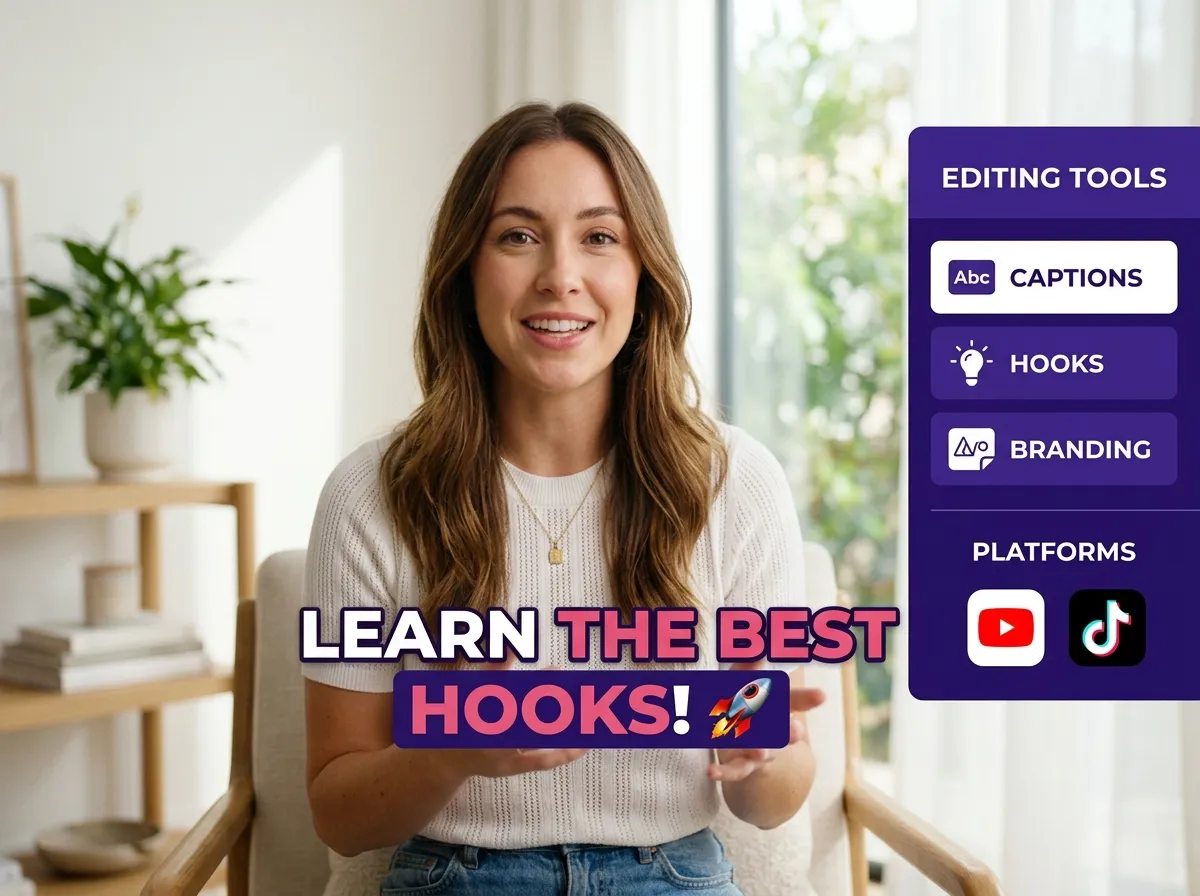
Fine-tune your clips with custom captions, hooks, and branding elements to maintain a consistent professional look.
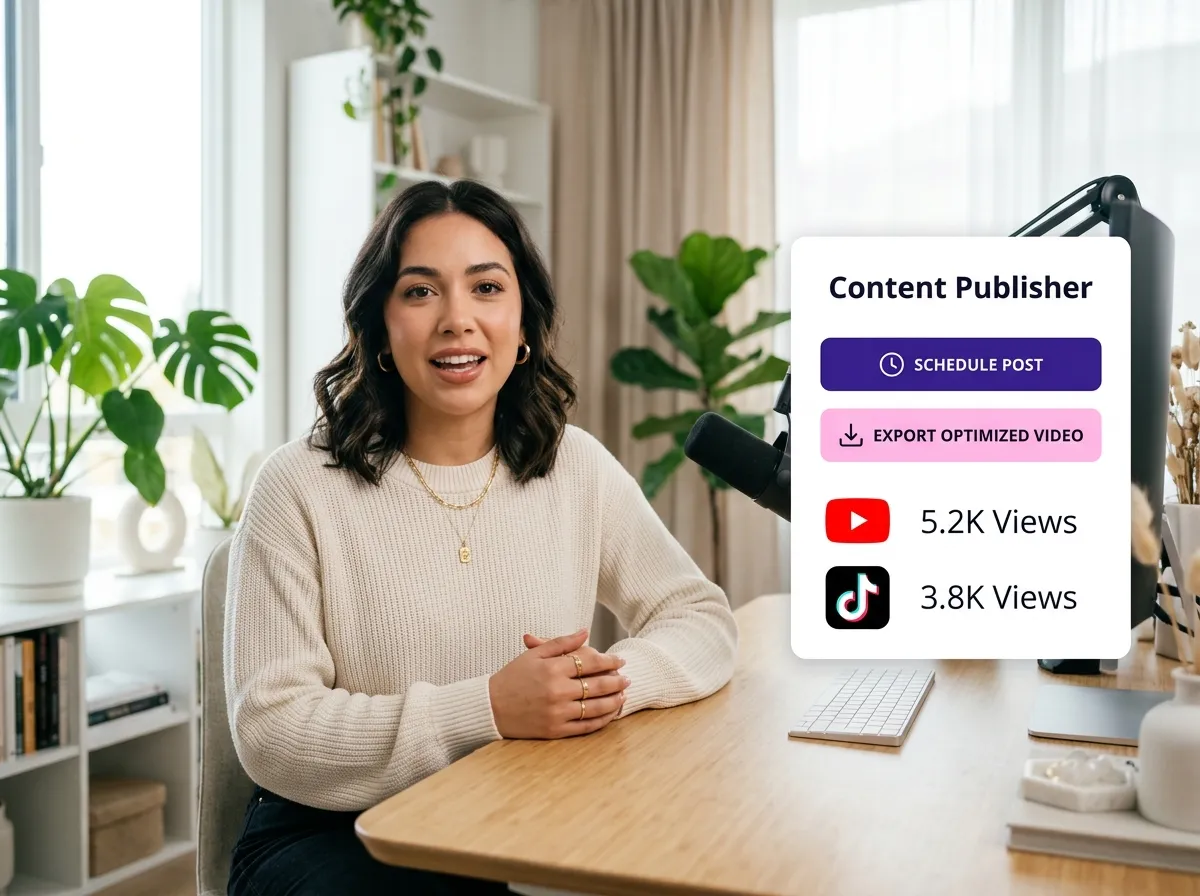
Once ready, export your optimized videos or schedule them for direct publishing across all your social media platforms.
Turn one video into 10+ Instagram Reels with AI.
With just a few clicks, you can download or share your videos with your friends or team members with a link.
Turn your videos and audios into Reels, Stories, posts, and more in one click.
Effortlessly plan, schedule, and auto-generate engaging AI-driven posts, and publish your Instagram Reels along with the perfect captions.
Add dynamic subtitles for your videos automatically, all in the browser.
Bring your team together by inviting collaborators to work on your projects, in one workspace.
Effortlessly translate your video content into 130+ languages, expanding your global reach with just a few clicks.
Enhance your video's visual appeal and brand identity with ease by adding logos, images, outros, and custom fonts to your videos.


How do I repurpose my TikTok videos for other social media platforms?
Can I turn one TikTok video into multiple clips with Vizard?
Does Vizard automatically resize TikTok videos for Instagram and YouTube?
Can Vizard help with captions and hashtags for different social media platforms?
Is it possible to schedule my repurposed TikTok videos directly from Vizard?
Do I need advanced video editing skills to use Vizard’s TikTok repurposing tool?
How do I repurpose my TikTok videos for other social media platforms?
Can I turn one TikTok video into multiple clips with Vizard?
Does Vizard automatically resize TikTok videos for Instagram and YouTube?
Can Vizard help with captions and hashtags for different social media platforms?
Is it possible to schedule my repurposed TikTok videos directly from Vizard?
Do I need advanced video editing skills to use Vizard’s TikTok repurposing tool?

 Yao Wang

Yao Wang
Yao Wang

Yao Wang

Yao Wang


















