

NEW
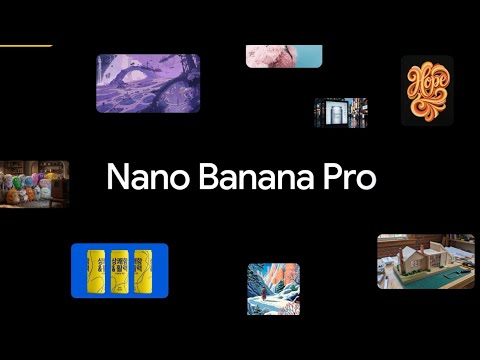
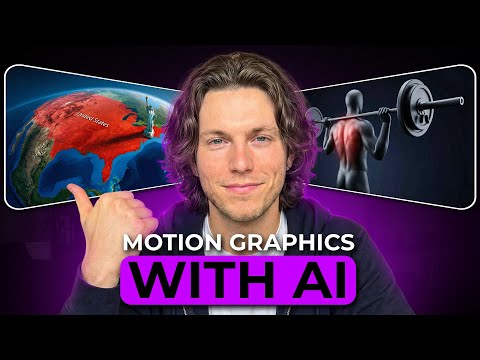
Nano Banana Pro (Gemini 3 Pro Image) is Google DeepMind's state-of-the-art image generation and editing model, built on Gemini 3 Pro. It's designed for creators and professionals who need more than a quick draft — you get precise control over lighting, composition, camera angle, text rendering, and character consistency, all at up to 4K resolution. Whether you're building a brand campaign, visualizing data, or designing at studio quality, Nano Banana Pro is built for the work that matters most.
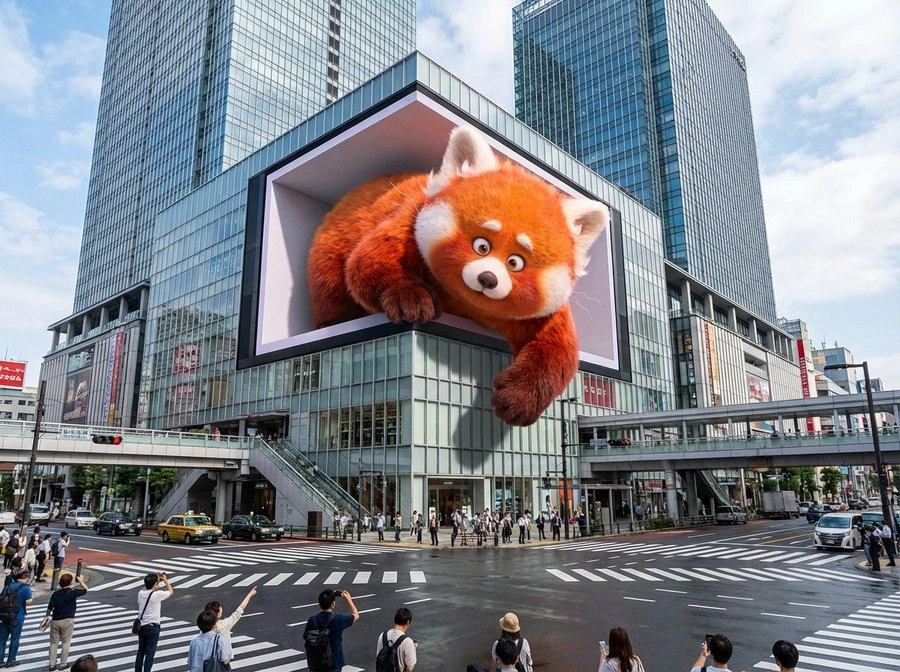
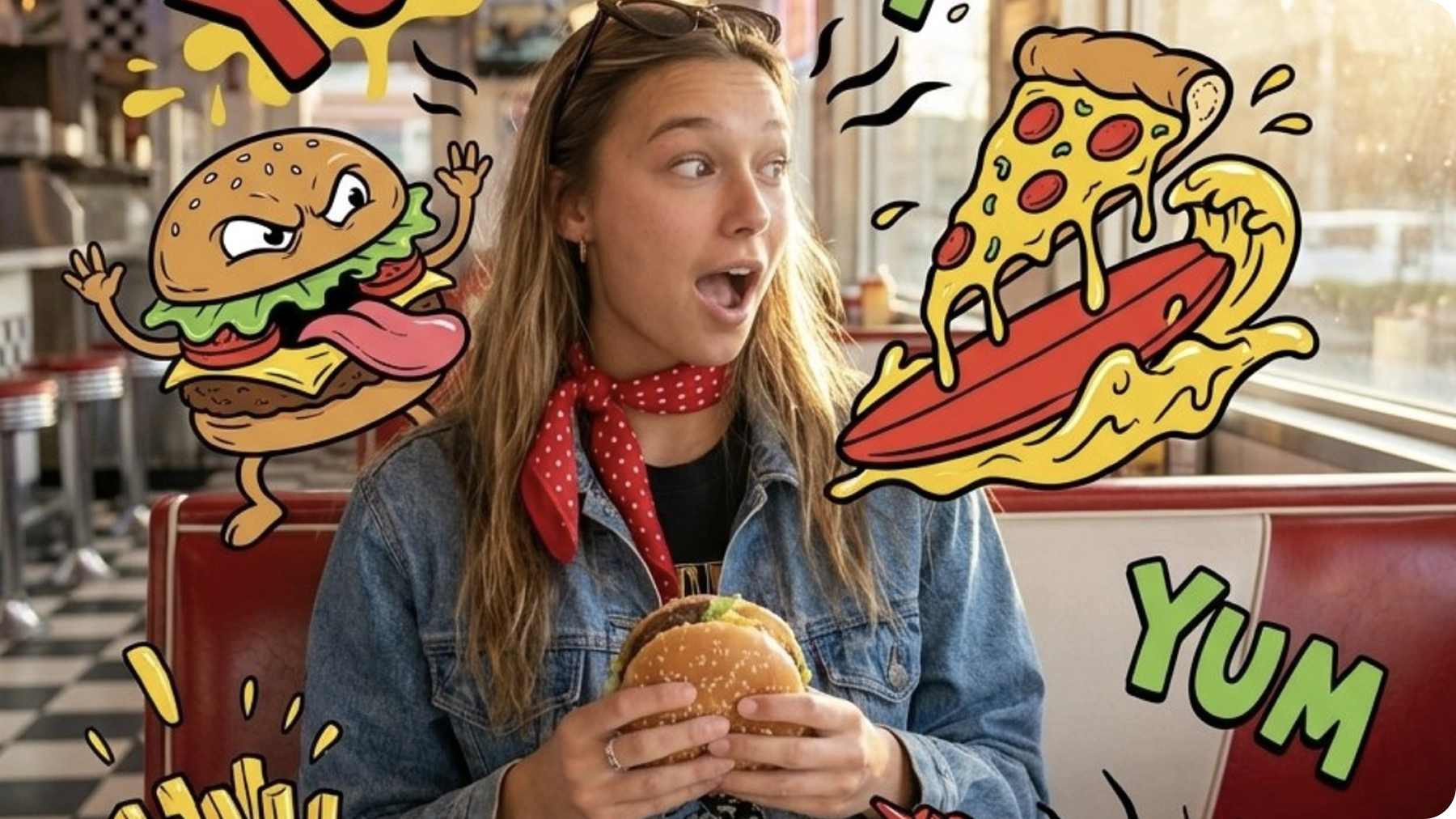
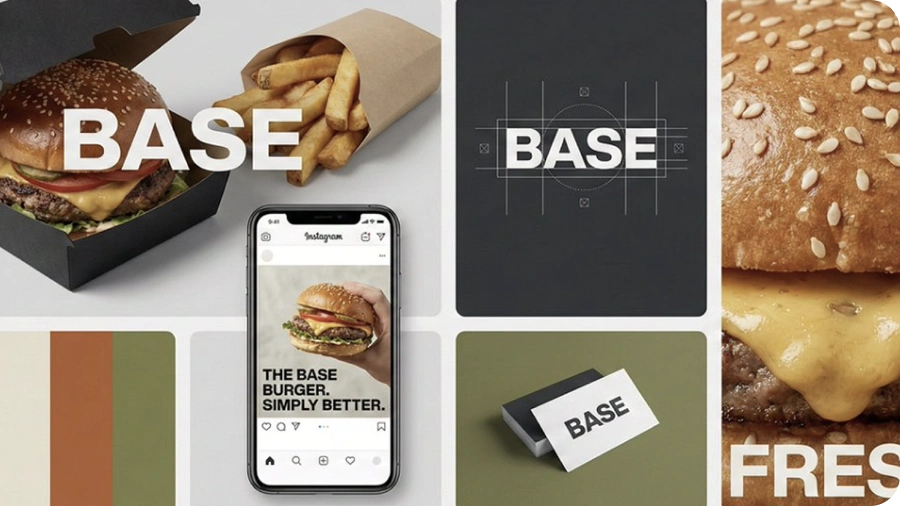
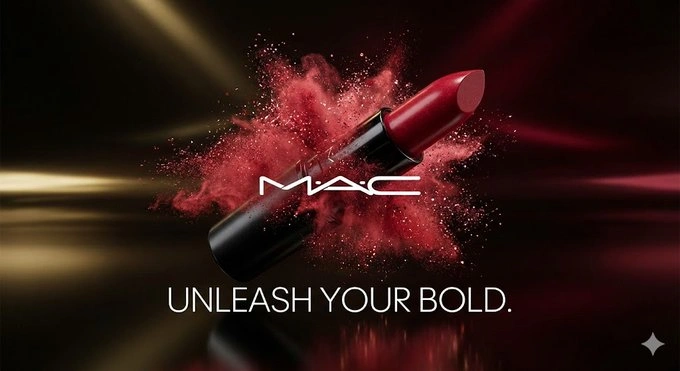
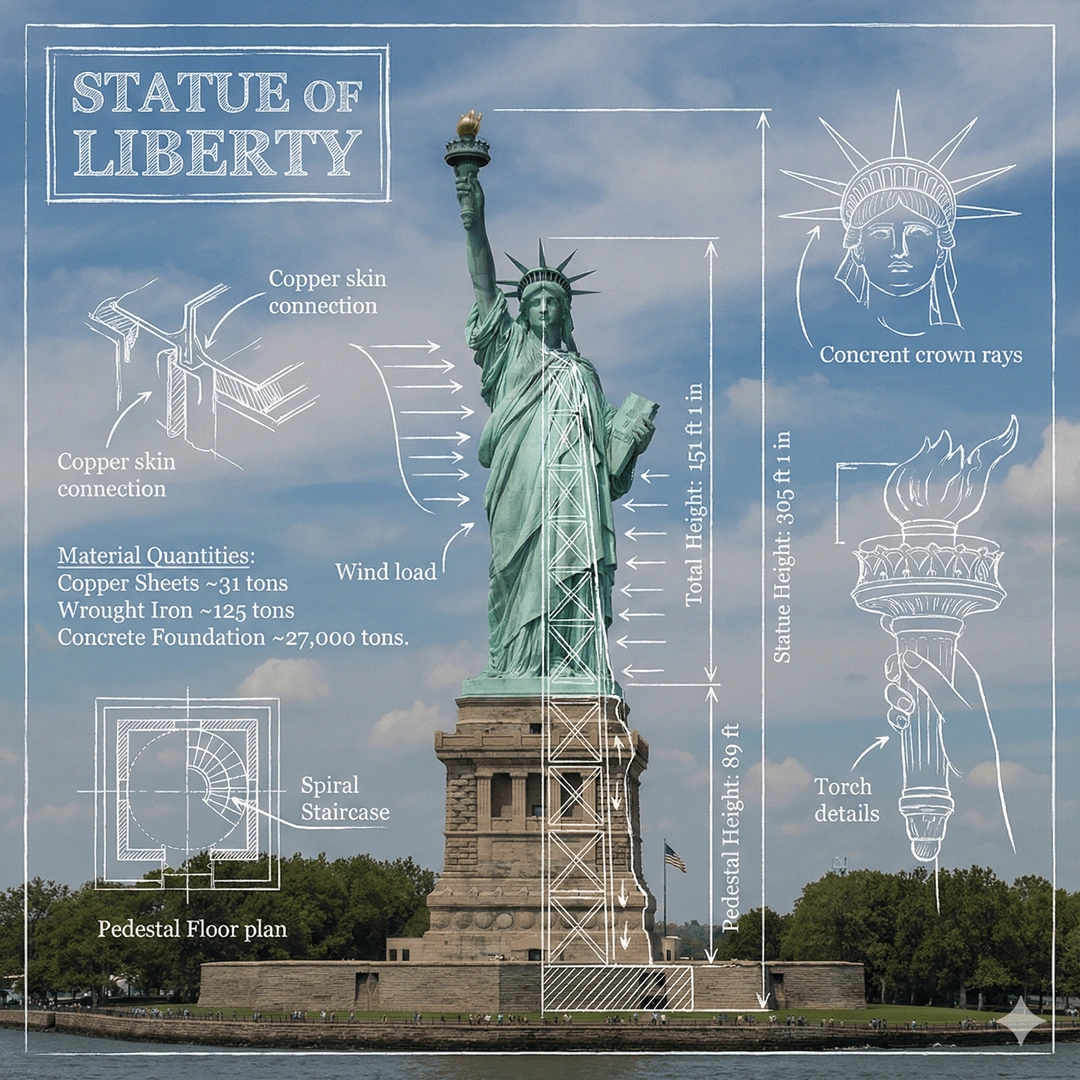
Nano Banana Pro uses Gemini's state-of-the-art reasoning and real-world knowledge to visualize information better than ever before. It can help you visualize any idea and design anything — from prototypes, to representing data as infographics, to turning handwritten notes into diagrams. For professionals who need outputs that hold up in the real world, this is what the model was built for.
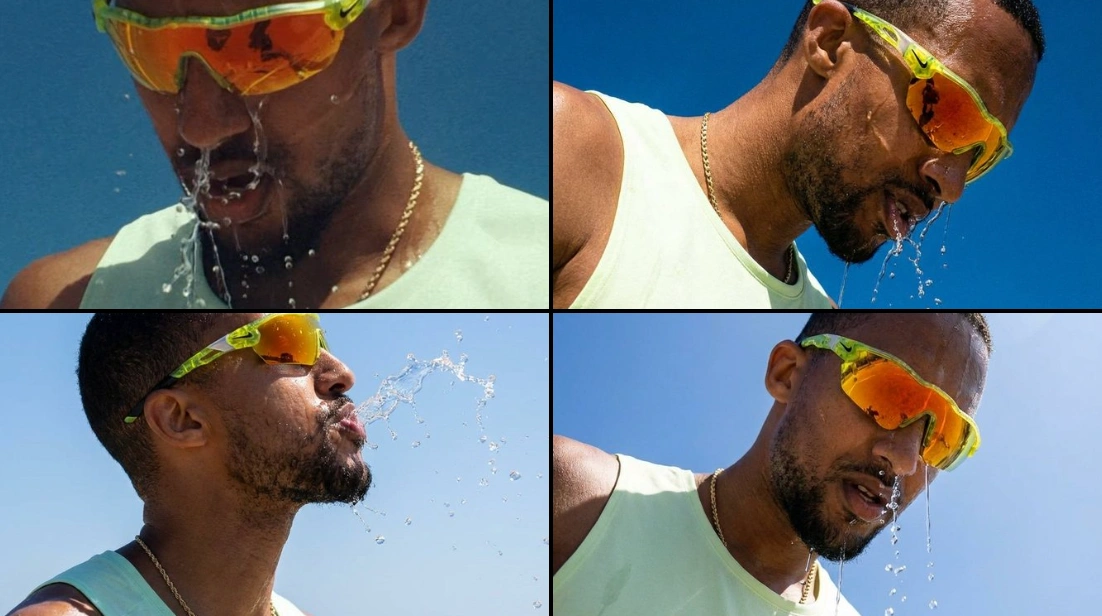
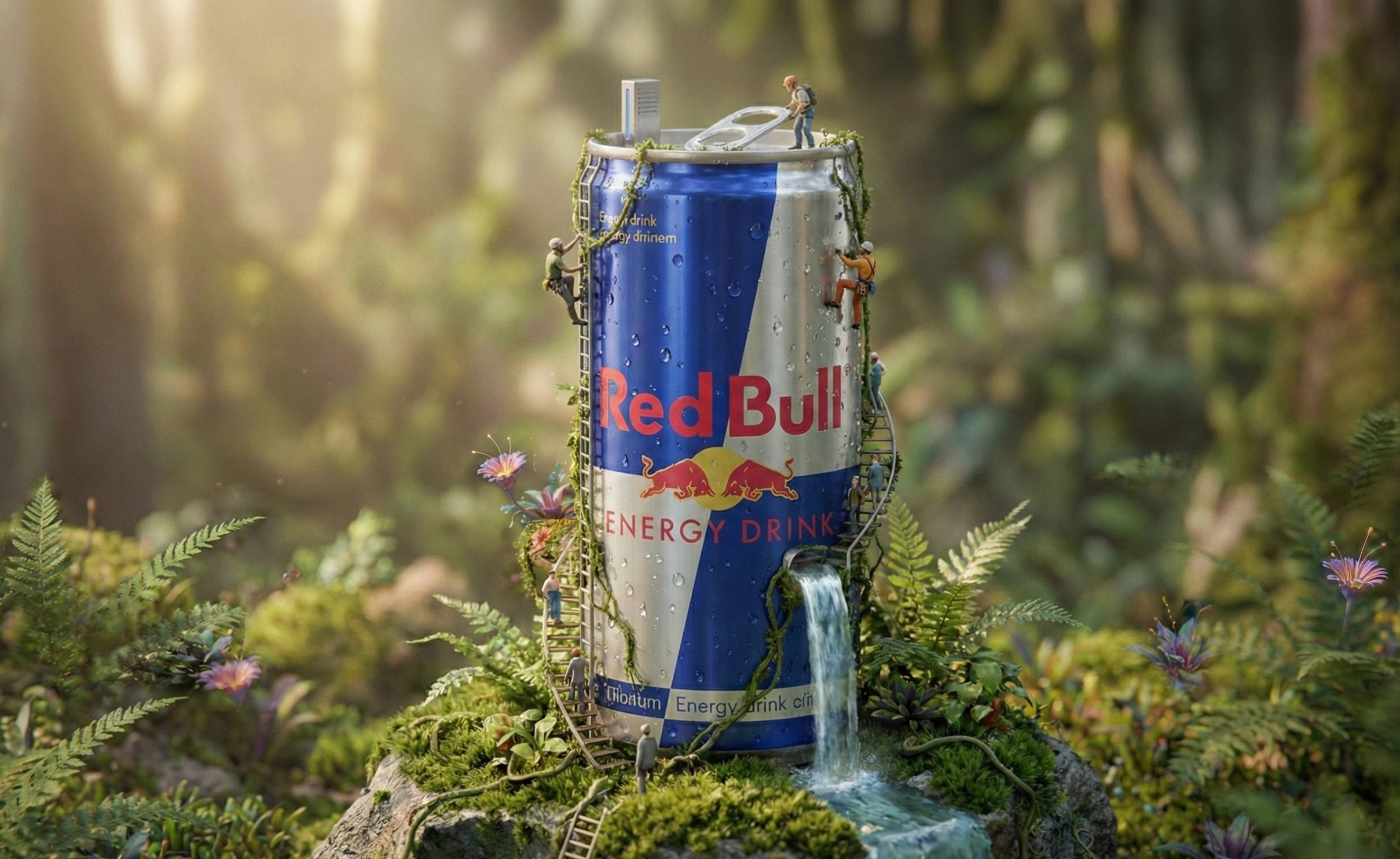
Fine-tune camera angles, scene lighting, depth of field, and color grading with natural language. Whether you want film noir shadows or golden-hour cinematography, you direct it the way a photographer would direct a shoot.
Generate 2K or 4K images across any aspect ratio. Assets stay sharp whether they're going on a social post or a large-format print — no upscaling required.
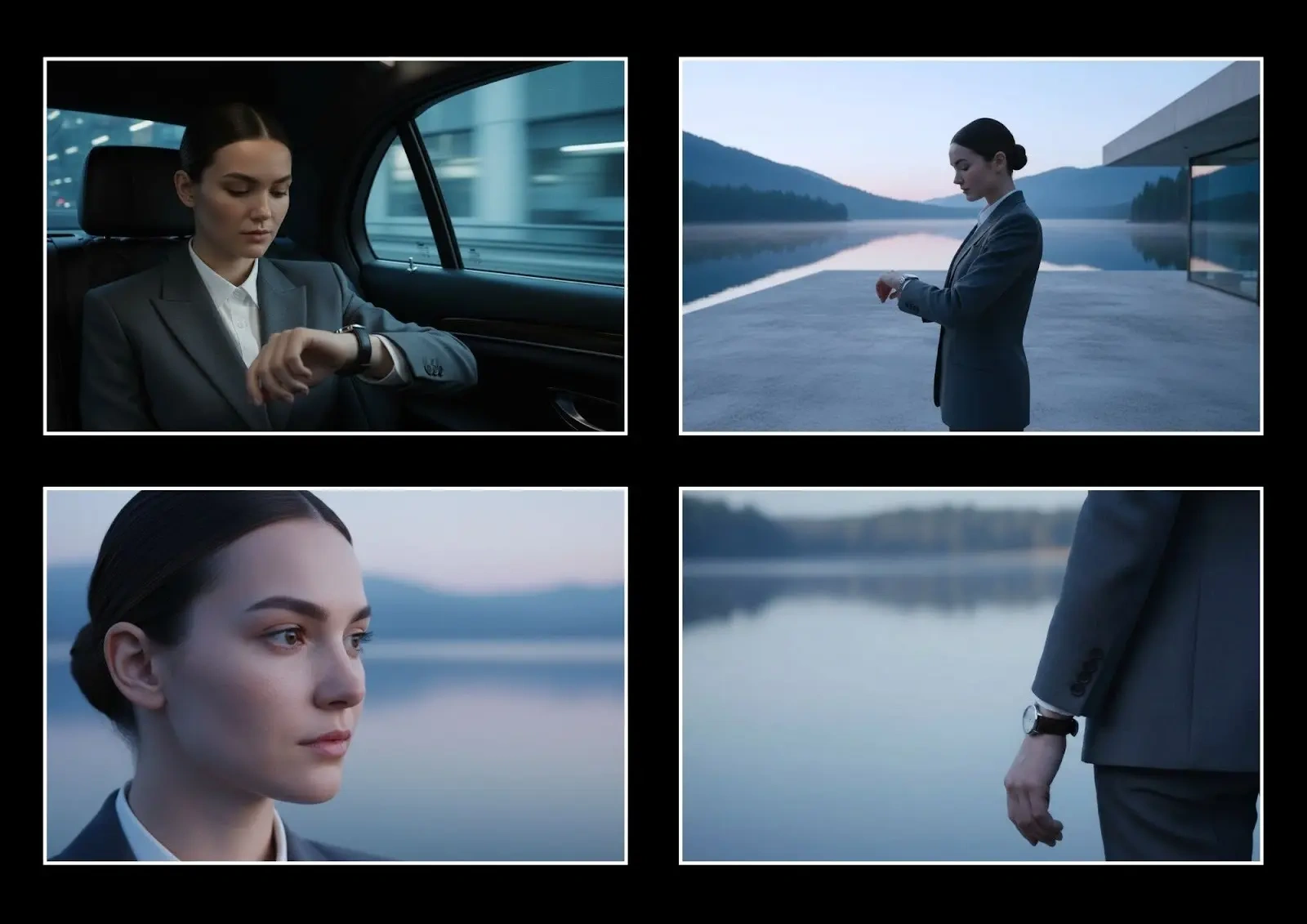
Upload up to 14 reference images and maintain consistent appearances across up to 5 characters in a single workflow. Ideal for storyboards, brand campaigns, and multi-scene narratives where everything needs to look right across every frame.
Nano Banana Pro can research topics using Google Search and reason on how to present information accurately. Ask it to generate an infographic, a technical diagram, or a historically accurate scene — and it knows enough about the world to get the details right.
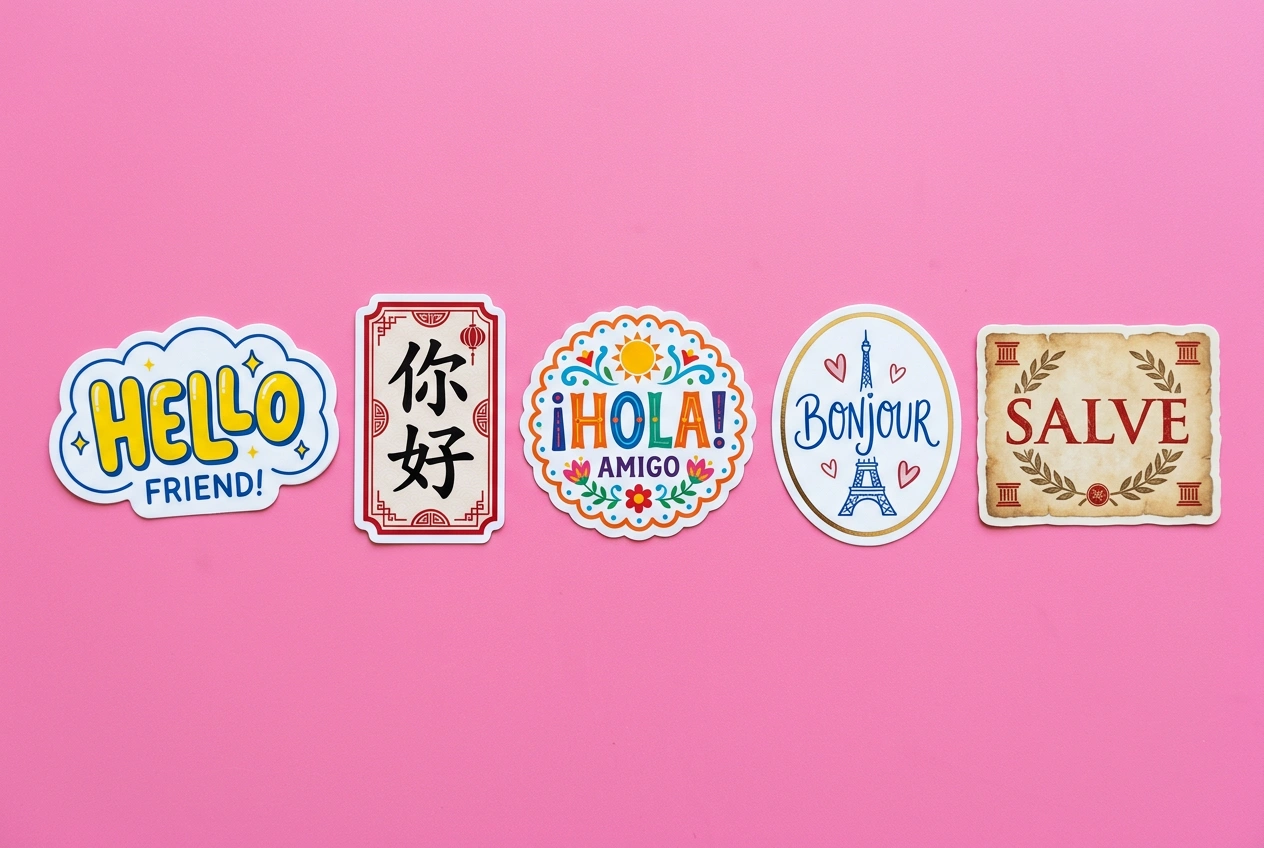
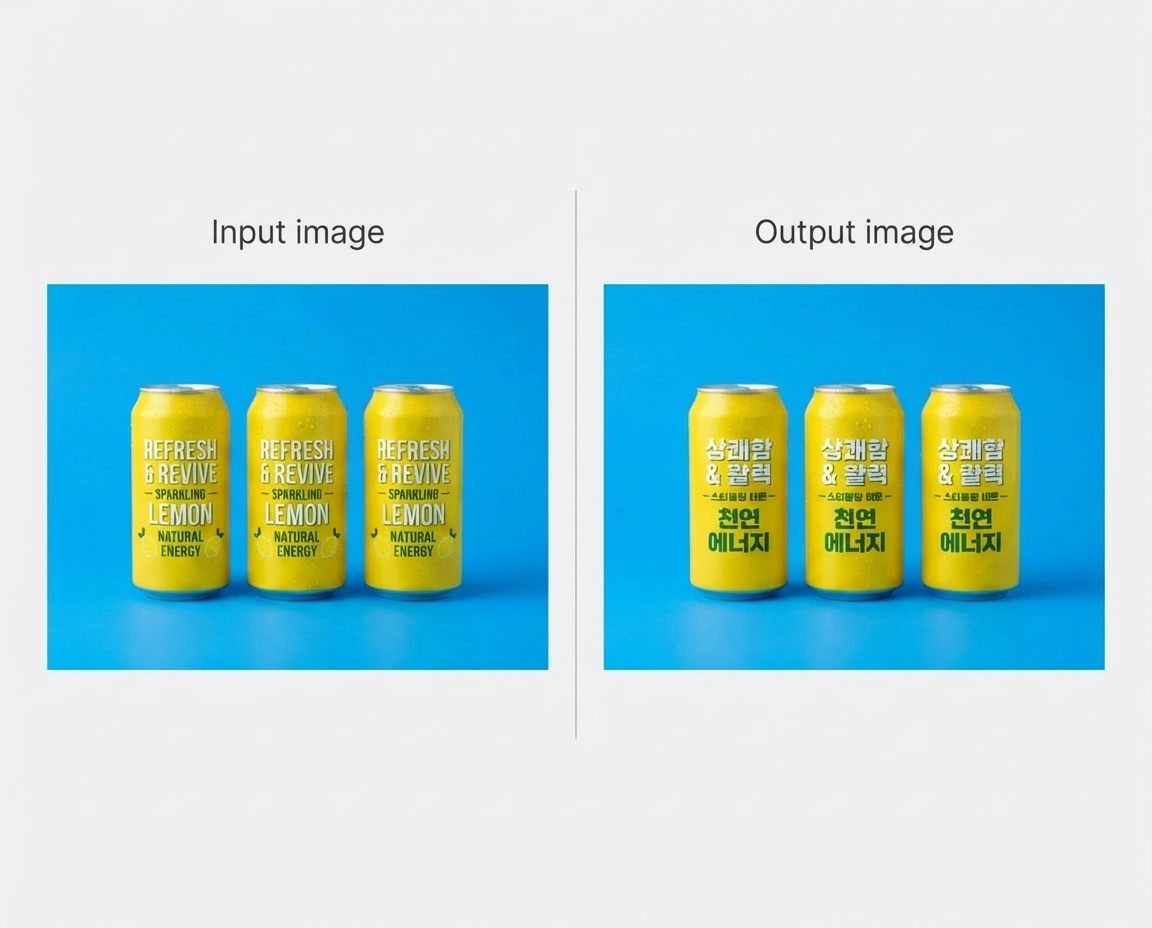
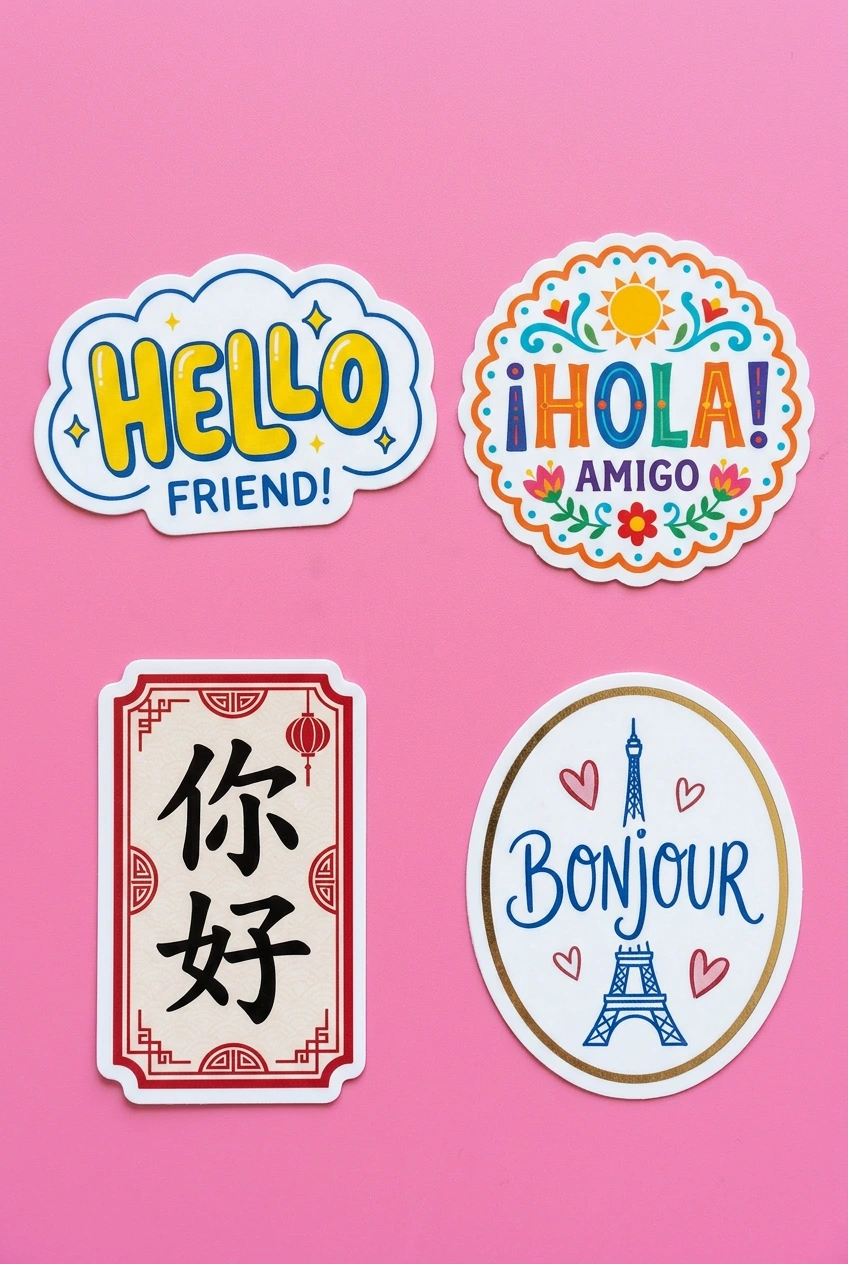
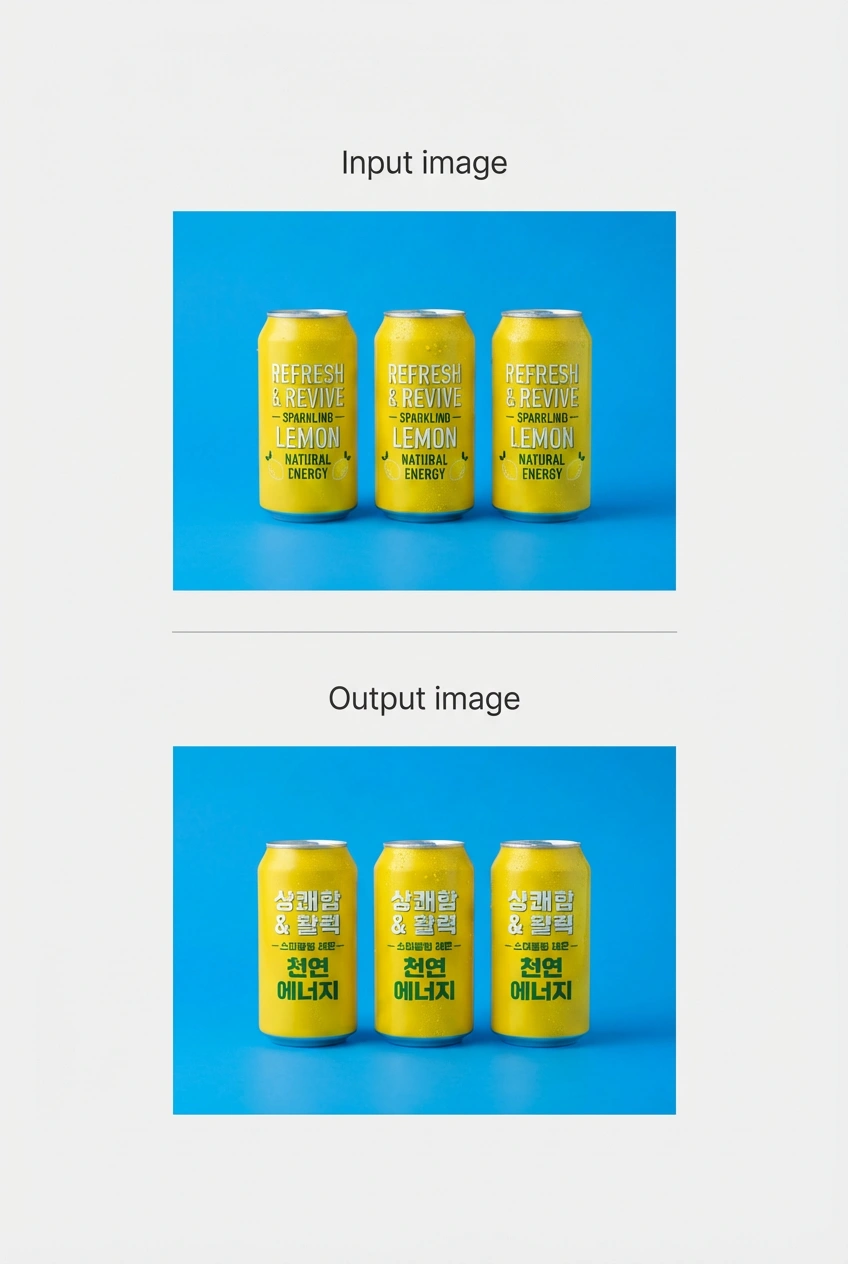
Generate legible, stylistically matched text inside images across multiple languages. You can also translate text within an existing image, so your creative work is ready for other markets in a single follow-up prompt.
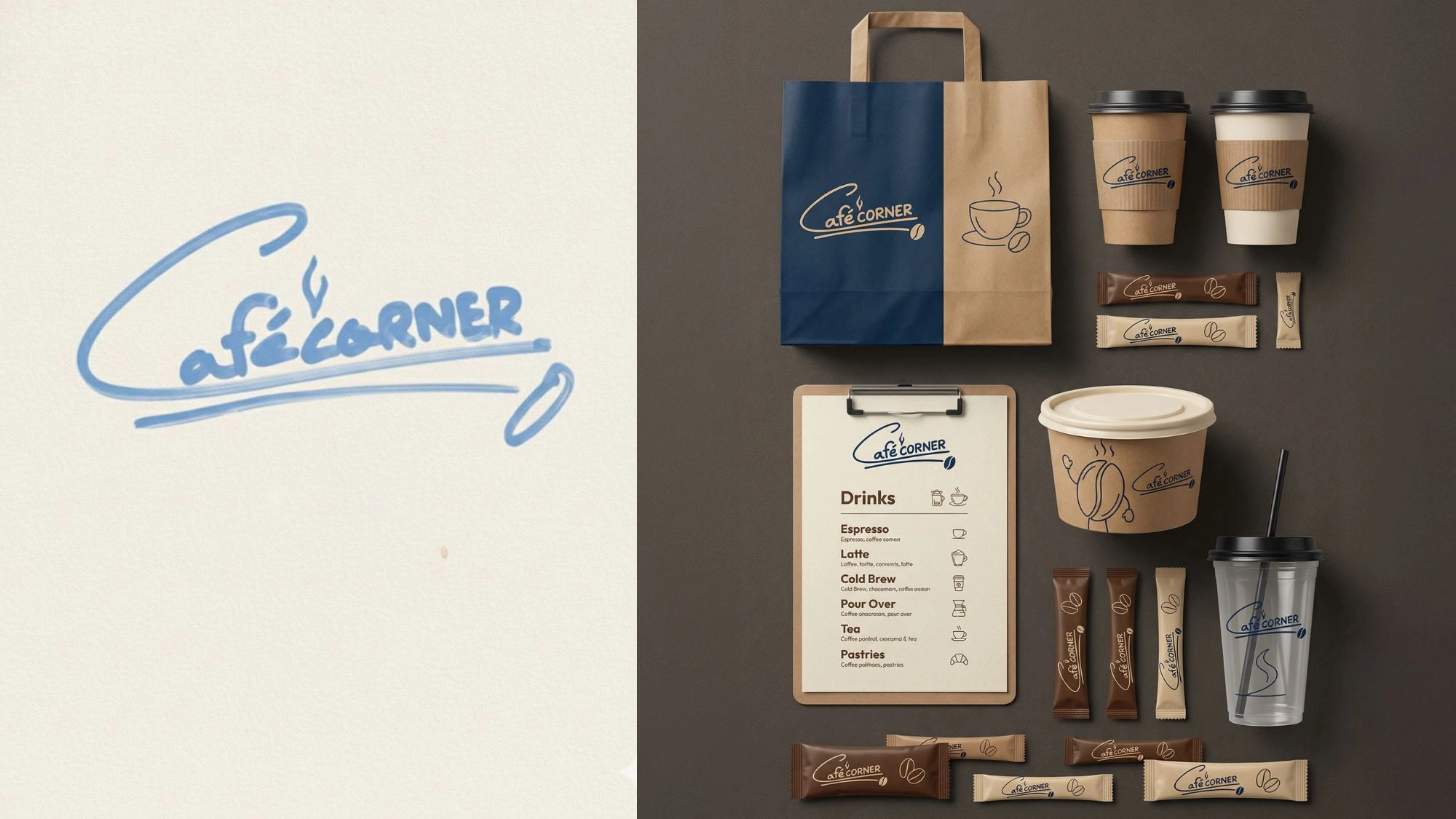
Upload a rough sketch and a texture reference and get back a production-ready 3D visualization that matches your original design intent. Works for product design, architecture, furniture, and more.

Three simple steps to start creating with Nano Banana Pro on Vizard:
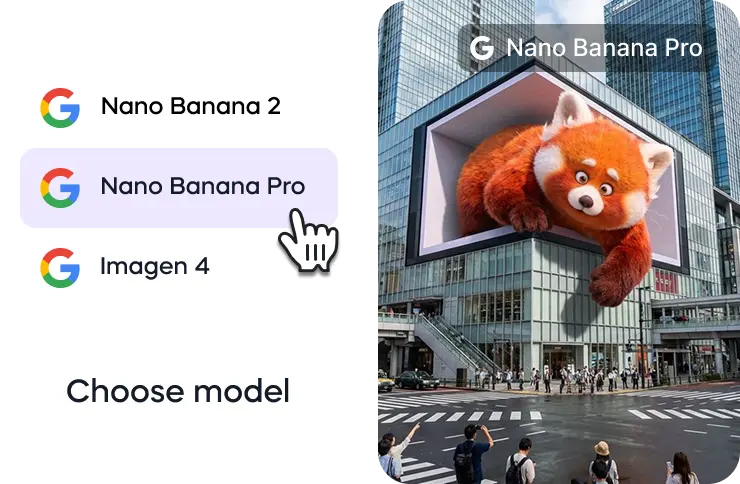
Go to Vizard’s AI image generator and select the Nano Banana Pro model from the available image generation models.
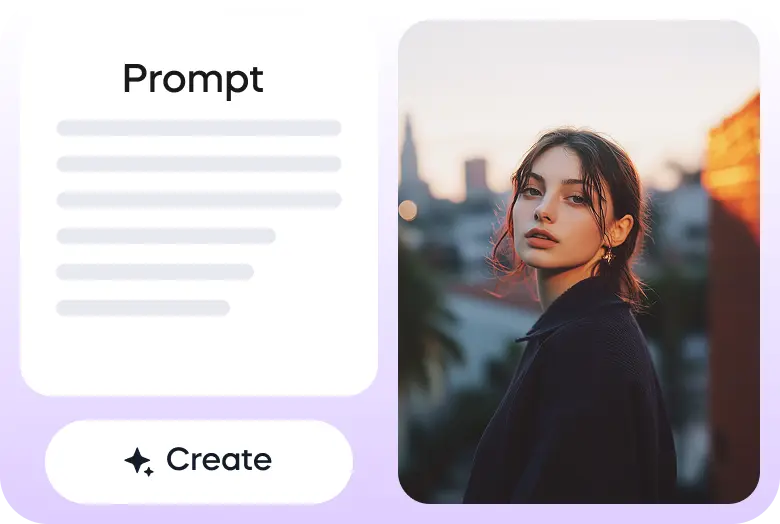
Describe your scene in a text prompt or upload an image as a reference.
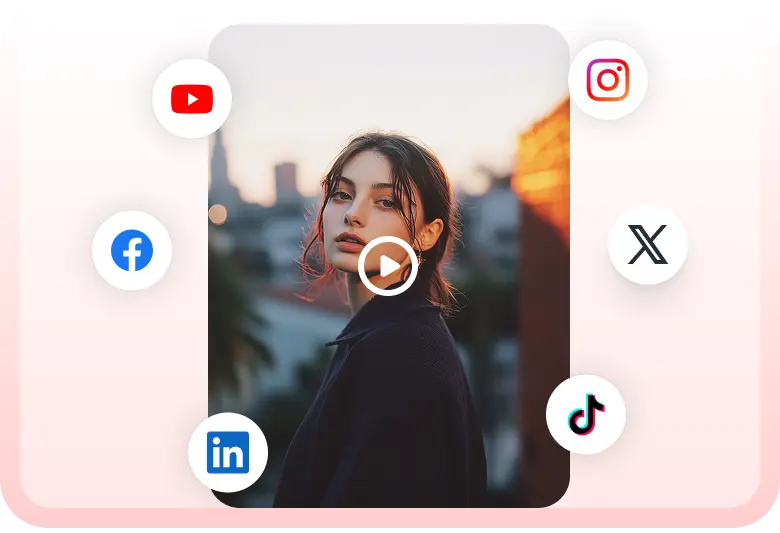
Once your image is generated, you can download it or add it to your video timeline inside Vizard video editor.
Turn one image into an entire photoshoot.
— Google Gemini (@GeminiApp) December 29, 2025
Edit the angle, lighting, lens and so much more with Nano Banana Pro.
See a room come together with Nano Banana Pro.
— Google Gemini (@GeminiApp) January 8, 2026
Upload a photo of the room you’re working on, then upload pics of those wish list items and watch the magic come to life.
More ingredients. More control. 🍌
— Flow by Google (@FlowbyGoogle) December 4, 2025
With Nano Banana Pro in Flow, you can now include up to 10 ingredients when generating an image. This means more consistency and more creative control over your outputs when you use your image with Frames to Video.
See this in action for… pic.twitter.com/YwWr0QyLt6
We just dropped Nano Banana Pro, built on Gemini 3. 🍌
— Google DeepMind (@GoogleDeepMind) November 20, 2025
With state-of-the-art text rendering, vast world knowledge and studio-quality creative controls, Gemini 3 Pro Image can create and edit more complex visuals, infographics and more. Here’s what’s under the hood. 🧵 pic.twitter.com/x8fTe6pcmO
Have you tried prompting with the word "risograph"? It makes a cool effect.
— Nano Banana 2 (@NanoBanana) January 15, 2026
Prompt: Create a collection of icons representing [a theme], they belong together as a single theme. Put them in a 2x2 grid (no lines). The background is pure white. Make the icons as risograph prints.… https://t.co/enkWeqHLkh pic.twitter.com/gqhLBPtMXR
With Nano Banana Pro in Flow, you have the control to design and curate the setting, refine the details, and visualize the camera angles.
— Flow by Google (@FlowbyGoogle) January 5, 2026
Get the shot just as you pictured it.
See it in action.👇 pic.twitter.com/e0pybrJWVw
You can now turn your sources into cinematic video explainers in @NotebookLM 📽️
— Google (@Google) March 6, 2026
It uses our most advanced models like Gemini 3, Nano Banana Pro and Veo 3, to animate the visual story behind your sources.
Here’s a Cinematic Video Overview explaining... Cinematic Video Overviews… pic.twitter.com/Mrn1iqcXi3
Here’s how it works:
— Google DeepMind (@GoogleDeepMind) January 29, 2026
🔵 Design your world and character using text and visual prompts.
🔵 Nano Banana Pro makes an image preview that you can adjust.
🔵 Our Genie 3 world model generates the environment in real-time as you move through.
🔵 Remix existing worlds or discover new… pic.twitter.com/LiebMe2H9n
What is Nano Banana Pro?
Nano Banana Pro (Gemini 3 Pro Image) is Google DeepMind's state-of-the-art image generation and editing model built on Gemini 3 Pro. It's designed for complex, high-fidelity tasks where quality, factual accuracy, and creative control matter most.
What is the difference between Nano Banana Pro and Nano Banana 2?
Nano Banana Pro prioritizes maximum quality, reasoning depth, and factual accuracy. Nano Banana 2 (Gemini 3.1 Flash Image) combines the advanced features of Nano Banana Pro with the speed of Gemini Flash, making it the better choice for rapid iteration and everyday workflows. For specialized tasks requiring absolute fidelity, Pro remains the stronger option.
What resolution does Nano Banana Pro support?
Users can generate 2K or 4K images with Nano Banana Pro, across multiple aspect ratios. This makes it suitable for print-ready assets, large-format visuals, and production-grade deliverables.
How does the 14 reference image input work?
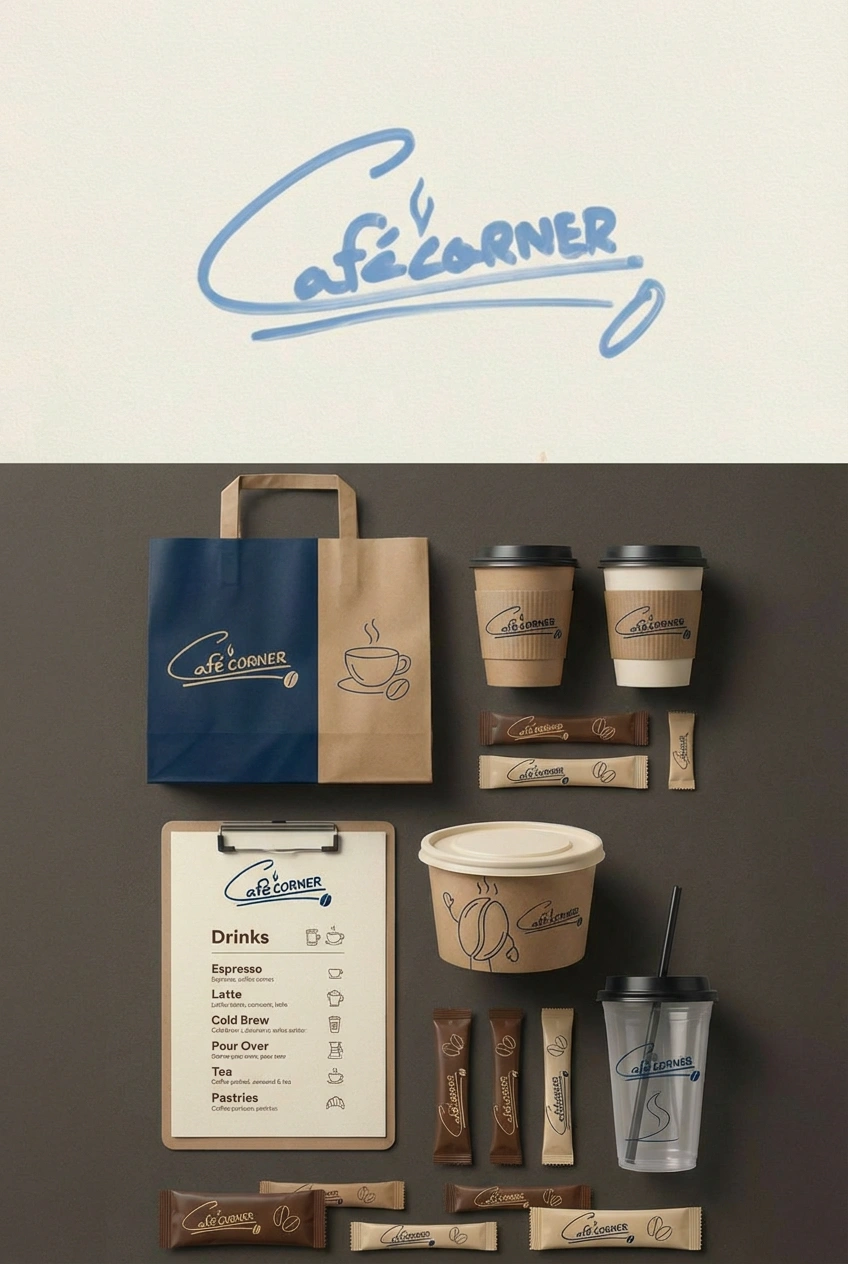
By uploading up to 14 reference images, you can load a full style guide simultaneously — including logos, color palettes, character turnarounds, and product shots. The model uses all of it as context to keep your output on-brand and visually consistent.
Can Nano Banana Pro generate accurate text inside images?
Yes. The model improves on its predecessor with the ability to create more detailed images and accurate text, and generate text in different styles, fonts, and languages. It handles everything from clean sans-serif labels to elaborate typographic art.
Can I translate text inside an existing image?
Yes. You can take an image and translate the text inside it, so your creative work is ready for other countries immediately. This is particularly useful for product packaging, ads, and signage that need to work across multiple markets.
Where can I access Nano Banana Pro on Vizard?
Open Vizard AI Studio, select Nano Banana Pro from the model picker, and start generating. You can upload reference images, write detailed prompts, and adjust aspect ratios — all in the same interface you use for Veo 3, Kling 3.0, and the rest of the model library.
Do I need a paid Vizard plan to use Nano Banana Pro?
You can try Nano Banana Pro for free with a limited number of generations. Paid plans unlock more generations, faster processing, and access to the full Vizard model lineup including Nano Banana 2, Veo 3, Kling 3.0, and Sora 2.
Can I use outputs from Nano Banana Pro for commercial projects?
Yes. Images generated on Vizard can be used for ads, client work, product campaigns, and commercial production. For high-volume or enterprise licensing questions, the Vizard team can walk you through the options.
Does Vizard offer API access to Nano Banana Pro?
Yes. Vizard's API lets developers and teams integrate Nano Banana Pro into their own products and automate image generation at scale. More details are available on the Vizard API page.
Nano Banana Pro uses Gemini's state-of-the-art reasoning and real-world knowledge to visualize information better than ever before. It can help you visualize any idea and design anything — from prototypes, to representing data as infographics, to turning handwritten notes into diagrams. For professionals who need outputs that hold up in the real world, this is what the model was built for.
Fine-tune camera angles, scene lighting, depth of field, and color grading with natural language. Whether you want film noir shadows or golden-hour cinematography, you direct it the way a photographer would direct a shoot.
Generate 2K or 4K images across any aspect ratio. Assets stay sharp whether they're going on a social post or a large-format print — no upscaling required.
Upload up to 14 reference images and maintain consistent appearances across up to 5 characters in a single workflow. Ideal for storyboards, brand campaigns, and multi-scene narratives where everything needs to look right across every frame.
Nano Banana Pro can research topics using Google Search and reason on how to present information accurately. Ask it to generate an infographic, a technical diagram, or a historically accurate scene — and it knows enough about the world to get the details right.
Generate legible, stylistically matched text inside images across multiple languages. You can also translate text within an existing image, so your creative work is ready for other markets in a single follow-up prompt.
Upload a rough sketch and a texture reference and get back a production-ready 3D visualization that matches your original design intent. Works for product design, architecture, furniture, and more.
Three simple steps to start creating with Nano Banana Pro on Vizard:
Go to Vizard’s AI image generator and select the Nano Banana Pro model from the available image generation models.
Describe your scene in a text prompt or upload an image as a reference.
Once your image is generated, you can download it or add it to your video timeline inside Vizard video editor.
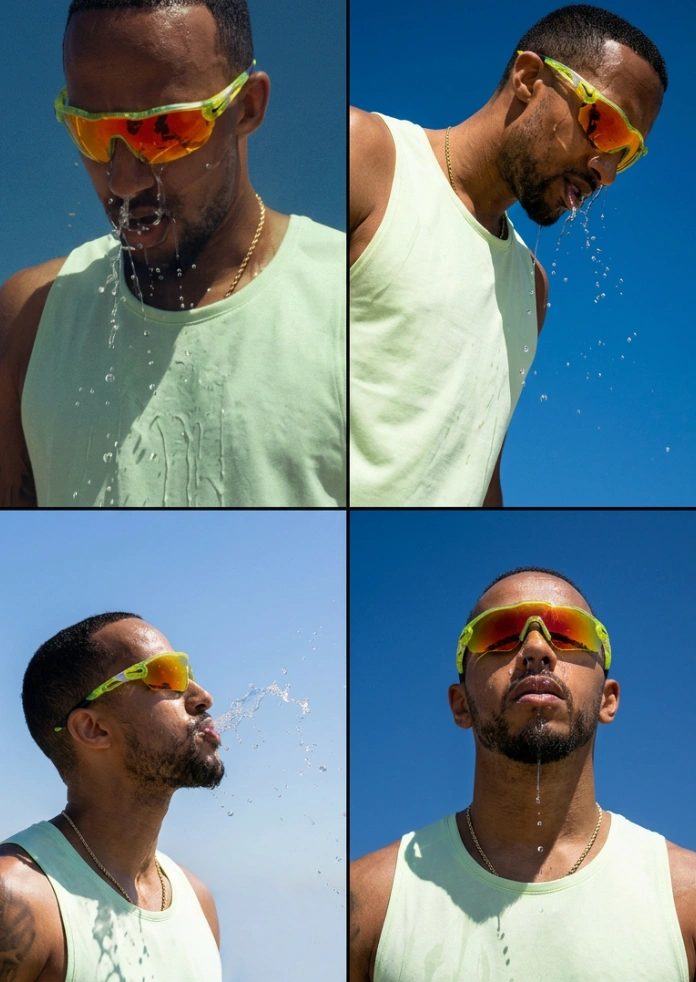
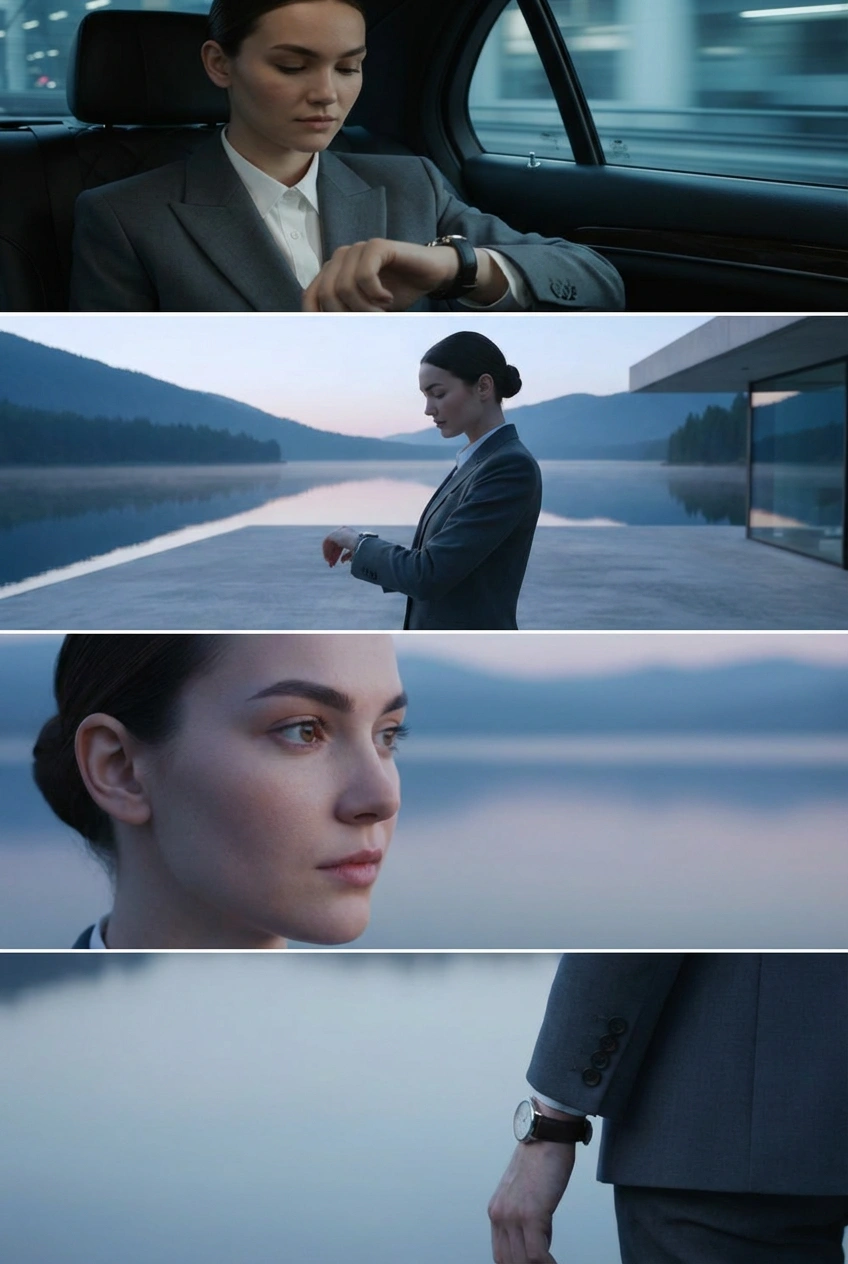
Turn one image into an entire photoshoot.
— Google Gemini (@GeminiApp) December 29, 2025
Edit the angle, lighting, lens and so much more with Nano Banana Pro.
See a room come together with Nano Banana Pro.
— Google Gemini (@GeminiApp) January 8, 2026
Upload a photo of the room you’re working on, then upload pics of those wish list items and watch the magic come to life.
More ingredients. More control. 🍌
— Flow by Google (@FlowbyGoogle) December 4, 2025
With Nano Banana Pro in Flow, you can now include up to 10 ingredients when generating an image. This means more consistency and more creative control over your outputs when you use your image with Frames to Video.
See this in action for… pic.twitter.com/YwWr0QyLt6
We just dropped Nano Banana Pro, built on Gemini 3. 🍌
— Google DeepMind (@GoogleDeepMind) November 20, 2025
With state-of-the-art text rendering, vast world knowledge and studio-quality creative controls, Gemini 3 Pro Image can create and edit more complex visuals, infographics and more. Here’s what’s under the hood. 🧵 pic.twitter.com/x8fTe6pcmO
Have you tried prompting with the word "risograph"? It makes a cool effect.
— Nano Banana 2 (@NanoBanana) January 15, 2026
Prompt: Create a collection of icons representing [a theme], they belong together as a single theme. Put them in a 2x2 grid (no lines). The background is pure white. Make the icons as risograph prints.… https://t.co/enkWeqHLkh pic.twitter.com/gqhLBPtMXR
With Nano Banana Pro in Flow, you have the control to design and curate the setting, refine the details, and visualize the camera angles.
— Flow by Google (@FlowbyGoogle) January 5, 2026
Get the shot just as you pictured it.
See it in action.👇 pic.twitter.com/e0pybrJWVw
You can now turn your sources into cinematic video explainers in @NotebookLM 📽️
— Google (@Google) March 6, 2026
It uses our most advanced models like Gemini 3, Nano Banana Pro and Veo 3, to animate the visual story behind your sources.
Here’s a Cinematic Video Overview explaining... Cinematic Video Overviews… pic.twitter.com/Mrn1iqcXi3
Here’s how it works:
— Google DeepMind (@GoogleDeepMind) January 29, 2026
🔵 Design your world and character using text and visual prompts.
🔵 Nano Banana Pro makes an image preview that you can adjust.
🔵 Our Genie 3 world model generates the environment in real-time as you move through.
🔵 Remix existing worlds or discover new… pic.twitter.com/LiebMe2H9n
What is Nano Banana Pro?
Nano Banana Pro (Gemini 3 Pro Image) is Google DeepMind's state-of-the-art image generation and editing model built on Gemini 3 Pro. It's designed for complex, high-fidelity tasks where quality, factual accuracy, and creative control matter most.
What is the difference between Nano Banana Pro and Nano Banana 2?
Nano Banana Pro prioritizes maximum quality, reasoning depth, and factual accuracy. Nano Banana 2 (Gemini 3.1 Flash Image) combines the advanced features of Nano Banana Pro with the speed of Gemini Flash, making it the better choice for rapid iteration and everyday workflows. For specialized tasks requiring absolute fidelity, Pro remains the stronger option.
What resolution does Nano Banana Pro support?
Users can generate 2K or 4K images with Nano Banana Pro, across multiple aspect ratios. This makes it suitable for print-ready assets, large-format visuals, and production-grade deliverables.
How does the 14 reference image input work?
By uploading up to 14 reference images, you can load a full style guide simultaneously — including logos, color palettes, character turnarounds, and product shots. The model uses all of it as context to keep your output on-brand and visually consistent.
Can Nano Banana Pro generate accurate text inside images?
Yes. The model improves on its predecessor with the ability to create more detailed images and accurate text, and generate text in different styles, fonts, and languages. It handles everything from clean sans-serif labels to elaborate typographic art.
Can I translate text inside an existing image?
Yes. You can take an image and translate the text inside it, so your creative work is ready for other countries immediately. This is particularly useful for product packaging, ads, and signage that need to work across multiple markets.
Where can I access Nano Banana Pro on Vizard?
Open Vizard AI Studio, select Nano Banana Pro from the model picker, and start generating. You can upload reference images, write detailed prompts, and adjust aspect ratios — all in the same interface you use for Veo 3, Kling 3.0, and the rest of the model library.
Do I need a paid Vizard plan to use Nano Banana Pro?
You can try Nano Banana Pro for free with a limited number of generations. Paid plans unlock more generations, faster processing, and access to the full Vizard model lineup including Nano Banana 2, Veo 3, Kling 3.0, and Sora 2.
Can I use outputs from Nano Banana Pro for commercial projects?
Yes. Images generated on Vizard can be used for ads, client work, product campaigns, and commercial production. For high-volume or enterprise licensing questions, the Vizard team can walk you through the options.
Does Vizard offer API access to Nano Banana Pro?
Yes. Vizard's API lets developers and teams integrate Nano Banana Pro into their own products and automate image generation at scale. More details are available on the Vizard API page.









