

NEW
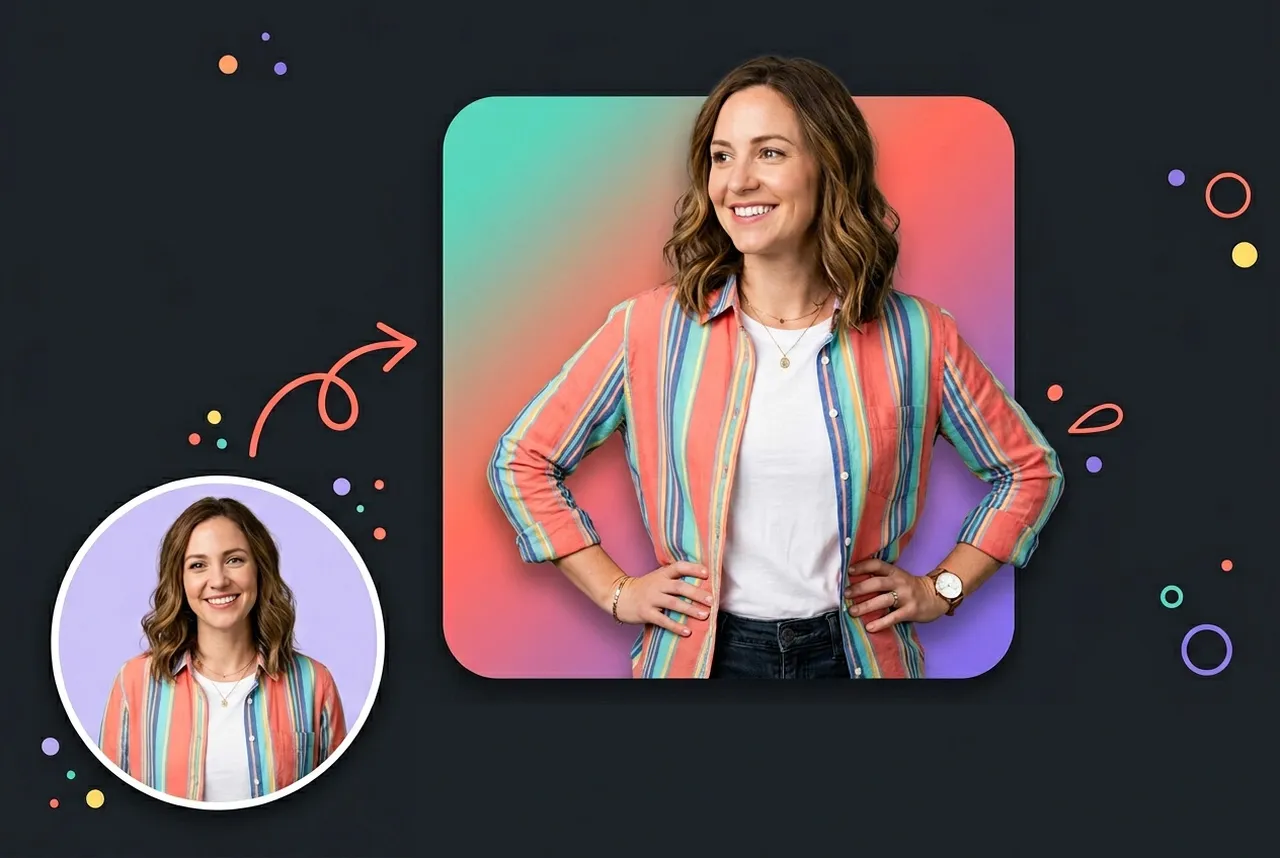
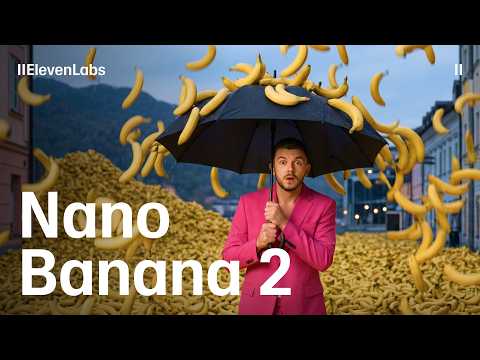
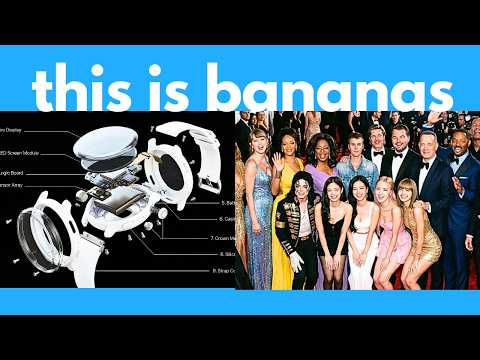
Nano Banana 2 (Gemini 3.1 Flash Image) is Google's latest state-of-the-art AI image generation and editing model, launched February 26, 2026. It combines the advanced world knowledge and reasoning of Nano Banana Pro with the lightning-fast speed of Gemini Flash - delivering photorealistic, production-ready visuals from a single prompt. Whether you're creating social content, marketing assets, infographics, or visual stories, Nano Banana 2 brings professional-grade image creation to everyone.
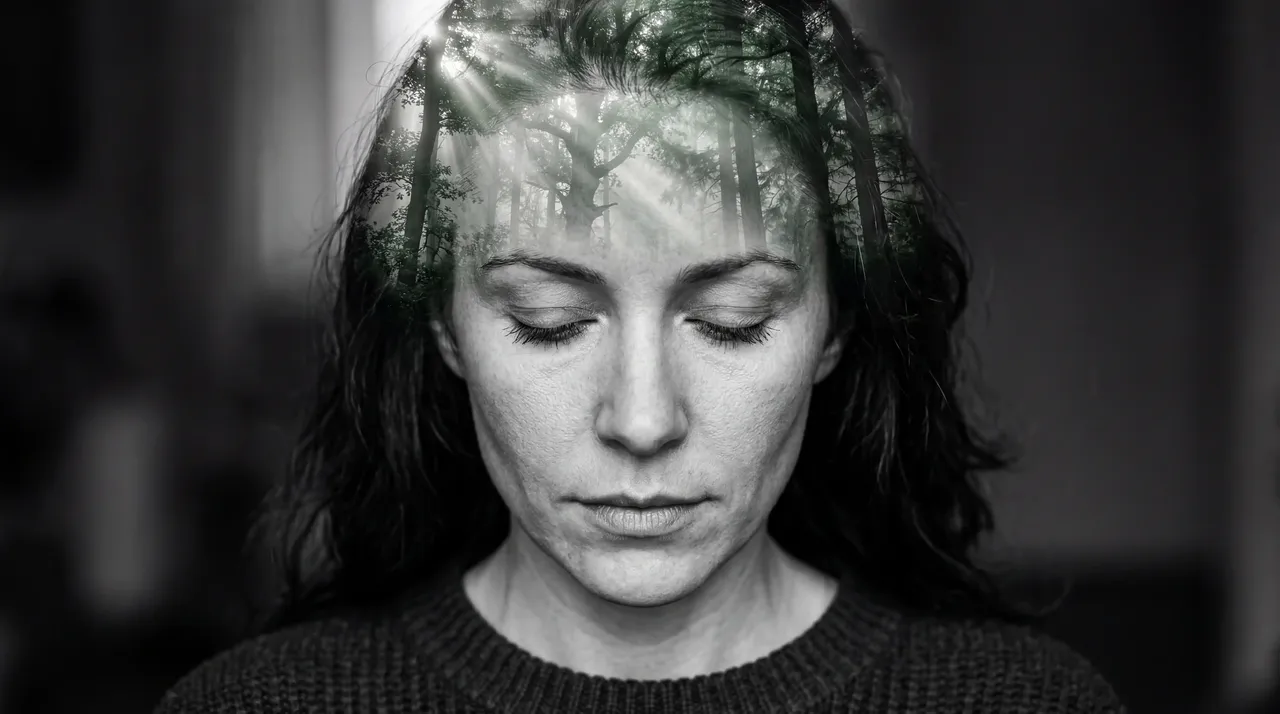

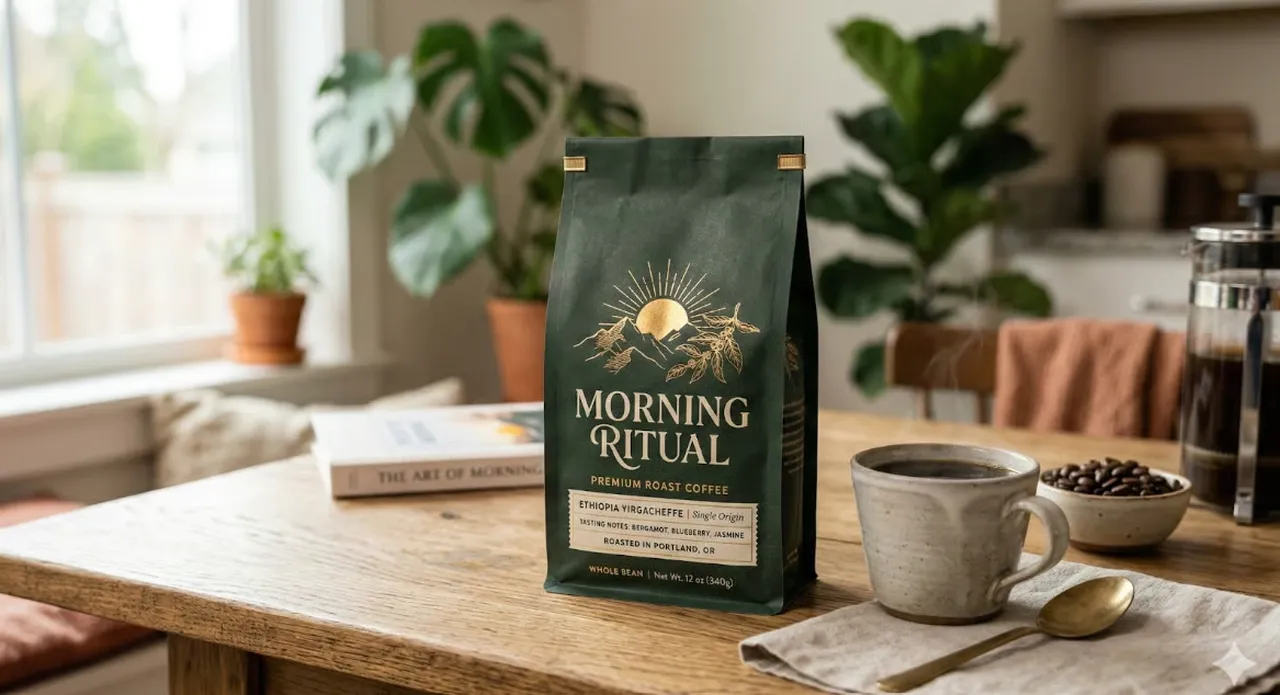
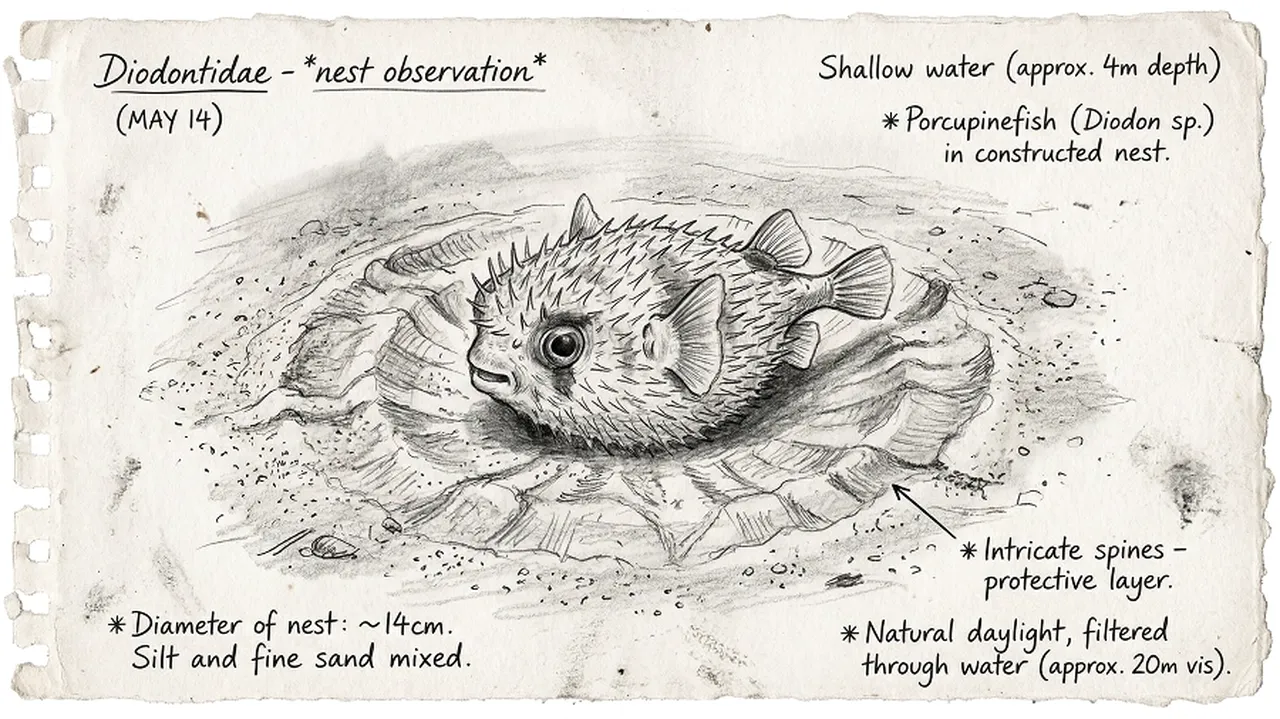
Nano Banana 2 was built to close the gap between speed and quality in AI image generation. Powered by Gemini's real-world knowledge base and grounded by live web search, it doesn't just generate visuals - it understands the world inside them. For creators who need fast iteration without sacrificing fidelity, it's the new standard.
Nano Banana 2 runs at Gemini Flash latency, making rapid edits and back-to-back iterations possible in seconds. You no longer have to choose between speed and quality.
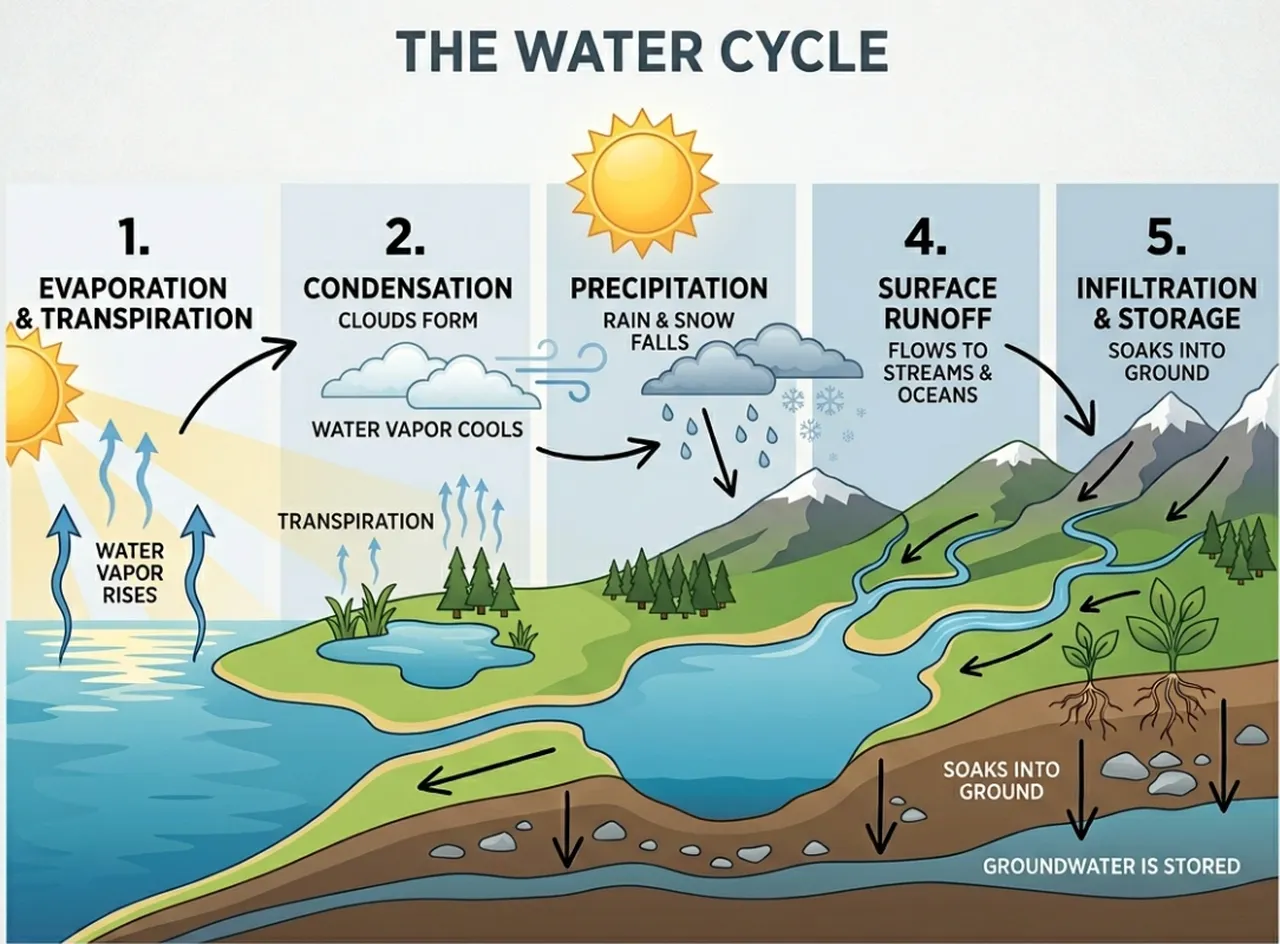
The model draws from Gemini’s knowledge base, enhanced by real-time image search grounding. It accurately renders specific real places, architectural styles, cultural references, and data visualizations because it actually understands what it’s depicting.
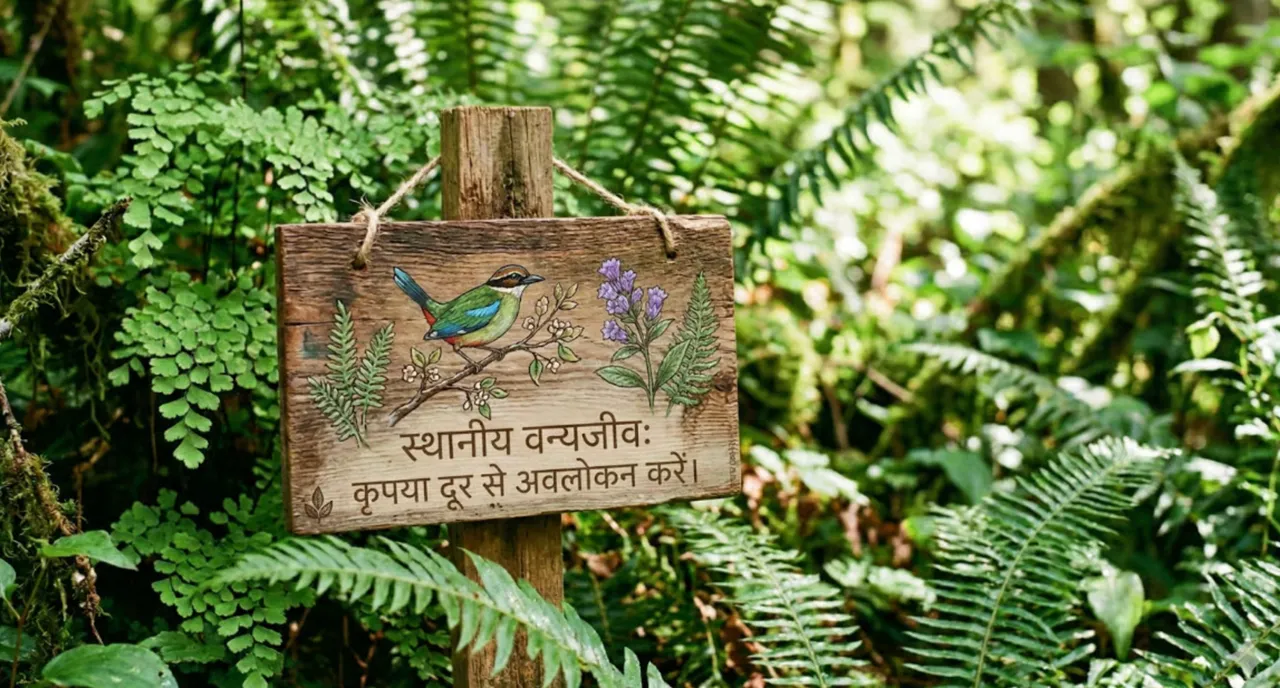
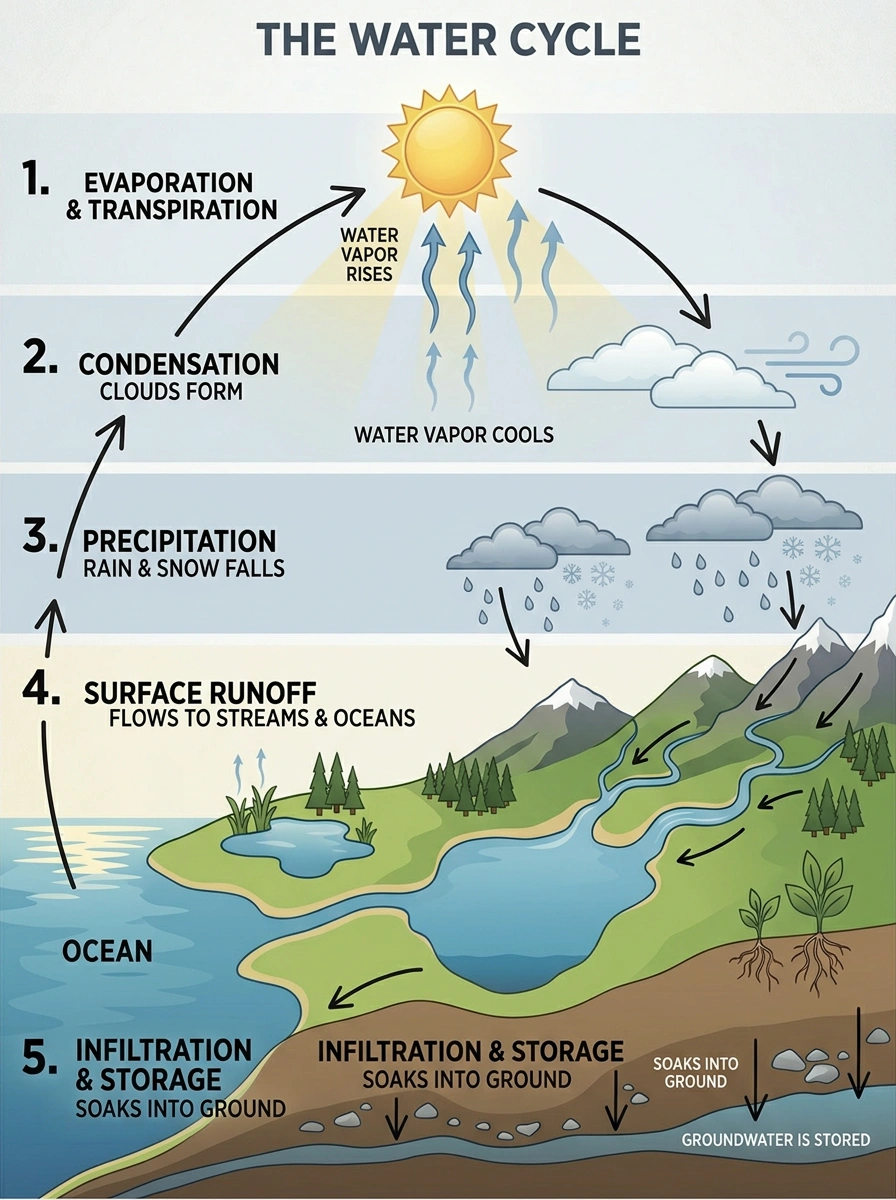
Generate legible, well-placed text inside images for marketing mockups, greeting cards, posters, and infographics. The model also handles in-image text translation across multiple languages, so global content production becomes straightforward.
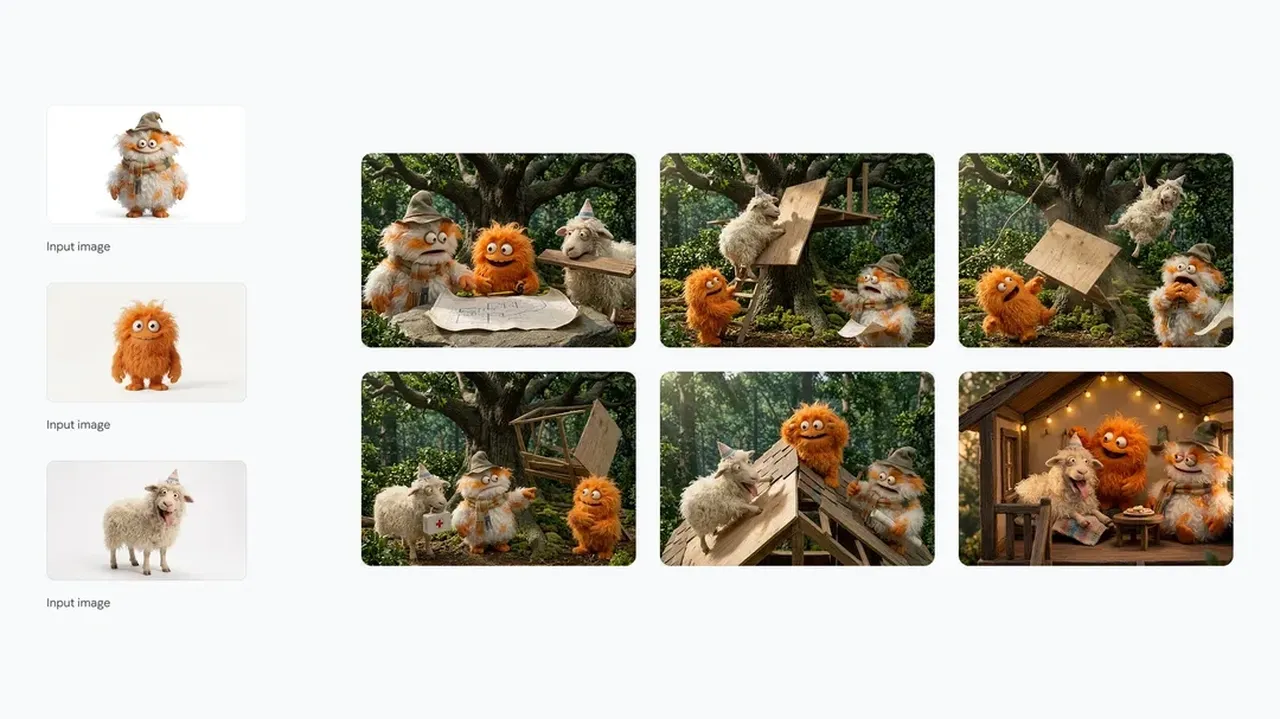
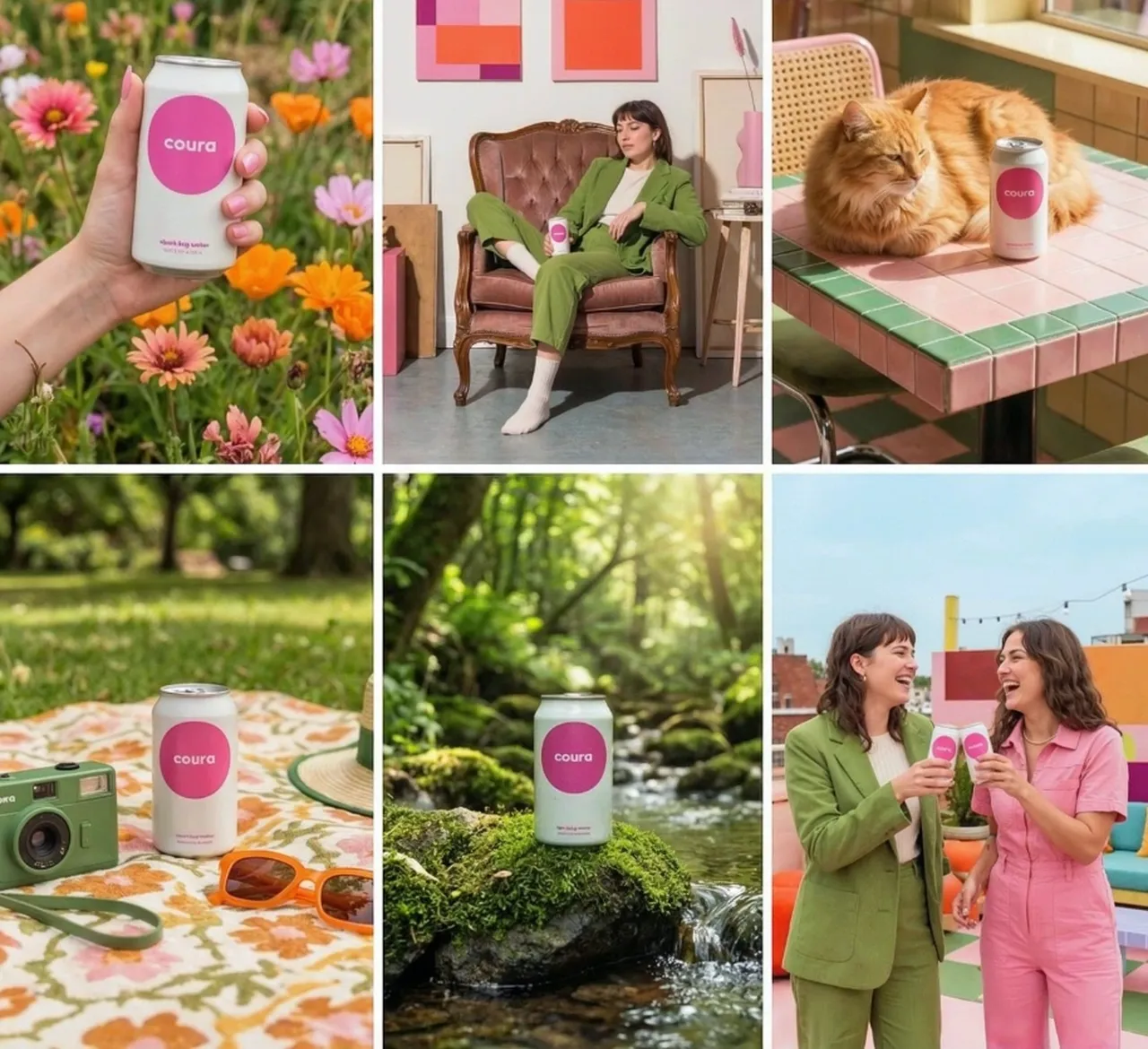
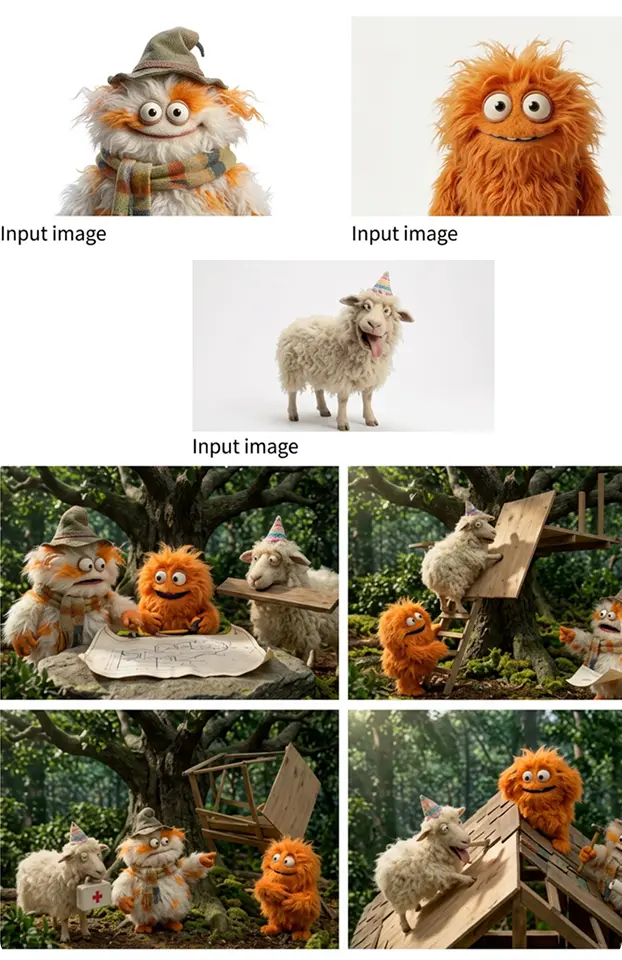
Maintain consistent character appearance across up to five unique characters and 14 individual objects in a single workflow. Ideal for storyboards, narrative sequences, and multi-scene brand campaigns where characters need to look the same from panel to panel.
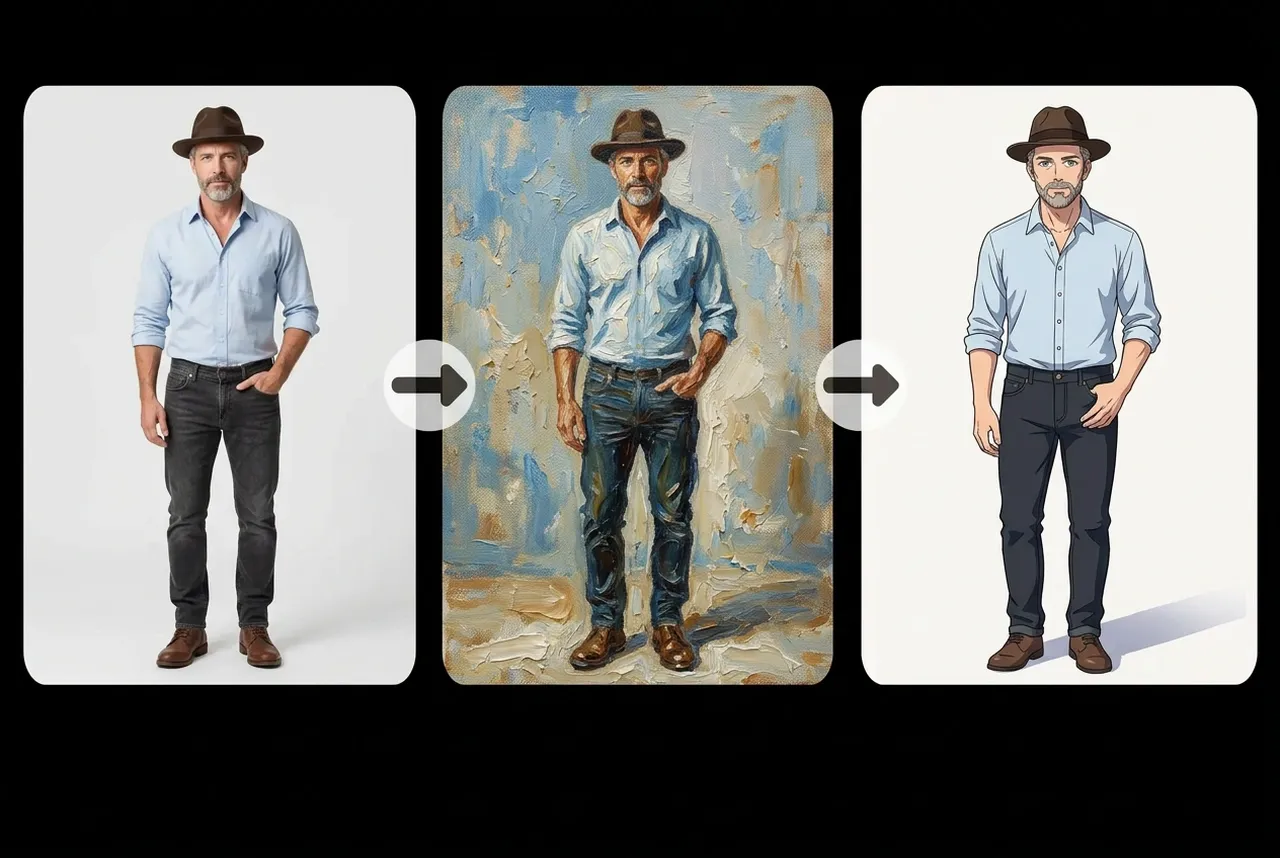
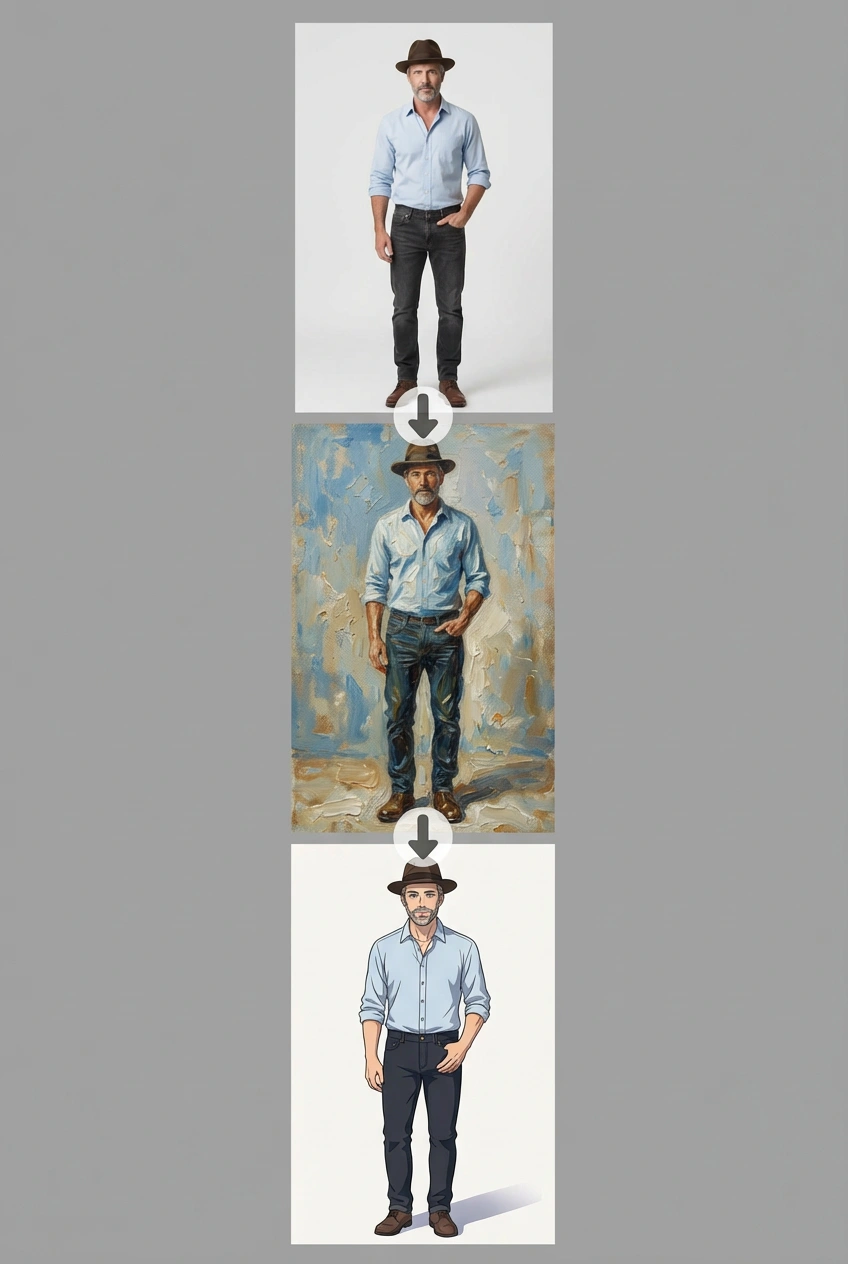
Nano Banana 2 pays close attention to complex, multi-part prompts. It captures specific nuances like camera angle, lighting mood, and composition style, so the image you get is genuinely the image you asked for.
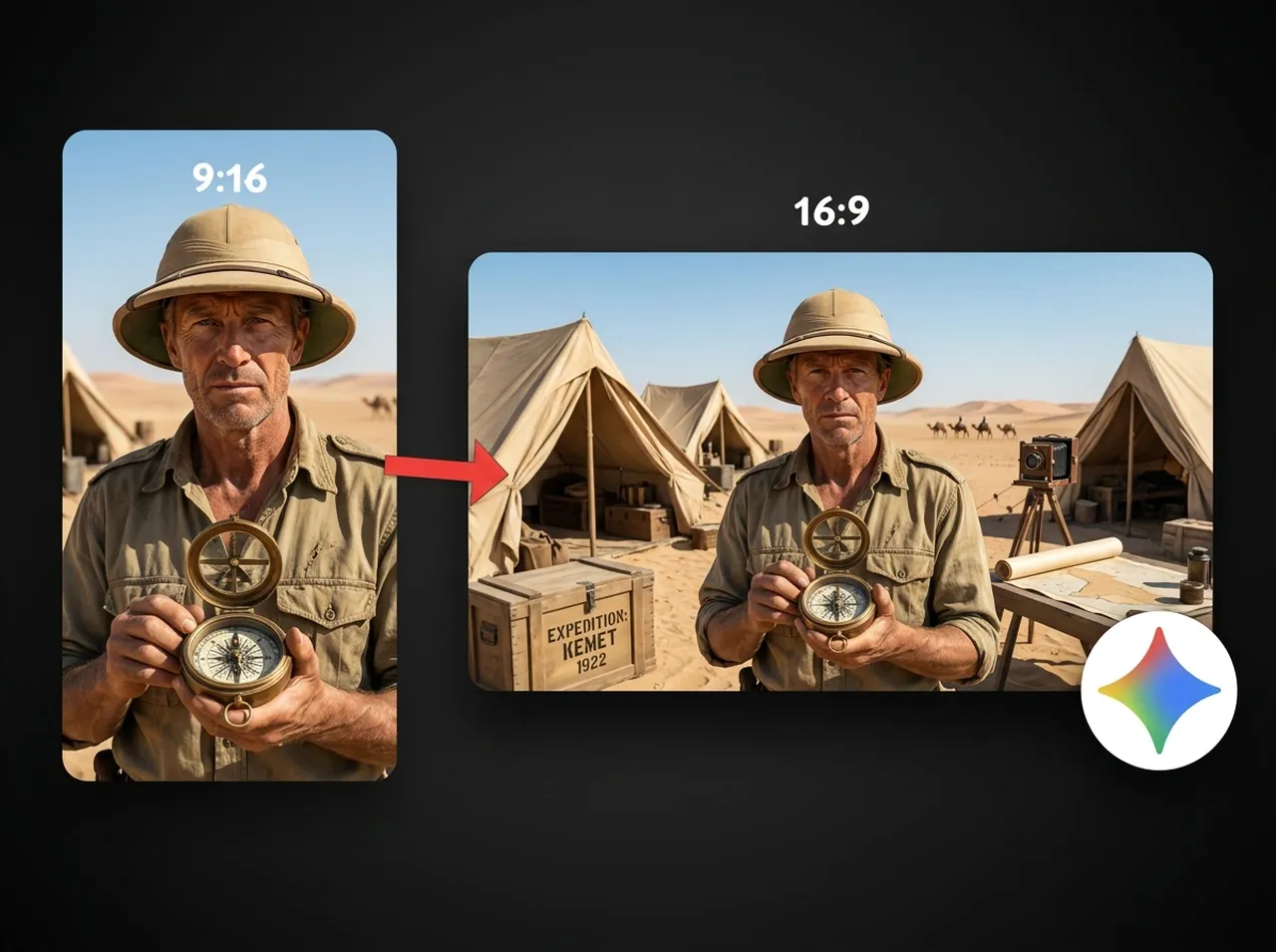
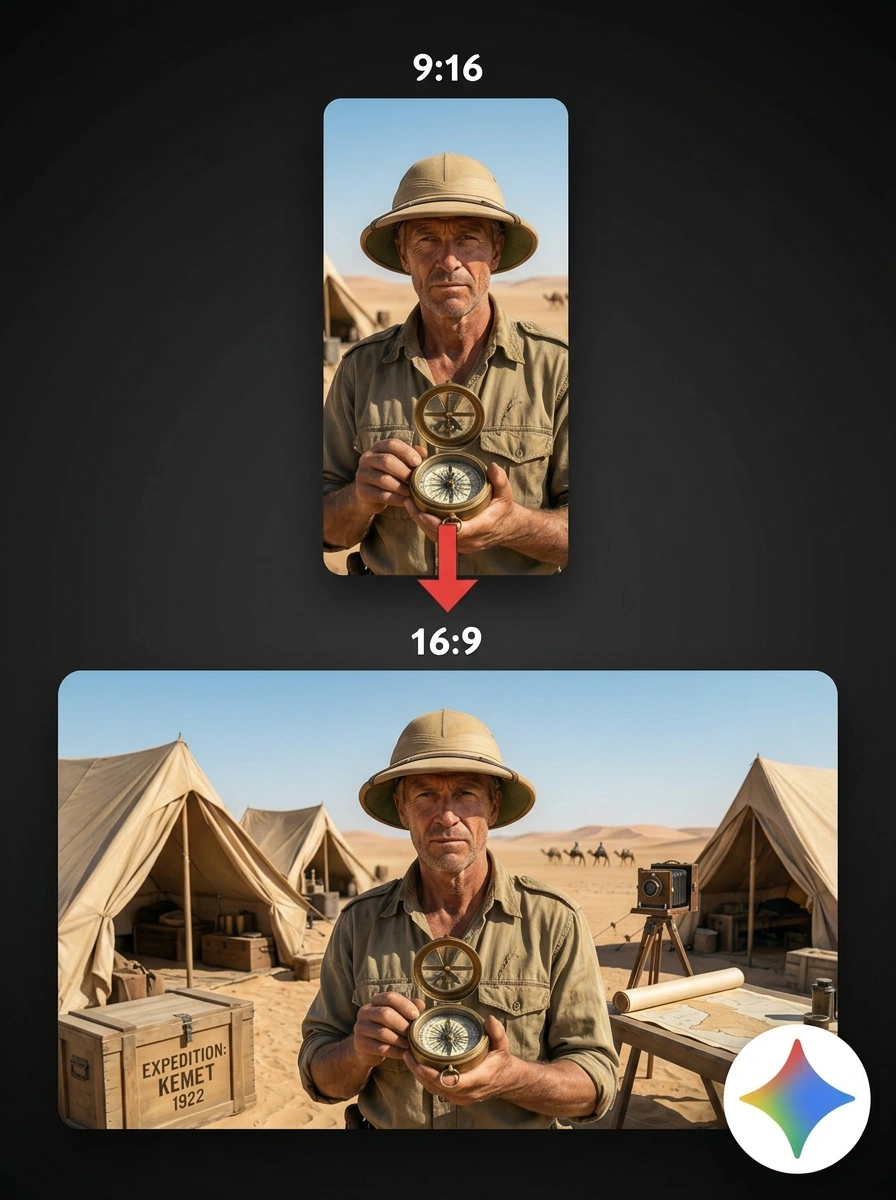
Full control over aspect ratios and resolutions from 512px to 4K. Whether you need a vertical social post, a wide-screen backdrop, or a print-ready asset, outputs stay sharp at every size.
Compared to the original Nano Banana, Nano Banana 2 delivers more vibrant lighting, richer textures, and sharper detail at Flash speed. Photorealistic outputs hold up under close inspection.
Every image includes an invisible SynthID watermark plus C2PA Content Credentials, making AI authorship verifiable and auditable. The SynthID verification feature has already been used over 20 million times across the Gemini app.
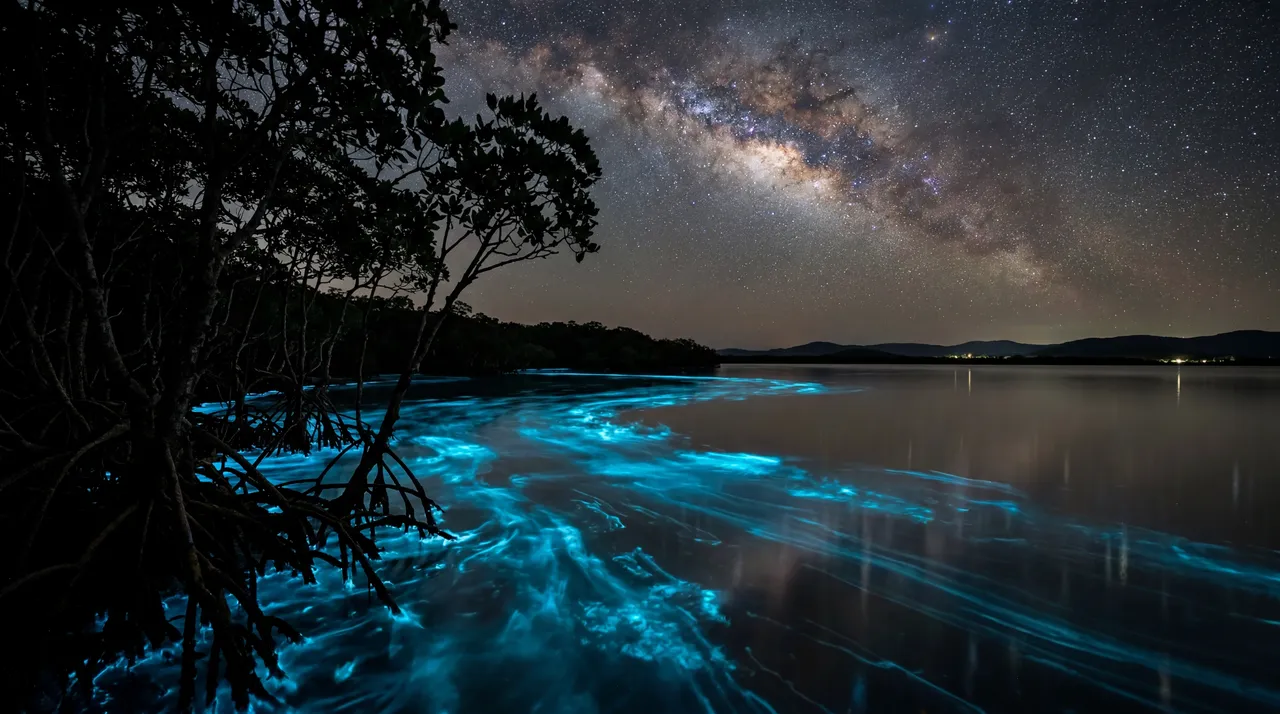
Three simple steps to start creating with Nano Banana 2 on Vizard:
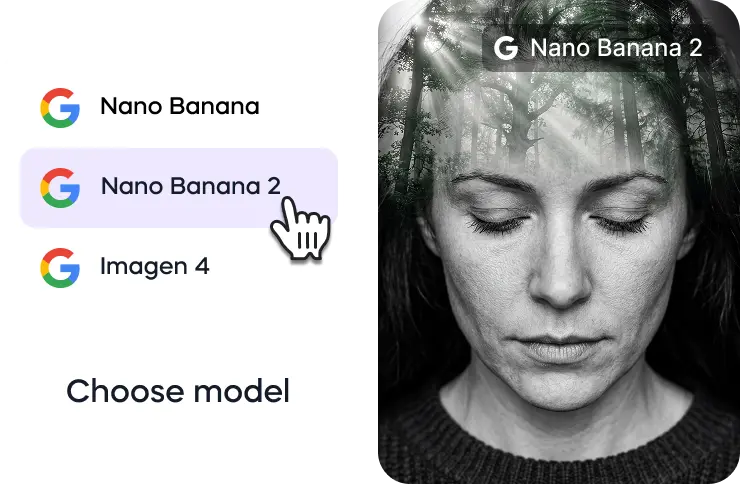
Go to Vizard’s AI image generator and select the Nano Banana 2 model from the available image generation models.
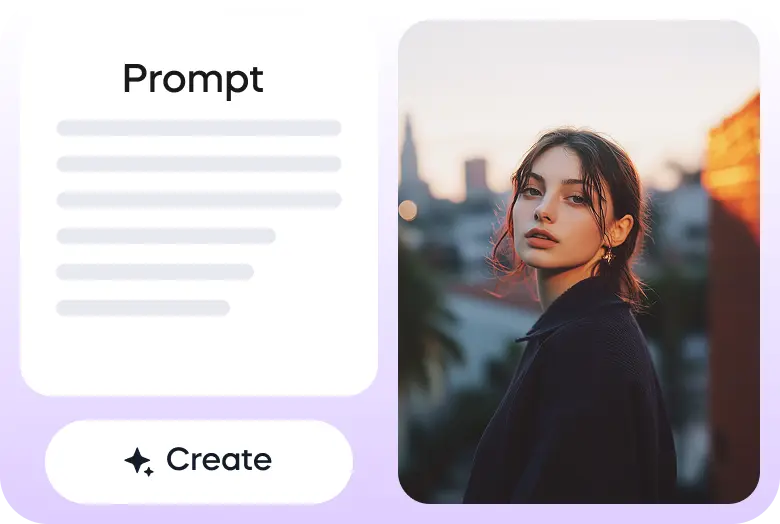
Describe your scene in a text prompt or upload an image as a reference.
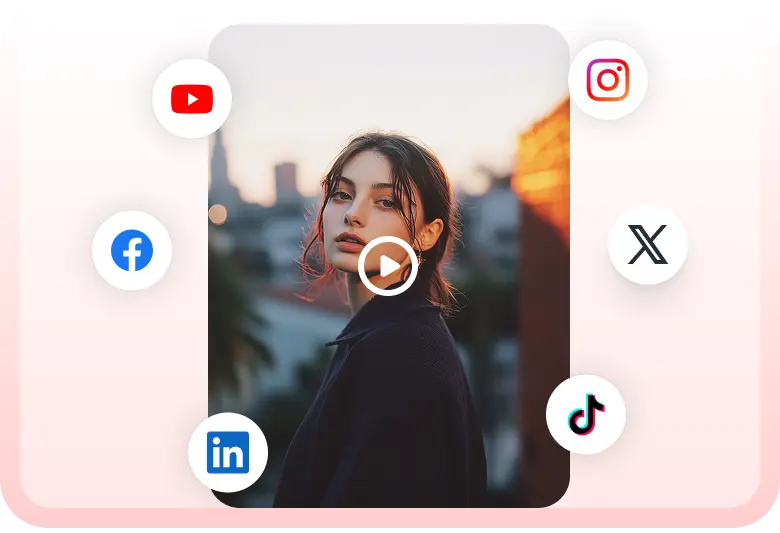
Once your image is generated, you can download it or add it to your video timeline inside Vizard video editor.
In Nano Banana 2 you can generate images with new aspect ratios: 4:1, 1:4, 8:1 and 1:8.
— Nano Banana 2 (@NanoBanana) February 26, 2026
Try it with these prompts:
1. A 4:1 panoramic photo I took on my phone, showing the luscious jungle view from my cabin
2. A 4:1 panoramic photo I took on my phone, showing the view from my… pic.twitter.com/U1IyaQWNkT
Someone built a library of 500+ curated prompts for Nano Banana Pro.
— Hasan Toor (@hasantoxr) February 21, 2026
It's called awesome nano banana pro prompts and it has 2.9k stars.
- 500+ selected prompts with example images
- Multilingual support for global users
- Instant gallery preview to browse visually
- Open-source… pic.twitter.com/YdWHW0jQ0F
Feel old yet?
— Gizem Akdag (@gizakdag) November 20, 2025
This is Nano Banana 2 now.
Fluffy logo prompt👇 https://t.co/LE0m7CBYMM pic.twitter.com/rdGeQ7V03P
Prompt: Advertising-style food photography of [subject 1] arranged on a rustic table, with [subject 2] floating above in mid-air and a splash of [subject 1] frozen in motion. High-resolution photo manipulation with selective soft focus, clean negative space for text, dramatic… pic.twitter.com/1RmOuYDzZZ
— Nano Banana 2 (@NanoBanana) December 7, 2025
direct your videos with Seedance 2 and Nano Banana Pro.
— Azer Koçulu (@azerkoculu) February 19, 2026
here's how:
> prepare your images with nano banana pro
> add them into your seedance 2
> explain your scenes, transitions in prompt
here's what that looks like: pic.twitter.com/VcfDBFNG4K
With Nano Banana 2 you can use short sentences in your prompts to add the exact details you need to your outputs:
— Nano Banana 2 (@NanoBanana) March 2, 2026
1. A full body portrait photo of a snow leopard
2. A full body portrait photo of a snow leopard. It has one paw raised as it is walking towards us. The snow on the… pic.twitter.com/z1KrDSLk4e
What is the difference between Nano Banana 2 and Nano Banana Pro?
Nano Banana 2 (Gemini 3.1 Flash Image) is optimized for speed and is the new default across Gemini, Search, and Ads. Nano Banana Pro is built for tasks where maximum factual accuracy and absolute visual fidelity matter most. Google AI Pro and Ultra subscribers can still access Pro through the three-dot regeneration menu in the Gemini app.
How fast is Nano Banana 2?
It runs at Gemini Flash latency, which is significantly faster than Pro while delivering visual quality and instruction-following that comes very close to it.
What resolutions does Nano Banana 2 support?
From 512px up to 4K, across all standard aspect ratios including 1:1, 16:9, 9:16, and 4:3.
How does Subject Consistency work?
The model tracks and maintains the visual identity of up to five characters and 14 objects within a single workflow, preserving face, clothing, and style across multiple image outputs or storyboard panels
Can Nano Banana 2 generate accurate text inside images?
Yes. The model is specifically tuned for precision text rendering and in-image translation across multiple languages, making it well-suited for marketing mockups, posters, greeting cards, and diagrams.
Where else is Nano Banana 2 available?
It's rolling out across the Gemini app, Google Search (AI Mode and Lens), Google Flow, Google Ads, AI Studio, Gemini API, and Vertex AI. Vizard provides API access through a creator-friendly interface.
How is AI-generated content identified?
Every image includes an invisible SynthID watermark and C2PA Content Credentials so anyone can verify AI authorship. The SynthID verification tool in the Gemini app has been used over 20 million times since launch.
How do I access Nano Banana 2 on Vizard?
Head to Vizard's AI Studio, select Nano Banana 2 from the model picker, type your prompt or upload a reference image, and hit generate. No API setup or technical configuration needed.
Do I need a paid Vizard plan to use Nano Banana 2?
ou can try Nano Banana 2 for free on Vizard with a limited number of generations. Paid plans unlock more generations, faster processing, and access to the full model lineup including Veo 3, Kling 3.0, and Sora 2.
Can I use Nano Banana 2 alongside other models on Vizard?
Yes. Vizard's AI Studio gives you access to Nano Banana 2, Veo 3, Kling 3.0, Sora 2, Wan 2.2, and more under one subscription. You can switch between models depending on whether you need images or video, and mix outputs across projects.
Can I use images generated on Vizard for commercial projects?
Yes. Images generated through Vizard can be used for ads, social content, client work, and commercial production. If you have specific licensing questions for high-volume or enterprise use, the Vizard team can walk you through the options.
Nano Banana 2 was built to close the gap between speed and quality in AI image generation. Powered by Gemini's real-world knowledge base and grounded by live web search, it doesn't just generate visuals - it understands the world inside them. For creators who need fast iteration without sacrificing fidelity, it's the new standard.
Nano Banana 2 runs at Gemini Flash latency, making rapid edits and back-to-back iterations possible in seconds. You no longer have to choose between speed and quality.
The model draws from Gemini’s knowledge base, enhanced by real-time image search grounding. It accurately renders specific real places, architectural styles, cultural references, and data visualizations because it actually understands what it’s depicting.
Generate legible, well-placed text inside images for marketing mockups, greeting cards, posters, and infographics. The model also handles in-image text translation across multiple languages, so global content production becomes straightforward.
Maintain consistent character appearance across up to five unique characters and 14 individual objects in a single workflow. Ideal for storyboards, narrative sequences, and multi-scene brand campaigns where characters need to look the same from panel to panel.
Nano Banana 2 pays close attention to complex, multi-part prompts. It captures specific nuances like camera angle, lighting mood, and composition style, so the image you get is genuinely the image you asked for.
Full control over aspect ratios and resolutions from 512px to 4K. Whether you need a vertical social post, a wide-screen backdrop, or a print-ready asset, outputs stay sharp at every size.
Compared to the original Nano Banana, Nano Banana 2 delivers more vibrant lighting, richer textures, and sharper detail at Flash speed. Photorealistic outputs hold up under close inspection.
Every image includes an invisible SynthID watermark plus C2PA Content Credentials, making AI authorship verifiable and auditable. The SynthID verification feature has already been used over 20 million times across the Gemini app.
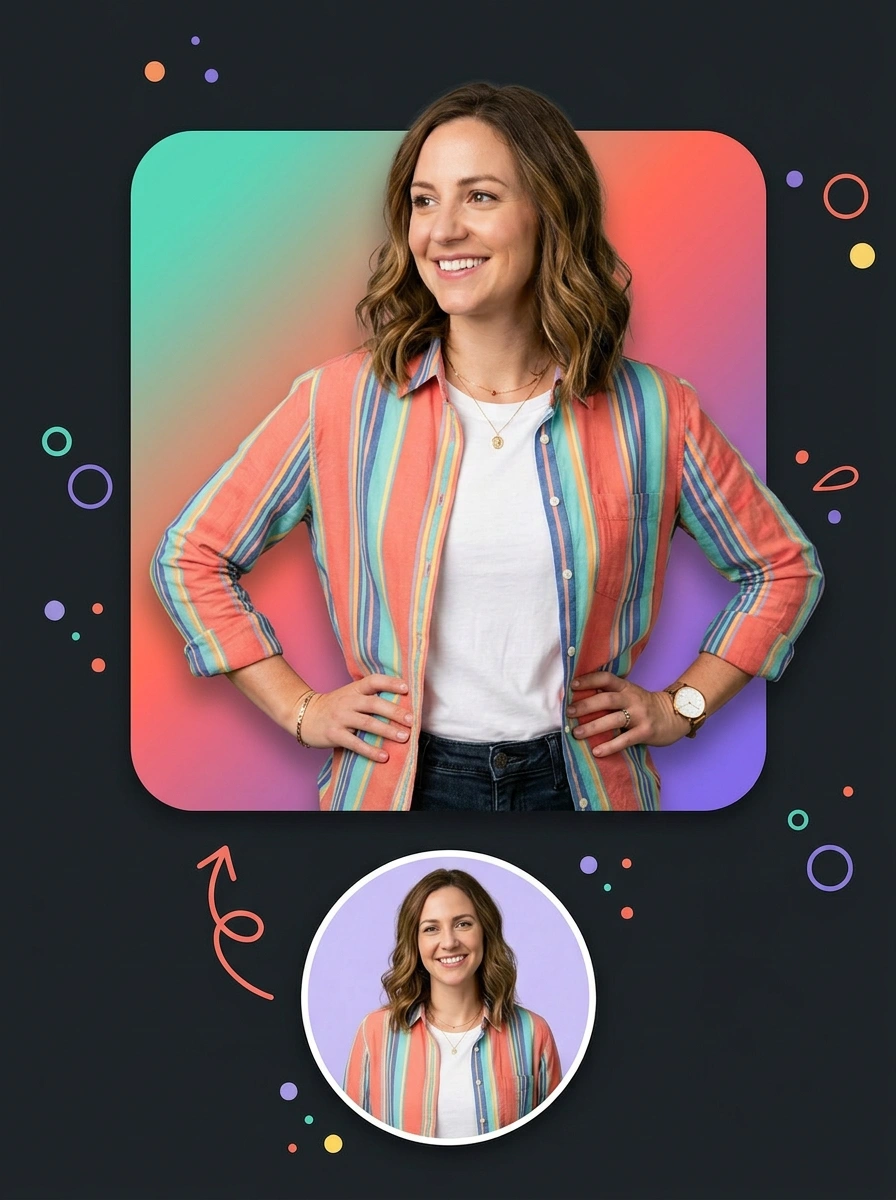
Three simple steps to start creating with Nano Banana 2 on Vizard:
Go to Vizard’s AI image generator and select the Nano Banana 2 model from the available image generation models.
Describe your scene in a text prompt or upload an image as a reference.
Once your image is generated, you can download it or add it to your video timeline inside Vizard video editor.
In Nano Banana 2 you can generate images with new aspect ratios: 4:1, 1:4, 8:1 and 1:8.
— Nano Banana 2 (@NanoBanana) February 26, 2026
Try it with these prompts:
1. A 4:1 panoramic photo I took on my phone, showing the luscious jungle view from my cabin
2. A 4:1 panoramic photo I took on my phone, showing the view from my… pic.twitter.com/U1IyaQWNkT
Someone built a library of 500+ curated prompts for Nano Banana Pro.
— Hasan Toor (@hasantoxr) February 21, 2026
It's called awesome nano banana pro prompts and it has 2.9k stars.
- 500+ selected prompts with example images
- Multilingual support for global users
- Instant gallery preview to browse visually
- Open-source… pic.twitter.com/YdWHW0jQ0F
Feel old yet?
— Gizem Akdag (@gizakdag) November 20, 2025
This is Nano Banana 2 now.
Fluffy logo prompt👇 https://t.co/LE0m7CBYMM pic.twitter.com/rdGeQ7V03P
Prompt: Advertising-style food photography of [subject 1] arranged on a rustic table, with [subject 2] floating above in mid-air and a splash of [subject 1] frozen in motion. High-resolution photo manipulation with selective soft focus, clean negative space for text, dramatic… pic.twitter.com/1RmOuYDzZZ
— Nano Banana 2 (@NanoBanana) December 7, 2025
direct your videos with Seedance 2 and Nano Banana Pro.
— Azer Koçulu (@azerkoculu) February 19, 2026
here's how:
> prepare your images with nano banana pro
> add them into your seedance 2
> explain your scenes, transitions in prompt
here's what that looks like: pic.twitter.com/VcfDBFNG4K
With Nano Banana 2 you can use short sentences in your prompts to add the exact details you need to your outputs:
— Nano Banana 2 (@NanoBanana) March 2, 2026
1. A full body portrait photo of a snow leopard
2. A full body portrait photo of a snow leopard. It has one paw raised as it is walking towards us. The snow on the… pic.twitter.com/z1KrDSLk4e
What is the difference between Nano Banana 2 and Nano Banana Pro?
Nano Banana 2 (Gemini 3.1 Flash Image) is optimized for speed and is the new default across Gemini, Search, and Ads. Nano Banana Pro is built for tasks where maximum factual accuracy and absolute visual fidelity matter most. Google AI Pro and Ultra subscribers can still access Pro through the three-dot regeneration menu in the Gemini app.
How fast is Nano Banana 2?
It runs at Gemini Flash latency, which is significantly faster than Pro while delivering visual quality and instruction-following that comes very close to it.
What resolutions does Nano Banana 2 support?
From 512px up to 4K, across all standard aspect ratios including 1:1, 16:9, 9:16, and 4:3.
How does Subject Consistency work?
The model tracks and maintains the visual identity of up to five characters and 14 objects within a single workflow, preserving face, clothing, and style across multiple image outputs or storyboard panels
Can Nano Banana 2 generate accurate text inside images?
Yes. The model is specifically tuned for precision text rendering and in-image translation across multiple languages, making it well-suited for marketing mockups, posters, greeting cards, and diagrams.
Where else is Nano Banana 2 available?
It's rolling out across the Gemini app, Google Search (AI Mode and Lens), Google Flow, Google Ads, AI Studio, Gemini API, and Vertex AI. Vizard provides API access through a creator-friendly interface.
How is AI-generated content identified?
Every image includes an invisible SynthID watermark and C2PA Content Credentials so anyone can verify AI authorship. The SynthID verification tool in the Gemini app has been used over 20 million times since launch.
How do I access Nano Banana 2 on Vizard?
Head to Vizard's AI Studio, select Nano Banana 2 from the model picker, type your prompt or upload a reference image, and hit generate. No API setup or technical configuration needed.
Do I need a paid Vizard plan to use Nano Banana 2?
ou can try Nano Banana 2 for free on Vizard with a limited number of generations. Paid plans unlock more generations, faster processing, and access to the full model lineup including Veo 3, Kling 3.0, and Sora 2.
Can I use Nano Banana 2 alongside other models on Vizard?
Yes. Vizard's AI Studio gives you access to Nano Banana 2, Veo 3, Kling 3.0, Sora 2, Wan 2.2, and more under one subscription. You can switch between models depending on whether you need images or video, and mix outputs across projects.
Can I use images generated on Vizard for commercial projects?
Yes. Images generated through Vizard can be used for ads, social content, client work, and commercial production. If you have specific licensing questions for high-volume or enterprise use, the Vizard team can walk you through the options.









