

NEW
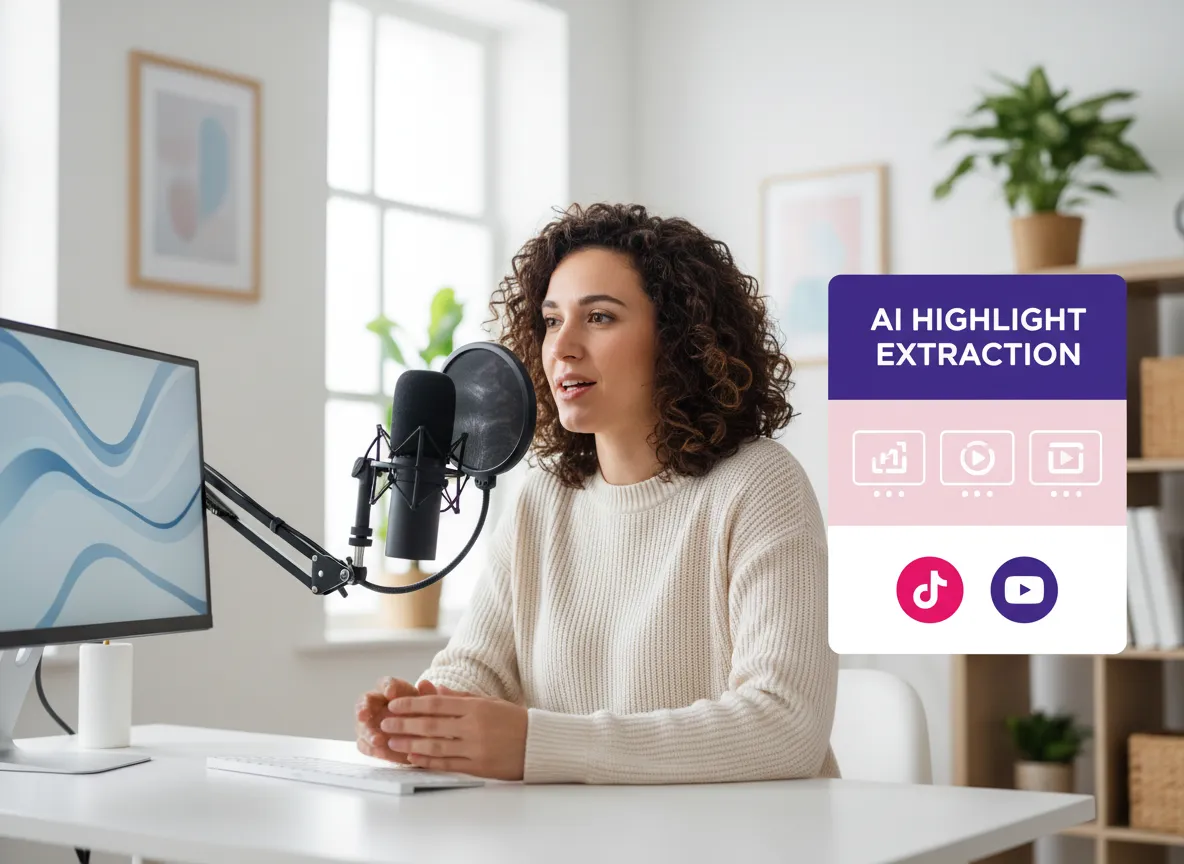



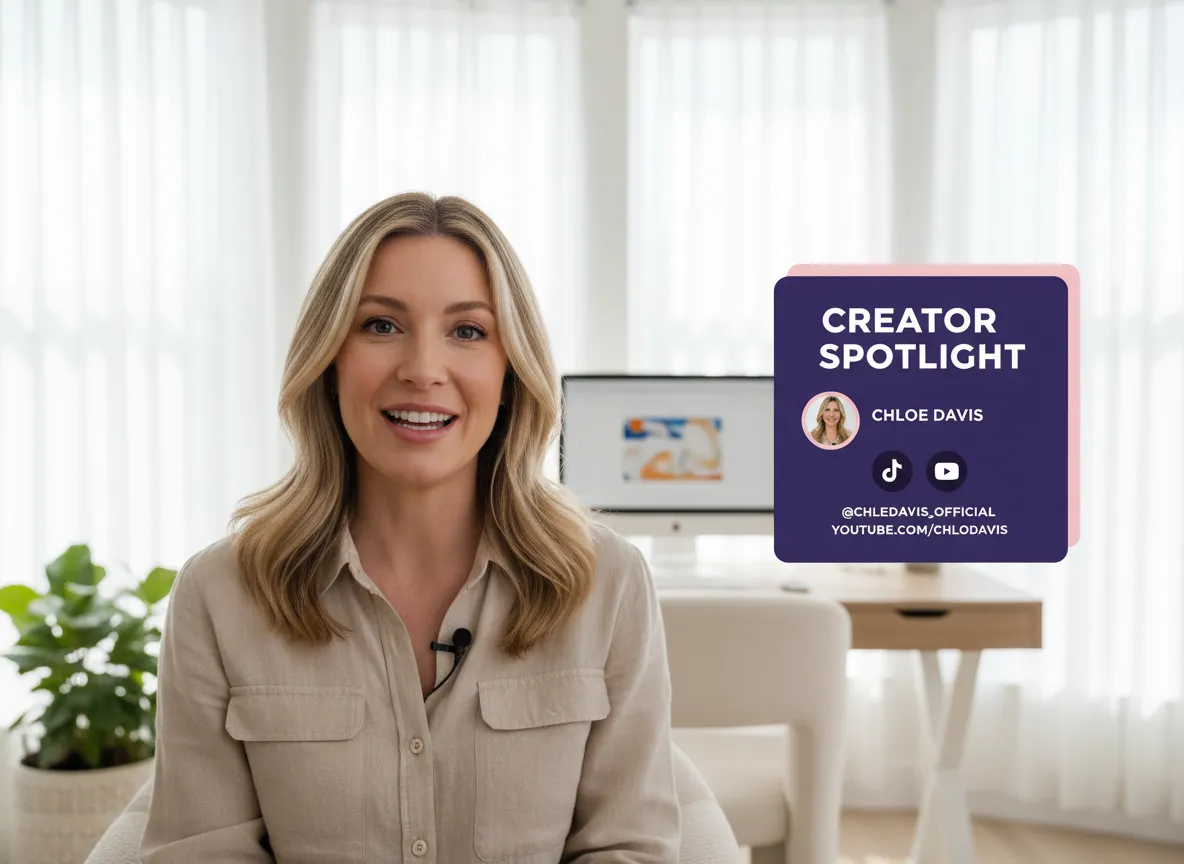
Whether it's a webinar, podcast, or live stream, Vizard solves the challenge of long, scattered footage. Effortlessly turn hours of raw video into bite-sized, shareable content designed for maximum social media impact.

Stop scrubbing through timelines. Our AI understands semantics, pacing, and emotional peaks to automatically identify the most viral-ready moments, perfectly clipped for TikTok, Reels, and Shorts.
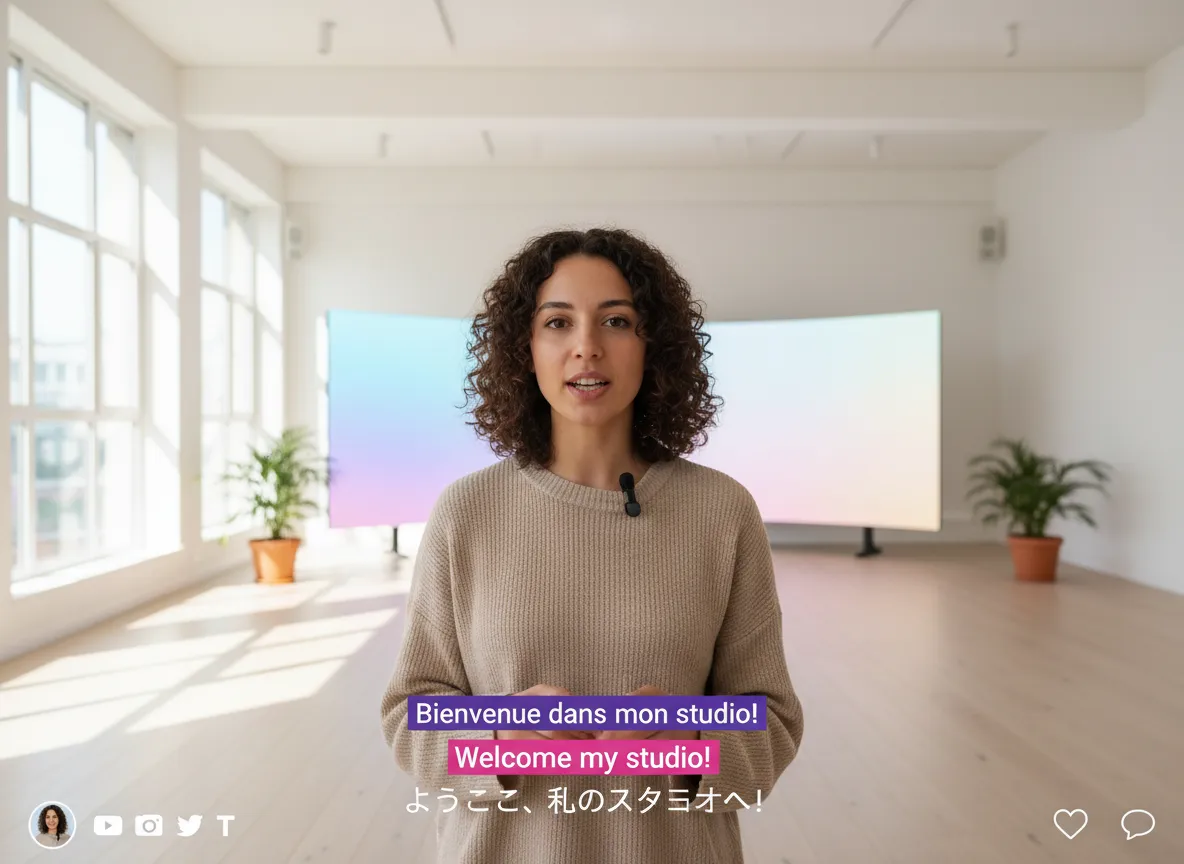
Increase accessibility and engagement with precise, auto-generated subtitles. Support for 35+ languages and translation into 150+, ensuring your message reaches a global audience with mobile-optimized layouts.
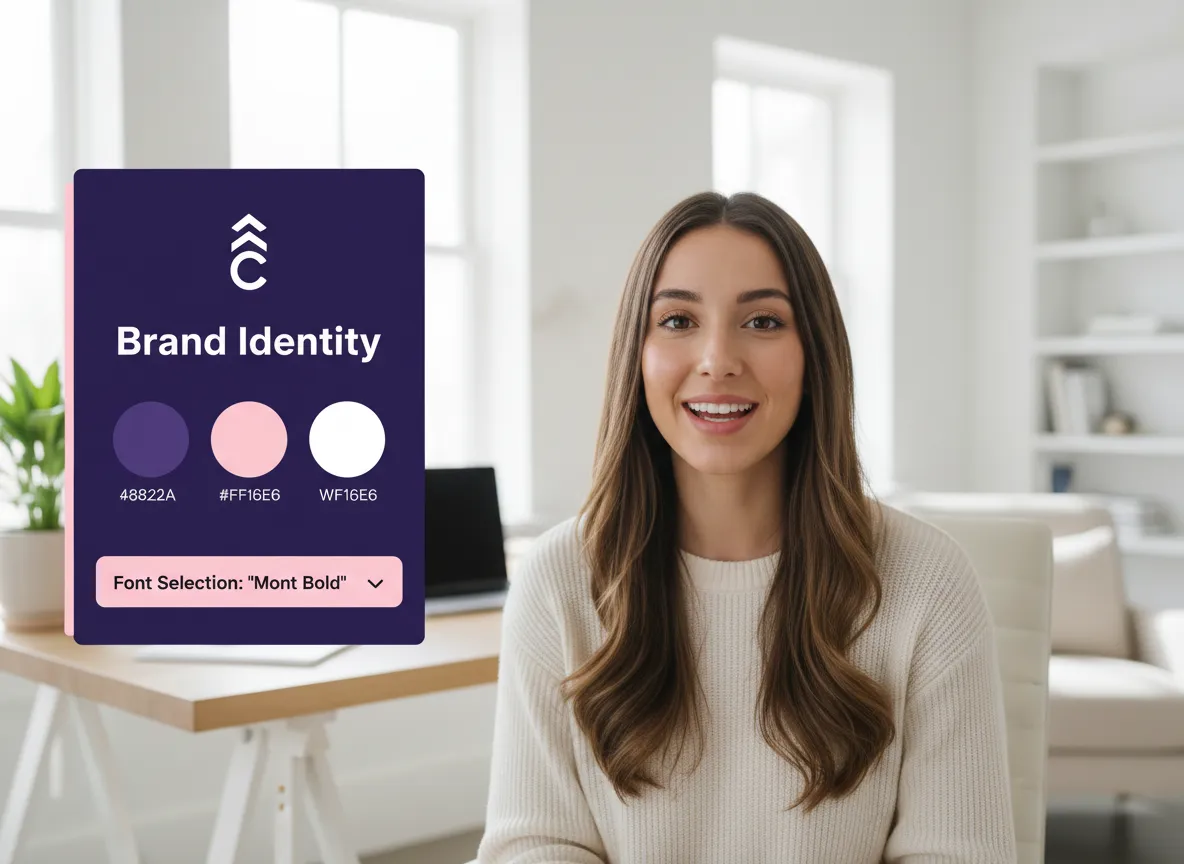
Maintain a professional, consistent look across all platforms. Automatically apply your logo, brand colors, custom fonts, and watermarks to every clip, ensuring your brand identity is never lost in the edit.
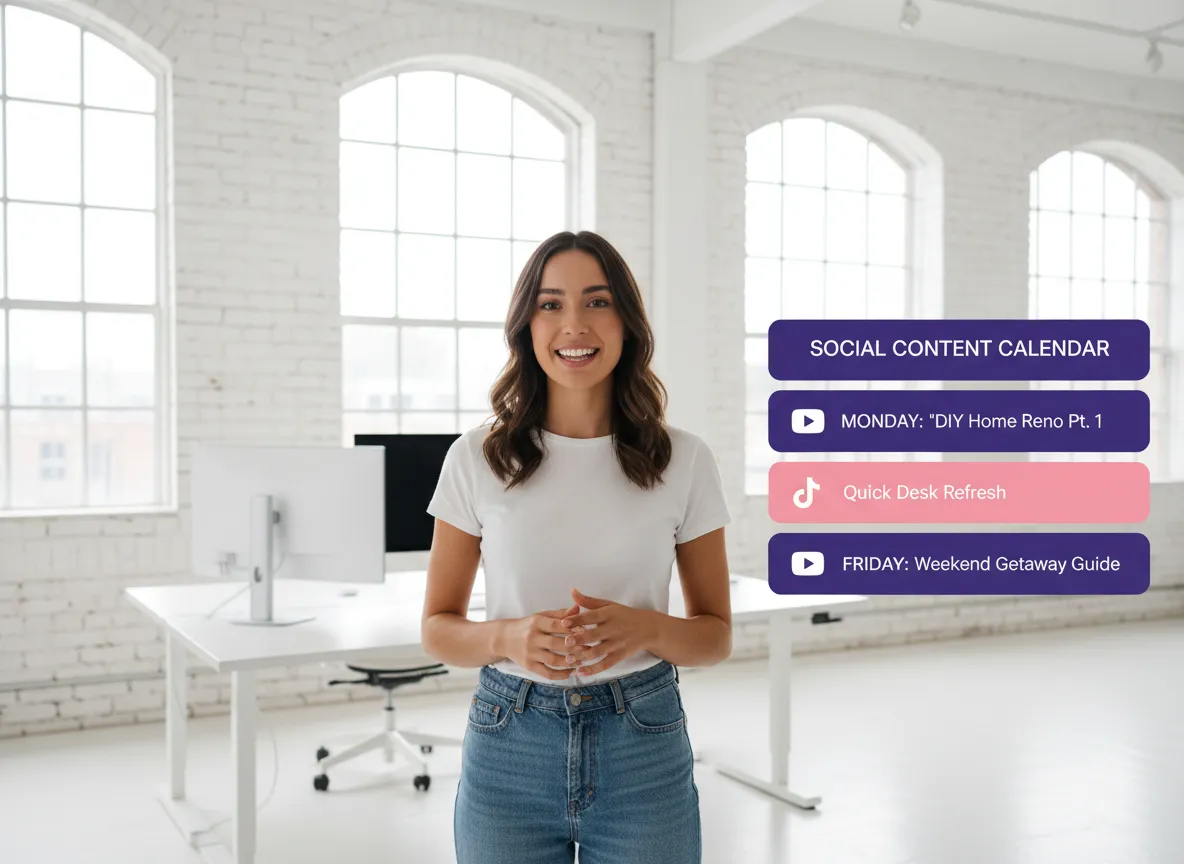
Go beyond editing. Vizard generates catchy titles, descriptions, and thumbnails automatically. Use our built-in Social Media Calendar to schedule and publish directly to 20+ accounts across TikTok, YouTube, Instagram, and more.
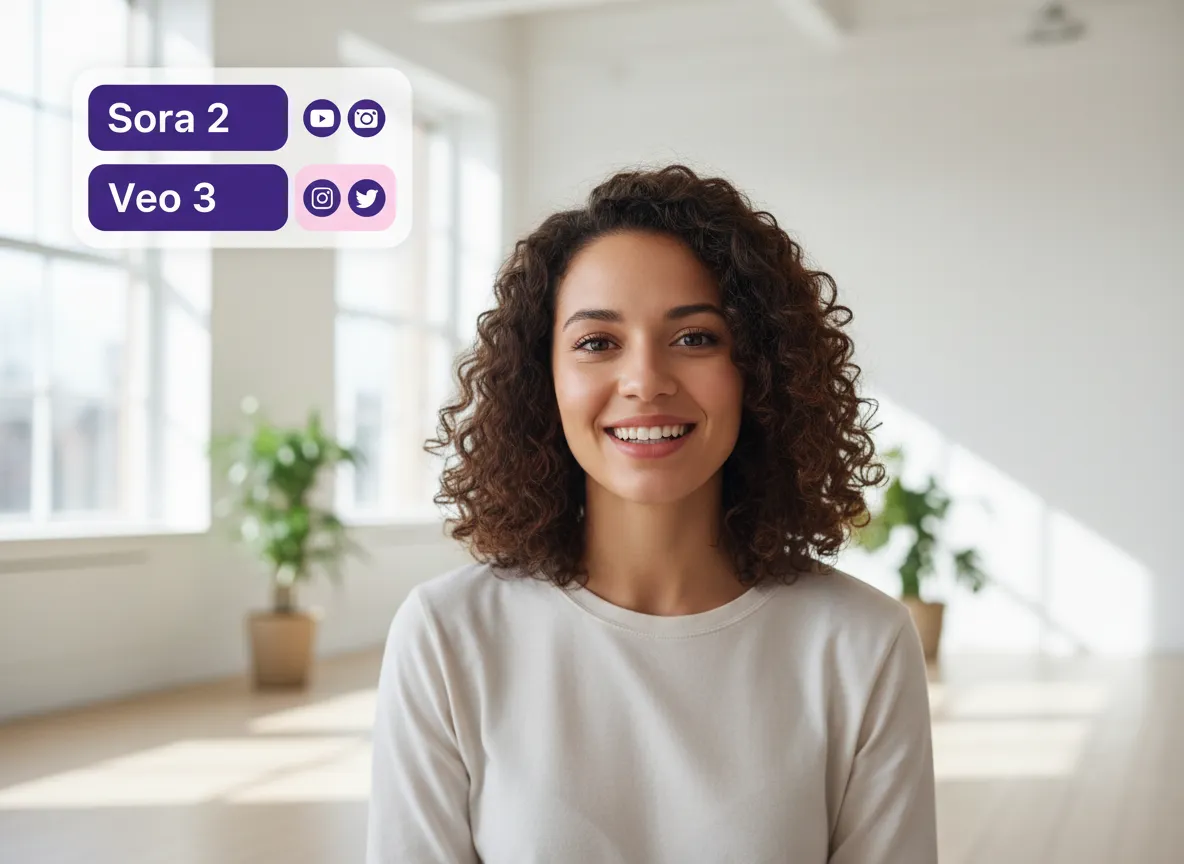
Elevate your clips with state-of-the-art AI models like Sora 2 and Veo 3. Generate stunning B-rolls, visual enhancements, and meme-style content to make your videos stand out in crowded feeds.
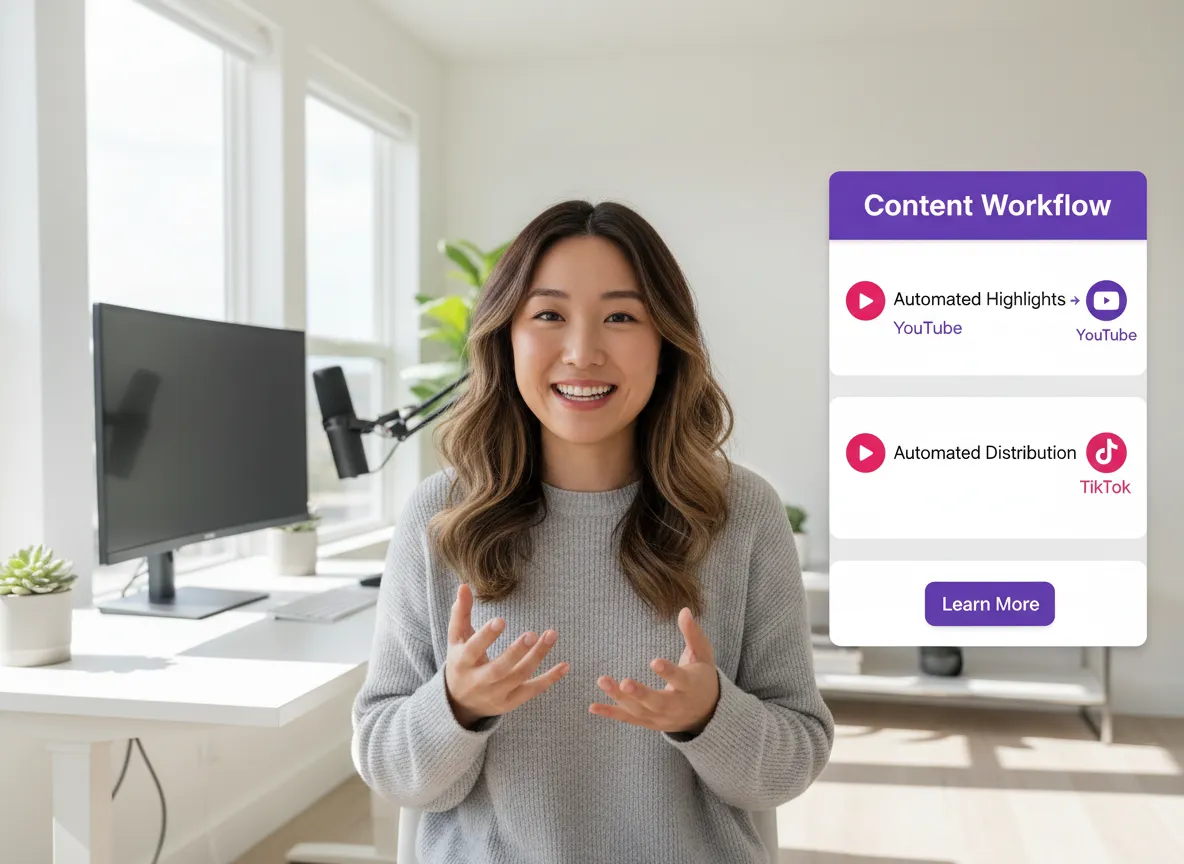
More than just a clipper, Vizard offers a complete content repurposing workflow. From finding highlights to final distribution, every step is automated to help you produce high-quality social content at a fraction of the cost.
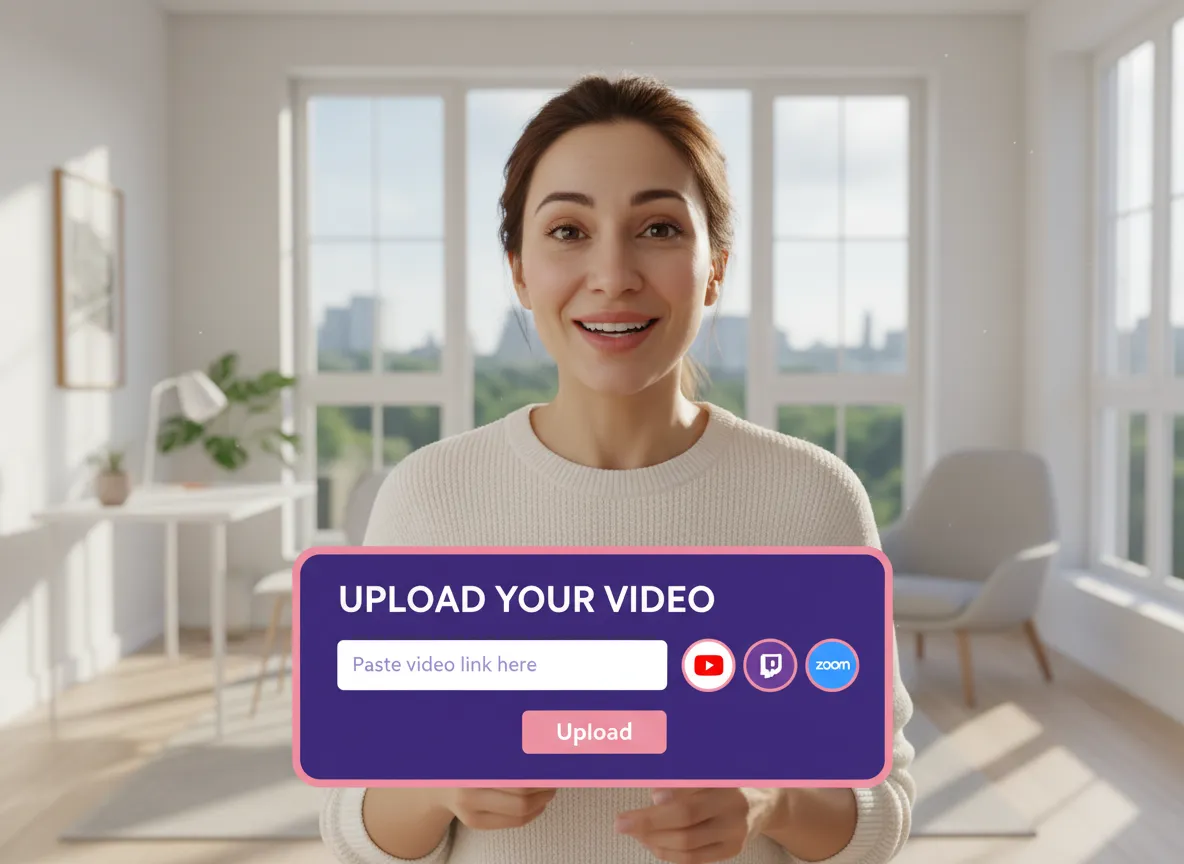
Start by logging into your Vizard workspace. Paste a link from YouTube or Twitch, upload local files from your device, import directly from Zoom, or record original content right inside the Vizard platform.
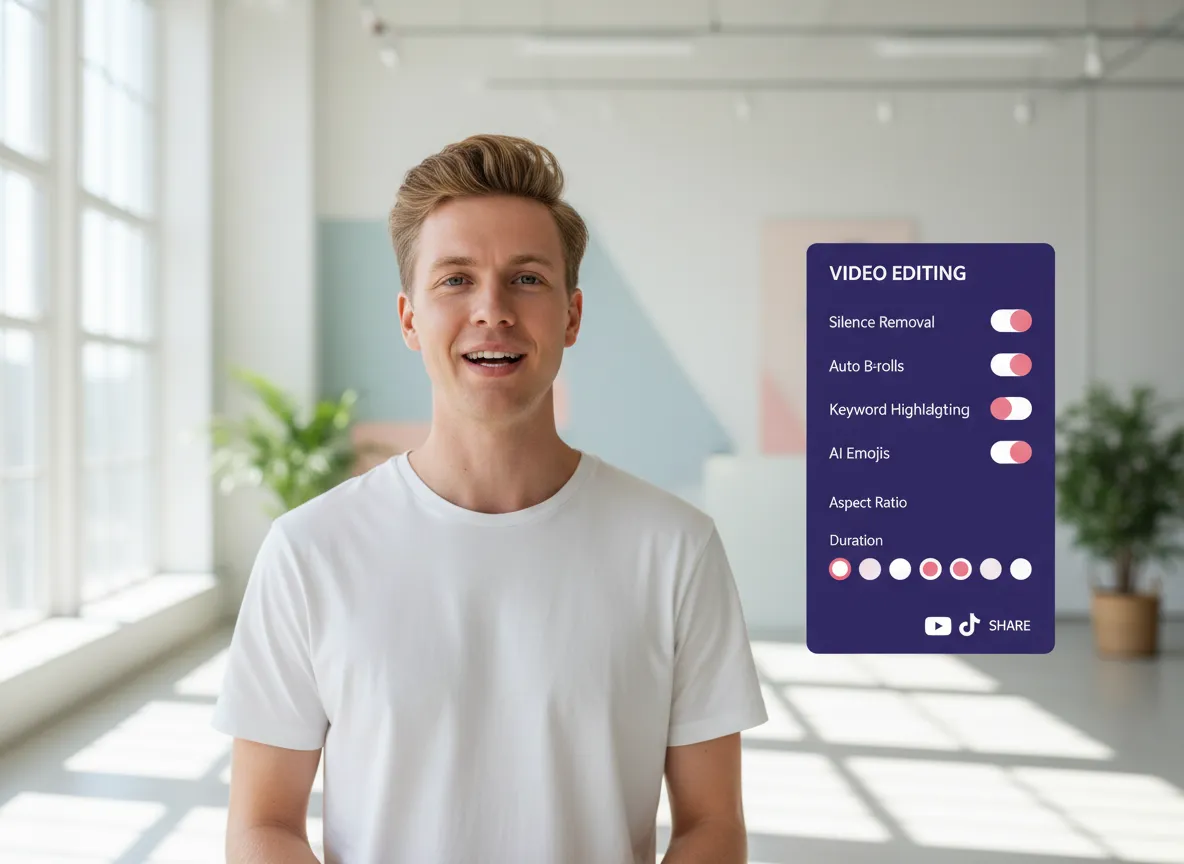
Set up your ideal output by selecting the aspect ratio, video duration, and template style. Boost your content with powerful AI features—enable 'remove silence', auto-generated B-rolls, keyword highlighting, or AI-powered emojis to make your highlights stand out.
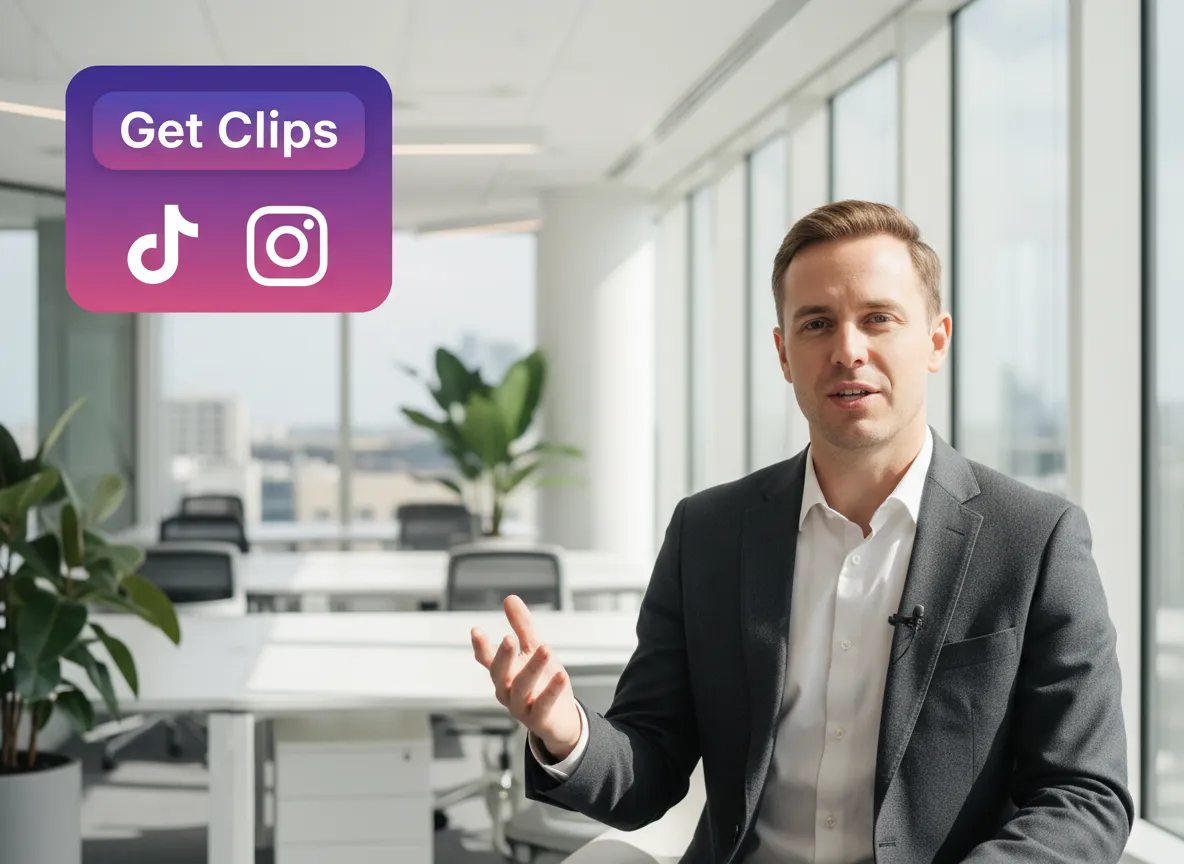
Simply click 'Get clips' and let Vizard's AI identify the most engaging, viral moments. Once generated, refine your branded and captioned clips, then use the integrated Social Media Calendar to schedule or post directly to TikTok, Instagram, YouTube, and more.
Turn one video into 10+ Instagram Reels with AI.
With just a few clicks, you can download or share your videos with your friends or team members with a link.
Turn your videos and audios into Reels, Stories, posts, and more in one click.
Effortlessly plan, schedule, and auto-generate engaging AI-driven posts, and publish your Instagram Reels along with the perfect captions.
Add dynamic subtitles for your videos automatically, all in the browser.
Bring your team together by inviting collaborators to work on your projects, in one workspace.
Effortlessly translate your video content into 130+ languages, expanding your global reach with just a few clicks.
Enhance your video's visual appeal and brand identity with ease by adding logos, images, outros, and custom fonts to your videos.


What is a Highlight Video Maker?
What types of videos work best with Vizard?
How does the AI identify the best highlights?
Does the tool support multiple languages and subtitles?
Can I customize the clips with my own branding?
How do I share my highlight clips to social media?
Can I add extra visuals or B-rolls to my highlights?
What is a Highlight Video Maker?
What types of videos work best with Vizard?
How does the AI identify the best highlights?
Does the tool support multiple languages and subtitles?
Can I customize the clips with my own branding?
How do I share my highlight clips to social media?
Can I add extra visuals or B-rolls to my highlights?

 Yao Wang

Yao Wang
Yao Wang

Yao Wang
Yao Wang


















