

NEW
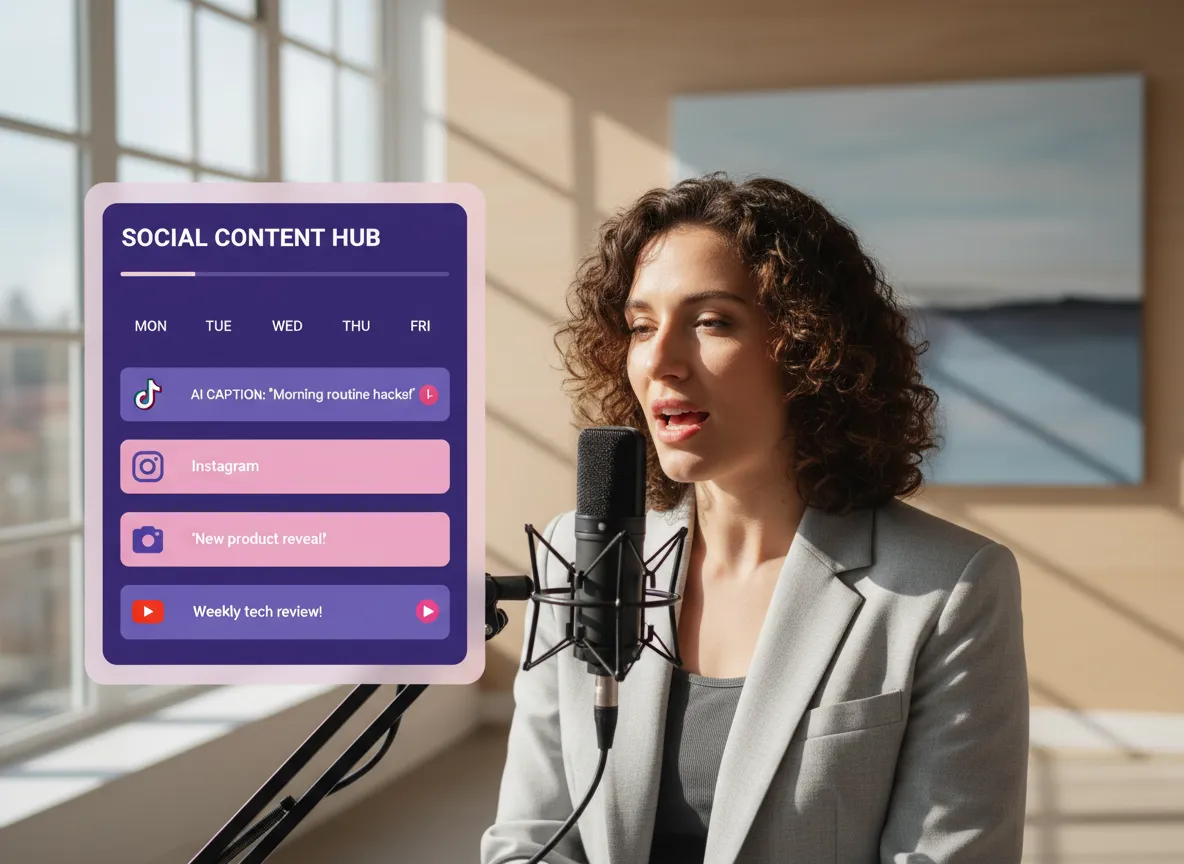



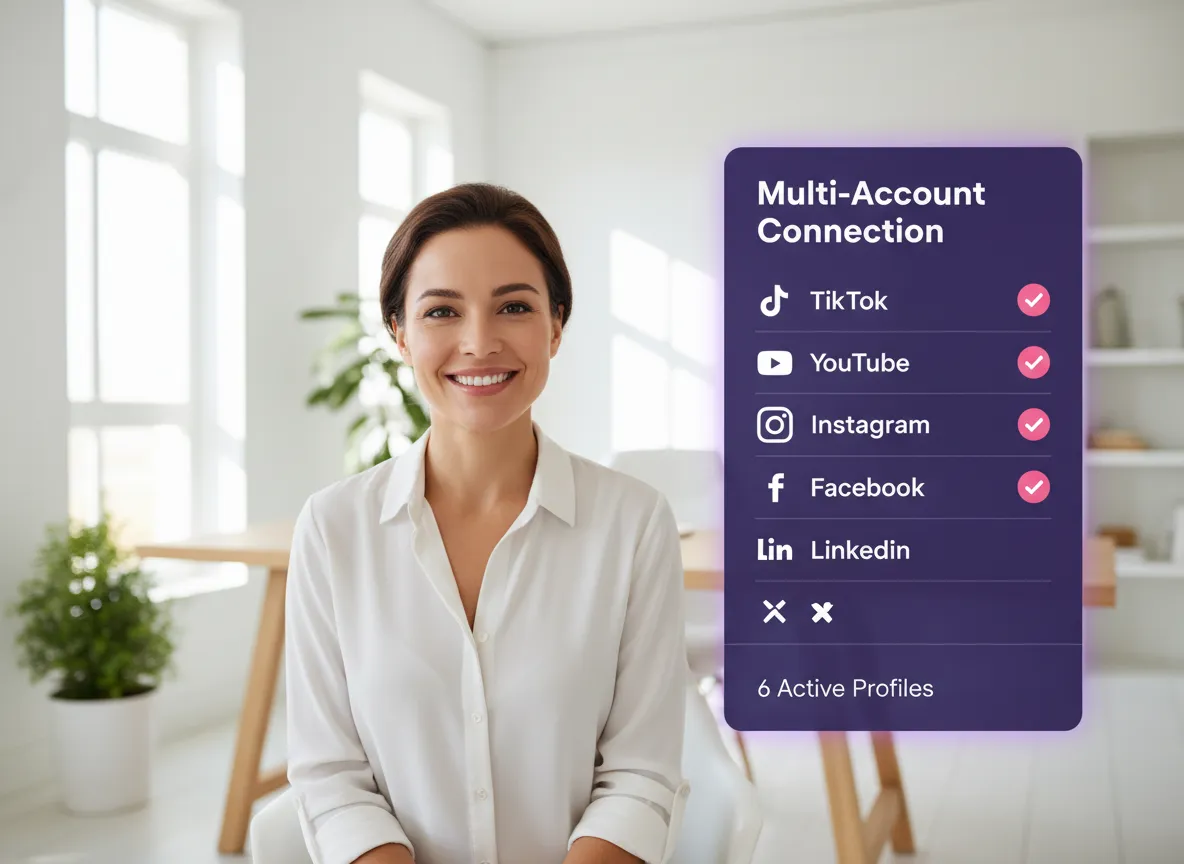
Connect your TikTok, YouTube (Shorts), Instagram, Facebook, LinkedIn, and X accounts in one place. Manage multiple brands or profiles from one centralized hub without the hassle of logging in and out.
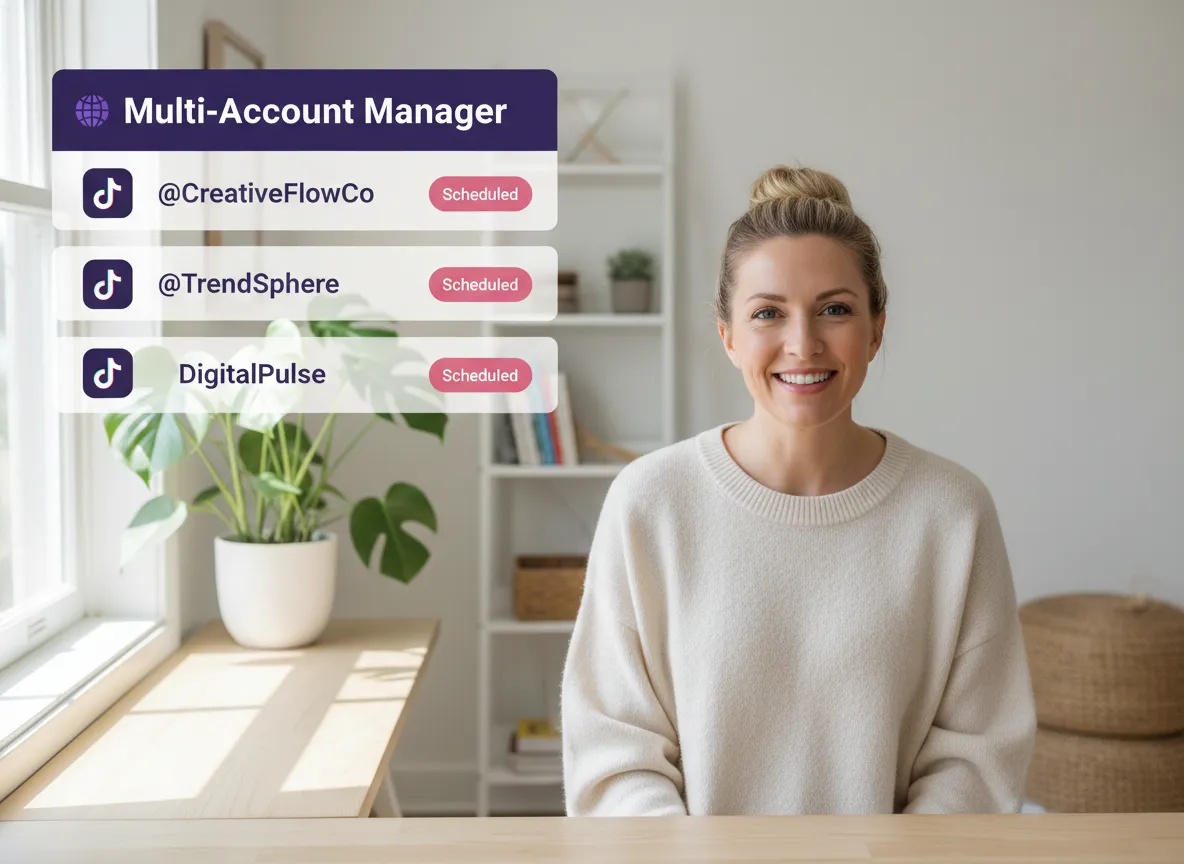
Scale your reach effortlessly by managing multiple accounts per platform. Whether you have three TikTok channels or various LinkedIn pages, oversee them all from a single, intuitive dashboard.
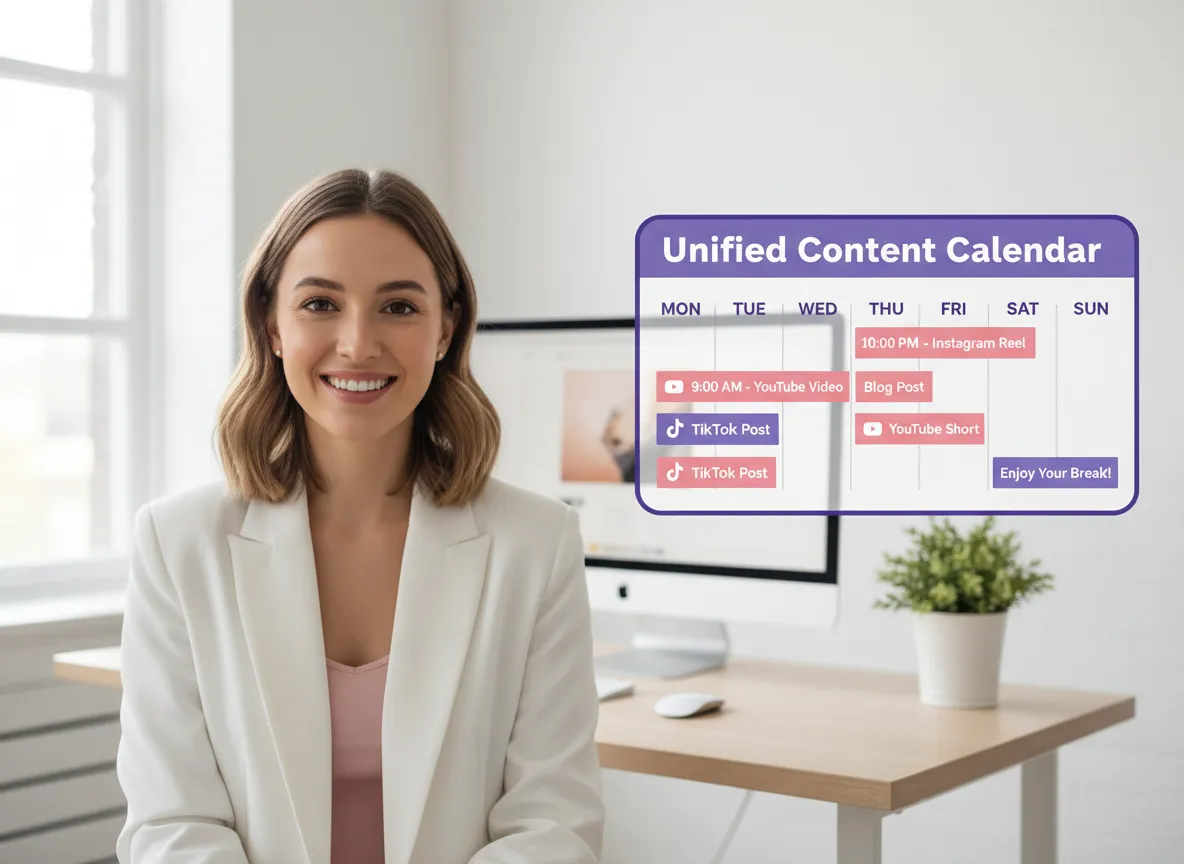
Gain a bird's-eye view of your social strategy. Visualize your entire posting schedule in a unified timeline and pick the perfect date, time, and time zone for maximum impact.
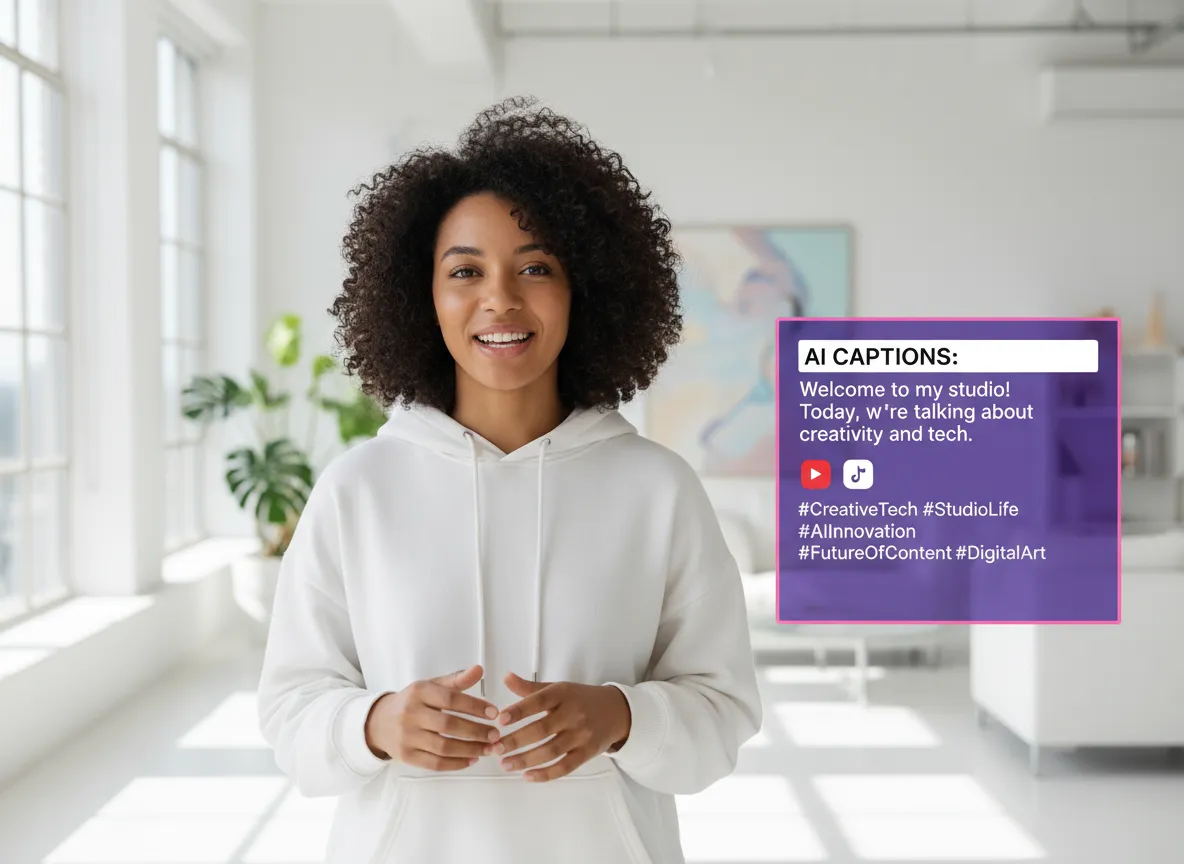
Let AI handle the heavy lifting. Instantly generate engaging captions and trending hashtags tailored to your video, ensuring your content is always optimized for discovery and engagement.
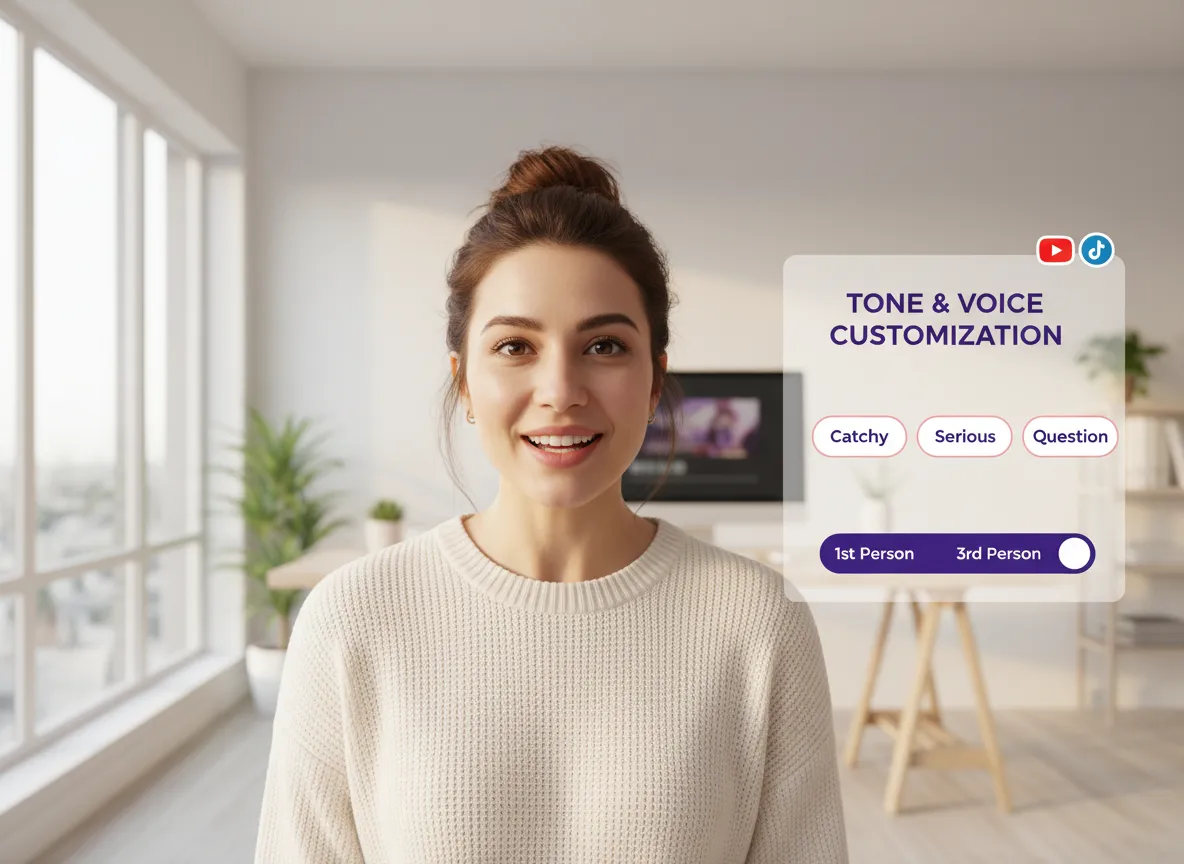
Fine-tune your brand voice with ease. Choose from various tones—like catchy, professional, or inquisitive—and select a first or third-person perspective to resonate perfectly with your audience.
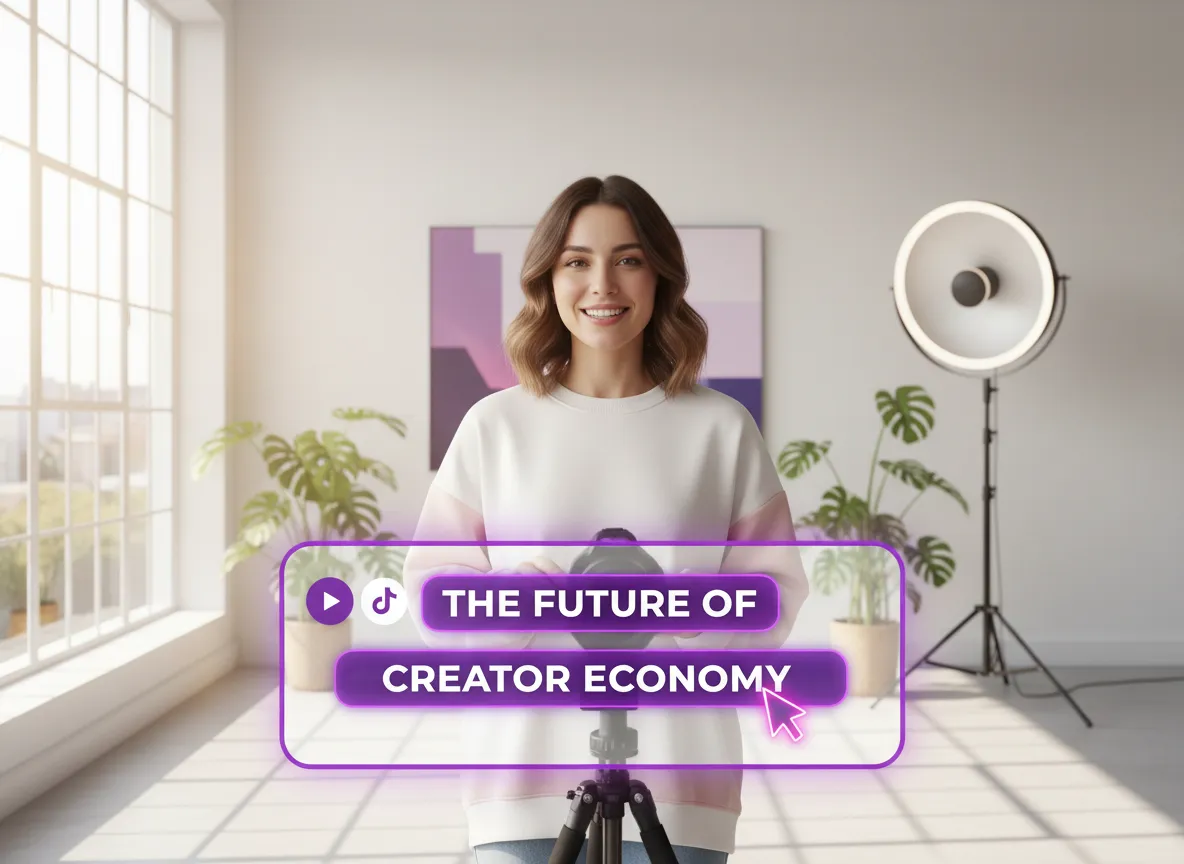
Take full control of your messaging. Easily review and refine AI-generated descriptions to ensure they perfectly align with your brand's unique voice and platform-specific requirements.
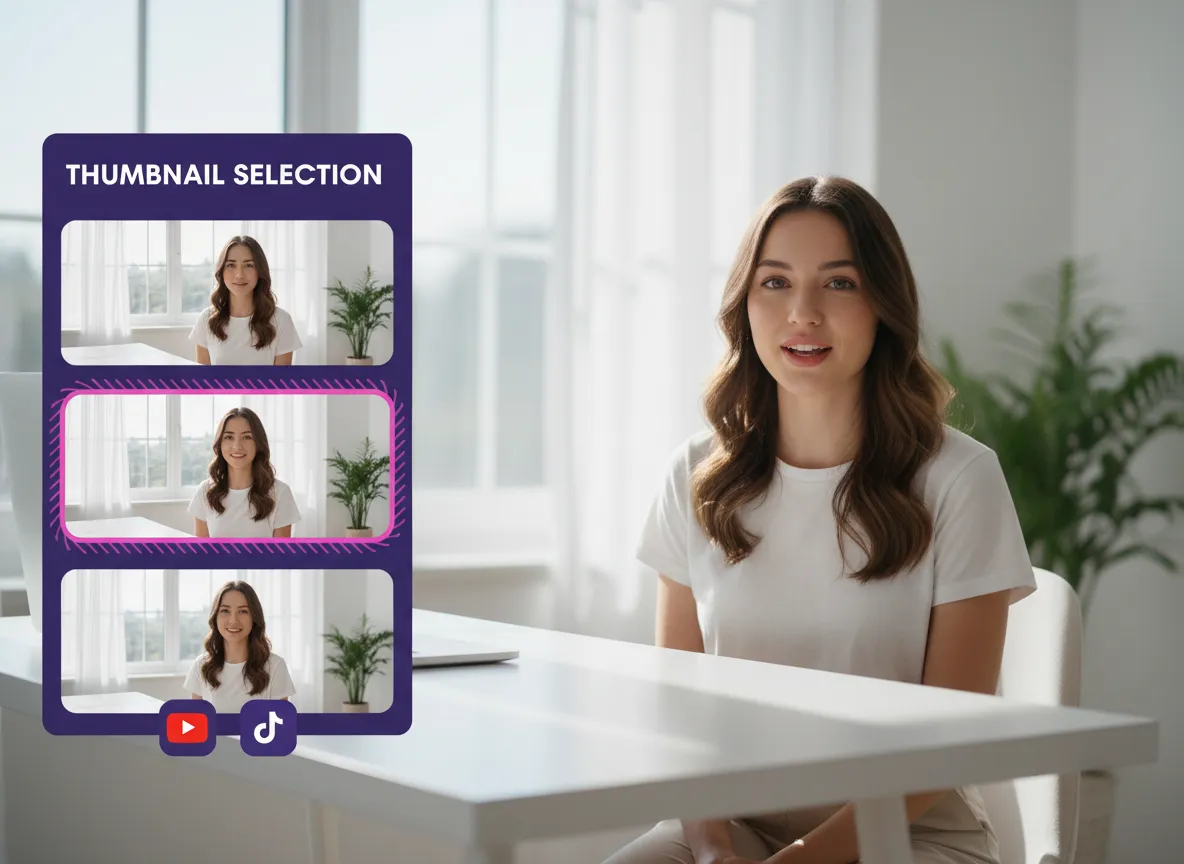
Stop the scroll with the perfect preview. Hand-pick or adjust your video's thumbnail frame within Vizard to ensure your content looks irresistible in every feed.
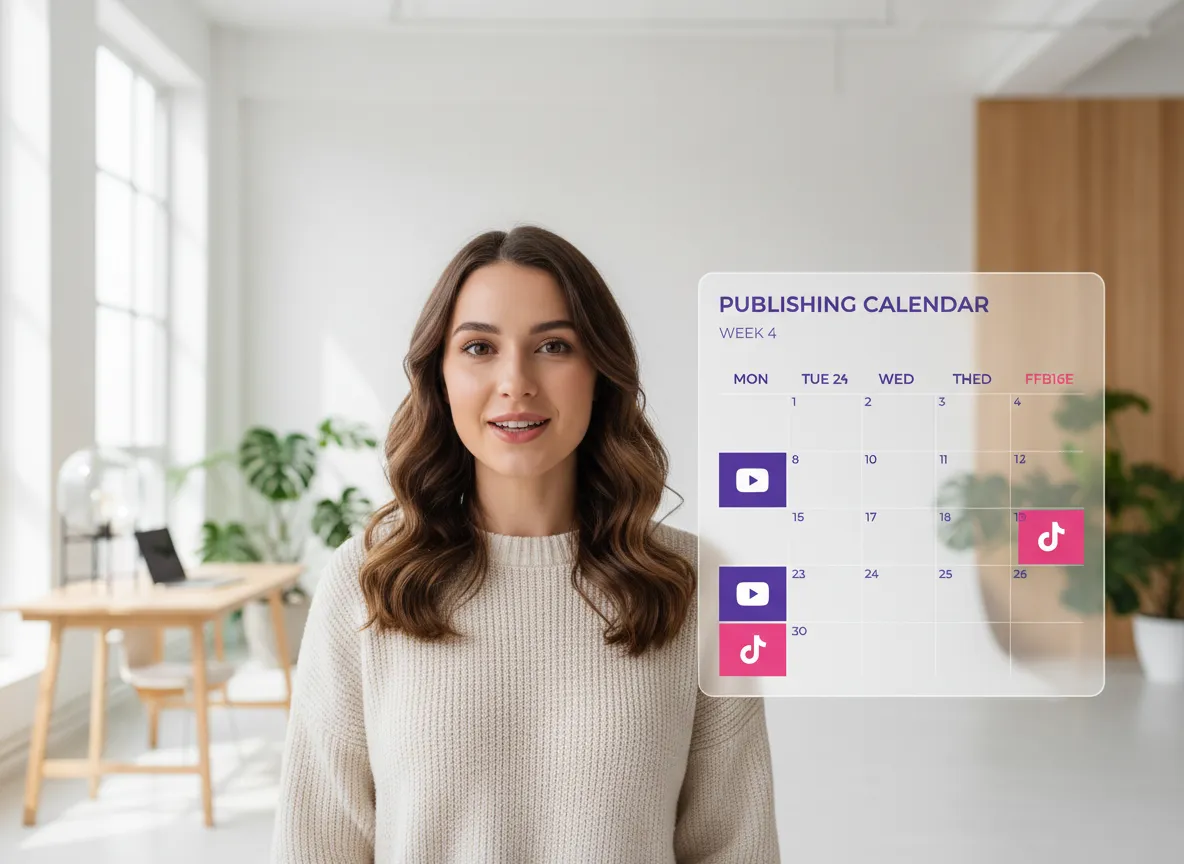
Simplify your stack and save on costs. Plan, customize, and schedule your social media presence across all platforms and accounts in one place—no more switching between apps or paying for extra tools like Buffer.
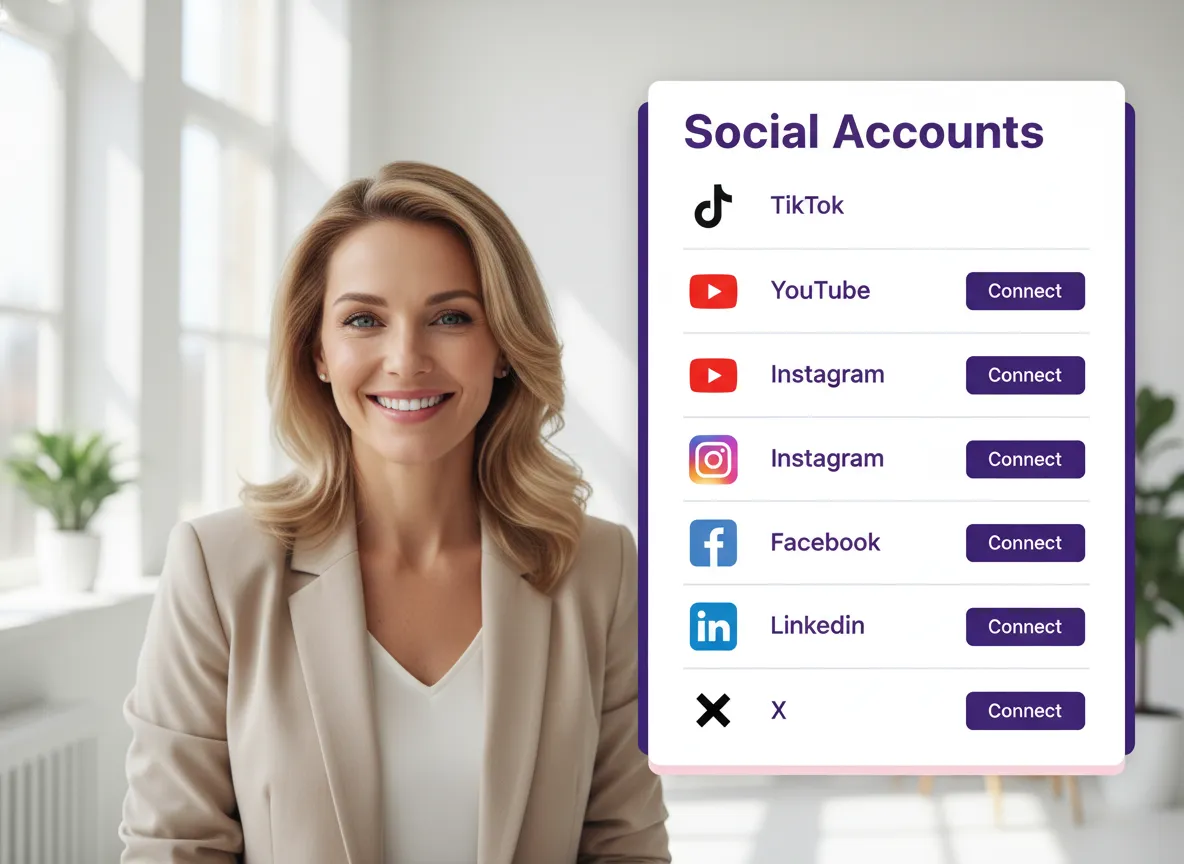
Easily connect your favorite social media platforms to Vizard. Navigate to **Account settings -> Social accounts** and link your TikTok, YouTube, Instagram, Facebook, LinkedIn, and X/Twitter accounts. Vizard allows you to manage multiple profiles per platform, keeping all your brand accounts in one centralized hub.
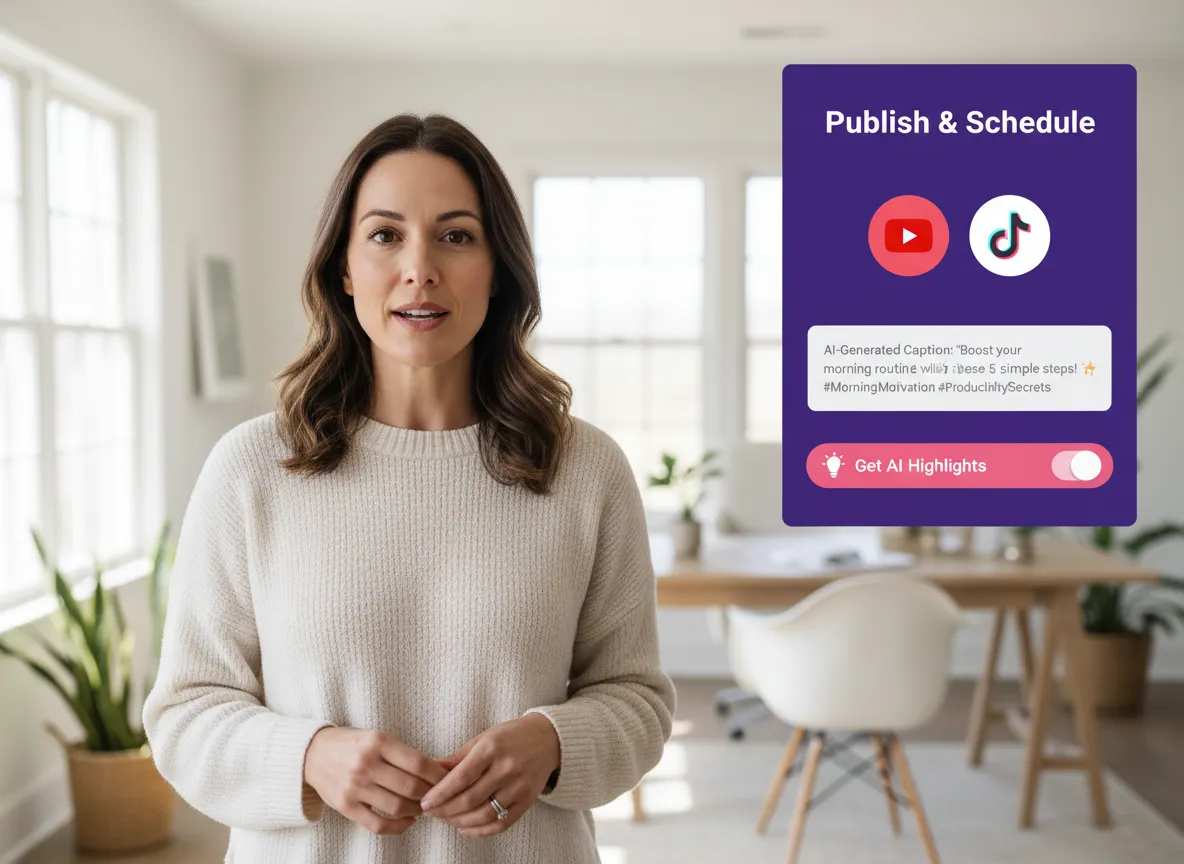
Upload your video or paste a link to generate AI highlights. On any clip, click **Publish** to choose your target accounts and the perfect posting time. Use Vizard’s AI to automatically craft engaging captions and hashtags, select the best thumbnail frame, and hit publish to automate your social media workflow across multiple platforms.
Turn one video into 10+ Instagram Reels with AI.
With just a few clicks, you can download or share your videos with your friends or team members with a link.
Turn your videos and audios into Reels, Stories, posts, and more in one click.
Effortlessly plan, schedule, and auto-generate engaging AI-driven posts, and publish your Instagram Reels along with the perfect captions.
Add dynamic subtitles for your videos automatically, all in the browser.
Bring your team together by inviting collaborators to work on your projects, in one workspace.
Effortlessly translate your video content into 130+ languages, expanding your global reach with just a few clicks.
Enhance your video's visual appeal and brand identity with ease by adding logos, images, outros, and custom fonts to your videos.


What social media platforms can I connect to Vizard's Content Calendar?
Can I manage more than one account per platform?
How does the AI post description and hashtag generator work?
Can I schedule posts for specific dates and times?
Is it possible to edit the captions before they are published?
Can I choose a specific thumbnail for my scheduled videos?
Does Vizard's Content Calendar replace other scheduling tools?
What social media platforms can I connect to Vizard's Content Calendar?
Can I manage more than one account per platform?
How does the AI post description and hashtag generator work?
Can I schedule posts for specific dates and times?
Is it possible to edit the captions before they are published?
Can I choose a specific thumbnail for my scheduled videos?
Does Vizard's Content Calendar replace other scheduling tools?

 Yao Wang

Yao Wang

Yao Wang

Yao Wang

Yao Wang


















