

NEW
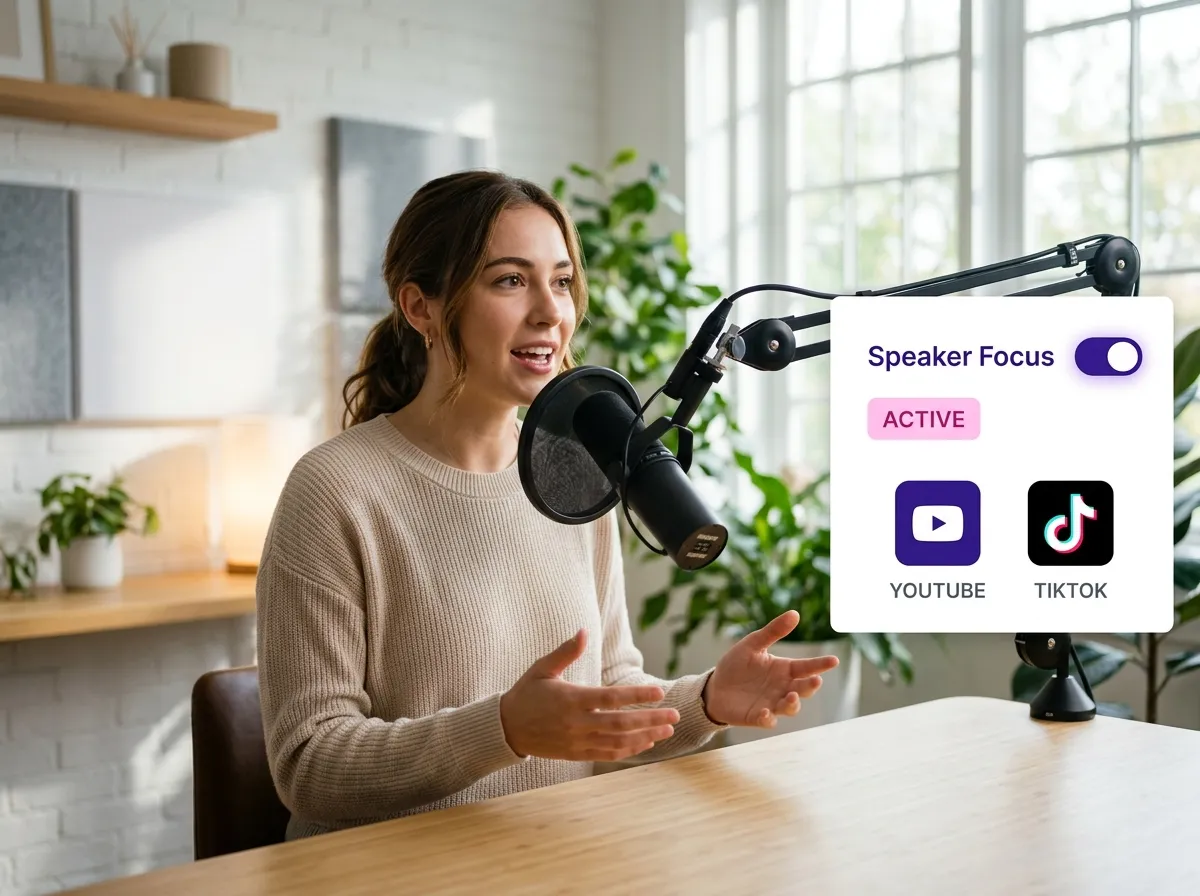



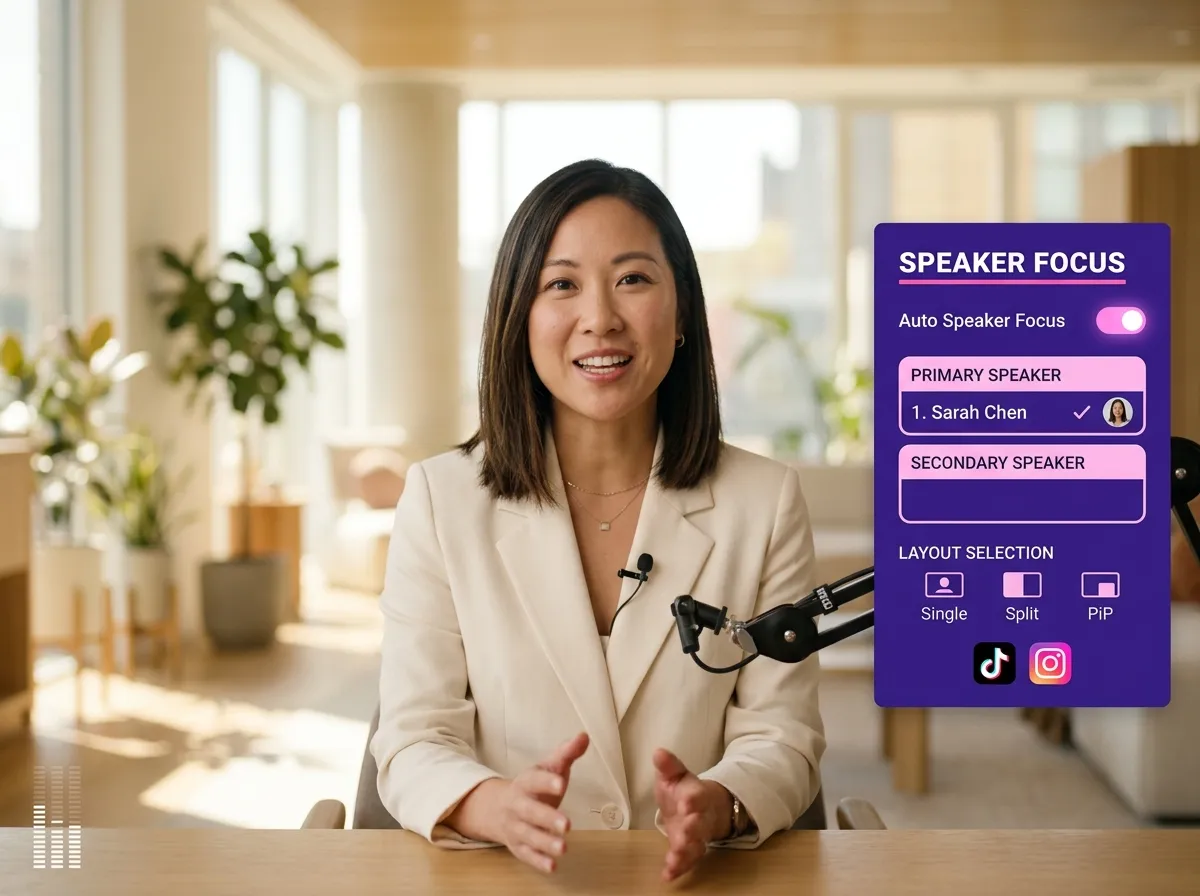
Vizard’s Auto Speaker Focus is essential when you split video for social media. It intelligently centers the speaker, making it perfect for podcasts and interviews. When you split video from long-form content, Vizard automatically adjusts the frame, saving you from manual cropping. This ensures your TikTok and Reels look professional. Use Vizard to split video and maintain high-quality visuals effortlessly, allowing audiences to stay focused on your message while you scale production with ease.
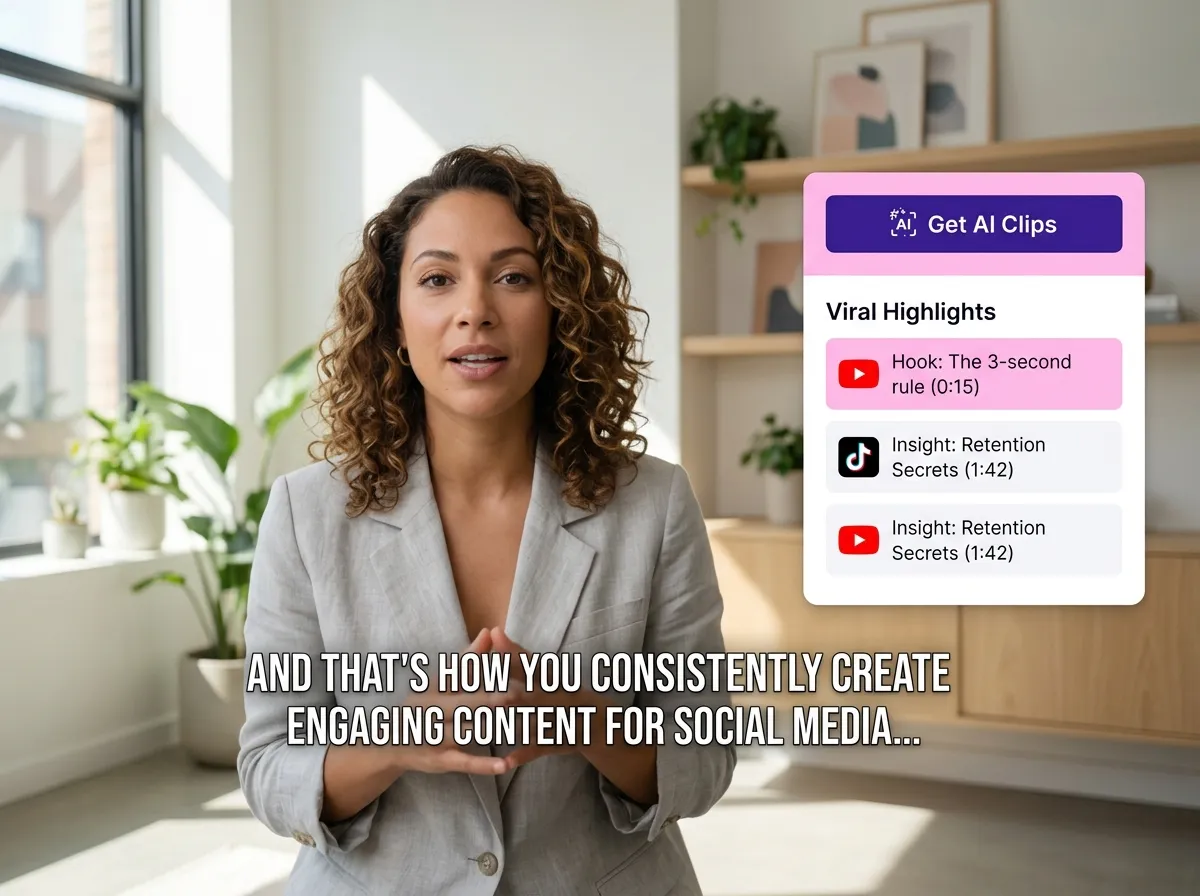
Quickly split video into viral segments with Vizard’s AI. Upload long-form content, and Vizard will split video into highlights with subtitles and brand colors automatically. This tool is perfect for social media managers who need to split video for YouTube Shorts and Reels. Vizard identifies the most engaging moments, ensuring optimized repurposed content. Transform any recording into a library of social-ready clips with just one click, maximizing your reach and impact.
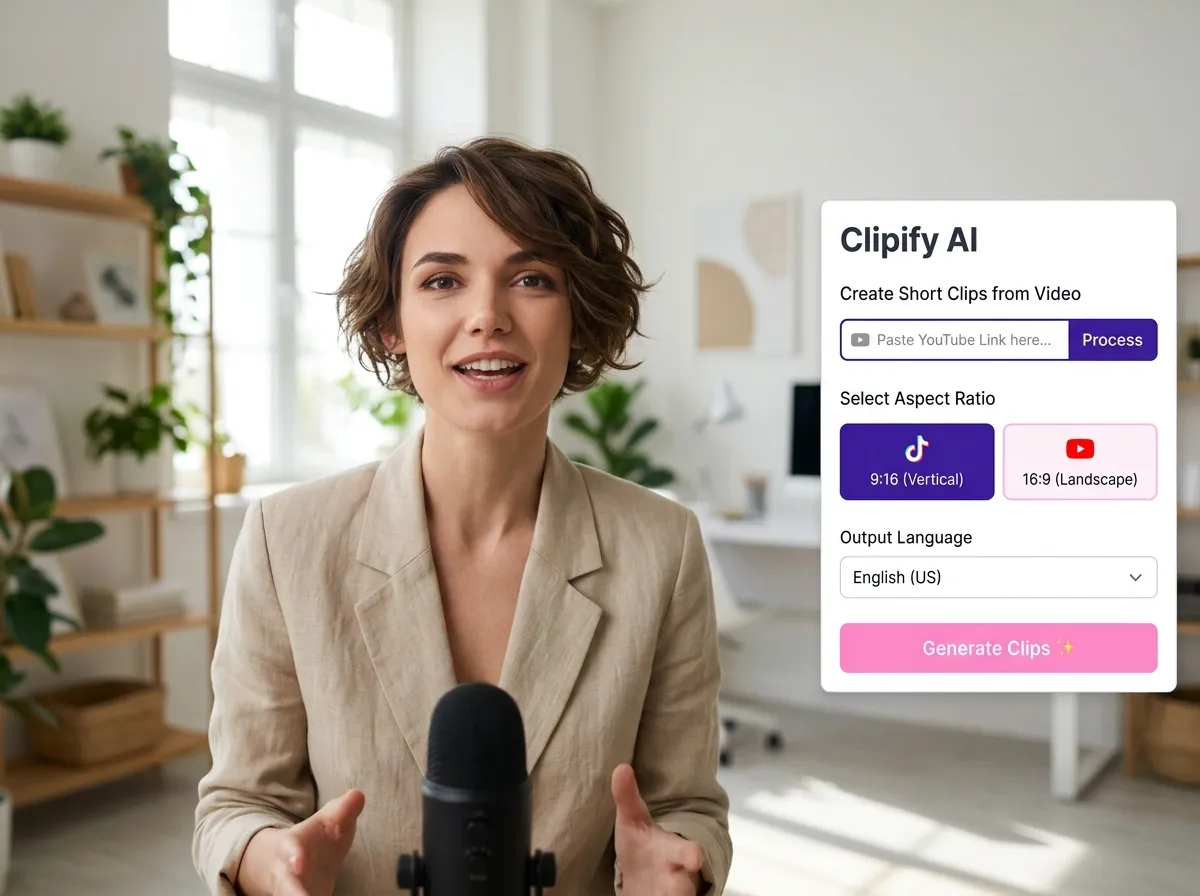
Upload your long-form video or paste a link from YouTube. Select your preferred aspect ratio, language, and a template that fits your brand.
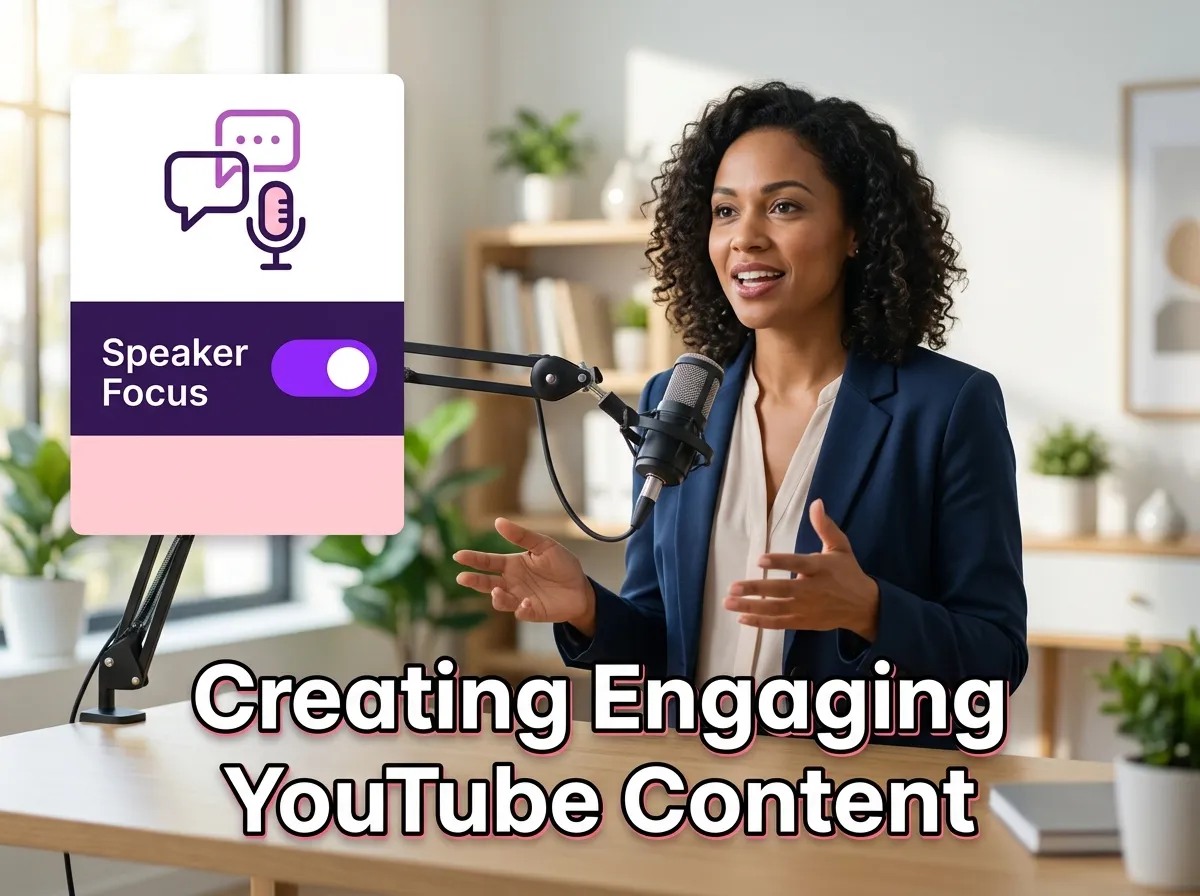
Hit "Get AI Clips" and watch Vizard's AI identify the most engaging moments. Our Auto Speaker Focus feature ensures the camera stays on the speaker, while AI automatically adds subtitles and branding.
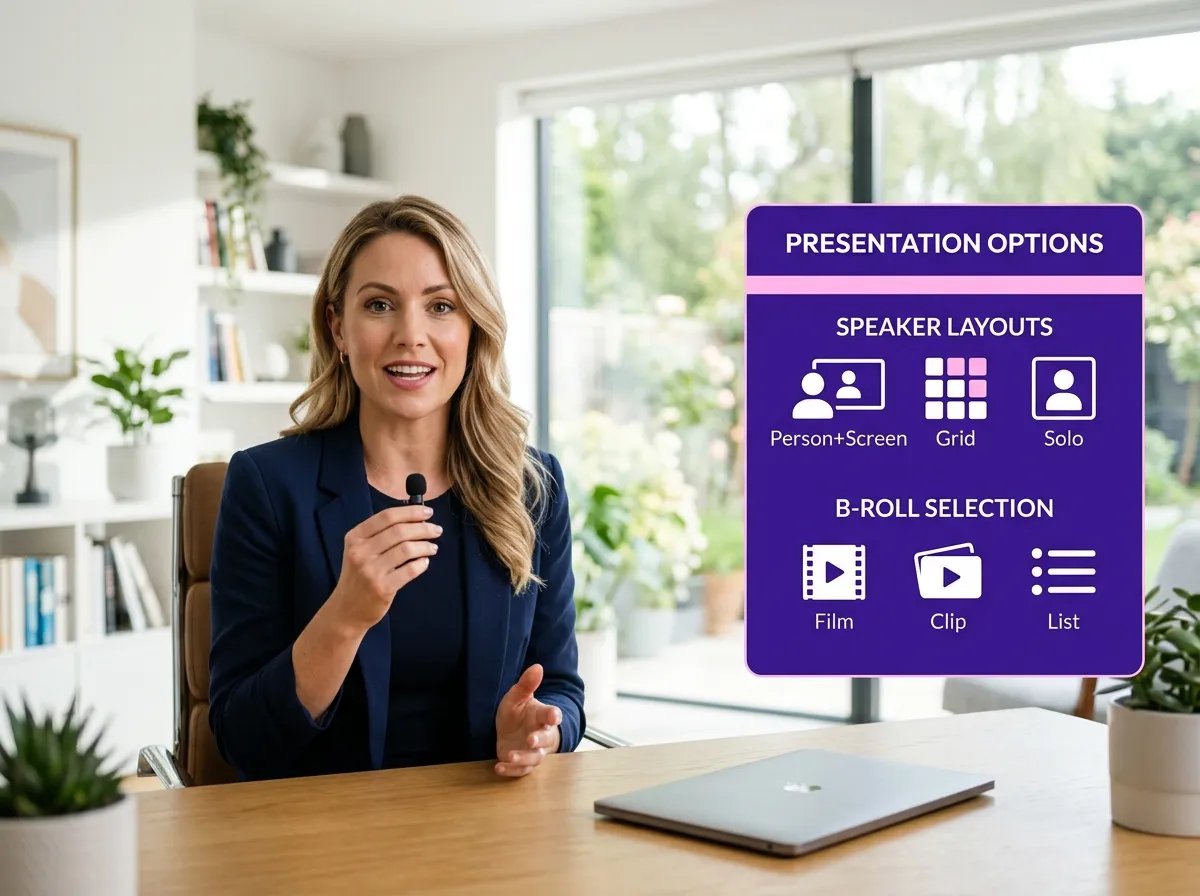
Browse your AI-generated clips and make any necessary tweaks. Use the Vizard editor to choose specific speaker layouts, swap B-roll views, and fine-tune your messaging for maximum impact.
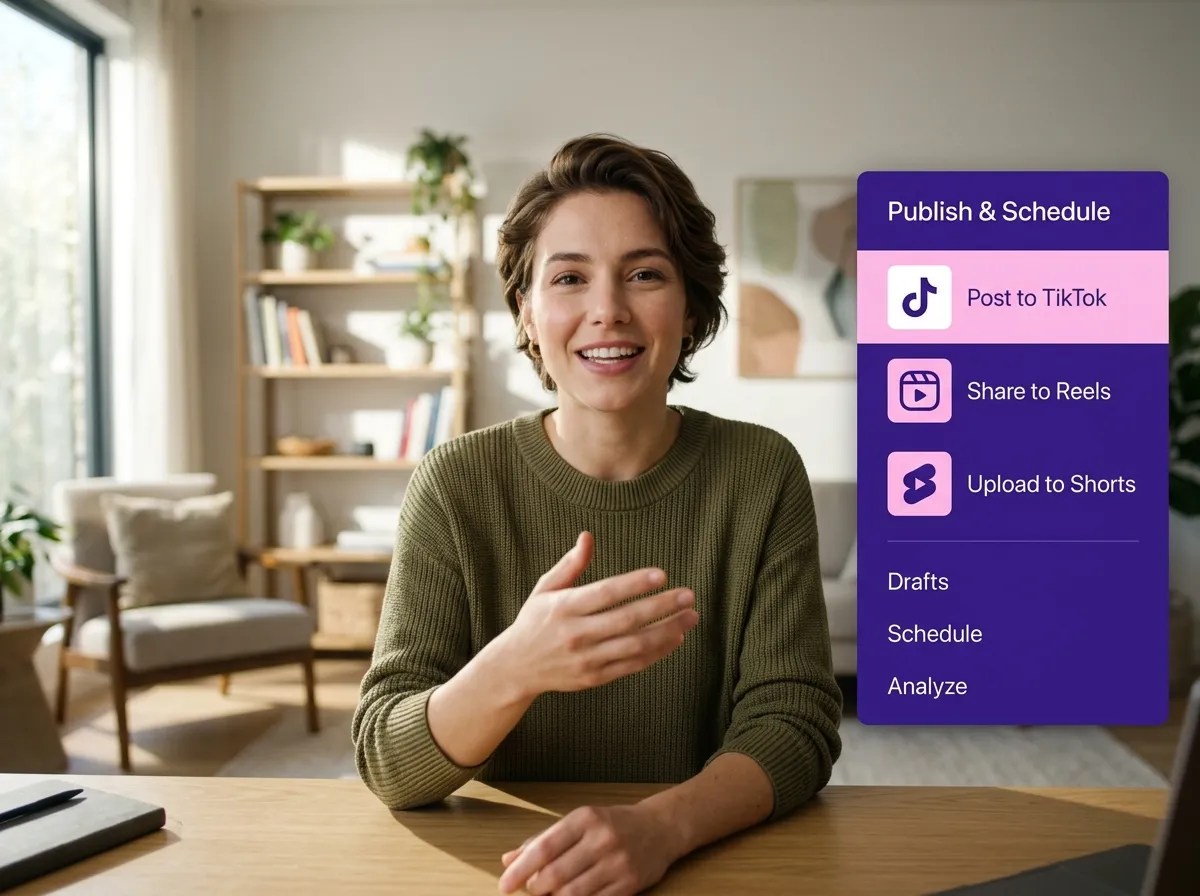
Directly connect your social media platforms to Vizard. Schedule and publish your viral clips to TikTok, Instagram Reels, and YouTube Shorts all from one place.
Turn one video into 10+ Instagram Reels with AI.
With just a few clicks, you can download or share your videos with your friends or team members with a link.
Turn your videos and audios into Reels, Stories, posts, and more in one click.
Effortlessly plan, schedule, and auto-generate engaging AI-driven posts, and publish your Instagram Reels along with the perfect captions.
Add dynamic subtitles for your videos automatically, all in the browser.
Bring your team together by inviting collaborators to work on your projects, in one workspace.
Effortlessly translate your video content into 130+ languages, expanding your global reach with just a few clicks.
Enhance your video's visual appeal and brand identity with ease by adding logos, images, outros, and custom fonts to your videos.


What is Vizard's Auto Speaker Focus and how does it work?
Does it work for videos with more than one speaker?
Can I customize the video layout and aspect ratio?
Can I add subtitles and my own branding to the clips?
Can I post my speaker-focused clips directly to social media?
What is Vizard's Auto Speaker Focus and how does it work?
Does it work for videos with more than one speaker?
Can I customize the video layout and aspect ratio?
Can I add subtitles and my own branding to the clips?
Can I post my speaker-focused clips directly to social media?

 Yao Wang
Yao Wang
Yao Wang
Yao Wang
Yao Wang


















