

NEW
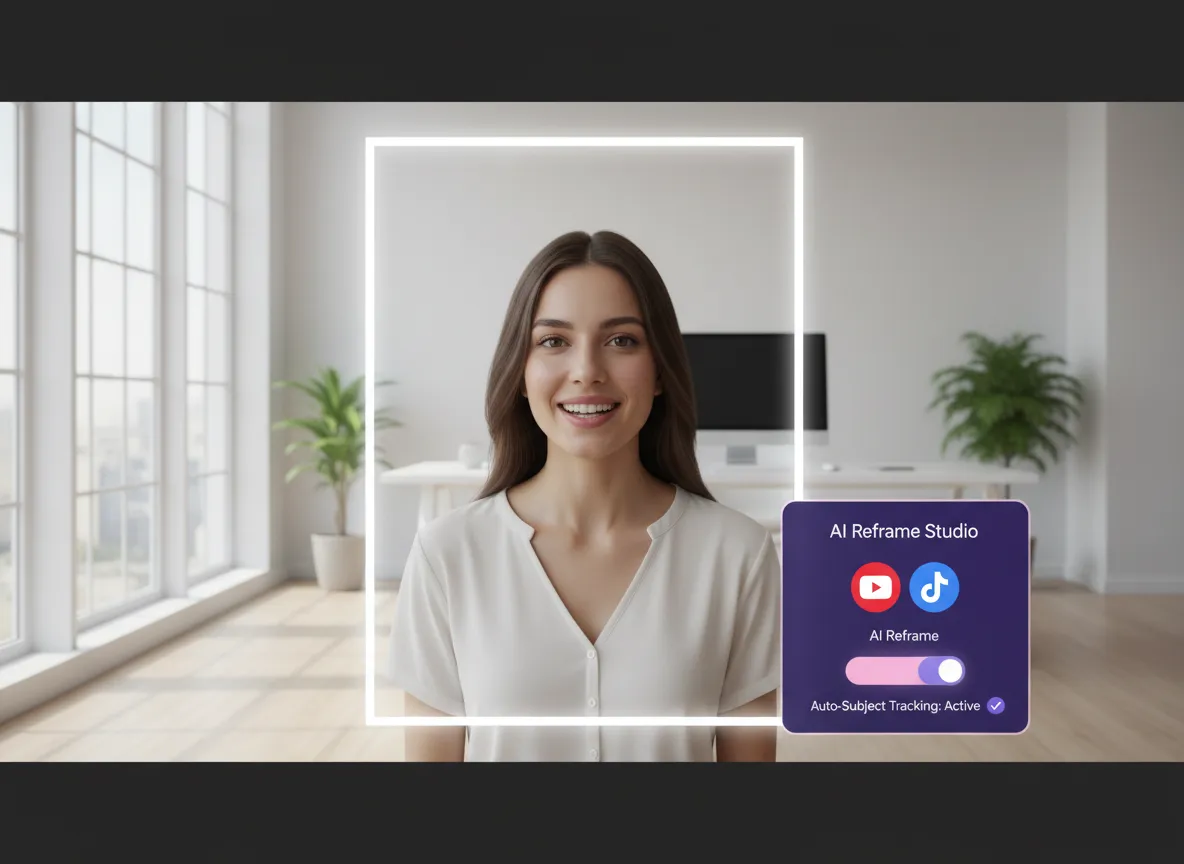



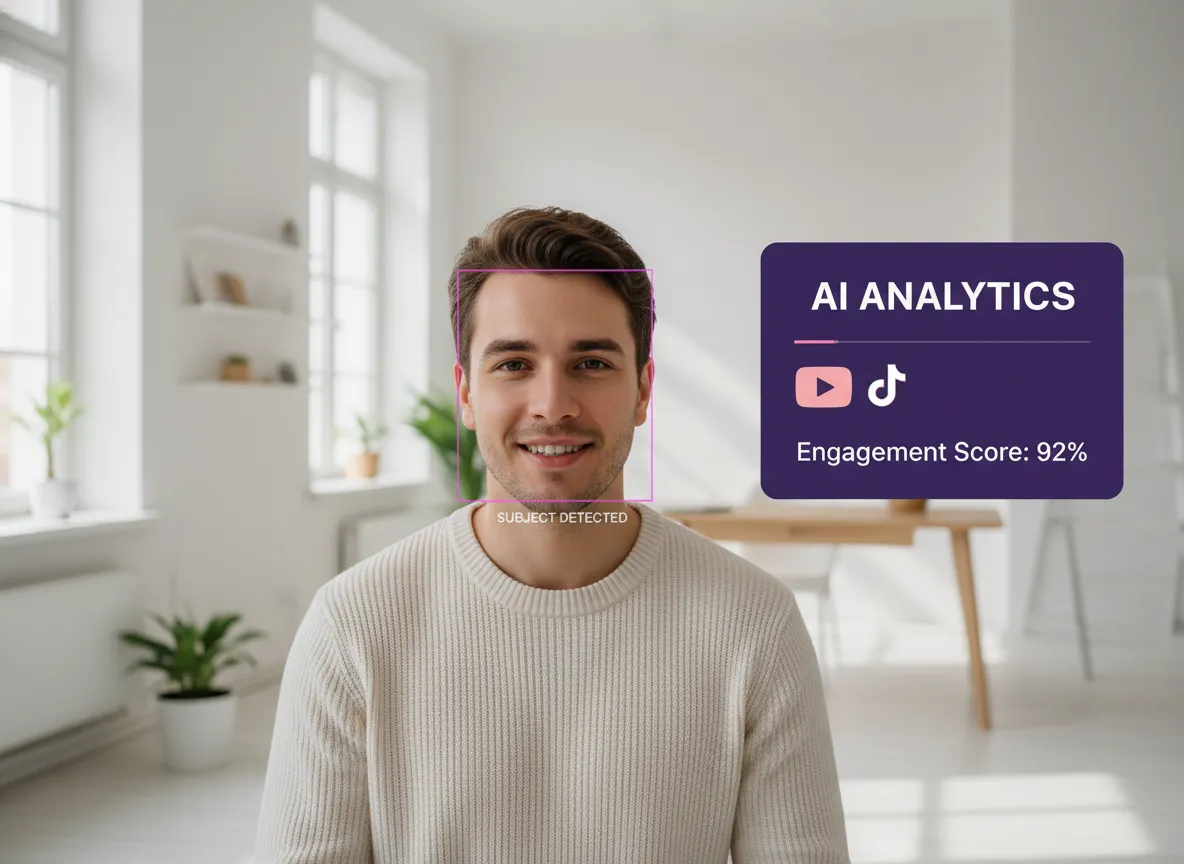
Vizard's AI Reframe uses advanced multi-modal models to automatically identify faces and objects, ensuring your subject stays perfectly positioned. Unlike traditional cropping, our Smart Subject Detection maintains focus, making it ideal for podcasters repurposing content for TikTok. By leveraging AI-driven computer vision, Vizard saves you hours of manual editing while delivering professional-grade compositions that keep your audience engaged.
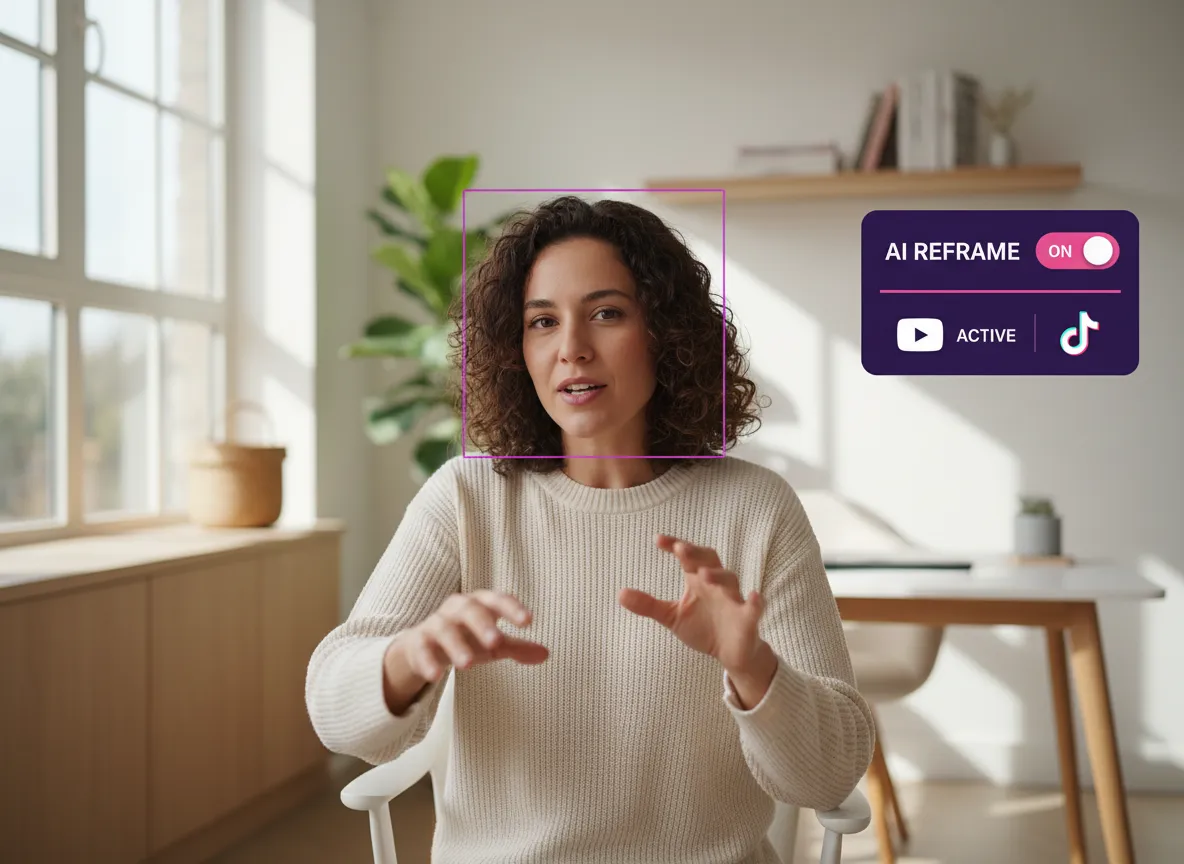
Take your video repurposing to the next level with Vizard's Dynamic Frame Tracking. This feature follows your subject's movement in real-time, preventing key moments from being cut off in vertical formats. Perfect for high-energy sports clips or stage presentations, the AI Reframe tool ensures a fluid viewing experience for YouTube Shorts. Scale your production effortlessly while maintaining visual quality across all social channels.
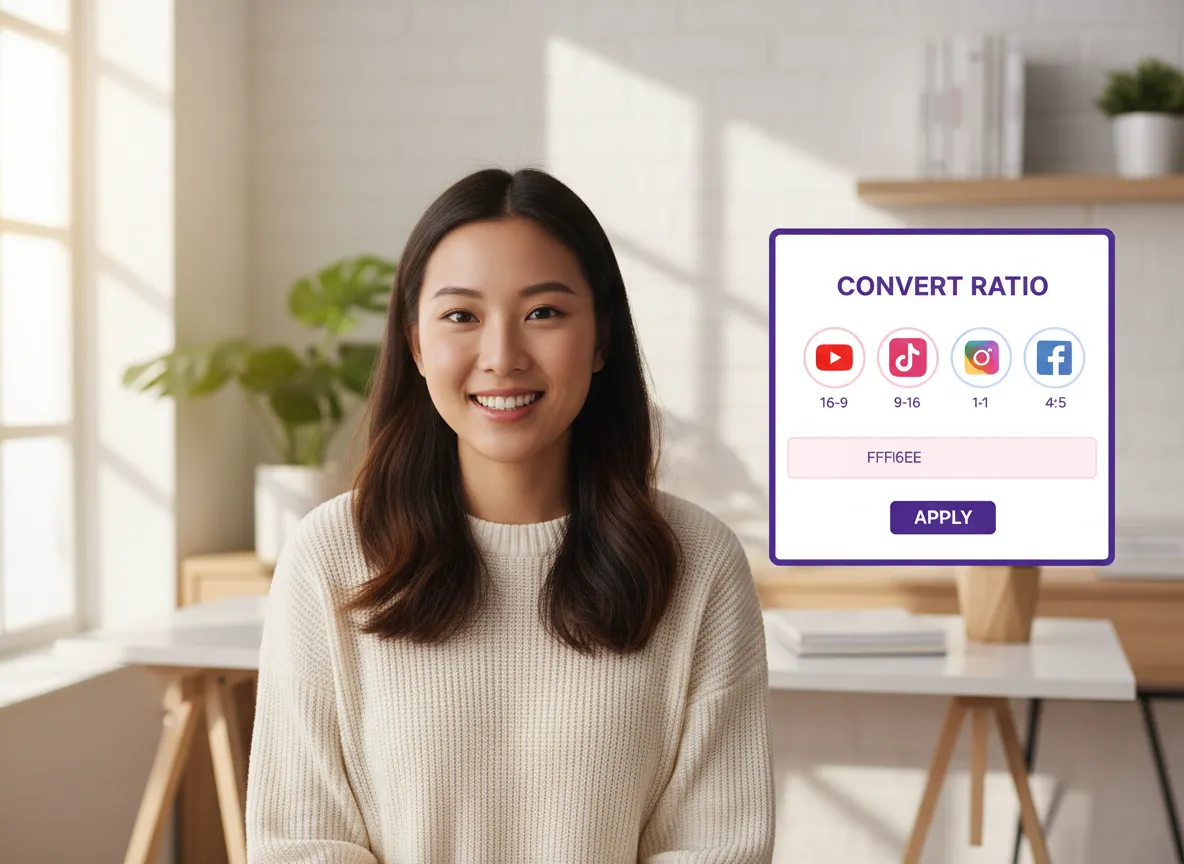
Efficiency meets versatility with Vizard’s Multi-Ratio Conversion. Effortlessly transform 16:9 videos into 9:16 for TikTok, 1:1 for Instagram, or 4:5 for Facebook with a few clicks. This is a game-changer for social media managers adapting content for multiple platforms. AI Reframe handles the heavy lifting, ensuring your brand's message is optimized for every screen size without additional filming.
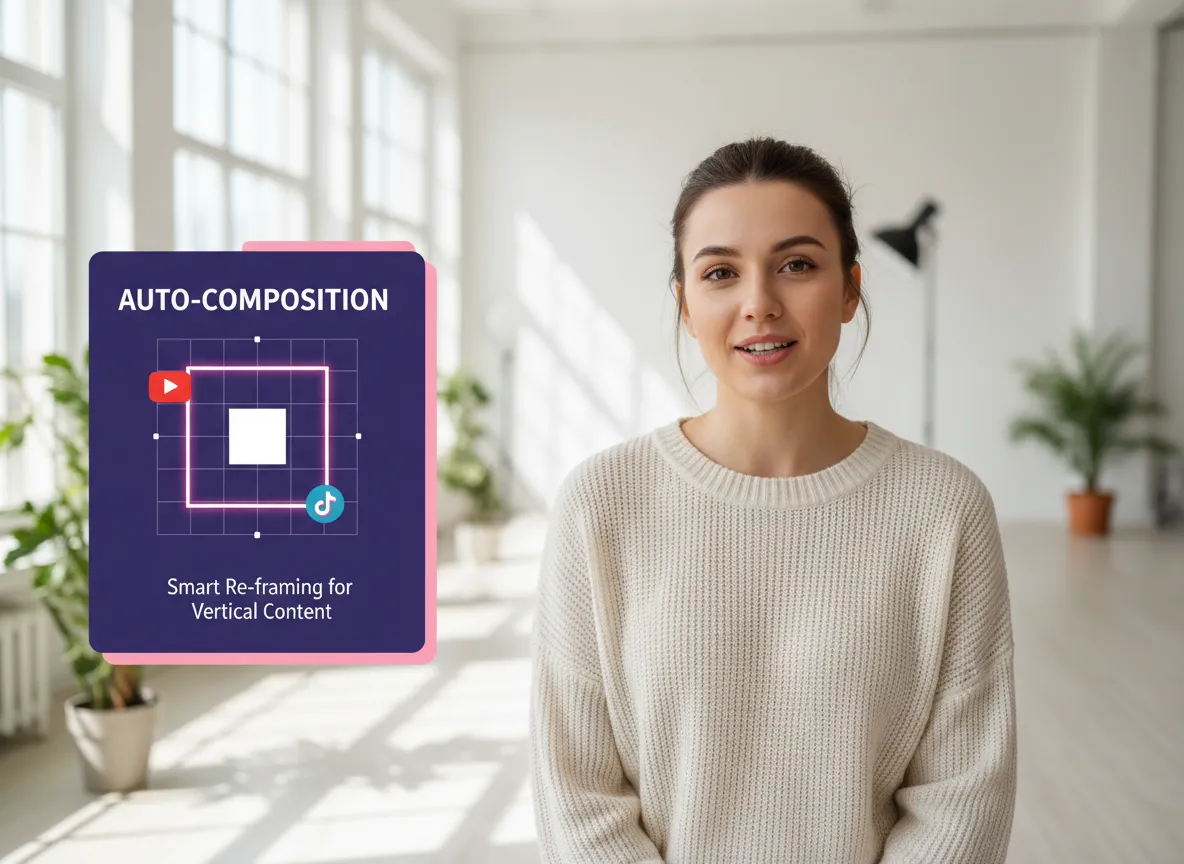
Achieve cinematic results with Vizard’s Auto Composition Optimization. Our AI analyzes visual weight to reorganize your frame for maximum impact, making vertical videos look intentionally designed. Perfect for interview clips and educational content, it prioritizes balance and aesthetic appeal. Trust Vizard to make your repurposed clips stand out in crowded feeds, helping you build authority through high-quality, AI-optimized video content.
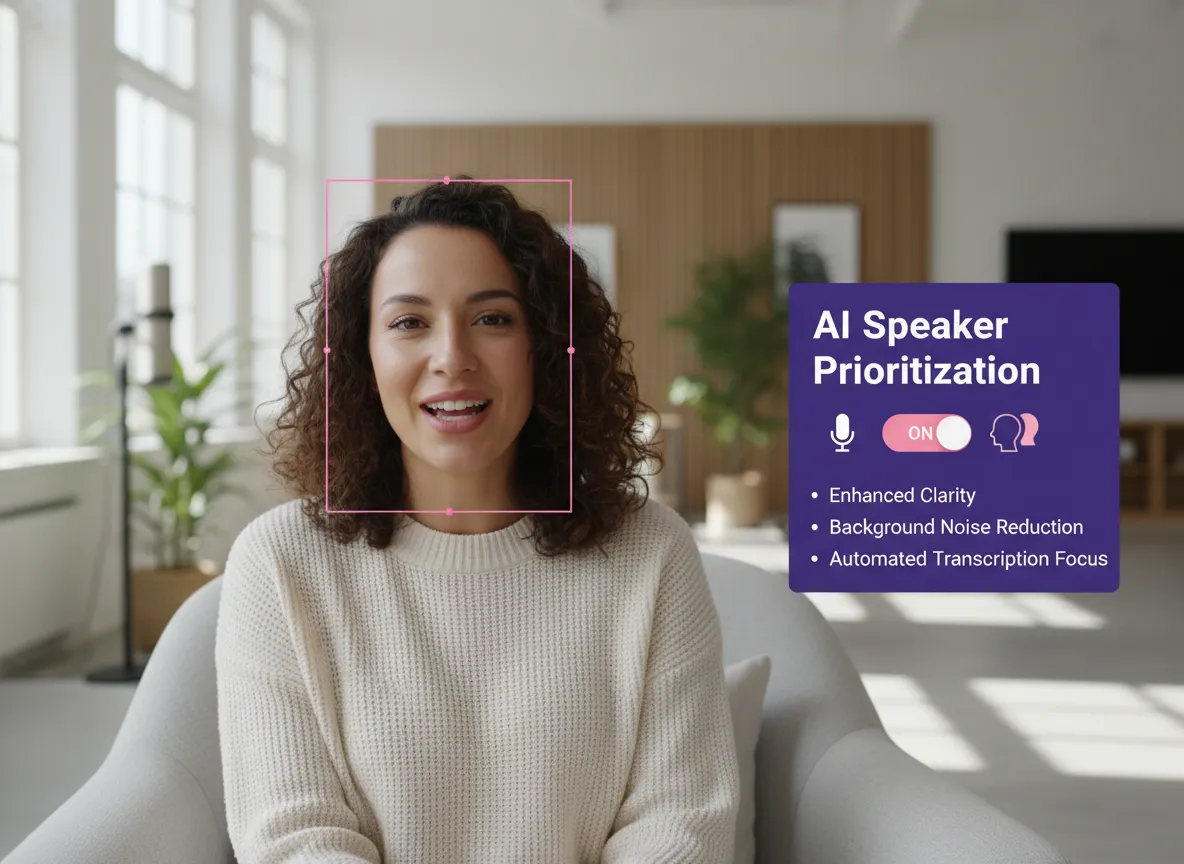
Managing multi-person scenes is seamless with Vizard’s Face and Speaker Prioritization. In podcasts or interviews, the AI Reframe tool intelligently identifies active speakers and shifts focus accordingly. This ensures the viewer's attention stays on the right person, maintaining narrative flow for Reels and Shorts. Vizard eliminates the awkwardness of cropped-out speakers, providing a professional viewing experience that respects your original footage.
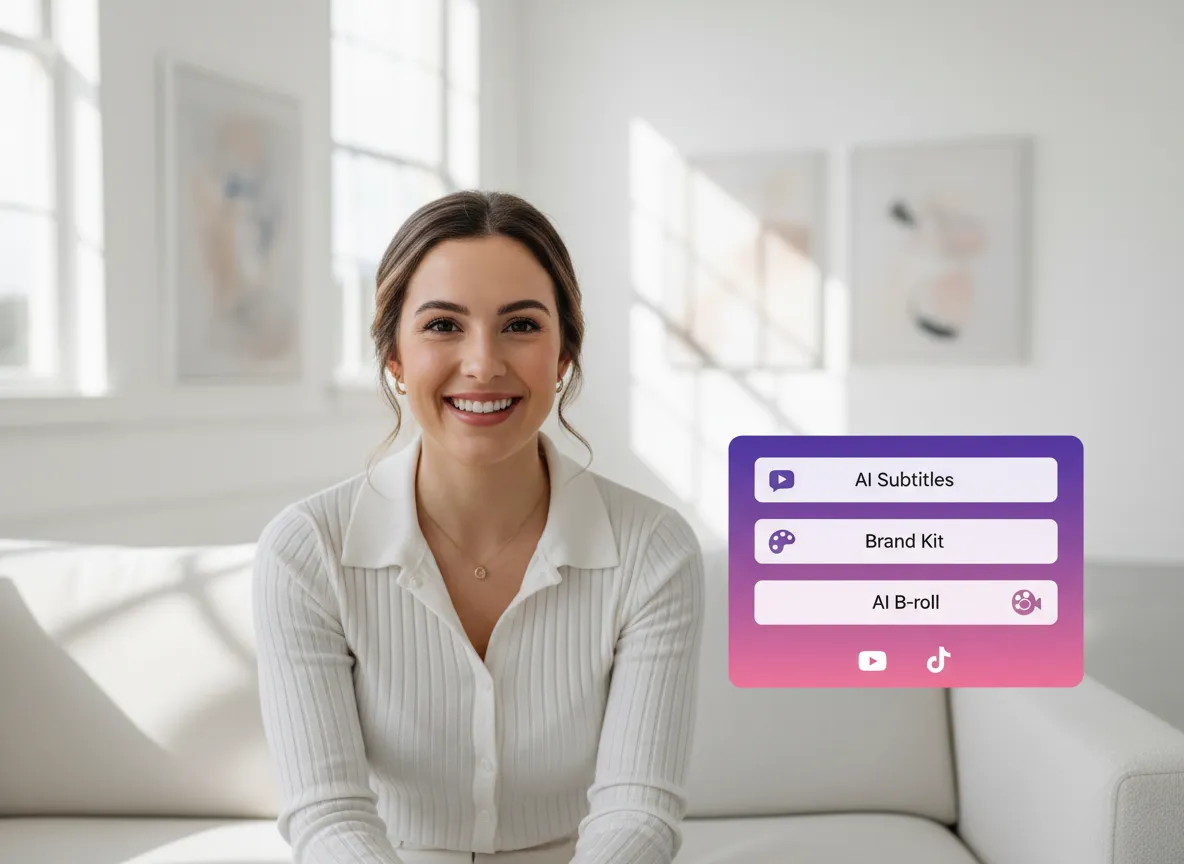
Vizard’s AI Reframe is a core part of the comprehensive Vizard Editor ecosystem. After reframing, seamlessly add AI subtitles, brand kits, or B-roll within the same workflow. Designed for marketers who need a "one-stop shop," this integration ensures a polished final product. Whether fine-tuning crops or adding captions, the synergy between the reframe tool and the full editor empowers you to create high-converting video ads.
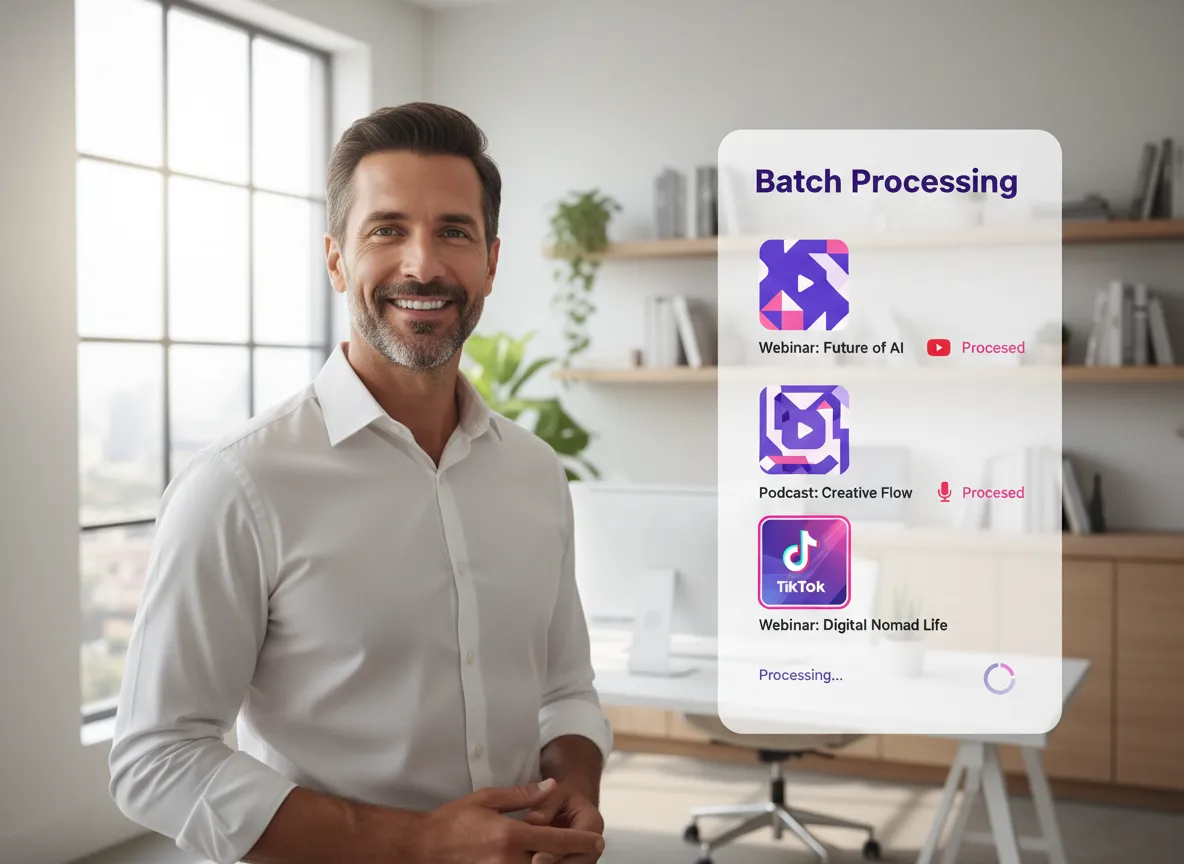
Scale your content output with Vizard’s Batch Processing. For agencies and creators handling high volumes, the AI Reframe tool processes multiple videos simultaneously across various aspect ratios. This massive time-saver allows you to convert entire webinar series into social-ready clips in minutes. Vizard handles the repetitive work, letting you focus on strategy while ensuring your content hits every platform on time with efficiency.

Vizard streamlines distribution with Platform-Ready Output and built-in scheduling. Once reframed, your videos are sized perfectly for over 20 social accounts. Use Vizard’s content calendar to plan and schedule posts directly to TikTok, Instagram, and LinkedIn. This end-to-end solution is perfect for busy creators managing multiple brands, helping you maintain a consistent posting schedule and maximize reach with minimal effort.
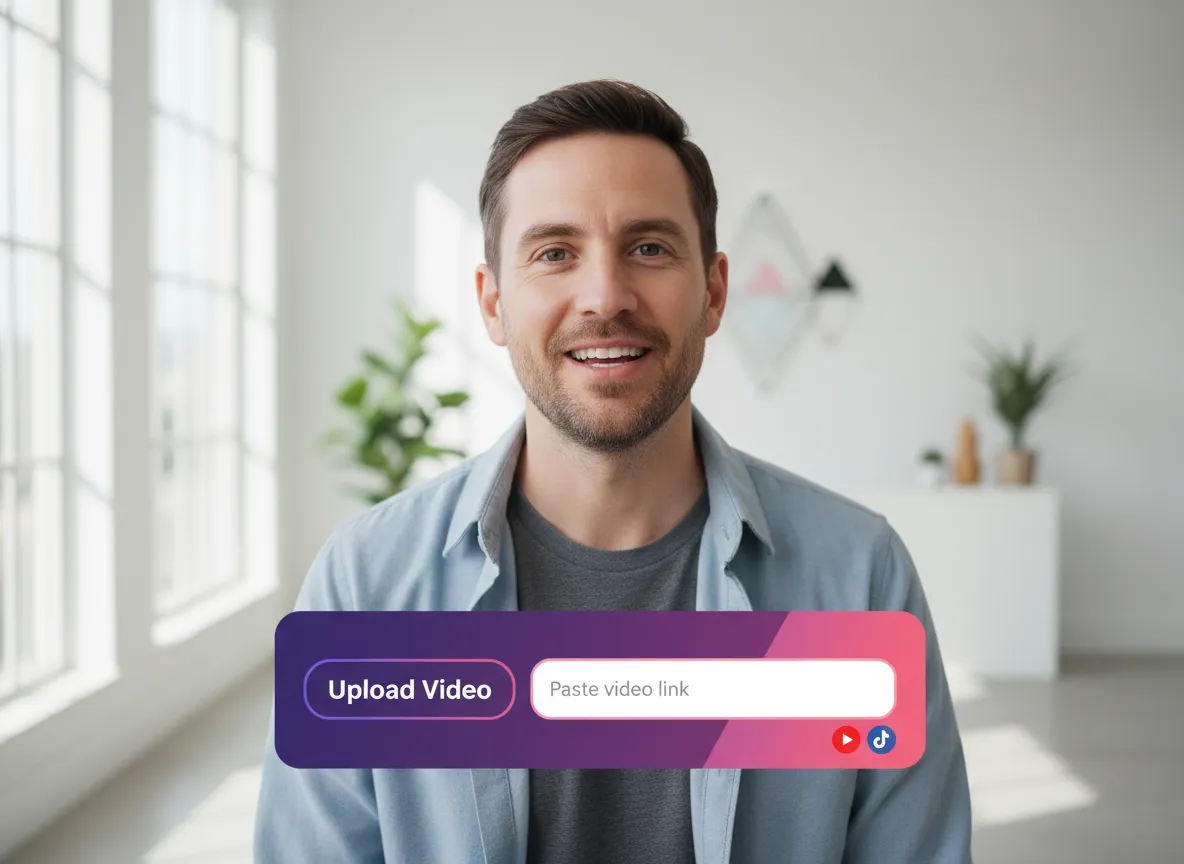
Log in to your Vizard workspace and upload your long-form video or simply paste a video link from YouTube or other platforms to get started.
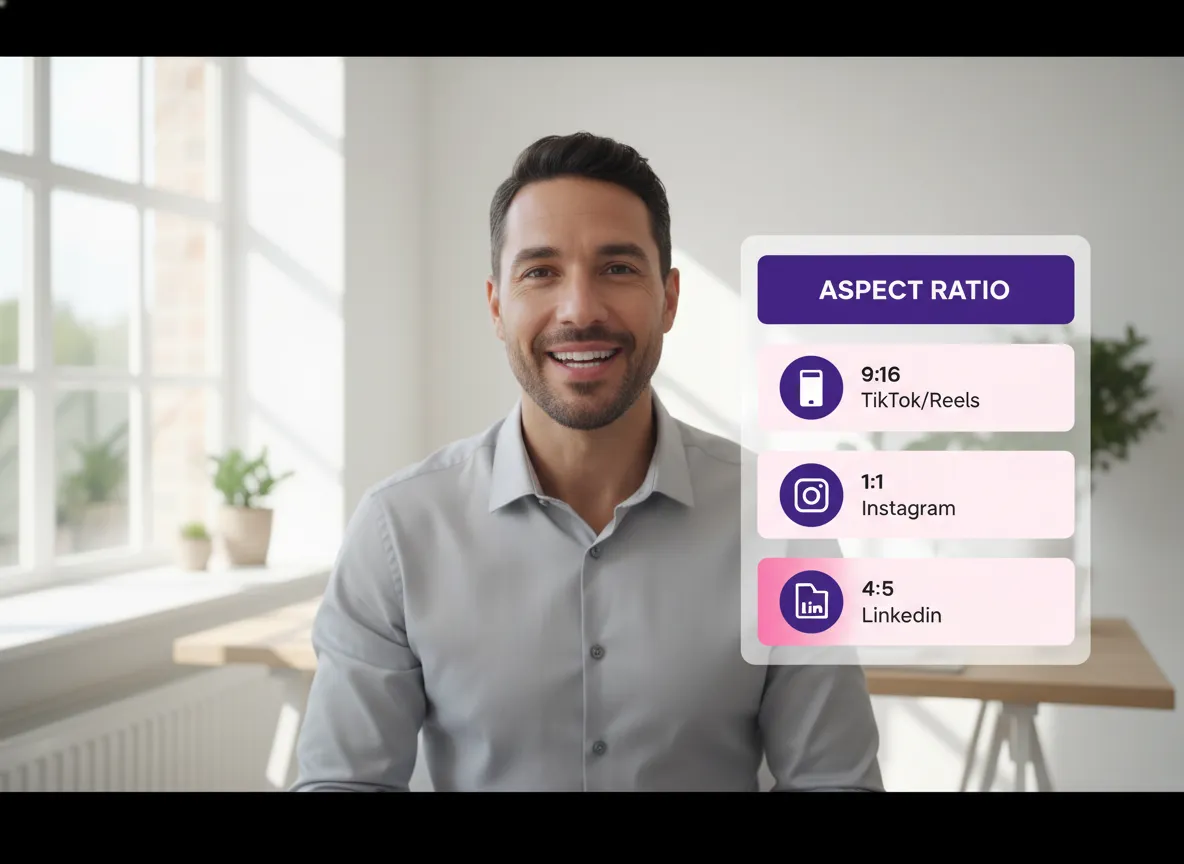
Select your desired output format from a variety of aspect ratios including 9:16 for TikTok and Reels, 1:1 for Instagram, or 4:5 for LinkedIn.
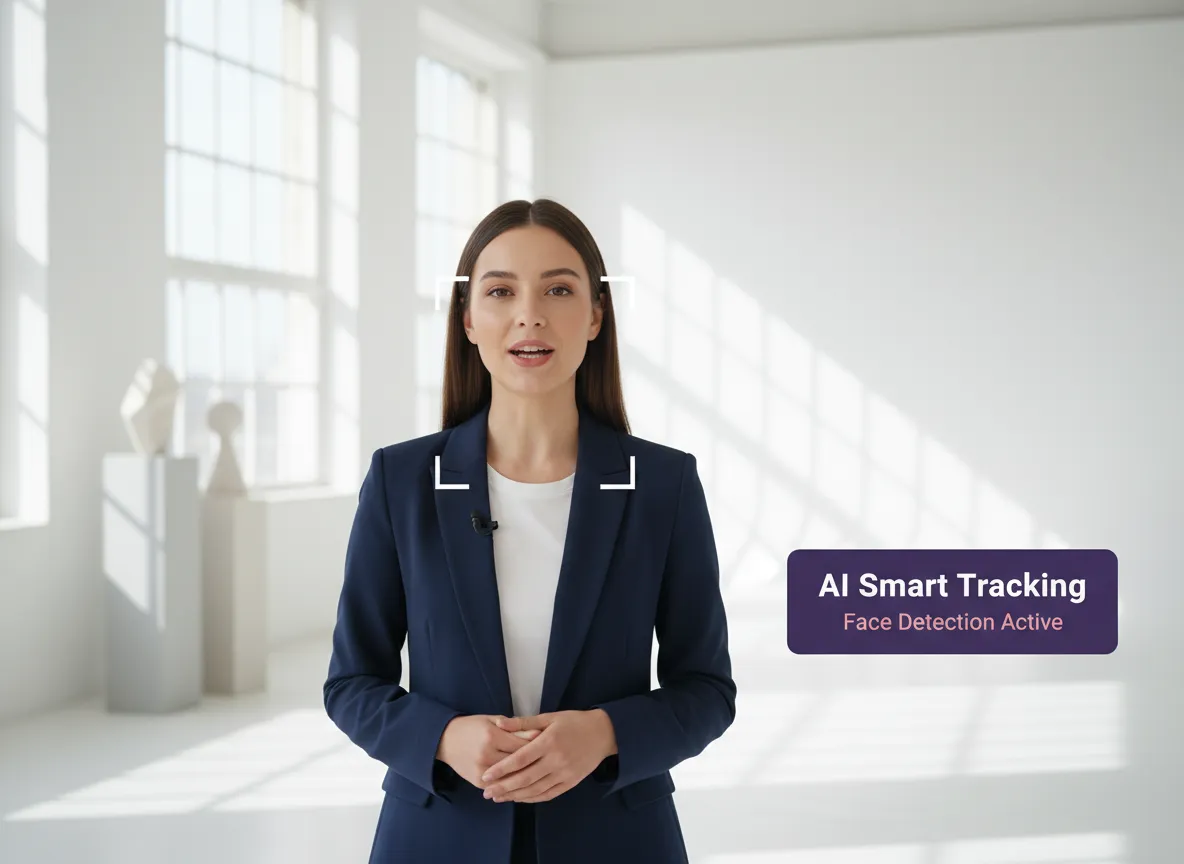
Vizard's AI multi-modal model automatically detects faces, speakers, and key actions, performing smart tracking to keep the subject perfectly centered and in focus.
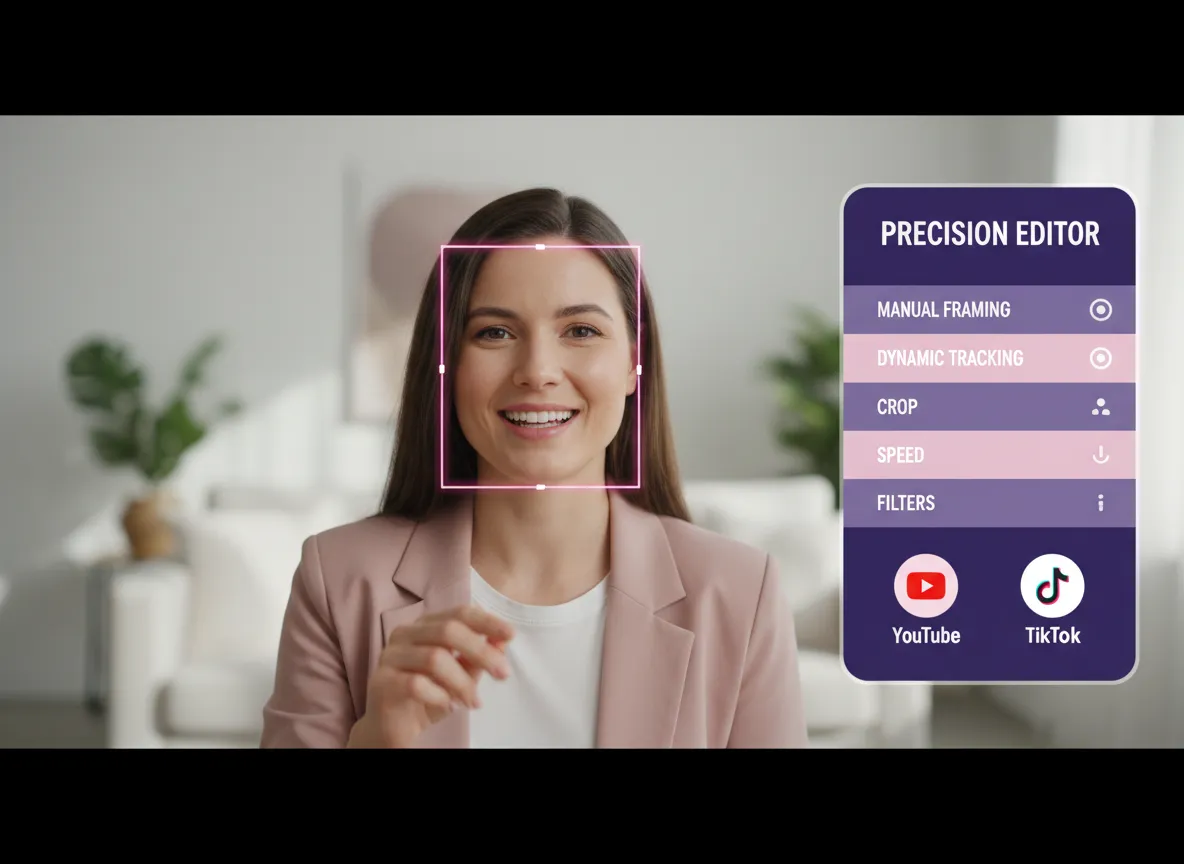
Enter the Vizard Editor for precision control. You can manually adjust the framing, crop areas, or fine-tune the dynamic tracking to match your vision perfectly.
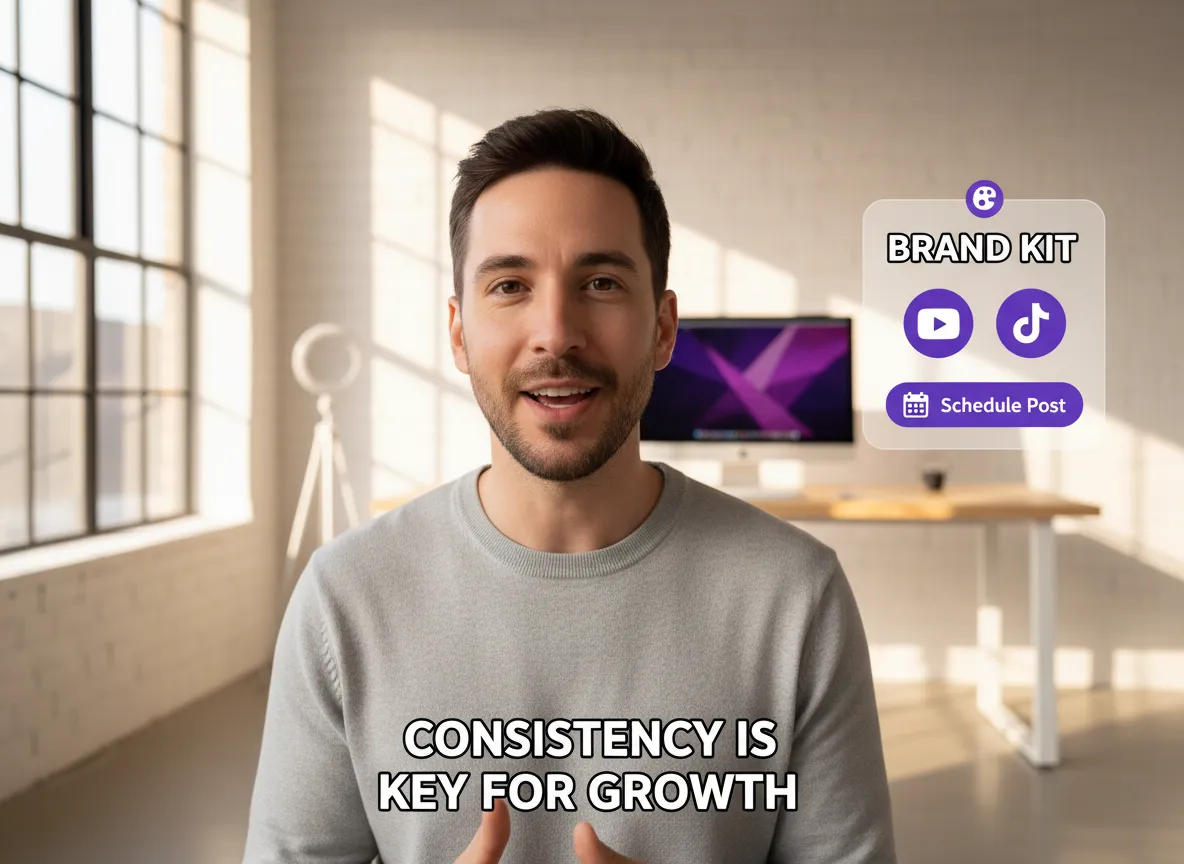
Complete your video by adding auto-generated subtitles and your brand kit. Download the high-quality file or schedule posts directly to your social media accounts via Vizard’s content calendar.
Turn one video into 10+ Instagram Reels with AI.
With just a few clicks, you can download or share your videos with your friends or team members with a link.
Turn your videos and audios into Reels, Stories, posts, and more in one click.
Effortlessly plan, schedule, and auto-generate engaging AI-driven posts, and publish your Instagram Reels along with the perfect captions.
Add dynamic subtitles for your videos automatically, all in the browser.
Bring your team together by inviting collaborators to work on your projects, in one workspace.
Effortlessly translate your video content into 130+ languages, expanding your global reach with just a few clicks.
Enhance your video's visual appeal and brand identity with ease by adding logos, images, outros, and custom fonts to your videos.


What is Vizard's AI Reframe tool?
How does the AI detect the subject in my video?
Can I use AI Reframe for videos with multiple people?
Which aspect ratios and platforms are supported?
Can I manually adjust the framing after the AI reframes my video?
Does Vizard support batch reframing for multiple videos?
How do I publish my reframed videos to social media?
What is Vizard's AI Reframe tool?
How does the AI detect the subject in my video?
Can I use AI Reframe for videos with multiple people?
Which aspect ratios and platforms are supported?
Can I manually adjust the framing after the AI reframes my video?
Does Vizard support batch reframing for multiple videos?
How do I publish my reframed videos to social media?

 Yao Wang

Yao Wang

Yao Wang

Yao Wang

Yao Wang


















