

NEW
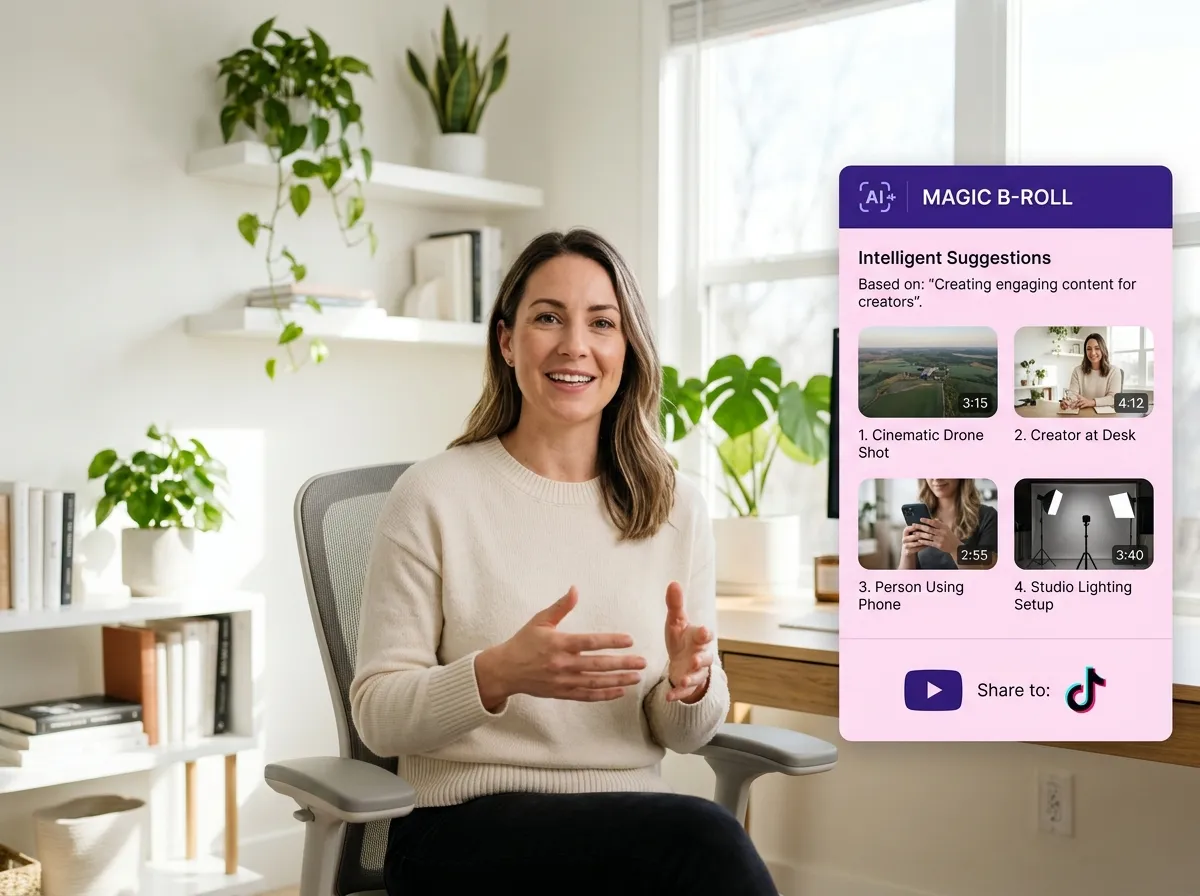



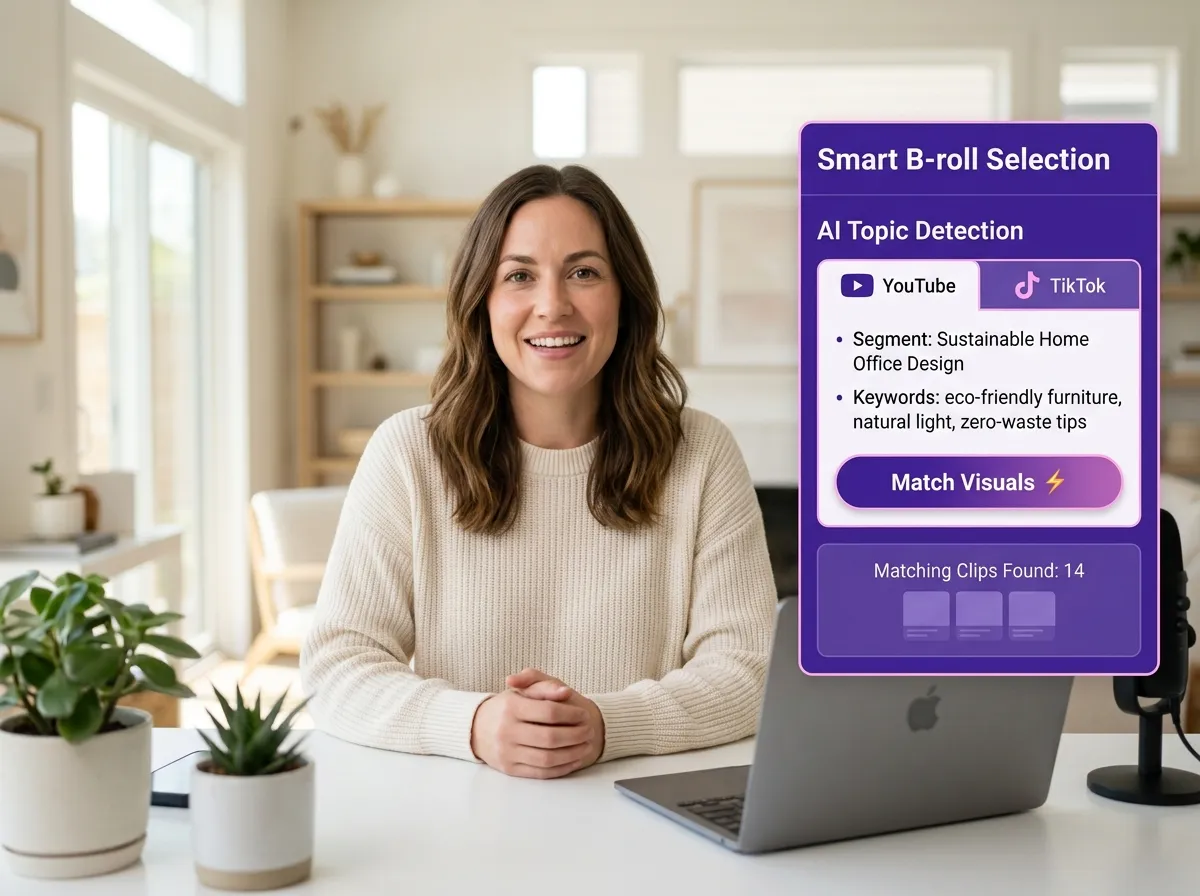
Vizard's AI B-roll Generator for Video revolutionizes how creators enhance their footage. By automatically analyzing your video or podcast content, Vizard identifies key topics and speech context to insert perfectly matched B-roll footage. This seamless integration of the Add B-roll to Video tool eliminates hours of manual searching, making it ideal for podcasters and webinar hosts who want to keep viewers engaged. Whether you're creating educational content or marketing videos for TikTok and Instagram, this feature ensures your visual storytelling is dynamic and professional, significantly boosting your production value with minimal effort.
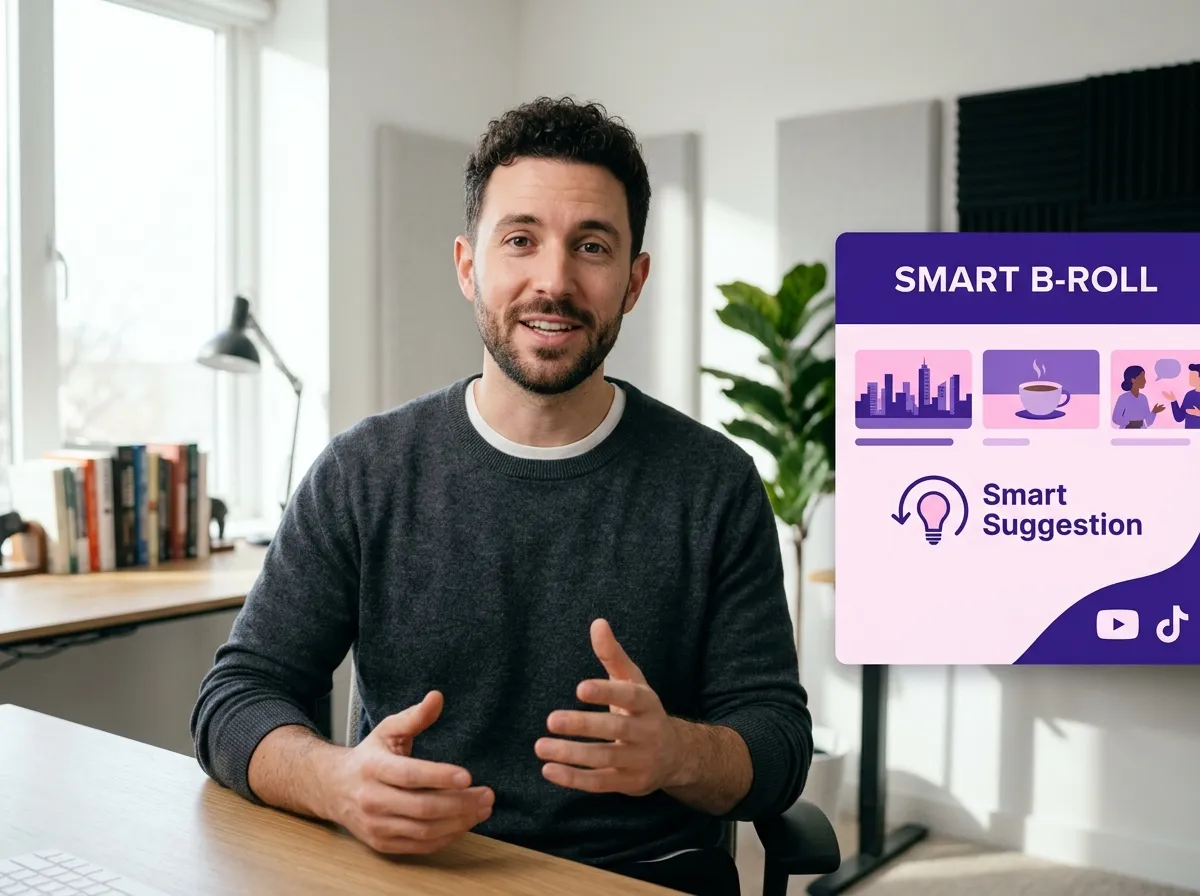
With Smart B-roll Placement in Videos, Vizard takes the guesswork out of video editing. Our advanced AI intelligently analyzes your timeline to place B-roll clips at the most impactful moments, improving narrative pacing and viewer retention. This feature is a game-changer for social media managers and marketers who need to produce high-quality YouTube Shorts or LinkedIn videos quickly. By automating the placement process, Vizard ensures your narrative flow remains smooth while adding visual variety that captures attention, allowing you to focus on your message rather than tedious timeline adjustments.
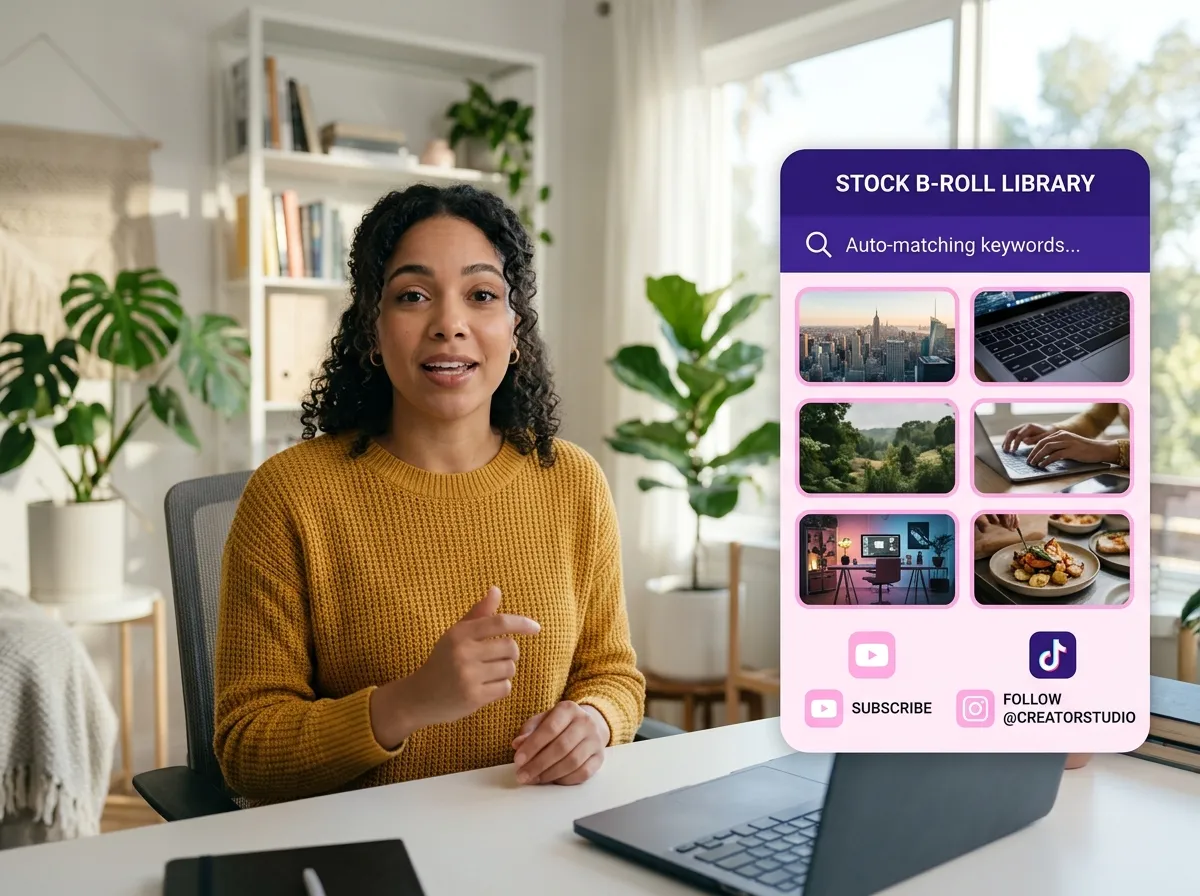
Vizard offers seamless Stock Footage Integration for B-roll, giving you instant access to massive libraries like Pexels and Storyblocks. The Add B-roll to Video tool automatically matches high-quality clips to your video’s keywords, providing a rich visual layer without the need for external subscriptions. This is perfect for business owners and content creators who want a polished, professional look for their marketing videos. By leveraging Vizard’s integrated stock assets, you can transform a simple talking-head video into a cinematic experience, saving both time and money on production resources.
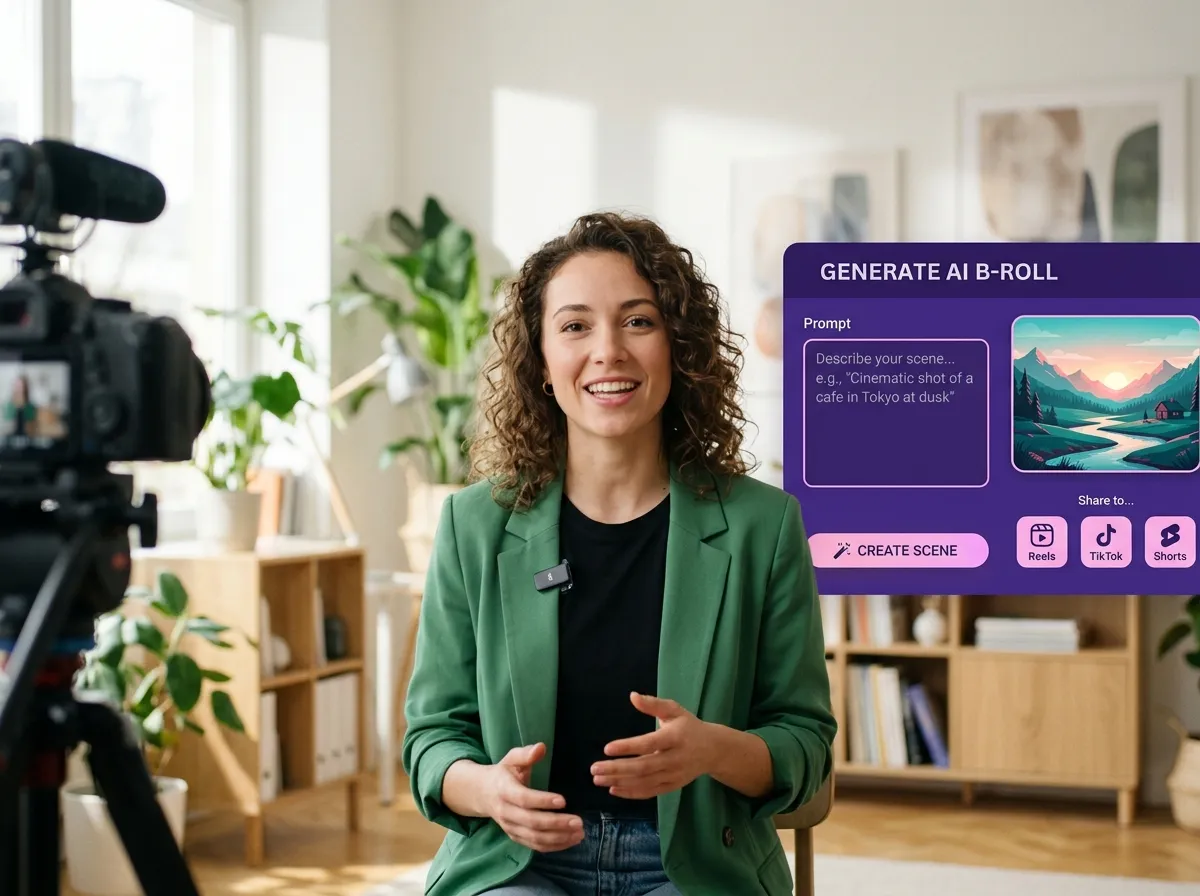
Push the boundaries of creativity with Vizard’s AI-Generated B-roll Content. When stock footage isn't enough, Vizard utilizes cutting-edge models like Sora and Kling to create custom visuals that perfectly align with your unique narrative. This Add B-roll to Video capability is ideal for storytellers and creative marketers looking for specific, hard-to-find visuals for their social media campaigns. By generating unique B-roll on demand, Vizard empowers you to visualize any concept, ensuring your content stands out on platforms like Instagram Reels with truly original and engaging AI-powered visuals.
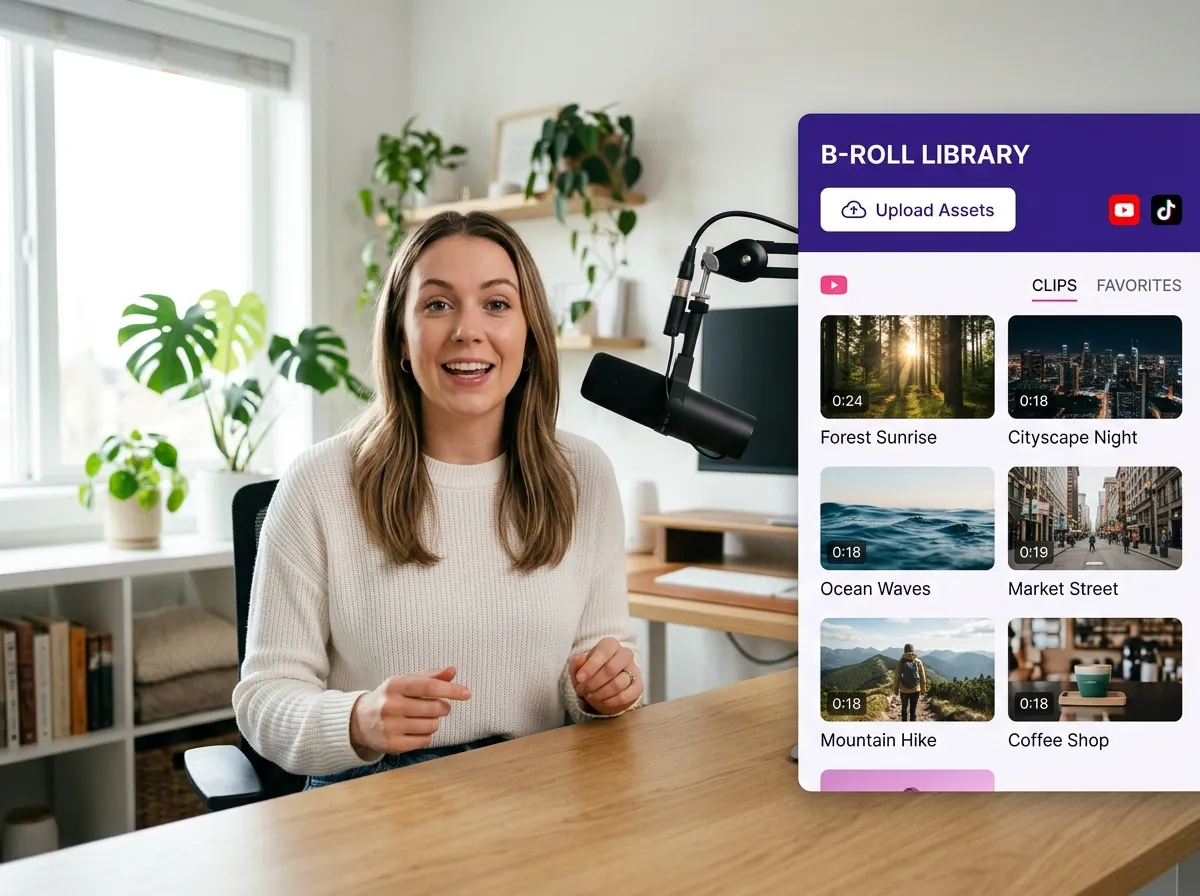
Vizard provides ultimate creative control through Manual B-roll Upload & Editing. While our AI does the heavy lifting, you can easily upload your own unique images or video clips to use as B-roll. Within the Vizard Editor timeline, you have the flexibility to manually adjust placement, duration, and transitions to fit your exact brand vision. This feature is essential for creators who have specific brand assets or personal footage they want to showcase. Vizard combines the power of AI automation with professional-grade manual tools, making it the perfect all-in-one platform for comprehensive video editing.
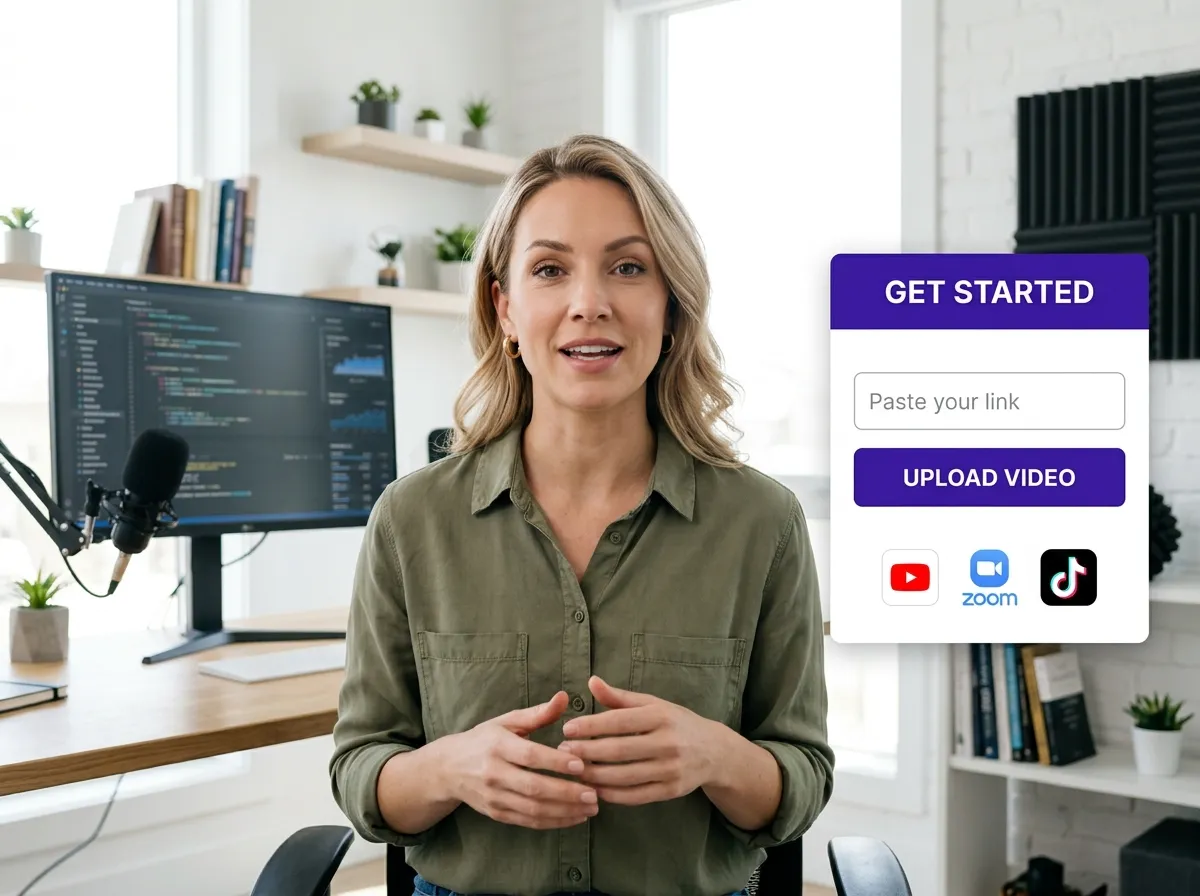
Begin by uploading your video or podcast file directly to Vizard. You can also simply paste a link from YouTube, Zoom, or other popular video sources to start the enhancement process.
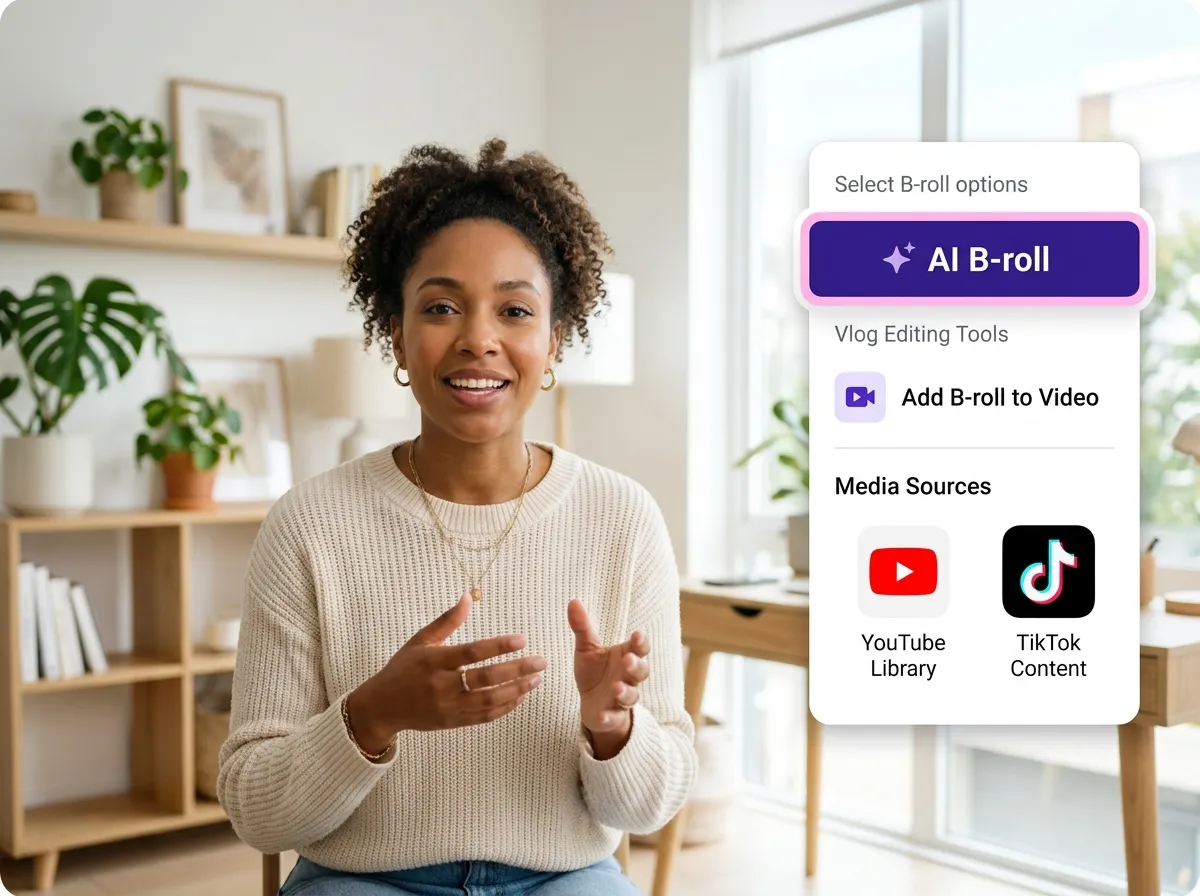
Open your footage in the Vizard Editor and navigate to the “Add B-roll to Video” or “AI B-roll” option. This activates Vizard’s intelligent analysis engine to scan your narrative flow.
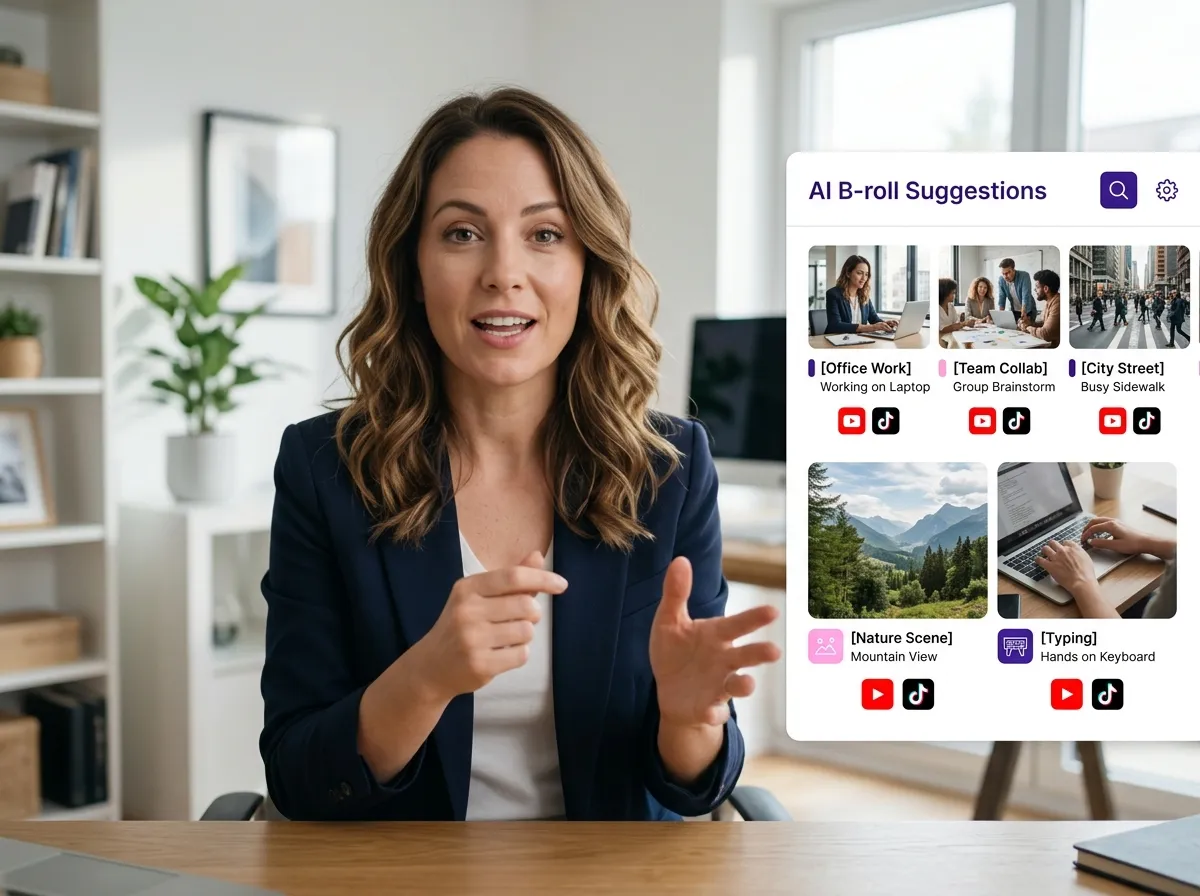
Watch as Vizard’s AI analyzes your speech and visual context to automatically suggest and insert relevant B-roll clips. It sources high-quality footage from integrated stock libraries or generates custom AI visuals to match your topic.
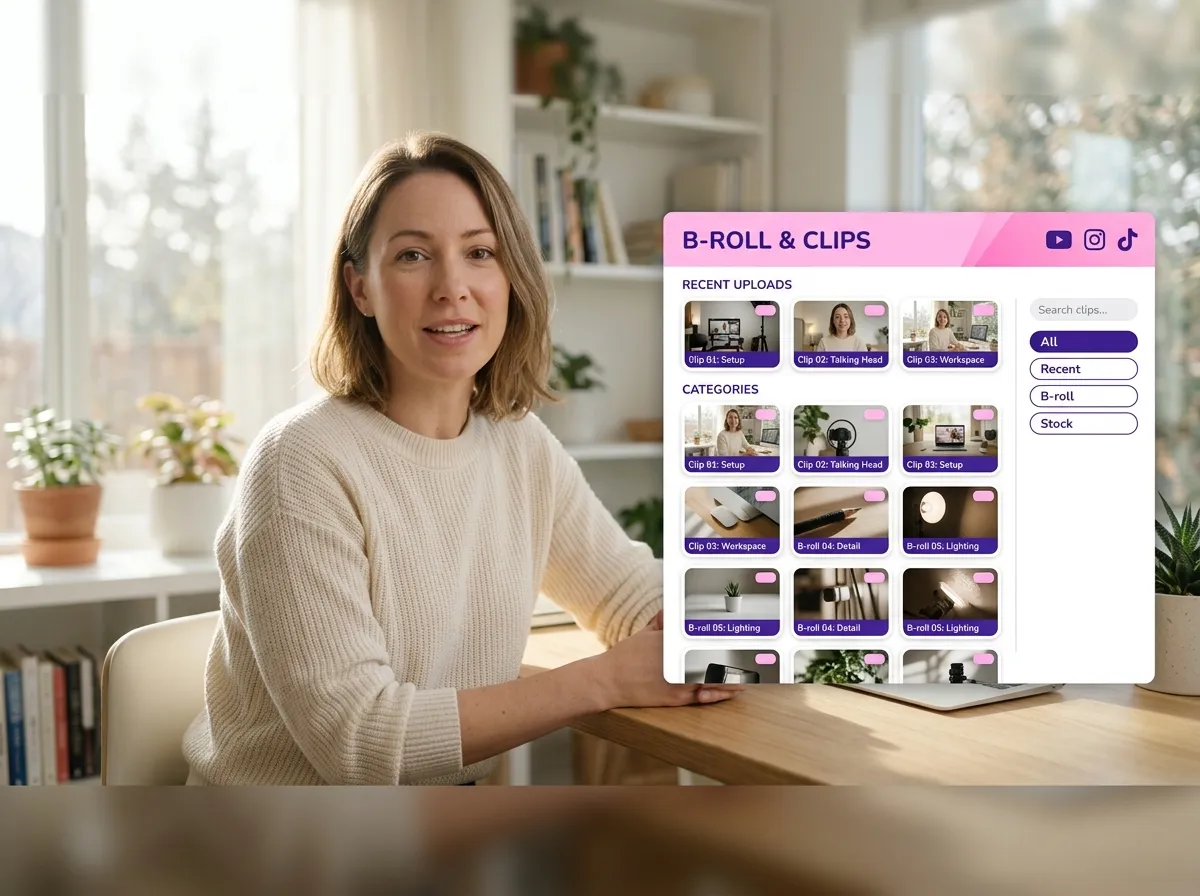
Take full creative control by reviewing the AI-placed clips on the timeline. You can easily drag to adjust timing, replace visuals with your own uploads, or swap stock footage to perfect your storytelling.
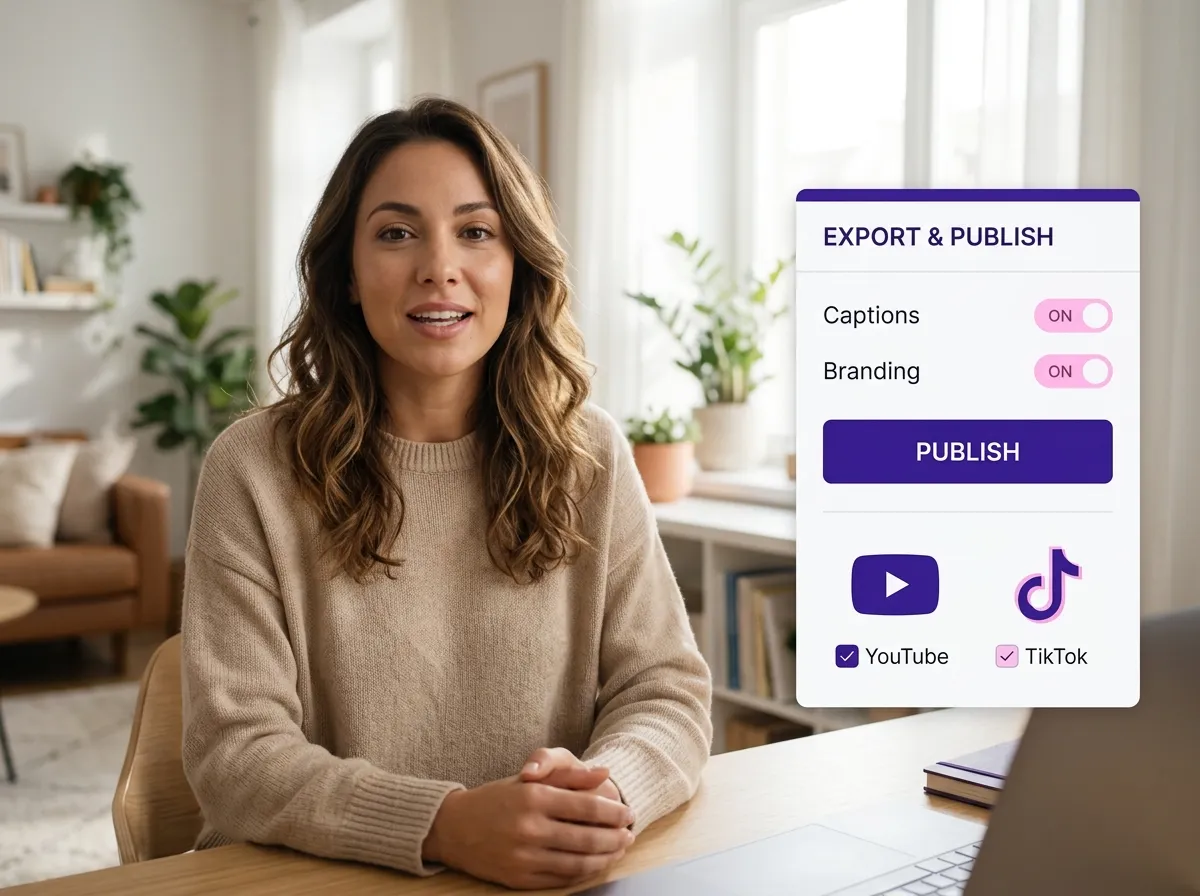
Once satisfied, export your enhanced, professional-looking video. You can also continue editing with captions, branding, and social media formatting before publishing to TikTok, Reels, or YouTube.
Turn one video into 10+ Instagram Reels with AI.
With just a few clicks, you can download or share your videos with your friends or team members with a link.
Turn your videos and audios into Reels, Stories, posts, and more in one click.
Effortlessly plan, schedule, and auto-generate engaging AI-driven posts, and publish your Instagram Reels along with the perfect captions.
Add dynamic subtitles for your videos automatically, all in the browser.
Bring your team together by inviting collaborators to work on your projects, in one workspace.
Effortlessly translate your video content into 130+ languages, expanding your global reach with just a few clicks.
Enhance your video's visual appeal and brand identity with ease by adding logos, images, outros, and custom fonts to your videos.


What is B-roll and why should I add it to my videos?
How does Vizard's AI automatically select relevant B-roll?
Can I upload my own videos or images to use as B-roll?
What stock libraries does Vizard use for B-roll footage?
What if there isn't a specific stock clip for my topic?
Is it possible to adjust the timing of the B-roll clips?
Does this tool work with YouTube and Zoom links?
What is B-roll and why should I add it to my videos?
How does Vizard's AI automatically select relevant B-roll?
Can I upload my own videos or images to use as B-roll?
What stock libraries does Vizard use for B-roll footage?
What if there isn't a specific stock clip for my topic?
Is it possible to adjust the timing of the B-roll clips?
Does this tool work with YouTube and Zoom links?

 Yao Wang
Yao Wang
Yao Wang
Yao Wang

Yao Wang


















