

NEW
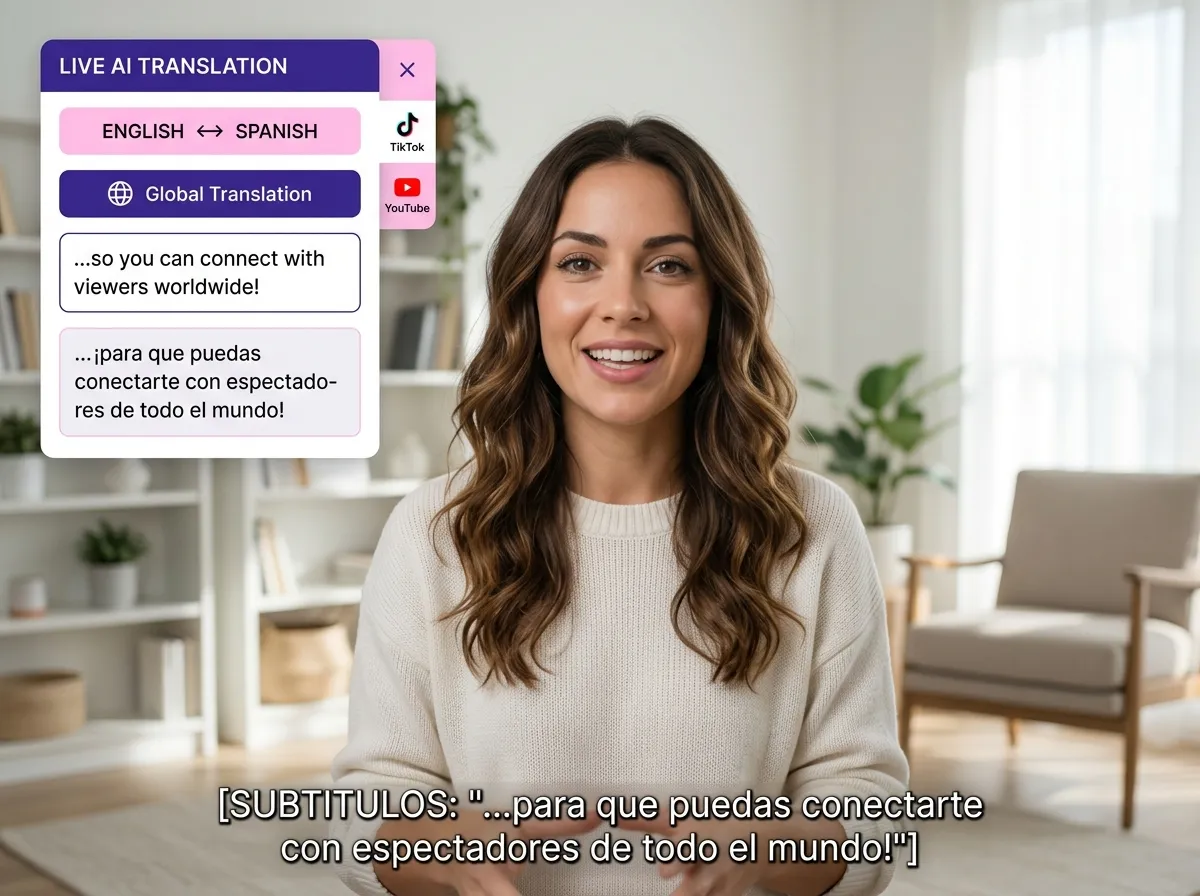



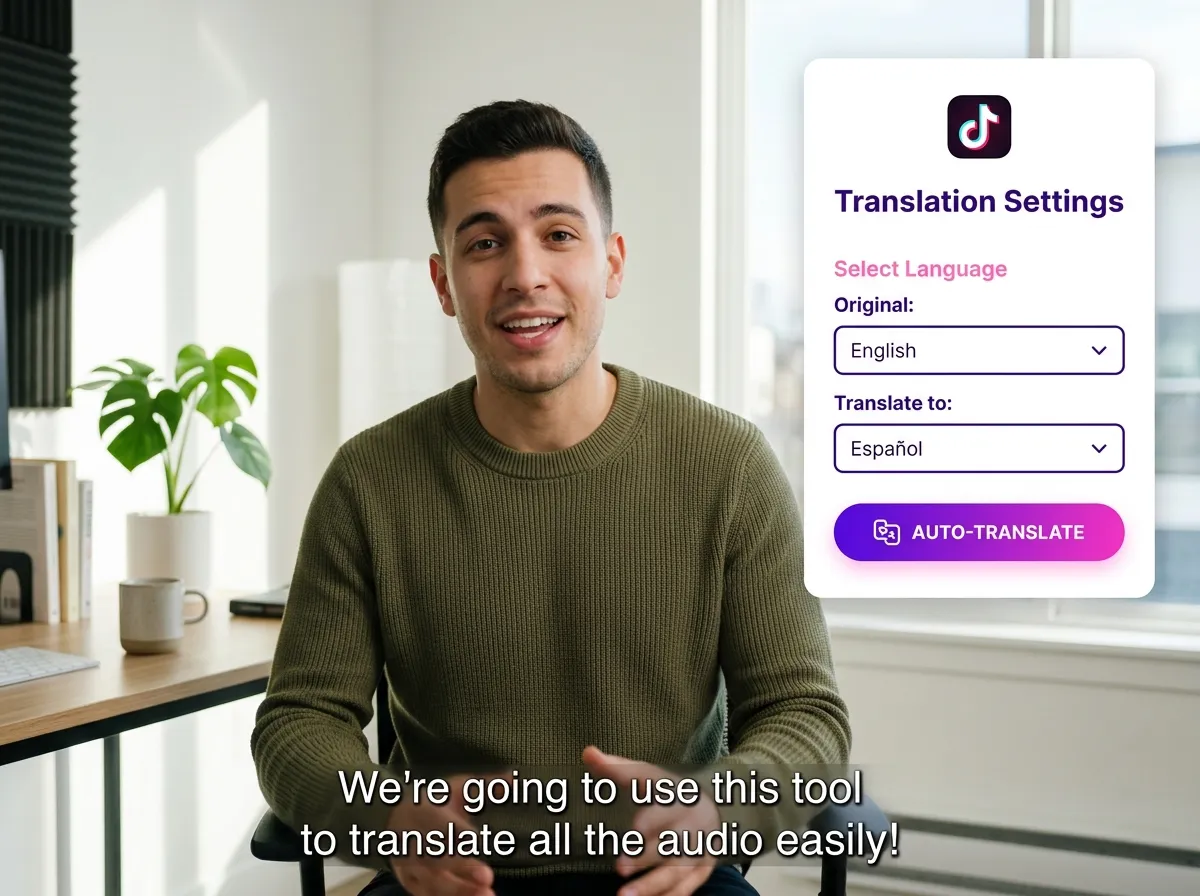
Scale your reach with Vizard’s AI TikTok translation. Automatically translate subtitles, captions, and spoken content into 180+ languages with 99% accuracy. Break language barriers instantly while maintaining the original tone and context. Perfect for creators and marketers aiming for a global audience, Vizard handles the complex translation work, allowing you to focus on growth and strategy.
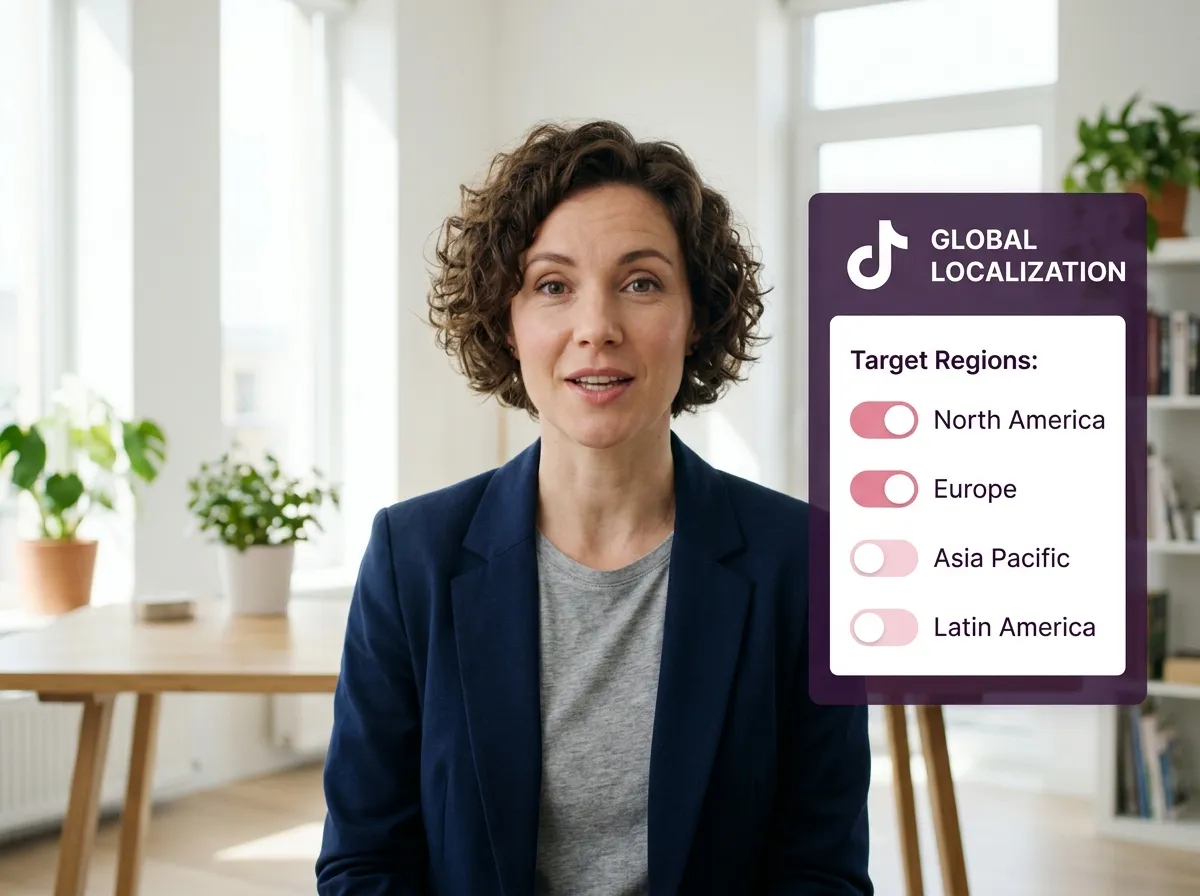
Localization is about more than just words. Vizard helps you adapt TikTok videos for any region by localizing captions and messaging while preserving your brand's unique tone. Ideal for e-commerce and global brands testing international markets, our platform ensures your content feels native to viewers worldwide. Boost engagement and conversions globally without the need for manual re-recording or tedious editing.
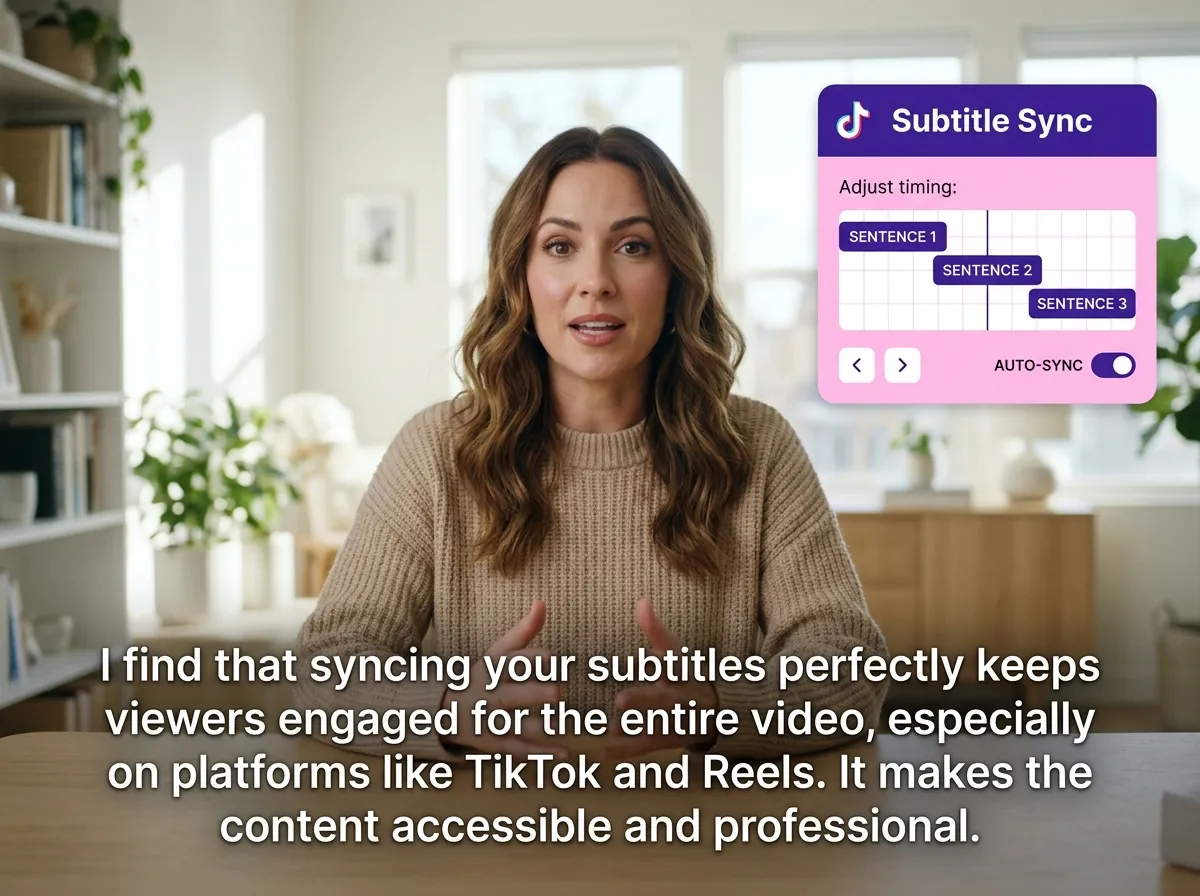
Precision is key in short-form video. Vizard’s subtitle sync ensures translated text stays perfectly aligned with speech and video pacing. Our AI handles timing automatically, delivering a professional, seamless viewing experience for global audiences. Maintain high viewer retention and eliminate confusion with perfectly synced subtitles. Save hours of manual editing and turn your viral hits into worldwide successes with ease.
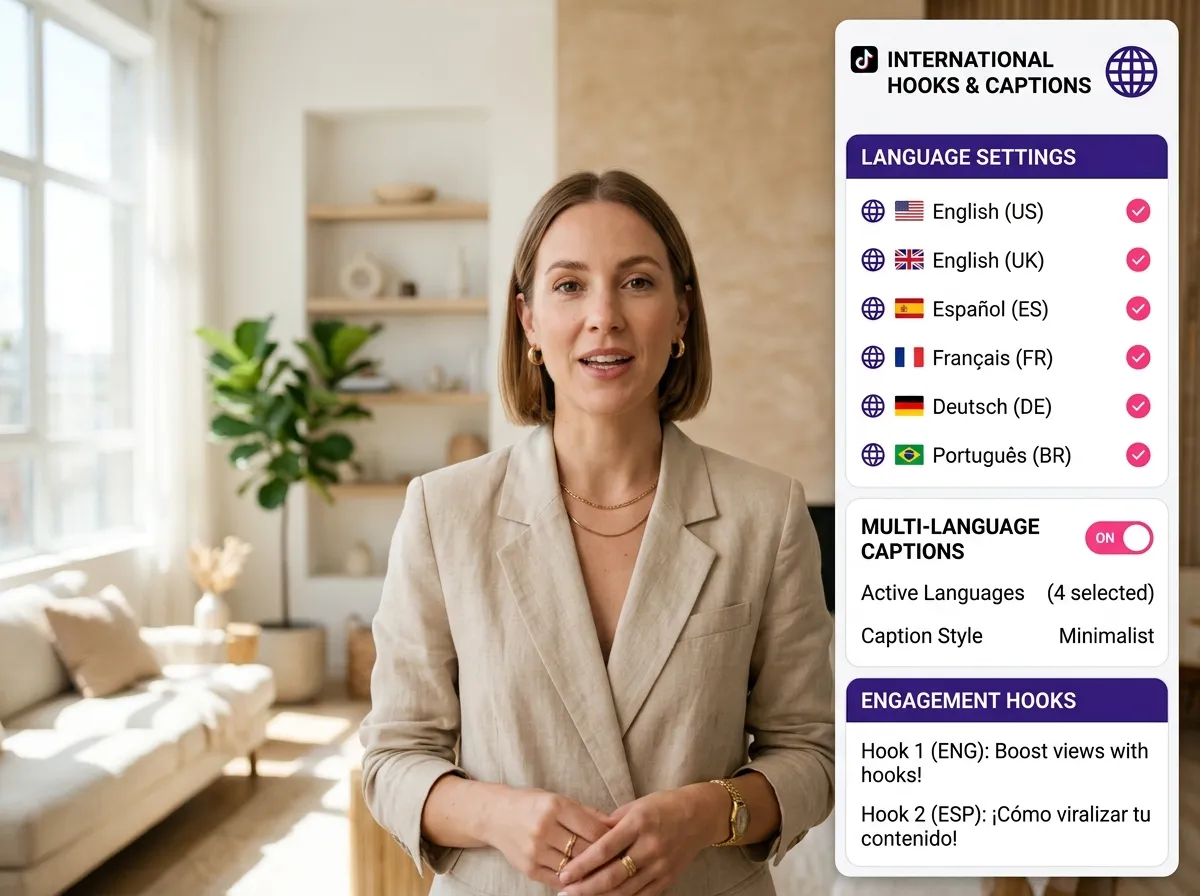
Go beyond the video with Vizard’s caption adaptation. We translate and optimize your TikTok captions, hooks, and descriptions for diverse cultural contexts. By refining text for local nuances, you'll see higher discoverability and click-through rates. Perfect for social media managers looking to maximize viral potential, Vizard ensures your CTAs resonate globally, driving meaningful engagement across every international market.
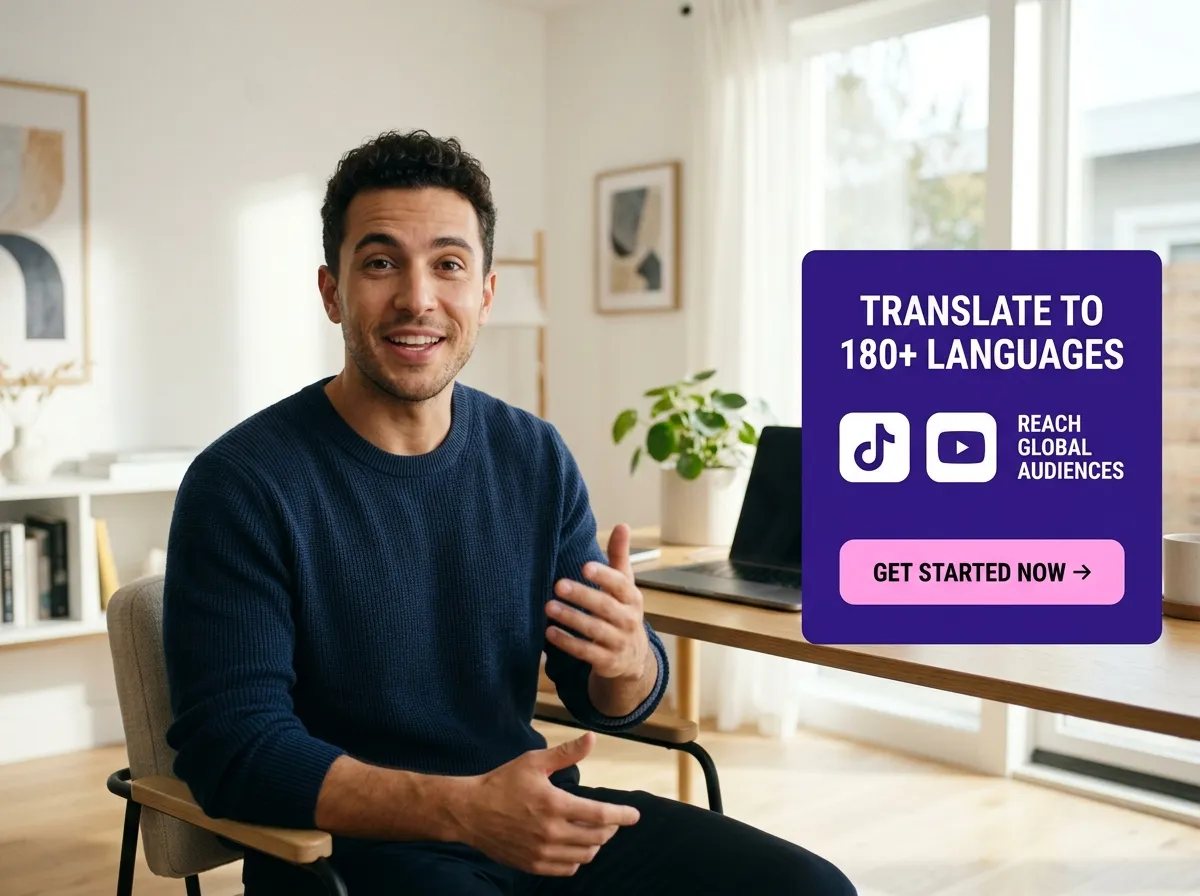
Scale your content globally with Vizard’s cross-market repurposing. Distribute your best TikTok videos across international markets without re-recording or manual editing. Supporting 180+ languages, Vizard allows you to go global with one click. This efficient workflow is built for creators looking to dominate TikTok, Reels, and Shorts simultaneously. Maximize your ROI by turning single videos into global campaigns with 99% accuracy.
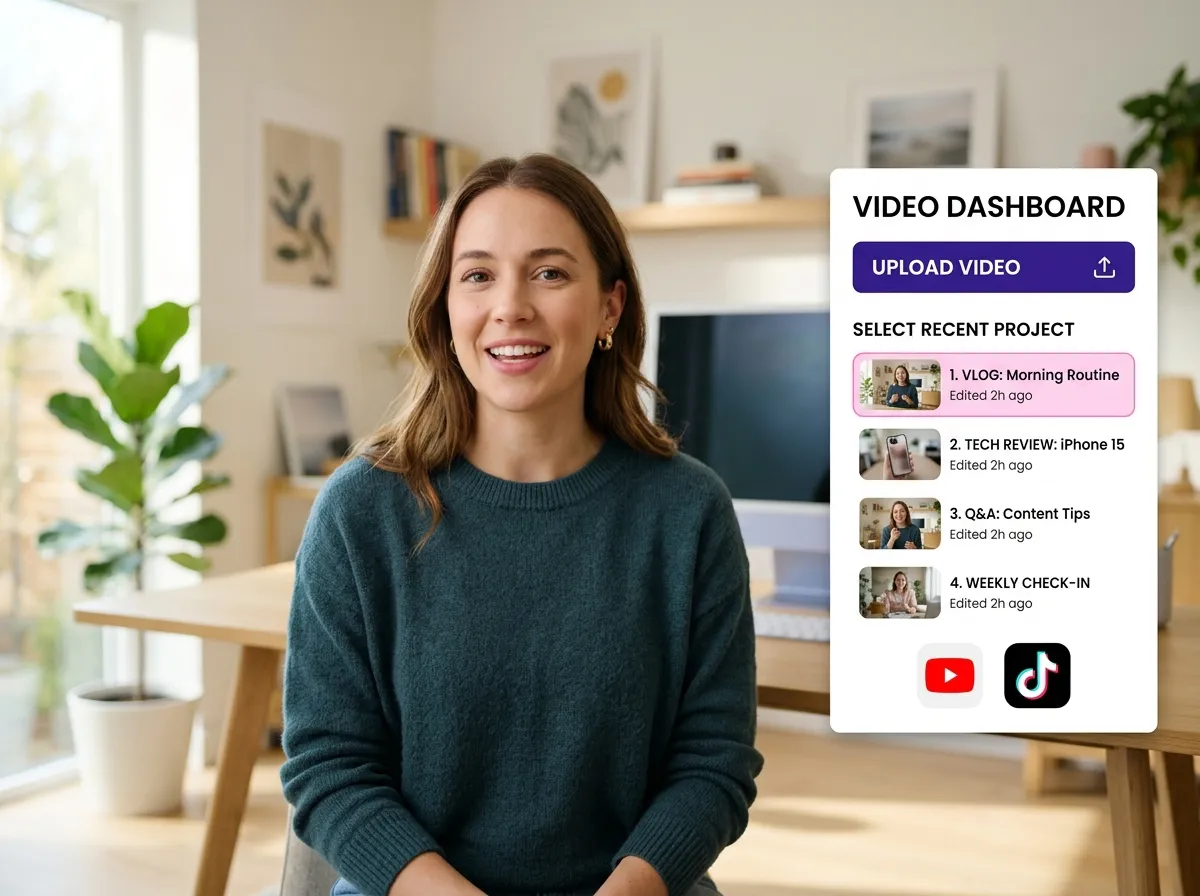
Start by uploading your TikTok video file directly to Vizard. You can also import videos from links or choose an existing project from your dashboard to begin the translation process.
Once your video is uploaded and processed, enter the Vizard Editor. This powerful workspace allows you to refine your content and prepare it for a global audience with just a few clicks.
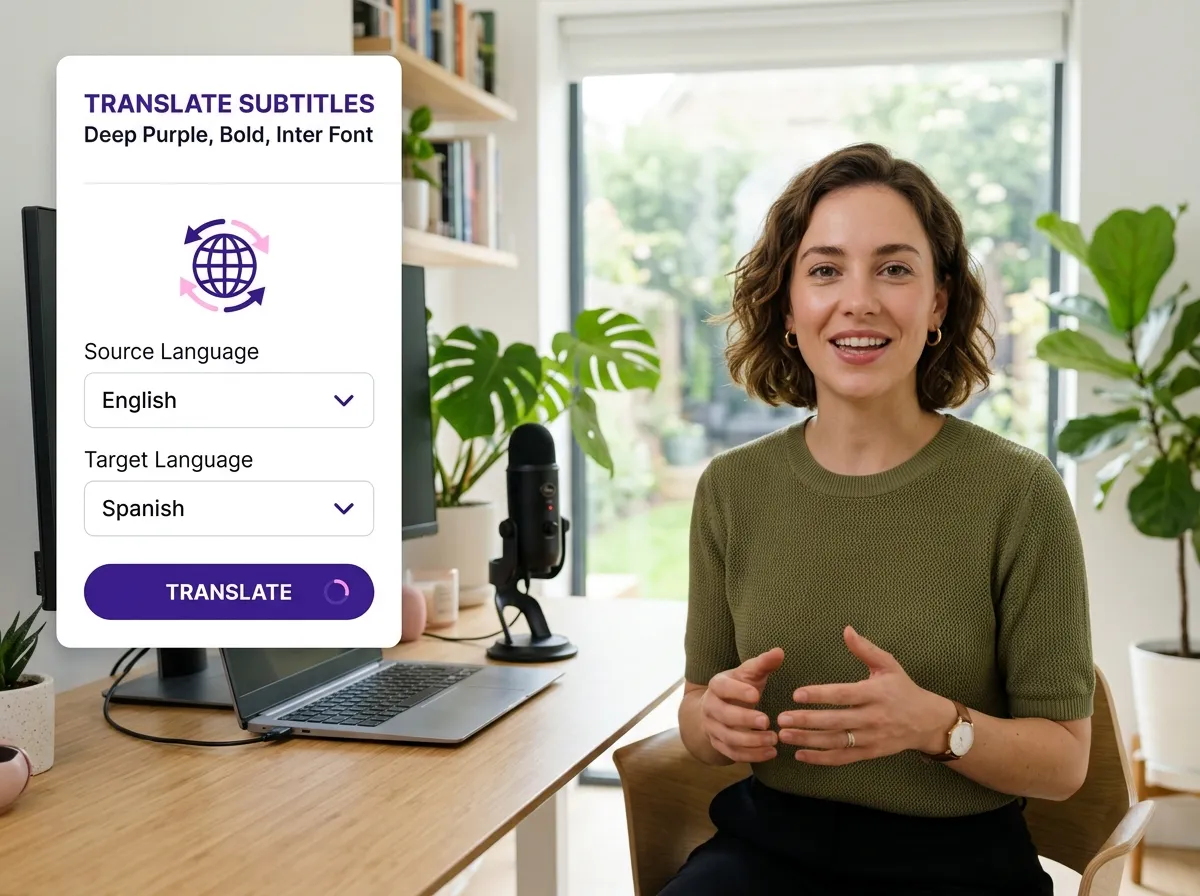
Navigate to the 'Edit Subtitles' tab on the left sidebar. Click the Translation Icon, select your target language from over 180 options, and hit 'Translate' to instantly localize your content.
Turn one video into 10+ Instagram Reels with AI.
With just a few clicks, you can download or share your videos with your friends or team members with a link.
Turn your videos and audios into Reels, Stories, posts, and more in one click.
Effortlessly plan, schedule, and auto-generate engaging AI-driven posts, and publish your Instagram Reels along with the perfect captions.
Add dynamic subtitles for your videos automatically, all in the browser.
Bring your team together by inviting collaborators to work on your projects, in one workspace.
Effortlessly translate your video content into 130+ languages, expanding your global reach with just a few clicks.
Enhance your video's visual appeal and brand identity with ease by adding logos, images, outros, and custom fonts to your videos.


How do I translate a TikTok video using Vizard?
How accurate is the TikTok translation?
Will the translated subtitles be synced with the video timing?
Can I translate TikTok captions and descriptions too?
Which languages are supported for TikTok translation?
Do I need to re-edit or re-record my videos for different countries?
How do I translate a TikTok video using Vizard?
How accurate is the TikTok translation?
Will the translated subtitles be synced with the video timing?
Can I translate TikTok captions and descriptions too?
Which languages are supported for TikTok translation?
Do I need to re-edit or re-record my videos for different countries?
 Yao Wang
Yao Wang
Yao Wang

Yao Wang

Yao Wang


















