

NEW
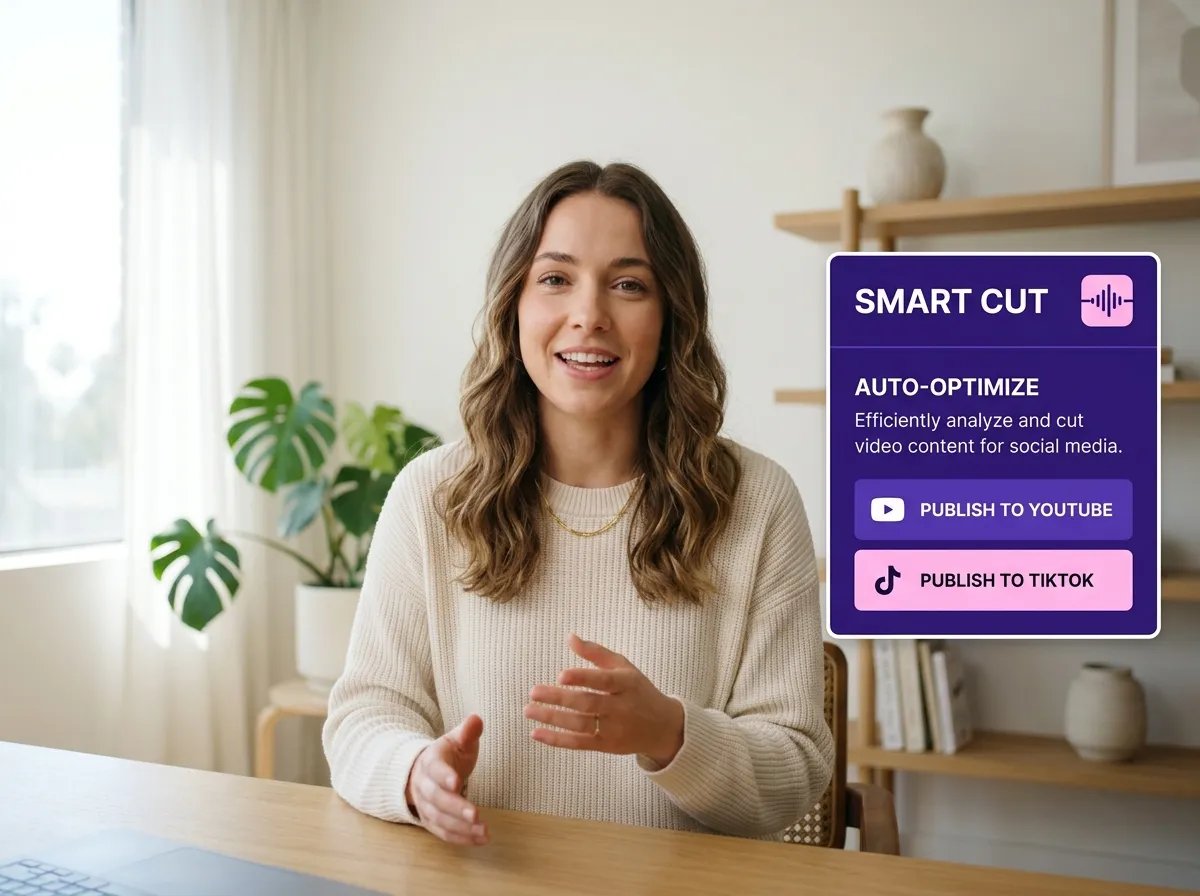



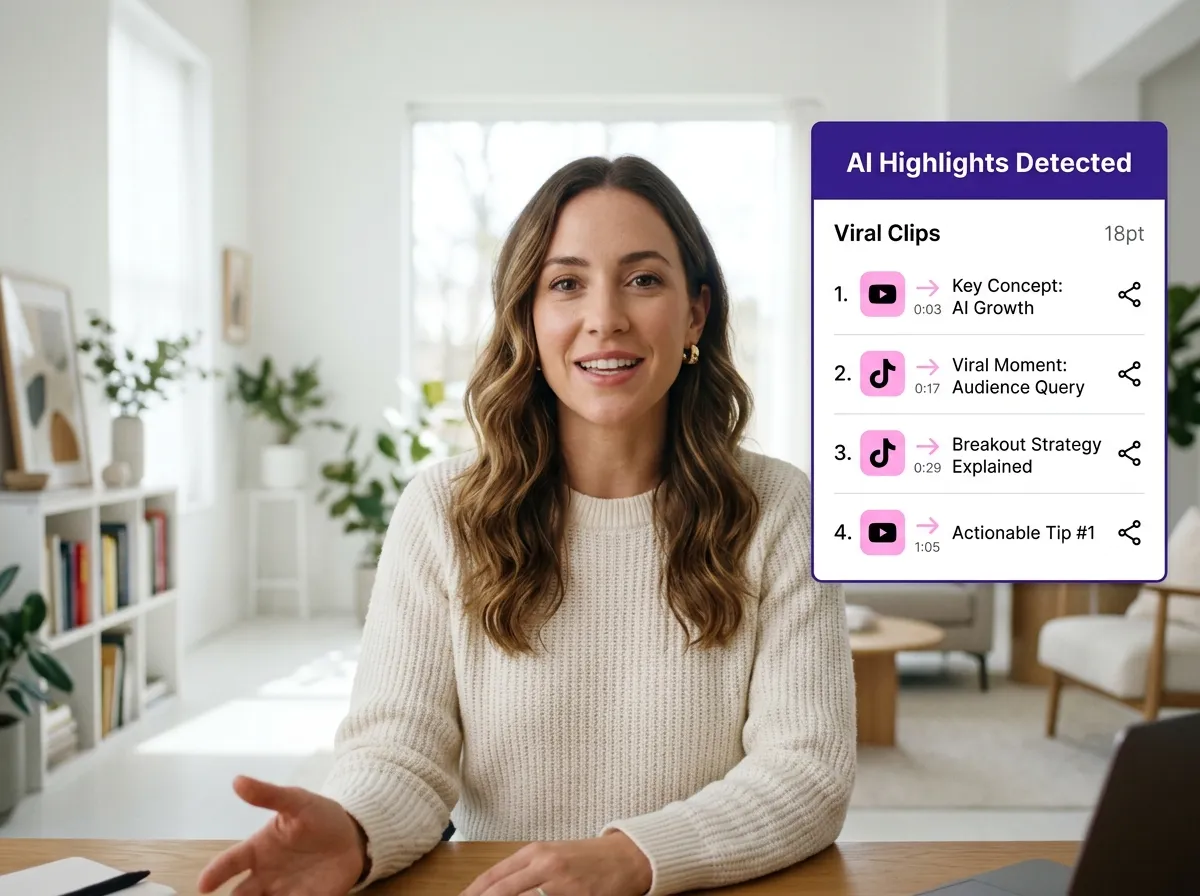
Vizard’s Smart Cut technology revolutionizes content repurposing. Using advanced AI highlight detection, Vizard automatically identifies the most engaging moments in your interviews, podcasts, or webinars. No more manual scrubbing; our AI Smart Cut instantly isolates viral-ready segments for TikTok, Reels, and Shorts. Perfect for social media managers, this tool saves hours of editing while ensuring your best content reaches your audience with intelligent precision.
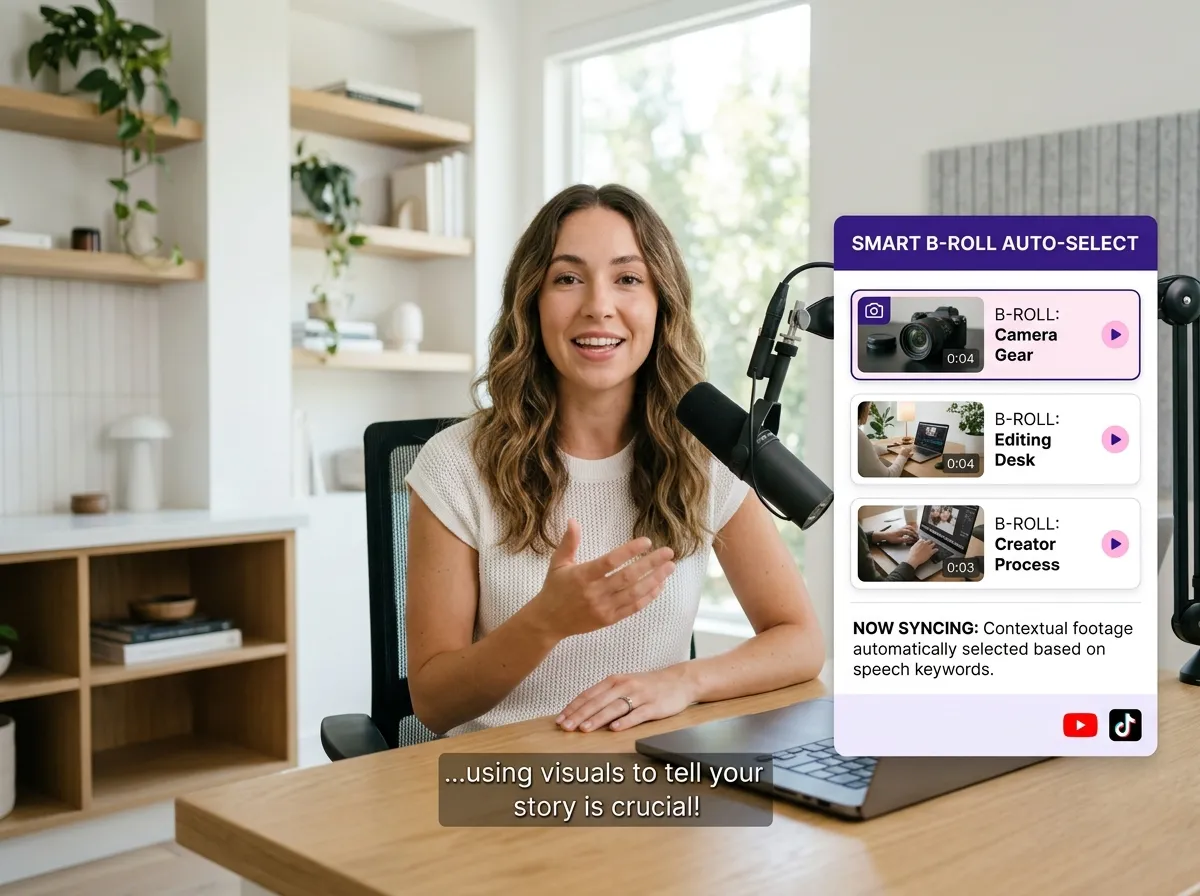
Elevate video quality effortlessly with Vizard's AI B-roll integration. When using Smart Cut, Vizard automatically suggests and adds relevant B-rolls to enhance visual storytelling. A game-changer for educators and YouTubers, this feature eliminates the need for manual stock footage sourcing. By intelligently matching visual overlays to your spoken content, Vizard ensures your short-form videos look professional and polished, keeping your audience hooked with seamless, AI-powered enhancements.
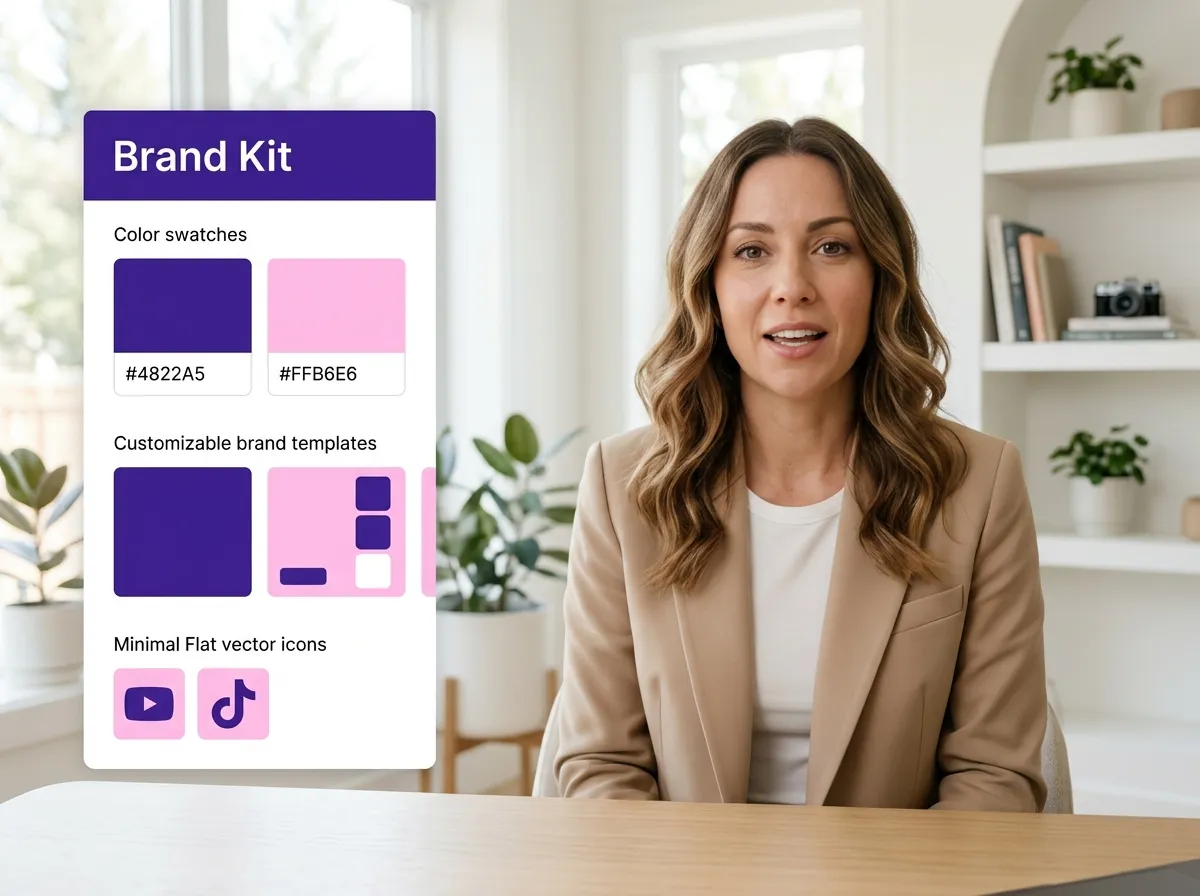
Maintain a consistent brand identity with Vizard's robust brand templates and customizable brand kits. The Smart Cut tool allows you to apply unique logos, fonts, and colors to every AI-generated clip automatically. Ideal for agencies and solo entrepreneurs, Vizard makes staying on-brand simple. These mobile-optimized templates ensure your content looks great on any screen, empowering you to create recognizable, professional videos that build trust and strengthen your online presence.
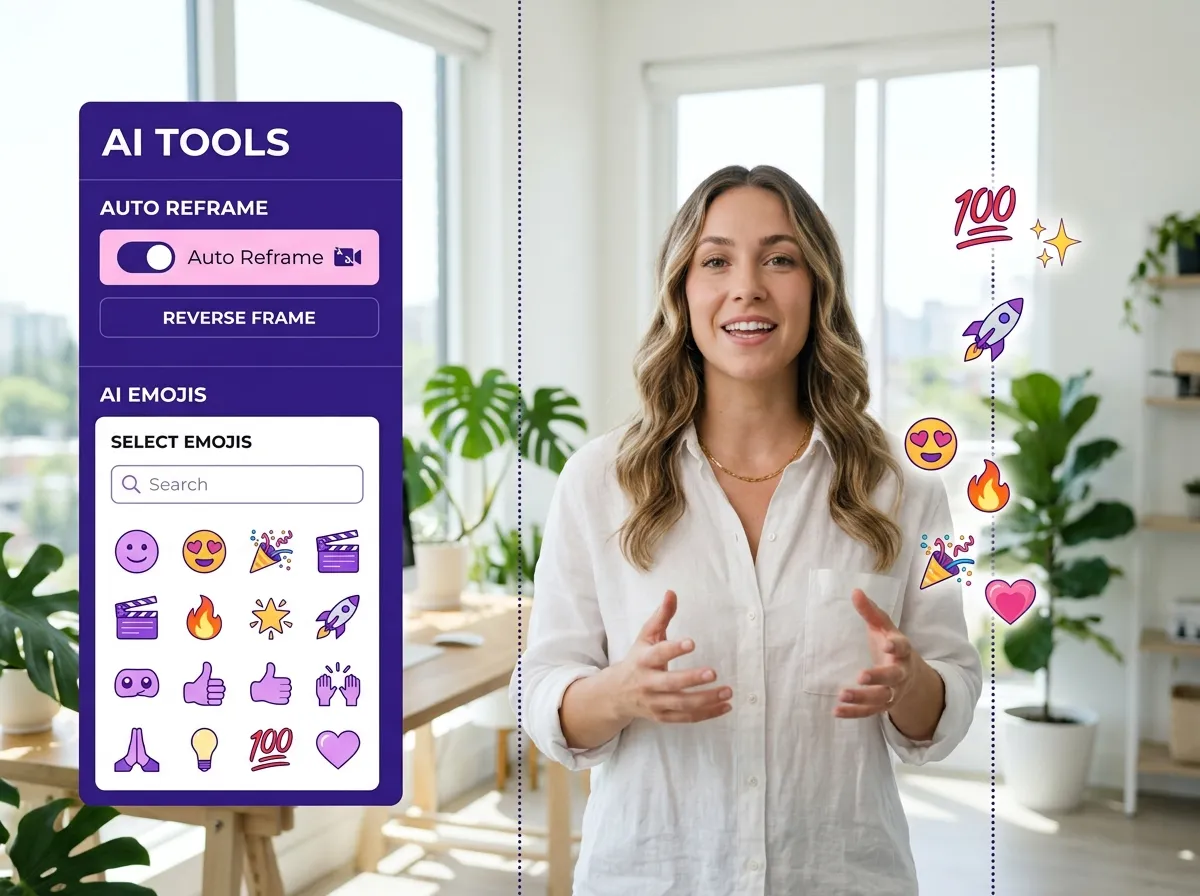
Transform long-form videos into high-energy social clips using Vizard’s AI-driven creative tools. Our Smart Cut feature includes auto reframe, intelligently centering action for vertical formats like Instagram Reels. Vizard also adds AI-generated emojis and smooth transitions to boost viewer retention. Perfect for podcasters and streamers, these features turn horizontal recordings into viral masterpieces by automating technical editing, letting you focus on your message while delivering a dynamic viewing experience.
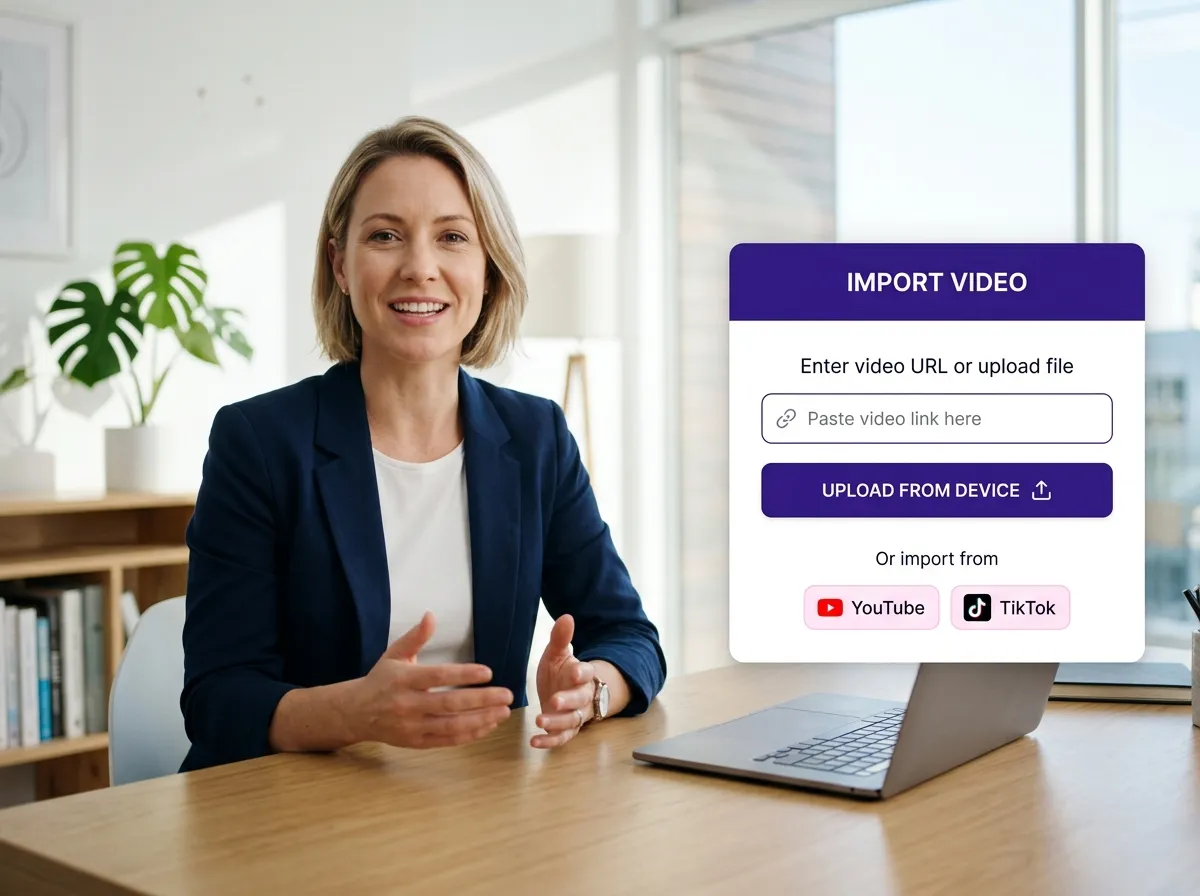
Easily upload your long-form video, whether it's an interview, podcast, or webinar. You can choose to upload a file directly from your local drive or simply paste a video link from your favorite platform to get started.
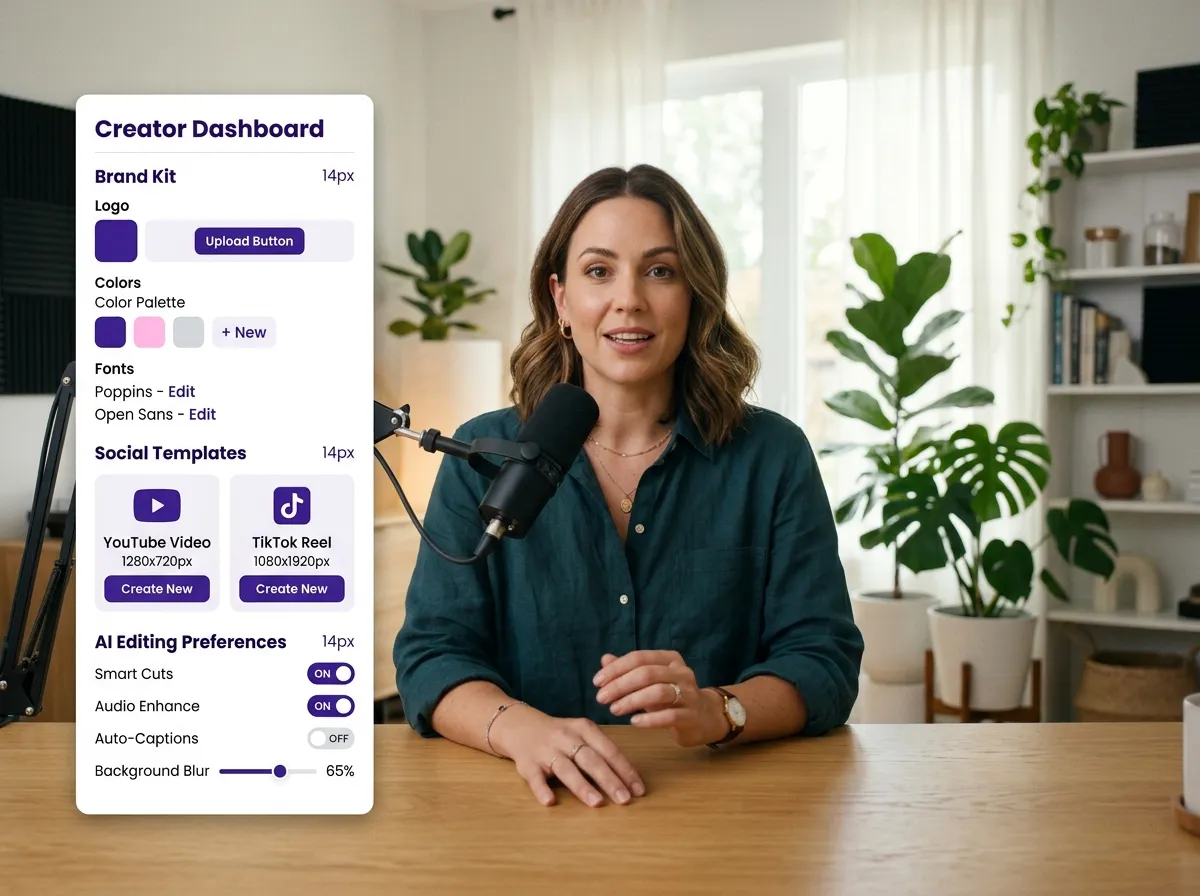
Define your style by selecting from Vizard's diverse range of templates and layouts. You can also customize your brand kit to ensure every clip maintains a consistent and professional look that aligns with your identity.
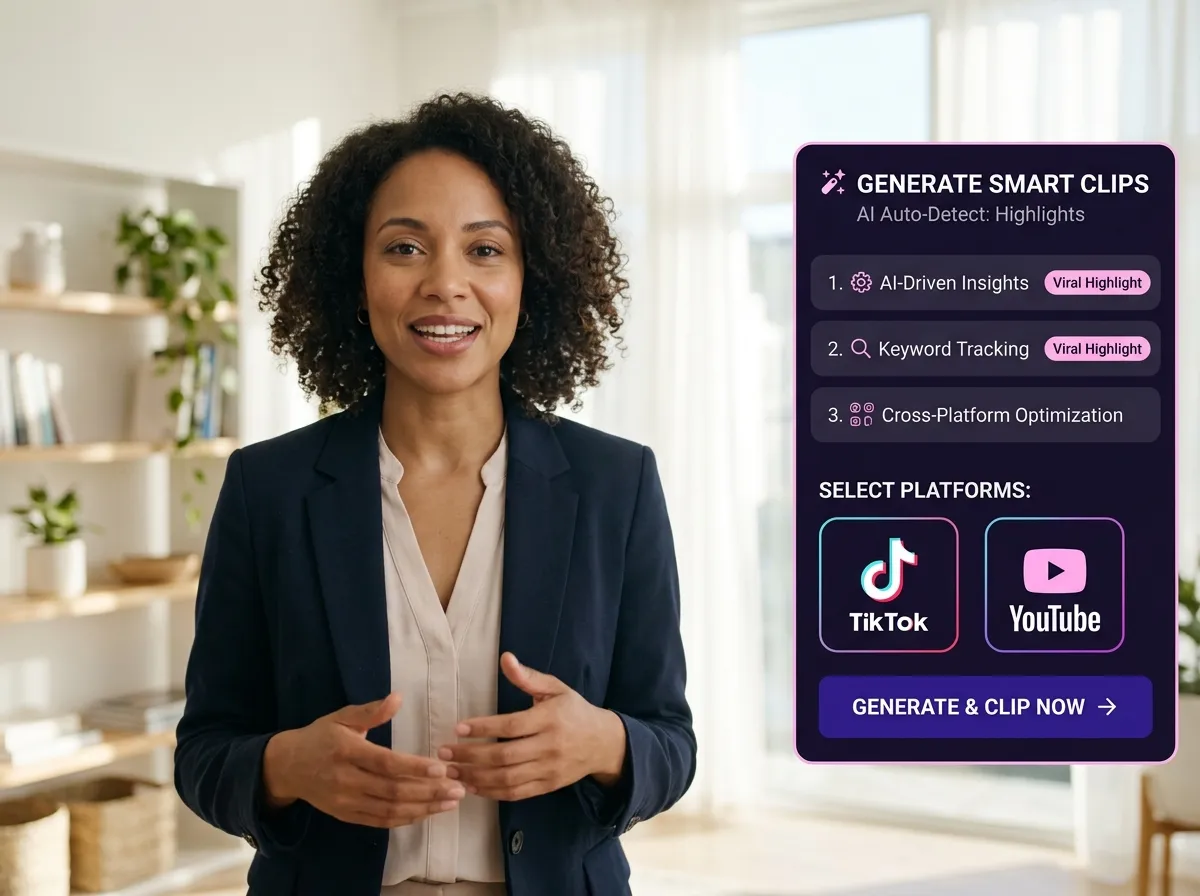
Click 'AI Clips' and let Vizard’s powerful AI do the work. It intelligently identifies the best moments, adds relevant B-rolls, emojis, and transitions, and automatically reframes your video for high-impact social media sharing.
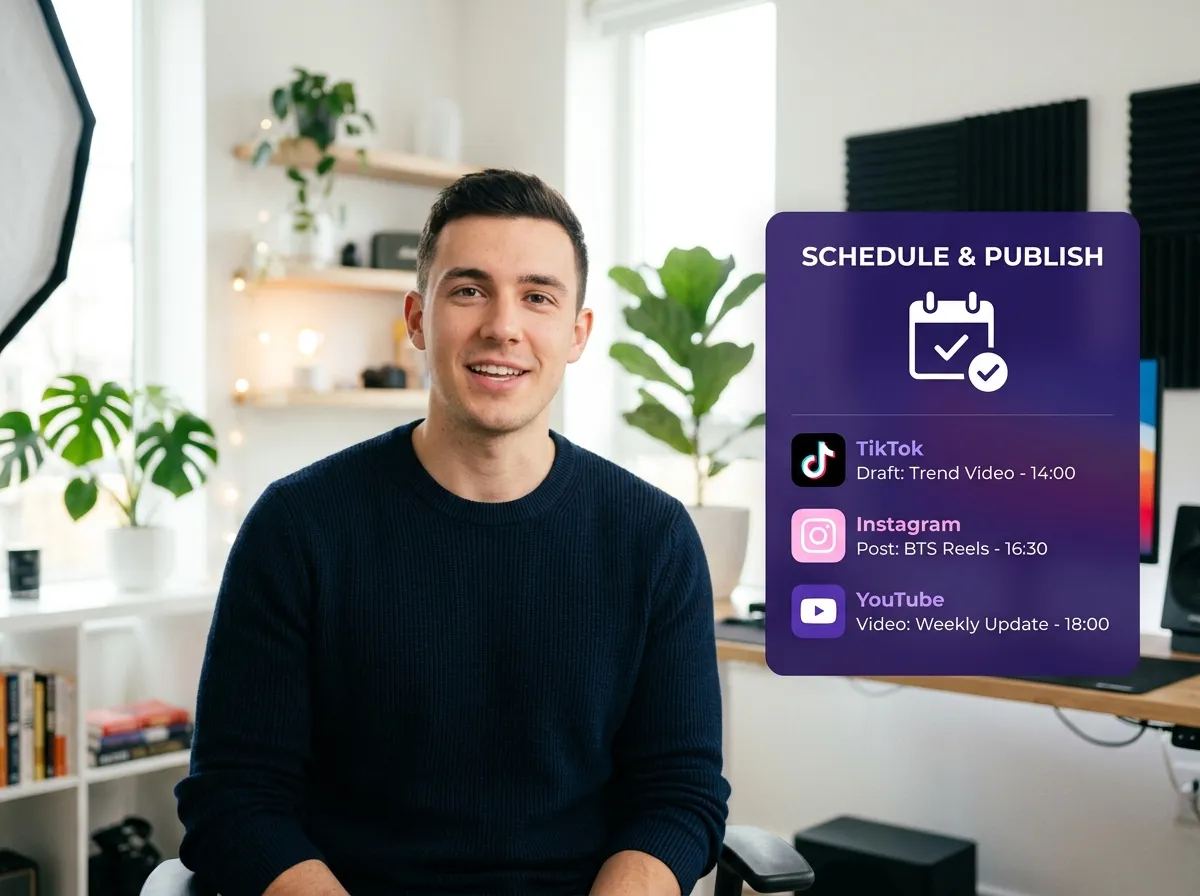
Connect your social media accounts to Vizard and use the built-in content calendar to streamline your workflow. Schedule your posts across TikTok, Instagram Reels, and YouTube Shorts to maximize your reach and engagement.
Turn one video into 10+ Instagram Reels with AI.
With just a few clicks, you can download or share your videos with your friends or team members with a link.
Turn your videos and audios into Reels, Stories, posts, and more in one click.
Effortlessly plan, schedule, and auto-generate engaging AI-driven posts, and publish your Instagram Reels along with the perfect captions.
Add dynamic subtitles for your videos automatically, all in the browser.
Bring your team together by inviting collaborators to work on your projects, in one workspace.
Effortlessly translate your video content into 130+ languages, expanding your global reach with just a few clicks.
Enhance your video's visual appeal and brand identity with ease by adding logos, images, outros, and custom fonts to your videos.


How does Vizard Smart Cut identify the best highlights in my video?
What types of videos are best suited for Smart Cut?
Can I customize the branding of the clips generated by Smart Cut?
Does Vizard Smart Cut support direct scheduling to social media?
What other AI features are included in the Smart Cut process?
How does Vizard Smart Cut identify the best highlights in my video?
What types of videos are best suited for Smart Cut?
Can I customize the branding of the clips generated by Smart Cut?
Does Vizard Smart Cut support direct scheduling to social media?
What other AI features are included in the Smart Cut process?
 Yao Wang

Yao Wang
Yao Wang
Yao Wang
Yao Wang


















