

NEW
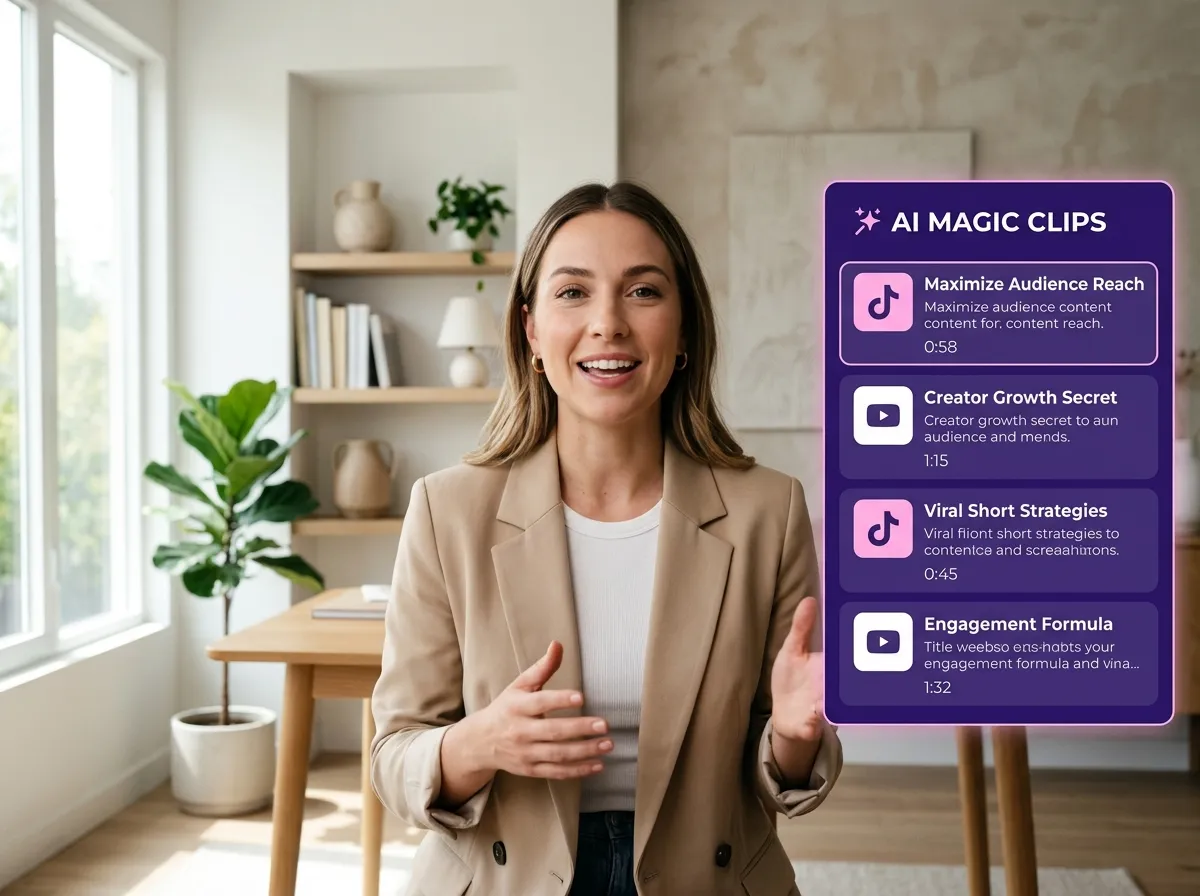



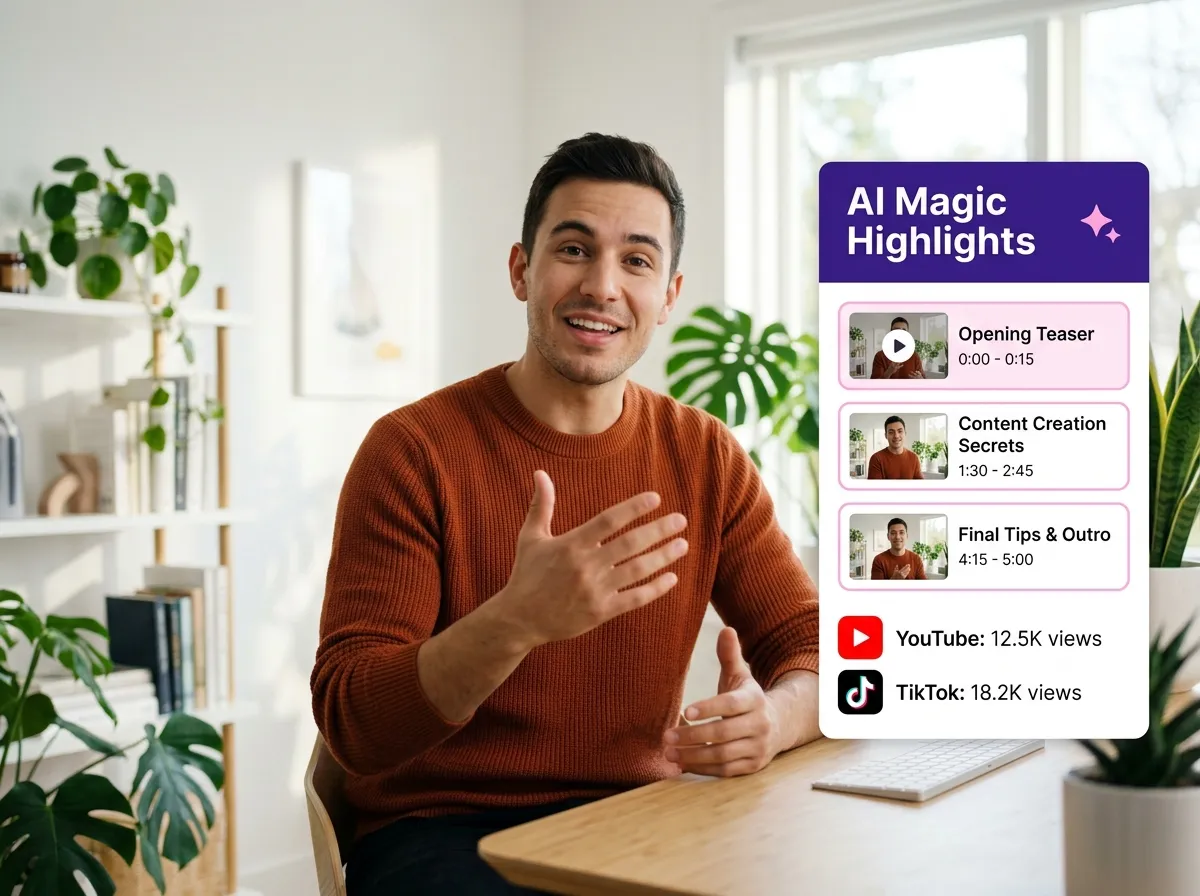
Vizard’s AI Magic Clip Generator revolutionizes video editing by automatically scanning long-form content to pinpoint key highlights. This feature uses advanced AI to detect emotional moments and high-retention segments in webinars, interviews, and podcasts, generating professional short clips in seconds. Ideal for busy marketers and social media managers, it eliminates the need for manual footage review. By transforming raw video into engaging snippets, Vizard helps you scale your content production effortlessly. Whether you're a podcaster or a corporate trainer, this tool ensures your most impactful moments never go unnoticed, saving hours of manual labor while maximizing reach.
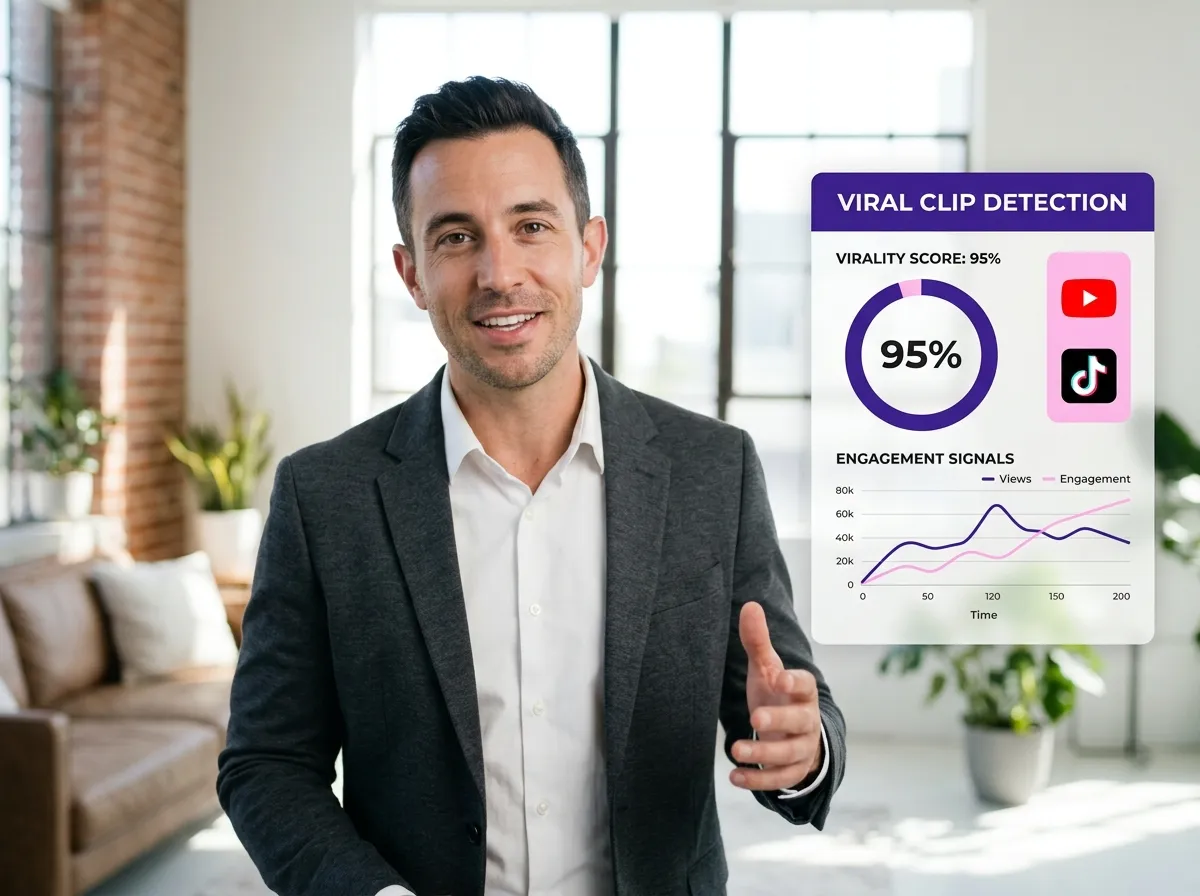
Boost your social media presence with Vizard’s Viral Clip Detection. This powerful AI tool identifies moments with the strongest storytelling potential and engagement signals to ensure your content is viral-ready. By analyzing social media relevance and high-performing patterns, Vizard helps content creators and brand owners capture audience attention instantly on platforms like TikTok and Instagram. This feature is a game-changer for those looking to maximize their virality potential without guesswork. Transform your interviews and talking-head videos into high-impact social clips that drive traffic and growth, allowing you to focus on creating while Vizard handles the strategy.
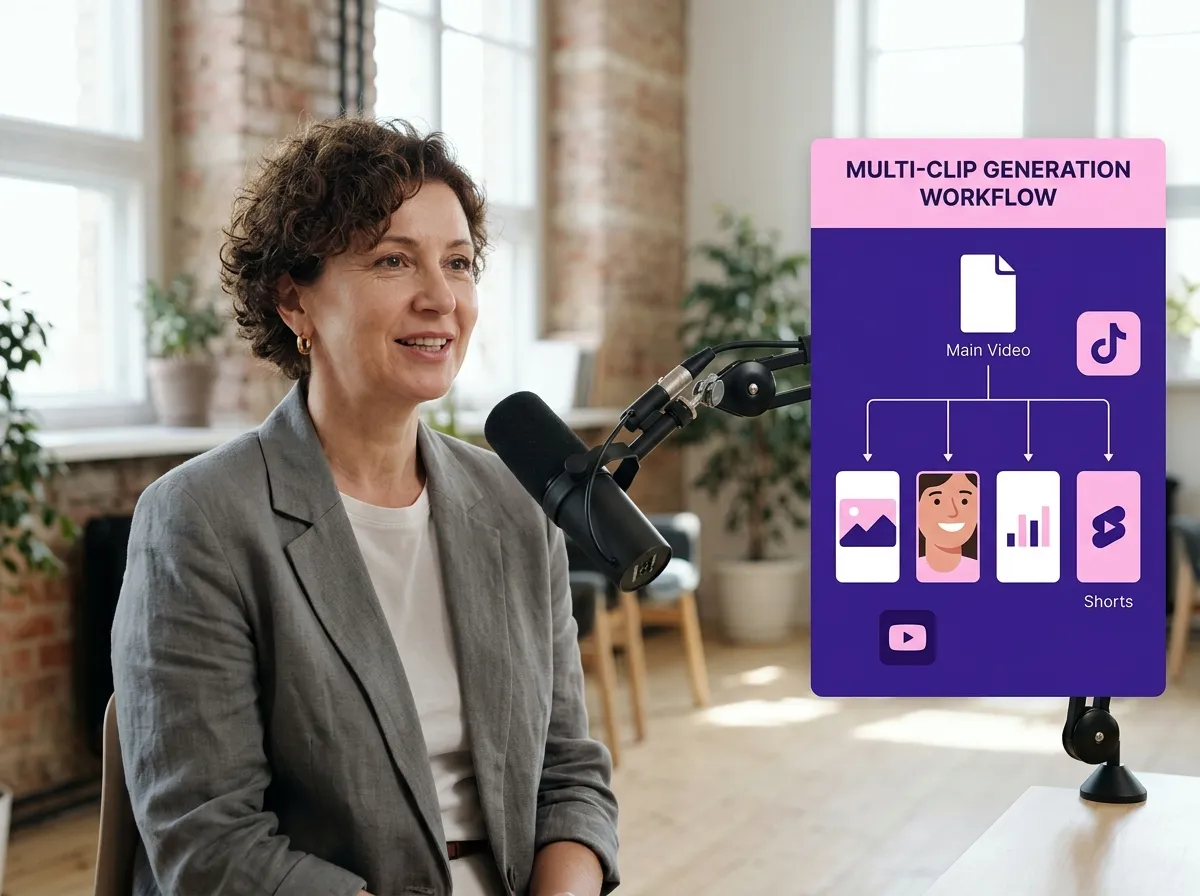
Maximize your content ROI with Vizard’s Multi-Clip Generation. From a single long video or podcast, Vizard creates multiple short-form clips, enabling efficient content repurposing across various social platforms. This feature is perfect for webinar hosts and interviewers who want to populate their content calendar for weeks with just one recording. By extracting several high-value segments simultaneously, Vizard streamlines your workflow and ensures consistent posting. This automation helps digital marketers maintain a strong presence on YouTube Shorts, LinkedIn, and X/Twitter, turning a single hour of footage into dozens of ready-to-publish assets with minimal effort.
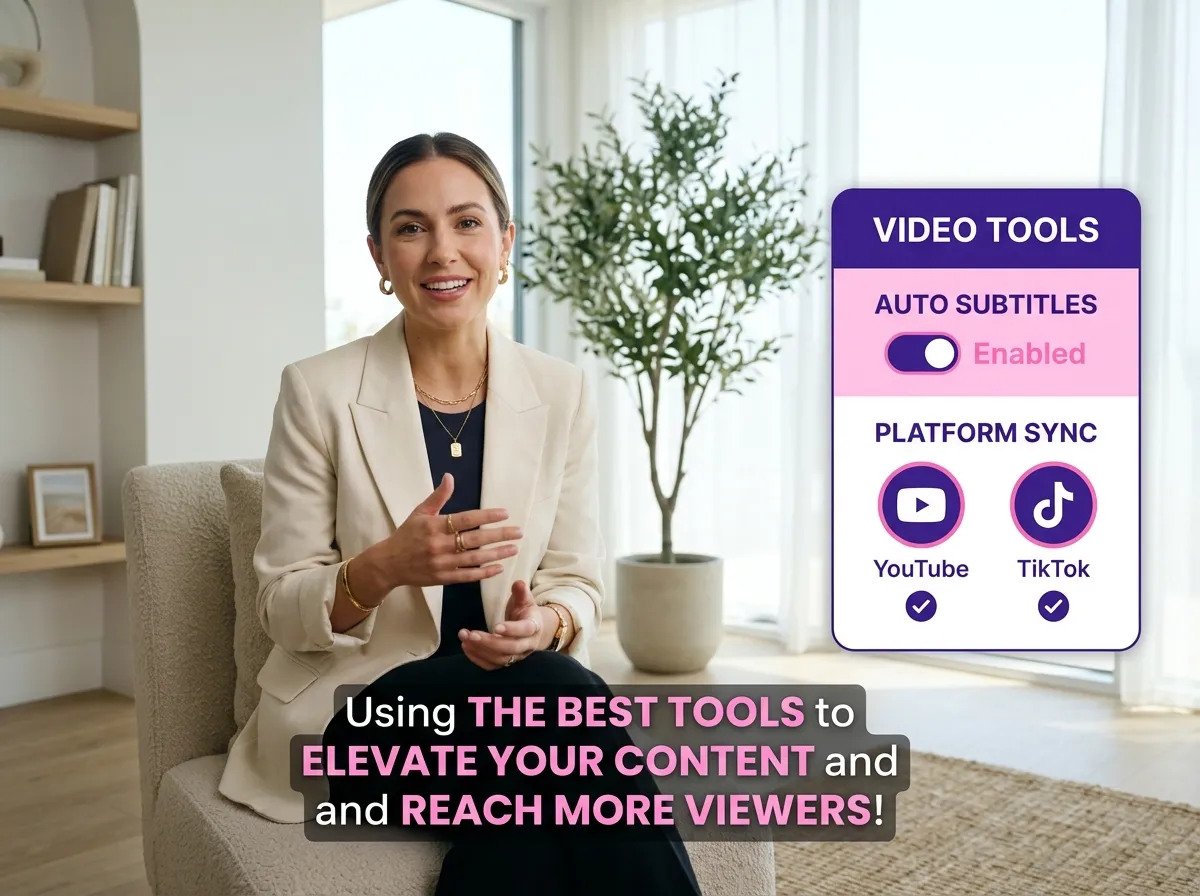
Enhance accessibility and engagement with Vizard’s Auto Subtitle & Caption Generation. Every Magic Clip comes with automatically generated captions, featuring dynamic styling, keyword highlighting, and extensive multilingual support. Since most social media users watch videos on mute, Vizard ensures your message is heard through eye-catching, accurate text overlays. This feature is essential for international creators and businesses looking to reach a global audience. With customizable styles that match your brand, Vizard makes your clips more professional and inclusive, significantly increasing retention rates and viewer interaction across all short-form video platforms.
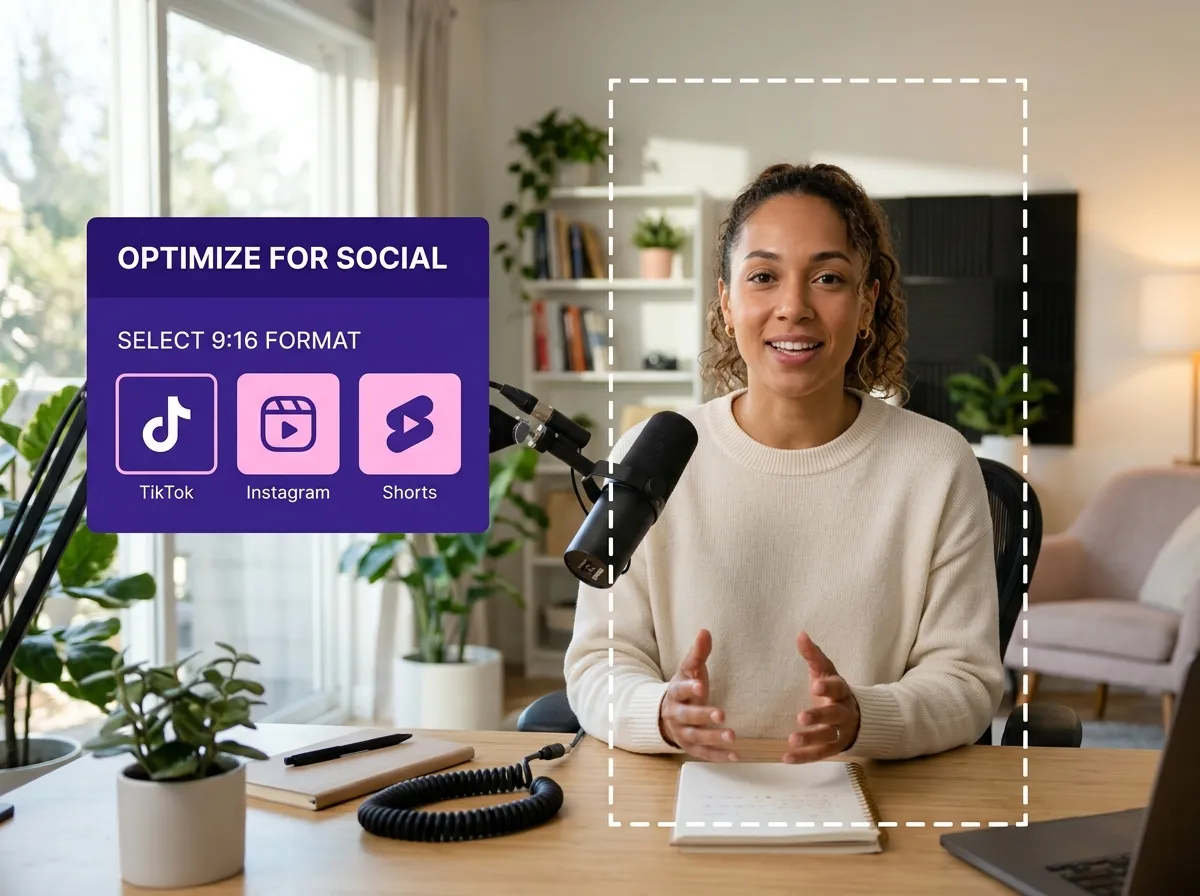
Vizard ensures your content is always platform-perfect with Social Media Ready Formatting. Instantly optimize your clips for 9:16 vertical formats, specifically designed for TikTok, Instagram Reels, and YouTube Shorts. Vizard’s AI automatically adjusts framing to keep the subject centered, making long-form horizontal videos perfectly suitable for mobile consumption. This tool is a lifesaver for agencies and social media managers who need to maintain high visual standards across different channels. By providing instant compatibility and professional-grade layout adjustments, Vizard allows you to publish polished, high-performing video content that looks native to every social feed.
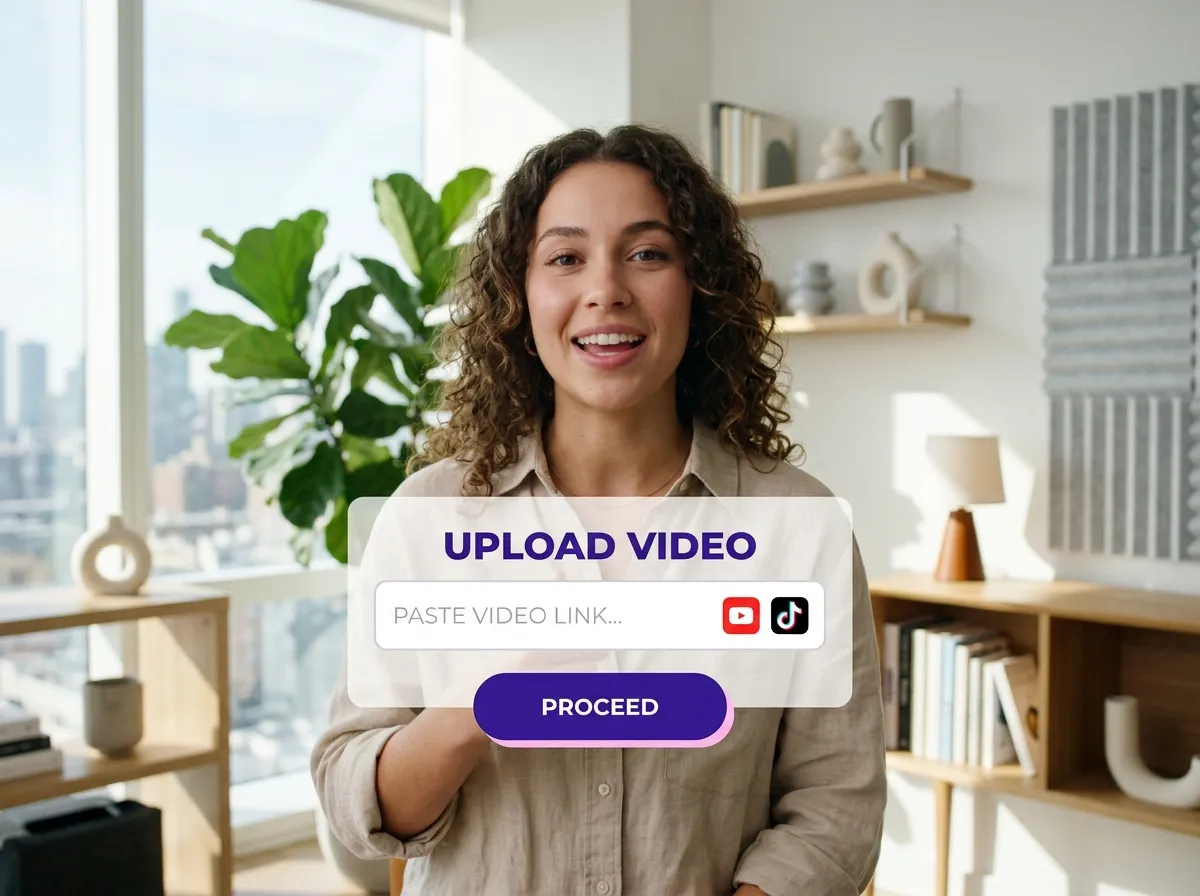
Start by uploading your long-form video or podcast file directly from your computer, or simply paste a video link from YouTube or other platforms into Vizard.
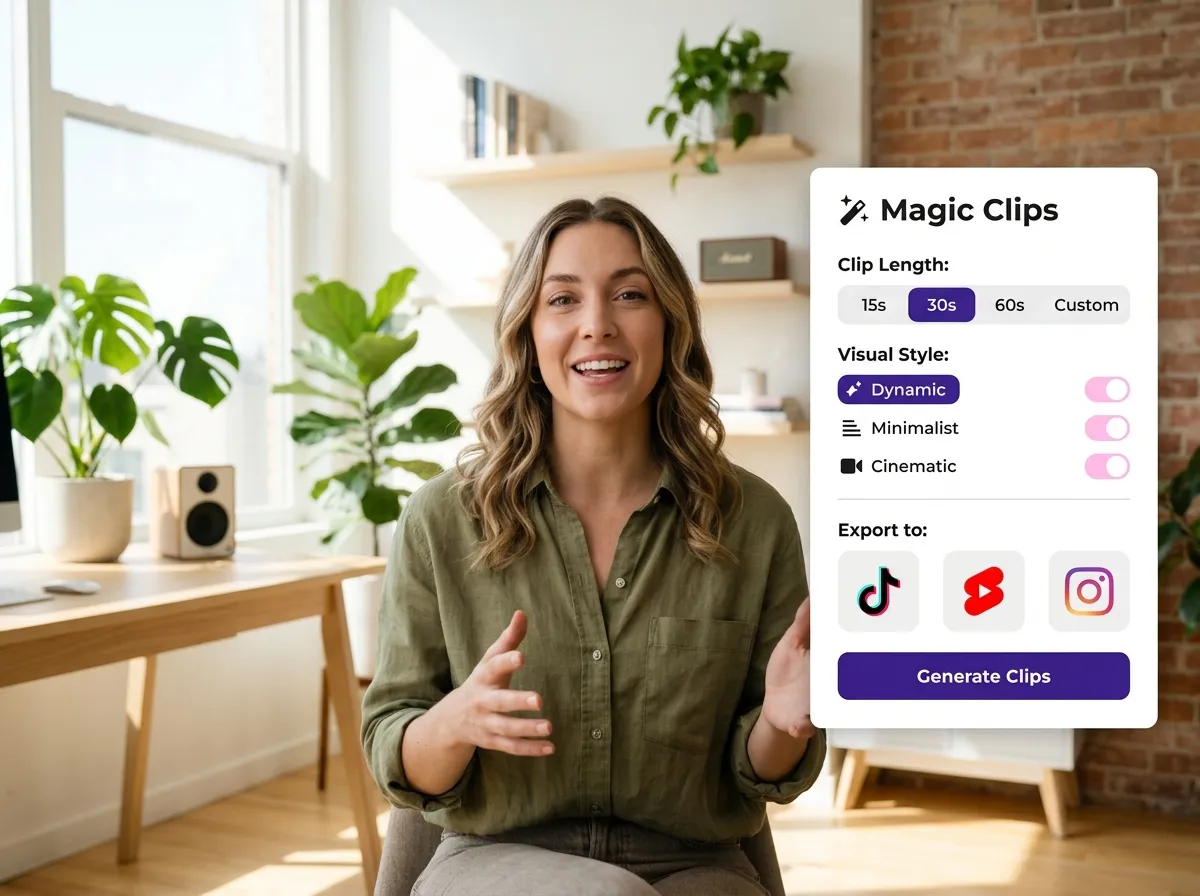
Choose the "Magic Clips" feature from the dashboard. Set your preferences for clip length, visual style, and the social media platforms you want to target.
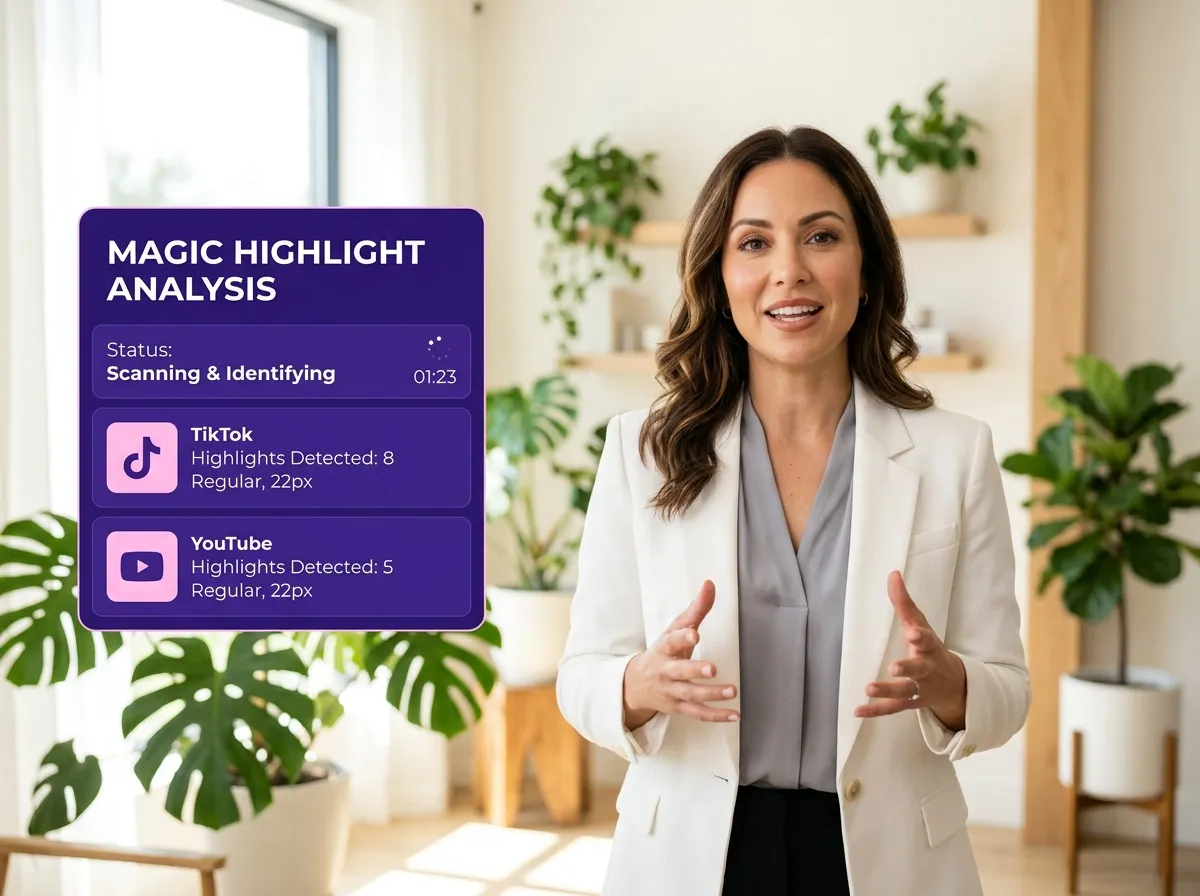
Let Vizard AI work its magic. Our advanced algorithms automatically scan your footage to identify the most engaging, viral-worthy highlights and generate high-impact short clips.
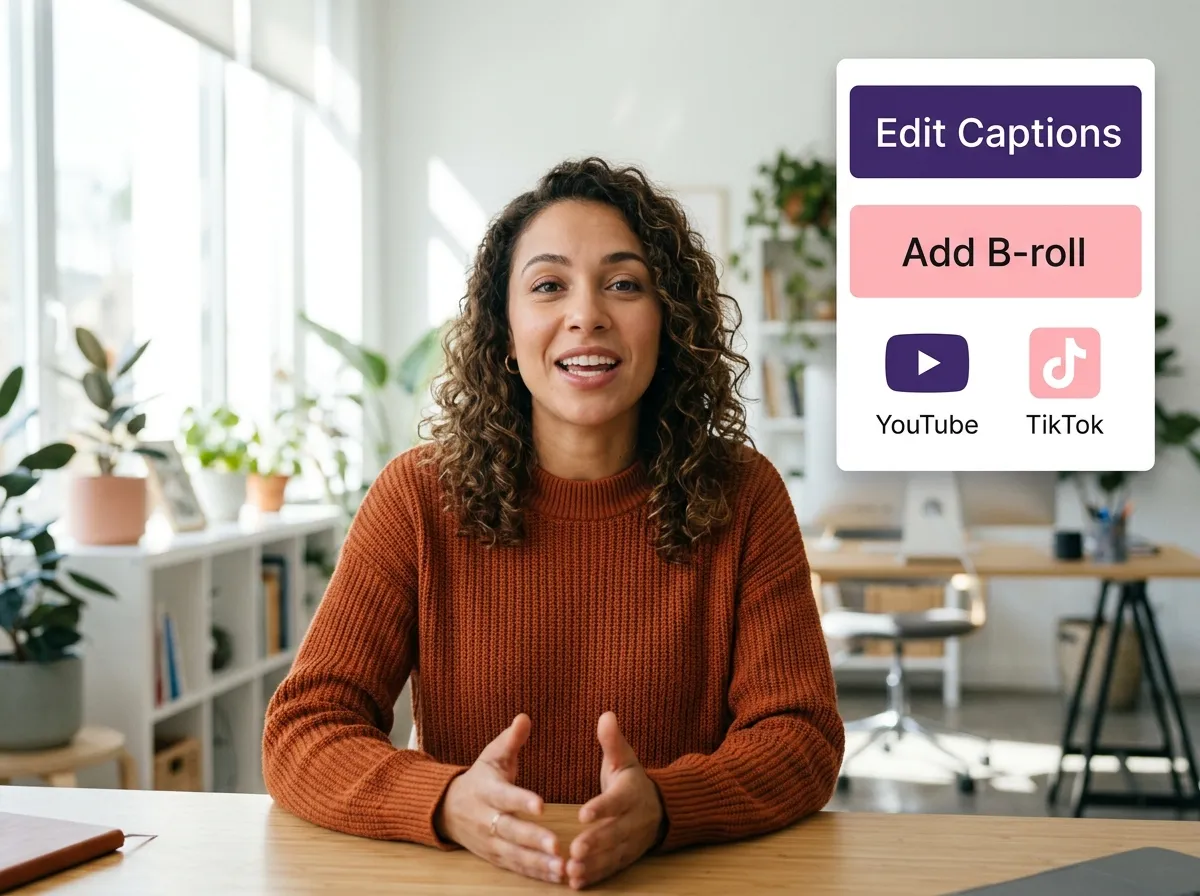
Open the editor to fine-tune your clips. Adjust captions for accuracy, trim segments for perfect timing, and enhance your visuals with custom branding or AI-powered B-roll.
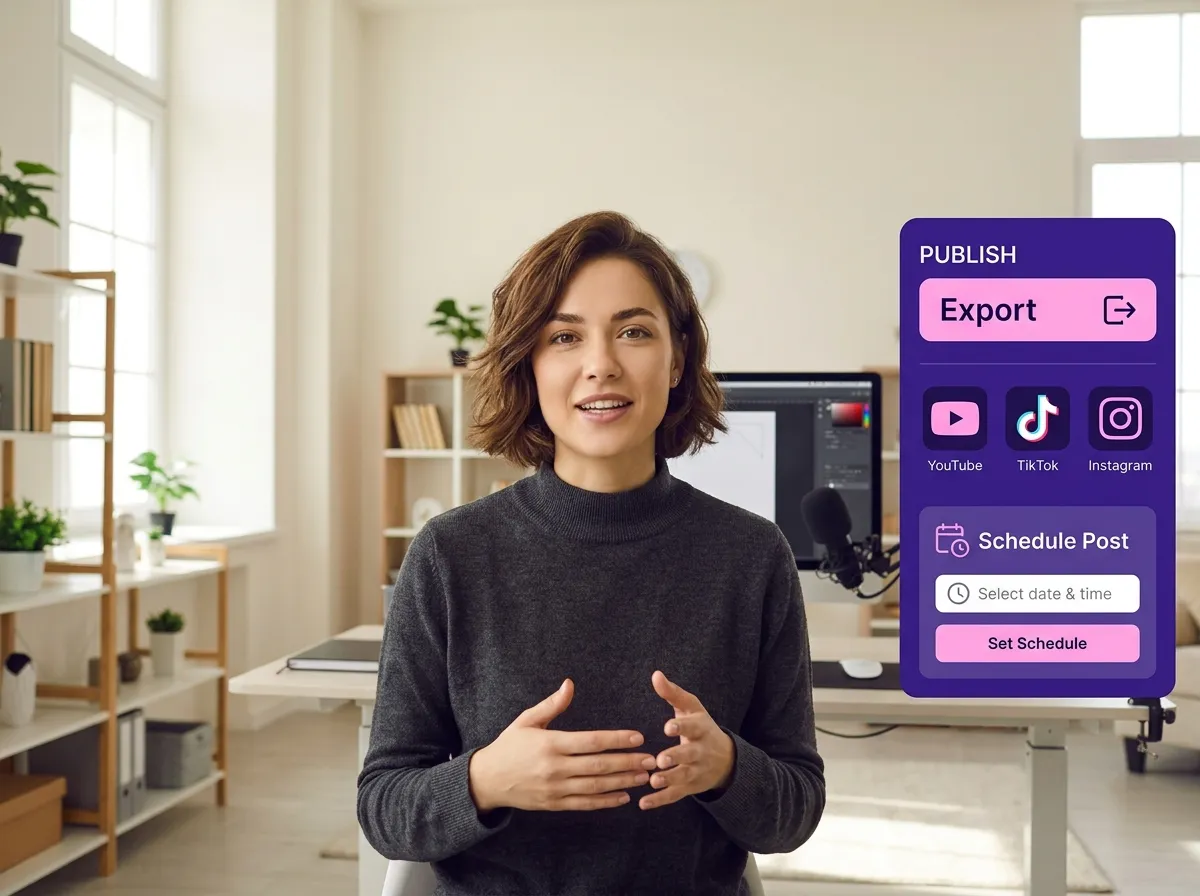
Once satisfied, export your clips in high resolution. Share them directly to TikTok, Instagram, and YouTube, or use Vizard’s workflow to schedule your social media posts.
Turn one video into 10+ Instagram Reels with AI.
With just a few clicks, you can download or share your videos with your friends or team members with a link.
Turn your videos and audios into Reels, Stories, posts, and more in one click.
Effortlessly plan, schedule, and auto-generate engaging AI-driven posts, and publish your Instagram Reels along with the perfect captions.
Add dynamic subtitles for your videos automatically, all in the browser.
Bring your team together by inviting collaborators to work on your projects, in one workspace.
Effortlessly translate your video content into 130+ languages, expanding your global reach with just a few clicks.
Enhance your video's visual appeal and brand identity with ease by adding logos, images, outros, and custom fonts to your videos.


What is Vizard’s Magic Clips tool?
How does the AI identify viral-worthy moments?
Can I generate multiple clips from one long video?
Are subtitles automatically included in the clips?
What social media platforms are the clips optimized for?
Can I edit the AI-generated clips before publishing?
What is Vizard’s Magic Clips tool?
How does the AI identify viral-worthy moments?
Can I generate multiple clips from one long video?
Are subtitles automatically included in the clips?
What social media platforms are the clips optimized for?
Can I edit the AI-generated clips before publishing?

 Yao Wang
Yao Wang

Yao Wang

Yao Wang
Yao Wang


















