

NEW



Vizard’s Audio to Video Conversion feature is a game-changer for creators looking to unlock the potential of their audio-only content. Whether you have podcast episodes, voice recordings, or interviews, Vizard allows you to effortlessly transform raw audio files into fully formatted videos. This tool automatically adds dynamic visual layouts, audio waveforms, and stunning captions, making your content ready for the digital stage. It’s perfect for podcasters and marketers who want to breathe new life into their recordings without needing complex editing skills. By converting audio to video, you significantly increase your content's visibility and engagement across visual-centric social platforms.
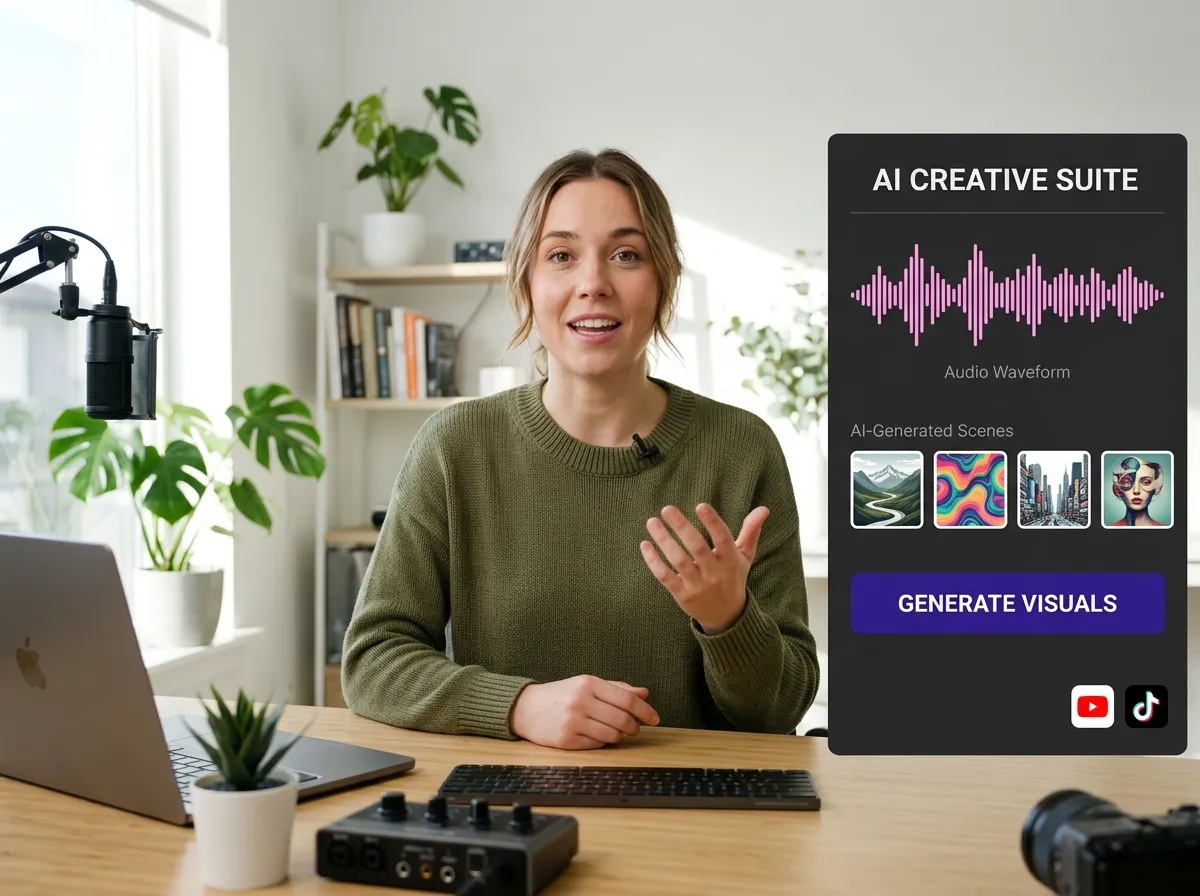
Elevate your audio projects with Vizard's AI Visual Generation, a sophisticated tool designed to match your audio’s topic with high-quality visuals. Instead of a static image, Vizard generates captivating waveform animations, professional background visuals, and even AI-generated scenes that resonate with your content. This feature is ideal for educators and storytellers who want to create a rich, immersive viewing experience from simple voiceovers or lectures. By automating the visual creation process, Vizard saves you hours of manual production time while ensuring your final video looks polished, modern, and perfectly aligned with your brand’s aesthetic.
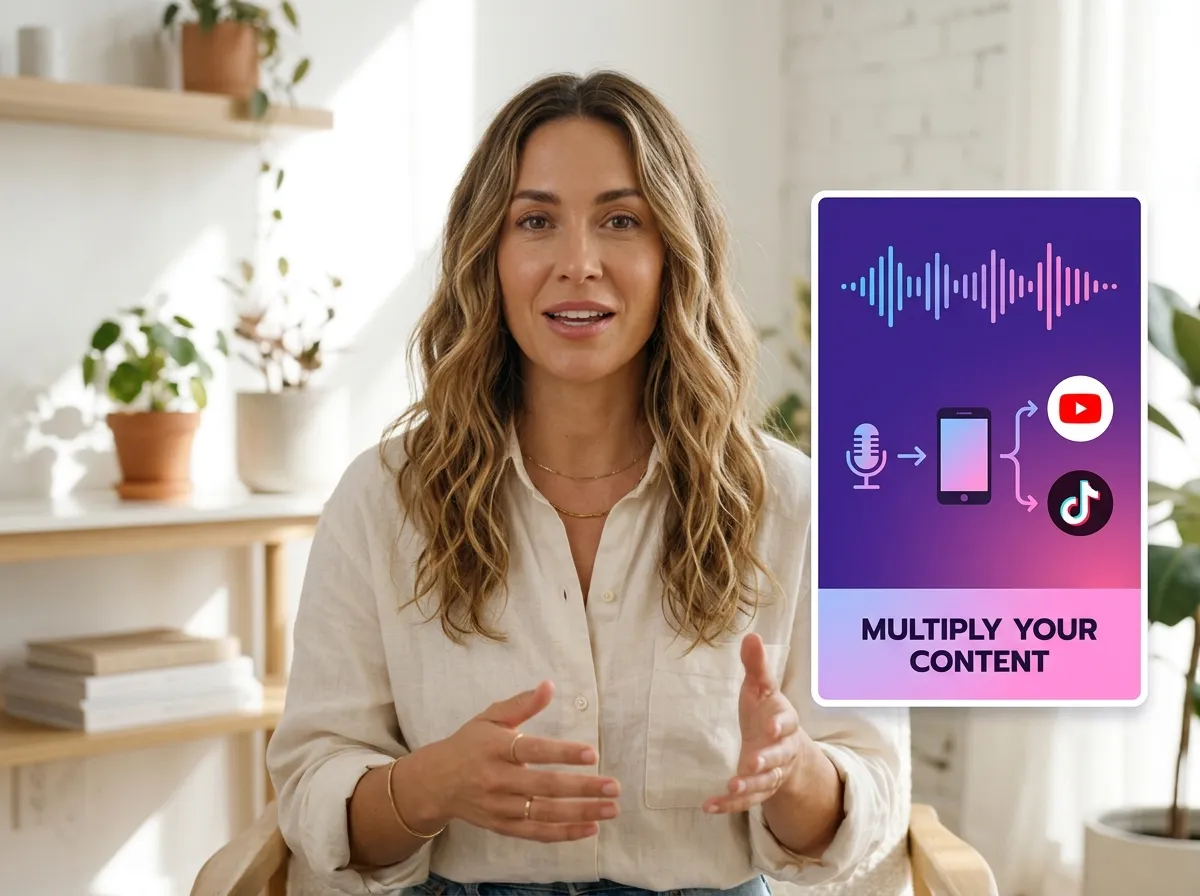
Don’t let your best podcast moments stay hidden on audio platforms; use Vizard’s Podcast Audio to Video Repurposing feature to expand your reach. This tool specifically targets long-form audio episodes, breaking them down into shareable video snippets or full-length visual podcasts optimized for social media. By turning your podcast audio into eye-catching videos, you can tap into the massive audiences on YouTube and Instagram. Vizard makes it easy for podcasters to build a cross-platform presence, helping you attract new listeners through viral video content while maintaining a professional look across all your digital channels.
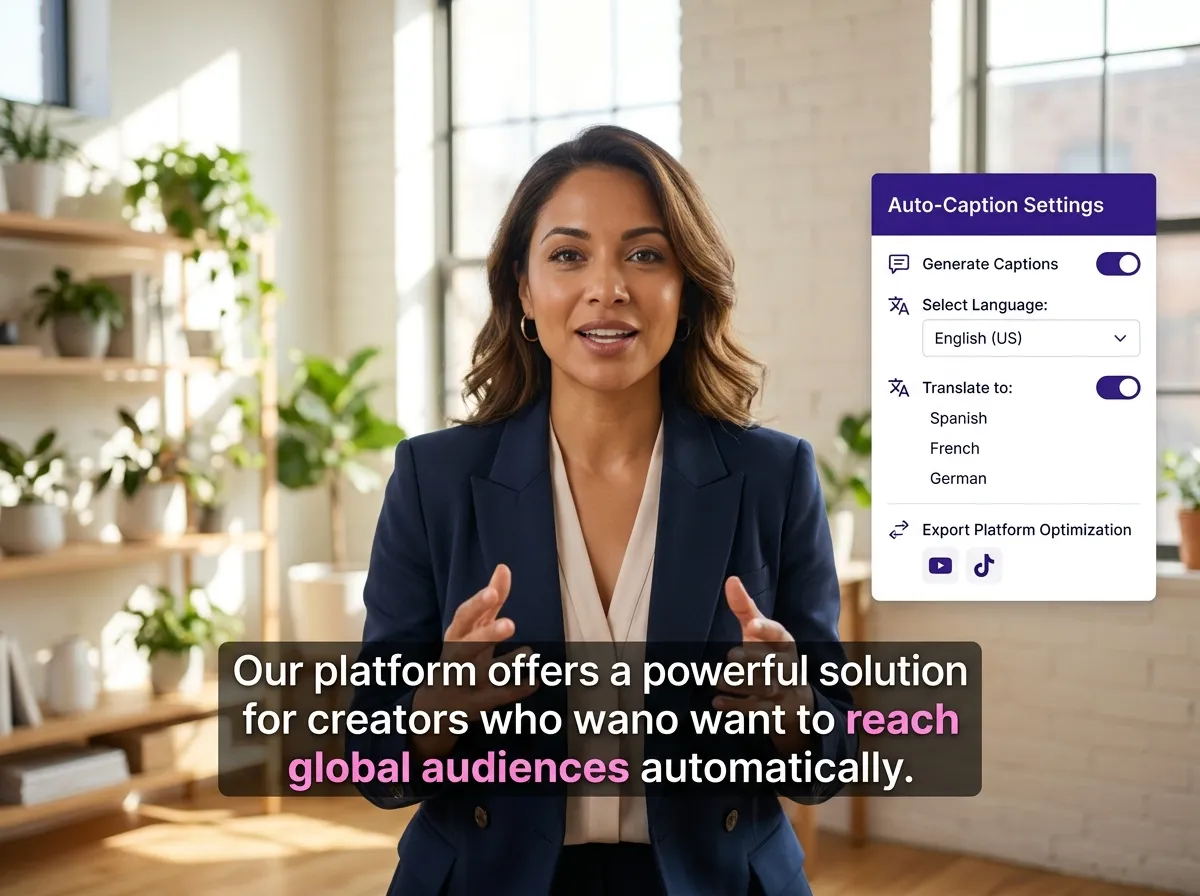
Accessibility and engagement are at the heart of Vizard’s Auto Captions feature. When converting audio to video, Vizard automatically generates highly accurate subtitles and captions, ensuring your message is understood even when sound is off. With support for multilingual translation and dynamic styling, you can highlight key phrases to keep viewers hooked. This feature is essential for creators targeting global audiences or those producing content for platforms like LinkedIn, where captions are vital for engagement. Vizard ensures your audio-derived videos are professional, inclusive, and optimized for high performance in any social media feed.
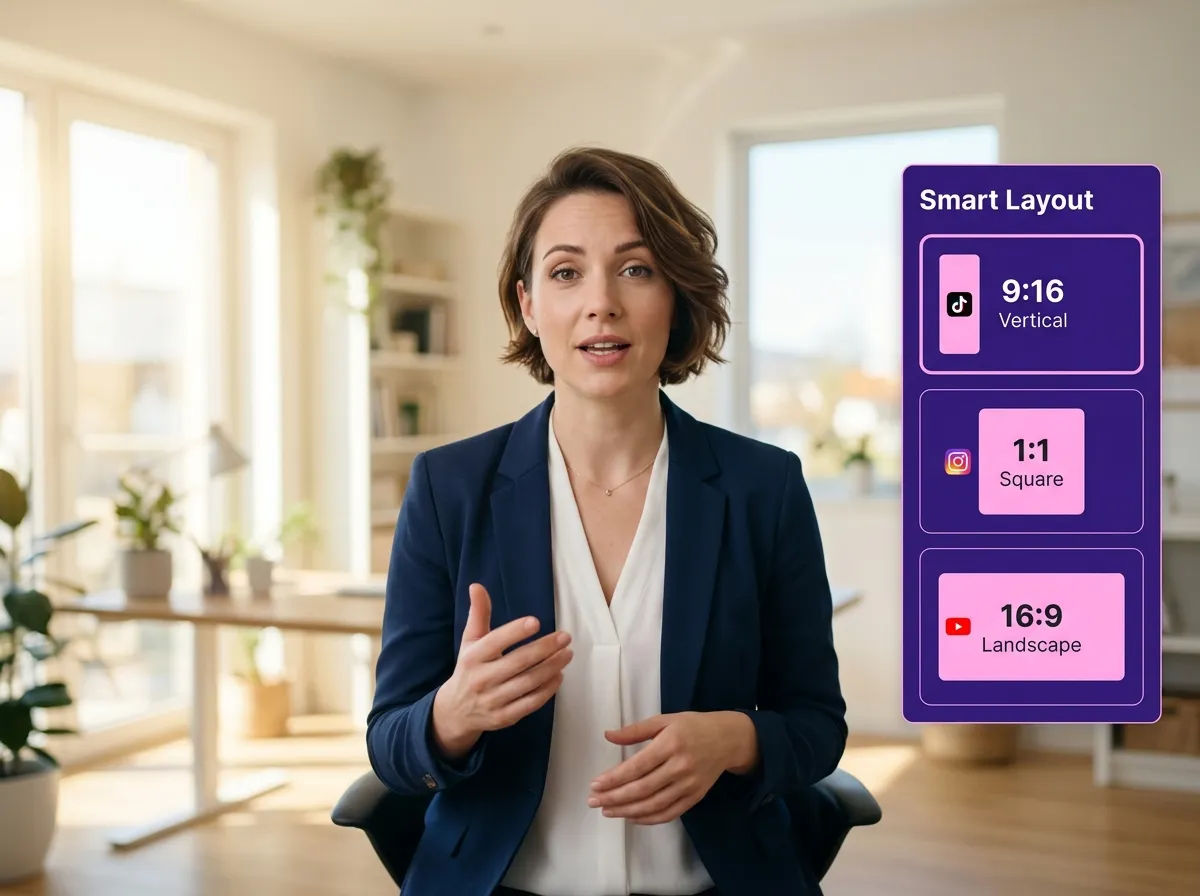
Vizard simplifies the distribution process with its Social Media Video Formatting tool, which automatically adapts your audio-derived videos into 9:16, 1:1, or 16:9 aspect ratios. Whether you're targeting TikTok, Instagram Reels, or YouTube Shorts, Vizard ensures your content perfectly fits the technical requirements of each platform. This is a must-have for social media managers who need to repurpose a single audio recording for multiple channels quickly. By automating the resizing and formatting process, Vizard allows you to focus on strategy and growth while it handles the tedious technical details of video production.
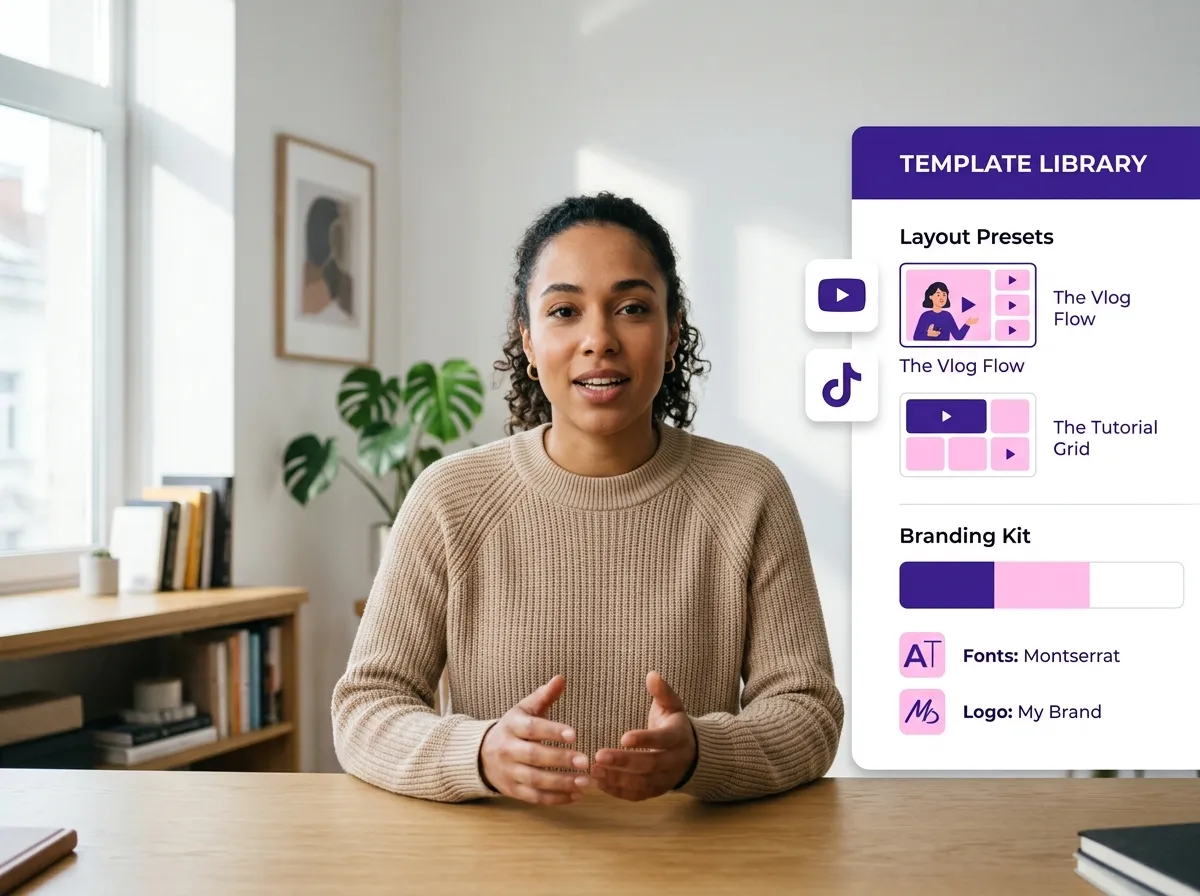
Maintain brand consistency and speed up your workflow using Vizard’s Template-Based Audio Video Creation. Choose from a library of pre-built templates and branding kits specifically designed to turn audio into polished, publish-ready videos in minutes. This feature is perfect for business owners and content teams who need to produce high-quality video content frequently and consistently. With Vizard, you can apply your custom logos, colors, and fonts to every audio-to-video conversion, ensuring that your social media presence is always on-brand and professional without requiring a dedicated design team.
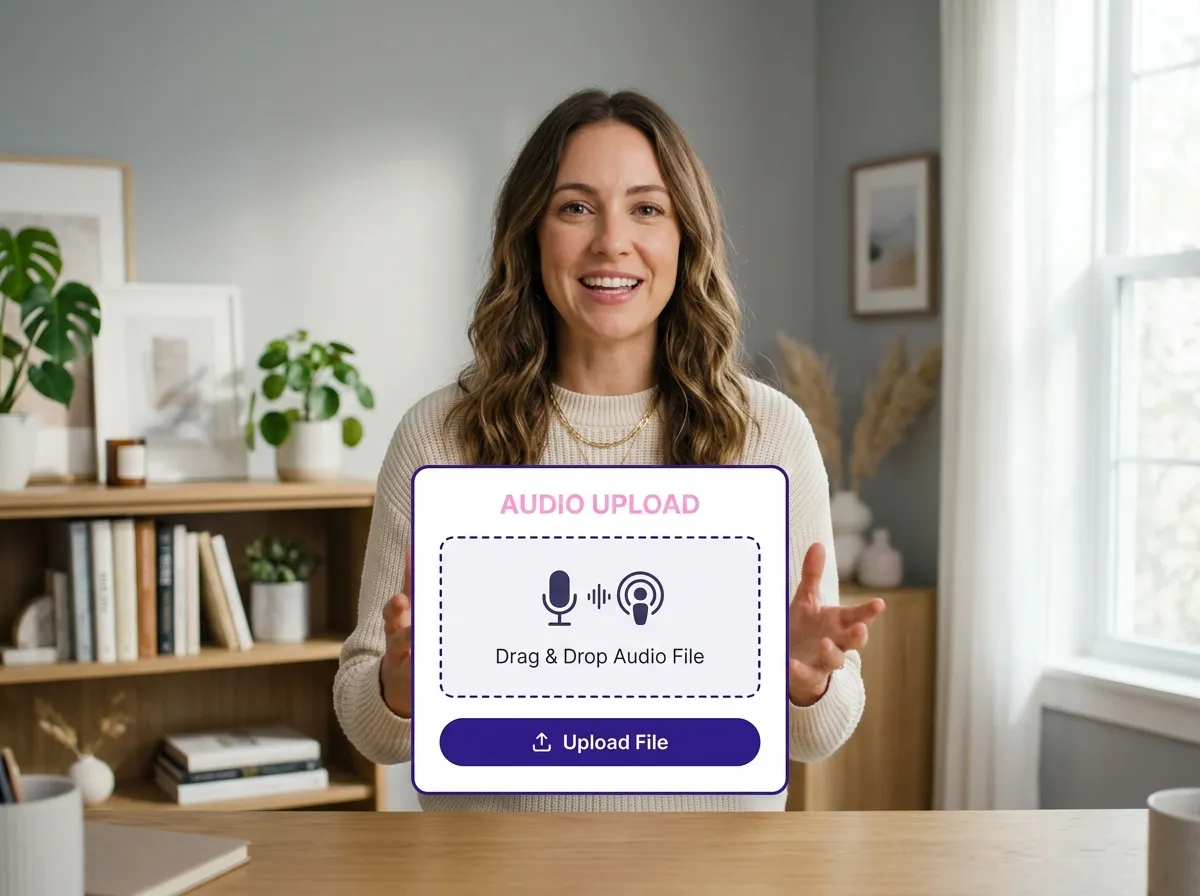
Get started by uploading your raw audio file, podcast episode, or voice recording directly into the Vizard dashboard.
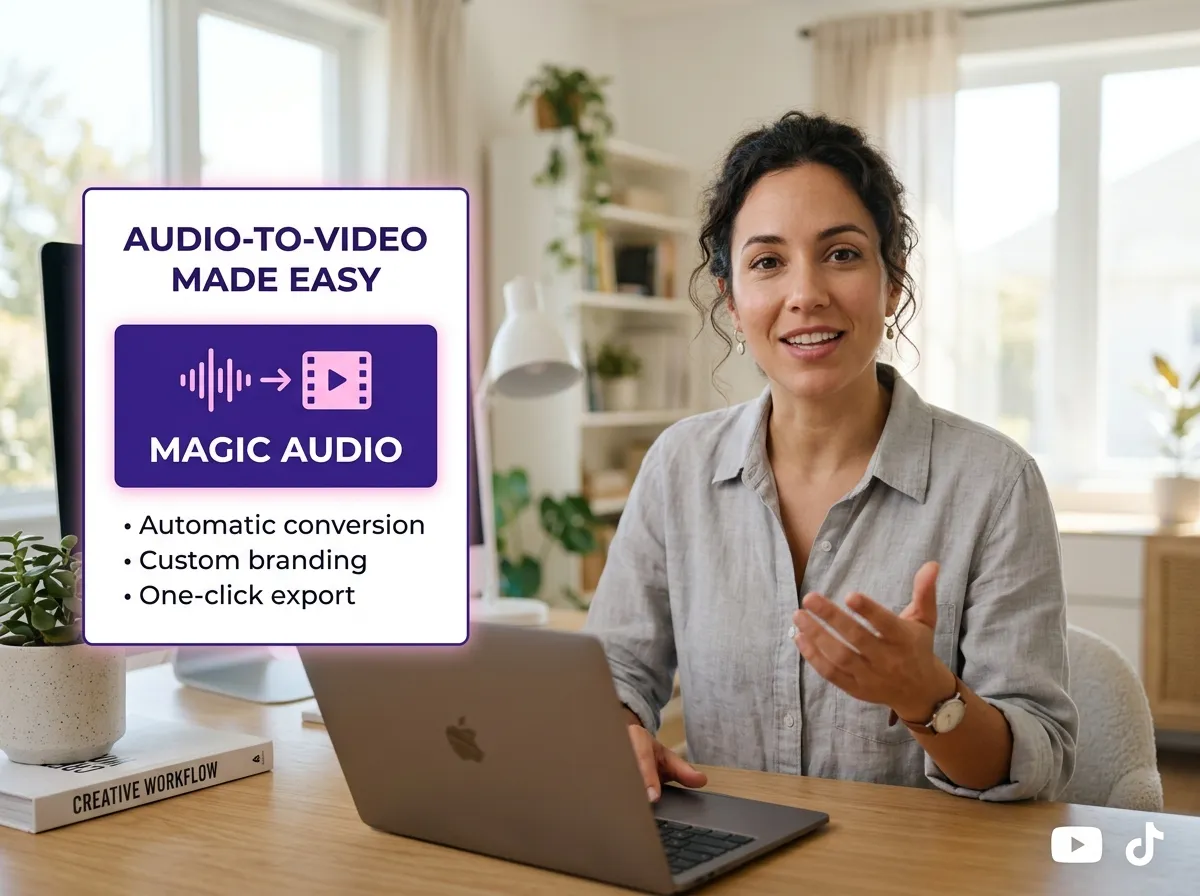
Navigate to the features and select "Magic Audio" to begin transforming your audio into a compelling video format.
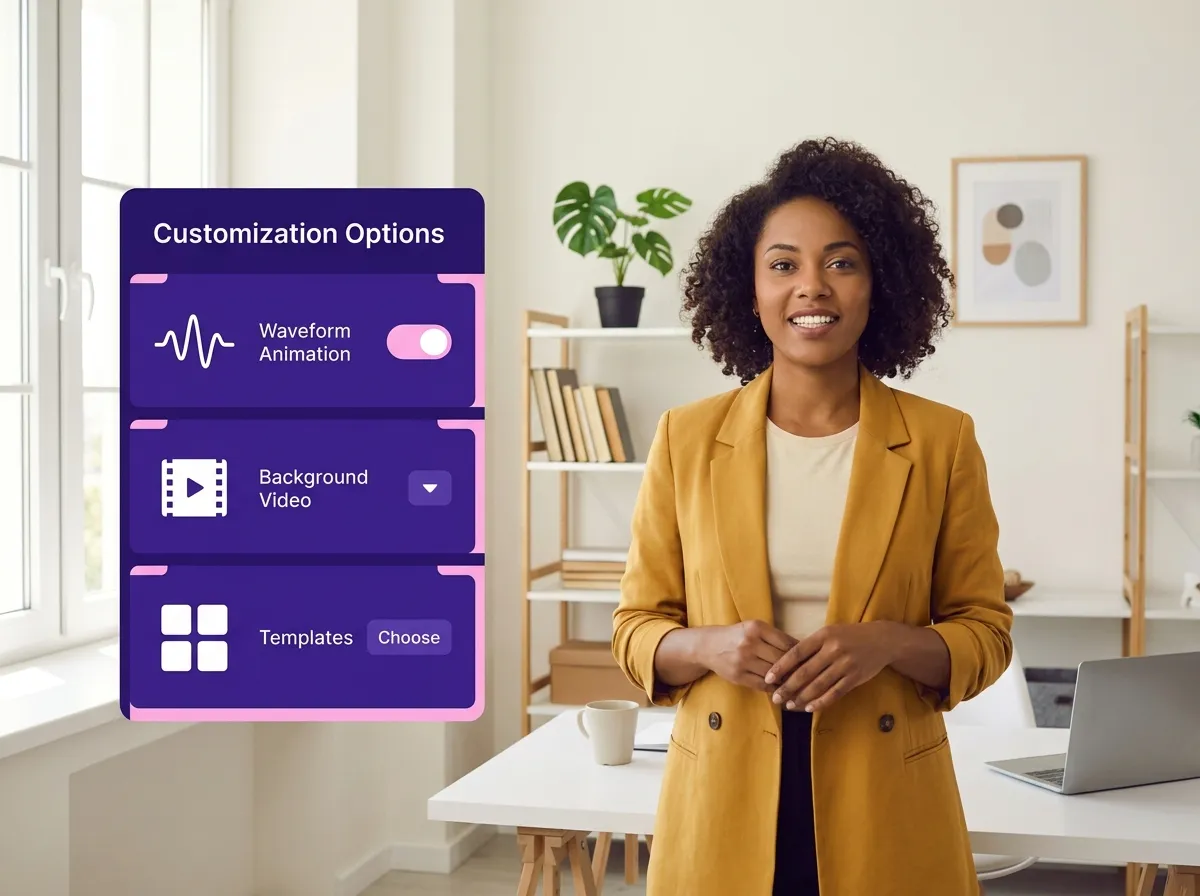
Customize your video by choosing from various visual options, including dynamic waveform animations, background footage, or professionally designed templates.
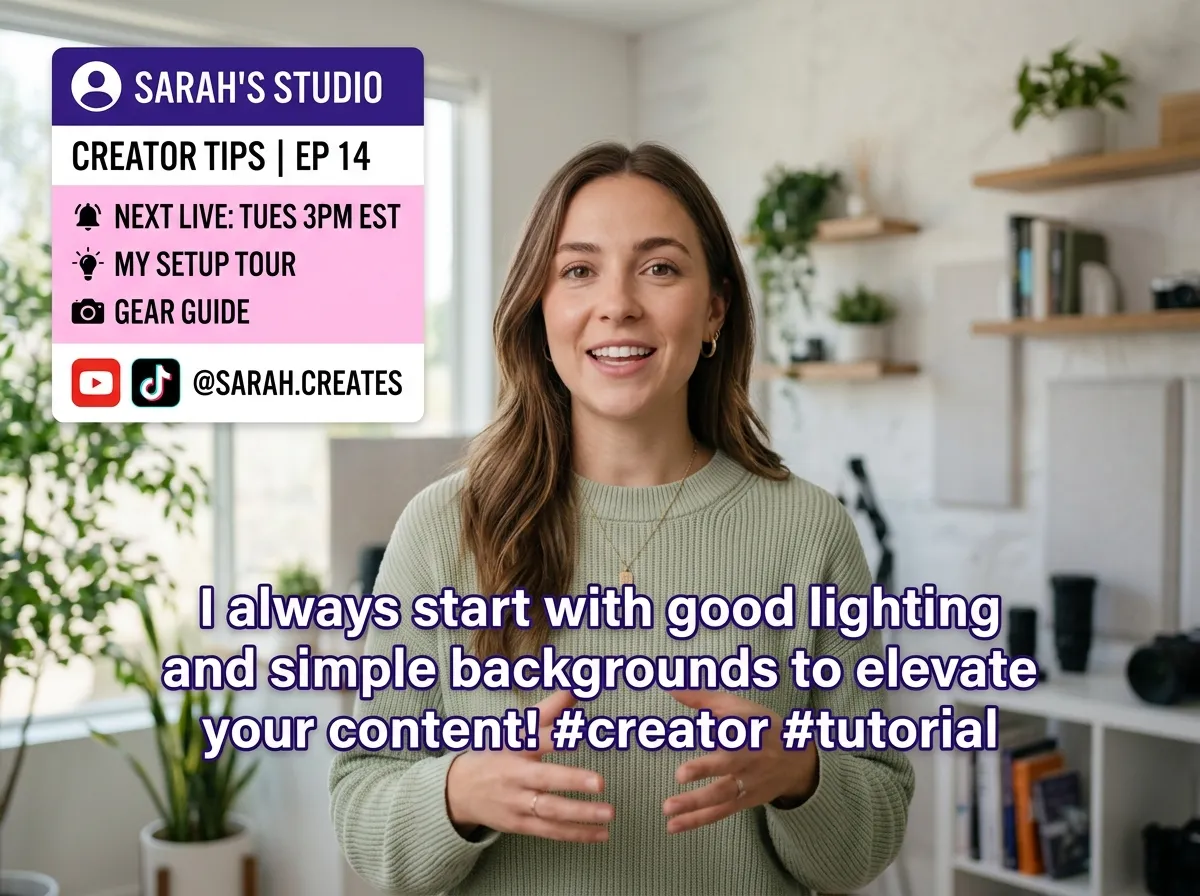
Sit back as Vizard AI automatically generates synchronized captions, applies chosen visuals, and formats your content into a polished video.
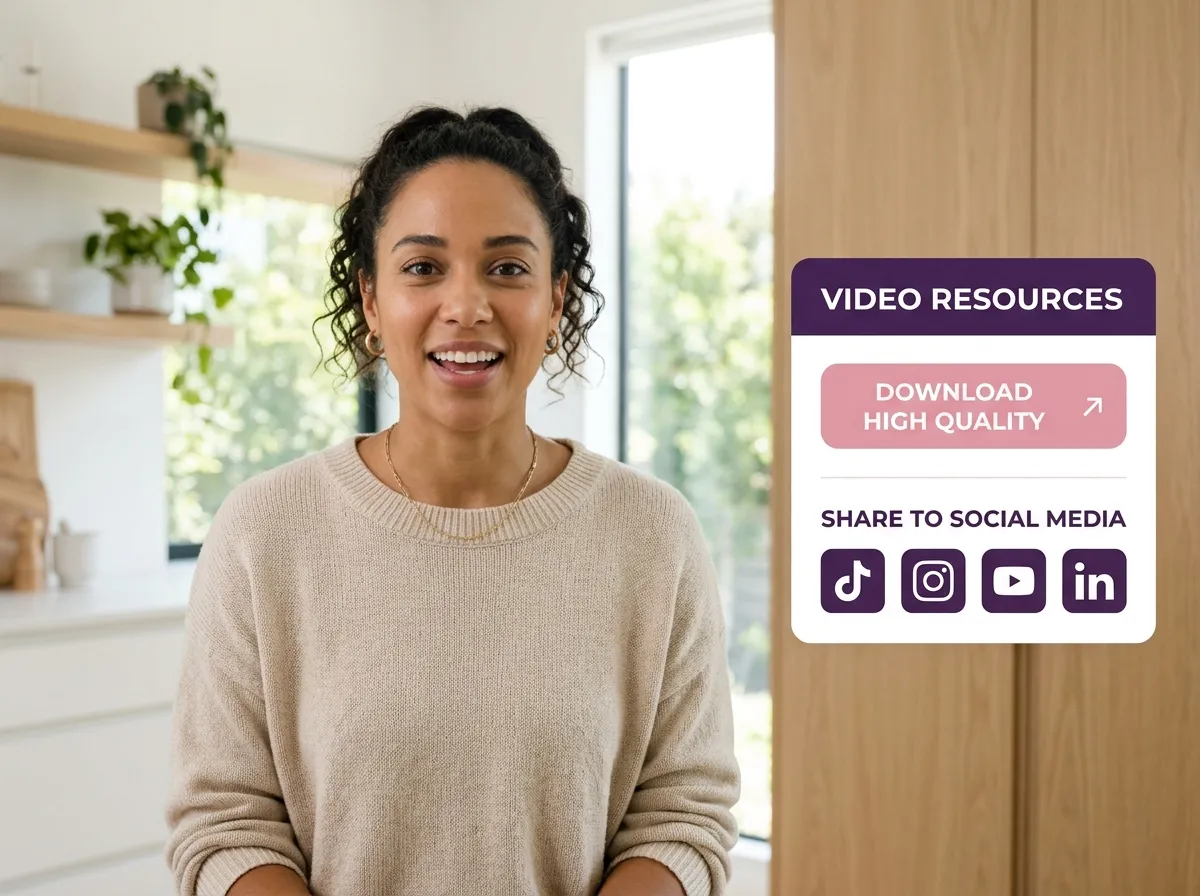
Download your final video in high quality or publish it directly to platforms like TikTok, Instagram Reels, YouTube Shorts, and LinkedIn.
Turn one video into 10+ Instagram Reels with AI.
With just a few clicks, you can download or share your videos with your friends or team members with a link.
Turn your videos and audios into Reels, Stories, posts, and more in one click.
Effortlessly plan, schedule, and auto-generate engaging AI-driven posts, and publish your Instagram Reels along with the perfect captions.
Add dynamic subtitles for your videos automatically, all in the browser.
Bring your team together by inviting collaborators to work on your projects, in one workspace.
Effortlessly translate your video content into 130+ languages, expanding your global reach with just a few clicks.
Enhance your video's visual appeal and brand identity with ease by adding logos, images, outros, and custom fonts to your videos.


What is Vizard’s Magic Audio tool and how does it work?
Can I convert my podcast audio into short-form videos for social media?
Does Magic Audio automatically generate captions for the videos?
What kind of visuals can I add to an audio-only file?
Is it possible to format one audio file for different social media platforms?
Do I need any video editing experience to use Magic Audio?
What is Vizard’s Magic Audio tool and how does it work?
Can I convert my podcast audio into short-form videos for social media?
Does Magic Audio automatically generate captions for the videos?
What kind of visuals can I add to an audio-only file?
Is it possible to format one audio file for different social media platforms?
Do I need any video editing experience to use Magic Audio?
 Yao Wang
Yao Wang

Yao Wang

Yao Wang

Yao Wang


















