

NEW
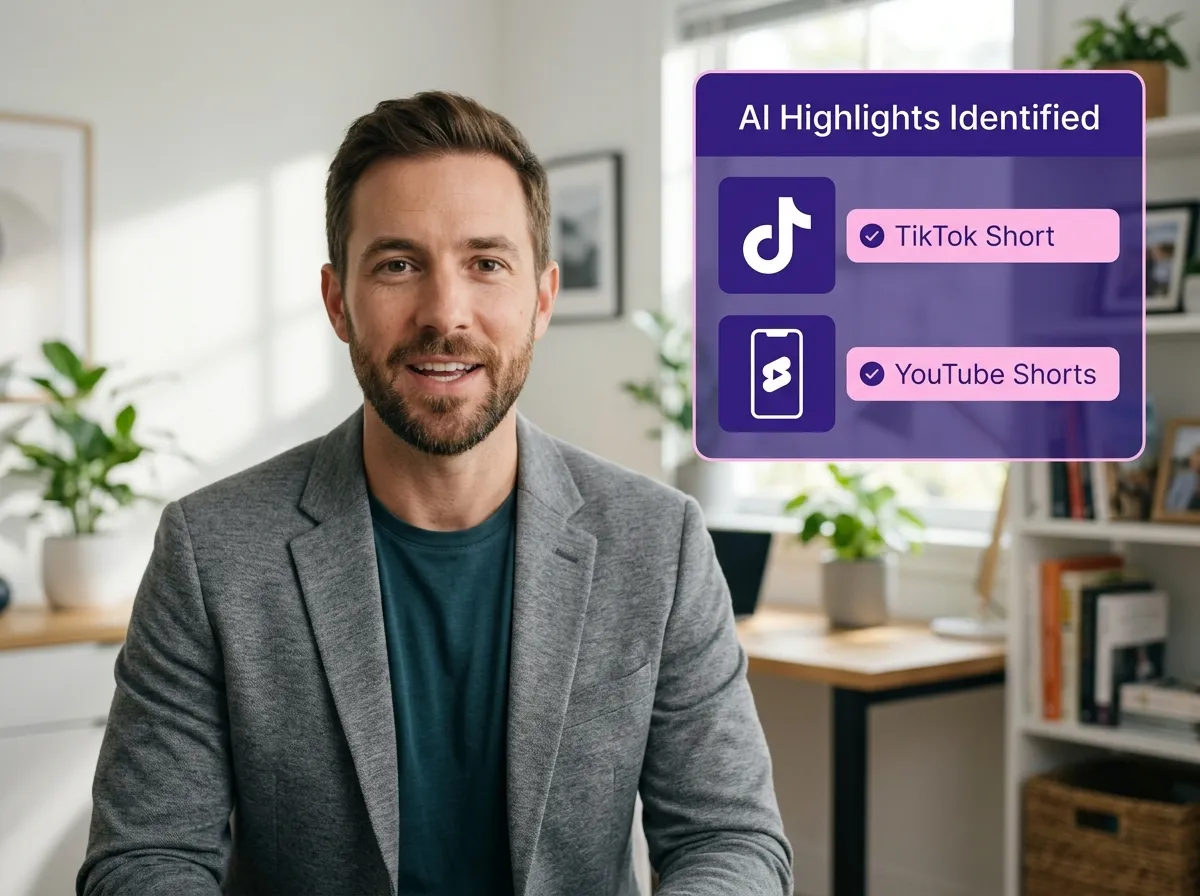



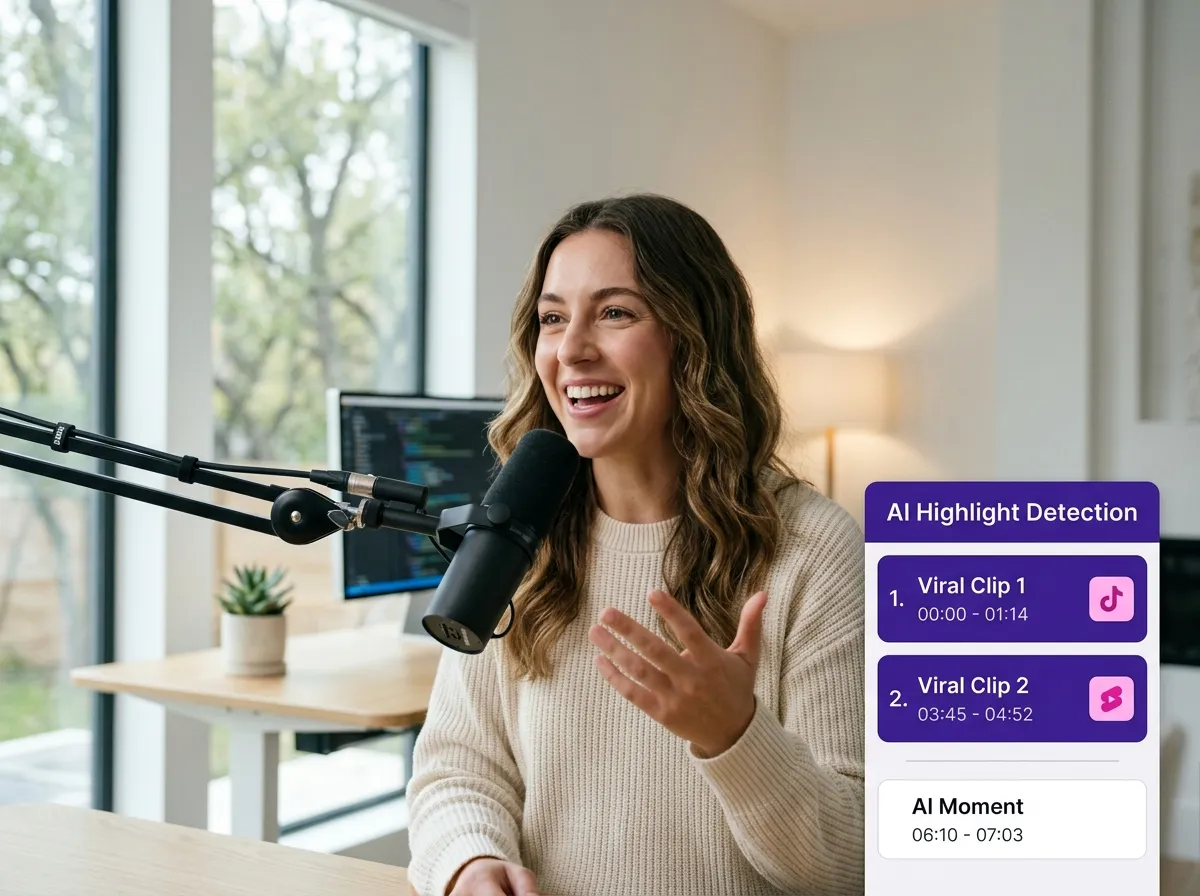
Vizard’s Long Video to Short Video AI uses advanced algorithms to scan your recordings and automatically detect the most engaging highlight moments. Whether it's a webinar, podcast, or interview, Vizard identifies key segments worth sharing, turning hours of content into viral-ready clips in minutes. This feature is a game-changer for social media managers who need to produce high-volume content without manual trimming. By extracting multiple short clips from a single video, you save hours of work while ensuring your audience only sees the most impactful highlights, perfectly tailored for TikTok, Reels, and YouTube Shorts.
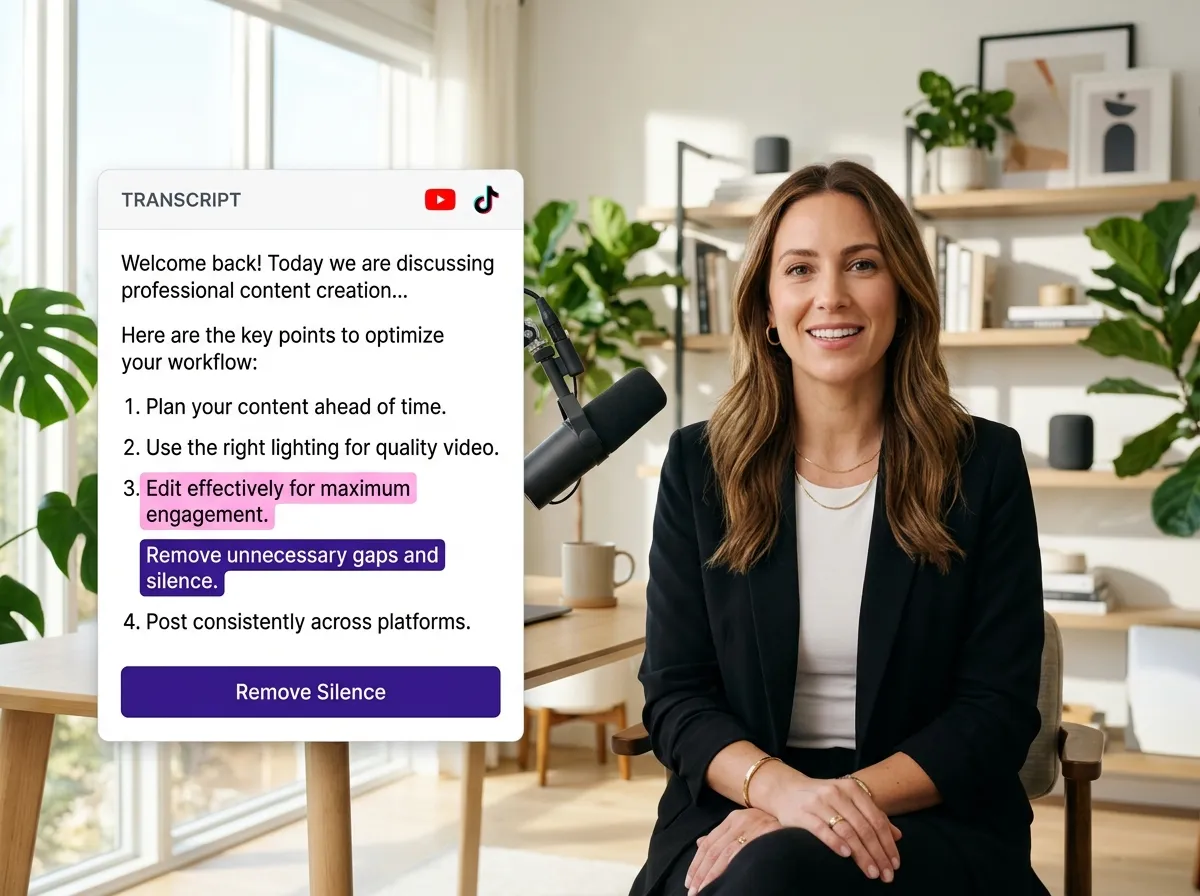
Editing video is as easy as editing a document with Vizard's transcript-based editing. Simply select sentences from the AI-generated transcript to instantly create short clips, or quickly remove silence and bad takes to polish your final product. This intuitive approach allows creators and marketers to refine their Long Video to Short Video AI outputs without needing complex timeline skills. It’s perfect for cleaning up long-form meetings or livestreams. Vizard makes video editing accessible for everyone, enabling you to produce professional, concise segments that keep viewers engaged from start to finish.
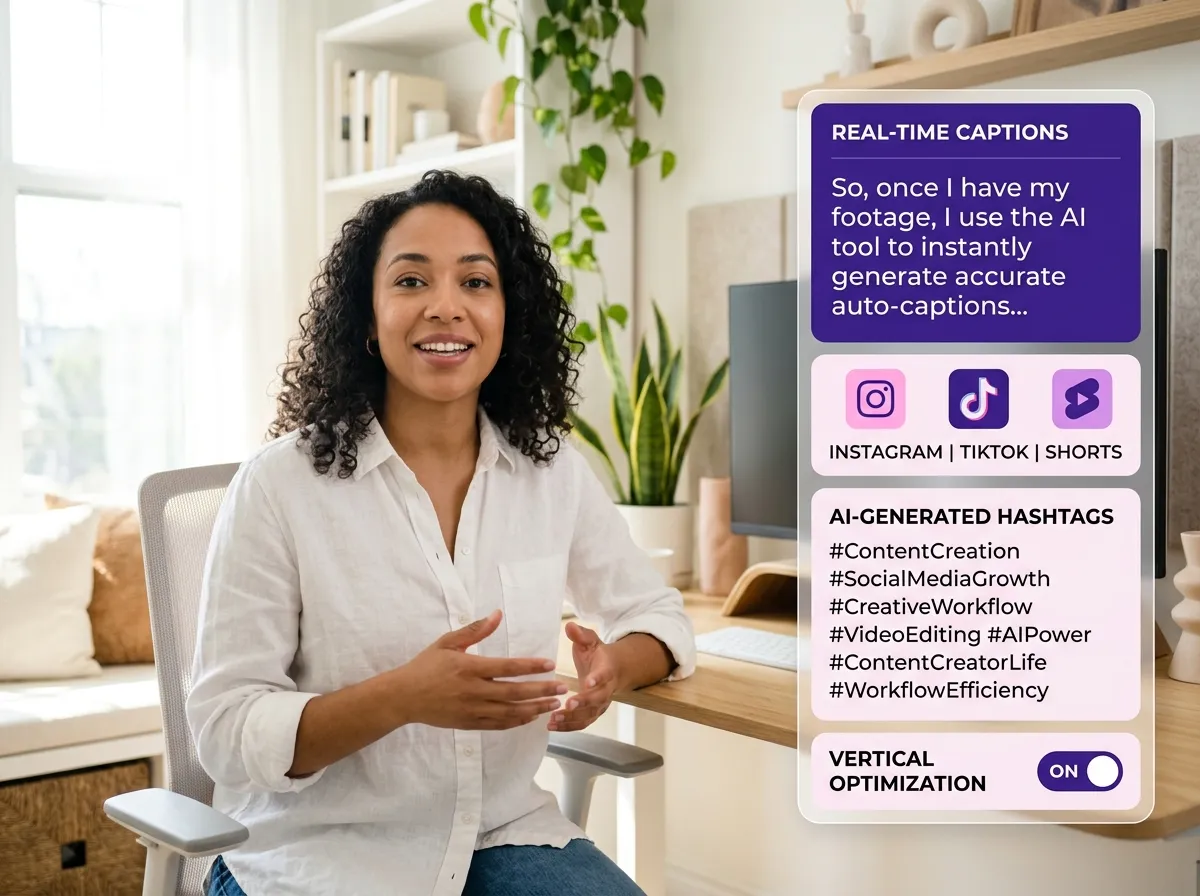
Elevate your content with Vizard’s automatic captioning and platform-specific optimization. Our Long Video to Short Video AI transforms horizontal recordings into vertical videos optimized for Instagram Reels, TikTok, and YouTube Shorts. Vizard also generates high-accuracy subtitles to improve accessibility and viewer retention, even when audio is muted. Additionally, the tool provides AI-generated captions and hashtags, streamlining your publishing workflow. This is ideal for content creators looking to maximize their reach across social platforms with minimal effort, ensuring every clip is formatted for success and discoverability.
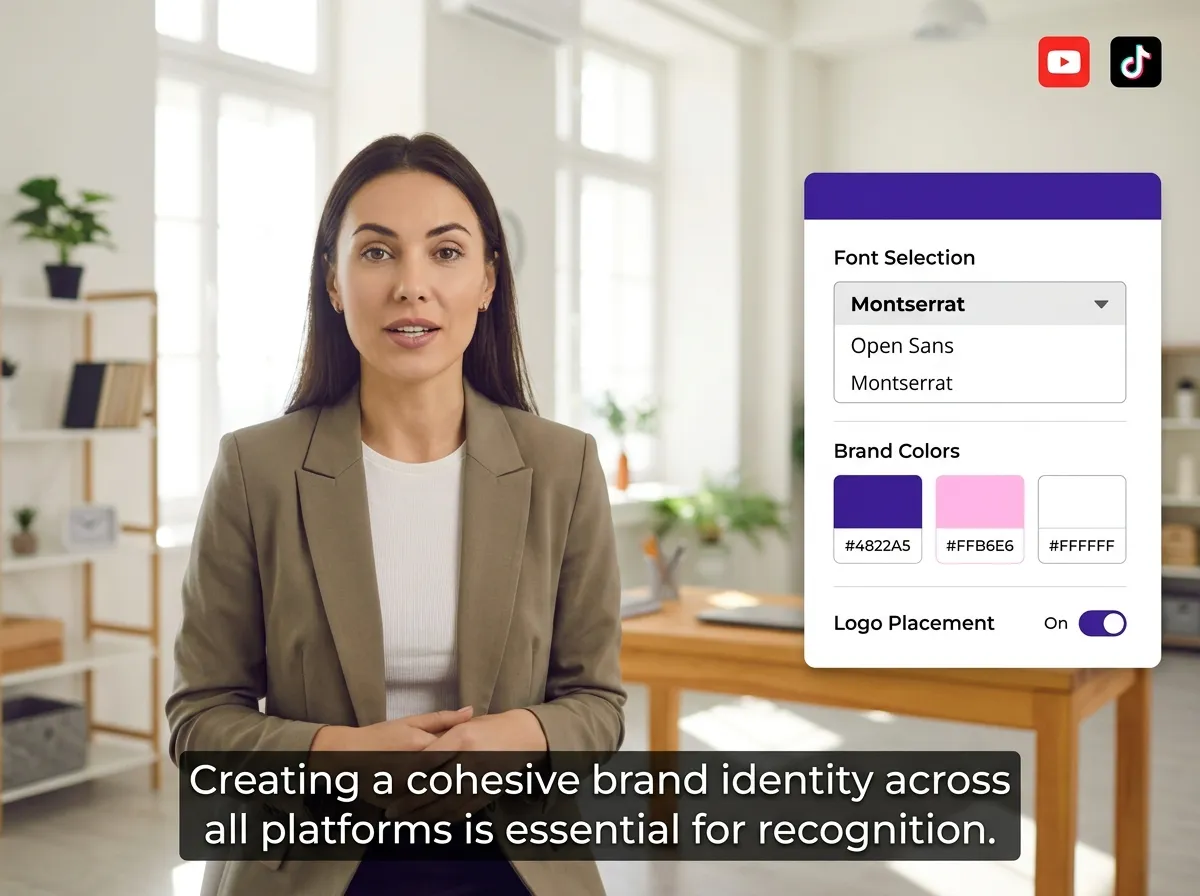
Maintain a consistent visual identity across all your social clips with Vizard’s custom branding tools. With our Long Video to Short Video AI, you can easily apply your brand's unique fonts, colors, logos, and subtitle styles to every video you create. This ensures that every piece of content you share reflects your professional image. Whether you are an e-commerce owner or a corporate marketer, Vizard provides the flexibility to adjust layouts and styles to match your brand guidelines. Create high-quality, branded short videos that stand out in crowded feeds and reinforce brand recognition.
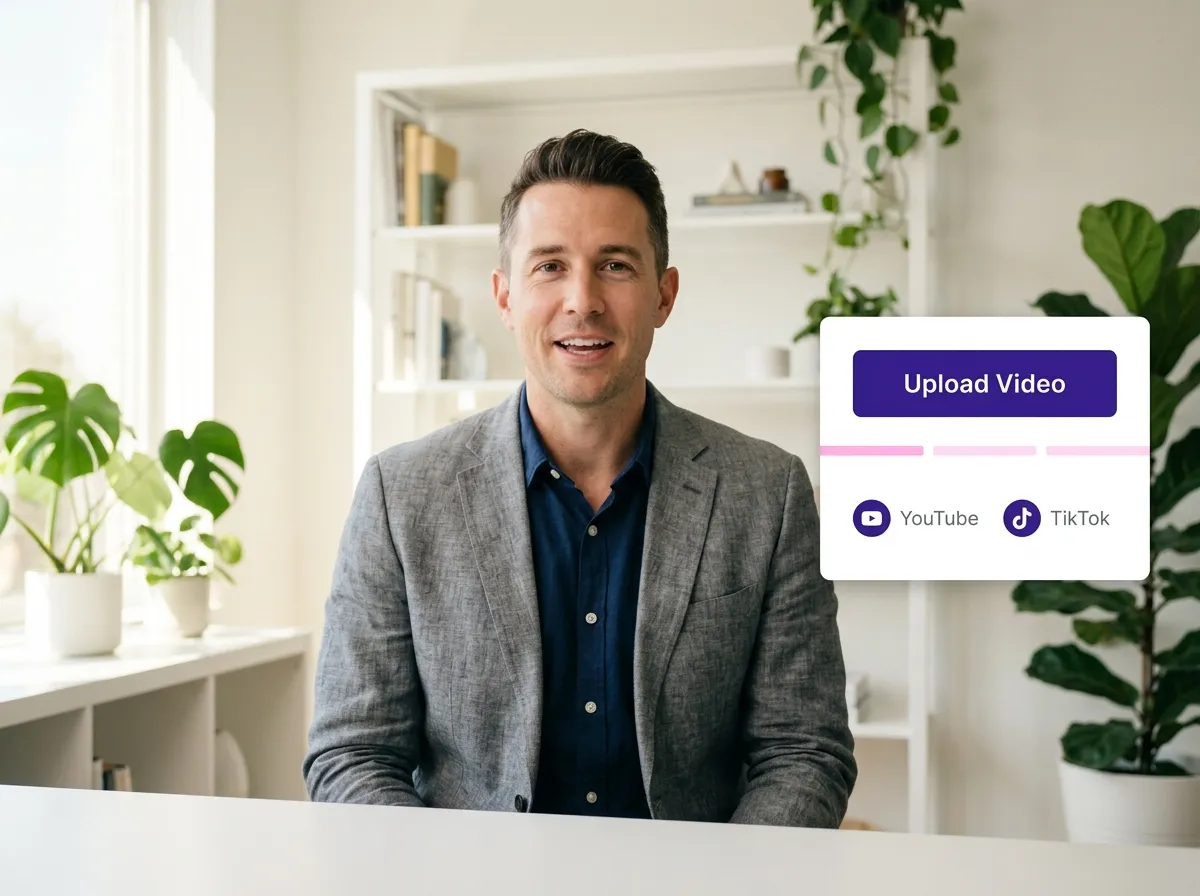
Start by uploading your webinar, podcast recording, interview, or meeting video. Simply drag and drop your file or paste a link to get started in seconds.
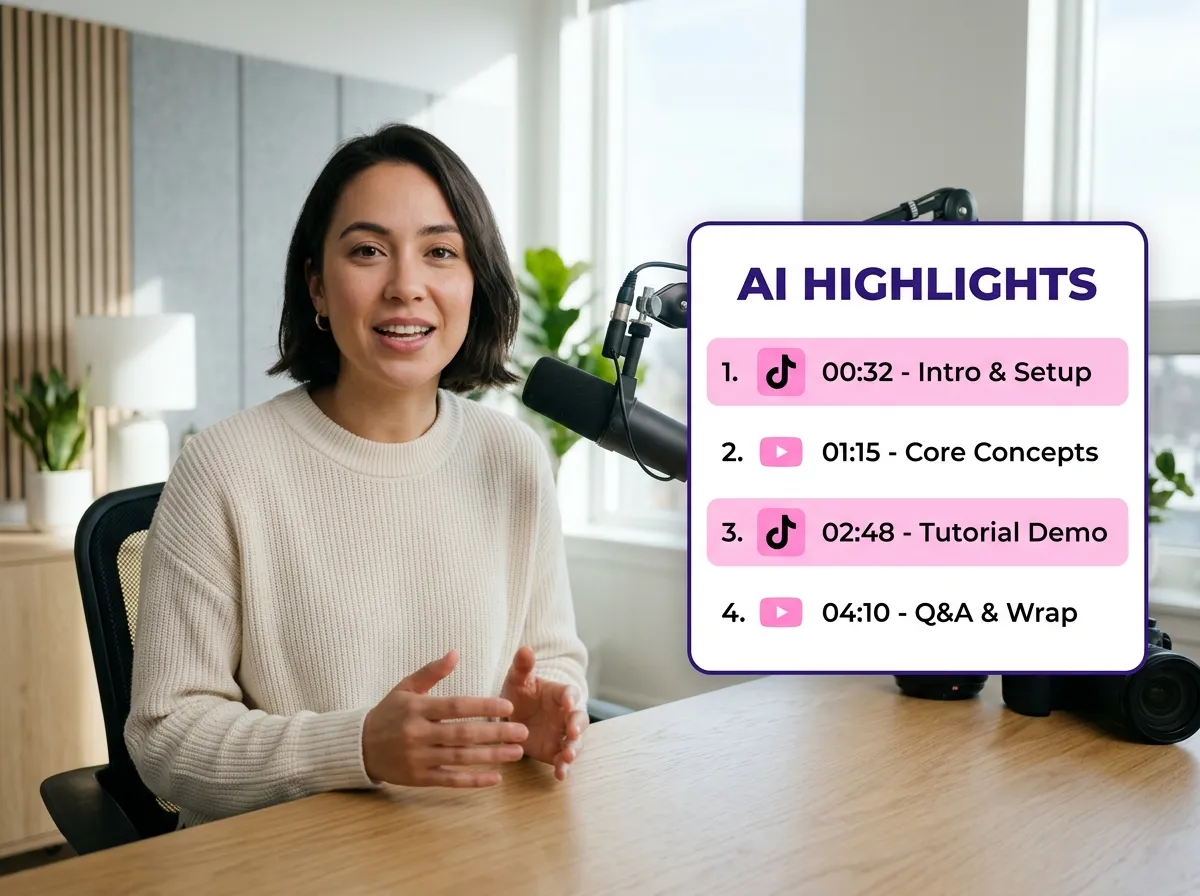
Vizard's advanced AI scans your footage to automatically identify the most engaging and important moments, saving you hours of manual editing and review time.
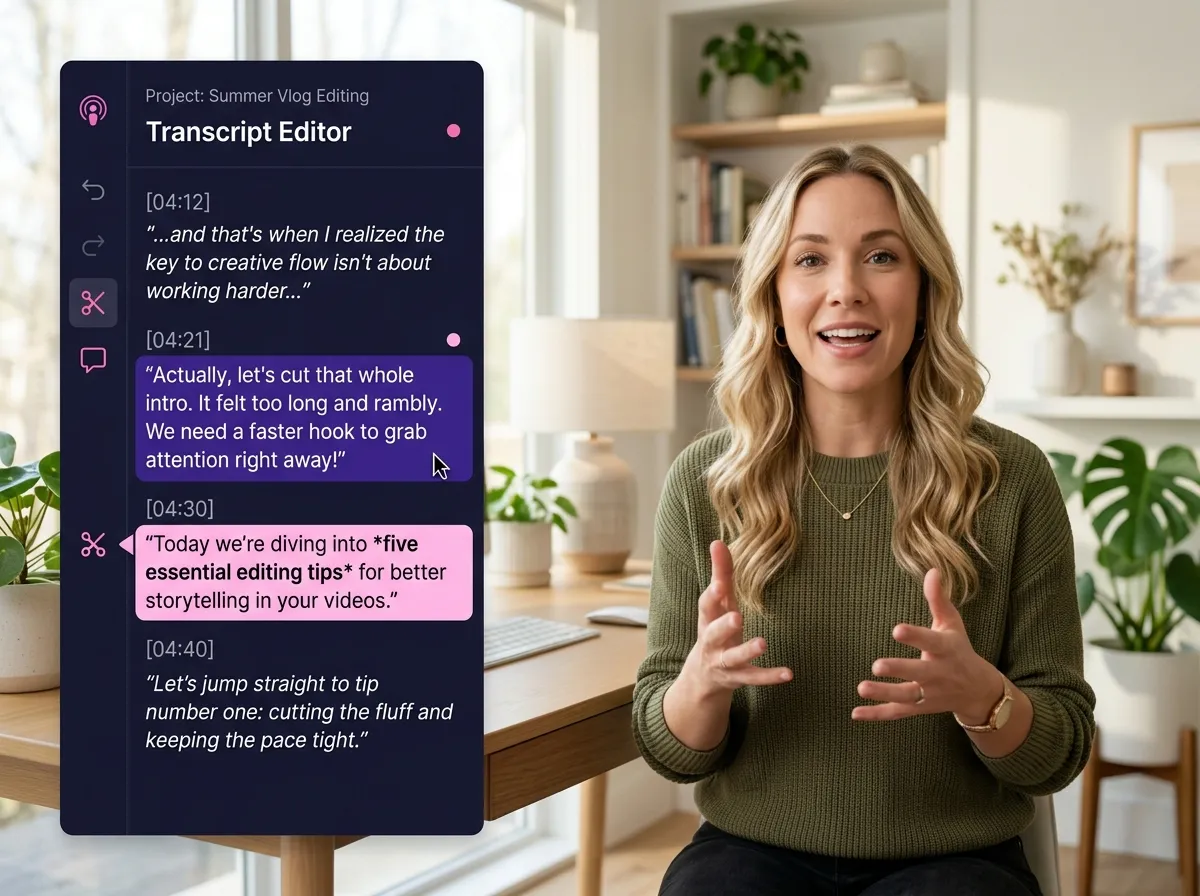
Review the AI-suggested clips or refine them using Vizard's transcript-based editor. Just select the text you want to keep, and the video updates instantly.
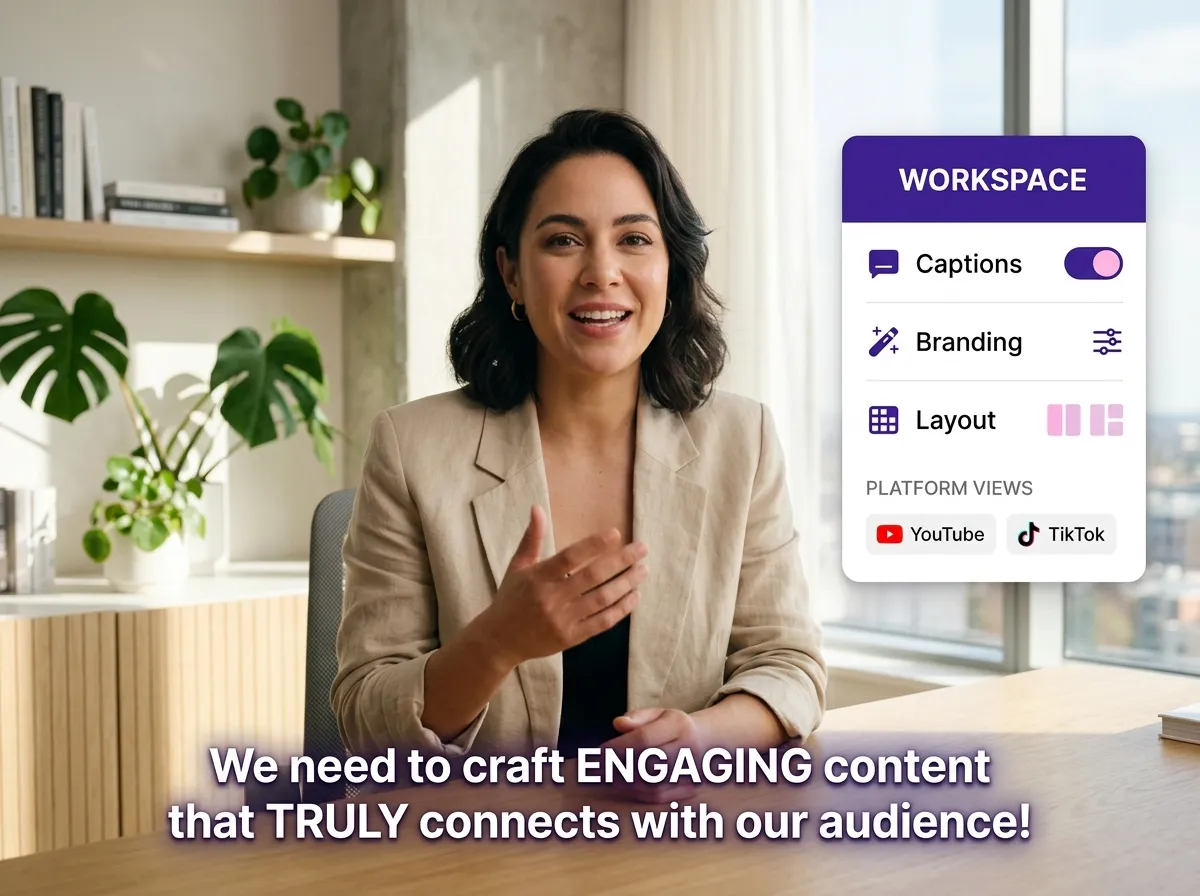
Enhance your clips with auto-captions, brand colors, and logos. Adjust layouts to ensure your videos are perfectly optimized for TikTok, Instagram Reels, and YouTube Shorts.
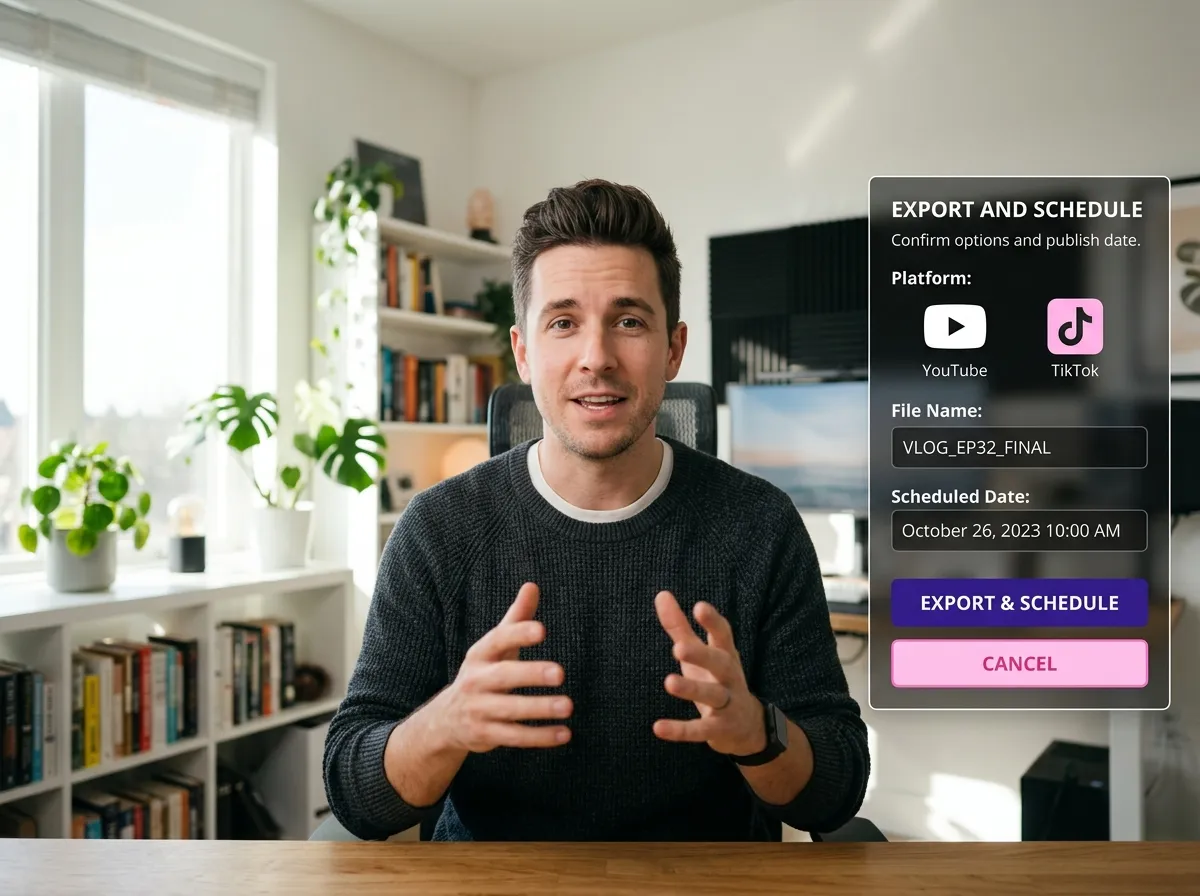
Once your clips are ready, download them in high quality or use Vizard's scheduler to publish them directly to your favorite social media platforms.
Turn one video into 10+ Instagram Reels with AI.
With just a few clicks, you can download or share your videos with your friends or team members with a link.
Turn your videos and audios into Reels, Stories, posts, and more in one click.
Effortlessly plan, schedule, and auto-generate engaging AI-driven posts, and publish your Instagram Reels along with the perfect captions.
Add dynamic subtitles for your videos automatically, all in the browser.
Bring your team together by inviting collaborators to work on your projects, in one workspace.
Effortlessly translate your video content into 130+ languages, expanding your global reach with just a few clicks.
Enhance your video's visual appeal and brand identity with ease by adding logos, images, outros, and custom fonts to your videos.


How does the AI identify highlight moments in my long video?
What types of videos work best with this tool?
Can I manually select which parts of the video to clip?
Does the tool add subtitles automatically?
Can I customize the branding of my short clips?
How long does it take to turn a long video into short clips?
How does the AI identify highlight moments in my long video?
What types of videos work best with this tool?
Can I manually select which parts of the video to clip?
Does the tool add subtitles automatically?
Can I customize the branding of my short clips?
How long does it take to turn a long video into short clips?

 Yao Wang
Yao Wang

Yao Wang

Yao Wang

Yao Wang


















