

NEW
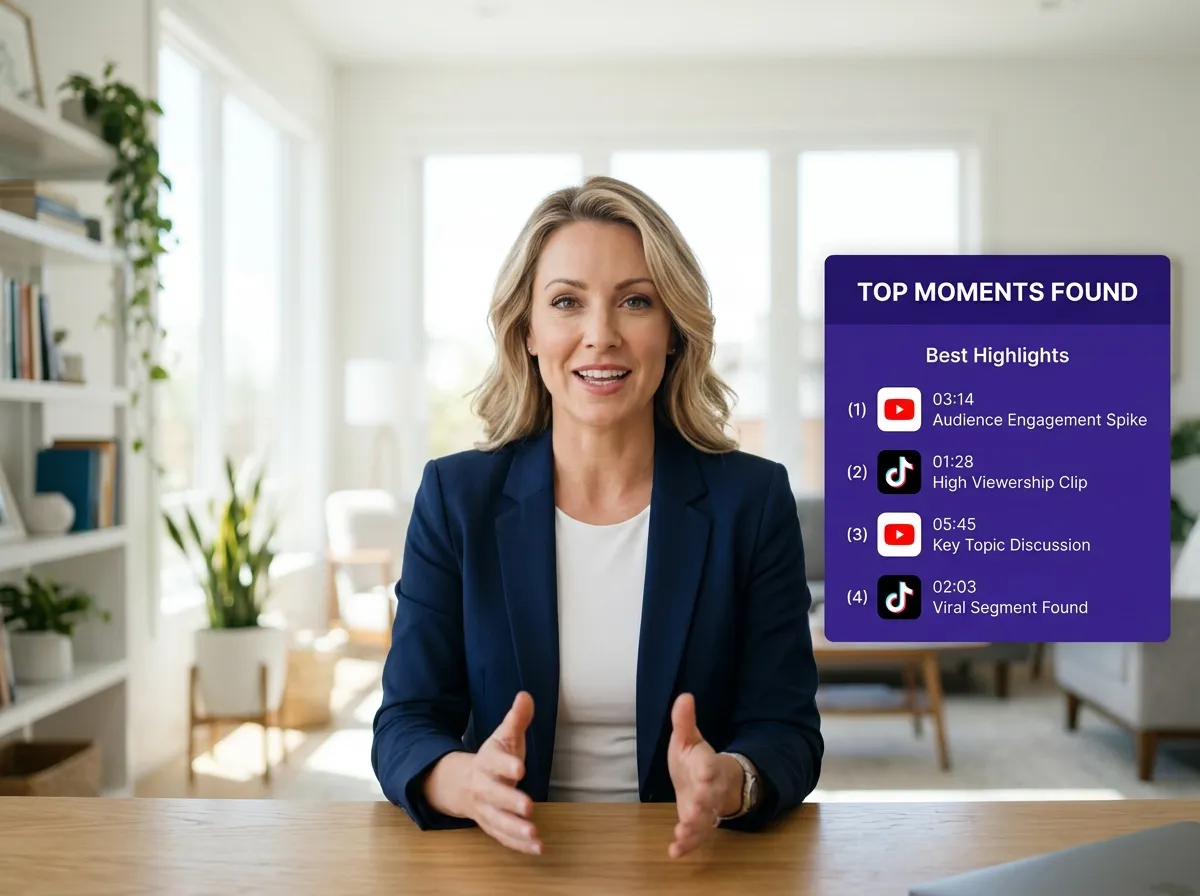



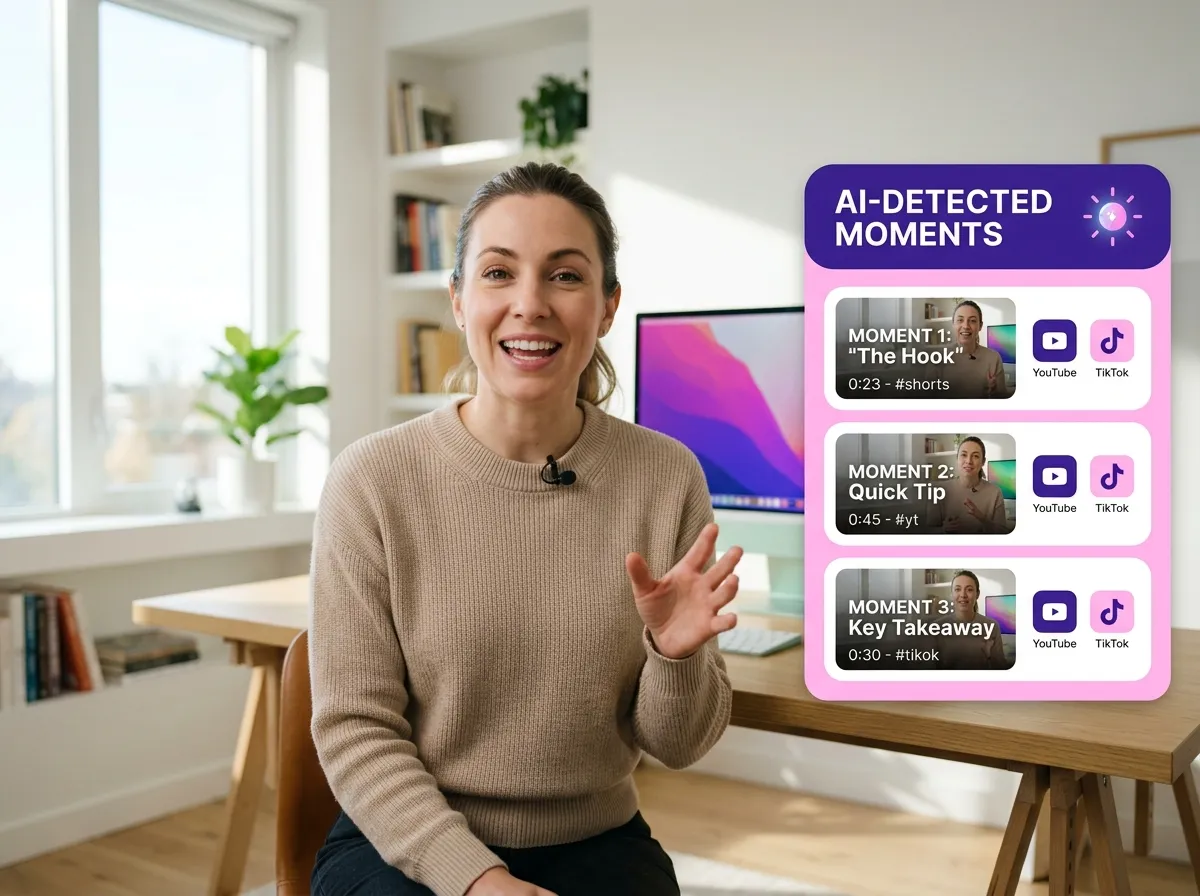
Vizard's Find Good Clips tool uses advanced AI to automatically detect engaging moments in your footage. By scanning for peak engagement signals, Vizard eliminates manual scrubbing and ensures you never miss a viral-worthy segment. This feature is perfect for social media managers needing to transform hours of raw video into potential hits instantly. Save time and focus on your content strategy while Vizard handles the discovery.
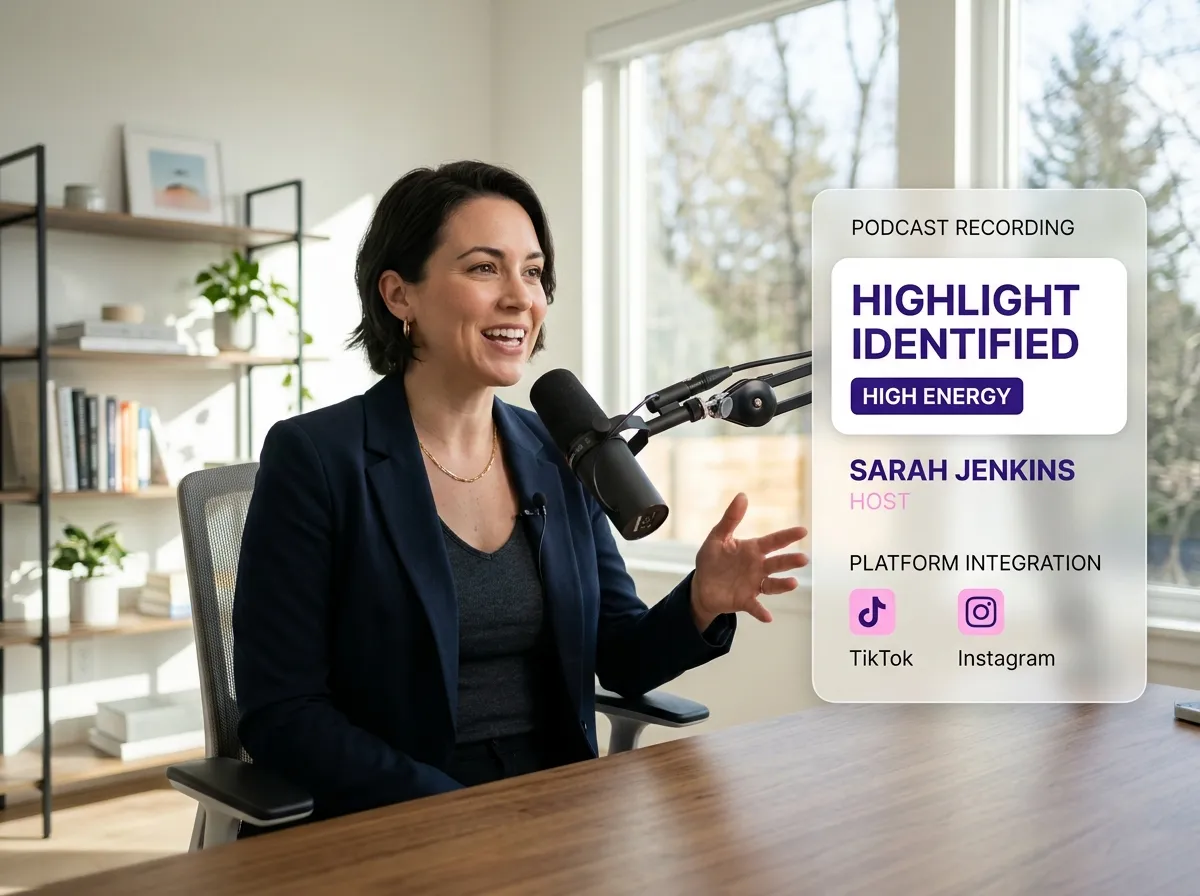
Identifying video highlights is effortless with Vizard. Our system analyzes speaker energy and content clarity to surface the most compelling segments. This Find Good Clips functionality goes beyond simple cuts, capturing the nuances that resonate with audiences. Ideal for podcasters and influencers, Vizard ensures your clips maintain high engagement on TikTok and Instagram Reels by targeting profound insights and high-energy moments with precision.
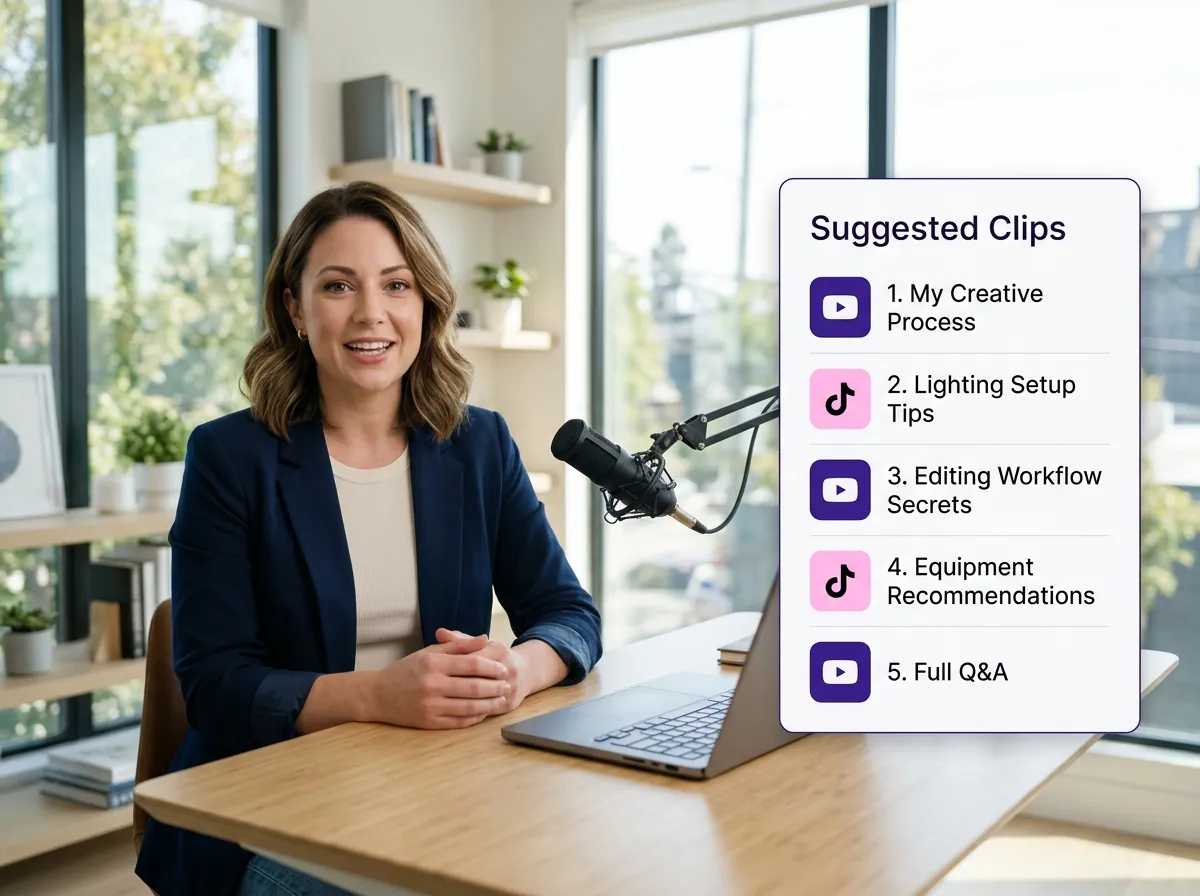
Vizard simplifies your workflow by creating ready-to-use short clips optimized for social media. The Find Good Clips tool doesn't just find moments; it prepares them for platforms like YouTube Shorts and LinkedIn. For busy educators and creators, this means your best content is always shareable. Automate the extraction process and maintain a consistent posting schedule without a full production team, maximizing your reach effortlessly.
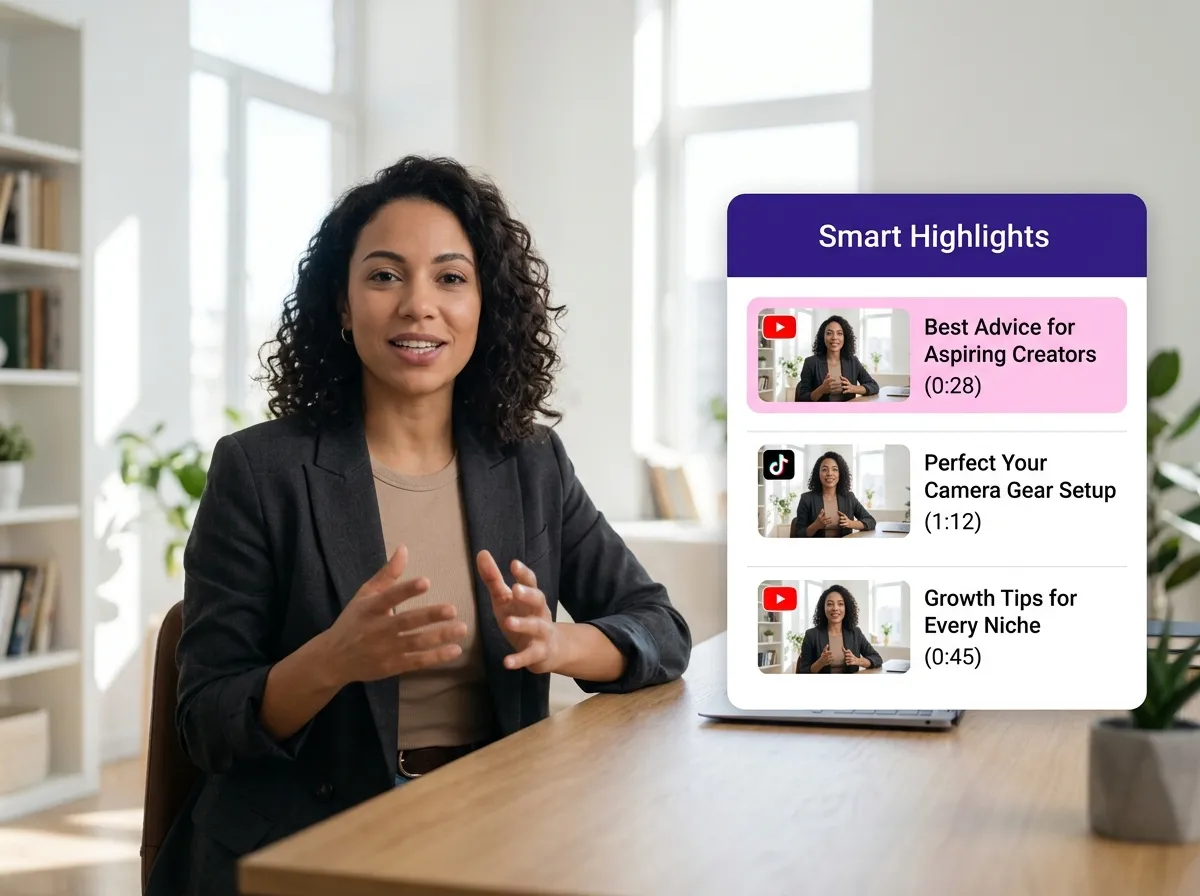
Boost your productivity with Vizard's Find Good Clips tool, which eliminates the tedious task of manually watching long-form content. By automatically processing videos, Vizard identifies standout segments in minutes. This efficiency is a game-changer for marketing agencies and production houses handling high volumes. Let Vizard's AI handle the heavy lifting of content selection so you can focus on refining your message and growing your brand.
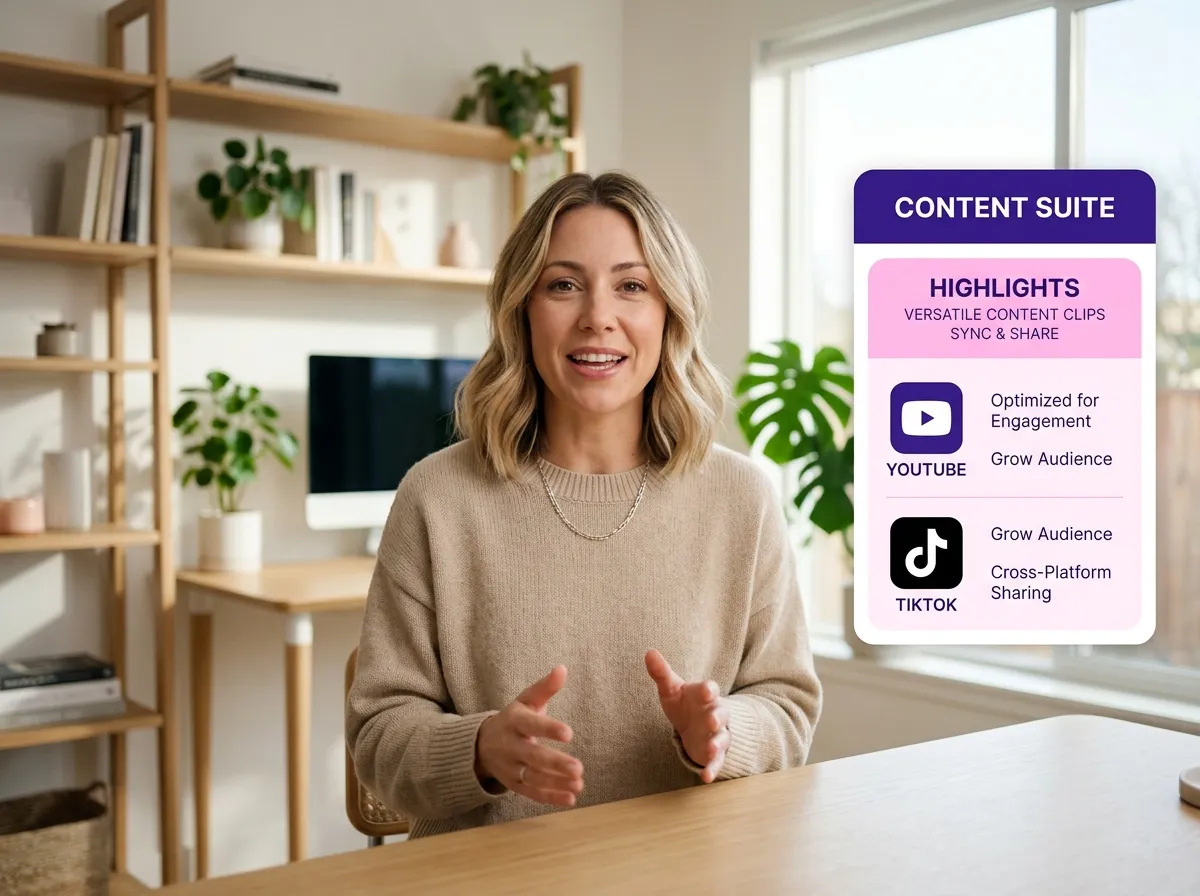
Vizard's Find Good Clips is the ultimate solution for various formats, including interviews, podcasts, and webinars. Whether you're a corporate trainer or a storyteller, Vizard adapts to your style to find the most meaningful moments. This versatility ensures your long-form sessions are repurposed effectively for maximum visibility. Turn any recording into a goldmine of shareable content and reach a wider audience across all major social platforms.
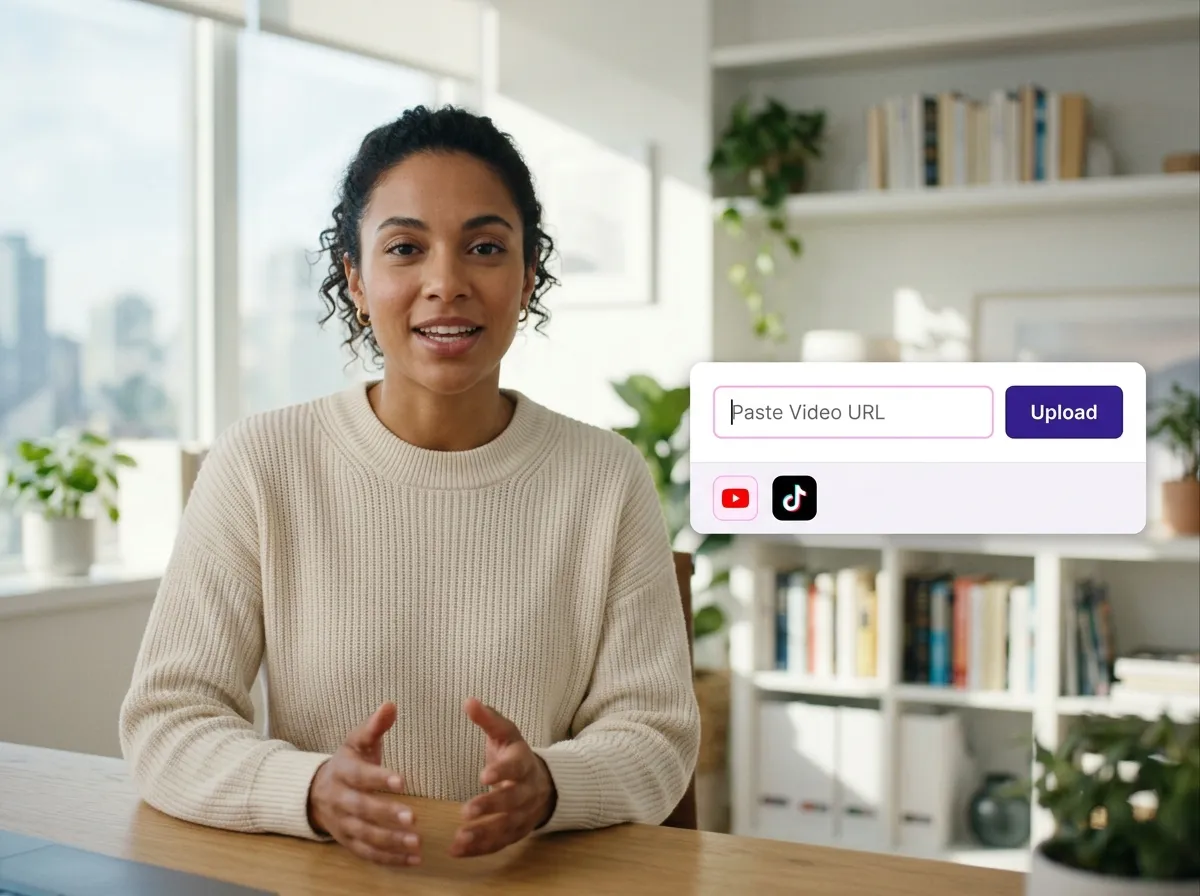
Upload your long-form video file or simply paste a URL from YouTube or other platforms to get started.
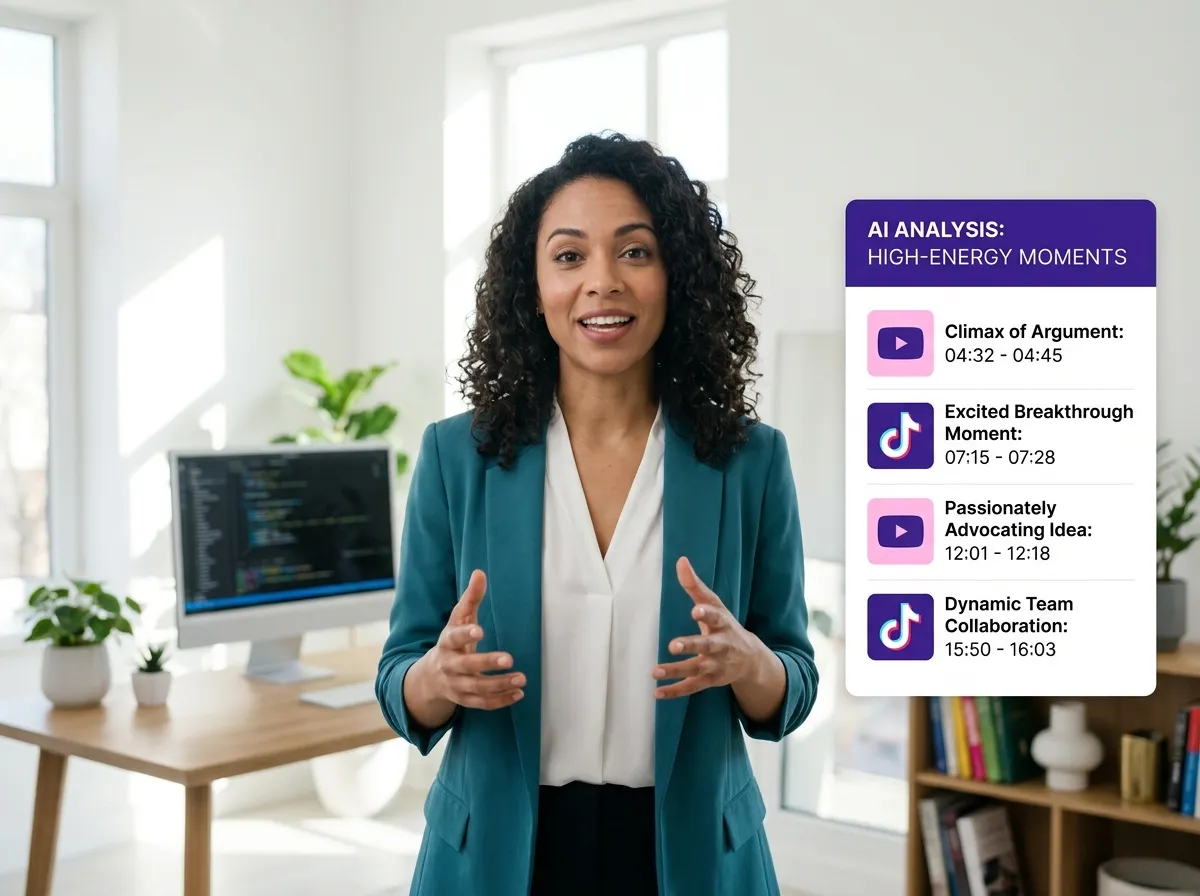
Vizard’s advanced AI automatically analyzes your full footage to identify the most engaging and high-energy moments.
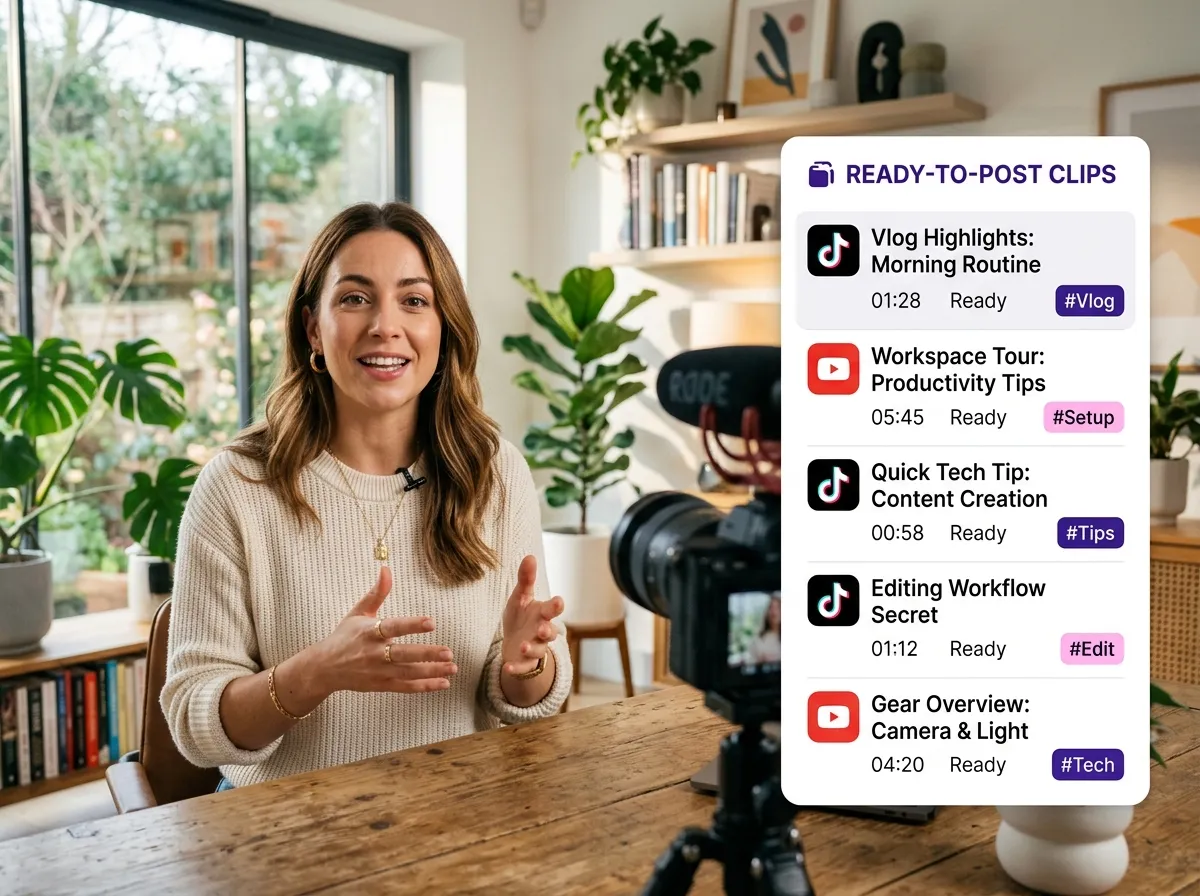
Receive a curated set of high-quality clips, ready for social media, within minutes of processing.
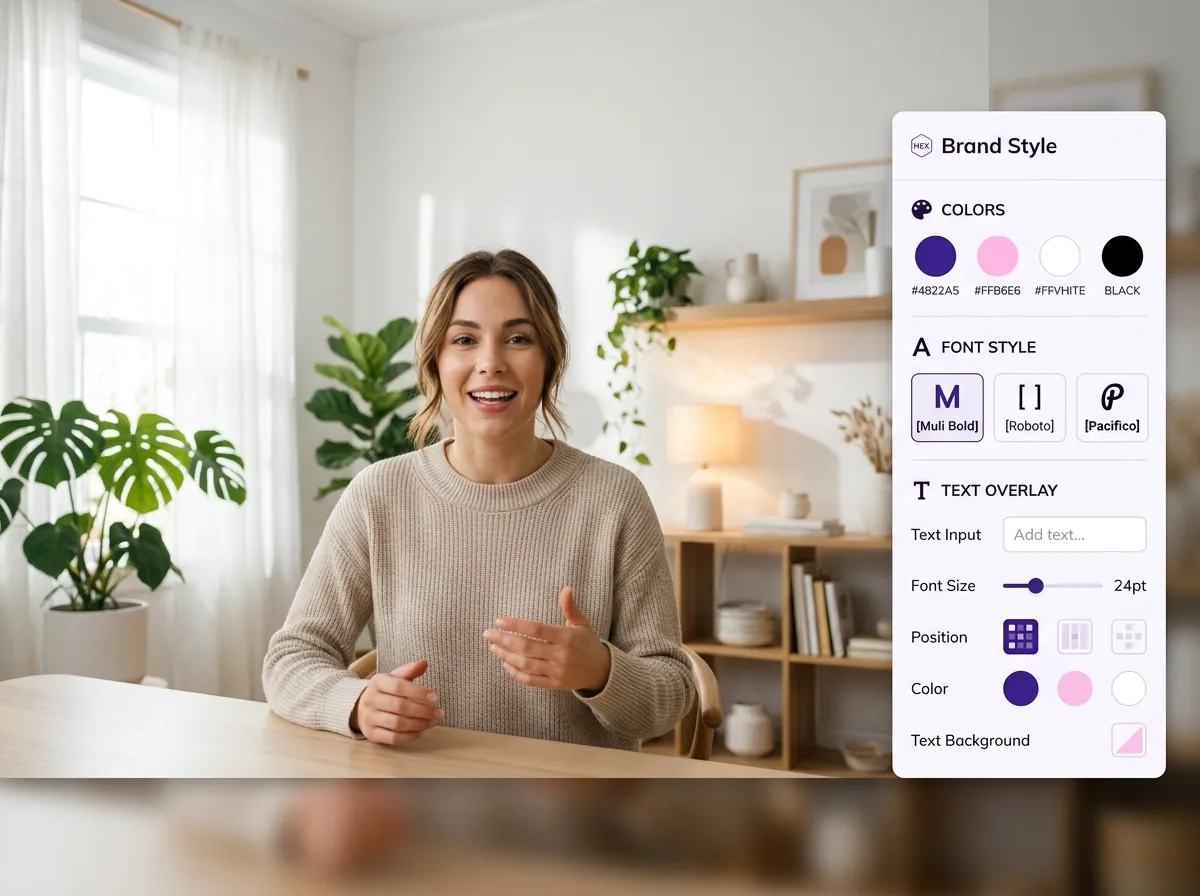
Fine-tune your clips with quick edits or text overlays to ensure they perfectly match your brand’s style.
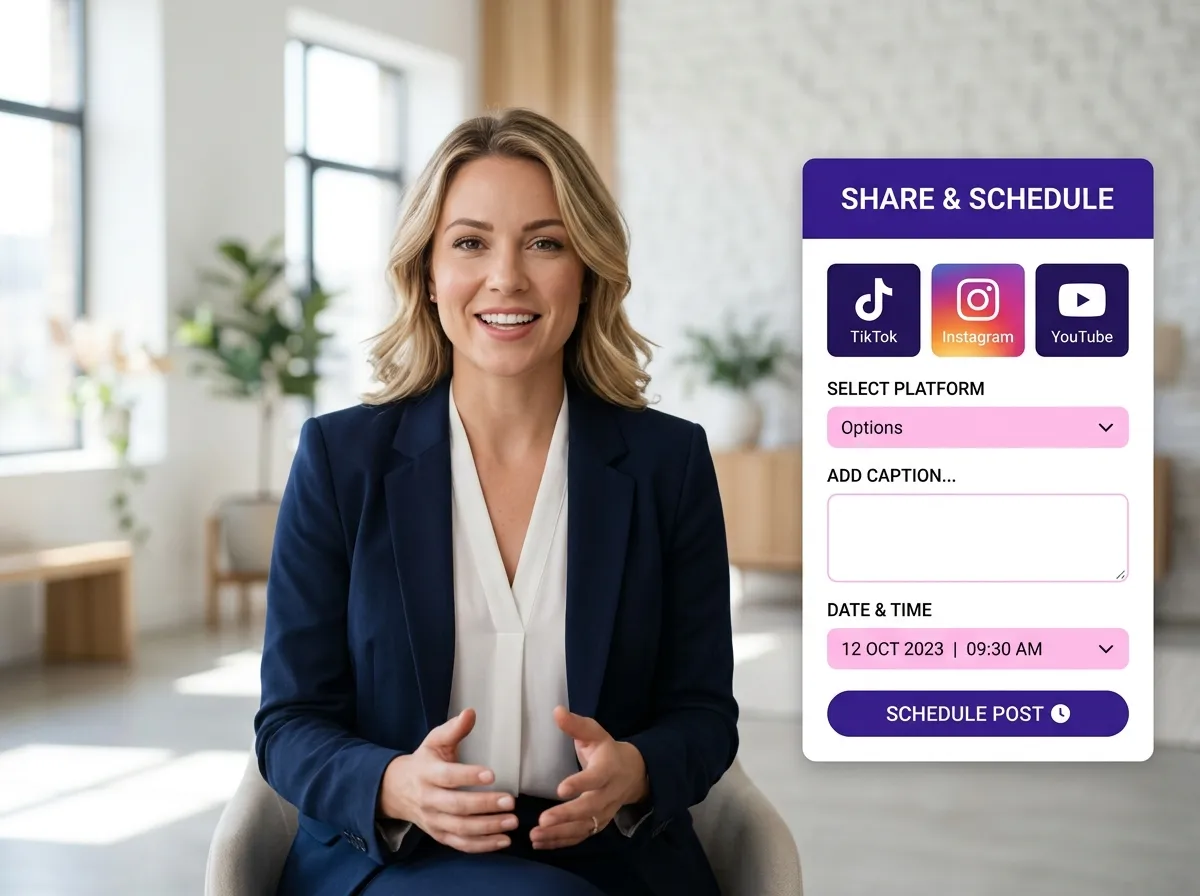
Export your clips, publish them directly to TikTok, Instagram, or YouTube, or schedule them in your content calendar.
Turn one video into 10+ Instagram Reels with AI.
With just a few clicks, you can download or share your videos with your friends or team members with a link.
Turn your videos and audios into Reels, Stories, posts, and more in one click.
Effortlessly plan, schedule, and auto-generate engaging AI-driven posts, and publish your Instagram Reels along with the perfect captions.
Add dynamic subtitles for your videos automatically, all in the browser.
Bring your team together by inviting collaborators to work on your projects, in one workspace.
Effortlessly translate your video content into 130+ languages, expanding your global reach with just a few clicks.
Enhance your video's visual appeal and brand identity with ease by adding logos, images, outros, and custom fonts to your videos.


What exactly does the Find Good Clips tool do?
How does the AI determine which moments are "high-quality"?
What types of videos are best suited for Find Good Clips?
Can I customize or edit the clips once the AI finds them?
How do I share or publish the clips found by the tool?
Is there a limit to the length of video I can upload for clip detection?
What exactly does the Find Good Clips tool do?
How does the AI determine which moments are "high-quality"?
What types of videos are best suited for Find Good Clips?
Can I customize or edit the clips once the AI finds them?
How do I share or publish the clips found by the tool?
Is there a limit to the length of video I can upload for clip detection?

 Yao Wang
Yao Wang

Yao Wang
Yao Wang

Yao Wang


















