

NEW
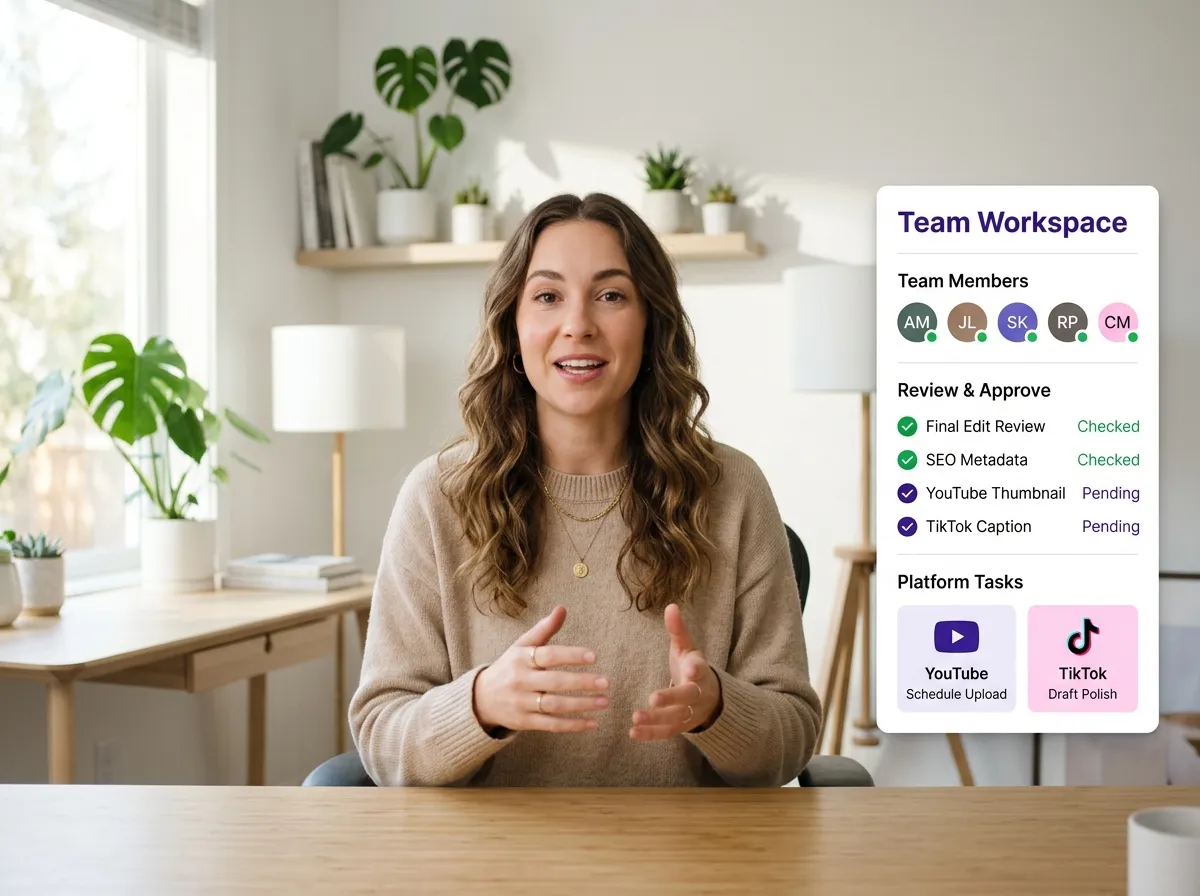



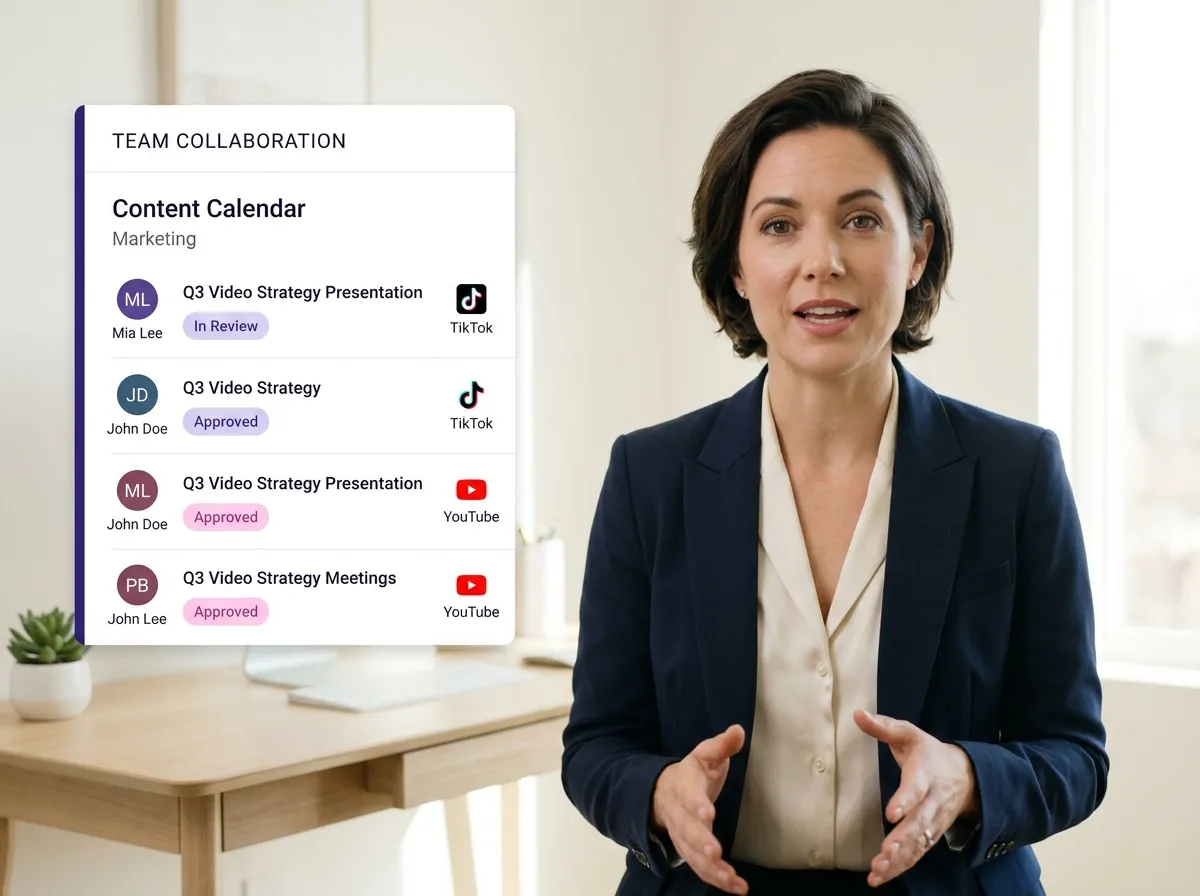
Vizard streamlines teamwork with a centralized Shared Video Workspace. Agencies and creative teams can ditch fragmented workflows, managing video projects in one unified hub. This collaborative environment allows stakeholders to access assets and maintain brand consistency across TikTok and LinkedIn campaigns. Ideal for social media managers, it eliminates version control issues and saves hours of coordination. Experience seamless collaboration that keeps your entire team aligned and productive.
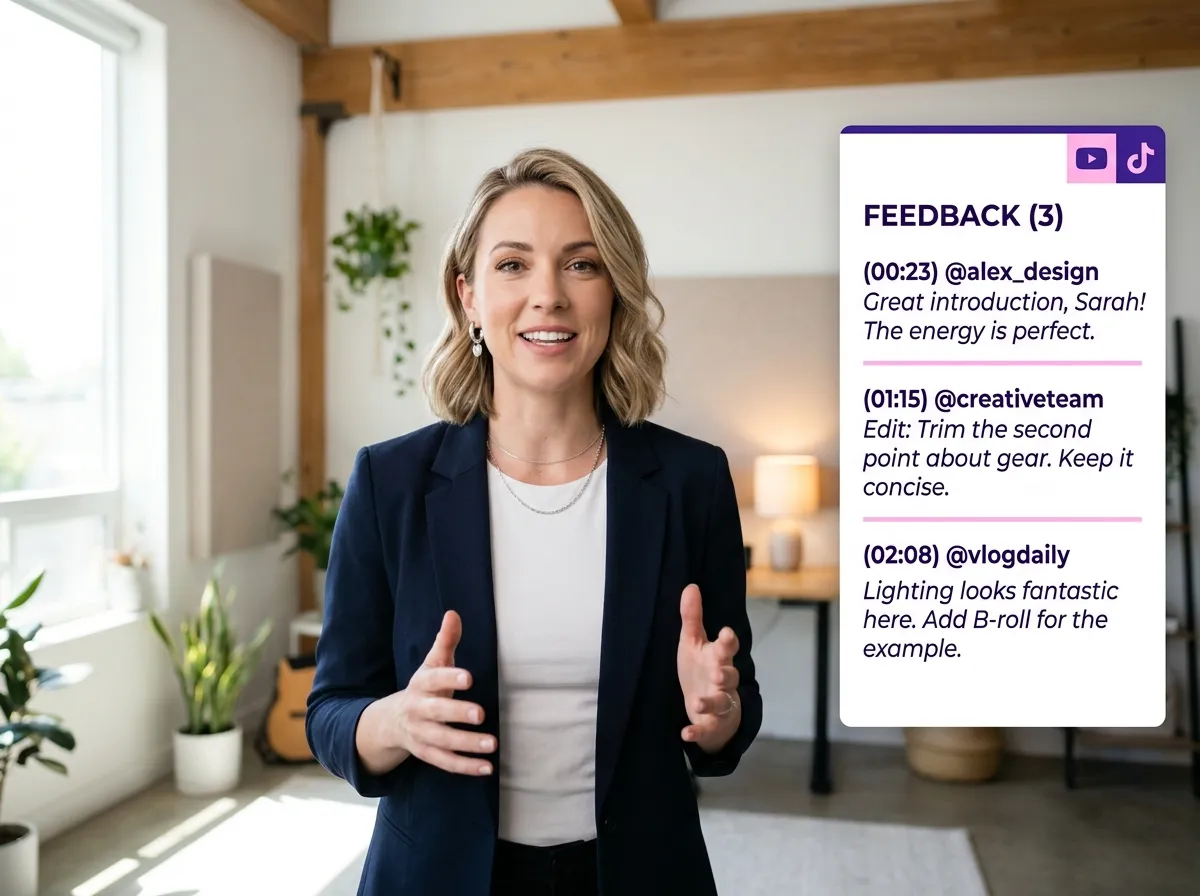
Accelerate approval cycles with Vizard’s Team-Based Video Review system. Stop chasing feedback across emails; instead, leave time-stamped comments directly on the video timeline. Perfect for marketing teams producing Instagram Reels or YouTube Shorts, this tool ensures every revision is tracked and addressed. Vizard centralizes feedback, leading to faster sign-offs and higher-quality output. It’s an essential feature for fast-paced agencies needing precise, actionable feedback to meet tight deadlines.
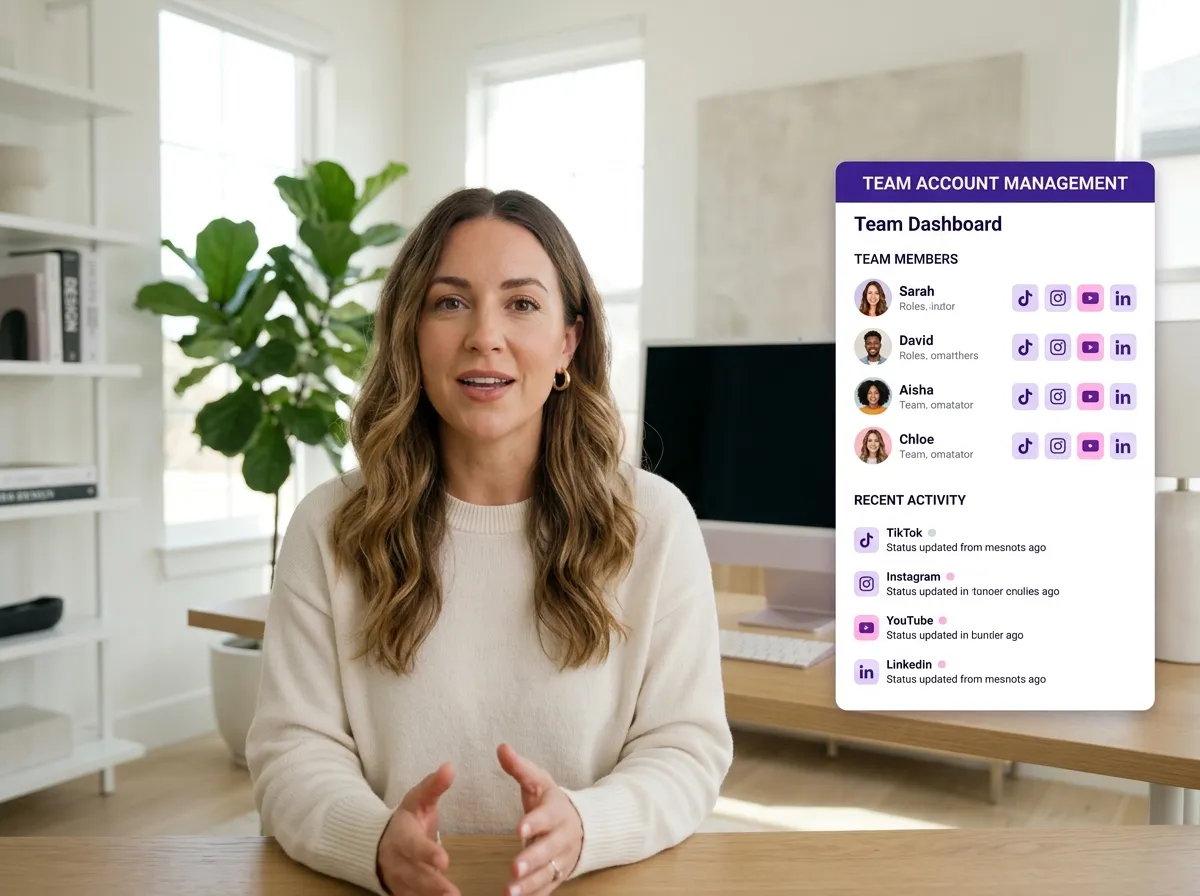
Empower your team with Vizard’s Shared Social Media Account Management. Securely connect accounts for TikTok, Instagram, and YouTube from a single team setup, eliminating the need to share sensitive login credentials. This feature enables smooth transitions from collaborative video editing to multi-channel distribution. Particularly valuable for UGC campaigns, Vizard ensures a secure and efficient workflow, allowing multiple creators to publish content directly to official brand handles.
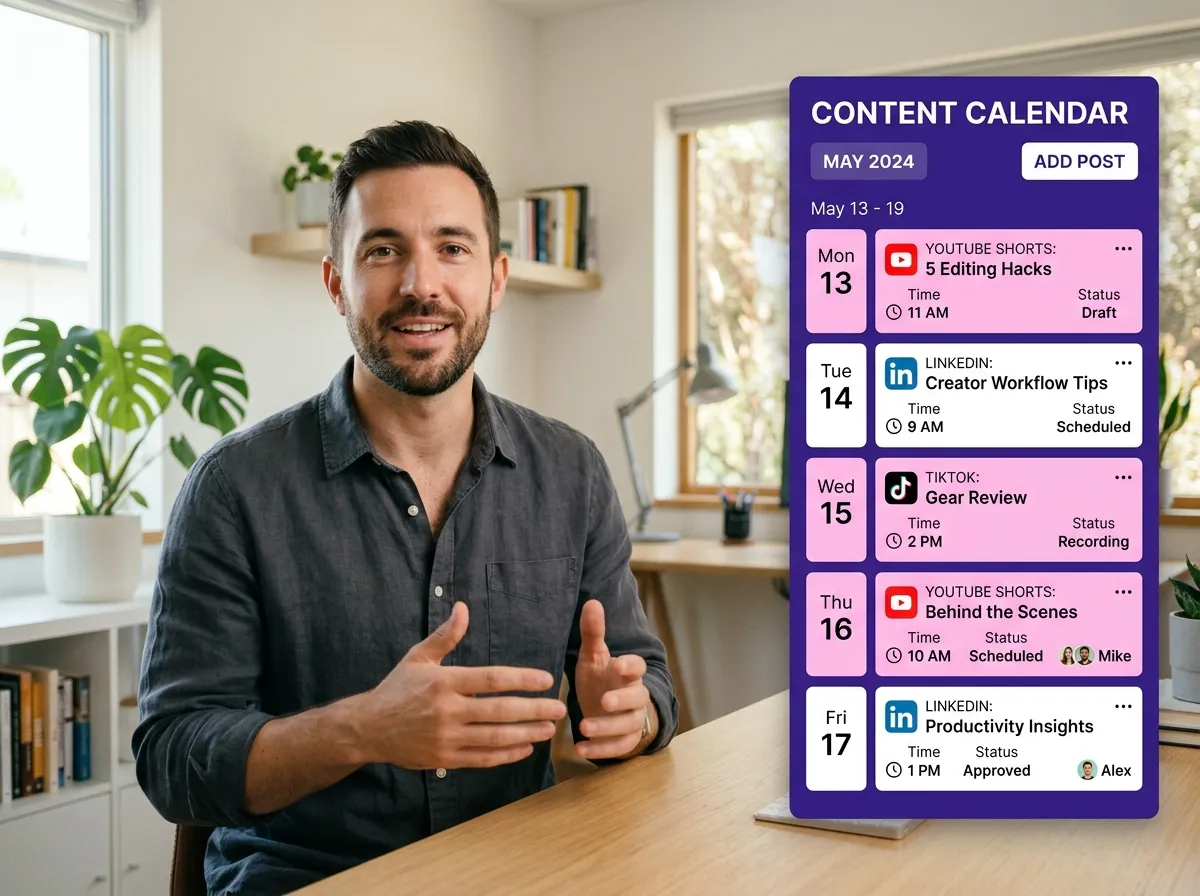
Master your publishing schedule with Vizard’s Collaborative Content Calendar. Teams can jointly plan and execute social media strategies across LinkedIn and YouTube Shorts using a shared visual interface. By integrating planning directly with your video editing workspace, Vizard provides a holistic view of your marketing pipeline. It’s the ideal solution for creators and managers to align on upcoming launches, ensuring a consistent and professional brand presence across all digital channels.
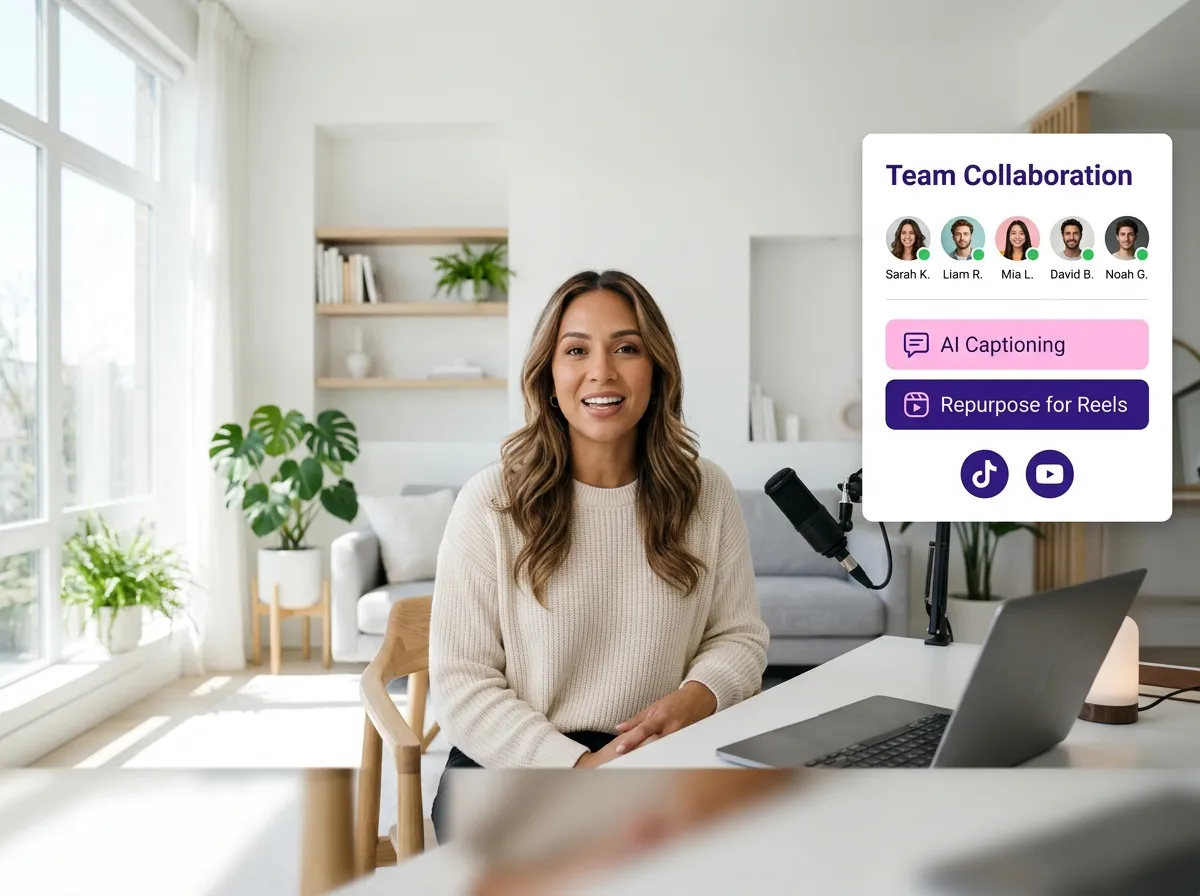
Vizard brings professional efficiency to your process with Real-Time Video Editing Collaboration. Multiple team members can simultaneously trim, caption, and repurpose long-form content into viral clips for TikTok and Reels. This game-changing feature for podcast producers and editors significantly reduces production time by enabling parallel workflows in a single workspace. Experience the power of collaborative AI video editing where every contribution polishes the final product for maximum engagement.
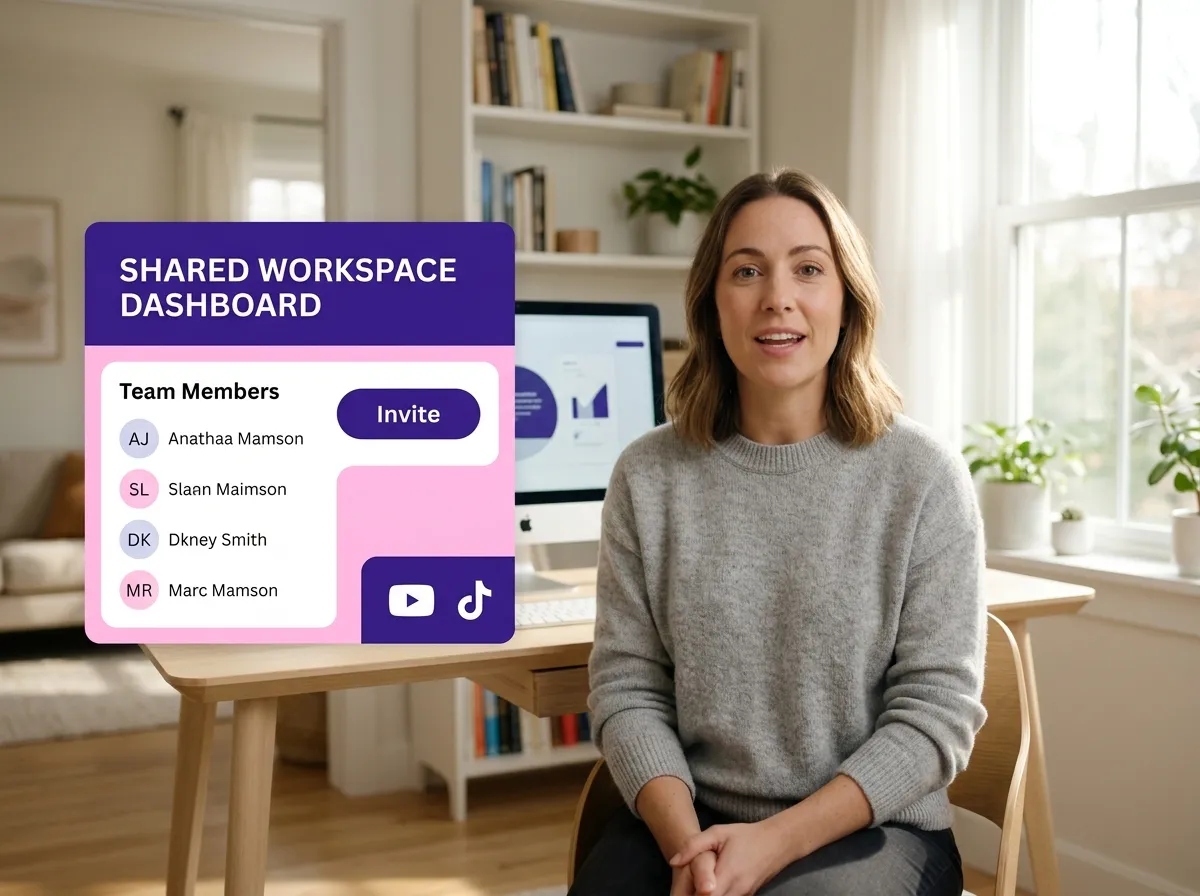
Start by creating a dedicated Vizard workspace or joining an existing one. Invite your team members, agency partners, or fellow creators to build a centralized hub for all your video projects and streamline your communication.
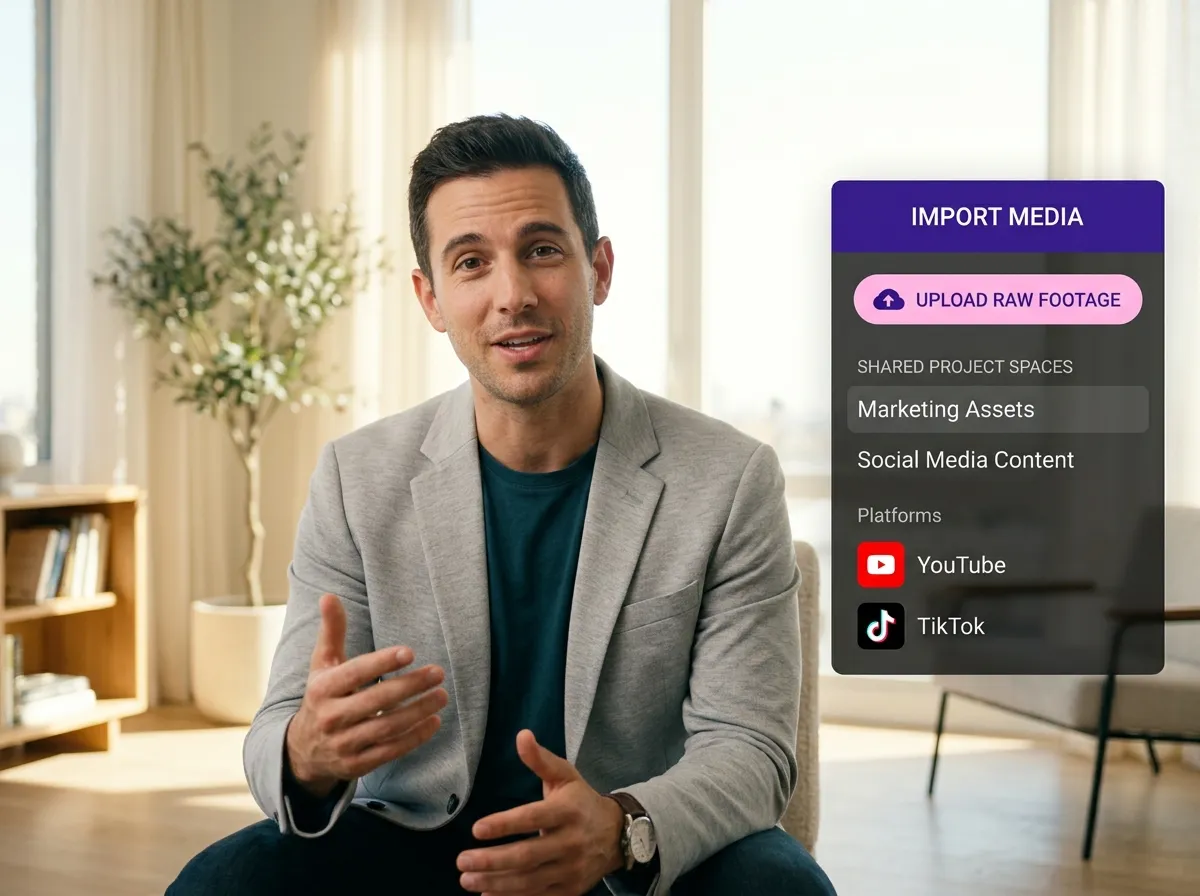
Easily upload your raw footage or import videos directly into your shared project space. Centralizing your assets ensures every team member has instant access to the content they need, eliminating the back-and-forth of file sharing.
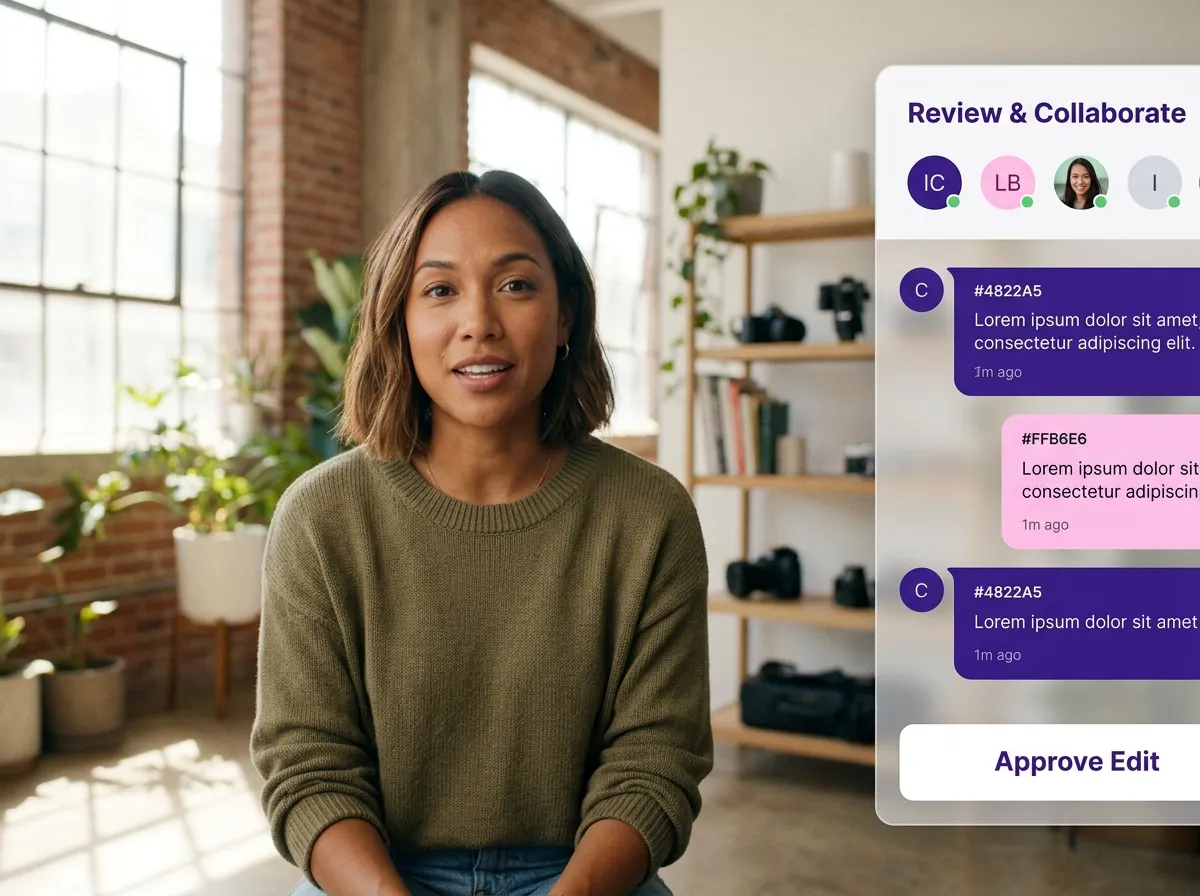
Work together in real time to trim, caption, and refine your videos. Use integrated feedback tools to leave comments and approve edits directly inside the project, ensuring a seamless and rapid production workflow from start to finish.
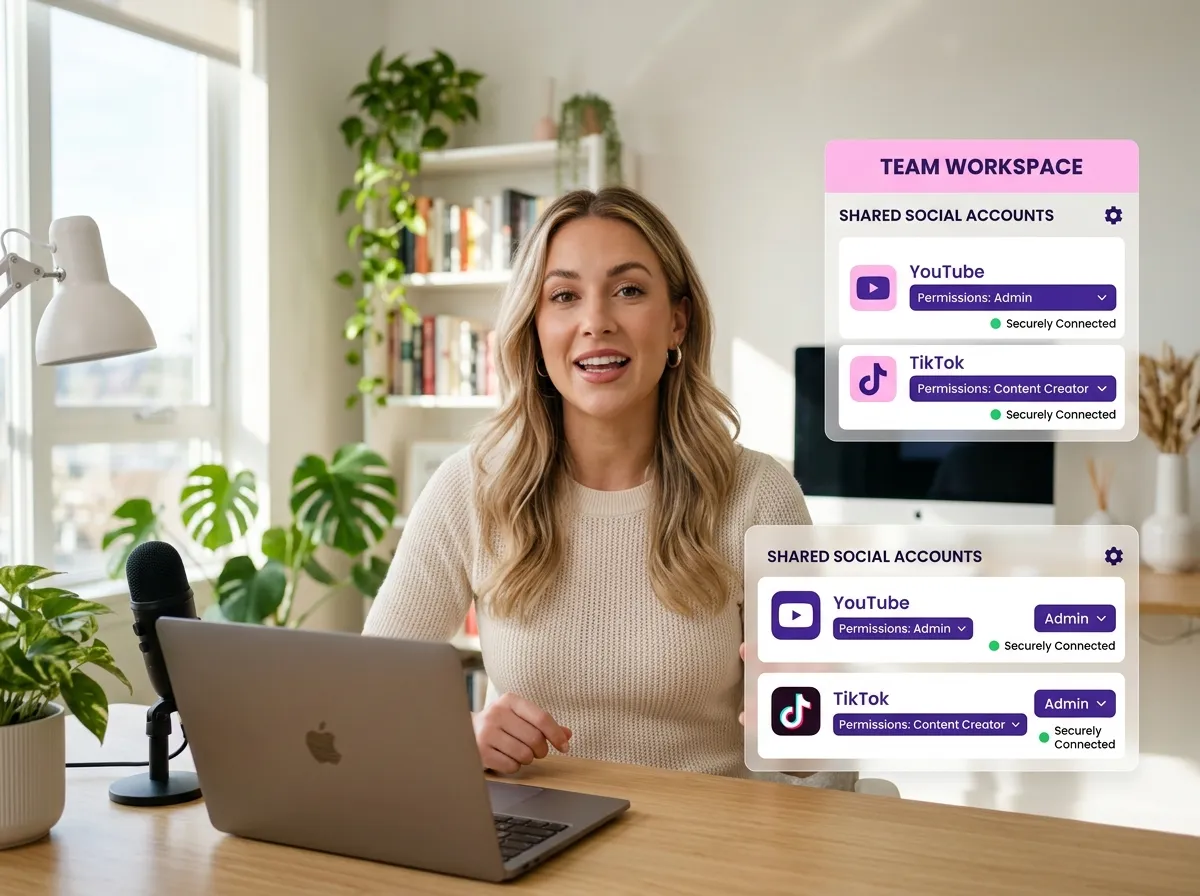
Connect your brand's social media accounts to the team workspace. Assign specific publishing permissions to ensure only authorized members can post, maintaining full control and security over your brand's online presence.
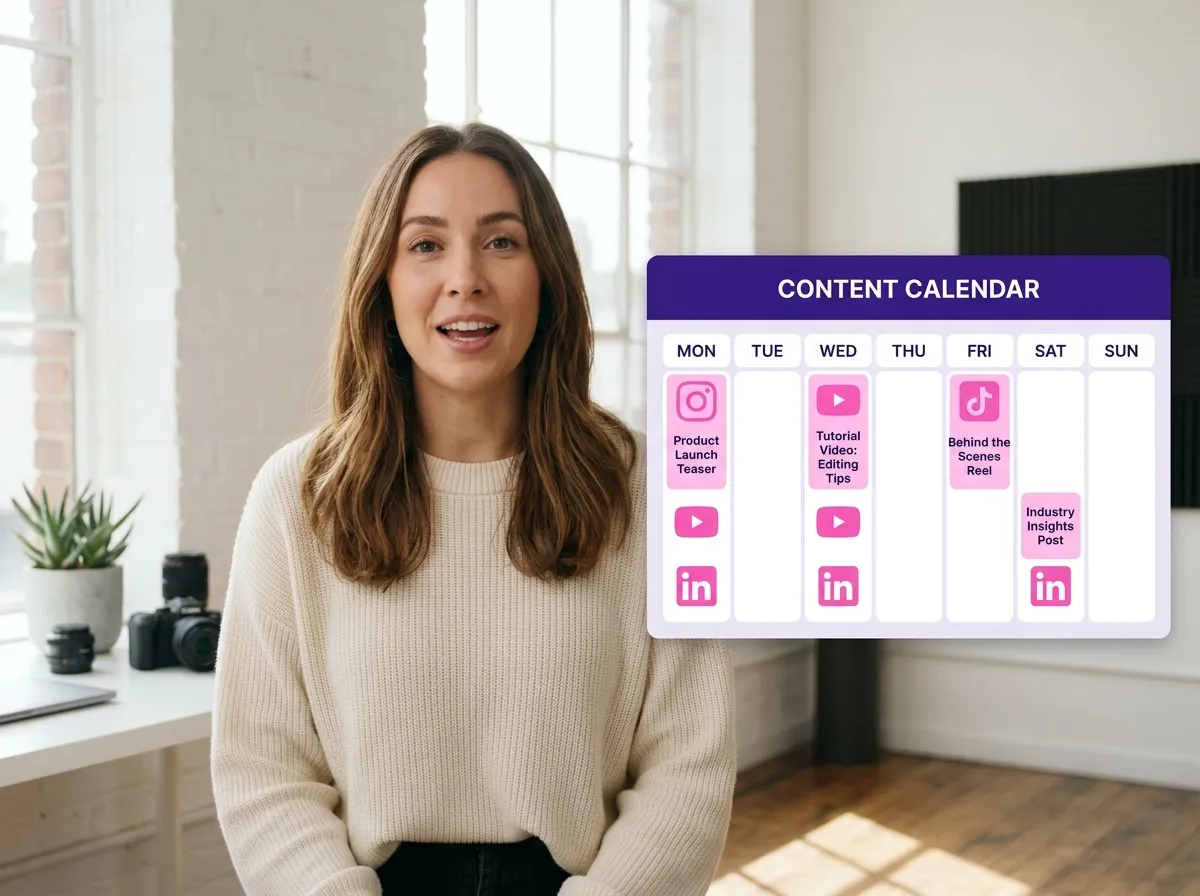
Use the collaborative content calendar to plan, schedule, and manage your posting strategy. Coordinate efforts across TikTok, Instagram, YouTube, and LinkedIn to ensure your content reaches your global audience at the optimal time.
Turn one video into 10+ Instagram Reels with AI.
With just a few clicks, you can download or share your videos with your friends or team members with a link.
Turn your videos and audios into Reels, Stories, posts, and more in one click.
Effortlessly plan, schedule, and auto-generate engaging AI-driven posts, and publish your Instagram Reels along with the perfect captions.
Add dynamic subtitles for your videos automatically, all in the browser.
Bring your team together by inviting collaborators to work on your projects, in one workspace.
Effortlessly translate your video content into 130+ languages, expanding your global reach with just a few clicks.
Enhance your video's visual appeal and brand identity with ease by adding logos, images, outros, and custom fonts to your videos.


What is Vizard’s Collaborative Video Editing tool?
Can multiple team members edit the same video project simultaneously?
How does the team review and feedback process work in Vizard?
Can my team manage and publish to social media accounts together?
Who should use Vizard’s Collaborative Video Editing features?
How do I invite my team to a shared Vizard workspace?
What is Vizard’s Collaborative Video Editing tool?
Can multiple team members edit the same video project simultaneously?
How does the team review and feedback process work in Vizard?
Can my team manage and publish to social media accounts together?
Who should use Vizard’s Collaborative Video Editing features?
How do I invite my team to a shared Vizard workspace?

 Yao Wang

Yao Wang

Yao Wang

Yao Wang

Yao Wang


















