

NEW
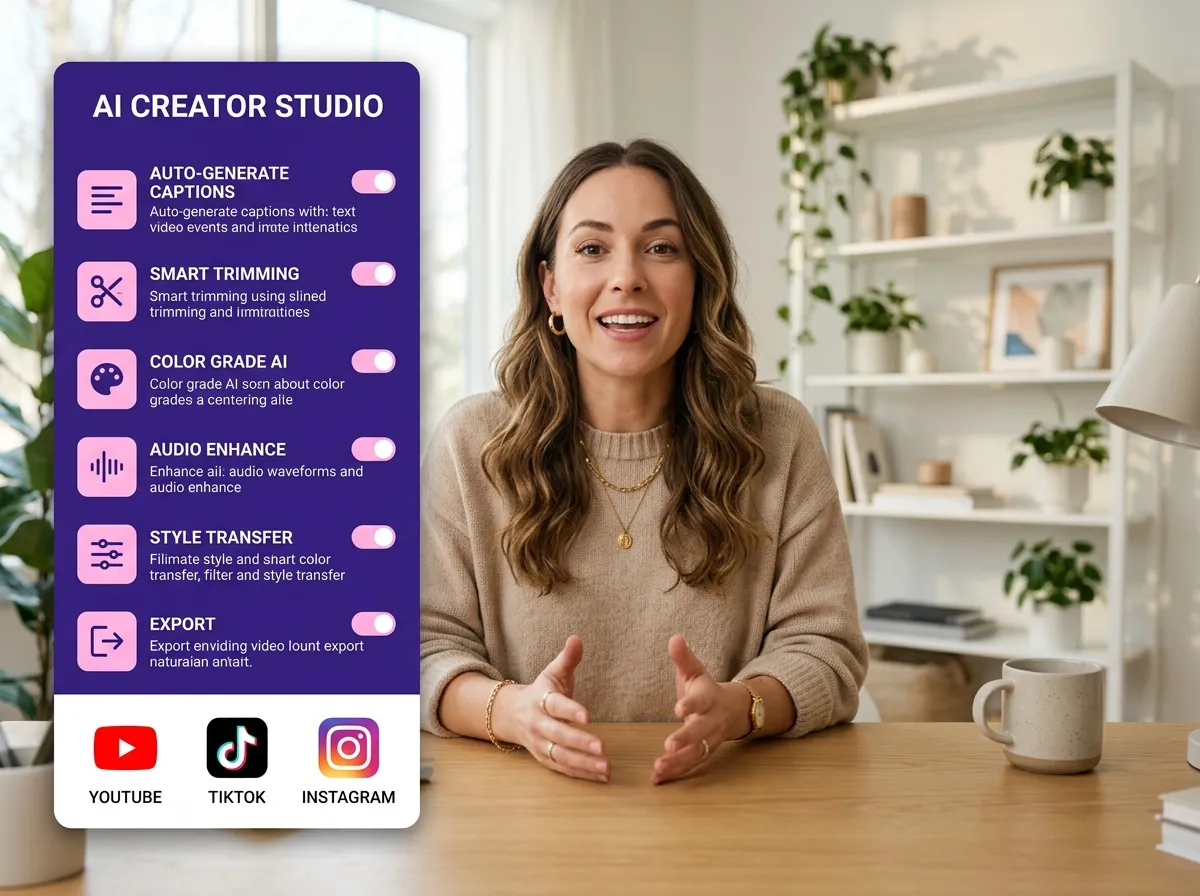



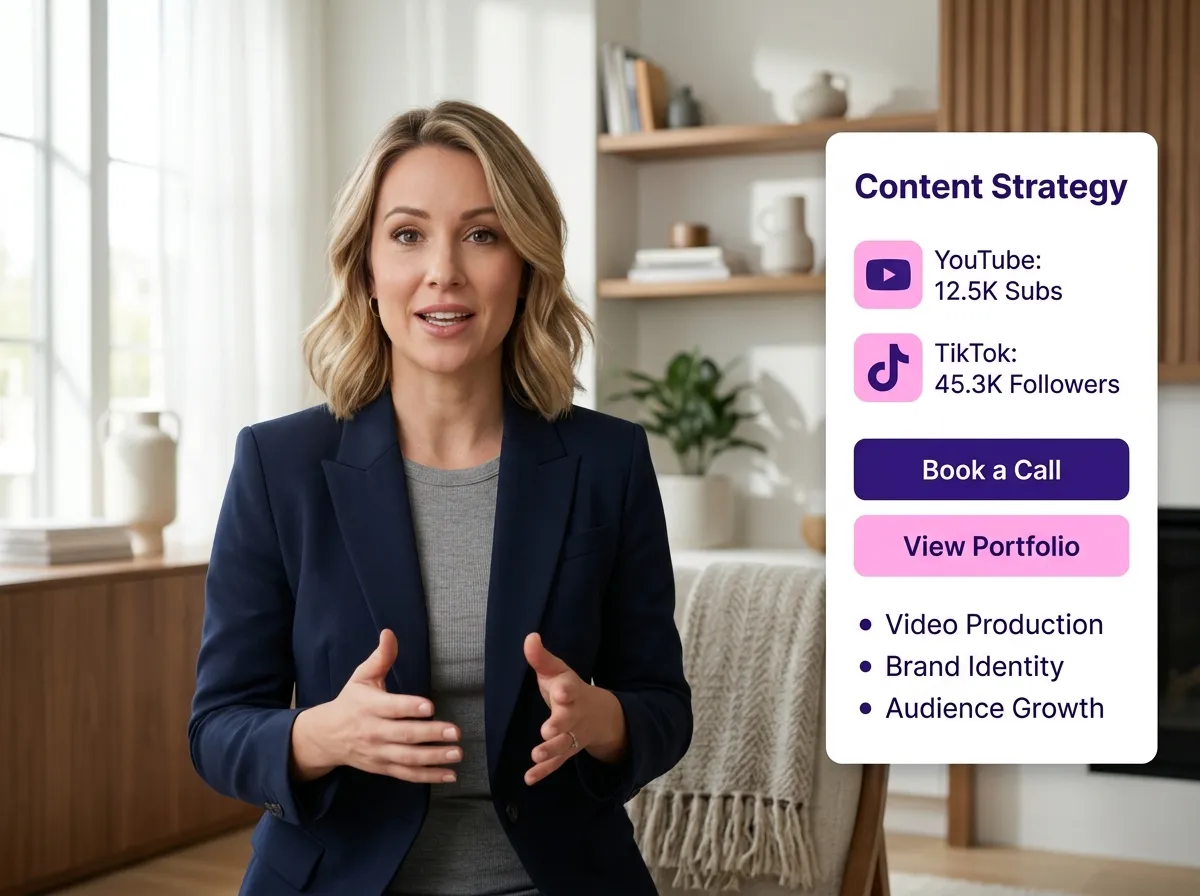
Vizard empowers creators to edit videos directly in their browser, removing the need for heavy software or high-end hardware. This cloud-based solution is perfect for marketers and remote teams producing podcasts and webinars on the fly. By using Vizard’s infrastructure, you can process large files without taxing your local machine. It’s an efficient, accessible way to start editing instantly from any location, saving time and local storage space.
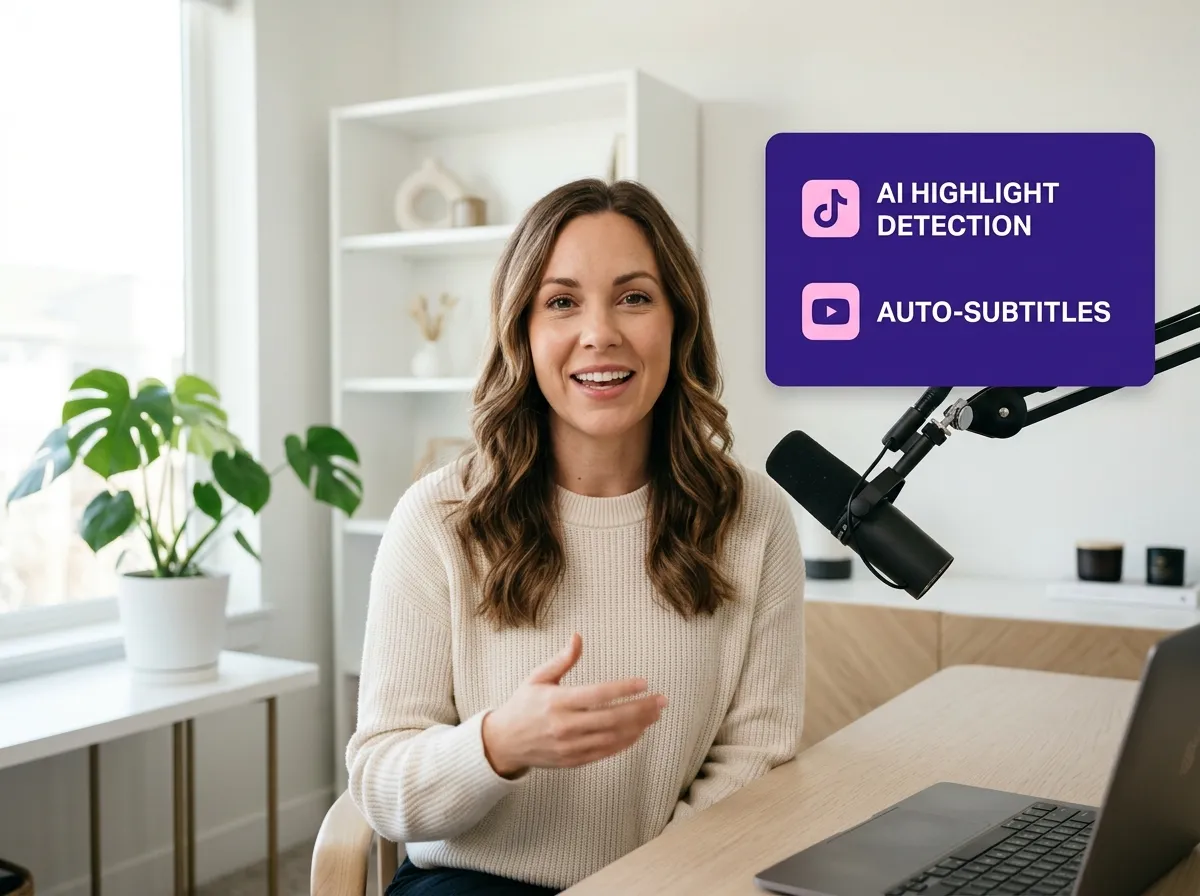
Streamline your production with Vizard’s AI-powered cloud workflow. Automatically handle silence removal, highlight detection, and subtitle generation with precision. Vizard identifies the most engaging moments in long-form footage, making repurposing for TikTok and Reels effortless. Ideal for busy creators and agencies, this AI environment transforms hours of manual editing into minutes of automated perfection, maximizing your reach while maintaining full creative control over your content.
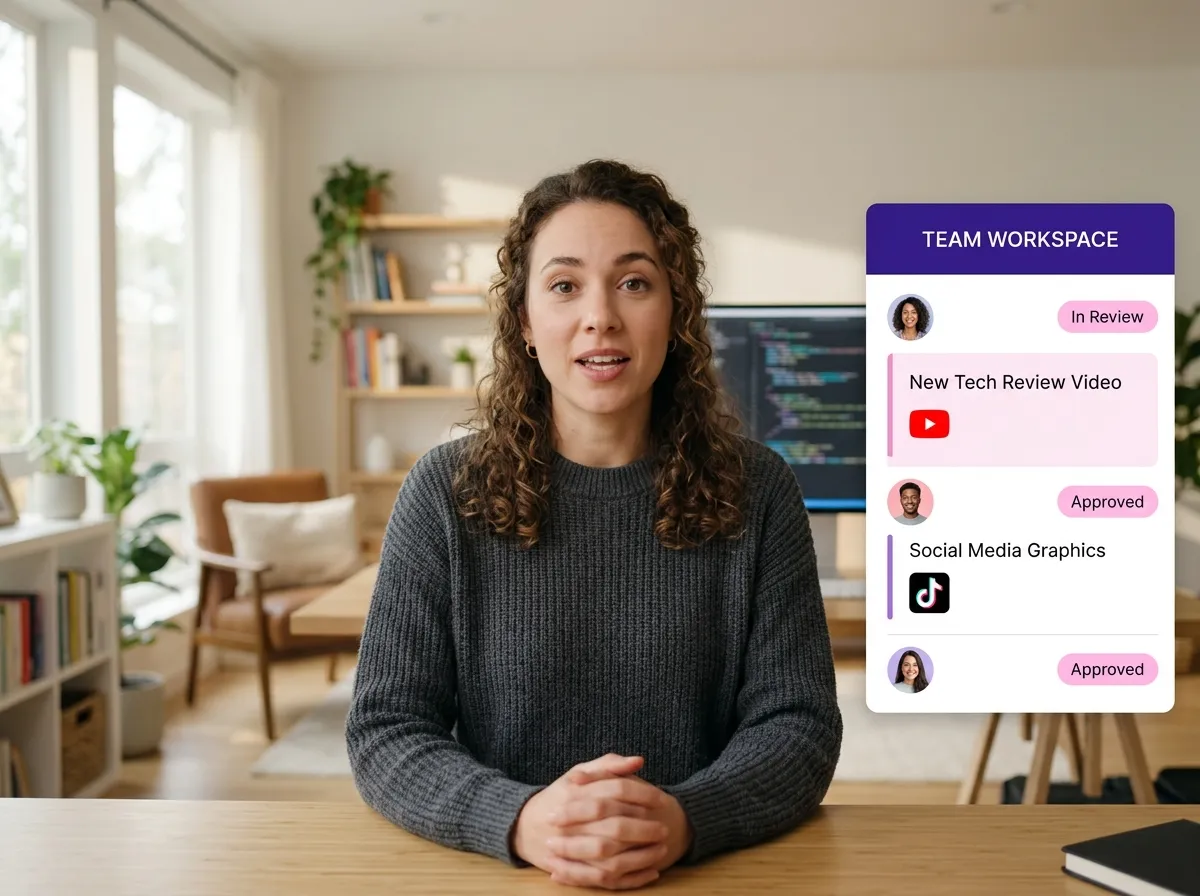
Vizard’s collaborative tools unify teams and agencies in a shared cloud workspace. Multiple users can access, review, and manage video projects remotely, eliminating the need to transfer large project files. This is the ultimate solution for marketing teams and agencies needing fast approvals and seamless workflows. Vizard fosters clear communication and quicker turnarounds, allowing your team to focus on storytelling while the cloud handles project synchronization and management.
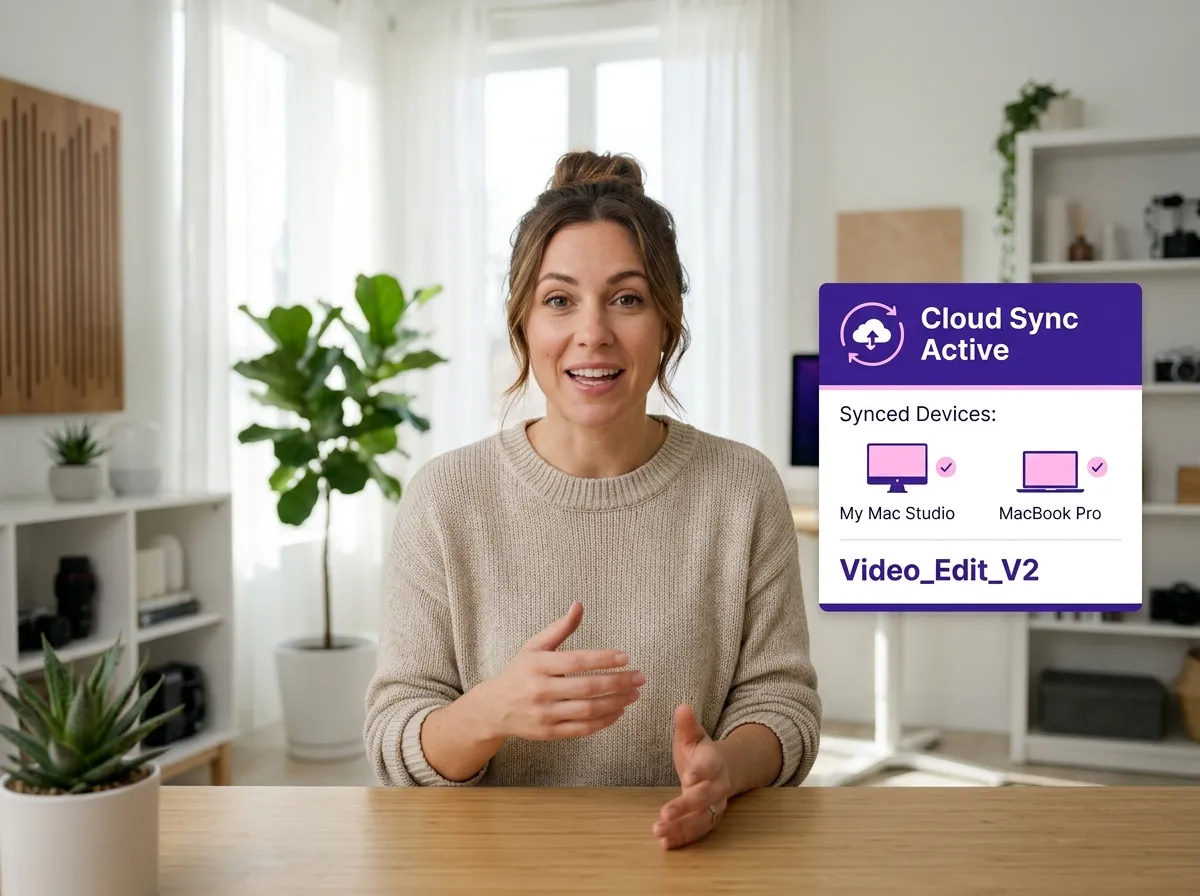
Experience ultimate flexibility with Vizard’s cross-device synchronization. Since all edits and assets are stored in the cloud, you can start a project on your office desktop and finish it on your laptop at home. Vizard ensures your progress is always saved and accessible from any device with a browser. Perfect for creators on the move, it eliminates the need for external hard drives, providing a consistent and reliable editing experience anywhere.

Vizard simplifies social media repurposing by allowing you to create and publish clips directly from your browser. Whether targeting Instagram Reels or YouTube Shorts, Vizard provides specialized tools to optimize content for every platform. Quickly turn a single webinar or interview into dozens of viral clips. It’s a game-changer for digital marketers and influencers looking to boost their online presence efficiently while maintaining consistent brand visibility and engagement.
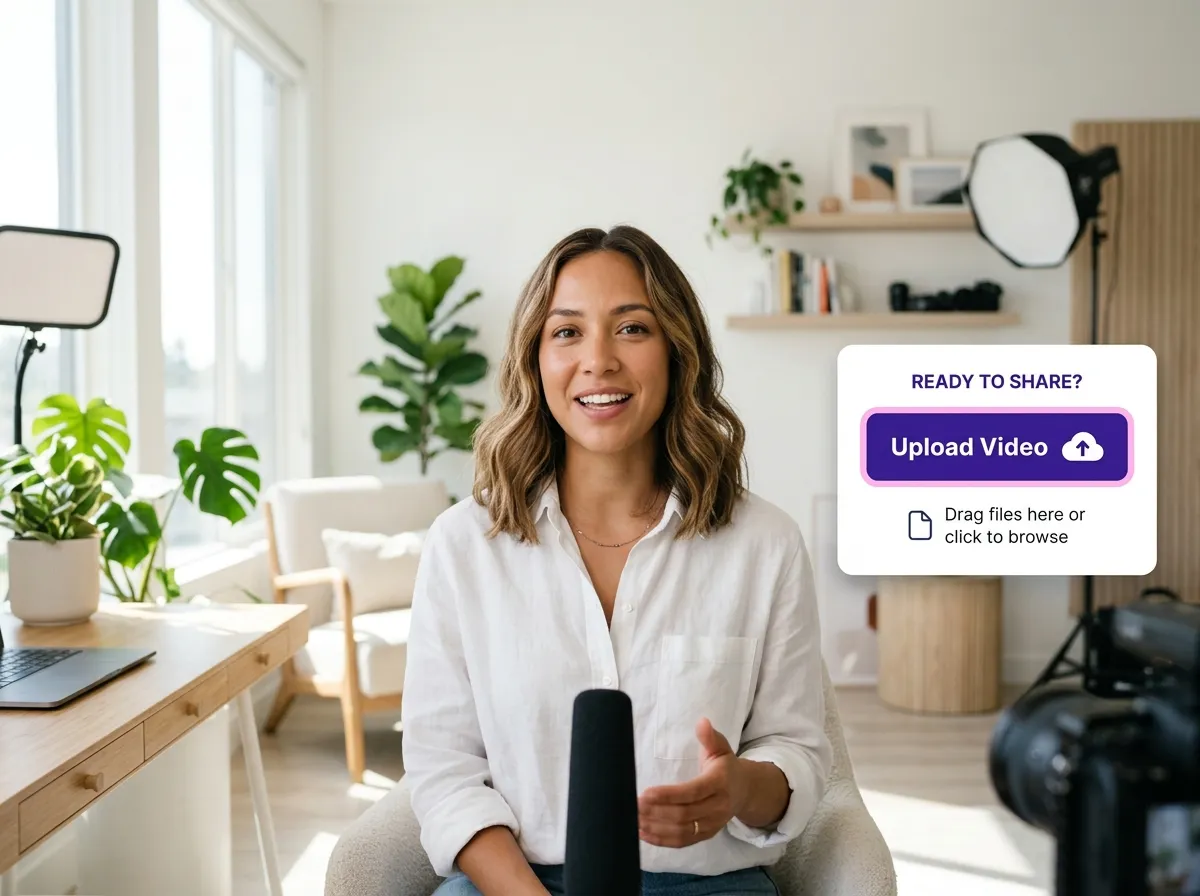
Start by uploading your video, podcast, or webinar recording directly to Vizard via your browser. Our cloud infrastructure handles the storage, so you don't need to worry about local disk space.
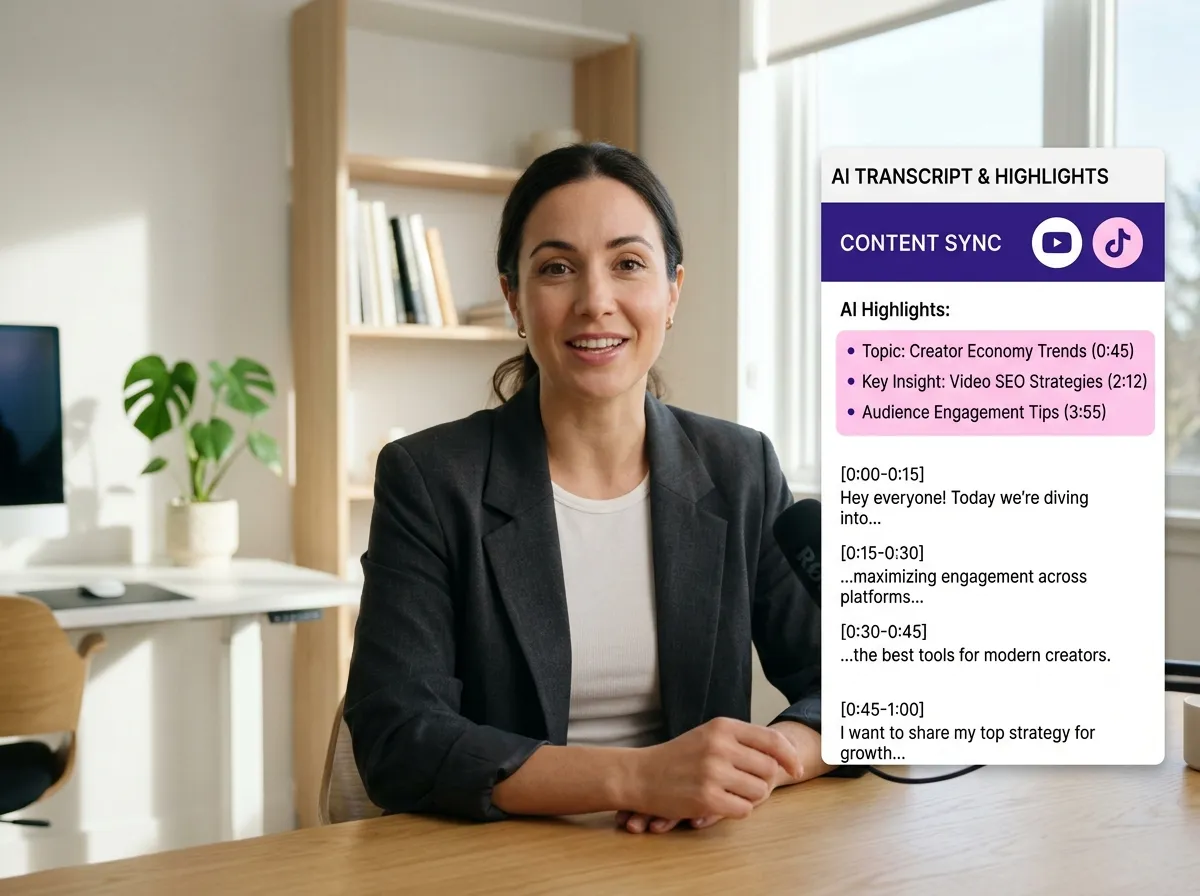
Open the Cloud Video Editing workspace. Vizard's AI will automatically process your footage, transcribing audio and identifying key highlights to jumpstart your editing process.
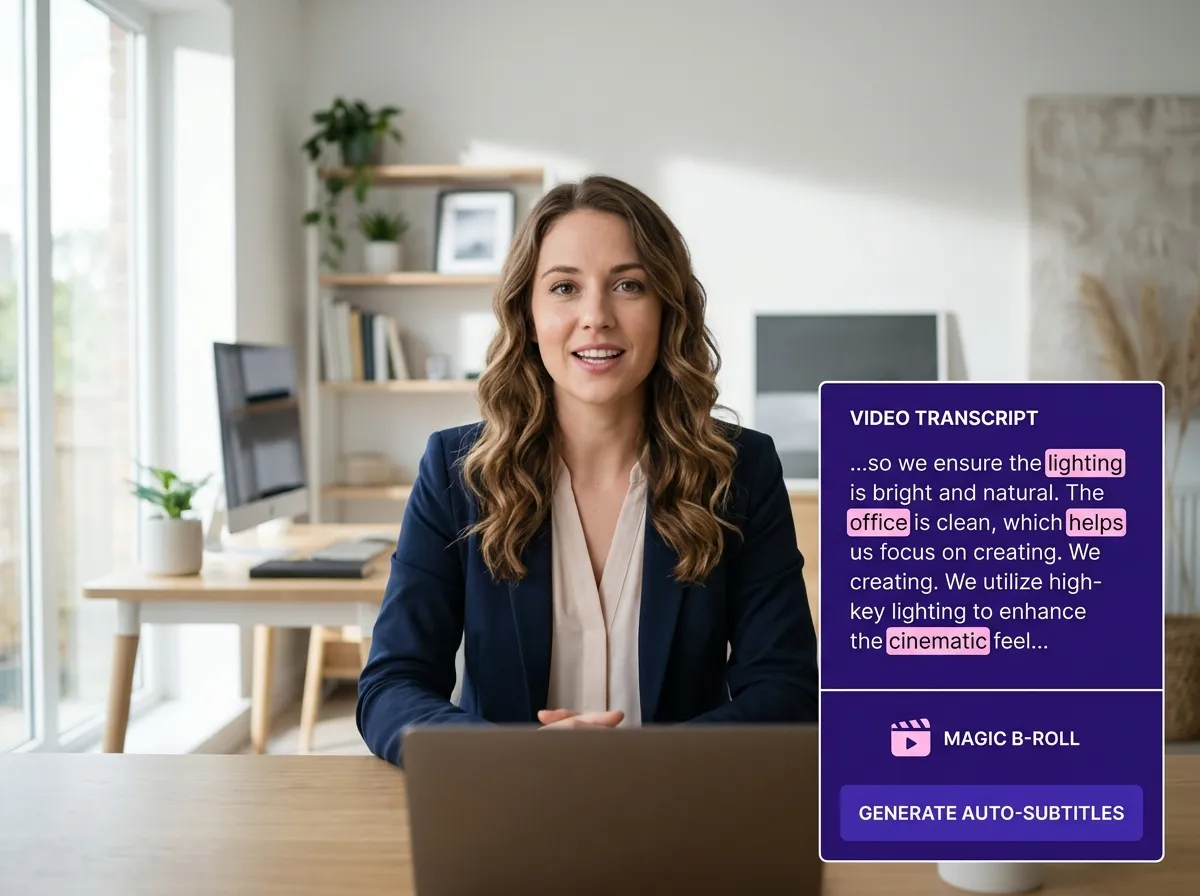
Refine your content using transcript-based editing, timeline controls, and AI-powered features. Add auto-subtitles, B-roll, and professional templates to create engaging, high-quality videos in minutes.
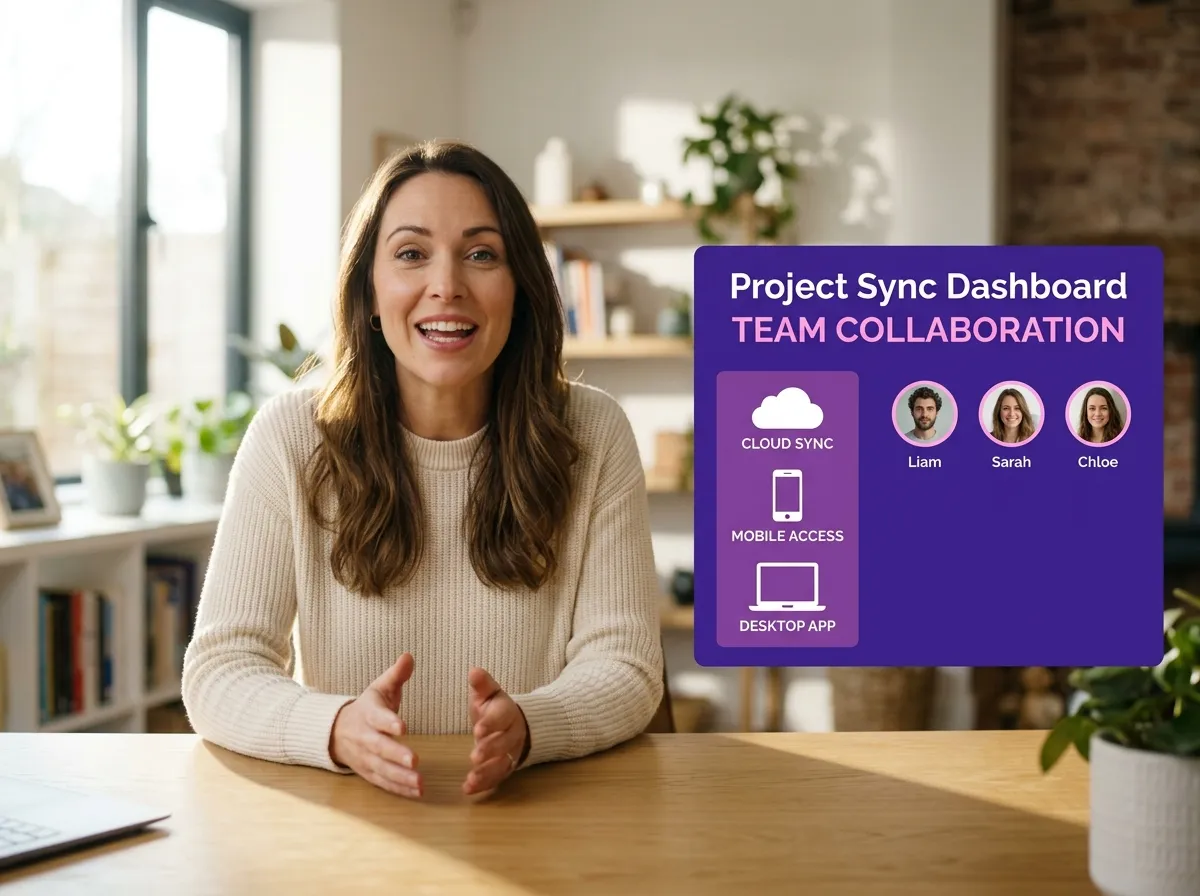
Share your project with team members for real-time collaboration. Since everything is in the cloud, you can switch between devices and pick up exactly where you left off without transferring files.
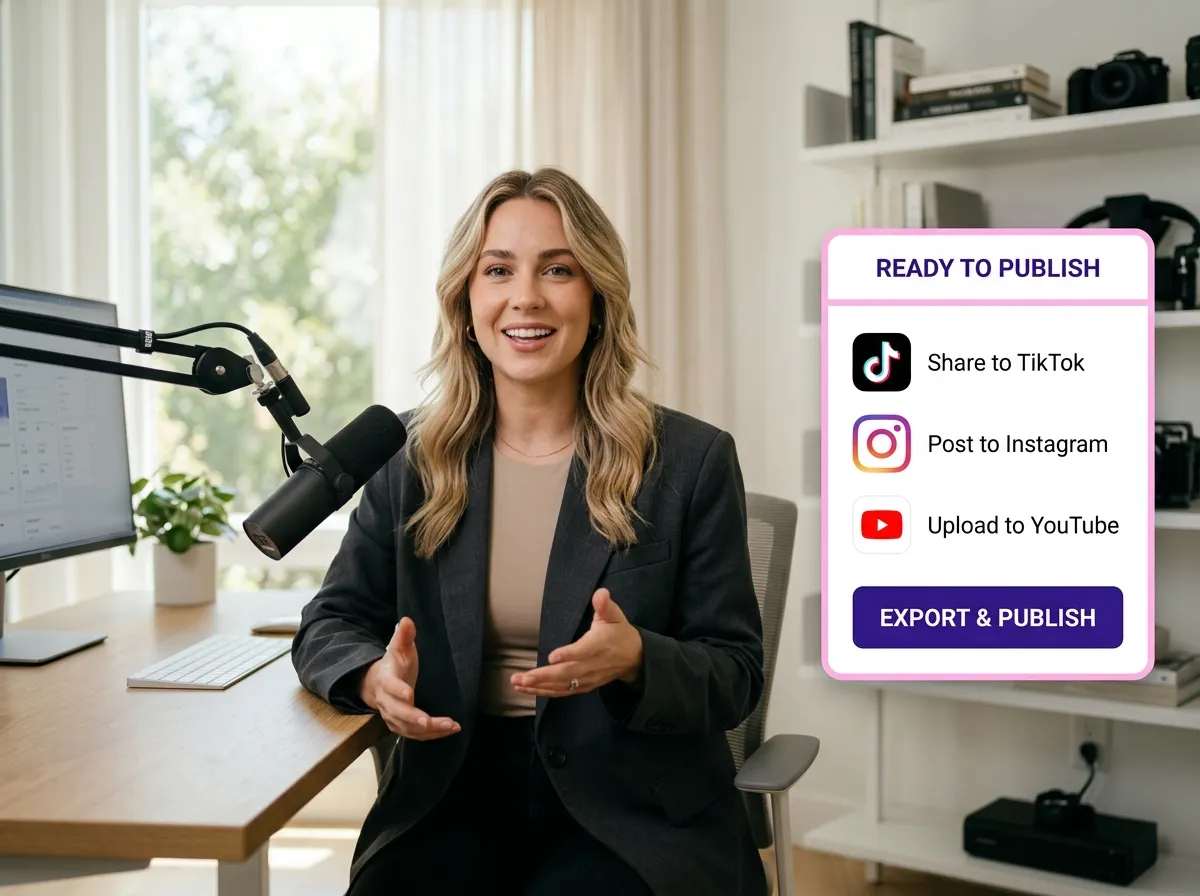
Once your video is ready, export it in the desired format or publish it directly to TikTok, Instagram, or YouTube using Vizard's integrated cloud publishing workflow.
Turn one video into 10+ Instagram Reels with AI.
With just a few clicks, you can download or share your videos with your friends or team members with a link.
Turn your videos and audios into Reels, Stories, posts, and more in one click.
Effortlessly plan, schedule, and auto-generate engaging AI-driven posts, and publish your Instagram Reels along with the perfect captions.
Add dynamic subtitles for your videos automatically, all in the browser.
Bring your team together by inviting collaborators to work on your projects, in one workspace.
Effortlessly translate your video content into 130+ languages, expanding your global reach with just a few clicks.
Enhance your video's visual appeal and brand identity with ease by adding logos, images, outros, and custom fonts to your videos.


What is cloud video editing and how does it work?
Do I need a high-performance computer to use Vizard?
Can I collaborate with my team on video projects?
Are AI tools like auto-subtitles available in the cloud editor?
Which social media platforms can I publish to directly?
Can I access my video projects from different devices?
What is cloud video editing and how does it work?
Do I need a high-performance computer to use Vizard?
Can I collaborate with my team on video projects?
Are AI tools like auto-subtitles available in the cloud editor?
Which social media platforms can I publish to directly?
Can I access my video projects from different devices?
 Yao Wang

Yao Wang

Yao Wang

Yao Wang
Yao Wang


















