

NEW
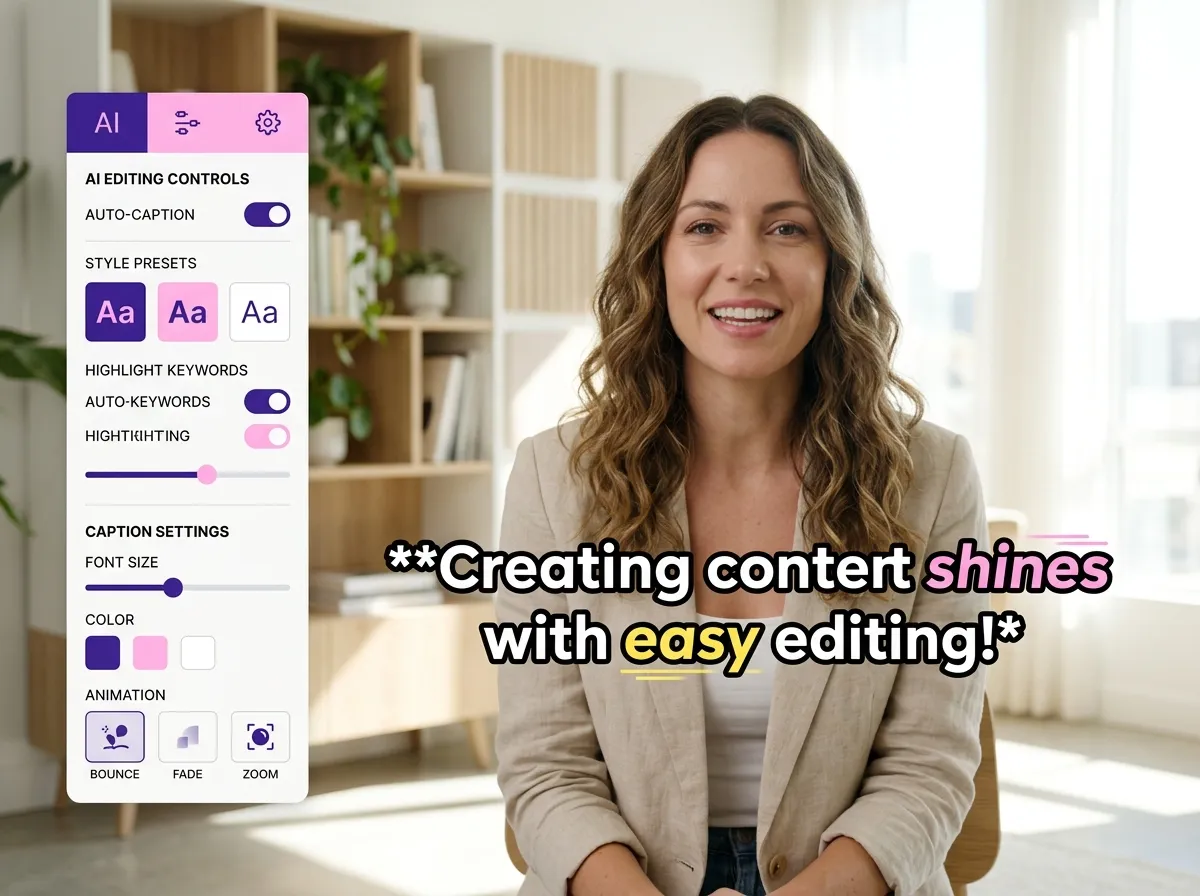



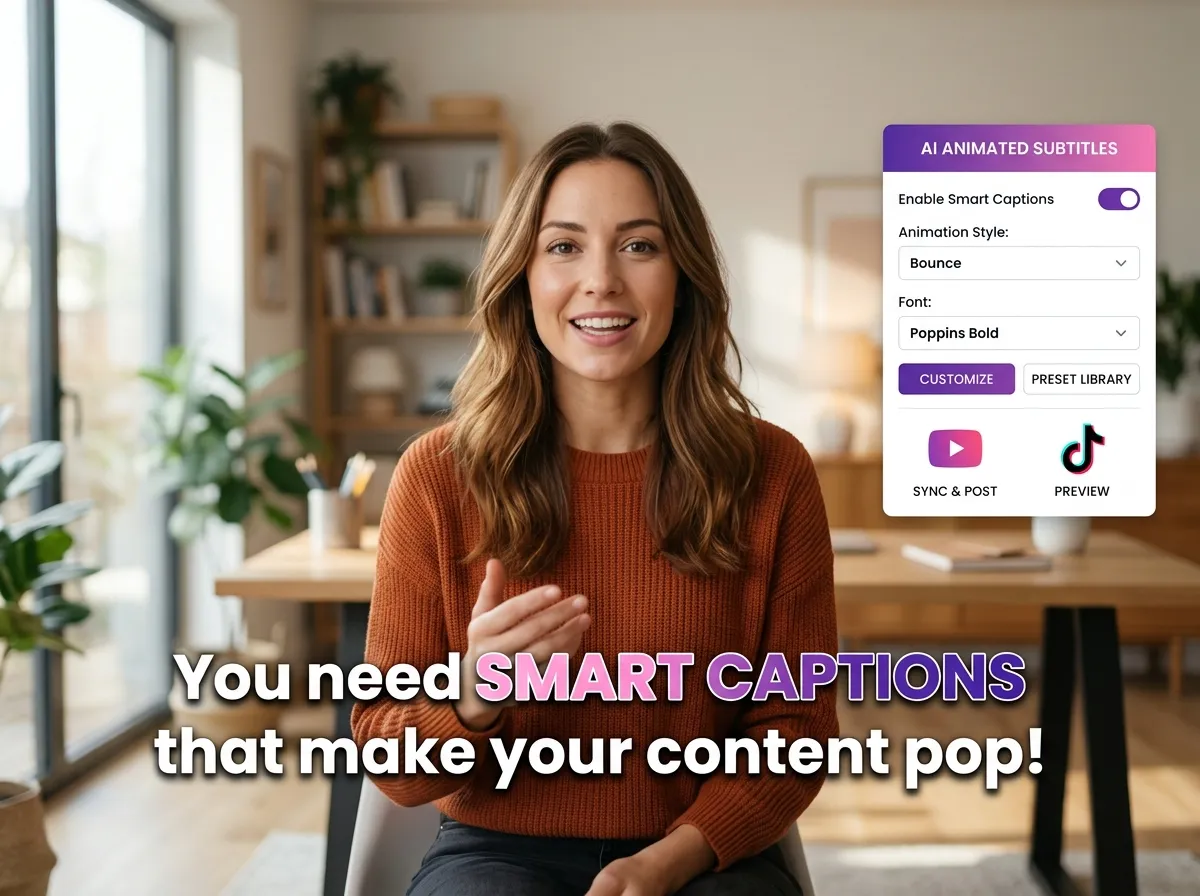
Elevate your content with Vizard’s AI Animated Subtitle Generator. This powerful tool automatically creates synchronized, dynamic captions that pulse with your speech, eliminating manual editing. By ensuring your message is accessible even on mute, Vizard boosts video engagement and watch time. Perfect for busy creators, our AI subtitle generator streamlines your workflow while delivering professional results. Enhance your video’s performance across LinkedIn and YouTube with effortless, high-quality captions that capture attention instantly.
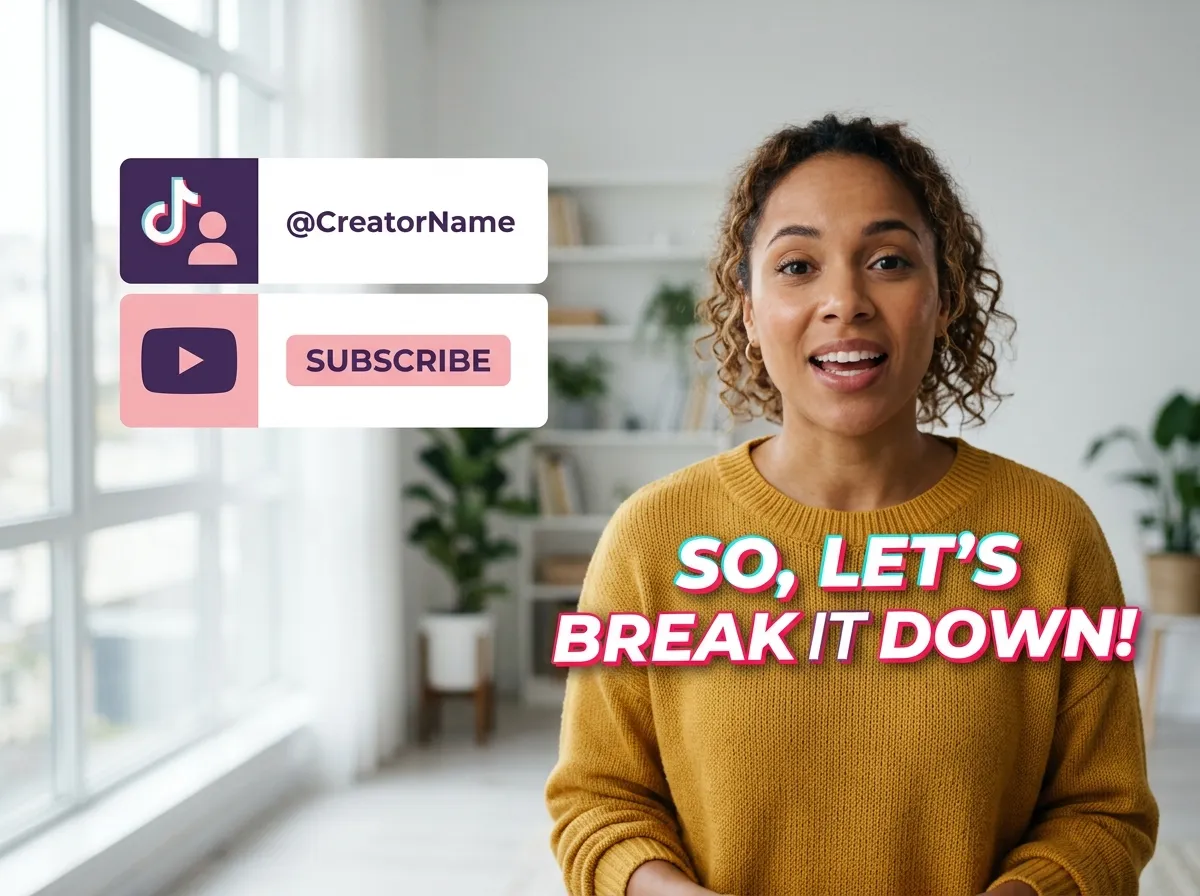
Master social media trends with TikTok-Style Dynamic Captions from Vizard. Our tool generates word-by-word animations optimized for Instagram Reels and YouTube Shorts, significantly increasing viewer retention. These engaging motion effects make every word pop, giving your videos a viral look effortlessly. Whether you’re an influencer or a brand, Vizard helps you deliver an immersive viewing experience tailored for mobile-first audiences. Drive more likes and shares by integrating high-energy dynamic subtitles into your short-form video strategy.
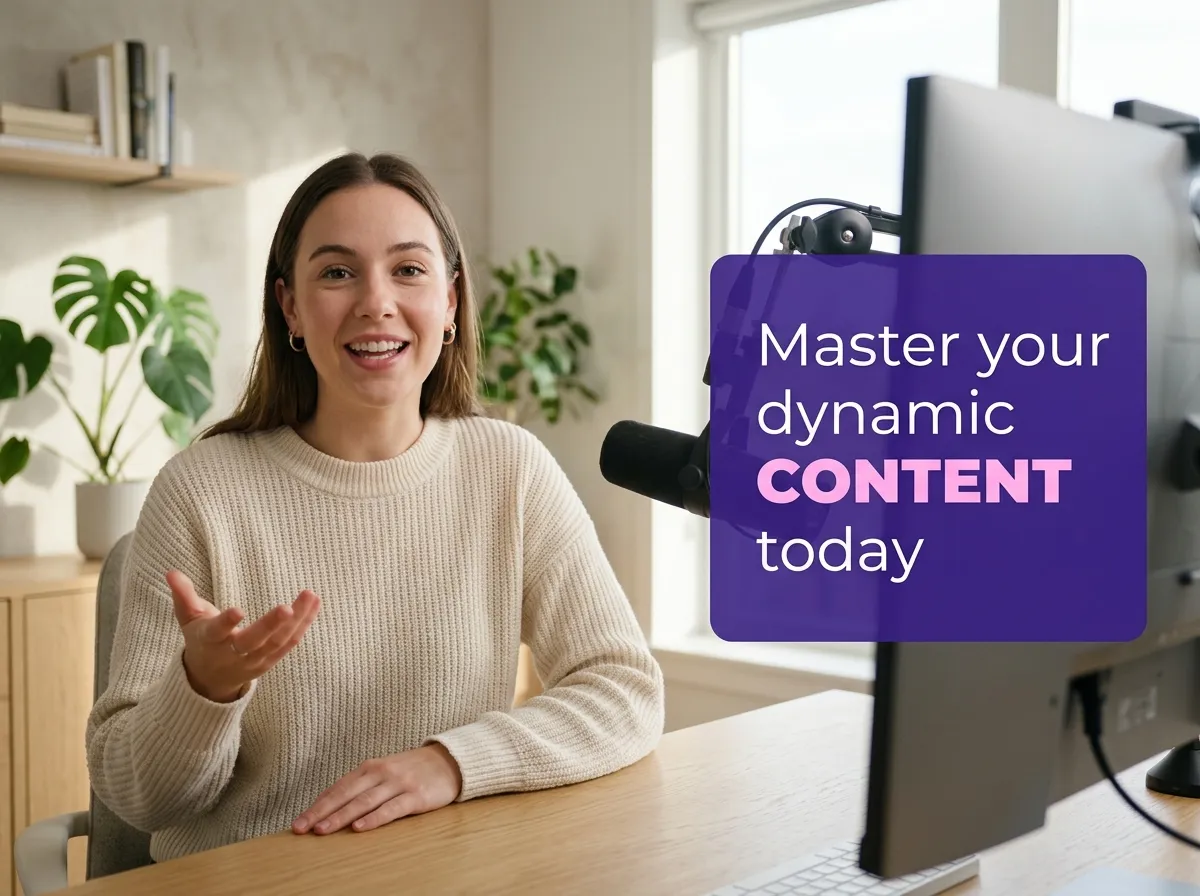
Improve message clarity with Vizard’s Keyword Highlighting feature. This tool automatically identifies and emphasizes vital phrases using color changes and bold animations. Ideal for educational content, podcasts, and webinars, it ensures your audience remembers key takeaways. Vizard makes it simple to guide viewer focus, making your videos more impactful and professional. Enhance your storytelling and drive higher conversion rates by highlighting your call-to-actions with visually distinct, animated keywords that keep viewers engaged from start to finish.
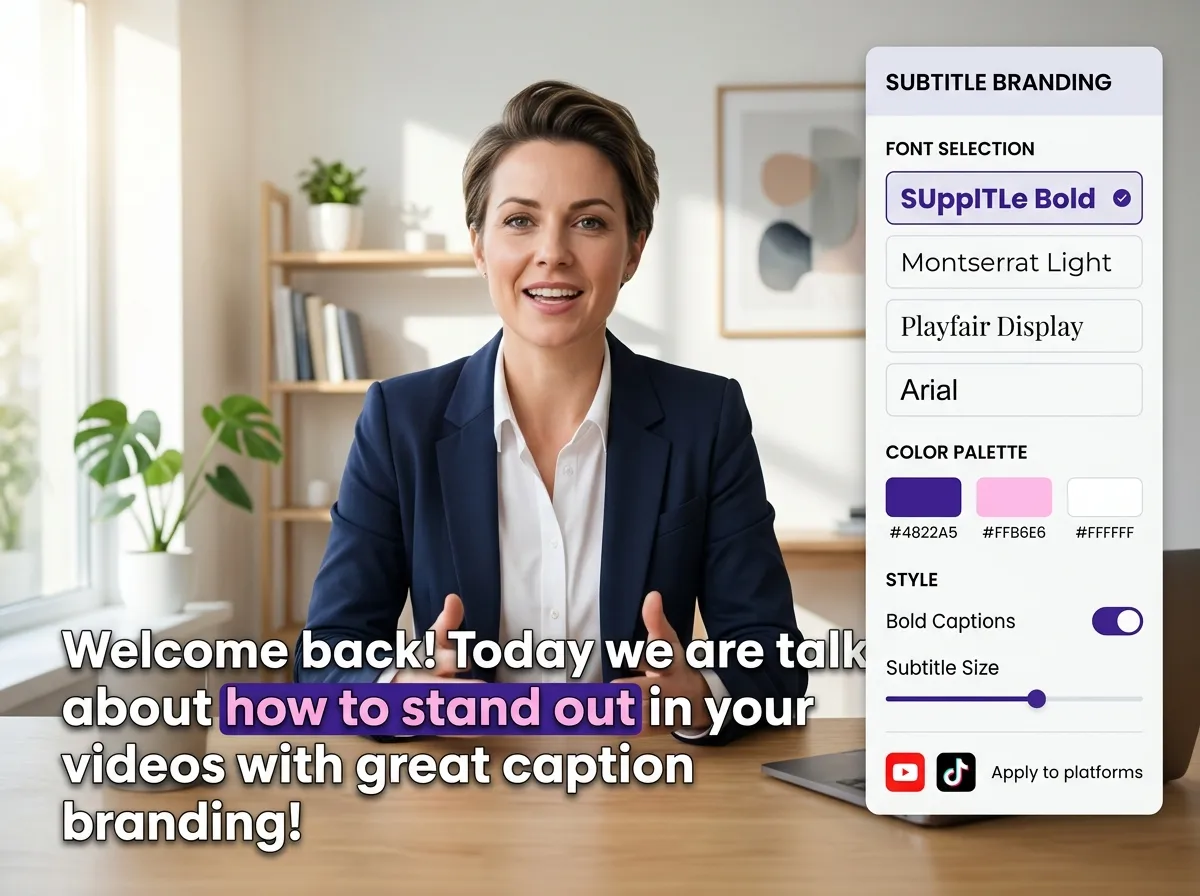
Maintain a consistent brand identity with Vizard’s customizable subtitle styles. Adjust fonts, colors, and layouts to match your unique aesthetic across TikTok, Instagram, and LinkedIn. This feature is perfect for agencies and creators needing a polished, professional look that builds audience trust. Vizard gives you complete creative control, turning every video into a branded masterpiece. Strengthen your visual presence and ensure your content stands out in crowded feeds with personalized caption designs that reflect your professional standards.
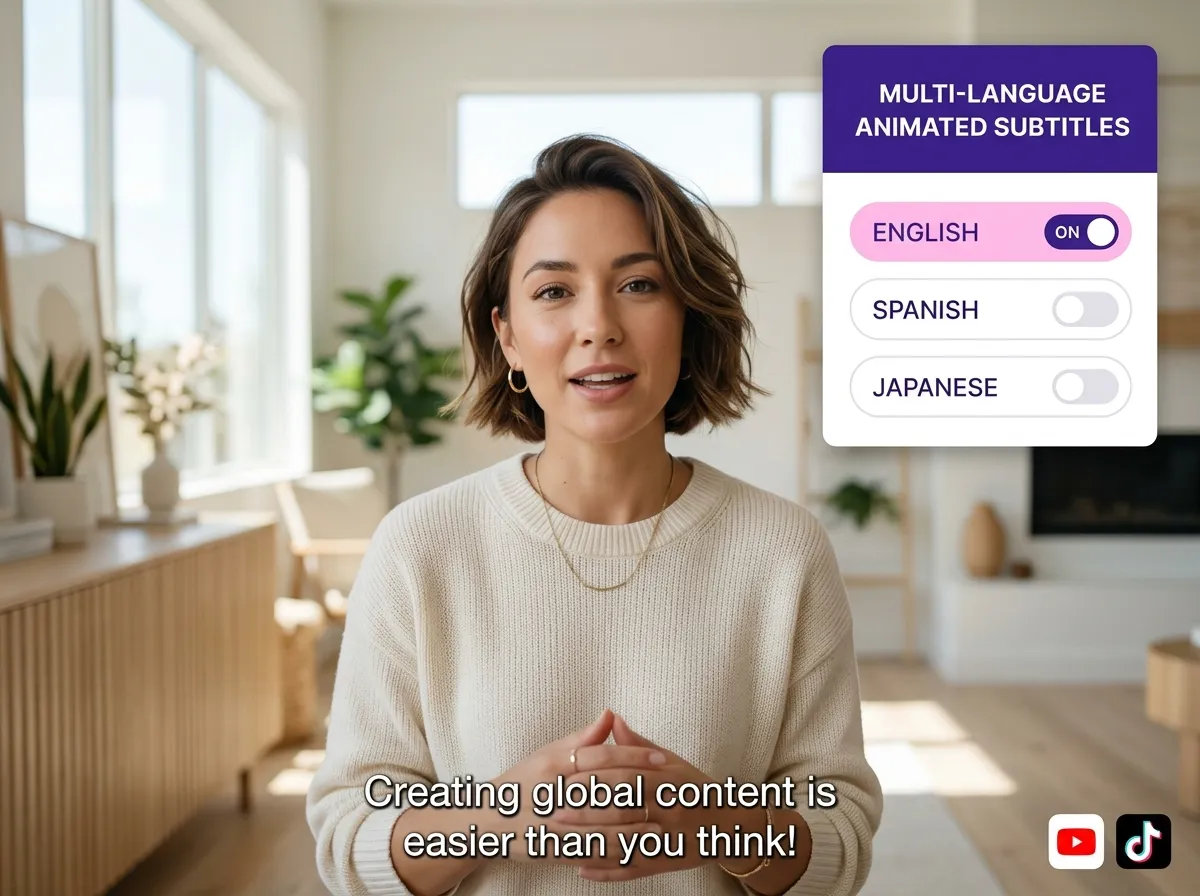
Expand your global reach using Vizard’s Multi-Language Animated Subtitles. Our AI-driven tool generates and animates subtitles in dozens of languages, making your content accessible to an international audience. Vizard handles translation and synchronization automatically, simplifying multilingual distribution for YouTube and social media. Grow your international following and increase engagement by localizing your videos with high-quality animated captions. It’s the easiest way to make your content universally accessible and broaden your viewer base with minimal effort.
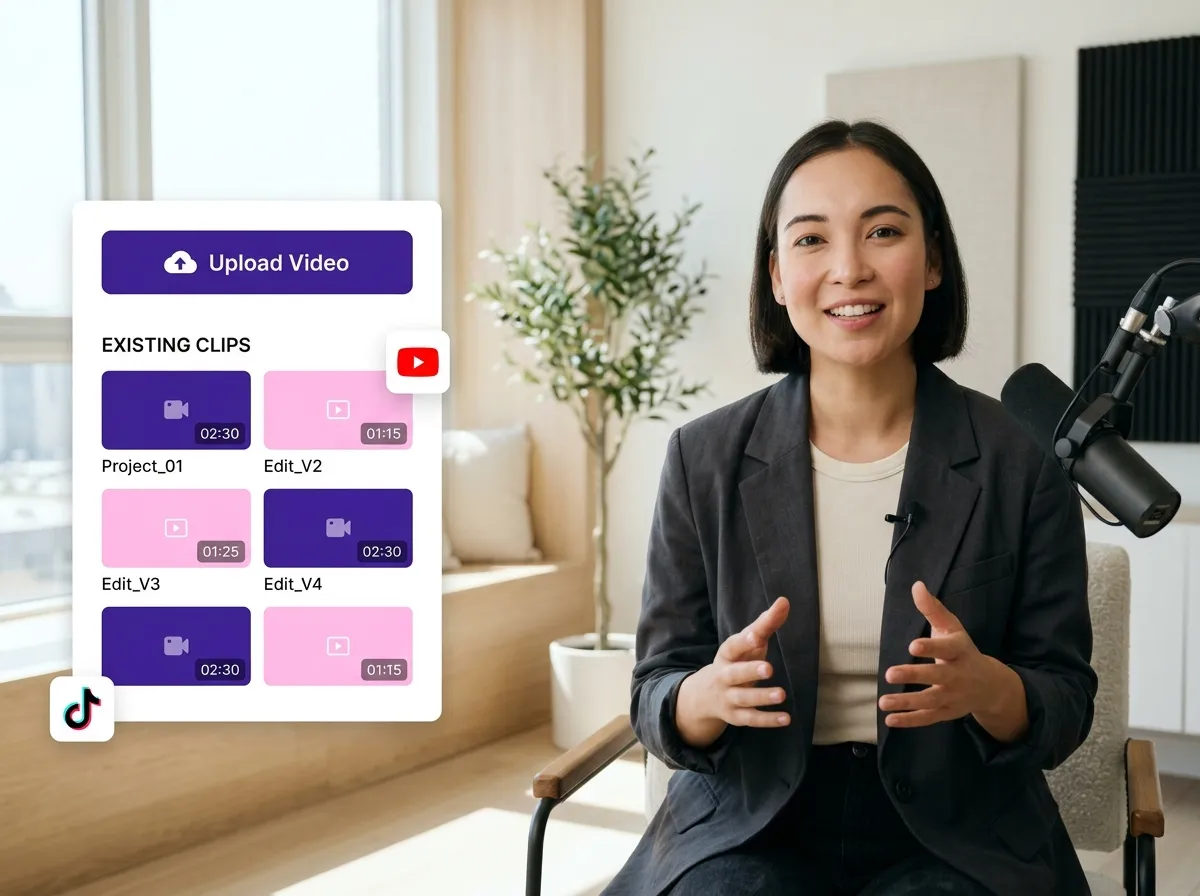
Start by uploading your video file directly from your device or selecting an existing clip from your Vizard library. Vizard supports various formats, making it easy to get started with your content creation.
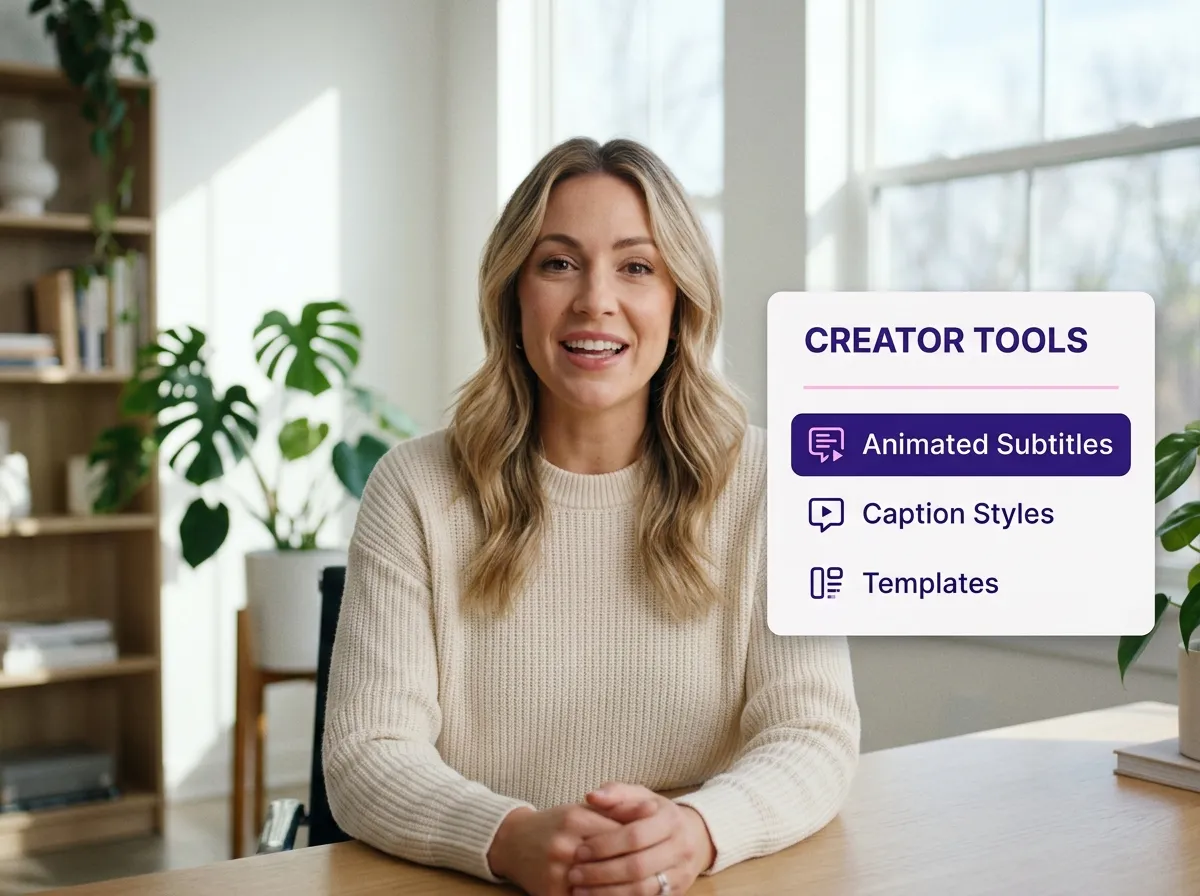
Once your video is ready, navigate to the editing workflow and select the "Animated Subtitles" feature. This tool is specifically designed to bring your captions to life with dynamic motion.
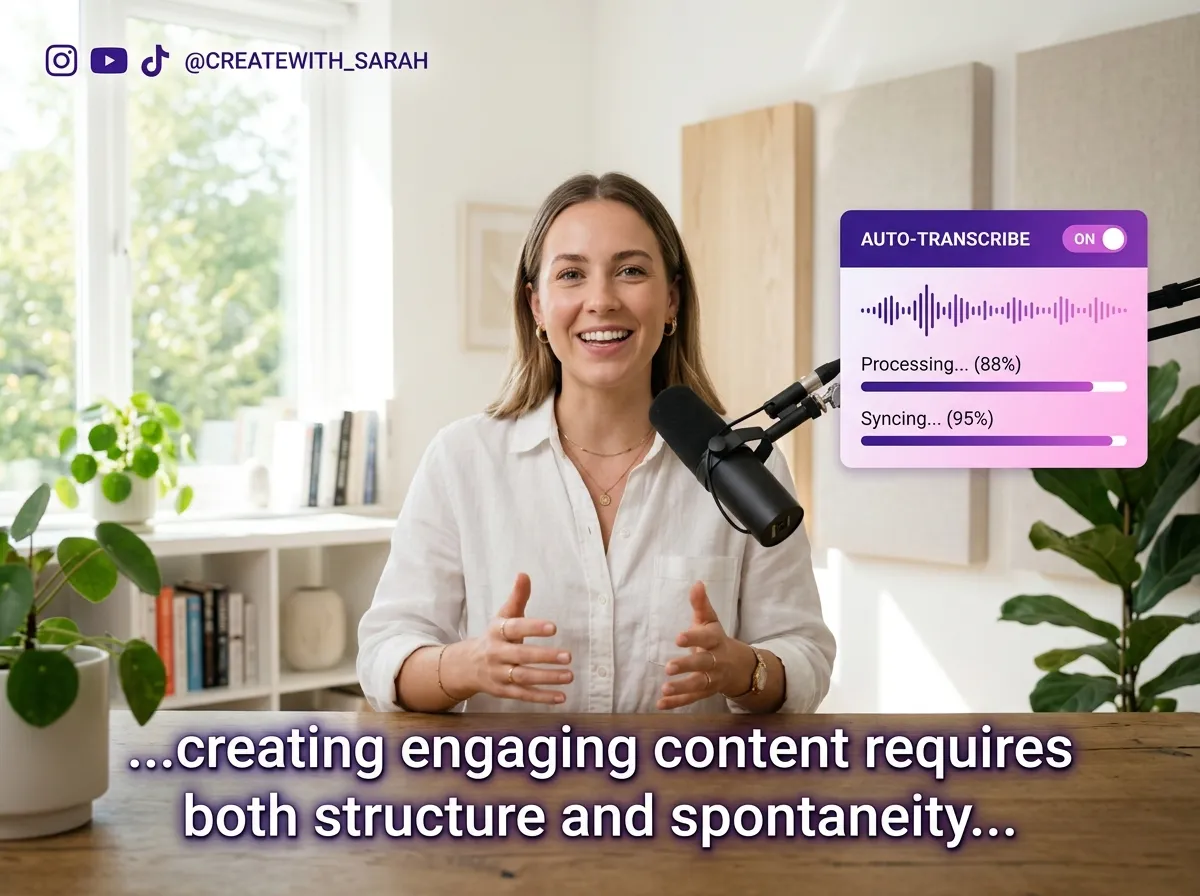
Let Vizard's advanced AI take over. It will automatically transcribe your audio with high accuracy and generate synchronized, animated subtitles that perfectly match the spoken words in your video.
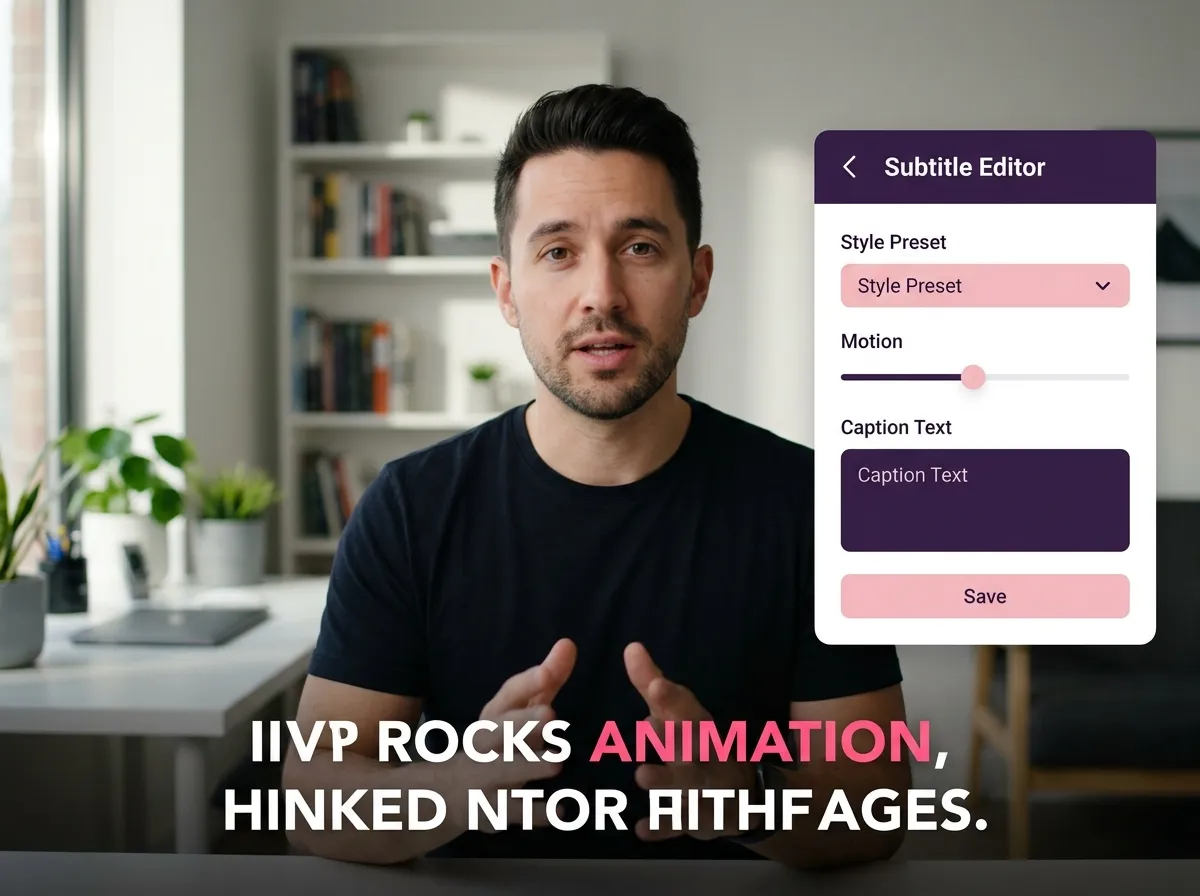
Personalize your subtitles to match your brand. Adjust fonts, colors, and animation styles. Use the keyword highlighting feature to emphasize important phrases and keep your audience engaged.
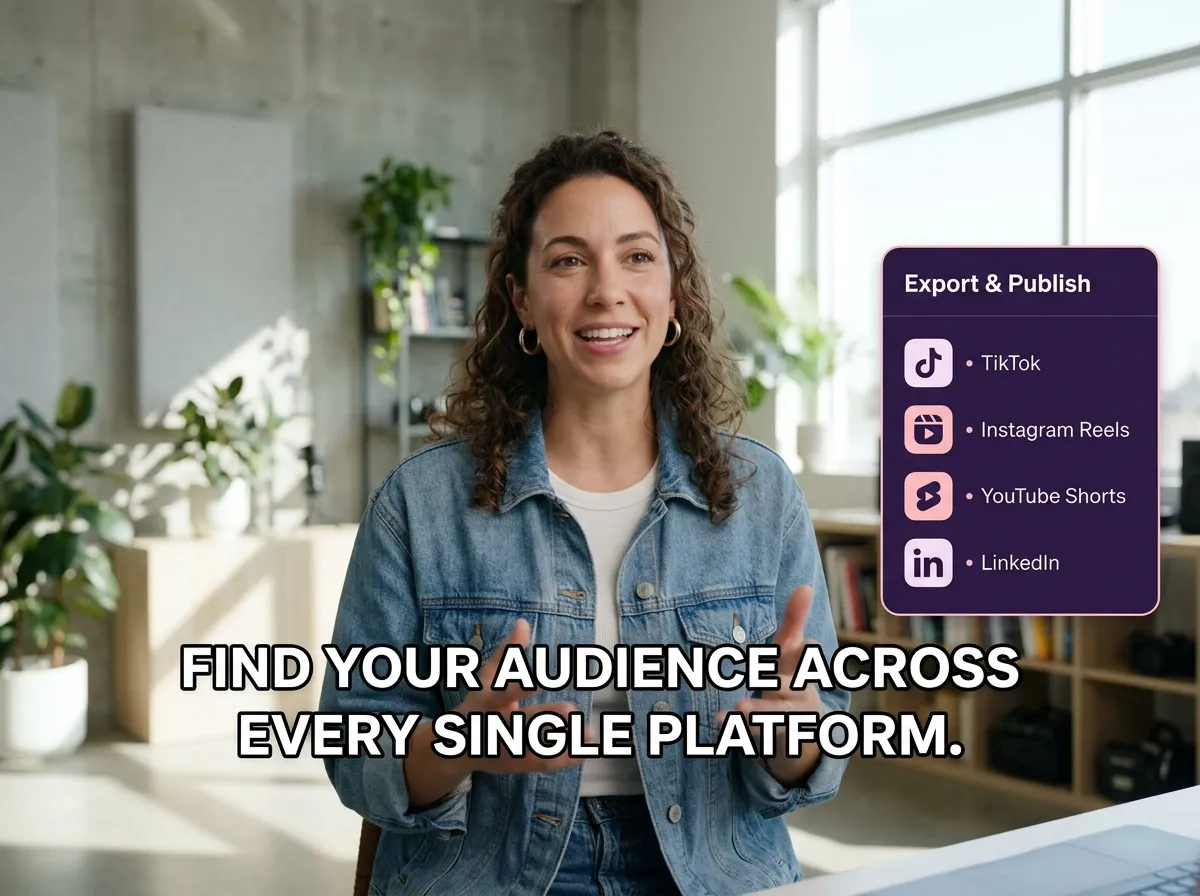
Preview your masterpiece and then export the final video. Your content is now optimized with engaging, TikTok-style animated subtitles, ready to be published across TikTok, Reels, Shorts, and more.
Turn one video into 10+ Instagram Reels with AI.
With just a few clicks, you can download or share your videos with your friends or team members with a link.
Turn your videos and audios into Reels, Stories, posts, and more in one click.
Effortlessly plan, schedule, and auto-generate engaging AI-driven posts, and publish your Instagram Reels along with the perfect captions.
Add dynamic subtitles for your videos automatically, all in the browser.
Bring your team together by inviting collaborators to work on your projects, in one workspace.
Effortlessly translate your video content into 130+ languages, expanding your global reach with just a few clicks.
Enhance your video's visual appeal and brand identity with ease by adding logos, images, outros, and custom fonts to your videos.


What are animated subtitles and how do they benefit my videos?
How does Vizard’s AI Animated Subtitle Generator work?
Can I customize the font, color, and animation style?
Does the tool support multi-language animated subtitles?
Can I automatically highlight keywords in my subtitles?
Are the exported videos optimized for social media platforms?
What are animated subtitles and how do they benefit my videos?
How does Vizard’s AI Animated Subtitle Generator work?
Can I customize the font, color, and animation style?
Does the tool support multi-language animated subtitles?
Can I automatically highlight keywords in my subtitles?
Are the exported videos optimized for social media platforms?

 Yao Wang
Yao Wang

Yao Wang

Yao Wang
Yao Wang


















