

NEW



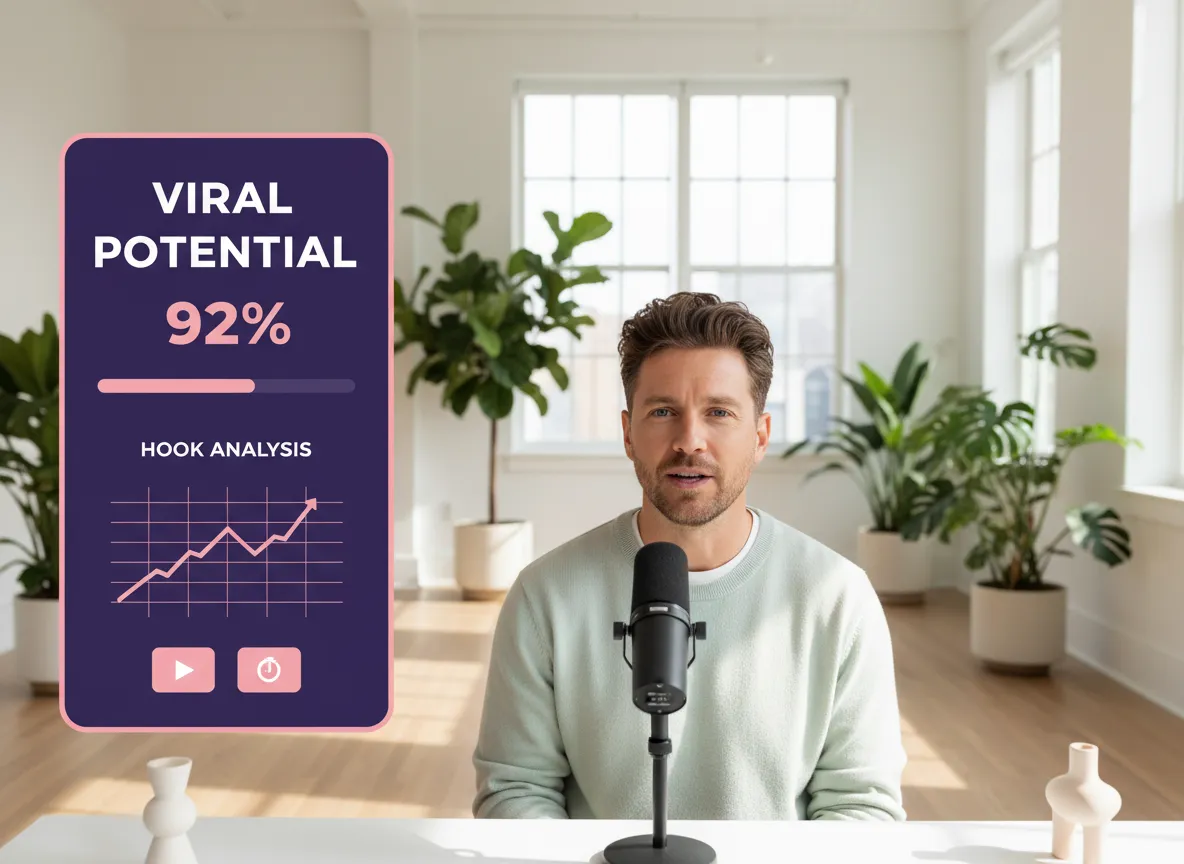
Vizard’s AI Viral Clip Maker uses advanced multimodal AI to scan your long-form videos—from YouTube podcasts to Twitch streams—identifying high-energy moments and controversial takes. It automatically detects "viral potential" based on semantic structure and emotional shifts, ensuring your clips are packed with impact. By optimizing the first 3-5 seconds with a powerful hook, Vizard helps creators and marketers capture attention instantly on TikTok and Reels. This intelligent detection saves hours of manual scrubbing, allowing you to focus on strategy while Vizard finds the gold in your content.
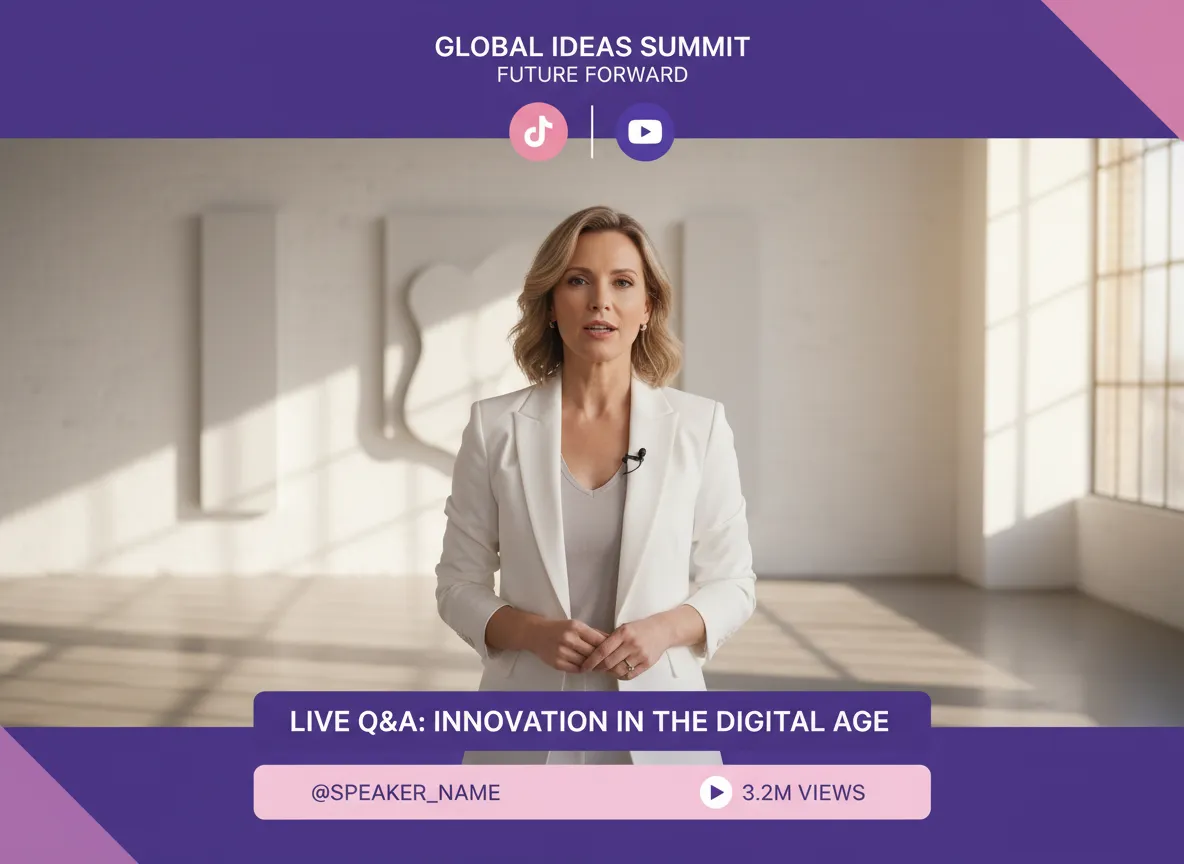
Transform horizontal long-form content into social-ready masterpieces. Vizard’s Smart Clip Segmentation automatically breaks down webinars or interviews into 30–90 second highlights, perfectly timed for short-form algorithms. The Platform-Optimized Vertical Format feature intelligently crops your video to a 9:16 ratio, using AI to keep the speaker centered and ensuring no critical action is lost. Ideal for social media managers, this tool ensures your YouTube Shorts and Instagram Reels look native and professional without any manual resizing, maximizing engagement across all mobile-first platforms.
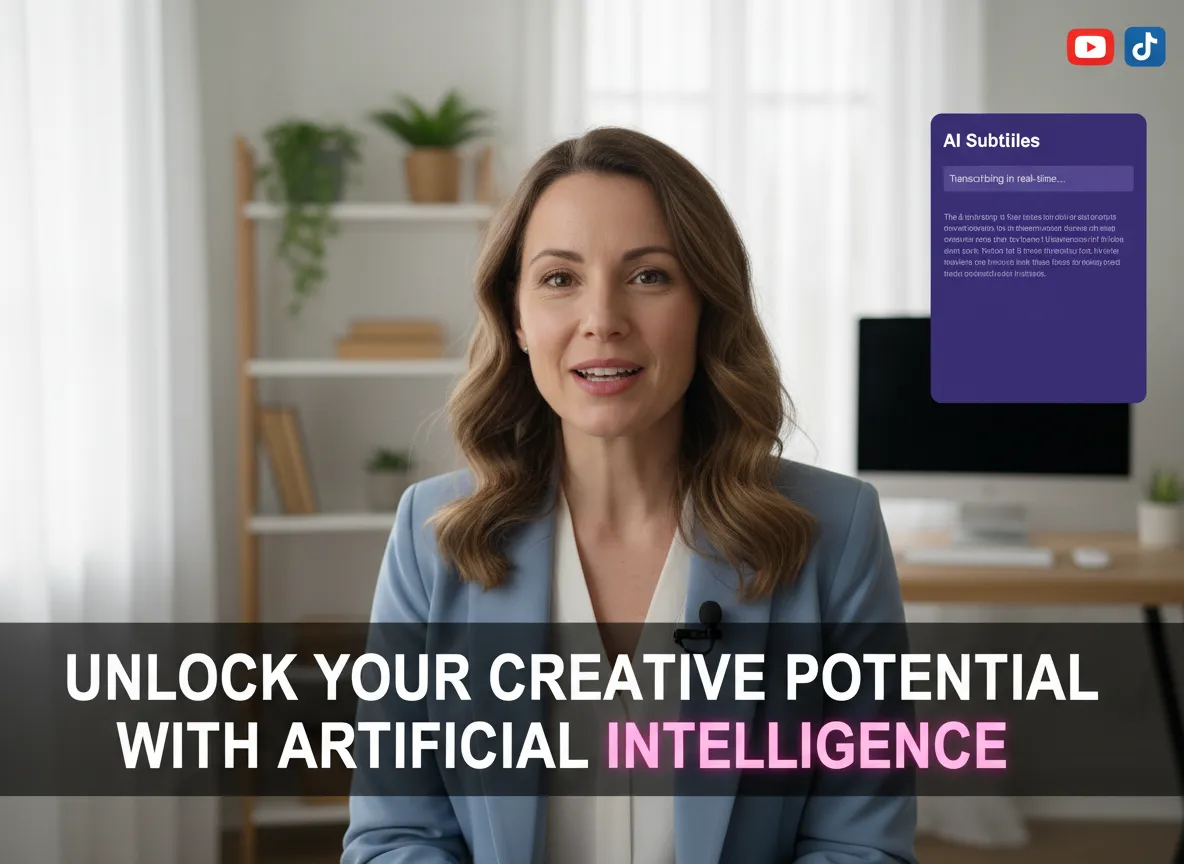
Boost your video’s watch time with Vizard’s high-precision AI Subtitles. Supporting over 35 languages for recognition and 150+ for translation, this feature makes your content globally accessible. Beyond basic text, Vizard offers Dynamic Captions with trendy styles that pop, significantly increasing completion rates on platforms where viewers often watch on mute. Whether you're a podcaster or an online educator, these automated, stylish captions ensure your message is clear and engaging, helping your viral clips stand out in a crowded feed.
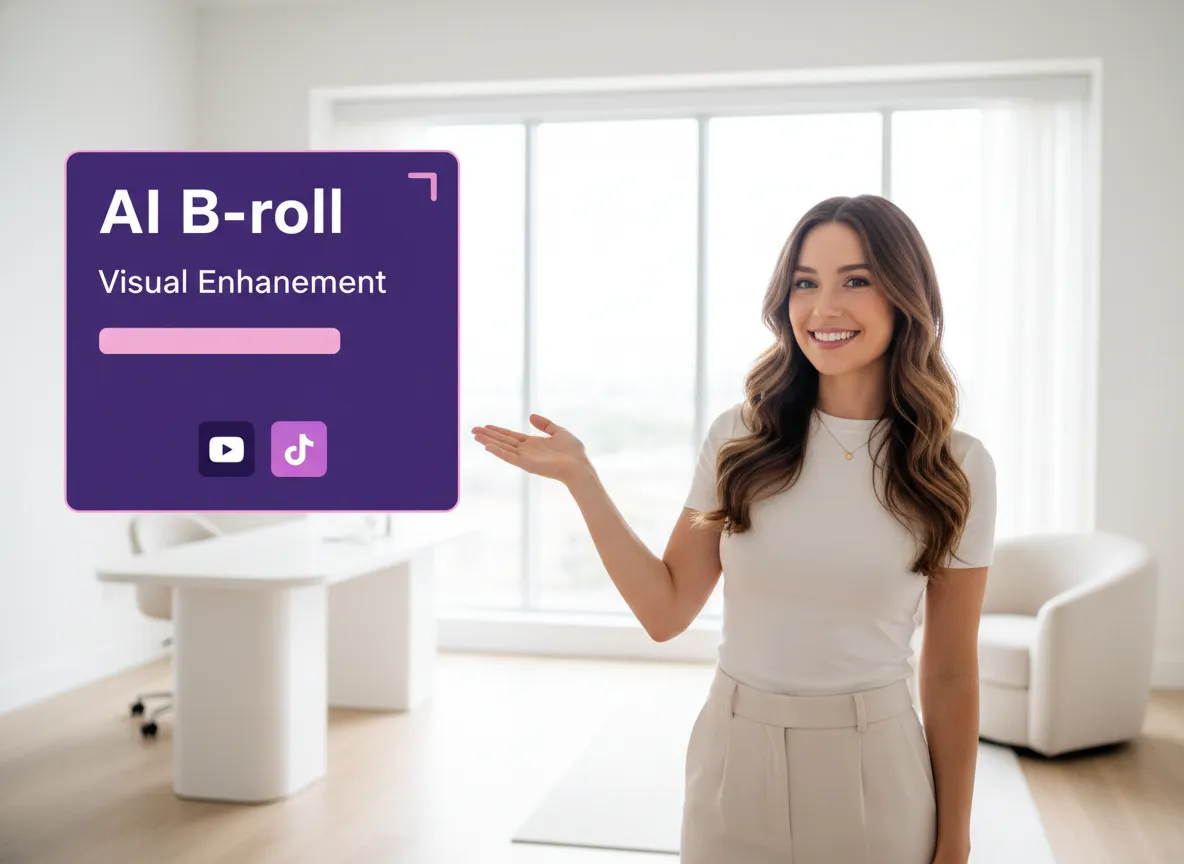
Elevate your production quality instantly. Vizard’s AI B-roll feature automatically inserts relevant footage to support your narrative, or lets you generate custom assets using leading AI models like Veo and Sora. Complementing this is Thumbnail & Cover Optimization, which selects the most engaging frames to drive clicks. For brand owners, these visual enhancements transform simple talking-head videos into high-production assets. Vizard handles the heavy lifting of visual storytelling, making it easier than ever to produce polished, high-conversion content that resonates with your audience.
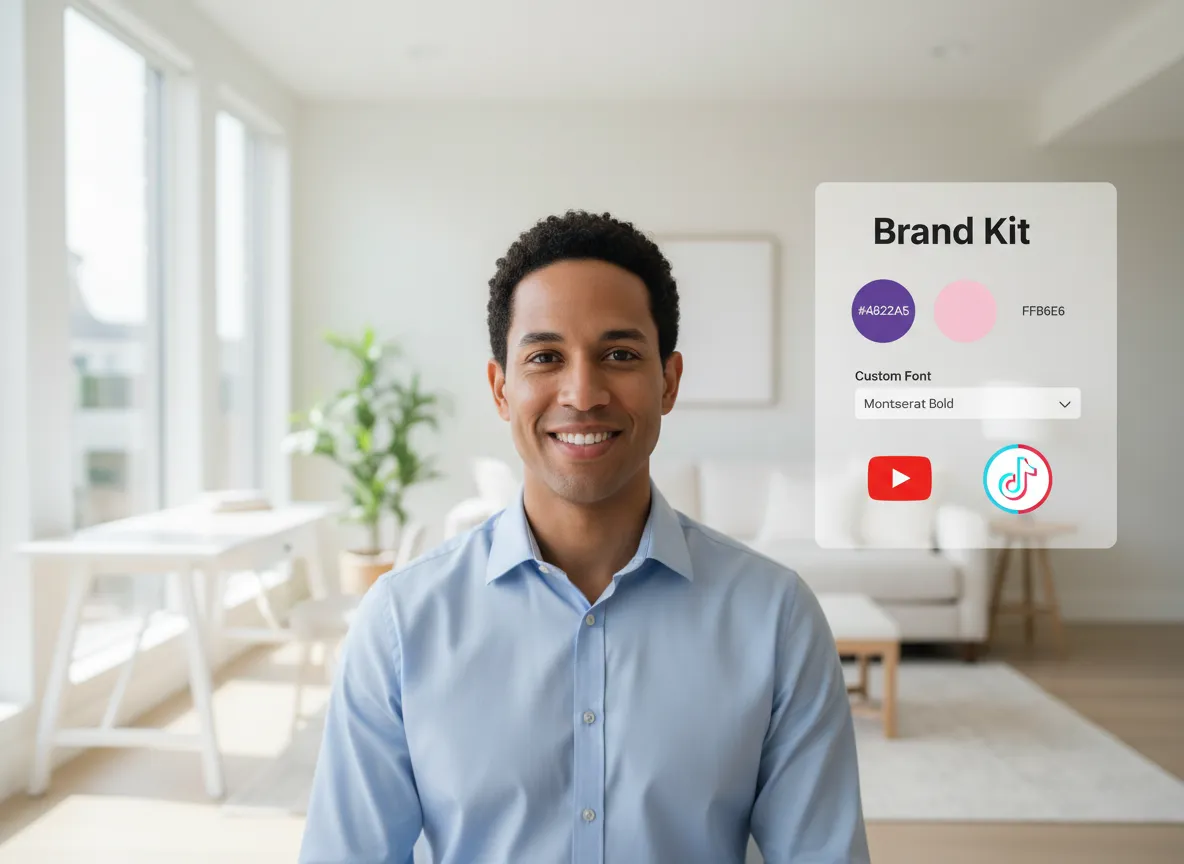
Maintain a consistent brand identity across every clip you post. Vizard’s Brand Kit allows you to save your unique logos, fonts, colors, and custom outros, ensuring every viral clip aligns with your professional image. Use our library of pre-designed templates to quickly apply high-quality layouts, CTAs, and transition styles. This is a game-changer for marketing teams and agencies managing multiple brands, as it streamlines the repurposing workflow while guaranteeing that every piece of content reinforces brand recognition and authority across social channels.
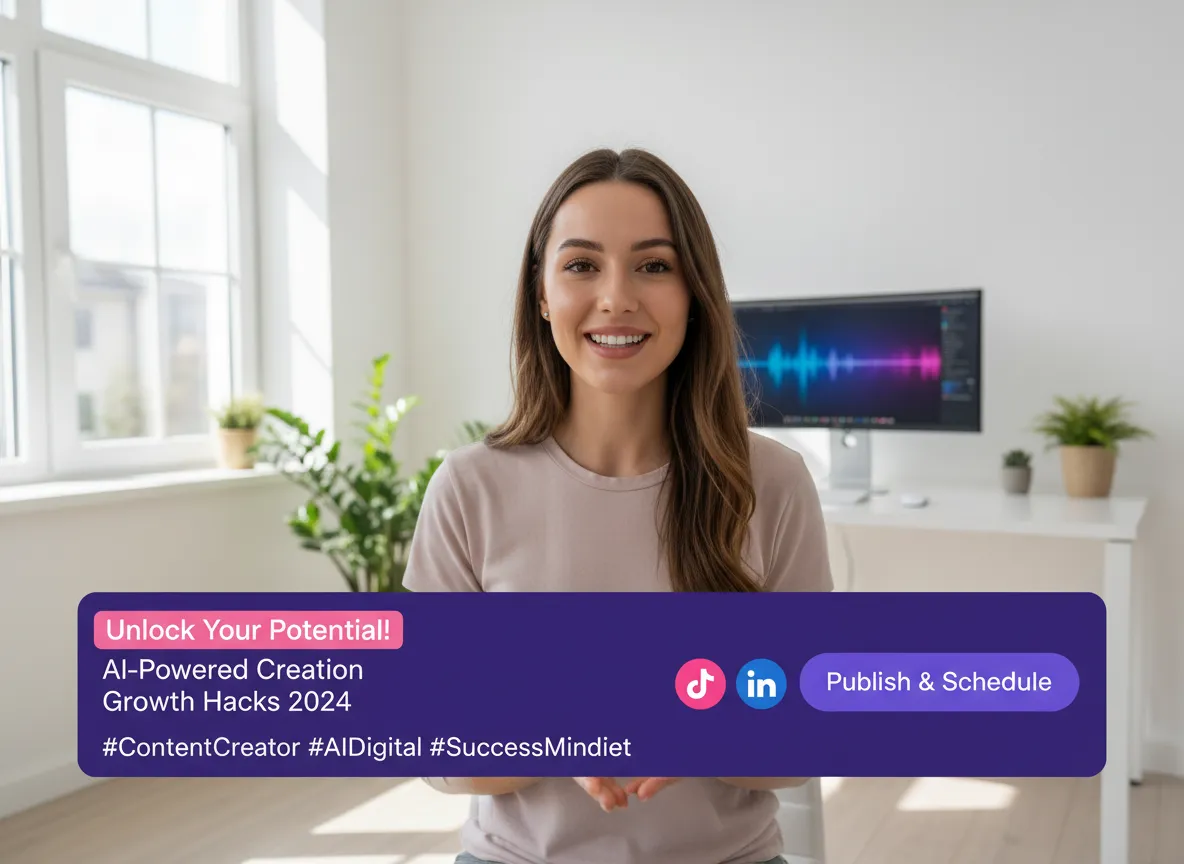
Vizard completes the workflow by generating platform-optimized titles, descriptions, and hashtags for every clip, tailored to your chosen tone. Once your content is ready, the Direct Publishing & Scheduling feature lets you post directly to TikTok, LinkedIn, and more, or queue them in a content calendar. This end-to-end repurposing workflow removes the friction between editing and distribution. Creators can manage their entire social presence from one dashboard, turning a single long-form video into a week’s worth of high-performing social posts in just minutes.
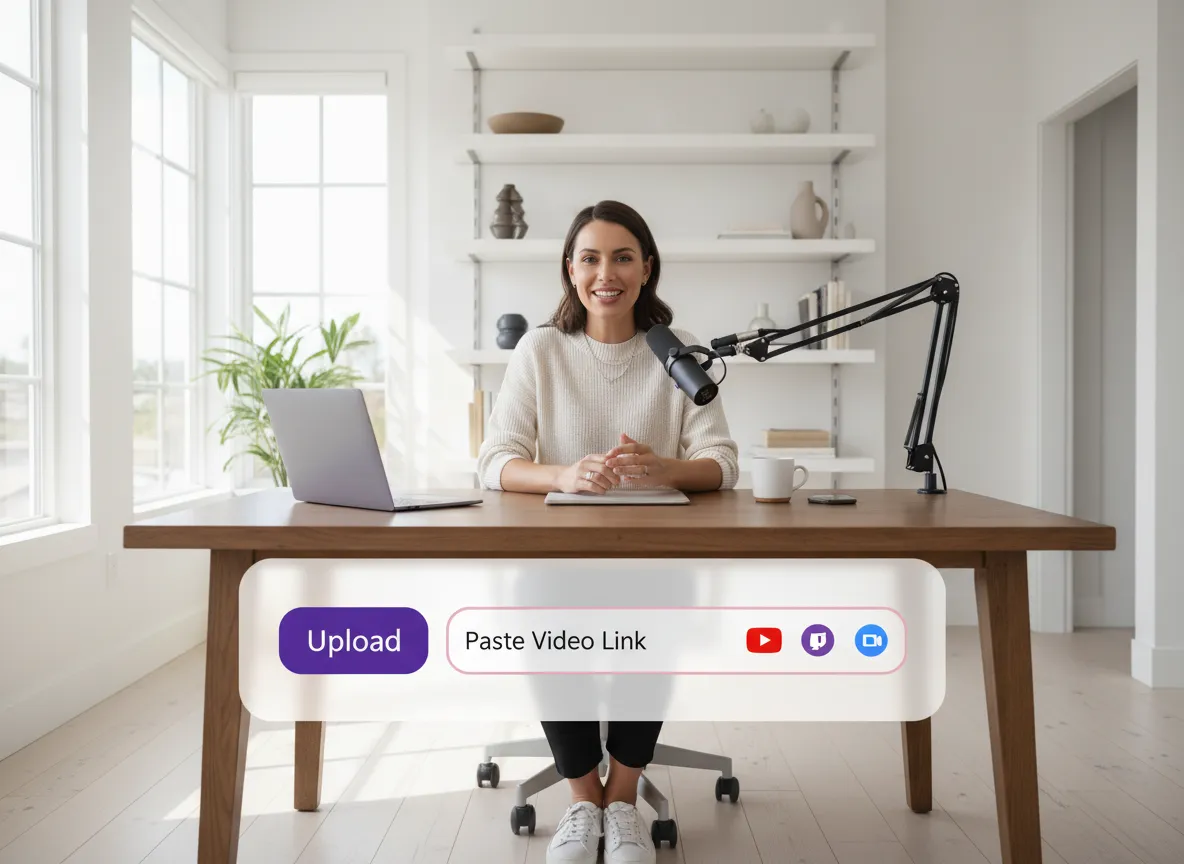
Log into your Vizard workspace and easily import your long-form content. Simply paste a link from YouTube, Twitch, Zoom, or Google Drive, or upload your local video files directly to get started.
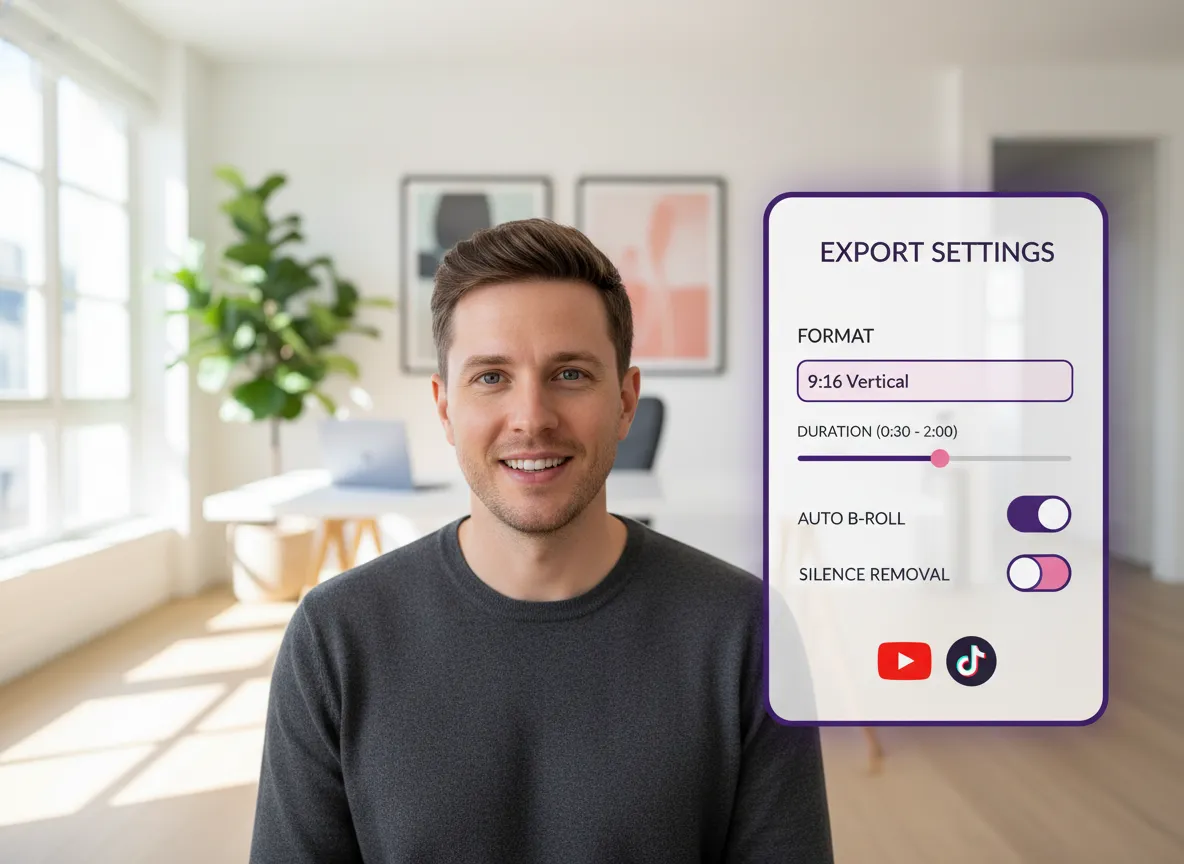
Choose your desired output format, typically 9:16 for vertical platforms. Customize your clip by setting the duration range and toggling advanced AI features like automatic B-roll, silence removal, and brand templates for a professional look.
Click "Get Clips" and let Vizard's multi-modal AI analyze your video for high-impact moments. The system automatically identifies and extracts the most engaging segments based on sentiment, pacing, and storytelling.
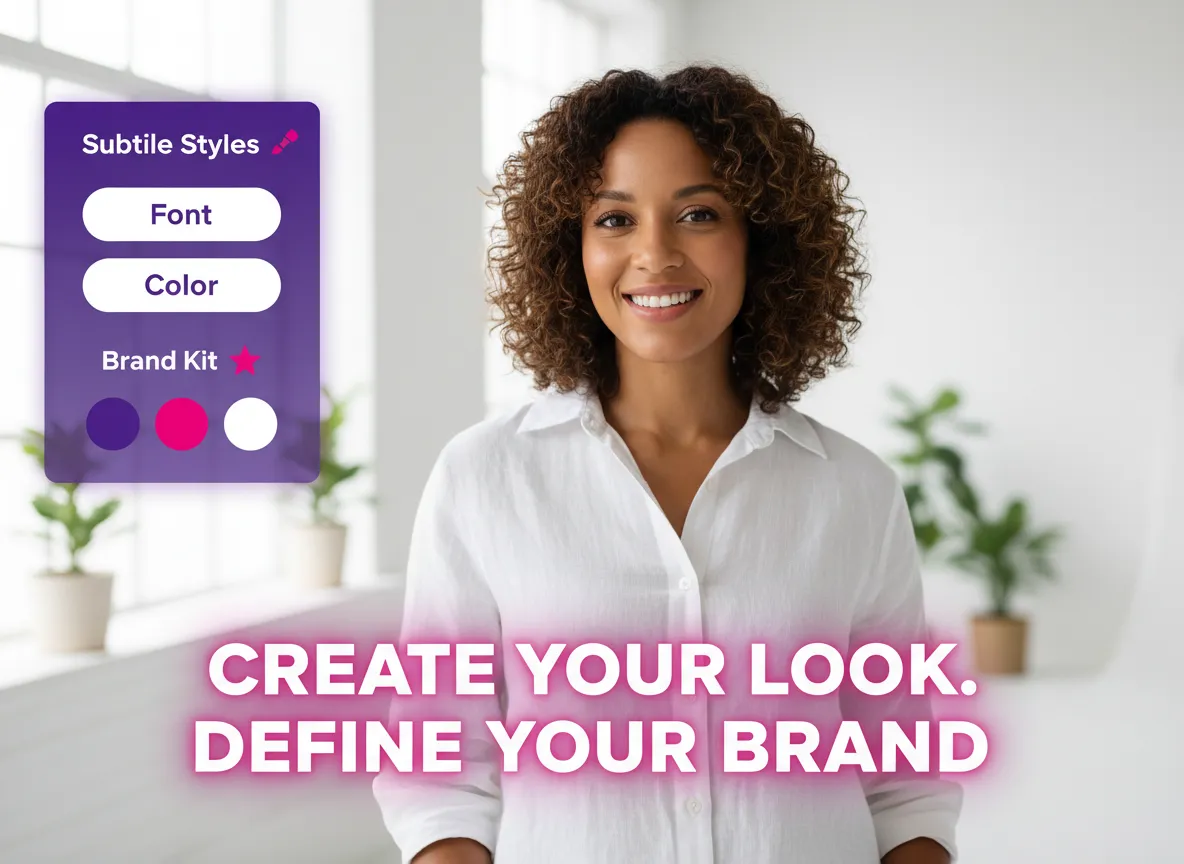
Open the Vizard Editor to add your personal touch. Fine-tune subtitle styles, adjust frame cropping, or enhance your video with visual effects and dynamic captions to ensure it captures attention instantly.

Vizard automatically generates optimized titles, descriptions, and hashtags for your chosen platforms. Review the content, then publish directly to social media or use the Content Calendar to schedule your posts for peak engagement.
Turn one video into 10+ Instagram Reels with AI.
With just a few clicks, you can download or share your videos with your friends or team members with a link.
Turn your videos and audios into Reels, Stories, posts, and more in one click.
Effortlessly plan, schedule, and auto-generate engaging AI-driven posts, and publish your Instagram Reels along with the perfect captions.
Add dynamic subtitles for your videos automatically, all in the browser.
Bring your team together by inviting collaborators to work on your projects, in one workspace.
Effortlessly translate your video content into 130+ languages, expanding your global reach with just a few clicks.
Enhance your video's visual appeal and brand identity with ease by adding logos, images, outros, and custom fonts to your videos.


What is Vizard's AI Viral Clip Maker?
How does the AI detect the best moments for viral clips?
What video sources and formats does Vizard support?
Can I add my own branding and subtitles to the clips?
How does Vizard help with social media publishing and scheduling?
Do I need professional editing skills to use Vizard?
What is Vizard's AI Viral Clip Maker?
How does the AI detect the best moments for viral clips?
What video sources and formats does Vizard support?
Can I add my own branding and subtitles to the clips?
How does Vizard help with social media publishing and scheduling?
Do I need professional editing skills to use Vizard?

 Yao Wang

Yao Wang

Yao Wang
Yao Wang

Yao Wang


















