

NEW
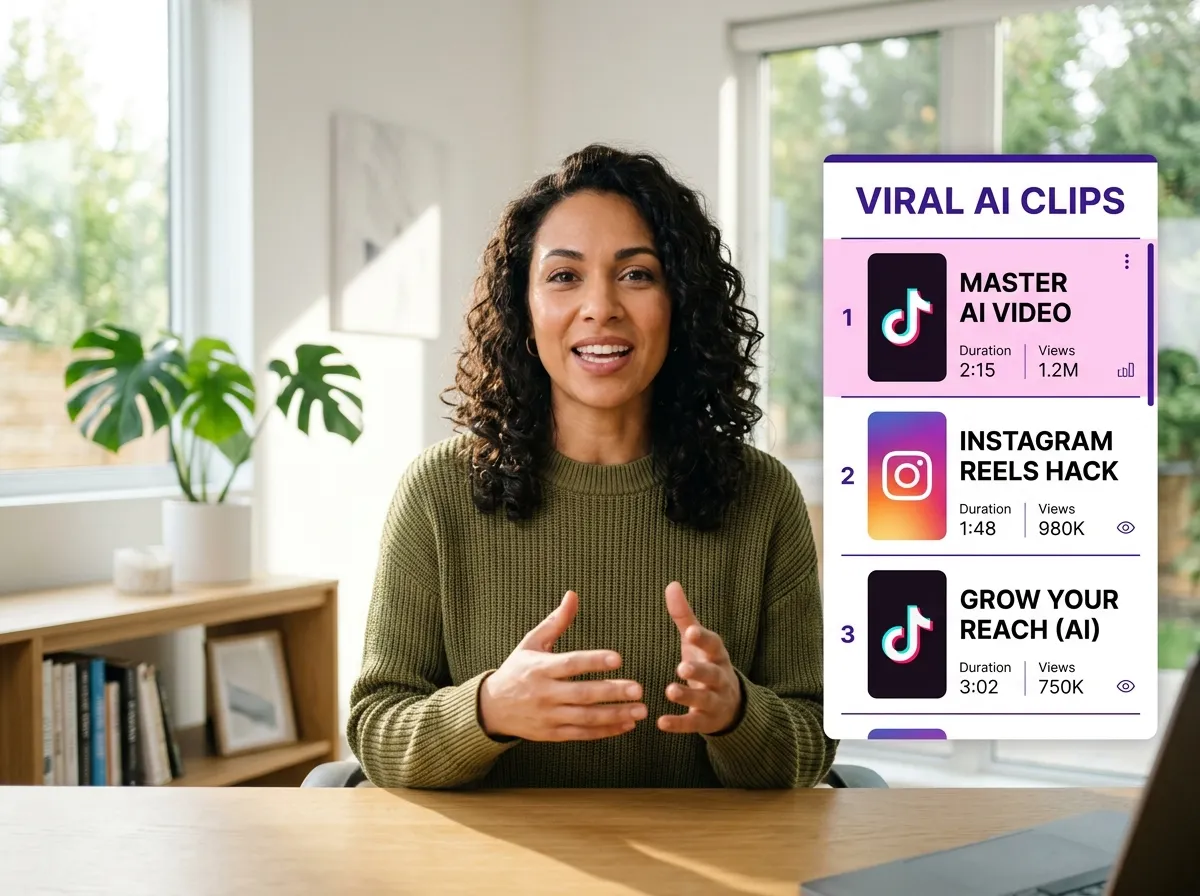



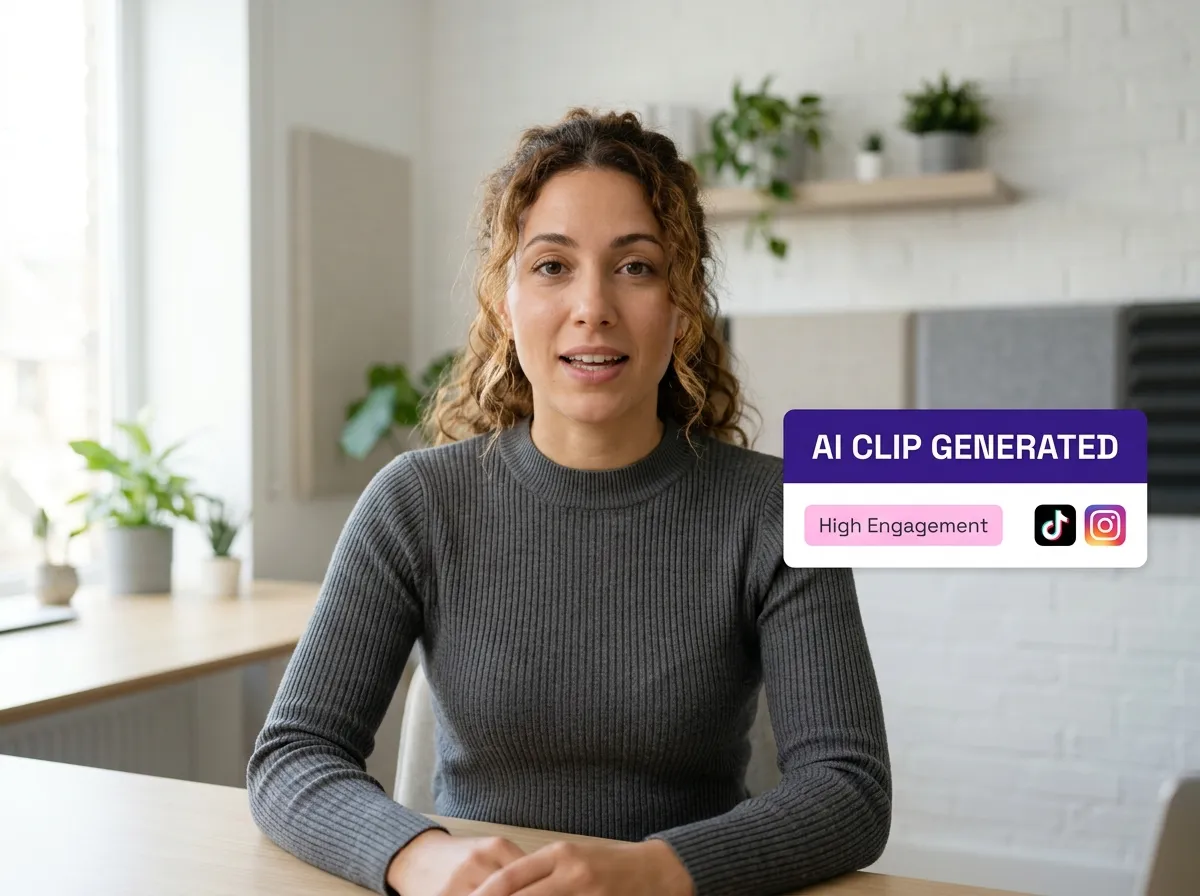
Vizard’s AI Video Clipper automates highlight detection, saving creators hours of manual scrubbing. Our AI identifies key moments in long videos, podcasts, or webinars, creating high-engagement segments ready for social media. Perfect for scaling content production effortlessly.
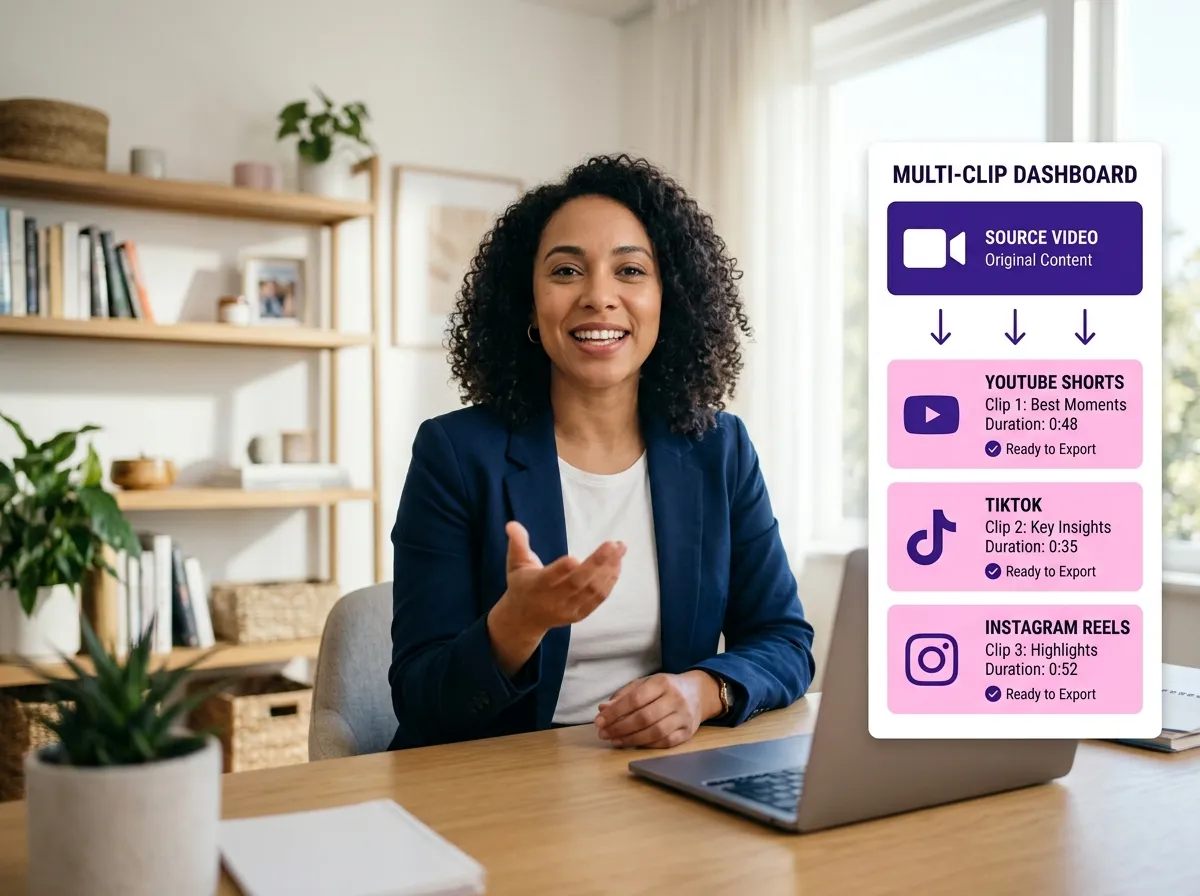
Generate multiple short-form clips from a single video with Vizard. This one-click solution helps social media managers maintain a consistent posting schedule. Repurpose interviews or webinars into dozens of viral shorts to maximize reach across TikTok, Reels, and YouTube.
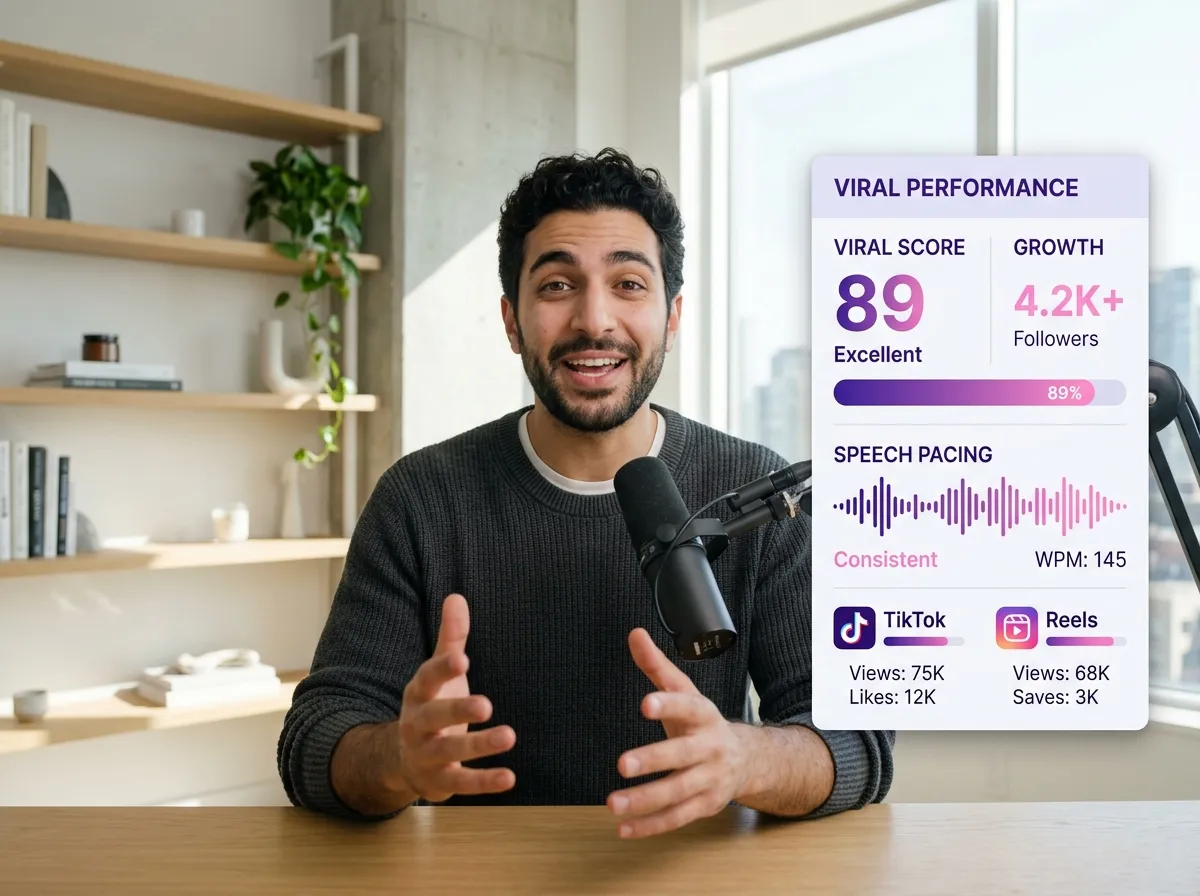
Boost engagement with Vizard’s Viral Moment Optimization. Our AI analyzes pacing and speech to select clips with high storytelling potential. For influencers, this means every video is designed to capture attention and go viral using data-backed content insights.
Enhance accessibility with Vizard’s auto captions and dynamic subtitles. Vizard automatically transcribes your clips, adding stylish overlays that improve retention even on mute. Fully customize fonts and colors to match your brand and ensure your message reaches everyone.
Vizard instantly converts horizontal footage into 9:16 vertical videos for TikTok, Reels, and Shorts. Our AI-powered cropping keeps subjects centered, eliminating manual work. Deliver perfectly formatted, platform-ready clips in seconds—ideal for agencies and busy marketers.
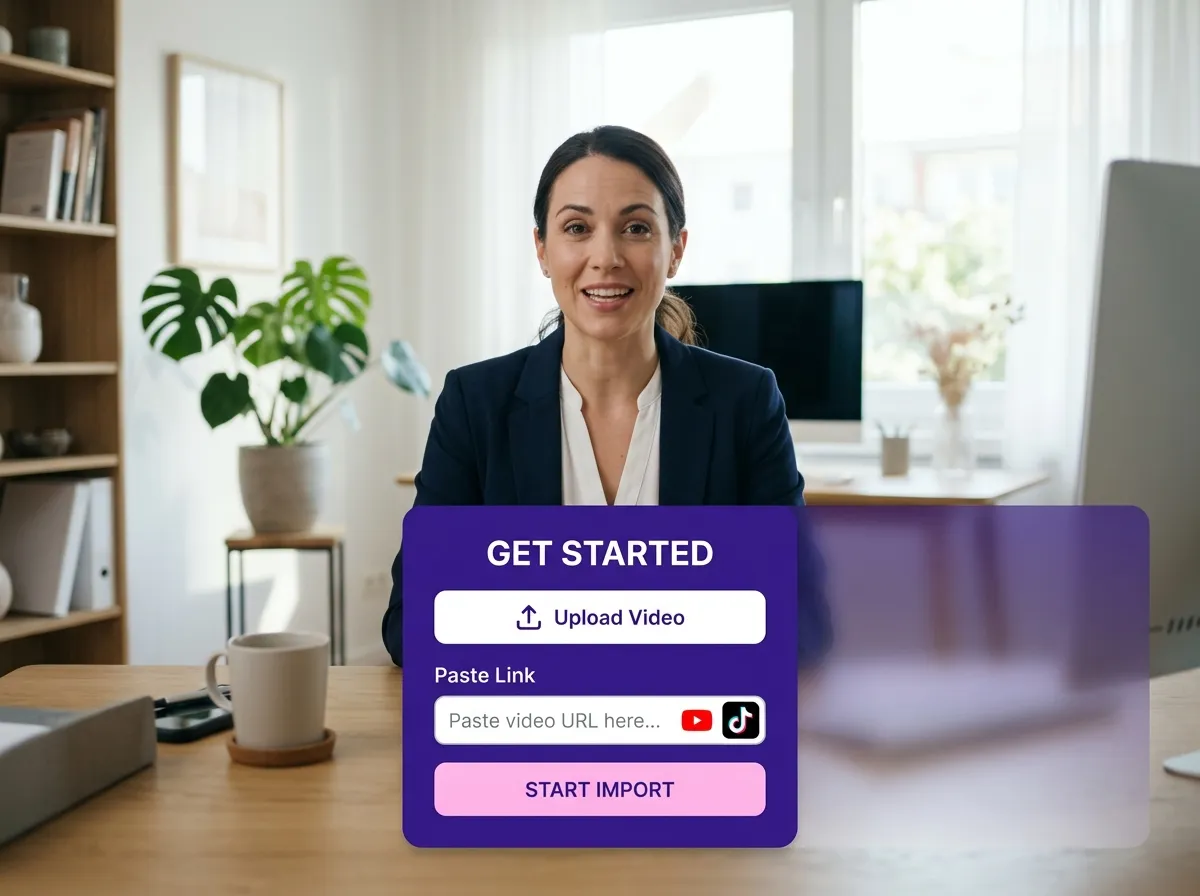
Start by uploading your long-form video, podcast, or recording directly to Vizard. You can also simply paste a link from YouTube or other platforms to begin the process instantly.
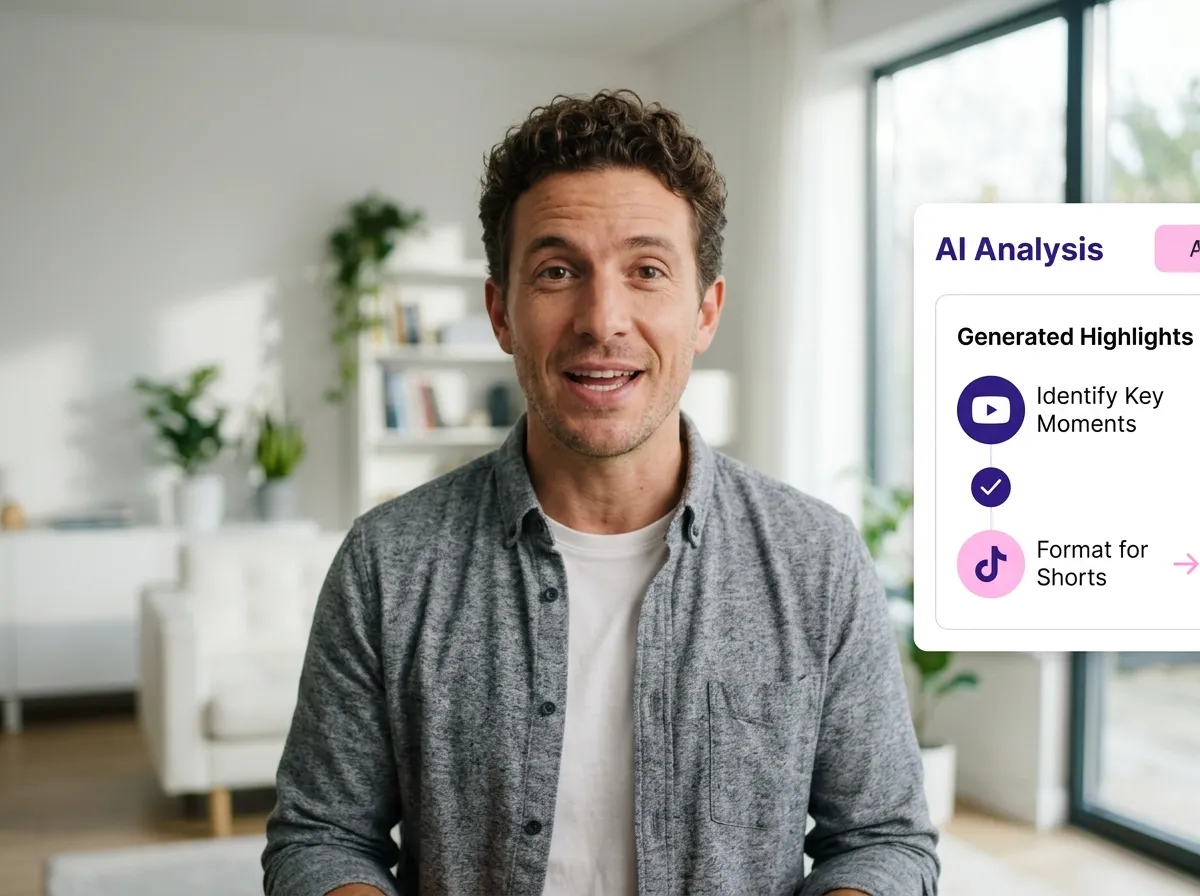
Our advanced AI analyzes your footage to identify the most engaging, informative, and viral-worthy segments. It automatically generates multiple high-performing short clips based on speech, pacing, and context.
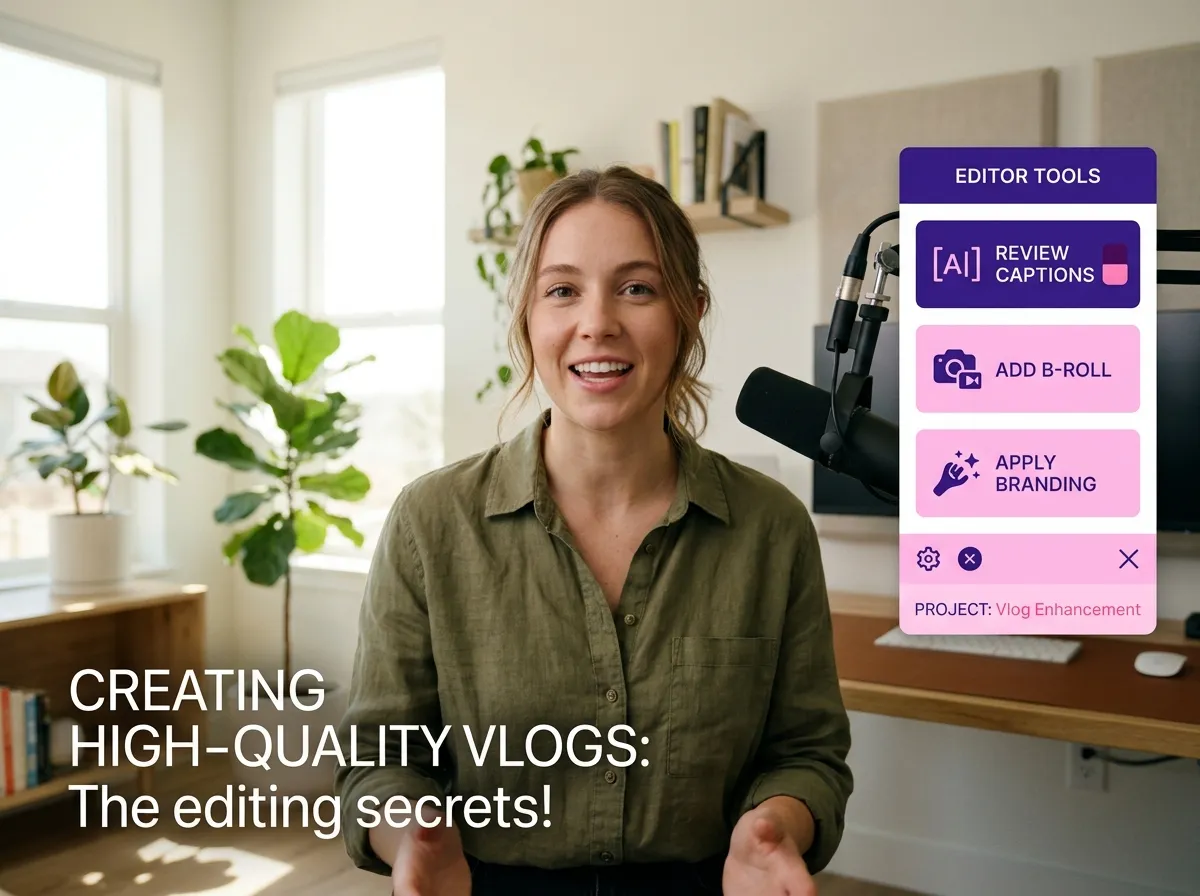
Preview the AI-generated clips and add your personal touch. Customize dynamic captions, add B-roll footage, and apply your brand’s colors and logos to ensure every clip is perfectly tailored for your audience.
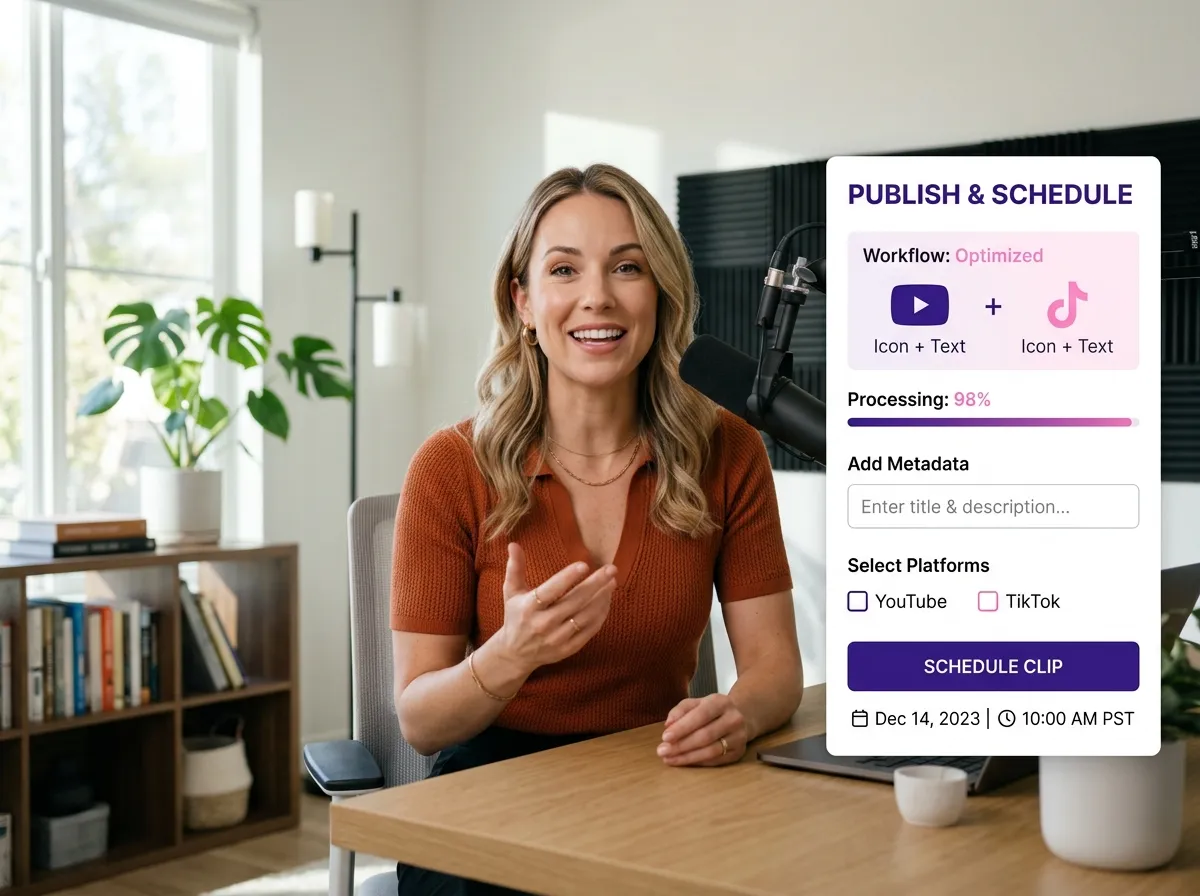
Once you're happy with your clips, export them in high resolution or publish them directly to TikTok, Instagram, and YouTube. You can even schedule your posts using Vizard’s integrated content workflow.
Turn one video into 10+ Instagram Reels with AI.
With just a few clicks, you can download or share your videos with your friends or team members with a link.
Turn your videos and audios into Reels, Stories, posts, and more in one click.
Effortlessly plan, schedule, and auto-generate engaging AI-driven posts, and publish your Instagram Reels along with the perfect captions.
Add dynamic subtitles for your videos automatically, all in the browser.
Bring your team together by inviting collaborators to work on your projects, in one workspace.
Effortlessly translate your video content into 130+ languages, expanding your global reach with just a few clicks.
Enhance your video's visual appeal and brand identity with ease by adding logos, images, outros, and custom fonts to your videos.


What is Vizard’s AI Video Clipper?
How does the AI detect the best moments for clips?
Which platforms are the clips optimized for?
Can I add captions and subtitles to my clips?
Is it possible to edit the clips after the AI generates them?
What video formats and sources does Vizard support?
What is Vizard’s AI Video Clipper?
How does the AI detect the best moments for clips?
Which platforms are the clips optimized for?
Can I add captions and subtitles to my clips?
Is it possible to edit the clips after the AI generates them?
What video formats and sources does Vizard support?

 Yao Wang

Yao Wang
Yao Wang

Yao Wang

Yao Wang


















