

NEW
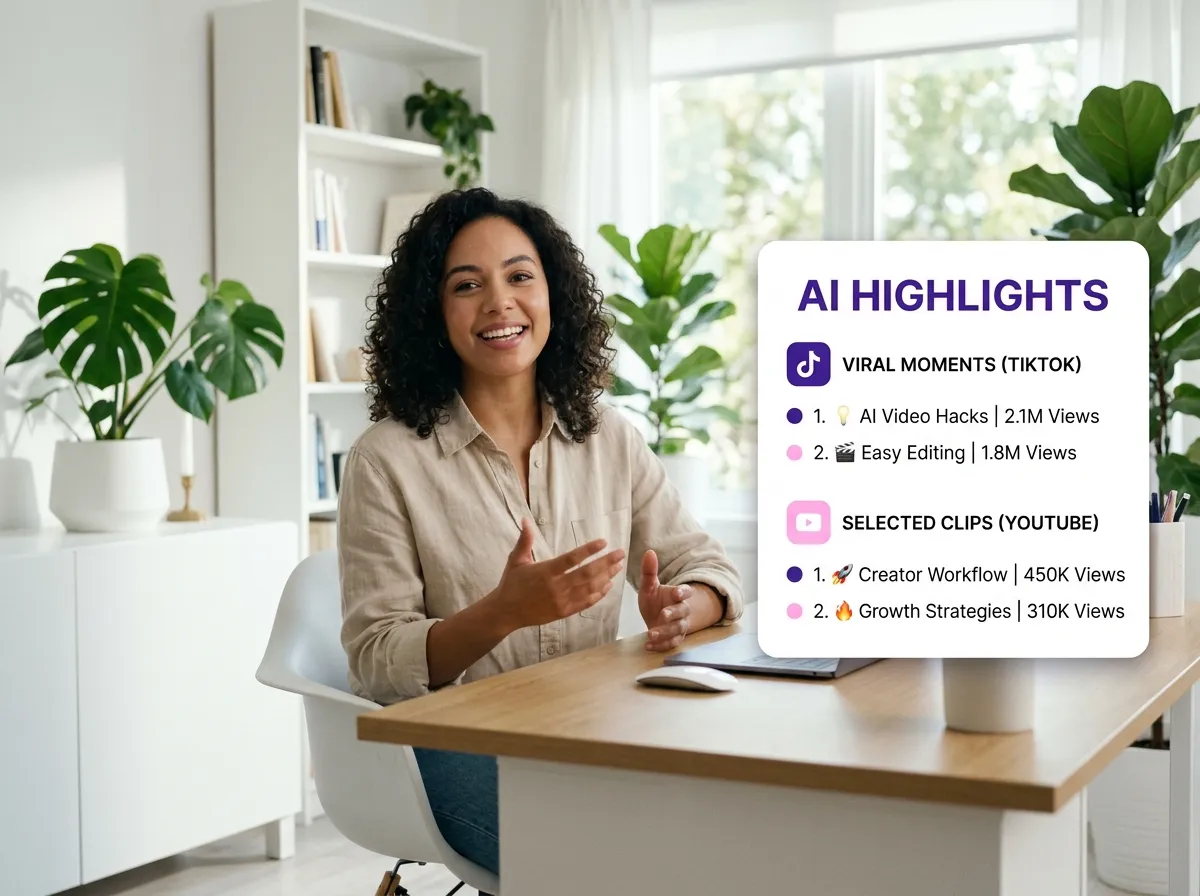



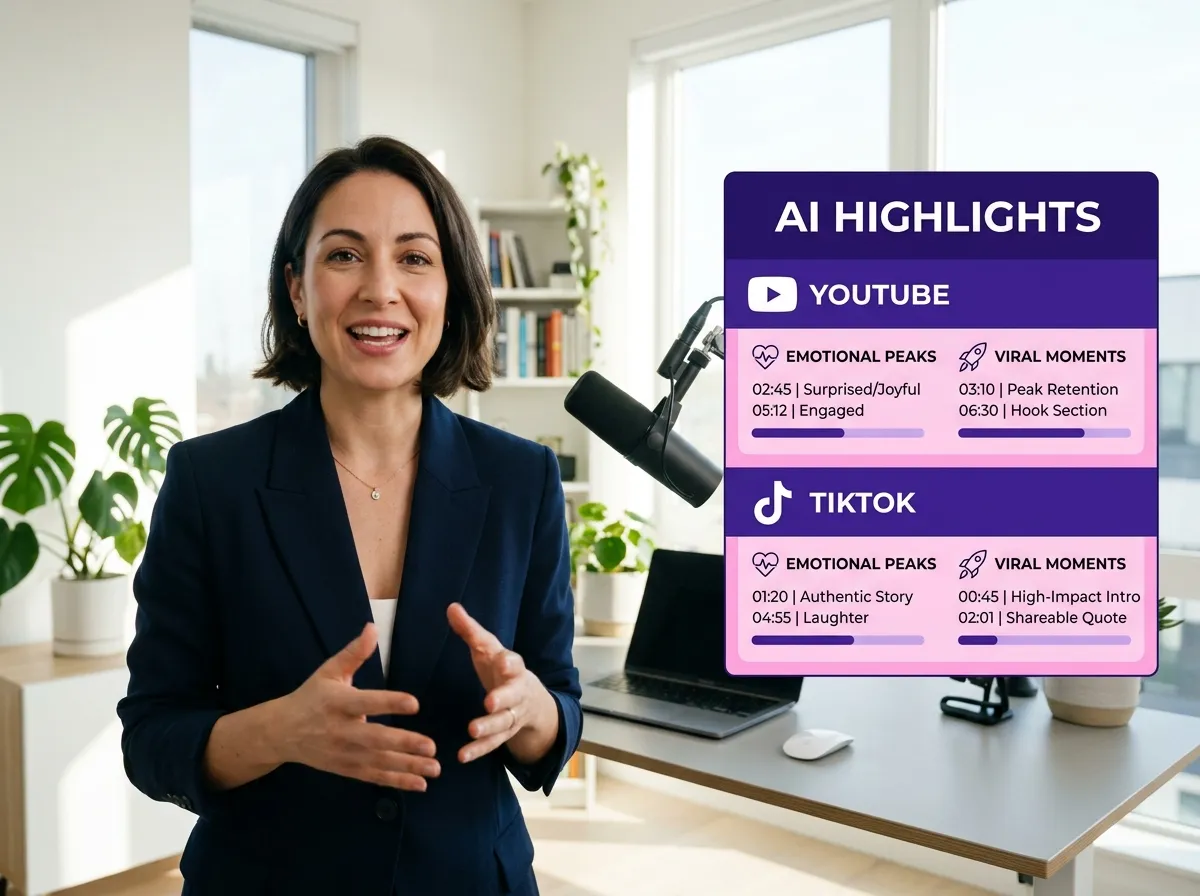
Vizard’s AI Highlight Detection revolutionizes the way creators process long-form content. By automatically scanning hours of podcasts and webinars, this intelligent tool identifies emotional peaks and high-engagement segments with precision. Instead of manually scrubbing through footage, Vizard does the heavy lifting, pinpointing the most impactful moments ready for clipping. This is an essential feature for social media managers who need to find the "hook" in every video quickly. With Vizard, you ensure that every key takeaway is captured, saving hours of manual editing while maximizing the value of your existing content library.
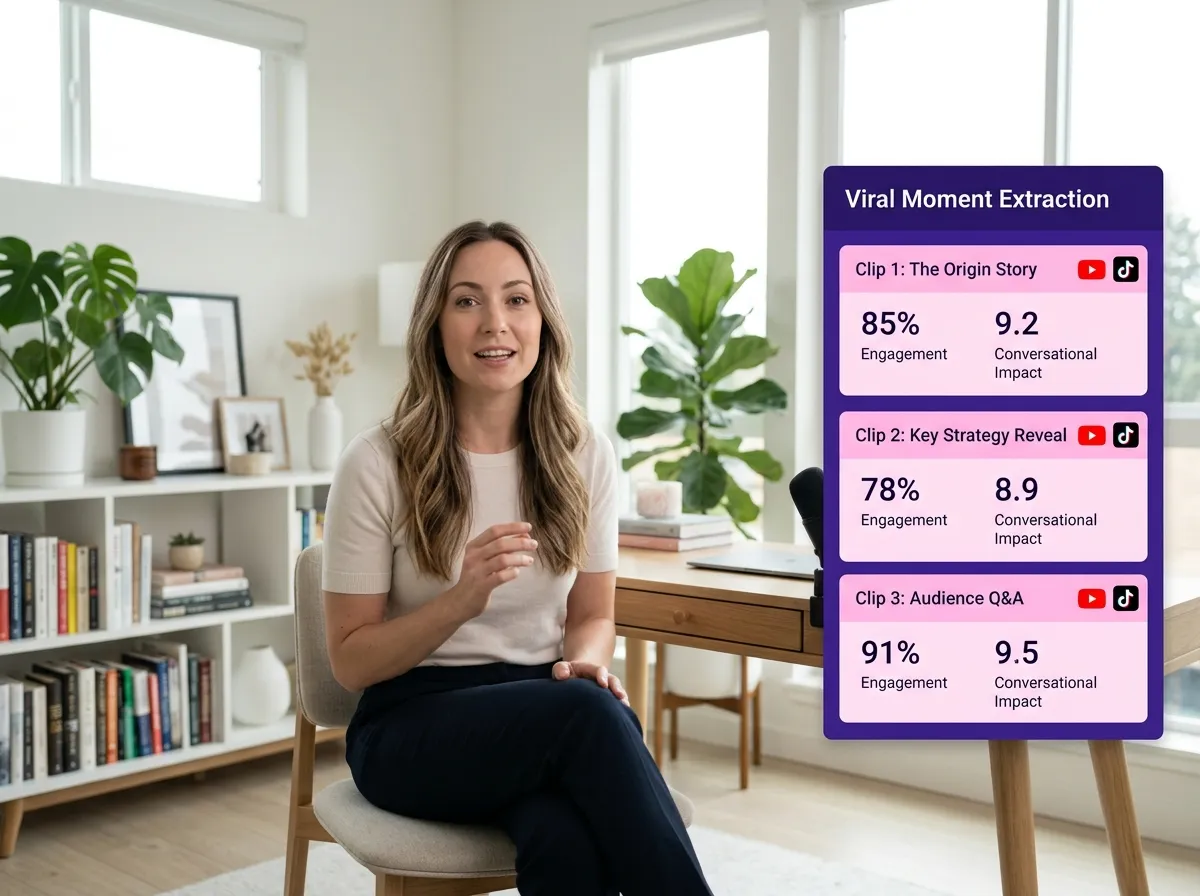
Transform your storytelling with Vizard’s Viral Moment Extraction. This feature leverages advanced AI to detect sections with strong audience interest signals and conversational impact, specifically designed to create clips with high viral potential. Whether you're a YouTuber or a business professional, Vizard identifies the exact moments that resonate most with viewers on platforms like TikTok and Instagram. By focusing on narrative flow and emotional resonance, Vizard helps you extract the gold from your long videos, ensuring your shorts are primed for engagement and shares. It’s the ultimate shortcut to growing your online presence through data-driven content selection.
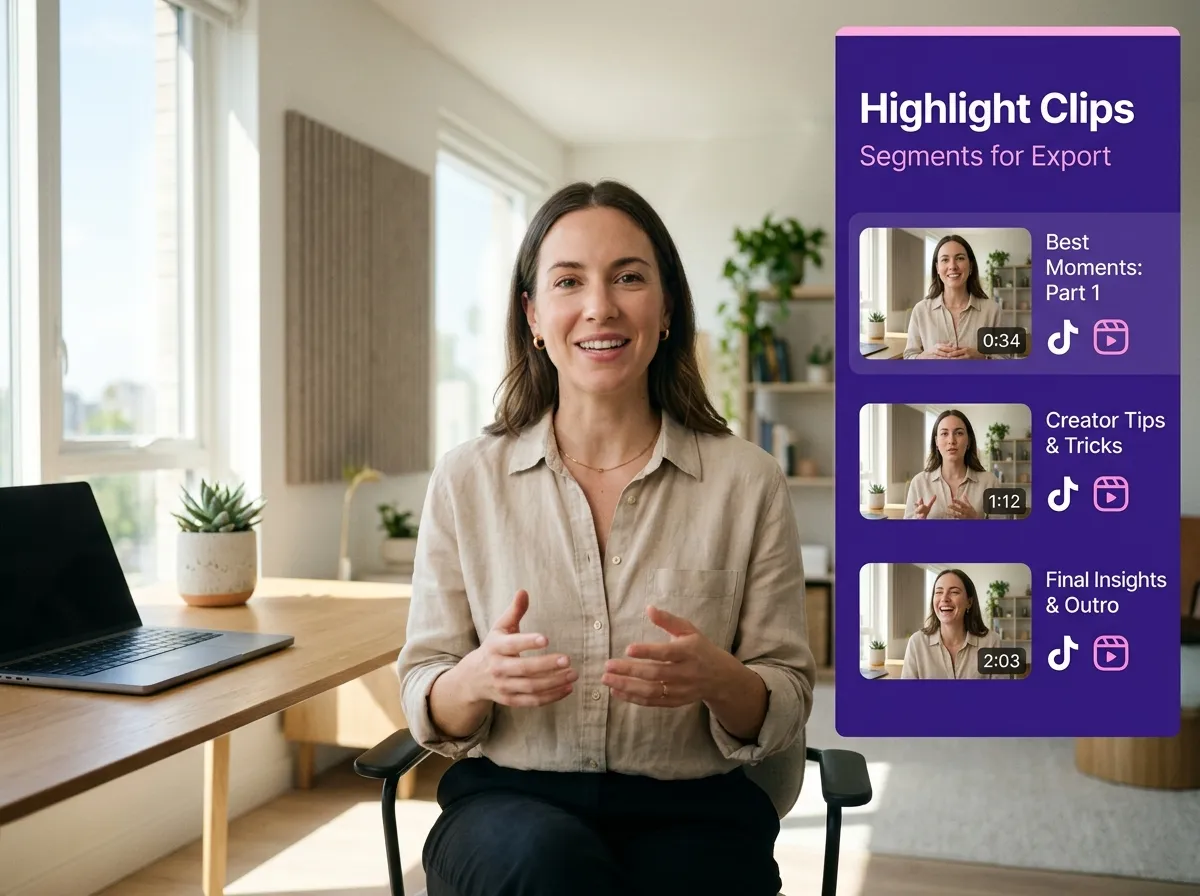
Efficiency meets creativity with Vizard’s Multi-Highlight Clip Generation. From a single long-form video or podcast, Vizard can generate multiple high-quality highlight clips simultaneously, enabling seamless content repurposing across all social channels. This feature is a game-changer for content creators who need to maintain a consistent posting schedule without doubling their workload. By turning one interview into ten viral-ready shorts, Vizard empowers you to flood your feeds with engaging content. Perfect for repurposing LinkedIn webinars or YouTube interviews, this tool ensures you get the maximum ROI from every minute of recording time.
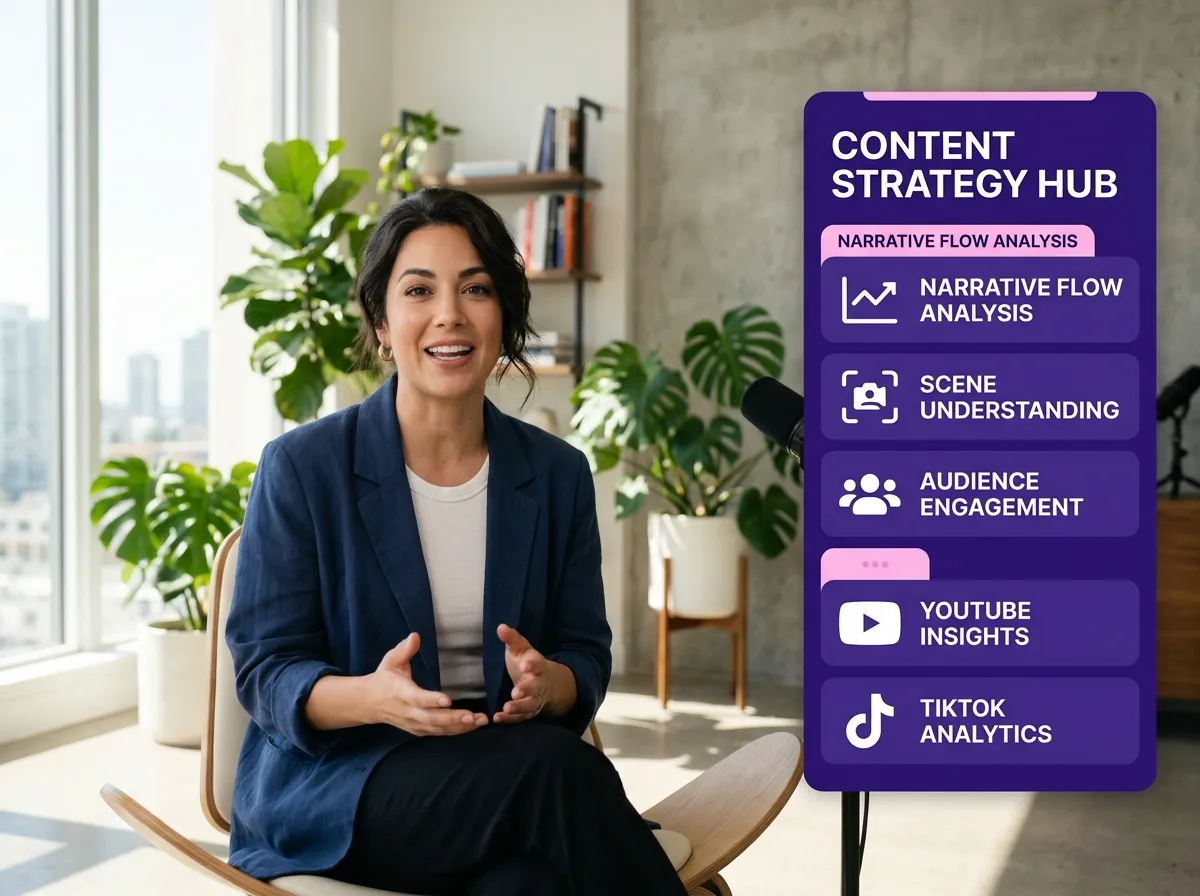
Vizard’s Content-Aware Scene Understanding goes beyond simple silence detection. Our sophisticated AI analyzes speech, context, and narrative flow to understand the deeper meaning behind your video segments. This ensures that the clips generated by Vizard are logically coherent and contextually relevant, providing a superior viewing experience for your audience. Unlike traditional tools that might cut mid-sentence, Vizard respects the natural flow of conversation. This level of intelligence is ideal for complex interviews and educational content where context is king, allowing creators to produce professional-grade highlights that feel intentionally edited and polished.
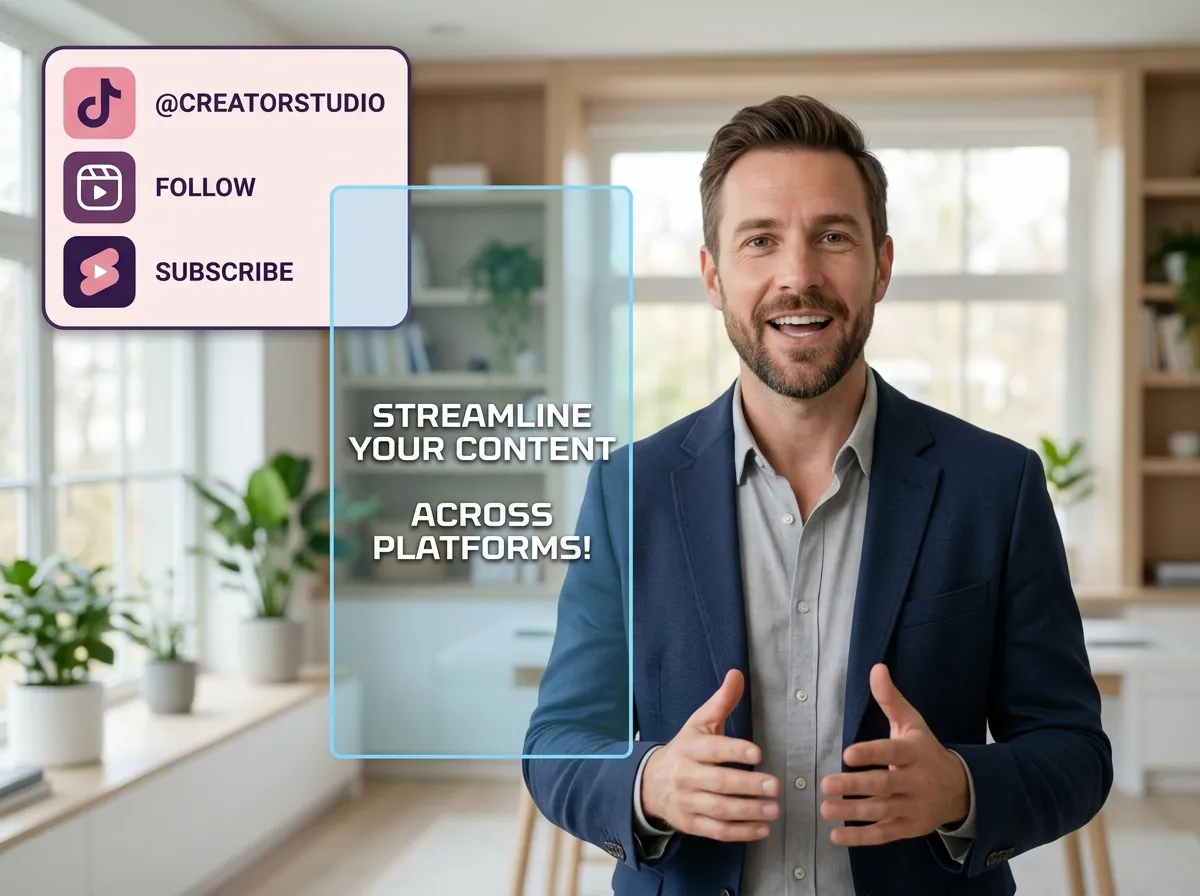
Get your highlights ready for the spotlight with Vizard’s Social Media Optimization. This feature automatically formats your highlight clips into the vertical 9:16 aspect ratio, adds stylish captions, and optimizes them for performance on TikTok, Reels, and YouTube Shorts. Vizard takes the guesswork out of social media publishing by ensuring your videos meet platform-specific standards instantly. Whether you are adding brand elements or refining captions, Vizard provides a comprehensive suite of tools to make your highlights pop. It’s the final step in a streamlined workflow that turns raw footage into viral-ready social media gold in just a few clicks.
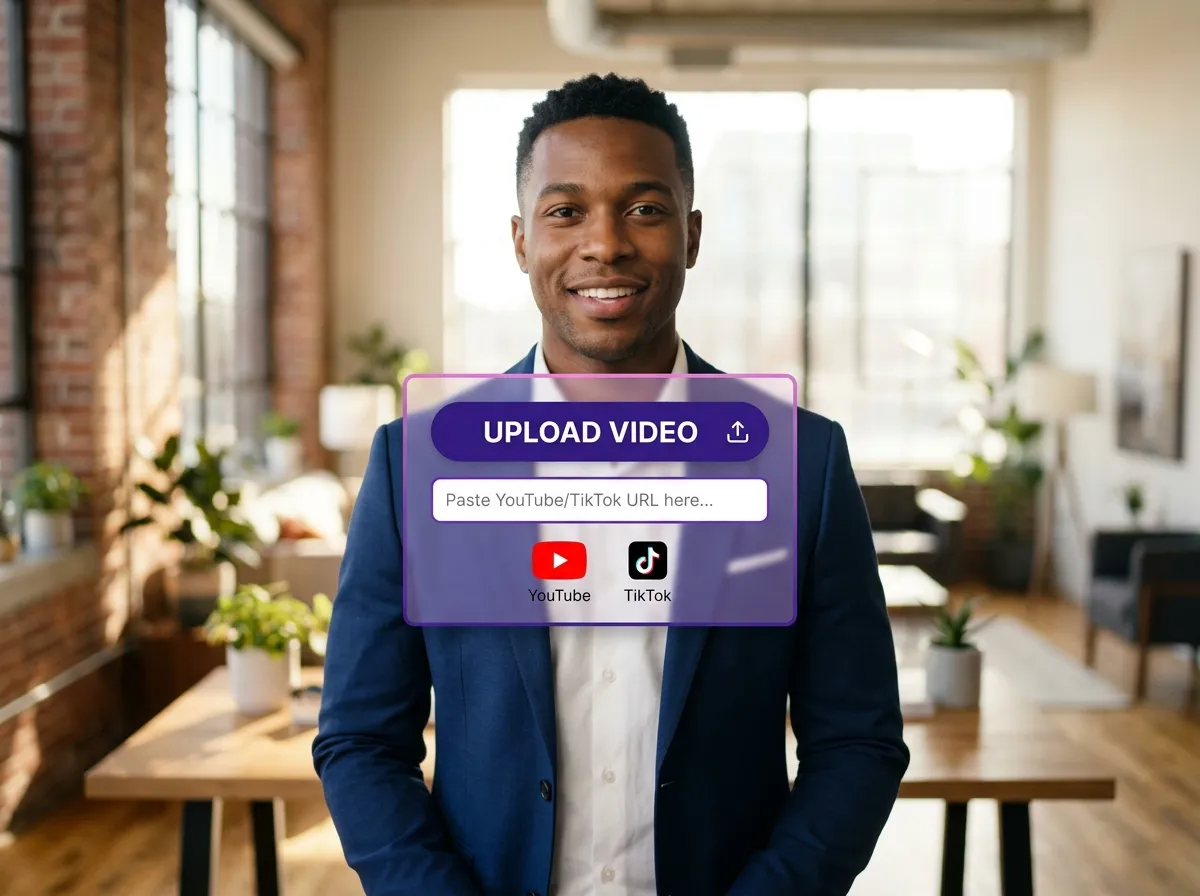
Start by uploading your long-form video or podcast file directly to Vizard. You can also simply paste a link from YouTube or Zoom to import your content instantly.
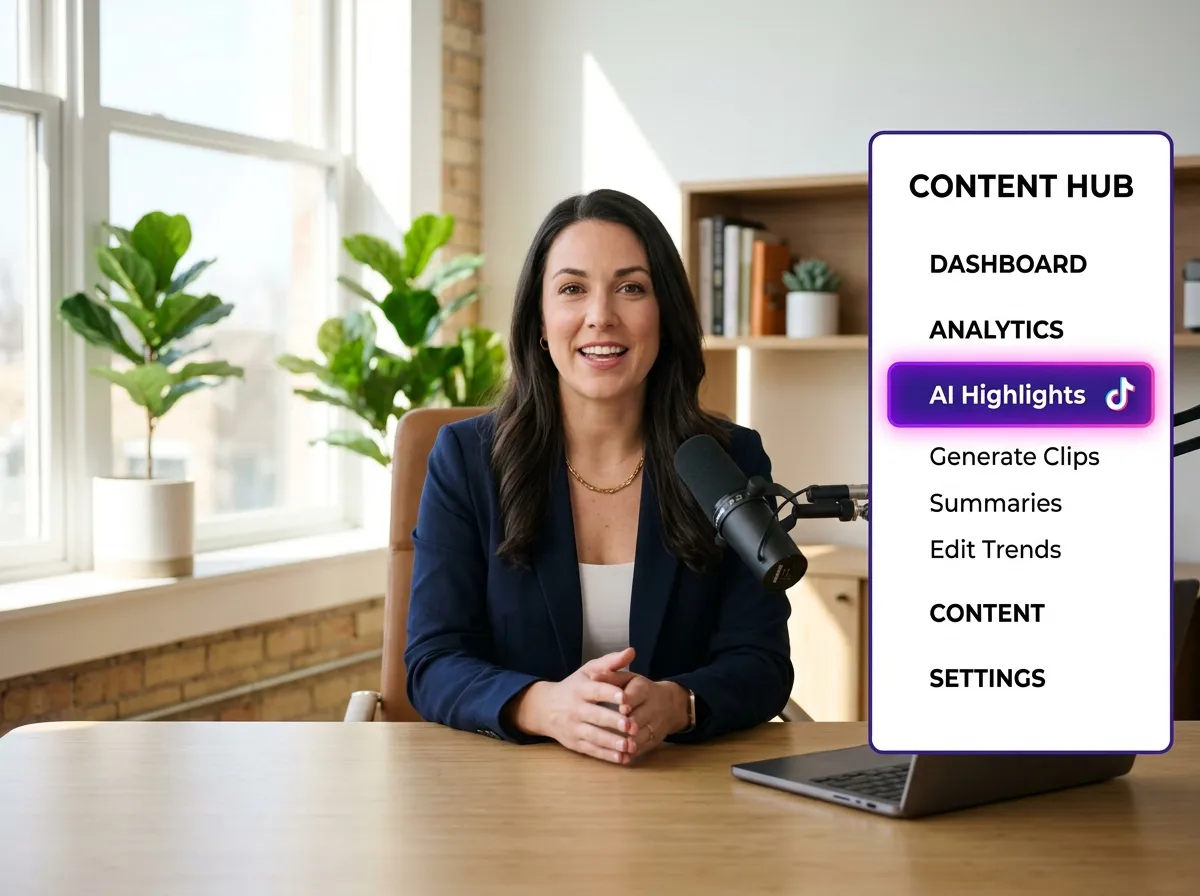
Choose the "AI Highlights" feature within the clipping workflow. This tells Vizard's AI to focus on finding the most viral-worthy moments in your footage.
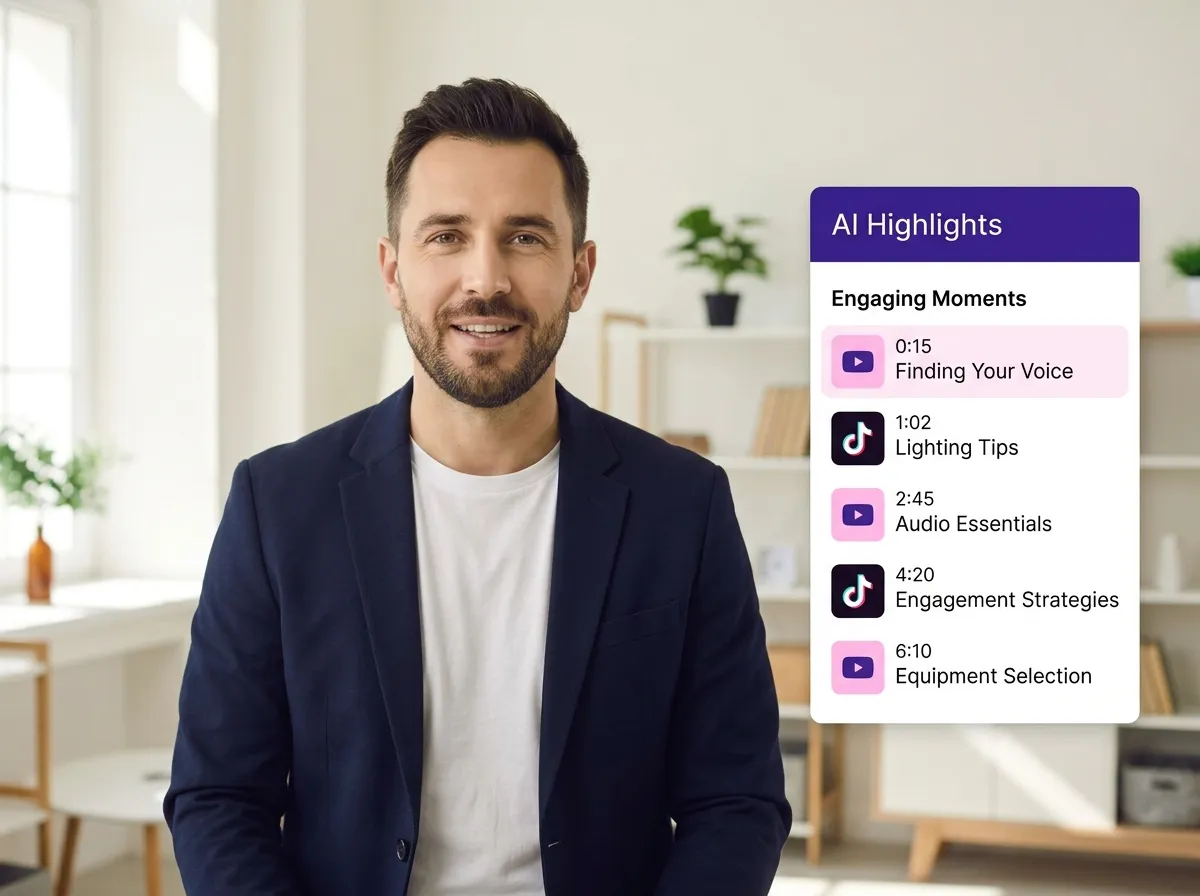
Sit back as Vizard’s advanced AI scans your content, analyzing speech, pacing, and emotional peaks to automatically identify and extract high-engagement segments.
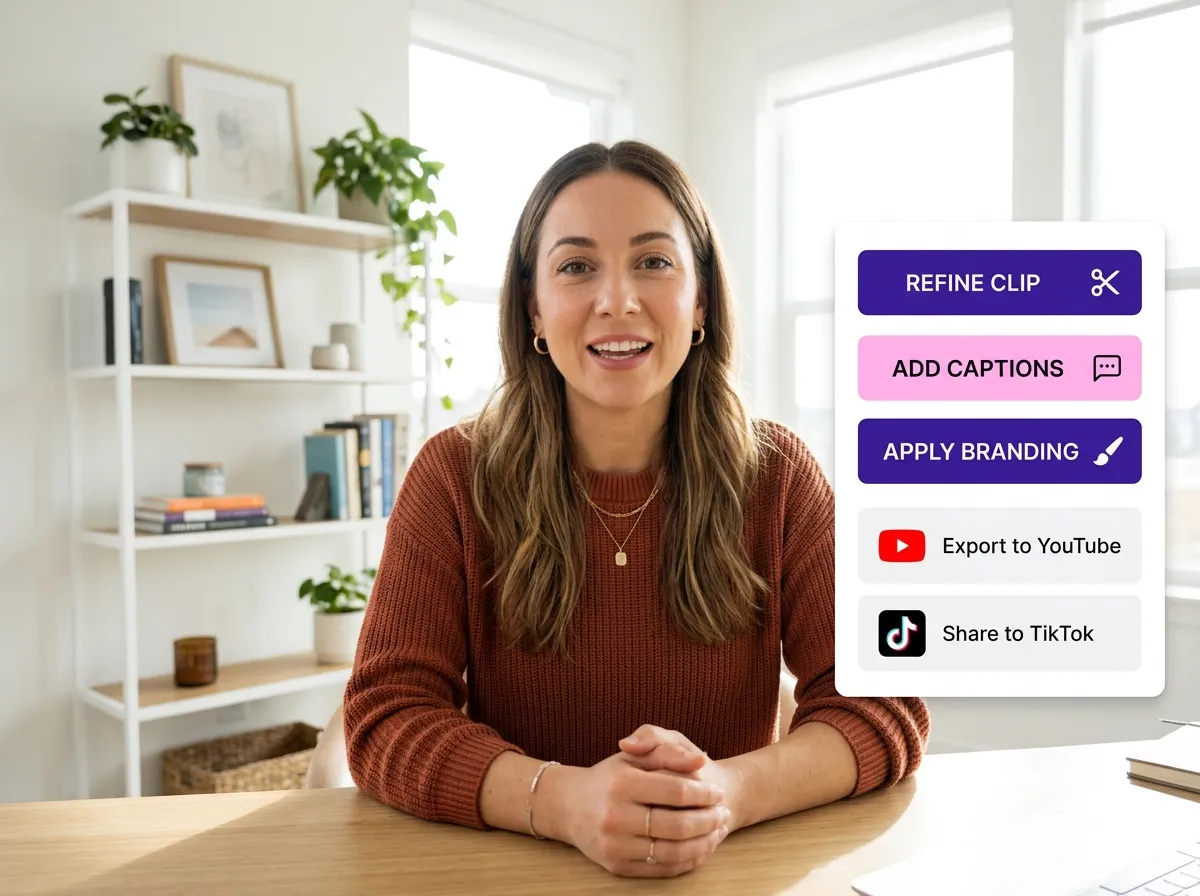
Browse the AI-generated clips. Use Vizard’s intuitive editor to refine the timing, add auto-captions, insert B-roll, or apply your brand's unique style.
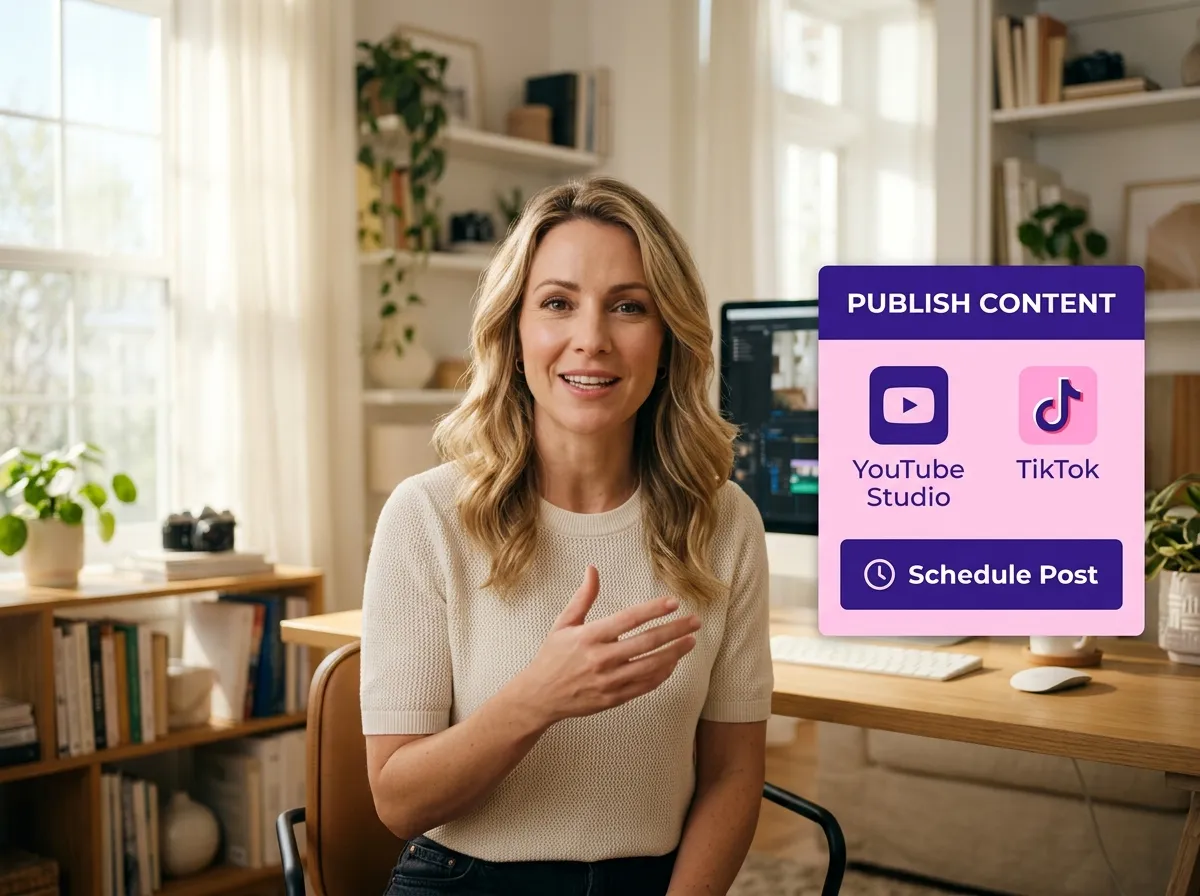
Once satisfied, export your highlights or publish them directly to TikTok, Instagram Reels, and YouTube Shorts. You can also schedule posts using Vizard’s built-in tools.
Turn one video into 10+ Instagram Reels with AI.
With just a few clicks, you can download or share your videos with your friends or team members with a link.
Turn your videos and audios into Reels, Stories, posts, and more in one click.
Effortlessly plan, schedule, and auto-generate engaging AI-driven posts, and publish your Instagram Reels along with the perfect captions.
Add dynamic subtitles for your videos automatically, all in the browser.
Bring your team together by inviting collaborators to work on your projects, in one workspace.
Effortlessly translate your video content into 130+ languages, expanding your global reach with just a few clicks.
Enhance your video's visual appeal and brand identity with ease by adding logos, images, outros, and custom fonts to your videos.


What is Vizard’s AI Highlights tool and how does it work?
Which social media platforms are the highlight clips optimized for?
Can I edit the highlight clips after the AI generates them?
Does AI Highlights support YouTube links and Zoom recordings?
How does Vizard's AI determine what counts as a "highlight"?
What is Vizard’s AI Highlights tool and how does it work?
Which social media platforms are the highlight clips optimized for?
Can I edit the highlight clips after the AI generates them?
Does AI Highlights support YouTube links and Zoom recordings?
How does Vizard's AI determine what counts as a "highlight"?

 Yao Wang

Yao Wang
Yao Wang

Yao Wang

Yao Wang


















